Invoices & Receipts
Bitwarden automatically generates invoices and receipts for paid subscriptions. Only subscription holders, those on the Premium plan or an organization owner, can view or download invoices as a PDF.
If you're self-hosting, invoices and receipts are available through the cloud account that's connected to your self-hosted deployment.
Two types of invoices are available:
Unpaid Invoices: If we are unable to process the payment or you pay by invoice for a business plan, like Enterprise, the invoice will be listed in this section.
Paid Invoices: This section contains receipts, which are generated as soon as payment is processed.
To access your account or organization's invoices:
As the account holder of a Premium individual subscription:
Using the web app, go to Settings → Subscription:
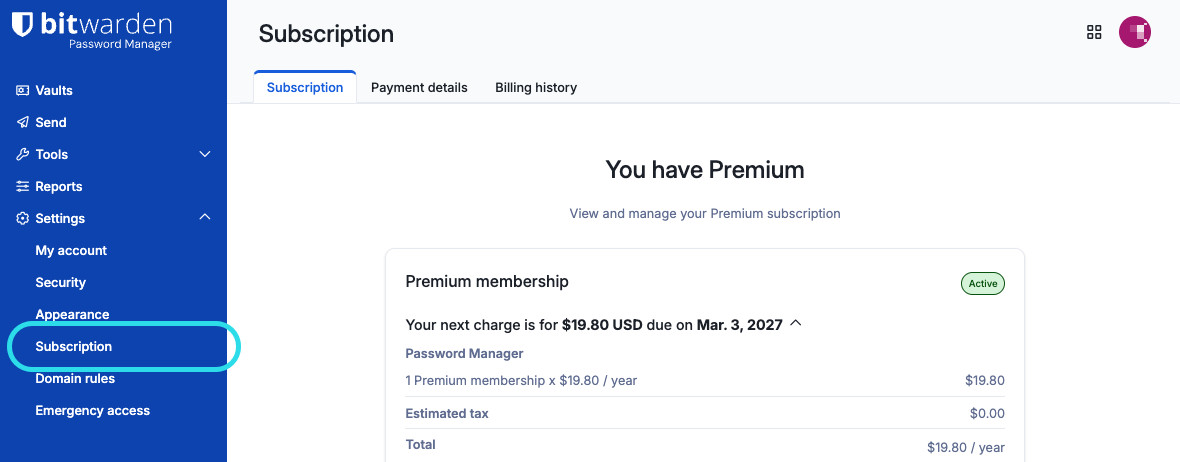
Abonnement-Seite Select Billing history.
Select a line item from Unpaid Invoices or Paid Invoices to view or download a specific invoice or paid receipt:
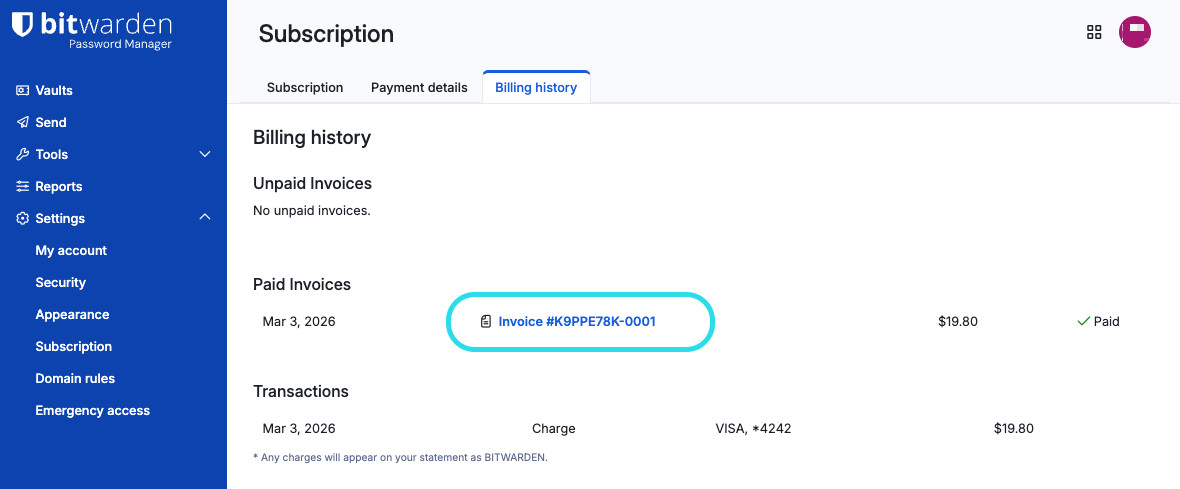
Individual subscription invoice


Invoices include:
The billing email associated with Bitwarden and your subscription.
The amount due for that subscription period, including any applicable tax as a line item.
For organization subscriptions, the number of paid seats.
The payment method used to process payment, if applicable.
Follow the directions on your invoice with one of the listed payment methods.