Recovery Code for Two-Step Login
Bitwarden provides a unique recovery code when you activate any two-step login method. If you lose your authentication device, use this code to disconnect all two-step login methods and regain access to your account. If you lose both your recovery code and two-step device, like a phone with an authenticator app or linked email inbox, you may be locked out of your vault.
If you're enrolled in account recovery with an organization, you can ask an organization owner or admin to reset your two-step login. This method does not require your personal recovery code, as described below.
Save your recovery code immediately after turning on any two-step login method and store it in the secure location of your choice. A printed copy kept in a safe place is a good option, because it prevents digital theft and accidental deletion.
After using a recovery code, a new one is generated. Make sure to save the updated code. Adding new two-step login methods or changing your master password does not impact the recovery code.
To find your recovery code in the Bitwarden web app:
After setting up at least one two-step login method, go to Settings → Security.
Select Two-step login.
Select View recovery code:
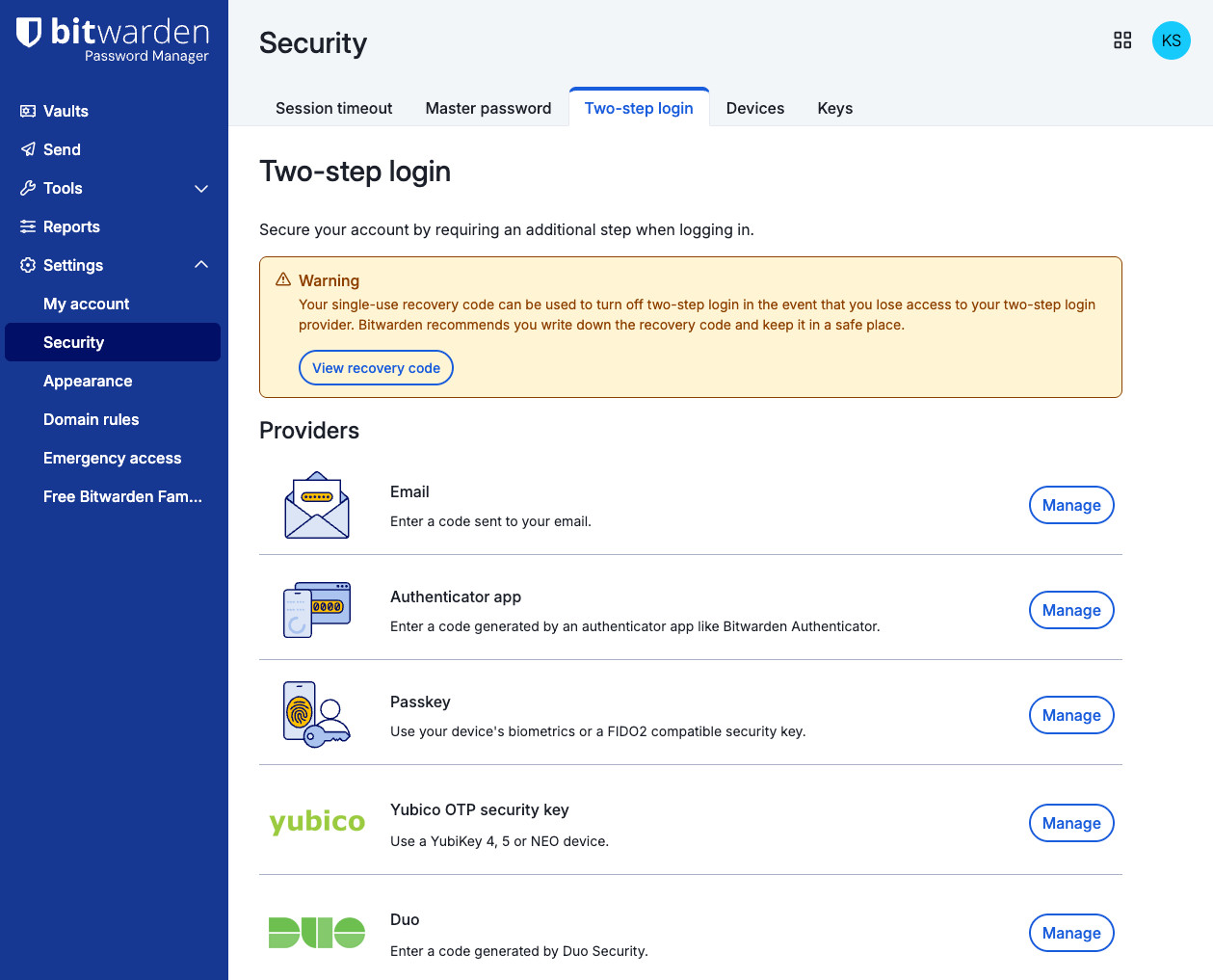
Two-step login settings Enter your master password and select Continue. Your recovery code will appear:
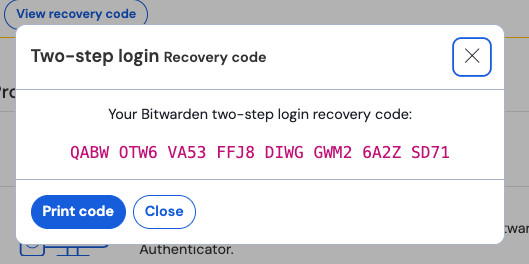
Example recovery code


To regain access to your account with its recovery code:
Go to the recovery page for your account's server location:
United States: https://vault.bitwarden.com/#/recover-2fa/
European Union: https://vault.bitwarden.eu/#/recover-2fa/
Self-hosting:
https://your.domain.com/#/recover-2fa/
Enter your email address, master password, and recovery code.
Select Submit.
Once your account details and recovery code are authenticated, you'll be logged in to your vault and all previously set up two-step login methods will be deactivated.
Recovery codes will not deactivate Duo for organizations. If you are locked out of your vault by an organizational Duo prompt, reach out to the Duo administrator at your company for help bypassing the prompt.
If you're not sure whether the Duo prompt is setup personally or by your organization, try selecting Use another two-step login method.
To maintain secure and reliable access to your account afterwards:
Set up or reactivate at least one two-step login method. If you don’t, Bitwarden will send a verification code to your account email when you log in from an unrecognized device.
Save your new recovery code, because it changes after being used.
When you’re an Enterprise organization member, what happens after you submit a valid recovery code may differ.
If your organization requires single sign-on authentication but does not require two-step login, you will be directed to the SSO login page. Use your SSO credentials to log in and access your Bitwarden vault.
If your organization requires two-step login, successfully using the recovery code will remove you from the organization. To rejoin the organization once you’re logged in:
Set up a new two-step login method.
If your organization also requires single sign-on authentication, reconnect your SSO credentials to your Bitwarden account.
Ask an admin or owner to restore your account within the organization.