Vault Health Reports
Vault health reports can help you evaluate the security of your Bitwarden individual or organization vault. Reports, such as the Reused Passwords and Weak Passwords report, are run locally on your client. This allows offending items to be identified, without Bitwarden ever having access to unencrypted versions of this data.
Most vault health reports are only available for premium users, including members of paid organizations (families, teams, or enterprise), but the Data Breach report is free for all users.
Individual vault reports scan items saved to your personal vault, as well as organization items that you have access to. Organization reports will scan items across your organization's collections and are accessible to owners and admins from the Admin Console.
You can also view the exposed, weak, and reused passwords health reports in the browser extension.
Run an individual vault report
Log in to the web app and select Reports from the left navigation. Then, select a report to run:

Run an organization vault report
Access organization vault reports from the Admin Console:
Log in to the Bitwarden web app and open the Admin Console:
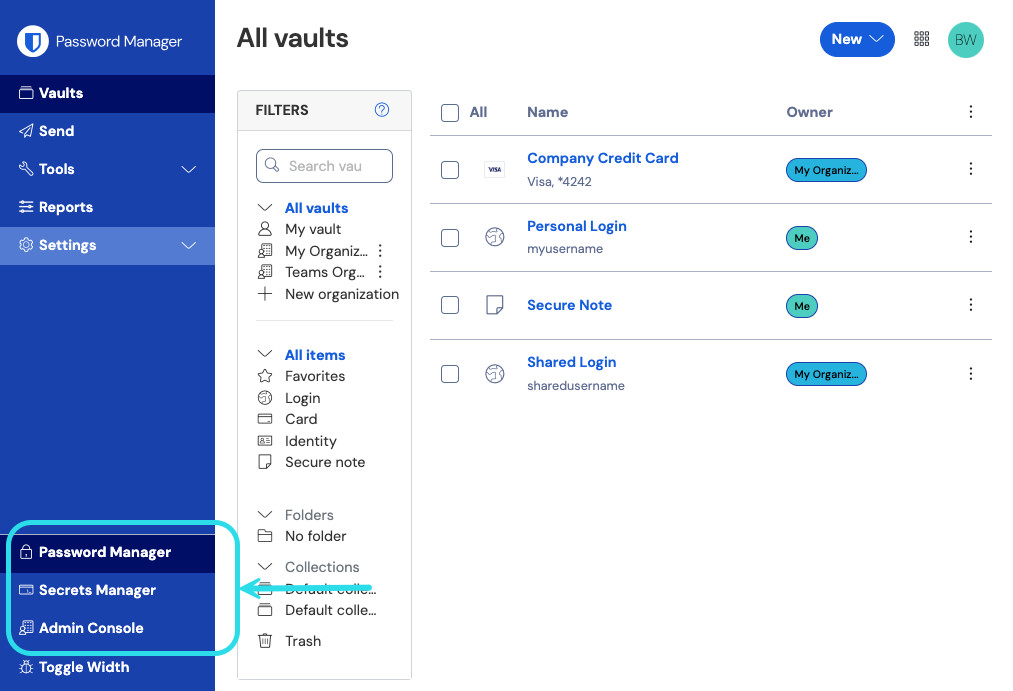
Product switcher Navigate to Reporting → Reports.
Select a report to run:
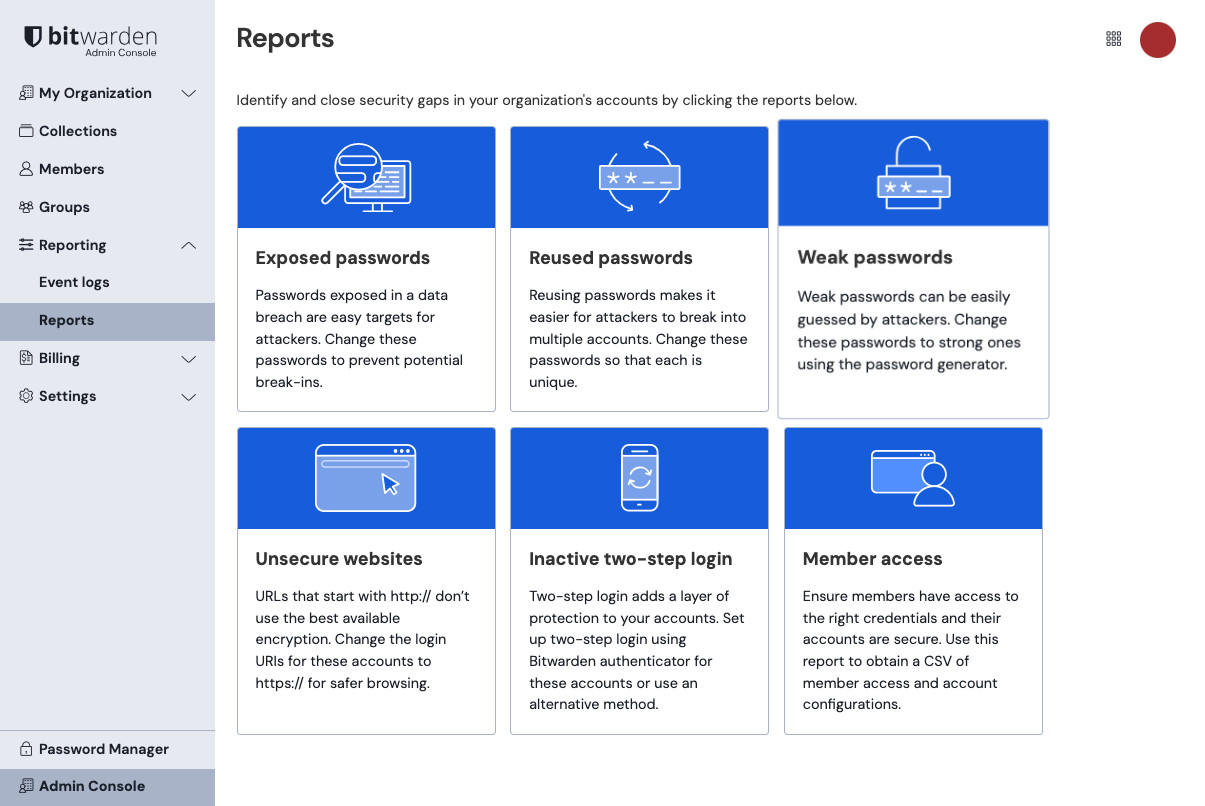
Organisation reports

The following reports are available from the Reports page of your individual vault, or the Reporting → Reports page of the Admin console.

