---
URL: https://bitwarden.com/sv-se/blog/10-burning-questions-on-crypto-and-passwords/
---
# 10 brännande frågor om krypto och lösenord
Med en lösenordshanterare tar du legitimationshanteringen i egna händer för säker hantering av kryptovalutor.
*By Gary Orenstein*
*Published: November 17, 2021*
---
Kryptovalutor och kryptotjänster är beroende av att kunna tilldela specifikt ägande av digitala tillgångar. För att göra det krävs att användarna behåller sina referenser och tillhörande fröfraser och lösenord. Förlorar du ditt lösenord eller fröfras? Du kan förlora dina pengar. Med en lösenordshanterare tar du legitimationshanteringen i egna händer för säker hantering av kryptovalutor.
### 1. Är lösenordshanterare pålitliga för lagring av valvlösenord och fröfraser, trots konventionella råd att inte lagra något online?
Om lösenordshanteraren stöder en end-to-end-krypteringsmodell, absolut. Den modellen bör också stödja noll-kunskapskryptering, vilket innebär att lösenordshanteraren inte kan se något i ditt lösenordsvalv och inte kan hjälpa dig att återställa ditt lösenord som individ.
Lösenordshanteraren måste självklart ha ett starkt och unikt lösenord som endast används för lösenordshanteraren. Och lösenordshanteraren bör ha tvåfaktorsautentisering aktiverad med lämpliga säkerhetskopior av återställningskoder på flera ställen.
Med detta på plats kan du med säkerhet använda en lösenordshanterare för att säkra lösenord och startfraser för börser och plånböcker.
### 2. Vilka skyddsåtgärder och system använder Bitwarden för att säkerställa att lösenord förblir säkra?
- Bitwarden är öppen källkod, vilket ger den mest transparenta och pålitliga säkerheten.
- Bitwarden granskas av välrenommerade tredjepartssäkerhetsföretag såväl som oberoende säkerhetsforskare.
- Bitwarden lagrar inte dina lösenord. Bitwarden lagrar krypterade versioner av dina lösenord som bara du kan låsa upp. Din känsliga information krypteras lokalt på din personliga enhet innan den någonsin skickas till våra molnservrar.
- Bitwarden har ett rykte. Bitwarden används av miljontals individer och företag. Om vi gjorde något tvivelaktigt eller riskabelt, skulle vi gå i konkurs!
- Om du föredrar att kontrollera allt själv kan du vara värd för Bitwarden själv.
### 3. Kan någon annan se lösenorden eller fraserna som finns i Bitwarden?
Nej. Dina data är helt krypterade och/eller hashade innan de någonsin lämnar din lokala enhet, så ingen kan någonsin se, läsa eller bakåtkonstruera för att komma till din riktiga data. Bitwarden-servrar lagrar endast krypterad och hashad data.
### 4. Skulle du rekommendera att spara lösenord för Coinbase- eller Binance-konton, eller andra växlingskonton för den delen?
Ja. Av följande skäl:
- Du kan använda en lösenordshanterare för att skapa ett lösenord som är långt, komplext, slumpmässigt och unikt för webbplatsen.
- Du kan använda Bitwarden Premium-konton för att samlokalisera din tvåfaktorsautentisering i din lösenordshanterare för säkerhet och bekvämlighet.
- Du kan använda Bitwarden Secure Notes för att lagra annan viktig information om dina konton.
- När dina referenser är i Bitwarden är du mer skyddad från komprometterade länkar eller nätfiskewebbplatser. Till exempel kommer Bitwarden inte att föreslå en autofyllning om du inte är på rätt webbplats.
### 5. Kan jag använda Bitwarden för att slumpmässigt generera lösenfraser även om jag inte planerar att behålla dessa fraser i valvet? Kommer Bitwarden att hålla register över de fraser eller lösenord som den genererade?
Ja, du kan använda Bitwarden Password Generator på vilken Bitwarden-klientapplikation som helst som mobilapp, webbläsartillägg, skrivbord, webbvalv och kommandoradsgränssnitt. Även om Bitwarden behåller historiken för lösenordsgeneratorn för varje applikation, kan du rensa den. Även om du kanske vill vänta tills du är helt säker på att du har ditt lösenord eller fras sparat eller skrivet någonstans, här är [ett fall där den funktionen kom till användning](https://www.reddit.com/r/Bitwarden/comments/pbbyhx/holy_sht_never_make_this_mistake_that_i_just_did/).
Bitwarden erbjuder också en [webbaserad lösenordsgenerator](https://bitwarden.com/sv-se/password-generator/).
### 6. Kan jag skapa flera konton och använda ett för att bara lagra kryptolösenord?
Du kan skapa obegränsade gratiskonton med Bitwarden. Detta är ett av våra kärnuppdrag, att göra lösenordshantering gratis för individer. Njut av så många konton du vill.
### 7. Hur svårt är det att migrera till Bitwarden från en annan lösenordshanteringstjänst?
Att migrera till Bitwarden är enkelt, enkelt och gratis. Bitwarden erbjuder ett dataimportverktyg för enkel migrering från populära lösenordshanteringslösningar till ditt personliga valv. En lista över [vanliga importalternativ](https://bitwarden.com/sv-se/help/import-data/) finns på Bitwardens hjälpsajt.
För att höra från andra användare som har migrerat till Bitwarden, se det här blogginlägget om hur det är gratis och enkelt[ ](https://bitwarden.com/sv-se/blog/moving-password-managers-is-free-and-easy/)att flytta lösenordshanterare.
### 8. Vilka typer av webbläsare, enheter eller operativsystem är Bitwarden tillgängligt på?
Bitwarden är tillgängligt på både Apple- och Android-enheter, Mac-, Windows- och Linux-datorer och alla populära webbläsare inklusive Google Chrome, Firefox, Brave, Safari, Vivaldi, Opera, Edge och Tor. Besök [Bitwardens nedladdningssida ](https://bitwarden.com/sv-se/download/)för direktlänkar.
### 9. Kommer Bitwarden att varna mig om något av mina konton eller lösenord som är lagrade i mitt valv har hittats i ett dataintrång eller äventyrats?
Bitwarden erbjuder flera hälsorapporter för valv för att informera dig om exponerade, återanvända och svaga lösenord, såväl som osäkra webbplatser, inaktiv tvåfaktorsautentisering och dataintrång. Mer information finns i den här hjälpanteckningen om [Vault Health Reports](https://bitwarden.com/sv-se/help/reports/).
### 10. Vilka steg kan jag vidta för att säkerställa att mitt Bitwarden-konto (som lagrar mina kryptolösenord) inte blir hackat?
Lösenordshanteraren måste självklart ha ett långt, komplext, slumpmässigt och unikt lösenord som endast används för lösenordshanteraren. Lösenordshanteraren bör också ha tvåfaktorsautentisering aktiverad med lämpliga säkerhetskopior av återställningskoder på flera ställen.
### Bonusfråga 11. Är det möjligt för min familj att få tillgång till mina lösenord eller fraser om något händer mig eller om jag plötsligt går bort? Vad skulle processen vara?
Bitwarden har en funktion som heter Emergency Access. Det är tillgängligt med vårt premiumkonto för $10/år. Med [Emergency Access](https://bitwarden.com/sv-se/help/emergency-access/) kan du tilldela en eller flera delegater att få tillgång till ditt valv i händelse av att du inte längre kan göra det.
## Börja skydda din kryptovaluta idag
Håll dina tillgångar säkra och säkra med en lösenordshanterare. För att komma igång idag med Bitwarden, registrera dig för ett [gratis konto](https://bitwarden.com/sv-se/pricing/), [premiumfunktioner](https://bitwarden.com/sv-se/pricing/) eller starta en [Teams- eller Enterprise-plan](https://bitwarden.com/sv-se/pricing/business/) för att samarbeta med kollegor.
---
URL: https://bitwarden.com/sv-se/blog/10-tips-choosing-password-manager-for-teams/
---
# 10 tips för att välja en lösenordshanterare för ditt team
Få checklistan och resurserna för att ge ditt team en säker grund
*By Gary Orenstein*
*Published: June 25, 2020*
---
Using a password manager individually is a security and productivity advantage for your digital life. Using a collaborative password manager at work can multiply those benefits across the organization.
Bringing a password manager to your company means driving buy-in, adoption, and ongoing enthusiasm for the solution.
We put together a presentation, checklist, and webcast with tips we think are important when choosing a password manager for your team.
## Presentation

Click here to [view](https://docs.google.com/presentation/d/1KYjxgF-vWjoJrpxYClDbEqe-4RVG-Vzf_SKUi6-hiV4/edit?usp=sharing) the presentation.
## Checklist
Click here to [download](https://docs.google.com/document/d/e/2PACX-1vQimq9Ww4fla1qUtpUNzLHSIIQeKGJfupdOkmFVQdPXxtFOMpVnml2tdIQDA9TSfvQ4EY3trzB7IawP/pub) the checklist.
## Webcast
[](https://vimeo.com/432688741)
*[Watch on Vimeo](https://vimeo.com/432688741)*
## For more
Enjoy the resources and to find out more about Bitwarden, or to get started with a free trial for teams or enterprises, visit [bitwarden.com](https://bitwarden.com/sv-se/).
---
URL: https://bitwarden.com/sv-se/blog/2022-it-security-trends-webcast-recap/
---
# Sammanfattning av webbsändningen: Getting Ahead of 2022 IT Security Trends
Webcast takeaways inkluderar hur företag kan prioritera planering för nya säkerhetstrender för det nya året.
*By Andrea Lebron*
*Published: October 12, 2021*
---
Bitwarden hosted a webcast on 2022 IT Security Trends, setting the stage for what many companies will face in planning for the new year. The webcast explores the top three IT security trends and discusses ways to strengthen IT tech stacks to better prepare for future needs.
Rico Acosta, IT Manager at Bitwarden, leads the webcast with input from guest speaker Sal Aurigemma, an Associate Professor of Computer Information Systems at the University of Tulsa. Sal also uses Bitwarden personally and professionally, as he uses it in his classes to demonstrate IT security best practices. Here are the biggest takeaways from the webcast.
## Setting the Stage for 2022 IT Security Planning
The webcast starts by setting the stage for 2022 IT security planning, focused on four key areas:
- **Wrapping up projects:** Many IT teams spend the end of the year wrapping up projects or considering timeline extensions for existing schedules
- **Phasing out inefficiencies:** When possible, teams also evaluate what has or hasn’t worked during the current year to focus resources on the right areas
- **Justifying new costs:** In some cases, teams evaluate new software to help address inefficiencies or support other operational goals such as mitigating cybersecurity risks
- **Adjusting to changing workforces:** 2022 also presents additional uncertainty around the evolving Delta variant of COVID-19 and whether workforces will return to in-office settings or remain remote
Many of these challenges also carry on into the new year.
## The Top Three IT Security Trends for 2022
Before the webcast, a poll asked respondents to select the biggest trends in 2022 IT security planning for businesses, including:
- Managing IT for remote and hybrid workforces
- Improving security to mitigate cybersecurity risk
- Transitioning to more cloud-based services
The webcast speakers discuss how each trend shapes team priorities.
### Trend 1: Managing IT for Remote and Hybrid Workforces
The shift to more hybrid or fully remote workforces introduces new challenges such as Shadow IT. Individuals and teams run their own services and use multiple devices, even in a full on-premise work environment.
The understanding of a network boundary has also shifted because of the accelerated adoption of multi-platform and multi-network work environments. IT Teams previously could defend a network by securing the boundary, but not every device, platform, or network used by remote and hybrid workforces is fully patched, malware-free, and securely configured. With reduced visibility, IT teams cannot check for exposure risks; thus, facing increased chances of a data breach.
#### Possible Solutions
Zero-trust deployments help lock down applications, devices, or users when a threat is identified but require dedicated resources. Cross-platform tools such as password managers manage corporate credentials, enable control of sharing settings, and ensure users follow the rules for good password security practices. They aren’t as resource-intensive from an implementation perspective.
A credential management solution also gives IT teams visibility into corporate accounts, including user access, the use of unique and complex passwords, or even checking for compromised passwords. IT teams can also securely share credentials with remote and hybrid workforces when new services are provisioned.
[**YOU MIGHT ALSO LIKE:**What Employee Password Management Looks Like from Onboarding and Beyond](https://bitwarden.com/sv-se/blog/employee-password-management-onboarding-and-beyond/)
### Trend 2: Improving Security to Mitigate Cybersecurity Risk
While companies can take several approaches to improve security and mitigate cybersecurity risks, the webcast discussion highlights educating employees as an effective method. Companies can help reinforce best practices through knowledge sharing, communications around security activities, and auditing workplace cybersecurity policies.
Frequent knowledge sharing such as through [employee security trainings](https://docs.google.com/presentation/d/1S3d8QidDkwxvwpAIH43_wo1UUChV4Te8F7TJbuPzKpE/edit?usp=sharing) helps employees work more securely in the workplace. But the knowledge share doesn’t stop with training. Involving employees when critical events occur that require downtime or affect operations can save a lot of frustration for the impacted end user. For example, employees should know why they can’t temporarily access certain systems if a server needs a patch applied to prevent a security incident.
Additionally, workplaces should have policies in place that explain “... the scenarios we are concerned about, and… the mitigation actions you should take”.
#### Possible Solutions
Raising employees' cybersecurity awareness can result in a substantial and lasting improvement in online behaviors. But awareness should not just focus on overly repeating the basics of cybersecurity best practices or training that only ticks a compliance checkbox. Cybersecurity threats constantly evolve, and employees often serve as the [front line of enterprise threat prevention](https://bitwarden.com/sv-se/blog/why-employees-are-at-the-front-line-of-enterprise-threat-prevention/).
Empowering users to take cybersecurity matters into their own hands helps to make things click. This is particularly true if employees can leverage tools to implement better security behaviors such as storing passwords in an encrypted vault or generating strong passwords.
Sal provides several examples of security breach close calls that led individuals to become evangelists for online security, including discovering when a family member had a compromised password that was reused in several sensitive accounts.
### Trend 3: Transitioning to More Cloud-Based Services
Companies continue to switch to more cloud-based services, and this trend has only increased as more workforces transition to remote or hybrid environments. With more services comes more desire to maintain control over shared passwords and other credentials.
Companies also adopt a multi-cloud strategy that sometimes involves managing account credentials for three, four, or five clouds. Exposed data and unauthorized network access would need to be monitored constantly in a multi-cloud infrastructure environment with little visibility into the resources or devices used for work purposes.
#### Possible Solutions
Solutions such as identity access management (IAM) or single sign on (SSO) can help manage credentials on company infrastructure or known devices but do not always reach hybrid setups in employees’ homes and workplaces. A credential management tool can enable employees to safely venture into the cloud while reducing potential data breach risks.
## Strengthening IT Stacks in 2022
The final section of the webcast explores how businesses can strengthen their IT stacks and focus on the fundamentals of sound security hygiene. Businesses can better secure their networks and the data stored on them by implementing these measures:
- Keep everything patched
- Educate users on password best practices and provide them with the tools to reinforce what they learn
- Promote the use of [two-factor authentication](https://bitwarden.com/sv-se/blog/two-step-login-with-twitter-and-bitwarden/) whenever possible to strengthen good password security behaviors
The webcast concludes with a questions and answers (Q&A) session, where a user asks about the generational differences in teaching end users about building better online security habits. Watch the webcast replay below to hear the entire discussion.
[](https://vimeo.com/625433536)
*[Watch on Vimeo](https://vimeo.com/625433536)*
If you are interested in learning more about the Bitwarden business plans, read more about the [free trial options](https://bitwarden.com/sv-se/pricing/business/).
---
URL: https://bitwarden.com/sv-se/blog/2022-password-decisions-survey/
---
# 2022 Password Decision Survey
Lösenordshanterare har blivit mainstream, men övergripande lösenordspraxis avslöjar säkerhetsbrister enligt denna andra årliga undersökning av över 400 IT-beslutsfattare.
*By Samantha Berlant*
*Published: November 30, 2021*
---
Lösenordshanterare har blivit vanliga, men övergripande lösenordspraxis avslöjar säkerhetssårbarheter enligt denna andra årliga undersökning av över 400 IT-beslutsfattare. Undersökningen visar att lösenordshanterare nu är en nästan defacto standard för organisationer, med 86% rapporterar att de kommer att användas. Detta återspeglar en ökning med 9 % i användningen av lösenordshanterare under det senaste året. Och ändå fortsätter IT-beslutsfattare att förlita sig på osäkra metoder, som datordokument (53 %) och penna och papper (29 %) för att hantera lösenord. De [fullständiga resultaten av 2022 års lösenordsbeslutsundersökning](https://bitwarden.com/sv-se/resources/2022-password-decisions-survey/) belyser de praktiska och logistiska fördelarna med företagsstandarder för legitimationshantering.

## Översikt
Bitwarden samarbetade med Propeller Insights för att undersöka oberoende IT-beslutsfattare inom en rad branscher som spelar en nyckelroll i företagens inköpsbeslut. Fynden illustrerar fyra stora teman:
- Medan lösenordshanterare och 2FA har blivit mainstream, avslöjar övergripande [lösenordspraxis](https://bitwarden.com/sv-se/blog/build-an-online-security-culture-by-adopting-a-health-security-routine/) säkerhetssårbarheter
- De flesta svarande vill att deras arbetsgivare ska kräva att anställda använder samma lösenordshanterare i hela organisationen
- Trots ett år av högprofilerade cyberattacker och ökande sårbarheter som orsakats av distansarbete, återanvänder nästan alla svarande lösenord på flera webbplatser
- Distansarbete ökar oron över [cybersäkerhetspraxis](https://bitwarden.com/sv-se/blog/what-the-worlds-largest-credit-card-companies-say-about-security/) och hur man hanterar dem

## Lösenordspraxis på jobbet
De flesta arbetsgivare kräver företagsomfattande lösenordshanterare, en ökning med 3 % från förra året. När de undersöker varför människor kan vara ovilliga att använda fristående lösenordshanterare, hänvisar respondenterna till kostnad (50 %) och tidsbegränsningar (46 %). Dessa upplevda vägspärrar kan lindras med prisvärda, kostnadseffektiva lösenordshanterare och med hjälp från IT-teamet för att implementera företagsomfattande utrullningar.
> "De flesta vet att det inte är en bra idé att använda e-post för att dela känslig information, och ändå fortsätter denna praxis fortfarande i de dagliga IT-uppgifterna. Människor behöver enkla sätt att överföra känslig information med end-to-end-kryptering via e-post, det är där [Bitwarden Send](https://bitwarden.com/sv-se/products/send/) kommer in. Genom att implementera rätt verktyg från C-suite-nivå och nedåt kommer kommunikationen inom din organisation att effektiviseras och dina referenser säkras så att du kan göra affärer snabbare och säkert.” - Michael Crandell, Bitwardens VD
I likhet med förra året delar alldeles för många IT-beslutsfattare företagslösenord med kollegor genom osäkra metoder som e-post (53 %), chatt (41 %) och i konversation (31 %). Jämfört med förra året ökade antalet IT-beslutsfattare som delar lösenord via e-post från 39 % till 53 %, delvis på grund av den plötsliga anpassningen till distansarbete och ökad personalomsättning.
## Säkerhetsrisker och cyberattacker
Trots de många högprofilerade lösenordsrelaterade intrång som [Colonial Pipeline](https://www.bloomberg.com/news/articles/2021-06-04/hackers-breached-colonial-pipeline-using-compromised-password) och [Solar Winds](https://www.cnn.com/2021/02/26/politics/solarwinds123-password-intern/index.html), erkänner en majoritet (54 %) av IT-beslutsfattarna att deras organisation har upplevt en cyberattack. 25 % av organisationerna har inte (eller är inte säkra på om de har) en strategi för begränsning av ransomware – en oroande mängd när man överväger framgången med ransomware-attacker under de senaste åren.
Under ett år av ökande sårbarheter som orsakats av distansarbete återanvänder nästan alla (92 %) av de tillfrågade fortfarande lösenord på flera webbplatser.
> Påminnelse: återanvända lösenord är svaga,
> unika lösenord är starka.
[Nätfiskeattacker](https://bitwarden.com/sv-se/blog/how-password-managers-help-prevent-phishing/) förblir ett gissel och kommer bara att bli mer sofistikerade när social ingenjörskonst ständigt finslipas. E-postmeddelanden som utger sig vara från finansiella institutioner (35 %) eller en statlig enhet (22 %) är de främsta nätfiskebovarna. Sjukvårdsorganisationer kom också med på listan i år, med 11% citerade dem som boven bakom deras [nätfiske-e-postmeddelanden](https://www.reddit.com/r/Bitwarden/comments/qfjy2r/how_bitwardens_uri_check_helped_save_my_personal/).

## Distansarbete och den stora resignationen
61 % av de tillfrågade är mer bekymrade över cybersäkerhet i år och tillskriver detta rädslan för att anställda som arbetar på distans kan vara mer slappa om sin övergripande säkerhetsställning. The Great Resignation har inte skonat världen av IT-beslutsfattare: en majoritet (48%) arbetar fler timmar än förra året, med 58% felaktig omsättning och svårigheter att anställa.
## Teknik som används
Tvåfaktorsautentisering är alltid värt ansträngningen. 2FA är nu mainstream på arbetsplatsen, med 88 % av de tillfrågade som använder det. Det finns dock ett gap mellan säkerhetspraxis på jobbet och hemma. Den senaste insynsrapporten[ ](https://blog.twitter.com/en_us/topics/company/2021/an-update-to-the-twitter-transparency-center)på Twitter noterar att 2,3 % av användarna har aktiverat 2FA för sina konton. I ansträngningarna att hålla användarna säkrare [ökar Google kraven](https://www.cnet.com/tech/services-and-software/google-signs-up-150-million-people-for-two-factor-authentication-what-it-is-how-it-works/) på 2FA.
Även om populariteten för 2FA i företag är uppmuntrande, tror de tillfrågade att de främsta faktorerna som driver bort anställda från att ta till sig det är uppfattningen att det "bromsar ner arbetsflödet" (45 %) och "tar tid att implementera" (44 %). För att ta itu med dessa tveksamheter erbjuder Bitwarden integrerad tvåstegsinloggning med Bitwarden Authenticator som en del av alla betalda [Bitwarden-planer](https://bitwarden.com/sv-se/pricing/).

## Ladda ner hela rapporten
För att se hela undersökningsresultaten, [ladda ner 2022 Password Decision Survey](https://bitwarden.com/sv-se/resources/2022-password-decisions-survey/).
---
URL: https://bitwarden.com/sv-se/blog/3-tips-for-extra-security-with-your-bitwarden-account/
---
# 3 tips för extra säkerhet med ditt Bitwarden-konto
När du har fått grunderna i din lösenordshanterare täckta, överväg dessa extra tips för att förbättra din säkerhet ytterligare.
*By Gary Orenstein*
*Published: April 12, 2022*
---
By choosing a password manager, you have an inclination towards security. Congratulations! In this post, we will cover three extra areas for you to enhance your security.
First is going beyond just a strong and unique main password for your Bitwarden account to having a unique email as well. Next, we'll cover a technique called peppering, which allows you to add a few extra characters to passwords that you would like to be super secret. The third technique uses unique random strings as answers to security questions.
## 3 tips for extra security with your Bitwarden account:
- Use a unique email address for your Bitwarden Account
- Get your main master password right first
- Backing up your Bitwarden account
- Using the name+string@domain .com approach
- Using an email alias solution
- Using a business suite
- Changing your email address
- Add a dash of pepper to your passwords
- My dog’s name is m2v++"}#;"$b2X
## Using a unique email address for your Bitwarden Account
NOTE: Your Bitwarden account is secured with a combination of your email address and your main Bitwarden password. Follow these directions and backup instructions very carefully if you choose to pursue this option.
### Get your main master password right first
Perhaps the most important element of using a password manager is having a strong and unique main password. This means one that is not used anywhere else, one that you can remember, one that you can type - although, once you instrument your password manager with biometrics and PINs, you may not need your main password frequently.
That of course means that you need a way to remember your main master password, should you forget it. Many people benefit from writing their main password down. Other people would never think of writing their main password down because they view it as a security risk. Choose what works for you, but don't forget your main Bitwarden password. For those in the middle, writing it down and putting it in a secure place like a physical safe is a very good idea.
Beyond having a strong and unique main password for Bitwarden you can also have a unique email address. This provides another factor of obscurity if somebody were trying to get into your account.
Don't worry if you signed up with an email you normally use, you can change that email, but you should backup your account first.
### Backing up your Bitwarden account
The combination of your email and your main Bitwarden password secures your account with end-to-end encryption, so before you change your email you'll want to make a backup of your account. Bitwarden offers unencrypted and encrypted backup options. In this case, choose unencrypted so that you can read your information should you lose access to your account. Bitwarden offers .csv and .json formats with .json having a bit more coverage across item types. An unencrypted .json format is our recommendation in this scenario.
TIP: See our community contributed [appendix](https://bitwarden.com/sv-se/blog/3-tips-for-extra-security-with-your-bitwarden-account/#extra-backup-advice/) for extra backup advice.
Understand that an unencrypted file with all of your credentials should be handled with extreme care. One idea is to download the file to a USB key, confirm that you can read it, and when you're finished either erase that USB key or put that USB key in a secure place like a physical safe.
Once you have a backup of your vault, you can consider what email address you will use.
### Using the name+string@domain .com approach
One option for creating email aliases is to use a feature built into most, but not all, email systems. This feature allows you to create a unique email alias by adding a plus symbol and a random string to your existing email address. This email will still go directly to your primary inbox but come in as a different address name. This capability works for Gmail and ProtonMail, an open source encrypted email service. You must test any potential alias you use, and be sure that you can receive emails to that alias, before you change your Bitwarden email.
### Using an email alias solution
Another option is to use an email alias service like [SimpleLogin](https://simplelogin.io/), an open source email alias solution. SimpleLogin or other alias services allow you to create completely unique emails that will forward to your primary email account. This provides complete anonymity of your email and can be a very effective way to segment your identity online. Of course, this approach provides even more security from the prior `name+string@domain.com` approach since with that one somebody can easily derive your main email. However, if no one knows the string on the end of your email, they are unlikely to be able to use that to get into your account.
### Using a business suite
A third option for creating and managing lots of email addresses and aliases is to use a business solution such as Google workspace or Microsoft 365. While these are almost always paid plans, according to the [Google support site](https://support.google.com/domains/answer/6304345), “You can add up to 30 email aliases for each user at no extra cost.” From the [Microsoft documentation site](https://docs.microsoft.com/en-us/microsoft-365/admin/email/add-another-email-alias-for-a-user?view=o365-worldwide), “You can create up to 400 aliases for a user.” With entry plans starting at $5 to $12 per user per month, these plans can be helpful for some users.
### Changing your email address
Now that you have a backup you can view of your account, and the email alias you have in mind, you can change your email by going to the web vault at vault.bitwarden.com and selecting **Settings**.
Note that changing your email address will not change your two-step login. Before changing your email address you should have complete visibility to:
- your two-step login setup for Bitwarden
- your two-step login recovery code for Bitwarden
- backups and recovery codes for your primary authentication mechanism that you use to get into Bitwarden.
Once you have all of that, plus your accessible and verified backup, you can proceed to change your email.
Regardless of which path you choose, adding a unique email address on top of a unique and strong master password for your Bitwarden account will give you an extra layer of security and protection.
## Add a dash of pepper to your passwords
People often say, “I don't want to put all of my eggs into one basket” when it comes to password managers. This is a legitimate thought but one that can easily be addressed.
First, you don't have to put everything in a password manager. But then you're really just making your life a little bit more complicated, so that is a trade-off that anyone can choose to make.
Fortunately, techniques exist to let us use a password manager *and* keep the idea of `not all eggs in a single basket.` The main technique is called peppering. With peppering, you add additional characters that only you know to the end of a randomly generated password. This protects for a situation where if someone somehow gains access to your password manager they would still not be able to log in to the account that had a peppered password, unless they also knew the pepper.
Of course, in this situation you are now responsible for your pepper phrase. If that gets lost, you will no longer be able to get into your accounts. However, peppering provides a very useful technique for those who want to add extra security to select accounts.
## My dog’s name is m2v++"}#;"$b2X
A third area where a password manager helps provide an additional layer of security is the stereotypical security questions that some websites ask.
You're probably familiar with the simple questions of who is your favorite friend growing up or your favorite painter or favorite food or favorite movie type, all of which rely on information that could, in some situations, already be known beyond yourself.
So when websites use security questions as a mechanism to protect account recovery there is a case to be made that the answers to the questions should also be super secret.
Here we can use our password manager to keep track of all of the security questions that we might answer for a given website.
What's the name of your dog? **m2v++"}#;"$b2X**
What's the name of your childhood friend? **HDcoR2ofxWz7iX**
There are times when the website might be looking for something more resembling a word. In that case, you could use the Bitwarden passphrase generator to pick a random word from a randomly generated passphrase:
What is the name of your cat? **zestfully**
Remember that using this technique for account recovery questions means that you must absolutely retain everything regarding the answers to the security questions. This provides another reminder that regardless of a momentary backup for email changes as noted above you also have an ongoing backup strategy for your Bitwarden account. Read this post for [7 Tips to Protect Your Bitwarden Account](https://bitwarden.com/sv-se/blog/7-tips-to-protect-your-bitwarden-account/).
## Explore Bitwarden further
If you are new to Bitwarden, [get started with your own account](https://bitwarden.com/sv-se/pricing/) right away.
If you are already a Bitwarden user, you may want to view our [Learning Center](https://bitwarden.com/sv-se/learning/) with training presentations on beginner and advanced topics, or visit our [Help Center](https://bitwarden.com/sv-se/help/), which contains technical details on all Bitwarden features.
### Extra backup advice
Many thanks to [u/RCourtney](https://www.reddit.com/user/RCourtney/) on the [Bitwarden subreddit](https://www.reddit.com/r/Bitwarden/) for this inspiration. A slightly modified version of the [advice](https://www.reddit.com/r/Bitwarden/comments/u24zi7/comment/i4hhufx/?utm_source=share&utm_medium=web2x&context=3) is below.
**Backing up your Bitwarden account**
These steps are best executed via the web vault at [vault.bitwarden.com](https://vault.bitwarden.com/)
Export your personal vault, this is the one under `Tools -> Export Vault`
If you are responsible for one or multiple Organizations, go to each Organization and export those individually. These are the ones under `Tools -> Export Vault` AFTER you click on each Organization you belong to.
Now go back to your personal vault and find all your attachments and download copies of them: in the Search field put: >+attachments:*
Now you have a complete backup of all of your information.
[](https://bitwarden.com/sv-se/images/security-intentions-and-the-persistence-of-passwords.pdf/)
---
URL: https://bitwarden.com/sv-se/blog/3-tips-from-nist-to-keep-passwords-secure/
---
# NIST lösenordspolicy: Tips för att hålla ditt lösenord säkert
Följ detta enkla råd för att förbättra säkerheten för dina onlinekonton.
*By Gary Orenstein*
*Published: March 12, 2025*
---
People rely on more online accounts than ever, increasing the number of passwords they need to manage while cyber threats and data breaches continue to rise. According to the [Bitwarden Password Decisions Survey](https://start.bitwarden.com/hubfs/PDF/2023-password-decisions-survey.pdf), 60% of independent IT decision-makers across a range of industries reported their organization experienced a cyberattack within the past year.
So, how do you know if your password is secure? Following the NIST password recommendations is a good start.
## Guidance for password security
The National Institute of Standards and Technology (NIST), founded in 1901, is now part of the U.S. Department of Commerce. NIST develops industry-wide frameworks and guidelines, including a range of cybersecurity recommendations and resources. [It advises](https://pages.nist.gov/800-63-3/sp800-63b.html) against the use of knowledge-based authentication methods, such as personal questions, due to their susceptibility to being easily guessed. Instead, NIST recommends three simple principles for securing [passwords](https://bitwarden.com/sv-se/password-generator/), PINs, and [passphrases](https://bitwarden.com/sv-se/passphrase-generator/): they should be long, complex, and random.
#### Why NIST password guidelines matter
NIST password guidelines play a crucial role in ensuring the security and integrity of sensitive information. By adhering to these guidelines, organizations can protect themselves against a myriad of cyber threats, including password spraying and credential stuffing attacks, phishing, and identity theft. The NIST password guidelines provide a comprehensive framework for creating strong and unique passwords, managing credential security, and implementing best practices for password management. Organizations that follow these guidelines can significantly reduce the risk of data breaches, protect sensitive information, and maintain the trust of their customers and stakeholders. These guidelines are not just about creating secure passwords, but also about fostering a culture of robust password management and security.
## Recommendations from NIST for a secure password
NIST password guidelines describe composition rules, such as requiring a digit or symbol, but ultimately decide to focus on password length, combined with complexity and randomness.
#### Long length
Here’s the simple equation. [Longer passwords](https://bitwarden.com/sv-se/blog/is-the-longest-password-always-the-best/) are safer. But they are harder to use and harder to remember.
If the password is too short, it can be susceptible to a brute force attack, where a malicious computer program goes through every combination of characters of 8 digits or more. The program may also go through the most common passwords, guessing in a handful of tries.
According to the NIST password guidelines, “users should be encouraged to make their passwords as lengthy as they want, within reason.” NIST recommends that user generated passwords should be at least 15 characters long to ensure better security. The below example is a random string that is extremely secure.
> 9LV9m7GG^33m*q!
In the same way that it is hard for you to remember these characters, it is much harder for a computer to guess them, and would likely take centuries.
A passphrase is a sequence of random words used as a password. Many users prefer passphrases because they offer strong security while remaining easier to remember and manually enter when needed.
According to NIST guidelines, passphrases should be at least 15 characters long and avoid predictable patterns, common phrases, or dictionary words that attackers could easily guess. Using a mix of uppercase and lowercase letters, numbers, and symbols can further strengthen passphrase security. Below is an example of a randomly generated, secure passphrase:
> fabric-fool-regime-hamstring-zealous
#### Strong and complex
Websites often require password complexity, with different letter cases, numbers, and symbols. Humans are far less creative than we assume–too often Password1!, which is technically “complex”, is used.
So while password complexity is often [imposed by websites](https://bitwarden.com/sv-se/resources/the-survey-room/#industry-leaders-security-rankings/), it is incomplete until we remove the human element in creating a complex password. Security-conscious sites might offer a recommended random password. And while likely safe, many users would rightfully prefer to create their own. Including Unicode characters in passwords can further enhance their complexity and security.
Complex passwords are hard to remember. The [NIST password guidelines](https://pages.nist.gov/800-63-3/sp800-63b.html#appA) acknowledge this challenge, stating “length and complexity requirements beyond those recommended here significantly increase the difficulty of memorized secrets and increase user frustration. As a result, users often work around these restrictions in a way that is counterproductive.”
#### Random
As expected, users choose the same password far too often. They also frequently re-use that password. This means that a [data breach](https://bitwarden.com/sv-se/blog/how-to-motivate-employees-to-use-strong-passwords/#understanding-the-root-causes-of-data-breaches/) at one website could compromise their security across any website or account where they have re-used the same password. This could be the difference between a safe online experience and the misery of identity theft.
Avoiding weak passwords is crucial, as they can be easily exploited by hackers. According to the [NIST password guidelines](https://pages.nist.gov/800-63-3/sp800-63b.html#appA), “secrets that are randomly chosen…will be more difficult to guess or brute-force attack than user-chosen secrets meeting the same length and complexity requirements.” Passwords, still ubiquitous across websites and applications, ensure a robust first line of defense for internet users. This is especially true when users create strong, unique, and random passwords for each website.
All of these [best practices](https://bitwarden.com/sv-se/blog/five-best-practices-for-password-management/) make it impossible to maintain strong password security as an individual, but very easy to achieve when using software solutions like a password manager.
## Password change and expiration
One of the key recommendations from the NIST password guidelines is to avoid requiring users to periodically change their passwords. This might seem counterintuitive at first, but frequent password changes can actually lead to weaker passwords. When users are forced to change their passwords regularly, they may resort to easily guessable passwords or reuse old ones, ultimately undermining security.
Instead, NIST recommends that passwords should only be changed when there is evidence that a password or credential has been compromised. This approach strikes a balance between security and usability, making it easier for users to manage their passwords while maintaining the security of organizational systems and data. By following this recommendation, organizations can better ensure that their users create and maintain strong, secure passwords without the frustration of frequent changes.
## Compromised passwords
Compromised passwords pose a significant threat to organizational security. According to the NIST password guidelines, it’s essential for organizations to have a robust process in place for detecting and responding to compromised credentials. This includes monitoring for suspicious activities, such as multiple failed login attempts, and implementing a system for reporting and addressing password-related incidents.
NIST also recommends the use of password managers to securely store and manage passwords. Password managers can generate and store strong, unique passwords for each account, reducing weak or reused password risks and making it easier to maintain secure passwords. Additionally, implementing multifactor authentication (MFA) adds an extra layer of protection to the login process, making it more difficult for attackers to gain unauthorized access.
By following these guidelines, organizations can significantly reduce the risk of compromised passwords and protect their digital assets. Ensuring comprehensive password management and security practices is essential for safeguarding sensitive information and minimizing the financial and reputational consequences of a data breach.
## Password managers strengthen security
If you align with the NIST password guidelines so far, and follow the math of what is hard to guess, every password you use for every website should be unique, as well as
- 15 characters long or more
- Strong and complex
- Random
There is no way for an individual to effectively meet these standards without the help of a password manager, such as Bitwarden. Password managers simplify password management by allowing users to create and store strong and unique passwords.
A password manager lets you create one primary password (recommended to be long, strong, and unique) and then use that to encrypt and store your other passwords. You can start with just a few and add more passwords to your password manager over time. Password managers also come with [password generators](https://bitwarden.com/sv-se/password-generator/) to automate strong and unique password creation with the click of a button.
How does the password manager keep your passwords safe? Most start by ensuring that they do not store your passwords, but only encrypted versions that can only be decrypted by the user themselves. The password manager provider, by storing your information with end-to-end zero knowledge encryption, does not know your secure information and cannot derive it in any way, even if the company tried.
For more on security in password managers, see our [help section on security](https://bitwarden.com/sv-se/help/security/).
With a password manager in place, users can create strong and unique passwords for every website. They can also synchronize passwords across multiple devices and if desired, share information securely with family, friends, or colleagues. Leveraging a password manager enables users and organizations to remain secure and align with the NIST password guidelines.
## Get started with Bitwarden Password Manager
Getting started with a password manager is easy. If you do not have one in place, you can [download Bitwarden](https://bitwarden.com/sv-se/download/) for free, or begin a [trial for your business](https://bitwarden.com/sv-se/pricing/business/).
Using a password manager can also streamline password resets, making it easier to update and manage passwords securely. If you are using another password manager, you can [import that data into Bitwarden](https://bitwarden.com/sv-se/help/import-data/).
---
URL: https://bitwarden.com/sv-se/blog/451-research-a-new-password-management-report-for-security-champions/
---
# 451 Research: En ny lösenordshanteringsrapport för säkerhetsmästare
Rapporten Security Intentions and the Persistence of Passwords Black & White av 451 Research fungerar som en viktig resurs för företagssäkerhetsmästare.
*By Bitwarden*
*Published: June 7, 2022*
---
Eftersom ökningen av distans- och hybridarbete ökar vårt beroende av teknik, står företag inför fler säkerhetsutmaningar under 2022 än någonsin tidigare. Redan före den globala övergången till en distansarbetskraft hade anställda som arbetar i företag vanligtvis åtkomst till många olika konton som används för frågor som CRM, leveranskedja, ekonomi, samarbete, e-post och meddelanden. Förekomsten av flera företagskonton har öppnat dörren för cyberbrottslingar och oavsiktliga intrång på grund av lösa lösenordsvanor.
Forsknings- och rådgivningsföretaget 451 Research, en del av S&P Global Market Intelligence, beställde nyligen en global studie för att förstå preferenser för företagslösenordshantering och användningstrender. Studien, som tillfrågade seniora företagssäkerhetsbeslutsfattare i USA, Storbritannien, Japan och Australien, undersökte användningsfall, utgiftsmönster och känslor hos lösenordshanterare, standarder och adoption. Rapporten fungerar som en viktig resurs för företagssäkerhetsmästare som förstår att förlorade eller lätt komprometterade lösenord på flera företagskonton kan vara oerhört skadligt. Eftersom yrkesverksamma aktivt försöker minska riskerna i dagens sammanlänkade värld ger resultaten av undersökningen förståelse och vägledning för aktuella trender.
## Trender och mönster
Enligt den senaste rapporten[ 451 Research Voice of the Enterprise (VoTE) ](https://clients.451research.com/chapters/102218)Budgets & Outlook 2021, förväntade 86 % av företagen att öka sina årliga säkerhetsbudgetar. Nästan alla (93 %) av företagsrespondenterna sa att de bibehöll eller ökade sina budgetar för lösenordshantering och en majoritet (76 %) av de tillfrågade sa att lösenordshanteringen var utplacerad eller planerades att användas på grund av problem med att arbeta hemifrån.
På frågan från 451 Research vilken personal som ansågs vara de mest riskabla användarna hänvisade respondenterna – som själva kommer från roller inom IT och säkerhet – tredje part och distanspersonal. På frågan om lösenordspolicyer sa 80 % att lösenordspolicyer är tillräckligt skydd för deras organisation. Enligt 57 % av alla tillfrågade är förbättring av slutanvändarnas beteende fortfarande en pågående ansträngning mot bättre lösenordshanteringsmetoder.
Mindre än hälften (41 %) av de tillfrågade sa att de inte granskar för [lösenordsstyrka eller återanvändning](https://bitwarden.com/sv-se/blog/is-the-longest-password-always-the-best/). Över hälften (56 %) av de tillfrågade sa att lösenordsåterställningar/lösenordshantering utgör mellan 20-60 % av alla förfrågningar från helpdesk.
Företagsapplikationer erbjuder i allt högre grad [multi-factor authentication](https://bitwarden.com/sv-se/blog/top-10-burning-questions-on-2fa/) (MFA), såsom OTP (One Time Passwords), e-postverifieringskoder, SMS eller biometriska faktorer. Nästan alla (96 %) av de tillfrågade är bekanta med dessa autentiseringsverktyg, men över hälften (55 %) sa fortfarande att lösenord är allestädes närvarande. Single-sign-on (SSO) har också gjort framsteg hos företag: 49 % av de tillfrågade sa att 34–66 % av deras appar och inloggningar omfattades av deras SSO-lösning.

*Figur 1: Huvudskälen för att använda lösenordshanteraren*
## Vad är det som driver antagandet av lösenordshantering
Totalt sett använde 57 % av de tillfrågade lösenordshantering och ytterligare 15 % sa att de skulle anta lösenordshantering. På frågan om de viktigaste skälen till att anta lösenordshanterare vann effektiviteten över bekvämligheten. I USA angav ungefär hälften (51 %) av de tillfrågade att "förebygga autentiseringsstöld/kontoövertagande attacker" som det främsta skälet till att anta lösenordshanterare. Globalt sett var den främsta prioriteringen "bedrägeribekämpning", som citerades av 51 % av de tillfrågade (och en motivering som var näst mest populär i USA). Tidsbesparande och färre samtal till helpdesk var av lägre prioritet, både i USA och globalt.
Enligt 58 % av de tillfrågade hade intern icke-IT-personal distribuerats till eller var bredvid att distribuera lösenordshantering - högsta prioritet, även om tredje part och fjärrpersonal anses vara en högre risk.

*Figur 2: Riskgrupper - Utplacerade grupper för lösenordshantering*
## Gå framåt med en starkare lösenordshanteringsstrategi
Användningen av lösenordshantering är relativt stark. Men det kan vara starkare och mer utbrett. Det finns några strategier för att göra detta möjligt.
Till att börja med bör användningen av lösenordshanteraren kombinera [personliga och affärsmässiga användningsfall](https://bitwarden.com/sv-se/blog/premium-access-families-organizations/) för att driva adoption. Enligt undersökningen sa 47 % av de tillfrågade att företaget borde tillhandahålla verktyg för anställda både hemma och på jobbet och 59 % skulle föredra ett lösenordshanteringsverktyg för både personliga och företagslösenord.
Användarupplevelsen spelar också roll. Medan hårda säkerhetsresonemang (antibedrägeri, förhindrande av identitetsstöld) driver lösenordsantagande, valde respondenterna användarupplevelse (29 %) och hanteringskomplexitet (36 %) som de största strävandena mot [framgångsrik implementering](https://bitwarden.com/sv-se/blog/deployment-strategies-for-password-managers/) av lösenordshanteraren. Att förhindra säkerhetsincidenter bör alltid vara en primär drivkraft för implementering av lösenordshanteraren, men det betyder inte att företagssäkerhetsbeslutsfattare inte bör överväga att förbättra användarupplevelsen. En dålig slutanvändarupplevelse kommer sannolikt att leda till slarviga metoder och återanvändning av lösenord.
Företag bör också se till att risken står i proportion till utbyggnaden. Personalen med högst risk bör följa policyerna för lösenordshantering. Det bästa sättet att utföra detta är att ta fram en [lösenordshanteringsplan ](https://bitwarden.com/sv-se/blog/choosing-the-right-password-manager-for-your-business/)som är lätt att anta. I slutändan förblir framgångsrik lösenordshanterarens acceptans bland mer riskfylld personal avgörande för att fylla upplevda exponeringsluckor.
## Undersökningsmetodik och detaljer
Undersökningen genomfördes i samarbete med 451 Research (en division inom S&P Global). Företaget undersökte 400 yrkesverksamma i USA, Storbritannien, Australien och Japan.
Läs hela [451 Research Password Management-undersökningsresultaten](https://start.bitwarden.com/hubfs/PDF/security-intentions-and-the-persistence-of-passwords.pdf)
Kom igång idag! Intresserad av att komma igång med Bitwarden direkt? Aktivera ditt team med en [gratis provperiod](https://bitwarden.com/sv-se/pricing/business/) för en Teams- eller Enterprise-organisation.
---
URL: https://bitwarden.com/sv-se/blog/5-bitwarden-2022-predictions-for-online-safety/
---
# 5 Bitwarden 2022-förutsägelser för onlinesäkerhet
Med allt mer digitala liv och dåliga skådespelare som sannolikt inte kommer att försvinna, ligger kraften i att vara säkrare online hos dig. Om du inte använder en lösenordshanterare, anser att det är ditt nyårslöfte.
*By Gary Orenstein*
*Published: December 15, 2021*
---
## Users Have All They Need to Combat Online Threats
In 2021, it was no surprise to see continued password-related breaches. Shifting workplace dynamics, security staff shortages, cryptocurrency and its interlink with ransomware all fueled more malicious activity.
With online safety however, users have the tools at hand to combat online threats. The big lift lies in helping people become aware of all they can do in 2022.
Of course, folks like [John Opdenakker](https://twitter.com/j_opdenakker/status/1463507395221635079), self-described “infosec blogger and tweeter with traces of bad humor, sarcasm or irony,” nails one of the most important predictions for next year.

In all seriousness, the time for consumers and businesses to focus on security is now. Here are a few predictions to help folks know where to pay attention.
## 1. Every Device Becomes an Application Garden
Far beyond computers and smartphones, every device from TVs to cars is inundated with a slew of applications. Each of those applications requires keeping track of login information which can be tricky for people to remember on their own. We’re likely to interact with more devices and more applications over time, so now is the chance to take control of your online identities.
### Guidelines to manage apps across devices
- Getting connected to a new phone, new computer, new browser, or other device is easier with the help of a password manager.
- Look for a password manager that is available across platforms and stores unlimited passwords across unlimited devices.
## 2. Websites Tilt the Decision Factor for Two-Factor Authentication
Across consumers and businesses, web services continue to push adoption of two-factor authentication, also frequently known as multi-factor authentication, two-step login, or two-step verification.
A recent [reminder from CISA](https://www.cisa.gov/uscert/ncas/current-activity/2021/11/22/reminder-critical-infrastructure-stay-vigilant-against-threats) (Cybersecurity and Infrastructure Security Agency) advises to:
> Implement multi-factor authentication for remote access and administrative accounts.
In October, Google [reiterated](https://blog.google/technology/safety-security/making-sign-safer-and-more-convenient/) its commitment to two-step verification) to hundreds of millions of users.
> By the end of 2021, we plan to auto-enroll an additional 150 million Google users in 2SV and require 2 million YouTube creators to turn it on.
Facebook, according to [Engadget](https://www.engadget.com/facebook-protect-2-factor-140044867.html), will force users at risk of being hacked to enable two-factor authentication as part of its [Protect Program](https://www.facebook.com/gpa/facebook-protect).
### Guidelines to be safe with two-factor authentication
- While many websites offer two-factor authentication via SMS message or email, it is far safer to use an Authenticator App such as Authy, Google Authenticator or many others.
- Be sure that for each website where you turn on two-factor authentication, you retain your recovery codes in case you lose your authentication key.
- If you use an Authenticator App, be sure to back up your account and your authenticator keys in the event you lose access to one of your devices. This will help you avoid being inadvertently locked out of accounts.
- Many password managers have built-in authentication and can help you manage two-factor authentication for many websites, including the ability to share those login sequences with others, if desired.
## 3. Remote and Hybrid Work Necessitates Secure Collaboration
The last two years showcased many facets of business resilience, driven in a large part by our ability to function in a remote or hybrid world. Of course, doing so required a new set of tools such as video conferencing, business messaging, and online document collaboration.
By default, distributed teams means more sharing online, and too frequently people [share sensitive information](https://bitwarden.com/sv-se/blog/workplace-tips-on-how-to-send-documents-securely-over-the-internet/) without taking the right precautions.
### Guidelines for more secure workplace collaboration
- Train everyone in the importance of strong unique passwords. CISA suggests: mandate strong passwords and ensure they are not reused across multiple accounts.
- When sharing secure information, use an end-to-end encrypted solution such as a password manager.
- To share information directly with anyone, consider using an online, end-to-end encrypted product like [Bitwarden Send](https://bitwarden.com/sv-se/products/send/) which stores information safely with automatic deletion after a period of time.
## 4. Breaches Will Sadly Continue
Unfortunately in 2022, breaches will continue, in part because malicious actors know that people tend to reuse passwords, or choose passwords that are simple and easy to crack. For example, if one service is breached, and you have used the same credentials on other services, your likelihood of a hack becomes high. While you cannot necessarily do anything to strengthen the security of the services you use, you absolutely can do something about the credentials used for each of them.
### Guidelines to protect yourself from breaches
- Use unique passwords across every website or service you use and store them in a password manager.
- If one site gets breached, immediately change the password on that site and rest assured that other unique passwords for other services you use remain unaffected.
- For advanced users, create unique email aliases for different services to further protect yourself.
## 5. The Rise of Crypto Puts Credential Management in Your Hands
With crypto options ranging from currencies to NFTs users must take significantly more care with their credentials as they represent digital assets that store significant amounts of monetary value.
While some services will offer account recovery, others rely on users to maintain not just usernames and passwords, but also seed phrases and recovery codes. In some cases, a user who loses their seed phrase or recovery code may be permanently locked out of their account and lose the ability to access digital assets.
### Guidelines to keep your crypto credentials safe
- Use a password manager to help you keep track of usernames, passwords, seed phrases, and recovery codes.
- Even if you use a hardware wallet or other device, you can keep critical info for that device safely within your password manager.
- If your assets become significant in value, set up [Emergency Access](https://bitwarden.com/sv-se/blog/bitwarden-launches-emergency-access/) for your Vault in the event you can no longer access it, allowing a significant other or loved one to take over your accounts.
## A Safer 2022 Is in Your Hands
With increasingly digital lives and the bad actors unlikely to go away, the power of being safer online lies with you.
If you are not already using a password manager, consider that to be your new year’s resolution. Start with a single password like your favorite streaming service, try using it across devices, try changing the password to something from the [password manager random generator](https://bitwarden.com/sv-se/password-generator/).
If you are not using a password manager, now is the chance to get started. As an individual you can store unlimited passwords across unlimited devices forever in the [Bitwarden Free Plan](https://bitwarden.com/sv-se/pricing/), or upgrade to Premium Features for extra capabilities like the Bitwarden Authenticator, Vault Health Reports, and storing file attachments.
For businesses, be sure to put your company in the best position to stay safe. [Start a free trial](https://bitwarden.com/sv-se/pricing/business/) for a Bitwarden Teams or Enterprise plan today.
---
URL: https://bitwarden.com/sv-se/blog/5-reasons-agencies-choose-bitwarden/
---
# 5 anledningar till att marknadsföringsbyråer väljer Bitwarden för lösenordshantering
Med känslig kundinformation som inloggningar, finansiella dokument och betalningsmetoder i spel är stark lösenordshantering inte bara en trevlig att ha; det är viktigt.
*By Gabe Ovgard*
*Published: April 24, 2025*
---
[](https://www.youtube.com/watch?v=T6zs-NZfC6M)
*[Watch on YouTube](https://www.youtube.com/watch?v=T6zs-NZfC6M)*
Marknadsbyråer jonglerar mycket – snäva deadlines, flera kunder och en konstant ström av tillgångar, referenser och verktyg. Med känslig kundinformation som inloggningar, finansiella dokument och betalningsmetoder i spel är stark lösenordshantering inte bara en trevlig att ha; det är viktigt.
Bitwarden, lösenordshanteraren med öppen källkod som litar på av [Golden Communications](https://bitwarden.com/sv-se/resources/marketing-agency-streamlines-productivity-with-password-management/), hjälper byråer över hela världen att vara säkra och arbeta mer effektivt. Här är anledningen till att fler [marknadsföringsbyråer](https://bitwarden.com/sv-se/tips/#bitwarden-for-agencies/) väljer Bitwarden.
1. Få mer gjort, snabbare
Byråerna rör sig snabbt. Oavsett om du startar en kampanj eller svarar på en kundförfrågan i sista minuten, har du inte tid att leta efter inloggningsuppgifter. Bitwarden gör det enkelt att komma åt allt du behöver på några sekunder. Snabba laddningstider och smidiga integrationer håller ditt team i rörelse utan att inloggningsförseningar saktar ner.
2. Enkelt, intuitivt och byggt för alla
Bitwarden är lätt att använda, oavsett din roll. Oavsett om du är i konton, kreativ eller utveckling, gör det rena gränssnittet det enkelt att [hantera och dela](https://bitwarden.com/sv-se/go/agency-password-manager/) referenser. Ingen komplicerad onboarding. Ingen brant inlärningskurva. Bara ett verktyg som hela ditt team kan börja använda direkt.
3. Flexibel nog för alla arbetsflöden
Ingen byrå är den andra lik, och Bitwarden får det. Med funktioner som anpassade fält och samlingar kan du organisera referenser på ett sätt som är vettigt för ditt team. Hantera åtkomst efter kund, kampanj eller avdelning – den är helt anpassningsbar till ditt sätt att arbeta.
4. Inbyggd säkerhet du kan lita på
Kunder litar på dig med känsliga uppgifter. Bitwarden hjälper dig att skydda den med end-to-end-kryptering, tvåfaktorsautentisering och säker delning. Ditt team kan tryggt [samarbeta](https://bitwarden.com/sv-se/blog/cybersecurity-guidelines-working-with-3rd-party-agencies-and-freelancers/), i vetskap om att autentiseringsuppgifter är skyddade från obehörig åtkomst.
5. Företagssäkerhet utan företagspriset
Bitwarden levererar kraftfull säkerhet till ett tillgängligt [pris ](https://bitwarden.com/sv-se/pricing/business/)som fungerar för team av alla storlekar. Du kan få både funktioner och flexibilitet, samt hålla dig inom budget, med Bitwarden.
## Summan av kardemumman
Om du letar efter ett bättre sätt att hantera lösenord på din byrå, markerar Bitwarden alla rutorna. Det är säkert, flexibelt och enkelt att rulla ut – så att ditt team kan lägga mindre tid på inloggningar och mer tid på att bygga fantastiska kampanjer.
Redo att börja?
För stora byråer, [kontakta försäljning](https://bitwarden.com/sv-se/contact-sales/).
Mindre byråer kan starta en gratis provperiod [här](https://bitwarden.com/sv-se/go/start-enterprise-trial/)!
---
URL: https://bitwarden.com/sv-se/blog/6-things-to-keep-your-passwords-secure/
---
# 6 saker du bör göra för att hålla dina lösenord säkra
Vi blir mer digitala för varje dag. Dataintrång kommer att fortsätta skapa rubriker och påminna alla om att ta lösenordssäkerhet på allvar. Här är de sex bästa metoderna för lösenordssäkerhet för att vägledadig på vägen.
*By Devan Weed*
*Published: April 21, 2022*
---
In ancient times, the Roman military devised an elaborate system of “watchwords” to distinguish friend from foe, effectively preventing enemies from entering controlled areas. Believed to be the first use of passwords, the Romans even deployed an intricate handoff system of authentication to ensure the current password was being used by all the approved commanders.
Today, passwords are woven into the fabric of everyday life at home, school, and work. They form the first line of defense to prevent unauthorized access to confidential data; financial, medical, and other sensitive records; and personally identifiable information online. They are also a highly coveted prize for malicious actors.
If passwords are so valuable, then, why are bad password habits so prevalent? Everyday, online users make decisions that favor convenience over security, reusing the same password over and over, despite the risks. Even the more security conscious among us often choose a password that’s easy to remember over one that’s hard to crack.
With our expanding digital world and technology reliance, data breaches will unfortunately continue to make headlines, reminding everyone to take password security seriously. Here are six password best practices to help guide the way.
## 1. Check if you’ve been pwned
Passwords and other means of user authentication, called credentials, are a primary target for hackers. A single cracked password, especially if reused, can open the door to multiple places that contain the information malicious actors seek. Compromised passwords account for 61% of breaches, according to the [Verizon 2021 Data Breach Investigations Report](https://www.verizon.com/business/resources/reports/dbir/).
Many consumers may have been affected by a data breach and don’t even know it. [Have I Been Pwned?](https://haveibeenpwned.com/) is a website that checks if your email, phone number, or password has been exposed in a data breach. The free service checks your credentials against username and password combinations that have appeared in a public data breach or leaked database.
Leading password managers such as Bitwarden integrate with Have I Been Pwned?, enabling account owners to run reports that reveal if their passwords, usernames, email addresses, or other credentials have been compromised.
## 2. Don’t sell your passwords short
The strongest passwords are unique, unpredictable, and long. In fact, length is critical. Consider these stats from Hive Systems: A hacker can brute force an 8-character password made up of numbers, upper- and lowercase letters, and symbols in just 39 minutes. But a hacker needs 1 billion years to crack a 16-character password of similar composition.
The number of characters used is no longer center stage when you use a *passphrase*. Often easier to remember than passwords, a passphrase is a random combination of words often separated by dashes that forms a unique phrase. For instance, **agile-apple-princess-morse** is a passphrase with four random words, each containing a different volume of characters in length.
Although long by design, passphrases aren’t inherently stronger than passwords and may be susceptible to dictionary attacks where hackers crack a password-protected system using a dictionary list of commonly used words and phrases. The risk of such attacks can be mitigated when passphrases are created with more unique separator characters, and the addition of numbers, or other random characters.
Bitwarden has a free password [generator](https://bitwarden.com/sv-se/password-generator/) that will produce a strong, random passphrase for you. You can also use the free password [strength tester](https://bitwarden.com/sv-se/password-strength/) to test the strength of your passwords or passphrases.
## 3. Embrace Two-Factor Authentication
Two-factor authentication (2FA), also known as two-step login, two-step verification, or multifactor authentication, involves using more than one method to unlock your account, which makes it more secure than inputting only a username and password. 2FA has fast become mainstream— and will continue to gain a foothold.
Most two-factor setups generate a numeric code that expires within a set timeframe, from 30 seconds to a few minutes. These time-based one-time password (TOTP) codes integrate easily with 2FA implementations and have become the most popular method of 2FA among consumer, corporate, and government websites.
Users receive TOTP codes via SMS text message on a mobile phone, email, an authenticator app, or a security key. Some 2FA notification methods are more secure than others. Generally, authenticator apps are more secure than SMS or email notifications because they are not vulnerable to SIM-jacking (phone number stealing) and are a completely separate channel from email, which may be more susceptible to hacking. Some authenticators offer easy options to back up the original authentication keys, so that you can stay protected if you lose one device. Regardless of what method you use, having any 2FA is significantly more secure than none!
## 4. Stick to encrypted sharing methods
Password sharing offers real benefits and has become critical to how we operate both at home and at work. According to the [Bitwarden 2022 Password Decisions Survey](https://bitwarden.com/sv-se/resources/2022-password-decisions-survey/), the number of IT decision makers sharing passwords via email skyrocketed from 39% to 53% year over year, due in part to the rise in remote work stemming from the pandemic.
Easy, effective password sharing can improve productivity, promote collaboration, and enhance your overall experience online. The problems come when sharing takes place using unsecured methods, making sensitive company and employee data vulnerable to attack. Most email platforms, for example, are not encrypted. Copies of the contents are often saved in multiple places, including the provider’s backup servers. Given this, password sharing over email presents a huge security risk. Likewise, text messages are not protected by end-to-end encryption.
Safe and simple ways to share passwords and other sensitive data do exist. Bitwarden, for instance, has a [one-to-one sharing tool](https://bitwarden.com/sv-se/products/send/) that enables you to transmit a file or text directly to another person for a specific period of time and protects the information with end-to-end encryption. You can share private tax documents with your accountant, for example, with a secure link that can also be password protected for heightened security.
## 5. Avoid reuse altogether
Despite a year of high-profile cyberattacks and increasing vulnerabilities sparked by remote work, nearly all (92%) of Bitwarden [survey](https://bitwarden.com/sv-se/resources/2022-password-decisions-survey/) respondents admitted to reusing passwords across multiple sites.
Password reuse is widespread for a variety of reasons. Chief among them is users’ fear of forgetting logins and being locked out of their online accounts, along with plain password fatigue. Remembering dozens of passwords without help isn’t easy, and many people succumb quickly to the sheer convenience of using the same password for multiple accounts. But reusing the same password increases the likelihood that your account could be compromised by attacks such as credential stuffing. This form of cyberattack uses a bot that is programmed to take your leaked credentials from one website and try them on thousands of other websites in just a few seconds.
To ensure your online information remains secure, it’s important to use a different complex password for every unique account. The safest and most stress-free way to maintain your unique and complex passwords is to use a [secure password manager](https://bitwarden.com/sv-se/).
## 6. Use a password manager
A password manager helps you easily keep password security in check. Instead of having to remember dozens (or hundreds) of passwords for your online accounts, a password manager encrypts your password database with a master password. This master password is the only one you need to remember. In addition to safely storing all your passwords, a password manager can:
- Generate random passwords for your accounts that are strong and difficult to crack
- Enable you to share passwords securely where you control who has access
- Sync with all of your devices so you can access all your logins from anywhere
- Simplify changing and resetting your passwords
- Store files, credit cards, identity, and other sensitive information
- Share sensitive information, like tax or mortgage documents, in an encrypted environment
Some password managers, like Bitwarden, also integrate a variety of password-less authentication technologies such as Windows Hello, Face ID, Touch ID, and Android biometrics.
When you begin your search for the right password manager, it's important to start by learning how security is built into the password manager infrastructure. An important consideration is whether or not the provider uses end-to-end encryption while transmitting data. This ensures all of your sensitive data is encrypted before it ever leaves your device, so not even the provider itself can access the information. You can also consider how resistant the password manager is to known exploits and security vulnerabilities. Even a simple Google search can reveal if a provider has a history of breaches or has known vulnerabilities that may put its user data at risk. Finally, a trusted provider will conduct regular third-party audits and will adhere to security and compliance frameworks such as GDPR, SOC 2, and HIPAA.
An increasingly digital world requires ever more passwords. A password manager empowers you to have secure password habits without compromising on convenience. Moreover, it can bring you the peace of mind that comes with online security as a whole. If you’re ready to start taking control of your online security, check out why Bitwarden was recently ranked #1 among password managers in the SoftwareReviews data quadrant [report](https://bitwarden.com/sv-se/go/password-management-data-quadrant-report/). Join the millions of individuals, families, teams, and enterprises worldwide that rely on Bitwarden to securely manage and share passwords with a [free Bitwarden account](https://bitwarden.com/sv-se/go/start-free/) today.
---
URL: https://bitwarden.com/sv-se/blog/7-in-10-americans-are-overwhelmed-by-passwords/
---
# 7 av 10 amerikaner är överväldigade av lösenord. Här är en enkel lösning.
*By Bitwarden*
*Published: February 6, 2024*
---
A recent Pew Research Center [report](https://www.pewresearch.org/short-reads/2023/10/18/key-findings-about-americans-and-data-privacy/) details American sentiments toward data security and privacy. The findings, all of which are compelling in their own right, span topics from artificial intelligence to user privacy to how the government uses data.
As data breaches continue to rise, the risk of stolen credentials being used in an attack increases as well. Pew reports that 26% of Americans faced fraudulent charges on their debit or credit cards in 2023. While these incidents are not all conclusively linked to data breaches, such events are a known source of credential theft that often leads to financial fraud. The findings align with those from the [2023 Bitwarden World Password Day Survey](https://bitwarden.com/sv-se/resources/the-survey-room/#world-password-day-global-survey/), which cite that 20% of respondents were affected by a data breach in the past 18 months.
The numbers cited above would likely be lower if strong and unique passwords were utilized to protect sensitive data. That however, is far from what happens with most people today Pew gives us an idea.
> In the same report, the organization reports that a whopping 7 in 10 Americans are “overwhelmed by the number of passwords they have to remember” with 45% “feeling anxious about whether their passwords are strong and secure.”
Let’s delve into these findings to understand how effective credential management can address these concerns and help protect their data at home or in the workplace.
## Breaking down the data
It’s clear why many Americans feel overwhelmed by the number of passwords they have to remember and anxious about whether their passwords are strong enough. People [manage passwords for work](https://bitwarden.com/sv-se/resources/the-survey-room/#industry-leaders-security-rankings/), financial accounts, retail accounts, social media, and a multitude of other entities. In fact, the 2023 Bitwarden World Password Day Survey found a majority (68%) of respondents manage passwords for 10+ sites or apps. Despite that, 84% of respondents reuse passwords. This is also understandable. Organically coming up with strong and unique passwords for all accounts will quickly grow taxing.
However, reusing passwords significantly increases security risks. A compromised reused password means cyber criminals potentially have access to multiple accounts. The password reuse habit can also be a tough one to shake. In the 2023 Bitwarden World Password Day Survey, 26% of those who reuse passwords admitted to reusing the same password for more than a decade, and 60% reported using the same password for 3+ years.
In considering why people reuse passwords, it’s worth taking a second look at the language in the Pew report. Pew makes a point of stating that Americans are “overwhelmed by the number of passwords they have to remember.” The key word here? “*Remember.*”
Remembering multiple passwords is incredibly challenging. This is backed up by the 2023 Bitwarden World Password Day Survey, which revealed that 58% of respondents rely on their memory for managing passwords.
Fortunately, there’s a solution.
## Save your memory, get yourself and your team a password manager
A recent [Today Show segment](https://www.today.com/video/declutter-your-digital-devices-to-increase-safety-and-performance-201674309645) discussed how to protect your data from scammers by decluttering your devices, including Bitwarden Password Manager as one of the top recommended solutions).
> “When it comes to password managers, it’s exactly what it sounds like. You only have to remember a single password, to the vault of the secure passwords it generates for you. Anytime you go to a website that needs you to log in, the password manager app pops up, you enter your master password, and it generates a secure password for you and remembers it for you.” - The Today Show
[](https://www.youtube.com/watch?v=F5cm0N4HJeE)
*[Watch on YouTube](https://www.youtube.com/watch?v=F5cm0N4HJeE)*
Reputable credential managers make it easy for individuals and businesses to generate, consolidate, and autofill strong and secure passwords for all accounts. They typically operate cross-platform and are protected by end-to-end encryption. The Bitwarden Password Manager offers its users unlimited password storage across unlimited devices. It’s trusted and open source, allowing every line of code protecting the platform to be inspected and scrutinized. Although transitioning from memory (unreliable and mentally taxing) to a password manager may initially seem daunting, setting up a password manager like Bitwarden is straightforward and intuitive.
An [enterprise password manager](https://bitwarden.com/sv-se/products/business/) secures data and saves time. Bitwarden [enables employees](https://bitwarden.com/sv-se/blog/employee-password-management-onboarding-and-beyond/) to securely share passwords, integrates seamlessly with existing SSO services, and provides detailed reporting and event logs for better visibility. According to the [2023 Bitwarden Password Decisions Survey](https://bitwarden.com/sv-se/blog/password-decisions-survey-2023/), 79% of IT leaders want a single password manager for employees. This approach can address common credential challenges and significantly improve current password management practices. Teams and enterprises can get started quickly with a [free trial](https://bitwarden.com/sv-se/pricing/business/). Individual users can take advantage of the [premium plan](https://bitwarden.com/sv-se/pricing/) for $10/year or the free plan.
## Get started with Bitwarden
Ready to try out Bitwarden? Sign up for a [free business trial](https://bitwarden.com/sv-se/pricing/business/) to protect your team online, or quickly get started with a [free individual account](https://bitwarden.com/sv-se/pricing/).
Got questions? The Bitwarden team has you covered at the [free weekly demo](https://bitwarden.com/sv-se/events/tag/demo/).
---
URL: https://bitwarden.com/sv-se/blog/7-steps-to-create-a-secure-and-private-profile-online/
---
# 7 steg för att skapa en säker (och privat) profil online
Att implementera cybersäkerhetsåtgärder kräver ingen teknisk bakgrund. Här är 7 enkla steg som alla internetanvändare kan ta för att skapa en säker och privat onlineprofil.
*By Bitwarden*
*Published: June 20, 2025*
---
Oavsett om det beror på den olyckliga ökningen av dataintrång, geopolitiska konflikter eller policyutveckling med integritetsimplikationer, bör internetanvändare ha verktygen för att skapa en säker och privat onlineprofil.
I ett försök att skära igenom bruset och hålla saker enkla och tillgängliga, här är 7 steg för att stärka din onlinesäkerhet. Att genomföra dessa åtgärder kräver ingen "teknisk" bakgrund. snarare kräver det lite proaktivitet som i slutändan kommer att ge utdelning.
[](https://vimeo.com/810246643)
*[Watch on Vimeo](https://vimeo.com/810246643)*
## 1. Sök på ett säkert sätt
Bekymrad över integriteten för känsliga sökningar på nätet och hur innehållet i dessa sökningar kan användas i framtiden? Det räcker med att säga, några snabba undersökningar kommer att avslöja att din försiktighet är berättigad.
Medan vi är inne på ämnet forskning: det första steget för att skapa en säker och privat profil online är att undvika Google för en privat sökmotor som DuckDuckGo, Startpage.com och Qwant. Dessa motorer håller sökaktiviteten anonym, säljer inte din data och spårar inte din aktivitet online för att kunna erbjuda en svindlande mängd annonser.
DuckDuckGo, till exempel, erbjuder ett webbläsartillägg och en mobilapplikation som blockerar Googles (och andra motorer) spårare över internet. Och det finns en skillnad mellan att använda DuckDuckGo och att surfa i inkognitoläge. Enligt DuckDuckGo, "inkognitoläge raderar huvudsakligen bara information på din dator och gör ingenting för att hindra Google från att spara dina sökningar, och det hindrar inte heller företag, internetleverantörer eller regeringar från att kunna spåra dig över internet. Däremot är DuckDuckGo-sökningen helt anonym och om du lägger till vår applikation och tillägg överst hjälper vi dig att hålla dig privat när du bläddrar bort från sökresultaten."
- Ta reda på mer om [DuckDuckGo](https://duckduckgo.com/)
- Ta reda på mer om [Startpage.com](https://www.startpage.com/en/how-startpage-works/)
- Ta reda på mer om [Qwant](https://www.qwant.com/)
## 2. E-posta privat
I en Bitwarden-gemenskapsundersökning [för Data Privacy Week](https://bitwarden.com/sv-se/blog/data-privacy-day/) valdes ProtonMail som det bästa integritetscentrerade e-postalternativet. Vad skiljer ProtonMail från Gmail, Outlook, AOL och Yahoo? Till skillnad från dessa mer populära alternativ tjänar inte ProtonMail på sin tjänst genom att sälja annonser. Den loggar inte information om dig och all data som lagras på dess servrar är krypterad från ände till ände. Men det finns några varningar: om du vill ha mer än 500 MB lagringsutrymme måste du betala för tjänsten. Eftersom ProtonMail är så privat är "bekvämlighetsfaktorn" också begränsad. Till exempel kommer den inte automatiskt att lägga till händelser i din kalender eftersom den inte övervakar din e-postaktivitet.
En snabb notering om kryptering: krypterad data betyder att den görs oanvändbar för alla som inte har dekrypteringsnyckeln. ProtonMail kommer aldrig att ha tillgång till dekrypteringsnyckeln eftersom den stannar hos dig, användaren, i form av ditt användarnamn och lösenord.
Ett annat starkt alternativ är Tutanota, en [end-to-end krypterad](https://bitwarden.com/sv-se/blog/end-to-end-encryption-and-zero-knowledge/) e-posttjänst. Tutanota är annonsfri, öppen källkod och tillgänglig på alla enheter.
- Ta reda på mer om [ProtonMail](https://proton.me/)
- Ta reda på mer om [Tutanota](https://tutanota.com/)
## 3. Meddelande med kryptering
Använder du WhatsApp för känsliga meddelanden? Överväg istället meddelandealternativ Signal, Threema, Element och Session.
I en grundlig [artikel](https://www.theguardian.com/technology/2021/jan/24/is-it-time-to-leave-whatsapp-and-is-signal-the-answer) om WhatsApp kontra Signal diskuterar The Guardians integritetsreporter Kate O'Flaherty nackdelarna med WhatsApp och argumenten till förmån för Signal. Pro-Signal-fallet i ett nötskal: det är väldigt likt WhatsApp ur användarvänlighetssynpunkt, men är synnerligen integritetsfokuserat och förlitar sig inte på en reklambaserad affärsmodell för vinst.
- Läs mer om [Signal](https://signal.org/en/)
- Ta reda på mer om [Threema](https://threema.ch/en)
- Ta reda på mer om [Element](https://element.io/)
- Ta reda på mer om [Session](https://getsession.org/)
## 4. Skapa slumpmässiga användarnamn
Säkerhetsentusiaster vet att skapa starka och unika lösenord hjälper till att isolera och begränsa effekten av ett dataintrång. Sekretessentusiaster vet att användning av unika användarnamn kan ge det skyddet ännu längre.
Bitwarden inkluderar möjligheten att generera säkra användarnamn och lösenord i varje plan inom Bitwardens skrivbordsapp, webbklient, mobil och webbläsartillägg. Du kan ta reda på mer i den här artikeln om [Bitwardens användarnamnsgenerator](https://bitwarden.com/sv-se/help/generator/).
## 5. Använd e-postalias
E-postalias, ibland kända som maskerade eller anonyma e-postmeddelanden, skapar ett lager av förvirring och anonymitet genom att använda unika adresser som vidarebefordrar till din personliga e-post. Dessa alias har i allmänhet ingen som helst koppling till din identitet eller personliga e-post, vilket ger dig en extra dos av skydd, särskilt integritet. Till exempel, om en onlineåterförsäljare kräver din e-post kan du använda ett alias. Du kommer fortfarande att få kuponger och uppdateringar, men återförsäljaren kommer inte att ha din riktiga e-postadress och kan inte använda den för att matcha dig med någon annan onlineinformation kopplad till dig.
Tyvärr inträffar dataintrång fortfarande alltför ofta med användarnamn, e-postmeddelanden och lösenord som ofta hamnar i fel händer. Lyckligtvis tillhandahåller många (men inte alla) webbplatser skydd för lösenord genom att spara ett hashat värde på lösenordet som kan vara svårt, för att inte säga omöjligt, att vända. Det skyddet gäller dock inte alltid e-postadresser som oftare lagras i vanlig text, vilket gör att andra kan kompilera och korrelera dem i databaser på den mörka webben.
E-postalias hjälper till att förbättra din säkerhet och skydda din integritet. Hackare kan inte lära sig din riktiga e-postadress från data som kan ha läckt ut på webben. Om du ser att någon annan skickar e-post till dig till den adress du angav till onlineåterförsäljaren vet du att din information såldes och du kan inaktivera det aliaset eller skapa ett annat.
Lösningar Bitwarden har integrationer med inkluderar SimpleLogin, Anon Addy, Firefox Relay, Fastmail och DuckDuckGo.
- Läs mer om [SimpleLogin](https://simplelogin.io/)
- Ta reda på mer om [AnonAddy](https://anonaddy.com/)
- Ta reda på mer om [Firefox Relay](https://relay.firefox.com/)
- Ta reda på mer om [Fastmail](https://www.fastmail.com/)
- Ta reda på mer om [DuckDuckGo](https://duckduckgo.com/)
## 6. Överväg ett VPN
VPN, eller Virtual Private Network, [definieras av Electronic Frontier Foundation](https://www.eff.org/deeplinks/2019/11/virtually-private-network-nordvpns-breach-and-limitations-vpns#:~:text=A%20virtual%20private%20network%20) som:
> "en metod för att säkert ansluta din dator till nätverket i en organisation på andra sidan internet. När du ansluter till ett VPN verkar all din webbläsardata komma från själva VPN, snarare än din egen Internetleverantör (eller ISP). Känslig information kan inkludera bidrag från kontaktformulär eller kreditkortsinformation.
> Att använda ett VPN maskerar IP-adressen som tilldelats av din internetleverantör från de webbplatser du kommer åt, vilket lägger till ett lager av integritet. Tillsammans med att maskera din ursprungs-IP-adress, krypterar den också dina data under överföringen till webbplatsen du besöker."
Kort sagt, VPN lägger till ett extra lager av integritet. Även om privata sökmotorer anonymiserar din data, hindrar de inte din internetleverantör (eller någon tillfällig internetleverantör om du är på resa) från att se vilka webbplatser du besöker.
Här är haken: det finns massor av VPN-alternativ på marknaden. Inte alla är skapade lika - och de är inte perfekta. Artikeln som länkas ovan går igenom deras begränsningar.
I slutändan är det bättre att använda ett VPN än inget VPN. Tjänster som rekommenderas av Bitwarden-communityt inkluderar Mullvad VPN och ProtonVPN.
- Ta reda på mer om [Mullvad VPN](https://mullvad.net/en/)
- Ta reda på mer om [ProtonVPN](https://protonvpn.com/)
## 7. Använd en lösenordshanterare och tvåstegsinloggning
Visserligen är vi partiska, men lösenordshanterare är ett av de mest enkla och grundläggande verktygen som finns för att skapa en privat och säker profil online.
Gilla det eller inte, vår onlinevärld kretsar kring lösenord. För att skydda dig från dataintrång måste du skapa starka och unika lösenord för varje konto, men att komma ihåg dem alla utan hjälp blir svårt. Genom att använda en lösenordshanterare kan du enkelt skydda dig själv och dina data. Bitwarden, till exempel, genererar, lagrar och säkrar användardata i ett krypterat valv från ände till ände.
Prioritera lösenordshanterare som erbjuder någon form av [tvåfaktorsautentisering (2FA)](https://bitwarden.com/sv-se/blog/top-10-burning-questions-on-2fa/) eftersom det hjälper till att öka användarsäkerheten för webbplatser och applikationer. Namnet syftar på att användarna måste använda två separata metoder för att verifiera sin identitet för att få tillgång till ett konto. En användbar definition för 2FA är att inloggning på en tjänst involverar något som du känner till, till exempel ett lösenord, och något som du har, som din telefon, hårdvarutoken eller annan autentiseringskod.
Ett vanligt exempel är när du loggar in på en webbplats med ett användarnamn och lösenord, och sedan får en textmeddelandekod för en slutgiltig validering av din åtkomst. Användarnamnet/lösenordet är den första faktorn, och textmeddelandekoden som tas emot på din telefon är den andra faktorn – alltså tvåfaktorsautentisering.
De flesta implementeringar delar koder som löper ut inom en viss tidsram, vilket lägger till ytterligare skydd. Helst möjliggör lösenordshanteringslösningen 2FA för valvåtkomst och för enskilda webbplatser och konton lagrade i lösenordsvalvet.
Några av våra favoritverifierare från tredje part är Authy, Aegis, AndOTP och RaivoOTP.
- Ta reda på mer om [Authy](https://authy.com/)
- Ta reda på mer om [Aegis](https://getaegis.app/)
- Ta reda på mer om [AndOTP](https://play.google.com/store/apps/details?id=org.shadowice.flocke.andotp&hl=en_US&gl=US)
- Ta reda på mer om [Raivo OTP](https://apps.apple.com/us/app/raivo-otp/id1459042137)
Naturligtvis, om du använder Bitwarden kan du kombinera tvåstegsinloggning för tredje parts webbplatser med Bitwarden Authenticator. För mer, se den här hjälpartikeln om hur du [använder Bitwarden Authenticator](https://bitwarden.com/sv-se/help/bitwarden-field-guide-two-step-login/#use-bitwarden-authenticator/).
## Kom igång med Bitwarden
Är du redo att komma igång med Bitwarden? Starta en [gratis provperiod](https://bitwarden.com/sv-se/pricing/business/) för ditt företag eller registrera dig för ett [gratis individuellt konto](https://bitwarden.com/sv-se/pricing/).
---
URL: https://bitwarden.com/sv-se/blog/7-tips-to-protect-your-bitwarden-account/
---
# 7 tips för att skydda ditt Bitwarden-konto
Praktiska råd för att hålla ditt Bitwarden-konto säkert.
*By Gary Orenstein*
*Published: December 23, 2022*
---
Bitwarden helps users store information securely with end-to-end, zero-knowledge encryption. That means Bitwarden cannot see anything in your vault because the information stored there remains encrypted with your own username and main Bitwarden password. The fact that Bitwarden cannot decrypt your information provides the assurance users need to rely on the product.
With a Bitwarden zero-knowledge encryption approach, users have complete responsibility for their credentials. Bitwarden cannot reset a user password for individuals. For corporate enterprise organizations with a dedicated [Bitwarden business plan](https://bitwarden.com/sv-se/pricing/business/), there are options for administrators to reset Bitwarden user passwords.
With the goal of protecting your critical information, and ensuring you can recover from unintended situations, here are 7 tips to protect your Bitwarden account.
## Take good care of your main Bitwarden password
When you sign up for Bitwarden, the welcome email includes this advice:
> Your Master Password is the only way you can unlock the Vault and only you hold the key. Memorize it, or write it down and keep it in a safe place.
This is the only way. Please take care.
In addition, your main Bitwarden master password should be [strong and unique](https://bitwarden.com/sv-se/how-secure-is-my-password/) to Bitwarden. There should be no use of it elsewhere in your past or future outside of Bitwarden.
## Safeguard your Bitwarden email address
Your login information for Bitwarden includes an email address and your main Bitwarden master password. The email address is used to communicate with you, and that email account login should be safely protected as well. Should you lose your master password, and you previously made a backup of your vault (described below), you can delete your account and start again.
## Enable two-step login for Bitwarden and your email account
Beyond protecting your Bitwarden account with a strong and unique master password, adding [two-step login](https://bitwarden.com/sv-se/help/setup-two-step-login/), or two-factor authentication gives you extra protection.
The Bitwarden Basic Free Account includes options for two-step login via an authenticator app or email. Paid Bitwarden accounts include the option to use security keys with FIDO2 and Cisco Duo.
Once you have a paid Bitwarden account, you can also integrate [two-step login](https://bitwarden.com/sv-se/help/setup-two-step-login/) for the accounts you store **within** Bitwarden.
For more, see the blog post [Basics of two-factor authentication with Bitwarden](https://bitwarden.com/sv-se/blog/basics-of-two-factor-authentication-with-bitwarden/) or the [Field Guide to Two-Step Login](https://bitwarden.com/sv-se/help/bitwarden-field-guide-two-step-login/) on the help site.
## Keep track of authentication and recovery codes
Most applications, including Bitwarden, will give you [recovery codes](https://bitwarden.com/sv-se/help/two-step-recovery-code/) if you somehow lose your ability to authenticate. With your Bitwarden two-step login recovery code, you will want to be sure to keep that outside of Bitwarden in a safe and memorable place.
For your email account, and your authenticator application (if chosen), you’ll want to keep a close eye on those [recovery codes](https://bitwarden.com/sv-se/help/two-step-recovery-code/) as well.
Most importantly when it comes to two-step login, be sure that your [recovery codes](https://bitwarden.com/sv-se/help/two-step-recovery-code/) are backed up across devices or in a cloud account. Sometimes authenticator apps stay local to a phone, where an unfortunate situation could leave you locked out of your account
> **The Triangle of Security Success** incorporates your main Bitwarden account, your email account, and your authentication for Bitwarden.
Find The Triangle of Security Success webcast [here](https://www.crowdcast.io/e/triangle-of-security-success), or just the presentation [here](https://docs.google.com/presentation/d/e/2PACX-1vTEVckRV2-6_a5QR0Rh08lGg1IMGFHiwqgvonVIbZ-eJjLSwPPRRAFEqBG-HfOw25SoVFOehGf6jBUm/embed?start=false&loop=false&delayms=3000).
## Set up Emergency Access
Bitwarden Premium for individuals and all other paid plans include Emergency Access, the capability to add a designee to your account if you cannot access it.
Many Bitwarden users appreciate the ability to ensure that their vault can be accessed by a trusted designee. As our lives become increasingly digital, this smooth and secure transition can provide an added level of reassurance around your vault.
For more info see the blog post [Add peace of mind with Emergency Access](https://www.crowdcast.io/e/triangle-of-security-success) or this [help note](https://bitwarden.com/sv-se/help/emergency-access/).
## Backup your Vault
With Bitwarden, you can export your vault at any time, and from any client, in encrypted or unencrypted forms. This can be beneficial should you somehow lose your Bitwarden master password or authentication options.
### Unencrypted exports
You can download an unencrypted export of your vault in .csv or .json formats. The .json format provides a more complete export. Read this [help note](https://bitwarden.com/sv-se/help/export-your-data/) for more information.
Of course, an [unencrypted export](https://bitwarden.com/sv-se/help/encrypted-export/) is just that, something that anyone with access to the file can see. Different people take different approaches here - one is to download to a USB stick and put that in a lock box or safe place, another is to have redundant USB keys. Some users like to download and print their vault using the .csv format.
**Whichever method you choose, remember to treat any digital files of your vault with extreme care. Leaving unencrypted exports on a phone or laptop that gets daily use and travels with you is not recommended.**
### Encrypted exports
Bitwarden also provides an option for [encrypted exports](https://bitwarden.com/sv-se/help/encrypted-export/) using the .json format. Note that this encryption mechanism uses the same email and main Bitwarden password combination to unlock your vault, as it does to export your encrypted vault. Therefore this format does not help you if you forget your master password or authentication codes.
For more information on encrypted exports see this [help note](https://bitwarden.com/sv-se/help/encrypted-export/).
## Review and practice
Most of all, review and practice these password management tips. Take a backup, put it in a safe place, and do not store it on unencrypted devices that are out and about. Try to log into some of your favorite accounts without relying on your phone. Or test out a new browser as an example of moving to a new device, and see how quickly you can re-establish your vital logins using Bitwarden.
## Get Started with Bitwarden
Ready to try out Bitwarden today? Quickly sign up for a [free Bitwarden account](https://bitwarden.com/sv-se/pricing/), or register for a [7-day free trial of our business plans](https://bitwarden.com/sv-se/pricing/business/) so your business and team can stay safe online.
Editor's Note: This article was originally written on November 3rd, 2021 and was updated on December 23rd, 2022.
---
URL: https://bitwarden.com/sv-se/blog/a-better-password-workflow-with-bitwarden/
---
# Ett bättre lösenordsarbetsflöde med Bitwarden
Så du har äntligen bestämt dig för att ta steget och arbeta med en lösenordshanterare. Så här ser det ideala arbetsflödet med Bitwarden ut - det är enklare än du tror.
*By Bitwarden*
*Published: June 25, 2025*
---
Så du har äntligen bestämt dig för att ta steget och arbeta med en lösenordshanterare. Om det här är första gången du använder ett sådant verktyg, grattis till att du valt att arbeta med starkare och säkrare lösenord. Eftersom du är ny på det här området tänkte jag att det skulle vara en bra idé att hjälpa dig förstå hur det optimala arbetsflödet för lösenordshanteraren fungerar. Det är inte bara enklare än du tror, utan det kräver också ett tillvägagångssätt som vissa kanske anser vara lite "omvänt" till normen.
Låt mig förklara.
Även om du kommer till lösenordshanteraren nyss ut ur porten, betyder det inte att du har ett tomt blad med lösenord. Faktum är att du förmodligen redan har många lösenord att ta itu med (vilket kan vara anledningen som tog dig hit i första hand).
Problemet är att de [lösenord](https://bitwarden.com/sv-se/blog/world-password-day-survey-2022/) du redan har förmodligen är svaga. Du har alla memorerade och du kanske till och med återanvänder samma lösenord om och om igen och om och om igen (vilket aldrig är en bra idé).
Vad detta betyder är att du kanske kommer till din nya lösenordshanterare med idén att lägga till alla dessa gamla (osäkra) lösenord till ditt valv och fortsätta.
Det är inte det bästa tillvägagångssättet.
Tänk på detta: Du skapar ett nytt konto i Bitwarden. Säg att det är för din [bank](https://bitwarden.com/sv-se/blog/how-to-better-manage-your-financial-information-in-bitwarden/). Du har redan ditt användarnamn och lösenord för ditt konto, så du skapar en ny post, lägger till dina referenser, sparar den och går vidare.
Fråga dig själv detta: Är det lösenordet för din bank riktigt starkt eller är det lätt att memorera (ergo, lätt att knäcka)? Om du är som de flesta människor, faller det förmodligen på sidan av lättare att memorera och lättare att knäcka.
Det idealiska arbetsflödet för en lösenordshanterare är ungefär så här:
1. Du måste skapa ett nytt konto för en webbplats, tjänst eller app.
2. Innan du gör det öppnar du Bitwarden och skapar en ny post i ditt valv.
3. I den nya posten lägger du till användarnamnet du planerar att använda för kontot.
4. Därefter använder du [slumpmässiga lösenordsgeneratorn](https://bitwarden.com/sv-se/password-generator/) för att skapa ett starkt lösenord för kontot.
5. Spara posten.
6. Gå till webbplatsen, tjänsten eller appen och ange ditt [användarnamn](https://bitwarden.com/sv-se/blog/how-to-use-the-bitwarden-username-generator-and-why-you-should/) och kopiera/klistra sedan in det nygenererade slumpmässiga lösenordet som skapats av Bitwarden i lösenordsfältet för det nya kontot.
7. Spara.
Vad du har gjort är att se till att du, direkt utanför porten, använder ett mycket starkt lösenord för ditt nya konto. Gör detta varje gång du behöver skapa nya autentiseringsuppgifter för en webbplats och du kan vara säker på att inloggning kommer att vara mycket mer [utmanande att hacka](https://bitwarden.com/sv-se/blog/world-password-day-strong-passwords-heroes-internet-security/) än om du hade använt ett av dina egna (lätt memorerade och hackbara) lösenord.
Men vad händer om du redan har skapat ditt konto och du först nu lägger till det i Bitwarden? Så här gör du:
1. Skapa posten för webbplatsen, tjänsten eller appen i Bitwarden.
2. I avsnittet Anteckningar lägger du till ditt ursprungliga lösenord i posten (ifall du glömmer det).
3. Använd den slumpmässiga lösenordsgeneratorn för att skapa ett [starkt och unikt](https://bitwarden.com/sv-se/blog/is-the-longest-password-always-the-best/) lösenord.
4. Spara posten.
5. Logga in på ditt konto med det gamla lösenordet.
6. Ändra lösenordet på ditt konto till den nya starkare posten (skapad av Bitwardens slumpmässiga lösenordsgenerator).
7. När du har verifierat att du kan logga in med det nya lösenordet, radera det gamla lösenordet från fältet Anteckningar.
8. Gjort.
Och där går du, ett Bitwarden-arbetsflöde som säkerställer att du använder de starkaste lösenorden för dina konton (oavsett om de är gamla eller nya) som inte gör dig förvirrad eller går tillbaka till dina gamla, icke-lösenordshanterare.
## Kom igång med Bitwarden
Är du redo att prova Bitwarden? Uppgradera din cybersäkerhet i dag genom att registrera dig för ett [gratis individuellt konto](https://bitwarden.com/sv-se/pricing/), eller påbörja en [kostnadsfri affärstestperiod](https://bitwarden.com/sv-se/pricing/business/).
## Om författaren
Jack Wallen är en prisbelönt författare och ivrig anhängare av öppen källkodsteknologi. Han har täckt öppen källkod, Linux, säkerhet och mer för publikationer inklusive TechRepublic, CNET, ZDNet, The New Stack, Tech Target och många andra sedan 1990-talet förutom att han skrivit över 50 romaner.
---
URL: https://bitwarden.com/sv-se/blog/a-closer-look-at-password-statistics/
---
# Säkerhetsvanor runt om i världen: En närmare titt på lösenordssäkerhetsstatistik
Ta en titt på aktuell, anmärkningsvärd statistik kring lösenordsvanor, trender och utmaningar, för både konsumenter och företag.
*By Bitwarden*
*Published: June 12, 2025*
---
Med lösenord så vanliga som de är, har [många studier](https://bitwarden.com/sv-se/resources/the-survey-room/) försökt belysa lösenordsvanor, trender och utmaningar för både konsumenter och företag. Exakt vad visar dessa undersökningar? Nedan, en djupare dykning i den senaste, anmärkningsvärda lösenordsstatistiken:
## Lösenordsstatistik för konsumenter och individer
För den tredje årliga [World Password Day Survey](https://docs.google.com/presentation/d/1ARiP0NzPRVEEKTJoNZHJGx6rZhTVBwiPFUp6Rb_pnIw/edit#slide=id.g22d65fcf281_0_2624) [frågade](https://bitwarden.com/sv-se/resources/the-survey-room/) Bitwarden över 2 000 internetanvändare globalt (USA, Storbritannien, Australien, Tyskland, Frankrike och Japan) om deras rutiner för lösenordssäkerhet. Här är några av fynden:
- 19 % av de tillfrågade sa att de använde "lösenord" som sitt lösenord
- 52 % använder lätt identifierbar information i sina lösenord, såsom företags-/varumärken, välkända sångtexter, husdjursnamn och namn på nära och kära
- Bästa praxis späds fortfarande av dåliga vanor, med 85 % återanvänder lösenord på flera webbplatser och 58 % förlitar sig på minne för sina lösenord
- En majoritet (68 %) av respondenterna hanterar lösenord för 10+ webbplatser eller appar och ändå återanvänder 84 % av de tillfrågade lösenord
- Mer än hälften av respondenterna glömmer och återställer sina lösenord regelbundet
- Cirka en fjärdedel (20 %) drabbades av intrång och en majoritet (80 %) uppmanades att återställa sina lösenord
- Över hälften (56 %) är glada över [lösenordslösa alternativ](https://bitwarden.com/sv-se/blog/access-your-bitwarden-vault-without-a-password/), och 50 % använder eller skulle använda "[något du är](https://bitwarden.com/sv-se/blog/how-to-go-passwordless-with-bitwarden/)"-former av lösenordslös autentisering
Lösenordslösa alternativ är av intresse för konsumenterna, vilket framgår av Bitwarden-undersökningen och en [nyligen genomförd undersökning från FIDO Alliance](https://media.fidoalliance.org/wp-content/uploads/2023/05/FIDO-Alliance-consumer-attitudes-report-May-2023.pdf). Nyckellösenordsstatistik:
- 29 % av konsumenterna föredrar att logga in med biometri (som fingeravtryck eller ansiktsskanning) jämfört med 19 % som föredrar att ange ett lösenord manuellt
- 44 % använder faktiskt biometri för att logga in på konton, även om 64 % fortfarande anger sina lösenord manuellt
- 69 % av de tillfrågade uppger att deras vanligaste lösenord är minst ett år gammalt
Medan konsumenter helt klart fortfarande är beroende av lösenord, visar de en aptit på alternativ med mindre friktion eller beroende av minne. Naturligtvis kan detta minnesberoende också förnekas med användningen av en lösenordshanterare, som gör det möjligt för konsumenter att enkelt skapa starka och unika lösenord för en till synes oändlig mängd webbplatser.
## Lösenordsstatistik för företag och anställda
Utöver lösenordsstatistik om konsumenters lösenordsbeteende har Bitwarden även samlat in intern forskning om lösenordsbeteende på arbetsplatsen. Lösenordshantering för företag är särskilt spännande eftersom de flesta starka undersökningar vanligtvis profilerar en rad branscher och erbjuder en ärlig bedömning från IT-säkerhetspersonal. Till exempel, i den tredje årliga [Bitwarden 2023 Password Decisions Survey](https://start.bitwarden.com/hubfs/PDF/2023-password-decisions-survey.pdf), tillfrågade företaget IT-beslutsfattare som spelar en nyckelroll i företagens inköpsbeslut. Nyckellösenordsstatistik:
- Programvara för lösenordshantering är fortfarande populär - men det gör även riskfyllda metoder som att skriva ner lösenord eller spara dem i kalkylblad. Medan 84% av de tillfrågade använder pass
- De flesta (66 %) av IT-beslutsfattarna delar lösenord via en lösenordshanterare, men ett stort antal delar också via e-post och online-dokument ordhanteringsprogram, 45 % förlitar sig också på sina minnen
- En stor majoritet (79%) vill att deras arbetsgivare ska kräva att anställda använder samma lösenordshanterare i hela organisationen
- Nästan alla (92%) använder [2FA](https://bitwarden.com/sv-se/blog/top-10-burning-questions-on-2fa/) på arbetsplatsen
- 60 % rapporterade att de upplevde en cyberattack, upp från 54 % förra året
- Ungefär hälften (49%) distribuerar eller har planer på att distribuera lösenordslös teknik; 51 % av dessa förlitar sig på "något du är" (biometriska faktorer, ansiktsigenkänning, fingeravtryck, röstavtryck) form av lösenordslös autentisering
En annan [nyligen genomförd undersökning](https://www.yubico.com/press-releases/new-study-from-yubico-reveals-now-is-the-time-to-move-from-legacy-authentication-to-modern-phishing-resistant-mfa/) från leverantören av säkerhetsnyckel[ för ](https://bitwarden.com/sv-se/help/setup-two-step-login-yubikey/)hårdvaraautentisering Yubico avslöjade MFA-trender bland företag. I sin undersökning av 500 IT-ledare i USA och Kanada fann Yubico – i linje med Bitwardens egna upptäckt av dataintrång – 59 % av företagen rapporterade ett intrång under det senaste året. Annan lösenordsstatistik:
- Lite mindre än hälften (46 %) av de tillfrågade skyddar sina företagsapplikationer med MFA
- Nästan tre fjärdedelar (74 %) har en viss oro över säkerheten för SMS eller push-baserad autentisering
- I allmänhet används de minst säkra metoderna för autentisering som lösenord och SMS-baserad MFA oftast
- 69 % av de tillfrågade har en viss oro över säkerheten för SMS eller push-baserad autentisering
Intresserad av att lära dig ännu mer lösenordsstatistik? Besök [Bitwarden Survey Room](https://bitwarden.com/sv-se/resources/the-survey-room/), som innehåller originalundersökningar från tredje part och representerar åsikter från IT-beslutsfattare, internetanvändare över hela världen och Bitwarden-gemenskapen. Det inkluderar också betygsbaserade utvärderingar av federala myndigheter och företag från Bitwarden-teamet.
## Kom igång med Bitwarden
Är du redo att börja använda Bitwarden? Registrera dig snabbt för ett [gratis personligt konto](https://bitwarden.com/sv-se/pricing/) eller påbörja en [7-dagars affärstestperiod](https://bitwarden.com/sv-se/pricing/business/) för att säkra ditt företag.
---
URL: https://bitwarden.com/sv-se/blog/accelerate-audits-with-the-member-access-report/
---
# Accelerate audits with the Member Access report
Use the new member access report to easily review users’ privileges and access for fast auditing and risk identification.
*By Priya Mathew*
*Published: January 16, 2025*
---
Use the new member access report to easily review users’ privileges and access for fast auditing and risk identification. It consolidates the number of items, [groups ](https://bitwarden.com/sv-se/help/about-groups/)and [collections](https://bitwarden.com/sv-se/help/about-collections/) that a user has access to in one view, allowing for quick adjustments in just a few clicks.
## Privileges can creep as a company scales
In a company’s early stages, roles are straightforward and managing access and privilege is simple. As a company grows, initial permissions may persist as roles evolve and responsibilities shift. Here are examples of how a user may naturally become over-privileged:
- An employee transitions to a new role, but access from their previous role is not revoked, whether by oversight or intentionally to support their backfill
- A team expands from two to 30 members, making permissions and responsibilities more granular, yet founding members may still retain broad access
- Temporary access granted to an employee or contractor becomes permanent if not properly revoked
- An offboarded employee retains access for weeks or months after, turning into a zombie account
Regular internal access audits help prevent privilege sprawl and security gaps, ensuring appropriate access.
## Use the member access report to review and audit user privileges
The new [member access report](https://bitwarden.com/sv-se/help/reports/#member-access/) streamlines viewing and aggregating user access details to vault items granted through groups and collections. This provides administrators granular, actionable insights into who has access to what, enabling efficient access audits, enforcing the principle of least privilege, and ensuring compliance.

The report provides an at-a-glance view of the groups, collections, and items assigned to each member, making it easy to spot risks. For example, if a user has access to an unusually high number of items, it could indicate excessive permissions.
A marketing manager, for instance, typically only needs access to a few collections pertaining to marketing, content, and campaign credentials. However, if they were assigned to a large number of items or to more technical collections, their permissions may exceed what’s necessary. The member from the report can be clicked on to view and [quickly adjust permissions](https://bitwarden.com/sv-se/help/user-types-access-control/) as needed.
Additional details can be found in the CSV export of the report, including readouts of the specific collections a user has access to and other security attributes such as whether [two-step login (2FA)](https://bitwarden.com/sv-se/help/setup-two-step-login/) is activated or they are enrolled in [Account Recovery](https://bitwarden.com/sv-se/help/account-recovery/).

## Bitwarden helps with the process of regular security audits
As companies evolve, it’s important to enforce the principle of least privilege and compliance through regular access reviews.
Regular security audits are essential for maintaining compliance and security, which access reviews play a key role in, to meet regulatory and industry standards such as SOC, GDPR, and HIPAA. These access reviews should be conducted on a recurring basis, where companies review permissions granted to users across applications, databases, and systems.
Conducting access reviews across the tech stack is a critical but often overwhelming task, especially as organizations grow and onboard new employees. The member access report simplifies this task and allows organizations to take a proactive approach to access management. Rather than waiting for the next security audit cycle, administrators can continuously monitor access and take action during offboarding or departmental changes.
## Get started improving your organization's security posture today
Try a [free 7-day trial](https://bitwarden.com/sv-se/pricing/business/) of a Bitwarden business plan and explore the benefits of a centrally-managed password manager. Other security features such as integrations with Security Information and Event Management (SIEM) tools, [auditable event logs](https://bitwarden.com/sv-se/help/event-logs/), and vault health reports make up a suite of vulnerability assessments that all work to improve your security posture. Learn more about how [Bitwarden brings value to your business](https://bitwarden.com/sv-se/blog/how-bitwarden-brings-value-to-your-business/) and secure your business today!
---
URL: https://bitwarden.com/sv-se/blog/accelerate-ransomware-mitigation-with-password-management/
---
# Accelerera Ransomware-reducering med lösenordshantering
En lösenordshanterare kan påskynda din strategi för begränsning av ransomware genom att ge anställda säkra, krypterade autentiseringsuppgifter från början.
*By Vivian Shic*
*Published: October 26, 2021*
---
On June 2, 2021, the White House issued a memo urging businesses to adopt a ransomware mitigation strategy to strengthen U.S. resilience to cyberattacks. The memo puts forth several actions businesses can take to mitigate the consequences of a ransomware attack.
In addition to mitigation efforts, companies benefit from guidance on how to prevent ransomware attacks in the first place. Ransomware mitigation requires a multi-layered approach that starts internally, with employees, to help establish security best practices. Bad actors can gain access through weak spots in IT infrastructure and vulnerabilities inadvertently created by employees doing everyday work online. Attackers are most likely to deploy ransomware through browser-based exploit kits, online advertising to spread malware, or phishing emails with malicious attachments or links.
Protecting your data and corporate network is both a technology challenge, and a matter of changing human behavior, starting with safe password practices. Cybercriminals love weak passwords. In May 2021, hackers launched a major ransomware attack on Colonial Pipeline in the U.S. reportedly by accessing the company’s network through a single compromised password. The hackers disrupted oil operations in multiple states and cost Colonial Pipeline millions of dollars.
## Change Security Behaviors
Employees constitute your [front line of enterprise threat prevention](https://bitwarden.com/sv-se/blog/why-employees-are-at-the-front-line-of-enterprise-threat-prevention/). However, most elements of a multi-layered ransomware mitigation strategy are invisible to employees, being implemented through software and security policies deployed on the network. Encouraging employees to incorporate security into daily habits goes a long way toward helping them meet expectations and championing cybersecurity awareness companywide.
Basic cybersecurity training should include principles of safe password management. **Strong, diligently managed passwords are a cornerstone of corporate security strategies.** Multiple online accounts result in multiple passwords that can be easy to forget, which is why many people write them down. It’s convenient for employees to use the same strong password for a variety of different accounts or linked accounts, and sometimes sharing a password with coworkers or family is the easiest and fastest way to get an important task done in a timely fashion. The problem is that all of these unsafe password practices increase the risk of a hacker being able to access your corporate network.
**Strong, well-cared-for passwords are a cornerstone of your security strategy.** Your best defense in helping to ensure them is a robust, well-integrated password management solution. A password manager like Bitwarden empowers employees to take responsibility for personal credential security, thereby raising awareness of other cybersecurity threats, tools, and best practices to prevent them.
When employees see security as something they can control, they’re more apt to change other behaviors and reduce security risks, such as avoiding drive-by content on a website or malicious links in an email.
## Build a Positive Security Culture
Cybersecurity awareness programs and training, emanating from the executive level down, are vital to developing a strong culture of security. Building on employee awareness by providing tools that empower employees to change security behaviors will strengthen your enterprise security posture and accelerate your ransomware mitigation strategy.
While a multi-layered ransomware prevention and mitigation strategy can include web and email filters to intrusion detection software, packet sniffers and anything in between, it should also include a powerful password manager solution. When you give employees tools that support safe, consistent password practices, positive changes in security behavior often follow.
Enhance your ransomware mitigation strategy. Try [Bitwarden](https://bitwarden.com/sv-se/pricing/business/) for free or start an enterprise trial today.
---
URL: https://bitwarden.com/sv-se/blog/accelerating-value-for-bitwarden-users-bitwarden-raises-usd100-million/
---
# Accelererande värde för Bitwarden-användare - Bitwarden samlar in $100 miljoner
Ett meddelande från Bitwardens VD om att öka värdet för Bitwarden-användare och kunder
*By Michael Crandell, CEO, Bitwarden*
*Published: September 6, 2022*
---
## Bitwarden tillkännager finansiering på 100 miljoner dollar
## En Q&A med Bitwardens VD
Idag delar Bitwarden med sig spännande nyheter att de har säkrat en tillväxtinvestering på 100 miljoner dollar. PSG, huvudinvesteraren, har tagit en minoritetsposition i bolaget och kommer att gå in i styrelsen. Befintliga investerare Battery Ventures deltog också. En länk till finansieringsnyhetsmeddelandet visas i slutet av detta inlägg.
## Vad är tl;dr?
- Bitwarden har ytterligare resurser för att påskynda produkt- och företagstillväxt för att stödja våra användare och kunder
- Denna investering representerar en stark bekräftelse av den befintliga Bitwardens affärsmodell och ett åtagande att fortsätta våra kärnvärden:
- Fullständig gratisversion, för alltid (obegränsade referenser på obegränsade enheter)
- Arkitektur med öppen källkod
- Förmågan att själv vara värd
- Avancerade affärsfunktioner
- Dessutom planerar vi att fortsätta att förnya oss ännu snabbare för att skapa nya sätt att hjälpa människor och företag att arbeta online enkelt och säkert
## Varför investeringen nu?
- Bitwarden har vuxit avsevärt under de senaste åren tack vare stödet från den fantastiska Bitwarden-användargemenskapen och kundbasen
- Dessa användare och kunder tycker om Bitwarden som det är idag och Bitwarden vill se till att företaget kan leverera mer värde snabbare under lång tid framöver
- Bitwarden hittade rätt investeringspartner i PSG för att ytterligare expandera verksamheten och möta kraven på att hjälpa världen att hålla sig säker online
- Bitwarden har nu gott om resurser för att investera klokt, med möjligheter i utvecklarhemligheter, lösenordslös teknologi och autentisering
- Utöver produkt, expanderar Bitwarden också snabbt gå till marknadsinitiativ
- Bitwarden har nu ett aktivt partnerprogram
- Återförsäljare
- Managed Service Providers (MSP)
- Teknikpartners
- Se ytterligare information om [partnerprogram](https://bitwarden.com/sv-se/partners/)
- Bitwarden utökar också internationella ansträngningar över EMEA, Asien, Australien och Sydamerika
## Vad kommer att förändras?
- För användare och kunder finns det inga förändringar utöver att fortsätta förbättra Bitwarden-produkten, portföljen och kundtjänsten
- Bitwardens affärsmodell kommer inte att förändras
- Bitwarden är fortfarande engagerad
- En fullfjädrad gratisversion, för alltid (obegränsade referenser på obegränsade enheter)
- En arkitektur med öppen källkod
- Förmågan att själv vara värd
- Avancerade affärsfunktioner
- Vad kommer att förändras
- Bitwarden förväntar sig att leverera mer värde snabbare över tid till användare och kunder över hela världen
## Vad är Bitwardens affärsmodell?
Bitwarden delade nyligen ett inlägg, [Definiera och upprätthålla värde för Bitwarden-användare, ](https://bitwarden.com/sv-se/blog/defining-and-sustaining-value-for-bitwarden-users/)som beskriver hur vi bygger verksamheten tillsammans med våra användare och kunder. Inlägget innehåller detaljer om följande Bitwarden-principer
- Varje individ har rätt till fullständig lösenordshantering, gratis
- Bitwarden-användare är INTE produkten; betalda planer driver Bitwarden som företag
- Bitwarden-användare hjälper Bitwarden med feedback och hänvisningar
- Öppen källkod är det enda sättet att garantera 100 % transparens och tjäna förtroende
- Bitwarden fokuserar på säkerhet med ett integritetsvänligt tillvägagångssätt
- Bitwarden tjänar ett globalt samhälle
- Bitwarden arbetar med GRIT (Gratitude, Responsibility, Inclusion, Transparency)
- För mer om vår kultur, besök vår [Karriärsida](https://bitwarden.com/sv-se/careers/)
## Vem sätter riktning och prioriteringar för företaget?
- Ledningsgruppen på Bitwarden, listad på sidanOm
## Vad väntar Bitwarden?
- Idag känner de flesta till Bitwarden för vår lösenordshanterare i världsklass, som vi kommer att fortsätta att investera i att bredda och förbättra
- Du kommer också att se Bitwarden utöka dessa ansträngningar till områden som lösenordslös, med nya inloggningsalternativ mellan Bitwarden-klienter och utvecklarlösningar, för att hjälpa till med expansionen av utvecklare molndistributioner som är så vanliga idag
- Det finns också möjligheter inom andra områden av autentisering, såväl som nya och bättre sätt att lagra, komma åt och dela känslig information säkert
## Hur kommer användare och kunder att dra nytta av den här nyheten?
- Först och främst att ha vetskapen om att Bitwarden är här under lång tid för att bygga en fantastisk produkt och ett varaktigt företag med den vägledande filosofin att när det kommer till onlinesäkerhet, är vi alla i detta tillsammans
- Med ökade resurser siktar Bitwarden på att leverera mer värde till fler kunder snabbare
## Kommer du att göra ändringar i gratisversionen?
- Nej – vi är fast beslutna att hålla en grundläggande, fullfjädrad version av Bitwarden gratis, för alltid, för alla. Detta inkluderar obegränsade referenser över ett obegränsat antal enheter och plattformar.
## Ur tillväxtsynpunkt, hur mår Bitwarden?
- Under de senaste åren har Bitwarden utökat användar- och kundbasen dramatiskt och betjänat tiotusentals företag och miljontals användare över hela världen.
## Hur kommer Bitwarden att konkurrera på marknaden?
- Bitwarden har ett unikt värdeförslag på marknaden för lösenordshanterare som skiljer företaget åt, och tror det
- Alla har rätt till grundläggande lösenordssäkerhet, gratis, för alltid
- Öppen källkod är det mest effektiva och effektiva sättet att bygga förtroende för säkerhetslösningar
- Self-hosting är ett viktigt distributionsalternativ för många användare och kunder
- Affärsanvändare förtjänar användarvänlighet tillsammans med avancerade integrations- och distributionsfunktioner
- Med dessa grundläggande element har Bitwarden en tydlig differentierad framtid framför sig
## Vad skulle du säga till individer eller företag som fortfarande är sårbara för att de inte använder en lösenordshanterare?
- Lösenordshanterare är enklare än du tror
- Att använda en lösenordshanterare kan göra ditt liv hemma eller på jobbet både betydligt enklare och säkrare
- När du börjar använda en lösenordshanterare kommer du att fråga dig själv varför du inte började tidigare ;)
- Lösenordshanterare är en allt viktigare del av att arbeta säkert online. Individer kan [komma igång](https://bitwarden.com/sv-se/pricing/) direkt, och företag kan börja en 7-dagars provperiod eller [kontakta Bitwardens säljteam](https://bitwarden.com/sv-se/contact-sales/) för hjälp.
## Var finns ytterligare detaljer?
Se [hela pressmeddelandet](https://www.businesswire.com/news/home/20220906005153/en/Bitwarden-Announces-100-Million-Growth-Investment-Led-by-PSG-to-Further-its-Mission-to-Empower-Businesses-and-Individuals-to-Stay-Safe-Online).
Kom igång med ett [företags-](https://bitwarden.com/sv-se/pricing/business/) eller [personligt](https://bitwarden.com/sv-se/pricing/) konto idag.
---
URL: https://bitwarden.com/sv-se/blog/access-your-bitwarden-vault-without-a-password/
---
# Få åtkomst till ditt Bitwarden-valv utan lösenord
Att logga in i ditt Bitwarden-valv har precis blivit enklare! En ny lösenordslös upplevelse gör att du kan komma åt ditt Bitwarden-valv med en annan enhet.
*By Ryan Luibrand*
*Published: January 23, 2025*
---
> **Uppdatering 23 januari 2025:** Bitwarden-webbappen stöder nu godkännande av nya enhetsinloggningar för **Logga in med enhet** och nya betrodda enheter för **SSO med betrodda enheter**.
Använd en annan enhet för att godkänna en inloggning till ditt Bitwarden-valv för att enkelt och säkert komma åt dina konton utan att behöva ange ett huvudlösenord. För företagskunder som använder [SSO med betrodda enheter](https://bitwarden.com/sv-se/help/about-trusted-devices/), godkänner samma arbetsflöde nya enheter som betrodda för framtida inloggningar. Inloggningar kan godkännas från webbappen, mobilappar eller stationära appar.
## Hur man godkänner en inloggning med en enhet
Innan du börjar måste du vara inloggad på ditt Bitwarden-konto på en av Bitwarden-klienterna som stöder godkännande av nya enheter: webbappen, mobilappen eller skrivbordsappen.
Öppna klienten där du vill logga in. För det här exemplet, [Bitwarden-webbappen](https://vault.bitwarden.com) och ange ditt kontos e-postadress. På nästa skärm ser du ett alternativ för att **logga in med enheten**. Om du väljer detta skickas ett pushmeddelande till dina Bitwarden-mobil- och stationära appar för godkännande, och begäran kommer att visas i webbappen i **Säkerhet > Enheter.**


*(Ovan) Sekvensen för att godkänna en ny inloggning till Bitwarden-webbappen med den mobila Android-appen*
Öppna din Bitwarden-mobilapp, jämför fingeravtrycksfraserna och bekräfta sedan inloggningsförfrågan i meddelandet. Webbappen i din webbläsare loggar in automatiskt. Snabbt och enkelt!
För att utöka den lösenordslösa upplevelsen till din mobilapp bör du ställa in [**Lås upp med biometri**](https://bitwarden.com/sv-se/help/biometrics/) eller [**Lås upp med PIN-kod**](https://bitwarden.com/sv-se/help/unlock-with-pin/), och se till att åtgärden Vault timeout är inställd på **Lås**. Nu kan du snabbt låsa upp din mobilapp med ditt fingeravtryck, Face ID eller en kort PIN-kod, och i förlängningen få tillgång till webbvalvet utan att ange ditt lösenord.
*Obs: När du begär godkännande för en inloggning för webbläsartillägget måste tilläggsfönstret förbli öppet tills processen är slutförd. Detta kommer att förbättras i en senare version.*
## Godkänner en ny enhet för SSO med betrodda enheter
Användare av en företagsorganisation som använder [SSO med betrodda enheter](https://bitwarden.com/sv-se/blog/enterprise-passwordless-sso-brings-better-productivity-and-user-sign-in/) kan initiera samma process för att lägga till en ny enhet som betrodd. Efter autentisering med SSO-processen på den nya enheten väljer du **Godkänn från en annan enhet** och går sedan till din för närvarande inloggade mobilapp, skrivbordsapp eller webbapp för att godkänna. Se mer detaljerade steg i [Hjälpcenter: Lägg till en betrodd enhet](https://bitwarden.com/sv-se/help/add-a-trusted-device/).
## Hur logga in med enheten är säker
Flera tekniska säkerhetsåtgärder håller denna process säker:

**End-to-end, noll kunskapskryptering**- kommunikationen mellan webbvalvsklienten och mobilappen är helt krypterad med ett offentligt och privat nyckelpar, med data krypterad innan den ens lämnar enheten.
**Klientfingeravtrycksfras** - webbvalvets inloggning visar en fingeravtrycksfras som identifierar inloggningsförsöket. Det kan se ut ungefär som enbär-sandrev-fotnot-förbättra-evolution. Den här frasen kommer också att visas i inloggningsförfrågan på mobilappen. Du bör se till att de matchar innan du godkänner begäran.
**Tvåstegsinloggning** – om du har aktiverat [tvåstegsinloggning](https://bitwarden.com/sv-se/blog/basics-of-two-factor-authentication-with-bitwarden/) (och det borde du!) behöver du fortfarande slutföra det andra steget efter att ha godkänt inloggningen.
Obs! Om du är medlem i en organisation som har aktiverat principer för enkel inloggning kommer du att använda processen för enkel inloggning för Enterprise istället för **Logga in med enheten**.
Endast igenkända enheter - alternativet att logga in med en enhet kommer endast att vara tillgängligt för en Bitwarden-klient som har loggat in på ditt Bitwarden-konto tidigare. Detta gäller inte för att lägga till en ny enhet med SSO med betrodda enheter.
Om du är intresserad av de mer tekniska aspekterna av hur det fungerar och flödet av krypterad data finns mer information tillgänglig här: [Hjälpcenter: Logga in med enhet - Hur det fungerar](https://bitwarden.com/sv-se/help/log-in-with-device/#how-it-works/).
## Ge alla lösenordslösa arbetsflöden
Besök sidan om [Innovating in passwordless](https://bitwarden.com/sv-se/passwordless-passkeys/) för att lära dig mer om hur Bitwarden stöder ett brett utbud av lösenordslösa alternativ. Nyckelteknologier som biometrisk inloggning, lösenord, SSO med betrodda enheter och mer hjälper till att ge stark säkerhet samtidigt som det ger användarna bekvämlighet överallt.
Intresserad av [att leva ett lösenordslöst liv](https://bitwarden.com/sv-se/blog/living-the-passwordless-life/)? Kom igång med Bitwarden idag med en gratis [7-dagars provperiod för affärsplaner](https://bitwarden.com/sv-se/pricing/business/) eller ett [gratis individuellt konto](https://bitwarden.com/sv-se/pricing/) idag!
*Redaktörens anmärkning: Den här bloggen publicerades ursprungligen den 5 december 2022 och uppdaterades den 23 januari 2025 med nya funktioner och beskrivningar.*
---
URL: https://bitwarden.com/sv-se/blog/account-switching-phased-rollout-for-bitwarden-clients/
---
# Växla mellan Bitwarden-konton snabbt och enkelt
Växla snabbt mellan flera Bitwarden-konton i webbläsartillägget, skrivbordet och mobilapparna.
*By Ryan Luibrand*
*Published: June 11, 2025*
---
Bitwarden Password Manager webbläsartillägg, skrivbord och mobilappar har möjlighet att snabbt växla mellan Bitwarden-konton, med flera konton inloggade samtidigt, vilket gör det bekvämare än någonsin att använda Bitwarden för arbete och personligt bruk på samma enheter.
## Bekvämligheten med att byta Bitwarden-konton
Om du har flera Bitwarden-konton, till exempel ett personligt konto och ett jobbkonto, kan du nu komma åt valvobjekt från båda utan att behöva logga ut och in igen.
Rubriken i applikationen visar vilket konto du för närvarande har aktivt. När du klickar visas en rullgardinsmeny med ett alternativ för att lägga till ett nytt konto och en lista över andra konton som du redan har loggat in på. Härifrån kan du välja vilket konto du vill komma åt, med endast ett konto aktivt åt gången.

Drop down på skrivbordsapplikationen (ovan) och iOS (nedan)

Alla valvoperationer, som att söka eller lägga till valvobjekt, sker i det för närvarande aktiva kontot. Varje konto förblir separat utan interaktion mellan dem, och de är inte heller medvetna om varandra. Detta håller allt separat, rent och privat.
Lägg till upp till totalt fem konton, med valfri blandning av moln (inklusive moln i USA eller EU) eller installationer med egen värd. Var och en fungerar oberoende med separata valv-timeout- och upplåsningsinställningar, så att ett jobbkonto kan använda biometri för att låsa upp, medan ett personligt använder en PIN-kod, eller vad du föredrar!
## Tillgänglighet
Kontobyte är tillgängligt på stationära och mobila applikationer och alla webbläsartillägg utom Safari (packad med Mac-datorapp, tillgänglig i en framtida version). För ytterligare detaljerad information, besök [Hjälp: Kontobyte](https://bitwarden.com/sv-se/help/account-switching/).
## Vanliga frågor
**F: Vad är kontobyte?
S**: Växla enkelt mellan flera Bitwarden-konton, såsom dina personliga konton och arbetskonton, från en rullgardinslista utan att behöva logga ut och in igen. Detta ger bekväm åtkomst till valvobjekt från båda kontona och låter dig upprätthålla åtskillnad mellan personliga och arbetsvalvobjekt.
**F: Hur många konton kan jag växla mellan?
S**: Upp till totalt fem konton stöds samtidigt. Varje konto är oberoende av det andra och kan ha unika valv timeout och upplåsningsinställningar.
**F: Kan jag söka efter eller utföra andra funktioner på föremål från valfritt valv?
S**: Endast ett konto är aktivt åt gången. För att fungera i ett annat kontos valv måste det växlas till att vara aktivt.
**F: Kan jag välja vilket konto jag vill autofylla från?
S**: Autofyll fungerar bara för det konto som för närvarande är inställt som aktivt. På mobilen finns det ett alternativ för att ändra det aktiva kontot på skärmen för autofyllning.
**F: Fungerar det här för installationer med egen värd?
S**: Ja, installationer med egen värd stöds och en blandning av moln- och konton med egen värd kan loggas in på en gång.
**F: På jobbet, betyder det att användare kan spara eller duplicera företagsinloggningar till ett personligt konto?
S**: Kontona är separata och det finns ingen interaktion mellan dem. Endast en är aktiv åt gången.
**F: Kan jag stänga av detta för mitt företag?
S**: Möjligheten att växla mellan konton styrs inte av företagspolicyer för närvarande. Bitwarden utvärderar feedback för framtida funktionalitet.
**F: Vilken nytta ger detta för min arbetsplats?
S**: Användare måste jonglera med många lösenord för sina onlineapplikationer och tjänster. Oavsett om du är på jobbet och behöver kontrollera ett personligt bankkonto eller hemma och behöver logga in på en arbetsrelaterad applikation, att kunna växla mellan Bitwarden-konton gör det enkelt att komma åt båda utan att behöva slå samman inloggningar. Detta möjliggör en bättre avgränsning mellan privatliv och arbete.
**F: Jag är på en delad dator, hur kan jag vara säker på att mitt valv inte nås av andra?
S**: Det är bästa praxis att logga ut helt från kontot varje gång du är klar. Du kan också lägga till mer säkerhet genom att justera inställningarna för timeout för valvet för att antingen logga ut eller låsa valvet efter en kort tidsperiod.
**F: Kommer det att finnas en "enhetlig upplevelse" där jag kan ha alla konton aktivt samtidigt?
S**: Bitwarden samlar in och utvärderar feedback från användare om denna potentiella funktion. Idag stöder Bitwarden ett aktivt konto i taget.
## Håll kontakten!
### Releasenotes i din inkorg
Med varje release publicerar Bitwarden [release notes](https://bitwarden.com/sv-se/help/releasenotes/) som innehåller mer än vad som är markerat här. Om du vill få dessa anteckningar direkt via e-post kan du prenumerera på den sidan.
### Bitwarden månatliga nyhetsbrev
Håll dig uppdaterad om kommande evenemang, produktnyheter och andra händelser inom gemenskapen. Prenumerera på vårt nyhetsbrev [här](https://bitwarden.com/sv-se/newsletter-subscribe/)!
Kom igång idag och förbättra din lösenordssäkerhet online med ett [Bitwarden Basic Free Account](https://bitwarden.com/sv-se/go/start-free/), eller registrera dig för en gratis [7-dagars provperiod av våra affärsplaner](https://bitwarden.com/sv-se/pricing/business/) för att ge ditt företag goda lösenordspraxis. Läs mer på [Bitwarden.com](https://bitwarden.com/sv-se/)!
**Redaktörens anmärkning:** Den här artikeln publicerades ursprungligen den 16 februari 2022 och uppdaterades den 16 januari 2023 för att inkludera nya uppdateringar.
---
URL: https://bitwarden.com/sv-se/blog/add-privacy-and-security-using-email-aliases-with-bitwarden/
---
# Lägg till integritet och säkerhet med hjälp av e-postalias med Bitwarden
Lär dig mer om hur du använder e-postalias i Bitwarden Generator!
*By Ryan Luibrand*
*Published: February 4, 2025*
---
Bitwarden erbjuder integration med flera populära e-postaliastjänster, inklusive [SimpleLogin](https://simplelogin.io/), [Addy.io](https://addy.io/), [Firefox Relay](https://relay.firefox.com/), [Fastmail](https://www.fastmail.com/), [DuckDuckGo](https://duckduckgo.com/about) och [Forward Email](https://forwardemail.net/en). Dessa tjänster fokuserar på att ge integritet och säkerhet till användarnas onlinekonton. Att använda e-postalias tillsammans med en lösenordshanterare lägger till flera lager av skydd. Med dessa Bitwarden-integrationer har användare nu ett bekvämt sätt att generera både anonyma e-postadresser och säkra lösenord för ultimat säkerhet.
[](https://www.youtube.com/watch?v=aWPpej7pW_0)
*[Watch on YouTube](https://www.youtube.com/watch?v=aWPpej7pW_0)*
## Vad är en e-postaliastjänst?
Ett e-postalias, även känt som ett maskerat e-postmeddelande, är en adress med det enda syftet att vidarebefordra alla meddelanden den får till din personliga e-post. Dessa alias har vanligtvis inget i adressen relaterat till din personliga information, vilket gör dessa tjänster till ett måste för dem som vill behålla en högre nivå av integritet när de registrerar sig för onlinetjänster eller prenumerationer. En e-postaliasadress vidarebefordrar e-postmeddelanden till användarens primära inkorg samtidigt som den ursprungliga e-postadressen hålls konfidentiell.
Till exempel, om en onlineåterförsäljare kräver att du skapar ett konto för kassan, kan du använda ett e-postalias istället för din primära e-postadress. Du kommer fortfarande att få kvittot, direkt vidarebefordrat från tjänsten till ditt e-postkonto, men återförsäljaren kommer inte att ha din riktiga e-postadress. Genom att använda e-postalias kan du registrera dig för onlinetjänster, nyhetsbrev och annan digital kommunikation utan att avslöja din primära e-postadress.

## Varför använda en e-postaliastjänst?
Dataintrång är tyvärr alltför vanliga, med användarnamn, e-postadresser, lösenord och annan känslig information som läcker från ett företags servrar och i händerna på skändliga aktörer. Lyckligtvis arbetar de flesta (men inte alla) internetföretag hårt för att skydda lagrade lösenord och sparar bara de hashade värdena så att "vanlig text"-lösenord inte exponeras. Det skyddet utvidgas dock inte alltid till e-postadresser, vilket gör dem lätta att sammanställa till stora databaser och dela/sälja på den mörka webben.
> "Hackare och spårare missbrukar e-postadresser och lösenord för att bryta sig in på konton och länka personlig information." - Luke Crouch, Firefox Relay Security Engineer
Cyberkriminella skannar tusentals listor för att hitta en e-postadress som dyker upp mer än en gång, vilket gör att de kan bygga en profil för den användaren för en eventuell riktad attack. De kan sedan använda den informationen för att starta en autentiseringsattack och prova olika kombinationer av möjliga lösenord med den läckta e-postadressen eller användarnamnet. Dessutom är ett läckt e-postmeddelande ett enkelt mål för spam och nätfiske.
> "De flesta människor har en primär e-postadress som blir deras internetidentitet. [Att skapa] e-postalias i farten lägger till ett integritetsskydd för onlinekonton." - Son Nguyen Kim, SimpleLogin grundare och VD
E-postaliastjänster skyddar din integritet och säkerhet eftersom hackare inte kan lära sig din riktiga e-postadress eller andra detaljer om dig från dataintrång. Dessutom, om du upptäcker att din aliasadress har sålts till tredje part för marknadsföring eller skräppost, kan du helt enkelt inaktivera det aliaset och skapa ett annat.
## Kom igång med e-postalias

*The alias option in the Bitwarden Generator in the desktop application*
Bitwarden Generator, tillgänglig i alla [Bitwarden-planer](https://bitwarden.com/sv-se/pricing/), möjliggör snabbt och enkelt skapande av unika e-postalias för SimpleLogin, Addy.io, Firefox Relay, Fastmail, DuckDuckGo och Forward Email. Genom att använda API-nyckeln från det valda kontot registreras ett alias omedelbart med den konfigurerade tjänsten. Lär dig hur du kommer igång med användarnamns- och lösenordsgeneratorn på [Bitwardens hjälpsida](https://bitwarden.com/sv-se/help/generator/#username-types/).
För att skapa alias, skapa ett nytt valvobjekt och klicka på ikonen för slumpmässig lösenordsgenerator. Från den resulterande popup-rutan expanderar du avsnitten Alternativ och väljer Vidarebefordrad e-postalias. Du kan sedan välja den e-postaliastjänst du väljer och klistra in API-nyckeln och server-URL som du hämtar från den valda tjänsten. När du är klar, stäng Generator-popupen, avsluta med att skapa valvobjektet och spara det.
> "Både [[Addy.io](https://addy.io/) och Bitwarden] delar ett engagemang för den ökade transparensen som kommer med teknik med öppen källkod, och vi är glada över att kunna ge användarna ännu ett sätt att skydda sig online." - Will Browning, [Addy.io](https://addy.io/) grundare och VD.
Att använda e-postaliasleverantörer för att skapa ett unikt användarnamn och lösenord för varje konto ger det ultimata försvaret mot dataintrång och starkt integritetsskydd. Att hålla dina konton och onlineidentitet säkra är enklare än någonsin med Bitwarden!
## Funktioner för e-postaliastjänster
En e-postaliastjänst erbjuder en rad funktioner som gör det enkelt att skapa och hantera flera e-postalias. Några av nyckelfunktionerna i e-postaliastjänster inkluderar:
1. **Obegränsade alias**: Skapa så många e-postalias du behöver utan några begränsningar eller restriktioner. Detta är särskilt användbart för att hantera olika aspekter av ditt onlineliv.
2. **Anpassade domäner**: Använd din egen anpassade domän för att skapa alias som är professionella och lätta att komma ihåg. Detta är idealiskt för företag eller privatpersoner som vill ha en personlig touch.
3. **Automatisk vidarebefordran**: Ställ in automatisk vidarebefordran till ditt primära e-postkonto så att du kan ta emot e-postmeddelanden som skickas till dina e-postalias utan några extra steg.
4. Skydd mot dataintrång: Skydda din onlineidentitet från dataintrång genom att använda e-postalias istället för din primära e-postadress. Om ett alias äventyras kan du helt enkelt inaktivera det och skapa ett nytt.
5. **Tillfälliga e-posttjänster:**Skapa tillfälliga e-postalias för engångsanvändning, till exempel när du registrerar dig för en tjänst eller tar emot en kupong. Detta hjälper till att undvika spam och hålla din inkorg ren.
Genom att använda e-postaliastjänster kan du skydda din onlineidentitet från dataintrång och upprätthålla integriteten i din digitala kommunikation. Oavsett om du vill skapa obegränsade alias, använda anpassade domäner eller ställa in automatisk vidarebefordran, har e-postaliastjänster de funktioner och flexibilitet du behöver för att hantera din onlinenärvaro effektivt.
## Kom igång med Bitwarden
Upplev integrationen av e-postalias i alla Bitwarden-planer. Registrera dig för ett [gratis individuellt konto](https://bitwarden.com/sv-se/pricing/), eller kom igång med en [kostnadsfri affärstestperiod](https://bitwarden.com/sv-se/pricing/business/) för att hjälpa ditt team att hålla sig säkra online.
---
URL: https://bitwarden.com/sv-se/blog/adding-more-security-to-bitwarden-user-accounts/
---
# Lägger till mer säkerhet till Bitwarden-användarkonton
Bitwarden stärker användarkontosäkerheten för inloggningar från okända enheter. Läs mer om vad som utlöser den nya verifieringsprocessen och vem som påverkas.
*By Ryan Luibrand*
*Published: January 27, 2025*
---
Från och med februari kommer Bitwarden att stärka användarkontosäkerheten för de användare som inte använder [tvåstegsinloggning (2FA)](https://bitwarden.com/sv-se/help/setup-two-step-login/) för sitt Bitwarden-konto. När du loggar in från en okänd enhet kommer användarna att uppmanas att ange en verifieringskod via e-post för att bekräfta inloggningsförsöket och bättre skydda sina Bitwarden-valv. Läs vidare för att lära dig vad detta betyder för dig och varför detta antas.
## Verifierar nya enheter för att stärka valvsäkerheten
Att ha ett [starkt huvudlösenord](https://bitwarden.com/sv-se/blog/picking-the-right-password-for-your-password-manager/) som aldrig har använts någon annanstans är det bästa skyddet för ditt Bitwarden-valv. Det näst bästa skyddet är att ha tvåstegsinloggning (2FA) aktiverat för att skydda kontoautentisering. Många användare följer dessa bästa tillvägagångssätt, men vissa gör det inte, vilket ökar risken för att bli offer för en cyberattack, till exempel [inloggningsfyllning](https://en.wikipedia.org/wiki/Credential_stuffing) (automatiserat lösenordsgissning) eller nätfiske.
Lösenordsvalv är värdefulla mål för hackare, vilket gör det viktigt att se till att de är starkt säkrade. Bitwarden placerar en [ny verifieringsåtgärd](https://bitwarden.com/sv-se/help/new-device-verification/) på inloggningar från okända enheter för att avsevärt förbättra skyddet för konton som saknar den kritiska säkerhetsåtgärden med tvåstegsinloggning. Detta säkerställer att dessa användares känsliga information förblir privat och utom hackarnas händer.
## Den nya verifieringsprocessen vid inloggning
Snart, efter att du har angett ditt Bitwarden-kontos e-postadress och huvudlösenord, om enheten där du loggar in inte känns igen av Bitwarden-servern **och**du inte har tvåstegsinloggning aktiverad och inte heller använder företags-SSO, kommer Bitwarden att skicka en verifieringskod till det registrerade e-postkontot. Du måste gå till ditt e-postkonto för att komma åt koden och ge den till Bitwarden-applikationen för att fortsätta.

### Se till att du har tillgång till ditt kontos e-postadress om du inte har aktiverat tvåstegsinloggning
E-postade verifieringskoder är vanliga idag och alla är i allmänhet vana vid att ta emot dem. Bitwarden-användare som lagrar sina e-postkontouppgifter i sina Bitwarden-valv skulle dock ha problem med att komma åt de skickade koderna om de inte kan logga in på sin e-post.
För att förhindra att du blir utelåst från ditt valv, se till att du kan komma åt e-postmeddelandet som är kopplat till ditt Bitwarden-konto så att du kan komma åt koderna som skickas via e-post, eller aktivera [någon form av tvåstegsinloggning](https://bitwarden.com/sv-se/help/setup-two-step-login/) för att inte bli föremål för denna process helt och hållet. Meddelanden i produkten i Bitwarden-applikationerna och e-postpåminnelser uppmanar användare att vidta någon av dessa åtgärder för att säkerställa att åtkomsten till valven förblir oavbruten.
###
Mer information
Läs [FAQ-dokumentet ](https://bitwarden.com/sv-se/help/new-device-verification/#faqs/)i Bitwardens hjälpcenter för att lära dig mer information om vad som utlöser denna process, vem den gäller och vad som utgör en okänd enhet.
## Hur man håller sig skyddad
Den bästa säkerheten börjar med dig!
**Se först till att ditt huvudlösenord är starkt.** Det borde aldrig ha använts förut någon annanstans och följer inte ett mönster av några andra lösenord du har haft tidigare.
**Slå sedan på tvåstegsinloggning (2FA).** Välj vilken typ som helst! [Bitwarden Authenticator](https://bitwarden.com/sv-se/products/authenticator/) är en gratis app som genererar inloggningskoder och är ett utmärkt alternativ för tvåstegsinloggning.
**Öva goda säkerhetsvanor!** Var medveten om hur nätfiske-e-postmeddelanden ser ut, var skeptisk till kommunikation som ber om lösenord och personlig information, och skydda din enhet från skadlig programvara och infostelare.
**Slutligen, fyll i Bitwardens säkerhetsberedskapssats.**Skydda [dig mot lockout med Bitwardens säkerhetsberedskapsdokument, ](https://bitwarden.com/sv-se/resources/bitwarden-security-readiness-kit/)som ger dig en plats där du kan spara all information som behövs för att komma åt ditt valv om det skulle glömmas eller försvinna. Förvara den på ett säkert ställe, vilket kan innebära att du skriver ut det (ja, på papper!) och förvarar det i ett brandsäkert kassaskåp eller bankfack.
## Håll ditt digitala liv säkert
Använd Bitwarden Password Manager för att förbättra din och ditt företags säkerhet! Bitwarden erbjuder [obegränsade gratis individuella planer](https://bitwarden.com/sv-se/pricing/) och [7-dagars gratis provperioder för affärsplaner](https://bitwarden.com/sv-se/pricing/business/). Bitwarden tillhandahåller alla verktyg du behöver för att vara säker online, inklusive att skapa, spara och autofyll starka, unika lösenord för vart och ett av dina konton. Kom igång idag!
---
URL: https://bitwarden.com/sv-se/blog/additional-enterprise-options-for-least-privileged-access-control/
---
# Ytterligare företagsalternativ för åtkomstkontroll med minst privilegier
Samlingar är ryggraden i att dela i Bitwarden. Lär dig mer om flexibiliteten i samlingshantering och konfigurationer som gör att ägare kan välja hur mycket eller lite åtkomst administratörer och användare har.
*By Ryan Luibrand*
*Updated: October 14, 2025*
---
Samlingar är hur organisationer kan hantera åtkomst till inloggningar, kreditkort och andra känsliga föremål med team i Bitwarden Password Manager. De möjliggör snabbt samarbete och gör inloggning och komma igång mer bekvämt för användarna, och inställningar för samlingshantering erbjuder både säkerhet och flexibilitet för att anpassa sig till verksamhetens behov.
## Kraftfull, skalbar och säker delning med samlingar
En samling kan ses som en delad mapp med valvobjekt, med tre stora fördelar:
#### Valvobjekt kan finnas i mer än en samling
Ett valvobjekt kan höra till mer än en samling utan att behöva duplicera föremålet. Detta innebär att ett objekt som delas mellan två team, som ekonomi- och HR-team, bara kan uppdateras en gång och dessa två team har omedelbar tillgång till ändringarna. Detta eliminerar administrationskostnader för att behöva hitta instanser eller duplicerade objekt för att göra uppdateringar på flera platser.
#### Åtkomstkontroll för grupper och enskilda användare är detaljerad och skalbar
Varje valvobjekt tilldelas en eller flera samlingar. Användare kan läggas till i en eller flera grupper. Sedan tilldelas grupper och/eller enskilda användare till en eller flera samlingar. Detta skalbara ramverk ger åtkomsthantering till alla organisationsstorlekar, från små team till stora företag.
Dessutom kan [behörighetsnivåer](https://bitwarden.com/sv-se/help/user-types-access-control/#permissions/) för varje grupp eller enskild användare ställas in för att möjliggöra så bred – eller snäv – ledningskontroll som organisationen föredrar. I kombination med inställningar[ för ](https://bitwarden.com/sv-se/blog/additional-enterprise-options-for-least-privileged-access-control/#flexible-collections-options-for-your-organization/)samlingshantering har organisationer flexibiliteten att välja hur de vill att samlingar ska fungera, från helt självbetjäning hela vägen till att kräva fullständig administratörskontroll.

## Flexibla insamlingsalternativ för din organisation
Hur samlingar hanteras är helt upp till dig. Bitwarden erbjuder ledande flexibilitet för att möta ditt företags behov. Detta innebär att du kan välja att låta dina användare helt och hållet betjäna samlingar och valvobjekt, göra administratörer helt praktiska och ställa in en policy med minsta privilegium.
Ägare av Bitwarden Password Manager-organisationer har tre växlingsbara alternativ för samlingshantering. Var och en påverkar beteendet hos samlingar. Observera att endast organisationsägare har åtkomst till dessa inställningar.
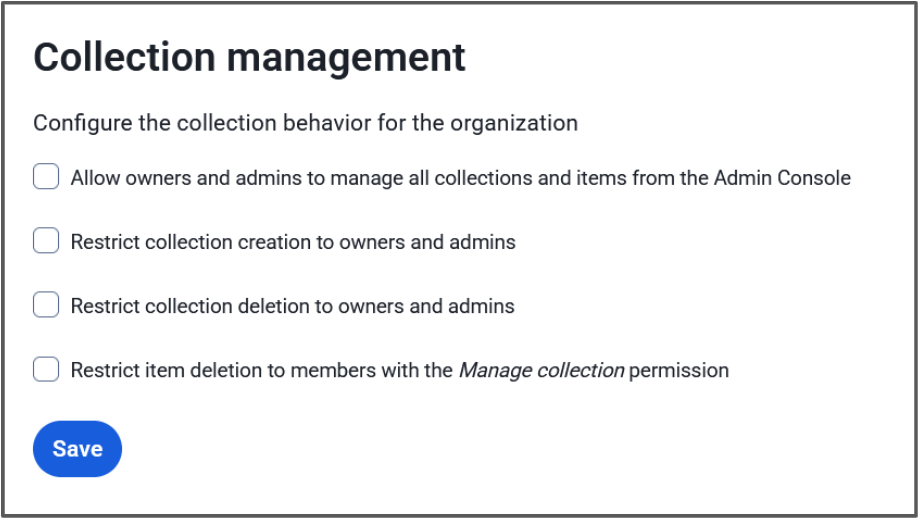
#### Ägare och administratörer kan hantera alla samlingar och objekt
När det här alternativet är markerat kommer administratörsroller att ha möjlighet att visa, redigera och hantera alla samlingar och valvobjekt i dem. När det här alternativet är avmarkerat kommer administratörsroller endast ha åtkomst till samlingar där de har tilldelade direkta insamlingsbehörigheter.
#### Begränsa skapande/borttagning av samlingar till ägare och administratörer
Dessa två alternativ begränsar vem som kan skapa eller ta bort en samling. När markerad kommer endast administratörer att kunna skapa eller ta bort en samling. Om avmarkerat kommer alla användare att kunna skapa en samling, och alla användare med **behörigheten**Kan hantera för en samling kan ta bort den samlingen.
> Mer information om hur dessa inställningar påverkar din organisation och hur de kan användas finns i [Resurs: Inställningar](https://bitwarden.com/sv-se/resources/resource-collections-management-settings/) för samlingshantering.
## Förbättrad kontroll med behörigheter och anpassade roller
Utöver inställningar för samlingshantering kan användare och grupper ges [specifika behörigheter](https://bitwarden.com/sv-se/help/user-types-access-control/) för en annan nivå av hanteringsalternativ.
Behörigheten **Kan hantera** samling tillåter användare att hantera samlingsinformation och åtkomst. Användare eller grupper med denna behörighet kan lägga till/ta bort objekt i samlingen, tilldela nya användare och hantera sina åtkomstbehörigheter till den samlingen. Beroende på inställningen för samlingshantering kan de kanske också ta bort samlingen. Detta gör att administratörer kan utse ett team eller en projektledare för en specifik samling och sedan låta dem hantera de dagliga arbetskraven.

För företagskunder kan en [anpassad roll](https://bitwarden.com/sv-se/help/user-types-access-control/#custom-role/) (bilden ovan) tilldelas enskilda användare för att delegera administrativa omkostnader. Till exempel kan helpdesk-teammedlemmar ha den här anpassade behörigheten för att hjälpa till att hantera organisationens samlingar utan att ha tillgång till känsligare organisationsinställningar, som SSO.
## Produktivitet och säkerhet för ditt företag
Samlingar och delning av valvobjekt är bara ett av de övertygande sätten som Bitwarden Password Manager hjälper företag att bli mer produktiva i vardagen. Detta går utan att ens nämna säkerhetsfördelarna som kommer från att säkra din personalstyrka och till och med hela [din verksamhet](https://bitwarden.com/sv-se/resources/why-bring-bitwarden-to-your-entire-business/).
Starta en [gratis 7-dagars affärstestperiod](https://bitwarden.com/sv-se/pricing/business/) och upplev flexibiliteten med Bitwarden-samlingar och de andra stora fördelarna med en företagslösenordshanterare idag!
***Redaktörens anteckning 19 november 2024:****Uppdaterad för att återspegla den mer detaljerade kontrollen för att tillåta användare att skapa eller ta bort samlingar.*
---
URL: https://bitwarden.com/sv-se/blog/admin-password-reset-is-out/
---
# Återställning av administratörslösenord är här - de bästa sakerna för företag att veta
Ny funktion ger företagsadministratörer möjlighet att återställa glömda huvudlösenord
*By Vivian Shic*
*Published: June 30, 2021*
---
Today Bitwarden announced the rollout of the Account Recovery Administration policy (formerly Admin Password Reset), the latest feature added to the company’s portfolio of enhancements, purpose built to help enterprises seeking to ensure password security at scale. This is critical, especially as business ecosystems, end users, and value chains expand and become more disparate. Protecting business-critical data and assets start with secure passwords for every end user across the entire company.
## More Than Just a Forgotten Password
With account recovery, available on the Bitwarden enterprise plan, administrators can easily reset end-user accounts if an employee loses or forgets their Bitwarden master password. But the benefits don’t stop here. With this added feature option, enterprises can:
### Minimize disruption, ensure continuity of use
Forgetting a password can be frustrating, especially if it means losing access to a Bitwarden Vault, which has a combination of important individual passwords and access to the Organizational shared credentials. Being able to reset a master password and reset accounts provides a seamless end-user password management experience.
### Reduce security risks
Any tool is as effective as the team using it. The same principle applies to password management. Account recovery allows for easy account reset, improving the overall end-user experience. Employees who are following secure password protocols and regularly using a password manager play active roles in protecting their companies from data breaches and help reinforce behaviors that uphold their company’s security posture.
### Reclaim valuable administrator time
Enterprise administrators are busy -- account recovery empowers them to seamlessly provision new temporary master passwords for employees based on policies set for complexity, strength, and minimum length.
## How it Works
Administrators can enable the Account Recovery Administration policy and designate permission to other administrators. To reset, administrators navigate to the Organization Web Vault, select the specific end user who has lost or forgotten their password and generate a new temporary master password. When the user logs in with the temporary master password they will be prompted to update to a new password of their choosing.
Setting granular permission control is intuitive – administrators can grant access to other administrators or owners based on roles defined in a corporate directory.
## What it Means to the Personal Vault
The new feature remains consistent with the Bitwarden zero-knowledge encryption model.
If a company uses this policy, end users have a choice to opt-in to allowing administrators to reset their passwords. If activated, a public/private key exchange facilitates the option for an administrator to reset a user password. Administrators also have the option of enabling Automatic Enrollment that that enrolls users upon joining the organization. If the Account Recovery Administration policy is not activated and administrators take a hands off approach to Personal Vaults, end users remain responsible for their master password.
It is essential that companies remain transparent, establish clear communication of policy changes or updates to their employees, and ensure information and documentation of these policies are easy to find.
Our recent blog, “The Importance of the Personal Vault for Business Users,” further articulates the strategic thinking and planning that went into the development of this new feature. Read it [here](https://bitwarden.com/sv-se/blog/the-importance-of-the-personal-vault-for-business-users/)
## Features for a Modern Enterprise Password Manager
Bringing open source transparency, end-to-end encryption, and full cross-platform access to enterprises seeking to build resilient password management at scale is a core part of the Bitwarden mission. Recent enterprise solution developments, with direct and ongoing input from the Bitwarden community, include:
- Enterprise single sign-on leverages an organization’s existing Identity Provider (IdP) Personal ownership policy requires users to save Vault Items to an Organization Custom role configuration allows for granular user permissions
- Bitwarden Send delivers a secure, simple way to share information directly with another person
- Expanded biometrics across device types to unlock your Vault
- Emergency access to designate Vault access to trusted emergency contacts
Account recovery is part of the Bitwarden June release rollout, which marks new features for usability, upgrades, and enterprise management. Learn more in our June release notes [here](https://bitwarden.com/sv-se/help/releasenotes/)
Account recovery is available for Enterprise Organizations on a current plan. It is not available to Classic 2019 Enterprise Organizations. If you are interested in upgrading to the current Enterprise plan, please reach out to our team at [bitwarden.com/contact](https://bitwarden.com/sv-se/contact/)
## For more information on account recovery:
- Read the [press release](https://www.businesswire.com/news/home/20210630005700/en/Bitwarden-Enhances-Password-Management-at-Scale-for-Business-Users)
- Access the guide on the [Help Center](https://bitwarden.com/sv-se/help/account-recovery/)
- Learn about the importance of the personal vault on the [blog](https://bitwarden.com/sv-se/blog/the-importance-of-the-personal-vault-for-business-users/)
*Editor's Note:* *This article was updated on 10/28/21 with the addition of new details of how Admin Password Reset functions with enhancements from the October '21 release. The article was updated again in July '23 to reflect the renamed account recovery policy.*
---
URL: https://bitwarden.com/sv-se/blog/ai-phishing-attacks-are-on-the-rise/
---
# Phishing-attacker med AI ökar - är du förberedd?
Samtidigt som artificiell intelligens (AI) har öppnat nya möjligheter för produktivitet har det också förvärrat hoten från traditionella nätfiskeattacker, vilket innebär att fler människor och företag utsätts för risker.
*By Kasey Babcock*
*Published: July 15, 2025*
---
Tänk dig det här: Du får ett sms. Du har en obetald parkeringsanmärkning som snart kommer att gå till inkasso. Om du inte betalar boten inom 24 timmar kommer du att åtalas. Ditt hjärta rusar och du tänker "när hände det här?" Du klickar snabbt på den medföljande länken och delar med dig av dina kreditkortsuppgifter.
Detta exempel på nätfiske låter säkert bekant för dig. Oavsett om du själv har upplevt det eller om någon du känner har gjort det, så blir nätfiskeattacker allt vanligare.
## Uppgifterna: Phishing-attacker är farliga och ökar i omfattning
- Enligt Federal Bureau of Investigations (FBI) var det vanligaste cyberbrottet 2024 nätfiskebedrägerier, som bara har blivit vanligare och mer sofistikerade i och med AI:s intåg.
- Människor gör sitt bästa för att undvika att falla för dessa attacker, men AI-förstärkta attacker är svårare än någonsin att upptäcka. Faktum är att 60% av alla cybersäkerhetsöverträdelser nu orsakas av mänskliga fel (Verizon).
- Med en uppskattad kostnad på 4,88 miljoner dollar per phishingintrång för organisationer (Data Breach Report 2024) är dessa attacker ekonomiskt förödande för de inblandade.
- Sedan Chatgbt släpptes 2022 har nätfiskeattackerna ökat med 4151% enligt en studie av SlashNext.

**Varför det är viktigt:** Nätfiskeattacker utgör ett mycket verkligt hot mot den personliga säkerheten och företagssäkerheten och innebär en risk för ekonomi, anseende och känslig information.
## Snabba tips i en överblick
- **Stanna upp och tänk efter!**- Vetenskapen säger att en paus på 9 sekunder är allt du behöver för att tänka mer logiskt på din reaktion. Nästa gång du får ett meddelande som låter för bra för att vara sant, ta 9 sekunder på dig innan du klickar på en länk eller svarar.
- **Leta efter varningssignaler - länkar som** ser konstiga ut, onaturliga rörelser eller tal i videor, felstavningar och en ökad känsla av brådska kan tyda på att det rör sig om en nätfiskeattack.
- **Prova en annan kanal** - Om du är osäker på om ett meddelande, telefonsamtal eller en video är en AI-phishingattack, kontakta den förmodade avsändaren via en annan betrodd kanal.

**Dyk**djupare: Lär dig mer om [olika typer av phishing-attacker](https://bitwarden.com/sv-se/blog/top-types-of-phishing-attacks-to-watch-out-for/) och hur du [skyddar dig mot AI-förstärkt phishing](https://bitwarden.com/sv-se/blog/how-to-detect-ai-deepfakes-and-phishing-attacks/)!
## Ökning av AI-förbättrade phishing-attacker
Samtidigt som artificiell intelligens (AI) har öppnat nya möjligheter för produktivitet har det också förvärrat hoten från traditionella nätfiskeattacker, vilket innebär att fler människor och företag utsätts för risker. Nätfiskekampanjer med AI är nu 24% mer effektiva än traditionella nätfiskekampanjer som drivs av människor, tack vare att AI-attacker av hög kvalitet kan sättas in snabbt och till låg kostnad (hoxhunt).

### AI-förstärkta attacker är mer realistiska
Skadliga aktörer som genomför nätfiskeattacker kan nu utnyttja AI:s beräkningskraft för att analysera stora mängder data från flera olika källor och få attackerna att framstå som legitima. AI kan snabbt söka igenom internet för att hitta information om sina offer och hämta information från sociala medier, dataförmedlingssajter och företagsresurser. AI kan sedan generera innehåll som efterliknar legitim kommunikation; ett meddelande från en chef om projektet du arbetar med, ett telefonsamtal från en granne om ditt husdjur eller en videochatt från ditt barnbarn som ber om att få bli frisläppt från fängelset.
**Varför det är viktigt:** AI gör det mycket lättare för angripare att skapa ett övertygande budskap och mycket svårare för mottagare att känna igen bedrägerier, vilket kan leda till intrång och allvarliga skador på pengar och rykte.
### AI-förstärkta attacker blir allt vanligare
Sedan Chatgbt släpptes 2022 har nätfiskeattackerna ökat med 4151% enligt en studie av SlashNext. Detta är ingen slump - AI har gjort det möjligt för illvilliga aktörer att skala upp phishing-verksamheten genom att använda AI-agenter och automatiseringar för att snabbt generera och distribuera trovärdiga attacker.
**Varför det är viktigt:** Med allt vanligare fall av AI-phishingattacker finns det fler möjligheter för individer och organisationer att falla för en bluff.
### AI-förstärkta attacker kostar mindre
Phishing-attacker som använder AI kostar mindre för angriparna eftersom de kräver mindre tid och resurser för att sätta upp. Forskning från Harvard Business Review visar att "hela phishing-processen kan automatiseras med hjälp av LLM, vilket minskar kostnaderna för phishing-attacker med mer än 95% samtidigt som man uppnår samma eller högre framgångsgrad".
**Varför det**är viktigt: Prisvärda AI-arbetsflöden och lösningar är nu allmänt tillgängliga för användning av praktiskt taget vem som helst, vilket gör det enklare än någonsin att genomföra en framgångsrik phishing-attackkampanj.
### Slutresultatet
I takt med att generativ AI fortsätter att växa och utvecklas kommer nätfiskeattacker att bli ännu svårare att upptäcka. Det kommer att bli allt viktigare att känna till nyckelidentifierare och bygga upp en säkerhetsstrategi för att skydda sig själv och sin organisation mot AI-förstärkta nätfiskeattacker.
## Skydda dig mot phishing-attacker med AI
AI-förstärkta phishing-attacker är mer realistiska, frekventa och kostnadseffektiva än sina traditionella motsvarigheter, vilket gör dem till ett allvarligt och växande hot mot individer och organisationer.
[Säkra dina uppgifter med Bitwarden](https://bitwarden.com/sv-se/go/start-free/) och dra nytta av inbyggt skydd mot nätfiske, inklusive lagring av nycklar, autofyllning av betrodda webbplatser och en särskild knapp för att starta webbplatser direkt i Bitwarden-programmet - skydda dina känsliga uppgifter från att exponeras på skadliga webbplatser.
**Dyk djupare:** Utforska hur du [upptäcker AI-förstärkta phishing-attacker](https://bitwarden.com/sv-se/blog/how-to-detect-ai-deepfakes-and-phishing-attacks/) och skyddar dig själv och ditt företag i denna dedikerade resurs! Få praktiska rekommendationer om vad du ska göra om du har drabbats.
---
URL: https://bitwarden.com/sv-se/blog/ai-phishing-evolution-staying-ahead-of-sophisticated-scams/
---
# AI Phishing Evolution: Ligga före sofistikerade bedrägerier
AI-drivet nätfiske utvecklas. Upptäck hur Bitwarden hjälper till att säkra autentiseringsuppgifter mot dessa sofistikerade hot.
*By Ryan Luibrand*
*Updated: October 15, 2025*
---
I det ständigt föränderliga landskapet av cyberhot har nätfiskeattacker genomgått en betydande förändring, särskilt med ökningen av användningen av generativ artificiell intelligens. Den här utvecklingen markerar en ny era inom cybersäkerhetsutmaningar, vilket framhålls i den senaste e-boken, [Balancing Security and Innovation in the Age of AI](https://bitwarden.com/sv-se/data-security-in-age-of-ai-mobile/), som fokuserar på den intrikata dansen mellan AI-framsteg och cybersäkerhetsåtgärder. Att förstå dessa förändringar är avgörande för företag som vill ligga i framkant när det gäller att skydda sina digitala tillgångar.
## Hur AI spelar en roll i nätfiskeattacker
AI-nätfiske representerar en utveckling från traditionella nätfisketekniker, med användning av maskininlärning och AI-algoritmer för att skapa mer övertygande, riktade och slutligen framgångsrika attacker. Till skillnad från standardnätfiske, som ofta är beroende av masskommunikation, skräddarsyr AI-nätfiske sitt tillvägagångssätt till individuella mottagare, vilket gör upptäckten betydligt mer utmanande. Det sofistikerade med dessa attacker ligger i deras förmåga att efterlikna äkta kommunikation på ett övertygande sätt, utnyttja enorma mängder data för att personifiera varje nätfiskeförsök, och i grunden förvandla en generisk massattack till en massinriktad attack.
Även om data och teknikerna som används för AI-nätfiske fortfarande refereras till i generiska eller hypotetiska uppgifter, är det bra för säkerhetsinriktade IT-proffs att förstå kraften i generativ AI och hur den kan användas för att enkelt manipulera mänskliga arbetare. En [nyligen publicerad artikel publicerad av CNBC](https://www.cnbc.com/2024/02/14/gen-ai-financial-scams-are-getting-very-good-at-duping-work-email.html) berättar om nätfiske på 25,6 miljoner dollar som använde AI för att fejka kommunikation och till och med förfalska ett videosamtal för att lura en anställd att överföra pengar till bedragare.
Automatiserade AI-system gör det lättare att ta sig förbi försvaret av korrekt misstänkta anställda. Till exempel kan ett program som använder generativ AI posera som en IT-chef eller en kollega och ha en genererad e-postkonversation med flera meddelanden med ett mål, bygga relation och utnyttja data som skrapats från internet för att utveckla förtroende. Den här typen av applikationer skulle kunna användas i stor skala.
#### Nätfiske-e-post genererad av AI
Idag är det ännu lättare för de enklaste nätfiskeattackerna att framstå som mer sofistikerade. Om ett stort företag skulle riktas mot till exempel, skulle ett nätfiske-e-postmeddelande behöva vara i "corporate speak" för att verka legitimt. Företagsanställda kan ha fått utbildning i nätfiske och varnat dem för e-postmeddelanden fulla av stavfel och dålig grammatik. Ange generativ AI, som kan utnyttjas för att komma runt träningens försvar och framstå som legitim.
Här är ett exempel på vad som kan göras idag med bara en vanlig, konsumenttillgänglig AI-produkt. Nedanstående prompt lades in i ett generativt AI-system, publicerat här som en skärmdump.

Svaret:

Det där stycket om att inte vara ett nätfiskemail var särskilt fräckt.
Nu behövs allt som behövs är att infoga all information som kan vara relevant för att öka chanserna att lyckas för nätfisken, såsom företagsnamnet och säkerhetsansvarigs titel och namn, som kan hittas på sociala nätverk eller företagets offentliga dokumentation. Den inbäddade länken måste pekas till en falsk webbplats som fångar vad användare än anger, och användarnamnen och lösenorden kommer att börja rulla in, vilket exponerar ditt företags säkerhet.
Exemplet ovan var generativ AI i sin enklaste form - en uppmaning och ett svar. Kunniga hackare och hackergrupper (inklusive statligt sponsrade) har tillgång till API:er och andra verktyg som möjliggör intag och bearbetning av stora mängder data för att producera mycket personliga, riktade e-postmeddelanden med stora chanser att lyckas.
## Skydda din organisation mot AI-nätfiske
Som beskrivs [i e-boken](https://bitwarden.com/sv-se/data-security-in-age-of-ai/) kräver att minska riskerna förknippade med AI-nätfiske ett mångfacetterat tillvägagångssätt. För det första är det att hjälpa anställda att identifiera möjliga nätfiskeattacker med [uppdaterad utbildning](https://bitwarden.com/sv-se/blog/user-adoption-for-company-password-manager/). Tekniska tillvägagångssätt inkluderar att flagga externa e-postmeddelanden för att göra det svårare för e-postmeddelanden som utger sig för att vara interna att lyckas, till exempel.
Andra effektiva cybersäkerhetsmetoder inkluderar att säkra känslig information genom end-to-end krypterade cybersäkerhetslösningar, till exempel en stark behörighetshanterare som Bitwarden, som säkerställer skydd över alla enheter och plattformar. Credential managers gör det också möjligt för säkerhetsbeslutsfattare att implementera företagsomfattande säkerhetspolicyer med centraliserad hantering för att säkerställa att alla anställda upprätthåller säker informationslagring och delningspraxis.
## Hur Bitwarden hjälper till att bekämpa AI-nätfiske
Bitwarden erbjuder en portfölj av lösningar som kan användas för att slå AI-nätfiske och hjälpa till att skydda ditt företag.
#### Bitwarden Password Manager
Säkra anställdas lösenord i ett heltäckande, centralt hanterat, säkert valv. Förhindra nätfiske med [avancerad URI-detektering](https://bitwarden.com/sv-se/help/uri-match-detection/) så att referenser inte oavsiktligt skickas till skadliga liknande webbplatser. Detta kommer med alla andra fördelar med en lösenordshanterare, som att utöka säkerheten för enkel inloggning (SSO) till webbplatser och appar som inte stöder det. Läs mer om hur du använder [Bitwarden Password Manager för ditt företag](https://bitwarden.com/sv-se/products/business/).
#### Bitwarden Secrets Manager
Skydda maskinhemligheter som API-nycklar, SSH-nycklar och mer under hela utvecklingens livscykel. Dessa hemligheter är ett främsta mål för nätfiske eftersom deras användning skulle förbli oupptäckt och kan tillåta obegränsad åtkomst till ditt system. Att hålla maskinhemligheter säker, men endast tillgänglig när det behövs, bör vara en prioritet för DevOps och IT-team överallt. Lär dig mer om [Bitwarden Secrets Manager](https://bitwarden.com/sv-se/products/secrets-manager/).
#### Bitwarden Passwordless.dev
Lösenord kan inte nätfiskas om de inte finns i första hand. [Bitwarden Passwordless.dev](https://bitwarden.com/sv-se/products/passwordless/) erbjuder de enkla verktyg som krävs för att skapa ett lösenordsbaserat autentiseringssystem för din externa webbplats eller interna verktyg. Några rader kod och lösenord tas bort från dina system, ersätts med starka lösenord som inte kan nätfiskas.
## Slutsats
Tillkomsten av AI-nätfiske förebådar ett nytt kapitel inom cybersäkerhet, som kräver ökad vaksamhet och sofistikerade motåtgärder. Att hålla sig informerad och anta proaktiva säkerhetsstrategier är absolut nödvändigt för att navigera i dessa utmaningar. För dem som vill fördjupa sin förståelse och förbättra sitt försvar erbjuder e-boken, [Balancing Security and Innovation in the Age of AI](https://bitwarden.com/sv-se/data-security-in-age-of-ai-mobile/), värdefulla insikter, och Bitwarden-sviten med lösningar tillhandahåller de verktyg som krävs för att skydda mot det växande hotet från AI-förbättrat nätfiske.
## Kom igång med Bitwarden
Är du redo att testa lösenordsdelning med Bitwarden? Kom snabbt igång med ett [gratis Bitwarden-konto, ](https://bitwarden.com/sv-se/pricing/)eller starta en [7-dagars gratis provperiod på våra affärsplaner](https://bitwarden.com/sv-se/pricing/business/) för att hålla ditt team säkert online. Har du frågor? Registrera dig för den [kostnadsfria veckodemon.](https://bitwarden.com/sv-se/events/weekly-demo/)
---
URL: https://bitwarden.com/sv-se/blog/an-educators-guide-to-password-management/
---
# En lärares guide till lösenordshantering
Med framväxten av virtuellt lärande måste utbildare förenkla och ta kontroll över sina digitala liv – till att börja med säker referenshantering.
*By Alfred Aviles*
*Published: October 25, 2021*
---
Today, teachers are living in the virtual age. Like it or not, virtual learning has become the norm. Many school districts have embraced 1-to-1 computing, as well as virtual learning platforms such as Google Classroom, Microsoft Teams, Zoom, and many more. Additionally, traditional brick and mortar teachers integrate web-based apps into daily lessons to increase student engagement. On top of an already full workload, teachers now have to remember passwords for all of these accounts. With all of this in mind, it is human nature to use (and reuse) easy-to-remember passwords.
As a former career and technical educator with 15 years of teaching experience, I taught digital citizenship and online safety, but my methods were not as secure as I believed. I used a browser-based password manager because it was convenient. I reused my usernames and passwords for many of the online tools I used throughout the school year. When I occasionally had to change my passwords, I cleverly added the next number in the sequence to the end of my password to keep it “secure.”
As I honed my skills as a teacher, I incorporated more and newer technologies, devices, websites, and apps into my daily routine. With each new tool came another login I had to remember and I frequently changed passwords due to forgetfulness. It wasn’t until I imported these passwords into a Bitwarden vault that I realized how many I had! To my astonishment, I had accumulated over 200 login credentials over my teaching career. Once all of my information was in the vault, I was able to create strong and unique passwords for every account, close unneeded accounts, and ensure my virtual identity was secure.
## Is this your password?
According to [Cybernews](https://cybernews.com/best-password-managers/bitwarden-review/), “weak passwords are a real security threat.” So many people still use weak passwords such as “123456” and “password.” Is this you? If so, your data may be vulnerable to attack.
Strong and unique passwords are required to protect your sensitive information. Using a password manager solves this dilemma. A password manager is a computer program that allows users to generate, store, manage, and autofill credentials for all your online accounts.
## Upgrade to cross-platform security
Browsers, such as Chrome, Edge, Firefox, Safari, and others have integrated password managers. Some operating systems even have their own password management or "key chain" options. Using an application or operating system specific tool can leave you without your important passwords when you least expect it. A robust, dedicated, cross-platform password manager ensures you have a strong and unique password for each account you use - and any device on which you need it!
## Bitwarden can secure your data
Bitwarden is a dedicated password manager providing security for teachers accessing programs, applications, and online accounts using robust credentials. Bitwarden stores your credentials in your vault so you don’t have to remember each one. Your private data is encrypted on your device and only you have access to it with your username and master password.
Teachers employ multiple devices in the classroom and Bitwarden is available to keep school-related accounts safe on all of them.
Best of all, Bitwarden offers a full-featured free version across all devices for everyone. The free basic account allows for unlimited passwords and other information such as credit/debit cards, identity information, and secure notes.
Bitwarden also has affordable plans for families, teams, and large enterprises like schools or school districts. Visit the [Bitwarden Pricing page](https://bitwarden.com/sv-se/pricing/) for more information.
## Start using Bitwarden today
Now more than ever, teachers need to take ownership of their digital lives. The first step is using a password manager to create secure credentials for all of your accounts. Practicing good digital citizenship is a task for students and educators alike. Teachers, here’s your homework assignment - [sign up for a Bitwarden account](https://bitwarden.com/sv-se/go/start-free/) today!
---
URL: https://bitwarden.com/sv-se/blog/an-introduction-to-the-bitwarden-web-ui/
---
# En introduktion till Bitwardens webbgränssnitt
Hur kommer du åt Bitwarden? Hur du vill, tack vare en stationär app, mobilapp och webbaserat användargränssnitt (UI). Låt oss ta en titt på Bitwardens webbgränssnitt och se vad som är vad.
*By Jack Wallen*
*Published: June 28, 2022*
---
Bitwarden is an open source password manager that not only makes it very easy to manage your passwords, but also offers plenty of features to appease both average and power users. Bitwarden works by saving all of your passwords to a database that you then access with a single (strong and unique) password.
But how do you access Bitwarden? Any way you want, thanks to a desktop app, mobile app, and web-based user interface (UI). Each method of interacting with the service gives you access to all you need for password management. And even in this mobile-first modern era, both the desktop and web UI will seem just as familiar and easy to use as the mobile apps. That doesn't mean, however, that the interfaces are exactly the same. For those who want to get the most out of Bitwarden, there are features in the web UI not found in the mobile device (such as Organizations).
Let's take a look at the Bitwarden Web UI and see what's what.
## Web Vault
Upon logging in, the first thing you'll see is the main Vault page (Figure 1), where you'll see a listing of all your passwords and the available features of the service.

**Figure 1: The Bitwarden Vault page is where it all begins**
On this page, you can manage every aspect of your Bitwarden account. Create new Vault entries, folders, organizations, and collections. This is where you'll spend the majority of your time in Bitwarden. From this page, click Add Item to create a new entry for the Vault. Those entries can be:
- Login
- Card
- Identity
- Secure Note
The majority of entries you'll create are of the Login type but don't discount the other possibilities, as they can certainly come in handy.
## Send
Send is a feature that allows you to securely transmit files to others. Send allows you to share files or even text that can be time-based (so they expire after a certain time has elapsed) or password protected.
When you create a new Send (Figure 2), you can define the expiration date for the shared link, a deletion date for the contents of the Send, a maximum access count (so you can control how many can access the send), set a password, and add notes.

**Figure 2: The built-in Send feature allows you to securely transmit files and texts**
## Tools
The Tools page of the Bitwarden Web-based UI (Figure 3) gives you access to the Password/Username generator, as well as the Import/Export feature (where you can import or export a vault).

**Figure 3: The Tools section offers a few very handy tools**
Do note, that both the Password and Username generators can be accessed from within the Item creation page.
## Reports
The Reports page offers a few tools you might not find with other password managers on the market. The Data Breach report is available in all versions of Bitwarden. Other reports are available within paid Premium or Organization plans. Here, you have access to:
- Exposed passwords (reports any passwords you have that have been exposed)
- Reused passwords (if you've duplicated a password in multiple entries, they'll be shown here)
- Weak passwords (any passwords you've added that are considered weak)
- Unsecure websites (any websites you've added to the vault that use HTTP instead of HTTPS)
- Inactive Two-Step Login (gives you quick access to enabling 2FA)
- Data breach (any website in your vault that has been the victim of a known data breach)
## Organizations
Organizations is a special feature found in Bitwarden that makes it possible to relate users and vault items together for collaboration and team login management. You can create an organization, add items to it, and then securely share the organization with team members. This makes it easy to extend the Bitwarden platform to your team(s) for a more collaborative effort.
Once you've created a new Organization, you can easily add items to it and then (from the Manage tab - Figure 4) invite new users and give them access to the contents.

**Figure 4: The Organization management page in the Bitwarden Web UI**
And that's the gist of the Bitwarden Web UI. This interface has been designed such that it's very simple to use, while at the same time offering plenty of options to satisfy power users.
## Get Started with Bitwarden
Are you ready to try Bitwarden? Start a [free trial](https://bitwarden.com/sv-se/pricing/business/) for your team or sign up for a [free individual account](https://bitwarden.com/sv-se/pricing/).
## About the Author
Jack Wallen is an award-winning author and avid supporter of open source technologies. He has covered open source, Linux, security, and more for publications including TechRepublic, CNET, ZDNet, The New Stack, Tech Target and many others since the 1990s in addition to writing over 50 novels.
---
URL: https://bitwarden.com/sv-se/blog/an-introductory-guide-on-how-to-use-bitwarden-password-manager/
---
# En introduktionsguide om hur du använder Bitwarden Password Manager
Läs mer om hur du använder Bitwarden som privatperson eller företag i den här bloggen.
*By Bitwarden*
*Published: February 22, 2024*
---
## Varför använda en lösenordshanterare?
Enligt [Bitwarden 2023 World Password Day Survey](https://docs.google.com/presentation/d/1ARiP0NzPRVEEKTJoNZHJGx6rZhTVBwiPFUp6Rb_pnIw/edit#slide=id.g22d65fcf281_0_2624), en undersökning av över 2 000 globala internetanvändare, återanvänder 85 % lösenord på flera webbplatser och 58 % förlitar sig på minne för sina lösenord. Över hälften (52%) använder lätt identifierbar information i sina lösenord, såsom företags-/varumärken, välkända sångtexter, husdjursnamn och namn på nära och kära.
Detta beteende är förståeligt. De flesta människor hanterar flera konton över sina professionella och privata liv och vill troligen göra sina inloggningsupplevelser enklare. Tyvärr är den initiala lättheten som kommer från att återanvända lösenord och förlita sig på minnet för att "hantera" lösenord också fylld med säkerhetsrisker. Som Georgetown Universitys informationssäkerhetskontor [noterar](https://security.georgetown.edu/csam-2020/raise-your-hand-if-you-reuse-your-passwords/#:~:text=password%20may%20be.-,The%20more%20a%20password%20is%20reused%2C%20the%20more%20opportunities%20there,to%20your%20other%20online%20accounts.):
> "Ju mer ett lösenord återanvänds, desto fler möjligheter finns för dina data och pengar att stjälas. Om ett återanvänt lösenord läcker ut som en del av ett dataintrång har hackare nyckeln till dina andra onlinekonton."
Artikeln fortsätter sedan med att säga följande:
> "Ännu överväldigad? Trött på att byta lösenord för att du glömt det? Igen. Ett av de bästa verktygen för att lätta denna börda för dig är en **lösenordshanterare**."
Ange Bitwarden, [utvald av WIRED Magazine](https://www.wired.com/story/best-password-managers/) som lösenordshanteraren Bäst för de flesta. Läs vidare för att lära dig hur du använder Bitwarden.
> "Bitwarden är säker, öppen källkod och gratis utan gränser. Applikationerna är polerade och användarvänliga, vilket gör tjänsten till det bästa valet för de flesta användare.” - TABLET
## Vad är Bitwarden?
En översikt på hög nivå är det första steget för att förstå hur man använder Bitwarden som antingen individ eller företag. Bitwarden är en lösenordshanterare som genererar, lagrar och säkrar viktiga digitala tillgångar i ett end-to-end krypterat valv. Användare kan komma åt sina data var som helst, på vilken enhet som helst (dator, bärbar dator, mobila enheter) med säker molnsynkronisering.
Bitwarden krypterar fullständigt all användardata innan den någonsin lämnar användarens enhet; endast användaren har tillgång till den. Inte ens Bitwarden-teamet kan låsa upp en användares skyddade data. Bitwarden förseglar känslig information med [end-to-end AES-256-bitars kryptering, saltad hashing och PBKDF2 SHA-256](https://bitwarden.com/sv-se/help/what-encryption-is-used/#:~:text=Bitwarden%20uses%20AES%2DCBC%20256,used%20for%20storing%20encrypted%20data./).
Bitwarden är en lösenordshanterare med öppen källkod. Källkoden för Bitwarden finns på GitHub och alla är fria att granska, granska och bidra till Bitwardens kodbas.
Tillsammans med att göra Bitwarden-kodbasen tillgänglig för öppen källkod, granskas Bitwarden också periodiskt av tredje parter som erbjuder säkerhetsbedömningar och penetrationstestning. Bitwarden har också genomfört grundliga säkerhetsrevisioner och kryptografiska analyser.
## Vilka är Bitwardens nedladdningsalternativ?
För enskilda användare kan Bitwarden laddas [ner](https://bitwarden.com/sv-se/download/) till Windows-, macOS- och Linux-datorer med inbyggda applikationer. Användare har också möjlighet att integrera Bitwarden genom webbläsartillägg, som (men inte begränsat till) Google Chrome och Safari). Och naturligtvis kan användare som vill komma åt Bitwarden på sina mobila enheter enkelt ladda ner det från App Store, Google Play eller F-Droid.
Affärsanvändare kan börja med att registrera sig för en 7-dagars [Teams gratis provperiod](https://bitwarden.com/sv-se/go/start-teams-trial/) eller en 7-dagars [Enterprise gratis provperiod](https://bitwarden.com/sv-se/go/start-enterprise-trial/). Det finns många resurser på utbildningscentret[ som hjälper dig att lära ](https://bitwarden.com/sv-se/learning/)dig hur du använder Bitwarden. Om du fortfarande har frågor, besök den [livesända veckodemon](https://bitwarden.com/sv-se/events/weekly-demo/) för att prata direkt med Bitwarden-teamet.
## Vilka är några nyckelfunktioner för privatpersoner och företag?
#### Individer
Individuella användare av Bitwarden kan välja mellan [ett av tre kontoalternativ](https://bitwarden.com/sv-se/pricing/business/): ett gratiskonto, ett premiumkonto (mindre än $1 per månad för $10 faktureras årligen) och ett familjekonto ($3,33 per månad vid $40 faktureras årligen).
Det kostnadsfria kontot erbjuder obegränsade lösenord, obegränsade enheter och alla kärnfunktioner. Kärnfunktionerna som ingår i varje Bitwarden-konto är omfattande och består av bland andra fördelar:
- Obegränsat med valvobjekt
- Gratis delning med en annan användare
- Bitwarden Skicka
- Användarnamn och lösenordsgenerator
- Integrering av e-postalias
- Avancerad tvåfaktorsinloggning
Premiumkonton inkluderar alla kärnfunktioner, tillsammans med Bitwarden Authenticator, filbilagor, nödåtkomst, säkerhetsrapporter och mer. Familjekontot består av 6 premiumkonton, obegränsad delning, obegränsade samlingar och organisationslagring.
#### Företag
När du funderar på hur du använder Bitwarden för att på bästa sätt möta dina behov, är det också fördelaktigt att förstå [Bitwardens affärskontoalternativ](https://bitwarden.com/sv-se/pricing/business/).
Bitwarden erbjuder ett Teams-konto för upp till tio användare för $20 per månad och $4 per användare och månad för team större än tio. Teams-konton inkluderar premiumfunktionerna ovan. Med Teams kan användare dela känslig data med kollegor, över avdelningar eller i hela företaget.
Nästa nivå upp är Bitwarden Enterprise, som är $6 per månad, per användare. Enterprise-konton inkluderar premiumfunktioner, den extra bonusen med en gratis familjeplan för alla användare och ytterligare avancerade funktioner, som lösenordslös SSO och kontoåterställning.
Företag med hundratusentals anställda kommer sannolikt att behöva ett alternativ som går utöver Teams och Enterprise. I så fall bör de kontakta Bitwarden försäljning för en offert.
Alla företag, oavsett om de är små, medelstora eller stora, skulle göra klokt i att implementera en företagsomfattande lösenordshanterare. Enligt [2023 Bitwarden Password Decisions Survey](https://bitwarden.com/sv-se/resources/2023-password-decisions-survey-results/) av oberoende IT-beslutsfattare inom en rad branscher rapporterar en majoritet (60 %) att deras organisation upplevt en cyberattack under det senaste året och 49 % rapporterar att de kämpar med anställda som använder obehöriga enheter eller programvara utan IT:s godkännande.
## Hur kommer jag igång?
Nedan är de första stegen som krävs för att ställa in ditt Bitwarden-konto. För en mycket mer omfattande och grundlig guide om hur du använder Bitwarden, se videon[ för ](https://www.youtube.com/watch?v=30QqIeb1Pu4)Bitwarden Password Managers Beginner Guide. Det kommer att leda dig genom att ställa in tvåfaktorsautentisering (2FA), Bitwarden Browser Extension, automatiserad identitetslagring och så mycket mer.
#### Steg 1: Skapa ett huvudlösenord
Det första steget är att skapa ett huvudlösenord. Det ska vara starkt, unikt och något du aldrig har använt förut. Ett sätt att börja är att skriva ner en mening som inte är meningsfull - även känd som en lösenfras - som "12 liter hästskobär." Även om den är stark och unik, är den fortfarande minnesvärd och lätt att skriva. För ytterligare hjälp kan du besöka [Bitwardens lösenordsgeneratorsida.](https://bitwarden.com/sv-se/password-generator/) Se bara till att du lagrar ditt huvudlösenord på ett säkert ställe, **för det finns inget sätt att återställa ditt huvudlösenord**.
#### Steg 2: Skapa ett konto
För att skapa ett konto, gå till [bitwarden.com](https://bitwarden.com/sv-se/) och klicka på **Kom igång** uppe till höger.
Därifrån skriver du in din e-postadress, ditt namn och huvudlösenordet du har skapat. Skriv det igen och skriv sedan, om så önskas, en ledtråd till huvudlösenordet eller gör en anteckning om var du har lagrat ditt huvudlösenord. Godkänn villkoren och tryck på knappen Skicka.
Om din webbläsare frågar dig om du vill spara ditt lösenord, tryck på "aldrig". Du kommer då att bli ombedd att logga in igen med din e-postadress och ditt lösenord.
#### Steg 3: Verifiera din e-post
När du har loggat in kommer du att uppmanas att verifiera din e-postadress. Ett e-postmeddelande kommer att skickas till ditt e-postkonto som du kan verifiera. Du kommer sedan att skickas tillbaka till inloggningssidan där du kan logga in och börja använda ditt valv.
## Kom igång med Bitwarden
Om du är anställd av eller driver ett företag, läs mer om hur du använder Bitwarden för ditt företag och registrera dig för en [gratis 7-dagars provperiod](https://bitwarden.com/sv-se/trial/)! Om du är en individ, provkör ett [gratis konto](https://bitwarden.com/sv-se/go/start-free/). Tänk på att du kan uppgradera till Premium när som helst. Har du fortfarande frågor? Kolla in den [kostnadsfria veckodemon](https://bitwarden.com/sv-se/events/weekly-demo/).
---
URL: https://bitwarden.com/sv-se/blog/android-v1-3-0-now-with-autofill/
---
# Android v1.3.0 — Nu med autofyll!
Idag är vi glada att kunna meddela att version 1.3.0 av bitwarden Android-appen nu är tillgänglig på Google Play Butik.
*By Kyle Spearrin*
*Published: February 11, 2017*
---
Idag är vi glada att kunna meddela att [version 1.3.0](https://github.com/bitwarden/mobile/releases/tag/v1.3.0) av Bitwarden Android-appen nu är tillgänglig på [Google Play Butik](https://play.google.com/store/apps/details?id=com.x8bit.bitwarden).
[Version 1.3.0](https://github.com/bitwarden/mobile/releases/tag/v1.3.0) ger den ständigt efterfrågade autofyllningsfunktionen till applikationen, som gör att en användare snabbt automatiskt kan fylla i sitt användarnamn/lösenordsinformation på webbplatser via webbläsaren eller i andra appar på din enhet. Dagarna då man måste växla fram och tillbaka mellan appen för att kopiera/klistra in din inloggningsinformation är förbi!
Låt oss ta en titt på hur autofyll-tjänsten fungerar.
När du besöker skärmen "**Verktyg**" i Bitwarden-appen kan du trycka på alternativet "**Bitwarden Auto-fill Service**" i listan.

Detta öppnar en skärm som ger lite information om hur du aktiverar Bitwarden Auto-fill Service.

Autofyll-tjänsten är byggd ovanpå en funktion i Android som kallas *tillgänglighetstjänster*. Tillgänglighetstjänster ger Bitwarden möjlighet att övervaka andra appar och webbsidor utanför Bitwardens huvudapp för saker som användarnamn och lösenordstextfält. Genom att övervaka dessa textfält kommer bitwarden att kunna hjälpa dig när du stöter på dem.
Öppna tillgänglighetsinställningarna och aktivera Bitwarden.


Du kan gå tillbaka till Bitwardens huvudapp vid denna tidpunkt genom att trycka på bakåtknappen *två gånger*.
Nu ser vi att autofylltjänsten har aktiverats framgångsrikt, tillsammans med några användbara skärmdumpar om hur du börjar använda den.

Låt oss nu börja använda det! Gå till en webbplats som Amazon.com i din webbläsare. När du stöter på en skärm som har ett lösenordstextfält på sig, kommer Bitwarden att skapa ett meddelande. Leta efter Bitwarden-ikonen i det övre meddelandefältet. Svep nedåt för att öppna dina aviseringar och tryck på Bitwardens autofyll-meddelande.


Genom att trycka på meddelandet öppnas Bitwarden-appen med en filtrerad lista över inloggningar för den givna webbsidan eller appen. Vid det här laget kan du antingen välja den inloggning du vill att du ska fylla i automatiskt på sidan **eller** om du behöver lägga till en ny inloggning kan du trycka på plusikonen (+) i navigeringsfältet. Om du lägger till en ny inloggning från autofyll-tjänsten fylls i i förväg en del viktig information för dig, till exempel namnet och URI:n för webbplatsen eller appen du kommer ifrån. Detta är den föredragna metoden för att lägga till nya inloggningar till ditt valv eftersom det tar bort bördan av att skriva in korrekt formaterade URI:er.


När du har valt din inloggning från listan tar Bitwarden dig tillbaka till föregående webbplats eller app och fyller i ditt användarnamn och lösenord i lämpliga fält.

Och där har du det!
Autofyll-tjänsten har testats och bör fungera med de flesta appar och följande webbläsare:
- Krom
- Android webbläsare
- Modig
- Spökeri
- Opera
- Delfin
Tyvärr kan vi inte få den automatiska fyllningstjänsten att fungera med webbläsaren Firefox på Android för närvarande. Vi hoppas kunna förbättra det med tiden.
Vi hoppas att ni alla gillar den här nya funktionen i Bitwarden Android-appen. Om du har feedback eller problem med att använda den automatiska ifyllningstjänsten är du välkommen att [kontakta oss](https://bitwarden.com/sv-se/contact/) så hjälper vi dig gärna.
---
URL: https://bitwarden.com/sv-se/blog/autofill-improvements-ios12-android9/
---
# Autofyll-förbättringar kommer till iOS 12 och Android 9
Några underbara nya Autofyll-funktioner har tagit sig till iOS 12 och Android 9 för Bitwarden.
*By Kyle Spearrin*
*Published: September 26, 2018*
---
Some wonderful new features have made their way to iOS 12 and Android 9 for password management applications. Both of these major operating system updates were recently released for devices.
Gone are the days of having to copy and paste passwords from your Bitwarden vault, or having to rely on clunky accessibility services or app extensions to work around the problem. AutoFilling password credentials is now a first class feature built right into the mobile operating system itself.
We're happy to announce today that the latest Bitwarden version (v1.19) on both iOS and Android now fully support AutoFill integration with these operating system features.
## iOS 12
iOS 12 adds a new Authentication Services framework which apps like Bitwarden can utilize. Bitwarden is now fully integrated with Authentication Services and AutoFill in iOS 12. You can quickly log into any website or app using credentials stored in your Bitwarden vault, directly from the device keyboard. You can enable Bitwarden for AutoFill under iOS Settings → Passwords & Accounts → AutoFill Passwords.

## Android 9 (Pie)
Android actually added the new AutoFill Framework back in 2017 with Android 8 (Oreo). Bitwarden has supported the AutoFill Framework since then, however, the AutoFill Framework in Oreo had limited support to only native apps and a handful of unpopular browsers. Android 9 extends support for the AutoFill Framework to many more web browsers such as Chrome and FireFox (Nightly). Bitwarden is now fully integrated with Android 9's AutoFill Framework for apps and web browsers. You can enable Bitwarden for AutoFill within the Bitwarden app under Tools → AutoFill Service.

Update your Bitwarden app in iOS and Android to version 1.19 (or greater) today to start enjoying these new AutoFill improvements!
---
URL: https://bitwarden.com/sv-se/blog/backup-with-encrypted-export/
---
# Säkerhetskopiera ett säkert krypterat valv
Säkerhetskopiera ett säkert krypterat valv med lätthet.
*By Trey Greer*
*Published: October 1, 2022*
---
**Editor's Note - Oct 12, 2022:** In the October 2022 release, the encrypted export function has been expanded with details available here: [New Backup Option Allows for Flexible Encrypted Vault Exports](https://bitwarden.com/sv-se/blog/flexible-encrypted-vault-exports/)
Password management is more important than ever, and backups are a key factor in keeping your data safe, secure, and available!
[Bitwarden offline backup](https://bitwarden.com/sv-se/resources/guide-how-to-create-and-store-a-backup-of-your-bitwarden-vault/) makes it easy to back up your Bitwarden passwords by exporting into several formats, including CSV, JSON, and encrypted JSON by navigating to Tools → Export Vault.

## Encrypted JSON
The new Encrypted Export feature allows users to export Bitwarden Vault data into an encrypted JSON file. This process uses the same [secure encryption](https://bitwarden.com/sv-se/help/what-encryption-is-used/) applied to all data within the Bitwarden Vault.
This Bitwarden backup file contains the same data as the prior JSON export format but uses the Bitwarden encryption to ensure that the data is protected.
Users can perform the import of any encrypted JSON files into the same Vault from which it was exported. Because the Vault encryption key is used to encrypt the data, this key must be present to decrypt it as well. This means that if you [rotate your key](https://bitwarden.com/sv-se/help/change-your-master-password/#rotating-your-accounts-encryption-key/) or delete your account, you will need to perform a new export using the new key and/or account.
## Best Practices
Using encrypted JSON as a means of backing up your Bitwarden Vault is a quick, easy, and secure way to save your data. It does however require the same account to import the data.
If you are concerned about losing access to your account for any reason or backing up outside of the Bitwarden ecosystem, we recommend using our regular JSON export coupled with an encryption tool of your choice. One method for this is using the [CLI application to perform exports](https://bitwarden.com/sv-se/help/export-your-data/#from-the-cli/) in a secure environment.
## Bitwarden data liberation approach
At Bitwarden we believe in a transparent data liberation process where users can get access to their data anytime. This is available across all of our clients. With Bitwarden encrypted export, users have a simple, safe way to protect their data locally. With regular export, users can employ any encryption method they choose.
## Learn More
To find out more about encrypted export, please visit our help article [here.](https://bitwarden.com/sv-se/help/encrypted-export/)
## Get Started with Bitwarden
Ready to try out Bitwarden today? Quickly sign up for a [free Bitwarden account](https://bitwarden.com/sv-se/pricing/), or register for a [7-day free trial of our business plans](https://bitwarden.com/sv-se/pricing/business/) so your business and team can stay safe online.
Editor's Note: This article was originally written on January 29th, 2021 and was updated on October 1st, 2022.
---
URL: https://bitwarden.com/sv-se/blog/basics-of-two-factor-authentication-with-bitwarden/
---
# Grunderna i tvåfaktorsautentisering med Bitwarden
Se till att ditt Bitwarden-valv och andra nyckelkonton har fullständigt säkerhetsskydd.
*By Gary Orenstein*
*Published: April 16, 2025*
---
[](https://www.youtube.com/watch?v=MeKyZP4KIQ0)
*[Watch on YouTube](https://www.youtube.com/watch?v=MeKyZP4KIQ0)*
> Bitwarden erbjuder nu en fristående autentisering tillgänglig på iOS och Android. Ladda ner den idag [här](https://bitwarden.com/sv-se/download/#bitwarden-authenticator-mobile/).
> Se vår [webbsändningsrepris](https://www.crowdcast.io/e/bitwarden-guide-two-factor) som täcker detta ämne, eller se [presentationen](https://docs.google.com/presentation/d/1lT36R_nD_-k60FNjhfKxhCuRb8tboGcVNxp1cX3Bg1w/present?usp=sharing) från webbsändningen.
## Vad är Bitwarden 2FA?
Att använda tvåfaktorsautentisering bidrar till att öka användarsäkerheten för webbplatser och applikationer. Namnet hänvisar till att användarna måste använda två separata metoder för att verifiera sin identitet för att komma åt ett konto. En vanlig definition för 2FA är att inloggning på en tjänst involverar något du känner till, till exempel ett lösenord, och något du har, som din telefon, hårdvarutoken eller annan autentiseringskod. Att använda ett huvudlösenord i kombination med 2FA ökar säkerheten ytterligare, vilket säkerställer att även om någon upptäcker ditt huvudlösenord, skyddar det extra skyddslagret åtkomst till ditt valv och inloggningar.
Ett typiskt exempel är när du loggar in på en webbplats med ett användarnamn och lösenord och sedan får en textmeddelandekod för en slutgiltig validering av din åtkomst. Användarnamnet/lösenordet är den första faktorn, och textmeddelandekoden som tas emot på din telefon är den andra faktorn - alltså tvåfaktorsautentisering.

Bitwarden hänvisar till denna process som en tvåstegs inloggningsmetod, en annan term för tvåfaktorsautentisering som är mer konsumentvänlig. Andra termer inkluderar multifaktorautentisering och tvåstegsverifiering. Dessa termer hänvisar alla till ett sekundärt steg i inloggningsprocessen för att verifiera din identitet.
## Hur fungerar Bitwarden 2FA?
2FA kan ställas in när du skapar ett onlinekonto eller efter att ditt konto är på plats. Vanligtvis innebär det att lägga till ett andra lager av inloggningssäkerhet till en kombination av användarnamn och lösenord. Bitwarden erbjuder flera inloggningsalternativ i två steg för att förbättra säkerheten för användarkonton, och tillhandahåller mångsidiga och enkla att konfigurera metoder för både gratis- och premiumanvändare för att skydda mot obehörig åtkomst.

## Vanliga inloggningsmekanismer i två steg
Eftersom tvåstegsverifiering avsevärt förbättrar säkerheten, har alla fördelar av att kunna välja bland de flera alternativ som har utvecklats för att implementera den andra faktorn. Du kommer ofta att se flera alternativ för tvåstegsinloggning, inklusive:
- Ett e-postmeddelande skickat till dig med en tillfällig kod
- TOTP-koder, som ger flexibilitet för säker kontoåtkomst genom [olika autentiseringsappar](https://bitwarden.com/sv-se/blog/data-privacy-day/)
- En hårdvarunyckel som en [YubiKey](https://bitwarden.com/sv-se/resources/using-bitwarden-with-yubico/) eller SoloKey
Andra faktorer kan vara en tillfällig kod som skickas till din mobiltelefon eller ett fingeravtryck, ansiktsskanning eller annan biometrisk datapunkt. Låt oss kort diskutera fördelarna och riskerna med dessa olika alternativ.
### E-post
E-post ger grundläggande säkerhet för tvåstegsverifiering. Antagandet är att även om någon kan ha upptäckt ett användarnamn och kontolösenord för ett specifikt konto, är det mindre troligt att de också har tillgång till din e-postadress. Så att skicka en kod till din e-postadress vid inloggning ger ett grundläggande andra verifieringssteg.
### Autentiseringsprogram
Tvåfaktorsautentiseringsapplikationer använder vanligtvis en teknik som kallas ett tidsbaserat engångslösenord, eller TOTP för kort. Dessa applikationer är vanligtvis gratis för användare att ladda ner till sina telefoner eller surfplattor från appbutiker och inkluderar produkter som Bitwarden Authenticator, 2FAS, Ente Auth, Google Authenticator, Microsoft Authenticator och mer. Dessa appar genererar verifieringskoder som förbättrar säkerheten genom att tillhandahålla en unik kod var 30:e sekund.
Sekvensen för att ställa in en webbplats för att använda en app för tvåstegsverifiering ser vanligtvis ut så här:
- Användaren kommer åt webbplatsen eller applikationen där de vill lägga till tvåstegsverifiering och initierar den installationsprocessen.
- Webbplatsen delar en autentiseringsnyckel som en QR-kod. Om QR-koden inte fungerar görs autentiseringsnyckeln ofta tillgänglig som en lång textsträng.
- Användaren skannar QR-koden med sin kamera eller skriver in textsträngen.
- Kontot sparas i autentiseringsappen.
- Nästa gång användaren loggar in på webbplatsen/applikationen kommer den att fråga inte bara efter användarnamn/lösenord, utan även efter den tidsbaserade 6-siffriga koden. Den koden kommer att ändras till en ny kod var 30:e sekund på både autentiseringsappen och inom inloggningssystemet för webbplatsen/applikationen, vilket ger starkare säkerhet än att bara ta emot en verifieringskod via e-post eller sms.

### Hårdvara nycklar
Fysiska enheter ger en ytterligare säkerhetsnivå för tvåstegsverifiering. Genom att använda en hårdvarubaserad nyckel, som inte är replikerbar utan själva nyckeln, kan användare säkerställa att ingen annan kan logga in på deras konto utan samma nyckel. YubiKeys och SoloKeys är bara ett par produktexempel.
### Textmeddelande
Textmeddelanden är också ett andra komplement till att logga in med e-post och lösenord. Antagandet är att även om någon kan ha ditt användarnamn och kontolösenord, är det mycket mindre sannolikt att de har tillgång till din mobiltelefon. Som sagt, en dålig skådespelare kan fånga upp 2FA-koder som skickas via SMS, så om du kan undvika att använda den här metoden bör du göra det.
### Återställningskoder
De flesta webbplatser som erbjuder tvåstegsverifiering kommer att tillhandahålla [återställningskoder](https://bitwarden.com/sv-se/help/two-step-recovery-code/) om du någonsin förlorar förmågan att tillhandahålla det andra steget. Återställningskoder bör behandlas med försiktighet och förvaras på en säker och minnesvärd plats. Vissa människor gillar att behålla återställningskoder i en digital fil, andra behåller en utskriven kopia och vissa behåller båda.
Med många tjänster, inklusive Bitwarden Password Manager, om du någonsin förlorar åtkomst till din 2FA-enhet, är det enda sättet att återställa kontot med återställningskoden.
## Hur använder Bitwarden lösenordshanteraren 2FA?
### Använder 2FA för ditt Bitwarden-valv
Du kan ställa in 2FA för att komma åt ditt Bitwarden-valv med autentiseringsapplikationer, YubiKeys, Duo Security, e-post eller lösenord - inklusive FIDO2 WebAuthn-nycklar. Vissa av dessa alternativ kräver Bitwarden Premium-funktioner. För mer information om att aktivera tvåstegsinloggning för att komma åt ditt Bitwarden-valv, besök [Bitwardens hjälpcenter](https://bitwarden.com/sv-se/help/setup-two-step-login/).
### Använda den integrerade autentiseringen med externa konton
Bitwarden låter dig också hantera och underlätta tvåstegsverifiering för enskilda webbplatser och externa konton som lagras i ditt valv. Detta använder den [integrerade autentiseringsenheten](https://bitwarden.com/sv-se/help/integrated-authenticator/), som är inbyggd i Bitwarden-applikationen och ingår i premiumfunktioner. Att använda den inbyggda autentiseringen för att autofylla TOTP-koden kan ställas in om webbtjänsten stöder tredje parts autentiseringsappar.
Så här fungerar det här. När du ställer in tvåfaktorsautentisering inom en webbplats eller applikation och presenteras med QR-koden som refereras till i steg 2 ovan, kan du skanna den med mobilversionen av Bitwarden och lägga till den i inloggningsinformationen i Bitwarden-valvet för den webbplatsen.
Alternativt kan du lägga till textsträngsformatversionen av autentiseringsnyckeln till Bitwarden-valvposten för den webbplatsen/applikationen. Sedan, när du använder Bitwarden för att logga in på webbplatsen/applikationen därefter, när du anger ditt användarnamn/lösenord, uppmanas du att ange den tidsbaserade autentiseringskoden. Den här koden kopieras automatiskt till ditt urklipp när du utför autofyll-operationer i appen. Du kan också hämta den tidsbaserade autentiseringskoden från Bitwarden-appen, tillägget eller urklippet (om du inte använder automatiskt lösenordsfyllning).
OBS: Om du använder den inbyggda autentiseringen kommer Bitwarden automatiskt att kopiera den sexsiffriga verifieringskoden till ditt urklipp när autofyllningen är klar. Du kan sedan snabbt klistra in det för det sista inloggningssteget.

## Två steg kvar
I ett nötskal, här är vad som rekommenderas:
- **Aktivera 2FA för ditt Bitwarden-valv** med en applikation eller något av våra andra rekommenderade alternativ.
- **Lär dig hur du använder den integrerade autentiseringen**, särskilt i delnings- och samarbetsfall. Förstå hur enkelt det är att aktivera tvåstegsinloggning för externa konton och den hastighet med vilken du kan komma igenom säkert.
- **Välj rätt mix för din egen säkerhetsprofil**. Valet är ditt. Det finns scenarier där all extern kontots tvåstegsinloggningsinformation kan lagras i Bitwarden Password Manager, och andra där en blandning är vettig.
## Kom igång med Bitwarden 2FA
Kom igång med Bitwarden och dess premiumfunktioner, inklusive den integrerade autentiseringen, på [bitwarden.com](https://bitwarden.com/sv-se/http://bitwarden.com/). Vill du uppgradera din organisations säkerhet? Starta en [7-dagars gratis provperiod på våra affärsplaner](https://bitwarden.com/sv-se/pricing/business/) för att hålla ditt team säkert online.
---
URL: https://bitwarden.com/sv-se/blog/best-cybersecurity-for-business/
---
# Hur man bygger den bästa säkerhetsstacken för ditt företag
Läs om cybersäkerhetstekniker som gör det möjligt för företag att skydda sig mot cyberbrottslingar.
*By Bitwarden*
*Published: January 21, 2025*
---
Cyberattacks can cause financial, reputational, and legal damages, leaving organizations reeling in the aftermath. In the [Cost of a Data Breach 2024](https://www.ibm.com/reports/data-breach) study by IBM and the Ponemon Institute, the estimated average global total cost of data breaches was $4.88 million, highlighting the critical need for a robust IT security stack.
While this finding is disheartening, companies can take steps toward mitigating the fallout from data breaches by selecting effective cybersecurity tools. This blog covers certain cybersecurity technologies – firewall security, AV software, security information and event management (SIEM), and password security – that enable businesses to protect themselves from cybercriminals.
## Planning your security stack
Planning your security stack is crucial in building a robust cybersecurity posture. It involves identifying your organization’s specific security needs, assessing potential risks, and determining the most effective security measures to mitigate them. A well-planned security stack should include a combination of security tools, technologies, and processes that work together to provide multiple layers of protection.
When planning your security stack, start by pinpointing your organization’s most valuable assets, such as sensitive data, intellectual property, and critical infrastructure. Understanding what you must protect is the first step in developing an effective security strategy. Then, conduct a thorough risk assessment to identify potential threats and vulnerabilities. This includes evaluating internal and external risks, such as cyber threats, human error, and physical security gaps.
Based on your risk assessment, identify the most effective security measures to mitigate potential vulnerabilities. These might include implementing advanced endpoint detection and response (EDR), cloud-native applications protection (CNAPP), and mobile device management (MDM). Next, evaluate the cost and complexity of implementing and maintaining each security measure.
Lastly, create a security strategy that aligns with your organization’s goals and objectives. This strategy should outline the roles and responsibilities of your security team and the policies and procedures for responding to security incidents. By following these steps when choosing your security stack, you can build a resilient defense against cyber threats and ensure the ongoing protection of your organization’s most valuable assets.
## Firewall and endpoint security
The Cybersecurity and Infrastructure Security Agency (CISA) [defines firewalls](https://www.cisa.gov/news-events/news/understanding-firewalls-home-and-small-office-use) as technologies that “provide protection against outside cyber attackers by shielding your computer or network from malicious or unnecessary network traffic. Firewalls can also prevent malicious software from accessing a computer or network. Firewalls can be configured to block data from certain locations (e.g., endpoint network addresses), applications, or ports while allowing relevant and necessary data through.”
Firewall technologies consist of both hardware and software. Companies offering firewall products include Fortinet, Palo Alto Networks, Check Point Software, and Cisco.
While firewall protection may sound like an all-encompassing solution for building a security stack, it has limitations, which Cisco acknowledges in a publicly available article. [According to the Cisco team](https://www.ciscopress.com/articles/article.asp?p=1823359&seqNum=7):
- “A firewall cannot prevent users or attackers with modems from dialing in to or out of the internal network, thus bypassing the firewall and its protection completely
- Firewalls cannot enforce your password policy or prevent password misuse. Your password policy is crucial because it outlines acceptable conduct and sets the ramifications of noncompliance.
- Firewalls are ineffective against nontechnical security risks such as [social engineering](https://bitwarden.com/sv-se/blog/hackers-guide-to-vip-security/).
- Firewalls cannot stop internal users from accessing websites with malicious code, making user education critical.”
- **Avoid too many tools**: Integrating too many tools into your security stack can lead to lower profit margins, staff exhaustion, and increased vulnerability to attacks. It’s essential to balance the number of tools to optimize security without overcomplicating the infrastructure.
## Antivirus software for cyber threats
The United Kingdom's National Cyber Security Centre provides a straightforward explanation of antivirus (AV) software, classifying it as “a program designed to detect and remove viruses and other kinds of malicious software from your computer or laptop … Malicious software – known as malware – is code that can harm your computers and laptops and their data. Your devices can become infected by inadvertently downloading malware in an attachment linked to a dubious email, hidden on a USB drive, or simply visiting a dodgy website. Once it’s on your computer or laptop, malware can steal your data, encrypt it so you can’t access it, or even erase it. For this reason, you must always use antivirus software and keep it up to date to protect your data and devices.”
When choosing your security stack, consider the following factors to ensure a comprehensive network security stack. Because malware can wreak havoc, deploying AV software is non-negotiable. Fortunately, there are excellent AV technologies on the market – some very affordable. A recent AV review from technology news website TechRepublic [evaluated a number of them](https://www.techrepublic.com/article/best-antivirus-software/) and identified (among others) McAfee Total Protection, Kaspersky, Crowdstrike Falcon, and [Bitdefender](https://bitwarden.com/sv-se/resources/bitdefender-chose-bitwarden-for-open-source-model/) GravityZone as exceptionally strong options for businesses interested in this aspect of a cybersecurity tech stack.
## Security information and event management (SIEM) for security incidents
According to the National Institute of Standards and Technology (NIST), [security information and event management (SIEM)](https://csrc.nist.gov/glossary/term/security_information_and_event_management_tool) refers to gathering security data from information system components and presenting that data as actionable information via a single interface. In layman’s terms, it’s a technology that gives businesses a holistic view of security threats and helps identify anomalous user behavior, as well as when and where a breach occurred. The overall goal of utilizing SIEM tools is to help businesses quickly respond to cyberattacks and lessen the overall impact of data breaches. In addition to providing a comprehensive view of security threats, SIEM tools play a crucial role in vulnerability management by identifying and prioritizing vulnerabilities for remediation. [Top SIEM tools](https://www.techrepublic.com/article/siem-tools/) were reviewed in another TechRepublic review, including Splunk Enterprise Security, Datadog Security Monitoring, LogRhythm NextGen, and RSA Witness.
## Password manager: A key component of the security stack
A [password manager](https://bitwarden.com/sv-se/products/business/) is essential to access management and building the best cybersecurity tech stack for your business. As referenced above, the average data breach cost is staggering – as is the time it takes to determine if an incident has occurred. According to the same IBM report, data breaches involving stolen or compromised credentials took the longest to identify and contain (292 days) any attack vector. While credentials can get lost or stolen for a number of reasons, weak passwords or easily forgotten passwords are particularly susceptible.
Fortunately, there is recourse in the form of password managers, which allow businesses to easily create and manage strong and unique passwords. Password managers prevent the need for reliance on memory and give employees the tools they need to generate strong passwords. According to the [2024 Bitwarden World Password Day Survey](https://bitwarden.com/sv-se/resources/world-password-day/), 54% of respondents rely on memory to ‘manage’ their passwords, a practice that inevitably leads to weak and reused credentials.
A good password manager is encrypted end-to-end, user-friendly, and available cross-platform and across browsers. It should enable teams to share passwords among colleagues easily and securely. No password manager company should be able to see a user’s vault data at any point.
Another benefit of password managers is that most offer [two-factor authentication (2FA)](https://bitwarden.com/sv-se/help/setup-two-step-login/), which strengthens user security for websites and applications by utilizing a second method (the first being the password) to verify identity. This verification is typically confirmed via an emailed code, third-party authentication app, or hardware key.
While none of the technologies discussed here can stop 100% of cyberattacks 100% of the time, organizations considering an optimal security stack for business needs would be wise to start with these foundational tools.
## Find the best cybersecurity for business with Bitwarden
Ready to simplify your security with a password management solution? Get started with a [free business trial](https://bitwarden.com/sv-se/pricing/business/) to help your team stay safe online, or quickly sign up for a [free individual account](https://bitwarden.com/sv-se/pricing/).
---
URL: https://bitwarden.com/sv-se/blog/best-practices-for-enterprise-data-protection/
---
# Bästa metoder för dataskydd för företag
Lär dig hur du skyddar känslig data, säkerställer kundernas integritet och skyddar din organisations resultat genom att följa dessa bästa säkerhetsrutiner.
*By Bitwarden*
*Published: January 23, 2024*
---
## Data breach prevention best practices
Data breach occurrences have skyrocketed over the years. The [Bitwarden 2023 Password Decisions survey](https://bitwarden.com/sv-se/resources/2023-password-decisions-survey-results/) found that 60% of IT decision maker respondents reported their organization had experienced a data breach in the past year.
According to the [Verizon 2023 Data Breach Investigations Report](https://www.verizon.com/business/resources/reports/dbir/2023/summary-of-findings/), 74% of all breaches include what Verizon refers to as the ‘human element’, with people being involved either via Error, Privilege Misuse, Use of stolen credentials, or Social Engineering. Given these findings, what are some data breach prevention best practices organizations can adhere to in order to better protect their sensitive data?
## Deploy an enterprise-wide password manager
Password managers can play a critical role in mitigating human error and the use of stolen credentials. These tools give users the ability to quickly and efficiently create, store, and manage strong and unique passwords. Password managers empower users who might otherwise rely on their memory to ‘manage’ passwords or engage in heavy password reuse, a practice that puts large swaths of data at risk, especially if the same password is used for multiple applications.
Strong and unique passwords are also, by nature, harder to steal. And, fortunately, creating strong passwords isn’t hard. Bitwarden, for example, offers both a [password strength tester](https://bitwarden.com/sv-se/password-strength/) and a [strong password generator](https://bitwarden.com/sv-se/password-generator/). Interesting fact: An 8-character password will take a hacker 39 minutes to crack while a 16-character password will take a hacker a billion years to crack.
As for social engineering and privilege misuse - while the primary purpose of a password manager isn’t to stop social engineering attacks, such as phishing attempts, they [do retain known and confirmed URLs](https://bitwarden.com/sv-se/blog/how-password-managers-help-prevent-phishing/) and confirm via an icon flag when a user lands on a known site. This helps users identify when fake websites potentially harboring malicious malware are being shared with them. Specific user access can also be arranged [through password managers](https://bitwarden.com/sv-se/help/user-types-access-control/). Bitwarden enables organizations to grant their employees a variety of roles and levels of permission, ensuring (if necessary) employees are limited in what they can see.
## Utilize two-factor authentication
Requiring use of two-factor authentication (2FA) is an important step in observing data breach prevention best practices. [Two-factor authentication](https://bitwarden.com/sv-se/help/bitwarden-field-guide-two-step-login/) is a security technique used to protect your sensitive data. Sites that use two-factor login require the user to verify your identity by entering a token, verification code, or one-time password (OTP), in addition to the username and password, typically retrieved from a different device. Without physical access to the code from the secondary device, a malicious actor would not be able to access the site, even if they acquired your username and password.
Most people have experience with 2FA, which for the average consumer is typically accomplished via an SMS / text message, such as a user’s bank texting a code to said user after they login with their username and password. Many organizations prompt 2FA through use of an authenticator app (such as Authy) or a physical security key (such as Yubikey). Most password managers offer integration with 2FA and the majority of websites that store sensitive information (such as credit card or banking information) allow users to enable 2FA through settings, security, or privacy menus.
## Encrypt your data
There is tremendous value in encrypting sensitive data. In fact, it’s a non-negotiable. There are few tools that are as effective as encryption in protecting critical data from data breaches; it is one of the core data breach prevention best practices. For a comprehensive overview of the Bitwarden encryption perspective, please check out [this blog](https://bitwarden.com/sv-se/resources/zero-knowledge-encryption-white-paper/). Encryption done right makes data unintelligible to prying eyes and ensures only those with the encryption key can access it.
An excellent place to start for organizations interested in implementing encryption is the Federal Trade Commission’s page on [protecting personal information](https://www.ftc.gov/business-guidance/resources/protecting-personal-information-guide-business). On that note, readers might also be interested to learn that the FTC received an ‘Excellent’ ranking in the [Bitwarden State of Password Security report](https://docs.google.com/presentation/d/e/2PACX-1vRMIEhHFxEBUsWf5-f8Qexv-6uWaDlt-VvItjouCHu0ogO1WDbkjuWY-nFYn3BvvRRwWYl6oAFNA0fq/embed?slide=id.g204bfc40b9e_0_378), which ranks federal agencies based on their security advice.
There is no single panacea for preventing data breaches. But, these security strategies will go a long way in helping protect sensitive data, ensuring customer privacy, and safeguarding the bottom line.
## Get started with Bitwarden
Ready to simplify your security with a password management solution? Get started with a [free business trial](https://bitwarden.com/sv-se/pricing/business/) to help your team stay safe online, or quickly sign up for a [free individual account](https://bitwarden.com/sv-se/pricing/).
---
URL: https://bitwarden.com/sv-se/blog/beyond-google-password-manager/
---
# Se bortom inbyggda webbläsaralternativ som Google Password Manager för att säkra dina lösenord
Här är anledningen till att experterna rekommenderar att du ser bortom Googles lösenordshanterare för säker lösenordshantering.
*By Bitwarden*
*Published: July 23, 2024*
---
Vilken lösenordshanterare som helst är bättre än ingen lösenordshanterare. Men den allmänna enigheten från experter är att fristående lösenordshanterare, som Bitwarden, är säkrare än webbläsarbaserade lösenordshanterare som de som erbjuds av Google, Firefox eller Safari.
En dedikerad lösenordshanterare har flera fördelar: högre säkerhet, användarvänlighet och plattformsoberoende tillgänglighet. Det första kriteriet är särskilt kritiskt; om det finns säkerhetsbrister i en lösenordshanterare är allt annat i grunden en omtvistad fråga. Och eftersom det alltid finns nya sårbarheter i webbläsare, varför skulle du vilja anförtro dina lösenord till Googles lösenordshanterare?
Enligt [Security.org](https://www.security.org/digital-safety/password-manager-annual-report/) är 41 % av användarna fortfarande beroende av att memorera lösenord framför alla andra alternativ. Och även om användningen av lösenordshanteraren ökade från 2022 till 2023 (med ungefär 13 %), med tanke på att den bara uppgår till 34 % av amerikanerna, finns det gott om utrymme för förbättringar. I samma rapport sparar 27 % av användarna lösenord med sin webbläsare. Och eftersom [Chrome tar över 60 % av marknadsandelen](https://gs.statcounter.com/browser-market-share/) kan du slå vad om att majoriteten av dessa användare arbetar med Googles lösenordshanterare.
## Är Chrome Password Manager lättare att använda än ett oberoende alternativ?
Till skillnad från webbläsarbaserade lösenordshanterare erbjuder moderna lösenordshanterare flera funktioner som gör processen betydligt bekvämare. Sådana funktioner inkluderar import/exportverktyg, snabbtangenter (en uppsättning kortkommandon för att automatiskt fylla i inloggningsinformation) och lösenordsdelning (som hanteras via end-to-end-kryptering).
Det är också mycket lättare att använda en oberoende lösenordshanterare på alla enheter du använder. Tvärtom är en webbläsarbaserad lösenordshanterare begränsad till att användas i webbläsaren. Bitwarden, till exempel, fungerar med telefoner, bärbara datorer och surfplattor; över Windows, Mac, Linux, iOS och Android; och inom de flesta populära webbläsare, som Chrome, Firefox, Safari, Edge och många fler nischade webbläsare. Om du använder Chromes lösenordshanterare är du begränsad till, du gissade rätt, Chrome. Kort sagt, en användare har fullständig tillgänglighet över plattformar.
## Prova ett webbläsartillägg istället för Chrome Password Manager
Om du föredrar bekvämligheten med att arbeta med en webbläsarbaserad lösenordshanterare är Bitwardens webbläsartillägg lika enkelt. Allt du behöver göra är att installera tillägget, logga in med ditt Bitwarden-konto, så får du tillgång till dina valvposter. För att ta reda på mer om hur du använder Bitwarden Chrome-tillägget, kolla in den [här artikeln i Bitwarden-hjälpsektionen.](https://bitwarden.com/sv-se/help/getting-started-browserext/)
Bitwarden Chrome-tillägget handlar inte bara om bekvämlighet. Du kan använda tillägget för autofyll och till och med skapa anpassade fält för de konton som kräver icke-standardiserade inloggningsnyckel/värdepar. Utöver det kan du koppla flera konton till samma tillägg. Med denna praktiska förlängning kommer du också att njuta av:
- Kryptering i världsklass.
- Tredjepartsrevisioner.
- Avancerad 2FA.
- Bitwarden Skicka.
- Inbyggd lösenordsgenerator.
- Globala översättningar.
När du har installerat och tillgängligt Bitwarden Chrome-tillägget kanske du vill överväga att inaktivera Chrome-lösenordshanteraren. För att göra det, skriv chrome://password-manager/settings i adressfältet och se till att Erbjuda att spara lösenord är inaktiverat.
När du har tagit hand om det, se till att rensa webbläsardata från Googles webbläsare (Ctrl + Shift + Del). Du vill gå till fliken Avancerat, kontrollera Lösenord och andra inloggningsdata och klicka sedan på Ta bort data.
## Kom igång med Bitwarden
Även om vilken lösenordshanterare som helst är bättre än ingenting, är det viktigt att veta att webbläsarbaserade tjänster, som Googles lösenordshanterare, inte kan säkra dina lösenord lika väl som ett oberoende verktyg. I denna moderna värld av ständiga intrång och hacking har du inte råd att lämna säkerheten för dina lösenord i en webbläsares digitala händer. Istället för att hoppas att Chrome-lösenordshanteraren kan hålla dina lösenord säkra, byt till en app som är dedikerad för att säkerställa att dina lösenord skyddas med branschledande säkerhet och funktioner som gör det lika bekvämt som en webbläsare.
Är du redo att komma igång med en lösenordshanterare idag? Kom snabbt igång med ett gratis Bitwarden-konto, eller registrera dig för en 7-dagars gratis provperiod av våra affärsplaner så att ditt företag och dina kollegor kan hålla sig skyddade.
---
URL: https://bitwarden.com/sv-se/blog/beyond-password-storage-the-enterprise-guide-to-least-privilege-access/
---
# Beyond password storage: The enterprise guide to least privilege access
User-centric password solutions retrofitted for enterprise use create the least privilege violations they promise to prevent. Learn why consumer-grade architectures limit enterprise security and what IT teams need to enforce true access control.
*By Aaron Mellman*
*Updated: November 11, 2025*
---
Imagine a compliance officer at a global enterprise who believes their existing password storage solution keeps the organization safe. Every credential sits in a shared virtual space, employees access it daily, and audits are available on request. On the surface, it looks secure. In practice, many user accounts have more access than they need, and credentials for critical systems remain vulnerable. What appears orderly quietly violates the principle of least privilege access (LPA).
## The principle of least privilege access
[Least privilege acces](https://bitwarden.com/sv-se/resources/integrating-least-privilege-access/) is a foundational security concept that limits user and system access to only the permissions necessary to complete their tasks and is the leading principle behind zero-trust programs and regulatory frameworks.
In practice, least privilege means assigning the lowest possible level of permissions — no more, no less — and continually adjusting access privileges based on role, responsibility, and business need. Rather than broad or static permissions, LPA relies on granular, contextual access controls that adapt to each user’s function.
The key characteristics of least privilege frameworks include:
- Minimal permissions aligned with job requirements.
- Role-based access control (RBAC) for consistency and scalability.
- Separation of duties to prevent misuse or error.
- Ongoing review and revocation of stale or excessive privileges.
By restricting access to only what’s necessary, enterprises can reduce the potential impact of compromised accounts or insider threats while maintaining operational efficiency. Least privilege access is an effective security protocol, but it is much harder to enforce without the right tools.
## The reality check: Legacy password tools create the risks they promise to solve
Overprivileged account access is one of the most overlooked risks in enterprise security. [Microsoft's Digital Defence Report](https://www.microsoft.com/en-us/security/security-insider/threat-landscape/microsoft-digital-defense-report-2024) found that 99% of identity attacks are password-related. The disconnect between security intentions and policy enforcement creates critical vulnerabilities.
Consumer-centric password tools retrofitted for enterprise use contribute to least privilege vulnerabilities rather than solving them. These legacy tools were designed for individual use, not enterprise security. Their consumer-grade architectures limit the ability to enforce precise access control that modern organizations need, leading to:
- **Privilege creep** - Access accumulates over time and rarely gets removed.
- **Oversharing** - Shared vaults reveal credentials beyond what people need to do their jobs.
- **Limited control** - Accounts tied to changing roles or departing staff create lingering user access for weeks or months.
- **Insufficient reporting** - The inability to pinpoint who accessed what and when makes it difficult to respond to incidents and demonstrate compliance.
- **Employee control** - Limited administrator privileges leave employees in charge of maintaining permissions long after they need access.
- **Blind spots** - Fragmented deployments lead to gaps in oversight and policy enforcement.
In regulated sectors, these gaps create systemic risk. A credential management tool without deeply integrated enterprise policies undermines the principles of least privilege and zero trust when access remains wider than necessary. Without enterprise-grade password management, the likelihood of insider misuse, noncompliance, and lateral movement during incidents involving overprivileged accounts increases.
[BeyondTrust's Microsoft Vulnerabilities Report](https://www.beyondtrust.com/resources/whitepapers/microsoft-vulnerability-report) reinforces the stakes:
> *"The dominance of Elevation of Privilege vulnerabilities in Windows systems should set off alarm bells for every security professional. At 40% of all vulnerabilities, this category represents the most critical attack surface that defenders need to monitor and control."*
## The cost of inaction
Failing to enforce least privilege controls does not stay inside the firewall. It ripples across every corner of a business.
- [Insider incidents now cost companies](https://www.csoonline.com/article/652964/insider-risks-are-getting-increasingly-costly.html) an average of $16.2 million annually, a 40 percent increase over four years.
- [Containment averages](https://www.csoonline.com/article/652964/insider-risks-are-getting-increasingly-costly.html) 86 days, and every additional day drives costs higher. Containment alone costs about $179,000 per incident, while remediation adds another $125,000.
These numbers reflect routine exposure: privileged credentials misused or left unchecked, human error, and gaps in access controls. The toll extends well beyond the direct security breach to include:
- **Compliance failures** - Regulators uncover excessive access to sensitive data, triggering fines, audits, and mandatory remediation.
- **Innovation slowdown** - IT and security teams spend months remediating user access vulnerabilities and catering to regulatory audits instead of technological advancements.
- **Reputational damage** - In industries where trust is everything, preventable data breaches that reach the headlines weaken relationships with customers and partners.
If even a fraction of that effort were redirected into access management discipline, the payoff would be immediate. By implementing an enterprise-grade password manager, the reduction in effort alone is worth it, not to mention the immediate reduction in credential vulnerabilities right out of the box.
## Moving toward modern, enterprise-first, access management
Fortunately, there are trusted enterprise-first password managers such as Bitwarden that encode least privilege into its architectural foundation.
Markers of a modern, business-class architecture include:
- **Centralized ownership**- Passwords are owned and managed by IT admins in a centralized vault, with options to prevent administrative access to credentials themselves.
- **Scalable sharing**- A single credential can be shared across user accounts and teams, preventing duplicates or out-of-date passwords, maintaining a single source of truth.
- **Least-privilege credential recovery** - Credentials are out of sight of admins until they need to be reassigned to a new user.
- **Dynamic provisioning** - Directory integrations keep access aligned with user job function changes.
- **Granular control** **-**Authorize view-only, edit, or manage capabilities at the group, account, folder, or sub-folder level.
- **Comprehensive auditing** - Visibility into who has access to what and why.
- **Secrets management** - Limits access rights for service and machine accounts across critical systems.
- **Multi-org management** - Seamlessly maintain the separation of business units while monitoring company adoption via a centralized admin.
With these modern access controls, organizations increase alignment with the principles of least privilege, decrease the potential for a data breach, and align with zero trust while keeping people productive.
## Proof in practice
The principle of least privilege has real-world outcomes. [The 2025 Bitwarden Security Impact Report](https://bitwarden.com/sv-se/resources/bitwarden-security-impact-report/) found that organizations adopting modern access management controls experience significant benefits:
- 99% of enterprise organizations reported improved security posture.
- 68% eliminated weak, reused, or at-risk passwords.
While consumer-centric password tools improved credential storage, the modern enterprise is complex and needs every identity, human or machine, to have only necessary privileges–no more and no less.
Least privilege has become the standard by which enterprise security, compliance, and resilience are measured. Teams that build on that standard reduce their attack surface and move with more confidence, spend less time chasing exceptions, and face fewer surprises when the next audit or incident surfaces.
### Looking for an enterprise password manager purpose-built for least privilege access?
Utilize this 9-point least privilege access evaluation framework to assess the capabilities of the password managers you're assessing. It comes with a downloadable vendor assessment worksheet to help you make an informed decision and ask the right questions.
[Continue securing your journey!](https://bitwarden.com/sv-se/resources/assessing-password-solutions-for-least-privilege-access-a-9-point-framework/)
---
URL: https://bitwarden.com/sv-se/blog/beyond-your-browser/
---
# Se bortom inbyggda webbläsaralternativ som Google Password Manager för att säkra dina lösenord
Funderar du på en lösenordshanterare? Här är anledningen till att experterna rekommenderar att du tittar bortom din webbläsare.
*By Gary Orenstein*
*Published: August 14, 2025*
---
Vilken lösenordshanterare som helst är bättre än ingen lösenordshanterare. Men den allmänna enigheten från experter är att fristående lösenordshanterare, som Bitwarden, är säkrare än webbläsarbaserade lösenordshanterare som de som erbjuds av Google, Firefox eller Safari.
En dedikerad lösenordshanterare har flera fördelar: högre säkerhet, användarvänlighet och plattformsoberoende tillgänglighet. Det första kriteriet är särskilt kritiskt; om det finns säkerhetsbrister i en lösenordshanterare är allt annat i grunden en omtvistad fråga. Och eftersom det alltid finns nya sårbarheter i webbläsare, varför skulle du vilja anförtro dina lösenord till Googles lösenordshanterare?
Enligt [Security.org](https://www.security.org/digital-safety/password-manager-annual-report/) är 41 % av användarna fortfarande beroende av att memorera lösenord framför alla andra alternativ. Och även om användningen av lösenordshanteraren ökade från 2022 till 2023 (med ungefär 13 %), med tanke på att den bara uppgår till 34 % av amerikanerna, finns det gott om utrymme för förbättringar. I samma rapport sparar 27 % av användarna lösenord med sin webbläsare. Och eftersom [Chrome tar över 60 % av marknadsandelen](https://gs.statcounter.com/browser-market-share/) kan du slå vad om att majoriteten av dessa användare arbetar med Googles lösenordshanterare.
## Är Chrome Password Manager lättare att använda än ett oberoende alternativ?
Till skillnad från webbläsarbaserade lösenordshanterare erbjuder moderna lösenordshanterare flera funktioner som gör processen betydligt bekvämare. Sådana funktioner inkluderar import/exportverktyg, snabbtangenter (en uppsättning kortkommandon för att automatiskt fylla i inloggningsinformation) och lösenordsdelning (som hanteras via end-to-end-kryptering).
Det är också mycket lättare att använda en oberoende lösenordshanterare på alla enheter du använder. Tvärtom är en webbläsarbaserad lösenordshanterare begränsad till att användas i webbläsaren. Bitwarden, till exempel, fungerar med telefoner, bärbara datorer och surfplattor; över Windows, Mac, Linux, iOS och Android; och inom de flesta populära webbläsare, som Chrome, Firefox, Safari, Edge och många fler nischade webbläsare. Om du använder Chromes lösenordshanterare är du begränsad till, du gissade rätt, Chrome. Kort sagt, en användare har fullständig tillgänglighet över plattformar.
## Prova ett webbläsartillägg istället för Chrome Password Manager
Om du föredrar bekvämligheten med att arbeta med en webbläsarbaserad lösenordshanterare är Bitwardens webbläsartillägg lika enkelt. Allt du behöver göra är att installera tillägget, logga in med ditt Bitwarden-konto, så får du tillgång till dina valvposter. För att ta reda på mer om hur du använder Bitwarden Chrome-tillägget, kolla in den [här artikeln i Bitwarden-hjälpsektionen.](https://bitwarden.com/sv-se/help/getting-started-browserext/)
Bitwarden Chrome-tillägget handlar inte bara om bekvämlighet. Du kan använda tillägget för autofyll och till och med skapa anpassade fält för de konton som kräver icke-standardiserade inloggningsnyckel/värdepar. Utöver det kan du koppla flera konton till samma tillägg. Med denna praktiska förlängning kommer du också att njuta av:
- Kryptering i världsklass.
- Tredjepartsrevisioner.
- Avancerad 2FA.
- Bitwarden Skicka.
- Inbyggd lösenordsgenerator.
- Globala översättningar.
När du har installerat och tillgängligt Bitwarden Chrome-tillägget kanske du vill överväga att inaktivera Chrome-lösenordshanteraren. För att göra det, skriv chrome://password-manager/settings i adressfältet och se till att Erbjuda att spara lösenord är inaktiverat.
När du har tagit hand om det, se till att rensa webbläsardata från Googles webbläsare (Ctrl + Shift + Del). Du vill gå till fliken Avancerat, kontrollera Lösenord och andra inloggningsdata och klicka sedan på Ta bort data.
## Kom igång med Bitwarden
Även om vilken lösenordshanterare som helst är bättre än ingenting, är det viktigt att veta att webbläsarbaserade tjänster, som Googles lösenordshanterare, inte kan säkra dina lösenord lika väl som ett oberoende verktyg. I denna moderna värld av ständiga intrång och hacking har du inte råd att lämna säkerheten för dina lösenord i en webbläsares digitala händer. Istället för att hoppas att Chrome-lösenordshanteraren kan hålla dina lösenord säkra, byt till en app som är dedikerad för att säkerställa att dina lösenord skyddas med branschledande säkerhet och funktioner som gör det lika bekvämt som en webbläsare.
Är du redo att komma igång med en lösenordshanterare idag? Kom snabbt igång med ett gratis Bitwarden-konto, eller registrera dig för en 7-dagars gratis provperiod av våra affärsplaner så att ditt företag och dina kollegor kan hålla sig skyddade.
---
URL: https://bitwarden.com/sv-se/blog/bitwarden-adds-auto-fill-option-inside-form-fields/
---
# Bitwarden lägger till ett nytt autofyll-alternativ direkt i formulärfälten
Mycket efterfrågad av Bitwarden-communityt, den nya inline autofyll-menyn förbättrar användarupplevelsen avsevärt, vilket gör det möjligt för användare att fylla in inloggningsuppgifter snabbare än någonsin.
*By Kasey Babcock*
*Published: July 2, 2025*
---
Mycket efterfrågad av Bitwarden-communityt, den nya inline autofyll-menyn förbättrar användarupplevelsen avsevärt, vilket gör det möjligt för användare att fylla in inloggningsuppgifter snabbare än någonsin.
Autofyll-ikonen visas i relevanta formulärfält och visar en meny med autentiseringsuppgifter som är kopplade till webbtjänsten eller kontot. Detta effektiviserar inloggningsprocessen, särskilt när flera inloggningar sparas för samma webbplats. Om en inloggning inte sparas för en viss webbplats, lägg helt enkelt till nya inloggningar till Bitwarden-valvet från menyn.

*Inline auto-fill menu in action*
## En säkerhetsstrategi för autofyllning
Samtidigt som den presenterar hastighet och enkelhet för slutanvändare, kräver autofyll-funktionen ett försiktigt, säkerhetstänkande. Eftersom autofyllprocessen involverar injicering av kod och DOM-element på sidor som inte kontrolleras av tillägget, är detta särskilt viktigt för användarsäkerheten.
- Autofyll-menyn kommer bara att fylla i autentiseringsuppgifter när en användare väljer ett formulärfält de vill interagera med. Detta skyddar användare från potentiellt skadliga formulärfält eller webbsidor och säkerställer att känslig information aldrig kommer att fyllas i utan användarens kunskap.
- Användare har möjlighet att lösenordsskydda inloggningsinformation för ett extra lager av säkerhet vid autofyllning.
- Omfattande penetrationstestning från tredje part genomfördes för att identifiera säkerhetsluckor före release
Läs mer detaljerad utvecklarinformation om de strikta säkerhetsåtgärderna som införts för inline autofyll i [Bitwarden-dokumentationen.](https://autofill-update-autofill-dee.contributing-docs.pages.dev/architecture/deep-dives/autofill/autofill-menu/#security-considerations)
## En användarcentrerad design
Informerad av feedback från användare och community, har den inbyggda autofyll-menyn en tillgänglig och intuitiv design som gör det ännu enklare att automatiskt fylla i inloggningsuppgifter:
- Autofyll-menyn fyller in inloggningsuppgifter i det valda formulärfältet ovanför alla andra element på webbsidan, så ingenting hindrar menyn.
- Autofyll-menyn reagerar på användarbeteende och placerar om sig själv baserat på sidstorleksändring eller rullning.
- För bättre tillgänglighet kan användare enkelt navigera inloggningsobjekt i menyn via upp- och nedpilar.
- Inloggningsobjekt laddas gradvis i menyn när användaren rullar, istället för alla på en gång, för användare med mindre kraftfulla datorer.
- Autofyll-menyn visas endast när en användare är inloggad i webbläsartillägget för att minimera distraktioner.
## Hur man använder inline autofyll-menyn
Vid lanseringen är den här funktionen avstängd som standard för befintliga användare. Följ dessa steg för att aktivera funktionen för ditt konto:
Steg 1: Logga in på ditt konto via [webbläsartillägget](https://bitwarden.com/sv-se/help/getting-started-browserext/) Bitwarden.
Steg 2: Välj **Inställningar → Autofyll** och leta sedan upp menyn **Visa autofyll i rullgardinsmenyn för formulärfält**. Välj ditt föredragna beteende för autofyll meny.
Steg 3: Inaktivera webbläsarens standardalternativ för autofyll.
### Funktionens tillgänglighet
Den inbyggda autofyll-menyn är för närvarande tillgänglig i alla webbläsare[ ](https://bitwarden.com/sv-se/download/)som stöds. Självhostad support kommer snart i en framtida release.
## Omfattande autofyllalternativ skräddarsydda för att passa dina behov
Bitwarden erbjuder ett brett urval av autofyllmetoder inklusive kortkommandon, en dedikerad sammanhangsmeny, autofyll vid sidladdning, manuell autofyllning och nu inline-menyn. Med [omfattande URL-matchning](https://bitwarden.com/sv-se/help/uri-match-detection/#match-detection-options/) kan Bitwarden-användare också ställa in specifika URL-krav som avgör när en inloggning kommer att erbjudas för autofyll. Detta säkerställer att känslig information endast delas med betrodda webbplatser.
Hitta den autofyllmetod som bäst passar dina behov i den här [hjälpartikeln](https://bitwarden.com/sv-se/help/auto-fill-browser/).
## Kom igång med Bitwarden
Är du redo att börja din resa med lösenordshantering? Säkra ditt onlineliv genom att skapa ett [gratis Bitwarden-konto, ](https://bitwarden.com/sv-se/go/start-free/)eller skydda ditt team eller företag genom att starta en [7-dagars gratis provperiod av en affärsplan](https://bitwarden.com/sv-se/pricing/business/).
**Redaktörens anteckning:** Från och med september 2024-versionen stöder [Bitwarden inline autofill nu kort, identiteter och lösenord](https://bitwarden.com/sv-se/blog/inline-autofill-for-cards-and-identities/).
---
URL: https://bitwarden.com/sv-se/blog/bitwarden-and-the-passwordless-revolution/
---
# Bitwarden och den lösenordslösa revolutionen
Lösenordslös autentisering är framtiden. Bitwarden skapar ny teknik för kunder att använda lösenordslösa arbetsflöden och en heltäckande lösenordslös upplevelse.
*By Vivian Shic*
*Published: May 14, 2025*
---
Bitwarden började med en vision om att hjälpa till att skapa en värld där ingen blir hackad. Den visionen inkluderar lösenord och sträcker sig också för att göra allas onlineupplevelser säkrare. Till skillnad från andra lösenordshanterare innehåller Bitwarden-namnet inte ordet lösenord. Detta var målmedvetet och menat att spegla ett bredare tillvägagångssätt bortom lösenord till alla typer av känslig information.
I stora drag betyder detta att tillhandahålla de bästa onlinesäkerhetslösningarna till alla, var de än är. Specifikt innebär det att anamma [lösenordslös autentisering](https://bitwarden.com/sv-se/blog/how-to-go-passwordless-with-bitwarden/) som en metod för att eliminera lösenord och därför ta bort dem som en potentiell sårbarhet för cyberbrottslingar. För att stödja detta skapar Bitwarden ny teknik för våra kunder för att anta lösenordslösa arbetsflöden och i slutändan en lösenordslös upplevelse från slut till ände.
Lösenordslös autentisering är framtiden. Det är sant, för närvarande är lösenord en integrerad del av säkerhetsprocedurer. Men dåligt hanterade lösenord kan resultera i stora säkerhetsintrång. De största ransomware-attackerna 2021 var relaterade till stulna eller komprometterade lösenord: SolarWinds utsattes för en förödande nationell attack som komprometterade upp till 18 000 företag; och en cyberattack mot Colonial Pipeline tvingade företaget att stänga av bensinleveranserna. Svaga eller återanvända lösenord är sårbara tills alla - företag och privatpersoner - implementerar [långa och unika lösenord](https://bitwarden.com/sv-se/blog/is-the-longest-password-always-the-best/) och sedan lagrar dem säkert i en krypterad lösenordshanterare från början till slut.
Bitwarden inkluderar nu biometrisk inloggning, Bitwarden lösenordslös [SSO-integration](https://bitwarden.com/sv-se/blog/bitwarden-password-manager-login-with-sso/) och Bitwarden säkerhetsnyckelstöd med fler funktioner planerade för att hjälpa företag att påskynda deras antagande av lösenordslös autentisering. Bitwarden är medlem i FIDO Alliance och erbjuder plattformsoberoende lösningar som är kompatibla med FIDO2, vilket främjar ett åtagande att utveckla säkra och säkra former av autentisering. Bitwardens tillvägagångssätt för lösenordslös innovation grundas på följande mål.
## Champion biometrisk teknologi
Biometri förändrar hur vi interagerar med våra enheter. Vi använder ansiktsigenkänning för att logga in på våra mobila enheter, fingeravtrycksläsare för att komma åt våra datorer och röstigenkänning för att lansera digitala assistenter. Bitwarden erbjuder för närvarande snabb och säker biometrisk upplåsning över flera klienter. Kunder förbättrar både sann lösenordslös säkerhet och användarvänlighet till sin Bitwarden-autentisering genom TouchID, FaceID, Windows Hello eller Android Login med Biometrics.
## Utöka lösenordslösa alternativ för företagskunder
[Företagskunder](https://bitwarden.com/sv-se/blog/new-bitwarden-enterprise-policies-and-options-to-customize-vault-behavior-and-user-management/) distribuerar lösenordslösa teknologier i faser baserat på företagsstorlek, antal avdelningar, typer av interna applikationer och tjänster som distribueras, antal arbetspersoner och övergripande IT-struktur. Dessa kriterier formar hur snabbt företag övergår till andra former av autentisering.
Idag kan Enterprise-kunder integrera Bitwarden med sina system för enkel inloggning (SSO) och identitetsleverantör baserat på lösenord, tokens eller andra lösenordslösa ingångspunkter. Dessa utgör viktiga byggstenar för företag att utvärdera säkerhets- och användbarhetsfördelarna med lösenordslösa lösningar.
## Ge val för företagslösenordslösa säkerhetsnycklar
[Fysiska säkerhetsnycklar](https://bitwarden.com/sv-se/blog/how-to-use-security-keys-with-bitwarden/) för tvåfaktorsautentisering spelar en avgörande roll i den lösenordslösa eran, särskilt när hybridarbete blir normen och den digitala hotytan ökar. Genom att använda en hårdvarubaserad nyckel, inte replikerbar utan själva nyckeln, kan användare säkerställa att ingen annan loggar in på sitt konto utan åtkomst till samma fysiska nyckel. Idag kan alla Bitwarden-kunder ställa in tvåstegsinloggning för sitt Bitwarden Vault med autentiseringsapplikationer och e-post. Betalkunder kan lägga till säkerhetsnycklar, Duo Security, Yubico och FIDO2-lösningar.
## Vad som händer härnäst är här
Bitwarden formar den lösenordslösa framtiden och hjälper alla – från individer till de största företagen – att vara säkra. Tillvägagångssättet för säkerhet utvecklas, särskilt när företag använder molnet först för nya projekt, tjänster och data. Allt eftersom det utvecklas förblir Bitwarden orubbligt i sitt uppdrag att ge individer, team och organisationer möjlighet att komma åt och dela känslig data enkelt och säkert online.
## Ta första steget med Bitwarden
Oavsett om du anammar det senaste inom biometri, FIDO2-autentisering och moderna lösenordslösa integrationer, står Bitwarden redo att hjälpa kunder att börja sin lösenordslösa resa. Bitwarden är den enda företagslösenordshanteraren med öppen källkod som erbjuder noll kunskap, end-to-end-kryptering och plattformsoberoende stöd så att din företagsdata är helt säker. Registrera dig för ett [gratis individuellt konto](https://bitwarden.com/sv-se/pricing/) eller starta en kostnadsfri [Enterprise-provperiod](https://bitwarden.com/sv-se/pricing/business/) idag.
Redaktörens anmärkning: Den här bloggen publicerades ursprungligen den 1 november 2021 och uppdaterades den 17 juli 2022.
---
URL: https://bitwarden.com/sv-se/blog/bitwarden-android-sdk-for-passkey-development/
---
# Bitwarden releases Android SDK for passkey development
Currently in beta, the Bitwarden Passwordless.dev SDK for Android gives developers what they need to build FIDO2-based passkey features.
*By Nassir Khan*
*Published: April 17, 2024*
---
Android representerar en av de största mobilplattformarna med en total global [marknadsandel för mobiltelefoner på 67 %](https://gs.statcounter.com/os-market-share/mobile/worldwide). Android-applikationer fortsätter att växa snabbt och utvecklare letar ständigt efter sätt att förbättra autentiseringen för sina användare.
För att bättre tillgodose behoven hos utvecklare som vill aktivera sina Android-applikationer med lösenordsnyckel har Bitwarden släppt en ny Android-SDK som lägger FIDO2-lösenordsutvecklingsverktygen direkt i händerna på utvecklarna.
[Android-klientens SDK](https://docs.passwordless.dev/guide/frontend/android.html) från Bitwarden Passwordless.dev ger användare möjlighet att använda sin Android-enhets integrerade fingeravtryckssensor eller FIDO-säkerhetsnycklar, vilket möjliggör säker lösenordslös åtkomst till webbplatser och inbyggda applikationer som följer [FIDO2-protokollen](https://fidoalliance.org/fido2/). Dessutom minskar SDK:n utvecklingstiden för utvecklare som vill lägga till modern lösenordsbaserad autentisering till sina applikationer och ger fördelar som:
- **Förenklad integration**: SDK erbjuder en enkel integrationsprocess som gör att utvecklare kan lägga till lösenordslös autentisering till sina appar med minimal ansträngning.
- **Flera autentiseringsmetoder:** Utvecklare kan använda e-post, SMS eller biometriska autentiseringsmetoder för att ge användarna flexibla inloggningsalternativ.
- **Förbättrad säkerhet**: Lösenordslös autentisering ökar säkerheten genom att eliminera behovet av lösenord och införliva ytterligare verifieringslager som e-post- eller SMS-verifiering och biometrisk autentisering.
- **Sömlös användarupplevelse**: Genom att eliminera besväret med att komma ihåg och ange lösenord, ger lösenordslös autentisering en sömlös inloggningsupplevelse, vilket resulterar i högre användarnöjdhet och behållningsgrad.
### Komma igång med Bitwarden Passwordless.dev Android SDK
För att komma igång med Android SDK kan utvecklare följa dessa enkla steg:
- [Registrera dig](https://admin.passwordless.dev/signup?plan=enterprise) för ett Bitwarden Passwordless.dev-konto och få API-uppgifter
- Installera SDK i ditt Android-projekt med Gradle eller Maven
- Initiera SDK med dina API-uppgifter
- Implementera lösenordslösa autentiseringsmetoder som e-post, SMS eller biometrisk autentisering
- Hantera autentiseringsuppringningar och ge lämplig feedback till användarna
Läs mer genom att kolla in [kom-igångsdokumentationen](https://docs.passwordless.dev/guide/frontend/android.html) och testa den själv genom att [registrera dig](https://admin.passwordless.dev/signup?plan=enterprise) för ett gratis Bitwarden Passwordless.dev-konto!
---
URL: https://bitwarden.com/sv-se/blog/bitwarden-brings-open-source-security-to-secrets-management/
---
# Bitwarden ger säkerhet med öppen källkod och noll kunskapskryptering till hemlighetshantering
För att bättre betjäna utvecklare, DevOps och IT-team tillkännager Bitwarden Secrets Manager beta, en ny lösning för att enkelt och säkert hantera privilegierade hemligheter under utvecklingens livscykel.
*By Kasey Babcock*
*Published: March 28, 2023*
---
To better serve developer, DevOps, and IT teams Bitwarden announces Secrets Manager, a new solution to easily and securely manage privileged secrets across the development lifecycle.
Available in [open beta](https://bitwarden.com/sv-se/products/secrets-manager/), Bitwarden Secrets Manager helps these teams tackle common developer challenges, including the decentralized management of secrets across multiple systems and services.
## A new solution for consolidating secret sprawl
Developers utilize various applications and multi-cloud infrastructure for their work which often leads to secrets like API keys, certificates, and credentials being distributed across company environments with no consolidated platform to manage access. With this lack of centralized secrets management, development teams struggle to gain control over their credentials, forcing them to hard-code secrets or share secrets with teammates via unsecure, unencrypted means.
With insecure secrets handling, businesses are more susceptible to unauthorized access and data breaches — leading to serious consequences. According to a recent GitGuardian report, 5 million credentials and other secrets get leaked on GitHub every year. In addition, other solutions on the market today are complex and difficult to set up and do not adequately scale with developer needs.
## Introducing Bitwarden Secrets Manager
[Bitwarden Secrets Manager](https://bitwarden.com/sv-se/products/secrets-manager/) delivers a secure, end-to-end encrypted solution for storing, managing, automating, and sharing secrets at scale across the development lifecycle. With one central location for secure secrets storage, Bitwarden Secrets Manager minimizes the hard coding of secrets, prevents unauthorized access to privileged systems, and enables developers to be more productive.

Why Bitwarden Secrets Manager is the best choice for managing developer secrets:
- **One platform for all secrets**- Centralize the management of infrastructure secrets and user passwords to one tool and stop the secrets sprawl across your development ecosystem.
- **Powerful encryption**- With end-to-end, zero knowledge encryption, Secrets Manager keeps privileged credentials safe and secure.
- **Open source security you can trust**- Bitwarden is trusted by millions of users and businesses worldwide to securely store credentials and other sensitive information.
- **Transparent pricing**- The open beta will be free for all users and future pricing models will be predictable and straightforward.
- **Flexibility for teams of all sizes** - Secrets Manager offers custom operations with an SDK and command-line interface. The ability to self-host will be available in future releases.
## Experience comprehensive enterprise security
Bitwarden Secrets Manager empowers businesses and individuals to be safer online by protecting their sensitive information, ecosystems, and credentials with end-to-end, zero-knowledge encryption, and open source security.
The Bitwarden [open source code base](https://bitwarden.com/sv-se/blog/why-open-source-delivers-transparency-and-security-for-enterprises/) allows users to validate first-hand the safety and privacy of the application. Bitwarden [zero-knowledge encryption](https://bitwarden.com/sv-se/blog/end-to-end-encryption-and-zero-knowledge/) further safeguards your team’s sensitive information by fully encrypting all information in your vault — Bitwarden has no knowledge of information in your vault and cannot access it.
The combined power of Bitwarden Secrets Manager and Password Manager allows businesses to experience complete enterprise security coverage across the organization. For developers ready to embrace passwordless technologies, Bitwarden [Passwordless.dev ](https://www.passwordless.dev/)provides an API framework for quick development of FIDO2 WebAuthn and passkey features.
Discover how the Bitwarden product portfolio solves your enterprise security challenges.
| For enterprises seeking | Bitwarden offers | Made for |
|------|------|------|
| Open source password management that drives collaboration and boosts productivity | Bitwarden Password Manager | Teams, enterprises, and everyone |
| Secure and easy-to-use secrets management across the development lifecycle | Bitwarden Secrets Manager | Developers, DevOps, IT, and security teams |
| Convenient passwordless authentication for web applications, built on FIDO2 and Webauthn standards | Bitwarden Passwordless.dev | Developers |
## How to get involved in beta
Anyone can get started! To enable Secrets Manager, first ensure you have [created a Bitwarden account](https://bitwarden.com/sv-se/go/start-free/) and are part of an organization — can be free or paid. Once you have an account and an organization, the beta can be enabled from the admin console of the [web app](https://vault.bitwarden.com/#/login). For more step-by-step instructions for enabling Secrets Manager beta, visit the [Bitwarden Secrets Manager beta homepage](https://bitwarden.com/sv-se/products/secrets-manager/#deployment/).
If you would like to submit beta feedback, do so through the [Bitwarden Community forum](https://community.bitwarden.com/), GitHub, or email smbeta@bitwarden.com.
Editors note: Secrets Manager beta has ended since this article was published. To get started with Bitwarden Secrets Manager, [sign up for a free account](https://bitwarden.com/sv-se/go/start-secrets-free/) or start a [7-day business trial](https://bitwarden.com/sv-se/go/start-secrets-enterprise-trial/).
---
URL: https://bitwarden.com/sv-se/blog/bitwarden-case-studies-at-the-open-source-security-summit-2024/
---
# Bitwarden fallstudier vid Open Source Security Summit 2024
Ta en titt på hur du håller ditt team säkert med bästa praxis, hur cybersäkerhetsvanor korsar mellan arbete och hem och mer!
*By Samantha Berlant*
*Published: November 6, 2024*
---
> Learn more about the annual [Open Source Security Summit](https://bitwarden.com/sv-se/open-source-security-summit/).
The annual Open Source Security Summit brought together participants worldwide with industry expert-led discussions on how open source tools lead to security through collaboration, trust, and transparency. Highlights from this year included a look at how to keep your team secure with best practices, how cybersecurity habits crossover between work and home, and how to overcome security challenges in open source software.
Explore previous summit recordings for [2023](https://bitwarden.com/sv-se/open-source-security-summit/2023/), [2022](https://bitwarden.com/sv-se/open-source-security-summit/2022/), [2021](https://bitwarden.com/sv-se/open-source-security-summit/2021/), and [2020](https://bitwarden.com/sv-se/open-source-security-summit/2020/) at [opensourcesecuritysummit.com](https://bitwarden.com/sv-se/open-source-security-summit/) or on the Bitwarden [YouTube channel](https://www.youtube.com/watch?v=LrWEMI9iIJQ&list=PL-IZTwAxWO4VF2ZcidZRuBgnQA64WFzct).
## Keeping your team secure! Getting everyone on board with best practices for 360° security
Chris Clai, director of information security at GTI Grows, shared four keys to creating an approachable team: accessibility, encouragement, education, and collaboration. Clai states it’s important to know your culture with the same dedication and prioritization you would apply to knowing your customers. Set the tone from the top down and ensure one voice comes from the business around [security protocols and expectations](https://bitwarden.com/sv-se/blog/building-a-cybersecurity-culture-in-the-workplace/).
- Accessibility: Offer multiple, anonymous ways for people to reach out to IT or leadership to reduce any friction in that process.
- Encouragement: Provide empathy and support through every engagement. Avoid blame and focus on actionable takeaways.
- Collaboration: Bring people into the process early on so that when a new policy or tool is introduced, you have a group of champions throughout the company ready to help encourage adoption.
### Empower employees through encouragement and education
> “How you respond to people with encouragement and education will help the continuous feedback loop you need, and ensure that when something happens, people are confident enough to reach out to you and tell you what's going on, that way your team can respond quickly and appropriately to any situation.” ~ Chris Clai, GTI Grows
The best way to connect the dots? Focus on awareness and actively tie security to actions employees can take to show how it benefits them across the board.
> “**Relate business security to personal security**. There are very few things in our business worlds that do not translate to someone's personal life. Making sure that their information stays off the internet, that they use strong passwords, that they use password managers like Bitwarden is critical for them to be secure at home and also at work."
[](https://vimeo.com/1015900216)
*[Watch on Vimeo](https://vimeo.com/1015900216)*
## How to up your security game as an individual or a team
Brianna J. Grantham, founder and executive consultant at BJG Consulting, shared how Bitwarden helps her team build a strong culture around the documentation of access management. She spoke about the overlap of cybersecurity habits at home and at work, and urged everyone to kindly, gently educate anyone they see leveraging an insecure method - like storing a password on a sticky note or in a spreadsheet.
> “Your habits at home actually do impact the cybersecurity environment at your workplace as well. It's your coworkers, your families, and your greater communities that you are impacting.” ~ Brianna Grantham, BJG Consulting
### Must-haves when searching for a secure password manager
Grantham states that she chose Bitwarden primarily because “it’s so easy” and “it is secure, because it has such a phenomenal user-friendly app. It syncs across everything. It checks all of the boxes from a cybersecurity standpoint.” When selecting her password management platform, Grantham focused on ease of use and frictionless adoption. With Bitwarden Password Manager, Grantham can ensure everyone knows where to go for access, how to create and store strong credentials, and how to engage access-level controls.
> “Bitwarden gives you the ability to better control that. It's the responsibility of the entire organization to ensure that only the people who truly need access to something have access to it. The more people who have access, the more likely you're going to have issues. You have to cultivate this culture of continuous improvement, starting at the top.”
[Watch the replay](https://vimeo.com/1015900919?share=copy)
## Scaling with open source: Supply chain problems in the OSS world
Gergely Brautigam, software engineer at Kubermatic, discussed open source software supply chain challenges. Brautigam is an open source maintainer on a Cloud Native Computing Foundation (CNCF) project called External Secrets. He explained the XZ utils backdoor attack is an example of why it is so important to have a strong testing workflow, how social engineering can affect any project, and how critical large, engaged community support is to open source projects. Brautigam’s solution is to automate as much as possible using Bitwarden Secrets Manager. Utilizing features like SBOM checks, rollback ability, and secret rotation to reduce exposure mitigation. Even if there is an attack, the bad actor won’t have access to all the information.
> “**We have to be vigilant.** The wolf has to be lucky only once, while you have to be lucky all the time.”
[Watch the replay](https://vimeo.com/1015903483?share=copy)
## Next steps
Get started protecting your team and your family with [a business trial](https://bitwarden.com/sv-se/products/business/) or a [free individual account](https://bitwarden.com/sv-se/products/personal/).
[Connect with the Bitwarden community](https://bitwarden.com/sv-se/blog/community-guide/) to stay informed about future events and recieve additional cybersecurity resources!
See you at the [Open Source Security Summit in 2025](https://bitwarden.com/sv-se/open-source-security-summit/)!
---
URL: https://bitwarden.com/sv-se/blog/bitwarden-design-admin-views-in-the-web-vault/
---
# Bitwarden Design: Updating Admin Views in the Web Vault
In an upcoming release, Bitwarden built a series of updates to improve usability for organization administrators and owners.
*By Danielle Flinn*
*Published: February 7, 2023*
---
Last year Bitwarden released a web vault refresh focusing on the usability of the vault for end users and organization members. In an upcoming release, Bitwarden built a series of updates to improve usability for organization administrators and owners.
## Understanding the opportunities
This refresh for admin views picks up where the [earlier vault refresh](https://bitwarden.com/sv-se/blog/bitwarden-design-updating-the-web-vault-experience/) left off. Prior to getting started on any solutions, the team organized user testing of the organization administrative experience. The Bitwarden design team wanted to observe how users were interacting with the product to discover areas to improve.
The usability test focused on understanding how administrators navigate the organization tabbed view and how they completed common actions while setting up their Bitwarden organization.
The results of these sessions showed that administrators new to Bitwarden could benefit from:
- Improved expectations for each organization navigation tab: Vault, Manage, Tools, and Settings
- Better definition of how the relationship between items, collections, users, and groups related to each other
- Stronger consistency and easier navigation between the user, collection, and groups modals
## Planning and content mapping
To improve administrators’ ability to anticipate where a setting is found in the Organization view, Bitwarden investigated in-depth the navigation for other commonly used IT administrative tools.
In the seven administrative tools reviewed, the following pages or options were most commonly found in top level navigation:

With this in mind the team compared the list with the common actions administrators often complete in Bitwarden. This resulted in the following reorganization of the Bitwarden Organization management view.

The revised structure emphasizes descriptive names for each of the administrative pages and clarifies the relationship between collections and items by moving collection management to the Vault page.
## Developing the solution
To help improve understanding and intuitiveness of the various feature relationships in Bitwarden, updates were made to the Vault page, the Members Page, and the Groups page. New columns were added to each of them to show listed items’ attributes at a glance.
### The Vault page

*New organization vault page for managing items and collections with new Groups column*
**Collections** are now shown in-line with vault items. Bitwarden members may still navigate the vault using the collection tree or they can drill down into nested collections using the list view.
**A Groups column** provides an at-a-glance understanding of who has access to each collection. This allows administrators to quickly see which groups have access to which collections.
### The Members page

*New members page showing new Groups column alongside other useful information at-a-glance*
**A Groups column**was added to the view to allow administrators to quickly see which groups a member is in.
### The Groups page

*New groups page showing Collections assigned to groups*
**A Collections column** can be used by an administrator to easily see which collections a group has access to.
### Simplifying Modals
Finally, the last major update is to how an admin can add or modify groups, collections, and member relationships. Previously each respective page featured a modal where an administrator could edit an entity (user membership, collection, group) through a popup window. In this view, the administrator could edit only either the members or collections related to that entity and use the options menu (gear icon) to access the remaining relationship. There was room to improve the consistency in where these relationships were established throughout the three pages.
Bitwarden also received client feedback that this separation of members and groups often causes duplication of relationships when an administrator grants a member access to a collection where they already had access to through a group.
As a result, the team wanted to improve both communicating the relationship between these three Bitwarden entity relationships as well as the process for creating them. To achieve this, Bitwarden merged the two separate modals into a single view.
In each of the revised modals an administrator can create any of the relationships they desire. Each section is separated by a tab divider. This allows an administrator to create an entity and assign access all in one seamless action.

*Using the new member modal to modify the relationships between members, groups, and collections*
## Testing and revision
With the revised content organization and modal interactions designed, the team proceeded to organize usability testing of the revised experience. Test participants were given similar tasks to the originally observed participants, this time using the updated design.
From the testing the team gathered additional insights and were able to further refine the direction of the updates. As an example, in one of the early concepts for the updated modal interface there was an “Add” button to finalize creating the relationship between a collection and users or groups. However, during user testing the team found many users missed this button. As a result, it was decided to remove the button and automatically add the users or groups to the collection when the multi-select menu is closed.
Early concept:

*Early collection modal concept*
Refined design:

*Final refined collection modal design*
## What’s next
These updates make it easier for administrators to manage their Bitwarden organizations and onboard new administrators and team managers. As always, user feedback is welcome from the [amazing Bitwarden community](https://community.bitwarden.com/) that is always a source of valuable insights. This update today could not have been possible without the responses to our User Research category in the forums. If you’d like to participate in future feature development or testing, be sure to [sign up for future research opportunities](https://community.bitwarden.com/t/welcome-sign-up/36952) and thank you for your help!
## Get started with Bitwarden
Interested in getting started with Bitwarden? Quickly sign up for a [free Bitwarden account](https://bitwarden.com/sv-se/pricing/), or register for a [7-day free trial of our business plans](https://bitwarden.com/sv-se/pricing/business/) so your business and team can stay safe online.
---
URL: https://bitwarden.com/sv-se/blog/bitwarden-design-updating-the-navigation-in-the-web-app/
---
# Bitwarden Design: Uppdatering av webbappnavigeringen
Webbappen Bitwarden har fått en ny design! Läs om designvalen och forskningen bakom uppdateringen i den här bloggen.
*By Danielle Flinn*
*Published: March 5, 2024*
---
For several years Bitwarden has researched and improved the user experience across the Bitwarden applications. It started with [updates to the web app](https://bitwarden.com/sv-se/blog/bitwarden-design-updating-the-web-vault-experience/) for Bitwarden Password Manager and extended to the [Admin experience](https://bitwarden.com/sv-se/blog/bitwarden-design-admin-views-in-the-web-vault/). The design team took new research and learnings from the work on [Bitwarden Secrets Manager](https://bitwarden.com/sv-se/blog/secrets-manager-general-availability/) and are bringing them to the Bitwarden web app with the latest release. This design features a new navigation layout tailored to meet diverse user needs.
## What’s new
Immediately noticeable, the new design features a vertical navigation which allows for easier scannability and navigation between pages while also improving the visual aesthetic of the web app.

In addition to the new vertical navigation, the updated experience distinctly separates the Admin Console (previously called Organization Management) and the [Provider Portal](https://bitwarden.com/sv-se/msp/) (available to Bitwarden MSP clients) from the main Password Manager application. Users can switch between each of these Bitwarden products quickly and easily.

This gives Bitwarden organization administrators more clarity on when the interface relates to admin tasks and when it relates to their individual Password Manager needs. Separating out the Admin interface also lays the groundwork for a unified management experience supporting multiple Bitwarden products from a central Admin Console.
## A peek backstage
During the project the Bitwarden design team identified several opportunities to improve the Bitwarden web application user experience:
- Develop a stronger navigation model for enhanced scannability and easier access to subpages
- Increase visual cues to differentiate the Admin Console from the Password Manager
- Enhance the overall web application’s aesthetic appeal
### Strengthening the navigation model
When looking at the existing Bitwarden web app design, the team aligned on 3 primary goals to help strengthen the navigation and design of the web app:
1. Transition to a modern, vertical navigation pattern
2. Incorporate expandable sections for straightforward subpage access
3. Expand the content area for better use of screen real estate

*Early concept showing idea for 2 navigation layers.*

*Refined concept showing the updated navigation structure that ultimately formed the base for the revised design.*
The vertical navigation design achieves the visual scannability goal by consolidating primary and secondary navigation layers into a central location, while also providing a modern feel. Importantly, it is familiar to users by maintaining consistency with common industry tools and services.
Using a vertical navigation also widens the application’s content area, which provides a more flexible model to grow with the product as new features are introduced. Finally, the design lays the foundation for building a responsive experience across a variety of screen sizes.

*Concept image displaying Bitwarden on a tablet-sized screen. Not reflective of current implementation.*
### Clarifying admin interfaces
During the previous research and exploration for improving the [Admin web app experience](https://bitwarden.com/sv-se/blog/bitwarden-design-admin-views-in-the-web-vault/), it became clear to the Bitwarden team that the organization administrative pages (Organizations) functioned primarily as a separate Admin Console.

*Admin view of Bitwarden vault UI before and after*
The team looked at other suites of SaaS products and each had a separate experience built specifically with administrators in mind to manage the tools and services they had purchased. With the launch of Secrets Manager, it was clear that Bitwarden would need to move in this direction to allow administrators to use a central experience to manage all things Bitwarden.
The team pulled the Organization management pages into a dedicated Admin Console to help clarify how this interface should be used.
### Validating design changes
With the new navigation and separate admin experience defined, it was time for the team to test the redesigned web app experience.
The team recruited several participants to assist with the evaluation of the new design, including organization administrators, users from the Bitwarden community, and non-Bitwarden users.
The participants were given tasks related to navigating between the Password Manager and Admin Console, as well as between pages within each interface. Their feedback was overall positive and enabled further refinements seen in the final design.
The mix of Bitwarden users and non-users were surveyed on the visual aesthetic of the application. After viewing the updated design, participants were asked to choose several words from a list that included both positive and negative options. The results from this desirability study showed that 98% of the words chosen were positive–with the top 2 words being “clean” and “modern”.

*Results from the desirability study. No participants selected these additional options: Boring, Busy, Cheap, Overwhelming, Unattractive, or Unexpected.*
With this research complete, the team was confident that the new web app design was both usable and improved the user's visual perception of the application.
## What’s next
The new web application experience offers benefits for all Bitwarden users. Bitwarden will continually improve by adding quality of life features, refining the visual aesthetic, and by iterating on general usability updates.
The new web app design elevates the Bitwarden experience, making it easier to navigate the Password Manager experience itself and switch between other products and management interfaces. The Bitwarden Product Design team recognizes and thanks the Bitwarden community for always being a valuable source for insights and participating in numerous rounds of user research to bring you this design update. If you’d like to participate in future feature development or testing, be sure to [sign up for future research opportunities here](https://community.bitwarden.com/t/welcome-sign-up/36952)!
## Get started with Bitwarden
Experience the new design for yourself! Log into your account today, get started with a [free personal account](https://bitwarden.com/sv-se/go/start-free/), or begin a [7-day business trial](https://bitwarden.com/sv-se/go/start-enterprise-trial/) to start exploring the new interface and all the other amazing security benefits of Bitwarden!
---
URL: https://bitwarden.com/sv-se/blog/bitwarden-design-updating-the-web-vault-experience/
---
# Bitwarden Design: Uppdatering av Web Vault Experience
Webbvalvet fick nyligen en uppdatering, inklusive förbättringar av placeringen av alternativ och införande av ett valvfilter. Lär dig om vad som gick in i besluten och hur detta lägger grunden för fler spännande uppdateringar i framtiden!
*By Danielle Flinn*
*Published: June 13, 2022*
---
Bitwarden users often mention the product’s simple UI and robust features. Last year several large product updates were released, including Bitwarden Send, Provider Portal, and additional Organization management settings. With more planned for 2022 on the [roadmap](https://community.bitwarden.com/t/bitwarden-roadmap/12865), it became evident that a Vault Refresh would help pave the way for these new and exciting features. In the most recent Bitwarden release, the first steps provide a simplified and more streamlined user experience. Let’s dive into the feedback and research that drove the design.
## Customer feedback and research
Prior to beginning any work on a vault refresh, it is important to understand existing vault experiences, and how each user’s involvement differs based on their BItwarden plan type, and what improvement opportunities exist.
The team started by reviewing Community Forum posts, client interviews, and cross functional collaboration to discover the main usability opportunities within the current version. The goal was to add insight to the user and customer feedback already received and understand how individual opportunities related to one another.
After consolidating the comments, suggestions, and user insights, some high-level priorities for improvement became apparent:
**Organization Administrators:**
- Navigating between the Vault experience and the Organization management settings
**Premium and Organization Members:**
- Navigating between Organization vault view and the My Vault view
- Differences between Subscription and Billing pages
- Finding and understanding value of vault health reports
- Understanding who owns each item in the My Vault view
The last item in particular was a high priority, as knowing which items belonged to an individual and which to an organization is an important distinction when managing sensitive credentials.
## Planning and content mapping
With a clearer understanding of these opportunities, the team reviewed the existing information architecture to understand the current content organization and how each feature and page mapped to each of the Bitwarden Plan types.

With the existing experience visualized and the set of usability opportunities as a guide, the team mapped out new content structure possibilities for the Vault experience. The resulting updated model focused on clarifying the differing experiences that organization members (and premium members) have from the organization administrative experience. Since both of these user types use the Web Vault differently, it was important to create a customized experience based on the goals each of these users had when visiting the Web Vault.

Following this content mapping based on user type, the team proceeded to update Web Vault pages to match the revised structure.
## Prototype and testing
With the revised vault pages and structure created, a prototype of the changes was created and tested to see if the updated changes improved new users’ experience with Bitwarden. The team gave users a series of tasks to complete, observed how they completed the tasks, and noted any areas they found difficult. This feedback informed final refinements to the design.
The design process also included reviewing the new layouts and prototypes with internal cross-functional groups. These reviews helped lead to a further breakdown of content in the Security and Subscription pages (shown below).
## The updated vault experience
Starting with the challenge of understanding vault item ownership, the new refresh includes a vault filter and ownership column. This vault filter allows you to show:
- My Vault – items owned by you
- An organization vault – items owned by your organization, or
- All Vaults – items from all vaults you have access to.
The vault filter allows greater flexibility in managing all your items directly from a single view, making it easier to find, edit, and manage your Bitwarden credentials.


Another update that users may immediately notice is the removal of the “Organizations” card on the right side of the Vaults screen. For the organization members, this card served to filter their vault to show the items related to this organization. By adding the vault filter functionality, it was clear that removing this card would simplify the vault experience for users without administrative permissions. Organization administrators now have a designated link in the navigation, described later.
Reports are now highlighted in the top level navigation, and a new Security page in Account Settings was introduced, all making it simpler to access and manage your vault health and account security.

To further consolidate Settings, subscription, payment, and billing content were also grouped into one area with each subject clearly labeled.

Finally, organization administrators can now seamlessly access admin tools from any page within the Web Vault. The Organization link was moved from the Vaults view and now resides in the top level navigation. This change also simplifies the Web Vault interface for non administrator Bitwarden users, as the Organization link remains hidden.

One opportunity from an organization administrator’s perspective that was not addressed in this refresh was to improve the relationship between items and collections, and users and groups; especially when creating these relationships from the existing Manage tab. A solution to this will soon be coming in a future phase of the vault refresh work. Stay tuned!
## Roundup
Our hope is that users find this new update intuitive and that it provides easier access to managing vault items and account settings. As always, [user feedback is welcomed](https://community.bitwarden.com/) from the amazing Bitwarden community that is always a source of valuable insights. This update today represents a step in the journey for providing a smooth experience for all users, with more exciting updates and initiatives to come!
Interested in trying Bitwarden for yourself or start a free trial for your business? Visit [bitwarden.com](https://bitwarden.com/sv-se/) to get started!
More about the Bitwarden design philosophy can be found [here](https://bitwarden.com/sv-se/blog/defining-the-bitwarden-design-philosophy/) in a previous blog.
---
URL: https://bitwarden.com/sv-se/blog/bitwarden-desktop-app/
---
# The best ways to configure your Bitwarden desktop app
The Bitwarden desktop app provides another method to access all of your sensitive information, plus helpful integration with the browser extension
*By Gary Orenstein*
*Published: June 11, 2025*
---
## Why use the Bitwarden desktop app?
If you have a laptop or desktop computer, the Bitwarden desktop app gives you another secure way to access and manage your sensitive information, from logins to credit cards, identities, and secure notes.
Similar to the Bitwarden browser extension and mobile app, the desktop app also supports [offline access](https://bitwarden.com/sv-se/blog/configuring-bitwarden-clients-for-offline-access/), enabling you to read all of your info without being connected to the Bitwarden cloud.
The desktop app also has biometric login and provides integration with the Browser Extension to support biometrics in the extension.
## Biometrics with your Bitwarden desktop app
You can enable [biometrics](https://bitwarden.com/sv-se/help/biometrics/) with the Bitwarden desktop application for two use cases:
1. **Unlock your Bitwarden desktop app with biometrics**
Under **Settings**, select **Unlock with Touch ID**. This will allow you to open the App with biometrics.
2. **Allow browser integration**
Also in **Settings**, enable biometric login within the browser extension of your choice by integrating it with the desktop app. Once you’ve done this, you’ll need to configure biometrics within the Bitwarden browser extension as well under Settings.
Together, these settings will help you craft the perfect passwordless experience.
## Optimizing the Bitwarden desktop app experience
Once you are hooked on biometrics, you’ll want to ensure that the Bitwarden desktop app fits into your operating environment just the way you like it. Bitwarden offers several options to ensure this:
#### App settings (all accounts)
✅ **Show menu bar icon**
Always show an icon in the menu bar.
✅ **Minimize to menu bar**
When minimizing the window, show an icon in the menu bar instead.
✅ **Close to menu bar**
When closing the window, show an icon in the menu bar instead.
✅ **Start to menu bar**
When the application is first started, only show an icon in the menu bar.
✅ **Start automatically on login**
Start the Bitwarden desktop application automatically on login.
✅ **Always show in the Dock**
Show the Bitwarden icon in the Dock even when minimized to the menu bar.
✅ **Allow browser integration**
Used to allow biometric unlock in browsers that are not Safari.
✅ **Require verification for browser integration**
Add an additional layer of security by requiring fingerprint phrase confirmation when establishing a link between your desktop and browser. This requires user action and verification each time a connection is created.
✅ **Use hardware acceleration**
By default, this setting is ON. Turn OFF only if you experience graphical issues. Restart is required.
## Developers can enable the SSH agent
If you use SSH to log into servers, the Bitwarden desktop app can enable that functionality.
✅ **Enable SSH agent**
Enable the [SSH agent](https://bitwarden.com/sv-se/blog/ssh-agent/) to sign SSH requests right from your Bitwarden vault.
## Integration with DuckDuckGo
The Bitwarden desktop app offers integration with the DuckDuckGo Desktop Browser for macOS. Be sure you download DuckDuckGo Desktop Browser from the DuckDuckGo website, and not from the Mac App Store. Then follow the [instructions on the Bitwarden help](https://bitwarden.com/sv-se/help/duckduckgo-macos-browser-integration/) site to get started.
✅ **Allow DuckDuckGo browser integration**
Use your Bitwarden vault when browsing with DuckDuckGo.
## Your customized Bitwarden desktop experience
With multiple biometric functions, read access offline, DuckDuckGo integration, SSH options, and more, the Bitwarden desktop app offers you the perfect way to customize access to your most important information.
Enjoy all of the above options right away with an [individual account](https://bitwarden.com/sv-se/go/start-free/), including a free account, or launch a [free business trial](https://bitwarden.com/sv-se/go/start-enterprise-trial/) for your organization today!
---
URL: https://bitwarden.com/sv-se/blog/bitwarden-earns-gold-medal-in-2022-password-management-data-quadrant-report/
---
# Bitwarden Earns Gold Medal in 2022 Password Management Data Quadrant Report
For the second consecutive year, Bitwarden has been recognized as a gold medalist and leader in the Password Management Data Quadrant report from SoftwareReviews, a division of IT research and advisory firm Info-Tech Research Group.
*By Vivian Shic*
*Published: November 23, 2022*
---
For the second consecutive year, Bitwarden has been recognized as a gold medalist and leader in the Password Management Data Quadrant report from SoftwareReviews, a division of IT research and advisory firm Info-Tech Research Group. The award is based on the collective knowledge of real users and placement is based on satisfaction with product features, vendor experience, capabilities, and emotional sentiment.
SoftwareReviews named Bitwarden a gold medalist as it received an 8.9/10 composite score, which represents the complete and aggregated satisfaction score from end users.

Business Value Created, Breadth of Features, Quality of Features, Vendor Support, Ease of Administration, Ease of Implementation, Product Strategy and Rate of Improvement were among the strongest capabilities associated with Bitwarden, resulting in a 100% Plan to Renew reported by users. Bitwarden secured the highest satisfaction scores in a variety of areas representing product features including:
- Access from multiple devices
- Credential rotation
- Password generator
Bitwarden also received a high Emotional Footprint score of +95 receiving high scores around enabling productivity, performance enhancing and saving time from both a product and service experience perspective.
Thanks to the entire global Bitwarden community, Bitwarden continues to be recognized across industry rankings:
- 2022 password manager leader in [G2 Enterprise Grid report](https://bitwarden.com/sv-se/blog/bitwarden-named-password-manager-leader-in-g2-enterprise-grid-report/)
- 2022 password manager champion in [SoftwareReviews Emotional Footprint report](https://bitwarden.com/sv-se/blog/bitwarden-takes-lead-in-customer-experience-industry-ranking/)
- 2021 password manager leader in [SoftwareReviews Data Quadrant report](https://bitwarden.com/sv-se/blog/bitwarden-takes-top-spot-in-softwarereviews-password-management-quadrant/)
## Find the right plan for you
To enable your workplace, start a free 7-day trial for business plans at [https://bitwarden.com/pricing/business/](https://bitwarden.com/sv-se/pricing/business/).
## About SoftwareReviews
SoftwareReviews is a division of [Info-Tech Research Group](https://www.infotech.com/), a world-class IT research and consulting firm established in 1997. Backed by two decades of IT research and advisory experience, SoftwareReviews is a leading source of expertise and insight into the enterprise software landscape and client-vendor relationships. By collecting real data from IT and business professionals, the SoftwareReviews methodology produces the most detailed and authentic insights into the experience of evaluating and purchasing enterprise software.
---
URL: https://bitwarden.com/sv-se/blog/bitwarden-extends-passwordless-leadership-with-acquisition/
---
# Bitwarden utökar lösenordslöst ledarskap med förvärv
Bitwarden har förvärvat europeiskt baserade startup Passwordless.dev, en betydande milstolpe i att avrunda Bitwardens åtagande att erbjuda öppen källkod, skalbara och säkra lösenordslösa lösningar till alla företag och slutanvändare.
*By Vivian Shic*
*Published: January 18, 2023*
---
Today, Bitwarden announced that it has acquired European-based startup Passwordless.dev, a significant milestone in rounding out the Bitwarden commitment to offering open source, scalable, and secure passwordless solutions to every business and end user.
## Powering passwordless innovations for enterprises
Founded in 2020, Passwordless.dev provides a comprehensive API framework that minimizes complexities for developers seeking to build passkeys and [FIDO2 WebAuthn](https://bitwarden.com/sv-se/help/setup-two-step-login-fido/) features such as Face ID, fingerprint, and Windows Hello. Passwordless.dev trims down the development work around cryptographic operations, technical flows, and more – what used to take weeks can now be accomplished in minutes.
FIDO2 WebAuthn plays an important role in improving digital security. Swedish-founder Anders Åberg started Passwordless.dev as an [open source](https://bitwarden.com/sv-se/blog/why-open-source-delivers-transparency-and-security-for-enterprises/) project with an aim to make passwordless authentication more developer friendly and ultimately, to help eradicate phishing attacks that lead to costly data breaches. Passwordless.dev unlocks the imagination of developers, giving them the right tools needed to accelerate passwordless authentication for global enterprises.
For enterprises with existing commercial and homegrown applications, integrating modern passwordless authentication flows is resource intensive. Passwordless.dev accelerates enterprise security transformation, providing an API framework to quickly turn existing applications into more secure passwordless experiences for users.
## Launching Bitwarden Passwordless.dev beta
Together, Bitwarden and Passwordless.dev provide a turnkey solution built on the FIDO2 and Webauthn standards that are defining the future of passwordless. As part of this announcement, Bitwarden is excited to launch the Bitwarden Passwordless.dev beta program, giving enterprises, developers, and security enthusiasts the opportunity to test and provide feedback on the product. For more information on the beta program, please visit [passwordless.dev](https://www.passwordless.dev/).
## Helping everyone rely less on passwords
Bitwarden started with a vision to help create a world where no one gets hacked. This means providing the best password management solution – across free and paid plans – for everyone. This also means embracing passwordless authentication as a way to supersede passwords and remove them as a potential threat vector for malicious actors.
When it comes to passwordless adoption, enterprises look for a combination of security, convenience, and ease of use. These have always been key tenets of the Bitwarden product philosophy, as evidenced by passwordless features already built into Bitwarden:
| Passwordless offering | Availability |
|------|------|
| Biometric logins for Bitwarden (Face ID, fingerprint, Windows Hello) | Today, across all plans |
| Security keys (Duo, YubiKey, FIDO2) | Today, as a premium feature |
| Bitwarden Passwordless.dev | Today, in beta |
| Passkey support | Coming in 2023 |
## General FAQs
#### Why is Bitwarden acquiring Passwordless.dev?
Several factors drove the decision:
- This acquisition enables enterprises to embrace passkeys and passwordless authentication quickly and securely, even for existing applications.
- This acquisition empowers developers to create passwordless web and enterprise applications in minutes using a turnkey solution - a WebAuthn framework that removes the friction involved in passkey development.
- Passwordless.dev was founded on open source principles, which benefits customers and allows faster passwordless development. The diverse talent and skill sets harnessed within the Bitwarden global open source community drive innovation speed.
#### How will customers benefit from this acquisition?
From the beginning, the Bitwarden mission has been to provide security for everyone. Passwordless is part of this mission. By joining forces with Passwordless.dev, Bitwarden makes passwordless technologies much more accessible to businesses and developers.
#### What are the use cases for Passwordless.dev?
For developers building web applications, Bitwarden Passwordless.dev provides an open source framework (codebase, server, SDK) that enables them to build device-native biometric sign-in experiences such as Touch ID, Face ID, Windows Hello. This saves weeks of coding do-it-yourself passkey implementations.
Enterprises also have business applications that rely on passwords and want to provide users with passwordless experiences. Bitwarden Passwordless.dev helps them quickly add WebAuthn and passwordless authentication features into these applications.
#### Will Bitwarden product offerings change?
Bitwarden continues to provide password management to individuals and enterprises. In 2023, Bitwarden will also introduce secrets management.
At the time of announcement, Bitwarden Passwordless.dev will be available in beta with new pricing released in Q2 2023.
#### What will happen to the Passwordless.dev team?
The Passwordless.dev team will join Bitwarden.
#### Will Passwordless.dev be integrated into the core password management solution?
Passwordless.dev will continue to be offered as a solution to application developers independent of using other Bitwarden products.
Bitwarden plans to take advantage of the technology across the portfolio in the future.
#### How will this impact current Passwordless.dev customers?
The global reach, development expertise, and strong financial backing of Bitwarden bring incredible opportunities to current Passwordless.dev customers looking to accelerate adoption and broaden their range of passwordless innovations.
#### How do I find out about the Passwordless.dev beta program (demo videos, future pricing, and more)?
For more information, please visit [https://www.passwordless.dev/](https://www.passwordless.dev/)
---
URL: https://bitwarden.com/sv-se/blog/bitwarden-g2-best-software-awards/
---
# Bitwarden recognized in G2’s Best Software Awards for 2025
Bitwarden ranks among the best in G2’s 2025 Best Software Awards, earning top spots in security, customer satisfaction, and overall excellence. Backed by real user reviews, this recognition highlights trust and reliability in password management.
*By Baylor Randolph*
*Published: February 24, 2025*
---
Bitwarden has been recognized in the [G2 Best Software Awards for 2025](https://www.g2.com/best-software-companies), an achievement highlighting excellence in security, customer satisfaction, and overall software performance. These awards are determined by real user reviews, making them a trusted benchmark for quality and reliability.
The G2 Best Software Awards is an exclusive list, with less than 1% of the 150,000+ software vendors listed on G2 earning a spot in this year’s rankings.
Bitwarden ranks in three key categories:
- Top 50 Best Security Software Products - **#4**
- Top 100 Highest Customer Satisfaction Products - **#36**
- Top 100 Best Software Products - **#50**
> Bitwarden also recognized as the #1 password manager in the G2 Enterprise Grid, and the #1 in End User Satisfaction for 10 consecutive quarters
## Why this recognition matters
G2 Best Software Awards are based on authentic, verified user feedback. These rankings reflect direct user experiences, making them one of the most trusted indicators of software excellence.
Bitwarden continues to be recognized for delivering a secure, transparent, and user-friendly solution that helps individuals and businesses protect sensitive information and maintain strong security practices.
## A closer look at each award
### Best Security Software Products
Bitwarden ranks #4 in Best Security Products, and the first listed specifically for password management, reflecting a commitment to protecting sensitive information. Built on a foundation of security, Bitwarden delivers a trusted, transparent, and industry-leading solution for password management.

### Highest Customer Satisfaction Products
Customer satisfaction is a top priority. Bitwarden ranks #36 in Highest Satisfaction Products, the only password manager listed in the category, reflecting the positive experience, trust, and loyalty of users who rely on Bitwarden for secure password management.
> “Bitwarden is an excellent password manager—secure, easy to use, and cross-platform. Setting up and managing passwords is straightforward, making it ideal for my company's employees.”
> - Sławomir L., CTO
> “There's no more having to figure out your login or taking time to type it in, with Bitwarden you can be logged into anything you need in 10 seconds or less.”
> - Devin C., IT Support Technician
> “The customer support is excellent: It is fast and of high quality. All my questions, even if they were very specific and tricky, were answered to my full satisfaction.”
> - Simon S., CEO
### Best Software Products
Ranking #50 in the Best Software Products category, and again the first password management solution listed, places Bitwarden among the most trusted and effective software solutions available today. This recognition highlights the ability to meet the evolving needs of individuals, teams, and enterprises.
## Thank you to the community
This achievement is made possible by the Bitwarden community. User feedback, trust, and engagement drive continuous innovation and improvement.
## Additional G2 awards and rankings
Beyond the Best Software Awards for 2025, Bitwarden consistently leads in rankings. Recognized as the #1 password manager in [G2 Enterprise Grid,](https://bitwarden.com/sv-se/blog/bitwarden-g2-enterprise-grid/) Bitwarden has earned the top spot in Enterprise User Satisfaction for ten consecutive quarters, with a 99 overall satisfaction score.
## Get started with Bitwarden
Protect your business with industry-leading password management. Get started with a [free business trial](https://bitwarden.com/sv-se/pricing/business/) to help your enterprise stay safe online, or [contact sales](https://bitwarden.com/sv-se/contact-sales/) with any questions.
---
URL: https://bitwarden.com/sv-se/blog/bitwarden-g2-enterprise-grid/
---
# Bitwarden är nummer 1 lösenordshanteraren i G2 Enterprise Grid
Bitwarden uppnådde branschledande resultat i den senaste G2 Enterprise Grid-rapporten, vilket befäste sin position som den högst presterande lösenordshanteraren för företag.
*By Gabe Ovgard*
*Published: September 27, 2025*
---
Bitwarden fick en nästan perfekt nöjdhetspoäng i de senaste G2 Enterprise Grid-rapporterna. Den branschledande 99:an sätter Bitwarden först bland lösenordshanterare för elfte kvartalet i rad.
- Bitwarden: 99
- LastPass: 62
- Målvakt: 63
- 1Lösenord: 33
- Dashlane: 36
## Lösenordshanteraren nummer 1 för företag
Bitwarden uppnådde enastående resultat i G2 Enterprise Grid-rapporten[ ](https://www.g2.com/reports/enterprise-grid-report-for-password-managers-spring-2025.embed?secure%5Bgated_consumer%5D=988270bc-ecea-47b3-953b-ee9eced4dc6e&secure%5Btoken%5D=6d1c30cd7ebf07126f61c34f663278d6e4bfada1e8b23e41bc7e4bcb20b63d86&tab=grid)våren 2025, och befäste sin position som nummer 1 [lösenordshanterare för företag](https://bitwarden.com/sv-se/products/business/) för sjätte gången under de senaste sju kvartalen.
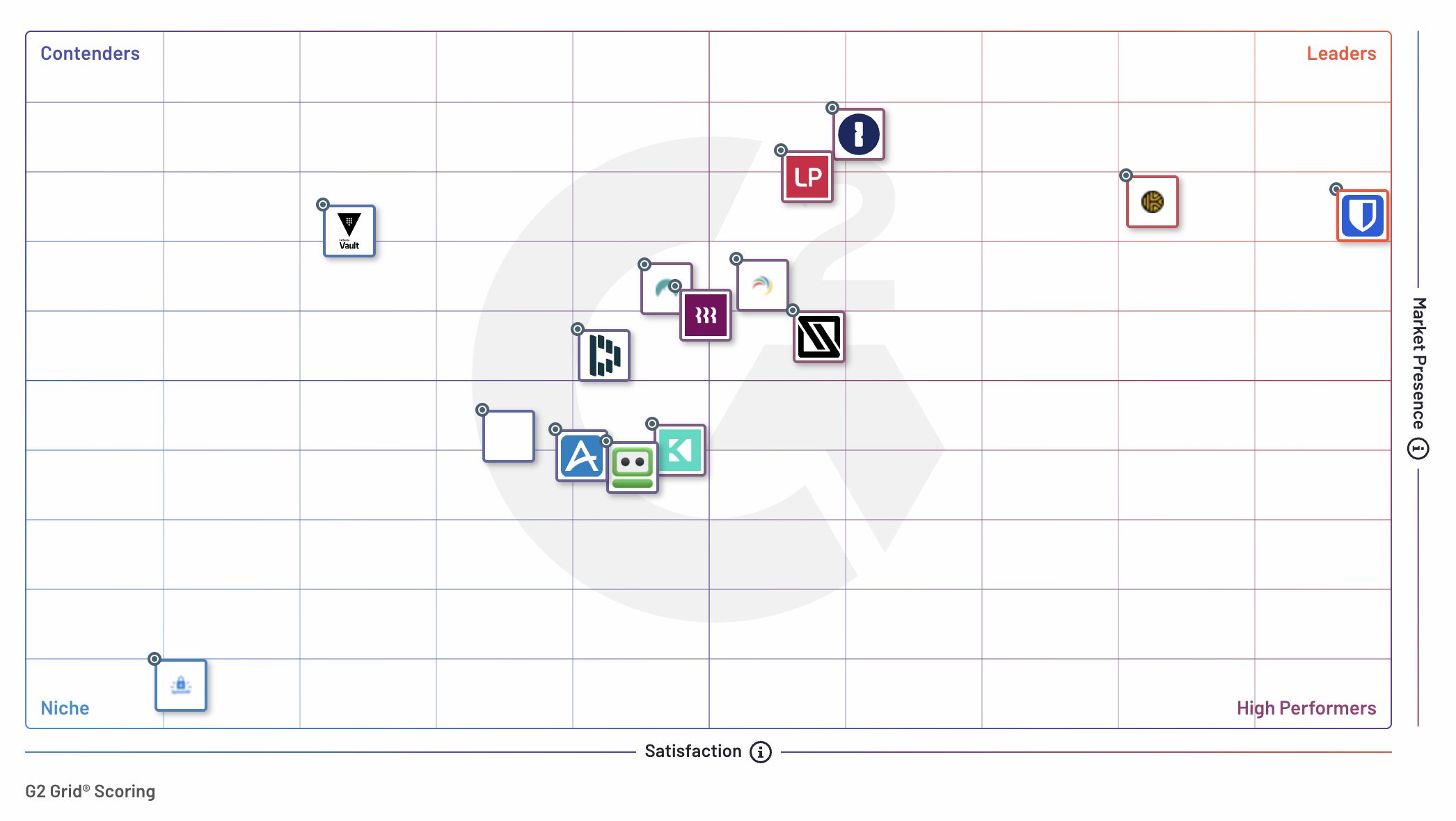
## Utbyggnadshastighet
Bitwarden möjliggör snabb distribution, vilket säkerställer att företag kommer igång snabbt. **70 % av Bitwardens företagskunder rapporterade att de går live om mindre än en månad**, vilket gör det till den enklaste och mest effektiva lösningen att implementera. Jämfört med konkurrenter rankas Bitwarden konsekvent högst när det gäller enkel installation.
## Snabbare avkastning på investeringen (ROI)
Bitwarden sticker ut genom att erbjuda den snabbaste avkastningen på investeringen (ROI) i branschen, med företagskunder som uppnår full ROI på bara **11 månader** – en betydligt kortare tidslinje än nyckelkonkurrenter:
- 27 % snabbare än LastPass
- 35 % snabbare än Keeper
- 21 % snabbare än 1Password
Denna accelererade avkastning på investeringen innebär att företag kan se påtagliga fördelar tidigare, inklusive förbättrad säkerhet, strömlinjeformad hantering av autentiseringsuppgifter och minskade driftskostnader.
## Varför företag litar på Bitwarden
Bitwarden är en business-first-lösning som är byggd för företagssäkerhetsbehov.
Företag dras till Bitwarden för dess sömlösa kombination av mycket säkra funktioner[ i ](https://bitwarden.com/sv-se/blog/bitwarden-is-the-password-manager-for-global-enterprises/)företagsklass och dess lättanvända gränssnitt. Bitwarden erbjuder exceptionellt värde för företag och levererar robusta funktioner som:
- **Säkerhetspolicyer:**implementera en konsekvent användarupplevelse med konfigurerbara säkerhetsstandarder för din organisation
- **Kontoåterställning:** gör det möjligt för administratörer att återställa användarkonton och återställa åtkomst i händelse av att en anställd glömmer sitt huvudlösenord
- **Omfattande SSO-integrationer:** utnyttja din befintliga identitetsleverantör för att effektivisera onboarding och automatisera provisionering
- **Enkel delning av** autentiseringsuppgifter: utnyttja samlingar för att dela inloggningar och andra objekt med avdelningar, team och individer
- **Snabb migrering:** Migrera från andra lösenordshanterare på några minuter med omfattande importalternativ
Bitwarden sticker ut som den pålitliga lösenordshanteraren[ ](https://bitwarden.com/sv-se/blog/why-open-source-delivers-transparency-and-security-for-enterprises/)med öppen källkod, som stöds av den största [globala användargemenskapen](https://community.bitwarden.com) av alla större lösenordshanterare. Denna gemenskap främjar innovation och säkerhet och säkerställer att Bitwarden förblir en branschledare.
### Nöjdhetsbetyg
G2-granskare använder Satisfaction Ratings för att bedöma hur väl SaaS-verktyg uppfyller deras krav. Bitwarden Password Manager har rankats först i Enterprise User Satisfaction under elva kvartal i rad. I den senaste rapporten fick Bitwarden 99 i total tillfredsställelse.
Bitwarden fick också höga poäng i specifika mätningar av tillfredsställelse, inklusive:
- Produkten går i rätt riktning - 98 %
- Enkelt att göra affärer med - 95 %
- Enkel installation - 93 %
- Supportkvalitet - 94 %
### Funktionsjämförelse
G2 Enterprise Grid Report utvärderar också lösenordshanterare baserat på tre funktionskategorier: Användbarhet och åtkomst, Säkerhetsåtgärder och Lagring. Bitwarden placerad bland de bästa lösenordshanterarna i både Användbarhet och åtkomst och Säkerhetsåtgärder.
#### Användbarhet och åtkomst
I kategorin Användbarhet och åtkomst fick Bitwarden ett genomsnittligt betyg på 90 % för de utvärderade funktionerna. De högsta individuella funktionspoängen för Bitwarden inkluderar:
- Användning av flera enheter - 94 %
- Webbläsartillägg - 90 %
- Användbarhet för mobilappar - 91 %
*"Användarcentrerad lösenordshanterare som bara fungerar." Dylan E, säkerhetsansvarig*
#### Säkerhetsåtgärder
Säkerhetsåtgärder är funktioner som möjliggör bättre säkerhet. Bitwarden fick ett genomsnittligt betyg på 92% över de utvärderade kriterierna. De bästa individuella funktionspoängen för Bitwarden var:
- Lösenordsgenerator - 96 %
- Tvåfaktorsautentisering - 92 %
*"Bra sätt att enkelt öka säkerheten i företaget." Gianluca M, Head of Engineering - CTO*
#### Andra topprankningar för Enterprise-funktioner
Bitwarden rankades också högt i dessa företagsfunktioner:
- Användarvänlighet
- Snabbinloggning
- Admin Management
- Säkerhetsrevisioner
## Den pålitliga lösenordshanteraren för företag av alla storlekar, överallt
Sedan [2022](https://bitwarden.com/sv-se/blog/bitwarden-named-password-manager-leader-in-g2-enterprise-grid-report/) har Bitwarden erkänts som en av de högst presterande lösenordshanteringslösningarna i G2 Enterprise Grid Report. Lösenordshanteraren rankades också som nummer 1 totalt i dessa rapporter:
- Momentum Grid®-rapport för lösenordshanterare
- Enterprise Implementation Index för Password Manager
- Enterprise Results Index for Password Manager
- Enterprise Relationship Index för Password Manager
- Enterprise Usability Index för lösenordshanteraren
- Mid-Market Europe Regional Grid®-rapport för lösenordshanteraren
- Mid-Market EMEA Regional Grid® Report for Password Manager
- EMEA Regional Grid®-rapport för lösenordshanterare
- Europe Regional Grid®-rapport för lösenordshanterare
- Small-Business EMEA Regional Grid®-rapport för lösenordshanterare
- Small-Business Europe Regional Grid®-rapport för lösenordshanterare
- Australia Regional Grid®-rapport för lösenordshanteraren
- Asia Pacific Regional Grid®-rapport för lösenordshanteraren
- Asia Regional Grid®-rapport för lösenordshanteraren
- ANZ Regional Grid®-rapport för lösenordshanteraren
- Indien Regional Grid®-rapport för lösenordshanterare
## Lösenordshantering med en engagerad gemenskap
[Bitwarden-gemenskapen ](https://community.bitwarden.com)spelar en viktig roll för att driva på kontinuerlig förbättring och tillväxt. Stort tack till Bitwarden-användare för deras bidrag. Deras värdefulla feedback och rekommendationer på plattformar som G2 bekräftar Bitwardens engagemang för att leverera överlägsna lösenordshanteringslösningar till företag och individer över hela världen.
## Mer om G2
G2, den största och mest pålitliga mjukvarumarknaden globalt, [rankar mjukvaruprodukter](https://research.g2.com/methodology/scoring) baserat på användarrecensioner från dess omfattande community. Dessa recensioner förbättras ytterligare av aggregerade data från sociala nätverk och andra onlinekällor, vilket säkerställer noggrannheten och rikedomen i användarens vittnesmål.
## Kom igång med Bitwarden
Är du redo att uppleva pålitlig lösenordshantering för ditt företag? Kom igång med en [kostnadsfri affärstestperiod](https://bitwarden.com/sv-se/pricing/business/) för att hjälpa ditt företag att hålla sig säkra online, eller [kontakta försäljningen](https://bitwarden.com/sv-se/contact-sales/) om du har frågor.
---
URL: https://bitwarden.com/sv-se/blog/bitwarden-in-2020/
---
# Bitwarden 2020
Eftersom Bitwarden-antagandet fortsätter att växa, expanderar vi för att tjäna vår community och våra användare.
*By Kyle Spearrin*
*Published: January 21, 2020*
---
Bitwarden began as a project to improve password management, but also go further to safely handle credit cards, identity information, and secure notes for individuals and organizations.
Since those early days in 2016, Bitwarden has grown to a vibrant and global community focused on delivering high-quality, open-source software for managing passwords. Our goal remains to provide password management across a broad set of environments and devices, helping individuals, teams, and organizations be safe, productive, and secure online.
With a global user base and growing roster of mid and large sized business customers, Bitwarden has become a trusted part of daily routines for individual and corporate Internet users, and a critical part of their workflow. Our users tell us that they value our simple, open approach, as well as our wide endpoint coverage and flexible deployment options from cloud to private networks and on-premises data centers.
We take that trust and faith in us and our products seriously. Today, I am pleased to share that we are doubling down on our commitment to our customers' long term success by expanding the company with some new faces. While I will remain CTO, Michael Crandell is joining me as CEO, and Gary Orenstein as Chief Customer Officer. In addition, we have grown our engineering and customer support teams to meet user needs. Over the course of the year you will see much more from us in terms of product development and customer-facing resources.
This is a natural evolution from our original roots and sets the foundation for greater engagement with the Bitwarden community, individual users, and teams within larger organizations. All of these efforts stay true to our mission to help everyone operate securely and collaboratively on the Internet.
We welcome your feedback and continuing support as members of the Bitwarden community. The best way to reach us, including me, is through [https://bitwarden.com/contact](https://bitwarden.com/sv-se/contact/).
---
URL: https://bitwarden.com/sv-se/blog/bitwarden-ios-app-intents-integration/
---
# "Hej Siri, gör min lösenordssäkerhet smartare"
Använd Siri röstkommandon, anpassade genvägar och Spotlight-sökningar för att interagera med Bitwarden med denna nya iOS-integration!
*By Kasey Babcock*
*Published: July 7, 2025*
---
Bitwarden lanserar nya säkerhetsfunktioner för iOS som gör det möjligt för användare att använda egna genvägar, Spotlight-sökningar och Siri-röstkommandon för att interagera med Bitwarden - utan att öppna appen.
Denna uppdatering drivs av Apple **App** Intents-ramverket och gör det möjligt för Bitwarden-användare att enkelt automatisera praktiska åtgärder som behövs för daglig lösenordssäkerhet, vilket ger dem mer kontroll, mer flexibilitet och fler sätt att hålla sig säkra.
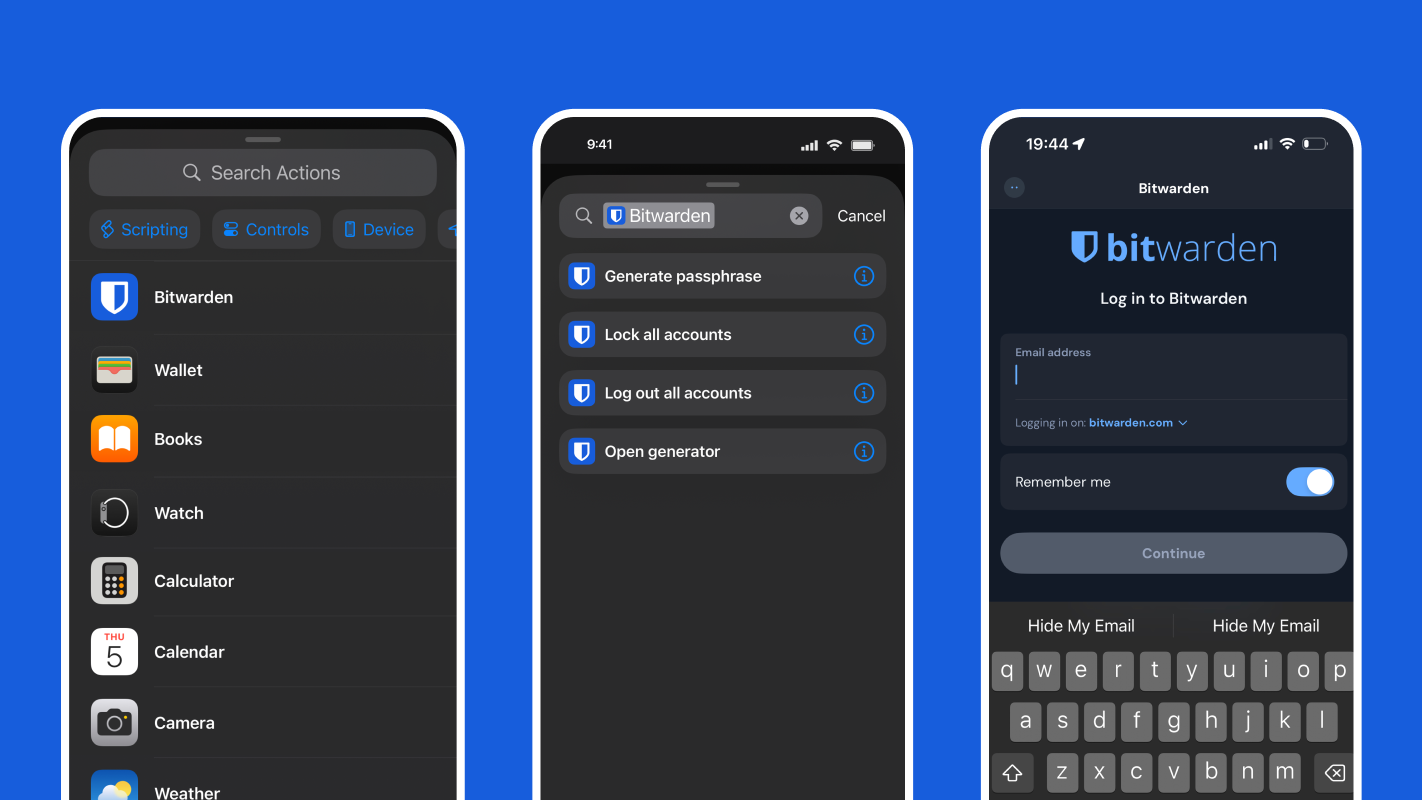
## Bitwarden-åtgärder med stöd för genvägar, Spotlight och Siri
Bitwarden-användare kan nu generera lösenfraser, snabbt låsa konton, skydda information när de reser och mycket mer från sin Apple-enhet med hjälp av genvägar, Spotlight och Siri.
| **Åtgärd** | **Vad den gör** |
|------|------|
| Lås alla konton | Låser alla inloggade Bitwarden-konton |
| Logga ut från alla konton | Fullständig avregistrering av alla konton i Bitwarden |
| Öppen lösenordsgenerator | Öppnar skärmen för lösenordsgenerator i appen |
| Generera lösenfras | Returnerar en lösenfras baserad på konfigurerbara alternativ |
| Lansering Bitwarden | Startar Bitwarden-applikationen |
Aktivera bara Siri**&**Genvägar i dina Bitwarden-inställningar under **Övrigt** för att börja använda dessa funktioner.
## iOS och Bitwarden: En integration med säkerhet i fokus
Dessa uppdateringar är i linje med Bitwardens arkitektur för end-to-end-kryptering utan vetskap och följer principerna om säkerhet först. Apple, iOS, Siri och Shortcuts kan aldrig komma åt, visa eller interagera med innehållet i ditt valv.
All känslig data - inloggningar, säkra anteckningar, kortinformation etc. - förblir krypterad på din enhet om inte valvet uttryckligen låses upp av dig. Denna integration förbättrar användbarheten utan att kompromissa med Bitwardens grundläggande säkerhetsprinciper.
iOS-verktyg och Apples ekosystem:
- Kan inte läsa innehållet i ditt valv
- Kan inte komma åt eller autofylla sparade inloggningsuppgifter
- Det går inte att exportera eller synkronisera ditt valv
- Kan inte utlösa dold eller bakgrundsåtkomst till känsliga data
- Kan inte kringgå autentisering
## Automatisera Bitwarden-åtgärder med genvägar
Genvägar ger ägare av Apple-enheter ett snabbt sätt att få saker gjorda. Förkonfigurerade och anpassade automatiseringar effektiviserar åtgärder i alla dina nedladdade applikationer. Bitwarden och Apple Shortcuts arbetar tillsammans för att erbjuda kraftfulla säkerhetsautomatiseringar. Aktivera **Siri och**genvägar i Bitwardens inställningar under **Övrigt** och konfigurera en genväg via iOS-appen **Shortcuts**.
Precis som Siri röstkommandon erbjuder genvägar ett snabbt sätt att säkra ditt Bitwarden-konto och generera nya inloggningsuppgifter. Om du till exempel registrerar dig för ett nytt konto och vill ha ett säkert lösenord eller användarnamn, trycker du bara på genvägen på din hemskärm för att generera en lösenfras utan att öppna Bitwarden-appen. Du kan förkonfigurera lösenfrasens längd och format, så att den fungerar precis som du vill att den ska göra.

## Få tillgång till Bitwarden-åtgärder från Spotlight
Spotlight-sökningar ger iOS-användare möjlighet att enkelt söka efter innehåll, applikationer och information på webben och i sin enhet. För att komma åt och använda genvägar från Spotlight sveper du bara nedåt i mitten av startskärmen och söker efter det tillhörande programmet.
Med Bitwarden kan du enkelt utlösa åtgärder som att skapa en lösenfras, logga ut från konton eller låsa konton från Spotlight.

## Siri röstkommandon för handsfree lösenordshantering
Siri är en virtuell assistent som finns tillgänglig på Apples enheter och som svarar på frågor, utför åtgärder och söker information åt användarna med hjälp av deras röst. Bitwarden-användare på Apple-enheter kan nu använda Siri för att utföra Bitwarden-kontoåtgärder, som att låsa sitt konto eller generera en lösenfras.
Denna integration med Siri gör det möjligt för Bitwarden-användare att snabbare vidta åtgärder för sin lösenordssäkerhet. Om du till exempel är ute bland folk eller går ifrån din telefon och snabbt vill säkra ditt Bitwarden-konto kan du nu bara säga "Hey Siri, lås alla Bitwarden-konton" eller "Hey Siri, logga ut från alla Bitwarden-konton".
## Anpassade automatiseringar för Bitwarden Power-användare
Få ut mesta möjliga av dessa nya integrationer och bygg dina egna anpassade arbetsflöden för automatisering av Shortcut! Navigera bara till programmet **Shortcuts** och tryck på **Automation** för att komma igång. Här är några exempel på automatiseringar som du kan prova.
### Logga ut efter att ha tagit emot ett specifikt meddelande
Överväg att skapa en genväg som söker efter ett meddelande som innehåller en unik fras - till exempel "Logga ut mig från alla konton nu!" - från en betrodd kontakt. När det meddelandet kommer loggar Bitwarden automatiskt ut alla konton. Detta säkerställer att dina lösenord är skyddade även om du inte kan komma åt din telefon fysiskt.
**Så här fungerar det**: Be en pålitlig vän, kollega eller familjemedlem att skicka ett förutbestämt SMS eller iMessage till din enhet, till exempel "Logga ut mig från alla konton nu!".
**Användbart om:** Du tappar bort din telefon och inte kan logga ut på distans.
### Logga ut när flygplansläget är aktiverat
Om någon stjäl din telefon är en av de första sakerna de kan göra att aktivera flygplansläget för att blockera fjärråtkomst. Med denna automatisering kommer Bitwarden automatiskt att logga ut när flygplansläget aktiveras - vilket minskar risken för att någon kommer åt ditt konto om telefonen äventyras.
**Så här fungerar det**: Slå på flygplansläget för att utlösa inloggning av Bitwarden-kontot.
**Användbar om:** Din iPhone blir stulen eller utsatt för intrång.
**Obs:** Denna automatisering kanske inte är idealisk för frekventa flygare som förlitar sig på sina lösenord när de reser.
## Tillgänglighet
Bitwarden-integrationer för iOS hjälper till att göra lösenordssäkerhet mer [tillgänglig](https://bitwarden.com/sv-se/resources/accessibility-on-bitwarden/) via utökade alternativ för röstkommandon. Med röstkommandon från Siri kan användare låsa och logga ut från Bitwarden-konton, starta Bitwarden-appen och generera lösenfraser - allt med rösten. Detta innebär att användarna har fler alternativ för hur de interagerar med Bitwarden.
## Smartare lösenordssäkerhet är bara en knapptryckning bort
Bitwarden är betrodd av miljontals användare och företag över hela världen för att skydda deras känsliga information och är din partner inom lösenordssäkerhet. Bitwarden är byggd för alla, oavsett teknisk bakgrund, och gör det enkelt att skydda ditt privatliv och dina företagssystem med kryptering från början till slut. [Skapa ett kostnadsfritt konto](https://bitwarden.com/sv-se/go/start-free/) eller [starta en 7-dagars företagsversion](https://bitwarden.com/sv-se/go/start-enterprise-trial/) för att börja säkra din känsliga information idag!
---
URL: https://bitwarden.com/sv-se/blog/bitwarden-is-the-password-manager-for-global-enterprises/
---
# Bitwarden är lösenordshanteraren för globala företag
Lär dig varför flera språkval, öppen källkodstransparens, en aktiv community, anpassningar och alternativ för självvärd gör Bitwarden till det rätta valet för globala företag.
*By Kasey Babcock*
*Published: August 26, 2023*
---
Med en internationellt spridd arbetsstyrka har globala företag unika behov när det kommer till lösenordshantering.
Bitwarden är en lösenordshanterare med öppen källkod som hjälper användare över hela världen att skydda sina onlinekonton och säkra lösenord, anteckningar och annan viktig information. Med mer än 50 språk, egenvärdskap, anpassningsalternativ och öppen källkod är Bitwarden det rätta valet för lösenordshantering på globala företag.
## Vad gör Bitwarden idealisk för globala företag?
### Mer än 50 språk
Bitwarden erbjuder ett brett utbud av språkval och säkerställer att alla anställda har tillgång till samma säkerhetsresurser i hela företaget, oavsett vilket språk de föredrar. Till exempel, om ett företag har flera kontor i olika länder, kan var och en separat välja vilket språk som ska användas i applikationen. Bitwarden stöder mer än [50 språk](https://bitwarden.com/sv-se/help/localization/#currently-supported-languages/), inklusive engelska, spanska, franska, tyska, italienska, holländska, polska, kinesiska och japanska.
Om ditt föredragna språk inte täcks kan du hjälpa till genom att engagera dig i översättningsinsatserna från communityn i ett verktyg som heter [Crowdin](https://crowdin.com/profile/kspearrin). Med denna plattform kan Bitwarden-användare göra korrigeringar av en befintlig översättning eller börja översätta ett nytt språk som ska användas över Bitwarden-klienter. Med en mångsidig personalstyrka är dessa språkalternativ nyckeln till att centralisera lösenordshantering och cybersäkerhet i alla globala företagsmiljöer.
### Öppen källkod transparens
Bitwarden är stolt över sin öppen källkod och ger kunderna fullständig insyn i sin källkod. Detta är särskilt fördelaktigt för globala företag med stora säkerhetskrav, vilket gör att de kan granska källkoden och vara försäkrade om att deras anställda och data är ordentligt skyddade. Bitwardens kodtransparens gör att både utvecklare och communitymedlemmar kan granska koden, bekräfta säkerhetspraxis, identifiera eventuella problem och ge feedback.
Bitwarden är också en aktiv deltagare i öppen källkod, med [regelbundna säkerhetsrevisioner](https://bitwarden.com/sv-se/help/is-bitwarden-audited/) och [kodbidrag](https://contributing.bitwarden.com/) från Bitwarden-användare. Eftersom Bitwarden är öppen källkod kan de lättare arbeta med revisionsbyråer som Cure53 och Insight Risk Consulting för att genomföra årliga nätverks- och allmänna säkerhetsbedömningar. Med stöd från ett så stort community kan kunderna vara säkra på att deras data är säker.
### Enterprise integrationer
Bitwarden möter behoven för din integrationsmetod och erbjuder företagsfunktioner som en enkel inloggning (SSO) integration med befintliga autentiseringssystem och full kontroll över användaråtkomst.
Enkel inloggning (SSO) är ett utmärkt sätt att effektivisera autentiseringsprocessen och hålla användarkonton säkra. Med [inloggning med SSO-integration](https://bitwarden.com/sv-se/help/about-sso/) stöder Bitwarden populära SSO-protokoll som SAML och OpenID Connect. Detta gör att företag enkelt kan integrera sina befintliga autentiseringssystem med Bitwarden, vilket ger en effektiv och säker inloggningsupplevelse.
Anpassning omfattar även användaråtkomst. Med Bitwarden kan globala företag definiera specifik användar- eller gruppåtkomst och redigeringsbehörigheter, för att säkerställa att anställda bara har tillgång till de lösenord och information de behöver. Med [SCIM-](https://bitwarden.com/sv-se/help/about-scim/) eller [Directory ](https://bitwarden.com/sv-se/help/about-scim/)Connector-integreringarna kan företag också automatisera in- och avstigningsprocessen för användare. Dessa gör det möjligt för företag att anpassa sina säkerhets- och autentiseringsbehov för att passa deras specifika krav.
### Alternativ för att själv vara värd
Bitwarden erbjuder flera alternativ för självvärd, vilket gör det möjligt för organisationer att ta full kontroll över sin lösenordshanteringsmiljö och data. Detta är särskilt användbart för globala företag som behöver underhålla datacenter på olika platser. Med self-hosting kan ett företag distribuera Bitwarden på alla operativsystem eller molnplattformar och dra nytta av samma funktioner som den värdbaserade tjänsten.
Att själv vara värd för en lösenordshanterare kan också hjälpa globala företag att bygga sina egna anpassningar och integrera med befintliga miljöer. Stora internationella organisationer har ofta en komplex och intrikat teknisk stack som kan påverkas av regionala säkerhetsbestämmelser. Genom att bygga in sina egna integrationer i den tekniska stacken kan företag bättre definiera hur deras data interagerar med andra system och följa lokala säkerhetsstandarder.
### Samhällsengagemang
Globala företag kan också dra nytta av den internationella Bitwarden-gemenskapen, som består av miljontals användare och företag. Dessa gemenskapsmedlemmar är otroligt aktiva på flera plattformar – inklusive Bitwardens communityforum, Github, Twitter, Mastodon och Reddit – och ger ständigt input om produkten och användbara säkerhetsråd. Detta unika och mångsidiga perspektiv på cybersäkerhet ger alla möjlighet att vara säkrare online.
## Bitwarden för dig
Se hur Bitwarden har gjort det möjligt för globala företag att vara säkra och hantera känslig information i dessa framgångsberättelser:
- [Global Language Platform stärker lösenordsdelning och hantering med Bitwarden](https://bitwarden.com/sv-se/blog/global-language-platform-strengthens-password-sharing-and-management/)
- [Leveransstart med hög tillväxt Glovo ökar lösenordssäkerhet och överensstämmelse med Bitwarden](https://bitwarden.com/sv-se/blog/high-growth-delivery-startup-glovo-boosts-password-security-compliance/)
Lär dig själv hur Bitwarden kan säkra ditt företag och starta en gratis [7-dagars provperiod](https://bitwarden.com/sv-se/http://bitwarden.com/trial/)!
---
URL: https://bitwarden.com/sv-se/blog/bitwarden-just-launched-a-new-authenticator-app-heres-what-it-means-to-users/
---
# Bitwarden just launched a new authenticator app. Here’s what it means to users.
Bitwarden Authenticator gives users the ability to generate and store TOTP codes
*By Vivian Shic*
*Published: May 1, 2024*
---
> Boost your security and [download Bitwarden Authenticator](https://bitwarden.com/sv-se/download/#bitwarden-authenticator-mobile/) today. Available for iOS and Android
### July 2025 update: Bitwarden Authenticator and Bitwarden Password Manager now work together
Users now have the option to select a more connected experience between Bitwarden Authenticator and Bitwarden Password Manager. This enables access to their time-based one-time passcodes from either application and eliminates the need to manage codes across different apps. It also provides extra backup. If one app becomes inaccessible, the codes remain available through the other application, reducing the risk of being locked out of accounts. Learn how to [sync verification codes.](https://bitwarden.com/sv-se/help/totp-sync/)

#### Bitwarden Authenticator for everyone
Bitwarden has strengthened its security product portfolio with a new authenticator app that protects online services and applications from unauthorized access. Bitwarden Authenticator generates and stores time-based one-time passwords, aka TOTP, which adds another layer of user verification, ensuring identities are confirmed before users gain access to critical data. Available in iOS and Android app stores, Bitwarden Authenticator is available for everyone, even if they are not currently Bitwarden customers.
Multi-factor authentication isn't just for businesses. An authenticator that supports cloud and mobile across devices helps everyone stay more secure online. Bitwarden Authenticator helps reduce your risk of fraud and data breaches at home, at work, and everywhere you go.
“Bitwarden Authenticator provides immediate value to the Bitwarden user base who has been asking for a standalone app for several years. Stay tuned for upcoming new features that will help enterprise organizations enforce [security policies](https://bitwarden.com/sv-se/help/policies/) to protect and monitor authentication to business applications," said Kyle Spearrin, founder and CTO of Bitwarden.
## FAQs
**Is Bitwarden Authenticator part of Bitwarden Password Manager?**
Bitwarden Authenticator is a standalone app that is available for everyone, even non-Bitwarden customers.
**What does Bitwarden Authenticator do?**
In its current release, Bitwarden Authenticator generates time-based one-time passwords (TOTP) for users who want to add an extra layer of 2FA security to their logins.
**Isn't this the same as storing TOTP authentication codes in Bitwarden Password Manager?**
Integrated TOTP authentication is a premium feature in Bitwarden Password Manager. Bitwarden Authenticator is a standalone mobile app that generates TOTP codes for any online service that supports them. Bitwarden Authenticator can be used without a Bitwarden account.
**Is there synchronization between Bitwarden Authenticator and Bitwarden Password Manager?**
Yes, this is an optional functionality for users who want unified TOTP access:
- Automatic sync from Bitwarden Password Manager to Bitwarden Authenticator. TOTP codes added or updated in your Password Manager can (if selected) automatically appear in the Authenticator app.
- Manual copy from Bitwarden Authenticator to Bitwarden Password Manager. Codes created in the Authenticator app remain local by default. Users can choose to manually copy specific codes into their Password Manager vault, giving them control over which local codes become part of their synced apps.
**Should I use both? When should I use the integrated authentication feature? When should I use Bitwarden Authenticator?**
Integrated authentication in Bitwarden Password Manager offers a convenient way for users to add 2FA to their online accounts. This popular feature will remain available across paid plans.
Bitwarden Authenticator can be used to store your verification codes to access your Bitwarden account, as well as other online applications you use.
They can be used together, or separately, depending on your security preferences.
[Flexible TOTP sharing](https://bitwarden.com/sv-se/help/totp-sync/) provides seamless access to all user TOTP codes across workflows, regardless of which app is being used. Users transitioning from other authenticator apps can gradually move codes into the Bitwarden ecosystem while maintaining flexibility about which codes to integrate into their password manager vault.
**Can I use the Bitwarden Authenticator to add 2FA to my Bitwarden account?**
Yes! Many Bitwarden users have asked for a standalone authenticator in which to store their verification codes used to access their Bitwarden account. The flexible TOTP sharing functionality makes this easier.
**Will Bitwarden be removing the TOTP feature in Bitwarden Password Manager? **
The integrated authenticator will continue to be available in paid plans.
**Can I use different logins for Bitwarden Authenticator and Bitwarden Password Manager?**
Yes, users can set up different accounts for Bitwarden Authenticator and Bitwarden Password Manager.
**How do I backup my data in Bitwarden Authenticator?**
Mobile OS: Your data will be backed up through the mobile operating system's backup services. Please make sure your device is configured for backups. Bitwarden Authenticator data is included in the OS backups and will be restored with them.
Data exports: You can export your data and store the file in a safe location, such as an encrypted thumb drive, as a backup that can be imported when needed.
**Is Bitwarden Authenticator open source?**
Yes! Bitwarden Authenticator is open source and available at the following GitHub repositories for [Android](https://github.com/bitwarden/authenticator-android) and [iOS](https://github.com/bitwarden/authenticator-ios).
***Editor's note:**** *
*Updated July 2025 with information on bi-directional sync between Bitwarden Authenticator and Bitwarden Password Manager*
*Updated June 13, 2024 with information on importing into and exporting from Bitwarden Authenticator*
---
URL: https://bitwarden.com/sv-se/blog/bitwarden-launches-emergency-access/
---
# Lägg till sinnesfrid med Emergency Access
Se till att din data är tillgänglig för dem som behöver dem mest.
*By Trey Greer*
*Published: January 27, 2021*
---
The Bitwarden Emergency Access feature offers a new way to create a digital legacy and make your secure data available to those who may need it under critical circumstances. Bitwarden users with Premium features can now invite others to access their Bitwarden Vault in the case where the inviting user can no longer log in or provide access to that data. The inviting users, known as “grantors,” are able to specify emergency contacts, known as “grantees,” that can request access to the grantor’s Vault data. Please note that those receiving invites, "grantees", **do not** need Premium access.
## Proactive configuration
The year 2020 taught us that many unexpected things can happen – and quickly. The Emergency Access feature removes the concern about how to gain access to important digital items for family, friends, colleagues, and caretakers under certain circumstances.
Emergency contacts can be granted the option to take over Vault data or have view-only access. Viewing the data allows an emergency contact to reference the information within the Web Vault. Vault takeover allows the user to reset the Master Password of the grantor, even if two-step login is enabled, as well as access and manage the Vault data completely.
Adding emergency contacts requires the selection of a delay period. During this time, the grantee can refuse the request for Vault access, offering flexibility. Some may need access more quickly, and some may need it in a worst-case scenario, after a longer period of time.
## Security focused
Bitwarden remains laser-focused on security, including for digital legacy features that need to allow flexible data access. Decryption keys are never stored with the Bitwarden service, and all sensitive data is transmitted in an encrypted state between the user requesting and the user providing access to a Vault.
## How to set up Emergency Access
Emergency Access is available to all Premium, Family, Teams, and Enterprise users. Start exploring Emergency Access along with other great features in the platform by [selecting the plan](https://bitwarden.com/sv-se/pricing/) that’s right for you or your business.
To learn more about enabling and configuring Emergency Access, please check out our help article [here.](https://bitwarden.com/sv-se/help/emergency-access/)
---
URL: https://bitwarden.com/sv-se/blog/bitwarden-launches-passkey-management/
---
# Bitwarden lanserar lösenordshantering
Nyckelhantering är nu tillgänglig i Bitwarden! Användare kan lagra lösenord direkt i sina valv bredvid lösenord och andra inloggningar. Läs vidare för att lära dig mer.
*By Ryan Luibrand*
*Updated: November 11, 2025*
---
[Nyckelnycklar](https://bitwarden.com/sv-se/passwordless-passkeys/) är en säker och säker metod för att logga in på webbplatser utan lösenord, vilket förenar bekvämlighet och säkerhet. Idag skapar, hanterar och lagrar [Bitwarden Password Manager-användare](https://bitwarden.com/sv-se/products/personal/) lösenord i sina valv för snabba lösenordslösa inloggningar till lösenordsaktiverade webbplatser.
## Hantera lösenord i Bitwarden
Varje användare av Bitwarden Password Manager, inklusive gratisanvändare, kan hantera lösenord i sitt Bitwarden-valv. Att skapa och använda lösenord görs med [Bitwardens webbtillägg ](https://bitwarden.com/sv-se/download/)och mobilappar. För att se hur detta fungerar, se demon nedan:
[](https://vimeo.com/880292801)
*[Watch on Vimeo](https://vimeo.com/880292801)*
1. Besök webbplatsen som stöder lösenord och påbörja processen för att skapa lösenord.
Ibland, som visas i demon, kommer webbplatsen att kräva att du skapar ett traditionellt användarnamn och lösenord först som en säkerhetskopia - detta kommer att bli mindre och mindre vanligt eftersom webbplatser använder mer robusta implementeringar av lösenord.
2. Bitwarden kommer att känna igen att webbplatsen vill skapa en lösenordsnyckel. Bitwarden-tillägget kommer att fråga dig vilket valvobjekt du ska lägga till det i eller skapa ett nytt. Välj och spara lösenord.
Och precis som det kan en lösenordsnyckel läggas till i ditt valv och enkelt hämtas för en säker lösenordslös inloggning.
Nyckeln som skapas är **synkroniserade lösenord.**Dessa lösenord lämnar aldrig din enhet under inloggningsprocessen, utan krypteras i ditt valv som är säkert synkroniserat med dina andra enheter. Detta är både bekvämt och säkert.
> Läs mer och se en steg-för-steg-guide i [Bitwardens hjälpcenter](https://bitwarden.com/sv-se/help/storing-passkeys/).
## Nyckeln är säkrare
Som en kryptografisk metod för att verifiera din identitet är lösenord naturligtvis betydligt starkare än lösenord. Nyckeln består av både en offentlig och privat komponent och använder WebAuthns kryptografiska protokoll utvecklade av [FIDO Alliance](https://fidoalliance.org/), ett konsortium av teknikledare, som är testade och pålitliga.
Nyckeln är:
**Omöjligt att gissa**- lösenord är mycket längre än lösenord och maskingenererade. Att försöka gissa en lösenordsnyckel skulle bokstavligen ta eoner.
**Motståndskraftiga mot nätfiske** – de kan bara användas på webbplatsen som de är gjorda för, så en falsk webbplats kan inte försöka lura en användare att ge bort den.
**Immun mot dataintrång –**lösenord består av en offentlig nyckel och en privat nyckel som samverkar för att logga in dig. Om den offentliga nyckeln som en webbplats lagrar läcker är ditt konto fortfarande säkert eftersom den privata nyckeln är säker på din enhet.
> Och viktigast av allt, lösenord är lätta att använda! Läs mer: [Hur fungerar](https://bitwarden.com/sv-se/blog/how-do-passkeys-work/) lösenord?
[](https://bitwarden.com/blog/how-do-passkeys-work/)
*Klicka för att se infografik*
## Gränsen för lösenord
Nyckelnycklar implementeras över hela webben, där varje webbplats och leverantör av lösenord är banbrytande för nya funktioner samtidigt som de arbetar för att nära följa utvecklande industristandarder. I den här spännande fasen av antagandet av lösenord kommer det säkerligen att behövas förbättringar eftersom alla arbetar tillsammans för att bygga en värld av lösenordslös autentisering.
Bitwarden ligger i framkant av dessa pågående arbeten. Ett exempel är utvecklingen av en öppen och säker standard för portabilitet med lösenord. Bitwarden samarbetar med andra lösenordsleverantörer och arbetar mot en standard som säkerställer att användare enkelt och säkert kan överföra sina lösenord, oavsett om det är för säkerhetskopiering eller när de byter lösenordsleverantör.
### Nyckelord och Bitwarden
Bitwarden tror att alla borde ha tillgång till de verktyg de behöver för att vara säkra online, och lägger till lösenordsstöd till alla planer, inklusive gratis, för att ge alla den mest kompletta lösenordshanteraren.
- Nyckelhantering, nu tillgänglig, ingår i alla Bitwarden Password Manager-planer
- Tidigare meddelade Bitwarden att alla nu kan använda [lösenord som en form av 2FA](https://bitwarden.com/sv-se/blog/fido2-webauthn-2fa-in-all-bitwarden-plans/) för att lägga till mer säkerhet till konton
- Utvecklare kan lägga till lösenordsfunktionalitet på sina webbplatser gratis för upp till 10 000 användare med [Bitwarden Passwordless.dev](https://bitwarden.com/sv-se/products/passwordless/) lösenords-SDK, som gör det enkelt att distribuera lösenordsautentisering med bara några rader kod
- Och snart kommer användare att kunna [logga in på Bitwarden-webbappen med en lösenordsnyckel](https://bitwarden.com/sv-se/blog/bitwarden-passkey-management/#sign-in-and-unlock-bitwarden-with-passkeys/), och kommer att vara tillgänglig för alla
Tack för att du är medlem i Bitwarden-gemenskapen på denna spännande resa!
Om du har fler frågor, se FAQ[ ](https://bitwarden.com/sv-se/resources/passkeys-faq/)för lösenordsnyckeln eller kontakta [Bitwarden-communityt](https://community.bitwarden.com). Om du är intresserad av att prova Bitwarden idag, registrera dig för en gratis plan eller en [affärsprovperiod ](https://bitwarden.com/sv-se/pricing/business/)idag!
---
URL: https://bitwarden.com/sv-se/blog/bitwarden-launches-sso-authentication/
---
# Bitwarden lanserar SSO-autentisering för att integrera lösenordssäkerhet med identitetsleverantörer
Bitwarden lanserar SSO-autentisering för att integrera lösenordssäkerhet med identitetsleverantörer
*By Elizabeth Baier*
*Published: September 30, 2020*
---
Bitwarden, the open source password manager for organizations and individuals, today announced the availability of Login with SSO for its updated Enterprise plan.
The Bitwarden Login with SSO feature integrates password security with identity-based single sign-on. Users can authenticate through their existing identity provider and gain access to all Bitwarden password management capabilities. This security feature also introduces new advantages for administrators and end-users:
- Simplifies platform access for employees
- Standardizes logging in with work credentials
- Allows secure user onboarding and succession
- Leverages any existing multi-factor authentication
Bitwarden Login with SSO gives organizations the ultimate flexibility for identity management by integrating with existing SSO solutions that use SAML 2.0 or OpenID Connect.
Administrators on the updated Enterprise Plan can now implement Login with SSO for their organization. Learn more about our [subscription plans](https://bitwarden.com/sv-se/pricing/).
## Enterprise administration enhancements
Along with the identity integration capability, Bitwarden also released a new Business Portal for enterprises to configure security controls for their organization. The updated UI enhances and streamlines the way administrators access organizational settings.
Through the Business Portal, administrators can set Enterprise Policies and Login with SSO configuration. The update also paves the way for other expanded Enterprise features.
To view the Business Portal, visit your Web Vault > Settings > Organizations.

Entering the Business Portal will present options for configuring Login with SSO and other Enterprise features.

## How it works: Bitwarden password manager and your SSO service
Bitwarden built its Login with SSO implementation for password management to be both highly secure and also flexible enough to integrate with existing identity providers.
Implementing the SSO option separates user authentication from Vault encryption. Logging in with SSO will authenticate your Bitwarden session using an existing Identity Provider (IdP) session if it exists, and leverage any currently implemented MFA rules.
Once authenticated, after providing (or creating) your Master Password, your personal Bitwarden Vault data will be decrypted for viewing, keeping the audited Bitwarden security model intact. Only the individual user can access their Vault information and it is only decrypted after they enter their Master Password.
To see an overview of the single sign-on workflow, settings, and configuration information see our [Help article](https://bitwarden.com/sv-se/help/getting-started-with-sso/).
If you have more questions about Login with SSO, visit our [FAQs](https://bitwarden.com/sv-se/help/sso-faqs/).
**December 2021 Update:**
For companies that have experience deploying, securing, and managing crytopgrahic keys, a new customer-managed encryption option allows their teams to deploy a local key server for users' vaults. This enables users to be authenticated and their vaults decrypted with a single click without additional user input. More information can be found in the [Help Center](https://bitwarden.com/sv-se/help/sso-decryption-options/), in the [SSO Reference Guide](https://bitwarden.com/sv-se/resources/reference-guide-bitwarden-authentication/), and in the [SSO Login Strategy paper](https://bitwarden.com/sv-se/resources/reference-guide-bitwarden-authentication/).
---
URL: https://bitwarden.com/sv-se/blog/bitwarden-legal-case-study/
---
# Effektivisera juridiska ärenden med delad lösenordshantering
RMWBH uppnår produktivitet och säkerhet med Bitwarden utplacerat i hela teamet.
*By Gary Orenstein*
*Published: May 8, 2025*
---
När Harrison Ward, Chief Technology Officer på RMWBH PC, Attorneys and Counselors at Law, satte sig för att göra sin organisation molnklar, visste han att han skulle behöva en lösenordshanterare för att komma dit. Liksom många andra mötte Harrison föråldrade metoder för att dela lösenord mellan kollegor när han först kom till företaget. Och som en del av ett statligt omfattande juridiskt team som betjänar tusentals kunder, ville Harrison ge teamet ett verktyg för att hantera delade referenser på ett säkert sätt.
> "Lösenord är hörnstenen i all säkerhet och något vi måste hantera dagligen."
> -Harrison Ward, CTO
Harrison distribuerade initialt Bitwarden till sitt IT-team och han noterade, "Bitwarden har förändrat hur vi arbetar i vår IT-miljö och teamet blev omedelbart förälskat i det."
Utöver att tillhandahålla ett säkert samarbetsverktyg för att dela referenser, ger Bitwarden teamet på RMWBH extra flexibilitet. Till exempel, om ett ärende behöver distribueras från en advokat till en annan, kan den överlämnandet ske sömlöst utan att behöva konfigurera och konfigurera åtkomst. Hanteringen av över 10 000 lösenord är automatiserad över en serie samlingar som möjliggör automatisk distribution, vilket tar ner processen till timmar från dagar.
Harrison berättar att han kunde få ett enkelt inköp från sitt team eftersom Bitwarden sparar tid och ansträngning för alla, vilket leder till anställdas lycka och produktivitet!
Se hela fallstudievideon här:
[](https://www.youtube.com/watch?v=UJTvlkgOdPE)
*[Watch on YouTube](https://www.youtube.com/watch?v=UJTvlkgOdPE)*
For more information or to get started with a Bitwarden account today, visit [bitwarden.com](https://bitwarden.com/sv-se/http://bitwarden.com/).
---
URL: https://bitwarden.com/sv-se/blog/bitwarden-magic-links-api/
---
# Bitwarden releases magic links API
Bitwarden Passwordless.dev expands developer offering with magic links API.
*By Nassir Khan*
*Published: April 2, 2024*
---
Magic links offer a secure and intuitive method for authenticating users within applications. When bringing new users on board or facilitating account recovery, a unique one-time use link can be sent via email to grant access to the system. This streamlines the process of user verification and password resets, ultimately improving the user experience without compromising security.
Now, developers using the Bitwarden Passwordless.dev plug-and-play SDK can leverage the new [magic links API](https://docs.passwordless.dev/guide/api.html#magic-links-send) to integrate modern passwordless authentication for their users into their applications to improve user experience, increase security, and reduce support burdens associated with passwords.
The magic links API streamlines development and removes the necessity for developers to construct their own magic link system, which involves tasks such as token generation and storage, as well as the creation and integration of links into emails sent to users.
Through Bitwarden Passwordless.dev, developers can access tools for both passkeys and magic links that lets them add that functionality in just a few lines of code.
## Using Bitwarden Passwordless.dev magic links API
The /magic-links/send endpoint processes POST requests by sending email recipients a magic link containing a URL specified by the user, which redirects them to an endpoint in the application for token verification and sign-in; the request should include the emailAddress, urlTemplate, and userId fields, with an optional timeToLive field indicating the token's validity duration.

## Magic links: another alternative to passwords and usernames
Magic links provide a seamless and intuitive authentication method for users, eliminating the need to remember and manage passwords. Other benefits include:
- **Enhanced Security**: By leveraging email-based authentication, magic links offer a secure login process, reducing the risk of unauthorized access and credential theft. The API can be used to verify user email addresses.
- **Streamlined Onboarding**: Magic links simplify the onboarding process for new users by eliminating the need for complex password creation and verification steps.
- **Convenient Account Recovery**: In the event of password loss or account lockout, magic links offer a straightforward way for users to regain access to their accounts via email.
- **Improved User Experience**: Magic links enhance the overall user experience by minimizing friction during the authentication and login process, leading to higher user satisfaction and retention.
## FAQs: Magic Links API
#### What is the magic links API offered through Bitwarden Passwordless.dev?
The magic links API is part of the Bitwarden Passwordless.dev SDK that allows developers to integrate magic links into their applications for passwordless authentication. Magic links are unique, one-time use links sent via email to grant users access to the system, enhancing security and user experience.
#### Is this offering a part of Bitwarden Password Manager?
The API is available to customers using Bitwarden Passwordless.dev, a separate product.
#### How do magic links work?
Magic links offer a secure and intuitive authentication method by sending users a unique link via email. Upon clicking the link, users are redirected to the application's endpoint for token verification and sign-in, eliminating the need for passwords.
#### What are the benefits of using magic links?
Magic links provide several benefits, including enhanced security through email-based authentication, streamlined onboarding for new users, convenient account recovery options, and an improved overall user experience by minimizing authentication friction.
#### How does magic links API simplify development?
The magic links API streamlines development by providing developers with pre-built endpoints for sending magic links via email. This removes the need for developers to construct their own magic links system, saving time and effort.
#### Is the magic links API available for all Bitwarden Passwordless.dev plans?
Yes, the magic links API is available for all Bitwarden Passwordless.dev plans. The Free plan allows for the generation of 100 emails per month, while the Pro and Enterprise plans offer up to 1,000 emails per month.
#### How can I get started with the magic links API?
To get started with the magic links API, developers can sign up for a free Bitwarden Passwordless.dev account and access the documentation for implementation details. Try it out today to enhance authentication in your application!
## Pricing and availability
The magic links API is available immediately as part of the Free, Pro, and Enterprise plans for Bitwarden Passwordless.dev. With the Free plan, developers will be able to generate 100 emails per month or 1,000 emails per month with the Pro and Enterprise plans.
To learn more about the magic links implementation, check out the [documentation](https://docs.passwordless.dev/guide/api.html#magic-links-send). To try them out for your application, create a [free Bitwarden Passwordless.dev account](https://admin.passwordless.dev/signup).
---
URL: https://bitwarden.com/sv-se/blog/bitwarden-manifest-v3/
---
# Bitwarden övergår från Manifest v2 till v3
När Bitwarden uppgraderade sin webbläsartillägg till Manifest v3, krävde det en betydande arkitektonisk förändring i strukturen, vilket påverkade hur tillägget fungerade. Så här gjorde Bitwarden skiftet.
*By Cesar Gonzalez*
*Published: May 9, 2024*
---
> Help Bitwarden test the new Manifest v3 Chrome extension and provide feedback: Use the [Google form](https://docs.google.com/forms/d/e/1FAIpQLSc0sN3n-aL3ar6wHcdnl4vYTxJapJZ52ArA7kIIo8PwyDODvA/viewform), submit an issue in [GitHub](https://github.com/bitwarden/clients/issues), or directly on this [Reddit thread](https://www.reddit.com/r/Bitwarden/comments/1cgr1ed/bitwarden_users_help_us_test_our_new_manifest_v3/).
The [Bitwarden browser extension](https://bitwarden.com/sv-se/download/#downloads-web-browser/) is utilized on over 6 million devices and serves as the primary interface for how users save and auto-fill login credentials to access their key websites. These kinds of extension features are facilitated through [extension APIs](https://developer.chrome.com/docs/extensions/reference/api), provided by the underlying browser, empowering extension developers to enhance the browsing experience for users.
Every extension is created with a [manifest.json](https://developer.chrome.com/docs/extensions/reference/manifest) file in its root directory that informs the browser about the functionality of the extension. The previous version of this manifest, Manifest v2, has powered extensions for all browsers over a decade. In 2019, the Google Chrome team announced a new update to this architecture, known as Manifest v3, that all extensions would be required to migrate to.
The push to Manifest v3 spurred the formation of the [W3C WebExtensions Community Group](https://www.w3.org/community/webextensions/) in 2021, composed of browser teams from Google, Mozilla, and Apple, and extension developers, including active participation from Bitwarden. By having the browser developers and the extension developers coordinate on standards, this ensured that the rollout of Manifest v3 would uphold principles of performance, security, and user privacy.
Although Manifest v3 was announced in 2019, the transition has been a multi-year effort; requiring close coordination between Chrome and the developer community to surface and remediate migration issues before Manifest v2 is deprecated. Now that many issues have been resolved, Google has resumed the deprecation [timeline of Manifest v2](https://developer.chrome.com/blog/resuming-the-transition-to-mv3) to June 2024.
As Bitwarden upgraded its browser extension to Manifest v3, it required a significant architectural shift in structure, affecting how the extension operated. Here is how Bitwarden addressed the challenges posed by this new architectural approach and what lies ahead for Manifest v3 extensions.
#### What changed with Manifest v3?
Manifest v3 introduced the following changes for browser extensions, including:
- Heavily limiting the usage of remotely executed code within a browser extension
- Limiting how thoroughly and frequently a browser extension can intercept and interact with web requests as a user browses the internet
- Limiting shared memory space to 10MB
- Providing guardrails for how browser extensions can trigger arbitrarily executed or dynamically injected code
- Removing redundancies within the browser extensions API to provide a better developer experience
- Moving the core background logic of the extension from background pages to service workers
Bitwarden already supported most of these changes in the Manifest v2 extension due to a strong company stance on security and privacy, making it easy to comply with the tightened security requirements of Manifest v3. However, the move from background pages to service workers caused a significant architectural impact and required the most planning and solution design.
#### What are service workers?
Background pages function similarly to an open tab within your browser. They have access to the same features as a web page, but exist in a non-visible context. In the Manifest v2-supported browser extension, a [persistent background page](https://developer.mozilla.org/en-US/docs/Mozilla/Add-ons/WebExtensions/Background_scripts) is utilized to maintain a user session as long as their browser is open. This ensures that the extension does not need to re-run any resource-intensive processes, such as retrieval and decryption of vault items to enable auto-fill, to keep the extension usable.
A [service worker](https://developer.mozilla.org/en-US/docs/Web/API/Service_Worker_API) in contrast to persistent background pages, is designed to be active and running only when the extension background needs to process logic. Once the service worker completes its current task, it turns itself off to free up memory within the user session. It is designed to be non-persistent.
There are many benefits to using service workers. A service worker is most analogous to a web worker that a website can create. [Web workers](https://developer.mozilla.org/en-US/docs/Web/API/Web_Workers_API) are scripts that operate in the background, distinct from the primary execution thread of a web page. They enable parallel processing, enabling tasks to be executed without impacting the user interface, improving performance and responsiveness. Utilizing a service worker to manage an extension's background logic offers many of the same advantages.
In theory, service workers would encourage the development of performant extensions that only act when necessary and do not persist or consume resources in an active user session. However, the non-persistent aspect of the service worker presented the largest challenge for the Bitwarden engineering team in transitioning to Manifest v3, particularly to the unlimited size of Bitwarden vaults and maintaining vault security.
#### The solution to support service workers
To support service workers and the overall update to Manifest v3, Bitwarden developed a new architecture across its services that does the following:
- Removes reliance on global memory due to the transition away from background pages
- Introduces a state framework that enables memory references using observables
- Stores an ephemeral, encrypted local backup during the user session to support large accounts given the ephemeral nature of service workers and limited memory allocation
#### The reliance on global memory with background pages
The Manifest v2-supported browser extension leveraged a persistent background page, which could directly provide data to different contexts of the extension. This enabled Bitwarden to access and update data by referencing the background page's global memory, regardless of where the data was needed.
This background page memory reference ensured that vault data did not require unnecessary processing and decryption for usage. Any modifications to user data within the extension would be instantly reflected throughout the extension's state, the current condition of the extension’s data.
#### The architectural approach for Bitwarden Manifest v2 extension

*The architecture of Bitwarden manifest v2 extension, and the process in which a shared memory reference between the extension background page and the vault popup allowed the extension to propagate data.*
#### Moving away from referencing global memory using a state provider framework
By transitioning away from background pages, Manifest v3 removes the ability for browser extensions to access global memory. This introduces significant problems to the above architecture. Since a service worker can no longer directly share memory with extension popups, changes in the popup need to be propagated down into the service worker and vice versa.
For example, the service worker may wake up to automatically lock a vault, but that information needs to be propagated to any extension windows that may be open, rather than relying on a single pool of memory to synchronize each context. Similarly, actions taken in the UI need to be sent to the service worker to coordinate offscreen events, such as resetting auto lock timers, updating context menus and autofill, and clipboard manipulation.
To address this issue, Bitwarden has implemented a state framework that heavily relies on [RxJS’s observable memory references](https://rxjs.dev/guide/overview) and [port messaging](https://developer.mozilla.org/en-US/docs/Mozilla/Add-ons/WebExtensions/API/runtime/Port).
These observables emit updates when modified which are then broadcast through ports, thereby propagating changes in state throughout the extension. This approach enables the extension to react to updates in stateful data across its various contexts of operation.
The implementation of this state management framework eliminates the necessity for a direct memory reference to the background page, all while upholding the performance of the extension. This resulted in a highly-responsive browser extension that synchronizes state across all execution contexts.
#### Supporting non-persistent service workers with local storage
The service worker introduced in Manifest v3 is ephemeral, meaning that stateful data in the service worker can be lost at any time. Consequently, data required for the Bitwarden extension must now be stored either in a limited, memory-only session storage or in some form of disk-based local storage.
To accommodate service workers and manage this data, we categorize state into two types: limited and unlimited. Examples of limited data include a user's account ID, email, or billing information. Unlimited data encompasses vault items, collections, or folders, with no preset limit and therefore not guaranteed to fit within a specific memory allocation.
Limited data is stored in a new storage location introduced by Manifest v3, known as [session storage](https://developer.chrome.com/docs/extensions/reference/api/storage#property-session). This storage has a capacity of 10MB but is automatically synchronized between the service worker and extension windows. Session storage is only persisted in memory, and is released when the browser closes.
Unlimited data is stored in [local storage](https://developer.chrome.com/docs/extensions/reference/api/storage#property-local) and encrypted before being stored to disk. When required by the service worker or extension windows, the data is decrypted and added to a memory cache. This division has allowed us to maintain performance and security across all accounts, even those with extensive data.
When an application element outside of the background script, such as the extension pop-up, needs to manage state, it communicates with the service worker to update its stateful data through extension messaging. This ensures that the service worker remains the "source of truth" for all actions requiring stateful data, including the pop-up or content scripts utilized during the user session.
If the service worker becomes deactivated or is turned off, both session-stored and on-disk encrypted user data remains and is used to re-initialize the browser extension's logic once the service worker becomes active again.
#### Upholding the security and end-to-end encryption of vault data in local storage
Now that data is being locally stored, Bitwarden must ensure that this is also covered by end-to-end encryption in concert with [security principles](https://bitwarden.com/sv-se/help/bitwarden-security-white-paper/) at Bitwarden.
To facilitate this encryption process, a session key is generated each time the browser is opened. All locally stored data is then encrypted and decrypted using this key. Once the browser session is terminated, the session key is discarded rendering any previously stored encrypted data unusable. This ensures that any sensitive data retrieved from local storage cannot be decrypted outside of the current user session.

*The architectural approach for the Manifest v3 extension, and the process for how the combination of encrypted local storage and port message facilitates the propagation of extension data.*
#### What’s next?
The Manifest v3-supported browser extension is now available as a beta, which can be downloaded from the [Chrome web store](https://chromewebstore.google.com/detail/bitwarden-password-manage/hccnnhgbibccigepcmlgppchkpfdophk). Your feedback and real-life usage will ensure that Bitwarden continues to deliver a high-quality, exceptional user experience with Manifest v3 browser extension and beyond.
As the landscape for browser extensions continues to evolve, industry professionals will continue collaborating on guidelines for browser extension development. Bitwarden remains committed to [W3C WebExtensions Community Group](https://www.w3.org/community/webextensions/), as well as participating in other standards bodies, including the [FIDO Alliance](https://fidoalliance.org/).
#### Help Bitwarden test the new Manifest v3 Chrome extension
Over the past year, the Bitwarden team has been adapting the browser extension to these new requirements. It is a significant upgrade and the team is asking the broader community to test by downloading the beta from the [Chrome web store](https://chromewebstore.google.com/detail/bitwarden-password-manage/hccnnhgbibccigepcmlgppchkpfdophk).
You can install it side-by-side with your main Bitwarden browser extension, or disable the main Bitwarden extension during testing so that they do no conflict with one another.
There are several ways to provide feedback:
- Use the [Google form](https://docs.google.com/forms/d/e/1FAIpQLSc0sN3n-aL3ar6wHcdnl4vYTxJapJZ52ArA7kIIo8PwyDODvA/viewform)
- Submit an issue in [GitHub](https://github.com/bitwarden/clients/issues)
- Post directly on this [Reddit thread](https://www.reddit.com/r/Bitwarden/comments/1cgr1ed/bitwarden_users_help_us_test_our_new_manifest_v3/)
---
URL: https://bitwarden.com/sv-se/blog/bitwarden-mcp-server/
---
# Bitwarden lägger grunden för säker AI-autentisering med MCP-server
Genom att introducera sin MCP-server (Model Context Protocol) tillhandahåller Bitwarden infrastrukturen för säker integration av AI-agenter med lösenordshantering.
*By Kasey Babcock*
*Updated: October 21, 2025*
---
Agentisk AI håller snabbt på att förändra vårt sätt att arbeta. På arbetsplatser och i hemmen fattar AI-agenter kraftfulla beslut och utför uppgifter på egen hand. En kritisk utmaning dyker upp: Hur ska AI-agenter kunna autentisera sig utan mänsklig inblandning? Den här frågan kommer i en avgörande skärningspunkt mellan säker hantering av referenser och AI-agenter, vilket blir ännu mer angeläget med tanke på den snabba utvecklingen och införandet av AI-agenter.
För att hjälpa till att driva säker autentisering framåt introducerar Bitwarden sin MCP-server (Model Context Protocol), som tillhandahåller infrastrukturen för säker AI-agentintegration med lösenordshantering. Den nya Bitwarden MCP-servern gör det möjligt för AI-assistenter att komma åt, generera, hämta och hantera lösenord genom en "local first"-arkitektur där inloggningsuppgifterna ligger kvar på användarens dator, med bibehållen nollkunskapskryptering.
> **VIKTIG SÄKERHETSANMÄRKNING**
> MCP-servrar ligger i framkant av AI-vågen och möjliggör nya applikationer som man inte kan föreställa sig. Samtidigt kan gränser, om de inte utforskas noggrant, vara riskabla. Användare av Bitwardens MCP-server uppmanas att tänka på säkerhet och omsorg. Vissa exempel som Bitwarden demonstrerar kanske inte är lämpliga för alla användare och användningsfall. Det är starkt rekommenderat att använda ett lokalt LLM-alternativ med egen värd när MCP-servern används.
## Agentisk AI och säker autentisering
Agentisk AI gör det möjligt för AI att självständigt fatta beslut och utföra uppgifter med minimal mänsklig inblandning. Agentic AI kan användas för allt från att köpa en flygbiljett till att fatta storskaliga affärsbeslut och kan anpassas till en mängd olika applikationer för att förbättra användarnas produktivitet och effektivitet.
Med Bitwardens MCP-server löser Bitwarden en av de största utmaningarna i Agentic AI-arbetsflöden, säker åtkomst till referenser. När användare använder AI-agenter för att bli mer produktiva på jobbet och i privatlivet behöver de mer strömlinjeformade och säkra metoder för autentisering för att ge dessa agenter tillgång till lämpliga data och system.
## Skapa säker AI-integration med Bitwardens MCP-server
Bitwardens MCP-server tillhandahåller ett säkert protokoll för AI-assistenter för att enkelt komma åt, generera, hämta och hantera referenser, vilket ytterligare effektiviserar och automatiserar deras arbetsflöden. AI-agenter kan utföra Bitwarden-åtgärder för en användares räkning och använda lagrade referenser för att autentisera sig till andra tjänster.

### Bevis på koncept med Claude
I den här videon visar Bitwardens grundare Kyle Spearrin hur en AI-agent - i det här fallet Claude - kan utföra valvåtgärder via Bitwardens MCP-server.
[](https://vimeo.com/1100097598)
*[Watch on Vimeo](https://vimeo.com/1100097598)*
Claude, den personliga AI-assistenten i det här scenariot, kan göra följande:
- Förfrågan om status för valvlås
- Lås upp Bitwardens valv
- Räkna antalet föremål i valvet
- Hämta lösenord och TOTP-koder
- Skapa nya inloggningsobjekt
- Redigera inloggningsobjekt
- Generera nya säkra lösenord
- Lås Bitwarden valv
AI-agenten är kontextmedveten och kan tolka och utföra rätt uppgift, även om det inte finns något specifikt kommando för den uppgiften via MCP-servern eller Bitwarden CLI. Med denna MCP-server och Agentic AI-teknik är tillämpningarna för hantering av referenser praktiskt taget oändliga.
## En säkerhetsfokuserad design
Bitwardens MCP-server implementeras med en säkerhetsfokuserad metod och underhålls lokalt på användarens dator. Dessa valvoperationer implementeras via Bitwarden Command Line Interface (CLI), en säker infrastruktur för åtkomst till och interaktion med Bitwarden via kommandoraden. Denna design bevarar Bitwardens end-to-end-kryptering utan vetskap. Mer information om Bitwardens säkerhetsarkitektur finns i [whitepaper om säkerhet](https://bitwarden.com/sv-se/help/bitwarden-security-white-paper/).
## En öppen standard för dubbelriktade data- och AI-anslutningar
MCP-servrar gör agentisk AI mer genomförbart genom att underlätta anslutningar mellan AI-system och externa källor, inklusive innehållsarkiv, affärsverktyg och utvecklingsmiljöer. De kontextualiserar data från dessa källor till ett enhetligt format som AI-agenter kan förstå och vidta åtgärder utifrån. Genom att ersätta fragmenterade integrationer med en universell öppen standard för AI-system och datakällor effektiviserar MCP-servrar anslutningen mellan AI-agenter och det bredare dataekosystemet.
## Kom igång med att använda AI och Bitwarden
Bitwardens MCP-server är tillgänglig för testning och utforskning via [Bitwardens GitHub-arkiv](https://github.com/bitwarden/mcp-server). Följ stegen nedan för att börja integrera säker autentisering i dina AI-arbetsflöden.
1. Skapa ett [kostnadsfritt Bitwarden-konto](https://bitwarden.com/sv-se/go/start-free/) eller starta en [7-dagars affärstest](https://bitwarden.com/sv-se/go/start-enterprise-trial/)
2. Följ [readme-instruktionerna i GitHub](https://github.com/bitwarden/mcp-server?tab=readme-ov-file#bitwarden-mcp-server)
- Välj ditt installationsalternativ
- Installera Bitwarden CLI
- Logga in på Bitwarden
- Hämta sessionstoken
3. Börja automatisera med din nya AI-agent
## Hjälp Bitwarden test
Om du sätter upp lokala Bitwarden MCP-servrar eller har erfarenhet av säkerhet för hantering av referenser, dela gärna med dig av din feedback och expertis via [Bitwarden Community](https://community.bitwarden.com/t/bitwarden-mcp-server-for-connecting-agentic-ai-with-secure-credential-management/86665?u=kbabcock).
---
URL: https://bitwarden.com/sv-se/blog/bitwarden-named-password-manager-leader-in-g2-enterprise-grid-report/
---
# Bitwarden Named Password Manager Leader in G2 Enterprise Grid Report
Bitwarden was recently named a Leader and received the highest Satisfaction score within the 2022 Enterprise Grid Report for Password Manager by G2.
*By Vivian Shic*
*Published: October 24, 2022*
---
Bitwarden was recently named a Leader and received the highest Satisfaction score within the 2022 Enterprise Grid Report for Password Manager by G2, the world’s largest and most trusted software marketplace.
100 percent of users rated Bitwarden 4 out of 5 stars, and 100 percent of users believe the company is headed in the right direction. In addition, Bitwarden received the highest rated features across password generators at 97 percent, two factor authentication at 97 percent, and multi-device use at 96 percent.
G2 awards are based on the responses of real software users for each of the related questions in the G2 review form.
**The chart below summarizes some of the scores Bitwarden received in comparison to its key competitors.** Note: Numbers are in percentages.

> 100 percent of users rated Bitwarden 4 out of 5 stars and
> 100 percent of users believe the company is headed in the right direction
### Additional industry ranking achievements
- Champion in the 2022 Password Management Emotional Footprint report from SoftwareReviews, a division of IT research and consulting firm Info-Tech Research Group. Learn more in this [blog](https://bitwarden.com/sv-se/blog/bitwarden-takes-lead-in-customer-experience-industry-ranking/)
- Gold Medal recipient in the 2021 Password Management Data Quadrant Report compiled by SoftwareReviews, a division of IT research and advisory firm Info-Tech Research Group. Learn more in this [blog](https://bitwarden.com/sv-se/blog/bitwarden-takes-top-spot-in-softwarereviews-password-management-quadrant/)
### Extending appreciation to all Bitwarden users!
The entire community plays a critical role in the Bitwarden approach to open source product development, based on trust and transparency. Your ongoing support is a reason why Bitwarden is able to continue to provide password security for all.
Bitwarden offers free trials for business, and free and premium plans for individuals. [Get started](https://bitwarden.com/sv-se/pricing/business/) with Bitwarden today.
### About G2
G2 is the world's largest and most trusted software marketplace. More than 60 million people annually — including employees at all of the FORTUNE 500 — use G2 to make smarter software decisions based on authentic peer reviews. Thousands of software and services companies of all sizes partner with G2 to build their reputation, manage their software spend, and grow their business – including Salesforce, HubSpot, Zoom, and Adobe.
The full G2 Enterprise Grid Report for Password Manager can be accessed [here](https://www.g2.com/reports/enterprise-grid-report-for-password-manager-fall-2022?secure%5Bgated_consumer%5D=c608c9d3-88f6-47c0-a6aa-8cb3f48445bf&secure%5Btoken%5D=8515d46a6e78952a45779a61a8d16f00fafd6b5dbcb7bd6e9642b140e2ef8369&tab=grid).
## Get Started with Bitwarden
Interested in simplifying your security with Bitwarden? Begin a [free business trial](https://bitwarden.com/sv-se/pricing/business/) to keep your team safe online, or sign up for a [free individual account](https://bitwarden.com/sv-se/pricing/).
---
URL: https://bitwarden.com/sv-se/blog/bitwarden-on-apple-watch/
---
# Bitwarden on Apple Watch
Bitwarden comes to Apple Watch! Now you can access the generated TOTP (time based one time password) codes for your vault items to quickly log in to sites supporting that method for two-factor authentication.
*By Ryan Luibrand*
*Published: January 17, 2023*
---
Bitwarden announces an exciting new Apple Watch app, bringing information about your vault to your wrist!
## View TOTP codes quickly and easily
In this inaugural release, the Bitwarden Authenticator TOTP generator comes to Bitwarden on Apple Watch. This allows for quick access to the timed passcodes required for logging into your accounts that support two-factor authentication.
TOTP generation on Apple Watch has been a popular community request and is the first feature available on Apple Watch. This release builds a strong foundation for more features and capabilities that are coming soon. Keep an eye on the Bitwarden [release notes](https://bitwarden.com/sv-se/help/releasenotes/) page or subscribe to updates for information on future releases!

## How to get started
To begin, ensure that you have downloaded the latest [Bitwarden iOS app](https://bitwarden.com/sv-se/download/apple-iphone-password-manager/) from Apple App Store (version 2023.1.0 or later) to your iPhone. The Apple Watch app component should automatically be installed to your Apple Watch, but can also be installed manually from the Watch app.
Further step by step instructions are available in this [help article](https://bitwarden.com/sv-se/help/apple-watch-totp/).
TOTP generation is available only to paid plans with access to Premium features. Visit [bitwarden.com](https://bitwarden.com/sv-se/) today to learn more about password management, plans, pricing, and how Bitwarden can help you keep your logins and other sensitive data secure!
---
URL: https://bitwarden.com/sv-se/blog/bitwarden-open-source-security-explained/
---
# Bitwarden öppen källkod säkerhet förklaras
Svar på tre vanliga frågor om hur öppen källkod stärker Bitwardens säkerhet, transparens och integritet.
*By Gabe Ovgard*
*Published: January 24, 2023*
---
"När du gör källkoden öppen i mjukvara släpper du lös samarbete och innovation som annars inte är möjlig. Inom säkerhet, när du öppnar sårbarheter och deras korrigeringar, släpper du lös samarbete och riskreducering som annars inte är möjlig. ” - Mårten Mickos
Den här artikeln svarar på tre vanliga frågor om hur öppen källkod stärker Bitwardens säkerhet, transparens och integritet.
## 1. Hur bidrar öppen källkod till säkerheten?
För att akademisk forskning ska anses trovärdig måste den genomgå en peer review-process där ämnesexperter undersöker och kritiserar författarens arbete för att säkerställa integritet.
Programvara med öppen källkod fungerar på liknande sätt. Utvecklaren skriver källkoden och gör den sedan offentlig för andra att granska, analysera och granska. Revisionerna slutar inte där. Kodbaser med öppen källkod som Bitwarden genomgår kontinuerlig inspektion och förbättring av utvecklare, användare och säkerhetsforskare – det vill säga av en mångsidig uppsättning samhällsdeltagare. När produkten vinner popularitet och livslängd förbättras säkerheten. Fler ögon, hjärna och granskning appliceras på varje kodrad, vilket ytterligare stärker applikationens integritet när utvecklare och forskare identifierar potentiella fel för lösning.
Förutom pågående granskningar från den dedikerade Bitwarden-användargemenskapen, engagerar Bitwarden en mängd olika säkerhetsrevisorer från tredje part, inklusive [HackerOne](https://www.hackerone.com/) (crowdsourced ethical hacking), Insight Risk Consulting (penetrationstestning) och [Cure53](https://cure53.de/) (källkodsrevisioner). Denna pågående och rigorösa granskningscykel stärker källkoden och tjänsten, vilket säkerställer optimal säkerhet för Bitwarden-användare. (Se [bitwarden.com/compliance](https://bitwarden.com/sv-se/compliance/) för en fullständig lista över Bitwardens säkerhets- och efterlevnadsmaterial.)
## 2. Hur bidrar öppen källkod till transparens och förtroende?
Har du någonsin undrat var din mat kommer ifrån? Att känna till ursprunget till din mat kan hjälpa dig att göra bättre och hälsosammare val. Det låter dig verifiera att ingredienserna är färska, näringsrika och naturliga. Det är ett skydd för din hälsa och välbefinnande.
På samma sätt kan en mjukvarulösning med transparent källkod hjälpa till att skydda dig och ditt företag. Koden som utvecklare skriver är ingredienserna i programvaran. Att känna till ingredienserna och deras funktion är viktig information för att validera säkerheten och integriteten för en applikation. Programvarulösningar med öppen källkod som [Bitwarden](https://bitwarden.com/sv-se/open-source/) är helt och hållet transparenta eftersom gardinen har dragits tillbaka så att vem som helst kan inspektera källkoden.
I slutändan är transparens en förutsättning för förtroende – kanske det mest avgörande elementet för att bygga en sund cybersäkerhetsstrategi. För att vinna förtroende måste vi vara transparenta och öppna – öppna om målen och avsikterna med vår programvara, öppna om hur vår kod är skriven och öppna om hur den underhålls och hålls säker. Säkerhetsprogramvara med öppen källkod ger användarna denna transparens – och därför förtroende – på ett sätt som sluten källkod inte kan.
Mårten Mickos svarar på frågan med färre ord, "[Transparens] är det enda sättet att uppnå förtroende fullt ut."
## 3. Hur bidrar öppen källkod till integritet?
Två nycklar krävs för att komma åt ett bankfack: en från banken och en från boxens ägare. Denna säkerhetsmetod säkerställer att lådans innehåll förblir privat och endast tillgängligt för ägaren. Eftersom denna säkerhetsmetod är allmänt känd håller den banken ansvarig inför boxägaren. Ägaren är säker på att deras föremål är privata eftersom de känner till de specifika säkerhetsåtgärder som finns.
Programvara med öppen källkod bidrar till användarnas integritet på liknande sätt.
Som vi upptäckte ovan är programvara med öppen källkod till sin natur transparent. Fullständig transparens i källkoden innebär att användare kan verifiera varje påstående som organisationen gör om deras programvara, vilket föder användarnas förtroende. Till exempel använder Bitwarden [end-to-end-kryptering ](https://bitwarden.com/sv-se/help/what-encryption-is-used/)för att hålla vår användardata konfidentiell – ett påstående som kan verifieras genom öppen källkod.
Förutom tredjepartsenheter som [HackerOne](https://www.hackerone.com/), [Cure53](https://cure53.de/) och [community-bidragsgivare](https://community.bitwarden.com/), underbygger Bitwarden sitt engagemang för användarnas integritet genom följande efterlevnadscertifieringar:
- GDPR
- SOC 2
- HIPAA
- Data Privacy Framework (DPF)
- CCPA
För mer information, se [Bitwarden-efterlevnadssidan](https://bitwarden.com/sv-se/compliance/).
## Optimalt skydd genom öppen källkod
Det har funnits en växande oro för att hålla företag säkra. [2023 Passwords Decision Survey-rapporten](https://bitwarden.com/sv-se/blog/password-decisions-survey-2023/#:~:text=In%20its%20poll%20of%20800,plans%20to%20deploy%20passwordless%20technology./) avslöjade att 60 % av företagen har upplevt en cyberattack, och de flesta är legitimationsrelaterade. Att välja en transparent, pålitlig och öppen källkodslösning för hantering av autentiseringsuppgifter ger företag skydd och sinnesro. När det gäller säkerhet, transparens och integritet är fördelen med öppen källkod tydlig.
Vill du ha mer information om hur programvara med öppen källkod kan hjälpa till att optimera säkerheten för ditt företag? Kolla in artikeln [*Varför öppen källkod levererar transparens och säkerhet för företag*](https://bitwarden.com/sv-se/blog/why-open-source-delivers-transparency-and-security-for-enterprises/).
## Kom igång med Bitwarden
Bitwarden är en lösenordshanteringslösning med öppen källkod som använder end-to-end-kryptering för att skydda alla dina onlinekonton. Använd Bitwarden för att säkert generera, dela och lagra obegränsade lösenord över obegränsade enheter.
[Starta en gratis testperiod](https://bitwarden.com/sv-se/go/start-enterprise-trial/) för företag idag och gå med i den globala gemenskapen av företag som använder Bitwarden för att hantera och dela sina lösenord och referenser på ett säkert sätt.
---
URL: https://bitwarden.com/sv-se/blog/bitwarden-passkey-management/
---
# Bitwarden för att starta lösenordshantering
Välkommen, lösenord – FIDO-uppgifter lagrade direkt på din telefon eller dator.
*By Vivian Shic*
*Published: May 24, 2023*
---
***Editor's note January 11, 2024:**** *[*Passkey management*](https://bitwarden.com/sv-se/blog/bitwarden-launches-passkey-management/)* in Bitwarden Password Manager and *[*Login with Passkey*](https://bitwarden.com/sv-se/blog/log-into-bitwarden-with-a-passkey/)* are now available. *
Summer is fast approaching, ushering in a season of barbecues, beach outings, and out of office replies. This year, Bitwarden is giving users more pooltime, less password-time.
How? Everyone wants easy-to-use passwordless authentication and secure access. Welcome, [passkeys](https://bitwarden.com/sv-se/blog/prf-webauthn-and-its-role-in-passkeys/) – FIDO credentials stored directly on your phone or computer.
## Store passkeys in Bitwarden
This summer, Bitwarden users wanting to rely less on traditional usernames and passwords will be able to save, store, and manage registered passkeys associated with the websites and applications they use right within their vaults. The demo below shows [how this will work](https://bitwarden.com/sv-se/blog/how-do-passkeys-work/).
[](https://vimeo.com/880292801)
*[Watch on Vimeo](https://vimeo.com/880292801)*
## Sign in and unlock Bitwarden with passkeys
Users will also be able to use passkeys to access the Bitwarden web app when using a compatible browser, foregoing master passwords completely. This feature leverages the [WebAuthn PRF](https://bitwarden.com/sv-se/blog/prf-webauthn-and-its-role-in-passkeys/) extension, an emerging standard for passkeys that generates secret keys for encrypting vault data.
It's important to note that the Bitwarden approach to passkeys maintains zero knowledge, end-to-end encryption. And, users can still choose to use their master password and 2FA even if they have passkeys enabled.
Watch the following demo to see how to set up passkey login.
[](https://vimeo.com/887354174)
*[Watch on Vimeo](https://vimeo.com/887354174)*
Imagine a world where no one gets hacked. It’s a hard reality to achieve today without a password manager that ensures all your online credentials are secure and unique. This summer, work on your tan and online security by signing up for a [personal](https://bitwarden.com/sv-se/pricing/) or [business account](https://bitwarden.com/sv-se/pricing/business/) with Bitwarden.
If you’d like to get started, [sign up for a free account today](https://bitwarden.com/sv-se/pricing/), or share with your colleagues by [starting a free business trial](https://bitwarden.com/sv-se/pricing/business/).
For more details, see the Bitwarden [passwordless and passkeys page](https://bitwarden.com/sv-se/passwordless-passkeys/).
---
URL: https://bitwarden.com/sv-se/blog/bitwarden-passkeys-mobile/
---
# Nu tillgängligt: Nyckeln blir mobil!
Nyckelhantering har kommit till Bitwarden Password Manager-mobilappar, vilket ger bekvämligheten med synkroniserade valv till den kraftfulla säkerheten för lösenord så att du kan använda lösenord var du än går.
*By Ryan Luibrand*
*Published: May 7, 2024*
---
Förra året lanserade Bitwarden [lösenordshantering](https://bitwarden.com/sv-se/blog/bitwarden-launches-passkey-management/) på Bitwarden Password Manager [webbläsartillägg ](https://bitwarden.com/sv-se/help/getting-started-browserext/)för att tillhandahålla en stark, säker och lösenordslös metod för att logga in på webbplatser och appar. Nu har lösenord kommit till [Bitwarden iOS-appen ](https://bitwarden.com/sv-se/download/apple-iphone-password-manager/)och Android-appen, vilket fullbordar visionen om att underlätta användning av lösenord var du än loggar in.
## Använda mobilapparna
För att komma igång med att använda lösenord i mobilapparna laddar du helt enkelt ner den senaste versionen av Bitwarden från [Apple App Store](https://apps.apple.com/us/app/bitwarden-password-manager/id1137397744) för iOS och [Google Play Store](https://play.google.com/store/apps/details?id=com.x8bit.bitwarden&hl=en_US&gl=US) för Android. Nyckelnycklar på Android kräver att Android 14 och Google Play-tjänster är installerade.
> På Android kan [ytterligare webbläsarkonfiguration](https://bitwarden.com/sv-se/help/auto-fill-android/#setup-bitwarden-for-use-with-passkeys/) krävas för att aktivera lösenord i mobila webbläsare. Endast Chromium-baserade webbläsare stöds för närvarande
[](https://vimeo.com/943305830)
*[Watch on Vimeo](https://vimeo.com/943305830)*
När du väl har [ställt in Bitwarden som din enhets lösenordsleverantör](https://bitwarden.com/sv-se/help/storing-passkeys/#using-passkeys-with-bitwarden/), kommer den att aktivera och hantera lösenordsanvändning när som helst en applikation eller webbplats skapar eller använder en lösenordsnyckel. Om du skapar en lösenordsnyckel i mobilen kommer den att vara tillgänglig i webbläsartillägget Bitwarden och vice versa.
> Besök [passkeyindex.io](http://passkeyindex.io) för att se en lista över plattformar, appar och webbplatser som stöder lösenordsinloggning
## Säkra lösenord var du än är
**Stark**[
säkerhet Lösenord](https://bitwarden.com/sv-se/blog/what-are-passkeys-and-passkey-login/) är starkare och säkrare än lösenord, går inte att gissa och är resistenta mot nätfiske. Eftersom de inte är en referens som du kan komma ihåg eller skriva in, behöver du en lösenordsleverantör för att hantera lösenordet och initiera autentiseringsprocesser.
**Synkroniserad mellan enheter**
Bitwarden Password Manager skapar och lagrar lösenord, lösenord och annan känslig information i ett krypterat valv med noll kunskap från början till ände som synkroniseras med dina enheter som är inloggade på Bitwarden. Detta förenklar den inneboende starka säkerheten för lösenord, och med lösenordshantering nu i Bitwardens mobilappar kan du använda dina sparade lösenord var du än behöver för att logga in på appar eller webbplatser.
**Cross-plattform**
Med Bitwarden är dina lösenord inte begränsade till ett enda operativsystem eller webbläsare eller låsta i en enda miljö. Till exempel, om du använder webbläsaren Google Chrome på en bärbar Windows-dator men använder Safari på din Apple iPhone, skulle du kunna använda lösenorden som skapats i Bitwarden på båda dessa enheter utan att behöva bekymra dig om kompatibilitet.
## Bitwarden har legat i framkant när det gäller utveckling av lösenord
Nyckelnycklar är en ny säkerhetsstandard utvecklad av FIDO-alliansen och World Wide Web Consortium (W3C). [FIDO Alliance](https://fidoalliance.org/) är en öppen branschförening med medlemmar och stödjare från hela tekniksektorn, [inklusive Bitwarden](https://www.businesswire.com/news/home/20230206005191/en/Bitwarden-Boosts-FIDO-Alliance-Membership), för att främja användningen av dessa nya öppna standarder.
Bitwarden har integrerat lösenordsteknologi i flera aspekter av Bitwarden Password Manager, alla är tillgängliga för alla användare gratis:
- Använda en lösenordsnyckel för 2FA [↗](https://bitwarden.com/sv-se/blog/fido2-webauthn-2fa-in-all-bitwarden-plans/)
- Logga in på Bitwarden med en lösenordsnyckel (i beta) [↗](https://bitwarden.com/sv-se/blog/log-into-bitwarden-with-a-passkey/)
- Nyckelhantering för webbläsartillägg och mobilappar
- Passwordless.dev för utvecklare att integrera lösenordsautentisering i sina appar [↗](https://bitwarden.com/sv-se/products/passwordless/)
Bitwarden arbetar också med andra lösenordsleverantörer för att hjälpa till att få till stånd en öppen standard som tillåter överföring av lösenord mellan autentiseringsorgan.
## Läs mer om att använda lösenord med Bitwarden
Ett hjärtligt tack till de användare som har deltagit i betan och gett feedback. Om du är ny med lösenord och vill lära dig hur de fungerar och hur de används i Bitwarden, besök sidan[ ](https://bitwarden.com/sv-se/passwordless-passkeys/)Nyckelord och lösenordslösa på Bitwardens webbplats eller läs bloggarna: [Hur fungerar](https://bitwarden.com/sv-se/blog/how-do-passkeys-work/) lösenord? och [vad är lösenord?](https://bitwarden.com/sv-se/blog/what-are-passkeys-and-passkey-login/) Två webbsändningar med Bitwarden-teamet, [Bitwarden och Passkeys](https://www.youtube.com/watch?v=2r6NbdhThmA) and [Passkeys & You](https://www.youtube.com/watch?v=twXP7_IocHI), svarar på vanliga användarfrågor.
Intresserad av att lära dig mer om att säkra dig själv med Bitwarden? Kom igång med ett [gratis personligt konto](https://bitwarden.com/sv-se/go/start-free/) eller en [7-dagars affärstestperiod](https://bitwarden.com/sv-se/go/start-enterprise-trial/) och skydda ditt digitala liv idag!
***Redaktörens anteckning,**** 29 ****maj 2024: ****Uppdaterad för att återspegla att lösenord är slut på beta för både iOS och Android, tillhandahåller ytterligare information, instruktioner och grafik för att stödja utgåvan.*
---
URL: https://bitwarden.com/sv-se/blog/bitwarden-password-manager-login-with-sso/
---
# Integrerad lösenordssäkerhet med identitetsbaserad SSO
Bitwarden Login with SSO-funktionen integrerar lösenordssäkerhet med identitetsbaserad enkel inloggning.
*By Bitwarden*
*Published: May 29, 2025*
---
Bitwarden Login with SSO-funktionen integrerar lösenordssäkerhet med identitetsbaserad enkel inloggning, inklusive öppen källkod SSO. Användare kan autentisera genom sin befintliga SSO-identitetsleverantör och få tillgång till alla Bitwardens lösenordshanteringsfunktioner. Denna lösenordshanterare med SSO-säkerhetsfunktion erbjuder flera stora fördelar för administratörer och slutanvändare:
- Förenklar åtkomst till plattform för anställda
- Standardiserar inloggning med arbetsuppgifter
- Tillåter säker [användarintroduktion](https://bitwarden.com/sv-se/help/managing-users/#onboard-users/) och succession
- Utnyttjar all befintlig multifaktorautentisering
Bitwarden Login with SSO ger organisationer den ultimata flexibiliteten för identitetshantering genom att integrera med alla befintliga SSO-lösningar som använder SAML 2.0 eller OpenID Connect. Denna SSO-lösenordshanteringsfunktion ingår i vår Enterprise Plan. För mer information om olika planfunktioner och priser, läs [här](https://bitwarden.com/sv-se/help/choosing-the-right-subscription-plan/).
## Sammanför världarna av enkel- och multiinloggning
Single sign-on (SSO) är en användarautentiseringstjänst för åtkomst till [SaaS-applikationer](https://bitwarden.com/sv-se/resources/using-bitwarden-with-okta/). Med SSO kan anställda använda en uppsättning autentiseringsuppgifter, såsom ett användarnamn och lösenord, för att säkert komma åt flera applikationer. För att fungera med SSO-system måste applikationer stödja ett SSO-integrationsprotokoll.
Även om SSO-stöd är vanligt för företags SaaS-applikationer, stöder många onlinetjänster inte SSO. För att få tillgång till dessa onlinetjänster på ett säkert sätt måste anställda utarbeta sina egna metoder för att hålla lösenord säkra, skapa potentiella hot och dolda sårbarheter. Lösenordshanteringslösningar täpper till detta gap.
Med Bitwarden Login med SSO tillämpar företag sina befintliga säkerhetskontroller för enkel inloggning för att komma åt lösenordsbaserade applikationer i Bitwarden Vault, och som ett resultat får anställda [ett fullständigt lösenordsskydd](https://bitwarden.com/sv-se/resources/zero-knowledge-encryption-white-paper/) för alla sina onlineupplevelser.
## Bitwarden-inloggning med SSO-funktioner och fördelar
Bitwarden Login med SSO ger den säkra grunden företag behöver för att anställda ska kunna arbeta [effektivt och säkert online](https://bitwarden.com/sv-se/blog/employee-password-management-onboarding-and-beyond/).
Till skillnad från andra lösenordshanterare som inte har någon SSO-integration, eller som tvingar företag att använda egna SSO-tjänster och identitetslösningar, tillåter Bitwarden företag att förena lösenordshantering med befintliga, standardbaserade identitetsåtkomstlösningar.
Denna integration ger det bästa av två världar eftersom företag bekvämt utökar sin identitetshantering samtidigt som lösenordshantering distribueras till alla.
Även om inloggning med SSO är en viktig anledning till att använda Bitwarden, finns det många andra anmärkningsvärda fördelar.
- **Öppen källkod:** Bitwarden använder ett tillvägagångssätt med [öppen källkod](https://bitwarden.com/sv-se/open-source/) för att öka användarnas förtroende, och erbjuder transparens och enkel granskning för att validera kodkvalitet. Programvara med öppen källkod lägger också grunden för en levande och engagerad Bitwarden-gemenskap.
- Alternativ för självvärd: Utvalda branscher och företag behöver lösningar med egen värd för säkerhet eller efterlevnad. Bitwarden erbjuder självhosting på plats eller i ett privat moln.
- **Cross-platform funktionalitet:** Bitwarden stöder alla större webbläsare, operativsystem och mobila enheter, tillsammans med ett kommandoradsgränssnitt och robust [API](https://bitwarden.com/sv-se/blog/bringing-restful-api-to-the-bitwarden-cli/) för utvecklare.
- **Komplett molnerbjudande:** Företagsanvändare kan implementera Bitwarden som en molntjänst, inklusive Login with SSO-funktionen, med försäkran om att all data är säkrad med end-to-end-kryptering.
## Kom igång med Bitwarden
Är du redo att prova Bitwarden? Registrera dig för ett [gratis individuellt konto](https://bitwarden.com/sv-se/pricing/), eller påbörja en [kostnadsfri affärstestperiod](https://bitwarden.com/sv-se/pricing/business/) för att hålla ditt team säkert online.
Redaktörens anmärkning: Den här artikeln skrevs ursprungligen den 4 augusti 2020 och uppdaterades den 25 juli 2022.
---
URL: https://bitwarden.com/sv-se/blog/bitwarden-passwordless-dev-hits-general-availability/
---
# Bitwarden Passwordless.dev träffar allmän tillgänglighet
Bitwarden tillkännager den allmänna tillgängligheten av Bitwarden Passwordless.dev, en utvecklarverktygssats som tillhandahåller ett omfattande, lättanvänt API för att integrera FIDO2 WebAuthn-baserade lösenord i webbplatser och företagsapplikationer.
*By Vivian Shic*
*Published: May 17, 2023*
---
## Simplify passkey development and create frictionless authentication experiences
Today, Bitwarden announces the general availability of Bitwarden Passwordless.dev, a developer toolkit that provides an extensive, easy-to-deploy API for integrating FIDO2 WebAuthn-based passkeys into websites and enterprise applications.
The open source offering saves engineering resources and reduces the complexities of deploying Face ID, fingerprint, and Windows Hello. Bitwarden Passwordless.dev helps developers bring websites and apps to market with easier and secure logins – with just a few lines of code, developers can create frictionless authentication experiences in minutes, simplifying the passkey deployment process.
## Passkeys make it easy for users to do the right thing
Passkeys, which use public key cryptography, protect users from phishing attacks and eliminate the need for traditional usernames, passwords, or additional authentication factors. They simplify account registration, allow users to get started with any application effortlessly, and make it easy for everyone to do the right thing when it comes to online security.
## Building passkey authentication for customers and employees
Bitwarden customer Lundatech AB, an integration platform based on state-of-the-art security and availability technologies for collecting, structuring, and integrating data for real-time analysis and system interoperability, uses Bitwarden Passwordless.dev to improve sign-up and login experiences for both customers and employees.
> “Our customers and partners consist of software vendors, large private corporations, and government agencies, all with high security and reliability requirements,” said Lundatech AB CTO and founder Henrik Doverhill. “We wanted to give them better security and a modern, more streamlined authentication experience. Bitwarden Passwordless.dev trimmed down our development process – within an hour, we had passwordless authentication up and running.”
Lundatech AB also deployed passkeys logins across internal applications. A seamless authentication flow allowed employees to [easily onboard](https://bitwarden.com/sv-se/blog/employee-password-management-onboarding-and-beyond/) and log into internal applications.
> “With Bitwarden Passwordless.dev, we rolled out easier logins and secure user authentication. We’ve eliminated tedious password resets and complicated multifactor flows with OTP codes,” said Doverhill. “Our employees save time by being able to access the internal applications they need much more quickly.”
## New functionality: Admin console for passkey administrators
To simplify the admin experience, Bitwarden Passwordless.dev now includes a new admin console that allows developers to set up their applications, manage user attributes, gain insight into passkey usage, deploy code, and get up and running immediately.

*Create and configure applications, monitor usage, and manage billing within the admin console.*
## Easy onboarding experience
Bitwarden Passwordless.dev **Get Started** tab guides developers through the steps needed to set up accounts and ensure users, applications, and policies meet organizational requirements.

*Onboard easily and start building*
## Third-party security audit completed
Committed to safeguarding customers, Bitwarden undergoes annual [third-party security audits](https://bitwarden.com/sv-se/help/is-bitwarden-audited/#third-party-security-audits/) to meet the highest criteria of securing, maintaining and processing customer data. Recently, Bitwarden Passwordless.dev completed and passed a penetration and source code audit with third party [cybersecurity firm Cure53](https://bitwarden.com/sv-se/blog/third-party-security-audit/), which investigated and assessed Bitwarden servers, infrastructure, and web applications.
## Free plan: Passwordless for everyone
To drive value for developers and accelerate broad passwordless adoption among consumers and enterprises, Bitwarden is launching a free tier of Bitwarden Passwordless.dev. With the free plan – which includes the full developer toolkit and supports up to 10,000 monthly users – developers can explore Bitwarden Passwordless.dev features without upfront costs.
## Helping the world rely less on passwords
When it comes to passwordless adoption, enterprises look for a combination of security, convenience, and ease of use. These have always been key tenets of the Bitwarden product philosophy, as evidenced by the broad range of passwordless offerings available.

## **Get started with Bitwarden Passwordless.dev**
Sign up for a Free plan or talk to an authentication expert to learn how you can provide user-friendly, phishing-resistant authentication based on industry standards. Learn more: [https://bitwarden.com/products/passwordless/](https://bitwarden.com/sv-se/products/passwordless/)
---
URL: https://bitwarden.com/sv-se/blog/bitwarden-secrets-manager-and-ansible/
---
# Påskynda implementeringen av infrastrukturen med Bitwarden Secrets Manager och Ansible
Upptäck hur Ansible-integrationen för Bitwarden Secrets Manager accelererar och förenklar din serverdistribution.
*By Kasey Babcock*
*Published: February 26, 2024*
---
Modern development teams are moving fast. According to [PWV Consultants](https://www.pwvconsultants.com/blog/survey-validates-disconnect-between-appsec-and-developers/), nearly 70% of software development organizations are releasing multiple times per month or more, and 17.7% of organizations daily or faster. Automation tools — like Ansible — speed up the deployment process and help development teams meet deadlines.
With the Bitwarden Secrets Manager integration for Ansible, developers can securely inject and fetch their secrets within their existing infrastructure deployment process — empowering them to move fast and code securely.
## What is Ansible?
[Ansible](https://www.ansible.com/) is one of the most popular configuration management tools on the market, enabling thousands of businesses to automate their IT infrastructure with reduced manual overhead. With Ansible, IT teams can programmatically configure servers, networks, code repositories, devices, and applications via [playbooks](https://www.redhat.com/en/topics/automation/what-is-an-ansible-playbook), sets of predefined jobs written in simple YAML code. This cuts down the deployment time and improves efficiency.
## Secure your Ansible playbooks with Bitwarden Secrets Manager
The Bitwarden Secrets Manager integration for Ansible, powered by the Ansible lookup plugin, allows your team to securely fetch and inject secrets like SSH keys, database passwords, and API keys when running a playbook. This further streamlines your programmatic deployment of IT infrastructure while keeping your secrets safe and end-to-end encrypted.
### Strengthen DevOps security
Stop storing secrets in Ansible files or other insecure locations by standardizing Bitwarden Secrets Manager as the source of truth for secrets. With Secrets Manager, machine credentials used within Ansible playbooks are end-to-end encrypted and can only be accessed by authenticated and privileged users or machines, protecting your environments from potential leaks and security breaches.
### Increase developer productivity
Ansible enables development teams to quickly configure multiple servers and applications. By integrating with Bitwarden Secrets Manager, this process is even faster with the easy retrieval of secrets to be utilized in infrastructure as code deployments. Because developer secrets are stored in one secure location, your developers also save time by accessing the secrets they need immediately.
### Simple and easy to get started
Bitwarden Secrets Manager and Ansible make it easy for development teams to integrate secrets management capabilities into their current technology stack and developer environments.
For more information on the Ansible lookup plugin and how to get started, check out the [help article](https://bitwarden.com/sv-se/help/ansible-integration/) or this demo video.
[](https://vimeo.com/916034550)
*[Watch on Vimeo](https://vimeo.com/916034550)*
## Streamline secrets management with Bitwarden
Ready to get started with secure secrets management for your configuration pipelines? [Sign up for free](https://bitwarden.com/sv-se/go/start-secrets-free/) or start a complimentary 7-day [Teams](https://bitwarden.com/sv-se/go/start-secrets-teams-trial/) or [Enterprise](https://bitwarden.com/sv-se/go/start-secrets-enterprise-trial/) trial.
---
URL: https://bitwarden.com/sv-se/blog/bitwarden-secrets-manager-hashicorp-vault-alternative/
---
# HashiCorp Vault-alternativ: Vilka är de viktigaste skillnaderna mellan HashiCorp Vault och Bitwarden Secrets Manager?
Letar du efter ett alternativ till HashiCorp Vault? Bitwarden Secrets Manager har dig täckt.
*By Bitwarden*
*Published: June 26, 2024*
---
Programming and software development are complex and ever-changing practices that require thoughtful security measures. In the face of fast-moving advancements in technology that pressure development teams to release code more frequently, it is critical to find the right secrets management solution for your business. Although HashiCorp Vault has historically been a popular secrets management option, there are alternatives to HashiCorp Vault such as Bitwarden Secrets Manager that also offer a robust security framework for developer security.
## Introduction to secrets management
Secrets management is a critical aspect of modern application development and deployment. As applications become increasingly complex and distributed, the need to manage sensitive information such as encryption keys, API keys, database credentials, and access credentials grows exponentially. Effective secret management ensures that these sensitive pieces of information are stored, retrieved, and rotated securely, preventing unauthorized access and potential data breaches.
#### HashiCorp and Bitwarden
Two popular secrets management solutions stand out: HashiCorp Vault and Bitwarden Secrets Manager. Both tools offer robust security frameworks and features designed to help organizations manage secrets effectively. While HashiCorp Vault has been a staple in the industry for some time, Bitwarden Secrets Manager is emerging as a strong alternative, particularly for those seeking a more streamlined and user-friendly experience.
#### Importance of managing secrets in modern applications
Securely managing infrastructure and machine secrets is crucial for ensuring the security and integrity of modern applications.
Effective secret management involves several key practices:
- **Secure storage**: Secrets must be stored in a secure manner, often using encryption to protect them from unauthorized access.
- **Retrieval**: Authorized users and systems should be able to retrieve secrets securely when needed.
- **Rotation**: Regularly updating or rotating secrets helps minimize the risk of them being compromised.
- **Access control**: Implementing strict access controls ensures that only authorized personnel can access sensitive information.
By adhering to these practices, organizations can significantly reduce the risk of security incidents and ensure that their applications remain secure.
## Why does your business need a secrets management solution?
Many development teams and organizations regularly need access to sensitive information, services, and data to accomplish their daily tasks. The secure handling of authentication credentials to access such information (sometimes called secrets), like API keys, database passwords, SSL certificates, and private encryption keys, is crucial for defending against information leaks. Poor secrets management practices, like hard-coding secrets, could open the door for unauthorized malicious actors to access the application, extract those secrets, and steal customer or business information.
Such secrets must be securely stored to avoid unintended discovery within your application(s).
With a secrets manager, secrets are stored as key-value pairs and secured with encryption. Once encrypted, authorized developers can retrieve secrets via a command line application or integration and securely use them within their scripts.
With a secrets manager, development teams also benefit from:
- **Streamlined product delivery**: Empower your team to achieve quicker time to delivery with secure collaboration.
- **Centralized management of secrets**: Reduce secrets sprawl across the company environments.
- **Privileged access management**: Ensure secrets are only accessible to authorized personnel via granular user permissions and authentication options.
## HashiCorp Vault alternatives
In the wake of the [recent HashiCorp acquisition](https://www.forbes.com/sites/justinwarren/2024/04/26/ibm-is-buying-hashicorp-what-comes-next/), there is no guarantee as to whether or not the company will continue to develop the product at a reasonable pace or with new innovations. HashiCorp Vault’s primary focus is on cloud infrastructure solutions, so it’s easy to conclude that their secrets manager is a secondary offering. On top of that, HashiCorp Vault is highly complicated and requires serious IT overhead.
Some cloud providers (such as AWS, Azure, and Google) offer their own secrets management solutions which may serve as a HashiCorp alternative. However, such solutions like Azure key vault and AWS secrets manager tend to be rather restrictive, expensive (with unpredictable pricing models), not scalable, and secured with weaker encryption methods.
## Why Bitwarden Secrets Manager is a better alternative to HashiCorp Vault
Bitwarden Secrets Manager aims to provide a solution that overcomes common issues found in other secrets manager options.
### Strong encryption and security
Bitwarden Secrets Manager offers the same type of strong security found in its password manager, which means strong, end-to-end encryption for anyone seeking a HashiCorp Vault alternative for secrets usage. [End-to-end encryption](https://bitwarden.com/sv-se/blog/why-end-to-end-encryption-is-crucial-for-developer-secrets-management/) is a much more secure method of storage than the encryption in transit and at rest offered by other solutions in the market. Bitwarden Secrets Manager customers also benefit from open-source security and regular audits by third-party security experts.
### Single source of truth
Bitwarden Secrets Manager works alongside Bitwarden Password Manager, empowering teams to manage all their important credentials from a single location for secure access. Unlike cloud providers, Bitwarden Secrets Manager does not lock customers into a single cloud ecosystem, enabling them to manage secrets from, and integrate with, any environment or provider. With that single source of truth, you can prevent unmanaged secret sprawl across your organization.
### Streamlined secrets management
HashiCorp is a complex solution with dispersed vault/cluster architecture, while Bitwarden offers an intuitive, centralized, and streamlined interface that is easier for both end-users and admins to navigate. While HashiCorp requires high IT overhead to maintain availability and disaster recovery for their offering, Bitwarden does not require additional IT support for operations. Deploying Bitwarden Secrets Manager for your organization is also easy, with a well-documented help center, CLI, SDKs, and out-of-the-box integrations for services like Ansible, GitHub, and GitLab.
Where Bitwarden Secrets Manager focuses on ease of use, HashiCorp Vault requires considerable command line work, both upfront and during usage. For example, HashiCorp Vault requires the setup of a vault server and multiple keys just to store a key within the server.
HashiCorp Vault also requires customers to create a secrets engine, which makes it possible to manage the secrets within your code. That means you're dealing with two complicated command line tools to house and use your secrets.
Bitwarden Secrets Manager is a streamlined alternative to HashiCorp Vault that makes secrets management easy.
### Predictable pricing
With Bitwarden, pricing is transparent with a simple user-based pricing scale, as found with Bitwarden Password Manager. Users are much easier to plan for than HashiCorp’s tiered pricing based on “client” count.

*Bitwarden Secrets Manager pricing*
### Stand-out features and functionality
Bitwarden Secrets Manager also offers features not found in many alternatives:
- Easily rotate machine access to secrets by setting an access token expiration date. Monitor access with time-stamped records of secret retrieval.
- Programmatically provision users by leveraging your existing directory service.
- Securely sign in with SSO, trusted devices, biometrics, or passkey authentication.
- Software Development Kits for common programming languages like C#, Swift, Go, Java, Ruby, and Python.
Bitwarden Secrets Manager is trusted by successful companies like [AccuRanker](https://bitwarden.com/sv-se/resources/accuranker-secures-its-future-with-bitwarden-secrets-manager/) and [Titanom Technologies](https://bitwarden.com/sv-se/resources/titanom-technologies-bitwarden-secrets-manager/).
## How to get started with Bitwarden Secrets Manager
If you’re looking for an alternative solution to HashiCorp Vault, you can get started today with Bitwarden Secrets Manager by [signing up for a free 7-day trial](https://bitwarden.com/sv-se/go/start-secrets-enterprise-trial/)*.*
Once you have signed up for an account, create your first project and secret* *(**Figure 1**)*.*

*Figure 1: The Secrets Manager dashboard is where you create your secrets.*
Click New Project and give the project a name. Once on the project page, click New Secret. In the resulting pop-up, give the secret a name and a value, formatted as a key-value pair. Add any necessary notes and click Save.
Next, add a machine account. Machine accounts grant programmatic access to secrets for non-human machines. Add your project to the machine account and create an access token for authentication.
Lastly, install the CLI tool in your local development environment and use it to retrieve the secrets you've created. You’ll need the secret UUID (universally unique identifier) and machine account access token for this step. Instead of hard-coding the secrets into code, replace them with the UUID!
To find out more about how the Secrets Manager works, watch this video.
[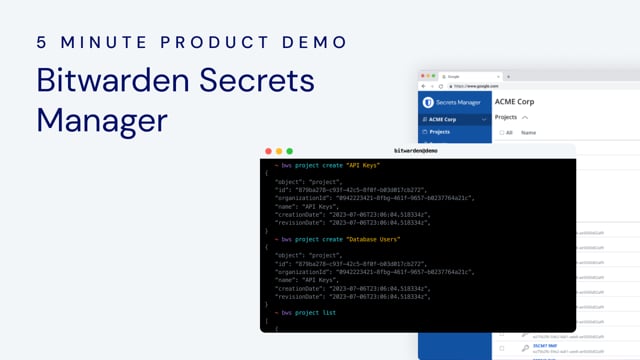](https://vimeo.com/856539989)
*[Watch on Vimeo](https://vimeo.com/856539989)*
Congratulations, you've just created your first secret in the Bitwarden Secrets Manager.
[Sign up for a free trial](https://bitwarden.com/sv-se/go/start-secrets-enterprise-trial/) of Bitwarden Secrets Manager to start coding securely.
---
URL: https://bitwarden.com/sv-se/blog/bitwarden-security-and-compliance-program/
---
# Bitwardens program för säkerhet och efterlevnad
Få tekniska detaljer om Bitwardens programvara, infrastruktur och säkerhetsprocesser i denna vitbok.
*By Elizabeth Baier*
*Published: February 3, 2021*
---
With remote work on the rise and internet usage higher than ever before, the demand to create
and maintain dozens (if not hundreds) of online accounts with logins and passwords is staggering. Password management is critical to maintaining digital health.
For security-minded individuals and organizations, finding a password management solution from a trusted provider is important. With an open-source approach, Bitwarden offers transparency, trustworthiness, and security.
## Bitwarden Security Details
Bitwarden software, infrastructure, and security processes are designed from the ground up with a multi-layered, defense-in-depth approach. Bitwarden also complies with industry-standard application security guidelines, which you can read more about [here](https://bitwarden.com/sv-se/compliance/).
Bitwarden is compliant with:
- GDPR
- CCPA
- Data Privacy Framework (DPF)
- HIPAA
Additionally, Bitwarden has completed SOC 2 Type 2 and SOC 3 certification.
## Security White Paper
The Bitwarden Security and Compliance Program white paper covers technical implementations and offers more visibility into the Bitwarden architecture.

Get more information about:
- User data protection
- How Vault items are secured
- Importing passwords and other secrets to Bitwarden
- Sharing data between users
- Account protection
- Bitwarden Cloud platform and web application security
- And more
To learn more about the Bitwarden Security and Compliance program, [download the white paper](https://bitwarden.com/sv-se/resources/security-white-paper/).
---
URL: https://bitwarden.com/sv-se/blog/bitwarden-security-fundamentals-and-multifactor-encryption/
---
# Bitwarden-säkerhetsgrunderna och multifaktorkryptering
Att säkra dina valv är av största vikt hos Bitwarden. Lär dig hur flera lager av säkerhet och kryptering håller ditt valv skyddat i molnet och på din enhet.
*By Ryan Luibrand*
*Published: February 23, 2023*
---
## Säkerheten börjar med ditt Bitwarden-lösenord
Lösenordet du använder för att logga in på ditt Bitwarden-konto spelar en central roll för att skydda ditt valv genom att aktivera kryptering och dekryptering. I en ny video diskuterade Tom Lawrence från Lawrence Technology Services vikten av "högentropi huvudlösenord." I klartext betyder det ett huvudlösenord med en ovanlig kombination av tecken och ord som är långa och komplexa.


*Examples of a strong password (top) and passphrase (bottom) generated by the Bitwarden Strong Password Generator*
Lösenordsentropi gör det svårare för illvilliga aktörer att gissa ditt lösenord och få tillgång till ditt valv genom att göra det betydligt svårare och bearbetningsintensivt för en dator att gissa. Kort sagt, "att ha ett bra huvudlösenord ökar entropin exponentiellt" - och därför det opraktiska i att knäcka huvudlösenordet som krypterar ditt valv.
## Multifaktorkryptering stärker säkerheten
Ditt valv är krypterat med början med huvudlösenordet tillsammans med din e-postadress. Ett starkt huvudlösenord ger den första och viktigaste skyddsnivån. Utöver detta lägger Bitwarden till ytterligare lager av kryptering och skydd – kallad multifaktorkryptering – när ditt valv lagras i Bitwarden-molnet. Detta gör det praktiskt taget omöjligt för en dålig skådespelare att bryta sig in i ditt valv, även om de kunde få tillgång till dina krypterade valvdata.
### Kryptering för data i molnet
När du använder Bitwarden-molnet lagras dina valvdata på säkra molnservrar för att ge bekväm åtkomst till ditt valv på alla dina enheter. Ditt krypterade valv är skyddat med flera faktorer och lager av kryptering staplade ovanpå den befintliga krypteringen som antas av ditt huvudlösenord.
Molndatabasen Bitwarden lagrar ditt krypterade valv och är värd inom den säkra Microsoft Azure-molninfrastrukturen. Den är konfigurerad med en kryptering-at-vila-teknik från Azure som kallas Transparent Data Encryption (TDE). TDE utför realtidskryptering och dekryptering av hela Bitwardens molndatabas, tillhörande säkerhetskopieringsdata och transaktionsloggfiler när de inte är i bruk. Azure hanterar krypteringsnycklarna för TDE, som endast auktoriserade Bitwarden-serverkomponenter kan komma åt. Läs mer om Azures Transparent Data Encryption [här](https://learn.microsoft.com/en-us/azure/azure-sql/database/transparent-data-encryption-tde-overview?view=azuresql&tabs=azure-portal).
Dessutom utför Bitwarden-serverapplikationer sin egen kryptering av känsliga databaskolumner relaterade till ditt användarkonto. Huvudlösenordshaschar och skyddade användarnycklar krypteras i farten när de rör sig in och ut ur Bitwardens molndatabas. Dessa krypteringsoperationer på kolumnnivå utförs med nycklar som Bitwarden hanterar i en strikt kontrollerad nyckelhanteringstjänst (KMS).
Bevakar Bitwardens molninfrastruktur är ett robust molndriftsteam som övervakar webbtrafik, skadlig aktivitet och omkretsstyrka. Teamet säkerställer också hög prestanda och drifttid på plattformen.
### Kryptering för data under överföring
Vid överföring av valvdata använder Bitwarden Transport Layer Security (TLS), ett standardkrypteringsprotokoll som de flesta webbplatser och webbtjänster använder idag, inklusive banker, universitet, telekommunikationsapplikationer och mer. Denna säkra kommunikation mellan datorer hindrar tredje part från att fånga upp information över anslutningen.
En autentiseringshash, härledd från din e-postadress och ditt huvudlösenord, säkerställer att Bitwarden skickar det krypterade valvet till rätt enhet. Autentiserings-hash genereras på din enhet och skickas säkert till servern, som jämför den med den krypterade posten i filen. Endast om poster matchar kommer det krypterade valvet att skickas till din enhet.
Som ett komplement till kryptering erbjuder Bitwarden [tvåstegsinloggning](https://bitwarden.com/sv-se/help/bitwarden-field-guide-two-step-login/), även känd som 2FA eller MFA, för att skydda ditt konto. Med tvåstegsinloggning aktiverad kommer Bitwarden-servern att be dig bevisa vem du är genom en annan form av autentisering – till exempel en hårdvarunyckel, autentiseringskod eller e-postverifiering.
### Valvkryptering och nyckelhärledningsfunktionen
Ditt Bitwarden-valv krypteras med hjälp av komplexa kryptografiska algoritmer och låses hårt. Ditt huvudlösenord används för att härleda en huvudnyckel, vilket är det enda som kan öppna ditt valv. Huvudnyckeln genereras av en **nyckelavledningsfunktion (KDF) som**använder ditt huvudlösenord och e-postadress som indata när du loggar in på Bitwarden. Huvudnyckeln lämnar aldrig din enhet och raderas när du låser eller loggar ut från ditt valv.
Funktionen för nyckelhärledning är en specialiserad datoralgoritm som skapar en lång sträng av tecken (nyckeln) från din e-postadress och ditt huvudlösenord. Resultatet från KDF-algoritmen matas tillbaka till sig själv många gånger, så kallade **KDF-iterationer**, innan det kommer fram till huvudnyckeln. Denna process är komplex, men inte slumpmässig, och kommer alltid att ge samma resultat med samma ingångar och inställningar.

*Creating a master key using the PBKDF2 algorithm with 600,000 iterations*
#### Hur nyckelhärledningsfunktionen skyddar ditt valv
Nyckelhärledningsfunktionen spelar två roller. Först skapar den en huvudnyckel från din e-postadress och ditt huvudlösenord som är lämpligt för krypteringsändamål. För det andra skapar det ett hastighetshinder för alla som försöker ta sig in i ditt valv. Med ett starkt huvudlösenord skulle en hackare behöva göra miljarder eller biljoner lösenordsgissningar för att försöka komma in i ditt valv, och varje KDF-iteration multiplicerar mängden processorkraft och tid som krävs för att göra dessa gissningar.
Från och med början av 2023 rekommenderar [OWASP](https://owasp.org/) 600 000 iterationer för PBKDF2-nyckelhärledningsfunktionen. Bitwarden-användare har alltid haft möjlighet att ange antalet iterationer för sitt konto, och 600 000 är nu standardvärdet för nya konton. Bitwarden har också nyligen lagt till ett annat KDF-alternativ som heter **Argon2id**, som försvarar sig mot GPU-baserade och sidokanalsattacker genom att öka det minne som behövs för att gissa ett huvudlösenordsinmatning.
Instruktioner om hur du uppdaterar KDF-iterationer finns [här](https://bitwarden.com/sv-se/help/what-encryption-is-used/#changing-kdf-iterations/), och kom ihåg att det alltid är bra att ha en export av ditt valv innan du gör några inställningar för kryptografiska operationer. Oavsett antalet iterationer är ett starkt huvudlösenord alltid det bästa sättet att skydda dina valvdata.
> "Om ditt lösenord är dåligt är sannolikheten att du är säker dålig. Det spelar ingen roll hur många iterationer du har."
> Tom Lawrence, expert på informationssäkerhet
## En heltäckande metod för kryptering
Bitwardens säkerhetsstrategi skyddar dina valvdata med flera lager av kryptering och skydd, där varje lager ger extra skydd mot illvilliga aktörer. Avrundat detta är alternativ för multifaktorautentisering, kärnan i identitet och åtkomstprocedurer. Detta tillvägagångssätt säkerställer att din data är säker när den flyttas från en plats till en annan – från din enhet till Bitwarden-servrarna och vice versa, under transport och i vila. Med Bitwarden noll kunskap end-to-end-kryptering skyddas dina känsliga data med ett mycket effektivt försvar i dagens cybersäkerhetsmiljö.
## Resurser
Läs mer om hur du skapar ett starkt huvudlösenord i den här [bloggartikeln](https://bitwarden.com/sv-se/blog/how-long-should-my-password-be/).
Läs [hjälpartikeln om kryptering](https://bitwarden.com/sv-se/help/what-encryption-is-used/) eller [Bitwarden Security Whitepaper](https://bitwarden.com/sv-se/help/bitwarden-security-white-paper/).
Kolla in [lösenordsstyrketestverktyget](https://bitwarden.com/sv-se/password-strength/) och [Strong Password Generator](https://bitwarden.com/sv-se/password-generator/) för hjälp med att skapa starka lösenord.
Besök [bitwarden.com](https://bitwarden.com/sv-se/) idag för att lära dig mer om lösenordshantering, planer, prissättning och hur Bitwarden kan hjälpa dig att hålla dina inloggningar och annan känslig data säker!
---
URL: https://bitwarden.com/sv-se/blog/bitwarden-send-how-it-works/
---
# Bitwarden Send - Hur det fungerar
Läs mer om de tekniska detaljerna om hur Bitwarden Send upprätthåller end-to-end-kryptering för säkra överföringar.
*By Kyle Spearrin*
*Published: July 9, 2025*
---
Bitwarden Send-funktionen är en ny pålitlig metod för att direkt överföra krypterad information till vem som helst. För en allmän introduktion, se [Introducera Bitwarden Send för säker en-till-en-informationsdelning.](https://bitwarden.com/sv-se/blog/introducing-bitwarden-send-for-secure-sharing/)
## Säkerhet i Bitwarden Send
I likhet med alla dina Bitwarden Vault-data, är allt som delas via Bitwarden Send krypterat från[ ](https://bitwarden.com/sv-se/blog/end-to-end-encryption-and-zero-knowledge/)början till slut. Detta innebär att Bitwarden inte kan se innehållet i din Send, oavsett om det är ett textutdrag eller en fil.
En av de viktiga komponenterna i Bitwarden Send-funktionen är inbyggd automatisk radering. Eftersom den känsliga informationen kommer att raderas kan användare se till att deras information inte dröjer sig kvar eller förbli i ett system som de inte har någon kontroll över. Till exempel, i en typisk delningsmodell, när en bit information väl skickas via e-post eller meddelanden, stannar den ofta i dessa system för alltid. Genom att använda Bitwardens end-to-end-säkerhetsmodell kommer den inte längre att fungera, medan Send-länken kan finnas kvar, och data som är kopplade till den Send kommer inte att finnas kvar.
Ett sändobjekt kan skyddas ytterligare med användarkonfigurerade parametrar inklusive:
- Ett **raderingsdatum** när sändningen raderas permanent
- Ett **utgångsdatum** när länken Skicka inte längre är aktiv, men finns kvar i ditt valv
- Ett **maximalt antal** åtkomst så att användare inte längre kommer att ha åtkomst när räkningen har nåtts
- Ett valfritt **lösenord** krävs för att komma åt Skicka
- Ett **inaktiveringsalternativ** så att ingen kan komma åt Skicka om det är valt
## Förstå en skickalänk
En skicka-länk kan se ut så här:
[https://send.bitwarden.com/#mS2LfeyK3xn3fVEQXzYnnh/Hayk8N7x792Ydx3wYD4cPf](https://send.bitwarden.com/#mS2LfeyK3xn3fVEQXzYnnh/Hayk8N7x792Ydx3wYD4cPf)
Efter hashen`` (#) visas Send ID, och sedan efter snedstrecket`` (/) hittar vi Skicka krypteringsnyckeln.
Det är viktigt att notera det
- Skicka-länken genereras på klientsidan och inte på Bitwarden-servern, så Bitwarden kan aldrig se innehållet i Send.
- Länken innehåller full åtkomst till Skicka.
- Om någon skulle få länken kan de komma åt och dekryptera Skicka på sin klient, **såvida inte Sendet också är skyddat med ett lösenord**.
## Skickar en skickalänk
Det är normalt att fråga sig: "Varför är det säkert att överföra en Skicka-länk genom osäkra [kanaler](https://bitwarden.com/sv-se/blog/securing-remote-work-password-manager/)?"
För det första säkerställer end-to-end-kryptering att Bitwarden som en tjänst aldrig kan se innehållet i din Send. Bitwarden har med andra ord noll kunskap om ditt Skicka-innehåll.
För det andra, om du lösenordsskyddar din Send och kommunicerar det lösenordet till mottagaren via en annan kanal, spelar det ingen roll om den huvudsakliga Send-kanalen du använder är säker, eftersom din Send inte kan nås av någon eller något förutom mottagaren.
Det är viktigt att notera att om du inte lösenordsskyddar ditt sänd, och du sänder sändningslänken via en kanal som kan äventyras, kan ditt sändning äventyras. Som sagt, du har möjlighet att begränsa tiden när sändningen är aktiv genom att ställa in en utgångs- eller raderingstid och ett datum. Eller, naturligtvis, helt enkelt lägg till ett [lösenord](https://bitwarden.com/sv-se/blog/workplace-tips-on-how-to-send-documents-securely-over-the-internet/) och överför det via en annan kanal. Du kan till exempel överföra länken Skicka via e-post och använda en meddelandetjänst eller röstsamtal för att dela lösenordet.
Slutligen, genom design, blir varje Skicka-länk så småningom otillgänglig baserat på användarparametrar. Så om din e-post vid överföringstillfället är säker, men senare utsätts för ett hack, kommer ett fönster för sändning med en kort radering inte att finnas för att avslöjas.
## Skicka lösenord och nycklar
Skicka-lösenordet, som valfritt läggs till varje enskild sändning, är helt skilt från sändnyckeln som används för datakryptering.
**Skicka lösenordet** är användardefinierat, valfritt och är en grund för autentisering på en enskild sändning.
Sändnyckeln genereras automatiskt, krävs för sändningsanvändning och underlättar Bitwarden-kryptering och dekryptering av sänddata.
## Anatomi av en URL
Mozilla Foundation har en användbar [artikel](https://developer.mozilla.org/en-US/docs/Learn/Common_questions/What_is_a_URL) om att förstå elementen i en URL. Viktigast är identifieringen och förklaringen av ankaret (eller hashen/fragmentet), och hur det behandlas.

> Det är värt att notera att delen efter #, även känd som fragmentidentifieraren, aldrig skickas till servern med begäran. - Mozilla.org
## Anatomi av en Skicka URL
Med en Skicka URL kan vi visa följande uppdelning
[https://send.bitwarden.com/#mS2LfeyK3xn3fVEQXzYnnhM2unTC/Hayk8N7x792Ydx3wYD4cPfMEBXAU](https://send.bitwarden.com/#mS2LfeyK3xn3fVEQXzYnnhM2unTC/Hayk8N7x792Ydx3wYD4cPfMEBXAU)
Protokoll
- https://
Domän
- send.bitwarden.com
Ankare/fragment/hash - #SendID/SendKey
- #mS2LfeyK3xn3fVEQXzYnnhM2unTC/Hayk8N7x792Ydx3wYD4cPfMEBXAU
Skicka ID
- mS2LfeyK3xn3fVEQXzYnnhM2unTC
Skicka nyckel
- Hayk8N7x792Ydx3wYD4cPfMEBXAU
Ankaret/fragmentet/hash skickas **inte** till servern. Snarare används denna information lokalt i webbläsaren för att identifiera och dekryptera sändningen.
## Steg för en begäran om skicka åtkomst
Låt oss utforska stegen i en Skicka-förfrågan baserat på detta exempel på Skicka URL
[https://send.bitwarden.com/#mS2LfeyK3xn3fVEQXzYnnhM2unTC/Hayk8N7x792Ydx3wYD4cPfMEBXAU](https://send.bitwarden.com/#mS2LfeyK3xn3fVEQXzYnnhM2unTC/Hayk8N7x792Ydx3wYD4cPfMEBXAU)
1. KLIENT
- Begäran om att få webbplatsen från servern på [https://send.bitwarden.com](https://send.bitwarden.com)
2. SERVER
- Returnerar webbplatsen för sidan Skicka åtkomst till webbläsarens KLIENT
3. KLIENT
- Lokalt analyserar sidan för sändningsåtkomst URL-fragmentet/hash och hämtar sändnings-ID (mS2LfeyK3xn3fVEQXzYnnhM2unTC) och sändkrypteringsnyckeln (Hayk8N7x792Ydx3wYD4cPfMEBXAU)
4. KLIENT
- Begäran om att få sänddata från servern med sändnings-ID (mS2LfeyK3xn3fVEQXzYnnhM2unTC)
5. SERVER
- Returnerar krypterad data för Send-objektet till webbläsarens CLIENT
6. KUND
- Lokalt dekrypterar Send Access-sidan Send-objektet med hjälp av Send Encryption Key (Hayk8N7x792Ydx3wYD4cPfMEBXAU)
Sekvensen ovan är detaljerad grafiskt i bilden nedan.

### Avancerade tillvägagångssätt
För avancerade användare finns det ytterligare en metod som kan ge ännu mer skydd. Eftersom sänd-ID och sändkrypteringsnyckel är en del av ankaret och synliga i vanlig text, kan de separeras manuellt och delas via olika kanaler.
Detta skulle förståeligt nog kräva att mottagaren är mycket förtrogen med hur man hanterar dessa delar av information och så vi rekommenderar endast detta tillvägagångssätt med kollegor som är bekanta med Bitwarden Send för att börja.
### Ytterligare skicka dokumentation
För Bitwarden Send-dokumentation, besök [https://bitwarden](https://bitwarden.com/sv-se/help/send/).com/help/send/.
## Prova Bitwarden Send idag
Bitwarden Send är tillgängligt för alla Bitwarden-klienter och sändningsfunktioner för endast text ingår i vårt [grundläggande gratiskonto](https://bitwarden.com/sv-se/pricing/). Du kan registrera dig för ett Premium- eller [Business-konto](https://bitwarden.com/sv-se/pricing/business/) för att njuta av att använda Skicka för text och filer.
Redaktörens anmärkning: Den här artikeln skrevs ursprungligen den 18 mars 2021 och uppdaterades den 24 juli 2022.
---
URL: https://bitwarden.com/sv-se/blog/bitwarden-takes-lead-in-customer-experience-industry-ranking/
---
# Bitwarden tar ledningen i rankningen av kundupplevelsebranschen
Utnämnd till mästare 2022 i Info-Tech SoftwareReview Emotional Footprint Award för lösenordshantering
*By Vivian Shic*
*Published: May 23, 2022*
---
Bitwarden was recognized as a champion in the 2022 Password Management Emotional Footprint report from SoftwareReviews, a division of IT research and consulting firm Info-Tech Research Group.
Read the full [2022 Emotional Footprint report](https://start.bitwarden.com/hubfs/PDF/2022-pm-emotional-footprint-report.pdf)
The ranking, based on user surveys and sentiment, represents the complete and aggregated satisfaction score from real Bitwarden end users. Bitwarden received a composite score of 9.2 for customer experience, and an Emotional Footprint score of +93, with perfect scores around reliability and product effectiveness.

*The Emotional Footprint is the inclusion of aggregated emotional response ratings in the areas of service, negotiation, product impact, conflict resolution, and strategy and innovation*
**Thank you, Bitwarden community!**
The entire community plays a critical role in the Bitwarden approach to open source product development, based on trust and transparency. Your ongoing support is a reason why Bitwarden is able to continue to provide password security for all.
Bitwarden offers free trials for business, and free and premium plans for individuals. [Get started](https://bitwarden.com/sv-se/pricing/business/) with Bitwarden today.
*About the Emotional Footprint Report*
*The Emotional Footprint Report is based entirely on user review data and is free of traditional ranking components such as market presence and analyst opinion.*
*SoftwareReviews evaluates and ranks products based on emotional response ratings submitted by real customers. User-submitted responses are then tracked across 26 dimensions spanning five categories: Purchasing, Service Experience, Product Impact, Vendor Strategy, and Conflict Resolution. The aggregated results based on vendor-client relationship and product effectiveness create a trustworthy indicator of overall user satisfaction toward the vendor and product.*
---
URL: https://bitwarden.com/sv-se/blog/bitwarden-takes-top-spot-in-softwarereviews-password-management-quadrant/
---
# Bitwarden tar toppplatsen i SoftwareReviews lösenordshanteringskategori
Bitwarden slår alla andra lösenordshanterare och får SoftwareReviews Gold Medal i Password Management Data Quadrant Report.
*By Ryan Luibrand*
*Published: December 7, 2021*
---
Bitwarden received the Gold Medal in the Password Management Data Quadrant Report compiled by SoftwareReviews, a division of IT research and advisory firm Info-Tech Research Group.
SoftwareReviews gathers direct, fact-based feedback from end users through comprehensive online surveys that rate vendors on product features, vendor capabilities, user satisfaction, and more. Thanks to the global Bitwarden community, Bitwarden ranked above all other competitors!
Here’s a brief overview of how Bitwarden stood out among the rest.


**Thank you for making Bitwarden #1**
Interested in trying out Bitwarden? Learn more at [bitwarden.com](https://bitwarden.com/sv-se/) to find the right plan for you.
Teams and Enterprise accounts include a free 7-day trial. Check out the [pricing page](https://bitwarden.com/sv-se/pricing/business/) to learn more about business-centric features and get started today!
Read the full Password Management Data Quadrant report [here](https://start.bitwarden.com/hubfs/PDF/2021-pm-data-quadrant.pdf).
---
URL: https://bitwarden.com/sv-se/blog/bitwarden-talks-trash-and-vault-timeout/
---
# Varning för nya funktioner - Bitwarden talar om papperskorgen och timeouts!
Två fantastiska nya funktioner för Bitwarden är nu live!
*By Trey Greer*
*Published: June 3, 2020*
---
## **What’s New**
We’re excited to announce the availability of two new handy features in your Bitwarden vault!
1. **Deleted items are now placed in a Trash folder for 30 days**, just in case you didn’t mean to start spring-cleaning just yet.
2. **Vault “Lock Options” are now “Vault Timeout”**––allowing you to pick whether or not your vault locks or logs you out completely upon your specified time period, additionally allowing those who log out to use their two-step login credentials to authenticate each and every time their vault times out.
## **Talk Trash**
Let’s talk about the Trash feature!
Until now, deleting an item in your Bitwarden vault was a one-way trip, which could be frustrating, especially if that item had a TOTP key, recovery codes, or even just a note that you **really, really** didn’t want to delete.
Not so any longer! Once you click the big, red, delete button, we spare your items from being completely erased for a moment and place them into the new Trash folder, which can be found under your main listing. You can try it by doing the following:
- Select an item and choose delete (web vault pictured)

*Select Delete from the options on an item to send it to the trash*
- Confirm Deletion

*Confirm the deletion*
- Navigate to the new Trash folder

- Select “Restore” to bring the item back to your vault, or “Permanently Delete” to be rid of it forever.

It’s that easy!
For more information about managing items, visit our help article [here](https://bitwarden.com/sv-se/help/managing-items/).
## **Going in timeout**
Now let’s talk about the newest way to secure your vault when you’re away from your computer, Vault timeout!
First, it’s important to highlight the difference between locking your vault and logging out.
1. **Vault locked:** Your data is in an encrypted state, and requires your master password to be decrypted. This can be performed online or offline. Recommended for those who may be in an offline state.
2. **Vault logged out:** Your data is completely removed from the device memory, and all authentication is revoked. That device must log in again and gather vault data. This also requires the use of any two-step authentication required and must be done online. Recommended for the highest level of security, where users are online.
With those criteria in mind, when you navigate to your Vault options you’ll now be prompted with the same configurable timeouts as before (each set is based on the client, web vault pictured here) - but now with the option to decide if you’d like your vault to Lock or Log Out once the timeout is reached.

For more information on Vault timeout, check out this [helpful article.](https://bitwarden.com/sv-se/help/vault-timeout/)
---
URL: https://bitwarden.com/sv-se/blog/bring-complete-reporting-and-centralized-control-to-your-organization-vault/
---
# Bring complete reporting and centralized control to your organization vault
Learn about centralized ownership and the enterprise policy making complete reporting possible. Users will receive a location for them to store unshared items, but under ownership of the organization.
*By Ryan Luibrand*
*Published: November 19, 2025*
---
Every item shared in Bitwarden is centrally owned by the organization, which provides advantages such as complete reporting, easy item management, and streamlined succession/offboarding of employees. Now, organizations can choose to institute this same level of ownership to unshared items as well, enabling [full credential lifecycle management](https://bitwarden.com/sv-se/resources/credential-lifecycle-management/).
> [Learn more about how the Bitwarden vault architecture is beneficial for business >](https://bitwarden.com/sv-se/resources/the-bitwarden-difference-what-makes-bitwarden-best-for-businesses/)
## **New enterprise policy: Enforce organization ownership**
Previously, users stored unshared items in the the individual vault, which is private to the user and separate from the organization. This allowed for the secure storing of credentials, but did not grant organization oversight through reporting tools, or allowed for admin control when employees transitioned.
Now, the new **Enforce organization ownership** policy brings a simple, but major enhancement to centralized ownership. When it is turned on, in place of the individual vault, users are instead given a **My items** location that exists within the organization vault and is **owned by the organization.**
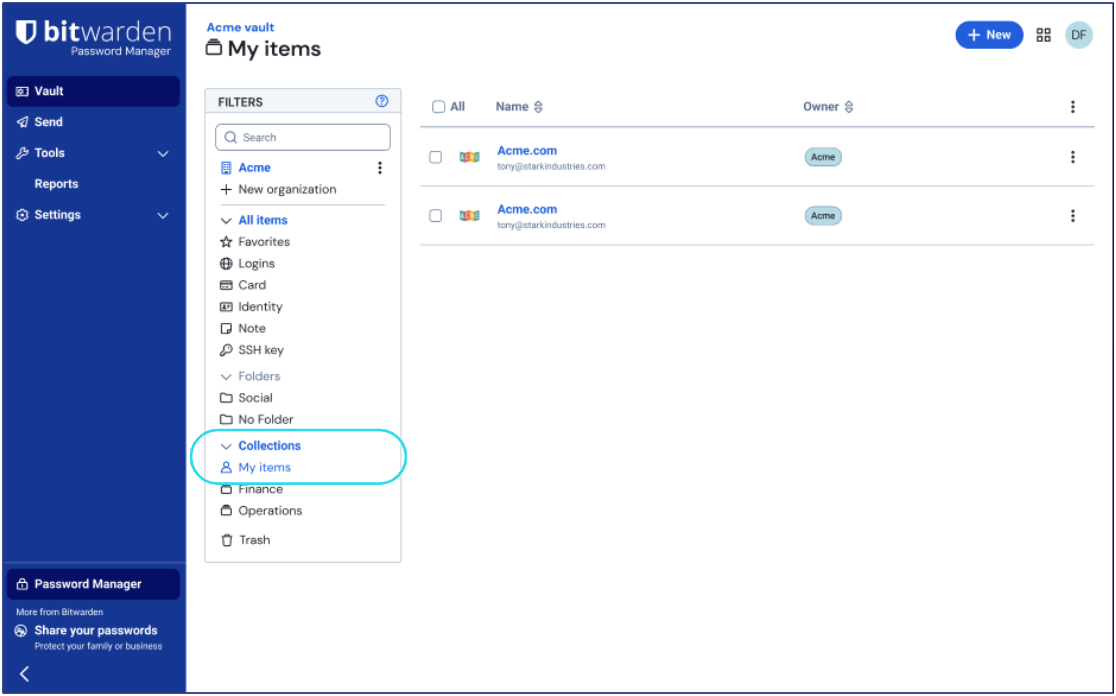
Users can securely store their unshared vault items in **My items**, and it can only be accessed by that user unless they leave the organization. When that happens, admins gain control to recover and reassign items.
This update has many benefits to organizations, allowing for total control of every saved item and reporting insights across all employees.
> NOTE: In this initial launch, Admins and Owners will be exempt from the **Enforce organization data ownership** policy. This will be addressed in a future release.
## The advantages of centralized organization ownership
Bitwarden is different from other password managers in that sharing was designed around the idea of a singular, centralized vault. Now, with **Enforce organization ownership,** all items are [owned by the organization](https://bitwarden.com/sv-se/resources/best-for-businesses-centralized-ownership-in-bitwarden/), which ensures no data loss, easy management, and full reporting on potential credential-related threats.
This completes the credential lifecycle management vision by ensuring that every item created by employees in Bitwarden is in the purview of the organization.
### Complete reporting
With every saved item owned by the organization, Bitwarden vault health reporting provides a complete view of the security of all users’ credentials. While other solutions might provide a security score that is not actionable or means little, Bitwarden shows exactly what steps need to be made to correct security issues. The upcoming [Access Intelligence suite of features](https://bitwarden.com/sv-se/blog/introducing-bitwarden-access-intelligence-proactive-security-protection/) works most effectively when it is applied across every stored credential, providing risk insights, automated alerting, and even initiating remediating workflows.
Additionally, the event log captures the viewing, updating, and use of items stored in a users’ **My items** with an anonymized identifier. When a user’s **My items** becomes available to admins, the identifier can be linked with the specific item, which helps with auditing access and any investigations.
### Easier employee transitions/offboarding
With centralized ownership of items, when a user transitions or leaves the company and is offboarded, all of their items remain securely in the organization vault. Items that were shared continue to be shared. When using **Enforce organization ownership**, admins can access items that the user kept in **My items** for recovery and reassignment. This makes succession simple, avoids disruption for other teams, and vastly reduces admin overhead during offboarding processes.
Other solutions might require the use of a complicated account recovery process for admins to gain access to these unshared items. Succession is even more difficult for solutions where individual users retain ownership of items and they become unshared when their accounts are deleted.
### Full credential lifecycle management
The Bitwarden architecture and **Enforce organization ownership**policy brings security of credentials at [every step of their existence](https://bitwarden.com/sv-se/resources/credential-lifecycle-management/) for every user. From policies that manage how credentials are created, stored, and accessed, to everything else such as sharing, reporting, and succession.

Oftentimes, companies seeking an enterprise password manager mistakenly scope out only the creation and storage phases of a credential. They quickly discover they need to extend their vision when they suddenly find that they cannot access a critical credential when an employee leaves the company or is unavailable. With Bitwarden, it’s easy to plan for all phases of the credential lifecycle.
## Feature availability and guidance
The **Enforce organization data ownership** policy is available today to new Bitwarden enterprise cloud customers. Existing customers are recommended to wait for a full transition functionality to become available in a future release.
Existing customers that wish to give their users **My items** today may turn **Enforce organization data ownership**on (or toggle off/on) now. Guidance will need to be given to users for manually moving items to the new **My items** location.
> NOTE: If you have previously turned on the **Enforce organization data ownership** policy (formerly **Remove individual vault**), new users will automatically receive **My items**, while existing users will see no change until a future update adds **My items** for them automatically.
With **Enforce organization ownership**, the gaps in credential governance close. Gain reporting across every stored item, easy succession and transitions, and a full audit trail for compliance requirements. See how centralized ownership transforms [enterprise password management](https://bitwarden.com/sv-se/products/business/) and start a [free 7-day trial](https://bitwarden.com/sv-se/go/start-enterprise-trial/) of the Bitwarden enterprise plan or contact the [Bitwarden sales team](https://bitwarden.com/sv-se/contact-sales/) today!
---
URL: https://bitwarden.com/sv-se/blog/bringing-bitwarden-home-to-mom/
---
# Tar hem Bitwarden...till mamma
När löftet om starkare säkerhet inte var tillräckligt för att övertyga mamma att ändra etablerade lösenordsvanor.
*By Vivian Shic*
*Published: March 29, 2022*
---
Min mamma roterar mellan fyra olika mobiltelefoner beroende på hennes internationella reseutflykter, äger två iPads (och en smart-TV) för obegränsad streaming och felsöker självständigt de flesta datorproblem. Allt detta är att säga - hon är *inte* tekniskt kunnig.
Så när Bitwarden tillkännagav Free Families for Enterprise för några månader sedan, blev jag inspirerad att göra just det – ta med Bitwarden hem till min mamma som, trots alla hennes digitala utrustning, handskrev sina lösenord i en tjock häftad pappersbunt. Jag tänkte att när hon väl ser kraften och effektiviteten i Bitwarden kommer hon aldrig att gå tillbaka. Några timmar på lördag borde räcka för att migrera hennes referenser till ett valv, några klick, och det är adjö-anteckningsblock för alltid!
Läs mer: Bitwarden erbjuder nu [gratis familjeabonnemang](https://bitwarden.com/sv-se/blog/how-to-protect-your-family-with-bitwarden-password-manager/) för alla företagsanvändare.
Spoiler alert: Det gick inte riktigt som planerat. Medan hon nu är glad att installera på Bitwarden, överraskade hennes första motstånd mot förändring mig. Här är några takeaways.
## Det rationella och känslomässiga är ofta osammanhängande
Nämnde jag att min mamma blev offer för identitetsstöld? I tre år spelade hon mullvad med banker, kreditkortsföretag och kreditbyråer tills FBI gick in och fångade tjuven som hade stulit hundratals andra identiteter. Någon som upplevt onlinestöld skulle säkert se värdet i att hålla alla hennes referenser och känslig information säkert lagrade i ett krypterat valv från början till slut.
Så var inte fallet och här är anledningen: förändring är ansträngande när det rationella (tänksamma, logiska) och känslomässiga (instinktuella, impulsiva) går i konflikt. För mamma, föreläsningar om kryptering, säkerhet och till och med bekvämlighet skar inte det. Hennes känslomässiga sinne älskade komforten med en befintlig rutin. Att förstå detta hjälpte mig att ändra mitt tillvägagångssätt, vilket i slutändan var att få henne att se en lösenordshanterare i aktion.

*Pappersfiler är mycket svårare att spåra, versionera eller skydda. Mammas lösenord är nu säkert i ett Bitwarden-valv!*
## UR-Vad? Gör det okända mindre skrämmande
Nytt konto skapat, kolla. Huvudlösenord, kontrollera. Logga in, kolla. Vi gick igenom processen tills hon såg fältet Uniform Resource Identifier (URI) i sitt valv. Hennes befintliga motvilja gick upp ett snäpp. Det här var plötsligt lite för tekniskt, för svårt. Så jag styrde bort henne från det främmande och tillbaka till det bekanta - inloggningar, användarnamn, lösenord.
Efteråt blev förklaringen av vad en URI är (jag använde [den här praktiska bloggen](https://bitwarden.com/sv-se/blog/what-is-a-uniform-resource-identifier-uri-and-how-does-it-help/) för hjälp) mycket mer acceptabel och mindre skrämmande. Jag såg till att hon först var bekväm med vad hon såg på skärmen innan jag presenterade något nytt. Att flytta henne till mållinjen var en rad små vinster.
## Att sätta små milstolpar som är nåbara och specifika
Till en början satte jag likhetstecken mellan motstånd mot envishet eller till och med lättja när det egentligen var en otydlighet. Hennes beteende att lagra autentiseringsuppgifter och lösenord i en pappersbunt hade blivit automatiskt, och att ändra det beteendet krävde tydlig riktning. En import av alla hennes referenser på en gång skulle ha förvirrat vägen, så vi fokuserade på små milstolpar som var nåbara och specifika.
Vi började med en inloggning: Amazon. Liksom många av oss under pandemin började min mamma köpa saker på nätet. Hon lät mig flytta hennes Amazon-uppgifter till valvet. Efter det var a-ha-ögonblicket för henne att se auto-fill i handling. Med bara ett klick fyllde Biwarden automatiskt i sina inloggningsuppgifter. Inte mer att blanda igenom hennes pappersark och försöka hitta och skriva in rätt lösenord!
## Hur man ändrar sig när förändringen är svår
Förändringar på vilken nivå som helst – oavsett om det är individuellt eller organisatoriskt – kan vara olidligt. Oavsett om du försöker få en familjemedlem eller ett helt team att anta starkare säkerhetsvanor, så går varje förändringsansträngning ner på denna fråga: Kan du få någon att börja bete sig på ett nytt sätt? Genom att vädja till både det rationella (starkare säkerheten!) och det känslomässiga (köp saker snabbare på Amazon!), kunde jag övertyga mamma om att äntligen gå bort från sin hög med lösenord och över till ett noll kunskap, end-to-end krypterat Bitwarden-valv. För mig gav detta extra sinnesro att veta att om hon någon gång behövde min hjälp med sina onlinekonton så var allt säkert inom räckhåll.
## Bitwarden stödjer ditt förändringsarbete
Förändring - precis som säkerhet - är inte en händelse, det är en process. Med Bitwarden är du aldrig ensam om att skapa bättre lösenordshantering och säkerhetsvanor.
Bitwarden är med dig varje steg på vägen genom följande resurser och material:
- [Hjälpartiklar](https://bitwarden.com/sv-se/help/)
- [Lärresurser](https://bitwarden.com/sv-se/learning/)
- [Live demos varje vecka](https://bitwarden.com/sv-se/bitwarden-demo/)
- [Månatlig kontorstid](https://bitwarden.com/sv-se/events/)
Besök [Bitwardens communityforum för att](https://community.bitwarden.com/) träffa kunniga och hjälpsamma användare.
Oavsett om du är en [enskild användare](https://bitwarden.com/sv-se/pricing/) eller [ett företag](https://bitwarden.com/sv-se/pricing/business/), har Bitwarden rätt plan för dig.
---
URL: https://bitwarden.com/sv-se/blog/bringing-intuitive-workflows-and-visual-updates-to-the-bitwarden-browser/
---
# Tillför intuitiva arbetsflöden och visuella uppdateringar till webbläsartillägget Bitwarden
Webbläsartillägget fungerar som det primära gränssnittet för många användare för att snabbt och säkert hantera sina lösenord.
*By Kevin Harris*
*Published: December 12, 2024*
---
> **Tips för långvariga Bitwarden-användare:**Letar du efter ett välbekant arbetsflöde som snabbkopieringsknappar och mer? [Lär dig hur du kan anpassa Bitwarden](https://bitwarden.com/sv-se/blog/bringing-intuitive-workflows-and-visual-updates-to-the-bitwarden-browser/#tips-for-long-time-bitwarden-users/) för att förbättra din upplevelse.
Bitwardens uppdrag är att ge alla möjlighet att ta kontroll över sin digitala säkerhet. Detta innebär inte bara att hjälpa individer och företag att bygga starka cybersäkerhetsmetoder utan också att leverera en sömlös och intuitiv användarupplevelse för alla produkter.
Webbläsartillägget spelar en nyckelroll i detta uppdrag och fungerar som det primära gränssnittet för många användare för att snabbt och säkert hantera sina lösenord. De senaste uppdateringarna, som ett mer inbyggt [utseende och känsla för mobilappen och](https://www.reddit.com/r/Bitwarden/comments/1b32bbz/going_native_the_future_of_the_bitwarden_mobile/) [omdesignad navigering i webbapplikationen](https://bitwarden.com/sv-se/blog/bitwarden-design-updating-the-navigation-in-the-web-app/), återspeglar pågående ansträngningar för att lyssna på feedback och göra meningsfulla förbättringar.
Det omgjorda webbläsartillägget Bitwarden är nu live och introducerar ett modernare utseende och känsla, strömlinjeformade arbetsflöden och genomtänkta uppdateringar för att göra lösenordshanteringen mer intuitiv.
Läs vidare för att se vad som har ändrats:
## Omdesign för långsiktig framgång
Eftersom Bitwarden fortsätter att växa, måste webbläsartillägget växa tillsammans med det. Med nya funktioner som läggs till är det viktigt för att Bitwarden-upplevelsen ska vara enkel, intuitiv och tillgänglig för alla.
Den här omdesignen fokuserar på att skapa en modern, lättillgänglig upplevelse – som gör lösenordshantering roligt för alla när de når sina säkerhetsmål.
## Viktiga förändringar i omdesignen
Bitwarden-teamet har arbetat hårt för att förbättra webbläsartillägget baserat på feedback från användare. Här är några av de förändringar du kan förvänta dig att se under de kommande månaderna:
### Uppfriskt utseende och känsla
Tillägget har nu en renare, modernare design med uppdaterade färger, typografi och layouter som gör att allt känns mer modernt och tillgängligt.


### Förbättrad navigering och informationsarkitektur
#### Effektiviserade arbetsflöden
Nyckelåtgärder och funktioner är nu lättare att komma åt, med arbetsflöden utformade för att vara mer intuitiva och effektiva. Till exempel:
- Knappen **Nytt objekt** har gjorts om som en rullgardinsmeny, vilket ger snabbare åtkomst till specifika objekttyper för snabbare skapande.
- En ny **Fyll-knapp** har lagts till i valvupplevelsen, vilket gör autofyllningsuppgifterna mer framträdande och tillgängliga.
- **Objektvyn** har omorganiserats, med fält grupperade under logiska rubriker och några etiketter uppdaterade för bättre förståelse – *Webbplatsen* ersätter nu till exempel *URI*.
- **Kopieringsfunktionaliteten** har förenklats till en enda, enhetlig kopieringsmeny, som erbjuder en renare och mer upptäckbar funktionalitet.


#### Integrerad sökning och filter
****Vyerna Tab och****Vault har kombinerats för att skapa en mer konsekvent valvupplevelse när du bläddrar i valvobjekt. Filter för valv, samlingar, mappar och objekttyper är nu integrerade direkt i huvudvyn, så att du kan förfina sökresultaten utan att behöva navigera bort.

### Mer anpassning
Bitwarden-användare har olika behov och preferenser, och det omdesignade tillägget introducerar flexibla alternativ för att tillgodose olika sätt att använda webbläsartillägget:
- **Kompakt läge**: Perfekt för användare som vill se fler valvobjekt på en gång.
- **Ljusa och mörka lägen**: Välj ett tema som matchar dina preferenser för ett ljust eller mörkt gränssnitt.
- **Justerbar bredd**: Välj mellan standardvyer, breda eller extra breda vyer för att öka horisontellt utrymme och textsynlighet.


## Feedback begärdes och mottogs
Hundratals användare gav sin feedback om den nya omdesignen. Varje förslag analyserades och utforskades, och de fantastiska idéerna från samhället hjälpte till att förfina designen till vad den är idag. Bitwarden itererar kontinuerligt, och feedback från användare är fortfarande kärnan i Bitwarden-upplevelsen. Tack till alla som deltog och gav tänkvärda kommentarer och insikter. Allt implementerades inte i detta pass, men håll utkik efter fler förbättringar i framtiden.
## Ett steg framåt
Bitwardens uppdrag har alltid varit att ge alla möjlighet att ta kontroll över sin digitala säkerhet, och det omgjorda webbläsartillägget är ytterligare ett steg framåt för att leverera det uppdraget. Med sitt moderna utseende, strömlinjeformade arbetsflöden och genomtänkta uppdateringar, återspeglar den här utgåvan Bitwardens engagemang för att skapa en sömlös och intuitiv användarupplevelse för alla.
Är du intresserad av att ta en titt på det nya Bitwarden-användargränssnittet? Skapa ett [gratis individuellt konto](https://bitwarden.com/sv-se/pricing/) eller starta en gratis [7-dagars affärstestperiod](https://bitwarden.com/sv-se/pricing/business/) och [ladda ner](https://bitwarden.com/sv-se/download/) webbläsartillägget Bitwarden idag!
## Tips för långvariga Bitwarden-användare
För användare som söker historiska Bitwarden-arbetsflöden, så här kan du göra justeringar för att behålla den klassiska funktionen:
#### 1. Dela ut snabbkopieringsknappar
För enkelklicksknappar för att kopiera användarnamn, lösenord och TOTP-koder, gå till **Inställningar** > **Utseende** > och välj **Visa snabbkopieringsåtgärder på Vault**
#### 2. Ändra standardbeteendet för att klicka på ett valvobjekt
För att ta bort den nya **fyllningsknappen** och aktivera autofyll genom att klicka var som helst på valvet, gå till **Inställningar****> Utseende****>**välj **Klicka på objekt i autofyllförslaget för att fylla**
#### 3. Öka datatätheten / aktivera 'Kompakt läge'
För dem som föredrar att se fler objekt samtidigt på skärmen, gå till **Inställningar** > **Utseende** > och välj **Kompakt läge (Beta)**.
Det finns också ett nytt val för **tilläggsbredd** i fönstret Utseendeinställningar för att ge mer utrymme för att se valvobjektnamn och detaljer.
#### 4. Använd Favoriter för att snabbt komma åt de mest använda objekten
En favoritsektion visas ovanför listan Alla objekt på fliken Valv om du [ställer in något objekt som en favorit](https://bitwarden.com/sv-se/help/favorites/#tab-browser-extension-2OHSqEJTLcE0fUVpWbvFSg/). För att göra det, öppna valvobjektet, välj **Redigera** och klicka sedan på stjärnan (☆) uppe till höger.
#### 5. Kommer snart: Dölj listorna Favoriter och Alla objekt
För användare som vill hålla Favoriter och Alla objekt dolda när de öppnar tillägget, kommer en kommande uppdatering att göra det möjligt för dessa listor att komprimeras. Mer information har publicerats på [Bitwarden-gemenskapens subreddit](https://www.reddit.com/r/Bitwarden/comments/1hkqml0/extension_update_coming_soon_better_control_over/).
***Redaktörens anteckning, 31 december 2024:**** Den här artikeln publicerades ursprungligen 20 maj 2024 och har uppdaterats för att återspegla att omdesignen nu är tillgänglig, lagt till detaljer om vad som har ändrats och lagt till tips för att justera och anpassa tillägget.*
---
URL: https://bitwarden.com/sv-se/blog/bringing-restful-api-to-the-bitwarden-cli/
---
# Ta med ett RESTful API till Bitwarden CLI
Ett nytt `serve`-kommando gör det möjligt för Bitwarden Command Line Interface (CLI) att anropa ett RESTful API för att ge åtkomst till ett krypterat valv.
*By Kyle Spearrin*
*Published: March 23, 2022*
---
Bitwarden began with an open source approach that remains today, designed by developers and with other developers in mind. Through an engaged open source development community, Bitwarden has been able to integrate community feedback and contributions into our product.
In the spirit of our continued support of the developer community, Bitwarden now has a new feature for the Command Line Interface (CLI) to make IT professionals' workflows easier: the ability to invoke a RESTful API providing access to an encrypted vault.
## Integrating with Bitwarden
Every business operates differently and has unique needs or methods for integrating with Bitwarden. Bitwarden itself already provides several integration methods, the most common are user management and [directory integrations](https://bitwarden.com/sv-se/help/directory-sync-cli/).
Sometimes a business might need to integrate or automate management of encrypted vault data. However, due to the nature of the Bitwarden end-to-end encryption design, all operations that deal with vault data need to take place within an authenticated client environment. These operations cannot simply be hosted and called on a public server API. To date, this means that any programmatic integration on encrypted items required the Bitwarden CLI vault management commands to be executed as a binary.
Many developers building integrated tools expect a RESTful API for consistency across their applications. RESTful APIs are language agnostic and are what most developers seek.
## Host your own RESTful API with the new `serve` command
With the latest CLI release, Bitwarden provides a way to serve a RESTful API from the CLI, preserving an end-to-end encrypted environment. Executing the `serve` command will spin up a HTTP web server hosting the API locally, as a client, allowing the execution of encrypted operations.
`bw serve --port --hostname `
Now it’s possible to call localhost on the port, for example, GET /object/item from an HTTP interface. Most of the existing CLI commands have been translated into RESTful endpoints which should be familiar and intuitive for developers. A [list of the RESTful endpoints](https://bitwarden.com/sv-se/help/vault-management-api/) and additional documentation regarding the new `serve` command can be found on the [Bitwarden Help Center](https://bitwarden.com/sv-se/help/cli/#serve/).
## New possibilities
The support for a RESTful API opens possibilities for new levels of integration. An instance can run on a local machine, or within a private network that allows for several applications to connect with a central web server for programmatic access to a Bitwarden vault.
One scenario where this would be useful is new employee onboarding. You may want to provision them in your directory, the accounts they belong to, and create for them a Bitwarden account to grant them access to all of the logins they need on Day 1. You could implement this in an automated fashion with the RESTful API endpoints provided by `serve`.
We can’t wait to see what our developer community does with this new feature. Share your creative setups and uses on our Bitwarden [community forum](https://community.bitwarden.com/) - we would love to hear what you’re doing!
Learn more about Bitwarden for business and sign up for a free [7-day trial of our business plans](https://bitwarden.com/sv-se/pricing/business/) to see how Bitwarden can help bring security to your company. Learn more at [Bitwarden.com](https://bitwarden.com/sv-se/)!
**Editor's note:** Updated on 4/26/22 with added --hostname functionality
---
URL: https://bitwarden.com/sv-se/blog/browser-biometrics-now-available/
---
# Att surfa är lite lättare med Bitwarden!
Vi introducerar Touch Id och Windows Hello för webbläsartillägg
*By Trey Greer*
*Published: January 27, 2021*
---
Bitwarden is adding a touch **more** convenience to your browser in 2021!
Last year Bitwarden took the first step in integrating [Touch ID and Windows Hello to the Desktop platforms](https://bitwarden.com/sv-se/blog/introducing-desktop-biometrics/), and as part of the first release of 2021, that functionality is extending to Browser Extensions, too!
## How it works
As part of the Desktop client addition of biometric support, Bitwarden leverages an operating system-level integration with hardware that performs authentication .
Browser extensions will now be able to access this authentication inside the Desktop application. This allows a more streamlined integration with hardware that does not require a unique browser-level integration.
Biometric authentication requires macOS users to download the Mac App Store version, available [here](https://apps.apple.com/us/app/bitwarden/id1352778147?mt=12) - while Windows users will need to perform a direct download, available [here.](https://bitwarden.com/sv-se/download/?app=desktop&platform=windows/)
## Enabling Browser Biometrics
To start using Touch ID or Windows Hello to unlock your browser extension, install the Desktop Application and enable the applicable biometric option and Browser Integration under Preferences → Options.
Once the desktop application is configured, log into your Bitwarden browser extension and enable Unlocking with biometrics under Settings → Options. The desktop application will confirm the connection to your browser extension to complete the configuration.
Biometrics requires a [new permission](https://bitwarden.com/sv-se/help/biometrics/#native-messaging-permissions/) from the browser extension. This is currently available and optional for all chrome-based browsers. Firefox and Safari will gain biometric functionality in the near future.
## Biometrics and best practices
The addition of biometric unlocking for the browser extensions extends security and productivity for Bitwarden users. Secure hardware biometric functions allow users to keep the total unlocked Vault time to a minimum by locking on shorter intervals more easily, using their face or fingerprint to unlock instead of typing a master password!
## Learn More
For documentation on configuring biometric authentication in Bitwarden, please check out our help article [here.](https://bitwarden.com/sv-se/help/biometrics/)
---
URL: https://bitwarden.com/sv-se/blog/build-an-online-security-culture-by-adopting-a-health-security-routine/
---
# Bygg en onlinesäkerhetskultur genom att anta en sund säkerhetsrutin
Att anta en sund onlinesäkerhetsrutin börjar med att företag ger anställda möjlighet att ta ansvar för onlinesäkerhet.
*By Andrea Lebron*
*Published: June 22, 2021*
---
Developing an online security culture at work starts with a healthy security routine, both on an organization-wide and individual scale. Take the first step by securing passwords and sensitive information.
Most security leaders are familiar with password best practices:
- Always use a [strong, unique password](https://bitwarden.com/sv-se/blog/five-best-practices-for-password-management/) for each account
- Do not store passwords in plain text Excel files or on sticky notes stuck to the screen of a workstation
- Use an end-to-end encrypted tool such as a password manager to help you manage everything
But how do these best practices become second nature to employees? That level of empowerment starts by building awareness. Greater awareness of password best practices translates into improved security behaviors, which develops into [a positive online security culture](https://bitwarden.com/sv-se/blog/why-employess-are-at-the-front-line-of-enterprise-threat-prevention/).
## Adopting a periodic healthy online security routine
Organizations can adopt a healthy online security routine by conducting periodic checks to identify potential risks stemming from workplace account log-ins. Employees can replicate a similar routine for their work accounts and even personal accounts.
### Use your password manager health reports
Begin with the vault health reports built into your enterprise password manager. These reports should identify the following risks on workplace accounts saved in the system.

*A look into the Vault Health Reports in Bitwarden*
- **Weak Passwords Report:** This report identifies passwords that are easy to crack using brute force algorithms. According to [Verizon’s 2020 Data Breach Investigations Report](https://enterprise.verizon.com/resources/reports/dbir/), more than 80% of data breaches attributable to hacking are due to brute force attacks against weak passwords.
- **Reused Passwords Report:** This report identifies non-unique passwords in your vault. Reusing the same password for multiple accounts can allow hackers to easily gain access to multiple online accounts when one account is breached.
- **Exposed Passwords Report:** This report identifies hacked passwords released publicly or sold on the dark web, using the first five digits of the hash of all the passwords in the vault. Advise employees to change exposed passwords as they will be among the first tried by hackers in brute force attacks.
- **Unsecured Websites Report:** This report identifies login credentials saved in the vault related to an unsecured website with an http:// prefix. It is safer to change the prefixes to https:// to support encrypted communications using TLS/SSL.
- **Inactive Two Factor Authentication:** Many online services now offer the option to add an extra layer of security using two factor authentication (2FA). This report identifies logins saved in the account for which 2FA is available and is not turned on.
#### When to run reports
Block off time to run these reports weekly or monthly or an interval that works for you. Add these checks to your other regularly scheduled security audits like phishing tests. Some companies run security audits up to twice a month, according to a [2020 report](https://www.gflesch.com/elevity-it-blog/how-often-should-you-do-cybersecurity-awareness-training).
### Have employees conduct their own online security health checks
Employees also have access to a data breach report through their enterprise password manager for workplace accounts. The report identifies compromised passwords (email addresses, passwords, credit cards, etc.) from all-time historical records.
#### Two ways to encourage the use of vault health reports
- **Gamify data breach and exposed passwords checks:** Some employees might be surprised to see how often their account is tied to a data breach. Make it into a contest by seeing who can get to 0 exposed passwords. Encourage your employees to work together towards upgrading their security. Accountability goes a long way when you have colleagues to support you.
- **Add it to your annual employee security compliance training:** Most companies require annual employee trainings to meet security compliance standards. Make it a habit for employees to check their accounts for data breaches by rolling it into your company training program as a checkbox requirement.
Set it up as a simple survey question such as:
***Data Breach Check Confirmation:***
*Confirm if you have checked for any exposed passwords attributed to your account using the enterprise password manager tools. Update passwords as necessary to secure your account.*
- *Yes*
- *No*
- *Will do now*
The survey and documentation on employee password health provides a substantive result to use in security and compliance audits.
## Take the first step to adopt a healthy online security routine today
Take advantage of an [Enterprise Trial](https://bitwarden.com/sv-se/pricing/business/) of the Bitwarden Password Manager and check out our Vault Health Reports today. You can also set up your own [free account](https://bitwarden.com/sv-se/pricing/) to try out the data breach report yourself.
---
URL: https://bitwarden.com/sv-se/blog/building-a-cybersecurity-culture-in-the-workplace/
---
# Bygga en säkerhetskultur på arbetsplatsen
Utforska vanliga vanor som skapar sårbarheter för datasäkerhet och lär dig strategier för att utveckla en cybersäkerhetskultur.
*By Bitwarden*
*Published: March 27, 2025*
---
According to the [2023 Bitwarden Password Decisions Survey](https://bitwarden.com/sv-se/resources/the-survey-room/) of independent IT decision-makers across a range of industries, 60% of respondents reported their organization experienced a cyberattack within the past year. Almost half (49%) report struggling with employees who use unauthorized devices or software without IT’s approval, most (80%) report having a ransomware mitigation strategy, and 75% report their organization has cyber insurance.
These statistics reflect a corporate landscape that is saturated with data security risks. Another recent industry study [found](https://assets.sophos.com/X24WTUEQ/at/c949g7693gsnjh9rb9gr8/sophos-state-of-ransomware-2023-wp.pdf) that 66% of respondents reported their organization was affected by ransomware, with the average (mean) ransom payment almost doubling from $812,380 in 2022 to $1,542,333 in 2023.
Organizations are regularly targeted by cyber criminals aiming to exploit risky internal behavior and an inadequate cybersecurity culture. Cultivating a strong security culture within the organization can significantly enhance resilience against cyber incidents. This blog explores common habits that create data security vulnerabilities and discusses strategies for developing a culture of security, such as ensuring identity security best practices and regular cyber awareness trainings are in place.
## What is security culture?
Security culture refers to the collective attitudes, values, and behaviors that an organization or community promotes to minimize security risks and protect its assets. It is a set of customs shared by a community to minimize risk, making safe behavior online habitual and ensuring employees can confidently identify and deter bad actors’ attempts to exploit vulnerabilities through phishing, malware, ransomware, and more. A strong security culture is essential for any organization, as it helps to reduce the risk of security breaches, data exfiltration, and other security concerns.
## Evaluating your current security culture
Evaluating your current security culture is essential for identifying areas for improvement and creating a stronger organizational security awareness and habits. To evaluate your current security culture, you should assess your organization’s security measures, best practices, and risk assessments. You should also consider conducting regular security audits and risk assessments to identify vulnerabilities and areas for improvement.
## Risky behavior that can compromise companies' security risks
Earlier in this blog, we referenced a statistic about employees who use unauthorized devices or software without the IT team’s approval. These “shadow IT” behaviors create risks for organizations by introducing new attack vectors that IT teams or a security operations center (SOC) aren’t aware of and are unable to control. The same report found that:
- Almost all respondents (90%) reuse passwords
- Over half (54%) keep track of passwords on computer documents, while 29% simply write them down on paper
IT decision makers may generally be perceived as being more security conscious than the average employee. The [2023 Bitwarden World Password Day Survey](https://bitwarden.com/sv-se/resources/the-survey-room/) also polled 2,000 Internet users around the globe. Although risky behavior may not always permeate into the workplace, it’s reasonable to assume there may be some overlap. The survey found:
- 19% have used “password” as their password
- A majority (68%) of respondents manage passwords for 10+ sites or apps and yet 84% of respondents reuse passwords
- Although 30% use a password manager, nearly double (58%) rely on their memory for their passwords, and 34% still write their passwords down on paper like Post-it notes or a notepad
Using weak passwords, such as “password,” makes it easier for cyber criminals to brute force account access with credential stuffing or password spraying attacks, potentially compromising multiple accounts. Writing down passwords on paper opens the door to external and internal threats. Risky practices beyond password security include using public WiFi for workplace access, interacting with suspicious links, and opening attachments from unknown senders. These behaviors can result in compromised credentials, malware, and other threats that can impact a company financially and reputationally. Understanding security issues is critical for employees to safeguard sensitive data and assets against potential threats.
## Ideas for building a strong security culture
Building a cybersecurity culture takes time. The value that it brings to an organization was discussed during the [2023 Bitwarden Open Source Security Summit](https://bitwarden.com/sv-se/open-source-security-summit/). Experts from AccuRanker, Tall Poppy, and Techlore joined each other on a panel to discuss strategies for fostering a culture of security. Some the takeaways included:
- Encouraging people to lean into personal cybersecurity best practices has an effective compound effect on the enterprise security posture
- Organizations should promote a culture that encourages employees to notify the IT team when something goes awry and prioritize real-life, ongoing training exercises that occur throughout an employee’s tenure. Senior management's active support for security initiatives is essential for ensuring that all employees understand and adhere to cybersecurity best practices.
Organizations that want to promote a robust, top-down cybersecurity culture should encourage C-level executives and empower team leaders to oversee third-party risks, develop and enforce comprehensive security policies, and lead cybersecurity education and awareness initiatives.
Organizations should also implement interactive and memorable elements such as music, quizzes, or short videos. Set the expectation for recurring, quick lessons throughout the year that keep security top of mind and empower team members to report suspicious activity, and create a system for sharing malicious messages, as well as unusual website or login activity. Security training is a vital component of a comprehensive cybersecurity strategy. Over time, this leads to a more collaborative approach with heightened awareness at every level of the company, enabling IT to react promptly, if not preemptively.
Developing a fully secure remote culture means providing the tools people need to be successful. Organizations typically need both SSO-compliant and password-based solutions to ensure optimal security and user experiences. Shared accounts that require granular levels of control present another set of challenges for sharing credentials. Password managers play a critical role in securing, creating, and storing organizations’ credentials in collections admins can manage.
A [recent survey](https://bitwarden.com/sv-se/resources/2023-password-decisions-survey-results/) revealed that 79% of employees want their company to require the use of the same password manager throughout the business. Password managers are a critical component of securing shared secrets within an organization and ensuring compliance with credential strength and best practices. As employees continue to work from home, it is a business-critical objective to have a solid remote access management strategy in place with a password manager.
A password manager like Bitwarden enables employees to create, manage, and store credentials in an end-to-end encrypted vault. Password managers take the hard work out of creating credentials by ensuring users only need to remember a single password, the one to the vault that stores and encrypts sensitive login credentials. Enabling employees to easily create strong and unique passwords also reduces the prevalence of weak or reused passwords.
Bitwarden also supports [multifactor authentication (MFA)](https://bitwarden.com/sv-se/help/setup-two-step-login/), a technology that historically required authentication from a second device before the user could log in. In recent years, multifactor authentication methods have broadened from something you have (text message, security key) and something you know (a pin, a word) to encompass something you are (facial and voice recognition). MFA is worth deploying because it creates a second layer of defense if a user’s login credentials are compromised.
Speaking at the 2023 Bitwarden Open Source Security Summit panel on cybersecurity culture, Techlore founder Henry Fisher said the following:
> “Data breaches can impact companies, customers, or even society, depending on how important services are to a community.”
While it isn’t possible to guarantee 100% security, it is very possible to limit the impact of a data breach by building an enterprise-wide cybersecurity culture that recognizes the importance of protecting credentials.
## Employee training and awareness programs
Employee training and awareness programs are a key element of any effective security culture. These programs should educate employees on security risks, security concerns, and security best practices, and provide them with the knowledge and skills they need to report security concerns and implement better security awareness habits. Security awareness training should be regular and ongoing, and should include topics such as phishing, malware, and data protection. By providing employees with regular security awareness training and promoting a culture of openness and transparency, organizations can ensure they are turning employees into their greatest asset for mitigating security risks moving forward.
## Get started with Bitwarden for security awareness training
Ready to try out password sharing with Bitwarden? Quickly get started with a [free Bitwarden account](https://bitwarden.com/sv-se/pricing/), or start a [7-day free trial of our business plans](https://bitwarden.com/sv-se/pricing/business/) to keep your team safe online.
---
URL: https://bitwarden.com/sv-se/blog/building-a-cybersecurity-work-culture/
---
# Bygga en arbetskultur för cybersäkerhet
Läs detta Open Source Security Summit 2023 Q&A med cybersäkerhetsexperter från Tall Poppy, AccuRanker och Techlore.
*By Bitwarden*
*Published: February 27, 2024*
---
> Learn more about the annual [Open Source Security Summit](https://bitwarden.com/sv-se/open-source-security-summit/).
Building a cybersecurity work culture in the age of distributed workplaces is imperative. It can also be challenging, especially when factoring in resource constraints. Fortunately, three experts were on hand to address this topic through a Q&A during the [2023 Open Source Security Summit](https://bitwarden.com/sv-se/open-source-security-summit/).
Moderating the Q&A was [Leigh Honeywell](https://leighhoneywell.com/), Co-Founder and CEO of [Tall Poppy](https://www.tallpoppy.com/), a company specializing in personal and executive cybersecurity for banks, movie studios and organizations who have to deal with internet harassment.
Honeywell was joined by [Henry Fisher](https://henryfisher.tech/), digital rights activist and founder of Techlore. Fisher is also a runner, artist, musician, book nerd, and privacy advocate. He also co-hosts the [Surveillance Report](https://surveillancereport.tech/) weekly newscast.
Rounding out the panel was Phillip Kampmann, Software Engineer III at AccuRanker. Phillip is the lead developer behind AccuRanker’s Secret Service, which handles secrets through the Bitwarden Secrets Manager.
[](https://www.youtube.com/watch?v=wSqiGN-hkKk)
*[Watch on YouTube](https://www.youtube.com/watch?v=wSqiGN-hkKk)*
*Watch the full session recording or read the full Q&A below*
## Strategies for encouraging employee engagement
**Leigh Honeywell**: When I was at Slack, our new hire security training was the second training that every new employee attended. Basically, you got your laptop, you received an onboarding welcome from one of the executives, and then you went straight into security training. I really appreciated receiving this right away because it made it clear this was an existential priority for the organization. I'm curious what strategies you have both found to be effective in terms of encouraging employee engagement around cybersecurity.
**Henry Fisher**: My main role has been focused on end users rather than the corporate environment, but I’ve found that personalization and helping people genuinely care and understand how security protects their data is really important. This is a good starting place, because people struggle to conceptualize why it matters. They need to understand how security impacts, not just the company, but themselves. A lot of data breaches actually target employee data, not just customer data and other company secrets. Data breaches can impact companies, customers, or even society, depending on how important services are to a community.
**Leigh Honeywell**: That’s a really interesting perspective. There are no magic bullets. That's one of the hard things about this work. I primarily work with people in their personal capacities as well, because we're focused on online harassment and personal cybersecurity threats. Encouraging people to lean into personal cybersecurity practices has a great effect on the enterprise security posture.
**Phillip Kampmann**: Agreed, tailoring training programs to address security when onboarding new employees is very important. It’s also important to offer them real-life examples of how to actually utilize security tools as well as share tips on how to avoid some of the pitfalls that are out there in regards to phishing emails and other threats.
**Leigh Honeywell**: What are the pitfalls you’ve seen, especially around security culture?
**Phillip Kampmann:**The main pitfall we see is people's ability to choose a good password. That's where we often see people failing. That’s also why we focus on engaging with people about how they should use their security tools, such as setting up rules for how to ensure password length and complexity.
> We want to create a culture that encourages employees to notify us when something goes awry and prioritize real-life, ongoing training exercises throughout an employee’s tenure to ensure continuous improvements and security.
## Tips for SMB to enterprise
**Leigh Honeywell**: Several of us work at smaller organizations and folks at this Open Source Security Summit range from small and medium businesses to enterprise. When you're working with SMBs, smaller organizations, newsrooms, nonprofits, you find that these entities are resource constrained. With that in mind, what do you think are the most important factors around building a cybersecurity culture? What are some challenges smaller companies face and how does it differ from enterprises?
**Phillip Kampmann**: I think – especially for small and medium-sized businesses – it's important to focus on basic security measures. First off, we often aren't big enough to handle all security measures at once. Some might need to be outsourced or treated differently than you would at an enterprise level. It’s important to educate employees and ensure they’re aware of security. This holds true for small, medium, and larger enterprises.
**Henry Fisher**: I follow the attacks happening on the corporate end and most of them aren’t super-sophisticated attacks. They're just trying to find the low hanging fruit that is people making simple mistakes. Focusing on the essentials will prevent a lot of issues. But also, this is an open source conference.
> Open source solutions are a fantastic option for organizations that are resource-constrained because they're super accessible with a lot of documentation. They're designed for everybody and a lot of them are more cost-effective as well. On top of that, there are more likely to be ways to modify the solution to apply to your situation.
## Open source security tools
**Leigh Honeywell**: How do you see open source security tools fitting into organizational security, culture, and overall strategy, whether it's small businesses, individuals, personal security, or all the way up to the enterprise?
**Henry Fisher**: They are more accessible to end users and companies alike.
> There are so many benefits of open source, including transparency and customization.
And while proprietary solutions are sometimes the answer, I think open source solutions generally have a bigger community backing, which cumulatively provides a lot of value at a very low friction point.
This might sound silly, but open source documentation is beautiful to me because many open source projects try to make human documentation that anyone can understand regardless of background. Everything's translated and you rarely need support because it's so well done. And I think that's kind of rare nowadays.
> I see open source security tools fitting into many parts of a company's culture and strategy. Open source has a lot to offer.
**Phillip Kampmann**: Another key benefit of open source is the timeliness of fixes.
> There's often a lot of people looking at open source projects; consequently we have the ability to fix small and big issues within due time. We can also make our own solutions flexible when it comes to using different kinds of open source systems.
**Leigh Honeywell:**We’re all big fans of open source at this summit. But to be a little self-critical and reflective, what are some of the challenges that you've seen with implementing open source security solutions, either at a cultural level or at a technical, practical level?
**Henry Fisher**: One thing that personally concerns me, my company, and people I know, is that people need to believe they can get support directly from the software if something goes wrong. Sometimes open source can feel like you took the training wheels off your bicycle and now you're on your own. A lot of organizations might be intimidated by that. But, that's not always the case.
> Many open source organizations do have support and offer specific programs for enterprise customers.
It does help fill the gap, although it might not be as readily available for smaller organizations or projects.
**Leigh Honeywell**: I must focus on the flexibility of using open source, both as a pro and con. I think the pros are definitely there when it comes to customizing and personalizing. But some of the smaller projects might not have the resources to actually be there. They might not have the contributors to adjust to what’s happening in the market in time. If you identify a challenge there are opportunities to personally add, contribute, and fix stuff yourself.
**Leigh Honeywell**: What is one big security oversight that you see happening across organizations?
**Phillip Kampmann:** I might have said lack of security awareness a couple years ago, but that’s changing for the better, among both small and larger companies. We’re also seeing this improve as more security regulations are implemented around the globe. So I'm actually not sure what the biggest problem is at this point of time. I think in smaller companies, it might still be things like bringing your own devices that might contain different kinds of malware.
**Henry Fisher**: I think what can be the most devastating thing that companies don't think about is whether or not the third party tools they rely on are secure. This is actually a good selling point for open source, as well.
Specifically, I'm thinking about the GoAnywhere data breach, which is the most recent one. It’s now hitting hundreds of organizations and impacting millions of people just because one piece of software was insecure. Those can be really disastrous. It can take just one person screwing up to affect thousands of companies. Choosing great open source tools that are trusted and being securely updated is very important.
Learn more about the annual [Open Source Security Summit](https://bitwarden.com/sv-se/open-source-security-summit/).
## **Get started with Bitwarden**
Ready to try out password sharing with Bitwarden? Quickly get started with a [free Bitwarden account](https://bitwarden.com/sv-se/pricing/), or start a [7-day free trial of the business plans](https://bitwarden.com/sv-se/pricing/business/) to keep your team safe online.
Still have questions? Check out the [live weekly demo](https://bitwarden.com/sv-se/events/weekly-demo/) to connect directly with the Bitwarden team.
---
URL: https://bitwarden.com/sv-se/blog/building-a-strong-security-stack/
---
# Bygga en stark säkerhetsstack
Se vilka appar som är mest populära från Bitwarden-communityt.
*By Baylor Randolph*
*Updated: October 3, 2025*
---
Under hela oktober ökar [Cybersecurity and Infrastructure Security Agency (CISA)](https://bitwarden.com/sv-se/resources/the-state-of-password-security/#cybersecurity-and-infrastructure-security-agency-cisa/) och [National Cyber Security Alliance (NCSA)](https://bitwarden.com/sv-se/resources/the-state-of-password-security/#the-national-security-agency-nsa/) medvetenheten om vikten av cybersäkerhet. Under månaden uppmuntrar dessa säkerhetsgrupper människor och organisationer att göra sin del för att skydda cyberrymden, uppmuntra personligt ansvarstagande och vidta proaktiva åtgärder för att förbättra cybersäkerheten.
För att fira Cybersecurity Awareness Month vill vi veta hur din cybersäkerhetsstack ser ut!
Vi undersökte Bitwarden-communityt och resultaten inkluderar deras favoritapplikationer över hela stacken.
De grundläggande principerna bakom en stark stack inkluderar:
- **Perimeter Security** - Ger ditt nätverks perimeter säkerhet
- **Endpoint Protection** - Skyddar [anställdas](https://bitwarden.com/sv-se/blog/why-employees-are-at-the-front-line-of-enterprise-threat-prevention/) datorer
- **Informationssäkerhet** - Skyddar datorfiler och annan information
- **Autentisering** - Säkerställer att du är den du är när du kommer åt data
- **Säkerhetskopiering och återställning** - Kom snabbt igång igen efter en katastrof eller intrång
- **Nätverksövervakning**- Övervakar kontinuerligt efter hot mot nätverksinfrastruktur
Det är alltid ett bra tillfälle att ta en titt på hur du bättre kan skydda din onlineinformation och skapa en säkrare onlinenärvaro. Cybersecurity Awareness Month påminner oss om att dra fördel av säkerhetsresurser och programvara för att hålla oss säkra online.
Förutom resultaten av undersökningen, här är några gratis och säkra cybersäkerhetsresurser från Bitwarden:
- [Stark lösenordsgenerator](https://bitwarden.com/sv-se/password-generator/)
- [Lösenordsstyrka verktyg](https://bitwarden.com/sv-se/password-strength/)
- [Lösenordshanterare för privatpersoner och företag](https://bitwarden.com/sv-se/pricing/business/)
## De bästa cybersäkerhetsapparna från Bitwarden-gemenskapenkätresultaten

## Hur ser din cybersäkerhetsstack ut?
Har vi missat några viktiga appar? Låt oss veta på X på [x.com/Bitwarden](https://x.com/bitwarden).
## Kom igång med Bitwarden
Är du redo att testa Bitwarden idag? Registrera dig snabbt för ett [gratis Bitwarden-konto, ](https://bitwarden.com/sv-se/pricing/)eller registrera dig för en [7-dagars gratis provperiod av våra affärsplaner](https://bitwarden.com/sv-se/pricing/business/) så att ditt företag och ditt team kan vara säkra online.
---
URL: https://bitwarden.com/sv-se/blog/choose-the-best-enterprise-password-manager/
---
# Hur man väljer den bästa företagslösenordshanteraren för ditt företag
Att identifiera den bästa lösenordshanteraren för ditt företag behöver inte vara en skrämmande uppgift. Här är några faktorer att tänka på när du väljer en företagslösenordshanterare.
*By Bitwarden*
*Published: September 19, 2023*
---
Given the number of options on the table, identifying the [best password manager for your business](https://bitwarden.com/sv-se/products/business/) can seem like a daunting task. But, it doesn’t have to be. There are a few key factors that should play a role in allowing IT decision makers (ITDMs) to narrow down the list of options and find a password manager that meets your business needs. Before assessing what those are, some background into the enterprise security landscape: according to the [451 Research Enterprise Password Management Survey](https://bitwarden.com/sv-se/resources/the-survey-room/) of ITDMs, 57% of respondents used password management tools and another 15% said they would be adopting password management tools. Almost all (93%) said they were maintaining or increasing their password management budgets. Almost a third (29%) of respondents have had a security incident related to passwords. Of those, 37% had significantly or somewhat impacted internal operations. Clearly, there is appetite for the enterprise-wide deployment of password managers.
## End-to-end encryption and third-party auditing
When asked their top reason for selecting a password management tool, 51% of respondents in the 451 Research Survey cited ‘account fraud’. When asked what makes a ‘good’ password manager, 60% of ITDMs in the the [Bitwarden 2023 Password Decisions Survey](https://bitwarden.com/sv-se/resources/2023-password-decisions-survey-results/) cited security, followed by the availability of two-factor authentication (2FA).
Clearly, security is a priority to ITDMs evaluating the best [enterprise password manager.](https://bitwarden.com/sv-se/products/business/) One of the most effective strategies for ensuring robust security is through the use of end-to-end encryption. Bitwarden [encrypts sensitive user data](https://bitwarden.com/sv-se/resources/zero-knowledge-encryption-white-paper/) as soon as it enters the Bitwarden client. There is no such thing as unencrypted vault data, except when the user is in control, viewing the information in a Bitwarden client where they have entered their email address and master password. From there, all vault data remains encrypted when sent to the Bitwarden Cloud or a self-hosted Bitwarden server. Upon synchronizing the data to other clients, it remains encrypted until the unique email address and master password are re-entered.
In a nutshell, end-to-end encryption through a user’s email and master password ensures that Bitwarden as a company cannot see passwords and can never access a user’s master password.
An additional strategy for strengthening overall enterprise security is to deploy a password manager that has undergone third-party audits. These should include source code assessments and penetration testing across IPs, servers, and web applications.
## Cross-platform availability
The ability to access the password management tool anywhere, on any device - also known as cross-platform availability - should be a major consideration when evaluating enterprise password managers. Gone are the days when employees were tethered to one computer in the same physical space; in the era of distributed, hybrid, and remote work, employees are logging in from different devices, in different locations all over the world. With a growing number of access points simultaneously increasing the availability of attack surfaces for cyber criminals, it’s imperative that password managers are able to cover all bases.
## Integrates two-factor authentication
As briefly mentioned above, 56% of ITDMs in the Bitwarden 2023 Password Decisions Survey cited 2FA as an important attribute of a ‘good’ password manager. According to the same survey, 92% of respondents use it in the workplace, up from 88% last year. And with good reason. As far as security technologies go, the [power of 2FA is indisputable](https://bitwarden.com/sv-se/help/bitwarden-field-guide-two-step-login/). Websites that use 2FA require users to verify their identity by entering an additional "token" (also called verification code or one-time password (OTP)) besides a username and password, typically retrieved from a different device.
Without physical access to the token from a user’s secondary device, cyber criminals are unable to access the website, even if they discover the user’s username and password.
Common methods for facilitating 2FA include sending tokens through SMS/text messages, requesting a token through an authenticator app, such as Authy or Google Authenticator, or utilizing a physical security key, such as Yubikey.
## Ease-of-use
The best [enterprise password manager](https://bitwarden.com/sv-se/products/business/) should be highly secure, offer cross-platform availability, and allow users to enable 2FA. It should also be relatively easy to use. ITDMs who put all their eggs in the security basket would be remiss if they didn’t consider the importance of selecting a product that mitigates user friction. Employees shouldering heavy workloads and time constraints won’t be pleased if they have to spend time figuring out the mechanics of their enterprise password manager. Common sense dictates they will likely attempt to make an end-run around the product or use something else. According to the Bitwarden 2023 Password Decisions Survey, almost one-third (32%) of IT decision makers and 49% of employees engage in ‘shadow IT’.
## Other variables when considering the best enterprise password manager
To recap, factors that should play a role in the selection of the best [enterprise password manager](https://bitwarden.com/sv-se/products/business/) for your business are security, cross-platform availability, 2FA integration, and ease-of-use. Other variables ITDMs should consider is whether a solution offers self-hosting, is built on open source technology, and supports biometric logins. Biometric and passwordless login are becoming increasingly attractive options for enterprise ITDMs. In the Bitwarden 2023 Password Decisions survey, around half (49%) of respondents said they are deploying or have plans to deploy passwordless technologies. A majority (51%) are relying on the ‘something you are’ (i.e. biometric) forms of authentication. While adoption may be slow - passwords are still ubiquitous - expect biometric technology to increasingly make inroads and become a greater factor for ITDMs assessing the best enterprise password manager for their business.
## Get started with Bitwarden
Ready to simplify your security with a password management solution? Get started with a [free business trial](https://bitwarden.com/sv-se/pricing/business/) to help your team stay safe online, or quickly sign up for a [free individual account](https://bitwarden.com/sv-se/pricing/).
---
URL: https://bitwarden.com/sv-se/blog/choosing-the-right-password-manager-for-your-business/
---
# Att välja rätt lösenordshanterare för ditt företag
Att utvärdera lösenordshanterare börjar med att identifiera dina egna affärskrav först
*By Andrea Lebron*
*Published: June 7, 2021*
---
Att skapa en komplett onlinesäkerhetsteknikstack för arbetsplatser inkluderar att lägga till lösenordshantering för anställda. Varför? Eftersom hackade företagskonton ofta härrör från svaga och komprometterade lösenord. Och eftersom fler anställda arbetar på distans, blir de bästa metoderna för lösenordshantering ännu mer kritiska. En lösenordshanterare kan hjälpa, men med så många tillgängliga alternativ, hur väljer du rätt?
Börja med att identifiera dina krav och utvärdera lösenordshanterarens funktioner som bäst möter dina affärsbehov.
## Identifiera dina krav
Varje företag har en unik säkerhetsprofil och kan stärka olika områden som riskerar att stjäla meriter. Skadliga aktörer utnyttjar vanliga metoder för att stjäla inloggningsuppgifter, inklusive:
- Nätfiske-e-post
- Insiderhot (både oavsiktliga och avsedda)
- Shadow IT-miljöer eller användning av osanktionerade tjänster
Ta reda på vilka områden du ska stärka din säkerhetsprofil genom att titta på vanliga lösenordsbeteenden på arbetsplatsen.
### Gemensamma områden för att förbättra lösenordssäkerhetskraven
Bekvämligheten vinner oftast när det kommer till lösenordsdelning och lagring. En förvånansvärt hög andel av IT-beslutsfattarna delar lösenord via e-post (nästan 40 % - enligt en [2020 Bitwarden Passwords Decisions Survey)](https://bitwarden.com/sv-se/blog/password-decisions-survey-2021/). Utan en formell policy för lösenordsdelning kan ad-hoc-lösenordslagringsmetoder vara en anledning till oro. 77 % av de tillfrågade sa att de bibehåller lösenord på sina datorer i dokument och kalkylblad, medan andra behöll dem på papper eller påstod sig memorera dem – vilket antyder att de saknar komplexitet och unikhet.
Dubblettlösenord fungerar också som ett annat vanligt lösenordssäkerhetstema. Återanvändning av lösenord mellan olika konton är fortfarande ett övergripande problem för företagssäkerhet. Anta till exempel att en anställd använder samma lösenord för företagets nätverk och ett socialt mediekonto. Om ett hack inträffar på samma konto i en brute force-attack kan företagets nätverk vara sårbart.
### Fler sätt att identifiera krav på företagslösenord
När de bedömer risker och identifierar krav på företagslösenord måste de flesta organisationer överväga följande nyckelområden:
- Identifiera exponerade, återanvända, svaga eller potentiellt komprometterade lösenord
- Ange policyer för att skydda anställda från att använda svaga lösenord
- Se till att alla lösenord lagras säkert
- Utbilda anställda om bästa metoder för lösenordshantering
- Leverera ett säkert ramverk för datadelning för anställda
- Gör det möjligt för fjärranställda att dela lösenord på ett säkert sätt
- Minskar sannolikheten för framgångsrika nätfiskeattacker
- Öka medarbetarnas ansvar för bästa praxis för säkerhet
## Bedöma lösenordshanterarens funktioner
Om man tittar på minimikraven ovan har de flesta lösenordshanterare slumpmässiga lösenordsgeneratorer som kan skapa mycket starka lösenordskombinationer. Men inte alla system tillåter företag att tillämpa policyer som föreskriver att nya lösenord måste vara minst ett visst antal tecken långa och vara konfigurerade för att inkludera en kombination av stora och små bokstäver, siffror och specialtecken. Ett policyalternativ hjälper till att skydda anställda från att använda svaga lösenord.
Policyer kan också hjälpa till med bästa praxis för lösenordshantering och uppmuntra anställda att undvika mindre säkra genvägar. Granskningsloggar övervakar vem som skapar, ändrar och/eller delar lösenord för att öka de anställdas ansvar för säkerheten. I syfte att minimera sannolikheten för framgångsrika nätfiskeattacker bör lösenordshanteraren behålla officiella webbadresser för webbplatser, och därigenom ge en sekundär signal för att hålla sig borta från bedragare.
En behörighetsbaserad struktur hjälper anställda att säkert dela lösenord. Även om end-to-end-kryptering bör vara standardstandarden för alla lösenordshanterare, kommer de som kombinerar kryptering, policyer och behörighetsbaserade strukturer att lagra lösenord säkrare än de som inte använder dessa metoder.
För att identifiera exponerade, återanvända, svaga eller potentiellt komprometterade lösenord bör lösenordshanteraren rapportera om lösenordsanvändning och potentiella sårbarheter.
## Fem viktiga överväganden när du väljer ditt företagslösenordshanterare
Vi ser valet koka ner till dessa fem nyckelfrågor:
- Fungerar det plattformsoberoende oavsett var anställda befinner sig?
- Stöder den [säkerhets- och efterlevnadsstandarder](https://bitwarden.com/sv-se/resources/security-white-paper/) i företagsklass, inklusive komplett end-to-end-kryptering utan kunskap om dina valvdata?
- Stöder den sömlösa integrationer med befintliga system som SSO-autentisering eller katalogtjänster?
- Erbjuder det källkodstransparens för ökad synlighet för infrastruktur och säkerhetsmetoder?
- Stöder den ett distributionsalternativ för självvärd?
Om du svarade ja på några eller alla av dessa frågor rekommenderar vi att du testar Bitwarden Enterprise-planen för ditt företag. Eller lär dig hur andra organisationer, som [Intesys](https://bitwarden.com/sv-se/blog/case-study-intesys/), drar fördel av de säkra och flexibla funktionerna som finns tillgängliga i Bitwarden-plattformen idag.
> "Bitwarden är en lösning på huvudvärken i företagsklass. Ingen mer osäkerhet och processapproximation kring lösenordshantering. Ingen mer osäkrad delning. Den har all funktionalitet du förväntar dig från en öppen källkodsplattform."
> Alberto Gaiga, VD, Intesys
> [Läs intesys fallstudie](https://bitwarden.com/sv-se/blog/case-study-intesys/)
## Mer information om att välja rätt lösenordshanterare
Det bästa sättet att välja rätt lösenordshanterare är att prova det själv. Kom igång med en gratis 7-dagars provperiod på vår Enterprise-plan, eller kolla in våra andra alternativ som skapats för dig eller ditt företag.
[Börja använda Bitwarden Password Manager idag!](https://bitwarden.com/sv-se/pricing/business/)
---
URL: https://bitwarden.com/sv-se/blog/choosing-your-secure-future/
---
# Choosing Your Secure Future
Choosing Your Secure Future
*By Gary Orenstein*
*Published: February 8, 2021*
---
## Behind the scenes of our newest digital awareness effort
C’mon, we’ve all been there, struggling to remember our online passwords for the vast multitude of business and personal accounts. Staring, guessing, taunted by security questions, I think we are all over it. Of course solutions exist for business and for personal use, but then you have to choose. Decisions matter when committing to a password management solution for your business. You do the research, read the reviews and check with business allies and friends. There really is only one answer: Bitwarden. The only open source password management system built tough enough for business and easy enough on you.
##
The need is real
Even those familiar with the risks sometimes fall victim to sharing passwords through unencrypted and insecure methods. In a recent 2021 Passwords Decision Survey of IT decision-makers, nearly 40% said they sometimes use email to share passwords. For more detail on what is driving the need for organizations to adopt password management, [download](https://bitwarden.com/sv-se/blog/password-decisions-survey-2021/#download-the-full-report/) the full survey.
##
Introducing The Answer Is Bitwarden
In a world that appears increasingly unpredictable, taking control of your security is easy, The answer is Bitwarden. Today marks the release of this digital push.
For internet users, the number of accounts with usernames and passwords we manage far exceeds our ability to manually maintain long and unique logins for each site. That is where password managers come in.
- Bitwarden helps when you need to quickly generate a new Facebook password, or you want to share your password for a streaming subscription with family.
- Bitwarden helps when you want to find a secure way to share credentials among your team, or foster easier ways to onboard new colleagues and make them productive quickly.
- Bitwarden helps ensure that your company has the right employee tools to protect individual and organizational credentials and the administrative tools to manage that infrastructure at scale.
##
The lighter side of password management
One of our first pieces is a fun play on the experience of a forgotten password.
[](https://vimeo.com/763843803)
*[Watch on Vimeo](https://vimeo.com/763843803)*
The approach also includes highlighting the benefits of secure sharing of credentials.
And, of course, we wanted to share the global nature and the reach of our application, which has been translated into nearly 40 languages.
[](https://vimeo.com/763843818)
*[Watch on Vimeo](https://vimeo.com/763843818)*
## Getting the word out
You might see **The answer Is Bitwarden** on your favorite social site, and we hope it encourages our users and security enthusiasts to get the word out. If you are not using a password manager, now is the time!
If you’d like to get started with a free trial on a Teams of Enterprise plan, or sign up for the free individual Basic Account, visit [Bitwarden Plans and Pricing](https://bitwarden.com/sv-se/pricing/business/)
---
URL: https://bitwarden.com/sv-se/blog/chrome-extension-v1-2-4-security-fix/
---
# Chrome Extension Version 1.24 — Säkerhetskorrigering
En viktig fix för användare på Chromium-baserade webbläsare är nu tillgänglig i version 1.24 av webbläsartillägget bitwarden. Du borde...
*By Kyle Spearrin*
*Published: January 19, 2018*
---
An important fix for users on Chromium based browsers is now available in version 1.24 of the bitwarden browser extension. You should update as soon as possible to resolve the problem. Version 1.24 has been published and is available in all stores.
If you believe that a device that had the bitwarden Chrome extension was infected with malware or has been stolen and was unprotected at the time you may have been affected by this issue. Otherwise there is no evidence to support a potential compromise of your data. We are not recommending that users change their master password or the passwords of their stored logins at this time.
## How do I fix it?
Install version 1.24.2 or greater from the Chrome Web Store. You can get it [here](https://chrome.google.com/webstore/detail/bitwarden-free-password-m/nngceckbapebfimnlniiiahkandclblb/reviews?hl=en) . Most users will get this update automatically and requires no action.
Confirm that you are using version 1.24.2 or greater. Open the bitwarden extension and navigate to Settings → About.
## What was the problem, and who may have been affected?
The issue occurs when a user is using the "Never" lock option, which results in your vault's encryption key (a salted and hashed version of your master password) being persisted to the host machine's disk (using the chrome.storage API). Since this was the default lock option prior to version 1.24 this occurred at least once for all users upon the first time logging into the extension.
When switching your lock option to something other than "Never" this key is purged from chrome storage and is only held in memory for future use of the application. However, due to the undocumented way the chrome.storage API works, there may be a lingering chrome.storage log file that still contains the encryption key on your local machine's disk. This log file is periodically overwritten by the browser, at which time the key would be permanently deleted from the system, however, depending on your usage of the extension this may not have occurred yet. For example, if you just installed the extension recently the log file may not have been overwritten yet.
The following locations contain bitwarden's chrome.storage files:
- Windows: `%AppData%\Local\Google\Chrome\User Data\Default\Local Extension Settings\nngceckbapebfimnlniiiahkandclblb`
- macOS: `~/Library/Application Support/Google/Chrome/Default/Local App Settings/nngceckbapebfimnlniiiahkandclblb`
- Linux: `~/.config/google-chrome/Default/Local Extension Settings/nngceckbapebfimnlniiiahkandclblb`
The file is usually named something like 000003.log, or 000004.log, etc (the number increments each time it is overwritten). Updating to the latest version of bitwarden will re-seed any potentially affected chrome.storage data and permanently purge the old files from the system.
## How did bitwarden fix it?
Starting with version 1.24, the default lock option has now been set to "On Restart" which will ensure that the encryption key is never written to disk for fresh installations. If a user still opts in to use the "Never" option, obviously this will still occur. Users using the "Never" option should take the proper steps to ensure that their machine is kept secure to avoid compromising their bitwarden vault. Going forward we will work to present an appropriate warning to users who choose to opt in to the "Never" lock option.
Additionally, we also re-seed all chrome.storage data in the extension, meaning any old log files from chrome.storage that could contain sensitive data are permanently deleted and cleaned up.
## Timeline
- Jan 17 9:33pm EST — issue reported by user subdavis on bitwarden's public issue tracker (GitHub).
- Jan 17 10:12 EST — issue confirmed by bitwarden developer.
- Jan 17 11:25pm EST — issue patched and commited.
- Jan 18 10:00pm EST — version 1.24.0 published to all stores containing the fix.
- Jan 18 11:30pm EST — this blog post published.
- Jan 19 11:45am EST — version 1.24.2 published to all affected stores which does not require the additional re-install step previously recommended in version 1.24.0.
---
URL: https://bitwarden.com/sv-se/blog/cli-tool-released/
---
# Bitwardens kommandoradsverktyg
Bitwarden CLI, ett kraftfullt kommandoradsverktyg för att interagera med ditt Bitwarden-valv, är nu tillgängligt på Windows, macOS och Linux.
*By Kyle Spearrin*
*Published: May 23, 2018*
---
Our stance has always been that if you are using a password management tool correctly you have to be able to access it from all of your devices. That's why we've always been committed to making sure we provide high-quality, official Bitwarden applications for a wide range of devices and platforms.
**Today we're happy to announce the official release of the Bitwarden Command-line Interface (CLI) tool, available on Windows, macOS, and Linux distributions.**

## The Possibilities Are Endless
The Bitwarden CLI opens up a powerful API into your Bitwarden vault. Users that spend time on the command-line can now quickly and easily access all functions that are available in other Bitwarden client applications. Commands such as searching your vault, fetching login credentials & TOTP codes, checking passwords against the [HIBP Pwned Passwords service](https://haveibeenpwned.com/Passwords), creating & editing logins, generating secure passwords, and much more are all exposed through the Bitwarden CLI. Users can now write powerful scripts that interact with their vault, or even go as far as creating a full-featured client application of their own that is powered by the Bitwarden CLI. We're excited to see what the community will create and share using this powerful tool.
## Get Started
You can get started with the Bitwarden CLI by reviewing the detailed documentation available in our help center:
[https://bitwarden.com/help/article/cli/](https://bitwarden.com/sv-se/help/cli/)
In addition to the platform specific binaries (see documentation above for download links), the Bitwarden CLI is available through a variety of package managers.
[**NPM**](https://www.npmjs.com/package/@bitwarden/cli)
`$ npm install -g @bitwarden/cli`
[**Chocolatey**](https://chocolatey.org/packages/bitwarden-cli)
`> choco install bitwarden-cli`
[**Homebrew**](https://formulae.brew.sh/formula/bitwarden-cli)
`$ brew install bitwarden-cli`
[**Snap**](https://snapcraft.io/bw)
`$ sudo snap install bw`
We hope you enjoy using this new addition to the [Bitwarden client application family](https://bitwarden.com/sv-se/download/). As always, if you have any questions or feedback, please feel free to [contact us](https://bitwarden.com/sv-se/contact/).
---
URL: https://bitwarden.com/sv-se/blog/combating-cyber-threats-in-collegiate-and-professional-sports/
---
# Bekämpa cyberhot inom kollegial och professionell sport
De mest framgångsrika idrottarna skyddar sig på och utanför planen. En lösenordshanterare som Bitwarden hjälper dig att skydda ditt personliga varumärke, ekonomi och mer.
*By Gabe Ovgard*
*Published: April 27, 2023*
---
## A question for NFL draftees
Each year, the National Football League (NFL) Draft brings with it volumes of speculation in the months and days leading up to the event. Pundits create mock drafts, taking into consideration the endless scenarios that could play out. Their musings provide the fodder fans need to try to answer the big questions surrounding the multi-day event: who will go first? Will there be any surprises? Will my team finally get it right this year?
All good questions, but this year, the question on my mind is different than what it has been in the past. My question is not for owners, teams or GMs – it’s for each of the roughly 256 players that will be selected over the next few days. It is a simple question, but it has big implications: Do you use strong, unique, and random passwords for each of your online accounts?
## A lot to protect
Why am I asking this? Because every one of those 256 players will sign very large contracts and receive enormous signing bonuses, whether they’re the first pick in the draft or the last. For example, Travon Walker was selected as the first pick in the 2022 NFL Draft. He signed a four-year, $37.4 million contract with a $24.4 million signing bonus. That is a staggering amount of money, but even Brock Purdy, the last pick in the draft (also known as “Mr. Irrelevant”) was awarded a base salary of $705,000 with a $77,008 signing bonus — big money by any standard.
While there is a huge difference between Walker’s and Purdy’s payouts, even “Mr. Irrelevant's” sudden windfall is something to behold. As the public is made aware of these massive contracts, hackers and bad actors lurk in the shadows ready to capitalize on the ill-equipped. This is why it is paramount that all college and professional athletes [use a password manager to improve their online security](https://bitwarden.com/sv-se/blog/7-steps-to-create-a-secure-and-private-profile-online/). Password managers protect everything from social media logins, to bank accounts and so much more.
There are a lot of players selected in the NFL Draft and each one of them has a lot to protect, even before their names are called. Universities and organizations do their athletes a disservice by foregoing proper [cybersecurity education](https://bitwarden.com/sv-se/resources/cybersecurity-awareness-month/), especially before an event as public and popular as the NFL Draft. This is a call for better cybersecurity education for athletes.
## A lack of cybersecurity education
I was a college football player once. Not nearly as successful as Walker or Purdy, but I can't help putting myself in their shoes. We were never taught about online security. We received no warnings that becoming a household name at 21 (or younger) puts a giant target on your back for hackers and bad actors [(see Laremy Tunsil hacking incident during the 2016 NFL Draft](https://www.usatoday.com/story/sports/nfl/draft/2016/04/28/laremy-tunsil-video-marijuana-twitter-nfl-draft/83678590/)).
The need for cybersecurity education has increased dramatically over the years, too. In June 2021, the Supreme Court ruled that the National Collegiate Athletic Association (NCAA) could not limit education-related payments to students. Student-athletes can now profit from their name, image, and likeness or NIL ([more info on NIL](https://www.si.com/fannation/college/cfb-hq/ncaa-football/college-football-nil-rule-changes-what-you-need-to-know#:~:text=When%20did%20it%20happen%3F,created%20their%20own%20NIL%20rules.)).
In the years since, there have been monumental shifts in the landscape of collegiate sports as 17- and 18-year-olds (still in college) are now signing million-dollar brand endorsement deals. And while there has been great progress toward treating student-athletes more fairly, equity and protection are not the same thing; cybersecurity education is still severely lacking.
I contacted a friend on staff at a NCAA Division I football program. I asked if he knew of any cybersecurity education offered to the players on his team. He didn't. I also asked him if he knew of *any* universities providing cybersecurity training for their players. Again, he didn't. This was shocking to me and should concern players, coaches, and other athletic stakeholders everywhere.
Inadequate [password security practices](https://bitwarden.com/sv-se/blog/6-things-to-keep-your-passwords-secure/) could literally cost these young men millions of dollars in current and future endorsement deals while also damaging their hard-earned reputations. That's what inspired me to write this blog. I hope athletes, sports and entertainment programs, and franchises will start addressing the need for better online security.
## Cybersecurity best practices
There are only a few steps to creating a solid cybersecurity foundation, and they're easier than you might think.
### 1. Use strong and unique passwords
Passwords should be at least 14 characters long, include special characters and numbers, be random and should be unique for every account (don’t use the same password for multiple accounts!).
### 2. Use a trusted password manager
How is it possible to use strong and unique passwords for all your accounts? With a secure, and easy-to-use password manager. Password managers like [Bitwarden](https://bitwarden.com/sv-se/) include [password generators](https://bitwarden.com/sv-se/password-generator/) that allow users to create passwords faster than you can type your team name and jersey number. There are only a few steps to setting up your password manager:
#### Steps to setting up your password manager
- **Create a strong and memorable**[**master password**](https://bitwarden.com/sv-se/blog/picking-the-right-password-for-your-password-manager/)**.** Your master password should be random. Don't use jersey numbers, team names, mascots or anything else that could be linked to you or easy to guess.
- To make it easier to memorize your master password, use a random passphrase like *glowing-chapstick-pantheon*, then consider adding a number and symbol for greater complexity. The finished product should look something like this: *glowi5ng-chapstick!-pantheon*. Once you've created your master password, consider testing its strength by entering it in a secure [Password Strength Checker](https://bitwarden.com/sv-se/password-strength/) to reveal how long it would take to crack.

- [**Import your passwords**](https://bitwarden.com/sv-se/help/import-data/) from Google Chrome, Apple or other password managers to Bitwarden.
- [**Install Bitwarden**](https://bitwarden.com/sv-se/download/) across all your devices and browsers so that you can quickly generate strong passwords and have secure, convenient access to your logins no matter where you are or what device you’re using.
#### Go pro with these tips
- Enable 2FA (two-factor authentication) to log in to [Bitwarden](https://bitwarden.com/sv-se/) (see [instructions](https://bitwarden.com/sv-se/help/setup-two-step-login-authenticator/#:~:text=Log%20in%20to%20your%20Bitwarden,on%20the%20vault%20login%20screen./)).
- If desired, Enable biometric login (i.e. Face ID), and other productivity features.
- Log in to your [Bitwarden](https://bitwarden.com/sv-se/) web vault and view your [Vault Health Reports](https://bitwarden.com/sv-se/help/reports/). Identify your most sensitive accounts (banking, finance, etc.) and see if your passwords are reused or have been in a data breach. If they have, change them immediately using the Password Generator. Repeat the process for the rest of your accounts, starting with the most sensitive accounts. Remember that if you’re a public figure, protecting your social media presence is essential because your public image is at the root of your finances and crucial to your future success.

### 3. Turn on 2FA (two-factor authentication)
[Two-factor authentication](https://bitwarden.com/sv-se/help/setup-two-step-login/) adds another layer of security to your online accounts by requiring a verification code before you can access your accounts. You can [enable 2FA](https://bitwarden.com/sv-se/blog/top-10-burning-questions-on-2fa/) in the account security settings of most apps and websites. Receiving a text/call/email with a code is better than nothing. Still, it's best practice to use an authenticator app (like the one built-in to [Bitwarden](https://bitwarden.com/sv-se/)) or others such as [DUO Security](https://bitwarden.com/sv-se/resources/secure-your-business-with-bitwarden-and-duo/).
### 4. Always use encryption when sharing sensitive information
Practice secure password sharing by using [Bitwarden Send](https://bitwarden.com/sv-se/help/create-send/) to transmit sensitive information. If someone asks for a password, username, or login, ensure that the person asking is not an imposter. Also, verify they have a good reason for needing your personal information.
### 5. Prevent phishing
As SocialProof Security CEO and white hat hacker Rachel Tobac points out, attackers can use public information about you to appear legitimate, this is commonly referred to as [phishing](https://bitwarden.com/sv-se/blog/how-password-managers-help-prevent-phishing/). To protect against potential phishing attacks, be aware of what personal information might be shared on public forums such as social media. To learn more about how high-profile individuals can protect themselves from cybersecurity threats, check out Rachel Tobac’s [Hacker’s Guide to VIP Security](https://bitwarden.com/sv-se/blog/hackers-guide-to-vip-security/).
## Protect yourself online
The most successful athletes protect themselves on and off the field. Password managers can't help protect your body from injury, poor diet, or insufficient sleep, but a password manager like [Bitwarden](https://bitwarden.com/sv-se/) will help you protect your personal brand, finances and more. Don’t surrender your hard-earned success by allowing gaps in your coverage. A big hit to your brand or financial security can be far more damaging than a big hit on the field. Get started with a free [Bitwarden](https://bitwarden.com/sv-se/) account today, or go premium for only $10/year.
For franchises, universities, and organizations interested in implementing a password manager, [contact sales](https://bitwarden.com/sv-se/contact-sales/) or [start a free trial.](https://bitwarden.com/sv-se/products/business/)
---
URL: https://bitwarden.com/sv-se/blog/community-guide/
---
# Bitwarden Community Guide
Alla sätt du kan vara en del av din favoritlösenordshanterare.
*By Kayla Gottlieb*
*Published: January 19, 2024*
---
As part of the Bitwarden community, you have several ways to participate and contribute!
## Social Media
Share thoughts, feelings, and experiences with us using a variety of channels.
### Twitter
You can find us [@Bitwarden](https://twitter.com/bitwarden) and we’re around most of the time. Mention us and we’ll do our best to answer any questions!
### Reddit
Glad to have a community of over 60,000 on the [Bitwarden subreddit](https://www.reddit.com/r/bitwarden), lots of active users ready to help each other out.
### YouTube
Subscribe to our [YouTube channel](https://www.youtube.com/channel/UCId9a_jQqvJre0_dE2lE_Rw) to stay up to date with all the latest video content from Bitwarden. Many community members also post their videos of how-tos, reviews, and even comparisons across platforms. You can find these in our [Bitwarden Community playlist](https://www.youtube.com/watch?v=h1mVsWaHygM&list=PL-IZTwAxWO4VizbHumIB6vEZuggEv6Zfy).
### LinkedIn
Feeling businesslike? We use [LinkedIn](https://www.linkedin.com/company/bitwarden1) to share news and hiring updates.
### Instagram
Follow us on [Instagram](https://www.instagram.com/bitwarden/) and be sure to tag us in all the password memes you see!
### Facebook
This community mostly fosters discussion with other [Facebook](https://www.facebook.com/bitwarden) users.
### Mastodon
Prefer a decentralized and open-source approach to social media? Then find us on [Mastodon](https://fosstodon.org/@bitwarden)!
### Twitch
Participate in [Twitch](https://www.twitch.tv/bitwardenlive) livestreams that delve deep into special topics like SCIM provisioning, self-hosted, and more!
## Bitwarden Community Forums
Suggest features and converse with other users at [community.bitwarden.com](https://community.bitwarden.com).
This is where the real work begins! You can search for existing topics, then comment and vote, or post a new topic in our Feature Request category to get the ball rolling.
You can also tap into an extensive user-base for help with everyday Bitwarden questions!
## GitHub
Report issues at [github.com/bitwarden](https://github.com/bitwarden).
Our developer community, as well as the engineers here at Bitwarden, monitor our issues very closely. The issues feature allows us all to stay in sync so anyone can pick it up and start fixing it ASAP!
## Crowdin
Help translate Bitwarden at [bitwarden.com/translate](https://crowdin.com/profile/kspearrin).
Have a zest for localization? Join the translation community to help keep Bitwarden accessible to a global community.
We hear from folks across the globe daily. We are more than happy to answer questions and hear stories about how you use Bitwarden every day!
## What’s next?
**Stay involved!**
Use Bitwarden for all the things you love it for - and try it for some of the things you may not love it for - yet! Trying out different functions and practices helps us (and the community) think of ways to make the product bigger and better.
**Post early, post often!**
We like staying busy, so keep us engaged with all your feedback. Good, bad, ugly - we want to hear it all!
**Contribute!**
You can contribute to the Bitwarden codebase! Sometimes you must “be the change you wish to see” (after submitting a pull request, of course). Bitwarden has tons of contributions from things as technical as default SSL negotiation for our CLI application, all the way to translating Bitwarden into [more than 50 languages](https://crowdin.com/project/bitwarden-browser). It’s a team effort of global proportions.
**Subscribe!**
Sign up for the [Bitwarden Newsletter](https://bitwarden.com/sv-se/newsletter-subscribe/) to hear about all our latest product updates, community events, security tips and more.
## An ongoing adventure
The team at Bitwarden works diligently every day to consider all the factors going into what to work on next. Hearing from our users at every level makes sure that we get the truest sense of what matters the most. Let’s stay connected.
— The Bitwarden Team
*Editor's Note: This article was originally written on March 17th, 2020 and was updated on January 19th, 2024.*
---
URL: https://bitwarden.com/sv-se/blog/comply-with-soc-2-password-requirements/
---
# Hur man uppfyller SOC 2-lösenordskraven med en lösenordshanterare
Lösenordskraven för SOC 2 stöder att uppfylla övergripande efterlevnadsinsatser genom att visa att adekvata åtkomstkontroller finns på plats.
*By Andrea Lebron*
*Published: September 21, 2021*
---
Companies seeking to boost their information security stance often complete a Service Organization Control 2 (SOC 2) audit, with a growing focus on meeting SOC 2 password requirements. The SOC 2 certification process includes demonstrating the use of adequate system access controls to ensure that sensitive data remains protected and secured at all times. Many companies seeking SOC 2 compliance might leverage solutions such as a SOC 2-compliant password manager to help meet requirements.
## A summary of SOC 2
The American Institute of Certified Public Accountants (AICPA) introduced the Service Organization Control or SOC 2 report to help evaluate service companies and their ability to maintain strong controls “ … relevant to security, availability, and processing integrity of the systems … to process users’ data and the confidentiality and privacy of the information processed by these systems.”
SOC 2 includes two types of reports:
- **Type 1:** reports on a company’s system description and the suitability of the design of its controls
- **Type 2:** reports on a company’s system description and the suitability *and* operational effectiveness of its controls
Both SOC 2 report types detail how companies process data, but SOC 2 Type 2 more deeply describes data security controls in place, including credential management. Both report types are restricted to certain entities (e.g., customers or auditors). However, companies may also produce a publicly available SOC 3 report, which summarizes some of the data security criteria found in the SOC 2 report.
[**>> Check out the Bitwarden SOC 3 Report**](https://bitwarden.com/assets/34OTRi66eNWAqiuM5xKXeN/f42d204c04bb43361a67f4ae7edaffef/bitwarden-2021-soc-3-report.pdf)
### Overview of the SOC 2 certification process
Companies seeking SOC 2 certification have to pass an audit conducted by an accredited AICPA representative. Five “Principles” form the foundation of the audit or “examination engagement” and provide the SOC 2 security criteria:
- **Security** - System protections against unauthorized access, both physical and logical
- **Availability** - System availability for operation and use as committed or agreed
- **Processing Integrity** - Complete, accurate, timely, and authorized system processing
- **Confidentiality** - Information designated as confidential is protected as committed or agreed
- **Privacy** - Personal information is collected, used, retained, disclosed, and destroyed in conformity with the commitments in the entity's privacy notice and with the criteria outlined in Generally Accepted Privacy Principles (GAPP)
Companies only have to comply with the principles that apply to them. For example, the ‘Availability Principle’ typically applies to companies providing colocation, data center, SaaS-based services, or hosting services to customers.
[**YOU MIGHT ALSO LIKE: The Benefits of Password Managers for Finance Companies**](https://bitwarden.com/sv-se/blog/the-benefits-of-password-managers-for-finance-companies/)
## The ‘Security Principle’ and SOC 2 Password Requirements
The ‘Security Principle’ applies to most companies seeking SOC 2 compliance. The bulk of the ‘Security Principle’ requirements exist under section [CC6 of the Trust Services Criteria](https://www.aicpa.org/content/dam/aicpa/interestareas/frc/assuranceadvisoryservices/downloadabledocuments/trust-services-criteria.pdf), which also details SOC 2 password requirements. The following sections demonstrate how a password manager can support key requirements.
**CC6.1 (Pg. 28-29):**
*“The entity implements logical access security software, infrastructure, and architectures over protected information assets to protect them from security events to meet the entity's objectives.”*
- Companies must demonstrate how they manage credentials for infrastructure and software, including removing access once it’s no longer needed or required. **With a password manager,** administrators can easily automate access, assign roles, and restrict users to read-only access for system credentials. [Granular access control](https://bitwarden.com/sv-se/help/user-types-access-control/#granular-access-control/) allows administrators to completely hide passwords to prevent copying passwords, TOTP seeds, or custom fields.
- Companies must encrypt their data and protect encryption keys at all times. **With a 100% end-to-end encrypted password manager using AES 256-bit encryption,** companies benefit from [true zero knowledge,](https://bitwarden.com/sv-se/blog/end-to-end-encryption-and-zero-knowledge/) protecting their credentials and other sensitive data that can be shared amongst employees such as company financial documents. Additionally, PBKDF2 SHA-256 strengthens encryption key protection by limiting key retrieval to only the user logging in with their master password.
**CC6.2 (Pg. 30):**
*“Prior to issuing system credentials and granting system access, the entity registers and authorizes new internal and external users whose access is administered by the entity. For those users whose access is administered by the entity, user system credentials are removed when user access is no longer authorized.”*
- Companies must show how they register and authenticate new users, including levels of access. **With a password manager,** administrators can link their directory service (LDAP) to streamline [user provisioning and deprovisioning](https://bitwarden.com/sv-se/blog/password-management-directory-connector/). Users and groups in your company LDAP sync with your password manager’s Organization, replicating the same structure. Better yet, whenever a new user is added to the LDAP, they are also created in the password manager; and vice versa, are removed when deprovisioned from the LDAP.
- Companies must authorize access to protected assets. **A password manager with**[**Single Sign On**](https://bitwarden.com/sv-se/blog/configure-bitwarden-sso/) allows your existing Identity Provider to provide authentication for password manager users. Administrators can set password policies requiring users to log in through the Single Sign On method to access credentials.
**CC6.3 (pg. 30):**
*“The entity authorizes, modifies, or removes access to data, software, functions, and other protected information assets based on roles, responsibilities, or the system design and changes, giving consideration to the concepts of least privilege and segregation of duties, to meet the entity’s objectives.”*
- Companies must demonstrate role-based access controls or RBAC. **With a password manager,** administrators can set [user types](https://bitwarden.com/sv-se/help/user-types-access-control/) and create custom roles to assign granular control and user permissions for components of the password manager. RBAC can be configured for functions such as who can manage users, access event logs, or import/export data.
## Explore Bitwarden to support SOC 2 password requirements
Adding a password manager, such as Bitwarden, can demonstrate your commitment to data security to SOC 2 auditors. Bitwarden offers enterprise-grade security, conducting regular third-party security audits and [complies](https://bitwarden.com/sv-se/compliance/) with major privacy and security standards, including SOC 2. Take advantage of an [all-access free Enterprise trial](https://bitwarden.com/sv-se/pricing/business/) to see how Bitwarden can help you prepare for a SOC 2 security audit and meet SOC 2 password requirements.
__
Editor's Note: This blog was originally published on Tuesday, September 21st 2021 and was updated on Friday, May 20th 2022.
---
URL: https://bitwarden.com/sv-se/blog/configure-bitwarden-sso/
---
# Security and Convenience - Configure Your Organization using Login with SSO
Avoid identity crisis! Use Bitwarden + Login with SSO
*By Trey Greer*
*Published: November 18, 2020*
---
IT administrators must constantly balance convenience and security. With Login with SSO, you can maximize flexibility while maintaining the utmost security for your Organization. In this blog post, we offer Organizational best practices to configuring Login with SSO.
## Flexibility with Single Sign-on
Choices abound to manage enterprise users and their identities, including dozens of ways to add extra security and authentication layers, and even more ways to deploy them. That’s a lot to keep up with! Bitwarden gives you the flexibility to integrate the same tools you use at work every day.
This is why Login with SSO for Bitwarden is a 100% direct integration with your existing Identity Provider. As long as your Bitwarden server or our cloud-hosted server can access and pass data to and from your SAML 2.0 or OpenId Connect Identify Provider, you can leverage this solution - no third party or middle layers needed.
Login with SSO is available on all current Enterprise plans. For more information on those plans please visit our the article [here](https://bitwarden.com/sv-se/help/about-bitwarden-plans/#compare-the-plans-1/).
## Connect Your Existing Identity Provider
Login with SSO allows your existing Identity Provider or directory service to provide authentication into your Bitwarden account. This makes logging in easier and more secure than using just your Bitwarden email and password, giving an additional convenience of being able to use any existing extra authentication mechanisms that you may currently use in your enterprise.
For more information on configuring Login with SSO and supported protocols, check out our documentation [here](https://bitwarden.com/sv-se/help/login-with-sso/).
## Set User Authentication Rules
By default, when a Bitwarden user account is created, users log into their Bitwarden Vault by using their email address and Master Password. This option allows users who may not be enrolled in an organization directory to access their Vault.
If your Identity Provider’s directory includes all of your users, and you want to require them to authenticate via SSO, you can enable this in the [Business Portal](https://bitwarden.com/sv-se/help/about-business-portal/) via an Enterprise Policy.

There are two parts to this configuration:
- Restricting a user to belong to a Single Organization
- Requiring a user to use Login with SSO to access Bitwarden

Restricting a user to a single organization ensures that there are no overlapping or conflicting policies, allowing Administrators to rest easy knowing that this set security policy will be maintained for all users.

Once users are restricted to a single organization, that user can be configured to authentication only via Login with SSO, and will no longer be able to log in using their email and Master Password.
**Note** A user will still be required to enter their Master Password for encryption/decryption purposes.
For more details on configuring these Enterprise Policies, check out the article [here](https://bitwarden.com/sv-se/help/policies/#single-organization/).
## Alternate Authentication Methods
Administrators will still have the ability to log in using just their email and Master Password, in the event that you need to change Identity Provider configuration settings or even if your Identity Provider is having issues.
Additionally, the CLI application can leverage an API key now, so you don’t have to worry about authentication via SSO on headless/browserless automation systems where this may not be possible.
**December 2021 Update:**
For companies that have experience deploying, securing, and managing crytopgrahic keys, a new customer-managed encryption option allows their teams to deploy a local key server for users' vaults. This enables users to be authenticated and their vaults decrypted with a single click without additional user input. More information can be found in the [Help Center](https://bitwarden.com/sv-se/help/sso-decryption-options/), in the [SSO Reference Guide](https://bitwarden.com/sv-se/resources/reference-guide-bitwarden-authentication/), and in the [SSO Login Strategy paper](https://bitwarden.com/sv-se/resources/reference-guide-bitwarden-authentication/).
---
URL: https://bitwarden.com/sv-se/blog/configuring-bitwarden-clients-for-offline-access/
---
# Konfigurera Bitwarden-klienter för offlineåtkomst
De flesta Bitwarden-applikationer fungerar offline, vilket ger åtkomst till din säkra information när du är frånkopplad.
*By Gary Orenstein*
*Published: May 18, 2022*
---
Even with internet access expanding all the time, sometimes you end up offline with a need to access your secure information. With Bitwarden, most client applications provide access to your vault while offline, while still retaining end-to-end encryption.
Let’s discuss a bit about the Bitwarden architecture, then outline how to configure your client applications for offline access.
## Bitwarden client-server architecture
Bitwarden uses a client-server architecture where every Bitwarden client application connects to the Bitwarden Cloud or a Bitwarden self-hosted server.
This setup enables easy synchronization between an unlimited number of passwords across an unlimited number of devices, even with the [Bitwarden Basic Free Account](https://bitwarden.com/sv-se/pricing/business/). The client-server architecture and the Individual Vault for a Bitwarden user is shown in Figure 1.

For a more detailed look at the Bitwarden architecture, including how to add Organizations for family or business use, see the [Bitwarden Architecture presentation](https://docs.google.com/presentation/d/e/2PACX-1vQLZw9NUF1-r4OsmHlr3qVPb0G9Scu0A5UWBut55_BBUapAESZGeDGeypnQZCyUpxTQrk8yocYHgjVi/pub?start=false&loop=false&delayms=3000&slide=id.g11aa4b4afb3_0_261).
## Bitwarden authentication and decryption
To retain the zero-knowledge, end-to-end encryption architecture, Bitwarden performs two operations when you want to get into your vault.
### Login / authentication
The first step is login and authentication. Bitwarden needs to confirm your identity using a combination of your email address and your master password. If you have two-step login, or two-factor authentication, configured - which we highly recommend - then you will also need to complete that step to finish authenticating.
One you have authenticated with the Bitwarden Cloud or a self-hosted server, Bitwarden will transfer the contents of your encrypted vault to the client application.
### Unlocking and decryption
The second step is decrypting your vault which also happens using a combination of your email address and your master password. With individual users and the Bitwarden Cloud, these two steps happen together as they are both handled by Bitwarden.
If you are interested in the technical details behind Bitwarden encryption see the [Bitwarden Security Whitepaper](https://bitwarden.com/sv-se/help/bitwarden-security-white-paper/).
## Staying logged in to browser extension, desktop, and mobile clients
With Bitwarden, as long as you remain logged in, Bitwarden will cache a copy of your encrypted vault on your device. This means that even if you lose connectivity, you can still decrypt and access your vault. Offline access with Bitwarden is read-only, write access is available while online.
Offline Vault sessions will expire after 30 days.
**Except** for mobile client applications, which will expire after 90 days.
[Two-step Login](https://bitwarden.com/sv-se/help/setup-two-step-login/) **Remember Me** selections will expire after 30 days.
Using the settings you choose, you can maintain access to your Bitwarden Vault by keeping the right clients logged in.
It’s important to note the difference between locking your vault and logging out. When you lock your vault, the encrypted vault data stays on your local device, and can be unlocked with your master password, PIN, or biometrics. When you log out the data is cleared from your device and you must connect to the Bitwarden servers (or your own server if self-hosted) and enter your credentials to receive the encrypted data again.
## Client redundancy provides additional protection
Depending on your security preferences, it may make sense to stay logged in to multiple clients at the same time. For example, some users have inadvertently lost their phone and two-step login information, only to find out that they had an active session in the desktop app or browser extension where they could still log in and download their vault.
Of course, other users prefer logging out of the Bitwarden application completely for greater protection. The help article on [Vault Timeout Options](https://bitwarden.com/sv-se/help/vault-timeout/) presents the choices users have to configure their Bitwarden clients appropriately.
## Creating vault backups
Offline backups provide yet another option for maintaining a well protected security posture. For more info on this check out [7 Tips to Protect Your Bitwarden Account](https://bitwarden.com/sv-se/blog/7-tips-to-protect-your-bitwarden-account/) and advice from World Password Day on [Top tips to protect your passwords](https://bitwarden.com/sv-se/blog/world-backup-day/).
## New to password managers
If you are new to password managers, learn how they can help keep you safe and simplify your digital life! Try the [Basic Free Account](https://bitwarden.com/sv-se/pricing/) or enable your team by starting a [free 7-day business trial](https://bitwarden.com/sv-se/pricing/business/).
---
URL: https://bitwarden.com/sv-se/blog/convince-your-business-to-invest-in-a-password-management-solution/
---
# How to convince your business to invest in a password management solution
What happens when it comes time to convince your team or company to adopt a password management solution? If you go into that first meeting ready with a few important points, you'll have a much easier time making the case.
*By Jack Wallen*
*Published: March 21, 2023*
---
Jag har använt en lösenordshanterare i flera år. Det började en ödesdiger dag efter att ha hackat ett konto och insåg att jag hade använt samma lösenord för varje tjänst jag använder. Innan dess hade jag samma antagande som de flesta gör... "Detta kommer inte att hända mig." Nåväl, det gjorde det och det tog bara den där gången för mig att ändra min inställning till lösenord.
Det tog lite tid att ändra mina onlineinloggningsvanor till att använda en lösenordshanterare. Flera år senare kan jag inte föreställa mig att *jag inte* använder en lösenordshanterare för att säkerställa att jag inte bara använder starka lösenord, utan för att hålla mig [underrättad om intrång](https://bitwarden.com/sv-se/blog/how-to-use-the-data-breach-report-in-bitwarden/) och hjälpa mig att säkert dela valvposter med andra.
Men vad händer när det är dags att övertyga ditt team eller företag att anta en lösning för lösenordshantering? Du kanske står inför en utmaning, men om du går in i det första mötet redo med några viktiga punkter, kommer du att ha mycket lättare att ta fram saken. Låt oss ta en titt på några av de viktigare punkterna du kan ta med dig till mötet.
## Risker med att inte använda en lösenordshanterare
En av de viktigaste punkterna att ta upp till ledningen är att hackingintrång vanligtvis orsakas av [svaga, stulna eller återanvända lösenord](https://bitwarden.com/sv-se/resources/2023-password-decisions-survey-results/). Utöver det korsar återanvända lösenord gränsen mellan personligt och jobb. När anställda använder lösenord som *lösenord* eller *123456* för sina personliga konton, vad hindrar dem från att göra samma sak för företagskonton? När din IT-personal har fullständig kontroll över lösenordspolicyer är det lätt att undvika, men när dessa konton ligger utanför IT-området är det inte så lätt. Om dessa anställda använder en lösenordshanterare för att skapa starka, slumpmässiga lösenord, och administratörer kan hålla reda på vem som skapar och använder lösenordshanteraren, minskar riskerna dramatiskt.
## Alla är sårbara för cyberattacker
En gång i tiden var det ett säkert kort att bara stora varumärken var under attack. Så är det inte längre. Även [små och medelstora företag](https://bitwarden.com/sv-se/blog/security-advice-for-small-and-midsize-businesses/) har blivit måltavlor för hackare. Varför? Det kanske inte är ett försök att stjäla din data utan ett sätt att komma åt ett ännu större mål. Hackare kan försöka komma åt ett företagsföretag genom en API-åtkomstpunkt som används av ditt företag. Om dina utvecklare använder svaga lösenord för dessa åtkomstpunkter, kommer hackare inte ha mycket problem med att hoppa. För att skydda mot dessa attacker och förbereda ditt team för framgång bör ditt företag använda en lösenordshanterare.
## Fördelarna överväger kostnaden
Det är ganska enkelt – fördelen med att låsa tjänster och konton med starka lösenord räcker långt för att förhindra intrång. Men det stannar inte där. En lösenordshanterare kan hjälpa till med:
- Eliminera återanvända lösenord
- [Säker delning](https://bitwarden.com/sv-se/blog/stay-secure-by-avoiding-7-common-password-sharing-mistakes/) av valvposter
- Se till att anställda inte lämnar företaget med känslig information som kan användas mot dig
- Att minska på IT-personal som lägger ner värdefull tid på att återställa lösenord eftersom anställda glömt dem
## Ha en utbyggnadsplan
Innan du närmar dig ledningen om din idé bör du ta fram en stark utbyggnadsplan. Ha alla detaljer, inklusive vilka lösenordshanterare som är bäst lämpade för ditt företag, hur lösenordshanteraren hjälper personalen att säkert dela känslig information, hur och var programvaran kommer att installeras och kostnaden för planen.
På samma sätt kanske du vill förbereda en liten grupp anställda för att fungera som ett testfall. Ledningen kommer sannolikt att vara mer mottaglig för att testa en lösenordshanterare för ett litet tvärsnitt av anställda så att de kan se fördelarna. När du går in på det mötet för att pitcha planen, vet exakt vilka anställda som skulle vara bäst lämpade för testet, hur det kommer att gynna dem och hur planen kommer att utökas när testet lyckas.
## Ta med Bitwarden till jobbet
Att komma igång med Bitwarden är enkelt. Registrera dig för en [7-dagars gratis provperiod](https://bitwarden.com/sv-se/pricing/business/) på våra affärsplaner så att ditt företag och ditt team kan vara säkra online. Om du redan använder Bitwarden hemma, ta med Bitwarden att arbeta med [dessa resurser](https://bitwarden.com/sv-se/go/bring-bitwarden-to-work/).
---
URL: https://bitwarden.com/sv-se/blog/create-a-new-vault-item-bitwarden-browser-extension/
---
# Hur man skapar ett nytt valvobjekt från Bitwarden Browser-tillägget
Webbläsartillägget Bitwarden gör det enkelt att lägga till en ny valvpost för en webbplats.
*By Bitwarden*
*Published: January 9, 2024*
---
Using a password manager has become a must for anyone looking to heighten the security for apps, services, websites, and more. Without a password manager, your passwords are (most likely) not nearly as strong and unique as they should be. In fact, without a password manager, your passwords are probably easy to memorize, reused, and hackable by any threat actor with a modicum of skill.
You don't want that.
Instead, you want to use a password manager that will create very strong, random passwords for you and store them in an encrypted vault.
[](https://www.youtube.com/watch?v=tcM7lyaLXzA)
*[Watch on YouTube](https://www.youtube.com/watch?v=tcM7lyaLXzA)*
Password managers like Bitwarden even offer web browser extensions to make the process easier. With a web browser extension, you can enjoy auto-filling of passwords within your browser, without the danger of saving those credentials to the built-in (but far less secure) browser password manager.
With a good browser extension (such as the one you'll find for Bitwarden), you get immediate access to your stored vault items and you can also easily create a new vault item from within the extension itself. That means you don't have to bother opening yet another application to create an entry. On top of that, it’s easy to add a vault entry. When using the browser extension, you don't have to fill out all of the information for the site's vault entry. Instead, the extension will automatically fill in the necessary name, URL, URI, and even the ownership (for the currently logged-in vault user).
Let us show you how this is done.
## What you'll need
First off, you'll need a valid Bitwarden account (either free or paid). You'll also need to install the Bitwarden extension for your browser of choice. Bitwarden offers an extension for Firefox, Google Chrome, Opera, Microsoft Edge, Safari, Vivaldi, Brave, and Tor. Once you've installed the extension, make sure to log in with your Bitwarden account.
Once you have the browser extension installed, make sure to click the icon in your web browser's toolbar and log into your Bitwarden account.
With those things taken care of, let's see how it works.
## How to add an entry from the browser extension
With the extension installed, go to a website for which you need to create a vault entry. For example, you might need to add a vault item for your Amazon account. To do that, open your web browser to amazon.com and then click the browser extension icon in your web browser toolbar. You should then see a link labeled Add a Login (**Figure 1**).

*Figure 1: The Bitwarden browser extension on the Firefox web browser.*
Click Add a Login and, In the resulting popup (**Figure 2**), you'll find that the name, URL, URI, and owner are automatically filled in. Type your Amazon account username and password and then click Save to add the vault item.

*Figure 2: Adding a vault item entry for amazon.com in the Bitwarden browser extension.*
Once you've added the vault item, it is ready to use (and will sync across all your devices that are associated with the Bitwarden account). Now, the next time you go to the amazon.com login page, click the Bitwarden browser extension, click the amazon.com entry (**Figure 3**) and it will auto-fill the credentials for you. In the case of Amazon, it will first fill out the username and then prompt you for the password. You'll have to click the Bitwarden browser extension icon a section time and then click the amazon.com entry again to fill out the password, or you can use the [keyboard shortcut.](https://bitwarden.com/sv-se/help/keyboard-shortcuts/)

*Figure 3: Using the Bitwarden browser extension to fill out your login credentials for amazon.com.*
If you don't typically use the Bitwarden web extension to auto-fill usernames and passwords for your various accounts, this feature alone makes it worth using. With the help of the Bitwarden web browser extension, you'll type less, leading to a more productive day. As always, it's better to work smarter, than harder.
## Get started with Bitwarden
Ready to try out password sharing with Bitwarden? Quickly get started with a [free Bitwarden account](https://bitwarden.com/sv-se/pricing/), or start a [7-day free trial of our business plans](https://bitwarden.com/sv-se/pricing/business/) to keep your team safe online.
---
URL: https://bitwarden.com/sv-se/blog/create-a-strong-password-for-a-new-login-with-one-click/
---
# Skapa ett starkt lösenord för en ny inloggning med ett klick
Inline autofyll blir bättre! Nu kan du snabbt skapa starka lösenord för nya konton medan du registrerar dig och spara dem direkt i ditt valv! Lär dig också om nya inställningar för att anpassa inline autofyll efter dina preferenser.
*By Ryan Luibrand*
*Published: November 19, 2024*
---
There are many ways to automatically fill out passwords and other forms with Bitwarden; one of the easiest is the [inline autofill menu](https://bitwarden.com/sv-se/help/auto-fill-browser/#inline-autofill-menu/). This menu pops up when the Bitwarden browser extension detects that something could be autofilled or saved as a vault item. It can already be used to [autofill logins, credit cards, identities, and even passkeys](https://bitwarden.com/sv-se/blog/inline-autofill-for-cards-and-identities/). New updates to the inline autofill menu now support streamlined account creation and autofill, helping users stay safe online.

## Generate secure passwords with just a click
When visiting a website where there’s no login saved in your Bitwarden vault, simply select the password field, and the inline autofill menu will suggest a strong, generated password to use. The generated password is based on your browser extension’s [current password generator settings](https://bitwarden.com/sv-se/password-generator/). You can choose to use the first generated password or opt to generate another password by clicking the regenerate icon.

Once autofilled, select **+ New Login** to save the login to your vault, including the website name, entered username, and generated password!
Don't worry, if you forget to add it to your vault before submitting, Bitwarden will offer to save the login afterward.

> *Using a machine-generated, strong password that’s unique for every online account is the best way to stay safe online, and the inline autofill menu makes it even easier to do so.*
## New options for inline autofill
More options have been added that affect how inline autofill works. Now, in addition to turning inline autofill completely on or off, you can independently choose what types of data are suggested to be autofilled.

Easily choose whether identities (address, email, phone number) and credit cards are suggested alongside passwords. This is convenient if you find yourself interacting with multiple forms that may not need a vault item, or you prefer only specific types of information to be suggested.
These settings can be accessed in the browser extension under **Settings**> **Autofill.**
## Get started with security and convenience today
Interested in giving inline autofill a spin? Try Bitwarden for free with a [free individual account](https://bitwarden.com/sv-se/pricing/), or a [7-day free trial](https://bitwarden.com/sv-se/pricing/business/) for the business plans today!
---
URL: https://bitwarden.com/sv-se/blog/credential-management-in-the-enterprise/
---
# Behörighetshantering i företaget
Dina arbetskraftsansökningar är olika och en dåligt hanterad referens kan få allvarliga konsekvenser. Det är dags för starkare legitimationshantering.
*By Vivian Shic*
*Published: January 30, 2024*
---
Got your password management under control with company-wide adoption? Congratulations!
The work isn’t done though. Your workforce applications are diverse and one poorly managed credential could have severe consequences. It’s time for stronger credential management.
## Password management is the first line of defense against breaches
Here’s a familiar stat: 81 percent of hacking-related data breaches succeeded through stolen passwords or weak passwords. Bitwarden customers have a keen understanding that even a cybersecurity stack of [SSO](https://bitwarden.com/sv-se/blog/easily-integrate-single-sign-on-security-with-flexible-solutions/), firewalls, [email security](https://bitwarden.com/sv-se/blog/add-privacy-and-security-using-email-aliases-with-bitwarden/), and antivirus isn’t complete without encouraging and assigning end-user responsibility.
An enterprise password manager that’s easily integrated into day-to-day workflows promotes [good password habits](https://bitwarden.com/sv-se/blog/five-best-practices-for-password-management/) and minimizes bad ones – insecurely sharing important credentials, and using weak or reused passwords. Want to prevent data breaches and phishing attacks? Start with a password manager.
## Besides passwords, your developers use machine secrets
Fundamentally, [secrets management](https://bitwarden.com/sv-se/blog/why-does-my-development-team-need-a-secrets-manager/) protects sensitive information from getting into the wrong hands. Not too different from password management.
But while most people use passwords, developers work in technical environments that include API keys, tokens, developer secrets, and machine-to-machine credentials pulled during different stages of the deployment process, or injected directly into instances or containers as environmental variables.
Secrets management gives developers and DevOps teams the ability to deploy applications in different environments without hardcoding or keeping them in clear or plain text in the code itself – believe it or not, this was [common practice](https://bitwarden.com/sv-se/resources/developers-secrets-management-poll/) before secrets management solutions came to market.
Just as you’re empowering end users with password security, give your developers a dedicated solution that automatically handles all their secrets across dynamic infrastructures.
## Everyone wants to get rid of passwords
2023 was the year tech giants such as Apple, Google, and Microsoft announced support for [passkeys](https://bitwarden.com/sv-se/blog/how-do-passkeys-work/), essentially fast-tracking this emerging technology to the forefront of cybersecurity. Today, Bitwarden takes a multi-pronged passkey strategy:
- [**Passkey management**](https://bitwarden.com/sv-se/blog/bitwarden-launches-passkey-management/)**.**Bitwarden users can centrally store, secure, and manage passkeys within their vaults.
- [**Log in with passkeys**](https://bitwarden.com/sv-se/blog/log-into-bitwarden-with-a-passkey/). Bitwarden users can now log in and decrypt their password manager and secrets manager accounts with a passkey, eliminating the need for a master password. This feature is currently in beta.
- [**Passkey APIs and developer toolkits**](https://bitwarden.com/sv-se/blog/enable-passkeys-with-bitwarden-passwordless-dev/). Bitwarden paves the way for developers to deploy both consumer and workforce passkey authentication within minutes. Who wouldn’t love more streamlined passwordless experiences? Before that can happen, developers need to build them – Bitwarden provides the right tools.

*Bitwarden provides critical coverage across your enterprise*
## Ta hand om alla dina referenser
Att lägga en säker grund för ditt företag är avgörande för dess framgång. Bitwardens legitimationshanteringslösningar är den smartaste investeringen ett företag kan göra för att hålla anställda produktiva och kritiska applikationer och tillgångar säkra. Eliminera hindren för tillväxt och fart genom att tänka mer strategiskt om legitimationshantering.
**Utvärdera ditt behov av en lösenordshanterare**
- Använder alla dina [anställda och teammedlemmar](https://bitwarden.com/sv-se/blog/how-to-motivate-employees-to-use-strong-passwords/) starka och unika lösenord för alla sina företagskonton?
- Är du säker på att de inte [delar viktiga referenser](https://bitwarden.com/sv-se/blog/password-sharing-best-practices-for-teams/) via e-post? I kalkylblad? På klisterlappar?
- Täcker din SSO-leverantör alla dina applikationer? Kan du hantera åtkomstkontroll genom individuella inloggningar?
**Utvärdera ditt behov av en hemlighetshanterare**
- Har du utvecklare, DevOps eller IT-team som hanterar maskinuppgifter som API-nycklar, konfigurationsfiler, databasuppgifter, applikationer, OAuth-tokens och certifikat?
- Säkrar de dessa referenser i olika miljöer för utvecklare, inklusive testning, iscensättning och produktion?
- Säkrar de känsliga produktionsuppgifter för att minska åtkomsten till kunddata?
- Hur säkrar de CI/CD-applikationer som Jenkins, [GitHub Actions](https://bitwarden.com/sv-se/blog/using-bitwarden-secrets-manager-and-github-actions/), Ansible, [Kubernetes](https://bitwarden.com/sv-se/blog/self-host-bitwarden-in-kubernetes/), Terraform, GitLab och mer?
**Utvärdera ditt behov av lösenordslös personalautentisering**
- Utforskar du autentisering med lösenord för din personal så att de kan komma åt interna eller anpassade applikationer utan att använda lösenord? Hur hanterar du 2FA idag?
- Hur mycket tid lägger ditt team på lösenordsåterställning?
- Hur mycket investerar du för närvarande i andra säkerhetsverktyg för att förhindra dataintrång och nätfiskeattacker?
- Hur ser din nuvarande åtkomsthantering eller SSO-inställning ut och vill du införliva lösenordslösa upplevelser i den?
## Bitwarden utökar täckningen över alla dina företagsapplikationer
Även om SSO är ett vanligt sätt för företag att centralisera åtkomstkontroll för kritiska applikationer, stöder många applikationer inte SSO, vilket innebär att organisationer fortfarande måste hantera åtkomstkontroll genom individuella inloggningar.
| **SSO täcker endast utvalda applikationer** | **Bitwardens autentiseringshantering fyller SSO-luckan** |
|------|------|
| E-post och samarbete ERP och CRM | Produktivitet och organisation Projektledningsverktyg Betalningshantering Kreativt, design, sociala medier Utvecklarresurser Anpassade, interna appar **Riskreducering saknas från SSO: ** Täckning för ansökningar som behövs av tredjepartsentreprenörer Applikationsspecifika roller och ansvar |
**Utvärdera ditt behov av SSO och integrering av behörighetshantering**
- Skapar dina anställda starka och unika referenser för SSO-tjänsten?
- Arbetar du med tredjepartsbyråer eller entreprenörer som sitter utanför SSO?
- Har du applikationer som inte är anslutna till SSO?
- Har du applikationer som inte erbjuder SSO?
Det finns många fördelar med SSO, men det enda sättet att säkerställa att alla dina applikationer och autentiseringsuppgifter är säkrade är att använda SSO med Bitwardens autentiseringshanteringslösningar.
## Prova Bitwarden idag
Starta en gratis testversion av [Bitarden Password Manager](https://bitwarden.com/sv-se/pricing/business/), [Bitwarden Secrets Manager](https://bitwarden.com/sv-se/products/secrets-manager/) och [Bitwarden Passwordless.dev](https://bitwarden.com/sv-se/products/passwordless/). Kontakta [Bitwardens säljteam](https://bitwarden.com/sv-se/products/passwordless/#contact-sales/) för ytterligare frågor.
---
URL: https://bitwarden.com/sv-se/blog/custom-fields-released/
---
# Anpassade fält
Nu kan du lagra välstrukturerade anpassade fält inom poster i ditt bitwarden-valv.
*By Kyle Spearrin*
*Published: September 28, 2017*
---
In the past bitwarden has been somewhat limited by only allowing you to store standard username/password credential combinations for your logins. You've always been able to use the generic notes fields to store additional information, however, that too poses some limitations.
*Today we're happy to announce the release of the* ***custom fields*** *feature.*

Custom fields allow you to store additional, well structured data fields within your vault entries. These fields could be security questions, PINs, or anything else. Custom fields have a name, a value, and a type (text, hidden, and boolean). As with most things in Bitwarden, custom fields is a completely free feature and you can start using it today!
## Auto-fill your custom fields
Custom field **names** are an important identifier. Depending on the **name** you give your custom field, Bitwarden will attempt to auto-fill the custom field's **value** for you. If you intend to auto-fill custom fields you should name your field based on an identifier from the webpage form. These **names** are searched for using the following criteria:
- HTML form element's "**id**" attribute
- then the HTML form element's "**name**" attribute
- then the HTML form element's corresponding **label** value
- then the HTML form element's **placeholder** value
If one of these matches is found, bitwarden will auto-fill the custom field's **value** for you.
## Get started
All Bitwarden client applications have the ability to view, edit and use custom fields. You may find it easiest to configure your custom fields from the web vault or browser extension, however (yay mouse and keyboard!). Due to UI limitations on mobile devices, currently you can only edit the value of existing custom fields on a vault entry. We hope to improve this experience on mobile in a later update.
We hope you enjoy using the new custom fields feature! If you have any issues or feedback, [please let us know](https://bitwarden.com/sv-se/contact/). Up next, secure notes for credit cards, identities, and more!
---
URL: https://bitwarden.com/sv-se/blog/cybersecurity-advice-for-small-businesses-from-the-ncsc/
---
# Cybersäkerhetsråd för småföretag från NCSC
De senaste råden om cybersäkerhet från NCSC (Storbritanniens National Cyber Security Centre) för företag.
*By Bitwarden*
*Published: June 23, 2022*
---
The National Cyber Security Centre [(NCSC)](https://www.ncsc.gov.uk/) is currently highlighting cybersecurity advice for small and medium-sized businesses. Recognizing that many SMBs do not have a budget for a dedicated IT security team, the [campaign](https://www.ncsc.gov.uk/section/information-for/small-medium-sized-organisations) shares practical recommendations for keeping data secure and preventing unauthorized access. On its SMB security web page, the NCSC notes: “there are some simple steps you can take to ensure you have the basics in place.” Indeed! In fact, the first two recommended actions listed for SMBs are appropriately password-centric:
> **Action 1**: Use a strong and different password for your email using 3 random words
> **Action 2**: Turn on 2-Step Verification (2SV) for your email
The web page goes on to offer a number of resources for SMBs to stay ‘cyber aware’. One of them is a PDF, [practical tips for protecting your organization online](https://www.ncsc.gov.uk/files/NCSC_SME%20Cards.pdf). Overall, the PDF is very good:
- Emphasizes the importance of creating different passwords for each account
- Encourages the use of strong passwords
- Recommends utilizing two-step verification
- Recommends keeping all devices up-to-date
- Encourages the backing up of data and key contacts
But, there’s one recommendation worth pausing over: that users should save passwords in their browser. Bitwarden advises individuals and organizations to [look beyond their browser](https://bitwarden.com/sv-se/blog/beyond-your-browser/) and instead prioritize stand-alone password managers. While any password manager is better than no password manager, the security built into third-party password managers is unparalleled. In some cases, [browser-based password managers](https://bitwarden.com/sv-se/blog/why-companies-are-looking-beyond-browser-based-password-managers/) don’t use master passwords to encrypt all logins.
Further, the NCSC should consider recommending password managers directly on its web pages - versus requiring readers to download documents and comb through them. Password managers are a security gamechanger.
## National Cyber Security Centre (UK)

**Overall Bitwarden Assessment: Good**
- Calls out importance of strong passwords
- Cites need for 2FA/MFA to further support password security
- Overall security advice is up-to-date
- Could improve overall layout so password security advice is clear, digestible, and easy-to-find
Learn what advice other leading cybersecurity agencies offer, and how they compare, in [The State of Password Security Report](https://bitwarden.com/sv-se/blog/the-state-of-password-security/), released earlier this year.
Ready to try Bitwarden? Start a [free business trial](https://bitwarden.com/sv-se/pricing/business/) to help your team stay safe online or sign up for a [free individual account](https://bitwarden.com/sv-se/pricing/).
---
URL: https://bitwarden.com/sv-se/blog/cybersecurity-awareness-holidays/
---
# Markera din kalender med dessa högtider för cybersäkerhetsmedvetenhet
Det är dags att markera din kalender för dessa cybersäkerhetshelger 2025 som lyfter fram sätt att vara säker online.
*By Baylor Randolph*
*Published: March 31, 2025*
---
## 2025 års helgdagar för medvetenhet om cybersäkerhet
Oavsett vilken tid på året är det viktigt att vidta åtgärder för att hålla oss själva och andra säkra online, genom att säkerhetskopiera data, säkra dina lösenord och mer.
Ta en titt på dessa cybersäkerhetshelger som lyfter fram viktiga sätt att vara säker, och kom ihåg att markera dem i din kalender!
## Datasekretessvecka
#### 27-31 januari
National Cybersecurity Alliance anordnar Data Privacy Week för att stärka individer och uppmuntra företag att respektera integritet, skydda data och möjliggöra förtroende. Individer och organisationer av alla storlekar är inbjudna att bli Privacy Day Champions genom att engagera sig i dagens aktiviteter och dela budskapet i sociala medier.
Fokus på att respektera integritet, skydda data och möjliggöra förtroende borde dock egentligen inte vara ett evenemang en gång om året. Bitwarden Password Manager ger individer möjlighet att ta ansvar för onlinesäkerhet året runt med verktyg som personliga valv, end-to-end-kryptering och [säker text- och fildelning](https://bitwarden.com/sv-se/products/send/).
## Ändra ditt lösenordsdag
#### 1 februari
Change Your Password Day har firats sedan 2012, då affärsmannen Matt Buchanan bestämde sig för att sätta en dag för att påminna alla om att byta lösenord efter att ha fallit offer för två hackattacker.
Hackingverksamheten blomstrar i vår alltmer online-värld. Hackare jagar oinformerade onlineanvändare som skapar enkla, lätta att komma ihåg (och lätta att gissa) lösenord och återanvänder dem på flera internetkonton. Medan Change Your Password Day kräver medvetenhet om personlig cybersäkerhet och behovet av att ändra sitt lösenord regelbundet, vill Bitwarden ta den uppmaningen till handling ett steg längre och betona behovet av att ändra dina lösenord till något [starkt och unikt](https://bitwarden.com/sv-se/blog/how-long-should-my-password-be/). [Att använda en lösenordshanterare](https://bitwarden.com/sv-se/products/personal/) är ett bra ställe att börja.
**Relaterat**: [Lär dig mer om att hantera lösenord hemma, på jobbet eller på språng.](https://bitwarden.com/sv-se/products/)
## National Clean Out Your Computer Day
#### 10 februari
[National Clean Out Your Computer Day](https://nationaltoday.com/national-clean-out-your-computer-day/) skapades av Institutet för Affärsteknik år 2000 – möjligen med avsikten att rensa bort skräp från högskolans servrar. Nu betraktas det som en inofficiell dag för att organisera mappar, ta bort dubblerade och föråldrade filer och engagera sig i bästa praxis för att få din dator eller mobila enhet att fungera snabbare och säkrare.
Bästa metoder inkluderar säkerhetskopiering av data (innan du oavsiktligt tar bort dina favoritbilder), ta bort gamla program och appar som du inte längre använder, uppdatera antivirusprogram och köra en fullständig systemgenomsökning och kontrollera dina lösenord för svaga, återanvända och komprometterade inloggningsuppgifter. Dela sedan ditt hårda arbete på sociala medier med hashtaggen #CleanOutYourComputerDay.
## Safer Internet Day
#### 11 februari
Safer Internet Day fokuserar på att göra internet till en säkrare plats för barn genom att lära dem om onlinesäkerhet. Det är aldrig för tidigt att lära sig bästa metoder för onlinesäkerhet och några av de ämnen som tas upp inkluderar nätfiske, dela information och känna igen varningsskyltar. Deras lösenordsråd inkluderar:
> "Svaga lösenord gör det enklare och snabbare för någon att få tillgång till dina onlinekonton eller få kontroll över din enhet – vilket ger dem en väg till din personliga information.
> För ett starkt lösenord rekommenderar nationell vägledning att du använder tre slumpmässiga ord (t.ex. flaskgaragepylons): Överväg att betala för att ditt barn ska få tillgång till en lösenordshanterare. Uppmuntra dem att ha ett separat lösenord för sitt e-postkonto. Se till att hela familjen använder tvåfaktorsautentisering där det är möjligt.”
## World Backup Day
#### 31 mars
World Backup Day uppmuntrar människor runt om i världen att lära sig om datas ökande roll och vikten av regelbundna säkerhetskopieringar. Många människor arbetar fortfarande hemifrån på grund av pandemin och saknar de vanliga säkerhetskopiorna och nätverksanslutningen som ett lokalt företag skulle ha. Detta gör det ännu viktigare än någonsin att skydda data genom att säkerhetskopiera dem regelbundet.
Sedan pandemins början har IT-ledare i Storbritannien och USA rapporterat en ökning av dataavbrott (43 %), dataintrång (40 %), nätfiske (28 %), skadlig programvara (25 %) och ransomware-attacker (18 %). Därför uppmanar World Backup Day alla att säkerhetskopiera data till en löstagbar enhet eller till molnet, och sedan sätta i ett system för [regelbundna säkerhetskopieringar](https://bitwarden.com/sv-se/help/backup-on-premise/) av data.
## AI Fools Week
#### 31 mars - 4 april
Inför *April* Fools presenterade National Cybersecurity Alliance en ny cybersäkerhetshelg 2025: AI Fools Week. Denna kampanj syftar till att belysa riskerna med artificiell intelligens inom cybersäkerhet.
I takt med att AI-verktyg blir allt mer sofistikerade använder bedragare dem för att skapa övertygande deepfakes, imitera betrodda kontakter och utföra avancerade nätfiskeattacker. Samtidigt delar många människor känslig information med AI-verktyg, vilket utsätter deras data och organisationer för risker. Enligt en [nyligen genomförd](https://bitwarden.com/sv-se/ai-and-cybersecurity-report/) Bitwarden-undersökning har 76 % av datasäkerhetsproffserna lagt in känslig information i generativa AI-system.
AI Fools Week syftar till att utrusta individer och företag med kunskap för att känna igen och mildra AI-drivna hot. Från att upptäcka AI-drivna bedrägerier till att förstå farorna med realistisk AI-genererad desinformation, AI Fools Week erbjuder praktiska resurser för att hjälpa användare att navigera i dagens onlinevärld på ett säkert sätt.
> Lär dig hur du balanserar säkerhet och innovation i en tidsålder av AI i denna [gratis e-bok](https://bitwarden.com/sv-se/data-security-in-age-of-ai/).
## Identity Management Day
#### 8 april
Den första ID Management Day hölls 2021. Denna helgdag upprepas den andra tisdagen i april varje år, vilket gör den 8 april till datumet för 2025.
[Identity Management Day](https://www.idsalliance.org/event/identity-management-day-2024) är ett årligt upplysningsevenemang som anordnas av National Cybersecurity Alliance och Identity Defined Security Alliance. Evenemanget har som mål att utbilda företagsledare och IT-beslutsfattare om vikten av effektiv identitetshantering med hjälp av identitetscentrerade säkerhetsmetoder, processer och teknologi.
Det ges också vägledning för konsumenter för att hjälpa till att skydda sina onlineidentiteter. National Cybersecurity Alliance tillhandahåller flera infografik, tipsblad och videor för att öka medvetenheten om identitetssäkerhet, bästa praxis för att korrekt säkra identiteter och åtkomstuppgifter och effektiv användning av lättillgängliga tekniker som lösenordshanterare.
## Världslösenordsdag
#### 1 maj
Som namnet antyder är World Password Day en dag avsedd att få människor att tänka på personliga lösenordsstrategier och vidta åtgärder. En undersökning från[ ](https://bitwarden.com/sv-se/resources/world-password-day/)World Password Day visade att även om många människor är medvetna om de bästa metoderna[ ](https://bitwarden.com/sv-se/blog/how-long-should-my-password-be/)för lösenord, återstår arbetet med att omvandla denna medvetenhet till handling. Andra tips från undersökningen inkluderar:
- 36 % av de svarande införlivar personlig information i sina lösenord.
- En majoritet av respondenterna (54 %) fortsätter att använda minne för lösenordshantering.
- 37 % ser sina säkerhetsvanor på arbetsplatsen som riskabla, med anmärkningsvärda procentandelar som lagrar lösenord på ett osäkert sätt (35 %) eller använder svaga referenser (39 %).
- Även om 45 % av de tillfrågade använder lösenord, finns det en brist på förståelse (41 % är "inte särskilt välinformerade" eller "inte alls") om deras integritets- och säkerhetsfördelar.
## Öppen källkod Security Summit
#### september
Det årliga Open Source Security Summit samlar företagsledare, industrivisionärer och teknikanvändare för att kartlägga en väg framåt och lyfta fram framtiden för säkerhetslösningar med öppen källkod. Detta gratis virtuella evenemang kommer att hållas i september 2025. Kolla in [höjdpunkter från tidigare talare](https://bitwarden.com/sv-se/open-source-security-summit/) för att utforska framsteg inom öppen källkodssäkerhet och hur användning av verktyg med öppen källkod kan bygga upp förtroende hos kunder och konsumenter.
## Nationell månad för medvetenhet om cybersäkerhet
#### oktober
Under hela oktober [ökar ](https://www.cisa.gov/cybersecurity-awareness-month)CISA och NCA medvetenheten om vikten av cybersäkerhet i hela USA. Under hela månaden kommer CISA och NCA att uppmuntra människor och organisationer att göra sin del för att skydda cyberrymden, betona personligt ansvarstagande och ta proaktiva åtgärder för att förbättra cybersäkerheten.
## Nationella internetdagen
#### 29 oktober
National Internet Day firar människorna som hjälpte till att bygga internet och ser tillbaka på hur vi kom dit vi är idag. Intressant nog går internets[ ](http://www.theinternetday.com/)historia mycket längre tillbaka än många tror.
Arrangörerna av National Internet Day använder också evenemanget för att öka medvetenheten om frågor som påverkar internets framtid, såsom nätneutralitet. Tack och lov kan vem som helst börja dra nytta av onlinesäkerhetsprogram för att bättre skydda personuppgifter och [kontrollera hur man delar personlig data](https://bitwarden.com/sv-se/blog/quick-tips-to-secure-and-share-your-information/).
## International Fraud Awareness Week
#### 16-22 november
International Fraud Awareness Week främjar antibedrägerimedvetenhet och utbildning för att minimera effekterna av bedrägerier. Webbplatsen Fraud Week är värd för en rad [förklarande videor](https://www.fraudweek.com/fraudweek/explainer-videos) som utbildar individer och organisationer om identitetsstöld, vikten av interna kontroller och förebyggande av nätfiske.
Vissa ämnen som förebyggande av nätfiske utgör en fantastisk möjlighet att ge individer möjligheter, särskilt när man använder en lösenordshanterare med plugin-program för webbläsare och synkronisering över flera plattformar. Lösenordshanterare med dessa funktioner bekräftar när en användare dirigeras till en "känd" webbplats för ytterligare säkerhet.
## Datorsäkerhetsdag
#### 30 november
Internationella datorsäkerhetsdagen påminner oss om att även om vi är vana vid att hantera hot i den fysiska världen, kanske vi inte är så bra på att hantera hot i den virtuella världen. Icke desto mindre utgör varje värld liknande fara (t.ex. bedrägerier, bedrägerier, stölder och nyfikna grannar). De av oss som arbetar digitalt bör vidta samma försiktighetsåtgärder i den digitala världen som vi gör i den fysiska världen.
Arrangörerna av International Computer Security Day rekommenderar individer att anta goda virtuella vanor för att få sinnesfrid i den digitala världen. Rekommendationer för att förhindra obehörig åtkomst till dina enheter och konton inkluderar till exempel:
- Installera antivirusprogram för att analysera nedladdningar och skydda utrustning från skadlig programvara.
- Skapa unika, starka lösenord för varje enhet och konto (du hittar några tips [här](https://bitwarden.com/sv-se/blog/is-the-longest-password-always-the-best/)).
- Håll operativsystem, webbläsare och programvara uppdaterade med de senaste tillgängliga versionerna.
- Undvik att ansluta till offentliga nätverk om du ska ladda ner data eller skicka personuppgifter.
Känner du till en datorsäkerhetssemester som vi missat? Tweet oss [@Bitwarden](https://twitter.com/bitwarden) eller [kontakta oss ](https://bitwarden.com/sv-se/contact/)via vår hemsida.
---
URL: https://bitwarden.com/sv-se/blog/cybersecurity-awareness-month-resource-hub/
---
# Resurshubb för cybersäkerhetsmedvetenhetsmånaden
Låt oss #BeCyberSmart. Gå med i Bitwarden för en hel månad med gratis tips och resurser om cybersäkerhet.
*By Vivian Shic*
*Published: September 29, 2021*
---
It’s one thing when you’re a password management vendor where every single day is a day to be smart and excited about online security. It’s another when both public and private sectors come together to ensure everyone has the resources they need to stay safer and more secure online!
October marks the 18th year of Cybersecurity Awareness Month, first established by the U.S. Department of Homeland Security and the National Cyber Security Alliance as a collaborative effort between government and industry to promote cybersecurity awareness.
As an open source vendor, this initiative aligns with the Bitwarden core mission of ensuring everyone has accessible tools that help protect their digital lives. To do our part, Bitwarden is pleased to launch a resource hub which will be updated throughout the month. Check back daily for new tips and resources!
## Resources for Staying Secure Online
| **Daily Tips** |
|------|
| Stay safe trick-or-treating - and online! Empower employees to follow security best practices when sharing sensitive information. Watch this [video](https://www.youtube.com/watch?v=oDRSBFuMyOU) to learn about Bitwarden for Business. **October 31, 2021** |
| Password management plays a critical role in cybersecurity incident response plans, bridging the gap between policies and procedures. Read the blog [here](https://bitwarden.com/sv-se/blog/how-a-password-manager-fits-into-your-security-response-playbook/). **October 30, 2021** |
| When it comes to online security, we're in this together. Watch this webcast replay for an introductory session on the basics of [employee security training](https://www.crowdcast.io/e/employee-security-training/register). **October 29, 2021** |
| Learn how to spot potential hacking attempts and secure your online payment accounts in this [blog](https://bitwarden.com/sv-se/blog/secure-your-paypal-and-venmo-accounts-with-bitwarden/). **October 28, 2021** |
| A password manager can accelerate your #ransomware mitigation strategy by empowering employees with secure, encrypted credentials from the start. Read [this blog](https://bitwarden.com/sv-se/blog/accelerate-ransomware-mitigation-with-password-management/) to learn more. **October 27, 2021** |
| Use your password manager to share sensitive data securely with anyone quickly and easily. Learn how in this [blog](https://bitwarden.com/sv-se/blog/workplace-tips-on-how-to-send-documents-securely-over-the-internet/). **October 26, 2021** |
| Follow [this list](https://twitter.com/i/lists/1441064426023505924) for the most influential #cybersecurity minds on Twitter, all in one place. Is your go-to security guru missing from this list? @bitwarden on Twitter for consideration! **October 25, 2021** |
| With more virtual learning, educators need ways to simplify and take charge of their digital lives - starting with secure credential management. Read more in this [blog](https://bitwarden.com/sv-se/blog/an-educators-guide-to-password-management/). **October 24, 2021** |
| Develop the right cybersecurity culture for your team with these tips from the [world's largest credit card companies](https://bitwarden.com/sv-se/blog/what-the-worlds-largest-credit-card-companies-say-about-security/). **October 23, 2021** |
| Be the champion of IT security at work with this [Employee Security Training Starter Kit](https://docs.google.com/presentation/d/1S3d8QidDkwxvwpAIH43_wo1UUChV4Te8F7TJbuPzKpE/edit#slide=id.g839289351c_0_50). **October 22, 2021** |
| How do you trust a company to keep all of your secrets secret? By ensuring the company cannot see them. Learn more about zero-knowledge encryption in this [blog](https://bitwarden.com/sv-se/blog/end-to-end-encryption-and-zero-knowledge/). **October 21, 2021** |
| 80% of [survey respondents](https://bitwarden.com/sv-se/blog/password-decisions-survey-2021/) think their employers should mandate the use of an enterprise-wide password manager. Do you agree? **October 20, 2021** |
| Password management delivers big productivity gains. Watch this [video](https://www.youtube.com/watch?v=UJTvlkgOdPE) to see how this law firm implemented Bitwarden and accelerated one process from days to hours. **October 19, 2021** |
| Everyone has security favorites. Hear directly from the Bitwarden community on their tops picks for cybersecurity apps. Learn more in [this blog](https://t.co/UVNel325rx?amp=1). **October 18, 2021** |
| Remarkable things happen within the Bitwarden community here and also on Reddit. Watch this [video](https://www.youtube.com/watch?v=DzXlKZqZatc&t=2s) to see some Reddit magic. **October 17, 2021** |
| Set up your [Emergency Access](https://bitwarden.com/sv-se/blog/bitwarden-launches-emergency-access/) today for security and peace of mind regardless of what life throws at you. **October 16, 2021** |
| It’s easy to start your path to [black belt-level protection](https://www.youtube.com/watch?v=rEr1_8xh8c8) without years of training. **October 15, 2021** |
| Do you have your security trifecta in place? Watch this [webcast](https://www.crowdcast.io/e/triangle-of-security-success) to learn how to be cyber secure and stay safe online. **October 14, 2021** |
| Is password length the only thing that matters when it comes to cybersecurity? Not by a long shot! Find out more in this [blog](https://t.co/Ehwev14Nfo?amp=1). **October 13, 2021** |
| During Cybersecurity Awareness Month, let's remember we are all in this together. Here's to security for all. Learn [more](https://bitwarden.com/sv-se/security-for-all/)! **October 12, 2021** |
| A password manager can go beyond securing passwords to help you prevent phishing attacks too. Learn more in this [blog](https://bitwarden.com/sv-se/blog/how-password-managers-help-prevent-phishing/)! **October 11, 2021** |
| This CNET author "finally made the switch to Bitwarden and found out why it's gathered such a devoted fanbase." Thanks to the Bitwarden community for helping CNET rank Bitwarden the [best free password manager](https://www.cnet.com/news/bitwarden-review-the-best-free-password-manager-for-2021/) in 2021! **October 10, 2021** |
| Why use integrated two-factor authentication within your password manager? Hear from the Bitwarden community why this makes sense. Read the article [here](https://blog.james.cridland.net/should-you-store-your-2fa-totp-tokens-in-your-password-manager-9798199b728). Sharing tips helps us all be cyber smart and stay safe online! Have a great weekend! **October 9, 2021** |
| Catch the replay of the [2022 IT Security Trends webcast](https://www.crowdcast.io/e/2022-it-security/register) to learn how companies can be cyber smart and boost online security for the new year. **October 8, 2021** |
| Fall TV is back! What’s everyone watching these days? Remember: Bitwarden does more than secure passwords. Use it to be cyber smart, stay safe online, and manage all your favorite streaming services. The Bitwarden [blog](https://bitwarden.com/sv-se/blog/how-to-manage-all-your-streaming-apps-with-a-password-manager/) explains. **October 7, 2021** |
| Two-factor authentication further strengthens online security, and gives you an extra boost beyond long and unique passwords. Get the basics on 2FA with Bitwarden to be cyber smart and stay safe online. Learn more on the [blog](https://bitwarden.com/sv-se/blog/basics-of-two-factor-authentication-with-bitwarden/)! **October 6, 2021** |
| Consider a more secure way to transmit sensitive information, text, and attachments. Bitwarden Send ensures the information you share is end-to-end encrypted. It’s safe and easy to be cyber smart and stay safe online! Learn more on the Bitwarden [blog](https://bitwarden.com/sv-se/blog/introducing-bitwarden-send-for-secure-sharing/). **October 5, 2021** |
| Using any password manager is better than none at all. And if you're looking to make a switch, moving can take as little as 5 minutes! Learn how to stay safe online with this daily be cyber smart [blog](https://bitwarden.com/sv-se/blog/moving-password-managers-is-free-and-easy/). **October 4, 2021** |
| The ideal setup for secure information sharing uses end-to-end encryption. Learn how this works in the [Bitwarden blog](https://bitwarden.com/sv-se/blog/whats-the-right-way-to-share-passwords/). **October 3, 2021** |
| Catch a glimpse of the Bitwarden global community in this [video](https://www.youtube.com/watch?v=q-81Bdl14fk&t=6s), proving that everyone plays a part in online security. Be cyber smart and stay safe online! **October 2, 2021** |
| Integrate password management directly into your favorite browser with the Bitwarden browser extension. Learn more with this [quick start guide](https://www.youtube.com/watch?v=J_z4VqERVkQ). **October 1, 2021** |
| The most secure way to send files and text is end to end encryption. Learn how the University of Toronto Press team used Bitwarden to bring efficient, secure sharing, and password management across their IT operation. Read the case study [here](https://bitwarden.com/sv-se/blog/university-of-toronto-press-solves-for-efficient-password-sharing-with-bitwarden/) **September 30, 2021** |
| Celebrate National Cybersecurity Awareness Month with advice & resources to help you stay safe. First tip: Using a password manager is the first line of defense in protecting your digital world. Watch this [video](https://www.youtube.com/watch?v=H0-yWbe5XG4&t=73s0) to learn more. **September 29, 2021** |
## Webcast: Getting Ahead of 2022 IT Security Trends
As IT teams wrap up end-of-year projects, Bitwarden is here to help companies kick off 2022 planning. Join the Bitwarden team and a special guest for a live discussion on emerging IT security trends and how to prepare for them.
You’ll walk away with:
- A closer look into the top three security trends in 2022
- Actionable insights on ways to strengthen IT tech stacks
- Tips on how to engage your end users, so everyone plays a role in online security
**Watch the replay**[**here**](https://www.crowdcast.io/e/2022-it-security/register)
## Take the Survey: What Does Your Security Stack Look Like?
Bitwarden is launching a survey to better understand how security enthusiasts build their security stacks. Your feedback matters. Results will be revealed later this month.
Please take the survey [here](https://hp80l06busw.typeform.com/bitwarden)
## Attend Bitwarden Vault Hours: Office Hours for the Bitwarden Community
Get the latest details on all things security and password management. Hear from fellow Bitwarden colleagues how they approach their own security. Save your spot at the following link for the October 29th event, starting at 12:00pm EST: [https://bitwarden.com/vaulthours](https://bitwarden.com/sv-se/vaulthours/)
## Bitwarden Offers Free Tools for Everyone
Bitwarden offers the only fully integrated, open source password manager that includes a fully featured free version across unlimited logins and unlimited devices. Good password security should be available for everyone. Do your part by trying these free tools from Bitwarden.
- [Bitwarden Free Password Manager](https://bitwarden.com/sv-se/pricing/)
- [Bitwarden Strong Password Generator](https://bitwarden.com/sv-se/password-generator/)
- [Bitwarden Password Strength Tool](https://bitwarden.com/sv-se/password-strength/)
---
URL: https://bitwarden.com/sv-se/blog/cybersecurity-guidelines-working-with-3rd-party-agencies-and-freelancers/
---
# 6 Riktlinjer för cybersäkerhet när du arbetar med tredjepartsbyråer och frilansare
I en webbsändning nyligen med Bitwarden, Bjoern Sjut, säkerhetsexpert och grundare av Finc3 Marketing Group, detaljerade 6 cybersäkerhetsriktlinjer som han rekommenderar när han arbetar med tredjepartsbyråer och frilansare.
*By Kasey Babcock*
*Published: December 13, 2022*
---
In a recent [webcast](https://start.bitwarden.com/replay-securing-3rd-party-agencies) with Bitwarden, Bjoern Sjut, security expert and founder of Finc3 Marketing Group, detailed 6 cybersecurity guidelines he recommends when working with 3rd-party agencies and freelancers. What follows is a partial summary of that webcast.
## 6 Security Best Practices for Working with Freelancers
### 1. Manage digital identities
Unmanaged user access can make it difficult to understand who has access to what. If a business only has control over internal employee access and not freelancer access, it doesn't paint the whole picture. He goes on to recommend adding freelancers to your existing identity management solution so they have their own account on your business’ domain. This can enable you to implement additional layers of security on these accounts, for example, requiring [2FA](https://bitwarden.com/sv-se/blog/top-10-burning-questions-on-2fa/).
“Let's say you are working with an agency and that agency needs Google Adwords access, you would want to control that through the managed identities. We do not want to [assume] they are keeping their own personal account secure.”
### 2. Enforce managed identities
Once a freelancer or agency is provided with their own account on an identity management platform, the next step would be to require sign-in with that account. When explaining this concept, Bjoern Sjut used Asana, the task management software, as an example.
“ …sometimes these tools [Asana] give you the ability to actually enforce sign-in via Google or Microsoft account. That's really helpful from a security perspective because then we don't need to rely on the other parties keeping their passwords secure.”
This step forces external agencies or freelancers to access company resources only through managed accounts.
### 3. Use password managers for secure sharing
“Password managers are super important for us,” says Sjut, “but we always try to avoid sharing passwords.” He continues to say that he prefers to create named accounts for freelancers wherever possible so that passwords do not need to be shared among colleagues. When they do share passwords, however, Finc3 Marketing Group does it within the Bitwarden password manager and groups these passwords within shared [collections](https://bitwarden.com/sv-se/help/about-collections/).
“I think a big advantage of [sharing passwords in Bitwarden] is you can also keep track of who has access to what. It’s much much harder if you don't have a password manager and you have someone say ‘hey, can you give me the password for this?’ and then people hand it over through, worst case, email, SMS, or WhatsApp and it's just not in any way documented. So that’s, for us, a really really high priority.”
### 4. Enforce a BYOD (Bring Your Own Device) policy
One challenge to working with freelancers is the inability to manage the devices used to access company resources. With this in mind, Sjut recommends utilizing a Bring Your Own Device (BYOD) policy alongside remote device management.
“The device needs to meet certain standards, for example, device [encryption](https://bitwarden.com/sv-se/blog/end-to-end-encryption-and-zero-knowledge/) and certain security and unlocking standards and if we can't completely manage a device that is owned by the freelancer… we want to make sure a device is completely compliant before it can access resources from the company.”
Finc3 manages these security policies through a 3rd-party device management solution. In addition to device-specific security policies, Sjut recommends utilizing a device management solution to manage specific apps downloaded on the device that may contain corporate data.
“If you are living in the Office 365 world, you can also treat certain apps, like PowerPoint, Word, OneDrive, and SharePoint as company apps and manage the information on the device. You can basically wipe company data inside these apps, even if you don't control the whole device.”
### 5. Set freelancers up with a mobile work profile
If your company’s freelancers and agencies use mobile devices to access company data, Sjut advises requiring them to do so through a work profile such as Android for Work. A work profile is managed by an organization's IT department and is used to separate work affiliated apps and data on a mobile device from personal apps and data. According to Sjut,
“...this is super important if you develop mobile apps for your specific work…. You don't need to force people to sideload these onto the device and activate developer mode. It allows us to do that through a specific app store and push it to the user securely so they don't have to compromise or risk the device by unlocking that developer mode.”
### 6. Implement clear onboarding and offboarding processes
Implementing precise processes when a freelancer joins or leaves a company is crucial for strong cybersecurity. While many password, device, and identity management solutions offer automatic account provisioning and de-provisioning, some processes are still manual.
When offboarding, “you want to review with the employee or the freelancer which accounts they had access to, whether through shared folders, collections, or named accounts so that these can be removed.” says Sjut. He also recommends adopting a board or kanban solution — for example, Asana.
“Having [onboarding and offboarding process management](https://bitwarden.com/sv-se/blog/employee-password-management-onboarding-and-beyond/) allows us to have at least this feeling that nothing falls through the cracks.”
## Watch the Webcast
Want to learn more about securing your company’s 3rd-party agencies and freelancers? Watch the 30-minute webcast and learn other methods for mitigating security risks and keeping your sensitive information secure when working with 3rd-parties.
## Getting Started with Bitwarden
Ready to level up your cybersecurity with Bitwarden? Register today for a [free Bitwarden account](https://bitwarden.com/sv-se/pricing/), or begin a [7-day free trial of our business plans](https://bitwarden.com/sv-se/pricing/business/) to protect your team and company colleagues online.
---
URL: https://bitwarden.com/sv-se/blog/cybersecurity-is-everybodys-responsibility/
---
# Cybersäkerhet är allas ansvar
När den amerikanska federala regeringen intensifierar ansträngningarna för att avskräcka ransomware-aktörer, kan detta trebeniga ramverk hjälpa till att skydda dig själv och din organisation.
*By Vivian Shic*
*Published: June 16, 2021*
---
In a recent White House memo, the Biden administration urged companies to take “immediate steps” to strengthen their defenses against ransomware attacks. According to the [memo](https://assets.documentcloud.org/documents/20796934/memo-what-we-urge-you-to-do-to-protect-against-the-threat-of-ransomware.pdf), aptly entitled “What we urge you to do to protect against the threat of ransomware,” deputy national security advisor Anne Neuberger outlines impactful steps to help companies focus and mitigate risk.
While these guidelines are directed to companies, when it comes to security, we are in this together. It helps all of us when the administration reinforces the message that cybersecurity is everybody’s responsibility.
As a company committed to improving online security, we would like to outline a three-prong framework Bitwarden calls the [Triangle of Security Success,](https://www.crowdcast.io/e/triangle-of-security-success/register) which connects password management, email, and authentication for a framework designed to help companies and employees strengthen their online defenses.
## Adopting the Triangle of Security Success
First, if you’re not already using a password manager, get started. Over the last year, we’ve seen our dependence on the internet intensify, for better or worse. The global pandemic abruptly shifted our lives indoors and online; even as we transition back to normalcy, there’s no better time to set safe and healthy online habits -- a password manager gets you started right away. There are valuable free tools available for all, so everyone should be able to add this to their internet security toolkit.
Second, start to think about your email account as more than just a digital mailbox in which you receive messages. Having an email account is the first step in launching a new password manager so just as some of us put locks on the physical mailboxes in front of our homes, it’s critical to protect your email account with two-factor authentication.
This leads to the third point: Implementing two-factor authentication for both your password manager and email. [Two-factor authentication](https://bitwarden.com/sv-se/blog/basics-of-two-factor-authentication-with-bitwarden/)
(or two-step login) is an important security measure - it adds another layer of security in the form of an additional login step, in addition to your password.
Incidentally, the White House Executive Order also included multifactor authentication as a best practice because passwords are routinely compromised. If you rely on a single device for your authentication, you are not safe -- it’s important to run an authenticator on a second device. By verifying a second piece of information in addition to your password, two-factor authentication makes it harder for hackers to access your accounts through brute force attacks or cracking weak passwords.
## Taking Action Propels You Towards Better Security
Execution is the secret ingredient in all of this. The good news is that companies can help their employees adopt this three-prong approach, even without a dedicated cybersecurity team. It is one of the most important things security conscious employees can do to improve their online security. From there, incremental improvements become easier:
- Continue to become familiar with each aspect of password management, email accounts, and authenticators.
- Keep passwords separate from one another.
- Make backups of passwords and recovery codes.
- Test all backup and recovery approaches.
Bitwarden recommends this three-pronged approach for both security conscious employees and their organizations alike. As the cybersecurity landscape evolves, everyone needs to adjust and improve their approaches to protecting themselves and their organizations.
## Additional Resources
**How to Set up Two-Factor Authentication.** Visit our Help Center [here](https://bitwarden.com/sv-se/help/setup-two-step-login-email/).
**List of authenticators to try:**
- andOTP
- Authy
- Duo Security
- Aegis
- FreeOTP
- Google
- Microsoft
- Bitwarden Authenticator (included with Premium)
**Stay Secure by Avoiding 7 Common Password Sharing Mistakes.** Read the blog [here](https://bitwarden.com/sv-se/blog/stay-secure-by-avoiding-7-common-password-sharing-mistakes/).
**Understand Why Employees Are at the Front Line of Enterprise Threat Prevention.** Read the blog [here](https://bitwarden.com/sv-se/blog/why-employees-are-at-the-front-line-of-enterprise-threat-prevention/).
## Try Bitwarden
Start a free 7-day trial for business plans at [https://bitwarden.com/pricing/business/](https://bitwarden.com/sv-se/pricing/business/)
Individuals can access a Bitwarden Premium Account for just $10/year or a free account at [https://bitwarden.com/pricing/](https://bitwarden.com/sv-se/pricing/).
---
URL: https://bitwarden.com/sv-se/blog/cybersecurity-tips-for-employees/
---
# Cybersäkerhetstips för anställda
Här är några enkla och okomplicerade cybersäkerhetstips för anställda som hjälper dem att hålla sig säkra online.
*By Bitwarden*
*Published: December 5, 2023*
---
The average employee likely stores, manages, and transmits large amounts of data throughout the day. This might be done via email or when logging into enterprise-wide applications. Given that, employees are often a prime target for cybercriminals. In the [Bitwarden 2023 Password Decisions Survey](https://bitwarden.com/sv-se/resources/2023-password-decisions-survey-results/), 60% of IT decision makers reported their organization had experienced a cyberattack within the past year. But, logging into internal systems and email accounts doesn’t have to be fraught with risk. Here are a few simple and straightforward cybersecurity tips for employees that will help them stay safe online.
## Avoid public WiFi networks
With remote or hybrid work now commonplace, employees are sometimes working from non-office settings. While this has enabled flexibility, it also means WiFi settings might not be as strong as those onsite. As much as possible, employees should avoid accessing work systems and data via public WiFi networks. Unlike in the workplace, there is no guarantee public WiFi networks are encrypted.
## Avoid unrecognizable links
According to the [Proofpoint 2022 State of the Phish Report](https://www.proofpoint.com/us/resources/threat-reports/state-of-phish), 83% of organizations said they experienced a successful email-based phishing attack in 2021, versus 57% in 2020. A quick recap: phishing refers to the emails, phone calls, and texts that direct users to websites harboring drive-by malware downloads. In more serious cases, a ‘phished’ employee can compromise an organization’s entire network. Fortunately, there are some simple, commonsensical solutions for staying safe. To start, employees should check all aspects of an email to confirm it looks legitimate, including the email sender name and email address. They should hover over links to confirm they go to the proper website and avoid clicking on attachments from people they don’t know.
Additionally, it may be worthwhile to know that phishing emails are more apt to come from specific types of (purported) individuals. The [Bitwarden 2023 Password Decisions Survey](https://bitwarden.com/sv-se/resources/2023-password-decisions-survey-results/) revealed that close to half (41%) of phishing attacks come from fake financial institutions, with another 22% pretending to be an employee’s boss or executive.
## Use two-factor authentication
Two-factor authentication (2FA) is a technological approach that requires users to utilize two separate methods of verifying their identity in order to access an account. A useful definition for 2FA is that logging into a service involves something that you know, such as a password, and something that you have, such as your phone, hardware token, or other authentication code. Two-factor authentication is a tried-and-true method for keeping data secure.
In the [Bitwarden 2023 Password Decisions Survey](https://bitwarden.com/sv-se/resources/2023-password-decisions-survey-results/), 92% of IT decision makers reported using it in the workplace - but the [Bitwarden 2023 World Password Day Survey](https://docs.google.com/presentation/d/1ARiP0NzPRVEEKTJoNZHJGx6rZhTVBwiPFUp6Rb_pnIw/edit#slide=id.g22e0f2dba1c_0_0) found that only 58% of respondents (the general public) leverage 2FA for work accounts. If it’s good enough for IT personnel, it should be good enough for employees, too. When possible, they should be encouraged to utilize it.
## Use a password manager
Strong and unique passwords go a very long way in protecting data, devices, and accounts. But, the need for strong and unique passwords with each and every login means they can be hard to remember, a problem when considering the [Bitwarden 2023 World Password Day Survey finding](https://bitwarden.com/sv-se/resources/world-password-day/) that 58% people rely on their memories to manage passwords.
The solution? Deploying a password manager. Password managers allow users to generate, consolidate, and autofill strong and unique passwords for all accounts. This ensures there is no password reuse and allows organizations using enterprise grade password managers to create password strength rules and other policies to ensure a certain level of security across their employee’s accounts, even for systems they don’t control.
Password managers allow employees to easily protect themselves and their data. Good password managers should offer some form of 2FA, operate cross-platform, and be secured with end-to-end encryption.
## For developers: Taking advantage of Bitwarden Secrets Manager
Developers have unique security needs, in that they handle data that is critical to protecting an organization’s software. For instances when developers need an extra level of protection around machine-to-machine access, they should consider deploying [Bitwarden Secrets Manager](https://bitwarden.com/sv-se/products/secrets-manager/). Bitwarden Secrets Manager enables developers to develop a secure and systematic approach for creating and automating secrets for resources and applications. With Secrets Manager, they can safely share, retrieve, and assign secrets across the development lifecycle.
For developers building passkey authentication, [Bitwarden Passwordless.dev](https://bitwarden.com/sv-se/products/passwordless/) offers an API framework that minimizes development time and resources. Passwordless.dev integrates with existing authentication solutions, offers centralized passkey management, and is periodically tested by third-party security audits.
## Get started with Bitwarden
Ready to simplify your security with a password management solution? Get started with a [free business trial](https://bitwarden.com/sv-se/pricing/business/) to help your team stay safe online, or quickly sign up for a [free individual account](https://bitwarden.com/sv-se/pricing/).
---
URL: https://bitwarden.com/sv-se/blog/data-privacy-day/
---
# Datasekretessvecka
Hur ser din datasekretessstack ut?
*By Baylor Randolph*
*Published: January 30, 2025*
---
> Check out the full [2025 Data Privacy Week survey results](https://docs.google.com/presentation/d/1NZOBSDclad84WKo9im_OUfCHkOBd3_UaL0Q7F9cQ0Ag/edit#slide=id.g1ed9d0065e7_0_114)!

## Survey highlights
We polled the Bitwarden community for their favorite data privacy apps. There were many close calls in the survey results. Here are the main standouts from each category:

While the top choices were mostly well-known, this year's survey highlighted some other tech apps growing in popularity:

## Survey results
> [View Slideshow - Data Privacy Week 2025](https://docs.google.com/presentation/d/1NZOBSDclad84WKo9im_OUfCHkOBd3_UaL0Q7F9cQ0Ag/edit#slide=id.g1ed9d0065e7_0_114)
*Note: We understand that some of the listed applications have stronger security and privacy features than others. The survey is simply a reflection of what the Bitwarden community votes for and suggests.*
## Take the 2025 survey!
How do you protect your personal data? Let us know what your privacy stack looks like and [take our survey](https://forms.bitwarden.com/privacystack)!
## About Data Privacy Week
Data Privacy Week is an international effort that takes place every year during the week of **January 28th**. The goal is to inspire dialogue and empower individuals and companies to respect privacy, safeguard data, and enable trust.
The National Cybersecurity Alliance and many other cybersecurity champions advocate for holding organizations responsible for keeping individuals personal information safe throughout [Data Privacy Week](https://staysafeonline.org/programs/data-privacy-week/). They also encourage individuals to “Own Your Privacy” by learning more about how to protect your data online.
Basic steps to keep your personal information safe include managing your privacy settings, making your passwords long and strong, and using strong authentication tools.
Digital technologies are increasingly embedded in the core of our day-to-day and business operations – and with that in mind, there has never been a more critical time to take advantage of the security resources and software solutions available to you that will help keep your online information safe. Here are a list of free and secure security resources provided by the Bitwarden team:
- [Strong Password Generator](https://bitwarden.com/sv-se/password-generator/)
- [Password Strength Tool](https://bitwarden.com/sv-se/password-strength/)
- [Password Manager for Individuals and Businesses](https://bitwarden.com/sv-se/pricing/business/)
## View past results
> [View Slideshow - Data Privacy Week 2024](https://docs.google.com/presentation/d/1jENYHdvyUVzWSzrJdWqEwHNVPaw-oDsEJ-jX6LjBMdM/edit#slide=id.g1ed9d0065e7_0_114)
> [View Slideshow - Data Privacy Week 2023](https://docs.google.com/presentation/d/1XKvr5730VnHVlFJ5bpD8-eOLXGkTqqAMpjN_MNtPb8M/edit#slide=id.g1ed9d0065e7_0_114)
> [View Slideshow - Data Privacy Day 2022](https://docs.google.com/presentation/d/1zrsJinaRtQ_9BBjl4kRqOcJ5MX6fA4Cw56irb6OW-_Q/)
> [View Slideshow - Data Privacy Day 2021](https://docs.google.com/presentation/d/1LREF5JLRNd3fy10AEr40VyvBp7kv1u2f4J483p00Jjg/edit?usp=sharing)
## Additional Bitwarden research
Check out [The Survey Room](https://bitwarden.com/sv-se/resources/the-survey-room/) for more security and password management related surveys!
---
URL: https://bitwarden.com/sv-se/blog/defining-and-sustaining-value-for-bitwarden-users/
---
# Defining and sustaining value for Bitwarden users
How Bitwarden principles and the overall business model deliver for users and customers
*By Michael Crandell, CEO*
*Published: June 8, 2022*
---
Bitwarden envisions a world where no one gets hacked. We embrace the reach of this vision, and base our business model on core principles designed to make it a reality by delivering the best password management solutions to businesses and individuals.
For businesses, Bitwarden helps them stay secure and allows them to find ways to do business faster, safely.
For individuals and their families, Bitwarden helps them stay safe, productive, and able to share private information securely.
All together, Bitwarden empowers individuals, teams and organizations to access, store, and share sensitive data easily and securely.
## Bitwarden Principles
To help Bitwarden users and customers understand Bitwarden as a company, here are the guideposts we follow to pursue our vision.
## Every individual has a right to basic password management, for free
In order to bring about a world in which no one gets hacked, everyone needs access to [basic password management](https://bitwarden.com/sv-se/pricing/) without a financial hurdle.
Bitwarden delivers a basic free account for individuals to store unlimited passwords across unlimited devices and platforms – for free, no strings attached.
## Bitwarden users are NOT the product; paid plans drive Bitwarden as a company
Sometimes people mistakenly think that users of the Bitwarden Basic Free Account “become the product” by being an audience for advertising. While that may be true for other free software products, it is not the case with Bitwarden.
The Bitwarden business model, in terms of revenue, focuses on our paid plans, and in particular the Teams and Enterprise business plans. Those plans include more advanced features for customers who can afford to pay for them – features like federated login, IT administration tools, [directory service integration](https://bitwarden.com/sv-se/blog/password-management-directory-connector/), and more.
## Bitwarden users help Bitwarden with feedback and referrals
Having a fully featured free version is key to enabling the Bitwarden vision of a hack-free world. And it also helps the Bitwarden experience in other ways. Specifically, Bitwarden users ensure that the product delivers the best and most secure experience. Millions of users give Bitwarden detailed feedback every day, and we remain grateful for a vibrant and active [Bitwarden community](https://twitter.com/bitwarden) and all your input.
Many Bitwarden users also bring Bitwarden to work, or refer Bitwarden when work-related needs arise. These word-of-mouth referrals are a cornerstone of the Bitwarden product-led growth strategy. They allow us to focus on building the [best product for both individuals and businesses](https://bitwarden.com/sv-se/blog/how-to-protect-your-family-with-bitwarden-password-manager/), and reinforce that security habits are equally important at work and at home.
## Open source is the only way to guarantee 100% transparency and earn trust
Bitwarden works hard to earn the trust of our users and customers. From the very beginning, Bitwarden has been 100% open in our development. Being open source guarantees 100% transparency and ensures that everyone can see exactly what is happening within Bitwarden product code. No other leading password management provider meets this standard.
In addition to an open source approach, Bitwarden maintains a rigorous program of 3rd party audits and compliance certifications, as well as cooperation with independent security researchers. See details at [Bitwarden Compliance](https://bitwarden.com/sv-se/compliance/).
## Bitwarden focuses on security with a privacy friendly approach
Bitwarden is first and foremost a security company. We also recognize that robust security with [end-to-end encryption](https://bitwarden.com/sv-se/blog/end-to-end-encryption-and-zero-knowledge/) enables users who prefer privacy-centric solutions.
In addition to the company [privacy policy](https://bitwarden.com/sv-se/privacy/), Bitwarden follows these principles:
- **Bitwarden does not sell customer data**
- We rely on our users to spread the good word about Bitwarden within their own channels to generate awareness, more users, and more business customers
- **Bitwarden does not advertise on its own website**
- Bitwarden does advertise with different programs on 3rd party websites
- **Bitwarden does not have a monetary referral program**
- Should one emerge, we will update this post and explain accordingly
- **Bitwarden minimizes data collection**
- To deliver our service, Bitwarden relies on [Administrative Data](https://bitwarden.com/sv-se/help/administrative-data/) and we aim to keep that as simple as possible
## Bitwarden serves the world
To achieve the vision of a world where no one gets hacked, Bitwarden needs to be accessible to everyone. In addition to offering a fully featured Basic Free Account, Bitwarden has been localized to over 50 languages, helping us reach a global audience.
The Bitwarden community has been instrumental in driving this effort as well as shaping the product and communicating with the world. If a community is defined as a group of people who are passionate, engaged, and vocal about what they like and what they want – then Bitwarden has the largest global community of password management users in the world. It’s easy to find Bitwarden community members – they are well represented in the [Bitwarden Community Forums](https://community.bitwarden.com/), as well as other online areas such as GitHub, Reddit, Twitter, and more.
## Bitwarden operates with GRIT
Bitwarden company values spell the word “GRIT,” and stand for:
- Gratitude
- Responsibility
- Inclusion
- Transparency
Those values are self-evident. In addition, as the word GRIT itself denotes, Bitwarden is committed to persist and continue to innovate in the face of ever-increasing security threats.
If you’d like to learn more about Bitwarden values, please visit our [careers page](https://bitwarden.com/sv-se/careers/).
## Defining and Sustaining the Future
Bitwarden is forging ahead with a set of defining and sustaining principles that remain unique in the market while also driving the potential for global impact.
And the strategy works. The Bitwarden community continues to grow based on the foundation of a fully featured free version for everyone, forever:
- Every internet user has access to basic password management regardless of financial means
- Friends can recommend password management to friends without a financial hurdle
- Everyone can participate in trying, using, and sharing password management
The community remains the force it is today because many [Bitwarden users](https://www.reddit.com/r/bitwarden) simply cannot help wanting to help. Throughout the world, day after day, they continue to do so.
Bitwarden as a company continues to grow sustainably and quickly by serving users who can afford to pay, in particular businesses with Teams and Enterprise plans.
Bitwarden free and paid plans complement and reinforce each other. Individuals ensure Bitwarden has the best, most usable product across the largest number of global users. Business plans ensure Bitwarden has a way to continue to grow as a company. At the same time, a greater number of active Bitwarden end-users means a greater chance of being recommended for business use. Coming full circle, once enrolled on an Enterprise plan, all Bitwarden users receive a complimentary family plan, which broadens the number of users again, creating positive cybersecurity momentum at home and at work.
Throughout all of this, Bitwarden maintains the [utmost transparency with an open source architecture](https://bitwarden.com/sv-se/open-source/) that provides visibility to ensure Bitwarden code remains trusted. And Bitwarden company values, based on GRIT (Gratitude, Responsibility, Inclusion, and Transparency), imply trust and respect.
Bitwarden recognizes that in securing users globally, we are all in this together. If you are already part of the Bitwarden user community, thank you! If you are not, you’re most welcome to join.
To get started today, check out a [Basic Free Account](https://bitwarden.com/sv-se/pricing/), an [Individual Premium Account](https://bitwarden.com/sv-se/pricing/), or a free trial for a [Business Account](https://bitwarden.com/sv-se/pricing/business/).
---
URL: https://bitwarden.com/sv-se/blog/defining-the-bitwarden-design-philosophy/
---
# Definiera Bitwardens designfilosofi
Eftersom Bitwarden fortsätter att växa styrs designbeslut av en specifik filosofi. Produkt- och designteamet utvecklar i den här bloggen.
*By Danielle Flinn, Dan Hillesheim*
*Published: February 16, 2022*
---
Hello there password management fans! What a thrilling time it is in the Bitwarden Community to talk about some of the design-related initiatives that are happening here at Bitwarden.
## Design philosophy at Bitwarden
While design philosophies differ greatly from company-to-company and industry-to-industry, they all seek to delight the person consuming the design. Bitwarden is no different in this endeavor.
The Bitwarden design philosophy is simple and based on the desire to provide an enjoyable and user friendly experience. It focuses on four main objectives derived from our user values and company mission. The following principles help guide a quality product and achieve delight:
- **Simple:** Bitwarden makes securing your personal information simple by keeping interactions standard and clear to increase usability and help users understand the product.
- **Flexible:** As a fast-growing company, Bitwarden considers the current security landscape and makes forward-thinking improvements while also responding to emerging trends. Bitwarden works to design quality solutions that can be scaled and improved efficiently.
- **Informed:** Bitwarden researches and collaborates throughout the design process through the diverse perspectives of its team, technical considerations, and the voice of the community.
- **Inclusive:** Bitwarden believes that an inclusive accessible product is often the best user experience and actively seeks to improve the product by increasing feature accessibility for all users as a foundational effort.
Over the past year, Bitwarden has added several new faces to address the many design opportunities that exist – including, not only the product, but the web presence. With ambitious goals and a lot of ground to cover, the hope is to make a huge impact on both the UI (user interface) and UX (user experience) of Bitwarden.
UI wants the experience to look good and UX wants the experience to work well. Though these aims differ in practice, within applications they work hand-in-glove to provide a meaningful and enjoyable experience. At Bitwarden, the UI and UX teams work closely together to create experiences benefitting users across all Bitwarden client applications.
But where to start? The community and the industry at large give great options, but with multiple tracks to focus on – UI and UX – it is clear that there is more ahead. UI naturally complements the UX and both work together to bring delight to the user.
## The Bitwarden design process
Bitwarden uses the design philosophy to guide the design process. Similar to the design philosophy, the process evolves with each release. Generally, each step follows straightforward guidelines with corresponding feedback loops:

Throughout the entire design process, the Bitwarden team prioritizes community feedback. Starting with reviewing community requests and ideas around a feature, then interviewing community members, and finally having prototyped concepts [user-tested by community members](https://community.bitwarden.com/c/user-research/10).
The Bitwarden community is the best there is. The ideas, suggestions, work, and feedback from the community are invaluable. The community directly impacts the work at Bitwarden, which is best thanked with real results, reflected on the feature roadmaps and in the design of the product.
## Icon updates and the future
An old adage suggests, “How do you eat an elephant? One bite at a time.”
With all the opportunities to create a modern experience, starting with that “one bite” was a necessity. That first bite for Bitwarden turned out to be dark mode for the vault, a long-requested feature of our community - which was made possible by some pretty amazing community support (thank you, Danny Murphy).
In addition to dark mode, another project that has been in the development cycle is debuting this month. Bitwarden is releasing its own icon font! It is a tribute to the old and a nod to the future.
Icons have become a vital part of any application's interface and that is no different for Bitwarden. Though functional, the previous icon font had outlived its purpose. The decision to move forward with a custom Bitwarden icon font came both in response to community feedback around an improved UI and a desire to further integrate the Bitwarden brand within our product.
The main goal of the icon update was to modernize the look and feel of the current experience, provide a flexible framework for future icon needs, and to review icon usage to ensure visual consistency across products and features. The Bitwarden team worked with a specialized agency on initial concepts, and the icons went through several internal iterations before the team was satisfied with the final results.
The mechanics of icon design is a fascinating thing. Size, shape, color, weight, and other variables are all considerations while designing an icon. There are also a few fundamental principles to keep in mind when designing an entire icon set. In reality, one could create a list of 5, 7, 10, or 15 things to do when designing an icon set, but let’s settle on three absolutely essential principles: clarity, consistency, and alignment.
- Clarity is key for obvious reasons. Granted, this is difficult to achieve for even the best icon designers at times, but is a primary goal for an icon. It must be clear what the icon’s intent is and should convey it clearly.
- Consistency is achieved in an icon set when all icons feel as though they belong together. This has much to do with the size, shape, and weight of each icon. However, style of the icon matters greatly when designing for consistency. Whatever style is chosen, all the icons must adhere to it – angles, perspectives, shapes, etc.
- Alignment is the final, absolute requirement to a successful icon set. Icons come in essentially two varieties, encapsulated and floating. Encapsulated icons typically have a square, circle or some other shape that surrounds the icon itself, while floating icons don’t have any containing shape. While encapsulated icons are easy to align, floating icons can vary in ratio by both height and width making alignment across icons more of a challenge.
The Bitwarden icon design journey had a head start: having been able to use Font Awesome icons for years, the team was able to springboard design from there. The goal was to enhance and modernize the UI while maintaining a sense of familiarity.

Ultimately, Bitwarden chose to go with a lined icon set. This way the new icons immediately complimented the UI across the Bitwarden clients with intent toward familiarity for current users, thus the decision was made to create matching filled icons for all of our navigation. This allowed the introduction of the font icons and overall consistency of the new main navigation icons. Familiarity with the former filled navigation icons with the new set was key to building the bridge between the icon sets.
In collaboration with engineering, the UI and UX teams audited the entire product to ensure each icon was being used correctly and consistently throughout Bitwarden. The team noticed that there were differences around how the product represented icons for “copy” and “clone” as well as the different folder icons that the extension used. After evaluation, the team chose a single icon to represent the “copy” action, a single icon to represent the “clone” action, and a single design to use for folder icons. By addressing these UI differences, they were able to deliver a more consistent and user friendly experience.
Another area the team sought to enhance were the product's error, warning, and information icons. Previously, a lightning bolt was used to indicate errors, but this felt out of place for a modern software UI. The team looked at a few concepts to update the icon, including an exclamation icon and a “x” error icon. While both are common in other products, the “x” error icon provides a greater visual difference when compared with the new font’s information icon.

These new changes introduced through the Bitwarden icon font are a herald of what’s coming in the future for design at Bitwarden. This is just the beginning!
In the 2022 roadmap released a few weeks ago, Bitwarden revealed work was in progress on a new layout for the web vault. With this new layout, new icons, and the recently released dark mode, Bitwarden demonstrates the commitment to making this product not only the best password manager on the market, but the most user-friendly and best-designed.
## Learn more
As a next step in our mission to create the best password manager available to everyone, we will be seeking input from community members like you about our revised web vault layout. Subscribe to the [“User Research” category](https://community.bitwarden.com/c/user-research/10) in the Community forum to learn more about opportunities to engage directly with the Bitwarden design team.
Get started today and enhance your online password security with a [Bitwarden Basic Free Account](https://bitwarden.com/sv-se/go/start-free/), or sign up for a free [7-day trial of our business plans](https://bitwarden.com/sv-se/pricing/business/) to bring good password practices to your company. Learn more at [Bitwarden.com](https://bitwarden.com/sv-se/)!
---
URL: https://bitwarden.com/sv-se/blog/deployment-strategies-for-password-managers/
---
# Password management deployment strategy: A guide for the C-suite and beyond
Companies take different approaches to deploying password managers. Find out which one is right for you!
*By Gary Orenstein*
*Published: December 10, 2024*
---
## Understanding password management deployment
Password management is people management. The most successful company-wide deployments for password managers involve a curated rollout that works for all parties, originating with leadership and applied from the top of the organization down to every employee. To administer a password manager solution at your company, consider the following phased deployment strategies that have proven successful at companies worldwide.
Password management involves deploying password management tools, setting up robust password policies, and ensuring compliance with these policies across all users and systems. Effective deployment starts with identifying the organization's specific needs, selecting the most suitable password management solutions, and deploying them to minimize disruption.
[](https://www.youtube.com/watch?v=dgkp7KtnuQg)
*[Watch on YouTube](https://www.youtube.com/watch?v=dgkp7KtnuQg)*
## Phased deployment strategy options
### Executive rollout
This deployment strategy prioritizes users with potentially higher risk profiles, including anyone in ownership or upper management or those with access to sensitive data. Supporting the executive team's need for a password management solution provides them with security and an understanding of employee credential management, awareness, and adoption of good password management practices. This will help secure accounts and drive faster adoption across the company.
Password managers with flexible sharing capabilities allow executives to conveniently share credentials with assistants and other staff while maintaining robust security.
### Knowledge workers first
Knowledge workers (engineers, scientists, designers, accountants, lawyers, etc.) tend to interact most with online services, deal with sensitive data, and need to share credentials with colleagues securely. A solid deployment strategy will focus on this group, lead to adoption across various use cases, and set an example for others within the company.
### Laptop or mobile users first
Companies with device-specific approaches to laptops or smartphones might align their deployment strategy to one of these groups. It is imperative to remember this if your company empowers employees to use their own devices for work. Should that be the case, they must store credentials related to business devices, applications, and workflows. A password manager will ensure those credentials remain end-to-end encrypted to protect your business across all devices.
### Service technicians first
If your business employs field technicians, a sound deployment strategy for password managers should be a top priority since their work often relies on convenient access to client credentials. Those clients might be other businesses, individuals, APIs, and various services they depend on. Field workers also help maintain and repair mission-critical equipment at operational facilities. In these cases, resolving issues quickly has to take precedence. While you want to ensure those field technicians have easy access to various types of credentials, it's also imperative that this access maintains enterprise-grade security.
Empowering service technicians with a password manager ensures they can safely retain client credentials with end-to-end encryption. Clients who do not have the ability to share encrypted credentials with service technicians could also use the capabilities of direct secure transmissions with Bitwarden Send.
### Operational technicians first
Employees who manage physical equipment and/or machinery may require credential logins for access. A password manager can safely store and share those credentials within a team and ensure that the machinery's credentials are only accessible to certain permitted individuals.
One example might be an access code for a server rack or other powerful systems that cannot be used without first entering access credentials. You may have several buildings on your campus that must be tightly secured, such as a data center. You might even have an air-gapped server that houses the most sensitive data within your company or unique passwords that need to be updated occasionally. With a password manager, administrators can ensure only authorized users, such as operational technicians, have access, potentially using a passphrase, which would be easy to enter manually.
### Department first
Certain departments may need more secure storage and sharing of credentials. In these cases, a departmental-first deployment strategy might make sense. Often, companies begin with IT or engineering teams, but other departments, such as finance and marketing, may have similar requirements for password management.
### Champion opt-in first
Building security-minded champions across the company helps jumpstart a larger effort. For example, begin with a wide announcement of the deployment, but a staggered rollout starting with opt-in champions first. These champions will help facilitate broader company adoption.
Consider injecting a bit of fun to make this deployment strategy even more effective. Bitwarden has a variety of videos to help build enthusiasm for the product, including a playlist of [Bitwarden videos to introduce employee training](https://www.youtube.com/watch?v=dgkp7KtnuQg&list=PL-IZTwAxWO4U6lXLR54N411CGJWZb8Jdv).
[](https://www.youtube.com/watch?v=XaYynCMWfWg)
*[Watch on YouTube](https://www.youtube.com/watch?v=XaYynCMWfWg)*
## The fun and appreciation of bringing Bitwarden to work
When deploying Bitwarden, customers discover an initiative that positively impacts all aspects of the business, from the company executives to IT teams to employees. Deploying a password manager helps make everyone's jobs more secure *and* more convenient at the same time.
### C-level
C-level executives appreciate that employees can access password management and cybersecurity best practices. They also want to protect themselves and the businesses they've built while sharing and managing secure credentials. Finally, C-level executives welcome an initiative that their IT teams and employees already believe in.
### Information technology team
IT teams appreciate open source architecture and the engaged community around Bitwarden. To help IT fit password management into their existing workflows, Bitwarden supports a range of programmatic options through a fully featured command line interface and a powerful API. Bitwarden also develops on GitHub, where IT teams can see detailed software specifics. Furthering a commitment to openness and transparency, all Bitwarden documentation is available at [bitwarden.com/help](https://bitwarden.com/sv-se/help/). Your IT team can also deploy an in-house Bitwarden server for customized security. This deployment strategy will bolster your company's security and give the IT team an engaging challenge.
### Employees
Employees appreciate a solution that helps them be more secure and productive while making their jobs easier. In particular, many users are happy to know that Bitwarden has a global community with an application translated into more than 50 languages. Bitwarden users value the overall company mission to bring password security to everyone, including a free version that individuals can use at home. When employees use a solution they love for their personal accounts, it becomes natural to carry those behaviors into the workplace, bringing security full circle for everyone on your team.
## Security considerations
Ensuring that deployments are secure and compliant with relevant regulations means implementing robust mechanisms to authenticate and authorize users and systems accessing the solutions. Companies must use strong encryption to protect data from unauthorized access during and after deployment. Throughout the deployment process and beyond, continuously monitor and log activities to detect and respond to security incidents promptly. When selecting a solution and a deployment strategy, verify the deployment will comply with relevant regulations and standards, such as HIPAA, PCI-DSS, and GDPR. By addressing these security considerations, you can safeguard your deployments and ensure compliance with industry standards.
## Begin your deployment today
Choosing the right deployment strategy can set your team up for success during the password management implementation. When selecting a path, assess how much downtime your organization can tolerate and the acceptable risk during deployment. Include comprehensive testing and validation in the plan to ensure the new solution works correctly before deployment. Lastly, ensure the deployment strategy supports scalability and maintains optimal performance. By carefully evaluating these factors, you can select the most appropriate deployment strategy, ensuring a smooth and effective implementation of your password management solution.
Whether you are ready to jump into a free [Enterprise or Teams trial](https://bitwarden.com/sv-se/pricing/business/) or want to get started yourself, visit [bitwarden.com](https://bitwarden.com/sv-se/http://bitwarden.com/) to get going today.
---
URL: https://bitwarden.com/sv-se/blog/desktop-app-released/
---
# Bitwarden Desktop App släppt för Windows, macOS och Linux
Bitwarden-skrivbordsapplikationen har officiellt släppts på Windows-, macOS- och Linux-distributioner.
*By Kyle Spearrin*
*Published: February 28, 2018*
---
Since we first launched, Bitwarden has been available in desktop environments via our array of cross-platform [browser extensions](https://bitwarden.com/sv-se/download/), however, that's not always the best desktop integrated experience. We can do better than that!
Today we are pleased to officially announce the release of the Bitwarden native desktop application, available on Windows, macOS, and Linux distributions.

## Download now
Visit our website for the [official desktop app download links](https://bitwarden.com/sv-se/download/). We offer a variety of installation options for each platform.
If you have any feedback or problems, feel free to [contact us.](https://bitwarden.com/sv-se/contact/)
---
URL: https://bitwarden.com/sv-se/blog/developers-password-best-practices/
---
# Utvecklare väger in de bästa metoderna för lösenord
"Vad vet du om lösenordssäkerhet som du vill att andra ska veta också?" Det var frågan som ställdes till utvecklarna i Bitwarden-communityt. Kolla in hur de svarade i den här artikeln.
*By Kasey Babcock*
*Published: November 14, 2022*
---
Developers comprise a special breed of inquisitive problem-solvers, codewriters, thinkers, and creators. Their deep systems knowledge gives them an acute awareness of cyberthreats that helps them protect themselves and often the rest of us from a wide range of cybercriminal activities, from data breaches to identity theft.
Who better, then, to share password security advice? Bitwarden posed this question to its own community of developers: “What do you know about password security that you'd like others to know as well?”
Here's what they said.
## Use Multifactor Authentication (MFA)
One user from the [Bitwarden Reddit community](https://www.reddit.com/r/Bitwarden/) writes, “Always implement MFA wherever possible. Don’t rely on passwords alone.”
MFA requires individuals to provide two or more forms of identification to access a digital account, system, or other confidential resources. This approach avoids identifying someone by a single credential, like a password, which on its own is more vulnerable. MFA makes penetrating cybersecurity defenses more difficult and time-consuming, helping deter bad actors.
There are four authentication types you can combine to implement MFA:
- Something the user knows
- Something the user has
- Something physically unique to the user (like a fingerprint)
- Something that ties an access device to a geolocation associated with the user
## Achieve Randomness with Password Generators
[Password generators](https://bitwarden.com/sv-se/password-generator/) and diceware programs are great resources for selecting strong passwords that combine length, complexity, and randomness. There are, however, different philosophies on how to use these programs to create random passwords. For example, if you keep generating passwords until you find one you “like,” is that really random? Some argue no. Others say that the strength of a password “is not dependent on whether it has been chosen or passed over.”
Either way, developers agree: Randomness is important when creating a strong password, and the more random it is, the harder it is to crack.
## Use Peppering to Improve Password Security
Peppering is a method of cryptography that acts as an additional layer of defense for securing passwords. To pepper passwords, you’ll add a secret value (an extra string of characters) before or after the actual password when logging in. When peppering, It’s important to store the secret value in a location other than the password manager. This ensures that even if someone had access to the main password, they likely do not have access to the pepper.
One member in Reddit also observes, “Nine out of 10 times, solves people's problem with trusting password managers.”
*Here’s an example*
Your real password: 78#akUy!**vbs2**
What you have in your password manager: 78#akUy!
**vbs2** is your pepper, add it when you log in
## Set Yourself Up for Password Success
Extra long passwords can sometimes get in the way if individuals ever need to manually enter them. One member on Reddit says that “exceeding 20 characters is rarely, if ever, needed, and the only person you'll keep out at those higher character counts is yourself.”
To avoid being locked out of an account for too many login attempts, select passwords that are long but not so lengthy that typing them accurately is a challenge. Tip: Passphrases, a random collection of words, can be easier to remember!
## Balance Usability with Security
If best practices aren’t easily achievable, people may skip security altogether. One member of the [Bitwarden Community Forums](https://community.bitwarden.com/) points out that while the idea of using a password book to record passwords is often frowned upon, doing so might be recommended depending on the user’s threat model and accessibility needs:
> “As an example, elderly users who are not as technically savvy or feel overwhelmed by their computers are also the kind who would to use a password manager or to have excellent recall of their passwords/passphrases. Writing them down in a password book… and putting it away in a secure location (like a locked desk drawer or cabinet) is better than a user that reuses passwords that could lead to credential stuffing. The exposure of a user’s credentials in that scenario will be…fairly limited, making them less prone to use the same password over and over again.”
## Recognize Fake Websites with a Password Manager
It’s common knowledge that password managers help individuals and businesses secure passwords, but they can also be used to identify fraudulent websites. A member in the [Bitwarden Fosstodon community](https://fosstodon.org/@bitwarden) notes:
> “A password manager helps avoid entering your credentials in a fake website, because the autofill option isn't available. It's enough to make you stop and realize you're probably not looking at a valid site.”
## Stay Current with Protection
“Your security practices only work until somebody figures out how to break them,” notes one Reddit community member. The member advises always using the latest features added to your password manager and following security-minded chat groups to help stay current on the latest best practices.
## Get Started with Bitwarden
Ready to implement your own cybersecurity best practices? Try the open-source password manager trusted by tens of thousands of businesses and millions of end users globally. Quickly get started with a [free personal account](https://bitwarden.com/sv-se/pricing/) or sign up for a [7-day business trial](https://bitwarden.com/sv-se/pricing/business/).
---
URL: https://bitwarden.com/sv-se/blog/digitalocean-marketplace/
---
# Självhotell Bitwarden på DigitalOcean
Host Bitwarden själv på DigitalOcean genom att installera en förkonfigurerad Bitwarden 1-click Droplet från DigitalOcean Marketplace.
*By Kyle Spearrin*
*Published: April 19, 2022*
---

Interested in self-hosting Bitwarden and ready to take the plunge? Jump into the DigitalOcean by installing a [Bitwarden 1-click Droplet](https://marketplace.digitalocean.com/apps/bitwarden?refcode=512986b01931), preconfigured and ready for use.
The Bitwarden 1-click droplet is available through the [DigitalOcean Marketplace](https://marketplace.digitalocean.com/) and simplifies self-hosting, giving you the freedom to get back to the important stuff like securely storing, managing, and sharing your credentials.
## What is a DigitalOcean droplet?
A [DigitalOcean Droplet](https://www.digitalocean.com/products/droplets) is a virtual machine, providing an alternative cloud-based solution for your Bitwarden Instance. New DigitalOcean users instantly receive $100 of free credit by using our [Partner link](https://marketplace.digitalocean.com/apps/bitwarden?refcode=512986b01931).
> Modern app development often requires a little help from third parties. An entire ecosystem of software tools — from application frameworks to blogs and business apps — has sprung up to support developers and businesses.
> However, finding, installing, and maintaining compatible software can be overwhelming. Researching the latest versions, configuring tools and libraries, and testing for compatibility are burdens that most developers and businesses would rather avoid.
> DigitalOcean Marketplace removes the pain of "dependency hell" by bringing together our user community and a network of trusted partners whose apps and tools we have carefully vetted for seamless integration and deployment. Whether you need a forum platform or an analytics package, you can deploy any app or tool on Marketplace with literally one click.
## I’ve installed my Droplet, what’s next?
To access your new Bitwarden installation, visit your configured domain in a web browser, register a Bitwarden user account, and log in. The Bitwarden 1-Click Droplet also performs automatic weekly updates, so you don’t have to worry about manual server updates.
To learn more about self hosting Bitwarden, check out the [Hosting FAQ](https://bitwarden.com/sv-se/help/hosting-faqs/) on the Help Center.
—
Editor's Note: This blog was originally published on Tuesday, March 5th 2019 and was updated on Tuesday, April 19th 2022.
---
URL: https://bitwarden.com/sv-se/blog/discover-passkeyindex-io-your-community-hub-for-passkeys/
---
# Discover PasskeyIndex.io: Your Community Hub for Passkeys
PasskeyIndex.io is a community-driven platform dedicated to collecting and organizing a list of services that are passkey-enabled.
*By Nassir Khan*
*Published: March 5, 2025*
---
Are you looking for a list of sites and platforms that support seamless authentication via passkeys? [PasskeyIndex.io](http://passkeyindex.io) is a community-driven platform dedicated to collecting and organizing a list of passkey-enabled services. From platforms to websites to developer tools and more, you can find a diverse collection of services that support passkey authentication.
## Contributing to the PasskeyIndex for passwordless authentication
Contributing to [PasskeyIndex.io](http://passkeyindex.io) is simple. By sharing services that support passkeys, you can help the community save time and effort, especially as passkey adoption accelerates. Here's how you can contribute to the list via a GitHub pull request:
- Visit the [PasskeyIndex.io](http://passkeyindex.io) GitHub repository at [https://github.com/bitwarden/passkeys-index](https://github.com/bitwarden/passkeys-index).
- Fork the repository to your GitHub account.
- Add your passkey to the appropriate category or create a new category if necessary. Be sure to provide clear and concise information about the passkey, including its name, service, and any relevant details.
- Commit your changes and push them to your forked repository.
- Submit a pull request to the main [PasskeyIndex.io](http://passkeyindex.io) repository, explaining the changes you've made and why they should be included.
- Sit back and relax while the [PasskeyIndex.io](http://passkeyindex.io) community reviews your contribution. Once approved, your passkey will be added to the list for everyone to benefit from.
## Why contribute?
By contributing to [PasskeyIndex.io](http://passkeyindex.io), you're helping the community access the resources they need and building a stronger and more collaborative network around modern passkey authentication. [PasskeyIndex.io](http://passkeyindex.io) serves as a central hub for discovering services that support passkeys, streamlining your online experience and enhancing security.
## What are passkeys?
Passkeys are a passwordless authentication mechanism that uses biometric authentication, such as fingerprints or facial recognition, to verify a user’s identity. Unlike passwords, passkeys do not require special characters or numbers to be secure and don’t need to be remembered by the user. Instead, passkeys are generated randomly and can be time-based or event-based, making them unique to each user and device. This modern approach to authentication not only simplifies the login process but also significantly enhances security.
Passkeys are a user-friendly authentication method that replaces traditional passwords. These secure credentials are stored on your device, such as a computer or phone, or within a password manager. They enhance security by employing public key cryptography and provide proof of ownership for your online accounts only when you unlock your device. The Authenticator Protocol, including standards like CTAP and FIDO, plays a crucial role in making online authentication more secure and user-friendly by streamlining the process across devices.
> [Learn more](https://bitwarden.com/sv-se/blog/what-are-passkeys-and-passkey-login/) about how to use passkeys with Bitwarden.
## How passkeys work
Passkeys leverage a pair of cryptographic keys: a private key and a public key. When a user creates a passkey, the private key is securely stored on the user’s device, while the public key is stored on the server. During the login process, the server generates a unique challenge that the user’s device signs using the private key. This signed message is returned to the server, which verifies the signature using the public key. If the signature is valid, access is granted. This method ensures that the private key never leaves the user’s device, providing a robust layer of security.
## Benefits of passkeys
Passkeys offer numerous advantages over traditional passwords. One of the most significant benefits is their resistance to phishing attacks, as they don’t rely on shared secrets that can be intercepted. Additionally, passkeys eliminate the need for users to remember complex combinations, reducing the risk of weak passwords and password reuse. The convenience of cross-device authentication allows users to log in from any device without the hassle of remembering multiple passwords. This seamless experience not only enhances security but also improves user satisfaction.
## Passkey security and safety
Passkeys are designed with security and safety at their core. They utilize public key cryptography, a highly secure encryption method resistant to hacking. By tying passkeys to biometric factors, such as fingerprints or facial recognition, they offer a level of security that traditional passwords cannot match. Furthermore, passkeys are not reusable and are primarily used for single sign-on purposes, ensuring that even if a passkey is stolen, it cannot be used to access other accounts. Passkeys can also be backed up, providing additional protection against loss. This combination of features makes passkeys a robust and reliable authentication method.
Visit the PasskeyIndex.io GitHub repository at [https://github.com/bitwarden/passkeys-index](https://github.com/bitwarden/passkeys-index) to contribute.
---
URL: https://bitwarden.com/sv-se/blog/easier-than-ever-create-custom-fields-in-a-few-clicks/
---
# Skapa anpassade fält med några få klick
Nytt alternativ i webbläsarens snabbmeny gör det möjligt att skapa anpassade fält på ett ögonblick.
*By Ryan Luibrand*
*Published: January 5, 2023*
---
With this [release](https://bitwarden.com/sv-se/help/releasenotes/#2021-09-21/) Bitwarden now has a new option for **Copy Custom Field Name** in the context, or right-click, menu in browsers. This straightforward option finds the ID/name of the field or text box within the HTML code and copies it to the clipboard. This greatly simplifies the creation of password manager custom fields and makes it easier than ever for Bitwarden users to add more data fields to vault items.
## What are custom fields useful for?
While storing a username and password with Bitwarden will fulfill the needs for most logins, there are sometimes situations requiring more information. Examples include a checkbox that needs to be filled indicating agreement to the site’s terms, a text box for a required domain to log onto a network, or an employee PIN to accompany the login to a company portal. Custom fields offer an elegant, simple solution to autofill for a wide range of additional entry items.

## How to create a custom field
All boxes that accept user input in a webpage are known as fields, and have invisible names embedded in the page’s code. Creating a custom field hinges on capturing this name.
There are two methods for doing this:
### 1. Using the new context menu

With the context menu feature, simply right click the field, select the Bitwarden sub-menu, then click on **Copy Custom Field Name**. Bitwarden will run through the code and find the right ID/Name for the field and save it to the clipboard for easy pasting.
### 2. Inspecting the element and looking at HTML code
The option to manually find the code in the HTML can help with fields that might be tricky or require extra customization options.

Right click on the field in your browser then select Inspect. This will bring up a window that shows the page’s code and highlights where the field is within it. Find its ‘id’, ‘name’, ‘aria-label’ or ‘placeholder’ value (in that preferred order) and copy it to the clipboard.
## Adding the custom field to a login
In the [Web Vault](https://vault.bitwarden.com), desktop, or browser extension clients, open up your login (or other Vault item) for editing, and scroll down towards the bottom to the **Custom Fields** section.

1. In the dropdown, select the type **Text** for simple text input; **Hidden** for items like PINs that show up as dots in the boxes; and **Boolean** for items like checkboxes. **Linked** is a different type of custom field covered later
2. Click on **Add Custom Field**
3. Paste the name from the clipboard that was copied from either of the two steps above into the Name field that appeared
4. Add in the Value to autofill. For Boolean options it’ll appear as a check box
5. Save the changes. It’s good to go!
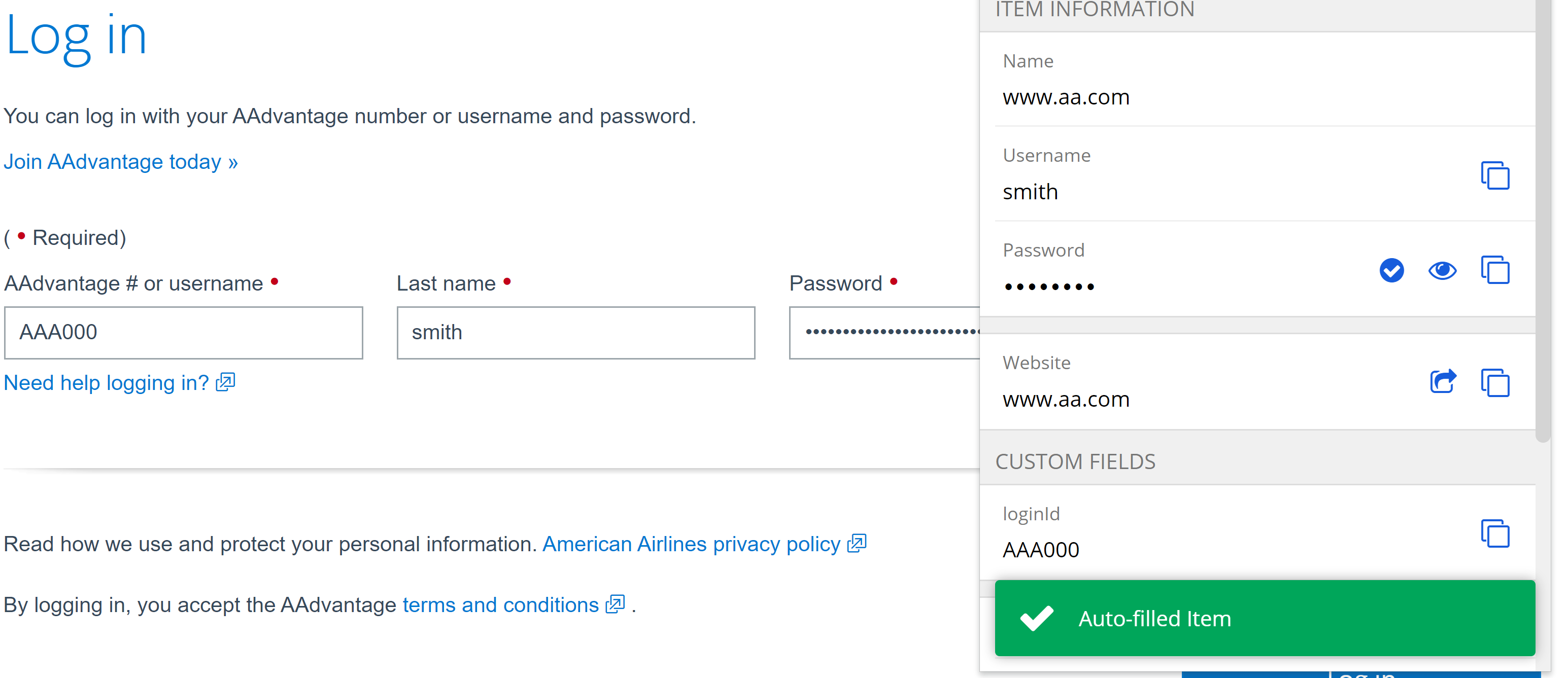
Now, when autofilled (hint: `Ctrl/CMD + Shift + L`), the custom field will be filled too, along with the username and password!
### Linked Custom Fields
Some websites may be programmed using uncommon or unique names for a vault item's default fields that might give autofill some trouble. The Linked custom field solves this by providing those default fields a custom field name. Just like other custom fields, they will use the Name copied using the previous steps. For their values, they are “linked” to and use the saved entries at the top of the vault item, such as Username for login items or Security Code (CVV) for credit cards. With linked fields, autofill can be ensured for any vault item!
## Learn more
With custom fields, users can customize a Bitwarden Vaults beyond typical logins. For example, in one [community case](https://www.reddit.com/r/Bitwarden/comments/8xp2ru/bitwarden_helped_me_pick_my_class/) a student user beat the crowd and quickly nabbed seats for high-demand classes before they filled up with the help of custom fields for filling out the class registration forms.
Expanded functions can help with field names that might vary across pages and sites. Details are available on the [help page](https://bitwarden.com/sv-se/help/custom-fields/#more-about-custom-field-names/). These functions could be useful for adding a ZIP code to a stored credit card for use across pages, for example. Custom fields also support up to 5000 characters in length, so RSA 4096-bit SSH keys can be stored and autofilled.
## Get Started with Bitwarden
Ready to try out Bitwarden today? Quickly sign up for a [free Bitwarden account](https://bitwarden.com/sv-se/pricing/), or register for a [7-day free trial of our business plans](https://bitwarden.com/sv-se/pricing/business/) so your business and team can stay safe online.
Editor's Note: This article was originally written on October 5th, 2021 and was updated on January 5th, 2023.
---
URL: https://bitwarden.com/sv-se/blog/easily-integrate-single-sign-on-security-with-flexible-solutions/
---
# Integrera enkelt Single Sign-On-säkerhet med flexibla lösningar
Bitwarden tillkännagav just en ny form av lösenordslös SSO, som tillåter SSO-användare att logga in och dekryptera valv med betrodda enheter. Detta möjliggör nu total flexibilitet i SSO-alternativ, vilket låter företag välja var krypteringsnycklar lagras.
*By Ryan Luibrand*
*Updated: October 24, 2025*
---
Bitwarden-filosofin för SSO-integrationer har alltid handlat om att säkerställa universell kompatibilitet och att upprätthålla end-to-end, noll kunskapskryptering. För detta ändamål är Bitwarden SSO-integrationer universellt kompatibla med alla SAML 2.0- eller Open ID Connect-baserade identitetsleverantörer, ett tillvägagångssätt som möjliggör enkel integrering i din befintliga ID-hanteringsinfrastruktur.
SSO med betrodda enheter, ett nytt lösenordslöst SSO-erbjudande ger företag fullständig flexibilitet i var och hur krypteringsnycklar förvaras, allt samtidigt som säker, från början till slut, noll kunskapskryptering.
Här är en översikt över varje enkel inloggningslösning:

*Fönstret för SSO-val för Bitwarden Password Manager*
**
**Logga in med SSO**- Den här metoden använder SSO för att autentisera användare och kompletterar inloggningsprocessen med säkerhetsåtgärderna från identitetsleverantören. Användaren matar in ett huvudlösenord som sedan används för att dekryptera valvet och behåller krypteringsnyckeln hos användaren.
**SSO med betrodda enheter**- Användare loggar in via SSO, och en enhetslagrad krypteringsnyckel används för att dekryptera valvet, vilket eliminerar behovet av att ange ett huvudlösenord. Enheter registreras som betrodda i förväg och bekräftas av en annan betrodd enhet eller en administratör. Denna metod håller krypteringsnyckeln säkert med enheten.
Den här nya lösningen ger affärsslutanvändare en lösenordslös upplevelse som också är noll-kunskap och krypterad från början till slut. Detta förhindrar användare från att bli utelåsta på grund av glömda huvudlösenord och låter dem njuta av en strömlinjeformad inloggningsupplevelse. SSO med betrodda enheter är särskilt tilltalande för organisationer som kan koppla denna lösning med kraftfulla hanterade enhetskontroller för att säkerställa bekväma och starka, säkra slutpunkter.
**SSO med kundhanterad kryptering** - För kunder med en robust IT-infrastruktur med egen värd, tillåter denna lösning användare att logga in med SSO medan Bitwarden-klienten hämtar valvkrypteringsnyckeln från en egenvärdig nyckelserver för att dekryptera användarens valv. Inga lösenord krävs, och krypteringsnyckeln förblir säkert hos kunden och deras IT-avdelning.
Mer information om autentiseringstyper och SSO-lösningar finns i [Enterprise Reference Guide to Bitwarden Authentication](https://bitwarden.com/sv-se/resources/reference-guide-bitwarden-authentication/)
Oavsett vilken lösning som passar dina behov, erbjuder Bitwarden SSO-integrationer företag möjligheten att införliva sin identitetsleverantörs-autentiseringspolicy i Bitwarden, vilket effektivt utökar samma säkerhetsnivå till varje referens som lagras i Bitwarden-valvet. Detta fyller en kritisk säkerhetslucka genom att erbjuda SSO-skydd för alla applikationer, webbplatser och andra viktiga resurser som kanske inte stöder SSO inbyggt. Detta innovativa tillvägagångssätt stärker ditt cybersäkerhetsförsvar, vilket gör Bitwarden till ett ovärderligt verktyg i din säkerhetsstrategi.
Om du vill skapa enkel SSO-integration till ditt företag, besök [bitwarden.com](https://bitwarden.com/sv-se/) idag för att starta en 7-dagars provperiod eller kontakta [företagets säljteam ](https://bitwarden.com/sv-se/contact-sales/)för att diskutera dina behov!
---
URL: https://bitwarden.com/sv-se/blog/easy-secure-sharing-how-to-set-up-user-groups-and-collections/
---
# Enkel, säker delning - hur man ställer in användargrupper och samlingar
Lär dig hur du ställer in användargrupper och samlingar för enkel och säker delning med ditt team.
*By Bitwarden*
*Published: June 6, 2023*
---
By using a password manager, you can ensure your team members are using [strong passwords](https://bitwarden.com/sv-se/password-strength/) for all of their accounts, which is an absolute must for security.
When you employ Bitwarden for your business, you gain a few extra features that can go a long way to [making collaboration considerably easier](https://bitwarden.com/sv-se/blog/how-a-password-manager-adds-to-productivity-at-the-office/). One such feature is groups. With groups you can create a new group, assign team members to the group, and even assign a collection to the group. Even better, with each collection you add to a group, you can define one of the following permissions:
- Can View
- Can View, Except Passwords
- Can Edit
- Can Edit, Except Passwords
You can give a group access to multiple collections, with different permissions for each collection. I'm going to show you how easy it is to create a new group, add users to the group, and then add collections and assign permissions.
## What you'll need
To take advantage of the Groups feature, you must have either a [Teams or Enterprise business plan](https://bitwarden.com/sv-se/products/business/), since you cannot create groups with the Personal plans. That's all you need. Let's create our first group.
## Creating your first group
To create a group, you can work via the Bitwarden Web Vault, CLI, or one of the directory sync options to access the [Organization](https://bitwarden.com/sv-se/blog/what-are-organizations-in-bitwarden-and-why-should-you-use-them/) management tools. So, point your default browser to vault.bitwarden.com and log in with your account.
Once you've logged in, click Organizations at the top and you should see the Groups tab under your Organization name (**Figure 1**).

*Figure 1 - The Groups tab is where you need to be*
Click New Group and, in the resulting popup window (**Figure 2**), give the new group a name.

*Figure 2 - The NEW GROUP popup window in the Bitwarden web vault*
After giving the group a name, click Members. In this tab (**Figure 3**), select the first member to add to the group from the Select Members drop-down.

*Figure 3 - Adding Members to your new Bitwarden Group*
Once you've added your first member, you can continue to add more members until you've populated the group with everyone you need.
Click on the Collections tab (**Figure 4**) and, from the Permission drop-down, select the permission you want to give to the collection. Then select the collection to be added from the Select collections drop-down.

*Figure 4 - Assigning Groups to a Collection*
Continue adding collections and assigning permissions, until you have everything you need. With that taken care of, click Save and your group is ready.
If you need to modify the group later (such as adding new members), all you have to do is click the three dot menu associated with the group and click either Edit Info, Members, or Collections to edit one of those features (**Figure 5**).

* Figure 5 - The Group edit drop-down is where you can make changes to a Group*
One thing to keep in mind is that you (or any members associated with a group) will not see a Groups section in the Bitwarden user interface. Instead, they'll be given access to the vault entries associated with the group collection(s).
And that's all there is to set up a user group for easy sharing in Bitwarden.
## Get started with Bitwarden
Sign up for a [free business trial](https://bitwarden.com/sv-se/products/business/) to get started with easy, secure sharing for your team.
---
URL: https://bitwarden.com/sv-se/blog/edge-extension-released/
---
# Bitwarden webbläsartillägg nu tillgängligt pn Microsoft Edge
Bitwarden är nu officiellt tillgänglig i Microsoft Store för Edge-webbläsaren.
*By Kyle Spearrin*
*Published: September 10, 2017*
---
**Welcome reader!** *If you're looking for news on the latest release, visit this *[*Release Notes page*](https://bitwarden.com/sv-se/help/releasenotes/)*. The Edge extension along with other clients can be found at the *[*Bitwarden Download page*](https://bitwarden.com/sv-se/download/)*. Please note that new Bitwarden releases must go through a review process by each individual platform's application store, and new updates may be available sooner on some platforms than others. Thank you for your patience!*
Bitwarden has long been available across a variety of web browsers including [Chrome](https://bitwarden.com/sv-se/download/google-chrome-password-manager/), [Firefox](https://bitwarden.com/sv-se/download/mozilla-firefox-password-manager/), [Opera](https://bitwarden.com/sv-se/download/opera-password-manager/), [Vivaldi](https://bitwarden.com/sv-se/download/vivaldi-password-manager/), and others. Supporting Microsoft's [Edge browser](https://bitwarden.com/sv-se/download/microsoft-edge-password-manager/) has eluded us due to extension submissions not yet being publicly available and requiring special approval from Microsoft.
With the help our our friends at Microsoft, today we're excited to announce that Bitwarden is officially [available in the Microsoft Store](https://microsoftedge.microsoft.com/addons/detail/bitwarden-free-password/jbkfoedolllekgbhcbcoahefnbanhhlh) for the Edge browser.

If you're an Edge user you can start using Bitwarden today! Install Bitwarden from the [Microsoft Store](https://www.microsoft.com/store/p/bitwarden-free-password-manager/9p6kxl0svnnl) by searching for "Bitwarden". Please consider helping us out with a review on [our store page](https://www.microsoft.com/store/p/bitwarden-free-password-manager/9p6kxl0svnnl) as well!
## Some Limitations
It's also worth noting that Edge's support for extensions is still somewhat new and limited. Because of API limitations and bugs in Edge, certain features of Bitwarden have been disabled and/or do not function the same (or as well) as other browsers. Performance of the extension can also suffer in a few areas as well. We hope that the Edge team will continue to make progress with extensions and Bitwarden's integration will improve over time. We appreciate your patience.
---
URL: https://bitwarden.com/sv-se/blog/email-security-tips-from-the-australian-cyber-security-centre/
---
# E-postsäkerhetstips från Australian Cyber Security Center
Som en del av sin #actnowstaysecure-kampanj delade Australian Cyber Security Center (ACSC) nyligen rekommendationer för att skydda e-postkonton.
*By Bitwarden*
*Published: July 7, 2022*
---
As part of its #actnowstaysecure campaign, the [Australian Cyber Security Centre (ACSC)](https://www.cyber.gov.au/) recently shared recommendations for protecting email accounts.

The campaign highlights the ACSC email security [home page](https://www.cyber.gov.au/emailsecurity), which walks readers through why email security is important:
> “If someone gains unauthorised access to, or impersonates your email account, they can intercept or gain access to your private communications.”
This campaign also highlights ways to determine if someone else has accessed your email account such as noticing strange emails in your sent folder or receiving unexpected password reset notifications.
It also offers links to practical guides on how to protect your business from email fraud and how to secure your Microsoft account with [multi-factor authentication](https://bitwarden.com/sv-se/blog/top-10-burning-questions-on-2fa/).
The guide entitled [Protect your business from email fraud and compromise](https://www.cyber.gov.au/email-security/protect-yourself-against-email-cyber-attack) is of interest, as it shares suggestions for protecting SMBs and enterprises. They include:
- Turning on MFA
- Renewing domain names
- Registering additional domain names to deny cyber-criminals the opportunity to register domain name very [similar to your business](https://bitwarden.com/sv-se/blog/password-managers-safe-bet-for-business/) in order to trick people
- Setting up [email authentication measures](https://bitwarden.com/sv-se/blog/add-privacy-and-security-using-email-aliases-with-bitwarden/) to prevent spoofing attacks
- Protecting privacy by limiting the amount of personally identifiable information posted online
Under the MFA suggestion, the paragraph ends with this: “Remember to [use a strong passphrase](https://www.cyber.gov.au/acsc/view-all-content/advice/passwords-pins-and-passphrases) for your email account if you cannot use multi-factor authentication.” In clicking on the link, the reader is brought to yet another page, entitled [Passwords, pins and passphrases](https://www.cyber.gov.au/acsc/view-all-content/advice/passwords-pins-and-passphrases).
Recommending the use of MFA is important, as is keeping PII close to the vest. Points also go towards seeding in language about the use of a strong passphrase.
But, these recommendations could be less complex and more straightforward (centering domain names over [strong passphrases](https://bitwarden.com/sv-se/blog/3-tips-for-extra-security-with-your-bitwarden-account/)?). We will reiterate here: we believe national and international agencies with a security-centric purview should recommend, clearly and on their main pages, that [consumers and businesses use strong and unique passwords](https://bitwarden.com/sv-se/blog/case-study-intesys/). Leaving it up to readers to comb through documents or follow a trail of links will result in reader attrition and message dilution.
Furthermore, the ACSC misses the opportunity to highlight the [efficacy of password managers](https://bitwarden.com/sv-se/blog/university-of-toronto-press-solves-for-efficient-password-sharing-with-bitwarden/). Password managers allow users to easily create and manage strong and unique login credentials for each website to reduce the impact of potential data breach. If it happens, only a single password is compromised, and users can quickly generate a new one. There are a host of excellent options on the market.
## The Australian Cyber Security Centre (ACSC) Rating

For a refresher on how Bitwarden ranks agencies, see Bitwarden’s [State of Password Security](https://bitwarden.com/sv-se/blog/the-state-of-password-security/) report.
**Overall Bitwarden Assessment: Good**
- Does not recommend use of a password manager
- Calls out importance of strong passwords
- Cites need for 2FA/MFA to further support password security
- Overall security advice is not up-to-date and does not adhere to NIST guidelines
- Does not lay out password security recommendations in a clear, digestible, and easy to find manner
## Additional Resources
Learn what advice other leading cybersecurity agencies offer, and how they compare, in the [State of Password Security Report](https://bitwarden.com/sv-se/blog/the-state-of-password-security/), released earlier this year.
## Get Started with Bitwarden
Ready to try Bitwarden? Start a [free business trial](https://bitwarden.com/sv-se/pricing/business/) to help your team stay safe online or sign up for a [free individual account](https://bitwarden.com/sv-se/pricing/).
---
URL: https://bitwarden.com/sv-se/blog/employee-password-management-onboarding-and-beyond/
---
# Here’s What Employee Password Management Looks Like from Onboarding and Beyond
Here’s a closer look at what employee password management looks like from onboarding, succession, and beyond.
*By Andrea Lebron*
*Published: July 13, 2022*
---
Employee password management starts on the first day of onboarding and continues through career advancement and succession. When introducing a new employee to company software and applications, it helps to know their familiarity with using password managers to store and share password credentials.
To minimize critical cybersecurity risks and protect business data, many companies initiate the onboarding process with a password manager to grant employees access to necessary login credentials.
Some companies also use [Single Sign On](https://bitwarden.com/sv-se/blog/configure-bitwarden-sso/) to streamline access to select enterprise-wide systems, but this coverage does not always extend to employee- or team-specific systems. Shared team password credentials might then be distributed through less secure methods such as sticky notes, email, or shared documents for speed and efficiency. A password manager fills this gap, especially when embraced by employees, as it enables them to safely share credentials.
How can a security-minded company successfully introduce a password manager during employee onboarding and ensure that good password hygiene remains throughout the entire employee lifecycle? It starts by understanding your employees and building an effective company password management program to span their tenure with the company.
## Who are the Most Common Employee Password Manager End-Users?
Employees face pressure to be successful at work, and sometimes that means they need to quickly share passwords and other sensitive information to resolve an issue. Some might already be using a personal password manager, and others might just use pen and paper.
The four most common end-users you should plan for when introducing a password manager in your organization include:
1. The Novice
2. Password Management Aficionado
3. The Team Lead
4. Executive User
> [Take a closer look](https://start.bitwarden.com/hubfs/PDF/who-are-password-manager-end-users.pdf) at these end-users and what you’ll need to consider when rolling out your password manager and identifying training requirements.
## Continuing Password Management Throughout the Employee Lifecycle
The employee lifecycle for password management comprises three stages:
- Onboarding
- Succession and Promotion
- Offboarding
### Onboarding
Onboarding presents a great opportunity to get employees started with proper digital security practices like a password manager. When a company engages new employees, faster onboarding means faster productivity. From an employee’s perspective, the less friction they have in accessing and setting up new tools, the sooner they can make a good first impression.
NOTE: For current Bitwarden Teams and Enterprise administrators, feel free to check out a more detailed technical paper on [Employee Onboarding and Succession](https://start.bitwarden.com/hubfs/PDF/employee-onboarding-and-succession.pdf).
### Succession and Promotion
As employees move into new roles and responsibilities, they might need to transition software ownership. In other cases, like for a [law firm](https://bitwarden.com/sv-se/blog/bitwarden-legal-case-study/) or services company, employees handle multiple projects simultaneously and constantly hand off credentials to others. Managing several passwords across numerous projects, users, devices, and time zones goes from days to hours, or even minutes, with a password manager.
### Offboarding
Provisioning and deprovisioning user access to credentials remains time-sensitive during employee [offboarding](https://bitwarden.com/sv-se/help/managing-users/#offboard-users/). A shared spreadsheet of logins and passwords just won’t cut it. Centralizing password management ensures that work transitions smoothly to other employees, and that shared passwords remain secure and accessible.
## Your Guide to Password Management Throughout all the Employee Lifecycle Stages
Successful employee password security management relies on reinforcing [best practices](https://bitwarden.com/sv-se/blog/five-best-practices-for-password-management/) and also knowing how to customize training around the different types of end-users.
We put together this guide to help you understand:
- How password management needs change throughout each employee lifecycle stage
- An overview of workplace password managers
- The differences between password managers, identity and Access Management (IAM) systems, and Identity Providers (IdPs)
## Get Started with Bitwarden
Ready to try Bitwarden? Keep your team safe online by signing up for a [free business trial](https://bitwarden.com/sv-se/pricing/business/), or sign up for a [free individual account](https://bitwarden.com/sv-se/pricing/).
Editor's Note: This article was originally written on April 20th, 2021 and was updated on July 13th, 2022.
---
URL: https://bitwarden.com/sv-se/blog/enable-passkeys-with-bitwarden-passwordless-dev/
---
# Aktivera lösenord i .NET med Bitwarden Passwordless.dev
Här är en snabb översikt över hur du kan använda Bitwarden Passwordless.dev .NET SDK i dina ASP.NET-applikationer för att aktivera lösenord.
*By Anders Aberg*
*Published: September 5, 2023*
---
With the recent release of the Bitwarden Passwordless.dev .NET SDK, here’s a quick overview on how you can use it in your ASP.NET applications to enable passkeys, a new W3C standard (WebAuthn) that eliminates the need for passwords and allows users to securely authenticate via on-device biometrics.
If you want to add passkeys to your app, you can sign up for Bitwarden Passwordless.dev [here](https://docs.passwordless.dev/guide/get-started.html).
## Passkeys simplify secure authentication
Passkeys make the sign in process simpler and more secure for end users. Unlike passwords, passkeys are phishing resistant, leveraging on-device biometrics and public key cryptography.
> Read more: [How do passkeys work](https://bitwarden.com/sv-se/blog/how-do-passkeys-work/)

## Add passkeys to your .NET app with Bitwarden Passwordless.dev
Bitwarden Passwordless.dev allows you to add passkeys to your current web app in minutes, without throwing out all your existing authentication code. It's as simple as including a client side script and calling an API.
## Examples and source code
Here are some of the most interesting repos for you to take a look at:
- [passwordless/passwordless-dotnet-example](https://github.com/passwordless/passwordless-dotnet-example): asp.net example using the SDK.
- [passwordless/passwordless-dotnet](https://github.com/passwordless/passwordless-dotnet) - The SDK source code itself
If you’re using ASP.NET Identity, Bitwarden offers an integration that makes things even easier:
- [passwordless/passwordless-aspnet](https://github.com/passwordless/passwordless-aspnet)
And for those interested to deep dive into the open source code:
- [passwordless/passwordless-client-js](https://github.com/passwordless/passwordless-client-js) - The JS client source code itself
- [passwordless/passwordless-server](https://github.com/passwordless/passwordless-server) - The Bitwarden Passwordless.dev server and API.
## How to install the SDK
Bitwarden built the SDK to allow any .NET app to use passkeys, regardless if you're on .NET 6 or .NET Framework 4.6.2.
Install the NuGet to your project: ``dotnet add package Passwordless`.`
And include our JS client library (available as a script tag or NPM module):
```bash
npm install @passwordlessdev/passwordless-client
```
```javascript
//
```
## Verify tokens on your .NET backend
When a passkey is used to sign in, you’ll get a token that you can verify to get the UserId of the user.
```csharp
// in your Program.cs or Startup.cs
services.AddPasswordlessSdk(options =>
{
options.ApiSecret = "your_api_secret";
});
// In your Controller.cs
[HttpGet]
[Route("/verify-signin")]
public async Task VerifySignInToken(string token)
{
try
{
var verifiedUser = await _passwordlessClient.VerifyTokenAsync(token);
return Ok(verifiedUser);
}
catch (PasswordlessApiException e)
{
return new JsonResult(e.Details)
{
StatusCode = (int)e.StatusCode
};
}
}
```
## Get started with passkeys today
Follow the [Getting started](https://docs.passwordless.dev/guide/get-started.html) guide to create your account and add passkeys to your application today.

## Build passkeys with Bitwarden Passwordless.dev Free, Pro, and Enterprise plans
Take advantage of Bitwarden Passwordless.dev to enable passkeys for your customers and users, as well as your workforce and employees. The free plan is perfect for any independent project and allows up to 10,000 users. No credit card required. Visit the [Bitwarden Passwordless.dev signup page](https://admin.passwordless.dev/signup).
The Pro and Enterprise plans serve more advanced use cases. To learn more, reach out to passkey experts at the Bitwarden [Passwordless.dev product page](https://bitwarden.com/sv-se/products/passwordless/#contact-sales/).
---
URL: https://bitwarden.com/sv-se/blog/enabling-enterprises-to-build-modern-passkey-authentication/
---
# Gör det möjligt för företag att bygga modern lösenordsautentisering för sin personal
Bitwarden påskyndar den lösenordssäkrade arbetsstyrkan och lägger till nya företagsfunktioner i utvecklarsatsen för lösenordsnyckel.
*By Vivian Shic*
*Published: February 14, 2024*
---
Move aside, passwords. Enterprises are ready for passkeys.
In a recent Bitwarden survey, over 80% of developers surveyed say they are in the process of implementing passkeys for workforce authentication, driven to provide employees a more streamlined and secure way of signing into their business applications.
Fueled by the demand for modern passwordless experiences,[ Bitwarden Passwordless.dev](https://bitwarden.com/sv-se/products/passwordless/) has seen rapid user adoption – the developer toolkit, built on FIDO2 WebAuthn standards, provides an extensive, easy-to-deploy API for integrating passkeys into customer-facing websites and custom enterprise applications. According to an [Oracle report](https://www.oracle.com/a/ocom/docs/cloud/why-move-custom-apps-to-cloud-ebook.pdf), the average company has 464 internal applications used by different departmental and enterprise-wide workflows.
Delivering on the promise to save hours of passkey development engineering – either as a primary or secondary form of authentication – Bitwarden further strengthened the Bitwarden Passwordless.dev enterprise plan with event log and self-hosting features.
## **Event logs for visibility **
Most enterprises maintain a consistent practice of monitoring event logs to gain insights into system performance, watch for security vulnerabilities, and keep track of critical events. The new Bitwarden Passwordless.dev [event log](https://bitwarden.com/sv-se/help/event-logs/) feature allows enterprises to achieve business compliance and greater control and oversight when moving to passwordless authentication. Administrators now have visibility into data points such as passkey authentication activities and details around Bitwarden Passwordless.dev API calls.
## **Self-host for control **
With this new release, developers can select to self host the Bitwarden Passwordless.dev API and admin console on Docker Linux containers, ensuring that passkey authentication flows are only accessible within a VPN for greater security and control. The self host feature is currently in beta.
### **Pricing and availability **
Bitwarden Passwordless.dev simplies workforce authentication, enabling enterprises to build passkey authentication without having to replace or change existing authentication workflows and infrastructures. The [Enterprise plan](https://bitwarden.com/sv-se/products/passwordless/), which includes the full SDK for passkeys, unlimited applications, and unlimited console administrators, costs $3 per month / per user, based on a monthly subscription.
### **Don’t be left behind**
Enterprises are ready for passkeys. Are you? Use Bitwarden Passwordless.dev to build passkey authentication in minutes. [Try it out](https://bitwarden.com/sv-se/products/passwordless/) with a Free plan for the entire software developer toolkit, supporting one app per organization.
---
URL: https://bitwarden.com/sv-se/blog/end-to-end-encryption-and-zero-knowledge/
---
# Hur end-to-end-kryptering banar väg för noll kunskap
Förstå grunderna i dessa metoder för att arbeta säkert online.
*By Gary Orenstein*
*Published: December 21, 2021*
---
As more of our daily and professional lives move online, both personal and company security depends on all of us. Cyber attacks and data breaches unfortunately continue, with password management often cited as an easy step to mitigate risk.
But how can you trust a company to keep all of your secrets secret? The answer lies in end-to-end encryption, which lays the groundwork for applications with ‘zero knowledge’ architectures.
In a [TechRadar](https://www.techradar.com/news/5-things-you-need-to-consider-before-buying-a-password-manager) piece, author Christian Rigg noted,
> Zero knowledge refers to policies and architecture that eliminate the possibility for a password manager to access your password.
While this is a perfect explanation of zero knowledge for a broad audience, security experts will differ in the interpretation of zero knowledge. For example, some competing password managers will claim zero knowledge, when in reality they offer only partial zero knowledge, monitoring unencrypted URLs and websites within user Vaults.
We know we want zero knowledge in terms of safely handling encrypted passwords with password managers, but what exactly does that mean?
## Start with strong end-to-end encryption
The foundation of a secure architecture starts with encryption, specifically end-to-end encryption. At Bitwarden we encrypt your sensitive data immediately as soon as you enter it in any Bitwarden client, providing an end-to-end encrypted password manager. Before storing the data on your device, it is encrypted. There is no such thing as unencrypted Vault data, except when you are in control, viewing the information in a Bitwarden client where you have entered your email address and Master Password.
From there, all Vault data remains encrypted when sent to the Bitwarden Cloud or a self-hosted Bitwarden server. Upon synchronizing the data to other clients, it remains encrypted until the unique email address and master password are re-entered.
Bitwarden is a zero-knowledge encryption password manager. This means that Bitwarden as a company **cannot** see your passwords. They remain encrypted end-to-end with your individual email and Master Password. Bitwarden never stores and cannot access your Master Password.
For Vault data, Bitwarden uses [AES 256-bit encryption](https://bitwarden.com/sv-se/help/what-encryption-is-used/), an industry standard, which is considered unbreakable. For your Master Password, PBKDF2 SHA-256 is used to derive the key that encrypts your Vault data. To read more about Bitwarden end-to-end encryption and Bitwarden security, please visit our [security FAQ](https://bitwarden.com/sv-se/help/security/).
Understandably, the important detail of end-to-end encryption is the key to decrypt. As long as this remains **only** with the end user, a solution can progress to a zero knowledge architecture.
There are cases where software and service providers promote encryption but retain the key. These cases do not qualify as zero knowledge from our perspective since the software and service providers technically have the ability to decrypt the data.
## Give users key control for zero knowledge encryption
When users have control of the encryption key, they control access to the data, and can provide encrypted data to a password manager without the password management company having access to, or knowledge of, that data.
This is the fundamental premise on which well-designed password managers work. They facilitate strong and unique passwords that only you can access. Doing so requires zero knowledge of the secret data, and therefore users must control the encryption key. We refer to this as zero knowledge encryption.
But there is information beyond the secret Vault data that might be shared with a software or service provider. For example, an email address might serve as a unique customer identifier. One could claim that this isn’t zero knowledge, and that would be correct.
At a minimum, zero knowledge must pertain to secret data. In the case of a password manager, that means all information within the password Vault. At the same time, it is important to recognize the realities of software, services, and users, and that in order for a commercial relationship to exist, there needs to be some knowledge exchanged between parties.
In the world of password managers, that line can get blurry. As previously mentioned, there are some password managers (not Bitwarden) that retain unencrypted URLs and websites for which you store passwords. While they claim that this benefits users, ultimately it provides these companies with detailed information on which websites users visit, when they do so, and every log in.
Bitwarden takes a more conservative view of what constitutes sensitive data, and therefore encrypts all of the information in your Vault, including the websites you visit, even the names of your individual items and folders. We use the term zero knowledge encryption because only you retain the keys to your Vault, and the entirety of your vault is encrypted. Bitwarden cannot see your passwords, your websites, or anything else that you put in your Vault. Bitwarden also does not know your [Master Password](https://bitwarden.com/sv-se/blog/vault-security-bitwarden-password-manager/). So take good care of it, because if it gets lost, the Bitwarden team cannot recover it for you.
Update: In 2021, Bitwarden introduced account recovery (formerly Admin Password Reset), which enables users and organizations to implement a new policy that allows administrators and owners to reset passwords. The new feature remains consistent with the Bitwarden zero-knowledge encryption model. For more information, please read [Admin Password Reset is Here - Top Things for Enterprises to Know](https://bitwarden.com/sv-se/blog/admin-password-reset-is-out/).
## Zero trust as a protective mindset
The zero trust model initially emerged as a way for organizations to get beyond the traditional thinking of internal and external threats to their IT operations. Today, companies need to protect from threats coming from both inside **and** outside. Zero trust models often use technologies like identity and access management, encryption, multi-factor authentication, and permissions to operate.
Of course, between password managers and users adopting software or services, there is likely going to be at least **some** element of trust between the two parties. The [password management provider](https://bitwarden.com/sv-se/blog/7-tips-to-protect-your-bitwarden-account/) trusts that the user will not violate the terms of service, and the user trusts that the password management provider will live up to their stated offering. However, everyone is better off if the boundaries of required trust are limited, so that even the possibility of sensitive data being compromised is eliminated altogether, hence the zero trust model.
While we support our customers with a trusted relationship, we can reduce the reliance on implied trust through the Bitwarden self-hosted offering. This deployment enables businesses with greater flexibility and control over their infrastructure. Running your own Bitwarden instance could be on an air gap network, further reducing risks by being disconnected from the internet.
At Bitwarden we take this trusted relationship with our users seriously. We also built our solution to be safe and secure with end-to-end encryption for all Vault data, including website URLs, so that your sensitive data is zero trust secure.
## Understand and adopt safe encryption practices
We want our users to be well-informed on security practices, and the benefits Bitwarden provides. With encryption, seek a complete end-to-end encryption architecture where only the end user retains the key, and make sure all sensitive data is encrypted using that architecture.
For many, it is easier to understand zero knowledge than end-to-end encryption. Bitwarden strives for ease of use, but we also understand the intricacies of these terms and aim to maintain clear definitions. We hope this article helps clarify the Bitwarden philosophy and approach.
### Experience Zero Knowledge Encryption Today
You can get started with an individual plan for yourself, or create a Bitwarden Organization to securely share information among other users, teams, or enterprises. Explore which [Bitwarden plan](https://bitwarden.com/sv-se/pricing/) is right for you.
WEBCAST: Building a Zero Knowledge Architecture for Password Management with End-to-end Encryption. [Watch the replay](https://www.crowdcast.io/e/zero-knowledge-architecture)
Editor’s note: This blog was originally published on August 6, 2020 and updated on December 21, 2021.
---
URL: https://bitwarden.com/sv-se/blog/enhance-personal-security-with-strong-unique-passwords-and-email-aliases/
---
# Förbättra den personliga säkerheten med starka, unika lösenord och e-postalias
Bitwarden integreras med SimpleLogin, AnonAddy, Firefox Relay, Fastmail, DuckDuckGo och Forward Email. Att använda e-postalias tillsammans med en lösenordshanterare lägger till flera lager av skydd online.
*By Gina Tran *
*Published: December 11, 2024*
---
The first hint was a suspicious email from Auberge Resorts, a business I had no dealings with – it landed in my inbox at 5:16 pm on November 6. At first, I was just annoyed. Who was selling my email address? Upon further analysis, I was able to pinpoint the origins of how my data got leaked. I’ll explain later on here, but first, here’s an overview of my personal Bitwarden account setup:
My vault includes 384 items, which breaks out into 356 logins, 1 credit card, 1 identity, and 28 secure notes. For all logins, the first layer of security starts with the Bitwarden [password generator](https://bitwarden.com/sv-se/password-generator/#password-generator/), which creates strong and unique passwords for each website, making it harder for hackers to brute-force their way in.
## Using email aliases to strengthen personal security
For certain logins, I want to add layers of security. These are logins tied to my financial livelihood, which include banking accounts, retirement and investment accounts, credit card accounts, and my Bitwarden account. A breach into any of these accounts can cause severe economic ruin for me and my family so maximum security coverage is paramount when developing my security plan.
To log into an account, you typically need two pieces of information: an email address that acts as the username as well as the password. All of my logins already have a strong, unique password as the first layer of security. For logins tied to financial accounts, I have unique usernames for each account. To do so, I created a dedicated email account that is only used to log into these financial credentials.
To keep my dedicated email hidden, let’s say the email dedicated to logging into these financial accounts was gina@secretemail.com. I do not use this email to sign up for any marketing offers or to sign up for any other services.
Where possible, I use a form of [email aliasing](https://bitwarden.com/sv-se/integrations/#email-alias-integrations/) to create unique usernames into each financial service. Plus addressed email aliasing is where you can add + and it will forward to your email. So, for example, when signing up, I would do the following:
1. Go to Financial Service website.
2. Sign up with email being gina+servicename@secretemail.com.
3. Generate a strong, unique password with the generator via Bitwarden.
4. Create my new account.
So, gina+servicename1@secretemail.com, gina+servicename2@secretemail.com, etc. are forwarded to my one dedicated email, gina@secretemail.com.
Not all websites allow + in the email or username sign-up so you aren’t always able to create a unique username in addition to the unique password.
I also use the built-in [authenticator](https://bitwarden.com/sv-se/help/integrated-authenticator/) where possible to set up two-step login on these accounts - unfortunately, most financial institutions only support SMS-based two-step login.
## The forensics of a compromised email address
Going back to the suspicious email mentioned earlier, here’s what that email from Auberge Resorts at no_reply@aubergergeresorts.com looked like.

I searched Bowie House, which seemed like a legitimate business, a luxury resort in Texas.

Ten minutes later, I received this email from the same no_reply@aubergergeresorts.com address. The second email looks like a request for a crypto withdrawal, which seems to be very different from a luxury resort website. Celsius, a cryptocurrency company, went bankrupt in February 2024. My suspicions heightened.

When I looked at who the email was sent to, it was using one of my email aliases of + fidelity.

I searched for “Fidelity data breach” to see if my email was exposed. Sure enough, there are a few articles, outlining that 77k Fidelity customers’ information were exposed in a data breach. Conclusion: My Fidelity account email was part of that breach.

## Understanding is the first step in security awareness
Thanks to the email alias tool offered in Bitwarden, I was able to track down where and how my email address was compromised and quickly update the passwords associated with that account.
Luckily, there haven't been any login attempts into my Fidelity account and my exposure risk is probably minimal, given that I had a strong, unique password in addition to two-step login enabled. My other financial accounts are also most likely secure.
Out of an abundance of caution, I will probably create a new dedicated email account and update my financial accounts. Another day on the internet.
## Try Bitwarden today
Bitwarden does more than store and secure passwords. The password generator makes it quick and easy to create strong and unique passwords for all your accounts. Bitwarden also integrates with leading [email forwarding services](https://bitwarden.com/sv-se/integrations/#email-alias-integrations/) such as Addy.io, Fastmail, DuckDuckGo, and more to easily generate forwarded email aliases directly in Bitwarden Password Manager. These tools provide convenient and helpful ways to add to your security. Whether you’re an individual user or a business, Bitwarden has the [right plan](https://bitwarden.com/sv-se/pricing/business/) for you.
---
URL: https://bitwarden.com/sv-se/blog/enterprise-passwordless-sso-brings-better-productivity-and-user-sign-in/
---
# Lösenordslös SSO för företag ger bättre produktivitet och användarinloggningsupplevelse för anställda
Nu tillgänglig: Denna lösenordslösa form av SSO tillåter användare att logga in och dekryptera valv med sina SSO-uppgifter och betrodda enheter. Läs vidare för att lära dig mer.
*By Ryan Luibrand*
*Updated: October 24, 2025*
---
Bitwarden [Password Manager](https://bitwarden.com/sv-se/products/business/) och [Bitwarden Secrets Manager](https://bitwarden.com/sv-se/products/secrets-manager/) är [noll kunskap, end-to-end krypterad](https://bitwarden.com/sv-se/blog/end-to-end-encryption-and-zero-knowledge/), vilket innebär att endast kunden någonsin kan komma åt deras krypterade data. Detta ger total säkerhet, och som ett resultat beter sig Bitwarden-applikationer annorlunda än andra SSO-aktiverade affärsappar.
När du**loggar in finns både en**autentiseringsprocess och en **dekrypteringsprocess**. Dessa hanteras samtidigt, men separat när en användare loggar in. När den konfigureras med en tjänst för identitetsleverantör (IdP), autentiserar den användaren genom SSO. Därefter dekrypteras data separat med kontokrypteringsnyckeln och görs tillgänglig för användaren.
## SSO med pålitliga enheter för enkelhet, hastighet och skala
SSO med betrodda enheter ger en [lösenordslös](https://bitwarden.com/sv-se/products/passwordless/) inloggningsupplevelse för användare på **registrerade, betrodda enheter**. Nu är allt en användare behöver för att komma åt sin krypterade data att helt enkelt autentiseras med sin SSO-leverantör. En krypteringsnyckel som används som en del av [dekrypteringsprocessen](https://bitwarden.com/sv-se/help/sso-decryption-options/) lagras säkert på enheten, så när SSO-tjänsten autentiserar användaren kan enheten dekryptera data utan ytterligare användarinmatning. För mer djupgående teknisk information läs: [Om betrodda enheter](https://bitwarden.com/sv-se/help/about-trusted-devices/)
## Hur man använder SSO med betrodda enheter
### Aktiverar SSO med betrodda enheter som administratör
Om din organisation redan använder funktionen Logga in med SSO med Bitwarden (IdP autentiserar, användare anger Bitwarden-lösenord) är det lika enkelt att aktivera SSO med betrodda enheter som att välja **Betrodda enheter** i konfigurationsfönstret för enkel inloggning i **Inställningar**i administratörskonsolen i webbappen. Om du aldrig har aktiverat SSO tidigare, måste du ställa in det med hjälp av guiderna på [Bitwardens hjälpcenter](https://bitwarden.com/sv-se/help/about-sso/). Några företagspolicyer måste aktiveras innan installationen. Detaljerade instruktioner finns här: [Konfigurera SSO med betrodda enheter](https://bitwarden.com/sv-se/help/setup-sso-with-trusted-devices/).

Med SSO med betrodda enheter finns det ett arbetsflöde där det är möjligt för anställda att skapa konton utan att någonsin ange ett Bitwarden-lösenord. Detta kan vara enklare för introduktionsändamål, men observera att det begränsar alternativen för kontoåterställning.
[](https://vimeo.com/863757920)
*[Watch on Vimeo](https://vimeo.com/863757920)*
### Komma igång som användare
När SSO med betrodda enheter har aktiverats, är allt du behöver göra som användare att logga in på Bitwarden via Enterprise **Single Sign-on-knappen**. När du har gått igenom SSO-processen blir enheten som du loggade in på din första betrodda enhet. Du kan bekräfta att andra enheter är betrodda genom att använda meddelandet i mobilappen och skrivbordsappen, eller från fönstret **Säkerhet > Enheter** i webbappen. Annars kan du begära att en administratör godkänner din enhet eller ange ditt huvudlösenord om du skapat ett. Mer information om att komma igång finns här: [Lägg till en betrodd enhet](https://bitwarden.com/sv-se/help/add-a-trusted-device/)
*Obs: När du begär godkännande för en inloggning för webbläsartillägget måste tilläggsfönstret förbli öppet tills processen är slutförd. Detta kommer att förbättras i en senare version.*

*The login screen on the Bitwarden desktop application during login as a new device, showing the options to approve the login.*

*Once logged in, a notification shows that the device is now trusted.*
Att använda Bitwarden med SSO utökar den extra kontrollen och skyddet av enkel inloggning till varje objekt i ditt [Bitwarden-valv](https://bitwarden.com/sv-se/help/getting-started-webvault/), vilket kan inkludera icke-SSO-aktiverade applikationer. Med SSO med pålitliga enheter kan användare snabbt komma åt sina valv, ta bort lösenord och autentisering som ett hinder för produktivitet. Om du vill skapa enkel SSO-integration till ditt företag, besök [bitwarden.com](https://bitwarden.com/sv-se/) idag för att starta en 7-dagars provperiod eller kontakta [företagets säljteam ](https://bitwarden.com/sv-se/contact-sales/)för att diskutera dina behov!
***Redaktörens anteckning 23 januari 2025:**** Uppdaterad för att inkludera möjligheten att godkänna nya enheter från webbappen* Bitwarden.
---
URL: https://bitwarden.com/sv-se/blog/enterprise-policies/
---
# Företagspolicyer är här!
Säkra dina team bättre än någonsin med företagspolicyer.
*By Trey Greer*
*Published: March 24, 2020*
---
## Variety is the spice of life, but to be secure it helps to standardize.
### Enterprise Organizations can now specify organization-wide settings for the following items:
- **Two-step Login** - Admins and security aficionados will appreciate that they can now require their organization members to configure two-step login on their user accounts. This will certainly help many of us sleep at night...next to our YubiKey. 😎
- **Master Password** - What's the use of a robust, zero-knowledge password manager if your master password is your cat's name? Organizations can now configure the minimum complexity and length, and Whiskers no longer has to change his name to "Buffalo-Studied-Dealmaker6" - a win-win, if you ask us!
- **Password Generator** - Why stop at the master password? Organization users can now rest easy knowing that any password they generate falls squarely within the rules. Talk about a weight lifted!
## **Enterprise Policy Configuration:**
Enabling these features is as easy as navigating to your organization management tab, enable and put those policies to work!

### These features are available for Bitwarden Enterprise accounts using the minimum versions listed below:
- All cloud-hosted Enterprise accounts
- Server - Version 1.33.0
- Web - Version 2.13.0
- Mobile - Version 2.3.0 (2234)
- CLI - Version 1.9.0
- Extensions - Version 1.43.1
For more information on how to configure this, you can watch our webcast on demand [here](https://zoom.us/webinar/register/WN_86_BfLjLTAuwKScFN5hZVA).
### Resources
You can also view the slideshow from the webcast here:
[Download slideshow](https://drive.google.com/open?id=1Abge5P1H8SrW9rsJOatgHYvG0_-elaz--UZPbHtBoHo)
You can also visit our help article [here](https://bitwarden.com/sv-se/help/policies/), or to try an enterprise account yourself, head over to our [Bitwarden Enterprise Registration](https://vault.bitwarden.com/?__hstc=42558970.79ea6505f60c02f10abb85a794614af0.1666210543588.1667244611912.1667432162301.10&__hssc=42558970.1.1667432162301&__hsfp=3352728727#/register?org=enterprise) page.
---
URL: https://bitwarden.com/sv-se/blog/enterprise-self-hosting-for-bitwarden-secrets-manager/
---
# Nu tillgängligt: Enterprise self-hosting för Bitwarden Secrets Manager
Self-hosting är nu tillgängligt för företag som vill få ytterligare kontroll över sin hemlighetshanteringsmiljö och data.
*By Kasey Babcock*
*Published: November 16, 2023*
---
Bitwarden [Secrets Manager](https://bitwarden.com/sv-se/products/secrets-manager/) empowers developers to securely store, manage, share, and automate critical infrastructure secrets at scale. With [end-to-end encryption](https://bitwarden.com/sv-se/blog/why-end-to-end-encryption-is-crucial-for-developer-secrets-management/), [open source security](https://bitwarden.com/sv-se/blog/why-open-source-delivers-transparency-and-security-for-enterprises/), unlimited secret storage, predictable pricing — and now self-hosting options — Bitwarden Secrets Manager is trusted by developers and DevOps everywhere to protect and secure secrets throughout the development lifecycle.
**Learn more:**[How to manage secrets for your organization](https://bitwarden.com/sv-se/products/secrets-manager/)
## Self-hosting now available
Self-hosting is now available for enterprises looking to gain further control of their secrets management environment and data. New or existing Bitwarden customers on enterprise plans can bring the same secrets management cloud features into a self-host installation.
### Alleviate enterprise security challenges
Enterprise organizations experience a unique set of security challenges and characteristics that may make them a good fit for self-hosting their secrets management solution.
Enterprises often find themselves as prime targets for malicious attacks due to their expansive [tech stacks](https://bitwarden.com/sv-se/blog/best-cybersecurity-for-business/), sheer size, and organizational complexity. As a result, they need to invest heavily in dedicated security teams and establish robust protocols.
Self-hosting allows enterprises with an intricate tech stack to further gain control of their secret data by hosting on their own network or infrastructure. Dedicated security teams bring the technical expertise needed to launch and maintain a self-host environment. A self-hosted secrets management solution not only empowers development teams with secure secrets management, but also helps DevOps adhere to enterprise security protocols.
### Robust self-hosting deployment
Bitwarden offers a robust deployment for self-hosting Secrets Manager. Deployed using multiple Docker Linux containers, Bitwarden Secrets Manager can be hosted on Linux, macOS, and Windows machines and utilizes a Microsoft SQL Server database.
For users interested in a one-click cloud-based solution, deployment is also offered as a [DigitialOcean droplet](https://btwrdn.com/40KUCEX) where Secrets Manager will be hosted on a virtual machine.
For customers with a Kubernetes environment, a [Helm chart and documentation](https://bitwarden.com/sv-se/help/self-host-with-helm/#install-the-chart/) for installing Bitwarden to various types of Kubernetes deployments is available.
Learn more about self-hosting Bitwarden Secrets Manager in this [FAQ article](https://btwrdn.com/40CvtMA).
## Secure your developer ecosystem with Bitwarden Secrets Manager
Ready to begin your secrets management journey? See if self-hosting Bitwarden Secrets Manager is right for your enterprise by [contacting sales](https://bitwarden.com/sv-se/contact-sales-secrets-manager/) or explore Secrets Manager first-hand with a[ free 7-day business trial](https://bitwarden.com/sv-se/go/start-secrets-enterprise-trial/).
Note: This blog was updated on December 7th, 2023.
---
URL: https://bitwarden.com/sv-se/blog/expanding-the-bitwarden-experience-from-one-to-many-at-work/
---
# Utöka Bitwarden-upplevelsen från en till många på jobbet
Bitwarden är perfekt hemma med team av alla storlekar såväl som affärs- och företagsorganisationsbehov. Men med tanke på att det finns flera typer av planer du väljer från, vad är skillnaden och vilken plan är bäst lämpad för dina behov?
*By Jack Wallen*
*Published: January 10, 2023*
---
If you're new to the world of password managers, you may have come to Bitwarden as a single user looking to save sensitive login and other account information safely with an encrypted vault. With all of the features you'd expect in a premium password manager, Bitwarden is perfectly at home saving all of your personal items, which can be retrieved from the web, desktop, and mobile versions of the application.
But Bitwarden isn't only geared toward individual, personal usage. Bitwarden is also perfectly at home with teams of all sizes as well as business and enterprise organizational needs. But given there are multiple types of plans you can choose from, what's the difference, and which plan is best suited for your needs?
Let's break it down simply, so you can be sure which Bitwarden plan is the one for you.
It all starts with two different types of plans.
Before we break this down into types, know that there are core features that all Bitwarden plans include, such as [zero-knowledge encryption](https://bitwarden.com/sv-se/blog/end-to-end-encryption-and-zero-knowledge/); unlimited devices and syncing; free desktop and mobile apps to use; store notes, credit cards, and identities; free sharing for up to 2 users, [Bitwarden Send](https://bitwarden.com/sv-se/blog/introducing-bitwarden-send-for-secure-sharing/), [username/password generator](https://bitwarden.com/sv-se/blog/how-to-use-the-bitwarden-username-generator-and-why-you-should/), [email alias integration](https://bitwarden.com/sv-se/blog/add-privacy-and-security-using-email-aliases-with-bitwarden/), and [encrypted export](https://bitwarden.com/sv-se/blog/flexible-encrypted-vault-exports/).
## Personal
Personal plans are geared toward individuals and families. These plans aren't about large organizations or teams that need to collaborate but those who need to save their sensitive information to a vault and maybe share items with family members.
The Personal type of account is broken down into three different plans, which are:
- Free - limited to 2 Users and 2 Collections; basic [2 Factor Authentication](https://bitwarden.com/sv-se/blog/top-10-burning-questions-on-2fa/) (email and authentication app); Username Data Breach Report; Self-hosting options. Price - Free.
- Premium - limited to 2 Users and 2 Collections; all features included in the Free plan as well as advanced 2 Factor Authentication (including YubiKey, FIDO2, and Duo); 1 GB of personal encrypted file attachments; [Bitwarden Authenticator](https://bitwarden.com/sv-se/help/integrated-authenticator/); [Vault Health Reports](https://bitwarden.com/sv-se/blog/vault-health-reports-released/); [Emergency Access](https://bitwarden.com/sv-se/blog/bitwarden-launches-emergency-access/), Priority Support; and self-host options. Price $10/year.
- Families/Organizations - 6 Users, unlimited Collections; all features included in the Premium plan plus 1 GB organizational items. Price $40/year.
If you're an individual that only needs the basic features of a password manager, the Free plan is a good choice. However, if you want more advanced 2 Factor Authentication and larger file attachment sizes, the Premium account is a great value. For families, the Family/Organization plan is the way to go.
## Business
There are two different business plans to choose from, both of which include all the features found in the Personal Premium plan as well as others that are more suited for business use cases. Here are those plans:
- Teams - all of the features found in Premium as well as unlimited users; unlimited sharing through Collections; [API access](https://bitwarden.com/sv-se/blog/bringing-restful-api-to-the-bitwarden-cli/); event and audit logs; user groups; and a directory connector. Price $4/user/month.
- Enterprise - all the features found in Business Teams as well as [SCIM support](https://bitwarden.com/sv-se/blog/streamline-employee-onboarding-to-bitwarden-with-scim-support/); [custom roles](https://bitwarden.com/sv-se/help/user-types-access-control/#custom-role/); enterprise policies; [SSO integration](https://bitwarden.com/sv-se/help/about-sso/); free family plan for all users; [admin password reset](https://bitwarden.com/sv-se/blog/admin-password-reset-is-out/); and self-host option. Price $6/user/month.
If you're an SMB, the Teams plan would be ideal to help your teams better collaborate with sensitive information and do so safely. If you're a larger enterprise organization, you'll probably want the additional Single Sign On integration, SCIM support, and the ability to implement enterprise policies and custom user roles.
And that's the breakdown of the Bitwarden plans. Whether you're one or many, at home or work, Bitwarden has a plan for you. Even better, with both the Personal and Business plans you can take all of the features out for a 14-day trial run.
For more information about the Bitwarden Plans, make sure to check out the [price/feature matrix](https://bitwarden.com/sv-se/pricing/).
---
URL: https://bitwarden.com/sv-se/blog/fido2-security-key-support-enabled-for-mobile-clients/
---
# Stöd för FIDO2-säkerhetsnyckel aktiverat för mobila klienter
Ställ in FIDO2 som en form av tvåstegsinloggning för ditt Bitwarden-konto på alla dina enheter.
*By Ryan Luibrand*
*Published: July 23, 2022*
---
The FIDO2 passwordless authentication protocol facilitates [passwordless](https://bitwarden.com/sv-se/blog/how-to-go-passwordless-with-bitwarden/) login and continues to gather more support as an industry standard. Updates to mobile operating systems added native support for the standard, enabling Bitwarden FIDO2 support to take advantage of this secure protocol. But what is FIDO2, and how does it impact you?
## What is FIDO2?
FIDO stands for **F**ast **ID**entity **O**nline (not the name of a dog), as shorthand for the authentication standard created by the [FIDO Alliance](https://fidoalliance.org/fido2/), an open industry association. The group, including internet industry leaders, worked together to develop the standard and advance online authentication, specifically for reducing the reliance on passwords.
FIDO2 serves as a protocol for applications, servers, and other devices to communicate with each other, ensuring that the user trying to log in is authenticated appropriately. In other words, they are who they say they are. Other technologies under this umbrella term include WebAuthn, an open web standard, and CTAP; both run under-the-hood to help keep everything secure. Compared to other protocols such as OTP (one-time passcodes) FIDO2 offers greater protection because it is stronger against phishing and fake websites thanks to the use of a [public/private key pair](https://bitwarden.com/sv-se/blog/password-sharing-with-organizations/#how-is-this-secure/) as part of its security.
One FIDO2 example is a hardware security key, which is a special device that may look like a USB thumb drive. When plugged into a computer or held close to a phone to be read by NFC (near-field communication) the security key authenticates the user. A hardware key is considered very secure since it can’t be duplicated and requires a physical device to be carried by the user.
## How Bitwarden utilizes FIDO2
With this [release](https://bitwarden.com/sv-se/help/releasenotes/#2021-09-21/) Bitwarden is now a FIDO2 password manager that supports the use of FIDO2 hardware security keys on mobile clients. This adds to the lineup of the web vault, browser extensions, and Windows desktop clients supporting FIDO2 as a form of two-step login to help keep your account secure.
It’s important to note that Bitwarden uses FIDO2 for two-step login, not as a means to unlock your Bitwarden vault. The master password is used to log in to download the encrypted vault to the client, and the key derived from the master password is used to decrypt it. More on encryption can be found in the [Bitwarden Security Whitepaper](https://bitwarden.com/sv-se/help/bitwarden-security-white-paper/).

During two-step login, Bitwarden will ask you to plug in your USB hardware security key or to hold it (if NFC-enabled) close to your phone. Once the key is read, Bitwarden will use the FIDO2 Webauthn protocols to verify your identity. If you select Remember Me, it will remember your device for 30 days. This is one powerful form of two-step login that Bitwarden offers.
## A quick review of two-step login (2FA)
Two-step login, also known as two-factor authentication, 2FA, and multifactor authentication, is a way to drastically increase the security on any of your accounts. It’s so important that even though it’s been covered extensively in a Bitwarden [blog](https://bitwarden.com/sv-se/blog/basics-of-two-factor-authentication-with-bitwarden/), [webcast](https://www.crowdcast.io/e/bitwarden-guide-two-factor), and [field guide](https://bitwarden.com/sv-se/help/bitwarden-field-guide-two-step-login/) it’s worth revisiting again here.
Two-step login can be thought of in terms of having something you know, and something that you have. For example, in order for an adventurer to gain entrance to the forbidden mystical city, they must speak the magic phrase (that they know) and present the enchanted medallion (that they have). Overhearing the magic phrase in a tavern won’t give them access alone!
In contemporary terms, after you’ve enabled two-step login on any of your accounts, logging in with a username and password from an unrecognized device will trigger the second step. Depending on the site, you could be asked for a code sequence that was sent to you via text message or email, or a timed one time password (TOTP) from an authentication app as examples.
Different types of two-step login methods have varying levels of security and resilience to attacks. Text message (SMS) codes are generally known as the least secure as phone numbers can be vulnerable to SIM-swap attacks. Hardware keys are widely agreed to be the most secure form of identity verification.
Any type of two-step login provides significantly more security than leaving your account unprotected! Without two-step login your account is protected only by a single password. Data breaches and password leaks may reveal an accidentally reused password, or a brute force attack could try to guess your password [millions](https://bitwarden.com/sv-se/blog/world-password-day-strong-passwords-heroes-internet-security/) of times a minute. Two-step login stops these bad actors in their tracks!
## How to enable FIDO2 two-step login in Bitwarden
Detailed step-by-step instructions for enabling FIDO2 WebAuthn in Bitwarden can be found on the [help page](https://bitwarden.com/sv-se/help/setup-two-step-login-fido/).
From the [web vault](https://vault.bitwarden.com) go to the Settings tab, and then the Two-step login page. From there you can select which form of two-step login to use. Note that the FIDO2 option is available in the Bitwarden Premium plan.

Any FIDO2 security key can be set up for use. Some common brands are YubiKey, SoloKey, and Nitrokey. Note that YubiKey can be supported in two different ways by Bitwarden: OTP (one-time password) and FIDO2. Make sure you make the right selection for your needs.
You can have up to five keys added. It’s a good idea to register more than one so you can keep one on yourself and another one in a safe place. You should also [generate a recovery code](https://bitwarden.com/sv-se/help/two-step-recovery-code/) and also keep it in a safe place in case you lose your hardware keys. Remember that there is a risk of being locked out of your account forever if you lose your keys *and* recovery code, even if you still have your master password!
## Amp up your security
There are two important steps that anyone can do today to improve security on the internet. The first is to implement any form of two-step login (2FA, two-factor authentication, multifactor authentication) on every account that offers it. Bitwarden can help with a tool called “Inactive 2FA Report” that will check all logins in the vault against a list of sites that offer TOTP as a two-step login and flag logins that haven’t had it set up.
The second is to practice [good password habits](https://bitwarden.com/sv-se/blog/five-best-practices-for-password-management/): use unique, randomly-generated strong passwords for every account. The built-in password generator in Bitwarden is a useful tool for making this easier, alongside storing those passwords in a secure vault so they don’t need to be remembered.
Additionally, the [Bitwarden Authenticator](https://bitwarden.com/sv-se/blog/basics-of-two-factor-authentication-with-bitwarden/#using-the-bitwarden-authenticator-with-external-accounts/) which is available with the Bitwarden Premium plan, can help with TOTP two-step login by generating codes and making it more convenient to verify identities on websites.
Enable two-step login on all your accounts today!
## Get Started with Bitwarden
See how Bitwarden can help improve internet security with password management. Sign up for a [live demo](https://bitwarden.com/sv-se/events/) and explore plans at [bitwarden.com](https://bitwarden.com/sv-se/pricing/business/).
Editor's Note: This article was originally written on September 28th, 2021 and was updated on July 23rd, 2022.
---
URL: https://bitwarden.com/sv-se/blog/fido2-webauthn-2fa-in-all-bitwarden-plans/
---
# FIDO2 WebAuthn 2FA nu i alla Bitwarden-planer inklusive gratis!
Bitwarden föreställer sig en värld där ingen blir hackad och inkluderar nu FIDO2 WebAuthn tvåfaktorsautentisering i alla planer, inklusive gratis. Alla får en säkerhetshöjning med FIDO2 WebAuthn-referenser såsom hårdvarusäkerhetsnycklar.
*By Ryan Luibrand*
*Published: September 27, 2023*
---
Everyone deserves to stay secure online. Bitwarden envisions a world where no one gets hacked and offers a fully-featured [free password manager for individual use](https://bitwarden.com/sv-se/products/personal/). With the September 2023 release, Bitwarden brings FIDO2 WebAuthn two-factor authentication to all users logging in to Bitwarden. Anyone with a Bitwarden account can use passkey technology to secure their accounts from unauthorized access.
## Bringing security to all
Bitwarden leads in providing a fully featured, individual free plan to keep your passwords and other sensitive information secure. While other password manager companies do not offer, or place arbitrary password or device limits on their free plans, Bitwarden believes in giving users access to unlimited login items across unlimited devices. This commitment to security for all is reflected in continuous enhancements to the individual [Bitwarden plan](https://bitwarden.com/sv-se/pricing/), with FIDO2 WebAuthn 2FA now available for free to everyone today for two-step login, and additional passkey support coming soon. This ensures that everyone can benefit from robust password protection and peace of mind.
| **Password manager** | **Fully featured free individual plan, unlimited passwords and devices, and advanced 2FA** |
|------|------|
| Bitwarden | Yes |
| 1Password, Dashlane, Keeper, LastPass | No |
> *Bitwarden stands out in its commitment to providing security for all.*
## Add a layer of security to your Bitwarden account
FIDO2 WebAuthn 2FA utilizes passkey protocols and a public/private key pair to verify your identity, specifically as a function of two factor authentication. In securing your Bitwarden account, after you login to Bitwarden you will be asked for your FIDO2 WebAuthn credential to authenticate and access your account. This second step for logging in protects your account from unauthorized access. Read more about how this works in this [blog post: FIDO2 Security Key Support](https://bitwarden.com/sv-se/blog/fido2-security-key-support-enabled-for-mobile-clients/#what-is-fido2/).

*The process for logging in with two-step login using FIDO2 WebAuthn 2FA*
### Generating FIDO2 WebAuthn 2FA credentials
There are multiple ways to create the FIDO2 WebAuthn passkeys for two-step login. Bitwarden supports using both device-bound passkeys, like those from a hardware security key, and synced passkeys that are generated from a third-party passkey provider. Examples of device-bound passkeys include YubiKeys, SoloKeys, and other hardware keys. Modern operating systems can also create device-bound passkeys stored securely on your device through Windows Hello, for example. Third party passkey providers create synced passkeys for use across multiple devices for added convenience. Any method for generating FIDO2 WebAuthn keys for two-step login enhances the security of your Bitwarden account.
### Setting up FIDO2 WebAuthn 2FA
Turning on two-step login is easy, and everyone should do it! Using any type of 2FA is the best way to ensure your data is safe, second only to having a strong Bitwarden password. Bitwarden allows users to store up to five WebAuthn keys for two-factor authentication. It’s a good idea to have at least register two separate keys/devices in case you lose one so that you can always have access to your account. To get started, follow the steps in this guide: [Help: Two-step Login via FIDO2 WebAuthn](https://bitwarden.com/sv-se/help/setup-two-step-login-fido/)
### Security-minded employees protect businesses
Practicing good security requires just that, practice. It is a learned habit to think about security and critically review emails and websites for suspicious phrases or tells. Employees who have good habits at home bring them into the workplace and help create a culture of security. A [report from 451 Research](https://bitwarden.com/sv-se/blog/451-research-a-new-password-management-report-for-security-champions/) shows that businesses can drive password management adoption at work by deploying a [password manager that can be used for both work and business](https://bitwarden.com/sv-se/products/business/), driving protection and preventing data breaches. This research also guided Bitwarden for offering [free Families plans to enterprise users](https://bitwarden.com/sv-se/learning/free-families-plan-for-enterprise/).
Giving the world, including current and future employees, the right tools they need to learn how to keep their personal digital lives secure benefits businesses everywhere. Security as a life skill that is exercised at home and school will also lead to security in the office.
## Passkey technology brings unparalleled security
[Passkeys](https://bitwarden.com/sv-se/blog/what-are-passkeys-and-passkey-login/) and the work of the [FIDO Alliance](https://fidoalliance.org/), of which Bitwarden is a sponsoring member, make credential security passwordless. Using FIDO2 WebAuthn passkeys for two-step login is just one application for this technology. Bitwarden will [bring passkeys](https://bitwarden.com/sv-se/blog/bitwarden-passkey-management/) into the Bitwarden Password Manager alongside other vault items, allowing users to quickly and securely log into websites and applications. Shortly following, users will be able to log into Bitwarden itself using passkeys for secure passwordless authentication. Bitwarden also provides developers the tools they need to create passkey logins for their websites and applications through [Passwordless.dev](https://passwordless.dev).
Learn more about [Bitwarden and passkeys](https://bitwarden.com/sv-se/passwordless-passkeys/), and start a [business trial](https://bitwarden.com/sv-se/pricing/business/) or create a free account at [bitwarden.com](https://bitwarden.com/sv-se/) today!
---
URL: https://bitwarden.com/sv-se/blog/filling-in-digit-specific-passwords/
---
# Fylla i sifferspecifika lösenord
Vissa institutioner kräver att användare endast skriver vissa tecken från sitt lösenord. Som tur är har Bitwarden en funktion som gör att du enkelt kan fylla i sifferspecifika lösenord.
*By Jack Wallen*
*Published: February 14, 2023*
---
So you’ve tried to log into your [bank account](https://bitwarden.com/sv-se/blog/how-to-better-manage-your-financial-information-in-bitwarden/) and are suddenly prompted to enter the 3rd, 8th, 10th and 13th characters of your password—let’s talk about that. Some institutions have come up with a rather interesting way of protecting user accounts. The method in question requires users to type only certain characters from their password. Say, for instance, your password is b!tw@ard3nr0k$. If you were to lay that out in numerical order, it would look something like this:
| b | ! | t | w | @ | r | d | 3 | n | r | 0 | k | $ |
|------|------|------|------|------|------|------|------|------|------|------|------|------|
| 1 | 2 | 3 | 4 | 5 | 6 | 7 | 8 | 9 | 10 | 11 | 12 | 13 |
That's great because it would certainly be harder to crack that password if the account only asks for random characters.
Imagine you have a 13-character password and need to count out those characters in your head or on your fingers. Could you do it? I might be able to, but it's not something I want to have to worry about every single time I log into my bank account. I already use my password manager for the password and then depend on [2 Factor Authentication](https://bitwarden.com/sv-se/blog/top-10-burning-questions-on-2fa/) to access those types of accounts, so having to manually extract those random characters in my head is not something I want to have to deal with…ever.
Fortunately, with Bitwarden, there's a much easier way around this. Thanks to developer Melanie Kanavakatini, there's a handy way to view digit-specific characters in your password. With this feature, those random passwords are a quick glance away, so there's no need to count on your fingers or count through those password listings in Bitwarden, hoping your counting is spot-on.
The one thing to keep in mind, however, is that the feature is currently only available in the web browser extension, so if you need to be able to quickly count random password characters, you'll want to adopt the [Bitwarden browser extension](https://bitwarden.com/sv-se/browser-start/), which can be added to most major web browsers. I've tested this feature out on most of the [major browsers](https://bitwarden.com/sv-se/blog/make-way-for-your-password-manager/) (such as Firefox, Chrome, and Opera) and it works like a charm. And although you may only need this feature once in a while, when you have to, you'll be very glad it exists.
The feature is quite simple to use and is built into the web browser extension, so you won't have to do anything to enable it or add it—it just works.
## How to view digit-specific passwords in Bitwarden
The key to viewing these digit-specific passwords lies in viewing the password for an account in the Bitwarden web browser extension. To do this, click to open the Bitwarden browser extension and type your Master Password when prompted.
Once the Bitwarden browser extension opens, find the account you wish to view and then click the eye icon associated with the password to view it. When the password is visible (**Figure 1**), you'll see what looks like a numbered-list icon.

**Figure 1**: Viewing a test password showing the icon to access digit-specific passwords
Click the numbered list icon and you'll see a matrix that reveals the number associated with each character (**Figure 2**).

**Figure 2**: The digit-specific character list in full view
Now, when you're asked for characters 3, 8, 10, and 13, it's very simple to see them.
And that, my friends, is all there is to making use of a feature that could very well add yet another layer of security to your account authentication. The only caveat to this is few institutions are yet to deploy the feature. However, when you finally do come across a service that requires digit-specific passwords, with the help of the Bitwarden web browser extension, you'll be ready.
## Get started with Bitwarden
Ready to try out Bitwarden today? Quickly get started with a [free Bitwarden account](https://bitwarden.com/sv-se/pricing/), or sign up for a [7-day free trial of our business plans](https://bitwarden.com/sv-se/pricing/business/) so your business and team can stay safe online.
---
URL: https://bitwarden.com/sv-se/blog/five-best-practices-for-password-management/
---
# Bästa metoder för lösenordshantering: 7 viktiga tips
Lösenordshanterare gör säkerheten enklare. Kolla in dessa fem sätt att få ut det mesta av dem.
*By Kyle Spearrin*
*Published: February 27, 2025*
---
While organizations continue to make security a priority, an important part of that effort involves educating and empowering employees with password management best practices. This includes understanding the role of strong and unique passwords in enhancing security.
Additionally, securely storing passwords is crucial to prevent unauthorized access and data breaches.
Consider some of these statistics from the [Bitwarden Cybersecurity Pulse Survey](https://bitwarden.com/sv-se/resources/2024-cybersecurity-pulse-survey/):
- 63% of IT professionals agree that, without a password manager, they would struggle to teach and enforce password security best practices across their organizations.
- 92% of businesses have invested in training their employees on cybersecurity best practices to identify and defend against social engineering scams.
- 15% of IT professionals think email poses the most concerning password sharing risk in their organization.
One of the easiest ways to encourage good password habits is to deploy a password management solution within the organization. Here is a list of password management best practices to enhance security:
## 1. Use a password manager
Throughout the day people visit many different sites that require passwords. Memorizing tens of unique and sufficiently strong [passwords](https://bitwarden.com/sv-se/password-generator/) (or [passphrases](https://bitwarden.com/sv-se/passphrase-generator/)) and [usernames](https://bitwarden.com/sv-se/username-generator/) is virtually impossible. A [password manager](https://bitwarden.com/sv-se/http://bitwarden.com/) simplifies password use across different sites, helping users create and manage strong and unique passwords to keep them more secure.
There are a number of solid password managers out there. Prioritize those that work cross-platform, enable secure credential sharing, save time, and boost productivity.
## 2. Choose a tool that you can easily deploy across your organization
Password managers need to be easy to use for every level of user–from beginner to advanced. When considering a large or distributed employee-base, the applications should be user-friendly and easy to deploy. For example, whether you choose to use [Bitwarden in the cloud](https://bitwarden.com/sv-se/products/) or deploy your own self-hosted instance, getting Bitwarden up and running is easy. And [Bitwarden Directory Connector](https://bitwarden.com/sv-se/help/directory-sync/) works with today’s most widely used identity providers (IdP) and directory services such as Azure, Active Directory, Google, Okta and others, to keep your Bitwarden users in-sync with teams and other employees. Additionally, password managers can help enforce password strength policies, ensuring that passwords are strong and unique to protect against unauthorized access.
## 3. Only change passwords when you might have been compromised
The days of changing your password every three months are over. The best practice for password management is that you should now only change them if you think you’ve been compromised. The National Institute of Standards and Technology ([NIST](https://pages.nist.gov/800-63-3/sp800-63b.html)) doesn’t recommend users change passwords frequently. This actually leads to behavior that may result in weaker passwords over time. You can determine if you’ve been compromised by referencing tangible evidence, such as credit card fraud, or using a tool like your password manager that can tell if your password was exposed in a breach. Regularly reviewing stored passwords and updating them as needed can help maintain security and prevent unauthorized access.
## 4. Use strong, unique passwords
Using strong, unique passwords for every service you use online helps minimize the impact of data breaches. A [strong password](https://bitwarden.com/sv-se/blog/is-the-longest-password-always-the-best/) doesn’t necessarily mean just adding special characters or numbers to a common word or name, it means increasing the password’s entropy, or randomness. One easy tactic for creating a strong password is to use a passphrase. A passphrase combines seemingly unrelated words or phrases that are easily memorable to the user but would otherwise be hard to guess by an attacker. Passphrases have a high degree of entropy while also being easier to remember. Avoid using the same password across multiple accounts, as this increases vulnerability to security breaches.
## 5. Enable two-factor authentication whenever possible
With [two-factor authentication (2FA)](https://bitwarden.com/sv-se/blog/top-10-burning-questions-on-2fa/) becoming more common across consumer and business websites, good password managers should include ways to expand on this function. Using 2FA increases the security of your account by requiring you to enter another token beyond supplying your primary password for a respective account. Even if someone were to discover your password, they could not log into a corresponding account without access to the additional token.
## 6. Implement password lifecycle management
Implementing password lifecycle management is crucial to ensure that passwords are properly created, stored, and revoked when no longer needed. A password manager can help automate many of these tasks, making it easier to securely manage credentials across multiple systems.
Creating strong, unique passwords for each system or application is the first step. A reputable password manager can generate and store these passwords securely, reducing the risk of data breaches. Changing passwords should only be required when a breach is suspected or if a security policy mandates it. Additionally, revoking access to passwords when it is no longer needed or when an employee leaves the organization helps maintain security.
To further enhance password security, enable multi-factor authentication (MFA). MFA adds an extra layer of protection by requiring an additional verification step beyond just the password. By implementing these practices, organizations can effectively manage passwords while reducing the risk of unauthorized access.
## 7. Monitor and audit password use
Monitoring and auditing password use is essential for maintaining and ensuring compliance with organizational policies. This includes tracking login attempts, monitoring password changes, and auditing password activity across systems.
Tracking login attempts helps detect and prevent brute-force attacks, where attackers attempt multiple password combinations to gain access. Monitoring password changes ensures updates align with security policies, while auditing password activity helps identify password reuse and sharing – two common security risks.
A password manager enhances this process by providing tools to monitor and audit password use effectively. Regularly reviewing password data can reveal trends and vulnerabilities, enabling organizations to strengthen security practices. Implementing these measures helps detect and prevent password-related threats, ensuring secure and policy-compliant password use.
## Get started with Bitwarden
Get started today with a free trial for [Teams or Enterprise plans](https://bitwarden.com/sv-se/pricing/business/), or sign up for a [free individual plan](https://bitwarden.com/sv-se/pricing/).
---
URL: https://bitwarden.com/sv-se/blog/flexible-bitwarden-secrets-manager/
---
# Hur Bitwarden Secrets Manager erbjuder inbyggd flexibilitet för utvecklare
Utforska hur utvecklarteam kan utnyttja den flexibla funktionaliteten och alternativen som erbjuds av Bitwarden Secrets Manager.
*By Kasey Babcock*
*Published: October 2, 2025*
---
Alla moderna utvecklingsteam påverkas av samma globala trender[ för hantering ](https://bitwarden.com/sv-se/resources/presentations/evolving-trends-in-secrets-management/)av hemligheter, men deras krav är inte "one-size-fits-all". Många team har också specialiserade hemlighetshanteringsbehov beroende på deras bransch, plats, utvecklingspipeline, säkerhetsinfrastruktur och mer.
Bitwarden [Secrets Manager](https://bitwarden.com/sv-se/products/secrets-manager/) ger utvecklingsteam av alla storlekar att på ett säkert sätt lagra, dela och automatisera sina infrastruktur- och applikationshemligheter, vilket skyddar deras verksamhet från det [ökande hotet om dataintrång](https://bitwarden.com/sv-se/resources/2023-password-decisions-survey-results/#rise-in-cyberattacks-and-ransomware-influences-security-spending-and-strategies/). Bitwarden Secrets Manager stödjer anpassade operationer via mjukvaruutvecklingskit (SDK), ett direkt kommandoradsgränssnitt (CLI), pakethanteringspaket, integrationer och en öppen källkodsbas, och är en flexibel lösning som företag litar på överallt.
Den här artikeln kommer att utforska hur utvecklarteam kan utnyttja flexibel funktionalitet och alternativ som erbjuds av Bitwarden Secrets Manager för att tillgodose deras specifika hemlighetshanteringsbehov och utvecklingsmiljö.
## Vad är hemlighetshantering?
Secrets management är metoden att säkert hantera infrastrukturen och maskinuppgifterna som behövs för utvecklarpipelines, inklusive SSH-nycklar, TLS-certifikat, privata krypteringsnycklar, databaslösenord och API-nycklar. Det innebär att implementera strikta åtkomstkontroller, kryptering och granskning för att skydda dessa hemligheter från obehörig åtkomst. Genom att säkerställa att endast auktoriserad personal kan komma åt dessa hemligheter kan organisationer avsevärt minska risken för säkerhetsincidenter och upprätthålla integriteten hos deras känsliga data.
### Hemlighetshanteringsutmaningar
Att hantera hemligheter kan vara komplext, särskilt i storskaliga IT-ekosystem. En av de främsta utmaningarna är hemlig spridning, där hemligheter sprider sig över flera system, vilket gör det svårt att spåra och hantera dem effektivt. Utan en centraliserad hemlighetshanteringslösning möter organisationer ofta decentraliserade och inkonsekventa hanteringsmetoder, vilket ökar risken för dataintrång. Manuell delning av hemligheter förvärrar dessa risker ytterligare, eftersom illvilliga aktörer kan utnyttja föråldrade eller avslöjade hemligheter. Hårdkodade referenser i applikationer och skript är ett annat vanligt problem som gör system sårbara för attacker. Dessutom kan en bristande medvetenhet och synlighet i hemlighetsanvändning och hantering hindra upptäckten och svaret på säkerhetsincidenter, vilket gör att känsliga data blir synliga.
### Bästa metoder för säker hemlighetshantering
Organisationer bör överväga att anta en hemlighetshanteringslösning med följande attribut för att övervinna utmaningarna med att hantera hemligheter för att möta standarder för bästa praxis.
- **Centraliserad:**Använd en centraliserad hemlighetshanteringslösning för att lagra, hantera och hämta hemligheter på en plats, vilket minskar sannolikheten för att hemligheterna sprider sig.
- **End-to-end-kryptering:**Välj en lösning med end-to-end-kryptering, som säkerställer säker lagring och hämtning av känsliga utvecklarhemligheter, vilket förhindrar risken för dataintrång.
- **Granskbar:**Se till att din Secrets Manager-lösning tillåter din organisation att granska för misstänkt aktivitet eller obehörig åtkomst.
- **Skalbar:** De bästa erbjudandena för hantering av hemligheter skalas lätt när ditt företag växer, och möter affärsbehov i varje skede.
- **Flexibel**: Ge dina utvecklare, DevOps och IT-team en flexibel hemlig hanteringslösning som sömlöst integreras med deras befintliga tekniska stack.
Bitwarden Secrets Manager uppfyller dessa bästa praxisstandarder för säker hemlighetshantering, vilket säkerställer att utvecklingsteam enkelt och säkert kan hantera sin infrastruktur och maskinhemligheter samtidigt som risken för dataintrång minskar.
Låt oss dyka in i hur Bitwarden Secrets Manager möter utvecklares behov med flexibel hemlighetshanteringsfunktion.
## Bitwarden Secrets Manager CLI
Bitwarden [Secrets Manager CLI](https://bitwarden.com/sv-se/help/secrets-manager-cli/) är den primära metoden genom vilken användare säkert injicerar sina hemligheter i applikationer och infrastruktur, vilket främjar maskin-till-maskin-kommunikation. Utöver det färdiga CLI, kan användare utnyttja ytterligare CLI-omslag för olika pakethanterare som Docker, Brew och Scoop, som kommer snart.
Bitwarden-kunden [AccuRanker](https://bitwarden.com/sv-se/resources/accuranker-secures-its-future-with-bitwarden-secrets-manager/) såg fördelarna med CLI i första hand efter att ha byggt sitt eget anpassade CLI-omslag för att integreras med AccuRanker backend-systemet. Säger backend-ingenjör Phillip Kampmann, "Vi kan nu komma åt hemligheter som krypteringsnycklar genom vårt eget interna API."
## Integrationer för hantering av hemligheter
Bitwarden Secrets Manager erbjuder många integrationer för att enkelt bygga kopplingar mellan dina olika maskiner, CI/CD-pipelines, automationsverktyg och molnleverantörer, vilket sparar ditt team tid och ökar produktiviteten. [GitHub-åtgärder, ](https://bitwarden.com/sv-se/blog/using-bitwarden-secrets-manager-and-github-actions/)[Ansible](https://bitwarden.com/sv-se/blog/bitwarden-secrets-manager-and-ansible/) och [Kubernetes-integrationer](https://bitwarden.com/sv-se/help/secrets-manager-kubernetes-operator/) är nu tillgängliga för att säkra dina utvecklingspipelines. Håll utkik efter den kommande Terraform-integrationen, som kommer till Bitwarden Secrets Manager snart.
## Secret management Software Development Kit (SDK)
Om ett utvecklingsteam bestämmer sig för att de vill bygga sina egna integrationer och operationer för Bitwarden Secrets Manager, är [mjukvaruutvecklingskit (](https://bitwarden.com/sv-se/help/secrets-manager-sdk/)SDK) ett bra ställe att börja. SDK:er tillhandahåller alla språkspecifika utvecklingsverktyg de behöver i ett installationsbart paket, så ingenting behöver byggas från grunden. Tillgängliga SDK-språk inkluderar C++, C#, Go, Java, JS, PHP, Python, Ruby och Rust, med fler språk som läggs till hela tiden.
Bitwarden-kunden [Titanom Technologies](https://bitwarden.com/sv-se/resources/titanom-technologies-bitwarden-secrets-manager/) använde Bitwarden Secrets Manager SDK för Rust för att utveckla sin egen anpassade CLI.
"Den läser en projektkonfigurationsfil, begär alla hemligheter från Secrets Manager och injicerar dem sedan i en process. På så sätt behöver du inte specificera dem manuellt i en konfigurationsfil, säger IT-chef Jannis Morgenstern.
Den här skräddarsydda lösningen påverkar direkt resultatet och leder till minskad arbetsbelastning för ledarskap och ökad produktivitet för utvecklare. ”Jag kan berätta att min arbetsbelastning har minskat, förmodligen med en till tre timmar per vecka. Produktiviteten har också ökat tack vare verktyget jag utvecklade”, säger Morgenstern.
## Bitwarden öppen källkodbas
Bitwarden Secrets Manager-källkoden finns på [GitHub](https://github.com/bitwarden/) så att alla kan granska, granska och bidra till, vilket öppnar porten för community-delade förbättringar. Om ditt team vill ha en viss funktion eller funktionalitet i produkten och har expertis att bygga den, finns det inget som hindrar dig från att skicka in det som ett kodbidrag. Efter omfattande kodgranskning kan den vara tillgänglig för alla användare att dra nytta av! Om ditt team inte har expertis kan du skicka in en funktionsbegäran via [communityforumen](https://community.bitwarden.com/c/feature-requests/sm-feature-requests/61). Olika applikationer, molnleverantörer eller organisationsenheter kan arbeta med sin egen säkerhetsmodell, vilket kan komplicera policytillämpningen och bidra till "hemlig spridning".
## Säkra dina utvecklingspipelines med Bitwarden Secrets Manager
Nu är det dags att börja säkra dina utvecklings- och infrastrukturhemligheter med de betrodda hemlighetshanteringslösningarna från Bitwarden. Registrera dig för en [gratis 7-dagars testversion av Bitwarden Secrets Manager](https://bitwarden.com/sv-se/products/secrets-manager/#pricing/), eller [skapa ett gratis konto](https://bitwarden.com/sv-se/products/secrets-manager/#pricing/).
---
URL: https://bitwarden.com/sv-se/blog/flexible-encrypted-vault-exports/
---
# Nytt säkerhetskopieringsalternativ tillåter flexibel export av krypterade valv
Användare har nu möjlighet att använda ett lösenord som de väljer för säkerhetskopiering, vilket ger användarna mer flexibilitet när de säkerhetskopierar sitt valv.
*By Kasey Babcock*
*Published: October 12, 2022*
---
With the October 2022 release, Bitwarden is pleased to announce additional options for backing up your Bitwarden vault! This update is available in the web vault and makes it easier to export, access, and import encrypted backups of your passwords and sensitive information.
## Back it Up with Encrypted Export!
Previously, the encrypted export function created a file that was encrypted with an account’s encryption key — derived from the account’s username and master password and unique to the specific account (more on encryption can be [found here](https://bitwarden.com/sv-se/help/what-encryption-is-used/)). Now, users have the additional option of using a password of their choosing for backup encryption. This gives users more flexibility when backing up their vault, and provides the option to not tie their backup to the account’s encryption key.

A few reasons to password protect your vault export:
- If a Bitwarden account is deleted or no longer accessible, users can still decrypt their vault export with the designated password.
- Users can rotate their account decryption key and maintain access to their encrypted vault export.
- Users can import their encrypted vault export into another Bitwarden account.

## Why would I use an encrypted vault export to move data into another Bitwarden account?
There are a few reasons why a user might want to import an encrypted export into another Bitwarden account:
- If a user has lost access to their original Bitwarden account and would like to import data into a new one.
- If a user wants to import data to a personal account from an account under another plan (for example, a Teams plan from where they no longer work) without downloading a plaintext file.
Ultimately, what Bitwarden users do with their sensitive data is their business! This functionality is intended to provide individuals, teams, and enterprises with more flexibility in how that data is handled.
## Additional resources
Other helpful articles and guides about backing up your vault:
- [Guide: How to Create and Store a Backup of Your Bitwarden Vault](https://bitwarden.com/sv-se/resources/guide-how-to-create-and-store-a-backup-of-your-bitwarden-vault/)
- [Community contribution: How To: A User's Guide to Backing Up Your Bitwarden Vault](https://community.bitwarden.com/t/how-to-a-users-guide-to-backing-up-your-bitwarden-vault/44083)
- [Help Center: Export Vault Data](https://bitwarden.com/sv-se/help/export-your-data/)
- [Help Center: Import & Export FAQs](https://bitwarden.com/sv-se/help/import-faqs/)
- [Blog: World Backup Day - Top tips to protect your passwords](https://bitwarden.com/sv-se/blog/world-backup-day/)
## Get Started with Bitwarden
See how Bitwarden can help you protect your data online. Join a [weekly live demo](https://bitwarden.com/sv-se/events/weekly-demo/) or check out our [pricing page](https://bitwarden.com/sv-se/pricing/business/) to find the plan that’s right for you.
---
URL: https://bitwarden.com/sv-se/blog/four-reasons-why-students-should-use-a-password-manager/
---
# Fyra skäl till varför eleverna ska använda en lösenordshanterare
Varför studenter bör använda en lösenordshanterare för att säkra en onlineupplevelse.
*By Baylor Randolph*
*Published: September 20, 2021*
---
Now more than ever students spend the majority of their time online. They’re learning online, socializing online, gaming online, and more. With all this comes a large number of accounts and passwords, which for security’s sake should all be unique.
Here are four reasons why a password manager is an essential tool for students.
[](https://www.youtube.com/watch?v=Mzz6Ai1nhz0)
*[Watch on YouTube](https://www.youtube.com/watch?v=Mzz6Ai1nhz0)*
## 1. Generate and store unique and complex passwords
In order to stay secure, every password needs to be unique and complex for every app or service used. This is challenging and nearly impossible for people to remember and keep track. Busy students might resort to bad practices such as using the same password across multiple sites and storing them in insecure places like a note on their phone. Even if students know the security risks, convenience often takes precedence when it comes to creating and storing passwords.
Password managers such as Bitwarden allow users to [generate unique and strong passwords](https://bitwarden.com/sv-se/password-generator/) with random characters or passphrases that are difficult to crack. With these randomly generated passwords, individuals can avoid password reuse as a password manager creates a convenient and secure way to store them all.
## 2. Access your passwords from any device
Students use phones, laptops, and lab computers to do their work. When it comes to convenience it’s crucial to be able to access your passwords from any device or browser. Using your device or browser to save your passwords may seem convenient in the moment but it can prove to be a challenge when switching between multiple devices or having to borrow a device that isn’t your own.
Bitwarden is accessible through a mobile app, desktop app, web browser extensions, and a web vault accessed online, so a student will never have to worry about trying to access their accounts on a school device and being locked out. Imagine being at a friend’s place only to remember that the term paper is due and having to borrow their laptop to be able to login and submit it! WIth a password manager that can be accessed anywhere, the final draft stored in the cloud can be submitted to the class portal without any hiccups.
## 3. Store cards, identity information, and secure notes
For college students going out in the world for the first time, they may be starting to manage all of their personal information, including credit card information, social security number, financial aid PINs, driver's license number, insurance information, and more. It can be hard to keep track of all of this important information.
Beyond just storing logins, Bitwarden can safely store credit card numbers, identity information, and secure notes to keep track of Student ID numbers and more. Whether at home or on campus, individuals can conveniently access all of their personal information and be confident that it remains secure.
## 4. It’s affordable
A tight student budget might make it difficult to justify paying for another service. Fortunately, ramen is not going to be a necessity as the best password managers offer a fully featured free option! Bitwarden especially believes that secure password management should be available for everyone. The Bitwarden free basic account offers a complete password management solution that can be used across unlimited devices and logins.
## Password management is important for everyone
Regardless of grade year or type of education, internet and password security is important for everyone. Just as school and education are the foundation of a career, good password habits, if developed early, are the foundation of having a secure internet presence in the future. With cybersecurity skills in high demand, potential employers are likely to appreciate employees who already bring a solid understanding of password management to the workplace. You can register for a [free Bitwarden account](https://bitwarden.com/sv-se/pricing/) to start securing your logins today.
Additional resources to learn more about why a password manager is key to secure an online experience:
- [Stay Secure by Avoiding 7 Common Password Sharing Mistakes](https://bitwarden.com/sv-se/blog/stay-secure-by-avoiding-7-common-password-sharing-mistakes/)
- [How to Manage All Your Streaming Apps with a Password Manager](https://bitwarden.com/sv-se/blog/how-to-manage-all-your-streaming-apps-with-a-password-manager/)
- [Secure Your PayPal and Venmo Accounts with Bitwarden](https://bitwarden.com/sv-se/blog/secure-your-paypal-and-venmo-accounts-with-bitwarden/)
---
URL: https://bitwarden.com/sv-se/blog/from-passkeys-to-ai-with-alyssa-miller/
---
# Från lösenord till AI - Q&A med Alyssa Miller, CISO på Epiq Global
Se vad hackaren och CISO Alyssa Miller hade att säga om lösenord, öppen källkod och utvecklingen av cybersäkerhet i denna Q&A från Open Source Security Summit.
*By Bitwarden*
*Published: February 8, 2024*
---
> Learn more about the annual [Open Source Security Summit](https://bitwarden.com/sv-se/open-source-security-summit/).
Among the many highlights of the [2023 Bitwarden Open Source Security Summit](https://bitwarden.com/sv-se/open-source-security-summit/), the global conference for thought leaders, industry experts, and open source security enthusiasts, was the fireside chat with [Alyssa Miller](https://twitter.com/AlyssaM_InfoSec?ref_src=twsrc%5Egoogle%7Ctwcamp%5Eserp%7Ctwgr%5Eauthor), CISO at Epiq Global.
Alyssa is a lifelong hacker and seasoned cybersecurity executive with over two decades of experience building and growing security programs. Some of the financial services and consulting firms she’s worked for include FIS, EY, and S&P Global. Alyssa is currently the CISO of Epiq Global, as well as an internationally renowned speaker, author, and cybersecurity researcher. Alyssa is an advocate for making security an enabler rather than an obstacle for efficient development pipelines. She is also involved in initiatives to build a more inclusive and collaborative security community.
## Watch the full session recording
[](https://www.youtube.com/watch?v=ABylEJTiEeY)
*[Watch on YouTube](https://www.youtube.com/watch?v=ABylEJTiEeY)*
***Bitwarden****: With over two decades of experience, how have you seen the cybersecurity landscape evolve over the years? What are the emerging trends or challenges you find the most intriguing or even concerning?*
**Alyssa Miller**: The cybersecurity landscape has become so much more vast now than it ever was before. When I started my career, we were simply the information security team, and we were focused on, as the name would suggest, protecting information. That still is the focus, but, as we've seen, the online, connected, digital world just exploded, so now we have a much broader scope of things to worry about.
We've seen the cat and mouse game of defenders versus attackers as hackers get more refined in efforts and skill sets. That mirrors what we've seen with technology in general, which is that technology doesn't slow down. The introduction of new technologies means new security challenges. We have to stay on top of new technologies along with the [ever-increasing sophistication of attackers](https://bitwarden.com/sv-se/go/rachel-tobac-ebook/morningbrew/). We’re also now at a point where we have a commoditized market, where attackers sell their services. That keeps me on my toes.
The other thing that does worry me is user apathy toward privacy and [protecting personal data](https://bitwarden.com/sv-se/blog/7-steps-to-create-a-secure-and-private-profile-online/). People just assume it's all compromised. Certainly, when you look at the news, and you see all these big stories about breaches, it's easy to understand why people have that level of apathy toward trying to secure anything.
***Bitwarden: ****Along the lines of keeping pace with new technology, one new technology is passkeys. How do you anticipate the role of passkeys evolving in the broader context of authentication methods? What advancements or trends do you foresee in this area of cybersecurity?*
**Alyssa Miller**:
> I believe passkeys are one solution that could get us to the point of being truly passwordless, where you’re not authenticating someone off of a password.
Looking at the implementations of these, there's usually a pin or something that's attached. If you use Windows Hello, and you've got a Titan or a YubiKey, you have to give it a passphrase or a pin or something. One might argue that’s still a password, but it’s a little more of a universal identity. You have a credential that you're authenticating against this passkey, but it's all a single token or the single hardware piece that provides the access to it.
Now, what if I lose it? That's a realistic challenge. We've seen some other solutions like authenticator apps that have the same problem. But, I think it’s a lot [easier with a passkey](https://bitwarden.com/sv-se/blog/what-are-passkeys-and-passkey-login/) than it is trying to recover an identity from an authenticator app. We've seen Google move forward with the creation of their Titan keys and their overall authentication mechanisms. I think, as that grows, we'll start to see more of it, especially in more corporate spaces and in organizations that have a [commitment to really strong authentication](https://bitwarden.com/sv-se/blog/top-10-burning-questions-on-2fa/).
> We have Microsoft, NIST, and others saying that it’s time to get away from the traditional form of passwords because we keep making them more complex. After a while, it just becomes impossible for people to remember their passwords. Passkeys get away from that challenge and the cost is low, which is why we can expect more of a shift.
***Bitwarden: ****Earlier you talked about the apathy of users, especially in relation to their information already being out there. Another development that’s challenging in corporate environments is the rise of remote work in that it increases the attack surface. What recommendations do you have for organizations to secure their networks, data, and distributed work environments?*
**Alyssa Miller**:
> I know most people don’t want to hear about user education, but fostering a more secure environment means the culture of security has to extend beyond your corporate walls. If you have people working in hybrid environments, or who are fully remote, you have to understand their network just became yours.
Every corporate environment I've worked in has different remote access solutions meant to build some level of barrier. We have VPNs, private access applications, and other proxies. But, at the end of the day, we have to understand that **there are devices we own sitting on a network we do not control**. No matter how many technological controls we put on that system, [we cannot forget about *the people*](https://bitwarden.com/sv-se/blog/how-to-motivate-employees-to-use-strong-passwords/) in the process side of things. It’s got to be holistic.
You have to understand there are a lot of people in your organization who are not technical. I work in a legal services company with a lot of lawyers. Understanding security is not their day job. So, I have to make sure they have the ability to understand how some of their actions could impact the safety of their home networks.
> It’s about more than just home networks and keeping laptops safe. **Why not parlay that into how you’re protecting your family**, because that becomes a strong motivator for your users to want to learn about security and make it feel less onerous. This could also help address some of that apathy as people think “Oh, I understand this a little more, and I have a little more control about how to defend myself.”
***Bitwarden: ****That’s a good point; we’re all human. Whether it's for home or work, it's about creating secure habits across the board. What about zero-trust security? How do you see the role of zero-trust security models evolving in response to the distributed nature of work? *
**Alyssa Miller**: Zero trust is a great theory, but it’s been absorbed by marketing teams as something that can be sold as a product. You can’t just say “my product is zero trust.” A lot of people have joked that zero trust is basically doing what we already should have always been doing. And that's true, to a large extent. I think we’re going to see more effort to adopt many of those principles. And I think that's how we have to look at zero trust.
> Zero trust is not necessarily a thing that we implement. It’s a framework we can work within.
For each organization, what zero trust is going to look like and what’s going to be practical is going to be different. If I look at a fully laid out zero-trust model, there are elements that may not fit my risk posture with my organization. They may be very, very costly and reduce very little risk for us.
Implementation will evolve as people start to figure out [what parts of the zero-trust model apply to their organization](https://bitwarden.com/sv-se/blog/end-to-end-encryption-and-zero-knowledge/) and how it fits within the overall risk picture. And, most importantly - what value is this going to bring to the business? How am I making it so that my business units can innovate better and work more efficiently? How can I leverage zero trust? We need to think in those terms, rather than, “Oh, I'm going to try to implement this whole framework.”
Is implementing some type of zero trust, remote access proxy, or private access what the business needs? Is that going to allow people to work from anywhere with any device and remain secure? For some businesses, that might be a really attractive option. For others, that may not be something that's valuable to them, especially if they're one of the organizations that have gone fully back to the office.
I think we're starting to have that realization now that zero trust is not a product. It's not all or nothing or something you turn on and off.
***Bitwarden: ****That makes a lot of sense. Shifting gears a bit since this is the Open Source Security Summit. Open source has gained popularity in cybersecurity tools, what is your perspective? What do you think are some of the advantages and challenges to using open source packages in enterprise environments?*
**Alyssa Miller**: The [advantage of open source](https://bitwarden.com/sv-se/blog/bitwarden-open-source-security-explained/) is that it’s open. People in research programs at universities can dig in and find vulnerabilities in open source software.
> Open source gives us the ability to be more aware and do a much deeper inspection than we could do with a commercial, off-the-shelf product.
In the world of software development, open source packages are pretty much ubiquitous now. **They enable efficient, quick development of software.**There’s been tremendous improvement in how we enable reusability to create packages that implement, in some cases, really complex functionality.
The challenge is you don’t know who is writing the code. Not every open source package has a whole consortium or foundation behind it. It might be one or two people, and if you’re implementing that software into your corporate IP, you may not be able to get the support that you need right away. Then it becomes a question of - do we fix it ourselves? I would argue that you probably should since that’s being part of the community and giving back.
But there are organizations who have reasons to be rigid. Licensing can be a challenge. With some of the open source licenses, if you integrate open source software, suddenly the license calls for open sourcing all of your stuff. That can be problematic for organizations that have software that is their competitive advantage.
It’s great that everybody can assess code, but at the same time, you have massive communities of people trying to attack packages they know are popular. Think about the Log4j vulnerability discovered a few years ago. Log4j is used in 90% of Java applications everywhere. It was a remote, exploitable vulnerability - and that's a problem.
As open source grows in popularity, there are a lot of observable vulnerabilities and not everybody's reporting those when they find them. They’re holding on to them to use them when they're convenient. There’s also the complexity of finding those vulnerabilities. My classic example is Equifax in 2017. The company had a Struts vulnerability buried multiple levels deep in their dependencies. They found out about it and they knew it was there but they hadn't gotten to fixing it yet, because it was buried so deep. It was not a simple fix, but they still got breached, which is why we see tools like SCA, or why we see the U.S. government mandating things like [SBOMs](https://www.youtube.com/watch?v=Fx5nQgCQ9Ag&list=PL-IZTwAxWO4VMST3rtJTQPvNc277Xh1wW&index=10), and so forth.
***Bitwarden: ****Can you tell the audience more about SCA and why it’s critical?*
**Alyssa Miller**: SCA stands for Software Composition Analysis. It’s become another necessary piece of a secure software development life cycle, part of a DevOps pipeline. Let’s say I create an 80,000 line application. There are probably close to a million lines because I've incorporated a bunch of dependencies from the open source world. But each dependency has its own dependencies, and so on.
The SCA looks through these dependencies. It identifies the open source packages that are written as part of the code and analyzes where they are vulnerable. A good SCA package can help you figure out if your code is vulnerable. Is it just a vulnerability sitting somewhere that never gets called and is therefore never a problem? SCA is built to address these situations.
***Bitwarden: ****Building on your experience as a woman in cybersecurity, how can organizations create more inclusive environments and encourage individuals from diverse backgrounds to pursue careers in cybersecurity?*
**Alyssa Miller**: My number one piece of advice here is to fix how you hire. We've got to fix how we write job descriptions, how we address the way we think about who it is we want to hire. When we sit down to write a job description, we typically think about who's on the team. We ask, “what do they do? How did I address this when it was my job?” Then write that into our job descriptions. That puts a lot of bias into our job descriptions.
What I try to do when I hire – and what I encourage others to do – is keep that job description pretty open.**Look for people who bring something that surprises you**, or something that makes you stand up and take note of something different. My favorite example is the barista I ended up hiring as an SOC analyst. Baristas have a lot of really cool, transferable skills from working in a coffee shop and having to absorb all that information. It’s coming in really fast and you have to break it down, turn it into tasks, and respond to it. If you put it in those terms, that’s an SOC analyst.
We need to recognize the value people bring that’s more than just five years of experience working with a SIEM tool or 15 years working in cloud technology. We need to get away from that hyper focus and think more about what they are going to bring to the team.
> What are they going to challenge about how my team operates to make the team better? Taking this approach allows diversity to happen naturally. Now people feel valued in the workspace and don't feel like they're an outsider.
> Inclusion isn't just about people's feelings. It's about getting them to come in, feel comfortable contributing, feel like they belong there, because that's when they will do their best work for you. I want lots of different perspectives and ideas. If I've got a room full of people who look just like me, and think about things the same way I do, we're not going to get that diversity.
***Bitwarden: ****I’d love to talk about AI. How do you see the intersection of AI and user authentication evolving? What steps can organizations take to ensure a balance of security and AI user friendliness?*
**Alyssa Miller**: We have to get away from this idea that AI is going to start replacing people. That’s not the case. But we do have to get better at [demonstrating what AI *can* help us with](https://bitwarden.com/sv-se/data-security-in-age-of-ai/). We need to show what unique values human beings are going to bring to AI.
I just had a conversation with Microsoft a few days ago, about how we’ll soon be able to analyze user login patterns and some of the outliers and bad behaviors, or suspected behaviors, in user activity. From an authentication standpoint, I think it’s the first really big thing that we're going to see because we've been pushing toward this idea of user behavior analytics for a while.
I think we're actually farther away from that than a lot of people want to admit. As we look at what's going on in AI and some of the bias problems that we have, with things like facial recognition, for example. Turns out that biased humans aren't very good at writing unbiased AI systems. We’ve got a long way to go but I also think we're going to continue to see progress accelerate tremendously and grow.
***Bitwarden: ****When it comes to the increased use of AI, what do you see as different ways to prepare for that future?*
**Alyssa Miller**: Again, there's a user education problem more than anything else. When large language models came out, there were organizations on both ends of the spectrum and somewhere in the middle. Some had their IP exposed via ChatGPT; on the other end, you had organizations that decided to block it all, which impedes innovation. And I don't think there's an organization in this entire world right now that isn't trying to look at how they can use generative AI to innovate in their product space. So, smart organizations are the ones that have decided to adopt it in a safe way.
The key is determining [how to educate your users](https://bitwarden.com/sv-se/blog/employee-password-management-onboarding-and-beyond/) on the safe use of AI because it’s brand new. A lot of people don’t understand that what they feed into a ChatGPT could potentially be accessed at a later date and exposed intentionally or unintentionally. Then there’s the ongoing discussion about artwork that's AI-generated and written materials that are AI-generated. Who that ultimately belongs to at the end of the day is a big question that has created skepticism and hesitation among organizations.
***Bitwarden: ****What do you see as the emerging trends and challenges at the intersection of open source and cybersecurity looking ahead into 2024 and beyond?*
**Alyssa Miller**: From an open source perspective, I think **we're going to continue to see organizations becoming more of an active part in the open source community**. I expect to see companies feel like they can contribute back to the open source community safely and not put themselves at risk.
I think we're going to continue to see this push toward SBOMs. I'm starting to see some of the larger, more mature organizations add that to their security questionnaires when they're considering a vendor. I think [what the government has defined](https://bitwarden.com/sv-se/blog/gramm-leach-bliley-act-data-security-practices/) so far might be a little more complex than what we'll probably see in everyday life. However, it will continue to grow because being able to understand what I have in my environment, and what’s going to be problematic, is valuable.
When the Log4j vulnerability was announced, I can’t even count how many people spent the first two weeks trying to figure out where they even had it in their environment. This was coupled with different vendors releasing free tools to help businesses try and find it. It was crazy. I think we learned our lesson from that and from some subsequent vulnerabilities, so I expect to see a lot of growth in technologies that figure out how to really get ahead of the curve and that make it easier to understand what is in our environments without inhibiting innovation.
Learn more about the [2023 Bitwarden Open Source Security Summit](https://bitwarden.com/sv-se/open-source-security-summit/).
## Get started with Bitwarden
Ready to get started password sharing with Bitwarden? Quickly sign up with a [free Bitwarden account](https://bitwarden.com/sv-se/pricing/), or a [7-day free trial of our business plans](https://bitwarden.com/sv-se/pricing/business/) to keep your business safe online. Got questions? Sign up for the [free weekly demo](https://bitwarden.com/sv-se/events/weekly-demo/).
---
URL: https://bitwarden.com/sv-se/blog/gaming-security-take-control-and-game-with-confidence/
---
# Gaming security: Take control and game with confidence
With more gamers joining online communities each day, one thing matters more than ever: account security.
*By Bitwarden*
*Published: November 13, 2025*
---
The holidays are here, and gaming consoles are flying off shelves. With more gamers joining online communities each day, one thing matters more than ever: account security.
Gaming accounts hold vital personal details and gaming data: credit cards, addresses, phone numbers, as well as years of progress, rare loot, valuable in-game items, and hard-earned achievements. That's why bad actors target them.
And they're succeeding. Major security breaches have compromised users at gaming platforms like [Steam](https://www.darkreading.com/cyberattacks-data-breaches/hackers-crack-steam-database), [Nintendo](https://www.twingate.com/blog/tips/nintendo-data-breach), [Epic Games](https://www.idstrong.com/sentinel/why-fortnite-data-breach-is-a-problem-for-all-gamers/) (Fortnite), [Rockstar](https://therecord.media/rockstar-confirms-cyberattack-leak-of-confidential-data-including-gta-6-footage) (GTA), and [CD Projekt Red](https://techcrunch.com/2021/02/09/cd-projekt-red-hit-by-ransomware-attack-refuses-to-pay-ransom/) (The Witcher). When game developers get hit, credentials leak, accounts are subject to account takeover attacks, and recovery becomes a nightmare. The good news? Securing an account takes just a few minutes, and the peace of mind it brings lasts long after setup is done.
## Spot the scams before they spot gamers
**Phishing is subtle. It's also incredibly effective against gamers.**
Fake login pages. Suspicious emails claiming account problems. Fraudulent messages in guild chats, Discord servers, and gaming forums — all designed to steal login credentials and gain unauthorized access. Gamers who know what to look for stop these attacks cold.
**Red flags to watch for:**
- Unexpected emails demanding immediate action
- Suspicious links that don't match official gaming platform domains
- Unsolicited messages offering free loot, exclusive cosmetics, or account "upgrades"
This rule applies universally: **genuine gaming companies never ask for passwords.** Never via email. Never via chat. If something feels off, navigate directly to the official website rather than clicking suspicious links. Verify unusual account activity by logging in through the official app — not through any link or message.
## Passkeys: The fast track to security
While weak or reused passwords remain vulnerable, even with two-factor authentication enabled, passkeys are phishing-resistant by design: no passwords to steal, no fake login pages that can pass a deception check. Just instant biometric authentication that keeps attackers out and ensures uninterrupted gameplay.
> Think of passkeys as the ultimate defensive gear — armor that shields gaming accounts from phishing scams and social engineering attacks.
Setting up a passkey on PlayStation is very quick and simple:
- Head to the account security settings
- Enable "Sign in with Passkey"
- Scan a QR code with a mobile device
- Save the passkey in a password manager vault
The next time the gamer logs in, they will authenticate using their device's fingerprint, face ID, or PIN. Gaming sessions start instantly. Security stays uncompromised.
## Seamless security: Password managers + TOTP
Not ready for passkeys? Time-based One-Time Password (TOTP) combined with a password manager delivers strong protection without friction.
TOTP code generators create a new 6-digit code every 30 to 60 seconds. After entering login credentials, gamers type in the TOTP factor authentication code to authenticate, and they're in. It's dramatically more secure than SMS-based verification, which remains vulnerable to SIM swapping attacks. Gaming platforms Nintendo, Twitch, and Epic Games all support TOTP — and here's where it gets better: a password manager like Bitwarden stores these codes directly in the vault so they are accessible in seconds.
For Steam users, the Bitwarden integrated authenticator feature stores Steam Guard codes and recovery codes in one place. This means less time hunting for codes and more time gaming.
Here's the crucial part: if a gaming company or game developer gets breached (GTA, The Witcher, Steam, Nintendo, Epic Games — it happens), a unique, strong password stored in a password manager means one compromised gaming account won't affect other gaming profiles. Security, simplified.
> Gamers can learn how to [set up two-step login for Nintendo Switch with Bitwarden](https://bitwarden.com/sv-se/blog/two-step-login-for-nintendo-switch-with-bitwarden/) or [secure a Twitch account with Bitwarden](https://bitwarden.com/sv-se/blog/protecting-your-twitch-account-with-bitwarden/).
## Teaching young gamers the rules
Gaming security awareness starts at home, and the numbers show why.
According to a recent Bitwarden cybersecurity [poll](https://bitwarden.com/sv-se/resources/cybersecurity-awareness-month-2025-poll/), 42% of parents with children ages 3–5 report their child has **unintentionally shared personal details online**. That's exposure to real risks. Meanwhile, 78% of all parents **worry their children will fall victim to AI-enhanced cyber threats,** like sophisticated phishing scams that mimic voices, personalize messages, and generate convincing phishing content.
The solution is straightforward: parents should teach younger players what sensitive information stays private. Real names, addresses, schools, phone numbers — none of these personal details belong in gaming chats or gaming forums. Younger players need to understand that even messages from what look like gaming companies can be phishing scams, especially as AI makes these cyber threats harder to spot.
**The stakes are real.** A compromised gaming account means lost progress, unauthorized in-game purchases of virtual goods, potential identity theft, account recovery that can take weeks, and the potential for stolen credit card info or other sensitive information. When parents model secure behavior themselves — using password managers to manage strong passwords, enabling multi-factor authentication, and implementing other gaming security practices — children learn to prioritize gaming security too.
## Game boldly. Game securely.
**Five minutes. That's all it takes.**
A passkey setup. A password manager. Multi-factor authentication enabled. That's the difference between a vulnerable account and a fortified one. Game developers have proven that security breaches happen, which makes unique, strong passwords non-negotiable. The peace of mind that comes with knowing a gaming account is truly secure makes every minute worthwhile.
Stop gaming defensively. Start gaming with confidence.
Ready to get started with Bitwarden? Open a [free individual account](https://bitwarden.com/sv-se/pricing/), or start a free trial for [families](https://bitwarden.com/sv-se/pricing/) or [teams](https://bitwarden.com/sv-se/pricing/business/).
---
URL: https://bitwarden.com/sv-se/blog/get-your-business-up-and-running-with-bitwarden-in-four-simple-steps/
---
# Få ditt företag igång med Bitwarden i fyra enkla steg
Gör dig och ditt företag redo för framgångsrik lösenordshantering.
*By Jen Labbate*
*Published: January 5, 2022*
---
As businesses aim to protect and secure workplace systems, new cybersecurity challenges and employee needs continue to evolve. Bitwarden provides an easy and safe solution to manage and share sensitive login data. Bitwarden client applications run on all devices and platforms across a desktop app, a web app, browser extensions, a command line interface, and mobile apps so your employees have access to secure login data whenever and wherever they need it.
If you’re ready to get up and running with Bitwarden, these four steps will set you and your business up for successful password management.
## Step 1: Set up your Organization
An [organization](https://bitwarden.com/sv-se/help/getting-started-organizations/) allows users to safely secure common information within a business. Information such as passwords, credentials, credit cards, and secure notes can be managed and shared among teams, groups or individuals.
[Collections](https://bitwarden.com/sv-se/help/about-collections/) gather login information for secure sharing within different teams or job functions. They are equivalent to folders for organization-owned items. For example, your marketing department could have a collection with passwords for the tools they use on a regular basis, while the accounting department has their own collection of logins for their tools. Collections can then be shared with people or entire groups, quickly giving them access to all the logins they will need.
[Policies](https://bitwarden.com/sv-se/help/policies/) allow administrators to set a secure foundation as another layer of protection. For example, an administrator can set a Vault Timeout policy that will safely log users out after a certain amount of user inactivity. Additional policies such as Master Reset and Two-Step Login enhance password protection while increasing employee ease of use.
## Step 2: Add Users to Start Sharing
Administrators can invite users to an organization or to specific collections. With the Teams and Enterprise plans, admins - through [user management](https://bitwarden.com/sv-se/help/managing-users/) and custom roles - can manage every employee and group so everyone has access only to the apps they need. Bitwarden [recently released](https://bitwarden.com/sv-se/blog/new-bitwarden-enterprise-policies-and-options-to-customize-vault-behavior-and-user-management/): enhanced enterprise policies for even more customization to vault behavior and user management.
## Step 3: Import Data to Your Vault
Users may have passwords stored on browsers, personal documents, and other password management systems. Bitwarden makes it easy to move existing data and passwords through a [data import tool](https://bitwarden.com/sv-se/help/import-data/) for easy migration from any password management solution to a personal Vault or Organization Vault. You can also use the data import tool to import from one Bitwarden Vault to another.
## Step 4: Transmit Secure Information via Bitwarden Send
Most businesses require the ability to quickly share sensitive data. [Bitwarden Send](https://bitwarden.com/sv-se/products/send/) allows users to transmit sensitive information such as plain text, PDFs, or other attachments to anyone, regardless if they have a Bitwarden account. Bitwarden Send keeps contents end-to-end encrypted through any preferred communication channel to ensure safe sharing without exposing information. Bitwarden Send assigns a secure link, and can configure a specific life span before the data expires. For more security, users can choose to hide personal information or add a password. Bitwarden Send makes data and login sharing simple, easy, and secure.
Take advantage of the Bitwarden [Resource Center](https://bitwarden.com/sv-se/resources/) for assistance with initial setup and support with continuous feature usage. Join us for the [weekly live demo](https://bitwarden.com/sv-se/bitwarden-demo/) where you can ask questions or visit the [Bitwarden community](https://community.bitwarden.com/) to connect with other Bitwarden users. For even more support, visit the [Help Center](https://bitwarden.com/sv-se/help/) for additional resources.
---
URL: https://bitwarden.com/sv-se/blog/getting-the-essentials-for-password-management/
---
# Lär dig Bitwarden Essentials
Att få ut det mesta av Bitwarden har aldrig varit enklare! Användare på alla kunskapsnivåer kan gå med i Bitwarden Essentials-utbildningssessioner för att lära sig mer om lösenordshantering och säkerhet med Bitwarden.
*By Bitwarden*
*Published: September 9, 2021*
---
Getting the most from Bitwarden has never been easier! Users of any knowledge level can view Bitwarden Essentials Training sessions to learn more about password management and security with Bitwarden.
In this series, we’ve covered topics ranging from a high-level overview of Bitwarden, different ways you can leverage Bitwarden as an advanced user, and various tools and best password practices for [Administrators](https://bitwarden.com/sv-se/blog/admin-password-reset-is-out/).
## What you can expect from Bitwarden Essentials Training
Our goal with this series is to provide you with a password training resource that you can leverage if you are just learning Bitwarden or you want to broaden your skillset. Not only will you learn from one of our team members but you can also [collaborate](https://bitwarden.com/sv-se/blog/case-study-intesys/) with other Bitwarden users throughout the sessions.
## Sessions
Additional information regarding each Bitwarden Essentials Training session is below:
#### Introduction to Bitwarden
In the Introduction to Bitwarden, we talk about the importance of using a password manager, how to install Bitwarden, different ways to manage your personal password vault, and top Bitwarden features. If you want to learn more about getting started with Bitwarden, watch this video: [Bitwarden Essentials Training - Introduction to Bitwarden](https://vimeo.com/579562110).
#### Bitwarden Training for Power Users
Want to gain additional knowledge as an advanced user within Bitwarden? This webcast covers topics such as: optimizing your system, scaling user roles/groups/collections, steps in sharing items, enabling autofill, how to set up two-step login, and importing passwords. If you want to hone in on different advanced user tools, watch this video for [Bitwarden Essentials Training for Power Users](https://vimeo.com/579562355).
#### Bitwarden Training on Tools for Administrators
Are you a Bitwarden Administrator or want to learn more about the different options available for administrators? Throughout this session, we review a variety of helpful topics such as best practices for Organization policies, migration from other services, user types, Collection best practices, SSO options, and reporting. If you want to gain additional insight as an Administrator, access the video for [Bitwarden Essentials Training for Admins](https://vimeo.com/579562715) here.
## Even more!
Bitwarden Essentials Training is another great training resource for our community to take advantage of. If you’d like to see even more of our community events and webcasts, visit our [Events](https://bitwarden.com/sv-se/events/) page to register for upcoming webcasts and watch previous events, too!
## Get Started with Bitwarden
Ready to try out Bitwarden today? Quickly sign up for a [free Bitwarden account](https://bitwarden.com/sv-se/pricing/), or register for a [7-day free trial of our business plans](https://bitwarden.com/sv-se/pricing/business/) so your business and team can stay safe online.
Editor's Note: This article was originally written on September 9, 2021 and was updated on August 18th, 2022.
---
URL: https://bitwarden.com/sv-se/blog/gifting-bitwarden-with-paypal/
---
# Presentera Bitwarden med PayPal
Dela säkerhet och säkerhet online med vänner och familj genom att ge Bitwarden i present med PayPal
*By Gary Orenstein*
*Published: December 24, 2020*
---
During the season of giving, people often ask us about gifting Bitwarden to friends and loved ones. One easy way to do this is via PayPal.
Of course, one of the most valuable gifts you can give is your time and attention to others who might need help getting their digital life organized. This can be simply by giving the easiest gift of all: a recommendation to use Bitwarden, free for individuals.
Those feeling more generous could also share a PayPal contribution towards a Premium Account for individuals at just $10 for one year. Premium Accounts offer the built in Bitwarden Authenticator, encrypted file attachments, two-step login to Bitwarden with security keys, vault health reports, and priority support.
For a gift that truly extends its reach, consider a Bitwarden Family Organization for up to 6 people. At just $40/year, the Bitwarden Family Organization provides sharing among up to 6 people **and** includes Premium Features for each person’s individual vault.

There are two main steps to gift Bitwarden with PayPal
1. Send the recipient payment via PayPal
2. Direct the recipient to sign up for the suggested account at Bitwarden.com
Please note that these are two independent steps. Completion of step 2 is dependent on the recipient.
## Directions to gift Bitwarden with PayPal
### Pick an amount and share it with PayPal
The first step is to gift the recipient the right amount of money via PayPal, for example $10 for a Premium Account for one year, or $50 for a Premium Account for five years. Similarly $40 for a Family Organization for one year, or $200 for five years.
Some states in the U.S. charge sales tax on software, and so you may want to add 10% on top of the gift to be sure that the recipient has enough to cover all expenses.
PayPal may also add transaction charges, so please consider that for the recipient.
### Direct the recipient to sign up for Bitwarden
In conjunction with sending money via PayPal, the gift giver can suggest the recipient [sign up for a new Bitwarden account](https://bitwarden.com/sv-se/help/create-bitwarden-account/). The most important advice you can give to a new Bitwarden user is to remember (and perhaps write down) their master password.
### Follow steps for paying with PayPal
Here are the steps to complete a Bitwarden signup with PayPal if signing up for **Premium Account** features for an individual user.


If signing up for a **Family Organization**

Following this step a similar process to pay via PayPal appears.
### Recurring billing
Both the Premium Account for individuals, and the Family Organization, operate with annual recurring billing so that you maintain access to the features and sharing capabilities.
When payment is configured for Bitwarden with PayPal, it will recur annually unless changed. Therefore we recommend that the gift giver be explicit with the recipient that billing will happen again in one year if the subscription is not cancelled.
The recipient can also cancel any subscription at anytime, and the subscription will remain active via the current billing cycle, but will not renew any longer.
## Sharing safety and security
Sharing your time and attention with friends and family remains the most important approach to promoting better security. We created the Bitwarden Free Account to empower everyone with basic password management for free. This remains core to our mission in providing password security for all.
If you have the ability to go beyond, sharing one or multiple years of a Bitwarden subscription is a simple option to show how much you care.
Happy holidays and to a safe and secure new year!
---
URL: https://bitwarden.com/sv-se/blog/gramm-leach-bliley-act-data-security-practices/
---
# Hur Gramm-Leach-Bliley Act styr datasäkerhetspraxis
Lär dig hur Gramm-Leach-Bliley ACT (GLBA) reglerar datasäkerhetspraxis i finansiella institutioner och hur en företagsomfattande lösenordshanterare kan hjälpa till.
*By Bitwarden*
*Published: September 26, 2023*
---
Enacted by Congress in 1999, the [Gramm-Leach-Bliley Act](https://www.congress.gov/bill/106th-congress/senate-bill/900) (GLBA) initially addressed modernizing the financial industry. It also laid out privacy and security requirements for financial institutions managing information on behalf of their customers. While the GLBA scope is expansive, this article centers on its regulation of data security practices and how an [enterprise-wide password manager](https://bitwarden.com/sv-se/blog/choose-the-best-enterprise-password-manager/) facilitates compliance.
## Defining the amended GLBA Safeguards Rule
According to the Federal Trade Commission (FTC), [the GLBA](https://www.ftc.gov/business-guidance/privacy-security/gramm-leach-bliley-act) “requires financial institutions – companies that offer consumers financial products or services like loans, financial or investment advice, or insurance – to explain their information-sharing practices to their customers and to safeguard sensitive data.” The FTC then goes on to explain the GLBA “Safeguards Rule”, a component of the Act. The Safeguards Rules “requires covered companies to develop, implement, and maintain an information security program with administrative, technical, and physical safeguards designed to protect customer information.”
On June 9, 2023, new amendments to the Safeguard Rule went into effect. In a comprehensive [article](https://www.reuters.com/legal/transactional/safeguards-rule-protecting-information-financial-institutions-2023-01-25/) about the changes, Reuters describes the amended Safeguards Rule as “a more prescriptive approach” that “acknowledges that comprehensive information security programs must account for the size and complexity of users/organizations, nature and scope of the activities, and sensitivity of any customer information.”
The Reuters article further defines the amendments. While we encourage you to read through all of the requirements, at a high-level they encompass the following:
- **Designating qualified security individuals**: An individual - either internal or a third party - must be responsible for overseeing a covered financial institution’s information security plan
- **Risk assessments**: [Financial institutions](https://bitwarden.com/sv-se/blog/industry-leaders-security-rankings-banking-edition/) holding customer information for 5K customers or more must conduct risk assessments
- **Access restrictions**: Financial institutions must be able to demonstrate they can limit user (employee) access to customer information
- **Encryption**: Customer information must be encrypted in transit and at rest
- **Training**: All employees must be offered [security training](https://bitwarden.com/sv-se/blog/how-to-motivate-employees-to-use-strong-passwords/)
- **Incident Response Plan**s: Financial institutions holding customer information for 5K customers or more must have an incident response plan in place
- **Periodic Assessments:**Financial institutions holding customer information for 5K customers or more must be able to demonstrate they can assess the effectiveness of their data security practices and potential threats; this may be through strategies such as penetration testing
- **Data minimization**: Financial institutions must be able to show they have a strategy for minimizing customer data that hasn’t been used or accessed in over two years
## Industries responsible for complying with the GLBA Safeguards Rule
FTC [notes and](https://www.ftc.gov/business-guidance/resources/ftc-safeguards-rule-what-your-business-needs-know) [Section 314.2(h)](https://www.ecfr.gov/current/title-16/chapter-I/subchapter-C/part-314/section-314.2) lists example entities including mortgage lenders, payday lenders, finance companies, mortgage brokers, account servicers, check cashers, wire transferors, collection agencies, credit counselors and other financial advisors, tax preparation firms, non-federally insured credit unions, and investment advisors that aren’t required to register with the SEC.
Also included in this list - and added as part of the Safeguards Rule amendments - are ‘finders’. Finders [are defined as](https://www.ecfr.gov/current/title-16/chapter-I/subchapter-C/part-314/section-314.2) “a company acting as a finder in bringing together one or more buyers and sellers of any product or service for transactions that the parties themselves negotiate and consummate…acting as a finder is an activity that is financial in nature.”
With such a broad definition in place, it’s likely some businesses that previously sat outside GLBA regulation will now find themselves - as ‘finders’ - in the position of needing to develop an information security program that protects customer information. They may include car dealerships, furniture stores, and other companies offering third-party financing.
## The role of password management in meeting GLBA requirements
In reviewing the GLBA Safeguards Rule amendments, it’s clear the federal government wants to hold financial institutions accountable for protecting customer information from internal and external theft and interference. When considering this, the need for financial institutions to implement an enterprise-wide password management program becomes abundantly clear.
By enabling employees to create, manage, and store [strong and unique passwords](https://bitwarden.com/sv-se/blog/how-long-should-my-password-be/), a password management system such as Bitwarden helps mitigate the risk of data breaches caused by weak and reused passwords. Bitwarden secure sharing tools allow employees to share and manage sensitive data across their team and throughout the organization. Bitwarden is encrypted end-to-end, user-friendly, and available cross-platform and across browsers. Bitwarden also offers [two-factor authentication](https://bitwarden.com/sv-se/help/setup-two-step-login/) (2FA), which strengthens user security for websites and applications by utilizing a second method (the first being the password) to verify identity. For employees handling sensitive customer information, the extra layer of protection offered by two-factor/multi-factor authentication is an absolute must.
Simply deploying password management software across a financial institution isn’t enough to meet the needs of the GLBA Safeguards Act; as the above explanation makes clear, there are a number of information security strategies that should be implemented. But, requiring employees to uniformly utilize an enterprise-wide password manager is a necessary first step and one that will go far in fostering a security-centric (and hopefully, GLBA-compliant) culture.
## Get started with Bitwarden
Ready to simplify your security with a password management solution? Get started with a [free business trial](https://bitwarden.com/sv-se/pricing/business/) to help your team stay safe online, or quickly sign up for a [free individual account](https://bitwarden.com/sv-se/pricing/).
---
URL: https://bitwarden.com/sv-se/blog/hackers-guide-to-vip-security/
---
# Hacker’s Guide to VIP Security
Hacker and CEO of SocialProof Security Rachel Tobac breaks down recent cyber attacks in the news, discusses how remote work has changed the hacker playbook, and identifies key ways you can defend against the latest executive-based manipulation methods.
*By Rachel Tobac*
*Published: March 22, 2023*
---
It only takes 1 email, a 30 second call, or 1 social media DM for ethical hacker [Rachel Tobac](https://twitter.com/RachelTobac) to hack VIPs and gain access to your money, data, and systems.
## Meet the hacker
My name is Rachel Tobac and I execute social engineering attacks for a living and use my real-life ethical hacking stories to keep everyone - including VIPs, executives, and their teams - up-to-date on the methods cybercriminals are using to trick people. I am a hacker and the CEO of [SocialProof Security](https://www.socialproofsecurity.com/) where I help people and companies keep their data safe by training and pentesting them on social engineering risks. In a recent webcast, I broke down recent cyber attacks in the news, discussed how remote work has changed the hacker playbook, and identified some key ways you can defend against the latest executive-based manipulation methods. Below I have provided an overview of what types of information cyber criminals look for, the primary principles they use when selecting a target, and how you can keep your team secure.
[](https://vimeo.com/810221208)
*[Watch on Vimeo](https://vimeo.com/810221208)*
## What is hacking pretext?
Oftentimes, cyber criminals are looking for your password online, trying to convince you to hand over your credentials, or hoping to get you to click on a malicious link or download a malicious file. They will sometimes try to get you to send them money, data, or anything sensitive, which could be as simple as a sensitive detail or confirmation about an acquisition or merger.
Before hackers hack, they do their research. Building up a hacking pretext is like fancy Googling, which usually involves simpler actions than you might expect. Often, it means that hackers are Googling the organization and trying to figure out where, and who, we should target to gain access. We also want to know details we can use to bolster our attack and make it more believable. This starts with really simple things like LinkedIn, which has org charts, coworkers, the software that your team uses, executives we can impersonate in something like a gift card scam or a new hire scam.
### Public phone numbers
Gift card scams are increasingly common in this remote work world. The attacker pretends to be an executive at your company and messages someone on your team, saying, “Hey, can you buy me some gift cards for a client?” Many people have a phone number in their contact info on LinkedIn and don’t realize it’s still there. Cyber criminals then use that phone number to text you, and they use the executive’s phone number to impersonate them, or spoof, which means they make the caller ID look like it's calling from someone you know.
### How to remove your PII
If a cyber criminal can't find your phone number they can simply look it up on a data brokerage site. Often, if you Google somebody's name and the words “phone number,” you'll find their phone number very quickly. If you're not sure if you can do this about yourself, I do recommend going to Google right now typing in your name, and then the words “phone number” or “email address” or “address” to see what information is available about you, and then take steps to remove that information. There are a few options like [Google’s takedown tool](https://twitter.com/RachelTobac/status/1585040372841205760?s=20) (free) or [Abine’s DeleteMe](https://joindeleteme.com/about-us/) (paid) that you can use to remove that personally identifiable information (PII) about yourself online.
> [**7 steps to create a secure (and private) profile online**](https://bitwarden.com/sv-se/blog/7-steps-to-create-a-secure-and-private-profile-online/)
### Safely use social media
#### Instagram
To build out a complete pretext, a hacker can also use artifacts like computer photos, pictures with work friends, badge pictures, egress points; we need to know what your environment looks like and the people you spend time with so that we can pretend to be you in a credible way. Instagram is really useful for that because people tend to be a lot more loose on Instagram and unintentionally provide more information. Often, it's a simple selfie with coworkers, but in the background there is an open laptop so I can see which software you use, or your email, or your client list. It's important to notice what information is public on social media about your and your workplace and not let other people convince you that they're legitimate based on that knowledge.
#### Anonymous forums
On forums like Reddit, Indeed, and Glassdoor people talk about their likes or dislikes at work, operations, and how their work runs. This is really useful for hackers because people think they're talking anonymously so they assume they can talk about more details. But in reality, it doesn't matter if this information is anonymous or not – it’s still valuable to an attacker. If a hacker knows that information, they can credibly create a pretext that commiserates with you about those details. For example, if the lunch options aren’t great in the work cafe, and everyone's talking about it, now, the attacker can email saying “We heard your feedback and we've improved our pizza, here's a coupon.”
#### Company social media policy
It’s not practical to tell your team not to use social media at all, but you can follow some best practices to use social media safely. Simply limit the work details that are shared and make that a company policy. For example, you and your team don't need to share each new software you're working with right now, which manager you just changed to for a specific project, or specific challenges with work that attackers can use to trick you. That type of detail is useful for cyber criminals looking for vulnerabilities to exploit at your organization.
> [**Top 5 ways business executives can stay safe online**](https://bitwarden.com/sv-se/blog/top-5-ways-business-executives-can-stay-safe-online/)
## Principles of persuasion
Cybercriminals use several principles of persuasion to convince you to do things that you would not normally do. It all comes down to the right timing, the right pretext, and the availability of information about someone online, such as your [passwords that were involved in a breach](https://bitwarden.com/sv-se/blog/how-to-use-the-data-breach-report-in-bitwarden/). These principles of persuasion are from Robert Cialdini’s book [Influence](https://www.influenceatwork.com/store-new/).
There are 6 established principles:
- **Reciprocity**: Cyber criminals use Reciprocity to manipulate their targets into revealing sensitive information by first sharing what appears to be personal information about themselves. This information is actually false and part of the pretext the attacker built up before making contact.
- **Commitment & Consistency**: Attackers will also ease their target into revealing information by building up a false sense of trust through Commitment and Consistency, that is, getting you into a pattern of sharing information with them so it feels most natural for you to continue down that path, even if you begin to feel uncomfortable with the level of detail they are asking you to provide.
- **Social Proof**: This is all about name-dropping – a social engineer will take advantage of the trust you have in your peers, boss, community, etc. by name-dropping someone in your circle in order to get you to comply with a request you would not normally say *yes* to.
- **Likability**: Attackers will often mirror the speech and behavioral patterns of a target to take advantage of the mirror neurons in our brains and encourage us to trust those who behave in a similar manner to us.
- **Authority**: We often comply with those in our community who have the authority to request us to take actions, this means oftentimes a hacker will pretend to be your boss’ boss. However, a social engineer does sometimes flip that script and pretend to be someone new in your company, giving you the power to tell them what to do (and divulge sensitive info or access in the process).
- **Scarcity**: We are more likely to act under a sense of urgency, so a social engineer might time-box a request to convince you to take an action quickly.
A hacker will combine all of these principles of persuasion with pretexts – who we are pretending to be when we’re hacking. A pretext is more than just a lie, it’s an entire character and persona! How can we resist falling for these principles of persuasion, pretexts, and human-based attacks? Take a moment to check in with yourself and ask, “is this person trying to get me to speed up and do something within 30 seconds?” or “how might I verify this person is who they say they are?”
If you slow down and verify identity before taking action on a request, you’re much more likely to catch me in the act while I’m hacking!
What are the most important actions to take?
- Update your human-based protocols to verify identity and be politely paranoid before taking action on a request
- Upgrade your technology to protect people when they make a mistake – start with a password manager to avoid password reuse and help alert your team to look-alike sites, upgrade your MFA, and you’re well on your way to stopping an attacker in their tracks.
## Protect your account credentials with Bitwarden
Hello security enthusiasts! Bitwarden is here to thank Rachel for her valuable talk and her help in making the internet a safer place for everyone. Bitwarden envisions a world where nobody gets hacked, and for that reason we have developed an open source, free-for-everybody password manager, which is one of the first steps to protect yourself and your company. Very often, a hacker can get into an organization by finding leaked passwords online and trying them on employees’ work accounts, at either an employee or executive level. It is essential that you have strong and unique passwords for every account because if one password gets leaked, the rest of your accounts remain unaffected. Even in the case of phishing or a social engineering attack, a password manager can help you stay safe by only filling in passwords on recognized websites.
It’s critical for [every member of your team](https://bitwarden.com/sv-se/blog/password-sharing-best-practices-for-teams/) to be empowered to generate strong and unique passwords for every account that you use, store them securely, and identify when a website is legitimate and when it’s not, and your password manager can do that for you.
Get started with a [free business trial](https://bitwarden.com/sv-se/products/business/) for your team or set up a [free individual account](https://bitwarden.com/sv-se/products/personal/) today.
[](https://bitwarden.com/how-to-stop-hackers/?utm_campaign=%5BGM%5D%20Rachel%20Tobac%20eBook&utm_source=Blog&utm_medium=vip-blog&utm_content=image-cta/)
---
URL: https://bitwarden.com/sv-se/blog/have-you-been-pwned/
---
# Har du blivit pwned?
Vi hör om dataintrång hela tiden, men har du någonsin undrat om du har blivit utsatt? Tja undra inte mer - du kan kolla med Bitwarden Data Breach Report.
*By Kyle Spearrin*
*Published: July 15, 2022*
---
We hear about data breaches all the time, but have you ever wondered if you've been a victim or "have I been pwned"? The truth is, most of us have. It's important to know where your information has been compromised so that you can take appropriate action.
With our **Bitwarden Data Breach Report** you can discover if your email address has been the victim in hundreds of online data breaches using the integrated Bitwarden breach check.

It's simple to use. Just log into the [web vault](https://vault.bitwarden.com) and navigate to **Tools** → **Data Breach Report**. Your account's email address will be automatically checked against the [Have I been pwned?](https://haveibeenpwned.com) database of online breaches. If breaches are discovered by the Bitwarden check for compromised passwords, you will be given the information that you need to take appropriate actions.
Check it out! And while you're at it, head over to [haveibeenpwned.com](https://haveibeenpwned.com) and subscribe to receive future data breach notifications related to your email address. Your first thought might be about what to do if your email has been pwned and the obvious answer is to change all of your compromised passwords to new, secure passwords and then manage them through Bitwarden.
## Stay Secure with Bitwarden
Ready to try Bitwarden? Sign up for a [free individual account](https://bitwarden.com/sv-se/products/personal/) or begin a [free business trial](https://bitwarden.com/sv-se/products/business/) today to help your team stay safe online.
Editor's Note: This article was originally written on May 25th, 2017 and was updated on July 15th, 2022.
---
URL: https://bitwarden.com/sv-se/blog/highlights-from-the-open-source-security-summit-2024/
---
# Höjdpunkter från Open Source Security Summit 2024
Kolla in dessa viktiga höjdpunkter från det femte årliga säkerhetsmötet med öppen källkod!
*By Samantha Berlant*
*Published: October 15, 2024*
---
> Learn more about the annual [Open Source Security Summit](https://bitwarden.com/sv-se/open-source-security-summit/).
The fifth annual Open Source Security Summit, held in September 2024, united participants from around the world through expert-led deep dives into the many ways open source software enhances trust and security through collaboration and transparency. Highlights from this year included special guests Keren Elazari, the friendly hacker, and author and cybersecurity journalist Kim Zetter.
To check out previous summits, many session recordings are available for [2023](https://bitwarden.com/sv-se/open-source-security-summit/2023/), [2022](https://bitwarden.com/sv-se/open-source-security-summit/2022/), [2021](https://bitwarden.com/sv-se/open-source-security-summit/2021/), and [2020](https://bitwarden.com/sv-se/open-source-security-summit/2020/) at [opensourcesecuritysummit.com](https://bitwarden.com/sv-se/open-source-security-summit/) or on the Bitwarden [YouTube channel](https://www.youtube.com/watch?v=LrWEMI9iIJQ&list=PL-IZTwAxWO4VF2ZcidZRuBgnQA64WFzct).
## Keren Elazari on open source security best practices
Keren Elazari champions the idea that we have a lot to learn from hackers and that friendly hackers are here to help. In her 2014 TED Talk, she introduced the concept of “hackers as the immune system for our digital age.”
Elazari’s keynote delved into the current and future threats posed by generative AI. The solution: open and engaged communities.
> “I think this is **absolutely crucial for our future: to have openness, to have the ability to collaborate** with hackers and look at AI models. The hacker mindset is critical for our future, and it is one that, in fact, demands visibility and openness.”
### Malicious actors and the threat to cybersecurity
She warns that because malicious versions of large language models (LLMs) and generative AI tools have no guardrails, malicious actors can exploit them to write malware. Recent years “have proven that cybercriminals are some of the most creative, innovative, and adaptable people out there.” This “criminal renaissance” is a call to action for the entire cybersecurity industry to do better, particularly around the security implications of generative AI. While there are benefits to this technology – for example, malicious tools “can be used for security research and to legitimately push forward the boundaries of technology” – these tools do not offer oversight or insight into their use.
> “Some people say life is like a box of chocolates; I think right now, with AI, you really never know what you're going to get. We are in the midst of all that happening and shaping, and it's incredibly exhilarating but also a little bit terrifying.
### Security challenges of the no-code revolution
With the rise of generative AI, we are ushering in the no-code or low-code revolution, as these tools offer more and more programming assistance. According to a [recent Gartner report](https://www.gartner.com/en/topics/generative-ai#:~:text=By%202027%2C%20nearly%2015%25%20of%20new%20applications%20will%20be%20automatically%20generated%20by%20AI%20without%20a%20human%20in%20the%20loop.%20This%20is%20not%20happening%20at%20all%20today), the number of applications and programs not written by humans will continue to rise dramatically. As more people without an engineering background write code, the number of vulnerabilities will likely increase. If the person using AI to generate code is not an expert, that leaves room for security challenges and misconfigurations, which means there will be more exploits: “People used to say software is eating the world. What is happening now is - AI is eating software.”
The path forward through this new domain is the same as it has always been: together.
> “**We have to find tools as a community to collaborate to deal with the accelerating pace of change**, with the growing speed of how many vulnerabilities will be discovered, and how quickly AI is being developed to create attacks that jeopardize our trust.”
Elazari advises developers and businesses to evaluate the layers of their tech stack. Ensure you trust each tool and the supply chains they rely on because they are all interconnected. “It’s turtles all the way down. If we can't trust one layer, how can we trust any of the layers above it? We have to find a way to build that stack of turtles, or to build that stack of tools, of capabilities, to see what's going on, to understand, to have visibility into our code, visibility into our technology, in order to be able to build that trust.”
## Kim Zetter: Potential security threats and solutions for enhanced security
Kim Zetter is an award-winning journalist and author with 15 years of experience reporting on national security and cyber security. In her fireside chat with Brian Gentry, VP of engineering at Bitwarden, she outlined the state of global security challenges, threats, and trends, from corporate espionage to fraud. She also discussed ransomware tactics and how individuals and companies can stay safe by implementing well-known and accepted best practices.
### Malicious actors still utilizing tried and true methods of accessing sensitive data
When it comes to the global hacking landscape, according to Zetter, “a lot has changed, and really nothing at all has changed in many ways . . . **Hackers are still getting in the same ways as they have in the past**, through phishing attacks and things like that.” However, she notes that skill sets worldwide are rising alongside new technological developments.
Zetter predicts business email will remain a primary target for ransomware, with the largest known [payment of 75 million](https://www.forbes.com/sites/daveywinder/2024/07/31/record-breaking-75-million-ransom-paid-to-dark-angels-gang/) reported this year: “That's still where the gold is. It's where intelligence is. It's where corporate secrets are. It's where sensitive data is - information about lawsuits, mergers and acquisitions, new products, HR issues, health issues - the jewels of most entities.”
### Simple steps to keep sensitive data secure
The good news? Taking simple steps to secure digital assets is extremely effective against most attacks: “The average consumer has been well-educated on two-factor authentication. **If your grandmother and your mother are using 2FA for their personal accounts, it's really remarkable that businesses are not using it.**” Third-party vendors that managed Snowflake accounts for companies like Ticketmaster did not require 2FA by default.
Zetter urges that the responsibility is on the companies offering a service, on those who create the tools that secure our world, to build security into user workflows, and mandate best practices for customers who may not know better. She points to a sense of laziness alongside a lack of training that leads to exploitable processes.
> “If companies are being trained that this is the process you have to use, regardless of whether it is mandated by your provider. If that is the practice and it’s in your training, then you'll do it.
> If it's not hammered in from the top down that this is absolutely the minimum that you need to do, then, of course, workers are not going to do it.”
Zetter recommends that businesses seek advice from [CISA](https://www.cisa.gov/stopransomware) and the [FBI](https://www.fbi.gov/how-we-can-help-you/scams-and-safety/common-frauds-and-scams/ransomware) because most organizations’ crisis response is “still quite reactionary. Companies are not taking measures in advance, and they're just responding to the attacks.” She cautions that many businesses cave to ransomware demands after realizing, too late, that they will be unable to access the data on their backup in time to keep their business running.
> “Companies need to be better at doing tabletop exercises - not just doing the backups, but also having a plan in place that they can practice for how they're going to respond.
> Who are the people that are going to be contacted? What are you going to do for publicity to convey to customers and employees when this has happened? If all of your systems are locked down, what are your emergency measures?”
## Open source solutions
Ready to take the next step toward protecting your business and yourself online? Get started with a [free individual account ](https://bitwarden.com/sv-se/products/personal/)or [start a business trial](https://bitwarden.com/sv-se/products/business/).
[Connect with the Bitwarden community](https://bitwarden.com/sv-se/blog/community-guide/) to stay informed about future events and additional cybersecurity resources!
See you at the [Open Source Security Summit in 2025](https://bitwarden.com/sv-se/open-source-security-summit/)!
---
URL: https://bitwarden.com/sv-se/blog/hipaa-password-requirements/
---
# HIPAA lösenordskrav förklaras
En förklaring av råd om HIPAA-lösenordskrav om implementering av en HIPAA-kompatibel lösenordspolicy.
*By Andrea Lebron*
*Published: March 29, 2021*
---
The Health Insurance Portability and Accountability Act (HIPAA) requires the use of passwords or an equivalent method of securing accounts that have access to electronic protected health information (ePHI). In this post we explore the HIPAA password requirements to help you develop and implement a HIPAA compliance password policy to reduce the risk of data breaches and regulatory fines for those who work with ePHI.
## What are the HIPAA Password Requirements?
HIPAA requires an authentication method to be implemented to prevent unauthorized individuals from gaining access to ePHI and passwords are the easiest authentication method to use. The cost and complexities of using alternative methods to passwords means most healthcare organizations will continue to rely on passwords for authentication for the foreseeable future.
The HIPAA password requirements are detailed in the administrative safeguards of the HIPAA Security Rule - 45 CFR § 164.308 a(5)(d) – which refers to “Password management.” This is an addressable rather than a required safeguard that calls for “Procedures for creating, changing, and safeguarding passwords.”
It is important to explain the distinction between ‘addressable’ and ‘required’ in the HIPAA legislation. Required naturally means HIPAA-covered entities must comply with the standard. Addressable means the standard must be addressed and cannot be ignored. That means that passwords must be used to secure accounts unless an alternative measure is implemented that provides an equivalent level of protection. The use of biometric authentication such as fingerprints, for example, would also serve as a HIPAA-compliant alternative to passwords.
The decision whether to use passwords or an alternative method for securing accounts should be guided by a risk analysis. Whatever decision you take, you should document it along with the rationale behind the decision.
> [ Relevant Blog: Why Use a HIPAA-Compliant Password Manager](https://bitwarden.com/sv-se/blog/why-use-a-hipaa-compliant-password-manager/)
## Implementing a HIPAA-Compliant Password Policy
The HIPAA password requirements require covered entities and their business associates to develop and implement a password policy. To comply with the password requirements of the HIPAA Security Rule, a HIPAA compliance password policy must cover the creation of passwords, HIPAA password change requirements, and safeguarding passwords.
## Password Creation and Management
The HIPAA password requirements do not include specifics about password length and complexity. That is because best practices change over time and specific HIPAA technical requirements would likely require regular legislative updates. Instead, HIPAA specifies that best practices for use of passwords should be followed.
Recognized security practices should be followed, such as those provided by the National Institute of Standards and Technology (NIST) in its special publications. NIST password guidance is included in its Digital Identity Guidelines – Authentication and Lifecycle Management Special Publication (800-63B). A HIPAA password policy should be based on the [latest recommendations from NIST.](https://bitwarden.com/sv-se/blog/3-tips-from-nist-to-keep-passwords-secure/)
NIST guidelines recommend using a minimum of 8 characters to make passwords less susceptible to brute force attacks, and to use a complex and random combination of characters and numbers, including special characters such as symbols. Dictionary words should be avoided, as should commonly used weak passwords – Qwerty123! - for example.
Creating passwords that are long, complex, and random makes passwords much harder to guess, but also much harder to remember. As a result, users tend to create passwords in a predictable way. That means that even if the use of complex passwords is enforced, the passwords may not be particularly strong.
Current best practice therefore avoids requiring the use of special characters, instead simply allowing them to be used. Longer passwords are better and users are encouraged to use passphrases rather than passwords. A passphrase consists of a longer string of preferably unrelated words, such as “raccoon-doorknob-spacecraft”.
NIST no longer recommends enforcing password changes, a practice also referred to as rotating passwords. “Users tend to choose weaker memorized secrets when they know that they will have to change them in the near future,” explains NIST. “When those changes do occur, they often select a secret that is similar to their old, memorized secret by applying a set of common transformations such as increasing a number in the password.”
Once a HIPAA password policy has been developed, it should be enforced and employees should be trained on password security and password cybersecurity best practices, such as always creating unique passwords, never reusing or recycling passwords, and techniques for creating strong passwords.
## HIPAA Password Safeguards
HIPAA does not detail specific password requirements for creating safe passwords, so these too should follow cybersecurity best practices. Passwords should never be stored in plaintext and should be encrypted and preferably also salted (the use of [unique, random string of characters](https://www.theguardian.com/technology/2016/dec/15/passwords-hacking-hashing-salting-sha-2) both in transit and at rest. This will make it much harder for the encryption to be cracked if password lists are obtained by unauthorized individuals.
It is now widely accepted that organizations should implement HIPAA multi-factor authentication (MFA) to mitigate risk in cases where passwords might be compromised. Here’s how that works: even if a password is compromised, for example in a phishing attack, if HIPAA two-factor authentication is enabled, the malicious party cannot gain access to your system using the password alone – they would need the additional authentication provided by the MFA device to do so. In that way, MFA can prevent compromised passwords by themselves from being used to gain access to accounts that store ePHI.
## Consider Using a HIPAA-Compliant Password Manager
Since healthcare organizations will likely have to manage hundreds or thousands of passwords, it is worth considering a HIPAA-compliant password manager such as Bitwarden. Bitwarden is an open source, enterprise scale password manager that can be downloaded onto any device – and accessed from anywhere.
Bitwarden makes it easy to generate and store unique passwords, create user groups, and monitor activity via event and audit logs. For larger healthcare organizations, Bitwarden supports API access, Directory Sync, and custom management roles, plus the option to apply management policies.
Some password managers argue that HIPAA compliance is not required of a password manager because data that is stored is encrypted. However, the HIPAA encryption requirements state that systems used to store ePHI, even if that data is encrypted, must be HIPAA compliant. That’s why Bitwarden has invested in HIPAA compliance, certified by a third-party auditor, and complies with the requirements to be a trusted Business Associate of any healthcare organization that must operate under HIPAA regulations.
**Try Bitwarden for free for your team or organization**[**today**](https://bitwarden.com/sv-se/pricing/business/)**.**
__
Editor's Note: This blog was originally published on Monday, March 29th 2021 and was updated on Friday, May 20th 2022.
---
URL: https://bitwarden.com/sv-se/blog/host-your-own-open-source-password-manager/
---
# Värd för din egen lösenordshanterare med öppen källkod
Du kan snabbt distribuera Bitwarden till din egen server på Linux, macOS eller Windows med hjälp av Docker-behållare.
*By Bitwarden*
*Published: April 16, 2025*
---
Being [open source](https://bitwarden.com/sv-se/blog/bitwarden-open-source-security-explained/) is a large part of what makes Bitwarden great. Not only is the Bitwarden team committed to developing open source products and sharing solutions with the world, but many community developers have helped contribute to the success of Bitwarden Password Manager.
Thanks to the GPLv3 license, you can pull down the [Bitwarden codebase](https://github.com/bitwarden/), make any changes you like, and do whatever you want with your additions so long as you also release your code under GPLv3. This ensures any derivative work remains free, available, and open source for all users.
But did you know you aren't limited to only hosting using Bitwarden cloud servers? Using Docker, you can deploy your own Bitwarden open source password manager server to your infrastructure, where you can manage the data yourself and place additional security controls and access policies, such as making it accessible only while on premises.
Whether you're an individual user wanting more control over your data or a business organization with strict data management policies, you can enjoy using Bitwarden on servers within your network without dependency on the Bitwarden cloud-hosted servers.
Even better, this can be done for free and easily deployed cross-platform with [Docker](https://www.docker.com/what-docker) on Linux, macOS, and Windows machines. Bitwarden even provides Bash and PowerShell scripts that make implementation easy and straightforward. The process for deploying your own Bitwarden open source password manager looks like this:
1. Configure your domain to route traffic to ports 80 and 443 on the hosting machine.
2. Install Docker and Docker Compose.
3. Create a Bitwarden user & directory.
4. Retrieve an installation ID and key from [bitwarden.com/host](https://bitwarden.com/sv-se/host/).
5. Deploy Bitwarden.
6. Configure the environment.
7. Start your instance.
8. Test your installation.
9. Use it.
You can read the full details in the official [documentation](https://bitwarden.com/sv-se/help/install-on-premise-linux/). One thing to keep in mind is that it's crucial to use an SSL certificate for your instance; otherwise, you won't be able to create an account or use several of the Bitwarden features. You'll also need to configure an SMTP server in the global.override.env file housed in the ~/bitwarden/env/ directory.
[This video](https://youtu.be/MmfL4zL-xtM?si=TcqxNCZSU1e0Gv3K) shows a quick run-through to illustrate how easy it is to get Bitwarden up and running on your server. With this process, you can deploy the entire Bitwarden open source password manager stack with Docker in less than three minutes.
[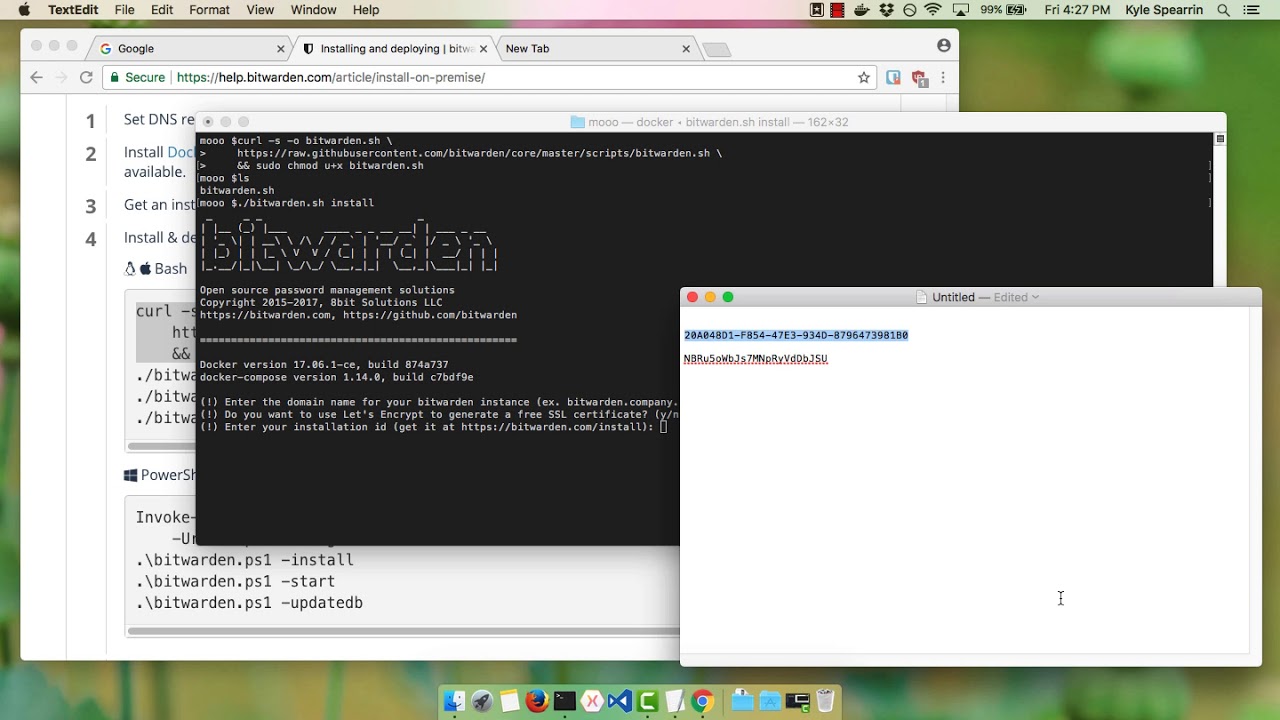](https://www.youtube.com/watch?v=MmfL4zL-xtM)
*[Watch on YouTube](https://www.youtube.com/watch?v=MmfL4zL-xtM)*
## What is an open source password manager?
An open source password manager is software that allows users to store, manage, and share sensitive data, such as passwords, passkeys, cards, and identities. The defining characteristic of an open source password manager is that the source code is publicly available for review. This transparency ensures the software is secure, reliable, and free from backdoors or vulnerabilities. Open source password managers like Bitwarden offer a range of benefits, including flexibility, customization, and community-driven development.
Open source password managers provide many security features to protect sensitive online data. End-to-end encryption ensures that only you have access to your data and that it’s encrypted both in transit and at rest. Two-factor authentication, or two-step login, adds an extra layer of security to your password manager, requiring both a password and a second form of verification. They often include password generation tools, which create unique, complex passwords for each of your online accounts.
## Why self-host a password manager?
Self-hosting a password manager means that you host the software on your own server, giving you complete control over your data. Self-hosting allows you to securely share sensitive data within your organization and allows you to tailor the software to your specific needs, including integrating it with other tools and services. This method allows you to access your password manager from anywhere, using any device, without relying on a third-party service.
## Self-host a password manager on your own server for free
As with most things in Bitwarden, it’s free to host Bitwarden on your own! Access unlimited logins across unlimited devices. Bitwarden does not charge for the use of any core features. If you want to access the premium features of Bitwarden, you must provide a [premium member license](https://bitwarden.com/sv-se/pricing/) for your installation. Self-hosting an [organization](https://bitwarden.com/sv-se/pricing/business/), which allows access to sharing features in a self-hosted environment, requires an enterprise license. Learn more about licensing on-premise deployments for premium features and organization accounts in [this help center article](https://bitwarden.com/sv-se/help/licensing-on-premise/).
Enjoy the flexibility of easily self-hosting an instance of the Bitwarden open source password manager! Documentation articles on self-hosting Bitwarden can be found in the [help center](https://bitwarden.com/sv-se/help/install-on-premise-linux/).
---
URL: https://bitwarden.com/sv-se/blog/how-a-password-manager-adds-to-productivity-at-the-office/
---
# Hur en lösenordshanterare ökar produktiviteten på kontoret
En lösenordshanterare erbjuder en avsevärd ökning av produktiviteten för team som behöver arbeta effektivt och samarbeta, utan att kompromissa med säkerheten.
*By Jack Wallen*
*Published: February 28, 2023*
---
In this modern age of technology, a password manager is a very important tool. Not only do these applications help you lock up your passwords in an [encrypted vault](https://bitwarden.com/sv-se/blog/end-to-end-encryption-and-zero-knowledge/), but they can also help you (and your teams) be more productive.
That might sound like a bullet point from a sales pitch, but it's true. A password manager offers a considerable boost to productivity for teams that need to work efficiently and collaboratively, without compromising security. Let's take a look at some of the ways a password manager can improve your productivity.
## Save time
Password managers save you time. How many times have you gone to log into a service, forgotten your password, and had to spend far too much of your time either tracking down that password or resetting it?
The truth is, passwords can be a real time-suck, so anything you can do to keep this process efficient will add to your productivity. The last thing you need is to waste time trying to remember a password. If you run a business with a large team, those wasted minutes can really add up.
But it's not just about the resetting of passwords. Instead of having to type out complicated passwords, your team members can either use the password manager to copy or [auto-fill](https://bitwarden.com/sv-se/blog/what-is-bitwarden-autofill-and-how-do-you-use-it/) those credentials for them. That alone can save precious time and empowers your team to use strong and unique passwords for every account without the headache of remembering them all.
## No more forgotten passwords
A password manager will prevent your team from simply forgetting their passwords. Everyone forgets a password now and then, but when you have a company filled with team members who depend on passwords, every time someone forgets one, it halts productivity. A password manager avoids this pitfall and streamlines operations.
## Stay apprised of password breaches
Website breaches do happen and sometimes passwords for select websites are exposed. When those breaches occur, you or any one on your team could be affected. When you know a certain credential has been exposed, you can take swift action to take care of the problem (most often by changing your password and [setting up 2FA](https://bitwarden.com/sv-se/blog/basics-of-two-factor-authentication-with-bitwarden/) wherever possible). If you don't know your credentials were in a breach, you might wind up the victim of a hack.
This is the kind of issue everyone on your team needs to be keenly aware of and frequently updated on in order to best protect themselves and the company. Modern password managers should include a report that keeps users up to date if their passwords have been breached. Making this efficient (such as the [Bitwarden Reports feature](https://bitwarden.com/sv-se/blog/how-to-use-the-data-breach-report-in-bitwarden/)) goes a long way to keep your team members productive. Instead of having to track down this information from multiple sources, users only need to log into the web vault, go to the Reports tab, and find out if any of their accounts have been breached.
## Generate strong passwords
If you use a password manager for any reason, let it be this one. The time for simple passwords is long over. If you're not using strong passwords, you’re leaving yourself vulnerable to cyberattacks.
I've watched people try to come up with [strong passwords](https://bitwarden.com/sv-se/password-strength/) on their own and it's almost comical. That struggle is real and it can eat up time. This is especially true if you're having to create new accounts regularly.
Thankfully, most good password managers include the tools needed to generate strong and unique passwords. With the click of a button, Bitwarden will generate a password that would take centuries to hack, so you don't have to struggle to come up with one. That's a clear win for productivity.
## Better collaboration
Any password manager for teams will include collaboration features. With these features you can share passwords within your organization, while also keeping your personal vaults isolated from vaults your collaborators can access.
Even better, password managers like Bitwarden also allow you to securely share vault entries like credit cards, identities, and secure notes. Of all the productivity-saving features, this one is probably the most important because it means your team members won't have to bother managers or other leaders for those credentials to log into the accounts they need.
And there you have it, my friends, some of the reasons why a password manager can help your teams (ergo your company) be more productive. If you're still skeptical, I would suggest you add a password manager into the collaborative mix to see just how much it can help.
## Get started with Bitwarden
Interested in trying Bitwarden today? Register for a [free Bitwarden account](https://bitwarden.com/sv-se/pricing/), or get started with a [7-day free trial of our business plans](https://bitwarden.com/sv-se/pricing/business/) to keep your team safe online.
---
URL: https://bitwarden.com/sv-se/blog/how-a-password-manager-can-help-organizations-pass-penetration-tests/
---
# Hur en lösenordshanterare kan hjälpa organisationer att klara penetrationstester
Att rulla ut en företagsomfattande lösenordshanterare är ett enkelt men betydelsefullt sätt att förbättra ett företags chanser att klara ett penntest.
*By Bitwarden*
*Published: April 9, 2024*
---
Companies entrust sensitive information to their systems, making them a prime target for cyberattacks. Penetration testing, or pen testing, is a defensive strategy to assess an organization’s security posture. It simulates a cyberattack to identify vulnerabilities in a company's systems in a safe, controlled, and well-documented environment. While there are many steps organizations can take to prepare, rolling out an [enterprise-wide password manager](https://bitwarden.com/sv-se/products/business/) is a simple yet significant way to enhance a company's chances of passing the pen test portion of a security audit.
## The basics of pen testing
Pen testing is a proactive security effort that involves ethical hackers, also known as pen testers, attempting to gain unauthorized access to a company's systems using the same methods real attackers would. This includes exploiting software vulnerabilities, social engineering tactics, and most critically, targeting weak passwords and the habits that create them.
Understanding the different types of pen testing scenarios can shed light on why effective password managers are an essential line of defense. Pen tests can be internal or external, testing from within the organization or from an outsider’s perspective. They can also vary in scope, from black box (limited knowledge of the system) to white box (full knowledge), each offering unique insights into system vulnerabilities. Pen testing can also involve blue teams that focus on defense, and red teams, simulating attackers to uncover weaknesses.
Pen testers employ various techniques to crack passwords. Credential stuffing, a common tactic, involves using stolen passwords from one data breach to attempt to log into accounts on other platforms. Another frequently used method is phishing emails that are designed to trick employees into revealing login credentials. Using weak and reused passwords makes these attacks much more likely to succeed.
## Password managers are critical for passing pen tests
Password managers strengthen data security by generating and securely storing strong, unique passwords for every account, mitigating the vulnerabilities that pen testers exploit. They prevent unauthorized access by reducing the reliance on weak or reused passwords. Password managers enable employees to create robust credentials without needing to remember each one, eliminating password fatigue and reducing human error - a frequent finding in pen test audits.
Password managers also help mitigate phishing attacks by ensuring that credentials are only autofilled on trusted websites. Phishing emails often trick users into clicking links that lead to fake login pages. Since password managers store login credentials for legitimate websites, if you land on a phishing site, the password manager won't recognize it and won't autofill your login information. This check functions as a red flag that can both thwart bad actors and alert users to a potential phishing attempt.
Adding multi-factor authentication (MFA) also offers an extra security layer by requiring a second form of verification, like a code, biometric identifier, or security key along with a password. Password managers provide various MFA options to help users and organizations comply with industry regulations and enhance their defense against pen tests. These options range from authenticator apps, to security keys, to the built-in [Bitwarden Authenticator](https://bitwarden.com/sv-se/help/integrated-authenticator/). MFA also reduces phishing risks, as unauthorized individuals must complete additional, user-specific authentication steps.
Finally, password managers empower teams to securely share passwords and other sensitive information across devices and accounts within the organization. Users can set permissions to define who can view or edit shared information, reducing the risks associated with sharing sensitive login credentials through email or plain text – another common vulnerability revealed in pen tests. Because many password managers use end-to-end encryption for all shared data, they ensure security through adherence to [zero-knowledge principles](https://bitwarden.com/sv-se/blog/end-to-end-encryption-and-zero-knowledge/) for storing sensitive data across devices.
## The role of employee training
Organizations should also combine password management with [security training](https://bitwarden.com/sv-se/blog/user-adoption-for-company-password-manager/) to pass pen tests successfully. Strong password policies and multi-factor authentication (MFA) enhance security, while training helps employees detect and mitigate social engineering and phishing attacks. This integration of password management tools and employee awareness ensures an effective cybersecurity strategy for passing pen tests.
Password managers play a key role in improving overall company security. They promote strong password creation, prevent reuse, flag fake phishing sites, and enable secure information sharing to reduce potential vulnerabilities. When combined with consistent employee training, password managers effectively prepare organizations to pass pen tests. A successful pen test audit demonstrates that a company has robust security measures in place, including strong password hygiene, which is crucial for mitigating a significant portion of cyberattacks.
## Get started with Bitwarden
Learn more about how to use Bitwarden for your business and sign up for a [free 7-day trial](https://bitwarden.com/sv-se/trial/)! Still have questions? Check out the [free weekly demo](https://bitwarden.com/sv-se/events/weekly-demo/).
---
URL: https://bitwarden.com/sv-se/blog/how-a-password-manager-fits-into-your-security-response-playbook/
---
# Hur en lösenordshanterare passar in i din spelbok för säkerhetssvar
En lösenordshanterare kompletterar din spelbok för säkerhetssvar för att förbättra din organisations cybermotståndskraft.
*By Andrea Lebron*
*Published: August 24, 2021*
---
Security response playbooks form the backbone of an organization’s cybersecurity incident response plan (CSIRP) and ensure consistency in managing security incidents and threats. For organizations with formal, enterprise-wide CSIRPs, incident-specific playbooks can reduce the impact of a cyberattack and thereby reduce business disruption.
Password management can play a critical role, bridging an often ignored gap between policies and procedures. This blog explores how organizations can incorporate password management into their incident response plans in a scalable way.
## What is a Security Response Playbook?
Security response playbooks are step-by-step workflows and operating procedures for cyber incidents such as malware, ransomware, phishing, or DDoS attacks). The workflows include steps to ensure compliance with regulatory frameworks.
## The five steps to incident response and the role of a password manager
As there is no one-size-fits-all security response playbook, they are often customized to the organization’s size, strategies, structure, existing tools, and available skills. However, most playbooks have a similar five-step format to ensure security teams respond to cyber incidents in a coordinated manner. Here’s what those steps look like and how a password manager contributes during each stage.
### Preparation
Organizations should establish policies and procedures for incident response management, define which communication channels to use for each type of incident, and assess their current threat detection capability – updating risk assessments and improvement programs where necessary.
- **The role of a password manager:** A password manager empowers a [culture of cybersecurity](https://bitwarden.com/sv-se/blog/build-an-online-security-culture-by-adopting-a-health-security-routine/) which mitigates the risk of a cyberattack. Furthermore, security teams can run reports to identify weak, reused, or compromised passwords before hacked login credentials result in a cyber incident. Check out some of the [reports available](https://bitwarden.com/sv-se/help/reports/#available-reports/) in Bitwarden.
### Detection and reporting
Detection and reporting involve implementing mechanisms for monitoring activity, detecting potential security incidents, and correlating alerts via a Security Information and Event Management (SIEM) monitoring system. Organizations should establish processes for classifying an incident and escalating reports to the appropriate team(s).
- **The role of a password manager:** The good behaviors that evolve from using a password manager at work facilitate greater awareness of cyber threats, the ability to identify them, and a judgment-free environment for users to admit mistakes such as accidentally clicking on a phishing email.
**>>YOU MIGHT ALSO LIKE:** [Why Employees are the Front Line of Enterprise Threat Prevention](https://bitwarden.com/sv-se/blog/why-employees-are-at-the-front-line-of-enterprise-threat-prevention/)
### Triage and analysis
Organizations can triage and analyze reports of security incidents in many ways depending on the nature of the incident, such as binary or endpoint analysis. It’s important to scope and understand the incident to support containment and neutralization.
- **The role of a password manager:** Many password managers have [SIEM integration capabilities](https://bitwarden.com/sv-se/help/event-logs/#siem-and-external-systems-integrations/) and can feed access data into the event management tool for more accurate triaging and analysis. Password manager integration can also result in intelligible tips about unusual inside activity.
### Containment and neutralization
The nature of a security incident and its scope determine an organization’s measures to contain and neutralize a threat. These include a coordinated shutdown, wipe and rebuild, password changes, and blocking egress channels leveraged by cybercriminals for command and control.
- **The role of a password manager:** In some cases, multiple users share login credentials for an account which can cause significant damage if that account gets compromised. Using [Collections](https://bitwarden.com/sv-se/help/about-collections/) and user roles help to minimize potential damage as you can assign the appropriate users to specific shared credentials and remove users or credentials from the password manager for the compromised account to prevent another user from accessing.
### Post-incident activity
Security response playbooks enable security teams to document what actions were taken, how long it took to respond, and obstacles encountered along the way. This documentation helps determine which steps were successful and which need improvements so teams can better respond to future incidents.
- **The role of a password manager:** Event logs represent one of the most valuable pieces of documentation a security team will use in post-incident analyses. Password managers such as Bitwarden maintain [timestamped event logs](https://bitwarden.com/sv-se/help/event-logs/) for around forty different types of events that can be easily accessed and exported for analysis.
## Complement your security response playbooks with Bitwarden
Better threat intelligence improves cyber resiliency. Organizations can detect, contain, and respond to threats faster, accelerate the timeline of incident response, and reduce the cost of detecting and preventing data breaches – thus minimizing business disruption.
Bitwarden supports enterprise cyber resilience by contributing to the five incident response steps. Bitwarden also empowers employees to take responsibility for credential security both in their personal and business lives. [Try Bitwarden](https://bitwarden.com/sv-se/pricing/business/) yourself by starting a 7-day Enterprise free trial.
---
URL: https://bitwarden.com/sv-se/blog/how-bitwarden-brings-value-to-your-business/
---
# Hur Bitwarden tillför värde till ditt företag
Se hur Bitwarden kan lägga till den nedersta raden utöver att tillhandahålla lösenordssäkerhet när du utvärderar din säkerhetsbudget och kostnads-/nyttoanalys.
*By Ryan Luibrand*
*Published: August 23, 2024*
---
Som chef för ett företag eller ett företags säkerhet måste du väga riskerna och fördelarna med alla lösningar du köper och implementerar. Vissa säkerhetsverktyg erbjuder skydd men kompromissar med användbarheten, medan andra kan påskynda användarens arbetsflöden. Det betyder att du också måste utvärdera produktivitetskostnaderna.
Lyckligtvis kan en [lösenordshanterare som Bitwarden](https://bitwarden.com/sv-se/products/business/) förbättra säkerheten, minska din risk, samtidigt som den är en katalysator för lagarbete och samarbete.
## De ekonomiska konsekvenserna av ett dataintrång
Det är aldrig trevligt att diskutera ett scenario där saker går fel, men när man utvärderar säkerhetsrisker är det viktigt att räkna ut vad som kan hända och vad kostnaderna skulle bli om man råkade ut för ett säkerhetsintrång. [60 % av de tillfrågade](https://start.bitwarden.com/hubfs/PDF/2023-password-decisions-survey.pdf) företagen säger att de har upplevt cyberattacker tidigare, vilket återspeglar det verkliga hotet som affärsvärlden står inför.
Den genomsnittliga prislappen för ett dataintrång för ett amerikanskt företag är 9,36 miljoner dollar, enligt "The Cost Of A Data Breach Report" av IBM 2024. Nedan utforskar vi några områden där dolda och verkliga kostnader kan uppstå.
- **Möjlighetskostnad:** Med dina system stängda, IT-personal upptagen med att lappa hål och hälla igenom loggar och kundsupportlinjer fyllda med samtal från berörda kunder, sätter du lukrativa projekt på baksidan och går miste om nyförsäljning.
- **Ransom:** Detta är den faktiska betalningen du kan göra för att få tillbaka din data i en ransomware-attack. Den genomsnittliga lösensumman från attacker är 2 miljoner dollar enligt Sophos rapport The State of Ransomware 2024.
- **Juridisk:** Brottslagar varierar beroende på jurisdiktion där affärer bedrivs och kräver vanligtvis meddelande till kunder om komprometterad data. Förutom den uppenbara potentialen för grupptalan, finns det också potentiella böter och reparationskostnader, som att betala för kreditövervakning för berörda kunder.
- **Rykte:** I affärer är "rykte allt." Skador på ditt rykte kan avskräcka partners och investerare från att arbeta med dig och potentiella topptalanger från att arbeta för dig. Dessutom kan både nuvarande och nya kunder lockas bort av konkurrens som drar fördel av ditt bakslag.
IBM-rapporten anger att den genomsnittliga kostnaden per läckt post är $169, med Employee and Customer Personal Identificable Information (PII) som kostar $189 respektive $179. Mellan register över nuvarande och tidigare kunder, listor över potentiella kunder, LCM/CRM-operationer, personaldata och mer, kan mängden sårbara poster på dina system och resulterande intrångskostnader överraska dig.
Verizon rapporterade i sina Verizon 2024 Data Breach Investigations att svaga, återanvända eller stulna lösenord står för orsaken till 68 % av cyberattackerna och intrången, medan ytterligare 7 % kan förklaras för missbrukade privilegier. Det är ett vanligt talesätt inom säkerhetsbranschen att "hackers inte bryter sig in, de loggar in."
I motsats till den tidigare nämnda kostnaden på 169 $ per läckt skiva, börjar Bitwarden-planerna [för affärer](https://bitwarden.com/sv-se/pricing/business/) på bara 4 $ per användare och månad. Ordspråken "ett stygn i tiden räddar nio" och "ett uns av förebyggande är värt ett halvt kilo botemedel" stämmer för lösenordssäkerhet.
## Bitwarden ökar produktiviteten
### Dela med lagkamrater
Samlingar och användargrupper möjliggör enkel och säker delning av inloggningar och valvobjekt mellan team som kräver åtkomst. Tänk på konton på sociala medier som ofta bara erbjuder en enda inloggning och att kunna dela det på ett säkert sätt över ett team. Likaså kan kreditkortsinformation delas med precis rätt teammedlemmar.
I många fall kräver konton ett engångslösenord för tvåfaktorsautentisering. Med den inbyggda Bitwarden-autentiseringsenheten kan vilken gruppmedlem som helst generera den koden och komma åt kontot från den delade inloggningen med två snabba tangenttryckningar. Det här är en mycket mer elegant, strömlinjeformad lösning än att behöva ringa lagkamraten som skapade kontot för att få den tillfälliga koden!
### Dela med andra
För att samarbeta internt och externt, möjliggör Bitwarden Send effektiv end-to-end krypterad delning av text eller filer från alla Bitwarden-klientapplikationer till vem som helst, även icke-Bitwarden-användare. Föreställ dig att dela känslig ny produktinformation med en extern byrå. Bitwarden Send krypterar filen och genererar en länk som kan skickas till byrån. Länken gör det möjligt för byrån att ladda ner och dekryptera filen, och beroende på inställningar kan Send låsa filen från ytterligare åtkomst. Läs mer om [hur Bitwarden Send fungerar här](https://bitwarden.com/sv-se/products/send/).
### Åtkomst över plattformar
Ett sparat lösenord är bara bra om du kan komma till det. Bitwarden tillhandahåller plattformsoberoende funktionalitet och gratis molnvärd utan begränsningar för antalet eller typer av enheter. Offline, läsåtkomst till ditt valv är tillgänglig som en lokal cache på din enhet. Plus att[ ](https://bitwarden.com/sv-se/blog/why-the-bitwarden-web-vault-is-a-powerful-password-management-client/)webbappen kan nås var som helst med en modern webbläsare och internetanslutning.
## Bitwarden sparar tid (och tid är pengar)
### Spara och autofyll lösenord
Lösenordshanterare sparar tid genom att hantera lösenord. Ett tillräckligt enkelt förslag med stora fördelar. Generera och lagra lösenord snabbt och fyll i dem automatiskt på en inloggningssida med bara en knapptryckning (ctrl/cmd + shift + L) eller via den inbyggda autofyll-menyn. Spara tid från att inte behöva skriva in det fysiskt och även från att behöva hämta lösenordet från ett datordokument eller en klisterlapp. Eller ännu värre, att behöva återställa lösenordet när det har glömts. Lägg till att dela med lagkamrater och dessa tidsbesparingar ökar snabbt.
### Team kan säkert samarbeta och hantera sig själv
Med användargrupper och samlingar delas inloggningar och andra objekt intuitivt. Användare beviljas specifika behörigheter att ändra lösenord och valvobjekt, så att en teamledare kan hantera förfrågningar om lösenordsändring utan att behöva skicka in en IT-biljett. Inställningar[ ](https://bitwarden.com/sv-se/blog/additional-enterprise-options-for-least-privileged-access-control/#flexible-collections-options-for-your-organization/)för organisationshantering och [anpassad roll](https://bitwarden.com/sv-se/help/user-types-access-control/#custom-role/) för företag tillåter ännu mer detaljerade åtkomstbehörigheter för att hjälpa team att hantera sig själva.
## Enkel onboarding och provisionering
Bitwarden synkroniserar användare och grupper från många typer av katalogtjänster. [Bitwarden Directory Connector](https://bitwarden.com/sv-se/help/directory-sync/) tillhandahåller och avprovisionerar automatiskt användare och grupper, vilket frigör administrativ tid inte bara för initial installation och distribution, utan också för kontinuerlig hantering av användare under introduktion och succession.
### Logga in med SSO
Företagskunder kan integrera Bitwarden med identitetshanterare för att effektivisera autentisering och inloggning för slutanvändare. Flexibla alternativ för att hantera dekryptering ger stöd för flera typer av distributioner. [Läs mer om inloggning med SSO här](https://bitwarden.com/sv-se/help/about-sso/). Beroende på hur det är konfigurerat kan detta också möjliggöra en enstegsinloggning till valvet, vilket sparar ännu mer tid.
## Lägg till den nedersta raden samtidigt som du skyddar ditt företag
För att granska, tillför Bitwarden värde till din verksamhet på tre sätt: riskminskning, produktivitet genom samarbete och effektiva tidsbesparingar. Bitwarden gör det enkelt för anställda att öva bra lösenordssäkerhetsvanor, som de kanske inte gör på egen hand, för att skydda mot kostsamma dataintrång.
Slutligen tillför Bitwarden mervärde genom [att tillhandahålla gratis familjeplaner](https://bitwarden.com/sv-se/help/families-for-enterprise/), normalt $40/år, till varje användare i en företagsorganisation, vilket gör att anställda kan ta med sig lösenordssäkerhet hem till sina nära och kära. Detta kan erbjudas dina anställda som en förmån för att arbeta på ditt företag.
Lär dig mer om funktionerna hos Bitwarden och skyddet och värdet det kan ge ditt företag på [Bitwarden Plans and Pricing](https://bitwarden.com/sv-se/pricing/business/) och starta en testversion idag!
***Redaktörens anteckning, 27 augusti 2024:**** Uppdaterad med senaste statistik, nya funktioner och omordnad för läsbarhet*
---
URL: https://bitwarden.com/sv-se/blog/how-bitwarden-protects-cloud-users/
---
# Hur Bitwarden skyddar molnanvändare
Med miljontals Bitwarden-användare på molnet är säkerheten för denna data av största vikt. Läs vidare för att lära dig hur Bitwarden säkrar molnanvändare och deras valv.
*By Micah Edelblut*
*Published: March 26, 2025*
---
Mer än [10 miljoner användare i över 180 länder](https://www.businesswire.com/news/home/20250129567175/en/Bitwarden-Achieves-Landmark-Growth-in-2024-Empowering-10-Million-Users-with-Trusted-Identity-Security-Solutions-in-Over-180-Countries) använder Bitwarden-molnet för att lagra sin viktiga information. Dessa användare litar på att Bitwarden håller sina konton säkra, och det ansvaret tas på allvar.
## Att släppa in användare och hålla dåliga killar utanför
Bitwarden har två mål när det gäller att skydda användare av Bitwardens molntjänst:
1. Användare ska ha enkel tillgång till sina uppgifter
2. Dåliga aktörer borde ha oöverstigliga hinder för att komma åt användarnas data
Dessa två mål överensstämmer på ett sådant sätt att det alltid finns ett behov av balans. Att göra saker enkelt för användare att logga in kan oavsiktligt ge vägar för dåliga aktörer. På samma sätt kan allt för att hämma dåliga aktörer också lägga till lite friktion för slutanvändare. Varje ny förbättring går igenom betydande överväganden, forskning och planering för att upprätthålla varje mål utan att negativt påverka det andra.
### Stark autentisering som första försvar
Den första skyddslinjen är att vara säker på att användaren som försöker logga in är legitim. Under de senaste åren har Bitwarden utvecklat och släppt nya funktioner som förbättrar säkerheten vid inloggning samtidigt som bekvämligheten förbättras. [Logga in med enhet](https://bitwarden.com/sv-se/help/log-in-with-device/), [logga in med lösenord, ](https://bitwarden.com/sv-se/help/login-with-passkeys/)och för företagsanvändare, [SSO med betrodda enheter](https://bitwarden.com/sv-se/help/about-trusted-devices/), möjliggör autentisering i dina Bitwarden-appar utan att behöva ett huvudlösenord.
Andra säkerhetsåtgärder som förbättrar autentiseringsstyrkan inkluderar att öka minimilängden på ett huvudlösenord och även göra det säkraste [](https://bitwarden.com/sv-se/help/setup-two-step-login-fido/)tvåstegsinloggningsalternativet gratis för varje Bitwarden-plan, vilket gör att alla användare kan ställa in en lösenordsnyckel eller hårdvarusäkerhetsnyckel för bästa skydd.
### Avskräcka angripare med vägspärrar
Ytterligare säkerhet kommer från att göra det svårare för angripare att ens starta en attack. Bitwarden kräver en giltig e-postadress vid registrering för att säkerställa att användare får viktiga säkerhetsvarningar, som aviseringar om nya enheter som loggar in. På liknande sätt måste konton utan tvåstegsinloggning aktiverad (2FA) [verifiera nya enheter](https://bitwarden.com/sv-se/help/new-device-verification/) under inloggningsprocessen. Dessa förändringar gör det svårare för dåliga aktörer att försöka få tillgång till användarnas konton och gör det omöjligt för attacker som t.ex. inloggningsfyllning (automatiserad lösenordsgissning) att lyckas.

## Skydd av data i molnet
### Kryptering
**End-to-end-kryptering**
Dina data är krypterade från ände till ände, vilket är en grundläggande aspekt av datasäkerhet. Den enda gången din data är okrypterad är när du tittar på den, och den lämnar aldrig din enhet i okrypterat tillstånd. Det är därför ditt huvudlösenord är så viktigt. Enkelt uttryckt är det nyckeln som används för att låsa upp ditt valv. Innan ditt valv synkroniseras med Bitwarden-molnet är det krypterat, så endast krypterad data lagras någonsin på Bitwarden-servrar (eller egenvärdar).
**Noll-kunskap kryptering**
Till skillnad från de flesta onlinetjänster använder Bitwarden noll-kunskapskryptering, vilket innebär att bara du har nycklarna till dina krypterade valvdata. Bitwarden känner inte till ditt huvudlösenord - det lämnar aldrig enheten du skriver in det på. Det betyder att varken Bitwarden eller någon annan kan se innehållet i ditt valv. Detta innebär också att Bitwarden inte kan återställa ett glömt huvudlösenord, så se till att fylla i ett [säkerhetsberedskapspaket](https://bitwarden.com/sv-se/resources/bitwarden-security-readiness-kit/)!
**Kryptering under överföring**
Utöver krypteringen redan på valvnivå, överförs din data på säkra kanaler till Bitwarden-molnet, med den beprövade Transport Layer Security (TLS) som de flesta webbplatser använder idag (tänk https://). På så sätt kommer någon som snusar runt på din internetnätverksaktivitet aldrig att få tillgång till dina valvdata.
> Granska [Bitwarden Security Whitepaper](https://bitwarden.com/sv-se/help/bitwarden-security-white-paper/) för en djupare dykning om Bitwarden-kryptering.
### Multifaktorkryptering i Bitwarden-molnet
Bitwarden behandlar djupare i [den här bloggen om Bitwarden-multifaktorkryptering och ](https://bitwarden.com/sv-se/blog/bitwarden-security-fundamentals-and-multifactor-encryption/#encryption-for-data-in-the-cloud/)vidtar ytterligare säkerhetsåtgärder på Microsoft Azure-molnservrarna som lagrar användarnas krypterade data. Bitwarden utför kryptering på kolumnnivå på själva databasen, vilket skyddar viktiga autentiseringshashar och användarnycklar. Utöver det placerar Microsoft Azure också en nivå av Transparent Data Encryption på lagrad data, med krypteringsnycklar som hanteras av själva Azure-processen. Dessa skydd gör det praktiskt taget omöjligt att komma åt valvdata utan ett huvudlösenord.

## Försvara omkretsen
När Bitwarden-gemenskapen växer, blir Bitwarden-tjänsten ett mer tilltalande mål för dåliga skådespelare. Utvecklingen inom AI har också ökat hotet genom att möjliggöra sofistikerade autentiseringsattacker som kontinuerligt försöker bryta den defensiva omkretsen. Implementering av robusta molnsäkerhetslösningar motverkar dessa sofistikerade hot.
Bitwarden har tagit sig upp mot dessa automatiserade attacker med nya, toppmoderna verktyg för att hålla infrastrukturens kant säker. Bitwarden har också utökat graden av molnsäkerhetsteamet, alltid vaksamt för tecken på nya attacker och underhåller Bitwardens molntjänst.
Du som användare har också en roll att spela. Du bör alltid använda ditt bästa omdöme när du tar emot e-postmeddelanden från Bitwarden eller när du söker online. Bitwarden listar typerna av kommunikation från företaget och runt produkten i denna hjälpartikel: [E-postmeddelanden från Bitwarden](https://bitwarden.com/sv-se/help/emails-from-bitwarden/). När du är på webben, se till att du har åtkomst till de officiella webbadresserna för bitwarden.com och bitwarden.eu, där vault.bitwarden.com och vault.bitwarden.eu representerar motsvarande webbadresser för webbappen.
## Bitwarden-molnet är säkert
Alla dessa åtgärder, den förstärkta autentiseringen, krypteringen på valvnivå, lager av kryptering och dedikerade molnsäkerhetsteam visar Bitwardens engagemang för att säkra ditt lösenordsvalv i molnet. Dessutom är [Bitwarden kompatibel](https://bitwarden.com/sv-se/compliance/) med alla större industrisäkerhetsstandarder och betjänar tusentals företag över hela världen, inklusive regeringar och myndigheter, som har fullt förtroende för Bitwardens säkerhet och verksamhet. Och för dem som fortfarande föredrar något utöver molnlösningar, erbjuder Bitwarden en fullt fungerande [självvärd-distribution](https://bitwarden.com/sv-se/self-hosted-password-manager-on-premises/) för att köra på dina egna servrar bakom vilka säkerhetslager du än föredrar.
Intresserad av att säkra dig själv eller ditt företag med Bitwarden? Prova en [7-dagars gratis provperiod](https://bitwarden.com/sv-se/pricing/business/) för ett företagskonto, eller skapa ett [gratis individuellt konto](https://bitwarden.com/sv-se/pricing/) idag!
---
URL: https://bitwarden.com/sv-se/blog/how-cryptocurrency-became-law-enforcements-secret-weapon/
---
# Bitcoin's big secret: How cryptocurrency became law enforcement's secret weapon
WIRED's Andy Greenberg discusses a revelation that turned his decades-long reporting on its head: Bitcoin became a criminal's worst nightmare.
*By Bitwarden Events*
*Published: November 11, 2025*
---
At the [2025 Bitwarden Open Source Security Summit](https://bitwarden.com/sv-se/open-source-security-summit/), WIRED's Andy Greenberg sat down for a fireside chat with GigaOm analyst Paul Stringfellow to discuss a revelation that turned his decades-long reporting on its head: Bitcoin became a criminal's worst nightmare.
In 2011, Greenberg thought he'd discovered the story of a lifetime: digital cash that promised complete anonymity. A decade later, that story flipped entirely.
> "I had this slow-motion epiphany that I was entirely wrong about Bitcoin. It was, in fact, the opposite of untraceable."
## How law enforcement cracked the blockchain code
Starting around 2014, law enforcement discovered something remarkable: Bitcoin's blockchain was a permanent, traceable record.
Enter Tigran Gambaryan, an IRS criminal investigator who would become the hero of Greenberg's book *Tracers in the Dark*. The same IRS unit that brought down Al Capone for tax evasion now had a new weapon: blockchain forensics. Working alongside cryptocurrency tracing startup Chainalysis, Gambaryan developed techniques that offered even greater transparency than traditional financial systems.
> "They could follow the money with even greater financial forensic power than in the traditional finance system."
The scale of what followed was staggering. Greenberg walked through several landmark cases that reshaped how law enforcement thinks about cryptocurrency:
- **Silk Road's corruption**: Corrupt DEA and Secret Service agents received Bitcoin payments from the site's kingpin. Blockchain analysis proved these weren't personal investments — they were payments to moles selling law enforcement secrets.
- **Mt. Gox heist**: Investigators traced 650,000 stolen Bitcoins to Russian cybercriminals, leading to arrests when one vacationed in Greece.
- **AlphaBay**: Federal agents dismantled this dark web drug marketplace after cryptocurrency tracing identified kingpin Alexandre Cazes operating from Bangkok. Advanced crypto techniques revealed the secret server's location in Lithuania.
- **Welcome to Video**: Blockchain analysis exposed a dark web marketplace for child sexual abuse materials (CSAM). Investigators identified 337 perpetrators worldwide and rescued 23 children.
> "The first, second, and third biggest seizures of money in US Justice Department history — billions of dollars."
Gambaryan and his colleagues carried out the first, second, and third largest financial seizures in U.S. Justice Department history. Not just in cryptocurrency — in any crime category, period.
## The uncomfortable reality: Why crime continues
But here's the paradox: if cryptocurrency tracing is so powerful, why do ransomware attacks, pig butchering scams, and North Korean hackers continue to steal billions?
The answer:**identifiability isn't the same as accountability.**
- Law enforcement can identify perpetrators with incredible accuracy through blockchain analysis
- But criminals operating from Russia, North Korea, or lawless Southeast Asian zones remain out of reach
- Ransomware profits dropped significantly last year when federal investigators seized websites and cryptocurrency — even without arrests
- Pig butchering scams steal tens of billions annually through forced labor compounds, yet Chinese crime bosses face minimal consequences
- The gap: law enforcement hasn't prioritized crypto tracing investigations against scam operations at scale
> "You can identify perpetrators with incredible accuracy thanks to the blockchain, but if they're beyond the reach of Western law enforcement, they can still be beyond accountability."
## Blockchain analysis: The privacy trade-off
As the discussion wrapped up, Stringfellow highlighted a provocative tension: while blockchain analysis empowers law enforcement, it also raises profound privacy concerns for everyone else. The same technology that catches criminals can potentially track law-abiding citizens, making this book more than just a true crime thriller.
> "When you read this book, you realize how cool accountants are."
Forensic accountants power the most exciting detective work of the digital age. They analyze blockchain transactions, where hackers and traditional law enforcement often hit dead ends.
## Watch the replay
*Tracers in the Dark* is now available and offers a comprehensive deep dive into these cases and the forensic techniques that led to their resolution.
For anyone interested in cybersecurity, cryptocurrency, or the intersection of technology and crime, the full fireside chat delivers cases that read like spy novels but are entirely real. Hear directly from Greenberg about covert operations, international manhunts, and the complete reversal of what criminals thought they knew about staying anonymous online.
[](https://vimeo.com/1123711504)
*[Watch on Vimeo](https://vimeo.com/1123711504)*
---
URL: https://bitwarden.com/sv-se/blog/how-do-passkeys-work/
---
# Hur fungerar lösenord?
Lösenord kommer så småningom att ersätta lösenord. De är starkare, säkrare, nätfiske-resistenta och bäst av allt, enklare att använda. Men hur fungerar de? Läs vidare.
*By Ryan Luibrand*
*Published: August 1, 2023*
---
## Introduction to passkeys
Passkeys are a secure, cryptographic way to authenticate a user without a password, providing better security, safety and ease of use than passwords themselves. More and more websites are adapting this [passwordless technology,](https://bitwarden.com/sv-se/passwordless-passkeys/) including many big tech companies. Learn more about passkeys in this detailed blog: [What are Passkeys?](https://bitwarden.com/sv-se/blog/what-are-passkeys-and-passkey-login/)
## How passkeys work
Passkeys utilize cryptographic technology in development for more than ten years. The [FIDO Alliance](https://fidoalliance.org/) was founded in 2013 to shepherd and drive the technology, ensuring universal, open standards and is supported by a [long list of members and sponsors](https://fidoalliance.org/members/), including Bitwarden. Passkeys leverage the WebAuthn cryptographic protocols developed by the alliance, hailed as the gold standard in secure authentication.
### Passkeys are an asymmetric key pair
Each passkey is a pair of two related asymmetric cryptographic keys, which are very long, random strings of characters. While they differ from each other, they do have a special relationship - one can decrypt messages that have been encrypted by the other. This feature can be used to verify a user and authenticate them.
The key pair is made up of a **private key** that’s kept securely on your device, inside a password manager supporting passkeys (also called a passkey provider), and a **public key** that’s stored on the website you are logging into. Your private key is secure and never leaves your device, and the password manager keeps it locked by biometrics, PIN, or a password. The public key, on the other hand, could be shared with the world, such as in the case of a website data breach, and your security wouldn't be compromised so long as the private key stays safe.
Here’s a [popular analogy](https://blog.vrypan.net/2013/08/28/public-key-cryptography-for-non-geeks/) to help understand asymmetric key pairs, and the infographic below explains the steps of using a passkey and its key pair for determining your authenticity when logging into a website:

To sign into a passkey-enabled website, that site will send a login challenge - a really large random number - and then your **secret key** will use cryptography to “sign” the challenge with a response to the number. The website checks that signature with its **public key** to verify that the signature is authentic. Once confirmed, the website can confidently grant access to your account.
## Passkeys in Bitwarden
Bitwarden supports creating and storing passkeys in the [Bitwarden Password Manager](https://bitwarden.com/sv-se/products/personal/) today. Learn more in [Blog: Bitwarden launches passkey management](https://bitwarden.com/sv-se/blog/bitwarden-launches-passkey-management/).
If you’d like to get started today, [set up a free account](https://bitwarden.com/sv-se/pricing/), or share with your team by [starting a free business trial](https://bitwarden.com/sv-se/pricing/business/). For developers, Bitwarden [Passwordless.dev](https://bitwarden.com/sv-se/products/passwordless/) provides API frameworks to help you build discoverable FIDO credentials such as passkeys.
---
URL: https://bitwarden.com/sv-se/blog/how-enterprise-password-vaults-strengthen-security-for-organizations/
---
# Hur företagslösenordsvalv stärker säkerheten för organisationer
Att använda en företagsomfattande lösenordshanterare är alltid bra för företagen. Läs mer om fördelarna i den här bloggen.
*By Bitwarden*
*Published: June 28, 2023*
---
Låt oss börja med grunderna: [definiera ett företagslösenordsvalv.](https://bitwarden.com/sv-se/learning/individual-and-organizational-vaults/) Ett företagslösenordshanteringsvalv är lagringsplatsen för lösenordshantering (i huvudsak ryggraden i en lösenordshanterare) som ägs och hanteras av ett företag och delas med dess anställda som medlemmar i organisationen. Ett valv används för att lagra föremål på ett säkert sätt, såsom lösenord, användarnamn, inloggningar, företagskreditkort, kollegors postförsändelser eller telefonnummer, och säkra textföremål.
Bitwardens lösenordshanteringsvalv erbjuder [samlingar](https://bitwarden.com/sv-se/help/getting-started-organizations/#get-to-know-collections/) som gör det möjligt för anställda att dela objekt mellan sig. Dessa kan ses som delade mappar. I likhet med filmappar kommer dessa samlingar ibland att få namn baserat på en avdelning eller ansvarsområde.
## Varför företag bör använda lösenordshanterare
Att använda en företagsomfattande lösenordshanterare är alltid ett bra beslut. Några av fördelarna inkluderar:
- Förhindra obehörig åtkomst till interna system via svaga eller stulna lösenord, vilket i sin tur kan orsaka ekonomisk, anseende och i vissa fall juridisk skada
- Att lindra riskabelt lösenordsbeteende hos anställda, såsom återanvändning av lösenord och alltför beroende av opålitligt minne
- Erbjuder säkerhet utanför SSO. Även om SSO är ett populärt sätt för företag att centralisera åtkomstkontroll för viktiga applikationer, tjänster och verktyg, stöder inte alla SaaS-applikationer SSO, vilket innebär att organisationer fortfarande måste hantera åtkomstkontroll genom individuella inloggningar
I slutändan är lösenordshanterare avgörande för att ge ditt team möjlighet att hålla sig säkra online. Cyberattacker kan minimeras eller förhindras genom korrekt lösenordshantering. Nätfiskeattacker kan till exempel förhindras med en lösenordshanterare - ett nätfiskebedrägeri kan lura en anställd att klicka på en skadlig länk, men det kan inte lura en lösenordshanterare.
Inom organisationer kan behoven av centraliserade och delade resurser lösas med en lösenordshanterare – det enda sättet för anställda att säkra känslig information i ett krypterat valv från ände till ände. Vilket för oss tillbaka till det aktuella ämnet: hur företagslösenordsvalv kan stärka säkerheten för organisationer under hela anställds livscykel.
## Lösenordsvalv för företag gör lösenordsdelning säkrare när ditt team växer
Det ligger i en organisations bästa intresse att snabbt och effektivt ombord anställda. Emellertid kan introduktionsprocessen - för både arbetsgivare och anställd - vara överväldigande, särskilt ur referenssynpunkt. Även om större företag kan ge åtkomst till företagsomfattande system, inklusive alternativ för SSO, går autentiseringsuppgifterna troligen långt utöver detta omfång. Frånvaron av ett lösenordsvalv innebär att användaruppgifter förmodligen delas via e-post, osäkra dokument, meddelandeappar eller muntligt mellan kollegor. Faktum är att [Bitwarden 2023 Password Decisions Survey](https://bitwarden.com/sv-se/blog/password-decisions-survey-2023/) avslöjade att 41 % av de tillfrågade delar lösenord via e-post och 38 % via onlinedokument. Det är därför vettigt att introducera en lösenordshanterare tidigt i introduktionsprocessen för att skapa förutsättningar för säkrare lösenordsvanor och minimera onboardingfriktion.
## Företagslösenordsvalv gör personalövergångar säkrare
I dynamiska, växande organisationer kan medlemmar i ett givet team skifta, vilket kräver en övergång i programvaruägande eller uppdatering av användaråtkomstnivåer. Med ett lösenordsvalv på plats är det en ganska sömlös process att flytta anställda till nya grupper med nya delade mappar eller uppdatera rollåtkomst. Till exempel, när Bitwarden-kund [RMWBH PC](https://bitwarden.com/sv-se/blog/bitwarden-legal-case-study/) behöver distribuera ärenden mellan paralegaler, kan handoff ske utan att behöva konfigurera om åtkomst. Istället är hanteringen av över 10 000 lösenord automatiserad över en serie samlingar som möjliggör automatisk distribution. För organisationer utan lösenordshanterare kan detta göras på ett manuellt och besvärligt sätt: att ändra alla lösenord till delade inloggningar via ett kalkylblad eller intern meddelandeapp. Det bättre alternativet är via ett företagslösenordsvalv, som säkert kan omfördela åtkomst vilket gör ditt team mer effektivt och ditt företag säkrare.
## Företagslösenordsvalv möjliggör delning av privata eller känsliga filer
Som nämnts ovan lagrar Bitwarden-valvet flera objekt: inloggningar (inklusive användarnamn och lösenord), kort (kredit- eller betalkortsinformation), identiteter (fakturering, utskick och annan information) och säkra anteckningar (krypterad friformstext för allt du vill skyddas). Filer kan också bifogas till valvobjekt från vilken Bitwarden-app som helst. För de som vill dela filer - särskilt privata eller känsliga filer - har anställda möjlighet att använda [Bitwarden Send](https://bitwarden.com/sv-se/help/about-send/). Bitwarden Send är ett säkert och tillfälligt sätt att överföra text upp till 1 000 krypterade tecken eller filer upp till 500 MB (eller 100 MB på mobil). Varje sändning ges en slumpmässigt genererad och säker länk, som kan delas med vem som helst (inklusive de som inte har Bitwarden-konton) via text, e-post eller vilken kommunikationskanal du föredrar. De som vill ta det ett steg längre kan konfigurera ett lösenord för Skicka-åtkomst eller dölja sin e-postadress för mottagarna för ökad säkerhet.
## Kom igång med Bitwarden
Är du redo att förenkla din säkerhet med en lösning för lösenordshantering? Kom igång med en [kostnadsfri affärstestperiod](https://bitwarden.com/sv-se/pricing/business/) för att hjälpa ditt team att hålla sig säkra online, eller registrera dig snabbt för ett [gratis individuellt konto](https://bitwarden.com/sv-se/pricing/).
---
URL: https://bitwarden.com/sv-se/blog/how-long-should-my-password-be/
---
# Hur långt bör ett lösenord vara?
Har du någonsin undrat hur långa dina lösenord bör vara för stark säkerhet? Experter rekommenderar en slumpmässig blandning av minst 14 till 16 tecken för varje unikt lösenord.
*By Gary Orenstein*
*Published: January 30, 2025*
---
Lösenord finns överallt nuförtiden: e-postkonton, [bankkonton](https://bitwarden.com/sv-se/blog/industry-leaders-security-rankings-banking-edition/), konton[ ](https://bitwarden.com/sv-se/blog/industry-leaders-security-rankings-social-media-edition/)i sociala medier – listan fortsätter! Genom att använda starka lösenord på alla plattformar kommer du att skydda din information från dåliga aktörer som vill använda din privata information för otrevliga ändamål som identitetsstöld eller ekonomiskt bedrägeri.
[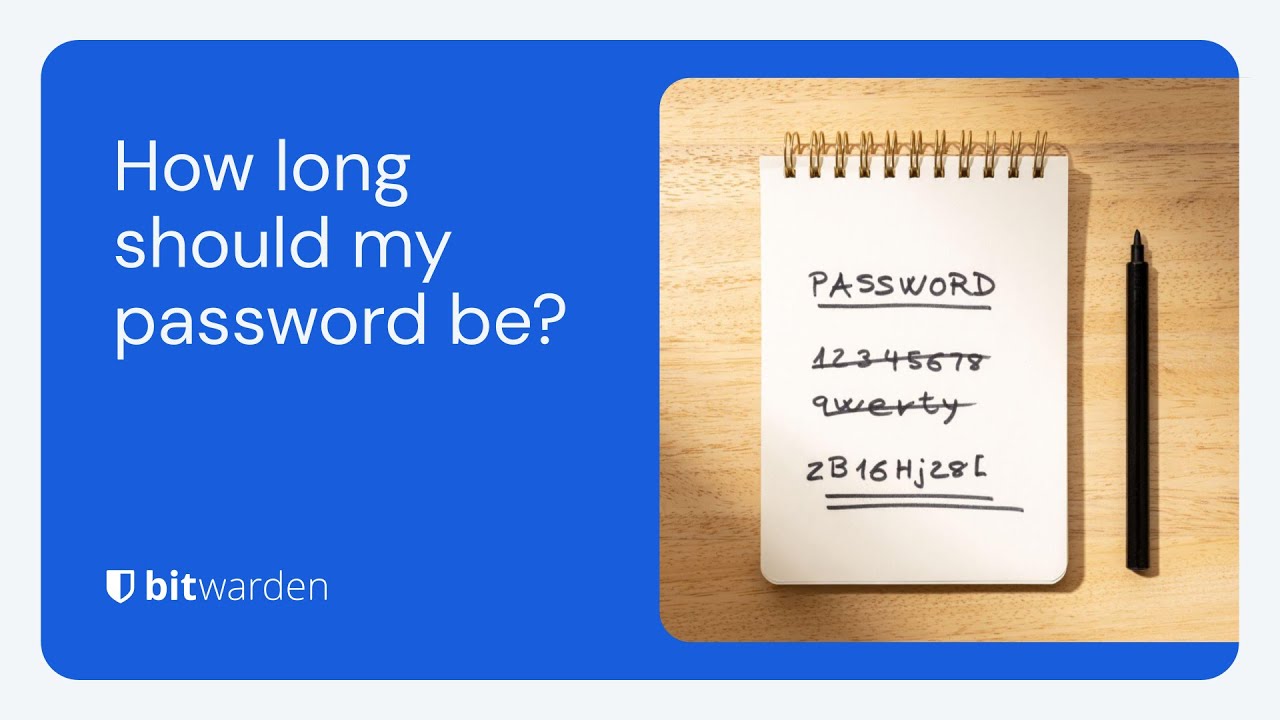](https://www.youtube.com/watch?v=iOB9ZCS-p4g)
*[Watch on YouTube](https://www.youtube.com/watch?v=iOB9ZCS-p4g)*
## Vad är ett starkt lösenord?
Starka lösenord är en hörnsten i robust onlinesäkerhet. Men vad exakt gör ett lösenord starkt? Ett komplext lösenord är en unik kombination av tecken, siffror och specialsymboler som är svåra för hackare att gissa eller knäcka med brute force-attacker. Ett starkt lösenord bör vara minst 14 tecken långt, men 16 eller fler rekommenderas för ökad säkerhet.
Dessutom bör ett starkt lösenord vara unikt och inte återanvändas på flera konton. Denna unikhet säkerställer att även om ett konto har äventyrats, förblir andra konton säkra. Att skapa ett starkt lösenord minskar avsevärt risken för obehörig åtkomst till onlinekonton.
## Minsta lösenordslängd: 14 till 16 tecken eller mer!
Experter är överens om att längd är en viktig del av lösenordsstyrkan. [Cybersecurity & Infrastructure Security Agency (CISA)](https://www.cisa.gov/secure-our-world/require-strong-passwords) rekommenderar att lösenord bör vara "Långa - minst 16 tecken långa (ännu längre är bättre)." [National Institute of Standards and Technology (NIST)](https://pages.nist.gov/800-63-3/sp800-63-3.html) anger i sina framtida riktlinjer[ för digital identitet ](https://pages.nist.gov/800-63-4/sp800-63b.html)2024:
"**Lösenordets längd är en primär faktor för att karakterisera lösenordets styrka**. Lösenord som är för korta ger efter för brute-force-attacker och ordboksattacker. Den minsta lösenordslängden som krävs beror på hotmodellen som adresseras. Onlineattacker där angriparen försöker logga in genom att gissa lösenordet kan mildras genom att begränsa antalet tillåtna inloggningsförsök. För att förhindra att en angripare (eller en ihärdig sökande med dåliga skrivkunskaper) snabbt utsätter abonnenten för en överbelastningsattack genom att göra många felaktiga gissningar, måste lösenorden vara tillräckligt komplexa för att ett rimligt antal försök kan tillåtas med låg sannolikhet för en lyckad gissning, och hastighetsbegränsning kan tillämpas innan det finns en betydande chans till en lyckad gissning, eftersom användaren kan uppmuntra en lyckad gissning, eftersom användaren bör vilja göra en lyckad gissning... anledning."
Använd diagrammet för test av lösenordsstyrka nedan, baserat på [Bitwarden Password Strength Generator](https://bitwarden.com/sv-se/password-strength/), för att vägleda dina lösenordsbeslut.

## Är det längsta lösenordet alltid bäst?
Ju längre ett lösenord är, desto svårare är det att knäcka med brute force-algoritmer. Längden på ditt lösenord beror dock ofta på webbplatsen eller tjänsten och deras policy för lösenordsacceptans. Medan 14 till 16 slumpmässiga tecken ger stor säkerhet, kommer fler tecken inte att skada. Vissa webbplatser begränsar dock lösenordslängden, så du kan behöva justera därefter.
[Bitwarden Password Manager](https://bitwarden.com/sv-se/products/personal/) kan automatiskt generera och säkert lagra komplexa lösenord på upp till 128 tecken. Om du behöver ett ännu längre lösenord eller en [SSH-nyckel kan ](https://bitwarden.com/sv-se/blog/ssh-agent/)de lagras i ett [anpassat fält](https://bitwarden.com/sv-se/help/custom-fields/) eller en [säker anteckning](https://bitwarden.com/sv-se/help/managing-items/).
## Behöver jag använda siffror, versaler och specialtecken?
Vissa webbplatser och tjänster kräver siffror, versaler och specialtecken. Ett bredare spektrum av bokstäver plus siffror, versaler och specialtecken kommer att öka komplexiteten och [stärka dina lösenord](https://bitwarden.com/sv-se/blog/five-best-practices-for-password-management/). Det rekommenderas också att blandningen av karaktärer är helt *slumpmässig* och inte relaterad till din personliga information.
De fyra teckenuppsättningarna är:
1. Numeriska tecken som 12345
2. Små bokstäver som abcde
3. Versaler som ABCDE
4. Specialtecken som !$%&?
Ett lösenord som uteslutande består av numeriska tecken har endast tio möjliga alternativ för varje tecken (0 – 9). Om ett lösenord är sex numeriska tecken långt kan en hackare försöka en miljon möjliga kombinationer (10 x 10 x 10 x 10 x 10 x 10).
Ett lösenord med sex tecken som består av siffror och gemener har dock trettiosex alternativ för varje tecken (0 – 9 plus a – z). Nu, snarare än en miljon möjliga kombinationer, finns det 2 176 782 336 möjliga kombinationer för ett lösenord med sex tecken. Lösenordshanterare tar bort manuell matematik ur ekvationen, så allt du behöver göra är att skapa ett unikt lösenord.
## Slumpmässighet: Nyckeln till ett unikt lösenord
Att bestämma hur långt ett lösenord ska vara är viktigt, men ett lösenords övergripande slumpmässighet bidrar också till bättre lösenordssäkerhet. [Lösenfraser](https://bitwarden.com/sv-se/passphrase-generator/) är ett enkelt sätt att få slumpmässiga och unika lösenord. Att använda en lösenfras hjälper till att kombinera minnesvärda ord eller fraser som användaren känner till men som [hackare](https://bitwarden.com/sv-se/how-to-stop-hackers/) inte känner igen. Här är ett exempel på en slumpmässigt genererad lösenfras som använder den gratis webbaserade [Bitwarden Password Generator](https://bitwarden.com/sv-se/password-generator/):

Ett annat sätt att skapa ett starkt lösenord är att undvika vanliga ord i lexikonet eller upprepade eller sekventiella tecken, som "hemlig". På samma sätt visas några mycket långa lösenord i [lösenordsdumpar](https://www.ncsc.gov.uk/static-assets/documents/PwnedPasswordsTop100k.txt) med anmärkningsvärd frekvens.
Ett sådant lösenord är "1qaz2wsx3edc4rfv5tgb6yhn7ujm8ik,9ol.0p;/", som, trots att det är trettiofyra tecken långt, skulle vara bland de första tusen försöken i en brute force attack (du kommer att se varför om du tittar på ditt tangentbord). Mycket matematik kan spela in, men längre och mer unika karaktärer skapar generellt starkare lösenord.
## Minska riskerna för lösenordssäkerhet när man bestämmer hur långt ett lösenord ska vara
Brute force-attacker är inte den enda anledningen till kontohackning. Framgångsrika nätfiskeattacker är en [vanlig orsak till dataintrång](https://bitwarden.com/sv-se/blog/hackers-guide-to-vip-security/), och ju lättare det är att komma ihåg ett lösenord, desto lättare är det att avslöja det för en obehörig part. Ytterligare förvärrar detta hot är om samma lösenord används för flera konton för att rädda någon från att komma ihåg olika inloggningsuppgifter. En [färsk rapport](https://bitwarden.com/sv-se/resources/the-survey-room/#world-password-day-global-survey/) visar hur vanlig denna dåliga praxis är genom att avslöja att 84 % av de tillfrågade fortsätter att återanvända lösenord på flera webbplatser.
Du kan enkelt bygga starka lösenord med hjälp av Bitwarden [Password Generator](https://bitwarden.com/sv-se/password-generator/), ett gratis och säkert onlineverktyg utformat för att skapa unika lösenord för varje konto med anpassningsalternativ för att stödja alla webbplatsers lösenordspolicyer. Dessutom kan du testa styrkan hos nya eller befintliga referenser med den kostnadsfria [Password Strength Tester](https://bitwarden.com/sv-se/password-strength/).

## Bästa metoder för starka lösenord
För att hålla dina onlinekonton säkra är det viktigt att följa bästa praxis för lösenordssäkerhet. Här är några tips som hjälper dig att skydda ditt digitala liv:
- **Använd en säker lösenordshanterare**: Lösenordshanterare kan skapa och lagra unika, starka lösenord för onlinekonton. Detta sparar dig från besväret med att komma ihåg flera lösenord. Välj en lösenordshanterare som krypterar all information som lagras i ditt valv och erbjuder rapporter om dataintrång.
- **Undvik att återanvända lösenord**: Det är riskabelt att använda samma lösenord för flera konton. Om ett konto äventyras är alla dina konton som använder det lösenordet i riskzonen.
- **Aktivera multifaktorautentisering (MFA)**: När det är tillgängligt, aktivera MFA för att lägga till ett extra lager av säkerhet till dina konton. Detta innebär en andra form av verifiering, till exempel ett textmeddelande eller autentiseringsapp, som kan förhindra obehörig åtkomst till ditt konto även om någon skulle upptäcka lösenordet.
- **Välj längre lösenord**: Sikta på en lösenordslängd på minst 14 tecken, men 16 eller fler rekommenderas. Längre lösenord är i allmänhet svårare att knäcka.
- **Undvik svaga lösenord med lätt gissa information**: Undvik att använda lätt gissa information som ditt namn, födelsedatum eller vanliga ord. Hackare kan enkelt hitta denna information och använda den för att gissa svaga lösenord.
- **Använd en blandning av tecken**: Skapa starka lösenord med stora och små bokstäver, siffror och specialsymboler. Detta ökar svårigheten för alla som försöker gissa ditt lösenord.
Att följa dessa bästa metoder kan avsevärt förbättra din lösenordssäkerhet och skydda dina onlinekonton från potentiella hot.
## Hur kan jag hantera unika och starka lösenord för varje konto?
En lösenordshanterare som Bitwarden hjälper till att skapa och lagra unika och starka lösenord för varje konto. Fördelen med att lagra lösenord i en lösenordshanterare är att de är krypterade, hashade och saltade för att förhindra auktoriserad åtkomst – mycket säkrare än att lagra lösenord i vanlig text i Word-dokument eller Excel-kalkylblad!
Bitwarden erbjuder en [lösenordshanteringslösning](https://bitwarden.com/sv-se/products/personal/) med en inbyggd generator för alla klientapplikationer, inklusive webbläsartillägg, mobil- och skrivbordsappar, webbvalvet och CLI.
## Kom igång med Bitwarden
Är du redo att höja din cybersäkerhet med Bitwarden Password Manager? Registrera dig idag för ett [gratis Bitwarden-konto, ](https://bitwarden.com/sv-se/pricing/)eller starta en [7-dagars gratis provperiod på våra affärsplaner](https://bitwarden.com/sv-se/pricing/business/) så att ditt team och företagskollegor kan vara säkra online. Har du fortfarande frågor? Kolla in den [livesända veckodemon](https://bitwarden.com/sv-se/events/weekly-demo/) för att prata direkt med Bitwarden-teamet.
---
URL: https://bitwarden.com/sv-se/blog/how-password-managers-help-prevent-phishing/
---
# Hur lösenordshanterare hjälper till att förhindra nätfiske
Skadliga nätfiskeattacker är tyvärr en del av det digitala livet, men lösenordshanterare tillhandahåller ett sätt att förebygga.
*By Gary Orenstein*
*Published: August 20, 2022*
---
Phishing attacks frequently attempt to exploit users’ fears, curiosity, or helpfulness, sometimes with an element of urgency intended to prompt an immediate interaction. Phishing attacks can have different objectives. They may try to trick people into divulging confidential information like login credentials, bank account or social security numbers, or redirect victims to websites harboring drive-by [malware downloads](https://bitwarden.com/sv-se/blog/accelerate-ransomware-mitigation-with-password-management/).
These fake reach outs, or phishing attacks, can be surprisingly convincing. Phishers can use social engineering techniques to research an intended victim prior to deploying a phishing attack so the phishing email appears to come from a trusted source such as your boss, or a website for a financial institution that you use frequently.
With more digital work and more [remote work](https://bitwarden.com/sv-se/blog/securing-remote-work-password-manager/) occurring every day, phishing has reached the point where everyone needs to keep themselves protected. There are many phishing attack prevention methods, from developing general awareness techniques to using different tools. In this post we’ll specifically discuss how a [password manager](https://bitwarden.com/sv-se/go/start-free/) can help prevent phishing attacks.
## Staying alert
Phishing attacks can come via email, text message, voice message, chat apps, or when accidentally mistyping the URL for an intended website and ending up on a fake site. Any of the above can be combined into a socially engineered phishing attack intended to convince the user to give up something valuable like a password, government identification ID, or a credit card number.
To stay alert, the basics of internet safety apply. Here are a couple of examples and recommended ways to stop a phishing attack.
Imagine an email appearing to come from your bank that states your account has been disabled or that there has been suspicious activity. The email requests that you log in to confirm everything is okay. The email also includes a link, but instead of that link pointing to your real bank website, it points to a hacker website made to look like the real bank website. For example, the site might be called www.wellsfaigo.com, with an “i” instead of an “r”, which could be easy to miss.
A few recommended steps:
- Check all aspects of the email to confirm it is from the proper institution. This includes looking at the email sender name as well as the accompanying email address (See [Emails from Bitwarden](https://bitwarden.com/sv-se/help/emails-from-bitwarden/)). It’s important to learn the difference between a displayed email address and the real one, since email addresses can be “spoofed” and misleading. Also mobile phones do not always show the full sender’s email address.
- Hover over links to confirm they go to the proper website, and in general, avoid clicking on links since they can be designed to trick users. If you are concerned about the message in the email, it is always better to log directly into the account in question, and avoid any information sent to you via a suspicious email.
- If concerned, call the institution or person who emailed you to confirm the email is real.
- Do not open attachments from people you don’t know – or unexpected attachments from people you do know without checking first. It is possible that their email accounts may have been compromised in a separate phishing attack.
> [**YOU MIGHT LIKE: Bitwarden Send for secure one-to-one data sharing**](https://bitwarden.com/sv-se/products/send/)
If you inadvertently click a link from a phishing email, you may end up on a website that looks familiar, but not quite right
- Verify URLs in your browser address bar to ensure you are in the right place. Pay close attention to minor spelling differences.
## Thwarting phishing attacks with a password manager
While general awareness will serve you well to avoid phishing attacks, sometimes it helps to have an [extra layer of protection](https://bitwarden.com/sv-se/blog/3-tips-for-extra-security-with-your-bitwarden-account/). Password managers can fill that gap.
Password managers, by their nature, keep track of the website URLs you visit. They can also show you an indication that the site visited is stored within the password manager by showing an icon in the browser bar. In this example, stackoverflow.com is one of the Logins stored in the Bitwarden Vault.

*Password managers retain known and confirmed URLs*
Of course, you could use the browser extension to open that site directly, and quickly [autofill credentials](https://bitwarden.com/sv-se/blog/living-the-passwordless-life/#2-autofill-to-automatically-enter-passwords/), but let’s assume that you typed in the stackoverflow.com web address by hand, or clicked it from a trusted email.
In this case, the browser extension shows a ‘1’ in the corner of the extension icon, reminding users that there is one Login stored for stackoverflow.com in the password manager. If there were multiple Logins associated with the same website, that number would increment to ‘2’ and so on.

*Password managers confirm via an icon flag when landing on a known site*
In this hypothetical example, if the entry was mistyped or intentionally misspelled in a phishing attack, and the website URL was not exactly correct, the icon would not appear. This would set off an awareness alarm that something is not right. Password managers are not fooled by similarly spelled website URLs, they must be exactly correct. Further inspection may then reveal that the website URL was not entered correctly.

*A malicious site would not trigger the known login icon on the browser extension*
## Password managers set a secure foundation
Beyond helping to thwart phishing attacks, password managers help you use recommendations for good [password hygiene](https://bitwarden.com/sv-se/blog/five-best-practices-for-password-management/) that experts suggest, such as using long, complex, random, and unique passwords for every website. You can sync your passwords across all of your devices, and if working in a team, can share securely with end-to-end encryption.
Whether you want to set yourself or your business up for success, it is easy to get started with Bitwarden, an open source password manager for individuals and organizations. Visit [bitwarden.com](https://bitwarden.com/sv-se/) to learn more and sign up for a free account.
## Get Started with Bitwarden
Ready to try out Bitwarden today? Quickly sign up for a [free Bitwarden account](https://bitwarden.com/sv-se/pricing/), or register for a [7-day free trial of our business plans](https://bitwarden.com/sv-se/pricing/business/) so your business and team can stay safe online.
Editor's Note: This article was originally written on October 28th, 2020 and was updated on August 20th, 2022.
---
URL: https://bitwarden.com/sv-se/blog/how-password-security-best-practices-safeguard-against-ransomware/
---
# Skydd mot ransomware: hur de bästa metoderna för lösenordssäkerhet skyddar
Lär dig hur lösenordshanterare och lösenordslösa tekniker hjälper till att skydda mot ransomware och nätfiskeattacker.
*By Bitwarden*
*Published: February 13, 2025*
---
The U.S. federal government periodically advises individuals and businesses to keep their data protected and remain aware of cybersecurity threats. Recently, the U.S. Joint Ransomware Task Force (JRTF), an interagency co-chaired by the Cybersecurity and Infrastructure Security Agency (CISA) and the Federal Bureau of Investigation (FBI), issued a “[#StopRansomware Guide](https://www.cisa.gov/resources-tools/resources/stopransomware-guide)” for organizations at risk of being targeted by ransomware attacks.
Authored by CISA, the FBI, and the National Security Agency (NSA), the #StopRansomware Guide “provides guidance for all organizations to reduce the impact and likelihood of ransomware incidents and data extortion, including best practices to prepare for, prevent, and mitigate these incidents.”
The #StopRansomware Guide is a necessary response to a real threat to Americans and U.S. businesses. One only needs to look to the [Palo Alto Networks Ransomware and Extortion Report](https://unit42.paloaltonetworks.com/unit-42-ransomware-leak-site-data-analysis/) and the [State of Ransomware Report from Sophos](https://assets.sophos.com/X24WTUEQ/at/c949g7693gsnjh9rb9gr8/sophos-state-of-ransomware-2023-wp.pdf) (both cited below) for more evidence of the damage caused by ransomware.
Businesses interested in staving off and mitigating the damage from ransomware attacks should consider reading the guide and reviewing both reports. This blog is focused on the role of password managers and passwordless technologies in protecting credentials.
## Defining ransomware and understanding its scope as malicious software
The #StopRansomware Guide defines ransomware as follows:
> “Ransomware is a form of malware designed to encrypt files on a device, rendering them and the systems that rely on them unusable. Malicious actors then demand ransom in exchange for decryption. Malicious code encrypts files, making them inaccessible without the decryption key.
Over time, malicious actors have engaged in more destructive ransomware tactics. They continue to successfully exfiltrate victim data and pressure targets to pay by threatening to release or sell stolen information on the dark web. Ransomware inflicts harm by locking users out of their computers or encrypting their data.
The application of both tactics is known as ‘double extortion.’ In some cases, malicious actors may exfiltrate data and threaten to release it as their sole form of extortion without employing ransomware. The decryption key is crucial in ransomware attacks, as it is the only way to regain access to the encrypted data.”
It goes on to state:
> “These ransomware and associated data breach incidents can severely impact business processes by leaving organizations unable to access necessary data to operate and deliver mission-critical services.
> The economic and reputational impacts of ransomware and data extortion have proven challenging and costly for organizations of all sizes throughout the initial disruption and, at times, extended recovery.”
This explanation captures the challenges businesses face in remaining vigilant against ransomware threats. According to the 2023 Sophos State of Ransomware Report, 66% of respondents reported their organization was affected by ransomware. For comparison, in 2020, that number was 51%.
Meanwhile, Palo Alto Networks reports that half of all ransomware incidents posted on leak sites in 2023 involved U.S. organizations, trailed by Europe, the Middle East, and Africa. The manufacturing industry was the most impacted by extortion attacks, followed by the professional and legal services industries. Interestingly, Palo Alto Networks found that harassment of individuals within an organization was a factor in 20% of ransomware cases, up from 1% in the previous year.

*Palo Alto Networks Ransomware and Extortion Report Figure 10. Leak site post distribution by country in 2023*
The Sophos report found that “payments themselves have increased considerably over the last year, with the average (mean) ransom payment almost doubling from $812,380 in 2022 to $1,542,333 in 2023. The median ransom payment reported in this year’s study was $400,000.” It also noted that “organizations reported an estimated mean cost to recover from ransomware attacks of $1.82 million, an increase from the 2022 figure of $1.4 million.”
The Palo Alto Networks Report also probed the financial impact of ransomware, noting ransomware payment demands ranged from $3,000 to $50 million. In actuality, payments were “as low as $3000 and as high as $7 million.” The median payment tracked by Palo Alto Networks hewed closely to the Sophos number: $350,000.

*Sophos State of Ransomware Report p. 12*
“Threat actors want you to feel pressured,” according to the Palo Alto Networks report. “The more you feel this way, the more likely you will pay what they demand. When cybercriminals use tactics such as harassment and urgency in addition to encryption, they’re trying to make you feel out of control and under pressure so you’ll do what they want.”
These figures are jarring. Fortunately, organizations can shore up security safeguards and minimize ransomware attack risks through password management best practices and passwordless authentication adoption.
## Protecting credentials from ransomware attacks using security tools
While ransomware can be delivered through a number of threat vectors, the Federal Trade Commission (FTC) [notes that](https://www.ftc.gov/business-guidance/small-businesses/cybersecurity/ransomware) “phishing emails make up most ransomware attacks.” As [discussed in this Bitwarden blog](https://bitwarden.com/sv-se/blog/how-password-managers-help-prevent-phishing/), phishing attacks are social engineering tactics that attempt to trick people into divulging confidential information like login credentials, bank accounts, or social security numbers, or redirect victims to websites housing [malware downloads](https://bitwarden.com/sv-se/blog/accelerate-ransomware-mitigation-with-password-management/). Having secure backup files offline and on the cloud is crucial to recover data more quickly in case of an attack.
Recognizing the role of phishing in facilitating ransomware attacks, pages 9 and 10 of the #StopRansomware Guide offers recommendations for protecting credentials. The guide suggests organizations:
- Implement phishing-resistant multi-factor authentication (MFA/2FA) for all services.
- Consider passwordless MFA that replaces passwords with two or more verification factors (e.g., a fingerprint, facial recognition, device pin, or a cryptographic key).
- Implement password protection policies that require unique passwords of at least 15 characters and utilize a password manager.
- Store passwords in a secured database and use strong hashing algorithms.
- Educate all employees on proper password security in your annual security training, including emphasizing the importance of not reusing passwords and not saving passwords in local files.
Additionally, having an incident response plan to outline roles and responsibilities during a ransomware attack is essential. Security awareness training is crucial to recognize and deter phishing attacks.
Password managers are an effective deterrent against credential theft because they easily enable users to generate strong and unique passwords for each site they visit. This reduces the risk of password reuse and stops people from defaulting to weaker passwords simply because they’re easy to remember. While password managers alone won’t stop all ransomware attacks - a user or users may still fall prey to a phishing attack and divulge their credentials - the scope of the attack will likely be limited because the same password hasn’t been used for multiple accounts.
Password managers, such as [Bitwarden](https://bitwarden.com/sv-se/products/), further protect credentials by enabling two-factor authentication (also known as 2FA), which requires authentication from a second device upon login. This is often accomplished through a security key, authenticator app, or via email.
The #StopRansomware Guide cites passwordless MFA, which can further strengthen verification through [biometrics](https://bitwarden.com/sv-se/blog/living-the-passwordless-life/) (e.g., a fingerprint, facial recognition), a device pin, or a cryptographic key. Recent data found that [nearly three in 10](https://www.axios.com/2023/05/30/1passwords-passwords-passkeys) ransomware attacks started with threat actors using a stolen password. [Passwordless](https://bitwarden.com/sv-se/blog/access-your-bitwarden-vault-without-a-password/) solutions like [passkeys](https://bitwarden.com/sv-se/passwordless-passkeys/) empower individuals and businesses with a more effective deterrent against ransomware attacks by removing weak or reused credentials from the attack surface altogether. Passkeys prevent the reuse of passwords across services or platforms because they are created uniquely for each user and service. Encrypted authentication protocols like WebAuthn, enable passkeys to enhance protection against phishing attacks, one of the most common initiation points for breaches and ransomware attacks. Using a layered security tech stack that incorporates endpoint detection and response (EDR), network monitoring tools, and email filtering solutions alongside anti-malware and antivirus software will strengthen an organization’s resilience to ransomware attacks by minimizing the attack surface across multiple threat vectors.
The public and private sectors continue recognizing the growing momentum toward passwordless technology. In the [2023 Bitwarden Password Decisions Survey](https://bitwarden.com/sv-se/resources/the-survey-room/), 49% of IT decision-maker respondents said they were deploying or had plans to deploy passwordless technology. Of those utilizing passwordless authentication, 51% are relying on the ‘something you are’ (biometrics, facial recognition, voiceprint) form of passwordless authentication.
Ransomware attacks are complex, and successful mitigation against them requires a multi-layered approach. Password management and passwordless authentication measures create the foundation for a strong security culture, foster better password habits, and empower employees and organizations with the tools they need to strengthen credential security.
## Operating system security
#### Keep operating systems up to date
Keeping operating systems up-to-date is a fundamental step in preventing ransomware attacks. Outdated operating systems inherently create security vulnerabilities that cybercriminals can exploit to gain unauthorized access. Regularly updating device operating systems and ensuring that the latest security patches and features are installed will provide added protection against these threats. Enabling automatic updates is a simple yet effective way to ensure that operating systems remain current, reducing the risk of ransomware attacks exploiting known vulnerabilities.
#### Harden operating system configurations
Hardening operating system configurations is another critical measure to safeguard against ransomware attacks. This process involves configuring operating systems to minimize the attack surface. Start by disabling unnecessary services and removing unused or unpatched software, which can serve as potential entry points for malicious actors. Configuring firewall rules to block incoming traffic that isn’t essential for operational needs adds another layer of defense. Adopting a zero trust security model can significantly enhance an organization’s security posture by preventing lateral movement or privileged access elevation within the network in case of a ransomware infection. This approach ensures that even if one part of a system is compromised, the threat is contained and cannot spread easily.
## Network security measures
#### Network segmentation
Network segmentation is a vital security measure that can help contain and mitigate the impact of ransomware attacks. By dividing an internal network into smaller, isolated segments, organizations can limit the spread of ransomware if an infection occurs. Each segment should be equipped with its own security controls, including firewalls and access control policies, to prevent unauthorized access. This approach can quickly identify and isolate infected systems while reducing the scalability of a ransomware attack. Implementing network segmentation as part of a broader security strategy can significantly enhance a company's ability to respond to and recover from ransomware incidents, ensuring that critical systems and information remain protected.
## Get started with Bitwarden and the zero trust security model
Ready to try out password sharing with Bitwarden? Quickly get started with a [free Bitwarden account](https://bitwarden.com/sv-se/pricing/), or start a [7-day free trial of our business plans](https://bitwarden.com/sv-se/pricing/business/) to keep your team safe online. Still have questions? Check out the [free weekly demo](https://bitwarden.com/sv-se/events/weekly-demo/).
---
URL: https://bitwarden.com/sv-se/blog/how-state-and-local-goverment-benefits-from-password-management/
---
# Hur statliga och lokala myndigheter drar nytta av lösenordshantering
Med ransomware-attacker på uppgång är det dags att säkra lösenord nu
*By Gary Orenstein*
*Updated: November 11, 2025*
---
Statliga och lokala myndigheter ger bränsle till vår nation som fungerar som frontlinjen i vårt civila samhälle. Dessa förvaltningar har en djup historia av sammanlänkning och arbetar sinsemellan såväl som över gränserna för att dela resurser och information i allmänhetens bästa. Allt detta skapar ett ökat behov av säkerhet.
## Den olyckliga ökningen av ransomware-attacker även på delstatsnivå
Senaste ransomware-attacker sätter fokus på säkerhetsmedvetenhet, inklusive bättre lösenordssäkerhet. I juni rapporterade Bloomberg att hackare brutit mot Colonial Pipeline med hjälp av ett komprometterat lösenord. Tidigare i år fick vi veta om SolarWinds-intrånget som involverade det onekligen osäkra lösenordet för solarwinds123.
Specifikt när det gäller statlig nivå rapporterade Pew Trusts att,
> Cyberangripare har tvingat stater att ta ner webbplatser, stulit 36 miljarder dollar i arbetslöshetsersättningar och avslöjat miljontals invånares personliga information för bedragare.
## Vidta omedelbara åtgärder för att förbättra säkerheten
Efter Vita husets verkställande order om cybersäkerhet i maj dök ett memo från biträdande assistent till presidenten och biträdande nationell säkerhetsrådgivare för cyber och ny teknik i juni. Ämnesraden för memo, **Vad vi uppmanar dig att göra för att skydda mot hotet om ransomware**.
Promemorian skickar en uppmaning till åtgärder för att implementera bästa praxis från presidentens verkställande order, identifierad som stor genomslagskraft och listad nedan ordagrant från PM:
- Multifaktorautentisering (eftersom bara lösenord rutinmässigt äventyras)
- Slutpunktsdetektering och svar (för att leta efter skadlig aktivitet på ett nätverk och blockera det)
- Kryptering (så om data blir stulen är den oanvändbar)
- Ett skickligt bemyndigat säkerhetsteam (för att lappa snabbt och dela och införliva hotinformation i ditt försvar)
[**DU KANSKE OCKSÅ GILLA: Cybersäkerhet är allas ansvar**](https://bitwarden.com/sv-se/blog/preparing-for-the-executive-order-on-improving-the-nations-cybersecurity/)
## Det stora missförståndet
Tyvärr antar formuleringen av den första punkten "(eftersom bara lösenord rutinmässigt äventyras)" en defaitistisk inställning till lösenord och lägger vikt vid multifaktorautentisering som ibland kan vara mer att hantera än ett starkt lösenord.
Även om det är sant att enbart lösenord rutinmässigt äventyras, men när internetanvändare använder en lösenordshanterare, som genererar långa, komplexa, slumpmässiga och unika lösenord per webbplats, minskar risken avsevärt för ett äventyrat lösenord.
Att välja långa, komplexa, slumpmässiga och unika lösenord per webbplats är nästan omöjligt för människor. Men det är lätt för datorprogram som en lösenordshanterare.
Titta på [**Varför använda en lösenordshanterare?**](https://youtu.be/H0-yWbe5XG4)
## Ja till multifaktorautentisering, men skaffa en lösenordshanterare
I en nyligen genomförd intrång vid New Yorks lagavdelning, rapporterade New York Times,
> Men allt som krävdes för en hackare att infiltrera byråns nätverk med 1 000 advokater i början av denna månad var en arbetares snattade e-postlösenord, enligt en stadstjänsteman som informerats om saken.
Även om de exakta detaljerna är okända, är det mycket vanligt att anställda återanvänder lösenord som kan ha avslöjats på grund av andra webbplatsintrång och sedan säljs på den mörka webben.
Naturligtvis fortsätter berättelsen genom att parafrasera språk liknande Vita husets cybersäkerhetsmemo,
> Men hacket möjliggjordes av att lagavdelningen misslyckades med att implementera ett grundläggande skydd, känd som multifaktorautentisering...
Även här var källan till händelsen ett snattat lösenord. Hade det ursprungliga lösenordet varit långt, komplicerat, slumpmässigt och unikt, kan situationen ha undvikits. Multifaktorautentisering förblir en viktig säkerhetsmöjlighet, men bör hanteras i samverkan med korrekt lösenordshantering och generera långa, komplexa, slumpmässiga och unika lösenord per webbplats.
## Fördelar med lösenordshantering för statliga och lokala myndigheter
När det kommer till säkerhet ser vi att om människor inte har behörighet att hantera lösenord på jobbet, så använder de ofta ett mindre säkert kontoskydd.
Ur ett statligt och kommunalt perspektiv bör du tänka på följande när du söker en lösning för lösenordshantering.
### Omfattande säkerhet
Se till att din leverantör implementerar noll-kunskapskryptering för alla dina valvobjekt och har omfattande säkerhets- och efterlevnadsuppgifter. Komplett noll-kunskapskryptering innebär att lösenordshanteringsleverantören inte kan se något av innehållet i ditt valv.
### Användarvänlighet
Hitta lösningar som tilltalar en bred användarbas, från tekniska till nybörjare. Lösenordshanterare som är öppen källkod vädjar brett till dessa målgrupper på grund av den engagerade communityn som hjälper alla att uppnå sin bästa säkerhetsställning. Tekniska användare blir engagerade i samhället och arbetar för att förbättra produkten, och icke-tekniska användare kan enkelt hitta stöddokument och användbara forum för frågor och svar.
### Prisvärdhet
Leta efter lösningar som ger en enkel väg att komma igång och skalan för att stödja större organisationer.
### Möjlighet att själv vara värd
Lösenordshantering är en seriös affär, och ibland föredrar organisationer att ha möjlighet att köra sin egen lösning. Om detta är viktigt för ditt team, undersök i förväg.
## Ta kontroll över din organisations säkerhet idag
Lyckligtvis är det snabbt och enkelt att börja förbättra din organisations säkerhet direkt. Bitwarden är en fullt utrustad lösenordshanterare med öppen källkod som används av individer och organisationer över hela världen. Lösenordshanteringslösningen från Bitwarden är säker, lätt att använda, prisvärd och inkluderar en möjlighet att själv vara värd.
Starta en [gratis provperiod](https://bitwarden.com/sv-se/pricing/business/) för Teams- och Enterprise-organisationsplaner, eller kom igång som individ med ett [grundläggande gratiskonto](https://bitwarden.com/sv-se/pricing/). Oavsett vilket kommer du att vara på väg att förbättra din säkerhet direkt!
---
URL: https://bitwarden.com/sv-se/blog/how-strong-is-my-password/
---
# Hur starkt är mitt lösenord?
Här är några viktiga råd att tänka på när du skapar starka lösenord.
*By Bitwarden*
*Published: June 20, 2023*
---
If you’re using services or subscriptions that require a password - and that would be most people, at this point - you’ve probably noticed that most sites have password requirements. For example, a site might prompt its users to leverage passwords that include uppercase and lowercase letters, numbers, and some forms of punctuation.
The site might also have a minimum length requirement, such as 6-8 characters. In some cases, sites offer password strength meters that alert users as to whether their password is considered strong enough. But, the quality of these password strength meters can vary. Before leaning too heavily on a third-party site’s built-in tools, consider first reviewing the [Bitwarden Password Security Checker](https://bitwarden.com/sv-se/password-security-checker/) explainer, then utilizing the [Bitwarden Password Strength Testing Tool](https://bitwarden.com/sv-se/password-strength/). This tool gauges how long it might take to crack your password by testing it against known criteria such as length, randomness, and complexity. Using the password strength tester will give you a quick answer to the question “how strong is my password?” and allow you to build up a repertoire of strong passwords.
There are a few key pieces of guidance to keep in mind when creating strong passwords to test against the [Password Strength Testing Tool](https://bitwarden.com/sv-se/password-strength/).
> Guide: [How secure is my password?](https://bitwarden.com/sv-se/how-secure-is-my-password/)
- **Make your password unique**. The same passwords should not be used across multiple sites, as this increases the likelihood of one compromised password affecting multiple accounts.
- **Stick with random passwords**. A nonsensical (to others) password is just fine. A password that is built on identifiable personal information (your name, street name, child’s name, etc.) isn’t. Use random combinations of letters, numbers, random characters, and words.
- **In this case, longer is better.**The longer, the stronger. An eight-character password will take a few minutes to a few hours to crack. A sixteen-character password will take a billion years to crack.
These recommendations may seem commonsensical, but internal research from Bitwarden has shown that users make a common series of mistakes when it comes to passwords. According to the [2023 World Password Day Global Survey](https://bitwarden.com/sv-se/resources/world-password-day/), a majority (85%) reuse passwords across more than one site. Almost one fifth (17%) reset their passwords every day or multiple times a week, indicating challenges with both devising and managing passwords.

If you’ve reviewed the guides above and decided to utilize the Bitwarden Password Strength Testing Tool, the next logical step is to sign up for the Bitwarden free or premium [password manager service](https://bitwarden.com/sv-se/products/personal/). Avoid becoming a data breach statistic and take control of your online security.
## Get started with Bitwarden
Ready to get started with Bitwarden? Register for a [free Bitwarden account](https://bitwarden.com/sv-se/pricing/), or begin a [7-day free trial of our business plans](https://bitwarden.com/sv-se/pricing/business/) to keep your team and company colleagues safe online.
---
URL: https://bitwarden.com/sv-se/blog/how-to-back-up-and-encrypt-your-bitwarden-vault-from-the-command-line/
---
# How to back up and encrypt your Bitwarden vault from the command line
One thing you should regularly do is back up your vault. Learn how to do this from the command line by crafting a handy bash script to simplify the process.
*By Jack Wallen*
*Published: November 1, 2022*
---
*As of the *[*October 2022 release*](https://bitwarden.com/sv-se/help/releasenotes/#2022100/)*, the option for exporting encrypted backups of a Bitwarden vault protected by a password of your choice is available in the web vault. Learn more about this feature in *[*this blog article*](https://bitwarden.com/sv-se/blog/flexible-encrypted-vault-exports/)*.*
As long as there's a law by the name of "Murphy," you can rest assured that unwanted things might happen. Your internet connection will go down, software will crash, batteries will die, software won't compile, and password manager vaults can (out of nowhere) become unreadable. No matter how much we want to think it is, technology is not perfect.
But if things go wrong with your password manager, without the right plans in place, you could wind up with a big problem on your hands (as in not being able to retrieve your passwords).
What do you do?
One thing you should regularly do is back up your vault. With a working backup, you can also import it back into Bitwarden and be functioning in minutes (or seconds).
But how do you do that? Well, if you're using the GUI, it's as easy as opening Bitwarden, clicking File > Export Vault, and walking through the simple prompts.
If, however, you want to do this from the [command line](https://bitwarden.com/sv-se/blog/how-to-install-and-use-the-bitwarden-command-line-tool/), it's not nearly as easy. However, by crafting a handy bash script, you could greatly simplify the process.
Let’s walk through how it's done.
The only thing you'll need to make this work is a running instance of Bitwarden and the Bitwarden CLI tool. I'll be demonstrating on the Linux operating system (Pop!_OS to be exact), so if you're using either macOS or Windows, you'll need to adjust this to meet the needs of your OS.
I'm going to show you how to set this up so it's an interactive command as well as one you can set up to run automatically. The only caveat to running it automatically is that you cannot have two-factor verification enabled (because getting that to automatically work in a script would be a challenge.) So, if you use [two-factor authentication](https://bitwarden.com/sv-se/help/setup-two-step-login/) (which you should), you'll have to use the interactive script.
**NOTE**: These scripts are optimized for Linux and MacOS. Windows optimized scripts are planned for the future.
## The interactive script
Create the new script with the command:
```
nano bw_backup.sh
```
In that script, paste the following:
```
#!/usr/bin/env bash
export LC_CTYPE=C
export LC_ALL=C
read -p "Bitwarden account email: " BW_ACCOUNT
read -p "Master Password (hidden): " -s BW_PASS
EXPORT_OUTPUT_BASE="bw_export_"
TIMESTAMP=$(date "+%Y%m%d%H%M%S")
ENC_OUTPUT_FILE=$EXPORT_OUTPUT_BASE$TIMESTAMP.enc
export BW_SESSION=$(bw login $BW_ACCOUNT $BW_PASS --raw)
bw export --raw --session $BW_SESSION --format json | openssl enc -aes-256-cbc -pbkdf2 -iter 600000 -k $BW_PASS -out $ENC_OUTPUT_FILE
bw logout > /dev/null
unset BW_SESSION
unset BW_PASS
unset BW_ACCOUNT
```
Save and close the file.
Give the file execution permissions with the command:
```
chmod u+x bw_backup.sh
```
You can then run the script with the command:
```
./bw_backup.sh
```
You'll be asked for the email address associated with your Bitwarden Vault, followed by the master password. If you have two-factor authentication enabled, you'll then be asked for the 6-digit passcode. Upon successful authentication, you'll find a new file, named something like `bw_export_20220822140328.enc`.
That file is also encrypted. Before you can actually use it, you must decrypt it with a command like this:
```
openssl enc -aes-256-cbc -pbkdf2 -iter 600000 -d -nopad -in bw_export_20220822140328.enc -out bw_export.json
```
You should then have a JSON file you can import back into Bitwarden, should the need arise.
## The non-interactive script
Say you don't have two-factor authentication setup for your Bitwarden account (again… you should) and you want to automate this. For that, the script will need to be slightly altered to look like this:
```
#!/usr/bin/env bash
export LC_CTYPE=C
export LC_ALL=C
export BW_ACCOUNT=EMAIL
export BW_PASS=PASSWORD
export BW_SESSION=$(bw login $BW_ACCOUNT $BW_PASS --raw)
EXPORT_OUTPUT_BASE="bw_export_"
TIMESTAMP=$(date "+%Y%m%d%H%M%S")
ENC_OUTPUT_FILE=$EXPORT_OUTPUT_BASE$TIMESTAMP.enc
bw --raw --session $BW_SESSION export --format json | openssl enc -aes-256-cbc -pbkdf2 -iter 600000 -k $BW_PASS -out $ENC_OUTPUT_FILE
bw logout > /dev/null
unset BW_SESSION
unset BW_PASS
unset BW_ACCOUNT
```
Where EMAIL is the [email address](https://bitwarden.com/sv-se/blog/add-privacy-and-security-using-email-aliases-with-bitwarden/) associated with your Bitwarden vault and PASSWORD is your master password.
Save and close the file.
Give the file executable permission with the command:
```
chmod u+x bw_backup.sh
```
The script is run the same way as the interactive command, only you won't be prompted for input. One thing to keep in mind is that you're saving your Bitwarden credentials in that file, so make sure you save the file in a hidden directory (one that starts with a period) or another out-the-way location. Again, I don't recommend this method, but in certain instances, it might be the best option.
Now, we'll automate this with the help of cron. Create a cronjob with the command:
```
crontab -e
```
To run this script every night at midnight, that entry would look something like this:
```
0 0 * * * /path/to/bw_backup.sh
```
Save and close the crontab editor and your job is ready. The backup should run every night at midnight and save the backup file in the same location housing the backup script.
And there you have it, a handy method of backing up and encrypting your Bitwarden vault from the command line.
## Get Started with Bitwarden
If you aren't familiar with using a command line, but still want to create an encrypted backup of your Bitwarden vault, check out this [handy guide](https://bitwarden.com/sv-se/resources/guide-how-to-create-and-store-a-backup-of-your-bitwarden-vault/) that shows you step-by-step how to create an encrypted export of your Bitwarden data — from the web vault.
Not using Bitwarden yet? Quickly get started and sign up for a [free personal account](https://bitwarden.com/sv-se/pricing/) or initiate a [7-day business trial](https://bitwarden.com/sv-se/pricing/business/) to see how Bitwarden can secure your enterprise.
## About the Author
Jack Wallen is an award-winning author and avid supporter of open source technologies. He has covered open source, Linux, security, and more for publications including TechRepublic, CNET, ZDNet, The New Stack, Tech Target and many others since the 1990s in addition to writing over 50 novels.
---
URL: https://bitwarden.com/sv-se/blog/how-to-better-manage-your-financial-information-in-bitwarden/
---
# Hur du bättre hanterar din finansiella information i Bitwarden
Om du känner dig lite försiktig med att lagra finansiell information i ditt Bitwarden-valv, läs för att ta reda på hur du kan lindra dessa rädslor och hålla din ekonomi säker med Bitwarden.
*By Bitwarden*
*Published: July 16, 2025*
---
Bitwarden är ett enastående alternativ för att säkra och hantera dina lösenord. Genom att låsa allt i ett krypterat valv kan du säkerställa att endast du kan komma åt den informationen med dekrypteringslösenordet. Inuti det valvet kan du spara inloggningsuppgifter för webbplatser, appar och tjänster, kreditkortsinformation, [identiteter](https://bitwarden.com/sv-se/help/auto-fill-card-id/), säkra anteckningar och mer.
Men en sak du kan vara lite försiktig med är att hålla din finansiella information lagrad i ditt Bitwarden-valv. Är det säkert? Tänk om någon på något sätt skulle få tillgång till ditt valv? Skulle de då inte ha tillgång till dina bankkonton med mera? En sådan händelse är osannolik, speciellt om du skyddar ditt valv med ett starkt och unikt lösenord med [tvåstegsinloggning](https://bitwarden.com/sv-se/help/bitwarden-field-guide-two-step-login/), men vad kan du göra för att få extra sinnesro?
Låt oss utforska denna idé, så att du kan känna dig lite mer bekväm med att lagra din finansiella information i Bitwarden. Låt oss säga att du vill lagra information för följande:
- Banker
- Mäklarhus
- Kreditkortskonton
- Aktiva investeringsplattformar
- Online betalningssystem
För det första är det många [användarnamn](https://bitwarden.com/sv-se/blog/how-to-use-the-bitwarden-username-generator-and-why-you-should/) och lösenord att komma ihåg, vilket innebär att många användare kommer att välja att gå den enkla vägen med lösenord. Med tanke på den känsliga karaktären hos denna information bör du aldrig snåla med komplexiteten i dina lösenord. Det innebär att du använder en lösenordshanterare, som Bitwarden, för att låsa den informationen. När du har installerat Bitwarden och skapat ett valv kan du lägga till poster för var och en av dessa tjänster. Ännu bättre, du kan skapa en mapp dedikerad till din ekonomiska information. Låt oss göra det först.
## Skapa en finansmapp
Jag ska demonstrera detta med Bitwarden-skrivbordsklienten. Öppna klienten, lås upp ditt valv och klicka sedan på + associerat med MAPPAR i den vänstra navigeringen (Figur 1).

**Figur 1: Bitwarden-gränssnittet gör det otroligt enkelt att använda ditt valv**
Kanske kallar man faktiskt inte den mappen för ekonomi, utan något som inte direkt skulle få någons uppmärksamhet på mappen. Hur som helst, efter att du klickat på + kommer du att bli ombedd att skriva ett namn för den nya mappen (Figur 2).

**Figur 2: Namnge vår nya ekonomimapp**
Efter att ha gett mappen ett namn, klicka på Spara-ikonen och du är redo att börja lägga till poster. Om du redan har skapat poster för dina finansiella konton och vill flytta dem till den nya mappen, öppna en av dessa poster för redigering och välj sedan den nya mappen från rullgardinsmenyn Mapp (Figur 3).

**Figur 3: Lägga till en tidigare post i vår nya mapp**
Lägg märke till att du till och med kan be om en omfrågan[ ](https://bitwarden.com/sv-se/blog/six-ways-password-reprompt-delivers-the-right-bitwarden-security-for-you/)om huvudlösenord, vilket kräver att du skriver in ditt huvudlösenord en andra gång innan du kan se innehållet i denna post.
När du har lagt till posten i mappen klickar du på knappen Spara så är du igång. Fortsätt att lägga till nya poster i din finansiella mapp tills den är fylld med alla dina konton.
## Ett praktiskt knep för lösenord
Säg att du inte vill spara ekonomisk inloggningsinformation i ett enda valv som kan hackas (men förmodligen inte kommer att bli det). Om det låter som du, finns det ett praktiskt trick, kallat *peppning,* som kommer att räcka långt för att lindra dessa rädslor. Så här fungerar [peppning](https://bitwarden.com/sv-se/blog/3-tips-for-extra-security-with-your-bitwarden-account/).
Säg att du skapar en ny post i Bitwarden för ditt bankkonto, men du är rädd för att spara ditt lösenord i valvet. Vad du kan göra är att skapa en sträng med slumpmässiga tecken (som du skulle memorera) och lägga till antingen i början eller slutet av varje ekonomiskt kontorelaterade lösenord du sparar. Till exempel kan din peppar vara $*bw5, vilket faktiskt inte är en del av ditt lösenord. När du sparar en ny post lägger du till $*bw5 i slutet av lösenordet och sparar posten. Nu, när du går till att använda det lösenordet, vet du att du ska ta bort $*bw5-strängen efter att du har klistrat in den i lösenordsfältet på ditt konto.
Bara du känner till din pepp, så om någon skulle komma åt ditt valv skulle de inte veta att $*bw5 inte var en del av ditt lösenord. Alternativt, när du skapar ett lösenord på din banksajt, till exempel, kan du spara det partiella lösenordet i ditt valv (ditt lösenord, minus pepparn) och manuellt lägga till din slumpmässiga sträng i slutet av ditt lösenord när du loggar in på den sidan. Nu är det inte möjligt att komma åt ditt konto med lösenordet lagrat i ditt valv utan att också känna till pepparn och var den ska läggas till, som du har memorerat.
Och det, mina vänner, är hur du bättre (och säkrare) kan hantera din inloggningsinformation för ditt finansiella konto i Bitwardens lösenordshanterare. Njut av den förhöjda säkerhetsnivån.
## Kom igång med Bitwarden
Är du redo att prova Bitwarden? Registrera dig för ett [kostnadsfritt individuellt konto](https://bitwarden.com/sv-se/pricing/), eller starta en [gratis testperiod](https://bitwarden.com/sv-se/pricing/business/) för företag idag.
## Om författaren
Jack Wallen är en prisbelönt författare och ivrig anhängare av öppen källkodsteknologi. Han har täckt öppen källkod, Linux, säkerhet och mer för publikationer inklusive TechRepublic, CNET, ZDNet, The New Stack, Tech Target och många andra sedan 1990-talet förutom att han skrivit över 50 romaner.
---
URL: https://bitwarden.com/sv-se/blog/how-to-change-your-main-bitwarden-password/
---
# Så här ändrar du ditt huvudlösenord för Bitwarden
Om du vill ändra ditt huvudlösenord gör du så här.
*By Bitwarden*
*Published: December 27, 2024*
---
Ditt huvudsakliga Bitwarden-lösenord, även känt som ditt Bitwarden-huvudlösenord, är nyckeln till alla dina valvposter, såsom inloggningsuppgifter, kort och säkra anteckningar. Det huvudlösenordet ska vara [starkt och unikt](https://bitwarden.com/sv-se/blog/how-long-should-my-password-be/) men också ett du kan memorera. Du vill absolut inte använda en som är svag (som "lösenord" eller "lösenord123"), annars ökar du din risk.
Du kanske vill ändra ditt Bitwarden-huvudlösenord om du är orolig att det är för svagt eller om du är rädd att det har äventyrats. Om du har [glömt ditt huvudlösenord](https://bitwarden.com/sv-se/help/forgot-master-password/), få inte panik. Det finns några sätt att återfå åtkomst till ditt valv om du har tappat bort det:
- Testa att logga in på en annan enhet, till exempel en mobiltelefon med biometrisk autentisering.
- Om du har ställt in ett ledtråd för[ ](https://vault.bitwarden.com/#/hint)huvudlösenord, begär en. Tipset kommer att skickas till den e-postadress du anger. Förhoppningsvis räcker tipset för att påminna dig om vad ditt lösenord är.
- Använd nödåtkomst (om aktiverad) för att kontakta din betrodda nödkontakt och återfå åtkomst till ditt valv.
- Om du arbetar för en organisation som använder kontoåterställningspolicyn, kontakta organisationsadministratören för att återställa ditt huvudlösenord.
Om du vill ändra ditt Bitwarden-huvudlösenord gör du så här.
> [Att välja rätt lösenord för din lösenordshanterare](https://bitwarden.com/sv-se/blog/picking-the-right-password-for-your-password-manager/)
## Bitwarden huvudlösenordskrav
Du behöver bara ett giltigt Bitwarden-konto som du kan komma åt med det nödvändiga huvudlösenordet. Det är det. Låt oss komma till uppgiften.
Viktig anmärkning: Att ändra ditt huvudlösenord är en krypterad operation som kommer att ändra krypteringen av ditt valv. Du kommer att vilja göra en [säkerhetskopia](https://bitwarden.com/sv-se/resources/guide-how-to-create-and-store-a-backup-of-your-bitwarden-vault/) av ditt valv först, ifall något oväntat händer. Nedladdningen av den här filen bör hanteras med extrem försiktighet eftersom den innehåller all din valvinformation. Vissa användare gillar att ladda ner den till en USB-nyckel och förvara den på en säker och säker plats.
### Egenskaper för ett starkt huvudlösenord
Ett starkt huvudlösenord är hörnstenen i din lösenordshanterarens säkerhet, och skyddar all känslig data den innehåller. Här är de viktigaste egenskaperna som gör ett huvudlösenord robust:
- **Långt**: Sikta efter ett huvudlösenord som är minst 14 tecken långt. För ännu bättre säkerhet, överväg att utöka den till 16 tecken eller mer.
- **Komplext**: Blanda ihop det! Använd en kombination av stora och små bokstäver, siffror och specialtecken för att skapa ett komplext huvudlösenord.
- **Unikt**: Ditt huvudlösenord ska vara unikt och inte återanvändas på olika konton eller tjänster. Detta säkerställer att ett intrång i ett område inte äventyrar hela din säkerhet.
- **Minnesvärt**: Även om ditt huvudlösenord bör vara komplext, måste det också vara minnesvärt. Undvik lätt gissa information som ditt namn, födelsedatum eller vanliga ord.
- **Slumpmässigt**: Ett starkt huvudlösenord bör genereras slumpmässigt och undvika förutsägbara mönster eller sekvenser.
Genom att följa dessa tips kan du skapa ett huvudlösenord som är både säkert och lätt att komma ihåg, vilket ger ett robust skydd för din lösenordshanterare.
## Följ dessa steg för att ändra ditt Bitwarden huvudlösenord
Först måste du logga in på ditt [Bitwarden Web Vault](http://vault.bitwarden.com) i din webbläsare. När du har loggat in klickar du på profilikonen i det övre högra hörnet av fönstret. Från den resulterande popupen (Figur 1), klicka på Kontoinställningar.

**Figur 1: Popupmenyn**för profilikonen som finns i Bitwarden Web Vault.
I fönstret Kontoinställningar klickar du **på Säkerhet** i det vänstra sidofältet. Klicka på fliken **Huvudlösenord** och skriv sedan ditt nuvarande huvudlösenord i fönstret som visas (**Figur 2**) och skriv och verifiera det nya huvudlösenordet.

**Figur 2:**Återställa ditt Bitwarden huvudlösenord.
Om du inte redan har gjort det, kanske du vill lägga till en ledtråd till huvudlösenordet, som kan skickas till dig via e-post. Detta kan vara bra att ha på plats ifall du glömmer ditt Bitwarden-huvudlösenord efter att du ändrat det.
När du har verifierat ditt nya huvudlösenord klickar du på Ändra huvudlösenord och du är klar. Du kan stänga popup-fönstret Kontoinställningar och logga ut från ditt konto. Kom ihåg att nästa gång du loggar in på ditt Bitwarden-valv måste du ange det nya huvudlösenordet.
## Kom igång med Bitwarden
Är du redo att höja din cybersäkerhet med Bitwarden? Registrera dig idag för ett [gratis Bitwarden-konto, ](https://bitwarden.com/sv-se/pricing/)eller starta en [7-dagars gratis provperiod på våra affärsplaner](https://bitwarden.com/sv-se/pricing/business/) så att ditt team och företagskollegor kan vara säkra online. Har du fortfarande frågor? Kolla in den [livesända veckodemon](https://bitwarden.com/sv-se/events/weekly-demo/) för att prata direkt med Bitwarden-teamet.
---
URL: https://bitwarden.com/sv-se/blog/how-to-create-a-custom-field-in-bitwarden/
---
# Hur man skapar ett anpassat fält i Bitwarden
Bitwarden gör det enkelt att lägga till anpassade fält till valvposter för en ännu effektivare upplevelse.
*By Bitwarden*
*Published: October 3, 2024*
---
Bitwarden can store many types of information in a vault item. After creating a standard Login, you can add the following:
- Name
- Username
- Password
- Authenticator key (TOTP)
- URI
- Notes
You can also add the item to a folder, select the ownership (if your plan includes organizations), add multiple URIs, add it to Favorites, and even configure it for master password re-prompt.
Some users opt to simply include any additional bits of information in the Notes section. While this method works fine, Bitwarden makes it easy to add custom fields to vault entries for an even more efficient experience, including auto-fill! You can create custom fields for each vault item type: Logins, Cards, Identities, and Secure Notes. Even better, there are four different custom field types from which to choose.
[](https://www.youtube.com/watch?v=ILWqmBRqh6I)
*[Watch on YouTube](https://www.youtube.com/watch?v=ILWqmBRqh6I)*
These custom field types are a powerful feature for collecting and storing additional data and can be very handy additions to a vault entry. Some examples include adding an SSH key to a vault item login entry, or adding a business associated with a Card. Another very handy use of a custom field can be had in the Identity type of vault entry.
When creating an Identity in Bitwarden, there are fields for Social Security, Passport, and license numbers. However, entries in those allotted fields are not hidden by default. To add additional security for extra sensitive information, you could create an Identity and then add new custom fields (of the type "hidden") for each entry. Then, enable master password re-prompt, so that anytime anyone wants to view those entries, they have to first enter the master password even if the vault is unlocked.
## The types of custom fields
As previously mentioned, there are four types of custom fields to store data. Text and Hidden fields include a Name and a Value (such as Social Security Number and 123456789); Boolean fields include a name and a checkbox; and Linked fields include a Name and a dropdown menu to link the field to an existing field.
Each field type offers a different functionality:
- **Text** - a simple name:value keypair.
- **Hidden** - a name:value keypair that can be used in conjunction with master password re-prompt to hide the value until the master password is typed.
- **Boolean** - is a Name and a checkbox that can be used to indicate whatever has been added to the name is active (such as if the entry is a part of an Organization).
- **Linked** - is a special field type where the value is linked to an existing field and can be used to circumvent issues such as when a browser extension doesn’t auto-fill usernames and/or passwords for a particular site.
## How to create a custom field
Adding a custom field to new or pre-existing vault items is quite simple. To add a custom field, scroll down until you see the CUSTOM FIELDS section in the vault item entry. Then, to create a custom field of the type Hidden, select Hidden from the New Custom field dropdown menu and click + (**Figure 1**).

*Figure 1: Adding a new Hidden custom vault item in Bitwarden.*
There should now be a new entry with blank Name and Value sections (**Figure 2**).

*Figure 2: Adding a new custom field of the type "Hidden."*
Type a name for the new custom field (such as Social Security Number) and then type the value for the entry (such as 123-45-6789). After that’s done, make sure to enable the master password re-prompt feature (**Figure 3**) and then click Save.

*Figure 3: Enable the master password re-prompt so your hidden custom fields are actually hidden.*
Now, when trying to view the hidden custom field, the value will be obfuscated (**Figure 4**) until you click the eye icon and type your master password.

*Figure 4: The hidden custom field.*
And that's the why and how of using Bitwarden custom fields. This is a great option for adding special fields that aren't found in the default item options. Use them wisely and they will serve you well!
## Get started with Bitwarden
Ready to try out Bitwarden today? Quickly get started with a [free Bitwarden account](https://bitwarden.com/sv-se/pricing/), or sign up for a [7-day free trial of our business plans](https://bitwarden.com/sv-se/pricing/business/) so your business and team can stay safe online.
---
URL: https://bitwarden.com/sv-se/blog/how-to-create-a-folder-in-bitwarden/
---
# Hur man skapar en mapp i Bitwarden
Mappar låter dig anpassa din syn på Bitwarden genom att samla ihop relaterade inloggningar, identiteter, säkra anteckningar och kort.
*By Bitwarden*
*Published: January 16, 2025*
---
Whether you're an enterprise business with thousands of users or a single person using Bitwarden to ensure your credentials are strong and secure, Bitwarden offers plenty of features to keep your vault items organized. Vault organization can become very important when your list of items grows into the hundreds or thousands. Should you reach such a point where you find searching your vault has become tedious, you'll want to make use of folders.
[](https://www.youtube.com/watch?v=xjwuKPlDb4U)
*[Watch on YouTube](https://www.youtube.com/watch?v=xjwuKPlDb4U)*
Folders allow you to personalize your view of Bitwarden by gathering together related logins, identities, secure notes, and cards such that they are considerably easier to find. Any item can be added to a folder, even those items shared with you by an Organization. You can add any type of vault item to a folder during initial creation or even after it's been created. You can also add as many folders as you need to ensure your Bitwarden vault suits your needs.
For example, you might create a folder to group all of your Email related vault items. You can also create subfolders such as Email > Support or Email > Newsletter Aliases. The one caveat to this is that it's not like tagging, so you can only add an item to one folder or subfolder. So if you have an item that could belong in both Email > Support and Email > Newsletter Aliases, you'd have to decide in which folder it should belong.
Now that you have an idea as to why you might want to use folders, let's walk through how to create a folder and then add items to it.
## What you'll need to create a folder
To work with folders, you'll need a Bitwarden account and the desktop app, browser extension, or access to the web vault. This blog will walk through creating a folder on the desktop app.
## Create your first folder
Log into your Bitwarden vault. In the left sidebar, you should see the FOLDERS entry with a + directly to the right (**Figure 1**).

*Figure 1: The Bitwarden sidebar is where to go to create a folder.*
Click + and, when prompted, give the folder a name (**Figure 2**).

*Figure 2: Naming a new Bitwarden folder.*
Let's say you've created a folder named WORK and you want to add a nested folder, named WRITING. To do that, you would create a new folder and name it WORK/WRITING. One thing to keep in mind with nested folders is that the parent folder must already be created. In other words, you couldn't create a brand new parent and child folder at once. If you attempted to create both WORK and WRITING at the same time (with WORK/WRITING), you would instead create a single folder named WORK/WRITING.
## Adding a vault item to a folder
To add a vault item to a folder, you would simply select the folder from the Folder drop-down (**Figure 3**).

*Figure 3: Adding a vault item to the Weekly Payroll folder.*
And that's all there is to create a folder in Bitwarden for better vault organization. Remember, only you can see a folder that you create, and they only affect how you view your own vault. Organizations will arrange vault items using shared collections.
## Get started with Bitwarden
Ready to try out Bitwarden? Register for a [free Bitwarden account](https://bitwarden.com/sv-se/pricing/), or begin a [7-day free trial of our business plans](https://bitwarden.com/sv-se/pricing/business/) to keep your team and company colleagues safe online.
---
URL: https://bitwarden.com/sv-se/blog/how-to-create-a-subset-of-credentials-on-your-device/
---
# Så här skapar du en deluppsättning av autentiseringsuppgifter på din enhet
Är ditt Bitwarden-valv proppfullt med poster? Här är några tips för att organisera ditt valv för att bättre passa dina vardagliga behov.
*By Jack Wallen*
*Published: April 11, 2023*
---
What do you do if your vault is jam packed with entries and you find it's become a bit too much for your everyday needs? Or maybe you have a desire to create a subset of credentials for your account when traveling, for example, so you have access to two completely different vaults.
## Favorites
To do this, you have a few options. The simplest would be to add your most used items as **Favorites**, so they are more easily accessed.
## The 2-person Organization method
The second option would be to create a free 2-person [Organization](https://bitwarden.com/sv-se/blog/what-are-organizations-in-bitwarden-and-why-should-you-use-them/), which will contain a separate vault to house those items you want isolated from your personal vault. With your new Organization created, you can add some vault items there, which your secondary account will not have access to. For example, you could create a Collection, called "Subset" and add other vault items to that. One thing to keep in mind is that Collections can only be created in the web vault. To create a new Collection follow these steps:
1. Open your [Bitwarden web vault](https://vault.bitwarden.com) in your default web browser.
2. Click Organizations in the top toolbar.
3. Click the Manage tab.
4. Click New Collection (**Figure 1**).
5. Give the new Collection a name and an external ID.
6. Click Save.

**Figure 1:** Creating a new Collection for a Bitwarden Organization
With the new collection created, you can then add items to it from the web vault, the desktop app, or the mobile app.
## The second account method
Another option would be to create a second account - in this case, you will need a second email address. This can be done from the desktop app by clicking your email address in the top right corner of the window and selecting **Add account** from the drop-down (**Figure 2**).

**Figure 2:** Adding a second account to your free 2-person Bitwarden account
Once the account is created, you can then invite the new account to the free 2-person Organization you created. You can also assign the secondary account access to items within an Organization or [Collection](https://bitwarden.com/sv-se/help/about-collections/#what-are-collections/). To do that you must invite the new user to the Organization and give them the access they need. Here are the steps for this:
1. Log into your Bitwarden web vault.
2. Click Organizations.
3. Click the Members tab.
4. Click Invite User.
In the resulting popup (**Figure 3**), add the user's email address, select their user type, configure their access control, and then select a Collection for them to access.

**Figure 3:** Inviting a user to a Bitwarden Organization and giving them specific access to a Collection
The second user (which is actually you, in this case) will receive their invitation and must verify it via a link within the email. Once they've verified the invite, they'll have access to the Collections you selected.
Congratulations, you've just added a second account to Bitwarden. The vault associated with that account will be empty and ready for you to start adding all of the entries you need. When you're done with that account, click the Account drop-down in the upper right corner and select the other account associated with Bitwarden to switch.
## Get started with Bitwarden
Interested in trying out Bitwarden? Sign up for a [free business trial](https://bitwarden.com/sv-se/pricing/business/) or register for a [free individual account](https://bitwarden.com/sv-se/pricing/).
## About the author
Jack Wallen is an award-winning author and avid supporter of open source technologies. He has covered open source, Linux, security, and more for publications including TechRepublic, CNET, ZDNet, The New Stack, Tech Target and many others since the 1990s in addition to writing over 50 novels.
---
URL: https://bitwarden.com/sv-se/blog/how-to-create-custom-fields-for-bitwarden-vault-entries/
---
# Hur man skapar anpassade fält för Bitwarden-valvposter
Oftast ser du att standardalternativen för Bitwarden-valvposter är många. Däremot kan du stöta på fallet där du behöver något utöver det vanliga. Så här lägger du till ett anpassat fält som kan användas för att automatiskt fylla i fält i ett webbformulär.
*By Jack Wallen*
*Published: February 2, 2023*
---
Most often, you'll find the default options for Bitwarden vault entries to be plenty. Out of the box, you get Name, [Username](https://bitwarden.com/sv-se/blog/whats-in-a-user-name/), Password, Authenticator Key, URL, Folder, Favorite, Master password re-prompt (if enabled), notes, and ownership. With those options, you should be able to create all the vault entries you need.
However, you will run into the random case where you need to add something out of the ordinary. Sure, you could use the notes section, but that can wind up getting rather random. And if you're working with a team, just chucking non-standard items into Notes isn't very efficient.
Say, for example, you need to add a section for developer secrets, or maybe you might even want to add a custom field that can be used to auto-populate fields in a web form. This is all very possible with Bitwarden and I'm going to show you how.
## Creating standard custom fields
The first thing we'll do is create a standard custom field (one not used for auto-population). Bitwarden offers four types of custom fields:
- Text - stores freeform values, which can be text, numbers, etc.
- Hidden - field value that stores freeform text which is hidden from view
- Boolean - stores boolean (true/false) values.
- Linked - stores values that are linked to either an item's username or password and are handy when a browser has trouble auto-filling usernames and passwords for some sites.
Now that you understand how custom fields work in Bitwarden, let's create some.
## Creating a standard custom field
Let's start by creating a brand new entry in a vault. Unlock Bitwarden and click + to create a new item. Fill out everything as you normally would and then locate the CUSTOM FIELDS section. Select the type of custom field you want to add from the drop-down and click + (**Figure 1**).

**Figure 1**
After clicking +, you should now see two blank fields, Name and Value (**Figure 2**).

**Figure 2**
Click Name and type whatever it is you need for this field (such as SECRETS). Next, click Value and type (or paste) the contents for the value. You can then add as many custom fields as you like.
## Creating a custom field for auto-fill
This one is a bit trickier. Say you have Bitwarden set up to [auto-fill](https://bitwarden.com/sv-se/blog/what-is-bitwarden-autofill-and-how-do-you-use-it/) for websites (from the web browser extension), but you need more than the username and password automatically filled in. Say (for whatever reason), there's a section for a phone number that's also required. Instead of having to always type out that entry for auto-fill, you can create a custom field to do that for you. Here's how:
- Go to the website in question and right-click on the field that needs to be auto-filled.
- Click Inspect Element.
- In the inspector pane, locate the *id=* entry associated with that field (for example *id=phone_number*.
- Copy what follows the = (which, in our case, would be *phone_number*).
- Go to your vault entry for that site and create a new Text custom field.
- In the Name field, paste what came after the = sign in the inspector (in our example case, *phone_number*).
- In the Value section type the value you would fill in for that field (in our example that would be your phone number).
- Save the value entry.
Now, when you go to the page associated with the URI and click the entry from within the [Bitwarden browser extension](https://bitwarden.com/sv-se/help/getting-started-browserext/), it will autofill in the custom field entry along with the usual login credentials.
And that, my friends, is how you can create and use custom fields with Bitwarden. With a bit of creativity, this feature can really help improve your [password vault workflow](https://bitwarden.com/sv-se/blog/a-better-password-workflow-with-bitwarden/).
## Get started with Bitwarden
Ready to try out Bitwarden today? Sign up for a [free Bitwarden account](https://bitwarden.com/sv-se/pricing/), or start a [7-day free trial of our business plans](https://bitwarden.com/sv-se/pricing/business/) so your team and company colleagues can stay safe online.
---
URL: https://bitwarden.com/sv-se/blog/how-to-detect-ai-deepfakes-and-phishing-attacks/
---
# How to detect AI deepfakes and phishing attacks
AI-enhanced phishing attacks are on the rise. Here are some practical tips on how to detect and stay safe from AI-enhanced phishing that you can start implementing now.
*By Kasey Babcock*
*Published: July 22, 2025*
---
[AI-enhanced phishing attacks are on the rise](https://bitwarden.com/sv-se/blog/ai-phishing-attacks-are-on-the-rise/) and with the help of generative and agentic AI, it is easier than ever for cybercriminals to quickly deploy targeted campaigns against individuals and businesses alike. Attackers are leveraging AI technology to create hyper-realistic content at rapid speeds — like [deepfake videos](https://bitwarden.com/sv-se/blog/top-types-of-phishing-attacks-to-watch-out-for/#deepfake-video-phishing/), cloned voices, and spoofed images — that are intended to deceive their victims into revealing sensitive information or downloading malware.
AI-enhanced phishing campaigns are also harder to identify, making them more effective. AI phishing attacks are reportedly 24% more effective than traditional human-generated attacks, according to hoxhunt.
As phishing threats continue to evolve, it will be exceedingly important to stay informed on security best practices to protect yourself, your family, and your organization. Here are some practical tips on how to detect and stay safe from AI-enhanced phishing that you can start implementing now.
**Dive deeper:** Before learning about how to protect yourself from AI-enhanced phishing, consider learning about [different types of phishing techniques](https://bitwarden.com/sv-se/blog/top-types-of-phishing-attacks-to-watch-out-for/) and how the [rise of AI has impacted phishing scams](https://bitwarden.com/sv-se/blog/ai-phishing-attacks-are-on-the-rise/).
## Detect AI deepfakes and phishing attacks with these tips
### Stop and think: Take 9!
Taking a 9 second pause before interacting with suspicious communications can make a big impact in staying safe against phishing attacks. Those 9 seconds help our brains reason through any emotions that may arise, helping attack recipients think more logically and see through social engineering tactics.
### Key indicators
After taking a 9 second pause, keep an eye out for these red flags to help detect phishing attacks.
- **Too good, bad, or outlandish**- If an offer seems too good to be true, it probably is. A classic example of this red flag is the Nigerian prince email scam, which offers recipients a considerable monetary sum if they send an advance payment. Be cautious of any offer that promises a reward for unbelievable reasons, or threatens to enact something that will negatively upend your life.
- **Urgency**- Attackers often employ a sense of high stakes urgency in their campaigns to pressure recipients to act quickly. Any unexpected communication with a heightened sense of urgency should be cause for suspicion.
- **Emotions**- A common social engineering tactic is to exploit people’s emotions. "Any content you see online that makes you feel a strong emotion - anger, fear, disbelief - is a red flag," said Lynette Owens, VP Global Consumer Education & Marketing at Trend Micro.
- **Unprecedented communication path** - Attackers are typically pretty convincing when impersonating people in our life, but what they sometimes fail at is sending communication via an expected channel. If a message from your boss comes through WhatsApp, when you typically communicate through Microsoft Teams, it should be a red flag. Consider reaching out to the same person via a more reliable channel to confirm.
- **Unnaturally perfect**- In the age of generative AI, deepfake videos, audio, and images are incredibly common in phishing attacks. If these pieces of media seem unnatural or too “perfect”, it is an indication of AI generation and may be a malicious phishing campaign.
- **Autofill** - Most password managers, like [Bitwarden](https://bitwarden.com/sv-se/pricing/business/), have built-in phishing detection by way of autofill. If a password manager does not offer to autofill a saved login when navigating to a website, the website is not legitimate.
## How to protect your organization from AI phishing
Organizations and their employees are often targets of [spear phishing campaigns](https://bitwarden.com/sv-se/blog/top-types-of-phishing-attacks-to-watch-out-for/#spear-phishing/) where attackers attempt to gain access to company systems and withhold information until a hefty ransom is paid.
[Vishing attacks](https://bitwarden.com/sv-se/blog/top-types-of-phishing-attacks-to-watch-out-for/#vishing/) in particular have grown in frequency with 30% of organizations reporting they were subject to such an attack (Phishing Trends Report). Malicious actors targeting organizations with vishing attacks typically use “fake calls to impersonate officials or executives.” Even the United States government is not immune to this attack, with [attackers impersonating senior U.S. officials](https://www.ic3.gov/PSA/2025/PSA250515) with AI-generated voice messages to gain access to personal accounts.
**Action item:** To protect your organization against malicious attacks, consider revisiting the organization's security strategy. It likely needs an update to better defend against rapidly evolving AI-enhanced security threats. Here are some considerations to incorporate in a company security strategy.
- **Threat threshold** - Sometimes called ‘risk tolerance’, a threat threshold is the point where the organization is dissatisfied with the known risks to the organization, and initiates a specific response. Consider what risks the organization is okay with, and what risks will need to be resolved when they arise.
- **Anti-phishing solutions** - There are many anti-phishing products on the market, offering a wide variety of enterprise solutions to phishing. Evaluate the best anti-phishing strategy for your organization and what combination of products supports this strategy. Some popular choices are Knowbe4 for flagging suspicious emails and proofpoint for email filtering.
- **Context-based defenses**- Context-based defenses are implemented via software or systems that identify and block phishing attacks by recognizing the context in which they occur. This is achieved with Artificial Intelligence and machine learning and helps stop phishing before it reaches employees.
- **End user training**- Consider incorporating phishing education into regular security training programs. By sharing red flags to look out for and the expected steps an employee should take when interacting with a suspicious message, employees will be more prepared to defend the organization.
- **Password management**- Most password management solutions offer built-in methods around how to detect phishing. When an employee visits a spoofed website and attempts to autofill their login credentials, the password manager will not offer up the associated login because the urls don't match. Consider implementing a password manager, like Bitwarden, if your organization does not have one.
## What to do if you have been subject to an attack?
If you have fallen for a phishing attack:
1. Notify your banks and financial organizations. Consider freezing credit as well to stop new lines of credit from being opened.
2. Depending on the scam, consider closing compromised accounts or wiping infected devices and restoring to factory settings.
3. If residing in the United States, report the attack to the [Federal Trade Commission (FTC)](https://www.ftc.gov/) or [Internet Crime Complaint Center (ic3)](https://www.ic3.gov/).
4. Talk about it! Share what happened with friends and family to help spread awareness.
5. Download a password manager to prevent sharing sensitive credentials with malicious actors in the future. Bitwarden offers [free accounts](https://bitwarden.com/sv-se/go/start-free/) for everyone!
If your organization has been impacted by a phishing attack:
1. Notify your IT team if they are not already aware so they can take further action.
2. Investigate affected accounts, environments, and devices to understand the full scope of impact.
3. Consider wiping infected devices and restoring them to factory settings.
4. Be honest about the breach to customers, partners, and the press. If your organization waits too long to reveal a breach’s impact, it may severely damage brand reputation.
5. Deploy a password manager, like [Bitwarden](https://bitwarden.com/sv-se/go/start-enterprise-trial/), to the organization, providing guardrails on how sensitive credentials can be autofilled in the future.
## Bitwarden helps block malicious phishing attacks
Start blocking malicious phishing attacks and download Bitwarden! With the Bitwarden Password Manager, sensitive information and passwords will never autofill on spoofed websites or login pages. The upcoming Bitwarden Phishing Blocker also prevents end users from navigating to a website that has been identified as a known phishing site.
[Sign up for a free account](https://bitwarden.com/sv-se/go/start-free/) or [start a free 7-day business trial](https://bitwarden.com/sv-se/go/start-enterprise-trial/) today to get started!
---
URL: https://bitwarden.com/sv-se/blog/how-to-export-your-bitwarden-vault/
---
# Hur du säkerhetskopierar ditt Bitwarden-valv
Lär dig hur du exporterar ditt valv för att alltid ha en uppdaterad, lokal säkerhetskopia till hands.
*By Bitwarden*
*Published: August 14, 2024*
---
Bitwarden vaults and all of the items stored within them are always securely saved to the cloud or your self-hosting instance. Because of that, each Bitwarden vault is always up-to-date and in-sync across desktop, mobile, and web. Even though you can trust that your vaults are safely stored, it is also a good idea to always have an up-to-date, local backup on hand.
[](https://www.youtube.com/watch?v=0slqugO_vKA)
*[Watch on YouTube](https://www.youtube.com/watch?v=0slqugO_vKA)*
## How to backup Bitwarden vault
One thing you should do before starting the backup process is carefully consider where you want to store this backup. Bitwarden allows for vaults to be exported as either CSV or JSON files. With JSON exports, there is an option to export an encrypted version of the vault.
What does that mean?
Simple. With the CSV or standard JSON options, the exported vault is unencrypted, which means anyone with access to the file could read it. Rather than storing it on a computer that can be accessed by multiple users, it is better to save an unencrypted file to a USB drive or other removable device, and store it in a secure location, like a physical safe.
If you export the vault as an encrypted JSON file, all password entries are encrypted, which means even if someone has access to the file, all they'll see for password entries are encryption strings. So, if you are unable to store the file in a physical safe, exporting it as an encrypted JSON file is recommended.
For those who prefer to export their vaults as a CSV file, there is another alternative explained below.
With that said, let's find out how to export your Bitwarden vault.
## What you'll need to export your Bitwarden vault
You can export your individual vault from any Bitwarden client. Note that for an organization vault, those can only be exported from the web app.
For this example, we’ll use the Bitwarden desktop app. You will also need a safe place to store the backup file. That's all!
Before running the export, do a quick sync to make sure your most recent vault entries are successfully saved to your Bitwarden account. To do that, open the Bitwarden app and click File > Sync Vault (**Figure 1**).
**Figure 1**

*Manually syncing your Bitwarden vault.*
With the sync taken care of, click File > Export vault. In the resulting popup (**Figure 2**), select the type of file you want to house the backup (like the recommended encrypted JSON) from the File format drop-down.
**Figure 2**

*The encrypted JSON option is your best (safest) option for exporting your Bitwarden vault.*
If you go with .json (Encrypted), you have two options for how to encrypt your data. You can either select Account restricted, which uses your Bitwarden account encryption key. The caveat to using this option is that the file can only be re-imported to Bitwarden by the same account used to export it.
If you want an encrypted backup file with more flexibility, you'll want to select "Password protected" as the export type (**Figure 3**).
**Figure 3**

*Make sure to use a strong password for encryption of your Bitwarden vault export.*
If you go with "Account restricted," you'll be required to type* *your master password or if you go with Password protected, you’ll need to enter and confirm the password you want to use for the file. Click the Export vault button in the bottom left corner (Figure 4), and, if you're saving this to a USB drive, make sure to select the drive from your file manager, and click Save.
**Figure 4**

*Make sure to read the warning before you continue on with your Bitwarden vault export.*
Once the file has downloaded, you can safely remove the USB drive, place it in your safe, or another secure location, and you're good to go. If you're saving the file on your computer, it is recommended to save it in a less-than-obvious, or hidden, folder.
You now have a viable version of your Bitwarden vault that can then be imported, just in case you need it one day. Remember, if you add any new items or edit existing items in your vault post-export, you'll want to do another export so you have the latest information.
## Encrypting a CSV file
Note: You must already have a GPG key available for this to work. If you don't, you can generate one with:
`gpg --expert --full-gen-key`
How you encrypt a CSV file will depend on your operating system. For example, you could encrypt the file on Linux by using GPG like so:
`gpg -c export.csv`
The above command will create a new file with the .gpg extension. In the above case, the file name would be `export.csv.gpg`*. *
To decrypt the file, issue the command:
`gpg export.csv.gpg`
You'll be prompted for the password you created when you encrypted the file. One thing to keep in mind is that you should delete the original exported file, because it isn't encrypted.
To encrypt the file on MacOS:
1. Create a new folder.
2. Move the exported file into the new folder.
3. Use the Disk Utility to create a new image from the new folder.
4. Delete the original export file.
To password protect the file in Windows 11:
1. Create a new folder.
2. Move the unencrypted file into the folder.
3. Right-click the new folder.
4. Select "Show more options."
5. Go to Properties
6. Go to General > Advanced.
7. Check the box next to "Encrypt content to secure data."
8. Click OK.
9. When prompted, type and verify a password.
And that's all there is to exporting your Bitwarden vault. This is a great way to ensure you always have a working Bitwarden vault to access.
## Get started with Bitwarden
Ready to level up your security with Bitwarden? Sign up for a [free Bitwarden account](https://bitwarden.com/sv-se/pricing/), or keep your team and company colleagues safe online by starting a 7-day free trial of our [business plans](https://bitwarden.com/sv-se/pricing/business/).
---
URL: https://bitwarden.com/sv-se/blog/how-to-go-passwordless-with-bitwarden/
---
# Hur man blir lösenordslös med Bitwarden biometri
Att bli lösenordslös är faktiskt mycket enklare än du kanske tror. Du kan uppnå lösenordslös autentisering med Bitwarden utan att förlora ett enda lager av säkerhet.
*By Bitwarden*
*Published: August 13, 2025*
---
Lösenordslös. Det låter lite missvisande eftersom du kanske tror att det är ett sätt att logga in på dina konton utan att behöva ange ett lösenord. Naturligtvis skulle det vara en katastrof, eftersom varje konto du skapar måste ha ett lösenord av någon form (helst ett som är starkt och unikt).
Så, vad exakt är lösenordslös inloggning och hur får du det att fungera med Bitwarden Password Manager? När allt kommer omkring, innebär inte användningen av en lösenordshanterare att lösenord är en del av processen? Det är de. Men det är mer än så. Låt oss börja med att konstatera att Bitwarden är medlem i FIDO Alliance och erbjuder plattformsöverskridande lösningar som är kompatibla med FIDO2, som sätter industrins lösenordslösa autentiseringsstandarder.
Som FIDO2-medlem är Bitwarden engagerad i att utveckla öppna, säkra och skalbara lösningar som minskar beroendet av lösenord för att autentisera användare. Vilket leder oss tillbaka till frågan: Är inte lösenord väsentliga för hur lösenordshanterare fungerar? Både ja och nej.
Föreställ dig, om du vill, att du har ett lösenordssystem inställt där du aldrig behöver skriva ett enda lösenord för alla dina konton och tjänster, men de är fortfarande skyddade av mycket starka och unika lösenord.
Hur fungerar det?
Låt mig förklara.
Du har installerat Bitwarden (ett bra första steg) och du har börjat använda det för att skapa mycket starka lösenord för alla dina konton. Som det ser ut går du för att logga in på ett av dina konton och du måste sedan öppna Bitwarden (med ditt huvudlösenord), vilket ger dig tillgång till alla de inloggningsuppgifter du har lagt till. Du söker sedan efter kontot i fråga, kopierar lösenordet för kontot och klistrar sedan in lösenordet i det obligatoriska inloggningsfältet för kontot. Med rätt lösenord får du tillgång till kontot.
Grattis, du har använt Bitwarden för att hålla kontot säkert genom att använda ett unikt och slumpmässigt genererat lösenord.
Hur säkert och bekvämt det än är så var du fortfarande tvungen att skriva ett lösenord för att komma in i ditt valv, och sedan var du tvungen att kopiera/klistra in lösenordet för kontot i fråga.
Att bli lösenordslös undviker båda dessa steg. Men hur fungerar detta? Det är faktiskt mycket enklare än man kan tro. Ännu bättre, det är ett mycket säkrare sätt att göra saker på.
## Aktiverar biometrisk inloggning
Att bli lösenordslös börjar med hur du låser upp ditt Bitwarden-valv. För att undvika att skriva ditt lösenord bör du aktivera sådana som Touch ID (som i macOS). Detta aktiveras i Inställningar > SÄKERHET (Figur A), genom att markera kryssrutan för Lås upp med Touch ID.

**Figur A: Aktiverar fingeravtrycksläsare att låsa upp med macOS Monterey**
I mobilappen görs detta i Inställningar > Säkerhet > Lås upp med biometri.
För att bli lösenordslös är detta ett absolut måste. Varför? För att använda biometri för att låsa upp ditt valv kringgår behovet av att skriva ditt lösenord. Det här handlar inte bara om att förenkla processen, utan att göra den säkrare eftersom ingen fysiskt kan se dig skriva ditt lösenord, inte heller kan fingeravtrycksskanningen användas mot dig av hackare. Skulle en hackare installera en keylogger på ditt system och du skriver in valvets lösenord, har de möjlighet att komma åt ditt Bitwarden-konto.
## Använda ett webbläsartillägg
Nästa steg för att bli lösenordslös är att använda webbläsartillägget Bitwarden (som är tillgängligt för Firefox, Chrome, Edge och mer). När du har installerat tillägget (och kopplat det till ditt Bitwarden-konto) kommer du att upptäcka att varje post har ett alternativ för automatisk fyllning (Figur B).

**Figur B: Autofyll-alternativet för en Bitwarden-valvpost.**
Om du klickar på Autofyll kommer den automatiskt att ange både användarnamn och lösenord för den aktuella webbplatsen (så länge sidan som du ska logga in på redan är öppen).
I den mobila Bitwarden-appen är detta ännu enklare, eftersom när Autofyll är aktiverat (i Inställningar > Autofyll) kan Bitwarden autofylla appreferenser (när du har autentiserats med antingen biometri eller ditt mobila lösenord/PIN).
## Lösenordslös är framtiden
Vid något tillfälle kommer du att upptäcka att lösenordslöshet är det bästa sättet att hålla dina konton säkra, och allt börjar med att använda en lösenordshanterare som kan göra det möjligt. Med bara lite extra arbete kan du uppnå lösenordslös autentisering med Bitwarden utan att förlora ett enda lager av säkerhet.
## Kom igång med Bitwarden
Intresserad av att prova Bitwarden? Registrera dig för en [kostnadsfri affärstestperiod](https://bitwarden.com/sv-se/pricing/business/) eller ett [gratis individuellt konto](https://bitwarden.com/sv-se/pricing/).
## Om författaren
Jack Wallen är en prisbelönt författare och ivrig anhängare av öppen källkodsteknologi. Han har täckt öppen källkod, Linux, säkerhet och mer för publikationer inklusive TechRepublic, CNET, ZDNet, The New Stack, Tech Target och många andra sedan 1990-talet förutom att han skrivit över 50 romaner.
---
URL: https://bitwarden.com/sv-se/blog/how-to-install-and-use-the-bitwarden-command-line-tool/
---
# How to install and use the Bitwarden command line tool
You may just simply prefer the command line over graphical tools. If that's you, you'll be happy to know Bitwarden has you covered.
*By Jack Wallen*
*Published: September 20, 2022*
---
Bitwarden is one of the most robust, well-designed password managers on the planet. Not only is it a great solution for individuals but also for teams and other types of [organizations](https://bitwarden.com/sv-se/blog/password-sharing-with-organizations/). But there's another reason why this open-source password manager makes for a great addition to anyone's security toolkit… it offers a command-line version as well.
Imagine, you use Bitwarden on your desktops as your go-to password manager. But you also work with a lot of GUI-less servers, or you may just simply prefer the command line over graphical tools. If that's you, you'll be happy to know Bitwarden has you covered. And although the command-line version of the tool isn't quite as user-friendly as the GUI, it's still a valuable option for those who work within a terminal.
The command-line version of Bitwarden can be installed on Linux, macOS, and Windows by way of either a native installer, a snap package, via npm, or the Chocolatey package manager for Windows. I'm going to walk you through the steps to install the Bitwarden CLI tool on Linux Server 22.04 and then show you how to create a new entry and then view a [password](https://bitwarden.com/sv-se/blog/is-the-longest-password-always-the-best/) for an entry.
The main caveat to using the Bitwarden CLI tool is that adding items can be very complicated and doesn't always work as expected. Because of that, I highly recommend you use it only to view items and not add them.
## Installing the Bitwarden CLI tool
The first thing we'll do is install the Bitwarden CLI tool. Since I'm using Ubuntu Server 22.04 as my test case, I can easily install the app with snap. Log in to your Ubuntu instance and issue the command:
*sudo snap install bw*
Let's also install the jq JSON processor with:
*sudo snap install jq*
If you opt to go the binary route installation, it can be accomplished with these steps:
1. Download the zipped file from the [Bitwarden download page](https://bitwarden.com/sv-se/download/?app=cli&platform=linux/).
2. Install unzip with *sudo apt-get install unzip -y*.
3. Unzip the downloaded file with *unzip bw-linux-X.zip *(Where X is the release number).
4. Give the binary executable permissions with *chmod u+x bw*.
5. Move the executable to a directory in your path with *sudo mv bw /usr/local/bin*.
## How to log in with the Bitwarden CLI tool
You'll now need to log in to your Bitwarden account with the command:
*bw login*
You'll be prompted for your Bitwarden email address, master password, and (if applicable) the [two-step login](https://bitwarden.com/sv-se/blog/top-10-burning-questions-on-2fa/) code. Once you've successfully logged in, you'll be greeted with *You are now logged in!* and you're ready to go.
## How to view an item in your vault
The first thing we'll do is locate a password in your vault. To do that, you'll need to know the name of the item. Let's say you have an entry for GitHub in your vault. To view that item, you'd issue the command:
*bw get password GitHub*
If you happen to have multiple entries associated with GitHub, you'll be warned and the bw command will list the object IDs for all of the entries. With the ID in hand, you could view the password like so:
*bw get password ID*
Where ID is the ID for the entry. Once you successfully enter your master password, the password for the item will be revealed.
## How to create a folder
Remember when I said creating an item from the command line is complicated? That wasn't hyperbole. However, I want to demonstrate how it's done anyway. What I'll do is show you the workflow by way of creating a new folder (for our example, the folder will be named [FINANCES](https://bitwarden.com/sv-se/blog/how-to-better-manage-your-financial-information-in-bitwarden/)). Here's how it works:
1. Retrieve the template for creating a folder with the command *bw get template folder*. The output for this command will be *{“name”:”Folder name”}*. Simple enough.
2. Create an encode key for the new folder with the command *echo '{"name":"FINANCES"}' | bw encode.*
3. The output will be a random string of characters. Copy that string and then paste it into the command *bw create folder STRING *(Where STRING is the random string of characters).
If you then issue the command *bw get folder FINANCES*, you'll see output like this:
*{"object":"folder","id":"169d6e85-1i87-4329-958e-aeeb013f894","name":"FINANCES"}*
The item creation is much more complicated because there are far more pieces to configure. If you issue the command *bw get template item*, the output looks like this:
*{"organizationId":null,"collectionIds":null,"folderId":null,"type":1,"name":"Item name","notes":"Some notes about this item.","favorite":false,"fields":[],"login":null,"secureNote":null,"card":null,"identity":null,"reprompt":0}*
You have to go through the same steps for creating an item as you did a folder (only configuring it in line with the above output).
And that's the basics for using the Bitwarden Command Line Tool. As I mentioned earlier, I recommend using this as a tool for viewing passwords on a server without a GUI or a desktop where you prefer working from the CLI. I don't, however, recommend using this tool as your only means of interacting with your Bitwarden Vault, as that can become a cumbersome [workflow](https://bitwarden.com/sv-se/blog/a-better-password-workflow-with-bitwarden/).
## About the Author
Jack Wallen is an award-winning author and avid supporter of open source technologies. He has covered open source, Linux, security, and more for publications including TechRepublic, CNET, ZDNet, The New Stack, Tech Target and many others since the 1990s in addition to writing over 50 novels.
---
URL: https://bitwarden.com/sv-se/blog/how-to-keep-track-of-different-login-types/
---
# Hur man håller koll på olika inloggningstyper med Bitwarden
Läs den här bloggen för några användbara tips om hur du enkelt organiserar ditt Bitwarden-valv.
*By Bitwarden*
*Published: October 24, 2023*
---
How many vault items do you have in Bitwarden? If that number reaches into the hundreds, you fully understand how it can be a chore to find the one you're looking for. Take, for instance, your various email accounts. Let's say your email address is [olivia@example.com](mailto:olivia@example.com). Not only do you have an entry for that account, you also use that email address as a username for a lot of other vault entries. So, when you search for [olivia@example.com](mailto:olivia@example.com) to try and track down the password for that account, you'll wind up with considerably more results than you bargained for.
Fortunately, there are a number of tricks you can use to make this process considerably easier.
## Folders
First off, the best thing you can do is make use of Folders. Say, for example, you have a number of email accounts (either for yourself or your company). You can create a folder on the web, mobile, and desktop versions of Bitwarden. For this example, click + to the right of FOLDERS and, in the popup, type Email Accounts for the Name, and click the Save button (**Figure 1**).

*Figure 1: Giving the new folder a name.*
Once you've created the folder, track down any of the vault entries associated with email accounts, and edit them to add them to the new folder with the Folder drop-down (**Figure 2**).

*Figure 2: Adding an email account vault entry to the Email Accounts folder you just created.*
Make sure to click the Save icon to save the changes.
## Vault entry names and descriptions
Another very handy trick is to simply name a vault entry in such a way as to indicate the specific use. For example, if you don't have enough email accounts to warrant using a folder, you could always name the vault entry for your email account password something like:
Email Account - [olivia@example.com](mailto:olivia@example.com)
What if you've added a vault entry for a website or service that uses your Google or Facebook account for the login? For example, you can use your Facebook account to log into Spotify. Instead of adding your Facebook credentials for that entry (which wouldn't work as a Spotify username/password, you might get creative and, in the Username entry, add "Login with Facebook."
## Make sure to set the URI/URL correctly
Setting the URL/URL for every account in your vault makes it easier to find the item you’re looking for, and also streamlines your login process. If the URL is correct, Bitwarden can autofill your credentials when you land on the login page. This also offers an additional layer of protection against phishing sites that may look nearly identical to the real deal, but the URL is perhaps off by one letter. In this case, Bitwarden autofill will not work, clueing you in to possible phishing activity and giving you the chance to double check your destination.
Using URLs and URIs also makes it easy to differentiate between standard web logins vs. mobile app logins. If you see an entry that's a URI, it's a pretty safe bet that it's for a mobile app/account. If it's a URL, it's most likely a standard login. For example, a standard Twitter entry will have the URL [www.twitter.com](http://www.twitter.com), whereas the mobile Twitter app uses the URI androidapp://com.twitter.android. Knowing the difference between these two types can help you identify if a vault entry is for a web browser or mobile app.
It really doesn't take too much effort to keep track of different login types with Bitwarden. And, as always, if there's not a field to help you differentiate, you can always make use of the Notes field to simplify things.
## Get started with Bitwarden
Ready to level up your cybersecurity with Bitwarden? Sign up today for a [free Bitwarden account](https://bitwarden.com/sv-se/pricing/), or start a [7-day free trial of our business plans](https://bitwarden.com/sv-se/pricing/business/) so your team and company colleagues can stay safe online.
---
URL: https://bitwarden.com/sv-se/blog/how-to-log-in-with-another-device/
---
# Hur man loggar in med en annan enhet
Lär dig hur du loggar in på ditt Bitwarden-konto med säker och bekväm autentisering utan lösenord.
*By Bitwarden*
*Published: October 10, 2024*
---
Although most people log into their Bitwarden vault with a master password, there is a more convenient method of doing so called passwordless authentication. Bitwarden includes this feature in the form of **Log in with device**.
With this feature, any time you log into Bitwarden on one device (such as a desktop or laptop), you can opt to use your mobile or desktop app to approve those authentication requests instead of typing your master password. The authentication requests last 15 minutes. If a request isn't approved or denied within that time frame, they expire.
## Get started with passwordless authentication
Attempt to log into your Bitwarden account from another app and you'll see a new Log in with device button (**Figure 1**).

*Figure 1: You now have another option for unlocking your Bitwarden vault.*
Tap that button and, back on the approving device, tap Confirm Login (**Figure 2**) on the popup to allow access to your Bitwarden vault on the requesting device.

*Figure 2: Once you've confirmed the login, you'll be given access to your vault.*
## Passwordless authentication via Log in with device is complete
That's all there is to enable the Log in with device feature on Bitwarden. You now can forgo ever having to type your password to access your Bitwarden vaults. This is what *passwordless authentication* is all about: convenience and security all in one.
## Here's how Log in with device (aka passwordless authentication) works under the hood:
1. The initiating client (such as your Bitwarden mobile app) POSTs a request. Each request includes the account email address, a unique auth-request public key (which is uniquely generated for each passwordless login request and only exists for as long as the request does), and an access code. These requests are posted to an Authentication Request table in the Bitwarden database.
2. Any Bitwarden web, desktop, or mobile app that is logged in and has a device-specific GUID stored in the Bitwarden database is provided the request.
3. Once the request is approved, the approving client encrypts the account's master key and master password hash using the auth-request public key enclosed in the request.
4. The approving device then PUTs the encrypted master key and encrypted master password hash to the Authentication Request record and marks the request fulfilled.
5. The initiating client GETs the encrypted master key and encrypted master password hash.
6. The initiating client then decrypts the master key and master password hash locally using the auth-request private key.
7. The initiating device uses the access code and *fulfilled authentication request* to authenticate the user with the Bitwarden Identity service.
8. The vault is unlocked and ready to use.
## Get started with Bitwarden
Ready to try out secure passwordless authentication today? Register for an [individual account](https://bitwarden.com/sv-se/pricing/) or start a [free enterprise trial](https://bitwarden.com/sv-se/pricing/business/) to join the global community of businesses using Bitwarden to manage and share their passwords and credentials securely.
---
URL: https://bitwarden.com/sv-se/blog/how-to-manage-all-your-streaming-apps-with-a-password-manager/
---
# Hur du hanterar alla dina streamingappar med en lösenordshanterare
Vi njuter av att streama appar varje dag på flera plattformar och enheter. En lösenordshanterare gör det bekvämt att hantera och säkra flera referenser.
*By Vivian Shic*
*Published: July 28, 2021*
---
Netflix fick över 1,5 miljoner användare under det senaste kvartalet. Disney Plus såg också snabb tillväxt under pandemin och hade 8,7 miljoner globala kunder. I maj meddelade Discovery att de skulle förvärva WarnerMedia från AT&T. Några veckor senare meddelade Amazon att de skulle köpa MGM för att öka innehållet på Amazon Prime Video. Sedan finns det HBO Max, Hulu, AppleTV och ljudströmmar som Spotify, SoundCloud, Google Play ... listan kan göras lång.
Med dessa underhållningsappar är en sak säker - de tävlar alla om dina registreringar. Det fungerar: Enligt en färsk [JD Power-undersökning](https://discover.jdpa.com/hubfs/Files/Industry%20Campaigns/TMT/New%20Streaming%20Services%20Cut%20into%20Netflixs%20Market%20Share%20While%20The%20Mandalor.._.pdf) abonnerar det genomsnittliga amerikanska hushållet på fyra eller fler streamingtjänster. Och från att träna till dina favoritspellistor på gymmet till att slå sig ner för kvällen med den senaste storfilmen hemma, är chansen stor att du multistreamar från olika enheter på olika platser.
Även om dessa appar ger ett oändligt flöde av underhållning, finns det sätt att balansera bekvämlighet över flera plattformar och säkerhet för streamingappar. Det är där en lösenordshanterare går in med identitetshantering för strömmande applikationer för att hjälpa dig ta kontroll över din data – lösenord, referenser, inloggningar och mer – så att du säkert kan titta på dina favoritprogram när som helst och var som helst. Låt oss utforska.
## På resande fot? Håll dina lösenord med dig.
Detta börjar med att använda starka och unika lösenord kopplade till dina konton. Det är värt att upprepa – återanvänd inte samma lösenord på alla dina konton. Skapa nya lösenord som är långa och svåra, vilket gör det svårt för cyberbrottslingar att använda brute force för att hacka sig in på ditt konto. Därifrån kan du säkert lagra och komma åt dina lösenord för alla tjänster, oavsett var du är. Bitwarden gör detta enkelt med åtkomst via webbgränssnittet, kommandoraden, Windows, macOS, Android, [iOS](https://bitwarden.com/sv-se/download/apple-iphone-password-manager/) och genom tillägg för alla populära webbläsare, inklusive Tor.

*Kampen är verklig. Bitwarden eliminerar behovet av att memorera så många lösenord och gör det enkelt att säkert spara, dela och hantera alla lösenord på ett ställe.*
## Autofyll och biometri ger extra bekvämlighet (och säkerhet!)
Bitwardens autofyllalternativ förenklar inloggning på olika webbplatser med olika uppgifter. Våra framsteg inom [biometri](https://bitwarden.com/sv-se/help/biometrics/) och upplåsning på enhetsnivå tar den användarvänligheten till en annan nivå över stationära datorer, webbtillägg och mobila enheter. Att använda en lösenordshanterare (särskilt en som ger plattformsoberoende stöd) som en säker lagringsplats över alla enheter gör det mycket lättare att vara disciplinerad med att bara använda komplexa och unika lösenord. Alla dessa funktioner i kombination ger bekvämlighet, men är också utformade för att göra transaktioner säkra på webben.
## Öka säkerheten med multifaktorautentisering
Säkerhet är en resa med många steg och multi-faktor (eller två-faktor) autentisering hjälper till att öka säkerheten för webbplatser och applikationer genom att kräva att användare implementerar två separata metoder för att verifiera sin identitet för att få åtkomst till ett konto. I grund och botten, att använda något annat (som en sexsiffrig kod via textmeddelande) utöver ett lösenord för att få åtkomst till kontot. Streamingappföretag tar kundkontosäkerhet på större allvar med ytterligare autentiseringsfunktioner, vilket är bra. Netflix [meddelade](https://www.theverge.com/2021/3/11/22325831/netflix-password-sharing-test-feature-piracy-security-streaming-video) till exempel tidigare i år att de testar en tvåfaktorsfunktion för att skydda användarkonton. Vår blogg om [grunderna för tvåfaktorsautentisering](https://bitwarden.com/sv-se/blog/basics-of-two-factor-authentication-with-bitwarden/) förklarar hur detta ger ett extra lager av skydd.
## Hantera alla dina streamingtjänster på ett ställe
Från att hitta programmet du letar efter till att hålla reda på prenumerationsplaner, att jonglera med mängden streamingtjänster du prenumererar på kan vara förvirrande. Det är här flexibiliteten hos ett Bitwarden-valv ger oväntat värde - det lagrar mer än lösenord. Överväg att använda Bitwarden för att lagra alla detaljer relaterade till varje konto: kontrakt, planer, priser, betalningar, förnyelsecykler, favoritprogram och mer. Att bli organiserad innebär att du vet var allt är och hur du hittar det – direkt.
## Dela klokt
Onlineskydd slutar inte med dig. Dataintrång och stulna lösenord fortsätter att eskalera, så hjälp dem runt omkring dig att vara säkra. Om du delar lösenord, och vi rekommenderar att du följer dina policyer för streamingtjänster, är det bästa sättet att göra det genom en lösenordshanterare. Bitwarden låter dig [skapa organisationer](https://bitwarden.com/sv-se/help/about-organizations/) för pågående samarbete och delning för familjemedlemmar, team och företag. Lösenord förblir inte bara krypterade medan de delas, du har fortfarande kontroll över vem som har (eller inte ska ha) tillgång till det. Ett annat alternativ är [Bitwarden Send](https://bitwarden.com/sv-se/products/send/) för säker delning av känslig information med vem som helst. Genom att hålla dina strömmande inloggningar organiserade kan du njuta av filmkvällar *och få* dem runt omkring dig att entusiastiska över smarta lösenordshanterare!
## Se varför Bitwarden rankades som nummer 1 lösenordshanteringslösningen 2021 av US News & World Report
Bitwarden ger dig plattformsoberoende kompatibilitet så att din information färdas med dig var du än är, på vilken enhet som helst plus en rad delningsmöjligheter i ett säkert tillvägagångssätt med öppen källkod. Allt detta bidrog till att US News and World Report rankade Bitwarden som lösenordshanteraren nummer 1 2021.
Du kan komma igång med en individuell plan för dig själv eller skapa en Bitwarden-organisation för att säkert dela information mellan andra användare, team eller företag.
Utforska vilken [Bitwarden-plan ](https://bitwarden.com/sv-se/pricing/)som passar dig.
__
Redaktörens anmärkning: Den här bloggen publicerades ursprungligen onsdagen den 28 juli 2021 och uppdaterades fredagen den 20 maj 2022.
---
URL: https://bitwarden.com/sv-se/blog/how-to-manage-small-business-passwords/
---
# Lösenordshanterare för småföretag: Spara tid och pengar
Små företag runt om i världen sparar tid och pengar genom att använda Bitwarden Password Manager för företagssäkerhet som är lätt nog för alla att använda.
*By Gabe Ovgard*
*Published: February 26, 2025*
---
Småföretagare bär många hattar. IT-expert är förmodligen inte en av dem.
Ändå [är risken för dataintrång och andra ](https://bitwarden.com/sv-se/blog/password-decisions-survey-2023/#rise-in-cyberattacks-from-last-year-ransomware-a-business-consideration/)cyberhot alltid närvarande. Faktum är att Accentures Cybercrime-studie [](https://www.accenture.com/us-en/insights/security/state-cybersecurity)visar att 43 % av cyberattacker riktar sig mot småföretag.
Tänk om ett enkelt, kostnadseffektivt verktyg kunde säkra ditt företag utan att lägga till mer på din tallrik? Ange: **lösenordshanteraren**.
## Vad är en lösenordshanterare?
En lösenordshanterare [genererar](https://bitwarden.com/sv-se/password-generator/), lagrar och autofyller autentiseringsuppgifter på ett säkert sätt, vilket gör inloggningar snabba och säkra för dig och dina anställda. Att använda en lösenordshanterare hjälper till att eliminera glömda, svaga eller återanvända lösenord samtidigt som åtkomsten för din verksamhet effektiviseras.
## Varför småföretag behöver en lösenordshanterare
Små företag förlitar sig på en säker lösenordshanterare för att:
- Se till att anställda har tillgång till de företagsuppgifter de behöver när de behöver dem.
- Ge en sömlös inloggningsupplevelse som sparar tid.
- Förbättra företagssäkerheten med [krypterad](https://bitwarden.com/sv-se/blog/bitwarden-security-fundamentals-and-multifactor-encryption/) lagring och säker lösenordsdelning.
- Möjliggör enkel och säker ombordstigning och avstigning av anställda.
- [Granska och stärk företagsövergripande lösenordssäkerhet i realtid.](https://bitwarden.com/sv-se/blog/stay-secure-with-vault-health-reports/)
- Skapa säkra, unika lösenord för varje konto.
- Skala säkerhet när verksamheten växer.
## Fel sätt att hantera företagslösenord
Många småföretag förlitar sig fortfarande på riskabla, föråldrade metoder för att lagra och dela lösenord:
- Kalkylark: Lätt att kopiera, lätt att stjäla.
- Klisterlappar och anteckningsböcker: Lätt att förlora och omöjliga att spåra säkert.
- Minne: Leder till glömda lösenord och tidskrävande återställningar.
- Personlig lagring (t.ex. lösenordshanterare[ för ](https://bitwarden.com/sv-se/blog/beyond-google-password-manager/)webbläsare): Saknar delning och säkerhetskontroller.
Felaktiga metoder för lagring av lösenord kan tyckas vara praktiska i början, men de introducerar säkerhetsrisker som kan leda till kostsamma dataintrång, slöseri med tid och frustrerade anställda. Centralisering av lösenordslagring är avgörande för att förbättra lösenordssäkerheten och effektivisera driften och på så sätt skydda känslig information mot obehörig åtkomst.
## Lösenordshanteringens vardagliga kamp
Vi har alla varit där:
- Tre misslyckade inloggningsförsök och du är utelåst.
- Ett återställningsmeddelande går till ett gammalt, otillgängligt konto.
- En [tvåfaktorsautentiseringskod (2FA)](https://bitwarden.com/sv-se/blog/top-10-burning-questions-on-2fa/) skickas till en anställd på semester.
- En medarbetare ändrar ett lösenord utan att berätta för någon, vilket lämnar teamet utelåst.
Dessa problem mångdubblas för små företag. Anställda jonglerar med dussintals företagslösenord och konton, och utan ett centraliserat system kan lösenordskaos störa [produktivitet](https://bitwarden.com/sv-se/blog/how-a-password-manager-adds-to-productivity-at-the-office/) och säkerhet.
Att använda den bästa lösenordshanteraren ([G2](https://bitwarden.com/sv-se/blog/bitwarden-g2-2023-enterprise-grid/)) kan hjälpa till att lindra dessa vanliga problem med lösenordshantering.
## Räcker det med inbyggda lösenordshanterare?
Även om [inbyggda lösenordshanterare](https://bitwarden.com/sv-se/blog/beyond-google-password-manager/) som Apple-lösenord eller Google-lösenord kan vara bekväma för privatpersoner, faller de till korta för småföretag. Här är varför:
- Brist på säker delning: Anställda kan inte enkelt dela företagslösenord när det behövs.
- Begränsad åtkomst över flera plattformar: Företagslösenord kan låsas till en enda enhet eller ett ekosystem.
- Inga företagskontroller: Administratörer kan inte hantera användaråtkomst eller tillämpa säkerhetspolicyer.
För att övervinna dessa begränsningar bör organisationer överväga att använda en lösenordshanterare för företag som balanserar säkerhet och användbarhet.
## Fördelar med att använda en lösenordshanterare för företag
#### Ökad lösenordssäkerhet
En företagslösenordshanterare kan avsevärt förbättra en organisations försvar genom att lagra alla lösenord i ett säkert krypterat valv från början till slut. Detta säkerställer att känslig information förblir skyddad från obehörig åtkomst.
En företagslösenordshanterare hjälper också till att upprätthålla robusta lösenordspolicyer, som kräver komplexa lösenord och regelbundna uppdateringar. Detta minskar risken för dataintrång och cyberattacker, som ofta orsakas av svaga eller återanvända lösenord. Med en företagslösenordshanterare kan du vara säker på att dina företagslösenord är skyddade mot potentiella hot.
#### Effektiviserad åtkomsthantering
Att hantera åtkomst till känslig information kan vara skrämmande, men en företagslösenordshanterare förenklar denna process. Genom att tillhandahålla en centraliserad plattform för lösenordshantering kan du enkelt bevilja eller återkalla åtkomst för anställda, entreprenörer och partners. Denna centraliserade kontroll minskar risken för obehörig åtkomst och förbättrar den övergripande säkerheten.
Dessutom stärker funktioner som enkel inloggning (SSO) och multifaktorautentisering (MFA) dina säkerhetsåtgärder ytterligare, vilket säkerställer att endast auktoriserade personer kan komma åt kritiska affärssystem. Med en företagslösenordshanterare blir strömlinjeformad åtkomsthantering verklighet.
#### Enkel onboarding och offboarding
In- och avstigning av anställda kan vara komplicerat, men en företagslösenordshanterare gör det sömlöst. När en ny anställd ansluter sig till din organisation kan du snabbt ge dem tillgång till nödvändiga lösenord och system, vilket säkerställer att de kan börja bidra direkt. Du kan också snabbt återkalla deras åtkomst när det behövs, vilket förhindrar obehörig inträde. Denna effektiva hantering av åtkomsträttigheter minskar risken för dataintrång och förbättrar den övergripande säkerheten. En företagslösenordshanterare förenklar dessa övergångar, vilket gör dem smidiga och säkra.
#### Förenklade arbetsflöden för anställda
En företagslösenordshanterare kan förändra anställdas arbetsflöden genom att tillhandahålla ett säkert och bekvämt sätt att komma åt lösenord och system. Att automatisera lösenordshanteringen innebär att anställda inte längre behöver komma ihåg komplexa lösenord eller hantera lösenordsrelaterade problem. Detta gör att de kan fokusera på sina kärnuppgifter, förbättra produktiviteten och minska risken för fel.
Att utnyttja en företagslösenordshanterare kan förbättra lösenordssäkerheten, effektivisera åtkomsthanteringen, förenkla anställdas arbetsflöden och minska risken för dataintrång och cyberattacker. En företagslösenordshanterare är ett oumbärligt verktyg för att skydda känslig information för organisationer av alla storlekar.
## Ett scenario i verkligheten
Jan, marknadschef, måste åtgärda ett akut misstag i en annonskampanj. Inloggningsuppgifterna sparas i hennes Apple Passwords-app, men de fungerar inte. Rätt lösenord? Lagrat i hennes assistent Kevins personliga lösenordshanterare – på hans telefon, längst ner i ryggsäcken, medan han vandrar genom Alperna.
Utan en centraliserad lösenordshanterare av företagsklass riskerar små företag onödiga förseningar, säkerhetsluckor och förlorad produktivitet. En lösenordshanterare är avgörande för att företag ska kunna förbättra säkerheten, öka produktiviteten och upprätthålla autentiseringssäkerheten på olika plattformar och enheter.
## Bitwarden Password Manager: Säkert, enkelt och prisvärt
Bitwarden Password Manager är byggd för snabb och enkel adoption av småföretag. Som en pålitlig lösenordshanterare med öppen källkod erbjuder Bitwarden transparens och säkerhet genom tredjepartsrevisioner och en dedikerad community. Bitwarden Password Manager erbjuder både administratörer och slutanvändare:
- **Enkel användning**: Snabb installation och enkel hantering.
- **Säker åtkomst för team**: [Sömlös lösenordsdelning](https://bitwarden.com/sv-se/blog/easy-secure-sharing-how-to-set-up-user-groups-and-collections/) med end-to-end-kryptering.
- **Prisvärda planer**:
- **Teams lösenordshanterarplan**: Bara $4/användare/månad – betalar sig själv genom att spara värdefull tid för företaget och minska de anställdas frustration. [Börja med en gratis 7-dagars provperiod](https://bitwarden.com/sv-se/go/start-teams-trial/).
- **Enterprise lösenordshanterarplan**: Alla funktioner för endast $6/användare/månad, det bästa värdet bland stora lösenordshanterare. [Prova gratis i 7 dagar](https://bitwarden.com/sv-se/go/start-enterprise-trial/).
## Inte redo för en affärsplan? Prova Bitwarden gratis
Bitwarden är den enda större lösenordshanteraren som erbjuder en fullt utrustad gratis plan. [Kom igång med ett personligt konto](https://bitwarden.com/sv-se/products/personal/) och lås upp ett bättre liv online.
Säkra ditt företag och förenkla lösenordshanteringen idag. [Starta din kostnadsfria provperiod](https://bitwarden.com/sv-se/go/start-teams-trial/) eller [skapa ett gratiskonto nu](https://bitwarden.com/sv-se/go/start-free/)!
---
URL: https://bitwarden.com/sv-se/blog/how-to-motivate-employees-to-use-strong-passwords/
---
# Hur man motiverar anställda att använda starka lösenord
Företag kan minska risken för dataintrång genom att motivera anställda att använda starka lösenord.
*By Bitwarden*
*Published: August 21, 2025*
---
Branschdata indikerar att implementering av lösenordspolicyer kan hjälpa till att lindra autentiseringsläckor och de resulterande intrång. Till exempel visar en Verizon 2020 Data Breach Investigations [Report](https://enterprise.verizon.com/resources/reports/dbir/) att brute force eller stulna referenser står för 80 % av företagets dataintrång. [Bloomberg](https://www.bloomberg.com/press-releases/2018-03-13/lack-of-employee-personal-responsibility-threatens-security-of-public-sector-survey-shows) rapporterade också att det finns en betydande möjlighet för anställda att spela en större roll för att skydda känslig företagsdata. Företag kan minska risken för dataintrång genom att bygga en kultur av säkerhetsutbildning och bemyndigande, vilket hjälper till att motivera anställda att använda starka lösenord.
Användbara steg för att bygga denna kultur inkluderar:
1. Förstå och diskutera grundorsakerna till dataintrång
2. Utbilda anställda om bästa metoder för lösenord
3. Bemyndiga anställda genom automatisering
## Förstå grundorsakerna till dataintrång
Den tidigare Verizon-rapporten analyserade 30 000 säkerhetsincidenter med potentiellt komprometterade tillgångar och bekräftade att mer än 3 000 dataintrång hade lämnats ut till en obehörig tredje part.
Många säkerhetsincidenter tillskrevs:
- Misslyckade DDoS-attacker
- Felkonfigurerade applikationer
- Skadlig programvara[ upptäckt av ](https://bitwarden.com/sv-se/blog/what-the-worlds-largest-credit-card-companies-say-about-security/#the-top-four-credit-card-security-recommendations-from-industry-leaders/)antivirusprogram
Högst reglerade branscher som hälso- och sjukvård och finans hade de högsta förhållandena mellan dataintrång och säkerhetsincidenter: 521 dataintrång av 798 säkerhetsincidenter inom [vården](https://bitwarden.com/sv-se/blog/the-eu-is-on-top-of-it-cybersecurity-advice-from-enisa/) och 448 dataintrång av 1509 säkerhetsincidenter inom [finans](https://bitwarden.com/sv-se/blog/the-benefits-of-password-managers-for-finance-companies/).
De flesta dataintrång härrörde från brute force-attacker mot svaga lösenord, användarfel (t.ex. att använda samma lösenord för flera konton) och nätfiskeattacker. Dessa incidenter fortsätter att vara ledande orsaker till dataintrång i mer än ett decennium - vi kan alla göra bättre.
## Utbilda anställda om bästa metoder för lösenord
En tidigare Bitwarden-blogg diskuterade utbildning för[ ](https://bitwarden.com/sv-se/blog/why-employess-are-at-the-front-line-of-enterprise-threat-prevention/)anställdas säkerhetsmedvetenhet och att hålla material uppdaterat när cyberhot snabbt utvecklas. Men att vara proaktiv går långt utöver en träningsvideo. Anställda måste lära sig att upptäcka potentiella säkerhetshot och implementera bästa metoder för lösenord med vägledning.
Några bästa metoder[ ](https://bitwarden.com/sv-se/blog/five-best-practices-for-password-management/)för lösenord inkluderar:
1. Undvik att använda samma lösenord för flera konton eller system
2. Skapa starka, unika lösenord med hjälp av en [lösenordsgenerator](https://bitwarden.com/sv-se/password-generator/)
3. Aktivera [tvåfaktorsautentisering](https://bitwarden.com/sv-se/blog/basics-of-two-factor-authentication-with-bitwarden/) på så många konton som är tillgängliga
4. Gör en dataintrångskontroll för att hitta exponerade, återanvända eller svaga lösenord genom en hälsorapport för lösenordsvalvet i en [lösenordshanterare](https://bitwarden.com/sv-se/pricing/)
Prata med dina anställda om att säkra företagskonton, såväl som deras personliga sociala medier, e-post och bankkonton. Förklara vad som kan hända med anställda när deras personliga konton kapas eller hackas. Gör lösenordssäkerheten på arbetsplatsen lika viktig för dem som för dig och verksamheten.
## Bemyndiga medarbetare med rätt verktyg
Utbildning om personlig säkerhetsmedvetenhet kan förändra hur anställda ser på bästa praxis för lösenord både på arbetsplatsen och hemma. Att lära sig bättre onlinesäkerhetsbeteenden på personliga konton, som att använda starka lösenord, hjälper anställda att ta med sig goda vanor till jobbet. En lösenordshanterare som [Bitwarden](https://bitwarden.com/sv-se/) stöder bästa metoder för lösenord på jobbet, hemma eller på språng.
Varje anställd börjar med ett personligt valv för att lagra individuella inloggningar och data, och ett organisatoriskt valv för att lagra teamomfattande inloggningar och data. Båda valven kan nås från vilken enhet som helst med vilket operativsystem eller webbläsare som helst, vilket gör det idealiskt för anställda att använda var som helst.
Introducera en lösenordshanterare genom att synkronisera den med din [aktiva katalog](https://bitwarden.com/sv-se/help/directory-sync/) så att varje ny medarbetare börjar med ett konto från dag ett. Uppmuntra anställda att använda Vault-hälsorapporter personligen medan administratörer övervakar organisationens Vault-säkerhet.
## Motivera anställda att använda starka lösenord med Bitwarden
Är du redo att testa Bitwarden idag? Registrera dig snabbt för ett [gratis Bitwarden-konto, ](https://bitwarden.com/sv-se/pricing/)eller registrera dig för en [7-dagars gratis provperiod av våra affärsplaner](https://bitwarden.com/sv-se/pricing/business/) så att ditt företag och ditt team kan vara säkra online.
Redaktörens anmärkning: Den här artikeln skrevs ursprungligen den 31 augusti 2020 och uppdaterades den 10 augusti 2022.
---
URL: https://bitwarden.com/sv-se/blog/how-to-protect-against-password-spraying-attacks/
---
# Hur man skyddar sig mot attacker med lösenordssprayning
Lär dig vad lösenordssprayning är och varför användning av en lösenordshanterare kan hjälpa till att skydda ditt företag från dessa attacker.
*By Bitwarden*
*Published: October 18, 2024*
---
Based on findings from a Microsoft threat intelligence team, numerous technology and business outlets reported that Iranian hackers were targeting companies in the defense, satellite, and pharmaceutical sectors. According to [Axios](https://www.axios.com/2023/09/15/iranian-hackers-target-satellite-defense-firms-microsoft), the group, known as Peach Sandstorm, had been breaking into internal systems using a hacking technique called ‘password spraying.’
Below, learn what password spraying is, how it works, and why using a password manager can help protect against password spraying attacks.
## What is password spraying?
In its [official report](https://www.microsoft.com/en-us/security/blog/2023/09/14/peach-sandstorm-password-spray-campaigns-enable-intelligence-collection-at-high-value-targets/) about Peach Sandstorm, Microsoft wrote, “Between February and July 2023, Peach Sandstorm carried out a wave of password spray attacks attempting to authenticate to thousands of environments. Password spraying is a technique where threat actors attempt to authenticate to many different accounts using a single password or a list of commonly used passwords. Unlike brute force attacks that target a single account using many passwords, password spray attacks help adversaries maximize their chances for success and minimize the likelihood of automatic account lockouts.”
As noted above, password-spraying cyber criminals use the same password across many different accounts; chances are, they will successfully authenticate at least one account. They could come up short on 499 of 500 accounts, but if the 500th succeeds, they may hit pay dirt.
The process typically takes place in the following three common sequential steps:
1. **Acquire list of usernames**: Gaining a list of username accounts for an organization is often easier than it sounds. Most companies have a standardized, formal convention for emails that double as account usernames, such as firstname.lastname@company.com.
2. **Begin spraying passwords**: Locating a list of commonly used passwords is also extremely easy. Each year's top passwords can be found with a simple Google or Bing search and are even published on Wikipedia.
3. **Gain account & system access**: A common password often works against at least one account in the organization. If just one user isn’t following password best practices, the spraying attack will be successful.
## Who is vulnerable to password spraying attacks?
While anyone can be vulnerable to password spraying attacks, organizations that manage and store large amounts of sensitive data are ideal targets because of the potentially substantial payoff. Unlike other types of cyber attacks that may run into enterprise-wide perimeter and network security resistance, password spraying is effective because it targets an IT security Achilles Heel: weak passwords/credentials.
The [2023 Verizon Data Breach Investigations Report](https://www.verizon.com/business/resources/reports/dbir/2023/summary-of-findings/) found that the three most common ways cybercriminals access an organization are through ‘stolen credentials, phishing, and exploitation of vulnerabilities.’ To understand how we’ve gotten to this point, it’s helpful to understand the prevalence of insecure password habits and practices.
The [2023 Bitwarden World Password Day Survey](https://bitwarden.com/sv-se/resources/world-password-day/) found that 85% of respondents reused passwords across multiple sites, and 58% relied on memory for their passwords. 19% admitted to having used “password” as their password. Over a quarter (26%) of those who reuse passwords have been reusing the same password for over a decade, and 60% have used the same password for 3+ years. Needless to say, these aren’t encouraging statistics. A reused password is a weak password because it opens the door to multiple accounts being breached, and relying on memory makes it much more challenging to utilize strong and unique passwords.
## Warning signs of a password spraying attack
One of the best steps to prevent users falling victim to password spraying attacks is proper detection. Here are three signs to look for that indicate systems and organizations may be in the midst of a password spraying attack:
1. **Sudden spike in failed logins**: Since password spraying covers so many accounts within an organization at once, a high number of failed login attempts within a short time span is one indication of password spraying.
2. **High number of locked accounts**: Password spraying avoids timeouts by waiting until the next login attempt. However, if you see an unusually high number of locked accounts this could be a clue that hackers have sprayed once, gotten locked out, and are waiting to try again soon.
3. **Unknown or invalid user attempts**: Hackers conducting password spraying aren’t likely to have a completely accurate list of username credentials. They’re either guessing or have purchased an outdated list online.
## Can password spraying attacks be stopped?
While it’s probably impossible to prevent all successful password-spraying attacks, utilizing a password manager and two-factor authentication (2FA) can mitigate risk.
Password managers like Bitwarden are effective because they allow users to generate, save, and manage logins safely and securely, from anywhere on any device. They eliminate the need, and temptation, for password reuse by guarding against users defaulting to weak passwords because they make it easy for people to create unique usernames and passwords from any location or device. The stronger the password, the less likely cyber criminals are to crack it; if every password is unique, a single password compromise will remain siloed and won’t risk additional accounts. For more on creating strong passwords, check out the [Bitwarden recommendations](https://bitwarden.com/sv-se/password-strength/) for password strength best practices.
Another method for creating even more safeguards around sensitive data is to utilize two-factor authentication (2FA). By [requiring authentication from a secondary device](https://bitwarden.com/sv-se/help/bitwarden-field-guide-two-step-login/) upon login, 2FA prevents a malicious actor from accessing data even if they discover the user’s password, and most reputable password managers offer and enable 2FA.
## Employee cybersecurity awareness and training
Employee cybersecurity awareness and training are crucial in preventing password spraying attacks. Here are some tips to help employees stay safe:
1. **Use strong and unique passwords**: Employees should use strong and unique passwords for all accounts, and avoid using the same password across multiple accounts.
2. **Enable multi-factor authentication**: Employees should enable multi-factor authentication (MFA/2FA) whenever possible, to add an extra layer of security to their accounts.
3. **Be cautious of phishing attacks**: Employees should be cautious of phishing attacks, which are often used to steal login credentials.
4. **Report suspicious activity**: Employees should report any suspicious activity, such as multiple failed login attempts or unknown user attempts, to the IT department immediately.
By following these tips, employees can help prevent password spraying attacks and protect their organization’s sensitive data.
## Get started with Bitwarden
Ready to experience the benefits of a password manager with Bitwarden? Quickly set up a [free Bitwarden account](https://bitwarden.com/sv-se/pricing/), or keep your team protected online by initiating a [7-day free trial of our business plans](https://bitwarden.com/sv-se/pricing/business/).
---
URL: https://bitwarden.com/sv-se/blog/how-to-protect-your-digital-footprint/
---
# Hur du skyddar ditt digitala fotavtryck
Ditt digitala fotavtryck är en registrering av din onlineaktivitet. Lär dig hur du städar upp ditt digitala fotavtryck och skyddar dig online i den här bloggen.
*By Bitwarden*
*Published: October 4, 2023*
---
While “digital footprint” is a somewhat porous term, it is a useful description for activities that involve divulging data or sensitive information online. As far as definitions go, we like this [simple one](https://www.allstateidentityprotection.com/content-hub/whats-a-digital-footprint-and-why-does-it-matter) from Allstate Identity Protection:
*Your digital footprint is a record of your online activity. It shows where you've been on the internet and the data you’ve left behind. Your footprint grows when you deliberately share something online, or when sites and apps track your activity without your permission. When your data falls into the wrong hands, you could be at risk of identity theft.*
In [an interview with Authority Magazine](https://medium.com/authority-magazine/cyber-defense-kyle-spearrin-of-bitwarden-on-the-5-things-every-american-business-leader-should-do-6e8150b03380), Bitwarden CTO Kyle Spearrin stated: “Be careful with the breadcrumbs that you leave behind in your digital footprints. Try to use best practices for cleaning up your digital waste, and don’t share more information than necessary on the internet.”
Below, we expand on this.
## Be cognizant of what you share online
The first recommendation is the most simple one, but it is probably the most overlooked. One of the most effective ways to protect your digital footprint is to avoid sharing personally identifiable or sensitive information unless absolutely necessary. This may include financial information, location, social security numbers, and the names of children, spouses, or significant others.
While it’s tempting to share personal information over social media, the temporary satisfaction that comes from opening up to others isn’t worth the potential headache. Share enough personally identifiable information and sooner or later you may fall victim to a social engineering attack or identify theft.
## Use secure tools when sharing sensitive information
Need to share passwords, social security numbers, or financial documents with another person? Most users likely default to sharing via SMS, email, or other common messaging services. The better option is to utilize an encrypted tool that can share sensitive information. Fortunately, there are a [number of them](https://www.makeuseof.com/best-tools-securely-share-files/) on the market. One of them is [Bitwarden Send](https://bitwarden.com/sv-se/products/send/), which enables Bitwarden users to share information - such as a file or text - with another person for a limited period of time. The information is protected with end-to-end encryption and users can choose an expiration date for the Send link, after which it no longer works to access the information.
## Use a password manager
One of the most effective ways you can protect your digital footprint is to use a [password manager](https://bitwarden.com/sv-se/products/personal/).
When creating accounts and logging in and out of websites, you leave behind a digital footprint. In many cases, that footprint might involve personal or financial information, likely protected by a username and password. But is that password strong and unique for each and every account you’re logging into? Realistically, the answer is no. According to the [Bitwarden 2023 World Password Day Survey](https://docs.google.com/presentation/d/1ARiP0NzPRVEEKTJoNZHJGx6rZhTVBwiPFUp6Rb_pnIw/edit#slide=id.g22d65fcf281_0_3037), 85% of respondents reuse passwords across multiple sites. Even more astonishing, 26% of those who reuse passwords have been reusing the same password for more than a decade, and 60% have used the same password for 3+ years.
Staying safe from data breaches hinges upon the use of [strong and unique passwords](https://bitwarden.com/sv-se/blog/how-long-should-my-password-be/) - but remembering all of them gets challenging. That’s where a password manager comes in. Password managers like Bitwarden generate, store, and secure user data in an end-to-end encrypted vault. Bitwarden also integrates with [two-factor authentication](https://bitwarden.com/sv-se/help/setup-two-step-login/) (2FA), which further bolsters security for users logging into websites and applications.
## Consider a private search engine
[According to Hubspot](https://blog.hubspot.com/marketing/top-search-engines#:~:text=1.,Google&text=With%20over%2085%25%20of%20the%20search%20market%20share%2C%20Google%20is,almost%2095%25%20of%20mobile%20traffic.), Google holds 85% of the search engine market share. But while Google is clearly the most popular, it’s [not the most private](https://www.bloomberg.com/news/articles/2022-02-28/all-the-ways-google-is-coming-under-fire-over-privacy-quicktake).
If you’re concerned about the nature of your online searches and how that information could be leveraged, consider using a private search engine. Options popular among the Bitwarden community include DuckDuckGo, Startpage.com, and Qwant. They keep search activity anonymous, do not sell data, and do not track online activity.
## Secure your digital footprint with Bitwarden
Ready to simplify your security with a password management solution? Get started with a [free business trial](https://bitwarden.com/sv-se/pricing/business/) to help your team stay safe online, or quickly sign up for a [free individual account](https://bitwarden.com/sv-se/pricing/).
---
URL: https://bitwarden.com/sv-se/blog/how-to-protect-your-family-with-bitwarden-password-manager/
---
# Hur du skyddar din familj med en lösenordshanterare
Gör lösenordssäkerhet till en del av familjen med en gratis Bitwarden-familjeplan för Bitwarden-företagsanvändare.
*By Ryan Luibrand*
*Published: January 14, 2025*
---
Bitwarden tillhandahåller gratis familjeplaner till anställda på en företagsplan, vilket gör det möjligt för dem att ta hem lösenordssäkerhet till sina nära och kära. Med upp till sex användare som får premiumfunktioner och delar, kan du snabbt bli ett digitalt säkert och kunnigt hushåll. Läs detaljerna [här](https://bitwarden.com/sv-se/help/families-for-enterprise/) för att lära dig hur du aktiverar denna fantastiska förmån via ditt Bitwarden-arbetskonto.
## Prata med din familj om lösenordssäkerhet
En lösenordshanterare fungerar bäst när den används i stor utsträckning, och familjemedlemmar kan behöva hjälp med att förstå lösenordssäkerhet. Att ge utbildning och användbara tips kan hjälpa dem att gå vidare. Prova dessa idéer för att få med hela familjen.
### Pitch för en lösenordshanterare
Du behöver starka, unika lösenord för varje konto för att skydda dig mot webbplatshack och dataintrång. Men det går inte att komma ihåg alla, och det är tröttsamt att skriva in dem. En lösenordshanterare som Bitwarden genererar starka lösenord och lagrar dem säkert på alla dina mobila enheter, bärbara datorer och stationära datorer. Det möjliggör också enkel delning av inloggningar, som för familjestreamingkonton.
### För dig som kan behöva hjälp med att förstå en lösenordshanterare
"Men jag kommer alltid ihåg eller använder min webbläsare för att lagra mina lösenord."
En dedikerad lösenordshanterare är fokuserad på att hålla lösenord säkra och tillgängliga. Med Bitwarden som erbjuder plattformsoberoende stöd för enheter, stationära datorer och webbläsare, finns dina lösenord alltid till hands på alla enheter. Bitwarden använder noll-kunskapskryptering, vilket betyder att ingen annan än du själv kan se något i ditt valv. Du kan också spara mer än lösenord, inklusive kreditkort, identiteter och säkra anteckningar, hålla allt krypterat i ett program och dela med andra familjemedlemmar.
### För de som tror att de inte har tid
"Det låter som mycket ansträngning."
Att använda en lösenordshanterare är otroligt bekvämt! Importera enkelt sparade lösenord från webbläsare eller andra program och gör inloggningen på webbplatser snabb och enkel med bara ett klick eller ett kortkommando. Att skapa starka och unika lösenord tar bara några sekunder med den inbyggda lösenordsgeneratorn. Bitwarden kan också autofylla lösenord för mobilappar samt webbplatser för enkel inloggning på vilken enhet som helst.
### För dem som känner att de redan har ett system
"Jag har ett kalkylblad på skrivbordet som jag regelbundet säkerhetskopierar och krypterar."
Bitwarden erbjuder många fördelar som ditt system kanske inte har, som plattformsoberoende tillgänglighet, säkerhetsrapporter om svaga eller exponerade lösenord, autofyll och tvåstegsinloggning som ger extra säkerhet för ditt konto. Den har också en inbyggd autentisering för att göra tvåstegsinloggning bekvämt för andra webbplatser. Ta en titt på den [fullständiga listan över](https://bitwarden.com/sv-se/pricing/) funktioner för att se vad du kan uppnå med Bitwarden.
### För dem som behöver mer trygghet
"Kan jag lita på Bitwarden?"
Bitwarden granskas regelbundet av tredje part och upprätthåller en kodbas med öppen källkod för maximal transparens. Det är därför globala företag och miljontals slutanvändare litar på Bitwarden. Krypteringsmodellen med noll kunskap från slut till ände säkerställer att ditt valv är säkert och aldrig kan nås av någon annan än dig. Bitwarden använder standardsäkerhetsprotokoll som utvecklats tillsammans av hela säkerhetsbranschen istället för att försöka uppfinna hjulet på egen hand. Det är också enkelt att exportera och säkerhetskopiera ditt valv när som helst för extra sinnesfrid.
### För dem som behöver extra teknisk hjälp
"Jag är inte bäst på datorer, tror du att jag klarar mig?"
Bitwarden är lätt att använda med ett rent och läsbart gränssnitt. Den kommer också automatiskt att be om att spara alla lösenord som du anger på egen hand. Om du har alla dina lösenord nedskrivna kommer det att vara väl värt tiden att lägga dem alla i ditt valv så att du aldrig behöver försöka hitta rätt klisterlapp, eller komma ihåg säkerhetsfrågor för att återställa lösenord. Bitwarden kan också hjälpa till att förhindra nätfiske från skadliga liknande webbplatser eftersom det bara fyller i lösenordet om webbadresserna matchar.
## Mer användbara resurser
Länkar och artiklar för att skydda din familj med Bitwarden:
Bitwarden Hjälpcenter: [Skapa ditt Bitwarden-konto](https://bitwarden.com/sv-se/help/create-bitwarden-account/)
Bitwarden [lärande sida](https://bitwarden.com/sv-se/learning/)
Bitwarden-bloggen:
- [Fyra skäl till varför studenter bör använda en lösenordshanterare](https://bitwarden.com/sv-se/blog/four-reasons-why-students-should-use-a-password-manager/)
- [Hur du hanterar alla dina streamingappar med en lösenordshanterare](https://bitwarden.com/sv-se/blog/how-to-manage-all-your-streaming-apps-with-a-password-manager/)
- [Skydda ditt Twitch-konto med Bitwarden](https://bitwarden.com/sv-se/blog/protecting-your-twitch-account-with-bitwarden/)
- [7 tips för att skydda ditt Bitwarden-konto](https://bitwarden.com/sv-se/blog/7-tips-to-protect-your-bitwarden-account/)
**För administratörer:** Det finns resurser för att hjälpa dina användare att förstå och lösa in denna förmån. [E-postmall + FAQ lsit](https://bitwarden.com/sv-se/resources/email-for-admin-to-users/) och familjer för företag Översikt för administratörer [Webcast Replay](https://vimeo.com/658649142). Dessutom kan denna förmån inaktiveras med hjälp av [Ta bort gratis Bitwarden Families sponsringsföretagspolicy.](https://bitwarden.com/sv-se/help/policies/#remove-free-bitwarden-families-sponsorship/)
Installationer som är självvärdar stödjer att tillhandahålla kostnadsfria familjeplaner till slutanvändare. För att aktivera den här funktionen måste ytterligare konfiguration av din Bitwarden-installation slutföras. Instruktioner finns [här](https://bitwarden.com/sv-se/help/families-for-enterprise-self-hosted/).
Intresserad av att testa Bitwarden? Läs mer på [bitwarden.com](https://bitwarden.com/sv-se/) och se vilken plan som är rätt för dig.
**Redaktörens anteckning, 14 januari 2025:** Uppdaterad för att visa att den här funktionen kan inaktiveras valfritt.
---
URL: https://bitwarden.com/sv-se/blog/how-to-retrieve-your-bitwarden-recovery-code/
---
# Hur du hämtar din Bitwarden-återställningskod
Om du har 2FA aktiverat med ditt Bitwarden-konto är det viktigt att lagra din återställningskod på en säker och säker plats.
*By Bitwarden*
*Published: June 11, 2024*
---
What is your Bitwarden recovery code? Simply put, it's a code that disables your two-factor login, so that if you still have your master password, but have lost your second factor for authentication, you can still access your account. For example, if you happen to lose the phone that has your 2FA application, or misplace your USB [security key](https://bitwarden.com/sv-se/blog/how-to-use-security-keys-with-bitwarden/), you'll still be able to enter your vault.
Bitwarden doesn’t have access to your master password or your recovery code, so it’s important to save your code in a secure location.
The recovery code is generated when you enable [two-factor authentication](https://bitwarden.com/sv-se/blog/top-10-burning-questions-on-2fa/) for your Bitwarden account. That code should be copied and saved in a secure location you can always access and will not lose.
Here's how you can find your recovery code, and how you should save it for use in the future.
## What you'll need
Besides a Bitwarden account, the only thing you'll need is a web browser, so you can access your vault from the Bitwarden web vault.
## Retrieving your recovery code
Open your web browser and point it to vault.bitwarden.com. Log into your account and click the profile icon in the upper right corner of the window to open the menu. From that menu, click Account Settings.

*The Bitwarden Web Vault menu.*
In the resulting window, click Secure > Two Step Login. In this tab, click View Recovery Code.

*The View Recovery Code option is located in the Two Step Login tab of Security.*
This will open a pop-up where you must type your master password. Once you successfully enter the master password, you'll be presented with your recovery code. Make sure to copy that code and paste it into a secure file or print it and place it in a safe place.
With this taken care of, you now have the means of accessing your two-factor-enabled Bitwarden account, even if you lose your device that houses the authenticator app. Just remember, should you lose both the recovery code and your second factor, such as your phone or USB security key, you will not be able to successfully access your vaults.
## Get started with Bitwarden
Ready to try out Bitwarden? Sign up for a [free Bitwarden account](https://bitwarden.com/sv-se/pricing/), or begin a [7-day free trial of our business plans](https://bitwarden.com/sv-se/pricing/business/) to protect your team online.
---
URL: https://bitwarden.com/sv-se/blog/how-to-securely-store-your-secrets-manager-access-tokens-with-bash-scripting/
---
# Hur du säkert lagrar dina Secrets Manager-åtkomsttokens med Bash-skript
Den här guiden kommer att visa hur man säkert lagrar Bitwarden Secrets Manager-åtkomsttokens och automatiserar sessionsautentiseringsprocessen med Bash-skript i Linux-skrivbords- och MacOS-miljöer.
*By Mat McCabe*
*Published: October 31, 2023*
---
Bitwarden [Secrets Manager](https://bitwarden.com/sv-se/products/secrets-manager/) and developers are a match made in security heaven — empowering fast moving development and DevOps teams to securely store, manage, and automate sensitive secrets required for deploying software. Programmatic machine access to these sensitive secrets is facilitated via [access tokens](https://bitwarden.com/sv-se/help/access-tokens/) — granting machines within your ecosystem the ability to decrypt, edit, and create secrets. When developers store these access tokens in unsecured locations, however, they can be leveraged by bad actors attempting to steal sensitive data and access to your business environments.
This guide will demonstrate how to securely store Bitwarden Secrets Manager access tokens and automate the session authentication process with Bash scripting in Linux desktop and MacOS environments.
## Set up Bitwarden Secrets Manager
Before saving an access token with macOS keychain or Linux desktop, let’s configure Secrets Manager with a secret, project, and service account.
To start, open the Bitwarden Secrets Manager [web app](https://vault.bitwarden.com/#/login) and create a new project. [Projects](https://bitwarden.com/sv-se/help/projects/) are the primary way of grouping secrets and assigning access later. Choose a name for the project. For this demonstration, name the project `Profile`.

Next, create a [service account](https://bitwarden.com/sv-se/help/machine-accounts/). A service account represents non-human machine users that require access to a specific set of secrets. Name the service account `CLI ACCESS`.

Add the service account you just created to the existing project by navigating to the project and selecting the **service accounts** tab. The service account should have **read, write** access so that the administrator's Bash profile can properly access it.
From within your service account, generate a new access token by selecting the **Access tokens** tab. Give the access token a name, set expiration settings, and click **New access token**. Remember to copy the access token value for later and save it **in a safe location**; **it cannot be retrieved again**.
## Set up the Secrets Manager Command Line
Before you can securely store your access token with MacOs Keychain and Linux desktop for Bash scripting, you must first download the Bitwarden Secrets Manager CLI.
Download the Secrets Manager CLI client from [GitHub](https://github.com/bitwarden/sdk-sm/releases) and install the package on your machine. You can learn more about the Secrets Manager CLI in [this help article](https://bitwarden.com/sv-se/help/secrets-manager-cli/).
## Storing access tokens with MacOS Keychain
MacOS Keychain is an encrypted container for securely storing various types of confidential information, including Bitwarden Secrets Manager access tokens. More information on macOS Keychain can be found in Apple’s [user documentation](https://support.apple.com/guide/mac-help/use-keychains-to-store-passwords-mchlf375f392/mac).
### Create a Keychain item
Have the access token that was created in Secrets Manager on hand when following these steps.
Open Keychain on your system and create a new Keychain item.
Name the item `BWS_ACCESS_TOKEN`.
In the**Account Name** field, enter the account you are using on your system. This will determine access to the key and the password required to use the key.
In the password field, input the access token that was previously created in the Secrets Manager GUI.
Once you are finished, select **Add**.
### Inject access token into Bash script
Now return to the terminal and open `.bash_profile`. Insert your access token securely into the `.bash_profile` script.
```bash
export BWS_ACCESS_TOKEN="$(security find-generic-password -w -s 'BWS_ACCESS_TOKEN' -a "")"
```
Save and exit the text editor. Next, source the updated Bash profile to apply changes.
```bash
source .bash_profile
```
Now that the access token is set to an environment variable in your Bash profile, input your macOS user password to establish access to Bitwarden Secrets Manager.
Test that the connection works by running the following command.
```bash
bws project list
```
The project created during the earlier step should be returned as a JSON object in your terminal.
## Storing access tokens with Linux desktop
Bitwarden Secrets Manager access tokens can also be securely stored with Bash scripting in Linux desktop environments using the GNOME keyring and libsecret-tool. Please note that this method does not work in a headless environment.
### Install GNOME Keyring, libsecret-tool and DBUS
The applications GNOME Keyring, lib secrets, and DBUS will be used to securely store the access token. GNOME Keyring is a software application integrated with the user’s login, allowing secrets, passwords, and keys to be made available for application access. GNOME Keyring will be used in conjunction with Libsecret, a library for securely storing and retrieving passwords and secrets. The application DBUS will help libsecret communicate with GNOME Keyring. Use the commands below to install these applications.
```bash
sudo apt-get update
```
```bash
sudo apt-get install -y gnome-keyring libsecret-tools dbusx11
```
### Inject access token into Bash script
The following command will store the access token with libsecret and GNOME Keyring:
```bash
secret-tool store –label=”