---
URL: https://bitwarden.com/blog/10-burning-questions-on-crypto-and-passwords/
---
# 10 burning questions on crypto and passwords
With a password manager, you take credential management into your own hands for safe handling of cryptocurrencies.
*By Gary Orenstein*
*Published: November 17, 2021*
---
Cryptocurrencies and crypto services rely on being able to assign specific ownership of digital assets. Doing so requires that users maintain their credentials and associated seed phrases and passwords. Lose your password or seed phrase? You might lose your money. With a password manager, you can take credential management into your own hands for safe handling of cryptocurrencies.
#### 1. Are password managers trustworthy for storing vault passwords and seed phrases, despite conventional advice to not store anything online?
If the password manager is supporting an end-to-end encryption model, absolutely. That model should also support zero-knowledge encryption, meaning the password manager provider cannot see anything inside your password vault and cannot help you reset your password as an individual.
The password manager must itself of course have a strong and unique password that is used only for the password manager. And the password manager should have two-factor authentication enabled with the appropriate backups of recovery codes in multiple places.
With this in place, you can confidently use a password manager to secure passwords and seed phrases for exchanges and wallets.
#### 2. What safeguards and systems does Bitwarden use to ensure passwords remain secure?
- Bitwarden is open source, providing the most transparent and trusted security.
- Bitwarden is audited by reputable third-party security firms as well as independent security researchers.
- Bitwarden does not store your passwords. Bitwarden stores encrypted versions of your passwords that only you can unlock. Your sensitive information is encrypted locally on your personal device before ever being sent to our cloud servers.
- Bitwarden has a reputation. Bitwarden is used by millions of individuals and businesses. If we did anything questionable or risky, we’d be out of business!
- If you prefer controlling everything yourself, you can self-host Bitwarden.
#### 3. Can anyone else see the passwords or phrases kept in Bitwarden?
No. Your data is fully encrypted and/or hashed before ever leaving your local device, so no one can ever see, read, or reverse engineer to get to your real data. Bitwarden servers only store encrypted and hashed data.
#### 4. Would you recommend saving passwords for Coinbase or Binance accounts, or other exchange accounts?
Yes. For the following reasons:
- You can use a password manager to generate a password that is long, complex, random, and unique to the site.
- You can use Bitwarden Premium Accounts to co-locate your two-factor authentication within your password manager for security and convenience.
- You can use Bitwarden Secure Notes to store other important information about your accounts.
- Once your credentials are in Bitwarden, you are more protected from compromised links or phishing sites. For example, Bitwarden will not suggest an autofill unless you are on the correct website.
#### 5. Can I use Bitwarden to randomly generate passphrases even if I don’t plan to keep those phrases in the vault? Will Bitwarden keep records of the phrases or passwords it generated?
Yes, you can use the Bitwarden Password Generator on any Bitwarden Client Application such as mobile app, browser extension, desktop, web vault, and command-line interface. While Bitwarden does retain the history of the password generator for each application, you can clear it. Although you may want to hold off until you are absolutely sure you have your password or phrase saved or written somewhere, here’s [a case where that feature came in handy](https://www.reddit.com/r/Bitwarden/comments/pbbyhx/holy_sht_never_make_this_mistake_that_i_just_did/).
Bitwarden also offers a [web-based password generator](https://bitwarden.com/password-generator/).
#### 6. Can I make multiple accounts and use one to only store crypto passwords?
You can create unlimited free accounts with Bitwarden. This is one of the core missions at Bitwarden: to make password management free and accessible to all individuals. Enjoy as many accounts as you like.
#### 7. How difficult is it to migrate to Bitwarden from another password management service?
Migrating to Bitwarden is simple, easy, and free. Bitwarden offers a data import tool for easy migration from popular password management solutions to your personal Vault. A list of [common import options](https://bitwarden.com/help/import-data/) can be found on the Bitwarden help site.
To hear from other users who have migrated to Bitwarden, see this blog post on how [moving password managers is free and easy](https://bitwarden.com/blog/moving-password-managers-is-free-and-easy/).
#### 8. What types of browsers, devices or operating systems is Bitwarden available on?
Bitwarden is available on both Apple and Android devices, Mac, Windows, and Linux desktops, and all popular browsers including Google Chrome, Firefox, Brave, Safari, Vivaldi, Opera, Edge, and Tor. Visit the [Bitwarden Download page](https://bitwarden.com/download/) for direct links.
#### 9. Will Bitwarden alert me if any of my accounts or passwords stored in my vault have been found in a data breach or compromised?
Bitwarden offers several vault health reports to advise you of exposed, reused, and weak passwords, as well as unsecured websites, inactive two-factor authentication, and data breaches. For more information, see this help note on [Vault Health Reports](https://bitwarden.com/help/reports/).
#### 10. What steps can I take to ensure my Bitwarden account (that stores my crypto passwords) doesn’t get hacked?
The password manager must itself, of course, have a long, complex, random, and unique password used only for the password manager. The password manager should also have two-factor authentication enabled with the appropriate backups of recovery codes in multiple places.
#### Bonus Question 11. Is it possible for my family to gain access to my passwords or phrases if something happens to me or I pass away suddenly? What would the process be?
Bitwarden has a feature called Emergency Access that is available with a Premium Account for $10/year. With [Emergency Access](https://bitwarden.com/help/emergency-access/), you can assign one or more delegates to receive access to your vault in the event that you are no longer able to do so.
## Start protecting your cryptocurrency today
Keep your assets safe and secure with a password manager. To get started today with Bitwarden, sign up for a [free account](https://bitwarden.com/pricing/), [Premium features](https://bitwarden.com/pricing/), or launch a [Teams or Enterprise plan](https://bitwarden.com/pricing/business/) to collaborate with colleagues.
---
URL: https://bitwarden.com/blog/10-tips-choosing-password-manager-for-teams/
---
# 10 Tips to Choosing a Password Manager for Your Team
Get the checklist and resources to empower your team with a secure foundation
*By Gary Orenstein*
*Published: June 25, 2020*
---
Using a password manager individually is a security and productivity advantage for your digital life. Using a collaborative password manager at work can multiply those benefits across the organization.
Bringing a password manager to your company means driving buy-in, adoption, and ongoing enthusiasm for the solution.
We put together a presentation, checklist, and webcast with tips we think are important when choosing a password manager for your team.
## Presentation

Click here to [view](https://docs.google.com/presentation/d/1KYjxgF-vWjoJrpxYClDbEqe-4RVG-Vzf_SKUi6-hiV4/edit?usp=sharing) the presentation.
## Checklist
Click here to [download](https://docs.google.com/document/d/e/2PACX-1vQimq9Ww4fla1qUtpUNzLHSIIQeKGJfupdOkmFVQdPXxtFOMpVnml2tdIQDA9TSfvQ4EY3trzB7IawP/pub) the checklist.
## Webcast
[](https://vimeo.com/432688741)
*[Watch on Vimeo](https://vimeo.com/432688741)*
## For more
Enjoy the resources and to find out more about Bitwarden, or to get started with a free trial for teams or enterprises, visit [bitwarden.com](https://bitwarden.com/).
---
URL: https://bitwarden.com/blog/2022-it-security-trends-webcast-recap/
---
# Webcast Recap: Getting Ahead of 2022 IT Security Trends
Webcast takeaways include how companies can prioritize planning for emerging security trends for the new year.
*By Andrea Lebron*
*Published: October 12, 2021*
---
Bitwarden hosted a webcast on 2022 IT Security Trends, setting the stage for what many companies will face in planning for the new year. The webcast explores the top three IT security trends and discusses ways to strengthen IT tech stacks to better prepare for future needs.
Rico Acosta, IT Manager at Bitwarden, leads the webcast with input from guest speaker Sal Aurigemma, an Associate Professor of Computer Information Systems at the University of Tulsa. Sal also uses Bitwarden personally and professionally, as he uses it in his classes to demonstrate IT security best practices. Here are the biggest takeaways from the webcast.
## Setting the Stage for 2022 IT Security Planning
The webcast starts by setting the stage for 2022 IT security planning, focused on four key areas:
- **Wrapping up projects:** Many IT teams spend the end of the year wrapping up projects or considering timeline extensions for existing schedules
- **Phasing out inefficiencies:** When possible, teams also evaluate what has or hasn’t worked during the current year to focus resources on the right areas
- **Justifying new costs:** In some cases, teams evaluate new software to help address inefficiencies or support other operational goals such as mitigating cybersecurity risks
- **Adjusting to changing workforces:** 2022 also presents additional uncertainty around the evolving Delta variant of COVID-19 and whether workforces will return to in-office settings or remain remote
Many of these challenges also carry on into the new year.
## The Top Three IT Security Trends for 2022
Before the webcast, a poll asked respondents to select the biggest trends in 2022 IT security planning for businesses, including:
- Managing IT for remote and hybrid workforces
- Improving security to mitigate cybersecurity risk
- Transitioning to more cloud-based services
The webcast speakers discuss how each trend shapes team priorities.
### Trend 1: Managing IT for Remote and Hybrid Workforces
The shift to more hybrid or fully remote workforces introduces new challenges such as Shadow IT. Individuals and teams run their own services and use multiple devices, even in a full on-premise work environment.
The understanding of a network boundary has also shifted because of the accelerated adoption of multi-platform and multi-network work environments. IT Teams previously could defend a network by securing the boundary, but not every device, platform, or network used by remote and hybrid workforces is fully patched, malware-free, and securely configured. With reduced visibility, IT teams cannot check for exposure risks; thus, facing increased chances of a data breach.
#### Possible Solutions
Zero-trust deployments help lock down applications, devices, or users when a threat is identified but require dedicated resources. Cross-platform tools such as password managers manage corporate credentials, enable control of sharing settings, and ensure users follow the rules for good password security practices. They aren’t as resource-intensive from an implementation perspective.
A credential management solution also gives IT teams visibility into corporate accounts, including user access, the use of unique and complex passwords, or even checking for compromised passwords. IT teams can also securely share credentials with remote and hybrid workforces when new services are provisioned.
[**YOU MIGHT ALSO LIKE:**What Employee Password Management Looks Like from Onboarding and Beyond](https://bitwarden.com/blog/employee-password-management-onboarding-and-beyond/)
### Trend 2: Improving Security to Mitigate Cybersecurity Risk
While companies can take several approaches to improve security and mitigate cybersecurity risks, the webcast discussion highlights educating employees as an effective method. Companies can help reinforce best practices through knowledge sharing, communications around security activities, and auditing workplace cybersecurity policies.
Frequent knowledge sharing such as through [employee security trainings](https://docs.google.com/presentation/d/1S3d8QidDkwxvwpAIH43_wo1UUChV4Te8F7TJbuPzKpE/edit?usp=sharing) helps employees work more securely in the workplace. But the knowledge share doesn’t stop with training. Involving employees when critical events occur that require downtime or affect operations can save a lot of frustration for the impacted end user. For example, employees should know why they can’t temporarily access certain systems if a server needs a patch applied to prevent a security incident.
Additionally, workplaces should have policies in place that explain “... the scenarios we are concerned about, and… the mitigation actions you should take”.
#### Possible Solutions
Raising employees' cybersecurity awareness can result in a substantial and lasting improvement in online behaviors. But awareness should not just focus on overly repeating the basics of cybersecurity best practices or training that only ticks a compliance checkbox. Cybersecurity threats constantly evolve, and employees often serve as the [front line of enterprise threat prevention](https://bitwarden.com/blog/why-employees-are-at-the-front-line-of-enterprise-threat-prevention/).
Empowering users to take cybersecurity matters into their own hands helps to make things click. This is particularly true if employees can leverage tools to implement better security behaviors such as storing passwords in an encrypted vault or generating strong passwords.
Sal provides several examples of security breach close calls that led individuals to become evangelists for online security, including discovering when a family member had a compromised password that was reused in several sensitive accounts.
### Trend 3: Transitioning to More Cloud-Based Services
Companies continue to switch to more cloud-based services, and this trend has only increased as more workforces transition to remote or hybrid environments. With more services comes more desire to maintain control over shared passwords and other credentials.
Companies also adopt a multi-cloud strategy that sometimes involves managing account credentials for three, four, or five clouds. Exposed data and unauthorized network access would need to be monitored constantly in a multi-cloud infrastructure environment with little visibility into the resources or devices used for work purposes.
#### Possible Solutions
Solutions such as identity access management (IAM) or single sign on (SSO) can help manage credentials on company infrastructure or known devices but do not always reach hybrid setups in employees’ homes and workplaces. A credential management tool can enable employees to safely venture into the cloud while reducing potential data breach risks.
## Strengthening IT Stacks in 2022
The final section of the webcast explores how businesses can strengthen their IT stacks and focus on the fundamentals of sound security hygiene. Businesses can better secure their networks and the data stored on them by implementing these measures:
- Keep everything patched
- Educate users on password best practices and provide them with the tools to reinforce what they learn
- Promote the use of [two-factor authentication](https://bitwarden.com/blog/two-step-login-with-twitter-and-bitwarden/) whenever possible to strengthen good password security behaviors
The webcast concludes with a questions and answers (Q&A) session, where a user asks about the generational differences in teaching end users about building better online security habits. Watch the webcast replay below to hear the entire discussion.
[](https://vimeo.com/625433536)
*[Watch on Vimeo](https://vimeo.com/625433536)*
If you are interested in learning more about the Bitwarden business plans, read more about the [free trial options](https://bitwarden.com/pricing/business/).
---
URL: https://bitwarden.com/blog/2022-password-decisions-survey/
---
# 2022 Password Decisions Survey
Password managers have gone mainstream, however, overall password practices reveal security vulnerabilities according to this second annual survey of over 400 IT decision makers.
*By Samantha Berlant*
*Published: November 30, 2021*
---
Password managers have gone mainstream, however, overall password practices reveal security vulnerabilities according to this second annual survey of over 400 IT decision makers. The survey shows that password managers are now a near-defacto standard for organizations, with 86% reporting they are being put to use. This reflects an 9% increase in the use of password managers over the past year. And yet, IT decision makers continue to rely on unsecure methods, such as computer documents (53%) and pen and paper (29%), to manage passwords. The [full results of the 2022 Password Decisions Survey](https://bitwarden.com/resources/2022-password-decisions-survey/) shed light on the practical and logistical benefits of company standards for credential management.

## Overview
Bitwarden partnered with Propeller Insights to poll independent IT decision-makers across a range of industries who play a key role in enterprise purchasing decisions. The findings illustrate four big themes:
- While password managers and 2FA have gone mainstream, overall [password practices](https://bitwarden.com/blog/build-an-online-security-culture-by-adopting-a-health-security-routine/) reveal security vulnerabilities
- Most respondents want their employers to require employees to use the same password manager across the organization
- Despite a year of high-profile cyberattacks and increasing vulnerabilities posed by remote work, almost all respondents reuse passwords across multiple sites
- Remote work heightens concerns over [cybersecurity practices](https://bitwarden.com/blog/what-the-worlds-largest-credit-card-companies-say-about-security/) and how to address them

## Password Practices at Work
Most employers require company-wide password managers, up 3% from last year. In exploring why people may be reluctant to utilize stand-alone password managers, respondents cite cost (50%) and time constraints (46%). These perceived roadblocks can be alleviated with affordable, cost-effective password managers and with assistance from the IT team in implementing company-wide rollouts.
> “Most people know it’s not a good idea to use email to share sensitive information, and yet this practice still continues in day-to-day IT tasks. People need easy ways to transmit sensitive information with end-to-end encryption via email, which is where [Bitwarden Send](https://bitwarden.com/products/send/) comes in. Implementing the right tools from the C-suite level down will streamline communication within your organization and keep your credentials secure so you can do business faster, safely.” - Michael Crandell, Bitwarden CEO
Similar to last year, far too many IT decision makers share company passwords with colleagues through unsecure methods such as email (53%), chat (41%), and in conversation (31%). Compared to last year, the number of IT decision makers sharing passwords via email skyrocketed from 39% to 53% due in part to the sudden adjustment to remote work and increased rate of employee turnover.
## Security Risks and Cyberattacks
Despite the many high-profile password-related breaches such as [Colonial Pipeline](https://www.bloomberg.com/news/articles/2021-06-04/hackers-breached-colonial-pipeline-using-compromised-password) and [Solar Winds](https://www.cnn.com/2021/02/26/politics/solarwinds123-password-intern/index.html), a majority (54%) of IT decision makers admit their organization has experienced a cyberattack. 25% of organizations don’t have (or aren’t sure if they have) a ransomware mitigation strategy in place - a disconcerting amount when considering the success of ransomware attacks over the past few years.
In a year of increasing vulnerabilities posed by remote work, almost all (92%) of respondents still reuse passwords across multiple sites.
> Reminder: reused passwords are weak,
> unique passwords are strong.
[Phishing attacks](https://bitwarden.com/blog/how-password-managers-help-prevent-phishing/) remain a scourge and will only become more sophisticated as social engineering is continually honed. Emails purporting to be from financial institutions (35%) or a government entity (22%) are the top phishing culprits. Healthcare organizations also made the list this year, with 11% citing them as the culprit behind their [phishing emails](https://www.reddit.com/r/Bitwarden/comments/qfjy2r/how_bitwardens_uri_check_helped_save_my_personal/).

## Remote Work and the Great Resignation
61% of respondents are more concerned about cybersecurity this year and attribute this to the fear that employees working remotely may be more lax about their overall security posture. The Great Resignation hasn’t spared the world of IT decision makers: a majority (48%) are working more hours than last year, with 58% faulting turnover and difficulty hiring.
## Technologies in Use
Two-factor authentication is always worth the effort. 2FA is now mainstream in the workplace, with 88% of respondents using it. However, there is a gap between security practices at work and at home. The recent Twitter [transparency report](https://blog.twitter.com/en_us/topics/company/2021/an-update-to-the-twitter-transparency-center) notes that 2.3% of users have enabled 2FA for their accounts. In efforts to keep users more secure, Google is [increasing 2FA requirements](https://www.cnet.com/tech/services-and-software/google-signs-up-150-million-people-for-two-factor-authentication-what-it-is-how-it-works/).
While the popularity of 2FA in businesses is encouraging, respondents believe the top factors driving away employees from embracing it are perceptions that it “slows down workflow” (45%) and “takes time to implement” (44%). To address these hesitations, Bitwarden offers integrated two-step login with the Bitwarden Authenticator as a part of any paid [Bitwarden plan](https://bitwarden.com/pricing/).

## Download the full report
To view the full survey findings, [download the 2022 Password Decisions Survey](https://bitwarden.com/resources/2022-password-decisions-survey/).
---
URL: https://bitwarden.com/blog/3-tips-for-extra-security-with-your-bitwarden-account/
---
# 3 Tips for Extra Security with Your Bitwarden Account
Once you've got the basics of your password manager covered, consider these extra tips to enhance your security even further.
*By Gary Orenstein*
*Published: April 12, 2022*
---
By choosing a password manager, you have an inclination towards security. Congratulations! In this post, we will cover three extra areas for you to enhance your security.
First is going beyond just a strong and unique main password for your Bitwarden account to having a unique email as well. Next, we'll cover a technique called peppering, which allows you to add a few extra characters to passwords that you would like to be super secret. The third technique uses unique random strings as answers to security questions.
## 3 tips for extra security with your Bitwarden account:
- Use a unique email address for your Bitwarden Account
- Get your main master password right first
- Backing up your Bitwarden account
- Using the name+string@domain .com approach
- Using an email alias solution
- Using a business suite
- Changing your email address
- Add a dash of pepper to your passwords
- My dog’s name is m2v++"}#;"$b2X
## Using a unique email address for your Bitwarden Account
NOTE: Your Bitwarden account is secured with a combination of your email address and your main Bitwarden password. Follow these directions and backup instructions very carefully if you choose to pursue this option.
### Get your main master password right first
Perhaps the most important element of using a password manager is having a strong and unique main password. This means one that is not used anywhere else, one that you can remember, one that you can type - although, once you instrument your password manager with biometrics and PINs, you may not need your main password frequently.
That of course means that you need a way to remember your main master password, should you forget it. Many people benefit from writing their main password down. Other people would never think of writing their main password down because they view it as a security risk. Choose what works for you, but don't forget your main Bitwarden password. For those in the middle, writing it down and putting it in a secure place like a physical safe is a very good idea.
Beyond having a strong and unique main password for Bitwarden you can also have a unique email address. This provides another factor of obscurity if somebody were trying to get into your account.
Don't worry if you signed up with an email you normally use, you can change that email, but you should backup your account first.
### Backing up your Bitwarden account
The combination of your email and your main Bitwarden password secures your account with end-to-end encryption, so before you change your email you'll want to make a backup of your account. Bitwarden offers unencrypted and encrypted backup options. In this case, choose unencrypted so that you can read your information should you lose access to your account. Bitwarden offers .csv and .json formats with .json having a bit more coverage across item types. An unencrypted .json format is our recommendation in this scenario.
TIP: See our community contributed [appendix](https://bitwarden.com/blog/3-tips-for-extra-security-with-your-bitwarden-account/#extra-backup-advice/) for extra backup advice.
Understand that an unencrypted file with all of your credentials should be handled with extreme care. One idea is to download the file to a USB key, confirm that you can read it, and when you're finished either erase that USB key or put that USB key in a secure place like a physical safe.
Once you have a backup of your vault, you can consider what email address you will use.
### Using the name+string@domain .com approach
One option for creating email aliases is to use a feature built into most, but not all, email systems. This feature allows you to create a unique email alias by adding a plus symbol and a random string to your existing email address. This email will still go directly to your primary inbox but come in as a different address name. This capability works for Gmail and ProtonMail, an open source encrypted email service. You must test any potential alias you use, and be sure that you can receive emails to that alias, before you change your Bitwarden email.
### Using an email alias solution
Another option is to use an email alias service like [SimpleLogin](https://simplelogin.io/), an open source email alias solution. SimpleLogin or other alias services allow you to create completely unique emails that will forward to your primary email account. This provides complete anonymity of your email and can be a very effective way to segment your identity online. Of course, this approach provides even more security from the prior `name+string@domain.com` approach since with that one somebody can easily derive your main email. However, if no one knows the string on the end of your email, they are unlikely to be able to use that to get into your account.
### Using a business suite
A third option for creating and managing lots of email addresses and aliases is to use a business solution such as Google workspace or Microsoft 365. While these are almost always paid plans, according to the [Google support site](https://support.google.com/domains/answer/6304345), “You can add up to 30 email aliases for each user at no extra cost.” From the [Microsoft documentation site](https://docs.microsoft.com/en-us/microsoft-365/admin/email/add-another-email-alias-for-a-user?view=o365-worldwide), “You can create up to 400 aliases for a user.” With entry plans starting at $5 to $12 per user per month, these plans can be helpful for some users.
### Changing your email address
Now that you have a backup you can view of your account, and the email alias you have in mind, you can change your email by going to the web vault at vault.bitwarden.com and selecting **Settings**.
Note that changing your email address will not change your two-step login. Before changing your email address you should have complete visibility to:
- your two-step login setup for Bitwarden
- your two-step login recovery code for Bitwarden
- backups and recovery codes for your primary authentication mechanism that you use to get into Bitwarden.
Once you have all of that, plus your accessible and verified backup, you can proceed to change your email.
Regardless of which path you choose, adding a unique email address on top of a unique and strong master password for your Bitwarden account will give you an extra layer of security and protection.
## Add a dash of pepper to your passwords
People often say, “I don't want to put all of my eggs into one basket” when it comes to password managers. This is a legitimate thought but one that can easily be addressed.
First, you don't have to put everything in a password manager. But then you're really just making your life a little bit more complicated, so that is a trade-off that anyone can choose to make.
Fortunately, techniques exist to let us use a password manager *and* keep the idea of `not all eggs in a single basket.` The main technique is called peppering. With peppering, you add additional characters that only you know to the end of a randomly generated password. This protects for a situation where if someone somehow gains access to your password manager they would still not be able to log in to the account that had a peppered password, unless they also knew the pepper.
Of course, in this situation you are now responsible for your pepper phrase. If that gets lost, you will no longer be able to get into your accounts. However, peppering provides a very useful technique for those who want to add extra security to select accounts.
## My dog’s name is m2v++"}#;"$b2X
A third area where a password manager helps provide an additional layer of security is the stereotypical security questions that some websites ask.
You're probably familiar with the simple questions of who is your favorite friend growing up or your favorite painter or favorite food or favorite movie type, all of which rely on information that could, in some situations, already be known beyond yourself.
So when websites use security questions as a mechanism to protect account recovery there is a case to be made that the answers to the questions should also be super secret.
Here we can use our password manager to keep track of all of the security questions that we might answer for a given website.
What's the name of your dog? **m2v++"}#;"$b2X**
What's the name of your childhood friend? **HDcoR2ofxWz7iX**
There are times when the website might be looking for something more resembling a word. In that case, you could use the Bitwarden passphrase generator to pick a random word from a randomly generated passphrase:
What is the name of your cat? **zestfully**
Remember that using this technique for account recovery questions means that you must absolutely retain everything regarding the answers to the security questions. This provides another reminder that regardless of a momentary backup for email changes as noted above you also have an ongoing backup strategy for your Bitwarden account. Read this post for [7 Tips to Protect Your Bitwarden Account](https://bitwarden.com/blog/7-tips-to-protect-your-bitwarden-account/).
## Explore Bitwarden further
If you are new to Bitwarden, [get started with your own account](https://bitwarden.com/pricing/) right away.
If you are already a Bitwarden user, you may want to view our [Learning Center](https://bitwarden.com/learning/) with training presentations on beginner and advanced topics, or visit our [Help Center](https://bitwarden.com/help/), which contains technical details on all Bitwarden features.
### Extra backup advice
Many thanks to [u/RCourtney](https://www.reddit.com/user/RCourtney/) on the [Bitwarden subreddit](https://www.reddit.com/r/Bitwarden/) for this inspiration. A slightly modified version of the [advice](https://www.reddit.com/r/Bitwarden/comments/u24zi7/comment/i4hhufx/?utm_source=share&utm_medium=web2x&context=3) is below.
**Backing up your Bitwarden account**
These steps are best executed via the web vault at [vault.bitwarden.com](https://vault.bitwarden.com/)
Export your personal vault, this is the one under `Tools -> Export Vault`
If you are responsible for one or multiple Organizations, go to each Organization and export those individually. These are the ones under `Tools -> Export Vault` AFTER you click on each Organization you belong to.
Now go back to your personal vault and find all your attachments and download copies of them: in the Search field put: >+attachments:*
Now you have a complete backup of all of your information.
[](https://bitwarden.com/images/security-intentions-and-the-persistence-of-passwords.pdf/)
---
URL: https://bitwarden.com/blog/3-tips-from-nist-to-keep-passwords-secure/
---
# NIST password policy: Tips to keep your password secure
Follow this simple advice to improve the safety of your online accounts.
*By Gary Orenstein*
*Published: March 12, 2025*
---
People rely on more online accounts than ever, increasing the number of passwords they need to manage while cyber threats and data breaches continue to rise. According to the [Bitwarden Password Decisions Survey](https://start.bitwarden.com/hubfs/PDF/2023-password-decisions-survey.pdf), 60% of independent IT decision-makers across a range of industries reported their organization experienced a cyberattack within the past year.
So, how do you know if your password is secure? Following the NIST password recommendations is a good start.
## Guidance for password security
The National Institute of Standards and Technology (NIST), founded in 1901, is now part of the U.S. Department of Commerce. NIST develops industry-wide frameworks and guidelines, including a range of cybersecurity recommendations and resources. [It advises](https://pages.nist.gov/800-63-3/sp800-63b.html) against the use of knowledge-based authentication methods, such as personal questions, due to their susceptibility to being easily guessed. Instead, NIST recommends three simple principles for securing [passwords](https://bitwarden.com/password-generator/), PINs, and [passphrases](https://bitwarden.com/passphrase-generator/): they should be long, complex, and random.
#### Why NIST password guidelines matter
NIST password guidelines play a crucial role in ensuring the security and integrity of sensitive information. By adhering to these guidelines, organizations can protect themselves against a myriad of cyber threats, including password spraying and credential stuffing attacks, phishing, and identity theft. The NIST password guidelines provide a comprehensive framework for creating strong and unique passwords, managing credential security, and implementing best practices for password management. Organizations that follow these guidelines can significantly reduce the risk of data breaches, protect sensitive information, and maintain the trust of their customers and stakeholders. These guidelines are not just about creating secure passwords, but also about fostering a culture of robust password management and security.
## Recommendations from NIST for a secure password
NIST password guidelines describe composition rules, such as requiring a digit or symbol, but ultimately decide to focus on password length, combined with complexity and randomness.
#### Long length
Here’s the simple equation. [Longer passwords](https://bitwarden.com/blog/is-the-longest-password-always-the-best/) are safer. But they are harder to use and harder to remember.
If the password is too short, it can be susceptible to a brute force attack, where a malicious computer program goes through every combination of characters of 8 digits or more. The program may also go through the most common passwords, guessing in a handful of tries.
According to the NIST password guidelines, “users should be encouraged to make their passwords as lengthy as they want, within reason.” NIST recommends that user generated passwords should be at least 15 characters long to ensure better security. The below example is a random string that is extremely secure.
> 9LV9m7GG^33m*q!
In the same way that it is hard for you to remember these characters, it is much harder for a computer to guess them, and would likely take centuries.
A passphrase is a sequence of random words used as a password. Many users prefer passphrases because they offer strong security while remaining easier to remember and manually enter when needed.
According to NIST guidelines, passphrases should be at least 15 characters long and avoid predictable patterns, common phrases, or dictionary words that attackers could easily guess. Using a mix of uppercase and lowercase letters, numbers, and symbols can further strengthen passphrase security. Below is an example of a randomly generated, secure passphrase:
> fabric-fool-regime-hamstring-zealous
#### Strong and complex
Websites often require password complexity, with different letter cases, numbers, and symbols. Humans are far less creative than we assume–too often Password1!, which is technically “complex”, is used.
So while password complexity is often [imposed by websites](https://bitwarden.com/resources/the-survey-room/#industry-leaders-security-rankings/), it is incomplete until we remove the human element in creating a complex password. Security-conscious sites might offer a recommended random password. And while likely safe, many users would rightfully prefer to create their own. Including Unicode characters in passwords can further enhance their complexity and security.
Complex passwords are hard to remember. The [NIST password guidelines](https://pages.nist.gov/800-63-3/sp800-63b.html#appA) acknowledge this challenge, stating “length and complexity requirements beyond those recommended here significantly increase the difficulty of memorized secrets and increase user frustration. As a result, users often work around these restrictions in a way that is counterproductive.”
#### Random
As expected, users choose the same password far too often. They also frequently re-use that password. This means that a [data breach](https://bitwarden.com/blog/how-to-motivate-employees-to-use-strong-passwords/#understanding-the-root-causes-of-data-breaches/) at one website could compromise their security across any website or account where they have re-used the same password. This could be the difference between a safe online experience and the misery of identity theft.
Avoiding weak passwords is crucial, as they can be easily exploited by hackers. According to the [NIST password guidelines](https://pages.nist.gov/800-63-3/sp800-63b.html#appA), “secrets that are randomly chosen…will be more difficult to guess or brute-force attack than user-chosen secrets meeting the same length and complexity requirements.” Passwords, still ubiquitous across websites and applications, ensure a robust first line of defense for internet users. This is especially true when users create strong, unique, and random passwords for each website.
All of these [best practices](https://bitwarden.com/blog/five-best-practices-for-password-management/) make it impossible to maintain strong password security as an individual, but very easy to achieve when using software solutions like a password manager.
## Password change and expiration
One of the key recommendations from the NIST password guidelines is to avoid requiring users to periodically change their passwords. This might seem counterintuitive at first, but frequent password changes can actually lead to weaker passwords. When users are forced to change their passwords regularly, they may resort to easily guessable passwords or reuse old ones, ultimately undermining security.
Instead, NIST recommends that passwords should only be changed when there is evidence that a password or credential has been compromised. This approach strikes a balance between security and usability, making it easier for users to manage their passwords while maintaining the security of organizational systems and data. By following this recommendation, organizations can better ensure that their users create and maintain strong, secure passwords without the frustration of frequent changes.
## Compromised passwords
Compromised passwords pose a significant threat to organizational security. According to the NIST password guidelines, it’s essential for organizations to have a robust process in place for detecting and responding to compromised credentials. This includes monitoring for suspicious activities, such as multiple failed login attempts, and implementing a system for reporting and addressing password-related incidents.
NIST also recommends the use of password managers to securely store and manage passwords. Password managers can generate and store strong, unique passwords for each account, reducing weak or reused password risks and making it easier to maintain secure passwords. Additionally, implementing multifactor authentication (MFA) adds an extra layer of protection to the login process, making it more difficult for attackers to gain unauthorized access.
By following these guidelines, organizations can significantly reduce the risk of compromised passwords and protect their digital assets. Ensuring comprehensive password management and security practices is essential for safeguarding sensitive information and minimizing the financial and reputational consequences of a data breach.
## Password managers strengthen security
If you align with the NIST password guidelines so far, and follow the math of what is hard to guess, every password you use for every website should be unique, as well as
- 15 characters long or more
- Strong and complex
- Random
There is no way for an individual to effectively meet these standards without the help of a password manager, such as Bitwarden. Password managers simplify password management by allowing users to create and store strong and unique passwords.
A password manager lets you create one primary password (recommended to be long, strong, and unique) and then use that to encrypt and store your other passwords. You can start with just a few and add more passwords to your password manager over time. Password managers also come with [password generators](https://bitwarden.com/password-generator/) to automate strong and unique password creation with the click of a button.
How does the password manager keep your passwords safe? Most start by ensuring that they do not store your passwords, but only encrypted versions that can only be decrypted by the user themselves. The password manager provider, by storing your information with end-to-end zero knowledge encryption, does not know your secure information and cannot derive it in any way, even if the company tried.
For more on security in password managers, see our [help section on security](https://bitwarden.com/help/security/).
With a password manager in place, users can create strong and unique passwords for every website. They can also synchronize passwords across multiple devices and if desired, share information securely with family, friends, or colleagues. Leveraging a password manager enables users and organizations to remain secure and align with the NIST password guidelines.
## Get started with Bitwarden Password Manager
Getting started with a password manager is easy. If you do not have one in place, you can [download Bitwarden](https://bitwarden.com/download/) for free, or begin a [trial for your business](https://bitwarden.com/pricing/business/).
Using a password manager can also streamline password resets, making it easier to update and manage passwords securely. If you are using another password manager, you can [import that data into Bitwarden](https://bitwarden.com/help/import-data/).
---
URL: https://bitwarden.com/blog/451-research-a-new-password-management-report-for-security-champions/
---
# 451 Research: A New Password Management Report for Security Champions
The Security Intentions and the Persistence of Passwords Black & White report by 451 Research serves as an important resource for enterprise security champions.
*By Bitwarden*
*Published: June 7, 2022*
---
As the rise of remote and hybrid work increases our reliance on technology, enterprises are facing more security challenges in 2022 than ever before. Even prior to the global transition to a remote workforce, employees working in enterprises typically accessed many different accounts used for matters such as CRM, supply chain, finance, collaboration, email and messaging. The existence of multiple enterprise accounts has opened the door for cyber criminals and inadvertent breaches due to loose password habits.
The research and advisory firm 451 Research, part of S&P Global Market Intelligence, recently commissioned a global study to understand enterprise password management preferences and adoption trends. The study, which polled senior enterprise security decision makers in the United States, United Kingdom, Japan, and Australia, examined the use cases, spending patterns and sentiment of password managers, standards, and adoption. The report serves as an important resource for enterprise security champions who understand that lost or easily compromised passwords across multiple enterprise accounts can be tremendously damaging. As professionals actively seek to further mitigate the risks in today’s interconnected world, results of the survey provide understanding and guidance of current trends.
## Trends and patterns
According to the latest 451 Research Voice of the Enterprise (VoTE) [Budgets & Outlook 2021 Report](https://clients.451research.com/chapters/102218), 86% of enterprises expected to increase their annual security budgets. Almost all (93%) of enterprise respondents said they were maintaining or increasing their password management budgets and a majority (76%) of respondents said password management was deployed or planned to be deployed because of work-from-home concerns.
When asked by 451 Research which personnel were considered the riskiest users, respondents - who themselves come from roles within IT and security - cited third parties and remote personnel. When asked about password policies, 80% said that password policies are sufficient protection for their organization. According to 57% of all respondents, improving end user behavior remains an ongoing effort toward better password management practices.
Less than half (41%) of respondents said they do not audit for [password strength or re-use](https://bitwarden.com/blog/is-the-longest-password-always-the-best/). Over half (56%) of respondents said that password resets / password management make up between 20-60% of all helpdesk requests.
Enterprise applications are increasingly offering [multi-factor authentication](https://bitwarden.com/blog/top-10-burning-questions-on-2fa/) (MFA), such as OTP (One Time Passwords), email verification codes, SMS, or biometric factors. Almost all (96%) of respondents are familiar with these authenticators, yet over half (55%) still said passwords are ubiquitous. Single-sign-on (SSO) has also made headway with enterprises: 49% of respondents said that 34-66% of their apps and logins were covered by their SSO solution.

## What’s driving password management adoption
Overall, 57% of respondents used password management and another 15% said they would be adopting password management. When asked about the main reasons for adopting password managers, efficacy won out over convenience. In the U.S., around half (51%) of respondents cited ‘preventing credential theft/account takeover attacks’ as the top reason for adopting password managers. Globally, the number one priority was ‘anti-fraud’, cited by 51% of respondents (and a rationale that was second-most-popular in the U.S.). Time-saving and reducing help desk calls were of lower priority, both in the U.S. and globally.
According to 58% of respondents, internal non-IT staff had been deployed to or were next to deploy password management - the highest priority, even though third parties and remote personnel are considered a higher risk.

## Moving forward with a stronger password management strategy
Password management usage is relatively strong. But, it could be stronger and more widespread. There are a few strategies for making this possible.
To start, password manager usage should combine [personal and business use cases](https://bitwarden.com/blog/premium-access-families-organizations/) in order to drive adoption. According to the survey, 47% of respondents said that the company should provide tools for employees both at home and at work and 59% would prefer a password management tool for both personal and business passwords.
User experience also matters. While hard security rationales (anti-fraud, preventing credential theft) drive password adoption, respondents selected user experience (29%) and management complexity (36%) as the largest endeavors toward [successful password manager deployment](https://bitwarden.com/blog/deployment-strategies-for-password-managers/). Preventing security incidents should always be a primary driver for password manager deployment, but that doesn’t mean enterprise security decision makers shouldn’t consider improving user experience. A poor end user experience will likely lead to sloppy practices and password re-use.
Enterprises should also ensure risk is commensurate with deployment. The highest risk personnel should have to abide by password management policies. The best way for executing this is to come up with a [password management plan](https://bitwarden.com/blog/choosing-the-right-password-manager-for-your-business/) that is easy to adopt. Ultimately, successful password manager acceptance among riskier personnel remains critical to filling perceived exposure gaps.
## Survey methodology and details
The survey was conducted in conjunction with 451 Research (a division of S&P Global). The firm surveyed 400 professionals in the United States, United Kingdom, Australia, and Japan.
> Read the full [451 Research Password Management survey results](https://start.bitwarden.com/hubfs/PDF/security-intentions-and-the-persistence-of-passwords.pdf).
Interested in getting started with Bitwarden right away? Enable your team with a [free trial](https://bitwarden.com/pricing/business/) for a Teams or Enterprise Organization.
---
URL: https://bitwarden.com/blog/5-bitwarden-2022-predictions-for-online-safety/
---
# 5 Bitwarden 2022 Predictions for Online Safety
With increasingly digital lives and bad actors unlikely to go away, the power of being safer online lies with you. If you aren't using a password manager, consider that to be your new year’s resolution.
*By Gary Orenstein*
*Published: December 15, 2021*
---
## Users Have All They Need to Combat Online Threats
In 2021, it was no surprise to see continued password-related breaches. Shifting workplace dynamics, security staff shortages, cryptocurrency and its interlink with ransomware all fueled more malicious activity.
With online safety however, users have the tools at hand to combat online threats. The big lift lies in helping people become aware of all they can do in 2022.
Of course, folks like [John Opdenakker](https://twitter.com/j_opdenakker/status/1463507395221635079), self-described “infosec blogger and tweeter with traces of bad humor, sarcasm or irony,” nails one of the most important predictions for next year.

In all seriousness, the time for consumers and businesses to focus on security is now. Here are a few predictions to help folks know where to pay attention.
## 1. Every Device Becomes an Application Garden
Far beyond computers and smartphones, every device from TVs to cars is inundated with a slew of applications. Each of those applications requires keeping track of login information which can be tricky for people to remember on their own. We’re likely to interact with more devices and more applications over time, so now is the chance to take control of your online identities.
### Guidelines to manage apps across devices
- Getting connected to a new phone, new computer, new browser, or other device is easier with the help of a password manager.
- Look for a password manager that is available across platforms and stores unlimited passwords across unlimited devices.
## 2. Websites Tilt the Decision Factor for Two-Factor Authentication
Across consumers and businesses, web services continue to push adoption of two-factor authentication, also frequently known as multi-factor authentication, two-step login, or two-step verification.
A recent [reminder from CISA](https://www.cisa.gov/uscert/ncas/current-activity/2021/11/22/reminder-critical-infrastructure-stay-vigilant-against-threats) (Cybersecurity and Infrastructure Security Agency) advises to:
> Implement multi-factor authentication for remote access and administrative accounts.
In October, Google [reiterated](https://blog.google/technology/safety-security/making-sign-safer-and-more-convenient/) its commitment to two-step verification) to hundreds of millions of users.
> By the end of 2021, we plan to auto-enroll an additional 150 million Google users in 2SV and require 2 million YouTube creators to turn it on.
Facebook, according to [Engadget](https://www.engadget.com/facebook-protect-2-factor-140044867.html), will force users at risk of being hacked to enable two-factor authentication as part of its [Protect Program](https://www.facebook.com/gpa/facebook-protect).
### Guidelines to be safe with two-factor authentication
- While many websites offer two-factor authentication via SMS message or email, it is far safer to use an Authenticator App such as Authy, Google Authenticator or many others.
- Be sure that for each website where you turn on two-factor authentication, you retain your recovery codes in case you lose your authentication key.
- If you use an Authenticator App, be sure to back up your account and your authenticator keys in the event you lose access to one of your devices. This will help you avoid being inadvertently locked out of accounts.
- Many password managers have built-in authentication and can help you manage two-factor authentication for many websites, including the ability to share those login sequences with others, if desired.
## 3. Remote and Hybrid Work Necessitates Secure Collaboration
The last two years showcased many facets of business resilience, driven in a large part by our ability to function in a remote or hybrid world. Of course, doing so required a new set of tools such as video conferencing, business messaging, and online document collaboration.
By default, distributed teams means more sharing online, and too frequently people [share sensitive information](https://bitwarden.com/blog/workplace-tips-on-how-to-send-documents-securely-over-the-internet/) without taking the right precautions.
### Guidelines for more secure workplace collaboration
- Train everyone in the importance of strong unique passwords. CISA suggests: mandate strong passwords and ensure they are not reused across multiple accounts.
- When sharing secure information, use an end-to-end encrypted solution such as a password manager.
- To share information directly with anyone, consider using an online, end-to-end encrypted product like [Bitwarden Send](https://bitwarden.com/products/send/) which stores information safely with automatic deletion after a period of time.
## 4. Breaches Will Sadly Continue
Unfortunately in 2022, breaches will continue, in part because malicious actors know that people tend to reuse passwords, or choose passwords that are simple and easy to crack. For example, if one service is breached, and you have used the same credentials on other services, your likelihood of a hack becomes high. While you cannot necessarily do anything to strengthen the security of the services you use, you absolutely can do something about the credentials used for each of them.
### Guidelines to protect yourself from breaches
- Use unique passwords across every website or service you use and store them in a password manager.
- If one site gets breached, immediately change the password on that site and rest assured that other unique passwords for other services you use remain unaffected.
- For advanced users, create unique email aliases for different services to further protect yourself.
## 5. The Rise of Crypto Puts Credential Management in Your Hands
With crypto options ranging from currencies to NFTs users must take significantly more care with their credentials as they represent digital assets that store significant amounts of monetary value.
While some services will offer account recovery, others rely on users to maintain not just usernames and passwords, but also seed phrases and recovery codes. In some cases, a user who loses their seed phrase or recovery code may be permanently locked out of their account and lose the ability to access digital assets.
### Guidelines to keep your crypto credentials safe
- Use a password manager to help you keep track of usernames, passwords, seed phrases, and recovery codes.
- Even if you use a hardware wallet or other device, you can keep critical info for that device safely within your password manager.
- If your assets become significant in value, set up [Emergency Access](https://bitwarden.com/blog/bitwarden-launches-emergency-access/) for your Vault in the event you can no longer access it, allowing a significant other or loved one to take over your accounts.
## A Safer 2022 Is in Your Hands
With increasingly digital lives and the bad actors unlikely to go away, the power of being safer online lies with you.
If you are not already using a password manager, consider that to be your new year’s resolution. Start with a single password like your favorite streaming service, try using it across devices, try changing the password to something from the [password manager random generator](https://bitwarden.com/password-generator/).
If you are not using a password manager, now is the chance to get started. As an individual you can store unlimited passwords across unlimited devices forever in the [Bitwarden Free Plan](https://bitwarden.com/pricing/), or upgrade to Premium Features for extra capabilities like the Bitwarden Authenticator, Vault Health Reports, and storing file attachments.
For businesses, be sure to put your company in the best position to stay safe. [Start a free trial](https://bitwarden.com/pricing/business/) for a Bitwarden Teams or Enterprise plan today.
---
URL: https://bitwarden.com/blog/5-reasons-agencies-choose-bitwarden/
---
# Marketing firm password security: 5 reasons marketing agencies choose Bitwarden
With sensitive client information like logins, financial documents, and payment methods in play, strong password management isn’t just a nice-to-have; it’s essential.
*By Gabe Ovgard*
*Published: April 24, 2025*
---
[](https://www.youtube.com/watch?v=T6zs-NZfC6M)
*[Watch on YouTube](https://www.youtube.com/watch?v=T6zs-NZfC6M)*
Marketing teams juggle a lot, from tight deadlines and multiple clients to a constant stream of assets, credentials, and tools. With sensitive client data like logins, financial documents, and payment methods in play, strong password management isn’t just a nice-to-have; it’s essential.
Bitwarden, the open source password manager trusted by [Golden Communications](https://bitwarden.com/resources/marketing-agency-streamlines-productivity-with-password-management/), helps agencies worldwide stay secure and work more efficiently. Here’s why more [marketing agencies](https://bitwarden.com/tips/#bitwarden-for-agencies/) are choosing Bitwarden and embracing the idea of strengthening their overall password management.
## 1. Get more done, faster
Password managers eliminate the daily friction of login management. Instead of spending time on tasks like managing multiple passwords, resetting forgotten passwords, searching for credentials in email, or waiting for IT support, employees can access any account instantly. This seemingly small time saving compounds across dozens of daily logins.
Agencies move fast. Whether launching a campaign or responding to a last-minute client request, users don’t have time to dig around for login credentials. Bitwarden Password Manager makes it easy to access everything people need in seconds. Quick load times and smooth integrations keep teams moving without login delays slowing things down.
Tight deadlines in marketing can make secure password management even more critical. For marketing teams, this translates to uninterrupted workflow when switching between the many platforms and apps they use throughout a typical day - social media schedulers, analytics dashboards, client ad accounts, design tools, email platforms, and project management systems.
## 2. Simple, intuitive, and built for everyone
Bitwarden is easy to use, no matter one’s role. The platform adapts to different roles within the agency, ensuring that everyone — from account managers to creatives and developers — can access the features they need. Whether team members are in accounts, creative, or development, the clean interface makes it simple to [manage and share](https://bitwarden.com/go/agency-password-manager/) credentials. No complicated onboarding. No steep learning curve. Just a password management tool the whole team can start using right away.
The interface itself is straightforward: one click fills login forms, shared folders organize client credentials logically, and the mobile app works identically to the desktop version. Team members don’t need training sessions or IT support to start using it effectively.
Most importantly, it works the same way regardless of whether someone is logging into a $10/month social media tool or a complex enterprise advertising platform. The experience stays consistent regardless of the software being used.
## 3. Flexible enough for any workflow
No two agencies are alike, and Bitwarden gets that. Whether the marketing agency is a 3-person boutique or a 50-person shop, Bitwarden scales without changing how people work. Businesses of all sizes, including small businesses and digital marketing agencies, benefit from flexible password management solutions that help protect against cyberattacks. Small teams can share everything in one vault, while larger agencies can create separate vaults for different client teams or service lines. Marketing teams will not be locked into a rigid hierarchy.
With features like custom fields and collections, users can organize credentials in a way that makes sense for their team. This is especially important for managing multiple work accounts, such as social media platforms, marketing tools, and company resources. Reputable password managers allow teams to manage access by client, campaign, or department; it’s fully adaptable to the way individuals work. To enhance security, it’s crucial to use [strong and unique passwords](https://bitwarden.com/blog/how-long-should-my-password-be/) for each work account, and password managers make it easy to generate and store these securely.
## 4. Security powered by built-in end-to-end encryption
Clients trust teams with sensitive data. Bitwarden helps protect it with end-to-end encryption, two-factor authentication (2FA), and secure sharing. With Bitwarden Password Manager, teams can confidently [collaborate](https://bitwarden.com/blog/cybersecurity-guidelines-working-with-3rd-party-agencies-and-freelancers/) knowing sensitive data is protected from unauthorized access. Password managers like Bitwarden help prevent data breaches for any marketing firm or company by securing credentials and enforcing strong password practices.
The security foundation within Bitwarden rests on zero-knowledge architecture, meaning even Bitwarden employees cannot see passwords. Data gets encrypted on user devices before it ever reaches the Bitwarden servers, using AES-256 encryption — the same standard that banks and government agencies rely on. Companies today face increasing cyber threats and must secure sensitive data to protect their reputation and business operations.
The platform undergoes [regular third-party security audits](https://bitwarden.com/compliance/), with results published publicly. This transparency lets security professionals verify that Bitwarden implements the protections it claims. Bitwarden also operates on open-source code, which means thousands of security researchers worldwide can examine the software for vulnerabilities. This crowd-sourced security review catches issues that internal teams might miss and ensures there are no hidden backdoors or suspicious code. Major security flaws are discovered and fixed faster in open-source alternatives than in closed-source ones.
## 5. Enterprise-grade security for sensitive data without the enterprise price
Bitwarden delivers powerful security at an accessible [price point](https://bitwarden.com/pricing/business/) that works for teams of all sizes. Marketing teams can access enterprise-grade security features at a lower cost, getting both the features and flexibility they need while staying within budget with Bitwarden.
## The bottom line
Effective collaboration is the backbone of successful marketing teams, especially in fast-paced digital marketing agencies where managing multiple accounts and sensitive client information is a daily reality. When marketing teams can work together seamlessly, they’re able to brainstorm creative ideas, execute campaigns efficiently, and deliver results for clients — all while keeping sensitive data secure.
A password manager is an essential tool for enhancing collaboration without compromising security. Instead of sharing passwords through risky channels like email or chat, team members can securely share login credentials for marketing tools, social media accounts, and client platforms. This streamlined approach not only saves time but also significantly reduces the [risk of data breaches](https://bitwarden.com/blog/stay-secure-with-vault-health-reports/) and unauthorized access.
With robust password management, marketing agencies can ensure that only authorized users have access to sensitive client information. Features like [multi-factor authentication (MFA)](https://bitwarden.com/blog/basics-of-two-factor-authentication-with-bitwarden/) add an extra layer of protection, requiring users to verify their identity before accessing accounts. This makes it much harder for hackers to exploit weak links or gain entry through phishing attempts, even if a password is compromised.
Ultimately, by leveraging a password manager and implementing strong security practices, marketing teams can collaborate more effectively, protect sensitive data, and focus on what they do best — delivering outstanding results for their clients. This not only builds trust with clients but also positions the agency for long-term success.
For marketing teams searching for a better way to manage passwords across the agency, Bitwarden checks all the boxes. It’s secure, flexible, and easy to roll out, so teams can spend less time on logins and more time building great campaigns.
## Get started with Bitwarden
Marketing agencies of all sizes trust Bitwarden as their [business password manager](https://bitwarden.com/products/business/). From 3-person boutiques to 100+ person shops, see how Bitwarden scales with your agency.
For large agencies, [contact Sales](https://bitwarden.com/contact-sales/).
Smaller agencies can start a free trial [here](https://bitwarden.com/go/start-enterprise-trial/)!
---
URL: https://bitwarden.com/blog/6-things-to-keep-your-passwords-secure/
---
# 6 Things you should do to keep your passwords secure
We get more digital every day. Data breaches will continue to make headlines, reminding everyone to take password security seriously. Here are six password security best practices to help guide the way.
*By Devan Weed*
*Published: April 21, 2022*
---
In ancient times, the Roman military devised an elaborate system of “watchwords” to distinguish friend from foe, effectively preventing enemies from entering controlled areas. Believed to be the first use of passwords, the Romans even deployed an intricate handoff system of authentication to ensure the current password was being used by all the approved commanders.
Today, passwords are woven into the fabric of everyday life at home, school, and work. They form the first line of defense to prevent unauthorized access to confidential data; financial, medical, and other sensitive records; and personally identifiable information online. They are also a highly coveted prize for malicious actors.
If passwords are so valuable, then, why are bad password habits so prevalent? Everyday, online users make decisions that favor convenience over security, reusing the same password over and over, despite the risks. Even the more security conscious among us often choose a password that’s easy to remember over one that’s hard to crack.
With our expanding digital world and technology reliance, data breaches will unfortunately continue to make headlines, reminding everyone to take password security seriously. Here are six password best practices to help guide the way.
## 1. Check if you’ve been pwned
Passwords and other means of user authentication, called credentials, are a primary target for hackers. A single cracked password, especially if reused, can open the door to multiple places that contain the information malicious actors seek. Compromised passwords account for 61% of breaches, according to the [Verizon 2021 Data Breach Investigations Report](https://www.verizon.com/business/resources/reports/dbir/).
Many consumers may have been affected by a data breach and don’t even know it. [Have I Been Pwned?](https://haveibeenpwned.com/) is a website that checks if your email, phone number, or password has been exposed in a data breach. The free service checks your credentials against username and password combinations that have appeared in a public data breach or leaked database.
Leading password managers such as Bitwarden integrate with Have I Been Pwned?, enabling account owners to run reports that reveal if their passwords, usernames, email addresses, or other credentials have been compromised.
## 2. Don’t sell your passwords short
The strongest passwords are unique, unpredictable, and long. In fact, length is critical. Consider these stats from Hive Systems: A hacker can brute force an 8-character password made up of numbers, upper- and lowercase letters, and symbols in just 39 minutes. But a hacker needs 1 billion years to crack a 16-character password of similar composition.
The number of characters used is no longer center stage when you use a *passphrase*. Often easier to remember than passwords, a passphrase is a random combination of words often separated by dashes that forms a unique phrase. For instance, **agile-apple-princess-morse** is a passphrase with four random words, each containing a different volume of characters in length.
Although long by design, passphrases aren’t inherently stronger than passwords and may be susceptible to dictionary attacks where hackers crack a password-protected system using a dictionary list of commonly used words and phrases. The risk of such attacks can be mitigated when passphrases are created with more unique separator characters, and the addition of numbers, or other random characters.
Bitwarden has a free password [generator](https://bitwarden.com/password-generator/) that will produce a strong, random passphrase for you. You can also use the free password [strength tester](https://bitwarden.com/password-strength/) to test the strength of your passwords or passphrases.
## 3. Embrace Two-Factor Authentication
Two-factor authentication (2FA), also known as two-step login, two-step verification, or multifactor authentication, involves using more than one method to unlock your account, which makes it more secure than inputting only a username and password. 2FA has fast become mainstream— and will continue to gain a foothold.
Most two-factor setups generate a numeric code that expires within a set timeframe, from 30 seconds to a few minutes. These time-based one-time password (TOTP) codes integrate easily with 2FA implementations and have become the most popular method of 2FA among consumer, corporate, and government websites.
Users receive TOTP codes via SMS text message on a mobile phone, email, an authenticator app, or a security key. Some 2FA notification methods are more secure than others. Generally, authenticator apps are more secure than SMS or email notifications because they are not vulnerable to SIM-jacking (phone number stealing) and are a completely separate channel from email, which may be more susceptible to hacking. Some authenticators offer easy options to back up the original authentication keys, so that you can stay protected if you lose one device. Regardless of what method you use, having any 2FA is significantly more secure than none!
## 4. Stick to encrypted sharing methods
Password sharing offers real benefits and has become critical to how we operate both at home and at work. According to the [Bitwarden 2022 Password Decisions Survey](https://bitwarden.com/resources/2022-password-decisions-survey/), the number of IT decision makers sharing passwords via email skyrocketed from 39% to 53% year over year, due in part to the rise in remote work stemming from the pandemic.
Easy, effective password sharing can improve productivity, promote collaboration, and enhance your overall experience online. The problems come when sharing takes place using unsecured methods, making sensitive company and employee data vulnerable to attack. Most email platforms, for example, are not encrypted. Copies of the contents are often saved in multiple places, including the provider’s backup servers. Given this, password sharing over email presents a huge security risk. Likewise, text messages are not protected by end-to-end encryption.
Safe and simple ways to share passwords and other sensitive data do exist. Bitwarden, for instance, has a [one-to-one sharing tool](https://bitwarden.com/products/send/) that enables you to transmit a file or text directly to another person for a specific period of time and protects the information with end-to-end encryption. You can share private tax documents with your accountant, for example, with a secure link that can also be password protected for heightened security.
## 5. Avoid reuse altogether
Despite a year of high-profile cyberattacks and increasing vulnerabilities sparked by remote work, nearly all (92%) of Bitwarden [survey](https://bitwarden.com/resources/2022-password-decisions-survey/) respondents admitted to reusing passwords across multiple sites.
Password reuse is widespread for a variety of reasons. Chief among them is users’ fear of forgetting logins and being locked out of their online accounts, along with plain password fatigue. Remembering dozens of passwords without help isn’t easy, and many people succumb quickly to the sheer convenience of using the same password for multiple accounts. But reusing the same password increases the likelihood that your account could be compromised by attacks such as credential stuffing. This form of cyberattack uses a bot that is programmed to take your leaked credentials from one website and try them on thousands of other websites in just a few seconds.
To ensure your online information remains secure, it’s important to use a different complex password for every unique account. The safest and most stress-free way to maintain your unique and complex passwords is to use a [secure password manager](https://bitwarden.com/).
## 6. Use a password manager
A password manager helps you easily keep password security in check. Instead of having to remember dozens (or hundreds) of passwords for your online accounts, a password manager encrypts your password database with a master password. This master password is the only one you need to remember. In addition to safely storing all your passwords, a password manager can:
- Generate random passwords for your accounts that are strong and difficult to crack
- Enable you to share passwords securely where you control who has access
- Sync with all of your devices so you can access all your logins from anywhere
- Simplify changing and resetting your passwords
- Store files, credit cards, identity, and other sensitive information
- Share sensitive information, like tax or mortgage documents, in an encrypted environment
Some password managers, like Bitwarden, also integrate a variety of password-less authentication technologies such as Windows Hello, Face ID, Touch ID, and Android biometrics.
When you begin your search for the right password manager, it's important to start by learning how security is built into the password manager infrastructure. An important consideration is whether or not the provider uses end-to-end encryption while transmitting data. This ensures all of your sensitive data is encrypted before it ever leaves your device, so not even the provider itself can access the information. You can also consider how resistant the password manager is to known exploits and security vulnerabilities. Even a simple Google search can reveal if a provider has a history of breaches or has known vulnerabilities that may put its user data at risk. Finally, a trusted provider will conduct regular third-party audits and will adhere to security and compliance frameworks such as GDPR, SOC 2, and HIPAA.
An increasingly digital world requires ever more passwords. A password manager empowers you to have secure password habits without compromising on convenience. Moreover, it can bring you the peace of mind that comes with online security as a whole. If you’re ready to start taking control of your online security, check out why Bitwarden was recently ranked #1 among password managers in the SoftwareReviews data quadrant [report](https://bitwarden.com/go/password-management-data-quadrant-report/). Join the millions of individuals, families, teams, and enterprises worldwide that rely on Bitwarden to securely manage and share passwords with a [free Bitwarden account](https://bitwarden.com/go/start-free/) today.
---
URL: https://bitwarden.com/blog/7-in-10-americans-are-overwhelmed-by-passwords/
---
# 7 in 10 Americans are Overwhelmed by Passwords. Here’s a Simple Solution.
*By Bitwarden*
*Published: February 6, 2024*
---
A recent Pew Research Center [report](https://www.pewresearch.org/short-reads/2023/10/18/key-findings-about-americans-and-data-privacy/) details American sentiments toward data security and privacy. The findings, all of which are compelling in their own right, span topics from artificial intelligence to user privacy to how the government uses data.
As data breaches continue to rise, the risk of stolen credentials being used in an attack increases as well. Pew reports that 26% of Americans faced fraudulent charges on their debit or credit cards in 2023. While these incidents are not all conclusively linked to data breaches, such events are a known source of credential theft that often leads to financial fraud. The findings align with those from the [2023 Bitwarden World Password Day Survey](https://bitwarden.com/resources/the-survey-room/#world-password-day-global-survey/), which cite that 20% of respondents were affected by a data breach in the past 18 months.
The numbers cited above would likely be lower if strong and unique passwords were utilized to protect sensitive data. That however, is far from what happens with most people today Pew gives us an idea.
> In the same report, the organization reports that a whopping 7 in 10 Americans are “overwhelmed by the number of passwords they have to remember” with 45% “feeling anxious about whether their passwords are strong and secure.”
Let’s delve into these findings to understand how effective credential management can address these concerns and help protect their data at home or in the workplace.
## Breaking down the data
It’s clear why many Americans feel overwhelmed by the number of passwords they have to remember and anxious about whether their passwords are strong enough. People [manage passwords for work](https://bitwarden.com/resources/the-survey-room/#industry-leaders-security-rankings/), financial accounts, retail accounts, social media, and a multitude of other entities. In fact, the 2023 Bitwarden World Password Day Survey found a majority (68%) of respondents manage passwords for 10+ sites or apps. Despite that, 84% of respondents reuse passwords. This is also understandable. Organically coming up with strong and unique passwords for all accounts will quickly grow taxing.
However, reusing passwords significantly increases security risks. A compromised reused password means cyber criminals potentially have access to multiple accounts. The password reuse habit can also be a tough one to shake. In the 2023 Bitwarden World Password Day Survey, 26% of those who reuse passwords admitted to reusing the same password for more than a decade, and 60% reported using the same password for 3+ years.
In considering why people reuse passwords, it’s worth taking a second look at the language in the Pew report. Pew makes a point of stating that Americans are “overwhelmed by the number of passwords they have to remember.” The key word here? “*Remember.*”
Remembering multiple passwords is incredibly challenging. This is backed up by the 2023 Bitwarden World Password Day Survey, which revealed that 58% of respondents rely on their memory for managing passwords.
Fortunately, there’s a solution.
## Save your memory, get yourself and your team a password manager
A recent [Today Show segment](https://www.today.com/video/declutter-your-digital-devices-to-increase-safety-and-performance-201674309645) discussed how to protect your data from scammers by decluttering your devices, including Bitwarden Password Manager as one of the top recommended solutions).
> “When it comes to password managers, it’s exactly what it sounds like. You only have to remember a single password, to the vault of the secure passwords it generates for you. Anytime you go to a website that needs you to log in, the password manager app pops up, you enter your master password, and it generates a secure password for you and remembers it for you.” - The Today Show
[](https://www.youtube.com/watch?v=F5cm0N4HJeE)
*[Watch on YouTube](https://www.youtube.com/watch?v=F5cm0N4HJeE)*
Reputable credential managers make it easy for individuals and businesses to generate, consolidate, and autofill strong and secure passwords for all accounts. They typically operate cross-platform and are protected by end-to-end encryption. The Bitwarden Password Manager offers its users unlimited password storage across unlimited devices. It’s trusted and open source, allowing every line of code protecting the platform to be inspected and scrutinized. Although transitioning from memory (unreliable and mentally taxing) to a password manager may initially seem daunting, setting up a password manager like Bitwarden is straightforward and intuitive.
An [enterprise password manager](https://bitwarden.com/products/business/) secures data and saves time. Bitwarden [enables employees](https://bitwarden.com/blog/employee-password-management-onboarding-and-beyond/) to securely share passwords, integrates seamlessly with existing SSO services, and provides detailed reporting and event logs for better visibility. According to the [2023 Bitwarden Password Decisions Survey](https://bitwarden.com/blog/password-decisions-survey-2023/), 79% of IT leaders want a single password manager for employees. This approach can address common credential challenges and significantly improve current password management practices. Teams and enterprises can get started quickly with a [free trial](https://bitwarden.com/pricing/business/). Individual users can take advantage of the [premium plan](https://bitwarden.com/pricing/) for $10/year or the free plan.
## Get started with Bitwarden
Ready to try out Bitwarden? Sign up for a [free business trial](https://bitwarden.com/pricing/business/) to protect your team online, or quickly get started with a [free individual account](https://bitwarden.com/pricing/).
Got questions? The Bitwarden team has you covered at the [free weekly demo](https://bitwarden.com/events/tag/demo/).
---
URL: https://bitwarden.com/blog/7-steps-to-create-a-secure-and-private-profile-online/
---
# 7 steps to ensure online privacy protection
Here are 7 easy steps any internet user can take to create a secure and private online profile.
*By Bitwarden*
*Published: June 20, 2025*
---
Whether due to the unfortunate rise of data breaches, geopolitical conflict, or policy developments with privacy implications, internet users should have the tools to ensure online privacy protection.
In an effort to cut through the noise and keep things straightforward and accessible, here are 7 steps for bolstering online privacy protection. Implementing these measures does not require a technical background; rather, it demands a little proactivity that will ultimately pay off in dividends.
[](https://vimeo.com/810246643)
*[Watch on Vimeo](https://vimeo.com/810246643)*
## 1. Search safely for online privacy protection
Concerned about the privacy of sensitive online searches and how the content of those searches could be used in the future? Suffice it to say, some quick research will reveal that your wariness is warranted.
While we’re on the topic of research, the first step to ensure online privacy protection is to switch from Google to a private search engine, such as DuckDuckGo, [Startpage.com](https://www.startpage.com/en/how-startpage-works/), or Qwant. These engines keep search activity anonymous, do not sell your data, and do not track your activity online to offer up a dizzying array of ads.
DuckDuckGo, for example, offers a browser extension and mobile application that blocks Google’s (and other engines') trackers across the internet. And, there is a difference between using DuckDuckGo and browsing in Incognito mode. According to DuckDuckGo:
> “Incognito mode mainly just deletes information on your computer and does nothing to stop Google from saving your searches, nor does it stop companies, Internet service providers, or governments from being able to track you across the Internet. By contrast, DuckDuckGo search is completely anonymous, and if you add our app[lication] and extension on top, we help keep you private when browsing off of search results.”
These distinctions are worth understanding when attempting to cultivate online privacy protection.
- Find out more about [DuckDuckGo](https://duckduckgo.com/)
- Find out more about [Startpage.com](https://www.startpage.com/en/how-startpage-works/)
- Find out more about [Qwant](https://www.qwant.com/)
## 2. Email privately for online privacy protection
In a Bitwarden community [survey for Data Privacy Week](https://bitwarden.com/blog/data-privacy-day/), Tuta Mail, Thunderbird, and Proton Mail were selected as some of the top privacy-centric email options. What differentiates these services from Gmail, Outlook, AOL, and Yahoo?
Unlike these more popular options, Tuta Mail is ad-free, open source, and [end-to-end encrypted](https://bitwarden.com/blog/end-to-end-encryption-and-zero-knowledge/). A quick note on encryption: Encrypted data means it is rendered useless to anyone who does not have the decryption key. Tuta Mail will never have access to the decryption key because it stays with you, the user, in the form of your username and password.
Thunderbird is also a popular free and open source email client favored by the Bitwarden community in the Data Privacy Week survey. Both services are committed to promoting online privacy protection.
- Find out more about [Tuta Mail](https://tuta.com/secure-email)
- Find out more about [Thunderbird](https://www.thunderbird.net/en-US/)
## 3. Message with encryption for online privacy protection
Using WhatsApp for sensitive messages? If so, this is not the most optimal solution for fostering online privacy protection. Instead, consider messaging alternatives Signal, Threema, Element, and Session.
In a thorough [article](https://www.theguardian.com/technology/2021/jan/24/is-it-time-to-leave-whatsapp-and-is-signal-the-answer) about WhatsApp versus Signal, The Guardian’s privacy reporter Kate O’Flaherty discusses the drawbacks of WhatsApp and the arguments in favor of Signal. The pro-Signal case in a nutshell: it’s very similar to WhatsApp from a user-friendliness standpoint. Still, it is singularly privacy-focused and does not rely on an advertising-based business model for profit. Additionally, maintaining written documents that summarize compliance efforts related to email privacy and data retention policies is crucial for safeguarding personal information.
- Find out more about [Signal](https://signal.org/en/)
- Find out more about [Threema](https://threema.ch/en)
- Find out more about [Element](https://element.io/)
- Find out more about [Session](https://getsession.org/)
## 4. Create random usernames for online privacy protection
Security enthusiasts know that creating strong and unique passwords helps isolate and limit the impact of a data breach. Privacy enthusiasts know that applying unique usernames can carry that protection even further and help ensure online privacy protection. Additionally, it is crucial to monitor your online presence and the information that others may post about you to maintain control over your digital identity and protect your personal information.
Bitwarden includes the ability to generate secure usernames and passwords in every plan, available across the Bitwarden desktop app, web client, mobile app, and browser extensions. Find out more about the [Bitwarden username generator](https://bitwarden.com/help/generator/).
## 5. Use email aliases for online privacy protection
[Email aliases](https://bitwarden.com/blog/add-privacy-and-security-using-email-aliases-with-bitwarden/), sometimes referred to as masked or anonymous emails, create a layer of obfuscation and anonymity by using unique addresses that forward to your personal email address. These aliases generally have no connection whatsoever to your identity or personal email, providing an extra layer of protection, particularly in terms of privacy.
For example, if an online retailer requires your email, you can use an alias. You will still receive coupons and updates, but the retailer will not have your actual email address and cannot use it to match you with any other online information tied to you. This is clearly a significant benefit for those who prioritize online privacy protection. Personal information can often be found on specific pages, such as social media profiles, making it crucial to use unique usernames to protect your privacy.
Sadly, data breaches still occur too frequently, with usernames, emails, and passwords often getting into the wrong hands. Fortunately, many (but not all) websites protect passwords by saving a hashed value of the password, which can be difficult, if not impossible, to reverse. However, that protection does not always apply to email addresses, which are more often stored in plain text, allowing others to compile and correlate them in databases on the dark web.
Email aliases help enhance online privacy protection. Hackers cannot learn your real email address from data that may have leaked on the web. Also, if you see that someone else is emailing you via that specific address you provided to the online retailer, you’ll know your info was sold, and you can disable that alias or create another.
Bitwarden currently supports integrations with SimpleLogin, Addy.io, Firefox Relay, Fastmail, DuckDuckGo, and Forward Email.
- Find our more about [SimpleLogin](https://simplelogin.io/)
- Find out more about [Addy.io](https://addy.io/)
- Find out more about [Firefox Relay](https://relay.firefox.com/)
- Find out more about [Fastmail](https://www.fastmail.com/)
- Find out more about [DuckDuckGo](https://duckduckgo.com/)
- Find out more about [Forward Email](https://forwardemail.net/en)
## 6. Consider a VPN for online privacy protection
VPN, or Virtual Private Network, [is defined by the Electronic Frontier Foundation](https://www.eff.org/deeplinks/2019/11/virtually-private-network-nordvpns-breach-and-limitations-vpns#:~:text=A%20virtual%20private%20network%20) as:
> “A method for connecting your computer securely to the network of an organization on the other side of the Internet. When you connect to a VPN, all of your web browsing data appears to originate from the VPN itself, rather than your own Internet Service Provider (ISP). Sensitive information could include submissions from contact forms or credit card information.
> Using a VPN masks the IP address assigned by your ISP from the sites you access, adding an extra layer of privacy. Along with masking your origin IP address, it also encrypts your data while in transit to the site you are accessing.”
In short, VPNs add an extra layer of privacy. While private search engines anonymize your data, they do not prevent your ISP (or any interim ISP if you are traveling) from seeing what sites you visit — not an ideal scenario for those who care about online privacy protection. It is also essential to include a link to the privacy statement at prominent locations on the website, making it accessible for users to review their rights and the information being collected.
Here’s the catch: there are loads of VPN options on the market. Not all of them are created equal, and they’re not perfect. The article linked above walks through their limitations.
Ultimately, using a VPN is better than having no VPN. Services [recommended by the Bitwarden community](https://bitwarden.com/blog/data-privacy-day/) include Mullvad VPN and Surfshark.
- Find out more about [Mullvad VPN](https://mullvad.net/en/)
## 7. Use a password manager and 2FA for online privacy protection
Password managers are one of the simplest and most fundamental tools available for strengthening online privacy protection.
Like it or not, our online world revolves around passwords. To stay safe from data breaches, you need to create [strong and unique passwords](https://bitwarden.com/blog/how-long-should-my-password-be/) for every account; however, remembering them all without help can get tricky. Using a password manager lets you easily protect yourself and your data. Bitwarden, for example, generates, stores, and secures user data in an end-to-end encrypted vault, all in service of helping users build online privacy protection.
Prioritize password managers that offer some form of [two-factor authentication (2FA)](https://bitwarden.com/blog/top-10-burning-questions-on-2fa/) because it helps increase user security for websites and applications and strengthens online privacy protection. The name refers to a requirement that users must use two separate methods to verify their identity to access an account. A helpful definition for 2FA is that logging into a service involves something that you know, such as a password, and something that you have, such as your phone, hardware token, or other authentication code. Additionally, Internet Protocol addresses are personal information that can identify individuals, making them a target for hackers; using tools like VPNs to encrypt IP addresses is crucial for maintaining security and privacy.
A common example is when you log in to a website with a username and password, and then receive an emailed code for final validation of your access. The username/password is the first factor, and the code received in your email is the second factor — hence, two-factor authentication. Two-factor authentication is one of the most effective strategies for enhancing online privacy protection.
Most implementations share codes that expire within a set timeframe, adding additional protection. Ideally, the password management solution enables 2FA for vault access and individual websites and accounts stored within the password vault.
A few of our favorite third-party authenticators are Ente Auth, Aegis, 2FAS, and Bitwarden Authenticator.
- Find out more about [Ente Auth](https://ente.io/auth/)
- Find out more about [Aegis](https://getaegis.app/)
- Find out more about [2FAS](https://2fas.com/)
- Find out more about [Bitwarden Authenticator](https://bitwarden.com/help/bitwarden-authenticator/)
Of course, if you are using Bitwarden, you can also bundle two-step login for 3rd party websites with the [integrated authenticator](https://bitwarden.com/help/integrated-authenticator/) in Bitwarden Password Manager. For more, see this help article on [using the standalone Bitwarden Authenticator](https://bitwarden.com/help/bitwarden-field-guide-two-step-login/#use-bitwarden-authenticator/).
## Get started with Bitwarden
Are you ready to get started with Bitwarden? Start a [free trial](https://bitwarden.com/pricing/business/) for your business or sign up for a [free individual account](https://bitwarden.com/pricing/).
Securing devices is crucial for protecting personal information and enhancing online privacy, especially with the increasing use of internet-connected devices that collect data.
---
URL: https://bitwarden.com/blog/7-tips-to-protect-your-bitwarden-account/
---
# 7 Tips to Protect Your Bitwarden Account
Practical advice to keep your Bitwarden account safe.
*By Gary Orenstein*
*Published: December 23, 2022*
---
Bitwarden helps users store information securely with end-to-end, zero-knowledge encryption. That means Bitwarden cannot see anything in your vault because the information stored there remains encrypted with your own username and main Bitwarden password. The fact that Bitwarden cannot decrypt your information provides the assurance users need to rely on the product.
With a Bitwarden zero-knowledge encryption approach, users have complete responsibility for their credentials. Bitwarden cannot reset a user password for individuals. For corporate enterprise organizations with a dedicated [Bitwarden business plan](https://bitwarden.com/pricing/business/), there are options for administrators to reset Bitwarden user passwords.
With the goal of protecting your critical information, and ensuring you can recover from unintended situations, here are 7 tips to protect your Bitwarden account.
## Take good care of your main Bitwarden password
When you sign up for Bitwarden, the welcome email includes this advice:
> Your Master Password is the only way you can unlock the Vault and only you hold the key. Memorize it, or write it down and keep it in a safe place.
This is the only way. Please take care.
In addition, your main Bitwarden master password should be [strong and unique](https://bitwarden.com/how-secure-is-my-password/) to Bitwarden. There should be no use of it elsewhere in your past or future outside of Bitwarden.
## Safeguard your Bitwarden email address
Your login information for Bitwarden includes an email address and your main Bitwarden master password. The email address is used to communicate with you, and that email account login should be safely protected as well. Should you lose your master password, and you previously made a backup of your vault (described below), you can delete your account and start again.
## Enable two-step login for Bitwarden and your email account
Beyond protecting your Bitwarden account with a strong and unique master password, adding [two-step login](https://bitwarden.com/help/setup-two-step-login/), or two-factor authentication gives you extra protection.
The Bitwarden Basic Free Account includes options for two-step login via an authenticator app or email. Paid Bitwarden accounts include the option to use security keys with FIDO2 and Cisco Duo.
Once you have a paid Bitwarden account, you can also integrate [two-step login](https://bitwarden.com/help/setup-two-step-login/) for the accounts you store **within** Bitwarden.
For more, see the blog post [Basics of two-factor authentication with Bitwarden](https://bitwarden.com/blog/basics-of-two-factor-authentication-with-bitwarden/) or the [Field Guide to Two-Step Login](https://bitwarden.com/help/bitwarden-field-guide-two-step-login/) on the help site.
## Keep track of authentication and recovery codes
Most applications, including Bitwarden, will give you [recovery codes](https://bitwarden.com/help/two-step-recovery-code/) if you somehow lose your ability to authenticate. With your Bitwarden two-step login recovery code, you will want to be sure to keep that outside of Bitwarden in a safe and memorable place.
For your email account, and your authenticator application (if chosen), you’ll want to keep a close eye on those [recovery codes](https://bitwarden.com/help/two-step-recovery-code/) as well.
Most importantly when it comes to two-step login, be sure that your [recovery codes](https://bitwarden.com/help/two-step-recovery-code/) are backed up across devices or in a cloud account. Sometimes authenticator apps stay local to a phone, where an unfortunate situation could leave you locked out of your account
> **The Triangle of Security Success** incorporates your main Bitwarden account, your email account, and your authentication for Bitwarden.
Find The Triangle of Security Success webcast [here](https://www.crowdcast.io/e/triangle-of-security-success), or just the presentation [here](https://docs.google.com/presentation/d/e/2PACX-1vTEVckRV2-6_a5QR0Rh08lGg1IMGFHiwqgvonVIbZ-eJjLSwPPRRAFEqBG-HfOw25SoVFOehGf6jBUm/embed?start=false&loop=false&delayms=3000).
## Set up Emergency Access
Bitwarden Premium for individuals and all other paid plans include Emergency Access, the capability to add a designee to your account if you cannot access it.
Many Bitwarden users appreciate the ability to ensure that their vault can be accessed by a trusted designee. As our lives become increasingly digital, this smooth and secure transition can provide an added level of reassurance around your vault.
For more info see the blog post [Add peace of mind with Emergency Access](https://www.crowdcast.io/e/triangle-of-security-success) or this [help note](https://bitwarden.com/help/emergency-access/).
## Backup your Vault
With Bitwarden, you can export your vault at any time, and from any client, in encrypted or unencrypted forms. This can be beneficial should you somehow lose your Bitwarden master password or authentication options.
### Unencrypted exports
You can download an unencrypted export of your vault in .csv or .json formats. The .json format provides a more complete export. Read this [help note](https://bitwarden.com/help/export-your-data/) for more information.
Of course, an [unencrypted export](https://bitwarden.com/help/encrypted-export/) is just that, something that anyone with access to the file can see. Different people take different approaches here - one is to download to a USB stick and put that in a lock box or safe place, another is to have redundant USB keys. Some users like to download and print their vault using the .csv format.
**Whichever method you choose, remember to treat any digital files of your vault with extreme care. Leaving unencrypted exports on a phone or laptop that gets daily use and travels with you is not recommended.**
### Encrypted exports
Bitwarden also provides an option for [encrypted exports](https://bitwarden.com/help/encrypted-export/) using the .json format. Note that this encryption mechanism uses the same email and main Bitwarden password combination to unlock your vault, as it does to export your encrypted vault. Therefore this format does not help you if you forget your master password or authentication codes.
For more information on encrypted exports see this [help note](https://bitwarden.com/help/encrypted-export/).
## Review and practice
Most of all, review and practice these password management tips. Take a backup, put it in a safe place, and do not store it on unencrypted devices that are out and about. Try to log into some of your favorite accounts without relying on your phone. Or test out a new browser as an example of moving to a new device, and see how quickly you can re-establish your vital logins using Bitwarden.
## Get Started with Bitwarden
Ready to try out Bitwarden today? Quickly sign up for a [free Bitwarden account](https://bitwarden.com/pricing/), or register for a [7-day free trial of our business plans](https://bitwarden.com/pricing/business/) so your business and team can stay safe online.
Editor's Note: This article was originally written on November 3rd, 2021 and was updated on December 23rd, 2022.
---
URL: https://bitwarden.com/blog/a-better-password-workflow-with-bitwarden/
---
# A better password workflow with Bitwarden
Here's what the ideal workflow using Bitwarden looks like - it's easier than you think.
*By Bitwarden*
*Published: June 25, 2025*
---
Adopting a password manager marks a significant step toward improved online security. These tools streamline the creation, storage, and management of strong and unique passwords across all accounts, accessible from any device. Most new users already have a backlog of passwords before they start using a password manager; however, many of those logins are memorized, reused, or easily cracked. While importing these credentials into a vault might seem convenient, it can perpetuate vulnerabilities rather than resolving them. For new users, the Data Breach report is a great starting point for determining which passwords are vulnerable and in the most urgent need of updating. It is free for all users and helps identify if any existing passwords have been compromised in known security breaches.
Using a password manager should be part of a broader shift toward stronger password practices. That begins with understanding how to build secure credentials and implement an effective workflow that integrates security with convenience. This article explores how to create a unique password for each of your accounts stored in Bitwarden, ensuring you utilize your password manager to its full advantage.
## Steps to create a strong password and improve workflow
The ideal workflow for a password manager goes something like this:
1. Open Bitwarden and create a new entry in your vault.
2. Navigate to the desired website, service, or app, and create a new account.
3. In the new entry, add the username you plan on using for the account or [generate one](https://bitwarden.com/blog/whats-in-a-user-name/).
4. Next, use the [random password generator](https://bitwarden.com/password-generator/) to create a strong password for the account.
5. Save the entry. Using random passwords ensures that your accounts are more secure and less susceptible to hacking attempts.
6. Go to the website, service, or app, and enter your [username](https://bitwarden.com/blog/how-to-use-the-bitwarden-username-generator-and-why-you-should/). Then, autofill the newly generated random password created by Bitwarden into the password field for the new account.
7. Save.
What you’ve done is ensure that, right out of the gate, you’re using a strong and unique password for your new account. Do this every time you need to create new credentials for a website, and you can be sure that the login will be far more secure than if you had used one of your own reused or weak passwords.
You can also import data into your Bitwarden vault through the web vault by logging in, navigating to "Tools" > "Import data," and selecting your vault destination, folder/collection, and file format before uploading your import file. The process is straightforward - simply choose your file or paste the contents, then click "Import data" and enter any required passwords for protected files. Note that imports don't check for duplicates and won't include file attachments, Sends, or trash items, which must be manually uploaded separately.
If you’ve already created your account and you’re only now adding it to Bitwarden, here’s what you do:
1. Create the entry for the website, service, or app in Bitwarden.
2. Optional: You can paste the original password into the Notes section of that entry if you want to, before updating the account with the new password. You can also access your [password history](https://bitwarden.com/help/product-faqs/#q-i-need-an-old-password-can-i-view-the-history-of-a-password-that-i-changed-in-bitwarden/) at any time.
3. Use the strong password generator to create a [strong password](https://bitwarden.com/blog/how-long-should-my-password-be/).
4. Save the entry.
5. Log in to your account using the old password.
6. Change the password in your account to a strong password created by the Bitwarden random password generator.
7. Once you verify you can log in with the new strong password, delete the old password from the Notes field.
8. Done. You have a strong password that will give you peace of mind.
And there you go: a Bitwarden workflow that ensures you’re using the strongest passwords or passphrases for your accounts (be they old or new) that won’t have you confused or going back to your old, non-password-manager ways.
## Best practices for password management
It's worth considering some general recommendations for secure password management. To recap:
- Use a password manager to generate and store unique, strong passwords for each of your online accounts.
- Avoid using the same password for multiple accounts.
- Use a password generator; doing so will facilitate passwords that combine uppercase and lowercase letters, numbers, and special characters. Using a password generator also ensures you will avoid using easily guessable personal information, such as names, birthdays, or common words, in your passwords.
- Use [multi-factor authentication](https://bitwarden.com/blog/basics-of-two-factor-authentication-with-bitwarden/) (MFA) whenever available to add an extra layer of security.
By following these [best practices](https://bitwarden.com/blog/five-best-practices-for-password-management/), running vault health reports, and updating passwords as needed, you can ensure that your credentials are strong and secure and that your online accounts are protected from unauthorized access.
## Get started with Bitwarden Password Manager
Ready to try out Bitwarden? Level up your cybersecurity today by registering for a [free individual account](https://bitwarden.com/pricing/) or beginning a [free business trial](https://bitwarden.com/pricing/business/).
---
URL: https://bitwarden.com/blog/a-closer-look-at-password-statistics/
---
# Security habits around the world: A closer look at password statistics
Take a look at recent, notable statistics around password habits, trends, and challenges, for both consumers and enterprises.
*By Bitwarden*
*Published: June 12, 2025*
---
With passwords as prevalent as they are, [numerous studies](https://bitwarden.com/resources/the-survey-room/) have sought to shed light on password habits, trends, and challenges for both consumers and enterprises. Maintaining good password habits is crucial for online security, as it involves creating strong passwords and managing them effectively to prevent unauthorized access. Exactly what are these surveys demonstrating?
## How consumers and individuals are handling password management
For the fifth annual [World Password Day Survey](https://bitwarden.com/resources/world-password-day/), Bitwarden polled over 2,000 employed adults in the United States, Australia, the United Kingdom, Germany, France, and Japan on their password security practices, highlighting generational trends in password habits. Here are some of the password statistics:
- 35% of Gen Z respondents revealed they never or rarely update passwords after a data breach at a company with which they have an account
- Only 10% reported that they always update compromised passwords
- When prompted to update a login, 38% of Gen Z and 31% of Millennials only change a single character or simply recycle an existing password
This casual attitude toward compromised accounts extends to general password habits, where the data reveals stark generational differences in security practices. Surprisingly, those who grew up with digital technology exhibit the most dangerous habits, contradicting assumptions about digital nativity and security awareness. The findings paint a picture of younger users caught between understanding cyber risks and struggling with the practical burden of secure password management.
- 72% of Gen Z reuse passwords, compared with only 42% of Boomers – despite this insecure habit, 79% of Gen Z respondents believe password reuse is risky
- 59% of Gen Z also reuse existing passwords when updating an account with a company that has experienced a data breach, compared to just 23% of Boomers
- 55% of respondents have abandoned an account or created a new one simply to avoid going through the password reset process, while 30% of Gen Z often or always forget passwords to important accounts
Although their overall password practices are precarious, younger generations appear more likely to embrace multi-factor authentication (MFA). More than 80% of younger generations are at least somewhat likely to enable MFA even when it is not required, compared with only 51% of Boomers.
While the generational divide in password security is striking, the willingness of younger users to adopt multi-factor authentication suggests there's hope for improving their overall cybersecurity posture. The key may be making secure password management as convenient and intuitive as the additional security layers they're already embracing.
## Additional background on password reuse and risks
As demonstrated from the World Password Day survey findings, password reuse is a common practice among internet users, with many using the same password for multiple accounts. However, this practice poses significant risks. A single compromised password can lead to unauthorized access to multiple accounts. Reusing passwords can also increase the risk of password breaches, because hackers can use stolen credentials to gain access to other accounts. To mitigate this risk, it’s essential to utilize unique passwords for each account and consider using a password manager to generate and store complex passwords. By avoiding password reuse, individuals can reduce the risk of data breaches and protect their personal and financial information. A password manager is an invaluable tool in this regard because it helps users maintain strong password security across all online accounts.
## Weak passwords and vulnerabilities
Weak passwords are a significant vulnerability for both consumer and work online security because they can be easily guessed or cracked by hackers. Common passwords, such as “password” or “qwerty,” are particularly vulnerable to brute force attacks. Additionally, passwords that use only lowercase letters or are less than 12 characters long are also at risk. To create strong passwords, individuals should use a combination of uppercase and lowercase letters, numbers, and special characters.
A [password generator can also help create](https://bitwarden.com/password-generator/) unique and complex passwords for each account. By using strong passwords, individuals can significantly reduce the risk of password breaches and protect their online security.
## Global recommendations on data privacy and data privacy challenges
Also in 2025, Bitwarden surveyed over 3,500 users worldwide for the fifth annual [Data Privacy Week survey](https://bitwarden.com/blog/data-privacy-day/). The survey ranks privacy tools recommended by the Bitwarden community and gauges user sentiment on data privacy challenges. Among the notable findings, the survey identified clear frontrunners in privacy software categories and pinpointed areas where users continue to struggle with implementation.
- 42% prefer the Brave browser, with Firefox (38%) as the next runner-up
- 51% cite Signal as the number one messaging app, with Telegram (20%) a distant second
- 22% believe enabling two-factor authentication for every account is the most challenging data privacy habit to implement
## Business and employee password security statistics
In addition to password statistics on consumer password behavior, Bitwarden also conducted internal research on password behavior in the workplace.
Enterprise password management is particularly intriguing because most strong surveys typically profile an array of industries and offer an honest assessment from IT security personnel. For example, in the [2025 Bitwarden Business Insights Report](https://bitwarden.com/pdf/resources-bitwarden-business-insights-report.pdf/), the company surveyed IT decision-makers who play a key role in monitoring password health, visibility, and remediation. Usually (90% of the time), respondents ask employees to update their own credentials, and they most often do this through email (42%) or one-on-one conversations (36%), placing the burden on employees to create strong, unique passwords for every account – an impossible task without the aid of a password manager. The survey results paint a sobering picture of workplace password security, revealing both operational inefficiencies and cultural barriers.
- On average, it takes 9 days to update at-risk credentials after detecting an issue
- 68% report that employee motivation is the biggest challenge when implementing password best practices
- Over half of IT managers (51%) report that their employees don’t take cybersecurity measures seriously at all or only somewhat seriously
## Developer password statistics: Security challenges facing developers
The [2024 Bitwarden Developer Survey](https://bitwarden.com/resources/security-survey-developer-secrets-and-the-future-of-passkeys/) polled over 600 developers to gauge their perceptions about security best practices. The survey revealed attitudes and adoption preferences related to IT security technologies, including secrets management, the cybersecurity risks associated with generative AI, and passwordless authentication. The survey uncovered notable contradictions between developers' security awareness and their actual implementation practices.
- While ‘secure-by-design’ principles are important to developers, 26% claim implementation is too time-consuming and 18% say they’re too understaffed and working under tight deadlines
- 65% of respondents hard-code secrets in source code, and more than half (55%) keep secrets in clear text via spreadsheet or messaging apps
- Over a third (38%) believe AI will pose the biggest cyber threat 5 years from now, followed by ransomware (19%) and poor cyber hygiene (16%)
- A majority (88%) have a highly favorable or favorable attitude towards [passkeys](https://bitwarden.com/blog/how-do-passkeys-work/) and passwordless features
- [FIDO2 and passkeys](https://bitwarden.com/blog/fido2-webauthn-2fa-in-all-bitwarden-plans/) have received attention as a potential password alternative, but just 36% think they will replace passwords
Interested in learning even more password statistics? Visit the [Bitwarden Survey Room](https://bitwarden.com/resources/the-survey-room/), which features original, third-party survey research and represents the opinions of IT decision-makers, internet users worldwide, and the Bitwarden community. It also includes grade-based evaluations of federal agencies and businesses from the Bitwarden team.
## Get started with Bitwarden password manager
Ready to start using Bitwarden? Quickly sign up for a [free personal account](https://bitwarden.com/pricing/) or begin a [7-day business trial](https://bitwarden.com/pricing/business/) to secure your enterprise.
---
URL: https://bitwarden.com/blog/accelerate-audits-with-the-member-access-report/
---
# Accelerate audits with the Member Access report
Use the new member access report to easily review users’ privileges and access for fast auditing and risk identification.
*By Priya Mathew*
*Published: January 16, 2025*
---
Use the new member access report to easily review users’ privileges and access for fast auditing and risk identification. It consolidates the number of items, [groups ](https://bitwarden.com/help/about-groups/)and [collections](https://bitwarden.com/help/about-collections/) that a user has access to in one view, allowing for quick adjustments in just a few clicks.
## Privileges can creep as a company scales
In a company’s early stages, roles are straightforward and managing access and privilege is simple. As a company grows, initial permissions may persist as roles evolve and responsibilities shift. Here are examples of how a user may naturally become over-privileged:
- An employee transitions to a new role, but access from their previous role is not revoked, whether by oversight or intentionally to support their backfill
- A team expands from two to 30 members, making permissions and responsibilities more granular, yet founding members may still retain broad access
- Temporary access granted to an employee or contractor becomes permanent if not properly revoked
- An offboarded employee retains access for weeks or months after, turning into a zombie account
Regular internal access audits help prevent privilege sprawl and security gaps, ensuring appropriate access.
## Use the member access report to review and audit user privileges
The new [member access report](https://bitwarden.com/help/reports/#member-access/) streamlines viewing and aggregating user access details to vault items granted through groups and collections. This provides administrators granular, actionable insights into who has access to what, enabling efficient access audits, enforcing the principle of least privilege, and ensuring compliance.

The report provides an at-a-glance view of the groups, collections, and items assigned to each member, making it easy to spot risks. For example, if a user has access to an unusually high number of items, it could indicate excessive permissions.
A marketing manager, for instance, typically only needs access to a few collections pertaining to marketing, content, and campaign credentials. However, if they were assigned to a large number of items or to more technical collections, their permissions may exceed what’s necessary. The member from the report can be clicked on to view and [quickly adjust permissions](https://bitwarden.com/help/user-types-access-control/) as needed.
Additional details can be found in the CSV export of the report, including readouts of the specific collections a user has access to and other security attributes such as whether [two-step login (2FA)](https://bitwarden.com/help/setup-two-step-login/) is activated or they are enrolled in [Account Recovery](https://bitwarden.com/help/account-recovery/).

## Bitwarden helps with the process of regular security audits
As companies evolve, it’s important to enforce the principle of least privilege and compliance through regular access reviews.
Regular security audits are essential for maintaining compliance and security, which access reviews play a key role in, to meet regulatory and industry standards such as SOC, GDPR, and HIPAA. These access reviews should be conducted on a recurring basis, where companies review permissions granted to users across applications, databases, and systems.
Conducting access reviews across the tech stack is a critical but often overwhelming task, especially as organizations grow and onboard new employees. The member access report simplifies this task and allows organizations to take a proactive approach to access management. Rather than waiting for the next security audit cycle, administrators can continuously monitor access and take action during offboarding or departmental changes.
## Get started improving your organization's security posture today
Try a [free 7-day trial](https://bitwarden.com/pricing/business/) of a Bitwarden business plan and explore the benefits of a centrally-managed password manager. Other security features such as integrations with Security Information and Event Management (SIEM) tools, [auditable event logs](https://bitwarden.com/help/event-logs/), and vault health reports make up a suite of vulnerability assessments that all work to improve your security posture. Learn more about how [Bitwarden brings value to your business](https://bitwarden.com/blog/how-bitwarden-brings-value-to-your-business/) and secure your business today!
---
URL: https://bitwarden.com/blog/accelerate-ransomware-mitigation-with-password-management/
---
# Accelerate Ransomware Mitigation with Password Management
A password manager can accelerate your ransomware mitigation strategy by empowering employees with secure, encrypted credentials from the start.
*By Vivian Shic*
*Published: October 26, 2021*
---
On June 2, 2021, the White House issued a memo urging businesses to adopt a ransomware mitigation strategy to strengthen U.S. resilience to cyberattacks. The memo puts forth several actions businesses can take to mitigate the consequences of a ransomware attack.
In addition to mitigation efforts, companies benefit from guidance on how to prevent ransomware attacks in the first place. Ransomware mitigation requires a multi-layered approach that starts internally, with employees, to help establish security best practices. Bad actors can gain access through weak spots in IT infrastructure and vulnerabilities inadvertently created by employees doing everyday work online. Attackers are most likely to deploy ransomware through browser-based exploit kits, online advertising to spread malware, or phishing emails with malicious attachments or links.
Protecting your data and corporate network is both a technology challenge, and a matter of changing human behavior, starting with safe password practices. Cybercriminals love weak passwords. In May 2021, hackers launched a major ransomware attack on Colonial Pipeline in the U.S. reportedly by accessing the company’s network through a single compromised password. The hackers disrupted oil operations in multiple states and cost Colonial Pipeline millions of dollars.
## Change Security Behaviors
Employees constitute your [front line of enterprise threat prevention](https://bitwarden.com/blog/why-employees-are-at-the-front-line-of-enterprise-threat-prevention/). However, most elements of a multi-layered ransomware mitigation strategy are invisible to employees, being implemented through software and security policies deployed on the network. Encouraging employees to incorporate security into daily habits goes a long way toward helping them meet expectations and championing cybersecurity awareness companywide.
Basic cybersecurity training should include principles of safe password management. **Strong, diligently managed passwords are a cornerstone of corporate security strategies.** Multiple online accounts result in multiple passwords that can be easy to forget, which is why many people write them down. It’s convenient for employees to use the same strong password for a variety of different accounts or linked accounts, and sometimes sharing a password with coworkers or family is the easiest and fastest way to get an important task done in a timely fashion. The problem is that all of these unsafe password practices increase the risk of a hacker being able to access your corporate network.
**Strong, well-cared-for passwords are a cornerstone of your security strategy.** Your best defense in helping to ensure them is a robust, well-integrated password management solution. A password manager like Bitwarden empowers employees to take responsibility for personal credential security, thereby raising awareness of other cybersecurity threats, tools, and best practices to prevent them.
When employees see security as something they can control, they’re more apt to change other behaviors and reduce security risks, such as avoiding drive-by content on a website or malicious links in an email.
## Build a Positive Security Culture
Cybersecurity awareness programs and training, emanating from the executive level down, are vital to developing a strong culture of security. Building on employee awareness by providing tools that empower employees to change security behaviors will strengthen your enterprise security posture and accelerate your ransomware mitigation strategy.
While a multi-layered ransomware prevention and mitigation strategy can include web and email filters to intrusion detection software, packet sniffers and anything in between, it should also include a powerful password manager solution. When you give employees tools that support safe, consistent password practices, positive changes in security behavior often follow.
Enhance your ransomware mitigation strategy. Try [Bitwarden](https://bitwarden.com/pricing/business/) for free or start an enterprise trial today.
---
URL: https://bitwarden.com/blog/accelerating-value-for-bitwarden-users-bitwarden-raises-usd100-million/
---
# Accelerating Value for Bitwarden Users - Bitwarden raises $100 million
A message from the Bitwarden CEO on accelerating value for Bitwarden users and customers
*By Michael Crandell, CEO, Bitwarden*
*Published: September 6, 2022*
---
## Bitwarden announces $100 million financing
## A Q&A with the Bitwarden CEO
Today Bitwarden is sharing exciting news that it has secured a $100 million growth investment. PSG, the lead investor, has taken a minority position in the Company and will join the board of directors. Existing investor Battery Ventures also participated. A link to the financing news release appears at the end of this post.
## What is the tl;dr?
- Bitwarden has additional resources to accelerate product and company growth to support our users and customers
- This investment represents a strong affirmation of the existing Bitwarden business model, and a commitment to continue our core values:
- Fully featured free version, forever (unlimited credentials on unlimited devices)
- Open source architecture
- The ability to self-host
- Advanced business features
- Plus, we plan to continue to innovate even faster in creating new ways to help people and businesses operate online simply and safely
## Why the investment now?
- Bitwarden has grown considerably in the last several years thanks to the support of the amazing Bitwarden user community and customer base
- Those users and customers enjoy Bitwarden as it is today and Bitwarden wants to make sure the company can deliver more value faster for a long time to come
- Bitwarden found the right investment partner in PSG to further expand the business and meet the demands of helping the world stay safe online
- Bitwarden now has ample resources to invest wisely, with opportunities in developer secrets, passwordless technologies, and authentication
- Beyond product, Bitwarden is also rapidly expanding go to market initiatives
- Bitwarden now has an active partner program serving
- Resellers
- Managed Service Providers (MSPs)
- Technology partners
- See additional information on [partner programs](https://bitwarden.com/partners/)
- Bitwarden is also expanding international efforts across EMEA, Asia, Australia, and South America
## What’s going to change?
- For users and customers there are no changes beyond continuing to improve the Bitwarden product, portfolio, and customer service
- The Bitwarden business model will not change
- Bitwarden remains committed to
- A fully featured free version, forever (unlimited credentials on unlimited devices)
- An open source architecture
- The ability to self-host
- Advanced business features
- What will change
- Bitwarden expects to deliver more value more quickly over time to users and customers worldwide
## What is the Bitwarden business model?
Bitwarden recently shared a post, [Defining and sustaining value for Bitwarden users](https://bitwarden.com/blog/defining-and-sustaining-value-for-bitwarden-users/), which details how we build the business in conjunction with our users and customers. The post includes details on the following Bitwarden principles
- Every individual has a right to fully featured password management, for free
- Bitwarden users are NOT the product; paid plans drive Bitwarden as a company
- Bitwarden users help Bitwarden with feedback and referrals
- Open source is the only way to guarantee 100% transparency and earn trust
- Bitwarden focuses on security with a privacy friendly approach
- Bitwarden serves a global community
- Bitwarden operates with GRIT (Gratitude, Responsibility, Inclusion, Transparency)
- For more on our culture please visit our [Careers page](https://bitwarden.com/careers/)
## Who sets the direction and priorities for the company?
- The management team at Bitwarden, listed on the [About page](https://bitwarden.com/about/)
## What lies ahead for Bitwarden?
- Today most people know Bitwarden for our world class password manager, which we will continue to invest in broadening and improving
- You will also see Bitwarden expand those efforts into areas such as passwordless, with new login options between Bitwarden clients, and developer solutions, to assist in the expansion of developer cloud deployments so prevalent today
- There are also opportunities ahead in other areas of authentication, as well as new and better ways to store, access and share sensitive information securely
## How will users and customers benefit from this news?
- First and foremost having the knowledge that Bitwarden is here for the long haul to build an amazing product and an enduring company with the guiding philosophy that when it comes to online security, we are all in this together
- With increased resources, Bitwarden aims to deliver more value to more customers more quickly
## Are you going to make changes to the free version?
- No – we’re committed to keeping a basic, full-featured version of Bitwarden free, forever, for everyone. This includes unlimited credentials across an unlimited number of devices and platforms.
## From a growth standpoint, how is Bitwarden doing?
- In the last few years Bitwarden has been expanding the user and customer base dramatically serving tens of thousands of businesses and millions of users worldwide.
## How will Bitwarden compete in the market?
- Bitwarden has a unique value proposition in the password manager market which sets the company apart, believing that
- Everyone has the right to basic password security, for free, forever
- Open source is the most efficient and effective way to build trust for security solutions
- Self-hosting is an important deployment option for many users and customers
- Business users deserve consumer ease-of-use along with advanced integration and deployment features
- With these foundational elements, Bitwarden has a clear differentiated future ahead
## What would you say to individuals or businesses still vulnerable because they are not using a password manager?
- Password managers are easier than you think
- Using a password manager can make your life at home or work both significantly simpler and more secure
- Once you start using a password manager, you will ask yourself why you did not start earlier ;)
- Password managers are increasingly a critical part of operating safely online. Individuals can [get started](https://bitwarden.com/pricing/) right away, and businesses can begin a 7 day trial, or [reach out to the Bitwarden sales team](https://bitwarden.com/contact-sales/) for assistance.
## Where are additional details?
Please see the [full news release](https://www.businesswire.com/news/home/20220906005153/en/Bitwarden-Announces-100-Million-Growth-Investment-Led-by-PSG-to-Further-its-Mission-to-Empower-Businesses-and-Individuals-to-Stay-Safe-Online).
Get started with a [business](https://bitwarden.com/pricing/business/) or [personal](https://bitwarden.com/pricing/) account today.
---
URL: https://bitwarden.com/blog/access-your-bitwarden-vault-without-a-password/
---
# Access your Bitwarden vault without a password
Logging into your Bitwarden vault just got easier! A new passwordless experience enables you to access your Bitwarden vault with another device.
*By Ryan Luibrand*
*Published: January 23, 2025*
---
> **Update Sept 19, 2025:** All Bitwarden clients (excluding the CLI) support approving new logins for **Log in with device** and new trusted devices for **SSO with trusted devices**.
Use another device to approve a login to your Bitwarden vault to easily and securely access your accounts without needing to type a master password. For enterprise customers using [SSO with trusted devices](https://bitwarden.com/help/about-trusted-devices/), the same workflow approves new devices as trusted for future logins. Logins can be approved from the web app, mobile apps, or desktop app.
## How to approve a login with a device
Before getting started, you will need to be logged into your Bitwarden account in any of your Bitwarden apps.
Open the client where you want to log in. For this example, the [Bitwarden web app](https://vault.bitwarden.com), and enter your account’s email address. On the next screen you will see an option to **Log in with device**. Selecting this will send a push notification to your Bitwarden mobile and desktop apps for approval, and the request will appear in the web app in **Security > Devices.**


*(Above) The sequence for approving a new login to the Bitwarden web app using the mobile Android app*
Open your Bitwarden mobile app, compare the fingerprint phrases, then confirm the login request within the notification. The web app in your browser will automatically log in. Fast and easy!
To extend the passwordless experience to your mobile app you should set up [**Unlock with Biometrics**](https://bitwarden.com/help/biometrics/) or [**Unlock with PIN Code**](https://bitwarden.com/help/unlock-with-pin/), and be sure that the **Vault timeout action** is set to **Lock**. Now you can quickly unlock your mobile app using your fingerprint, Face ID, or a short PIN number, and by extension, access the web vault without entering your password.
> Note: **Log in with Device** will only be available for devices that have been logged into your Bitwarden account at least once before*.*
## Approving a new device for SSO with trusted devices
Users of an enterprise organization utilizing [SSO with trusted devices](https://bitwarden.com/blog/enterprise-passwordless-sso-brings-better-productivity-and-user-sign-in/) can initiate the same process for adding a new device as trusted. After authenticating with the SSO process on the new device, select **Approve from another device**, then go to your currently logged Bitwarden app to approve. View more detailed steps in [Help Center: Add a Trusted Device](https://bitwarden.com/help/add-a-trusted-device/).
## How Log in with Device is secure
Several technology safeguards keep this process safe:

**End-to-end, zero knowledge encryption**- the communication between the web vault client and the mobile app are completely encrypted with a public and private key pair, with data encrypted before it even leaves the device.
**Client fingerprint phrase** - the web vault login will show a Fingerprint Phrase that identifies the login attempt. It might look something like juniper-sandbar-footnote-improve-evolution. This phrase will also appear in the login request on the mobile app. You should make sure that they match before approving the request.
**Two-step Login** - if you have [two-step login](https://bitwarden.com/blog/basics-of-two-factor-authentication-with-bitwarden/) turned on (and you should!) you will still need to complete the second step after approving the login.
Note: If you’re a member of an organization that has enabled Single Sign-On policies, you will use the the **Enterprise single sign-on** process instead of **Log in with device**.
**Recognized devices only** - the option to log in with a device will only be available to a Bitwarden client that has logged into your Bitwarden account before. This does not apply to adding a new device with SSO with trusted devices.
If you’re interested in the more technical aspects of how it works and the flow of encrypted data, more information is available here: [Help Center: Log in with device - How it works](https://bitwarden.com/help/log-in-with-device/#how-it-works/).
## Bringing passwordless workflows to everyone
Visit the page on [Innovating in passwordless](https://bitwarden.com/passwordless-passkeys/) to learn more about how Bitwarden supports a wide range of passwordless options. Key technologies such as biometric login, passkeys, SSO with trusted devices, and more help provide strong security while bringing convenience to users everywhere.
Interested in [living the passwordless life](https://bitwarden.com/blog/living-the-passwordless-life/)? Get started with Bitwarden today with a free [7-day trial for business plans](https://bitwarden.com/pricing/business/) or a [free individual account](https://bitwarden.com/pricing/) today!
*Editor's note: This blog was originally published on Dec 5, 2022 and updated on September 19, 2025 with new features and descriptions.*
---
URL: https://bitwarden.com/blog/account-switching-phased-rollout-for-bitwarden-clients/
---
# Switch between Bitwarden accounts quickly and easily
Quickly switch between multiple Bitwarden accounts in the browser extension, desktop and mobile apps.
*By Ryan Luibrand*
*Published: June 11, 2025*
---
Account switching with Bitwarden Password Manager enables users to quickly switch between multiple accounts on their devices without needing to log out and sign back in. Users can easily access vault items from either work or personal accounts. To easily tell which account you have active, the application header displays the information for the currently active account, and a dropdown menu provides options for adding new accounts and switching between existing ones. Each account remains separate and independent with its own settings, operations, and encryption. This feature is available on desktop, mobile applications, and browser extensions except for Safari, and it can support up to 5 different accounts.
## How to conveniently switch Bitwarden accounts
If you have multiple Bitwarden accounts, such as a personal and work account, you can now access vault items from either without having to log out and back in again.
The header in the application shows which account you currently have active. Once clicked, it will reveal a dropdown menu with an option to add a new account and a list of other accounts you’ve logged into already. From here, you can select which account to access, with only one account active at a time.

Drop down on desktop application (above) and iOS (below).

Any vault operation, such as searching or adding vault items, occurs within the currently active account. Each account remains separate, with no interaction between them, and they are unaware of each other. This keeps everything in all of your vaults separate, clean, and private.
Add up to a total of five accounts, with any mix of cloud (including US or EU clouds) or self-hosted installations. Each operates independently with separate vault timeout and unlock settings, allowing a work account to use biometrics for unlocking while a personal account may use a PIN or other preferred method.
## Why log into different accounts for work and personal needs?
When you use different accounts for personal and work in your password manager, you gain the following benefits:
1. **Separation of work and personal life**: Keeping personal and work passwords separate helps maintain the boundaries between your professional and private life, reducing the chances of unintended work administrators accessing personal information.
2. **Compliance**: Many organizations require employees to use company-managed password managers for work-related activities, while personally managed password managers are acceptable for individual use. Using separate accounts ensures compliance with these regulations, while still allowing you to use one password manager for both accounts.
3. **Different security measures**: Companies often implement additional security measures for work-related data, such as two-factor authentication, biometric login, or advanced encryption. Using separate accounts allows you to choose different security settings that suit your needs without compromising your personal data. However, it is recommended that you adopt some of these measures for your personal account as well.
By using separate password manager accounts for personal and work, you can enjoy greater peace of mind knowing that your sensitive information is protected.
## Availability
Account switching with the Bitwarden password manager is available on desktop and mobile applications and all browser extensions except Safari. For additional detailed information, visit [Help: Account Switching](https://bitwarden.com/help/account-switching/).
## Frequently asked questions
**Q: What is account switching?**
**A:** Easily switch between multiple Bitwarden accounts, such as your personal and work accounts, from a dropdown list without having to log out and back in again. This provides convenient access to vault items from either account and allows you to maintain separation of personal and work vault items.
**Q: How many accounts can I switch between?**
**A:** Up to a total of five accounts are supported at once. Each account is independent from the other and can have unique vault timeout and unlock settings.
**Q: Can I search for or perform other functions on items from any vault?**
**A:** Only one account is active at a time. In order to work in another account’s vaults, it must be switched to being active.
**Q: Can I select which account to autofill from?**
**A:** Autofill will only work for the account that’s currently set as active. On mobile, the autofill screen has an option to change the active account.
**Q: Does this work for self-hosted installations?**
**A:** Yes, self-hosted installations are supported, and a mix of cloud and self-hosted accounts can be logged into at once.
**Q: At work, does this mean that users can save or duplicate company logins into a personal account?**
**A:** The accounts are separate and there’s no interaction between them. Only one is active at any time.
**Q: Can I turn this off for my business?**
**A:** The ability to switch between accounts is not governed by enterprise policies at this time. Bitwarden is evaluating feedback for future functionality.
**Q: What benefit does this bring to my workplace?**
**A:** Users have to juggle numerous passwords for their online applications and services. Whether at work and needing to check a personal banking account or at home and needing to log into a work-related application, being able to switch between Bitwarden accounts makes it easy to access both without needing to merge logins. This allows for better demarcation between personal and work.
**Q: I’m on a shared computer, how can I be sure that my vault isn’t accessed by others?**
**A:** It is best practice to fully log out of the account every time you are done. You can also add more security by adjusting your vault timeout settings to either log out or lock the vault after a short time period.
**Q: Will there be a “unified experience” where I can have every account active at once?**
**A:** Bitwarden is collecting and evaluating feedback from users about this potential feature. Bitwarden supports one active account at a time.
**Q: How do I sign in to my Bitwarden accounts?**
**A:** You can sign in to your Bitwarden accounts using your password or passkey, and then switch between them as needed.
---
URL: https://bitwarden.com/blog/add-privacy-and-security-using-email-aliases-with-bitwarden/
---
# Add privacy and security using email aliases with Bitwarden
Learn more about using email aliases in the Bitwarden Generator!
*By Ryan Luibrand*
*Published: February 4, 2025*
---
Bitwarden offers integration with several popular email alias services, including [SimpleLogin](https://simplelogin.io/), [Addy.io](https://addy.io/), [Firefox Relay](https://relay.firefox.com/), [Fastmail](https://www.fastmail.com/), [DuckDuckGo](https://duckduckgo.com/about), and [Forward Email](https://forwardemail.net/en). These services focus on bringing privacy and security to users’ online accounts. Using email aliases alongside a password manager adds multiple layers of protection. With these Bitwarden integrations, users now have a convenient way to generate both anonymous email addresses and secure passwords for ultimate security.
[](https://www.youtube.com/watch?v=aWPpej7pW_0)
*[Watch on YouTube](https://www.youtube.com/watch?v=aWPpej7pW_0)*
## What is an email alias service?
An email alias, also known as a masked email, is an address with the sole purpose of forwarding any message it receives to your personal email. These aliases typically don’t have anything in the address related to your personal information, making these services a must for those who want to retain a higher level of privacy when signing up for online services or subscriptions. An email alias address forwards emails to the user's primary inbox while keeping the original email address confidential.
For example, if an online retailer requires you to create an account for checkout, you can use an email alias instead of your primary email. You will still receive the receipt, instantly forwarded from the service to your email account, but the retailer won’t have your real email address. By using email aliases, you can sign up for online services, newsletters, and other digital communications without exposing your primary email address.

## Why use an email alias service?
Data breaches are sadly too common, with usernames, email addresses, passwords, and other sensitive information getting leaked from a company’s servers and into the hands of nefarious actors. Fortunately, most (but not all) internet companies work hard to protect stored passwords, saving only the hashed values so that the “plain text” passwords aren’t exposed. However, that protection is not always extended to email addresses, which makes them easy to compile into large databases and share/sell on the dark web.
> “Hackers and trackers abuse email addresses and passwords to break into accounts and link personal information.” - Luke Crouch, Firefox Relay Security Engineer
Cybercriminals scan thousands of lists to find an email address that shows up more than once, which allows them to build a profile of that user for a possible targeted attack. They can then use that information to launch a credential-stuffing attack, trying various combinations of possible passwords with the leaked email address or username. Additionally, a leaked email is an easy target for spam and phishing schemes.
> “Most people have one primary email address that becomes their internet identity. [Creating] email aliases on the fly adds a line of privacy defense to online accounts.” - Son Nguyen Kim, SimpleLogin Founder and CEO
Email alias services protect your privacy and security because hackers cannot learn your real email address or any other details about you from data breaches. Additionally, if you discover that your alias address has been sold to third parties for marketing or spam, you can simply disable that alias and create another.
## Get started with email aliases

*The alias option in the Bitwarden Generator in the desktop application*
The Bitwarden Generator, available in all [Bitwarden plans](https://bitwarden.com/pricing/), enables quick and easy creation of unique email aliases for SimpleLogin, Addy.io, Firefox Relay, Fastmail, DuckDuckGo, and Forward Email. Utilizing the API key from the chosen account, an alias is instantly registered with the configured service. Learn how to get started with the Username & Password Generator on the [Bitwarden Help page](https://bitwarden.com/help/generator/#username-types/).
To create aliases, make a new vault item and click the random password generator icon. From the resulting pop-up, expand the Options sections and select Forwarded email alias. You can then select the email alias service of your choice and paste the API key and server URL you retrieve from the chosen service. When finished, close the Generator pop-up, finish creating the vault item, and save it.
> “Both [[Addy.io](https://addy.io/) and Bitwarden] share a commitment to the increased transparency that comes with open source technologies, and we’re excited to bring users yet another way to protect themselves online.” - Will Browning, [Addy.io](https://addy.io/) Founder and CEO.
Using email alias providers to create a unique username and password for every account provides the ultimate defense against data breaches and strong privacy protection. Keeping your accounts and online identity secure is easier than ever with Bitwarden!
## Features of email alias services
An email alias service offers a range of features that make it easy to create and manage multiple email aliases. Some of the key features of email alias services include:
1. **Unlimited aliases**: Create as many email aliases as you need without any limits or restrictions. This is particularly useful for managing different aspects of your online life.
2. **Custom domains**: Use your own custom domain to create aliases that are professional and easy to remember. This is ideal for businesses or individuals who want a personalized touch.
3. **Automatic forwarding**: Set up automatic forwarding to your primary email account so you can receive emails sent to your email aliases without any extra steps.
4. **Data breach protection**: Protect your online identity from data breaches by using email aliases instead of your primary email address. If an alias is compromised, you can simply disable it and create a new one.
5. **Temporary email services**: Create temporary email aliases for one-time use, such as when signing up for a service or receiving a coupon. This helps in avoiding spam and keeping your inbox clean.
By using email alias services, you can protect your online identity from data breaches and maintain privacy in your digital communications. Whether you’re looking to create unlimited aliases, use custom domains, or set up automatic forwarding, email alias services have the features and flexibility you need to manage your online presence effectively.
## Get started with Bitwarden
Experience the integration of email aliases in all Bitwarden plans. Sign up for a [free individual account](https://bitwarden.com/pricing/), or get started with a [free business trial](https://bitwarden.com/pricing/business/) to help your team stay safe online.
---
URL: https://bitwarden.com/blog/adding-more-security-to-bitwarden-user-accounts/
---
# Adding more security to Bitwarden user accounts
Bitwarden is bolstering user account security for logins from unrecognized devices. Learn more about what triggers the new verification process and who is affected.
*By Ryan Luibrand*
*Published: January 27, 2025*
---
Starting in February, Bitwarden will bolster user account security for those users who are not utilizing [two-step login (2FA)](https://bitwarden.com/help/setup-two-step-login/) for their Bitwarden account. When logging in from an unrecognized device, users will be asked for an emailed verification code to confirm the login attempt and better protect their Bitwarden vaults. Read on to learn what this means for you and why this is being enacted.
## Verifying new devices to strengthen vault security
Having a [strong master password](https://bitwarden.com/blog/picking-the-right-password-for-your-password-manager/) that has never been used anywhere else is the best protection for your Bitwarden vault. The next best protection is having two-step login (2FA) turned on to protect account authentication. Many users follow these best practices, but some do not, increasing their risk of being a victim of a cyber attack, such as [credential stuffing](https://en.wikipedia.org/wiki/Credential_stuffing) (automated password-guessing) or phishing.
Password vaults are valuable targets for hackers, making it important to ensure they’re strongly secured. Bitwarden is placing a [new verification measure](https://bitwarden.com/help/new-device-verification/) on logins from unrecognized devices to vastly improve the protection for accounts lacking the critical security measure of two-step login. This ensures that these users’ sensitive information stays private and out of hackers’ hands.
## The new verification process at login
Soon, after you enter your Bitwarden account email address and master password, if the device where you’re logging in is not recognized by the Bitwarden server **and**you do not have two-step login enabled nor are using enterprise SSO, Bitwarden will email a verification code to the email account on file. You will need to go to your email account to access the code and provide it to the Bitwarden application to continue.

*The new verification screen in the web app during the login process for users without two-step login turned on.*
### Ensure you have access to your account email if you don’t have two-step login turned on
Emailed verification codes are common today, and everyone is generally used to receiving them. However, Bitwarden users who store their email account credentials within their Bitwarden vaults would have trouble accessing the sent codes if they are unable to log in to their email.
To prevent getting locked out of your vault, be sure you can access the email associated with your Bitwarden account so you can access the emailed codes, or turn on [any form of two-step login](https://bitwarden.com/help/setup-two-step-login/) to not be subject to this process altogether. In-product messages in the Bitwarden applications and email reminders urge users to take either of these actions to ensure access to vaults remains uninterrupted.
### More information
Read the [FAQ document](https://bitwarden.com/help/new-device-verification/#faqs/) in the Bitwarden help center to learn more details on what triggers this process, who it applies to, and what constitutes an unrecognized device.
## How to stay protected
The best security starts with you!
**First, be sure your master password is strong.** It should have never been used before anywhere else, and doesn’t follow a pattern of any other passwords you’ve had in the past.
**Next, turn on two-step login (2FA).** Choose any type! [Bitwarden Authenticator](https://bitwarden.com/products/authenticator/) is a free app that generates login passcodes and is a great option for two-step login.
**Practice good security habits!** Be aware of what phishing emails look like, be skeptical of communications asking for passwords and personal information, and protect your device from malware and infostealers.
**Finally, fill out the Bitwarden security readiness kit.**Protect against lockout with [the Bitwarden security readiness document](https://bitwarden.com/resources/bitwarden-security-readiness-kit/), which provides a place for you to save all the information needed to access your vault in case it's forgotten or lost. Store it in a safe place, which could mean printing it out (yes, on paper!) and keeping it in a fireproof safe or bank safe deposit box.
## Keep your digital life secure
Use Bitwarden Password Manager to improve your security and that of your business too! Bitwarden offers [unlimited free individual plans](https://bitwarden.com/pricing/) and [7-day free trials for business plans](https://bitwarden.com/pricing/business/). Bitwarden provides all the tools you need to stay safe online, including generating, saving, and autofill strong, unique passwords for every one of your accounts. Get started today!
---
URL: https://bitwarden.com/blog/additional-enterprise-options-for-least-privileged-access-control/
---
# Enterprise options for least privilege security access control systems
Collections are the backbone of sharing in Bitwarden. Learn about the flexibility in collections management and configurations that allow owners to choose how much, or how little, access admins and users have.
*By Ryan Luibrand*
*Updated: October 14, 2025*
---
Collections enable organizations to manage access to logins, credit cards, and other sensitive items within teams in Bitwarden Password Manager. They allow speedy collaboration and access control, making it more convenient for users to log in to work. The collections management settings provide both security and flexibility, allowing for adaptation to the business's needs.
## Definition and importance of access control
Access control is a mechanism that regulates who can view, use, or access a particular resource in a computing environment. It involves identifying an individual or system, authenticating their identity, authorizing them to access the resource, and auditing their access patterns. The primary goal of access control is to minimize security risks by ensuring only authorized users, systems, or services have access to the resources they need. Effective access control systems can help achieve a policy based on the principle of least privilege. By implementing effective access control measures, organizations can protect their sensitive data and maintain trust.
## Powerful, scalable, and secure sharing with Bitwarden collections
A collection can be thought of like a shared folder of vault items, with three major advantages:
### Vault items can be in more than one collection
A vault item can belong to more than one collection without needing to duplicate the item. This means that an item shared between two teams, such as the Finance and HR teams, can be updated only once, and both teams have instant access to the changes. This eliminates the administration overhead of having to find instances of duplicated items to make updates in multiple locations.
### Access control for groups and individual users is granular and scalable
Every vault item is assigned to one or more collections. Users can be added to one or more groups. Then groups and/or individual users are assigned to one or more collections. Managing access privileges and ensuring the principle of least privilege is crucial to prevent privilege creep, where users might accrue excessive access over time. This scalable framework provides access control management for organizations of any size, from small teams to large enterprises.
Additionally, [permission levels](https://bitwarden.com/help/user-types-access-control/#permissions/) for each group or individual user can be set to allow for as wide or narrow management control as the organization prefers. Combined with [collection management settings](https://bitwarden.com/blog/additional-enterprise-options-for-least-privileged-access-control/#flexible-collections-options-for-your-organization/), organizations have the flexibility to choose how they want collections to function, ranging from fully self-serve to requiring complete administrative oversight.

### Nested (sub) collections have independent access Control permissions
A collection can contain another [nested collection](https://bitwarden.com/help/about-collections/#nested-collections/), and the subfolder does not inherit the access permissions of the top folder. This ensures that access to specific collections is intentional and prevents accidental access through misplaced folders. This also allows for organization of collections by project, where some members may have the same function (e.g., IT) but do not need access to other team projects (e.g., Cloud Infrastructure).
## Flexible collections options for your organization
How collections are managed is entirely up to you. Bitwarden offers leading flexibility to meet the needs of your business. This means you can choose to allow your users to completely self-serve collections and vault items, make admins completely hands-on, and set up a policy of least privilege.
Bitwarden Password Manager organization owners have three toggleable options for collections management. Each one affects the behavior of collections. Note that only organization owners have access to these settings.
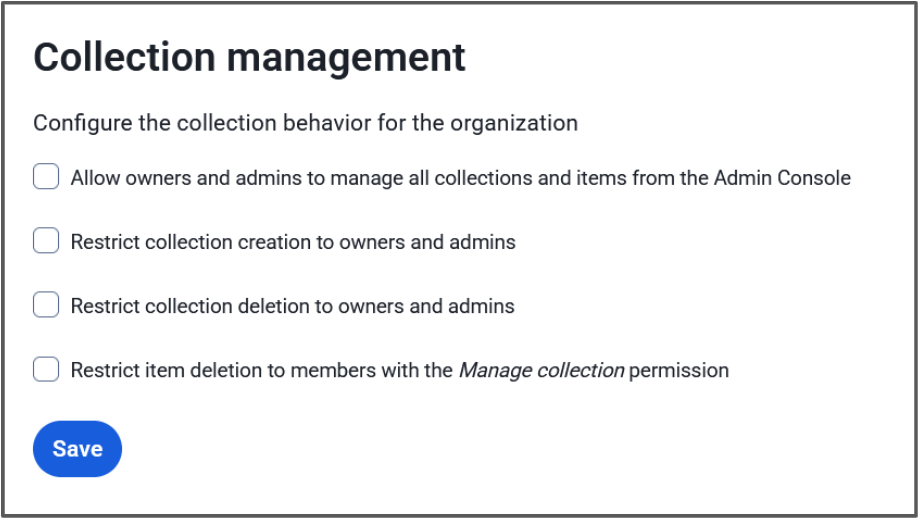
### Allow owners and admins to manage all collections and items from the Admin Console
When this option is checked, administrator roles will have the ability to view, edit, and manage all collections and vault items in them. When this option is unchecked, administrator roles will only have access to collections where they have direct collection permissions assigned.
### Restrict collection creation/deletion to owners and admins
These two options limit who can create or delete a collection. Upon verification, only administrators will be able to create or delete a collection. If unchecked, any user will be able to create a collection, and any user with the **Can manage** permission for a collection can delete it.
### Restrict item deletion to members with the *Manage collection *permission
This options allows the organization owner to change who is able to delete an item entirely. A deleted item is not just removed from the collection, but placed in the organization trash and removed from other collections as well. With this unchecked, anyone with the lesser **Edit items** permission will be able to delete items.
For more details on how these settings affect your organization and how they can be utilized, refer to the [Resource: Collections Management Settings](https://bitwarden.com/resources/resource-collections-management-settings/).
## Enhanced access control with permissions and custom roles
Beyond collections management settings, users and groups can be granted [specific permissions](https://bitwarden.com/help/user-types-access-control/) to access additional management options. Securing access to sensitive areas and data through effective management and authorization processes is crucial in safeguarding systems against unauthorized entry.
The **Manage collection** permission allows users to manage collection info and access. Users or groups with this permission can add/remove items in the collection, assign new users, and manage their access permissions to that collection. Depending on the collection management setting, they may also be able to delete the collection. This allows admins to designate a team or project lead for a specific collection and then let them manage the day-to-day work requirements.

For enterprise customers, a [custom role](https://bitwarden.com/help/user-types-access-control/#custom-role/) (pictured above) can be assigned to individual users to delegate administrative overhead. For example, help desk team members might have this custom permission to help manage the organization's collections without having access to more sensitive organization settings, such as SSO.
## Productivity and security for your business
Collections and sharing vault items are two of the compelling ways that Bitwarden Password Manager helps businesses be more productive in their day-to-day operations. Using Bitwarden as an access control system to manage entry to restricted credentials and sensitive data ensures that only authorized individuals gain access. It goes without saying that the security benefits of securing your privileged team members with strong credentials, or even [your entire business, are significant](https://bitwarden.com/resources/why-bring-bitwarden-to-your-entire-business/).
Start a [free 7-day business trial](https://bitwarden.com/pricing/business/) and experience the flexibility of Bitwarden collections and the other great benefits of a business password manager today!
---
URL: https://bitwarden.com/blog/admin-password-reset-is-out/
---
# Admin Password Reset is Here - Top Things for Enterprises to Know
New feature empowers enterprise administrators to reset forgotten master passwords
*By Vivian Shic*
*Published: June 30, 2021*
---
Today Bitwarden announced the rollout of the Account Recovery Administration policy (formerly Admin Password Reset), the latest feature added to the company’s portfolio of enhancements, purpose built to help enterprises seeking to ensure password security at scale. This is critical, especially as business ecosystems, end users, and value chains expand and become more disparate. Protecting business-critical data and assets start with secure passwords for every end user across the entire company.
## More Than Just a Forgotten Password
With account recovery, available on the Bitwarden enterprise plan, administrators can easily reset end-user accounts if an employee loses or forgets their Bitwarden master password. But the benefits don’t stop here. With this added feature option, enterprises can:
### Minimize disruption, ensure continuity of use
Forgetting a password can be frustrating, especially if it means losing access to a Bitwarden Vault, which has a combination of important individual passwords and access to the Organizational shared credentials. Being able to reset a master password and reset accounts provides a seamless end-user password management experience.
### Reduce security risks
Any tool is as effective as the team using it. The same principle applies to password management. Account recovery allows for easy account reset, improving the overall end-user experience. Employees who are following secure password protocols and regularly using a password manager play active roles in protecting their companies from data breaches and help reinforce behaviors that uphold their company’s security posture.
### Reclaim valuable administrator time
Enterprise administrators are busy -- account recovery empowers them to seamlessly provision new temporary master passwords for employees based on policies set for complexity, strength, and minimum length.
## How it Works
Administrators can enable the Account Recovery Administration policy and designate permission to other administrators. To reset, administrators navigate to the Organization Web Vault, select the specific end user who has lost or forgotten their password and generate a new temporary master password. When the user logs in with the temporary master password they will be prompted to update to a new password of their choosing.
Setting granular permission control is intuitive – administrators can grant access to other administrators or owners based on roles defined in a corporate directory.
## What it Means to the Personal Vault
The new feature remains consistent with the Bitwarden zero-knowledge encryption model.
If a company uses this policy, end users have a choice to opt-in to allowing administrators to reset their passwords. If activated, a public/private key exchange facilitates the option for an administrator to reset a user password. Administrators also have the option of enabling Automatic Enrollment that that enrolls users upon joining the organization. If the Account Recovery Administration policy is not activated and administrators take a hands off approach to Personal Vaults, end users remain responsible for their master password.
It is essential that companies remain transparent, establish clear communication of policy changes or updates to their employees, and ensure information and documentation of these policies are easy to find.
Our recent blog, “The Importance of the Personal Vault for Business Users,” further articulates the strategic thinking and planning that went into the development of this new feature. Read it [here](https://bitwarden.com/blog/the-importance-of-the-personal-vault-for-business-users/)
## Features for a Modern Enterprise Password Manager
Bringing open source transparency, end-to-end encryption, and full cross-platform access to enterprises seeking to build resilient password management at scale is a core part of the Bitwarden mission. Recent enterprise solution developments, with direct and ongoing input from the Bitwarden community, include:
- Enterprise single sign-on leverages an organization’s existing Identity Provider (IdP) Personal ownership policy requires users to save Vault Items to an Organization Custom role configuration allows for granular user permissions
- Bitwarden Send delivers a secure, simple way to share information directly with another person
- Expanded biometrics across device types to unlock your Vault
- Emergency access to designate Vault access to trusted emergency contacts
Account recovery is part of the Bitwarden June release rollout, which marks new features for usability, upgrades, and enterprise management. Learn more in our June release notes [here](https://bitwarden.com/help/releasenotes/)
Account recovery is available for Enterprise Organizations on a current plan. It is not available to Classic 2019 Enterprise Organizations. If you are interested in upgrading to the current Enterprise plan, please reach out to our team at [bitwarden.com/contact](https://bitwarden.com/contact/)
## For more information on account recovery:
- Read the [press release](https://www.businesswire.com/news/home/20210630005700/en/Bitwarden-Enhances-Password-Management-at-Scale-for-Business-Users)
- Access the guide on the [Help Center](https://bitwarden.com/help/account-recovery/)
- Learn about the importance of the personal vault on the [blog](https://bitwarden.com/blog/the-importance-of-the-personal-vault-for-business-users/)
*Editor's Note:* *This article was updated on 10/28/21 with the addition of new details of how Admin Password Reset functions with enhancements from the October '21 release. The article was updated again in July '23 to reflect the renamed account recovery policy.*
---
URL: https://bitwarden.com/blog/ai-phishing-attacks-are-on-the-rise/
---
# AI phishing attacks are on the rise — Are you prepared?
While Artificial Intelligence (AI) has opened up new possibilities for productivity, it has also compounded the threats of traditional phishing attacks, putting more people and companies at risk.
*By Kasey Babcock*
*Published: July 15, 2025*
---
Picture this: You get a text. You have an unpaid parking ticket that will go to collections soon. If you don’t pay the ticket in the next 24 hours you will be prosecuted. Your heart races and you think “when did this happen?” You quickly click the supplied link and share your credit card information.
This phishing example will likely sound familiar to you. Whether it was experienced first-hand or by someone you know, phishing attacks are becoming more common than ever.
## The data: Phishing attacks are dangerous and growing
- According to the Federal Bureau of Investigations (FBI), the top cybercrime in 2024 was phishing scams, which has only increased in frequency and sophistication since the rise of AI.
- People try their best to avoid falling for these attacks, but AI-enhanced attacks are harder than ever to detect. In fact, 60% of cybersecurity breaches are now caused by human error (Verizon).
- At an estimated $4.88M per phishing breach for organizations (Data Breach Report 2024), these attacks are financially devastating to those involved.
- Since Chatgbt was released in 2022, phishing attacks have increased by 4151% according to a study by SlashNext.

**Why it matters:** Phishing attacks pose a very real threat to personal and company security, putting finances, reputation, and sensitive information at risk.
## Quick tips at a glance
- **Stop and think! -**Science says a 9 second pause is all you need to think more logically about your reaction. Next time you receive a message that sounds too good to be true, take 9 seconds before clicking on a link or responding.
- **Check for red flags** - Odd looking links, unnatural movement or speech in videos, misspellings, and heightened sense of urgency can indicate that this is a phishing attack.
- **Try a different channel** - When you aren’t sure if a message, phone call, or video is an AI phishing attack, contact the supposed sender through a separate trusted channel.

**Dive deeper:**Learn more about [different types of phishing attacks](https://bitwarden.com/blog/top-types-of-phishing-attacks-to-watch-out-for/) and how to [protect yourself from AI-enhanced phishing](https://bitwarden.com/blog/how-to-detect-ai-deepfakes-and-phishing-attacks/)!
## Rise of AI-enhanced phishing attacks
While Artificial Intelligence (AI) has opened up new possibilities for productivity, it has also compounded the threats of traditional phishing attacks, putting more people and companies at risk. AI phishing campaigns are now 24% more effective than traditional phishing campaigns operated by humans, due to how quickly high quality AI attacks can be deployed at a low cost (hoxhunt).

### AI-enhanced attacks are more realistic
Malicious actors running phishing attacks can now leverage the computational power of AI to analyze vast amounts of data across multiple sources to make attacks appear legitimate. AI can quickly scour the internet to find information about its victims, pulling from social media, data brokerage sites, and company resources. AI can then generate content that mimics legitimate communication; a message from a boss about the project you are working on, a phone call from a neighbor about your pet, or a video chat from your grandson asking to be bailed out of jail.
**Why it matters:** AI makes it much easier for attackers to craft a convincing message, and much harder for recipients to recognize scams, potentially leading to breaches and serious monetary and reputation damage.
### AI-enhanced attacks are more frequent
Since Chatgbt was released in 2022, phishing attacks have increased by 4151% according to a study by SlashNext. This is no coincidence — AI has enabled malicious actors to scale phishing operations, using AI agents and automations to quickly generate and deploy trustworthy attacks.
**Why it matters:** With more frequent instances of AI phishing attacks, there are more opportunities for individuals and organizations to fall for a scam.
### AI-enhanced attacks cost less
Phishing attacks that employ AI cost less for attackers as they require less time and resources to set up. Research by the Harvard Business Review reports that “the entire phishing process can be automated using LLMs, which reduces the costs of phishing attacks by more than 95% while achieving equal or greater success rates.”
**Why it matters:**Affordable AI workflows and solutions are now widely available for use by virtually anyone, making it easier than ever to deploy a successful phishing attack campaign.
### The bottom line
As generative AI continues to grow and evolve, phishing attacks will become even harder to detect. It will be increasingly important to know key identifiers and build a security strategy to protect yourself and your organization from AI-enhanced phishing attacks.
## Protect yourself from AI phishing attacks
AI-enhanced phishing attacks are more realistic, frequent, and cost-effective than their traditional counterparts, making them a serious and evolving threat to individuals and organizations.
[Secure your credentials with Bitwarden](https://bitwarden.com/go/start-free/) and benefit from built in phishing protection including passkey storage, trusted website autofill, and a dedicated website launch button right in the Bitwarden application — protecting your sensitive credentials from being exposed on malicious websites.
**Dive deeper:** Explore how to [detect AI-enhanced phishing attacks](https://bitwarden.com/blog/how-to-detect-ai-deepfakes-and-phishing-attacks/) and protect yourself and your business in this dedicated resource! Get practical recommendations on what to do if you have been impacted.
---
URL: https://bitwarden.com/blog/ai-phishing-evolution-staying-ahead-of-sophisticated-scams/
---
# AI phishing evolution: Staying ahead of sophisticated phishing attempts and scams
AI-driven phishing is evolving. Discover how Bitwarden helps secure credentials against these sophisticated threats.
*By Ryan Luibrand*
*Updated: October 15, 2025*
---
In the ever-evolving landscape of cyber threats, AI-driven phishing attacks have undergone a significant transformation, particularly with the rise in the use of generative artificial intelligence. This evolution marks a new era in cybersecurity challenges, as highlighted in the eBook, [Balancing Security and Innovation in the Age of AI](https://bitwarden.com/data-security-in-age-of-ai/), which focuses on the intricate dance between AI advancements and cybersecurity measures. Understanding these changes is crucial for businesses aiming to stay ahead in safeguarding their digital assets.
## How AI plays a role in phishing attempts, phishing attacks, and phishing scams
AI phishing attacks represent an evolution from traditional phishing techniques, utilizing machine learning and AI algorithms to craft more convincing, targeted, and ultimately successful phishing campaigns. Unlike standard phishing attacks, which often rely on mass, generic communication, [AI phishing](https://bitwarden.com/blog/ai-phishing-attacks-are-on-the-rise/) tailors its approach to individual recipients, making detection considerably more challenging. The sophistication of these phishing attacks lies in their ability to mimic genuine communications convincingly, leverage vast amounts of data to personalize each phishing attempt, and turn mass generic phishing attacks into a targeted attack.
Spear phishing, which was previously a hypertargeted form of phishing that took human effort to assemble, uses social engineering tactics to deceive individuals based on personal information obtained from social media and data breaches. Advancements in AI technology have made these attacks more sophisticated, convincing, and able to be executed on a larger scale than ever before.
While still in its infancy, AI phishing and attacks are beginning to make headlines — from faked video calls to spoofed phone calls that end up costing businesses time, market value, and reputation. It is good for security-minded IT professionals to understand the power of generative AI and how it can be used to easily manipulate human workers. An [article published by CNBC in 2024](https://www.cnbc.com/2024/02/14/gen-ai-financial-scams-are-getting-very-good-at-duping-work-email.html) details a $25.6 million phish that used AI to fake communications and even deepfake a video call to dupe an employee into transferring money to scammers.
Automated AI systems make it easier to get past the defenses of properly suspicious employees. For example, a program using generative AI could pose as an IT manager or a coworker and have a generated multi-message email conversation with a target, building rapport and leveraging data scraped from the internet to develop trust. This type of application could be deployed at a large scale, enabling a wider range of phishing attacks. By leveraging AI, attackers can automate the creation of highly convincing fraudulent messages, challenging cybersecurity professionals to adapt by employing advanced AI tools to counteract such threats.
### Phishing email generated by AI
Today, it’s even easier for the simplest phishing attacks to appear more sophisticated. If a large business were to be targeted, for example, a highly personalized phishing email would need to be in “corporate speak” to appear legitimate. Corporate employees may have received phishing training, warning them of emails laden with spelling errors and poor grammar. Enter generative AI, which can be leveraged to help get around the defenses of training and appear legitimate.
Here’s an example of what can be done today with just a regular, consumer-available AI product. The below prompt was entered into a generative AI system, posted here as a screenshot.

The response:

That paragraph about not being a phishing email was particularly cheeky.
Now all that’s needed is to insert any information that might be pertinent to increase the chances of success of the phish, such as the company name and the Security Officer’s title and name, which could be found on social networks or the company’s public documentation. The embedded link needs to be pointed to a fake website that captures whatever users enter, and the usernames and passwords will start rolling in, exposing your organization’s security.
The example above was generative AI in its simplest form: a prompt and response. Savvy hackers and hacker groups (including state-sponsored) have access to APIs and other tools that allow for the ingestion and processing of large amounts of data to produce highly personalized, targeted emails with high chances for success.
## Protecting your organization against AI phishing attacks
As outlined [in the eBook](https://bitwarden.com/data-security-in-age-of-ai/), mitigating the risks associated with AI phishing requires a multifaceted approach. First, there’s helping employees identify possible phishing attacks with [up-to-date training](https://bitwarden.com/blog/user-adoption-for-company-password-manager/). Security teams play a crucial role in this process, utilizing advanced AI tools and detection systems to counteract threats and maintain cybersecurity. Technical approaches include flagging external emails to make it more difficult for emails posing as internal to succeed, for example.
Other effective cybersecurity practices include securing sensitive information with end-to-end encrypted cybersecurity solutions, such as a strong credential manager like Bitwarden, that ensures protection across all devices and platforms. Credential managers also enable security decision-makers to implement company-wide security policies with centralized management to ensure all employees maintain secure information storage and sharing practices, thereby helping mitigate the risk of malicious sites.
In addition to the right tools, end-user training is crucial in preventing AI-powered phishing attacks. By educating employees on the latest phishing tactics, including how generative AI is used to create highly convincing scams, organizations can empower their workforce to act as the first line of defense. Regular simulations of phishing attacks can help reinforce learning and gauge employee readiness, and security awareness training should focus on building a culture of vigilance, empowering employees to report suspicious emails and activities.
## How Bitwarden helps combat AI phishing attacks and traditional phishing attacks
Bitwarden offers a portfolio of solutions that can be used to beat AI phishing attacks and help protect your business.
### Bitwarden Password Manager
Secure employee passwords in an end-to-end, centrally managed, secure vault. Prevent phishing attacks with [advanced URI detection](https://bitwarden.com/help/uri-match-detection/) so that credentials aren’t inadvertently supplied to harmful look-alike sites. This feature helps distinguish between fake domains and legitimate sites, ensuring users interact only with trusted platforms. This comes with all the other benefits of a password manager, such as extending the security of Single Sign-On (SSO) to websites and apps that don’t support it. Learn more about using [Bitwarden Password Manager](https://bitwarden.com/products/business/) for your business.
### Bitwarden Secrets Manager
Protect machine secrets like API keys, SSH keys, and more throughout the development lifecycle. These secrets are a prime target for phishing by threat actors, as their use would go undetected and could allow unfettered access to your system. Keeping machine secrets secure, but accessible only when needed, should be a priority for DevOps and IT teams everywhere. Learn more about [Bitwarden Secrets Manager](https://bitwarden.com/products/secrets-manager/).
### Bitwarden Passwordless.dev
Passwords cannot be phished if they don’t exist in the first place. [Bitwarden Passwordless.dev](https://bitwarden.com/products/passwordless/) offers the simple tools necessary to create a passkey-based authentication system for your external website or internal tools. A few lines of code and passwords are eliminated from your systems, replaced with strong, unphishable passkeys, making it difficult for cybercriminals to target your users with minimal effort.
## Conclusion
The advent of AI phishing heralds a new chapter in cybersecurity, demanding heightened vigilance and sophisticated countermeasures. AI technology is leveraged by cybercriminals to enhance the sophistication of phishing attacks, making them more convincing and personalized. Staying informed and adopting proactive security strategies are imperative in navigating these challenges and avoiding phishing attacks. For those seeking to deepen their understanding and enhance their defenses, the eBook, [Balancing Security and Innovation in the Age of AI](https://bitwarden.com/data-security-in-age-of-ai-mobile/), offers valuable insights, and the Bitwarden suite of solutions provides the tools necessary to help safeguard against the growing threat of phishing attacks, AI-enhanced and otherwise.
## Get started with Bitwarden
Ready to try out password sharing with Bitwarden? Quickly get started with a [free Bitwarden account](https://bitwarden.com/pricing/), or start a [7-day free trial of our business plans](https://bitwarden.com/pricing/business/) to keep your team safe online. Have questions? Sign up for the [free weekly demo](https://bitwarden.com/events/weekly-demo/).
---
URL: https://bitwarden.com/blog/an-educators-guide-to-password-management/
---
# An Educator’s Guide to Password Management
With the rise of virtual learning, educators need to simplify and take charge of their digital lives - starting with secure credential management.
*By Alfred Aviles*
*Published: October 25, 2021*
---
Today, teachers are living in the virtual age. Like it or not, virtual learning has become the norm. Many school districts have embraced 1-to-1 computing, as well as virtual learning platforms such as Google Classroom, Microsoft Teams, Zoom, and many more. Additionally, traditional brick and mortar teachers integrate web-based apps into daily lessons to increase student engagement. On top of an already full workload, teachers now have to remember passwords for all of these accounts. With all of this in mind, it is human nature to use (and reuse) easy-to-remember passwords.
As a former career and technical educator with 15 years of teaching experience, I taught digital citizenship and online safety, but my methods were not as secure as I believed. I used a browser-based password manager because it was convenient. I reused my usernames and passwords for many of the online tools I used throughout the school year. When I occasionally had to change my passwords, I cleverly added the next number in the sequence to the end of my password to keep it “secure.”
As I honed my skills as a teacher, I incorporated more and newer technologies, devices, websites, and apps into my daily routine. With each new tool came another login I had to remember and I frequently changed passwords due to forgetfulness. It wasn’t until I imported these passwords into a Bitwarden vault that I realized how many I had! To my astonishment, I had accumulated over 200 login credentials over my teaching career. Once all of my information was in the vault, I was able to create strong and unique passwords for every account, close unneeded accounts, and ensure my virtual identity was secure.
## Is this your password?
According to [Cybernews](https://cybernews.com/best-password-managers/bitwarden-review/), “weak passwords are a real security threat.” So many people still use weak passwords such as “123456” and “password.” Is this you? If so, your data may be vulnerable to attack.
Strong and unique passwords are required to protect your sensitive information. Using a password manager solves this dilemma. A password manager is a computer program that allows users to generate, store, manage, and autofill credentials for all your online accounts.
## Upgrade to cross-platform security
Browsers, such as Chrome, Edge, Firefox, Safari, and others have integrated password managers. Some operating systems even have their own password management or "key chain" options. Using an application or operating system specific tool can leave you without your important passwords when you least expect it. A robust, dedicated, cross-platform password manager ensures you have a strong and unique password for each account you use - and any device on which you need it!
## Bitwarden can secure your data
Bitwarden is a dedicated password manager providing security for teachers accessing programs, applications, and online accounts using robust credentials. Bitwarden stores your credentials in your vault so you don’t have to remember each one. Your private data is encrypted on your device and only you have access to it with your username and master password.
Teachers employ multiple devices in the classroom and Bitwarden is available to keep school-related accounts safe on all of them.
Best of all, Bitwarden offers a full-featured free version across all devices for everyone. The free basic account allows for unlimited passwords and other information such as credit/debit cards, identity information, and secure notes.
Bitwarden also has affordable plans for families, teams, and large enterprises like schools or school districts. Visit the [Bitwarden Pricing page](https://bitwarden.com/pricing/) for more information.
## Start using Bitwarden today
Now more than ever, teachers need to take ownership of their digital lives. The first step is using a password manager to create secure credentials for all of your accounts. Practicing good digital citizenship is a task for students and educators alike. Teachers, here’s your homework assignment - [sign up for a Bitwarden account](https://bitwarden.com/go/start-free/) today!
---
URL: https://bitwarden.com/blog/an-introduction-to-the-bitwarden-web-ui/
---
# An introduction to the Bitwarden Web UI
How do you access Bitwarden? Any way you want, thanks to a desktop app, mobile app, and web-based user interface (UI). Let's take a look at the Bitwarden Web UI and see what's what.
*By Jack Wallen*
*Published: June 28, 2022*
---
Bitwarden is an open source password manager that not only makes it very easy to manage your passwords, but also offers plenty of features to appease both average and power users. Bitwarden works by saving all of your passwords to a database that you then access with a single (strong and unique) password.
But how do you access Bitwarden? Any way you want, thanks to a desktop app, mobile app, and web-based user interface (UI). Each method of interacting with the service gives you access to all you need for password management. And even in this mobile-first modern era, both the desktop and web UI will seem just as familiar and easy to use as the mobile apps. That doesn't mean, however, that the interfaces are exactly the same. For those who want to get the most out of Bitwarden, there are features in the web UI not found in the mobile device (such as Organizations).
Let's take a look at the Bitwarden Web UI and see what's what.
## Web Vault
Upon logging in, the first thing you'll see is the main Vault page (Figure 1), where you'll see a listing of all your passwords and the available features of the service.

**Figure 1: The Bitwarden Vault page is where it all begins**
On this page, you can manage every aspect of your Bitwarden account. Create new Vault entries, folders, organizations, and collections. This is where you'll spend the majority of your time in Bitwarden. From this page, click Add Item to create a new entry for the Vault. Those entries can be:
- Login
- Card
- Identity
- Secure Note
The majority of entries you'll create are of the Login type but don't discount the other possibilities, as they can certainly come in handy.
## Send
Send is a feature that allows you to securely transmit files to others. Send allows you to share files or even text that can be time-based (so they expire after a certain time has elapsed) or password protected.
When you create a new Send (Figure 2), you can define the expiration date for the shared link, a deletion date for the contents of the Send, a maximum access count (so you can control how many can access the send), set a password, and add notes.

**Figure 2: The built-in Send feature allows you to securely transmit files and texts**
## Tools
The Tools page of the Bitwarden Web-based UI (Figure 3) gives you access to the Password/Username generator, as well as the Import/Export feature (where you can import or export a vault).

**Figure 3: The Tools section offers a few very handy tools**
Do note, that both the Password and Username generators can be accessed from within the Item creation page.
## Reports
The Reports page offers a few tools you might not find with other password managers on the market. The Data Breach report is available in all versions of Bitwarden. Other reports are available within paid Premium or Organization plans. Here, you have access to:
- Exposed passwords (reports any passwords you have that have been exposed)
- Reused passwords (if you've duplicated a password in multiple entries, they'll be shown here)
- Weak passwords (any passwords you've added that are considered weak)
- Unsecure websites (any websites you've added to the vault that use HTTP instead of HTTPS)
- Inactive Two-Step Login (gives you quick access to enabling 2FA)
- Data breach (any website in your vault that has been the victim of a known data breach)
## Organizations
Organizations is a special feature found in Bitwarden that makes it possible to relate users and vault items together for collaboration and team login management. You can create an organization, add items to it, and then securely share the organization with team members. This makes it easy to extend the Bitwarden platform to your team(s) for a more collaborative effort.
Once you've created a new Organization, you can easily add items to it and then (from the Manage tab - Figure 4) invite new users and give them access to the contents.

**Figure 4: The Organization management page in the Bitwarden Web UI**
And that's the gist of the Bitwarden Web UI. This interface has been designed such that it's very simple to use, while at the same time offering plenty of options to satisfy power users.
## Get Started with Bitwarden
Are you ready to try Bitwarden? Start a [free trial](https://bitwarden.com/pricing/business/) for your team or sign up for a [free individual account](https://bitwarden.com/pricing/).
## About the Author
Jack Wallen is an award-winning author and avid supporter of open source technologies. He has covered open source, Linux, security, and more for publications including TechRepublic, CNET, ZDNet, The New Stack, Tech Target and many others since the 1990s in addition to writing over 50 novels.
---
URL: https://bitwarden.com/blog/an-introductory-guide-on-how-to-use-bitwarden-password-manager/
---
# An introductory guide on how to use Bitwarden Password Manager
Learn more about how to use Bitwarden as an individual or a business in this blog.
*By Bitwarden*
*Published: February 22, 2024*
---
## Why use a password manager?
According to the [Bitwarden 2023 World Password Day Survey](https://docs.google.com/presentation/d/1ARiP0NzPRVEEKTJoNZHJGx6rZhTVBwiPFUp6Rb_pnIw/edit#slide=id.g22d65fcf281_0_2624), a poll of over 2,000 global internet users, 85% reuse passwords across multiple sites and 58% rely on memory for their passwords. Over half (52%) use easily identifiable information in their passwords, such as company/brand names, well-known song lyrics, pet names, and names of loved ones.
This behavior is understandable. Most people are managing multiple accounts across their professional and personal lives and likely want to make their login experiences easier. Unfortunately, the initial ease that comes from reusing passwords and relying on memory for ‘managing’ passwords is also fraught with security risks. As Georgetown University’s Information Security Office [notes](https://security.georgetown.edu/csam-2020/raise-your-hand-if-you-reuse-your-passwords/#:~:text=password%20may%20be.-,The%20more%20a%20password%20is%20reused%2C%20the%20more%20opportunities%20there,to%20your%20other%20online%20accounts.):
> “The more a password is reused, the more opportunities there are for your data and money to be stolen. If a reused password gets leaked as part of a data breach, hackers then have the key to your other online accounts.”
The article then goes on to say the following:
> “Overwhelmed yet? Tired of changing your password because you forgot it? Again. One of the greatest tools to ease this burden for you is a **password manager**.”
Enter Bitwarden, [selected by WIRED Magazine](https://www.wired.com/story/best-password-managers/) as the password manager Best for Most People. Read on to learn how to use Bitwarden.
> “Bitwarden is secure, open source, and free with no limits. The applications are polished and user-friendly, making the service the best choice for most users.” - WIRED
## What is Bitwarden?
A high-level overview is the first step in understanding how to use Bitwarden as either an individual or a business. Bitwarden is a password manager that generates, stores, and secures important digital assets in an end-to-end encrypted vault. Users can access their data from anywhere, on any device (desktop, laptop, mobile devices) with secure cloud syncing.
Bitwarden fully encrypts all user data before it ever leaves the user’s device; only the user has access to it. Even the Bitwarden team cannot unlock a user’s protected data. Bitwarden seals sensitive information with [end-to-end AES-256 bit encryption, salted hashing, and PBKDF2 SHA-256](https://bitwarden.com/help/what-encryption-is-used/#:~:text=Bitwarden%20uses%20AES%2DCBC%20256,used%20for%20storing%20encrypted%20data./).
Bitwarden is an open source password manager. The source code for Bitwarden is hosted on GitHub and everyone is free to review, audit, and contribute to the Bitwarden codebase.
Along with making the Bitwarden codebase accessible to the open source community, Bitwarden is also periodically vetted by third parties offering security assessments and penetration testing. Bitwarden has also completed thorough security audits and cryptographic analysis.
## What are the Bitwarden download options?
For individual users, Bitwarden can be [downloaded](https://bitwarden.com/download/) onto Windows, macOS, and Linux desktops with native applications. Users also have the option of integrating Bitwarden through web browser extensions, such as (but not limited to) [Google Chrome](https://bitwarden.com/download/google-chrome-password-manager/) and [Safari](https://bitwarden.com/download/safari-password-manager/). And of course, users who want to access Bitwarden on their mobile devices can easily download it for [Apple iPhone](https://bitwarden.com/download/apple-iphone-password-manager/) from the App Store, [Android](https://bitwarden.com/download/google-android-password-manager/) from Google Play, or F-Droid.
Business users can start by signing up for a 7-day [Teams free trial](https://bitwarden.com/go/start-teams-trial/) or a 7-day [Enterprise free trial](https://bitwarden.com/go/start-enterprise-trial/). There are many resources in [Courses](https://bitwarden.com/help/courses/) to help you learn how to use Bitwarden. If you still have questions, visit the [live weekly demo](https://bitwarden.com/events/weekly-demo/) to speak directly with the Bitwarden team.
## What are some key features for individuals and businesses?
#### Individuals
Individual users of Bitwarden can select from [one of three account options](https://bitwarden.com/pricing/business/): a free account, a premium account (less than $1 a month at $10 billed annually), and a families account ($3.33 a month at $40 billed annually).
The free account offers unlimited passwords, unlimited devices, and all the core functions. The core features included in every Bitwarden account are extensive and consist of, among other benefits:
- Unlimited vault items
- Free sharing with another user
- Bitwarden Send
- Username and password generator
- Email alias integration
- Advanced two-factor login
Premium accounts include all the core functions, along with the Bitwarden Authenticator, file attachments, emergency access, security reports, and more. The Families account consists of 6 premium accounts, unlimited sharing, unlimited collections, and organization storage.
#### Businesses
As you consider how to use Bitwarden to best meet your needs, it’s also beneficial to understand [Bitwarden business account options](https://bitwarden.com/pricing/business/).
Bitwarden offers a Teams account for up to ten users at $20 per month, and $4 per user per month for teams larger than ten. Teams accounts include the premium features addressed above. With Teams, users can share sensitive data with co-workers, across departments, or throughout the company.
The next level up is Bitwarden Enterprise, which is $6 per month, per user. Enterprise accounts include premium features, the added bonus of a complimentary Families plan for all users, and additional advanced features, such as passwordless SSO and account recovery.
Companies with hundreds of thousands of employees will likely need an option that scales beyond Teams and Enterprise. In that case, they should reach out to Bitwarden sales for a quote.
All businesses, whether small, medium, or large, would be wise to implement a company-wide password manager. According to the [2023 Bitwarden Password Decisions Survey](https://bitwarden.com/resources/2023-password-decisions-survey-results/) of independent IT decision-makers across a range of industries, a majority (60%) report their organization experienced a cyberattack within the past year and 49% report struggling with employees who use unauthorized devices or software without IT’s approval.
## How do I get started?
Below are the first steps necessary for setting up your Bitwarden account. For a much more extensive and thorough guide about how to use Bitwarden, please view the [Bitwarden Password Managers Beginner Guide video](https://www.youtube.com/watch?v=30QqIeb1Pu4). It will walk you through setting up two-factor authentication (2FA), the Bitwarden Browser Extension, automated identities storage, and so much more.
#### Step 1: Create a master password
The first step is to create a master password. It should be strong, unique, and something you’ve never used before. One way to start is to write down a sentence that doesn’t make any sense - also known as a passphrase - such as “12 gallons of horseshoe berries.” While strong and unique, it’s still memorable and easy-to-type. For additional assistance, you can visit the [Bitwarden password generator page](https://bitwarden.com/password-generator/). Just make sure you store your master password somewhere safe, **because there is no way to reset your master password**.
#### Step 2: Create an account
To create an account, go to [bitwarden.com](https://bitwarden.com/) and click on **Get Started** at the top right.
From there, type in your email address, your name, and the master password you’ve created. Re-type it and then, if desired, write a master password hint or make a note about where you’ve stored your master password. Agree to the terms and hit the submit button.
If your browser asks you if you want to save your password, hit “never.” You will then be asked to log in again using your email and password.
#### Step 3: Verify your email
Once you’ve logged in, you will be prompted to verify your email address. An email will be sent to your email account that you can verify. You will then be sent back to the login page where you can log in and begin using your vault.
## Get started with Bitwarden
If you’re employed by or managing a business, learn more about how to use [Bitwarden for business](https://bitwarden.com/products/business/) and sign up for a [free 7-day trial](https://bitwarden.com/trial/)! If you’re an individual, test drive a [free account](https://bitwarden.com/go/start-free/). Keep in mind that you can upgrade to Premium at any point. Still have questions? Check out the [free weekly demo](https://bitwarden.com/events/weekly-demo/).
---
URL: https://bitwarden.com/blog/android-v1-3-0-now-with-autofill/
---
# Android v1.3.0 — Now with auto-fill!
Today we're happy to announce that version 1.3.0 of the bitwarden Android app is now available on the Google Play Store.
*By Kyle Spearrin*
*Published: February 11, 2017*
---
Today we're happy to announce that [version 1.3.0](https://github.com/bitwarden/mobile/releases/tag/v1.3.0) of the Bitwarden Android app is now available on the [Google Play Store](https://play.google.com/store/apps/details?id=com.x8bit.bitwarden).
[Version 1.3.0](https://github.com/bitwarden/mobile/releases/tag/v1.3.0) brings the ever-requested auto-fill feature to the application, which allows a user to quickly automatically fill in their username/password information into websites via the web browser or into other apps on your device. Gone are the days of having to switch back and forth between the app to copy/paste your login information!
Let's have a look at how the auto-fill service works.
Whenever you visit the "**Tools**" screen within the Bitwarden app you can tap on the "**Bitwarden Auto-fill Service**" option in the list.

This opens a screen that will give some information about how to activate the Bitwarden Auto-fill Service.

The auto-fill service is built on top of a feature in Android called *accessibility services*. Accessibility services give Bitwarden the ability to monitor other apps and webpages outside of the main Bitwarden app for things like username and password text fields. By monitoring for these text fields, bitwarden will be able assist you whenever you encounter them.
Open the accessibility settings and activate Bitwarden.


You can head back to the main Bitwarden app at this point by tapping the back button *twice*.
Now we see that the auto-fill service has been successfully enabled, along with a few helpful screenshots on how to start using it.

Now let's start using it! Go to a website like Amazon.com in your web browser. Whenever you encounter a screen that has a password text field on it, Bitwarden will spawn a notification. Look for the Bitwarden icon in the top notification bar. Swipe down to open your notifications and tap on the Bitwarden auto-fill notification.


Tapping the notification will open the Bitwarden app with a filtered list of logins for the given webpage or app. At this point you can either select the login you wish you auto-fill into the page **or** if you need to add a new login, you can tap the plus (+) icon in the nav bar. Adding a new login from the auto-fill service will pre-fill in some important information for you such as the name and URI of the website or app you are coming from. This is the preferred method for adding new logins to your vault since it removes the burden of typing in the properly formatted URIs.


After you select your login from the list Bitwarden will take you back to the previous website or app and populate your username and password into the appropriate fields.

And there you have it!
The auto-fill service has been tested and should work with most apps and the following web browsers:
- Chrome
- Android browser
- Brave
- Ghostery
- Opera
- Dolphin
Unfortunately we are not able to make the auto-fill service work with the Firefox web browser on Android at this time. We hope to improve that over time.
We hope you all enjoy this new feature of the [Bitwarden Android app](https://bitwarden.com/download/google-android-password-manager/). If you have any feedback or issues with using the auto-fill service, please feel free to [reach out](https://bitwarden.com/contact/) and we'll be glad to assist.
---
URL: https://bitwarden.com/blog/autofill-improvements-ios12-android9/
---
# AutoFill Improvements Come To iOS 12 and Android 9
Some wonderful new AutoFill features have made their way to iOS 12 and Android 9 for Bitwarden.
*By Kyle Spearrin*
*Published: September 26, 2018*
---
Some wonderful new features have made their way to iOS 12 and Android 9 for password management applications. Both of these major operating system updates were recently released for devices.
Gone are the days of having to copy and paste passwords from your Bitwarden vault, or having to rely on clunky accessibility services or app extensions to work around the problem. AutoFilling password credentials is now a first class feature built right into the mobile operating system itself.
We're happy to announce today that the latest Bitwarden version (v1.19) on both iOS and Android now fully support AutoFill integration with these operating system features.
## iOS 12
iOS 12 adds a new Authentication Services framework which apps like Bitwarden can utilize. Bitwarden is now fully integrated with Authentication Services and AutoFill in iOS 12. You can quickly log into any website or app using credentials stored in your Bitwarden vault, directly from the device keyboard. You can enable Bitwarden for AutoFill under iOS Settings → Passwords & Accounts → AutoFill Passwords.

## Android 9 (Pie)
Android actually added the new AutoFill Framework back in 2017 with Android 8 (Oreo). Bitwarden has supported the AutoFill Framework since then, however, the AutoFill Framework in Oreo had limited support to only native apps and a handful of unpopular browsers. Android 9 extends support for the AutoFill Framework to many more web browsers such as Chrome and FireFox (Nightly). Bitwarden is now fully integrated with Android 9's AutoFill Framework for apps and web browsers. You can enable Bitwarden for AutoFill within the Bitwarden app under Tools → AutoFill Service.

Update your Bitwarden app in iOS and Android to version 1.19 (or greater) today to start enjoying these new AutoFill improvements!
---
URL: https://bitwarden.com/blog/backup-with-encrypted-export/
---
# Back up a secure encrypted vault
Back up a secure encrypted Vault with ease.
*By Trey Greer*
*Published: October 1, 2022*
---
**Editor's Note - Oct 12, 2022:** In the October 2022 release, the encrypted export function has been expanded with details available here: [New Backup Option Allows for Flexible Encrypted Vault Exports](https://bitwarden.com/blog/flexible-encrypted-vault-exports/)
Password management is more important than ever, and backups are a key factor in keeping your data safe, secure, and available!
[Bitwarden offline backup](https://bitwarden.com/resources/guide-how-to-create-and-store-a-backup-of-your-bitwarden-vault/) makes it easy to back up your Bitwarden passwords by exporting into several formats, including CSV, JSON, and encrypted JSON by navigating to Tools → Export Vault.

## Encrypted JSON
The new Encrypted Export feature allows users to export Bitwarden Vault data into an encrypted JSON file. This process uses the same [secure encryption](https://bitwarden.com/help/what-encryption-is-used/) applied to all data within the Bitwarden Vault.
This Bitwarden backup file contains the same data as the prior JSON export format but uses the Bitwarden encryption to ensure that the data is protected.
Users can perform the import of any encrypted JSON files into the same Vault from which it was exported. Because the Vault encryption key is used to encrypt the data, this key must be present to decrypt it as well. This means that if you [rotate your key](https://bitwarden.com/help/change-your-master-password/#rotating-your-accounts-encryption-key/) or delete your account, you will need to perform a new export using the new key and/or account.
## Best Practices
Using encrypted JSON as a means of backing up your Bitwarden Vault is a quick, easy, and secure way to save your data. It does however require the same account to import the data.
If you are concerned about losing access to your account for any reason or backing up outside of the Bitwarden ecosystem, we recommend using our regular JSON export coupled with an encryption tool of your choice. One method for this is using the [CLI application to perform exports](https://bitwarden.com/help/export-your-data/#from-the-cli/) in a secure environment.
## Bitwarden data liberation approach
At Bitwarden we believe in a transparent data liberation process where users can get access to their data anytime. This is available across all of our clients. With Bitwarden encrypted export, users have a simple, safe way to protect their data locally. With regular export, users can employ any encryption method they choose.
## Learn More
To find out more about encrypted export, please visit our help article [here.](https://bitwarden.com/help/encrypted-export/)
## Get Started with Bitwarden
Ready to try out Bitwarden today? Quickly sign up for a [free Bitwarden account](https://bitwarden.com/pricing/), or register for a [7-day free trial of our business plans](https://bitwarden.com/pricing/business/) so your business and team can stay safe online.
Editor's Note: This article was originally written on January 29th, 2021 and was updated on October 1st, 2022.
---
URL: https://bitwarden.com/blog/basics-of-two-factor-authentication-with-bitwarden/
---
# Basics of two-factor authentication with Bitwarden
Be sure that your Bitwarden vault and other key accounts have full security protections.
*By Gary Orenstein*
*Published: April 16, 2025*
---
[](https://www.youtube.com/watch?v=MeKyZP4KIQ0)
*[Watch on YouTube](https://www.youtube.com/watch?v=MeKyZP4KIQ0)*
> Bitwarden now offers a standalone authenticator available on iOS and Android. Download it today [here](https://bitwarden.com/download/#bitwarden-authenticator-mobile/).
> Catch our [webcast](https://www.crowdcast.io/e/bitwarden-guide-two-factor) replay covering this topic, or view the [presentation](https://docs.google.com/presentation/d/1lT36R_nD_-k60FNjhfKxhCuRb8tboGcVNxp1cX3Bg1w/present?usp=sharing) from the webcast.
## What is Bitwarden 2FA?
Using two-factor authentication helps increase user security for websites and applications. The name refers to requiring users to utilize two separate methods of verifying their identity to access an account. A common definition for 2FA is that logging into a service involves something you know, such as a password, and something you have, such as your phone, hardware token, or other authentication code. Using a master password in conjunction with 2FA further enhances security, ensuring that even if someone discovers your master password, the additional layer of protection safeguards access to your vault and logins.
A typical example is when you log into a website with a username and password and then receive a text message code for a final validation of your access. The username/password is the first factor, and the text message code received on your phone is the second factor — hence, two-factor authentication.

Bitwarden refers to this process as a two-step login method, another term for two-factor authentication that is more consumer-friendly. Other terms include multi-factor authentication and two-step verification. These terms all refer to a secondary step in the login process to verify your identity.
## How does Bitwarden 2FA work?
2FA can be set up when you establish an online account or after your account is in place. Typically, it involves adding a second layer of login security to a username and password combination. Bitwarden offers multiple two-step login options to enhance the security of user accounts, providing versatile and easy-to-set-up methods for both free and premium users to protect against unauthorized access.

## Common two-step login mechanisms
Because two-step verification significantly improves security, everyone benefits from being able to choose among the several alternatives that have evolved for implementing the second factor. You will often see multiple options for two-step login, including:
- An email sent to you with a temporary code
- TOTP codes, which provide flexibility for secure account access through [different authenticator apps](https://bitwarden.com/blog/data-privacy-day/)
- A hardware key such as a [YubiKey](https://bitwarden.com/resources/using-bitwarden-with-yubico/) or SoloKey
Other factors could be a text message temporary code sent to your mobile phone or a fingerprint, facial scan, or other biometric data point. Let’s briefly discuss the benefits and risks of these various options.
### Email
Email provides basic security for two-step verification. The assumption is that even if someone might have uncovered a username and account password for a specific account, they are less likely to also have access to your email address. So, sending a code to your email address upon login provides a basic second verification step.
### Authenticator application
Two-factor authentication applications generally use a technique called a Time-based One Time Password, or TOTP for short. These applications are typically free for users to download to their phones or tablets from app stores and include products like Bitwarden Authenticator, 2FAS, Ente Auth, Google Authenticator, Microsoft Authenticator, and more. These apps generate verification codes that enhance security by providing a unique code every 30 seconds.
The sequence for setting up a website to use an app for two-step verification generally flows like this:
- The user accesses the website or application where they want to add two-step verification and initiates that setup process.
- The website shares an authenticator key as a QR code. If the QR code does not work, the authenticator key is often made available as a long text string.
- The user scans the QR code using their camera or enters the text string.
- The account is saved within the authenticator app.
- The next time the user goes to login to the website/application, it will prompt not only for username/password, but also for the time-based 6-digit code. That code will change to a new code every 30 seconds on both the authenticator app and within the website/application login system, thus providing stronger security than merely receiving a verification code via email or text message.

### Hardware keys
Physical devices provide a further level of security for two-step verification. By using a hardware-based key, which is not replicable without the key itself, users can ensure that no one else can log into their account without the same key. YubiKeys and SoloKeys are just a couple of product examples.
### Text message
Text messages also provide a second complement to logging in with an email and password. The assumption is that while someone could have your username and account password, they are far less likely to have access to your mobile phone. That being said, a bad actor can intercept 2FA codes sent via SMS, so if you can avoid using this method, you should.
### Recovery codes
Most websites offering two-step verification will provide [recovery codes](https://bitwarden.com/help/two-step-recovery-code/) should you ever lose your ability to provide the second step. Recovery codes should be treated with care and kept in a secure and memorable place. Some people like to retain recovery codes in a digital file, others keep a printed copy, and some keep both.
With many services, including Bitwarden Password Manager, if you ever lose access to your 2FA device, the only way to recover the account is with the recovery code.
## How does Bitwarden password manager use 2FA?
### Using 2FA for your Bitwarden vault
You can set up 2FA to access your Bitwarden vault with authenticator applications, YubiKeys, Duo Security, email, or passkeys - including FIDO2 WebAuthn keys. Some of these options require Bitwarden Premium Features. For more information on enabling two-step login to access your Bitwarden vault, visit the [Bitwarden help center](https://bitwarden.com/help/setup-two-step-login/).
### Using the integrated authenticator with external accounts
Bitwarden also allows you to manage and facilitate two-step verification for individual websites and external accounts stored within your vault. This uses the [integrated authenticator](https://bitwarden.com/help/integrated-authenticator/), which is built into the Bitwarden application and is included with premium features. Using the integrated authenticator to autofill the TOTP code can be set up if the web service supports third-party authentication apps.
Here’s how this works. When you set up two-factor authentication within a website or application and are presented with the QR code referenced in step 2 above, you can scan it with the mobile version of Bitwarden and add it to the login information within the Bitwarden vault for that site.
Alternatively, you can add the text string format version of the authenticator key to the Bitwarden vault entry for that website/application. Then, when you use Bitwarden to log in to the website/application thereafter, once you enter your username/password, you are prompted for the authenticator time-based code. This code is auto-copied to your clipboard when performing autofill operations in the app. You can also retrieve the time-based authenticator code from the Bitwarden app, extension, or clipboard (if you’re not using password auto-fill).
NOTE: If you are using the integrated authenticator, on completion of autofill, Bitwarden will automatically copy the six-digit verification code to your clipboard. You can then quickly paste it for the final login step.

Of course, some may ask, what is the point of having your username, email, and two-step verification code stored within the same application — namely Bitwarden? Doesn’t that negate the value of two-step login?
The answer depends. Let’s break it down.
1. Your Bitwarden vault hopefully already has [two-step login](https://bitwarden.com/help/setup-two-step-login/) using a method other than the integrated authenticator. Therefore, it is currently protected with a high level of security and, in fact, two-step login.
2. Having [two-step login](https://bitwarden.com/help/setup-two-step-login/) enabled for websites and applications is always better than not having it enabled. A tighter bundling of two-step login makes it easier to use more frequently, promoting stronger security practices.
3. If you need to share an item, you can share it with two-step login enabled, which, again, is better security practice. This is a collaboration and two-step login power move.
4. You do not need to remember which authentication app you used since it is built in.
5. You can always choose, on an individual basis, which login you want to authenticate internally within Bitwarden Password Manager, or externally using a separate app like the [standalone Bitwarden Authenticator](https://bitwarden.com/help/bitwarden-authenticator/) or another favorite authenticator app [recommended by the Bitwarden community](https://bitwarden.com/blog/data-privacy-day/).
Bitwarden users find that the integrated authenticator functionality provides faster workflows with better security and dexterity for collaboration. Users also note that they apply different policies to different types of accounts. Primary financial institutions may be authenticated externally using a separate app, while all of their e-commerce logins are authenticated internally within Bitwarden.
## Two-step to go
In a nutshell, here’s what is recommended:
- **Enable 2FA for your Bitwarden vault** with an application or one of our other recommended options.
- **Learn how to use the integrated authenticator**, especially in sharing and collaboration cases. Understand the ease of enabling two-step login for external accounts and the speed at which you can breeze through securely.
- **Pick the right mix for your own security profile**. The choice is yours. There are scenarios where all external account two-step login information can be stored within Bitwarden Password Manager, and others where a mix makes sense.
## Get started with Bitwarden 2FA
Get started with Bitwarden and its premium features, including the integrated authenticator, at [bitwarden.com](https://bitwarden.com/http://bitwarden.com/). Looking to upgrade your organization’s security? Start a [7-day free trial of our business plans](https://bitwarden.com/pricing/business/) to keep your team safe online.
---
URL: https://bitwarden.com/blog/best-cybersecurity-for-business/
---
# How to build the best security stack for your business
Read about the cybersecurity technologies that enable businesses to protect themselves from cyber criminals.
*By Bitwarden*
*Published: January 21, 2025*
---
Cyberattacks can cause financial, reputational, and legal damages, leaving organizations reeling in the aftermath. In the [Cost of a Data Breach 2024](https://www.ibm.com/reports/data-breach) study by IBM and the Ponemon Institute, the estimated average global total cost of data breaches was $4.88 million, highlighting the critical need for a robust IT security stack.
While this finding is disheartening, companies can take steps toward mitigating the fallout from data breaches by selecting effective cybersecurity tools. This blog covers certain cybersecurity technologies – firewall security, AV software, security information and event management (SIEM), and password security – that enable businesses to protect themselves from cybercriminals.
## Planning your security stack
Planning your security stack is crucial in building a robust cybersecurity posture. It involves identifying your organization’s specific security needs, assessing potential risks, and determining the most effective security measures to mitigate them. A well-planned security stack should include a combination of security tools, technologies, and processes that work together to provide multiple layers of protection.
When planning your security stack, start by pinpointing your organization’s most valuable assets, such as sensitive data, intellectual property, and critical infrastructure. Understanding what you must protect is the first step in developing an effective security strategy. Then, conduct a thorough risk assessment to identify potential threats and vulnerabilities. This includes evaluating internal and external risks, such as cyber threats, human error, and physical security gaps.
Based on your risk assessment, identify the most effective security measures to mitigate potential vulnerabilities. These might include implementing advanced endpoint detection and response (EDR), cloud-native applications protection (CNAPP), and mobile device management (MDM). Next, evaluate the cost and complexity of implementing and maintaining each security measure.
Lastly, create a security strategy that aligns with your organization’s goals and objectives. This strategy should outline the roles and responsibilities of your security team and the policies and procedures for responding to security incidents. By following these steps when choosing your security stack, you can build a resilient defense against cyber threats and ensure the ongoing protection of your organization’s most valuable assets.
## Firewall and endpoint security
The Cybersecurity and Infrastructure Security Agency (CISA) [defines firewalls](https://www.cisa.gov/news-events/news/understanding-firewalls-home-and-small-office-use) as technologies that “provide protection against outside cyber attackers by shielding your computer or network from malicious or unnecessary network traffic. Firewalls can also prevent malicious software from accessing a computer or network. Firewalls can be configured to block data from certain locations (e.g., endpoint network addresses), applications, or ports while allowing relevant and necessary data through.”
Firewall technologies consist of both hardware and software. Companies offering firewall products include Fortinet, Palo Alto Networks, Check Point Software, and Cisco.
While firewall protection may sound like an all-encompassing solution for building a security stack, it has limitations, which Cisco acknowledges in a publicly available article. [According to the Cisco team](https://www.ciscopress.com/articles/article.asp?p=1823359&seqNum=7):
- “A firewall cannot prevent users or attackers with modems from dialing in to or out of the internal network, thus bypassing the firewall and its protection completely
- Firewalls cannot enforce your password policy or prevent password misuse. Your password policy is crucial because it outlines acceptable conduct and sets the ramifications of noncompliance.
- Firewalls are ineffective against nontechnical security risks such as [social engineering](https://bitwarden.com/blog/hackers-guide-to-vip-security/).
- Firewalls cannot stop internal users from accessing websites with malicious code, making user education critical.”
- **Avoid too many tools**: Integrating too many tools into your security stack can lead to lower profit margins, staff exhaustion, and increased vulnerability to attacks. It’s essential to balance the number of tools to optimize security without overcomplicating the infrastructure.
## Antivirus software for cyber threats
The United Kingdom's National Cyber Security Centre provides a straightforward explanation of antivirus (AV) software, classifying it as “a program designed to detect and remove viruses and other kinds of malicious software from your computer or laptop … Malicious software – known as malware – is code that can harm your computers and laptops and their data. Your devices can become infected by inadvertently downloading malware in an attachment linked to a dubious email, hidden on a USB drive, or simply visiting a dodgy website. Once it’s on your computer or laptop, malware can steal your data, encrypt it so you can’t access it, or even erase it. For this reason, you must always use antivirus software and keep it up to date to protect your data and devices.”
When choosing your security stack, consider the following factors to ensure a comprehensive network security stack. Because malware can wreak havoc, deploying AV software is non-negotiable. Fortunately, there are excellent AV technologies on the market – some very affordable. A recent AV review from technology news website TechRepublic [evaluated a number of them](https://www.techrepublic.com/article/best-antivirus-software/) and identified (among others) McAfee Total Protection, Kaspersky, Crowdstrike Falcon, and [Bitdefender](https://bitwarden.com/resources/bitdefender-chose-bitwarden-for-open-source-model/) GravityZone as exceptionally strong options for businesses interested in this aspect of a cybersecurity tech stack.
## Security information and event management (SIEM) for security incidents
According to the National Institute of Standards and Technology (NIST), [security information and event management (SIEM)](https://csrc.nist.gov/glossary/term/security_information_and_event_management_tool) refers to gathering security data from information system components and presenting that data as actionable information via a single interface. In layman’s terms, it’s a technology that gives businesses a holistic view of security threats and helps identify anomalous user behavior, as well as when and where a breach occurred. The overall goal of utilizing SIEM tools is to help businesses quickly respond to cyberattacks and lessen the overall impact of data breaches. In addition to providing a comprehensive view of security threats, SIEM tools play a crucial role in vulnerability management by identifying and prioritizing vulnerabilities for remediation. [Top SIEM tools](https://www.techrepublic.com/article/siem-tools/) were reviewed in another TechRepublic review, including Splunk Enterprise Security, Datadog Security Monitoring, LogRhythm NextGen, and RSA Witness.
## Password manager: A key component of the security stack
A [password manager](https://bitwarden.com/products/business/) is essential to access management and building the best cybersecurity tech stack for your business. As referenced above, the average data breach cost is staggering – as is the time it takes to determine if an incident has occurred. According to the same IBM report, data breaches involving stolen or compromised credentials took the longest to identify and contain (292 days) any attack vector. While credentials can get lost or stolen for a number of reasons, weak passwords or easily forgotten passwords are particularly susceptible.
Fortunately, there is recourse in the form of password managers, which allow businesses to easily create and manage strong and unique passwords. Password managers prevent the need for reliance on memory and give employees the tools they need to generate strong passwords. According to the [2024 Bitwarden World Password Day Survey](https://bitwarden.com/resources/world-password-day/), 54% of respondents rely on memory to ‘manage’ their passwords, a practice that inevitably leads to weak and reused credentials.
A good password manager is encrypted end-to-end, user-friendly, and available cross-platform and across browsers. It should enable teams to share passwords among colleagues easily and securely. No password manager company should be able to see a user’s vault data at any point.
Another benefit of password managers is that most offer [two-factor authentication (2FA)](https://bitwarden.com/help/setup-two-step-login/), which strengthens user security for websites and applications by utilizing a second method (the first being the password) to verify identity. This verification is typically confirmed via an emailed code, third-party authentication app, or hardware key.
While none of the technologies discussed here can stop 100% of cyberattacks 100% of the time, organizations considering an optimal security stack for business needs would be wise to start with these foundational tools.
## Find the best cybersecurity for business with Bitwarden
Ready to simplify your security with a password management solution? Get started with a [free business trial](https://bitwarden.com/pricing/business/) to help your team stay safe online, or quickly sign up for a [free individual account](https://bitwarden.com/pricing/).
---
URL: https://bitwarden.com/blog/best-practices-for-enterprise-data-protection/
---
# Best practices for enterprise data protection
Learn how to protect sensitive data, ensure customer privacy, and safeguard your organization’s bottom line by following these best security practices.
*By Bitwarden*
*Published: January 23, 2024*
---
## Data breach prevention best practices
Data breach occurrences have skyrocketed over the years. The [Bitwarden 2023 Password Decisions survey](https://bitwarden.com/resources/2023-password-decisions-survey-results/) found that 60% of IT decision maker respondents reported their organization had experienced a data breach in the past year.
According to the [Verizon 2023 Data Breach Investigations Report](https://www.verizon.com/business/resources/reports/dbir/2023/summary-of-findings/), 74% of all breaches include what Verizon refers to as the ‘human element’, with people being involved either via Error, Privilege Misuse, Use of stolen credentials, or Social Engineering. Given these findings, what are some data breach prevention best practices organizations can adhere to in order to better protect their sensitive data?
## Deploy an enterprise-wide password manager
Password managers can play a critical role in mitigating human error and the use of stolen credentials. These tools give users the ability to quickly and efficiently create, store, and manage strong and unique passwords. Password managers empower users who might otherwise rely on their memory to ‘manage’ passwords or engage in heavy password reuse, a practice that puts large swaths of data at risk, especially if the same password is used for multiple applications.
Strong and unique passwords are also, by nature, harder to steal. And, fortunately, creating strong passwords isn’t hard. Bitwarden, for example, offers both a [password strength tester](https://bitwarden.com/password-strength/) and a [strong password generator](https://bitwarden.com/password-generator/). Interesting fact: An 8-character password will take a hacker 39 minutes to crack while a 16-character password will take a hacker a billion years to crack.
As for social engineering and privilege misuse - while the primary purpose of a password manager isn’t to stop social engineering attacks, such as phishing attempts, they [do retain known and confirmed URLs](https://bitwarden.com/blog/how-password-managers-help-prevent-phishing/) and confirm via an icon flag when a user lands on a known site. This helps users identify when fake websites potentially harboring malicious malware are being shared with them. Specific user access can also be arranged [through password managers](https://bitwarden.com/help/user-types-access-control/). Bitwarden enables organizations to grant their employees a variety of roles and levels of permission, ensuring (if necessary) employees are limited in what they can see.
## Utilize two-factor authentication
Requiring use of two-factor authentication (2FA) is an important step in observing data breach prevention best practices. [Two-factor authentication](https://bitwarden.com/help/bitwarden-field-guide-two-step-login/) is a security technique used to protect your sensitive data. Sites that use two-factor login require the user to verify your identity by entering a token, verification code, or one-time password (OTP), in addition to the username and password, typically retrieved from a different device. Without physical access to the code from the secondary device, a malicious actor would not be able to access the site, even if they acquired your username and password.
Most people have experience with 2FA, which for the average consumer is typically accomplished via an SMS / text message, such as a user’s bank texting a code to said user after they login with their username and password. Many organizations prompt 2FA through use of an authenticator app (such as Authy) or a physical security key (such as Yubikey). Most password managers offer integration with 2FA and the majority of websites that store sensitive information (such as credit card or banking information) allow users to enable 2FA through settings, security, or privacy menus.
## Encrypt your data
There is tremendous value in encrypting sensitive data. In fact, it’s a non-negotiable. There are few tools that are as effective as encryption in protecting critical data from data breaches; it is one of the core data breach prevention best practices. For a comprehensive overview of the Bitwarden encryption perspective, please check out [this blog](https://bitwarden.com/resources/zero-knowledge-encryption-white-paper/). Encryption done right makes data unintelligible to prying eyes and ensures only those with the encryption key can access it.
An excellent place to start for organizations interested in implementing encryption is the Federal Trade Commission’s page on [protecting personal information](https://www.ftc.gov/business-guidance/resources/protecting-personal-information-guide-business). On that note, readers might also be interested to learn that the FTC received an ‘Excellent’ ranking in the [Bitwarden State of Password Security report](https://docs.google.com/presentation/d/e/2PACX-1vRMIEhHFxEBUsWf5-f8Qexv-6uWaDlt-VvItjouCHu0ogO1WDbkjuWY-nFYn3BvvRRwWYl6oAFNA0fq/embed?slide=id.g204bfc40b9e_0_378), which ranks federal agencies based on their security advice.
There is no single panacea for preventing data breaches. But, these security strategies will go a long way in helping protect sensitive data, ensuring customer privacy, and safeguarding the bottom line.
## Get started with Bitwarden
Ready to simplify your security with a password management solution? Get started with a [free business trial](https://bitwarden.com/pricing/business/) to help your team stay safe online, or quickly sign up for a [free individual account](https://bitwarden.com/pricing/).
---
URL: https://bitwarden.com/blog/beyond-google-password-manager/
---
# Look beyond built-in browser options like Google password manager to secure your passwords
Here's why the experts advise to look beyond Google password manager for secure password management.
*By Bitwarden*
*Published: July 23, 2024*
---
Any password manager is better than no password manager. However, the general consensus from experts is that stand-alone password managers, such as Bitwarden, are safer than browser-based password managers like those offered by Google, Firefox, or Safari.
A dedicated password manager has several benefits: higher security, ease of use, and cross-platform availability. The first criteria is particularly critical; if there are security deficits in a password manager, everything else is essentially a moot point. And because there are always new vulnerabilities found in web browsers, why would you want to entrust your passwords to the likes of the Google password manager?
According to [Security.org](https://www.security.org/digital-safety/password-manager-annual-report/), 41% of users still rely on memorizing passwords over any other option. And although password manager usage did increase from 2022 to 2023 (by roughly 13%), given that it totals only 34% of Americans, there's plenty of room for improvement. In that same report, 27% of users save passwords with their browser. And with [Chrome taking over 60% of the market share](https://gs.statcounter.com/browser-market-share/), you can bet the majority of those users are working with the Google password manager.
## Is Chrome password manager easier to use than an independent option?
Unlike browser-based password managers, modern password managers offer several features that make the process considerably more convenient. Such features include import/export tools, hotkeys (a set of keyboard shortcuts to auto-fill login information), and password sharing (which is handled via end-to-end encryption).
It’s also far easier to employ an independent password manager across all of the devices you use. On the contrary, a browser-based password manager is limited to being used within the browser. Bitwarden, for example, works with phones, laptops, and tablets; across Windows, Mac, Linux, iOS, and Android; and within most popular web browsers, like Chrome, Firefox, Safari, Edge, and many more niche browsers. If you're using the Chrome password manager, you're limited to, you guessed it, Chrome. In short, a user has complete cross-platform availability.
## Try a browser extension instead of Chrome password manager
If you do prefer the convenience of working with a browser-based password manager, Bitwarden's browser extension is just as easy. All you have to do is install the extension, log in with your Bitwarden account, and you'll then have access to your vault entries. To find out more on how to use the Bitwarden Chrome extension, check out [this article in the Bitwarden help section](https://bitwarden.com/help/getting-started-browserext/).
The Bitwarden Chrome extension is not just about convenience. You can use the extension for auto-fill and even create custom fields for those accounts that require non-standard login key/value pairs. On top of that, you can associate multiple accounts with the same extension. With this handy extension, you'll also enjoy:
- World-class encryption.
- 3rd-party audits.
- Advanced 2FA.
- Bitwarden Send.
- Built-in password generator.
- Global translations.
After you have the Bitwarden Chrome extension installed and available, you might want to consider disabling the Chrome password manager. To do that, type chrome://password-manager/settings into the address bar and make sure Offer to Save Passwords is disabled.
Once you've taken care of that, make certain to clear the Google browser browsing data (Ctrl + Shift + Del). You'll want to go to the Advanced tab, check Passwords and other sign-in data, and then click Delete Data.
## Get started with Bitwarden
Although any password manager is better than nothing, it's important to know that browser-based services, such as the Google password manager, aren't capable of securing your passwords as well as an independent tool. In this modern world of constant breaches and hacking, you can't afford to leave the security of your passwords in the digital hands of a web browser. Instead of hoping the Chrome password manager can keep your passwords safe, make the switch to an app dedicated to ensuring your passwords are protected with industry-leading security and features that make it just as convenient as a web browser.
Ready to get started with a password manager today? Quickly get set up with a free Bitwarden account, or sign up for a 7-day free trial of our business plans so your business and colleagues can stay protected.
---
URL: https://bitwarden.com/blog/beyond-password-storage-the-enterprise-guide-to-least-privilege-access/
---
# Beyond password storage: The enterprise guide to least privilege access
User-centric password solutions retrofitted for enterprise use create the least privilege violations they promise to prevent. Learn why consumer-grade architectures limit enterprise security and what IT teams need to enforce true access control.
*By Aaron Mellman*
*Updated: November 11, 2025*
---
Imagine a compliance officer at a global enterprise who believes their existing password storage solution keeps the organization safe. Every credential sits in a shared virtual space, employees access it daily, and audits are available on request. On the surface, it looks secure. In practice, many user accounts have more access than they need, and credentials for critical systems remain vulnerable. What appears orderly quietly violates the principle of least privilege access (LPA).
## The principle of least privilege access
[Least privilege acces](https://bitwarden.com/resources/integrating-least-privilege-access/) is a foundational security concept that limits user and system access to only the permissions necessary to complete their tasks and is the leading principle behind zero-trust programs and regulatory frameworks.
In practice, least privilege means assigning the lowest possible level of permissions — no more, no less — and continually adjusting access privileges based on role, responsibility, and business need. Rather than broad or static permissions, LPA relies on granular, contextual access controls that adapt to each user’s function.
The key characteristics of least privilege frameworks include:
- Minimal permissions aligned with job requirements.
- Role-based access control (RBAC) for consistency and scalability.
- Separation of duties to prevent misuse or error.
- Ongoing review and revocation of stale or excessive privileges.
By restricting access to only what’s necessary, enterprises can reduce the potential impact of compromised accounts or insider threats while maintaining operational efficiency. Least privilege access is an effective security protocol, but it is much harder to enforce without the right tools.
## The reality check: Legacy password tools create the risks they promise to solve
Overprivileged account access is one of the most overlooked risks in enterprise security. [Microsoft's Digital Defence Report](https://www.microsoft.com/en-us/security/security-insider/threat-landscape/microsoft-digital-defense-report-2024) found that 99% of identity attacks are password-related. The disconnect between security intentions and policy enforcement creates critical vulnerabilities.
Consumer-centric password tools retrofitted for enterprise use contribute to least privilege vulnerabilities rather than solving them. These legacy tools were designed for individual use, not enterprise security. Their consumer-grade architectures limit the ability to enforce precise access control that modern organizations need, leading to:
- **Privilege creep** - Access accumulates over time and rarely gets removed.
- **Oversharing** - Shared vaults reveal credentials beyond what people need to do their jobs.
- **Limited control** - Accounts tied to changing roles or departing staff create lingering user access for weeks or months.
- **Insufficient reporting** - The inability to pinpoint who accessed what and when makes it difficult to respond to incidents and demonstrate compliance.
- **Employee control** - Limited administrator privileges leave employees in charge of maintaining permissions long after they need access.
- **Blind spots** - Fragmented deployments lead to gaps in oversight and policy enforcement.
In regulated sectors, these gaps create systemic risk. A credential management tool without deeply integrated enterprise policies undermines the principles of least privilege and zero trust when access remains wider than necessary. Without enterprise-grade password management, the likelihood of insider misuse, noncompliance, and lateral movement during incidents involving overprivileged accounts increases.
[BeyondTrust's Microsoft Vulnerabilities Report](https://www.beyondtrust.com/resources/whitepapers/microsoft-vulnerability-report) reinforces the stakes:
> *"The dominance of Elevation of Privilege vulnerabilities in Windows systems should set off alarm bells for every security professional. At 40% of all vulnerabilities, this category represents the most critical attack surface that defenders need to monitor and control."*
## The cost of inaction
Failing to enforce least privilege controls does not stay inside the firewall. It ripples across every corner of a business.
- [Insider incidents now cost companies](https://www.csoonline.com/article/652964/insider-risks-are-getting-increasingly-costly.html) an average of $16.2 million annually, a 40 percent increase over four years.
- [Containment averages](https://www.csoonline.com/article/652964/insider-risks-are-getting-increasingly-costly.html) 86 days, and every additional day drives costs higher. Containment alone costs about $179,000 per incident, while remediation adds another $125,000.
These numbers reflect routine exposure: privileged credentials misused or left unchecked, human error, and gaps in access controls. The toll extends well beyond the direct security breach to include:
- **Compliance failures** - Regulators uncover excessive access to sensitive data, triggering fines, audits, and mandatory remediation.
- **Innovation slowdown** - IT and security teams spend months remediating user access vulnerabilities and catering to regulatory audits instead of technological advancements.
- **Reputational damage** - In industries where trust is everything, preventable data breaches that reach the headlines weaken relationships with customers and partners.
If even a fraction of that effort were redirected into access management discipline, the payoff would be immediate. By implementing an enterprise-grade password manager, the reduction in effort alone is worth it, not to mention the immediate reduction in credential vulnerabilities right out of the box.
## Moving toward modern, enterprise-first, access management
Fortunately, there are trusted enterprise-first password managers such as Bitwarden that encode least privilege into its architectural foundation.
Markers of a modern, business-class architecture include:
- **Centralized ownership**- Passwords are owned and managed by IT admins in a centralized vault, with options to prevent administrative access to credentials themselves.
- **Scalable sharing**- A single credential can be shared across user accounts and teams, preventing duplicates or out-of-date passwords, maintaining a single source of truth.
- **Least-privilege credential recovery** - Credentials are out of sight of admins until they need to be reassigned to a new user.
- **Dynamic provisioning** - Directory integrations keep access aligned with user job function changes.
- **Granular control** **-**Authorize view-only, edit, or manage capabilities at the group, account, folder, or sub-folder level.
- **Comprehensive auditing** - Visibility into who has access to what and why.
- **Secrets management** - Limits access rights for service and machine accounts across critical systems.
- **Multi-org management** - Seamlessly maintain the separation of business units while monitoring company adoption via a centralized admin.
With these modern access controls, organizations increase alignment with the principles of least privilege, decrease the potential for a data breach, and align with zero trust while keeping people productive.
## Proof in practice
The principle of least privilege has real-world outcomes. [The 2025 Bitwarden Security Impact Report](https://bitwarden.com/resources/bitwarden-security-impact-report/) found that organizations adopting modern access management controls experience significant benefits:
- 99% of enterprise organizations reported improved security posture.
- 68% eliminated weak, reused, or at-risk passwords.
While consumer-centric password tools improved credential storage, the modern enterprise is complex and needs every identity, human or machine, to have only necessary privileges–no more and no less.
Least privilege has become the standard by which enterprise security, compliance, and resilience are measured. Teams that build on that standard reduce their attack surface and move with more confidence, spend less time chasing exceptions, and face fewer surprises when the next audit or incident surfaces.
### Looking for an enterprise password manager purpose-built for least privilege access?
Utilize this 9-point least privilege access evaluation framework to assess the capabilities of the password managers you're assessing. It comes with a downloadable vendor assessment worksheet to help you make an informed decision and ask the right questions.
[Continue securing your journey!](https://bitwarden.com/resources/assessing-password-solutions-for-least-privilege-access-a-9-point-framework/)
---
URL: https://bitwarden.com/blog/beyond-your-browser/
---
# Why security experts recommend standalone password managers over browser-based options
Considering a password manager? Here's why the experts advise to look beyond your browser.
*By Gary Orenstein*
*Published: August 14, 2025*
---
Millions of professionals still manage passwords the old-fashioned way: scribbled on sticky notes, stored in notebooks, or committed to memory. A recent survey reveals that [55% of Millennials rely on memory](https://bitwarden.com/resources/world-password-day/) for password management, while 59% of Boomers use pen and paper.
Yet consumers understand cybersecurity risks. They recognize threats from nation-state cyberattacks, know victims of identity theft, and have experienced compromised credit cards firsthand. Gen Z demonstrates this awareness most clearly by leading in password manager adoption, learning from previous generations' security blind spots.
## The difference between built-in browser and dedicated password management solutions
Organizations and individuals seeking better password security face a fundamental decision: use browser-based password managers or dedicated solutions. Security experts consistently recommend standalone password managers like Bitwarden over browser-based alternatives.
The consensus centers on three key advantages:
- Superior security architecture
- Enhanced usability
- Comprehensive cross-platform compatibility.
These factors determine whether password management strengthens or weakens the overall security posture.
## Browser integration creates access vulnerabilities
Browser-based password managers create inherent security risks through their integration model. Jacob Roach from [XDA Developers](https://www.xda-developers.com/browser-password-managers-the-good-the-bad-and-the-ugly/) outlines the fundamental vulnerability:
> “It's really important to remember that **anything you can access in your browser, someone else can too**. That's the guiding principle to keep in mind when looking at the security of password managers built into your browser. If someone can access your browser or the account that you use in your browser for saving and generating passwords, they can open up everything.
> Here's a hypothetical to give you an idea of what can go wrong with a browser password manager. If you're using something like Chrome, everything is tied to your Google account; your history, passwords, cookies, account settings, and so much more. That's great for convenience because you can install Chrome on a new device, log into your account, and have all your data at the ready in no more than a minute. If someone else can access your login details, however, they can go through the exact same process.”

## Expert consensus after decades of analysis says avoid browser-based approaches
Security professionals have analyzed browser-based password management since its inception. Neil Rubenking from [PC Mag](https://www.pcmag.com/opinions/warning-dont-let-google-manage-your-passwords) provides historical context:
> “Password managers have been around since the '90s, and the [major browsers](https://www.pcmag.com/picks/chrome-edge-firefox-opera-or-safari-which-browser-is-best) added password management as a built-in feature in the early 2000s. Ever since then, we at PCMag have advised getting your passwords out of insecure browser storage and into a proper, well-protected password manager. Back then, we could point to password managers that would extract passwords from your browser, delete them from the browser, and turn off further browser-based password capture. That sure doesn’t sound safe!
> Thankfully, browsers have made progress and no longer leave your passwords quite so open to external manipulation. If you want to [switch to a dedicated password manager](https://www.pcmag.com/how-to/how-to-switch-to-a-new-password-manager), for instance, you’ll probably have to actively export passwords from the browser and import them into your new product.
> **But have browsers made enough progress that we can recommend storing your passwords in them?** Specifically, should you use Google Password Manager, which is conveniently built right into Chrome? **According to experts, the answer remains a resounding no.**”

## Academic research supports dedicated password management solutions
Device compatibility challenges affect millions of users across different platforms. Katie Malone in [Engadget](https://www.engadget.com/cybersecurity/best-password-manager-134639599.html) explains the fundamental limitation:
> “You likely already use a password manager, even if you wouldn’t think to call it that. Most phones and web browsers include a log of saved credentials on the device, like the ‘passwords’ keychain in the settings of an iPhone. That means you’ve probably seen the benefits of not having to memorize a large number of passwords or even type them out already.
> While that’s a great way in, the downfall of these built-in options are that**they tend to be device-specific**. If you rely on an Apple password manager, for example, that works if you’re totally in the Apple ecosystem — but you become limited once you get an Android tablet …. **If you use different devices for work and personal use and want a secure option for sharing passwords with others, or just don’t want to be tied to one brand forever, a third-party password manager is usually worth it.**”

## Cross-platform password manager compatibility determines business viability
Multi-device environments require flexible password management solutions. Dedicated solutions like Bitwarden operate across all major platforms: Windows, Mac, Linux, iOS, Android, Chrome, Firefox, Safari, Edge, and numerous specialized browsers. This comprehensive compatibility ensures password access regardless of device or browser preferences. Sanuj Bhatia from [Android Police](https://www.androidpolice.com/reasons-stopped-using-google-password-manager/) demonstrates ecosystem limitations:
> “Google Password Manager works great as long as you're using an Android device or Google Chrome. But**step outside the Google ecosystem, and suddenly, it becomes a lot less useful.**
> For starters, Google doesn't offer a standalone app. The service is built into Chrome on desktops and relies on Google Play Services on Android. However, if you use Safari, Firefox, or any other browser, there's no native Google Password Manager extension, which means **autofill won't work**. This means you have to manually open Chrome, navigate to the Password Manager, and copy-paste your credentials, which is far from ideal.
> Unless you're fully committed to staying in the Google ecosystem long-term, Google Password Manager falls short in cross-platform usability. If you, like me, use multiple devices from different ecosystems, **it just doesn't cut it**.”
## Security architecture adds protection levels with dedicated solutions
Password security functions as the foundation of digital protection. Weaknesses in this foundation compromise entire security systems. Browser-based and dedicated password managers employ fundamentally different security approaches.
Dr. Martin Shelton from the [Freedom of the Press Foundation](https://freedom.press/digisec/blog/advice-column-why-not-use-my-browser-as-my-password-manager/) explains the core principle:
> “When you use a password manager properly, you isolate the damage from a password breach to just one service because now you’re using unique passwords on every website … if you’re just saving your passwords and continuing to reuse them across websites, you’re not taking advantage of the password manager’s security benefits.
> **Dedicated password managers … protect your credentials behind a password-protected, encrypted ‘vault.’** This vault can be synced across all of your browsers and devices through their apps, so you can access your passwords no matter what device you have on hand. A browser-based password manager is better than nothing, but it may or may not offer these features.”

## Encryption approaches can leave browser-based solutions vulnerable
Beyond compatibility challenges, browser-based password managers also demonstrate fundamental weaknesses in their security infrastructure. Data encryption methods reveal significant differences between browser-based and dedicated solutions. [TechRadar's](https://www.techradar.com/features/google-password-manager-what-is-it-and-why-you-shouldnt-use-it) Bryan M. Wolf identifies critical infrastructure limitations:
> “While the Google Password Manager offers a range of features tailored for basic password management, it does have several significant limitations that users should consider.
> **One of the most critical drawbacks is its security infrastructure.**Unlike advanced password managers that utilize zero-knowledge encryption, Google’s solution does not encrypt data at the user’s device level. This means that, theoretically, Google could access your passwords if it chose to do so. In comparison … Bitwarden employ[s] this robust security model, ensuring that only the user can decrypt their information, enhancing privacy and data integrity.”

## Browser ecosystem lock-in limits business flexibility
Even security-focused ecosystems present limitations for business users. Sara Nguyen from [All About Cookies](https://allaboutcookies.org/how-to-turn-off-safari-password-manager) examines Safari's constraints:
> “Built-in password managers seem convenient at first glance. There's no need to install third-party software since they're part of your [browser](https://allaboutcookies.org/what-are-web-browsers). However, the Safari password manager has some security and usability issues.
> The biggest issue with Safari is that the password manager **doesn't sync across devices** unless you are using iCloud Keychain. It's possible to use iCloud Keychain on Windows devices, but it's an additional installation step and a hassle. The Safari password manager is**difficult if your household uses different operating systems.**
> While Safari is secure within the Apple ecosystem, it's **not a comprehensive password management solution**. Built-in password managers like Safari and [Google Password Manager](https://allaboutcookies.org/how-to-turn-off-google-password-manager) often **lack advanced security features** such as data breach alerts and secure sharing.
> In addition, if someone hacks your Apple device, they will have access to all your passwords. This **increases the potential for ID theft**and a host of other security threats.”

## Limitations of browser-based security and functionality
Browser-based solutions often lack the strongest security effectiveness. Bill Man from [CyberInsider](https://cyberinsider.com/password-manager/best-password-manager/) identifies specific weaknesses:
> “While popular web browsers offer password storage, using it is not the most secure option for two reasons:
> 1.**Weak security**: Browser-stored passwords are often in plaintext and vulnerable to hacking tools, both through physical and remote access.
> 2.**Limited functionality:** Browsers only record entered passwords. They don't generate secure passwords, assess password strength, or alert you to weak, reused, or compromised passwords.
> For better security, consider using a dedicated password manager instead of relying on browser-based password storage. Password managers offer stronger encryption, generate secure passwords, and provide additional security features to protect your login credentials.”
## Helpful password manager education drives adoption
Research shows that only [36% of American adults use password managers](https://www.security.org/digital-safety/password-manager-annual-report/). Many avoid dedicated solutions based on incorrect assumptions about ease of use. Modern dedicated password managers simplify password management through advanced features, including seamless import/export capabilities, keyboard shortcuts for instant auto-fill, and secure password sharing protected by end-to-end encryption.
## Dedicated password management solutions deliver comprehensive protection
Expert analysis consistently demonstrates the superiority of standalone password managers over browser-based alternatives. Dedicated solutions provide:
- **Enhanced Security Architecture:** Zero-knowledge encryption ensures only users can decrypt their data, while isolated vaults protect credentials from broader system compromises.
- **Universal Compatibility:** True cross-platform functionality works across all devices, operating systems, and browsers without restrictions or limitations.
- **Advanced Feature Sets:** Comprehensive tools include secure file storage, breach monitoring, encrypted sharing, and password strength analysis.
- **Business Continuity:** Professional features support team collaboration, administrative controls, and organizational security policies.
The evidence demonstrates that dedicated password managers eliminate the security compromises, compatibility limitations, and functionality restrictions inherent in browser-based solutions.
## Implementation delivers immediate security benefits
Organizations and individuals implementing dedicated password managers experience immediate improvements in security posture and operational efficiency. Professional-grade solutions provide the robust protection that digital assets require in today's threat environment.
Ready to enhance password security? Register for a [free individual account](https://bitwarden.com/pricing/) or start a [free business trial](https://bitwarden.com/pricing/business/) today.
---
URL: https://bitwarden.com/blog/bitwarden-adds-auto-fill-option-inside-form-fields/
---
# Bitwarden autofill option right inside form fields
The inline autofill menu greatly enhances user experience, enabling users to fill login credentials faster than ever.
*By Kasey Babcock*
*Published: July 2, 2025*
---
The inline autofill menu greatly enhances the user experience, enabling users to easily and quickly populate login credentials.
The Bitwarden autofill icon appears inside relevant form fields and displays a menu of credentials associated with the web service or account. This streamlines the login process, especially when multiple logins are saved for the same site. If a login is not saved for a particular site, simply add new logins to the Bitwarden vault from the menu.

*Inline auto-fill menu in action*
## A security-first approach to autofill
While presenting speed and ease for end users, the autofill feature requires a careful, security-minded approach. Because the autofill process involves injecting code and DOM elements into pages not controlled by the extension, this is especially important for user security.
- The autofill menu will only fill credentials when a user selects a form field they want to interact with. This protects users from potentially malicious form fields or web pages and ensures that sensitive information will never be populated without the user's knowledge.
- Users have the option to password-protect login information for an additional layer of security when autofilling.
- Extensive third-party penetration testing was conducted to identify security gaps prior to release.
For detailed developer information on the strict security measures implemented for inline autofill, refer to the [Bitwarden documentation](https://autofill-update-autofill-dee.contributing-docs.pages.dev/architecture/deep-dives/autofill/autofill-menu/#security-considerations).
## A user-centric design
Informed by user and community feedback, the inline autofill menu features an accessible and intuitive design that makes it even easier to automatically fill login credentials:
- The autofill menu populates login credentials in the selected form field above all other elements on the web page, so nothing obstructs the menu.
- The autofill menu reacts to user behavior and repositions itself based on page resizing or scrolling.
- For better accessibility, users can easily navigate login items in the menu via up and down arrows.
- Login items load gradually in the menu as the user scrolls, instead of all at once, for users with less powerful computers.
- The autofill menu is displayed only when a user is logged into the browser extension, minimizing distractions.
- Users can manage Bitwarden autofill settings through the extension icon, including toggling badge counters and configuring how autofill suggestions are displayed.
## Inline autofill: Made possible by Bitwarden browser extension
The Bitwarden browser extension is a powerful tool that allows users to easily access their sensitive information and manage their Bitwarden account. With just a few clicks, Bitwarden users with the browser extension can quickly autofill their login credentials, improving productivity and reducing IT headaches. With the inline autofill menu, the browser extension supports even faster and more intuitive autofill options.
## How to use inline autofill menu
Inline autofill is automatically available for all Bitwarden users. If your account was created before February 2024, inline autofill may be off by default. Follow these steps to enable the feature for your account:
Step 1: Log in to your account [via the Bitwarden](https://bitwarden.com/help/getting-started-browserext/) browser extension. If you don’t have the browser extension yet, [download it](https://bitwarden.com/download/).
Step 2: Select **Settings → Auto-fill**, then locate the **Show auto-fill menu on the form fields** dropdown. Choose your preferred autofill menu behavior.
Step 3: Disable your browser’s default autofill option.
#### Feature availability
The inline autofill menu is currently available in all [supported browsers](https://bitwarden.com/download/). Self-hosted support will be coming soon in a future release. Bitwarden will continue to support and update the inline autofill menu. Bitwarden inline autofill also supports [cards, identities, and passkeys](https://bitwarden.com/blog/inline-autofill-for-cards-and-identities/).
## Comprehensive autofill options tailored to fit your needs
Bitwarden offers a wide selection of autofill methods, including keyboard shortcuts, a dedicated context menu, autofill on page load, manual autofill, and the inline menu. With [comprehensive URL matching](https://bitwarden.com/help/uri-match-detection/#match-detection-options/), Bitwarden users can also set specific URL requirements that will determine when a login will be offered for autofill. This ensures sensitive information is only shared with trusted websites. The Bitwarden authenticator also enables TOTP autofill, allowing users to copy TOTP codes to the clipboard and use keyboard shortcuts for a seamless login experience.
Find the autofill method that best fits your needs in this [help article](https://bitwarden.com/help/auto-fill-browser/).
## Using custom fields for enhanced autofill
Custom fields are a powerful feature in Bitwarden that allow users to store additional information alongside their vault items and autofill them as needed. Custom fields expand the options for Bitwarden autofill, enabling users to securely fill in answers to security questions, identification numbers, 2FA recovery codes, and other important information.
Learn more about custom fields and how to set them up for your Bitwarden account in this [help article](https://bitwarden.com/help/custom-fields/).
## Get started with Bitwarden
Ready to start your password management journey? Secure your online life by setting up a [free Bitwarden account](https://bitwarden.com/go/start-free/), or protect your team or enterprise by initiating a [7-day free trial of a business plan](https://bitwarden.com/pricing/business/). If you need any assistance, you can always contact support for help with technical, billing, or product inquiries.
---
URL: https://bitwarden.com/blog/bitwarden-and-the-passwordless-revolution/
---
# Bitwarden and the passwordless security revolution
Passwordless authentication is the future. Bitwarden is creating new technologies for customers to adopt passwordless workflows and an end-to-end passwordless experience.
*By Vivian Shic*
*Published: May 14, 2025*
---
Bitwarden started with a vision to help create a world where no one gets hacked. That vision includes passwords and extends to make everyone’s online experiences more secure. Unlike other password managers, the Bitwarden name does not include the word password. This was intentional and meant to reflect a broader approach that goes beyond passwords to sensitive information.
Broadly, this means providing the best online security solutions to everyone, wherever they are. Specifically, it means embracing [passwordless authentication](https://bitwarden.com/blog/how-to-go-passwordless-with-bitwarden/) as a method to eliminate passwords and remove them as a potential vulnerability for cybercriminals, unlike traditional password-based authentication.
Passwordless authentication is the future. Although multifactor authentication (MFA) is still viable, it's not as strong and reliable as the authentication factor found in passwordless authentication. It’s true; currently, passwords are integral to security procedures, but poorly managed passwords can result in significant security breaches, which is why passwordless security has been pushed to the center of cybersecurity efforts.
The largest ransomware attacks of 2021 were related to stolen or compromised passwords. SolarWinds encountered a devastating nation-state attack that compromised up to 18,000 businesses, and a cyberattack on the Colonial Pipeline forced the company to shut down its gasoline supplies.
Weak or reused passwords are vulnerable until everyone, including companies and individuals, implements [strong and unique passwords](https://bitwarden.com/blog/is-the-longest-password-always-the-best/) and then securely stores them in an end-to-end encrypted password manager.
Bitwarden includes passkeys, biometric login, Bitwarden passwordless [SSO integration](https://bitwarden.com/blog/bitwarden-password-manager-login-with-sso/), and Bitwarden security key support, with more capabilities planned to help companies accelerate their adoption of passwordless authentication methods. A member of the FIDO Alliance, Bitwarden offers cross-platform solutions that are compliant with WebAuthn FIDO2, furthering its commitment to developing secure authentication methods. The following goals ground the Bitwarden approach to passwordless security.
## What is passwordless authentication?
Passwordless authentication is a verification method that allows users to access a network, application, or system without needing a traditional password. Instead, it leverages alternative forms of validation, such as passkeys, biometric authentication, magic links, or authenticator apps, to verify a user’s identity. This approach enhances security and simplifies the authentication process, making it more user-friendly.
In essence, passwordless authentication shifts the focus from something the user knows to something the user has, or something the user is. This strategic direction in security has varying adoption speeds depending on an organization's specific security context. As companies and individuals embark on this journey, they move towards a more secure and streamlined authentication process.
## How does passwordless authentication work?
Passwordless authentication verifies a user’s identity using methods other than passwords. It relies on two primary factors: something the user has and something the user is. These are part of the three generally accepted authentication factors:
- **Knowledge**: Something only the user knows (eg, passwords, security questions).
- **Possession**: Something only the user has (eg, a hardware token, a smart card).
- **Inherence**: Something only the user is (eg, biometric characteristics, such as fingerprints or facial recognition).
Biometrics changes the authentication process and how users interact with devices. For example, using facial recognition to sign into our mobile devices, fingerprint scanners to access our computers, and voice recognition to launch digital assistants. Bitwarden currently offers fast and secure biometric unlocking across multiple clients. Customers can enhance both true passwordless security and ease of use for their Bitwarden authentication by using Touch ID, Face ID, Windows Hello, or Android Login with Biometrics.
## How do passkeys work?
Passkeys are a secure, passwordless authentication method that uses cryptographic technology to verify a user's identity. They consist of a pair of cryptographic keys: a private key, which is securely stored on the user's device, and a public key, which is stored on the server of the website or app being accessed. During the login process, the server sends a challenge to the user's device, which is signed using the private key. The server then verifies this signature with the public key to grant access.
Passkeys offer several advantages, including enhanced security against phishing attacks and the elimination of the need to remember unique passwords for every account. Major platforms support them and can be used across devices, providing a seamless and secure login experience. Passkeys are developed with standards set by the FIDO Alliance and are supported by many tech companies, including Bitwarden.
By utilizing public-key cryptography, passwordless authentication securely manages these authentication factors. Users are assigned a public-private key pair when they register an account or device. The private key remains securely stored on the user’s device, while the public key is registered with the service. During authentication, the service sends a challenge that can only be answered using the private key, thereby verifying the user’s identity without requiring a password.
> Read more about [how passkeys work](https://bitwarden.com/blog/how-do-passkeys-work/) and how to [use passkeys with Bitwarden](https://bitwarden.com/passwordless-passkeys/).
## Physical security keys
[Physical security keys](https://bitwarden.com/blog/how-to-use-security-keys-with-bitwarden/) for two-factor authentication play a critical role in the passwordless authentication era, especially as hybrid work becomes the norm and the digital threat surface increases. By using a hardware-based key, not replicable without the key itself, users can ensure no one else logs into their account without access to the same physical key. Today, all Bitwarden customers can set up two-step login for their Bitwarden Vault with authenticator applications and email. Paid customers can add security keys, Duo Security, Yubico, and FIDO2 solutions.
## Security and safety of passwordless authentication
Layering in passwordless authentication methods offers stronger protection than relying on passwords alone. Eliminating passwords, as well as the time lost to password resets, removes the risk of password-related security incidents, such as phishing attacks, password theft, and credential stuffing. This significantly reduces the likelihood of account breaches and identity theft, as passwords are often weak, reused across multiple services, or susceptible to phishing attacks.
However, while passwordless authentication enhances security, it is not without its challenges, as several factors must be taken into account for authentication. Biometric authentication methods, for instance, can be vulnerable to spoofing attacks, and hardware tokens can be lost or stolen. To mitigate these risks, it is crucial to implement other security measures, such as regular security audits and end user training. These measures ensure that passwordless authentication remains a safe and reliable method for protecting user identities and data.
By understanding and addressing these potential vulnerabilities, organizations can confidently adopt passwordless authentication solutions, knowing they are enhancing their security posture while providing a more seamless user experience.
## What’s next is here
Bitwarden is shaping the future of passwordless authentication and helping everyone, from individuals to the largest enterprises, stay safe. The approach to security is evolving, especially as companies adopt a cloud-first strategy for new projects, services, and data. As it evolves, Bitwarden remains committed to its mission of empowering individuals, teams, and organizations to access and share sensitive data easily and securely online.
## Take the first step with Bitwarden
Whether you’re embracing the latest in biometrics, FIDO2 authentication, or modern passwordless integrations, Bitwarden stands ready to help you begin your passwordless journey. Bitwarden is the only open source enterprise password manager that offers zero knowledge, end-to-end encryption, and cross-platform support, so your company data is completely secure. Register for a [free individual account](https://bitwarden.com/pricing/) or start a free [Enterprise trial](https://bitwarden.com/pricing/business/) today.
---
URL: https://bitwarden.com/blog/bitwarden-android-sdk-for-passkey-development/
---
# Bitwarden releases Android SDK for passkey development
Currently in beta, the Bitwarden Passwordless.dev SDK for Android gives developers what they need to build FIDO2-based passkey features.
*By Nassir Khan*
*Published: April 17, 2024*
---
Android represents one of the largest mobile platforms with a total global cell phone [market share of 67%](https://gs.statcounter.com/os-market-share/mobile/worldwide). Android applications continue to grow rapidly and developers are constantly looking for ways to improve authentication for their users.
To better serve the needs of developers looking to passkey-enable their [Android](https://bitwarden.com/download/google-android-password-manager/) applications, Bitwarden has released a new Android SDK that puts FIDO2 passkey development tools directly in the hands of developers.
The [Android client SDK](https://docs.passwordless.dev/guide/frontend/android.html) from Bitwarden Passwordless.dev empowers users to utilize their Android device's integrated fingerprint sensor or FIDO security keys, enabling secure passwordless access to websites and native applications that adhere to the [FIDO2](https://fidoalliance.org/fido2/) protocols. Furthermore, the SDK trims down development time for developers looking to add modern passkey based authentication to their applications and provides benefits like:
- **Simplified integration**: The SDK offers a straightforward integration process, allowing developers to add passwordless authentication to their apps with minimal effort.
- **Multiple authentication methods:** Developers can leverage email, SMS, or biometric authentication methods to provide users with flexible login options.
- **Enhanced security**: Passwordless authentication enhances security by eliminating the need for passwords and incorporating additional verification layers such as email or SMS verification and biometric authentication.
- **Seamless user experience**: By eliminating the hassle of remembering and entering passwords, passwordless authentication delivers a seamless login experience, resulting in higher user satisfaction and retention rates.
### Getting started with the Bitwarden Passwordless.dev Android SDK
To get started with the Android SDK, developers can follow these simple steps:
- [Sign up](https://admin.passwordless.dev/signup?plan=enterprise) for a Bitwarden Passwordless.dev account and obtain API credentials
- Install the SDK into your Android project using Gradle or Maven
- Initialize the SDK with your API credentials
- Implement passwordless authentication methods such as email, SMS, or biometric authentication
- Handle authentication callbacks and provide appropriate feedback to users
Learn more by checking out the getting started [documentation](https://docs.passwordless.dev/guide/frontend/android.html) and test it for yourself by [signing up](https://admin.passwordless.dev/signup?plan=enterprise) for a free Bitwarden Passwordless.dev account!
---
URL: https://bitwarden.com/blog/bitwarden-brings-open-source-security-to-secrets-management/
---
# Bitwarden brings open source security and zero knowledge encryption to secrets management
To better serve developer, DevOps, and IT teams Bitwarden announces Secrets Manager beta, a new solution to easily and securely manage privileged secrets across the development lifecycle.
*By Kasey Babcock*
*Published: March 28, 2023*
---
To better serve developer, DevOps, and IT teams Bitwarden announces Secrets Manager, a new solution to easily and securely manage privileged secrets across the development lifecycle.
Available in [open beta](https://bitwarden.com/products/secrets-manager/), Bitwarden Secrets Manager helps these teams tackle common developer challenges, including the decentralized management of secrets across multiple systems and services.
## A new solution for consolidating secret sprawl
Developers utilize various applications and multi-cloud infrastructure for their work which often leads to secrets like API keys, certificates, and credentials being distributed across company environments with no consolidated platform to manage access. With this lack of centralized secrets management, development teams struggle to gain control over their credentials, forcing them to hard-code secrets or share secrets with teammates via unsecure, unencrypted means.
With insecure secrets handling, businesses are more susceptible to unauthorized access and data breaches — leading to serious consequences. According to a recent GitGuardian report, 5 million credentials and other secrets get leaked on GitHub every year. In addition, other solutions on the market today are complex and difficult to set up and do not adequately scale with developer needs.
## Introducing Bitwarden Secrets Manager
[Bitwarden Secrets Manager](https://bitwarden.com/products/secrets-manager/) delivers a secure, end-to-end encrypted solution for storing, managing, automating, and sharing secrets at scale across the development lifecycle. With one central location for secure secrets storage, Bitwarden Secrets Manager minimizes the hard coding of secrets, prevents unauthorized access to privileged systems, and enables developers to be more productive.

Why Bitwarden Secrets Manager is the best choice for managing developer secrets:
- **One platform for all secrets**- Centralize the management of infrastructure secrets and user passwords to one tool and stop the secrets sprawl across your development ecosystem.
- **Powerful encryption**- With end-to-end, zero knowledge encryption, Secrets Manager keeps privileged credentials safe and secure.
- **Open source security you can trust**- Bitwarden is trusted by millions of users and businesses worldwide to securely store credentials and other sensitive information.
- **Transparent pricing**- The open beta will be free for all users and future pricing models will be predictable and straightforward.
- **Flexibility for teams of all sizes** - Secrets Manager offers custom operations with an SDK and command-line interface. The ability to self-host will be available in future releases.
## Experience comprehensive enterprise security
Bitwarden Secrets Manager empowers businesses and individuals to be safer online by protecting their sensitive information, ecosystems, and credentials with end-to-end, zero-knowledge encryption, and open source security.
The Bitwarden [open source code base](https://bitwarden.com/blog/why-open-source-delivers-transparency-and-security-for-enterprises/) allows users to validate first-hand the safety and privacy of the application. Bitwarden [zero-knowledge encryption](https://bitwarden.com/blog/end-to-end-encryption-and-zero-knowledge/) further safeguards your team’s sensitive information by fully encrypting all information in your vault — Bitwarden has no knowledge of information in your vault and cannot access it.
The combined power of Bitwarden Secrets Manager and Password Manager allows businesses to experience complete enterprise security coverage across the organization. For developers ready to embrace passwordless technologies, Bitwarden [Passwordless.dev ](https://www.passwordless.dev/)provides an API framework for quick development of FIDO2 WebAuthn and passkey features.
Discover how the Bitwarden product portfolio solves your enterprise security challenges.
| For enterprises seeking | Bitwarden offers | Made for |
|------|------|------|
| Open source password management that drives collaboration and boosts productivity | Bitwarden Password Manager | Teams, enterprises, and everyone |
| Secure and easy-to-use secrets management across the development lifecycle | Bitwarden Secrets Manager | Developers, DevOps, IT, and security teams |
| Convenient passwordless authentication for web applications, built on FIDO2 and Webauthn standards | Bitwarden Passwordless.dev | Developers |
## How to get involved in beta
Anyone can get started! To enable Secrets Manager, first ensure you have [created a Bitwarden account](https://bitwarden.com/go/start-free/) and are part of an organization — can be free or paid. Once you have an account and an organization, the beta can be enabled from the admin console of the [web app](https://vault.bitwarden.com/#/login). For more step-by-step instructions for enabling Secrets Manager beta, visit the [Bitwarden Secrets Manager beta homepage](https://bitwarden.com/products/secrets-manager/#deployment/).
If you would like to submit beta feedback, do so through the [Bitwarden Community forum](https://community.bitwarden.com/), GitHub, or email smbeta@bitwarden.com.
Editors note: Secrets Manager beta has ended since this article was published. To get started with Bitwarden Secrets Manager, [sign up for a free account](https://bitwarden.com/go/start-secrets-free/) or start a [7-day business trial](https://bitwarden.com/go/start-secrets-enterprise-trial/).
---
URL: https://bitwarden.com/blog/bitwarden-case-studies-at-the-open-source-security-summit-2024/
---
# Bitwarden case studies at the Open Source Security Summit 2024
Take a look at how to keep your team secure with best practices, how cybersecurity habits crossover between work and home, and more!
*By Samantha Berlant*
*Published: November 6, 2024*
---
> Learn more about the annual [Open Source Security Summit](https://bitwarden.com/open-source-security-summit/).
The annual Open Source Security Summit brought together participants worldwide with industry expert-led discussions on how open source tools lead to security through collaboration, trust, and transparency. Highlights from this year included a look at how to keep your team secure with best practices, how cybersecurity habits crossover between work and home, and how to overcome security challenges in open source software.
Explore previous summit recordings for [2023](https://bitwarden.com/open-source-security-summit/2023/), [2022](https://bitwarden.com/open-source-security-summit/2022/), [2021](https://bitwarden.com/open-source-security-summit/2021/), and [2020](https://bitwarden.com/open-source-security-summit/2020/) at [opensourcesecuritysummit.com](https://bitwarden.com/open-source-security-summit/) or on the Bitwarden [YouTube channel](https://www.youtube.com/watch?v=LrWEMI9iIJQ&list=PL-IZTwAxWO4VF2ZcidZRuBgnQA64WFzct).
## Keeping your team secure! Getting everyone on board with best practices for 360° security
Chris Clai, director of information security at GTI Grows, shared four keys to creating an approachable team: accessibility, encouragement, education, and collaboration. Clai states it’s important to know your culture with the same dedication and prioritization you would apply to knowing your customers. Set the tone from the top down and ensure one voice comes from the business around [security protocols and expectations](https://bitwarden.com/blog/building-a-cybersecurity-culture-in-the-workplace/).
- Accessibility: Offer multiple, anonymous ways for people to reach out to IT or leadership to reduce any friction in that process.
- Encouragement: Provide empathy and support through every engagement. Avoid blame and focus on actionable takeaways.
- Collaboration: Bring people into the process early on so that when a new policy or tool is introduced, you have a group of champions throughout the company ready to help encourage adoption.
### Empower employees through encouragement and education
> “How you respond to people with encouragement and education will help the continuous feedback loop you need, and ensure that when something happens, people are confident enough to reach out to you and tell you what's going on, that way your team can respond quickly and appropriately to any situation.” ~ Chris Clai, GTI Grows
The best way to connect the dots? Focus on awareness and actively tie security to actions employees can take to show how it benefits them across the board.
> “**Relate business security to personal security**. There are very few things in our business worlds that do not translate to someone's personal life. Making sure that their information stays off the internet, that they use strong passwords, that they use password managers like Bitwarden is critical for them to be secure at home and also at work."
[](https://vimeo.com/1015900216)
*[Watch on Vimeo](https://vimeo.com/1015900216)*
## How to up your security game as an individual or a team
Brianna J. Grantham, founder and executive consultant at BJG Consulting, shared how Bitwarden helps her team build a strong culture around the documentation of access management. She spoke about the overlap of cybersecurity habits at home and at work, and urged everyone to kindly, gently educate anyone they see leveraging an insecure method - like storing a password on a sticky note or in a spreadsheet.
> “Your habits at home actually do impact the cybersecurity environment at your workplace as well. It's your coworkers, your families, and your greater communities that you are impacting.” ~ Brianna Grantham, BJG Consulting
### Must-haves when searching for a secure password manager
Grantham states that she chose Bitwarden primarily because “it’s so easy” and “it is secure, because it has such a phenomenal user-friendly app. It syncs across everything. It checks all of the boxes from a cybersecurity standpoint.” When selecting her password management platform, Grantham focused on ease of use and frictionless adoption. With Bitwarden Password Manager, Grantham can ensure everyone knows where to go for access, how to create and store strong credentials, and how to engage access-level controls.
> “Bitwarden gives you the ability to better control that. It's the responsibility of the entire organization to ensure that only the people who truly need access to something have access to it. The more people who have access, the more likely you're going to have issues. You have to cultivate this culture of continuous improvement, starting at the top.”
[Watch the replay](https://vimeo.com/1015900919?share=copy)
## Scaling with open source: Supply chain problems in the OSS world
Gergely Brautigam, software engineer at Kubermatic, discussed open source software supply chain challenges. Brautigam is an open source maintainer on a Cloud Native Computing Foundation (CNCF) project called External Secrets. He explained the XZ utils backdoor attack is an example of why it is so important to have a strong testing workflow, how social engineering can affect any project, and how critical large, engaged community support is to open source projects. Brautigam’s solution is to automate as much as possible using Bitwarden Secrets Manager. Utilizing features like SBOM checks, rollback ability, and secret rotation to reduce exposure mitigation. Even if there is an attack, the bad actor won’t have access to all the information.
> “**We have to be vigilant.** The wolf has to be lucky only once, while you have to be lucky all the time.”
[Watch the replay](https://vimeo.com/1015903483?share=copy)
## Next steps
Get started protecting your team and your family with [a business trial](https://bitwarden.com/products/business/) or a [free individual account](https://bitwarden.com/products/personal/).
[Connect with the Bitwarden community](https://bitwarden.com/blog/community-guide/) to stay informed about future events and recieve additional cybersecurity resources!
See you at the [Open Source Security Summit in 2025](https://bitwarden.com/open-source-security-summit/)!
---
URL: https://bitwarden.com/blog/bitwarden-design-admin-views-in-the-web-vault/
---
# Bitwarden Design: Updating Admin Views in the Web Vault
In an upcoming release, Bitwarden built a series of updates to improve usability for organization administrators and owners.
*By Danielle Flinn*
*Published: February 7, 2023*
---
Last year Bitwarden released a web vault refresh focusing on the usability of the vault for end users and organization members. In an upcoming release, Bitwarden built a series of updates to improve usability for organization administrators and owners.
## Understanding the opportunities
This refresh for admin views picks up where the [earlier vault refresh](https://bitwarden.com/blog/bitwarden-design-updating-the-web-vault-experience/) left off. Prior to getting started on any solutions, the team organized user testing of the organization administrative experience. The Bitwarden design team wanted to observe how users were interacting with the product to discover areas to improve.
The usability test focused on understanding how administrators navigate the organization tabbed view and how they completed common actions while setting up their Bitwarden organization.
The results of these sessions showed that administrators new to Bitwarden could benefit from:
- Improved expectations for each organization navigation tab: Vault, Manage, Tools, and Settings
- Better definition of how the relationship between items, collections, users, and groups related to each other
- Stronger consistency and easier navigation between the user, collection, and groups modals
## Planning and content mapping
To improve administrators’ ability to anticipate where a setting is found in the Organization view, Bitwarden investigated in-depth the navigation for other commonly used IT administrative tools.
In the seven administrative tools reviewed, the following pages or options were most commonly found in top level navigation:

With this in mind the team compared the list with the common actions administrators often complete in Bitwarden. This resulted in the following reorganization of the Bitwarden Organization management view.

The revised structure emphasizes descriptive names for each of the administrative pages and clarifies the relationship between collections and items by moving collection management to the Vault page.
## Developing the solution
To help improve understanding and intuitiveness of the various feature relationships in Bitwarden, updates were made to the Vault page, the Members Page, and the Groups page. New columns were added to each of them to show listed items’ attributes at a glance.
### The Vault page

*New organization vault page for managing items and collections with new Groups column*
**Collections** are now shown in-line with vault items. Bitwarden members may still navigate the vault using the collection tree or they can drill down into nested collections using the list view.
**A Groups column** provides an at-a-glance understanding of who has access to each collection. This allows administrators to quickly see which groups have access to which collections.
### The Members page

*New members page showing new Groups column alongside other useful information at-a-glance*
**A Groups column**was added to the view to allow administrators to quickly see which groups a member is in.
### The Groups page

*New groups page showing Collections assigned to groups*
**A Collections column** can be used by an administrator to easily see which collections a group has access to.
### Simplifying Modals
Finally, the last major update is to how an admin can add or modify groups, collections, and member relationships. Previously each respective page featured a modal where an administrator could edit an entity (user membership, collection, group) through a popup window. In this view, the administrator could edit only either the members or collections related to that entity and use the options menu (gear icon) to access the remaining relationship. There was room to improve the consistency in where these relationships were established throughout the three pages.
Bitwarden also received client feedback that this separation of members and groups often causes duplication of relationships when an administrator grants a member access to a collection where they already had access to through a group.
As a result, the team wanted to improve both communicating the relationship between these three Bitwarden entity relationships as well as the process for creating them. To achieve this, Bitwarden merged the two separate modals into a single view.
In each of the revised modals an administrator can create any of the relationships they desire. Each section is separated by a tab divider. This allows an administrator to create an entity and assign access all in one seamless action.

*Using the new member modal to modify the relationships between members, groups, and collections*
## Testing and revision
With the revised content organization and modal interactions designed, the team proceeded to organize usability testing of the revised experience. Test participants were given similar tasks to the originally observed participants, this time using the updated design.
From the testing the team gathered additional insights and were able to further refine the direction of the updates. As an example, in one of the early concepts for the updated modal interface there was an “Add” button to finalize creating the relationship between a collection and users or groups. However, during user testing the team found many users missed this button. As a result, it was decided to remove the button and automatically add the users or groups to the collection when the multi-select menu is closed.
Early concept:

*Early collection modal concept*
Refined design:

*Final refined collection modal design*
## What’s next
These updates make it easier for administrators to manage their Bitwarden organizations and onboard new administrators and team managers. As always, user feedback is welcome from the [amazing Bitwarden community](https://community.bitwarden.com/) that is always a source of valuable insights. This update today could not have been possible without the responses to our User Research category in the forums. If you’d like to participate in future feature development or testing, be sure to [sign up for future research opportunities](https://community.bitwarden.com/t/welcome-sign-up/36952) and thank you for your help!
## Get started with Bitwarden
Interested in getting started with Bitwarden? Quickly sign up for a [free Bitwarden account](https://bitwarden.com/pricing/), or register for a [7-day free trial of our business plans](https://bitwarden.com/pricing/business/) so your business and team can stay safe online.
---
URL: https://bitwarden.com/blog/bitwarden-design-updating-the-navigation-in-the-web-app/
---
# Bitwarden design: updating the web app navigation
The Bitwarden web app has received a new design! Read about the design choices and research behind the update in this blog.
*By Danielle Flinn*
*Published: March 5, 2024*
---
For several years Bitwarden has researched and improved the user experience across the Bitwarden applications. It started with [updates to the web app](https://bitwarden.com/blog/bitwarden-design-updating-the-web-vault-experience/) for Bitwarden Password Manager and extended to the [Admin experience](https://bitwarden.com/blog/bitwarden-design-admin-views-in-the-web-vault/). The design team took new research and learnings from the work on [Bitwarden Secrets Manager](https://bitwarden.com/blog/secrets-manager-general-availability/) and are bringing them to the Bitwarden web app with the latest release. This design features a new navigation layout tailored to meet diverse user needs.
## What’s new
Immediately noticeable, the new design features a vertical navigation which allows for easier scannability and navigation between pages while also improving the visual aesthetic of the web app.

In addition to the new vertical navigation, the updated experience distinctly separates the Admin Console (previously called Organization Management) and the [Provider Portal](https://bitwarden.com/msp/) (available to Bitwarden MSP clients) from the main Password Manager application. Users can switch between each of these Bitwarden products quickly and easily.

This gives Bitwarden organization administrators more clarity on when the interface relates to admin tasks and when it relates to their individual Password Manager needs. Separating out the Admin interface also lays the groundwork for a unified management experience supporting multiple Bitwarden products from a central Admin Console.
## A peek backstage
During the project the Bitwarden design team identified several opportunities to improve the Bitwarden web application user experience:
- Develop a stronger navigation model for enhanced scannability and easier access to subpages
- Increase visual cues to differentiate the Admin Console from the Password Manager
- Enhance the overall web application’s aesthetic appeal
### Strengthening the navigation model
When looking at the existing Bitwarden web app design, the team aligned on 3 primary goals to help strengthen the navigation and design of the web app:
1. Transition to a modern, vertical navigation pattern
2. Incorporate expandable sections for straightforward subpage access
3. Expand the content area for better use of screen real estate

*Early concept showing idea for 2 navigation layers.*

*Refined concept showing the updated navigation structure that ultimately formed the base for the revised design.*
The vertical navigation design achieves the visual scannability goal by consolidating primary and secondary navigation layers into a central location, while also providing a modern feel. Importantly, it is familiar to users by maintaining consistency with common industry tools and services.
Using a vertical navigation also widens the application’s content area, which provides a more flexible model to grow with the product as new features are introduced. Finally, the design lays the foundation for building a responsive experience across a variety of screen sizes.

*Concept image displaying Bitwarden on a tablet-sized screen. Not reflective of current implementation.*
### Clarifying admin interfaces
During the previous research and exploration for improving the [Admin web app experience](https://bitwarden.com/blog/bitwarden-design-admin-views-in-the-web-vault/), it became clear to the Bitwarden team that the organization administrative pages (Organizations) functioned primarily as a separate Admin Console.

*Admin view of Bitwarden vault UI before and after*
The team looked at other suites of SaaS products and each had a separate experience built specifically with administrators in mind to manage the tools and services they had purchased. With the launch of Secrets Manager, it was clear that Bitwarden would need to move in this direction to allow administrators to use a central experience to manage all things Bitwarden.
The team pulled the Organization management pages into a dedicated Admin Console to help clarify how this interface should be used.
### Validating design changes
With the new navigation and separate admin experience defined, it was time for the team to test the redesigned web app experience.
The team recruited several participants to assist with the evaluation of the new design, including organization administrators, users from the Bitwarden community, and non-Bitwarden users.
The participants were given tasks related to navigating between the Password Manager and Admin Console, as well as between pages within each interface. Their feedback was overall positive and enabled further refinements seen in the final design.
The mix of Bitwarden users and non-users were surveyed on the visual aesthetic of the application. After viewing the updated design, participants were asked to choose several words from a list that included both positive and negative options. The results from this desirability study showed that 98% of the words chosen were positive–with the top 2 words being “clean” and “modern”.

*Results from the desirability study. No participants selected these additional options: Boring, Busy, Cheap, Overwhelming, Unattractive, or Unexpected.*
With this research complete, the team was confident that the new web app design was both usable and improved the user's visual perception of the application.
## What’s next
The new web application experience offers benefits for all Bitwarden users. Bitwarden will continually improve by adding quality of life features, refining the visual aesthetic, and by iterating on general usability updates.
The new web app design elevates the Bitwarden experience, making it easier to navigate the Password Manager experience itself and switch between other products and management interfaces. The Bitwarden Product Design team recognizes and thanks the Bitwarden community for always being a valuable source for insights and participating in numerous rounds of user research to bring you this design update. If you’d like to participate in future feature development or testing, be sure to [sign up for future research opportunities here](https://community.bitwarden.com/t/welcome-sign-up/36952)!
## Get started with Bitwarden
Experience the new design for yourself! Log into your account today, get started with a [free personal account](https://bitwarden.com/go/start-free/), or begin a [7-day business trial](https://bitwarden.com/go/start-enterprise-trial/) to start exploring the new interface and all the other amazing security benefits of Bitwarden!
---
URL: https://bitwarden.com/blog/bitwarden-design-updating-the-web-vault-experience/
---
# Bitwarden Design: Updating the Web Vault Experience
The web vault recently received an update, including improvements to the locations of options and introducing a vault filter. Learn about what went into the decisions and how this lays down groundwork for more exciting updates in the future!
*By Danielle Flinn*
*Published: June 13, 2022*
---
Bitwarden users often mention the product’s simple UI and robust features. Last year several large product updates were released, including Bitwarden Send, Provider Portal, and additional Organization management settings. With more planned for 2022 on the [roadmap](https://community.bitwarden.com/t/bitwarden-roadmap/12865), it became evident that a Vault Refresh would help pave the way for these new and exciting features. In the most recent Bitwarden release, the first steps provide a simplified and more streamlined user experience. Let’s dive into the feedback and research that drove the design.
## Customer feedback and research
Prior to beginning any work on a vault refresh, it is important to understand existing vault experiences, and how each user’s involvement differs based on their BItwarden plan type, and what improvement opportunities exist.
The team started by reviewing Community Forum posts, client interviews, and cross functional collaboration to discover the main usability opportunities within the current version. The goal was to add insight to the user and customer feedback already received and understand how individual opportunities related to one another.
After consolidating the comments, suggestions, and user insights, some high-level priorities for improvement became apparent:
**Organization Administrators:**
- Navigating between the Vault experience and the Organization management settings
**Premium and Organization Members:**
- Navigating between Organization vault view and the My Vault view
- Differences between Subscription and Billing pages
- Finding and understanding value of vault health reports
- Understanding who owns each item in the My Vault view
The last item in particular was a high priority, as knowing which items belonged to an individual and which to an organization is an important distinction when managing sensitive credentials.
## Planning and content mapping
With a clearer understanding of these opportunities, the team reviewed the existing information architecture to understand the current content organization and how each feature and page mapped to each of the Bitwarden Plan types.

With the existing experience visualized and the set of usability opportunities as a guide, the team mapped out new content structure possibilities for the Vault experience. The resulting updated model focused on clarifying the differing experiences that organization members (and premium members) have from the organization administrative experience. Since both of these user types use the Web Vault differently, it was important to create a customized experience based on the goals each of these users had when visiting the Web Vault.

Following this content mapping based on user type, the team proceeded to update Web Vault pages to match the revised structure.
## Prototype and testing
With the revised vault pages and structure created, a prototype of the changes was created and tested to see if the updated changes improved new users’ experience with Bitwarden. The team gave users a series of tasks to complete, observed how they completed the tasks, and noted any areas they found difficult. This feedback informed final refinements to the design.
The design process also included reviewing the new layouts and prototypes with internal cross-functional groups. These reviews helped lead to a further breakdown of content in the Security and Subscription pages (shown below).
## The updated vault experience
Starting with the challenge of understanding vault item ownership, the new refresh includes a vault filter and ownership column. This vault filter allows you to show:
- My Vault – items owned by you
- An organization vault – items owned by your organization, or
- All Vaults – items from all vaults you have access to.
The vault filter allows greater flexibility in managing all your items directly from a single view, making it easier to find, edit, and manage your Bitwarden credentials.


Another update that users may immediately notice is the removal of the “Organizations” card on the right side of the Vaults screen. For the organization members, this card served to filter their vault to show the items related to this organization. By adding the vault filter functionality, it was clear that removing this card would simplify the vault experience for users without administrative permissions. Organization administrators now have a designated link in the navigation, described later.
Reports are now highlighted in the top level navigation, and a new Security page in Account Settings was introduced, all making it simpler to access and manage your vault health and account security.

To further consolidate Settings, subscription, payment, and billing content were also grouped into one area with each subject clearly labeled.

Finally, organization administrators can now seamlessly access admin tools from any page within the Web Vault. The Organization link was moved from the Vaults view and now resides in the top level navigation. This change also simplifies the Web Vault interface for non administrator Bitwarden users, as the Organization link remains hidden.

One opportunity from an organization administrator’s perspective that was not addressed in this refresh was to improve the relationship between items and collections, and users and groups; especially when creating these relationships from the existing Manage tab. A solution to this will soon be coming in a future phase of the vault refresh work. Stay tuned!
## Roundup
Our hope is that users find this new update intuitive and that it provides easier access to managing vault items and account settings. As always, [user feedback is welcomed](https://community.bitwarden.com/) from the amazing Bitwarden community that is always a source of valuable insights. This update today represents a step in the journey for providing a smooth experience for all users, with more exciting updates and initiatives to come!
Interested in trying Bitwarden for yourself or start a free trial for your business? Visit [bitwarden.com](https://bitwarden.com/) to get started!
More about the Bitwarden design philosophy can be found [here](https://bitwarden.com/blog/defining-the-bitwarden-design-philosophy/) in a previous blog.
---
URL: https://bitwarden.com/blog/bitwarden-desktop-app/
---
# The best ways to configure your Bitwarden desktop app
The Bitwarden desktop app provides another method to access all of your sensitive information, plus helpful integration with the browser extension
*By Gary Orenstein*
*Published: June 11, 2025*
---
## Why use the Bitwarden desktop app?
If you have a laptop or desktop computer, the Bitwarden desktop app gives you another secure way to access and manage your sensitive information, from logins to credit cards, identities, and secure notes.
Similar to the Bitwarden browser extension and mobile app, the desktop app also supports [offline access](https://bitwarden.com/blog/configuring-bitwarden-clients-for-offline-access/), enabling you to read all of your info without being connected to the Bitwarden cloud.
The desktop app also has biometric login and provides integration with the Browser Extension to support biometrics in the extension.
## Biometrics with your Bitwarden desktop app
You can enable [biometrics](https://bitwarden.com/help/biometrics/) with the Bitwarden desktop application for two use cases:
1. **Unlock your Bitwarden desktop app with biometrics**
Under **Settings**, select **Unlock with Touch ID**. This will allow you to open the App with biometrics.
2. **Allow browser integration**
Also in **Settings**, enable biometric login within the browser extension of your choice by integrating it with the desktop app. Once you’ve done this, you’ll need to configure biometrics within the Bitwarden browser extension as well under Settings.
Together, these settings will help you craft the perfect passwordless experience.
## Optimizing the Bitwarden desktop app experience
Once you are hooked on biometrics, you’ll want to ensure that the Bitwarden desktop app fits into your operating environment just the way you like it. Bitwarden offers several options to ensure this:
#### App settings (all accounts)
✅ **Show menu bar icon**
Always show an icon in the menu bar.
✅ **Minimize to menu bar**
When minimizing the window, show an icon in the menu bar instead.
✅ **Close to menu bar**
When closing the window, show an icon in the menu bar instead.
✅ **Start to menu bar**
When the application is first started, only show an icon in the menu bar.
✅ **Start automatically on login**
Start the Bitwarden desktop application automatically on login.
✅ **Always show in the Dock**
Show the Bitwarden icon in the Dock even when minimized to the menu bar.
✅ **Allow browser integration**
Used to allow biometric unlock in browsers that are not Safari.
✅ **Require verification for browser integration**
Add an additional layer of security by requiring fingerprint phrase confirmation when establishing a link between your desktop and browser. This requires user action and verification each time a connection is created.
✅ **Use hardware acceleration**
By default, this setting is ON. Turn OFF only if you experience graphical issues. Restart is required.
## Developers can enable the SSH agent
If you use SSH to log into servers, the Bitwarden desktop app can enable that functionality.
✅ **Enable SSH agent**
Enable the [SSH agent](https://bitwarden.com/blog/ssh-agent/) to sign SSH requests right from your Bitwarden vault.
## Integration with DuckDuckGo
The Bitwarden desktop app offers integration with the DuckDuckGo Desktop Browser for macOS. Be sure you download DuckDuckGo Desktop Browser from the DuckDuckGo website, and not from the Mac App Store. Then follow the [instructions on the Bitwarden help](https://bitwarden.com/help/duckduckgo-macos-browser-integration/) site to get started.
✅ **Allow DuckDuckGo browser integration**
Use your Bitwarden vault when browsing with DuckDuckGo.
## Your customized Bitwarden desktop experience
With multiple biometric functions, read access offline, DuckDuckGo integration, SSH options, and more, the Bitwarden desktop app offers you the perfect way to customize access to your most important information.
Enjoy all of the above options right away with an [individual account](https://bitwarden.com/go/start-free/), including a free account, or launch a [free business trial](https://bitwarden.com/go/start-enterprise-trial/) for your organization today!
---
URL: https://bitwarden.com/blog/bitwarden-earns-gold-medal-in-2022-password-management-data-quadrant-report/
---
# Bitwarden Earns Gold Medal in 2022 Password Management Data Quadrant Report
For the second consecutive year, Bitwarden has been recognized as a gold medalist and leader in the Password Management Data Quadrant report from SoftwareReviews, a division of IT research and advisory firm Info-Tech Research Group.
*By Vivian Shic*
*Published: November 23, 2022*
---
For the second consecutive year, Bitwarden has been recognized as a gold medalist and leader in the Password Management Data Quadrant report from SoftwareReviews, a division of IT research and advisory firm Info-Tech Research Group. The award is based on the collective knowledge of real users and placement is based on satisfaction with product features, vendor experience, capabilities, and emotional sentiment.
SoftwareReviews named Bitwarden a gold medalist as it received an 8.9/10 composite score, which represents the complete and aggregated satisfaction score from end users.

Business Value Created, Breadth of Features, Quality of Features, Vendor Support, Ease of Administration, Ease of Implementation, Product Strategy and Rate of Improvement were among the strongest capabilities associated with Bitwarden, resulting in a 100% Plan to Renew reported by users. Bitwarden secured the highest satisfaction scores in a variety of areas representing product features including:
- Access from multiple devices
- Credential rotation
- Password generator
Bitwarden also received a high Emotional Footprint score of +95 receiving high scores around enabling productivity, performance enhancing and saving time from both a product and service experience perspective.
Thanks to the entire global Bitwarden community, Bitwarden continues to be recognized across industry rankings:
- 2022 password manager leader in [G2 Enterprise Grid report](https://bitwarden.com/blog/bitwarden-named-password-manager-leader-in-g2-enterprise-grid-report/)
- 2022 password manager champion in [SoftwareReviews Emotional Footprint report](https://bitwarden.com/blog/bitwarden-takes-lead-in-customer-experience-industry-ranking/)
- 2021 password manager leader in [SoftwareReviews Data Quadrant report](https://bitwarden.com/blog/bitwarden-takes-top-spot-in-softwarereviews-password-management-quadrant/)
## Find the right plan for you
To enable your workplace, start a free 7-day trial for business plans at [https://bitwarden.com/pricing/business/](https://bitwarden.com/pricing/business/).
## About SoftwareReviews
SoftwareReviews is a division of [Info-Tech Research Group](https://www.infotech.com/), a world-class IT research and consulting firm established in 1997. Backed by two decades of IT research and advisory experience, SoftwareReviews is a leading source of expertise and insight into the enterprise software landscape and client-vendor relationships. By collecting real data from IT and business professionals, the SoftwareReviews methodology produces the most detailed and authentic insights into the experience of evaluating and purchasing enterprise software.
---
URL: https://bitwarden.com/blog/bitwarden-extends-passwordless-leadership-with-acquisition/
---
# Bitwarden extends passwordless leadership with acquisition
Bitwarden has acquired European-based startup Passwordless.dev, a significant milestone in rounding out the Bitwarden commitment to offering open source, scalable, and secure passwordless solutions to every business and end user.
*By Vivian Shic*
*Published: January 18, 2023*
---
Today, Bitwarden announced that it has acquired European-based startup Passwordless.dev, a significant milestone in rounding out the Bitwarden commitment to offering open source, scalable, and secure passwordless solutions to every business and end user.
## Powering passwordless innovations for enterprises
Founded in 2020, Passwordless.dev provides a comprehensive API framework that minimizes complexities for developers seeking to build passkeys and [FIDO2 WebAuthn](https://bitwarden.com/help/setup-two-step-login-fido/) features such as Face ID, fingerprint, and Windows Hello. Passwordless.dev trims down the development work around cryptographic operations, technical flows, and more – what used to take weeks can now be accomplished in minutes.
FIDO2 WebAuthn plays an important role in improving digital security. Swedish-founder Anders Åberg started Passwordless.dev as an [open source](https://bitwarden.com/blog/why-open-source-delivers-transparency-and-security-for-enterprises/) project with an aim to make passwordless authentication more developer friendly and ultimately, to help eradicate phishing attacks that lead to costly data breaches. Passwordless.dev unlocks the imagination of developers, giving them the right tools needed to accelerate passwordless authentication for global enterprises.
For enterprises with existing commercial and homegrown applications, integrating modern passwordless authentication flows is resource intensive. Passwordless.dev accelerates enterprise security transformation, providing an API framework to quickly turn existing applications into more secure passwordless experiences for users.
## Launching Bitwarden Passwordless.dev beta
Together, Bitwarden and Passwordless.dev provide a turnkey solution built on the FIDO2 and Webauthn standards that are defining the future of passwordless. As part of this announcement, Bitwarden is excited to launch the Bitwarden Passwordless.dev beta program, giving enterprises, developers, and security enthusiasts the opportunity to test and provide feedback on the product. For more information on the beta program, please visit [passwordless.dev](https://www.passwordless.dev/).
## Helping everyone rely less on passwords
Bitwarden started with a vision to help create a world where no one gets hacked. This means providing the best password management solution – across free and paid plans – for everyone. This also means embracing passwordless authentication as a way to supersede passwords and remove them as a potential threat vector for malicious actors.
When it comes to passwordless adoption, enterprises look for a combination of security, convenience, and ease of use. These have always been key tenets of the Bitwarden product philosophy, as evidenced by passwordless features already built into Bitwarden:
| Passwordless offering | Availability |
|------|------|
| Biometric logins for Bitwarden (Face ID, fingerprint, Windows Hello) | Today, across all plans |
| Security keys (Duo, YubiKey, FIDO2) | Today, as a premium feature |
| Bitwarden Passwordless.dev | Today, in beta |
| Passkey support | Coming in 2023 |
## General FAQs
#### Why is Bitwarden acquiring Passwordless.dev?
Several factors drove the decision:
- This acquisition enables enterprises to embrace passkeys and passwordless authentication quickly and securely, even for existing applications.
- This acquisition empowers developers to create passwordless web and enterprise applications in minutes using a turnkey solution - a WebAuthn framework that removes the friction involved in passkey development.
- Passwordless.dev was founded on open source principles, which benefits customers and allows faster passwordless development. The diverse talent and skill sets harnessed within the Bitwarden global open source community drive innovation speed.
#### How will customers benefit from this acquisition?
From the beginning, the Bitwarden mission has been to provide security for everyone. Passwordless is part of this mission. By joining forces with Passwordless.dev, Bitwarden makes passwordless technologies much more accessible to businesses and developers.
#### What are the use cases for Passwordless.dev?
For developers building web applications, Bitwarden Passwordless.dev provides an open source framework (codebase, server, SDK) that enables them to build device-native biometric sign-in experiences such as Touch ID, Face ID, Windows Hello. This saves weeks of coding do-it-yourself passkey implementations.
Enterprises also have business applications that rely on passwords and want to provide users with passwordless experiences. Bitwarden Passwordless.dev helps them quickly add WebAuthn and passwordless authentication features into these applications.
#### Will Bitwarden product offerings change?
Bitwarden continues to provide password management to individuals and enterprises. In 2023, Bitwarden will also introduce secrets management.
At the time of announcement, Bitwarden Passwordless.dev will be available in beta with new pricing released in Q2 2023.
#### What will happen to the Passwordless.dev team?
The Passwordless.dev team will join Bitwarden.
#### Will Passwordless.dev be integrated into the core password management solution?
Passwordless.dev will continue to be offered as a solution to application developers independent of using other Bitwarden products.
Bitwarden plans to take advantage of the technology across the portfolio in the future.
#### How will this impact current Passwordless.dev customers?
The global reach, development expertise, and strong financial backing of Bitwarden bring incredible opportunities to current Passwordless.dev customers looking to accelerate adoption and broaden their range of passwordless innovations.
#### How do I find out about the Passwordless.dev beta program (demo videos, future pricing, and more)?
For more information, please visit [https://www.passwordless.dev/](https://www.passwordless.dev/)
---
URL: https://bitwarden.com/blog/bitwarden-g2-best-software-awards/
---
# Bitwarden recognized in G2’s Best Software Awards for 2025
Bitwarden ranks among the best in G2’s 2025 Best Software Awards, earning top spots in security, customer satisfaction, and overall excellence. Backed by real user reviews, this recognition highlights trust and reliability in password management.
*By Baylor Randolph*
*Published: February 24, 2025*
---
Bitwarden has been recognized in the [G2 Best Software Awards for 2025](https://www.g2.com/best-software-companies), an achievement highlighting excellence in security, customer satisfaction, and overall software performance. These awards are determined by real user reviews, making them a trusted benchmark for quality and reliability.
The G2 Best Software Awards is an exclusive list, with less than 1% of the 150,000+ software vendors listed on G2 earning a spot in this year’s rankings.
Bitwarden ranks in three key categories:
- Top 50 Best Security Software Products - **#4**
- Top 100 Highest Customer Satisfaction Products - **#36**
- Top 100 Best Software Products - **#50**
> Bitwarden also recognized as the #1 password manager in the G2 Enterprise Grid, and the #1 in End User Satisfaction for 10 consecutive quarters
## Why this recognition matters
G2 Best Software Awards are based on authentic, verified user feedback. These rankings reflect direct user experiences, making them one of the most trusted indicators of software excellence.
Bitwarden continues to be recognized for delivering a secure, transparent, and user-friendly solution that helps individuals and businesses protect sensitive information and maintain strong security practices.
## A closer look at each award
### Best Security Software Products
Bitwarden ranks #4 in Best Security Products, and the first listed specifically for password management, reflecting a commitment to protecting sensitive information. Built on a foundation of security, Bitwarden delivers a trusted, transparent, and industry-leading solution for password management.

### Highest Customer Satisfaction Products
Customer satisfaction is a top priority. Bitwarden ranks #36 in Highest Satisfaction Products, the only password manager listed in the category, reflecting the positive experience, trust, and loyalty of users who rely on Bitwarden for secure password management.
> “Bitwarden is an excellent password manager—secure, easy to use, and cross-platform. Setting up and managing passwords is straightforward, making it ideal for my company's employees.”
> - Sławomir L., CTO
> “There's no more having to figure out your login or taking time to type it in, with Bitwarden you can be logged into anything you need in 10 seconds or less.”
> - Devin C., IT Support Technician
> “The customer support is excellent: It is fast and of high quality. All my questions, even if they were very specific and tricky, were answered to my full satisfaction.”
> - Simon S., CEO
### Best Software Products
Ranking #50 in the Best Software Products category, and again the first password management solution listed, places Bitwarden among the most trusted and effective software solutions available today. This recognition highlights the ability to meet the evolving needs of individuals, teams, and enterprises.
## Thank you to the community
This achievement is made possible by the Bitwarden community. User feedback, trust, and engagement drive continuous innovation and improvement.
## Additional G2 awards and rankings
Beyond the Best Software Awards for 2025, Bitwarden consistently leads in rankings. Recognized as the #1 password manager in [G2 Enterprise Grid,](https://bitwarden.com/blog/bitwarden-g2-enterprise-grid/) Bitwarden has earned the top spot in Enterprise User Satisfaction for ten consecutive quarters, with a 99 overall satisfaction score.
## Get started with Bitwarden
Protect your business with industry-leading password management. Get started with a [free business trial](https://bitwarden.com/pricing/business/) to help your enterprise stay safe online, or [contact sales](https://bitwarden.com/contact-sales/) with any questions.
---
URL: https://bitwarden.com/blog/bitwarden-g2-enterprise-grid/
---
# Bitwarden is the #1 password manager in G2 Enterprise Grid
Bitwarden achieved industry-leading results in the latest G2 Enterprise Grid report, solidifying its position as the highest-performing password manager for enterprise.
*By Gabe Ovgard*
*Published: September 27, 2025*
---
Bitwarden scored an almost perfect satisfaction score in the latest G2 Enterprise Grid Reports. The industry-leading 99 puts Bitwarden first among password managers for the eleventh consecutive quarter.
- Bitwarden: 99
- Keeper: 83
- 1Password: 60
- LastPass: 56
- Dashlane: 40
## The #1 password manager for enterprise
Bitwarden achieved outstanding results in the [Fall 2025 G2 Enterprise Grid report](https://btwrdn.com/3ICwZtA), solidifying its position as the #1 [password manager for enterprise](https://bitwarden.com/products/business/) for the ninth time in the last ten quarters.
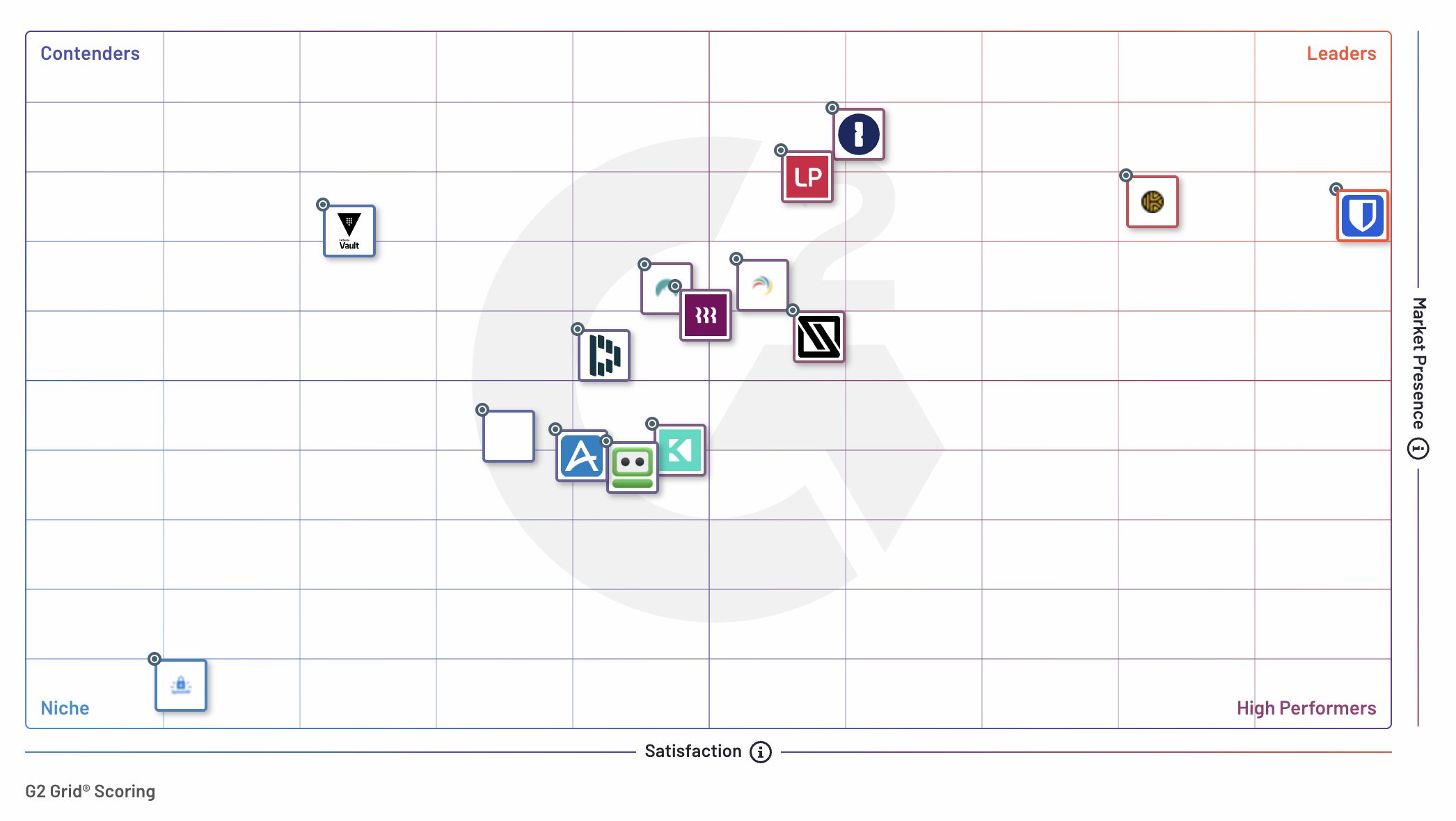
## Speed of deployment
Bitwarden enables fast deployment, ensuring enterprises get up and running quickly. **75% of Bitwarden enterprise customers reported going live in less than a month**, making it the simplest and most efficient solution to implement. Compared to competitors, Bitwarden consistently ranks highest in ease of setup.
## Faster return on investment (ROI)
Bitwarden stands out by offering the fastest return on investment (ROI) in the industry. Enterprise customers achieve full ROI in just **10 months,**23% faster than 1Password and Keeper, and 29% faster than LastPass.
This accelerated ROI means enterprises can see tangible benefits sooner, including improved security, streamlined credential management, and reduced operational overhead.
## Why enterprises trust Bitwarden
Bitwarden is a business-first solution that is built for enterprise security needs.
Businesses are drawn to Bitwarden for its seamless combination of highly secure, [enterprise-grade features](https://bitwarden.com/blog/bitwarden-is-the-password-manager-for-global-enterprises/) and its easy-to-use interface. Bitwarden offers exceptional value for businesses, delivering robust capabilities such as:
- **Security policies:** deploy a consistent user experience with configurable security standards for your organization
- **Account recovery:** enable administrators to recover user accounts and restore access in the event that an employee forgets their master password
- **Comprehensive SSO integrations:** leverage your existing Identity Provider to streamline onboarding and automate provisioning
- **Easy credential sharing:** leverage collections to share logins and other items with departments, teams, and individuals
- **Quick migration:** Migrate from other password managers in minutes with comprehensive import options
Bitwarden stands out as the trusted [open-source password manager](https://bitwarden.com/blog/why-open-source-delivers-transparency-and-security-for-enterprises/), supported by the largest [global user community](https://community.bitwarden.com) of all major password managers. This community fosters innovation and security and ensures that Bitwarden remains an industry leader.
### Satisfaction Ratings
G2 reviewers employ Satisfaction Ratings to assess how well SaaS tools meet their requirements. The Bitwarden Password Manager has ranked first in Enterprise User Satisfaction for eleven consecutive quarters. In this latest report, Bitwarden scored a 99 in overall satisfaction.
Bitwarden also scored highly in specific satisfaction measures, including:
- Product Going in Right Direction - 98%
- Ease of Doing Business With - 96%
- Ease of Setup - 93%
- Quality of Support - 95%
### Feature Comparison
The G2 Enterprise Grid Report also evaluates password managers based on three feature categories: Usability & Access, Security Measures, and Storage. Bitwarden placed among the top password managers in both Usability & Access and Security Measures.
#### Usability & Access
In the Usability & Access category, Bitwarden garnered an average score of 90% across the evaluated features. The highest individual feature scores for Bitwarden include:
- Multi-Device Use - 94%
- Browser Extension - 90%
- Mobile App Usability - 91%
*“User-centric password manager that just works.” Dylan E, Security Officer*
#### Security Measures
Security Measures are features that enable better security. Bitwarden received an average score of 92% across the evaluated criteria. The best individual feature scores for Bitwarden were:
- Password Generator - 97%
- Two-Factor Authentication - 93%
*“Great way to easily increase security in the company.” Gianluca M, Head of Engineering - CTO*
#### Other top Enterprise feature rankings
Bitwarden also ranked highly in these enterprise feature capabilities:
- Ease of Use
- Quick Login
- Admin Management
- Security Audits
## The trusted password manager for businesses of all sizes, everywhere
Since [2022](https://bitwarden.com/blog/bitwarden-named-password-manager-leader-in-g2-enterprise-grid-report/), Bitwarden has been recognized as one of the highest-performing password management solutions in the G2 Enterprise Grid Report. The password manager also ranked #1 overall in these reports:
- Enterprise Implementation Index for Password Manager
- Enterprise Results Index for Password Manager
- Enterprise Relationship Index for Password Manager
- Enterprise Usability Index for Password Manager
- Mid-Market Europe Regional Grid® Report for Password Manager
- Mid-Market EMEA Regional Grid® Report for Password Manager
- EMEA Regional Grid® Report for Password Managers
- Europe Regional Grid® Report for Password Managers
- Small-Business EMEA Regional Grid® Report for Password Managers
- Small-Business Europe Regional Grid® Report for Password Managers
- Australia Regional Grid® Report for Password Manager
- Asia Pacific Regional Grid® Report for Password Manager
- Asia Regional Grid® Report for Password Manager
- ANZ Regional Grid® Report for Password Manager
- India Regional Grid® Report for Password Managers
## Password management with an engaged community
The [Bitwarden community](https://community.bitwarden.com) plays an integral role in driving continuous improvement and growth. Many thanks to Bitwarden users for their contributions. Their valuable feedback and endorsements on platforms like G2 reaffirm the Bitwarden commitment to delivering superior password management solutions to businesses and individuals, across the world.
## More on G2
G2, the largest and most trusted software marketplace globally, [ranks software](https://research.g2.com/methodology/scoring) products based on user reviews from its extensive community. These reviews are further enhanced by aggregated data from social networks and other online sources, ensuring the accuracy and richness of user testimonies.
## Get started with Bitwarden
Ready to experience trusted password management for your business? Get started with a [free business trial](https://bitwarden.com/pricing/business/) to help your enterprise stay safe online, or [contact sales](https://bitwarden.com/contact-sales/) with any questions.
---
URL: https://bitwarden.com/blog/bitwarden-in-2020/
---
# Bitwarden in 2020
As Bitwarden adoption continues to grow, we are expanding to serve our community and users.
*By Kyle Spearrin*
*Published: January 21, 2020*
---
Bitwarden began as a project to improve password management, but also go further to safely handle credit cards, identity information, and secure notes for individuals and organizations.
Since those early days in 2016, Bitwarden has grown to a vibrant and global community focused on delivering high-quality, open-source software for managing passwords. Our goal remains to provide password management across a broad set of environments and devices, helping individuals, teams, and organizations be safe, productive, and secure online.
With a global user base and growing roster of mid and large sized business customers, Bitwarden has become a trusted part of daily routines for individual and corporate Internet users, and a critical part of their workflow. Our users tell us that they value our simple, open approach, as well as our wide endpoint coverage and flexible deployment options from cloud to private networks and on-premises data centers.
We take that trust and faith in us and our products seriously. Today, I am pleased to share that we are doubling down on our commitment to our customers' long term success by expanding the company with some new faces. While I will remain CTO, Michael Crandell is joining me as CEO, and Gary Orenstein as Chief Customer Officer. In addition, we have grown our engineering and customer support teams to meet user needs. Over the course of the year you will see much more from us in terms of product development and customer-facing resources.
This is a natural evolution from our original roots and sets the foundation for greater engagement with the Bitwarden community, individual users, and teams within larger organizations. All of these efforts stay true to our mission to help everyone operate securely and collaboratively on the Internet.
We welcome your feedback and continuing support as members of the Bitwarden community. The best way to reach us, including me, is through [https://bitwarden.com/contact](https://bitwarden.com/contact/).
---
URL: https://bitwarden.com/blog/bitwarden-ios-app-intents-integration/
---
# “Hey Siri, make my password security smarter”
Use Siri voice commands, custom Shortcuts, and Spotlight searches to interact with Bitwarden with this new iOS integration!
*By Kasey Babcock*
*Published: July 7, 2025*
---
Bitwarden announces new iOS security features, enabling users to leverage custom Shortcuts, Spotlight searches, and Siri voice commands to interact with Bitwarden — without opening the app.
This update is powered by Apple **App Intents** framework and allows Bitwarden users to easily automate practical actions needed for everyday password security, giving them more control, more flexibility, and more ways to stay secure.
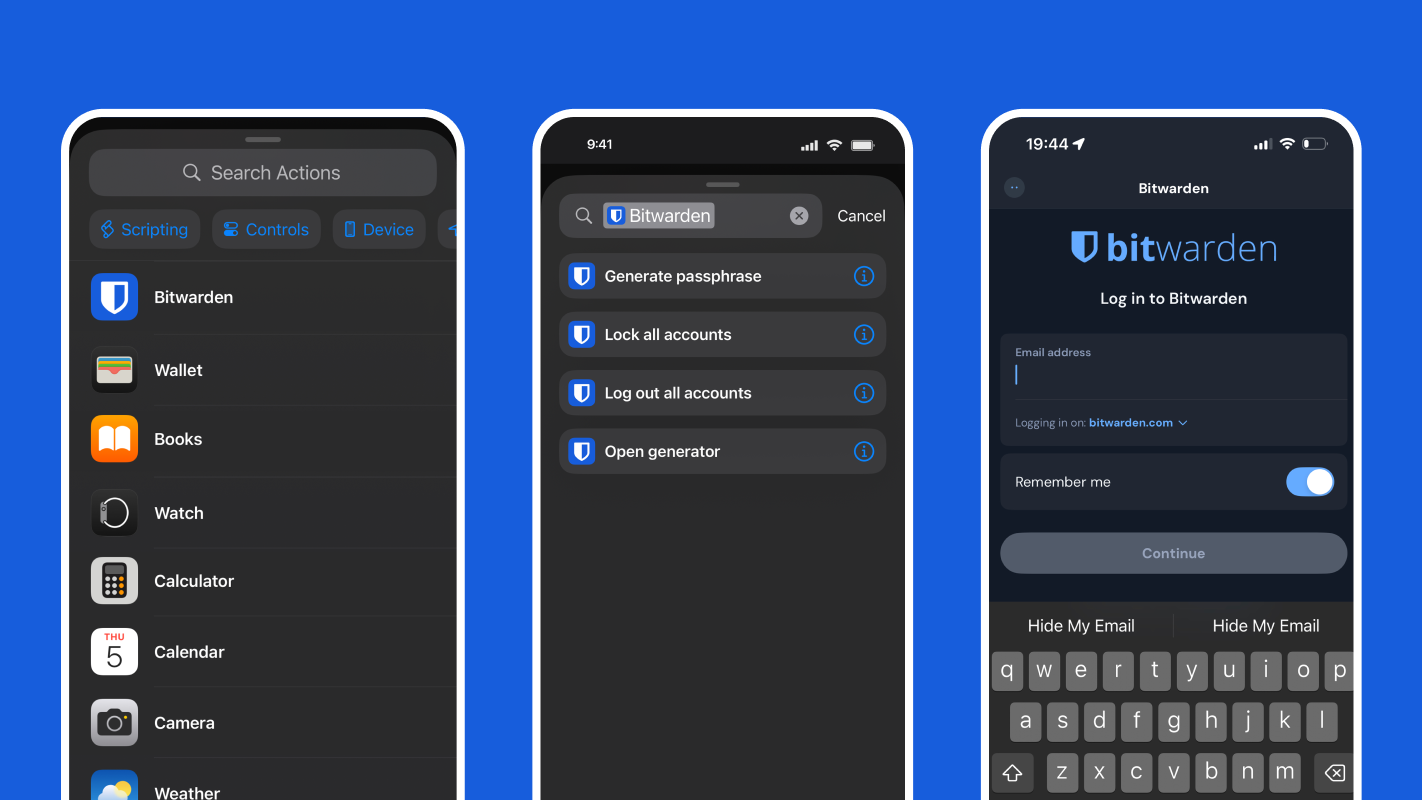
## Supported Bitwarden actions for Shortcuts, Spotlight, and Siri
Bitwarden users can now generate passphrases, quickly lock accounts, protect information while traveling, and more from their Apple device with Shortcuts, Spotlight, and Siri.
| **Action** | **What it does** |
|------|------|
| Lock all accounts | Locks all logged-in Bitwarden accounts |
| Log out all accounts | Fully signs out of all accounts in Bitwarden |
| Open password generator | Opens the password generator screen in the app |
| Generate passphrase | Returns a passphrase based on configurable options |
| Launch Bitwarden | Launches the Bitwarden application |
Simply enable**Siri & Shortcuts access**in your Bitwarden settings under **Other** to begin using these functions.
## iOS and Bitwarden: A security-first integration
These updates align with the Bitwarden zero-knowledge, end-to-end encryption architecture and follows security-first principles. Apple, iOS, Siri, and Shortcuts cannot access, view, nor interact with the contents of your vault, ever.
All sensitive data — logins, secure notes, card info, etc. — stays encrypted on your device unless the vault is explicitly unlocked by you. This integration enhances usability without compromising the core security principles of Bitwarden.
iOS tools and the Apple ecosystem:
- Cannot read your vault contents
- Cannot access or autofill saved credentials
- Cannot export or sync your vault
- Cannot trigger hidden or background access to sensitive data
- Cannot bypass authentication
## Automate Bitwarden actions with Shortcuts
Shortcuts provide Apple device owners with a quick way to get things done. Pre-configured and custom automations streamline actions across your downloaded applications. Bitwarden and Apple Shortcuts work together to offer powerful security automations. Simply enable **Siri & Shortcuts access**in Bitwarden settings under **Other** and configure a Shortcut via the **Shortcuts** iOS app.
Like Siri voice commands, Shortcuts offer a quick way to secure your Bitwarden account and generate new credentials. For example, if you’re signing up for a new account and want a secure password or username, simply tap the shortcut on your home screen to generate a passphrase without opening the Bitwarden app. You can preconfigure the length and format of the passphrase, so it works exactly how you need it to.

## Access Bitwarden actions from Spotlight
Spotlight searches offer iOS users the ability to easily search the web and their device for content, applications, and information. To access and use Shortcuts from Spotlight, simply swipe down in the middle of the home screen and search for the associated application.
With Bitwarden, you can easily trigger actions like generating a passphrase, logging out of accounts, or locking accounts from Spotlight.

## Siri voice commands for hands-free password management
Siri is a virtual assistant available on Apple devices that answers queries, performs actions, and researches information for users, triggered by their voice. Bitwarden users on Apple devices can now leverage Siri to perform Bitwarden account actions, like locking their account or generating a passphrase.
This integration with Siri enables Bitwarden users to more quickly take action on their password security. For example, if you are in public or stepping away from your phone and would like to quickly secure your Bitwarden account, you can now just say, “Hey Siri, lock all Bitwarden accounts” or “Hey Siri, log out of all Bitwarden accounts.”
## Customized automations for Bitwarden power users
Make the most of these new integrations and build your own custom Shortcut automation workflows! Simply navigate to the **Shortcuts** application and tap **Automation** to get started. Here are some example automations to try out.
### Log out after receiving a specific message
Consider setting up a Shortcut that watches for a message containing a unique phrase — like "Log me out of all accounts now!" — from a trusted contact. When that message arrives, Bitwarden automatically logs out all accounts. This ensures that even if you cannot access your phone physically, your passwords are protected.
**How it works:** Ask a trusted friend, colleague, or family member to send a predetermined SMS or iMessage to your device like "Log me out of all accounts now!".
**Useful if:** You lose your phone and are unable to log out remotely.
### Log out when airplane mode is on
If someone steals your phone, one of the first things they might do is enable airplane mode to block remote access. With this automation, Bitwarden will automatically log out when airplane mode is triggered — reducing the risk of someone accessing your account if the phone is compromised.
**How it works:** Turn on airplane mode to trigger Bitwarden account log out.
**Useful if:** Your iPhone is stolen or compromised.
**Note:** This automation may not be ideal for frequent flyers who rely on their passwords while traveling.
## Accessibility
Bitwarden integrations for iOS help make password security more [accessible](https://bitwarden.com/resources/accessibility-on-bitwarden/) via expanded options for voice commands. With Siri voice commands, users can lock and log out of Bitwarden accounts, launch the Bitwarden app, and generate passphrases all with their voice. This means users have more options for how they interact with Bitwarden.
## Smarter password security is a tap away
Trusted by millions of users and businesses worldwide to secure their sensitive information, Bitwarden is your partner in password security. Built for everyone, no matter your technical background, Bitwarden makes it easy to protect your personal life and company systems with end-to-end encryption. [Create a free account](https://bitwarden.com/go/start-free/) or [start a 7-day business trial](https://bitwarden.com/go/start-enterprise-trial/) to start securing your sensitive information today!
---
URL: https://bitwarden.com/blog/bitwarden-is-the-password-manager-for-global-enterprises/
---
# Bitwarden is the password manager for global enterprises
Learn why multiple language selections, open-source transparency, an active community, customizations, and self-hosting options make Bitwarden the right choice for global enterprises.
*By Kasey Babcock*
*Published: August 26, 2023*
---
With an internationally dispersed workforce, global enterprises have unique needs when it comes to password management.
Bitwarden is the trusted open-source password manager that helps users around the world protect their online accounts and secure passwords, notes, and other important information. With more than 50 languages, self-hosting capabilities, customization options, and open source transparency, Bitwarden is the right choice for password management at global enterprises.
## What makes Bitwarden ideal for global enterprises?
### More than 50 languages
Offering a wide range of language selections, Bitwarden ensures all employees have access to the same security resources across the company, no matter their preferred language. For example, if a company has multiple offices in different countries, each one can separately select which language to use in the application. Bitwarden supports more than [50 languages](https://bitwarden.com/help/localization/#currently-supported-languages/), including English, Spanish, French, German, Italian, Dutch, Polish, Chinese, and Japanese.
If your preferred language isn’t covered, you can help by engaging with the translation efforts from the community in a tool called [Crowdin](https://crowdin.com/profile/kspearrin). With this platform, Bitwarden users can make corrections to an existing translation or start translating a new language to be used across Bitwarden clients. With a diverse workforce, these language options are key to centralizing password management and cybersecurity in any global corporate environment.
### Open source transparency
Bitwarden takes pride in its open source nature, providing customers with complete transparency into its source code. This is particularly beneficial for global enterprises with large security requirements, allowing them to review the source code and be assured their employees and data are properly protected. Bitwarden code transparency allows developers and community members alike to review the code, confirm security practices, identify any potential issues, and provide feedback.
Bitwarden is also an active participant in the open source community, with [regular security audits](https://bitwarden.com/help/is-bitwarden-audited/) and [code contributions](https://contributing.bitwarden.com/) from Bitwarden users. Because Bitwarden is open source, they can more easily work with auditing firms like Cure53 and Insight Risk Consulting to complete annual network and general security assessments. With the support of such a large community, customers can be sure that their data is secure.
### Enterprise integrations
Bitwarden meets the needs of your integration approach and offers enterprise features such as a single sign-on (SSO) integration with existing authentication systems and full control over user access.
Single sign-on (SSO) is a great way to streamline the authentication process and keep user accounts secure. With the [Login with SSO](https://bitwarden.com/help/about-sso/) integration, Bitwarden supports popular SSO protocols such as SAML and OpenID Connect. This allows businesses to easily integrate their existing authentication systems with Bitwarden, providing an efficient and secure login experience.
Customization also extends to user access. With Bitwarden, global businesses can define specific user or group access and editing permissions, to ensure employees only have access to the passwords and information they need. With the [SCIM](https://bitwarden.com/help/about-scim/) or [Directory Connector](https://bitwarden.com/help/about-scim/) integrations, enterprises can also automate the onboarding and offboarding process for users. These enable businesses to customize their security and authentication needs to suit their specific requirements.
### Options to self-host
Bitwarden offers multiple self-hosting options, enabling organizations to take full control of their password management environment and data. This is especially useful for global enterprises that need to maintain data centers in different locations. With self-hosting, an enterprise can deploy Bitwarden on any operating system or cloud platform and benefit from the same features as the hosted service.
Self-hosting a password manager can also help global enterprises build their own customizations and integrate with existing environments. Large international organizations often have a complex and intricate tech stack that may be impacted by regional security regulations. By building their own integrations into that tech stack, enterprises can better define how their data interacts with other systems and adhere to local security standards.
### Community engagement
Global enterprises can also benefit from the international Bitwarden community, which is comprised of millions of users and businesses. These community members are incredibly active on multiple platforms — including the Bitwarden community forums, Github, Twitter, Mastodon, and Reddit — and are constantly providing input on the product and helpful security advice. This unique and diverse perspective on cybersecurity empowers everyone to stay more secure online.
## Bitwarden for you
See how Bitwarden has enabled global enterprises to stay secure and manage sensitive information in these success stories:
- [Global Language Platform Strengthens Password Sharing and Management with Bitwarden](https://bitwarden.com/blog/global-language-platform-strengthens-password-sharing-and-management/)
- [High-growth Delivery Startup Glovo Boosts Password Security and Compliance with Bitwarden](https://bitwarden.com/blog/high-growth-delivery-startup-glovo-boosts-password-security-compliance/)
Learn more about [enterprise password management](https://bitwarden.com/products/business/) and see first-hand how Bitwarden can secure your business and start a free [7-day trial](https://bitwarden.com/http://bitwarden.com/trial/)!
---
URL: https://bitwarden.com/blog/bitwarden-just-launched-a-new-authenticator-app-heres-what-it-means-to-users/
---
# Bitwarden just launched a new authenticator app. Here’s what it means to users.
Bitwarden Authenticator gives users the ability to generate and store TOTP codes
*By Vivian Shic*
*Published: May 1, 2024*
---
> Boost your security and [download Bitwarden Authenticator](https://bitwarden.com/download/#bitwarden-authenticator-mobile/) today. Available for iOS and Android
### July 2025 update: Bitwarden Authenticator and Bitwarden Password Manager now work together
Users now have the option to select a more connected experience between Bitwarden Authenticator and Bitwarden Password Manager. This enables access to their time-based one-time passcodes from either application and eliminates the need to manage codes across different apps. It also provides extra backup. If one app becomes inaccessible, the codes remain available through the other application, reducing the risk of being locked out of accounts. Learn how to [sync verification codes.](https://bitwarden.com/help/totp-sync/)

#### Bitwarden Authenticator for everyone
Bitwarden has strengthened its security product portfolio with a new authenticator app that protects online services and applications from unauthorized access. Bitwarden Authenticator generates and stores time-based one-time passwords, aka TOTP, which adds another layer of user verification, ensuring identities are confirmed before users gain access to critical data. Available in iOS and Android app stores, Bitwarden Authenticator is available for everyone, even if they are not currently Bitwarden customers.
Multi-factor authentication isn't just for businesses. An authenticator that supports cloud and mobile across devices helps everyone stay more secure online. Bitwarden Authenticator helps reduce your risk of fraud and data breaches at home, at work, and everywhere you go.
“Bitwarden Authenticator provides immediate value to the Bitwarden user base who has been asking for a standalone app for several years. Stay tuned for upcoming new features that will help enterprise organizations enforce [security policies](https://bitwarden.com/help/policies/) to protect and monitor authentication to business applications," said Kyle Spearrin, founder and CTO of Bitwarden.
## FAQs
**Is Bitwarden Authenticator part of Bitwarden Password Manager?**
Bitwarden Authenticator is a standalone app that is available for everyone, even non-Bitwarden customers.
**What does Bitwarden Authenticator do?**
In its current release, Bitwarden Authenticator generates time-based one-time passwords (TOTP) for users who want to add an extra layer of 2FA security to their logins.
**Isn't this the same as storing TOTP authentication codes in Bitwarden Password Manager?**
Integrated TOTP authentication is a premium feature in Bitwarden Password Manager. Bitwarden Authenticator is a standalone mobile app that generates TOTP codes for any online service that supports them. Bitwarden Authenticator can be used without a Bitwarden account.
**Is there synchronization between Bitwarden Authenticator and Bitwarden Password Manager?**
Yes, this is an optional functionality for users who want unified TOTP access:
- Automatic sync from Bitwarden Password Manager to Bitwarden Authenticator. TOTP codes added or updated in your Password Manager can (if selected) automatically appear in the Authenticator app.
- Manual copy from Bitwarden Authenticator to Bitwarden Password Manager. Codes created in the Authenticator app remain local by default. Users can choose to manually copy specific codes into their Password Manager vault, giving them control over which local codes become part of their synced apps.
**Should I use both? When should I use the integrated authentication feature? When should I use Bitwarden Authenticator?**
Integrated authentication in Bitwarden Password Manager offers a convenient way for users to add 2FA to their online accounts. This popular feature will remain available across paid plans.
Bitwarden Authenticator can be used to store your verification codes to access your Bitwarden account, as well as other online applications you use.
They can be used together, or separately, depending on your security preferences.
[Flexible TOTP sharing](https://bitwarden.com/help/totp-sync/) provides seamless access to all user TOTP codes across workflows, regardless of which app is being used. Users transitioning from other authenticator apps can gradually move codes into the Bitwarden ecosystem while maintaining flexibility about which codes to integrate into their password manager vault.
**Can I use the Bitwarden Authenticator to add 2FA to my Bitwarden account?**
Yes! Many Bitwarden users have asked for a standalone authenticator in which to store their verification codes used to access their Bitwarden account. The flexible TOTP sharing functionality makes this easier.
**Will Bitwarden be removing the TOTP feature in Bitwarden Password Manager? **
The integrated authenticator will continue to be available in paid plans.
**Can I use different logins for Bitwarden Authenticator and Bitwarden Password Manager?**
Yes, users can set up different accounts for Bitwarden Authenticator and Bitwarden Password Manager.
**How do I backup my data in Bitwarden Authenticator?**
Mobile OS: Your data will be backed up through the mobile operating system's backup services. Please make sure your device is configured for backups. Bitwarden Authenticator data is included in the OS backups and will be restored with them.
Data exports: You can export your data and store the file in a safe location, such as an encrypted thumb drive, as a backup that can be imported when needed.
**Is Bitwarden Authenticator open source?**
Yes! Bitwarden Authenticator is open source and available at the following GitHub repositories for [Android](https://github.com/bitwarden/authenticator-android) and [iOS](https://github.com/bitwarden/authenticator-ios).
***Editor's note:**** *
*Updated July 2025 with information on bi-directional sync between Bitwarden Authenticator and Bitwarden Password Manager*
*Updated June 13, 2024 with information on importing into and exporting from Bitwarden Authenticator*
---
URL: https://bitwarden.com/blog/bitwarden-launches-emergency-access/
---
# Add peace of mind with Emergency Access
Make sure your data is available to those who need it most.
*By Trey Greer*
*Published: January 27, 2021*
---
The Bitwarden Emergency Access feature offers a new way to create a digital legacy and make your secure data available to those who may need it under critical circumstances. Bitwarden users with Premium features can now invite others to access their Bitwarden Vault in the case where the inviting user can no longer log in or provide access to that data. The inviting users, known as “grantors,” are able to specify emergency contacts, known as “grantees,” that can request access to the grantor’s Vault data. Please note that those receiving invites, "grantees", **do not** need Premium access.
## Proactive configuration
The year 2020 taught us that many unexpected things can happen – and quickly. The Emergency Access feature removes the concern about how to gain access to important digital items for family, friends, colleagues, and caretakers under certain circumstances.
Emergency contacts can be granted the option to take over Vault data or have view-only access. Viewing the data allows an emergency contact to reference the information within the Web Vault. Vault takeover allows the user to reset the Master Password of the grantor, even if two-step login is enabled, as well as access and manage the Vault data completely.
Adding emergency contacts requires the selection of a delay period. During this time, the grantee can refuse the request for Vault access, offering flexibility. Some may need access more quickly, and some may need it in a worst-case scenario, after a longer period of time.
## Security focused
Bitwarden remains laser-focused on security, including for digital legacy features that need to allow flexible data access. Decryption keys are never stored with the Bitwarden service, and all sensitive data is transmitted in an encrypted state between the user requesting and the user providing access to a Vault.
## How to set up Emergency Access
Emergency Access is available to all Premium, Family, Teams, and Enterprise users. Start exploring Emergency Access along with other great features in the platform by [selecting the plan](https://bitwarden.com/pricing/) that’s right for you or your business.
To learn more about enabling and configuring Emergency Access, please check out our help article [here.](https://bitwarden.com/help/emergency-access/)
---
URL: https://bitwarden.com/blog/bitwarden-launches-passkey-management/
---
# Bitwarden launches passkey management
Passkey management is now available in Bitwarden! Users can store passkeys right in their vaults next to passwords and other logins. Read on to learn more.
*By Ryan Luibrand*
*Updated: November 11, 2025*
---
[Passkeys](https://bitwarden.com/passwordless-passkeys/) are a secure, safe method to login to websites without a password, bringing together convenience and security. Today [Bitwarden Password Manager](https://bitwarden.com/products/personal/) users create, manage, and store passkeys in their vaults for fast passwordless logins to passkey-enabled websites.
### Update - 11/11/25: Store and use passkeys inside the Bitwarden vault in Windows 11
Now [available in beta](https://github.com/bitwarden/clients/pull/17316), the Bitwarden desktop application integrates with Windows 11 for an OS-native passkey experience. When creating or using a passkey in Windows, you can now select Bitwarden as the storage destination. Any passkey created and securely stored in the vault is synced to all of your devices providing you access from anywhere.
This works both ways, allowing for passkeys already saved in the Bitwarden vault to be used in Windows 11, for applications outside of the browser, and for the use of passkey website logins inside the browser - even without needing to have the Bitwarden extension installed. Simply select the Bitwarden desktop application when Windows prompts you to choose a passkey provider.
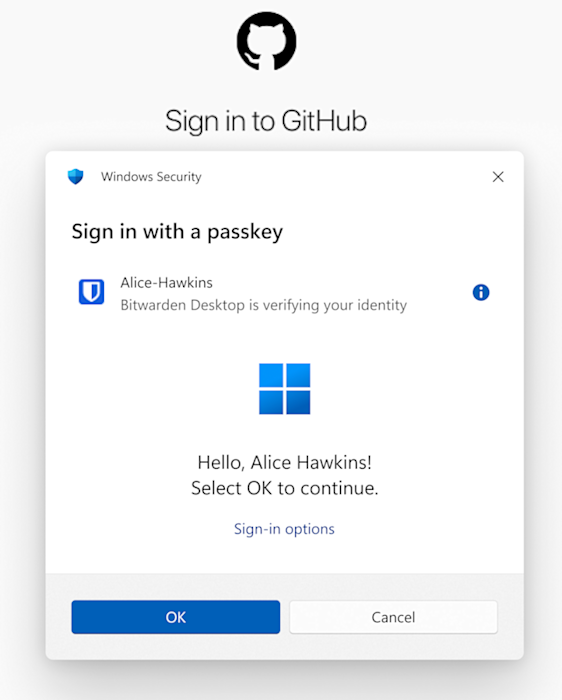
Bitwarden worked closely with Microsoft to develop the Windows component required for this functionality. In this beta release, the feature requires installing the desktop application from [the Github repository](https://github.com/bitwarden/clients/pull/17316). It will later be widely available through the standard desktop application install.
## Managing passkeys in Bitwarden
Every Bitwarden Password Manager user, including free users, can manage passkeys in their Bitwarden vault. Creating and utilizing passkeys is accomplished with the [Bitwarden web extensions](https://bitwarden.com/download/) and mobile apps. To see how this works, view the demo below:
[](https://vimeo.com/880292801)
*[Watch on Vimeo](https://vimeo.com/880292801)*
1. Visit the site that supports passkeys and initiate the passkey creation process.
Sometimes, as shown in the demo, the site will require that you create a traditional username and password first as a backup - this will become less and less common as websites deploy more robust implementations of passkeys.
2. Bitwarden will recognize that the website is looking to create a passkey. The Bitwarden extension will ask you which vault item to add it to or to create a new one. Choose, and Save passkey.
And just like that, a passkey can be added to your vault and easily retrieved for a secure passwordless login.
The passkeys that are created are **synchronized passkeys.**These passkeys never leave your device during the login process, but are encrypted in your vault which is securely synced to your other devices. This is both convenient and secure.
> Learn more and view a step-by-step guide in the [Bitwarden Help Center](https://bitwarden.com/help/storing-passkeys/).
## Passkeys are more secure
As a cryptographic method to verify your identity, passkeys are naturally significantly stronger than passwords. Comprising both a public and private component, passkeys leverage WebAuthn cryptographic protocols developed by the [FIDO Alliance](https://fidoalliance.org/), a consortium of technology leaders, that are tested and trusted.
Passkeys are:
**Impossible to guess**- passkeys are much longer than passwords and machine generated. Trying to guess a passkey would literally take eons.
**Resistant to phishing** - they can only be used on the website that they’re made for, so a fake website can’t try to trick a user into giving it away.
**Immune to data breaches**- passkeys are made up of a public key and a private key that work together to log you in. If the public key that a website stores is leaked, your account is still safe because the private key is secure on your device.
> And importantly, passkeys are easy to use! Learn more: [How do passkeys work?](https://bitwarden.com/blog/how-do-passkeys-work/)
[](https://bitwarden.com/blog/how-do-passkeys-work/)
*Click to view infographic*
## The frontier of passkeys
Passkeys are being implemented across the web, with each website and passkey provider pioneering new features while working to closely adhere to evolving industry standards. In this exciting phase of passkey adoption, there will certainly be improvements needed as everyone works together to build a world of passwordless authentication.
Bitwarden is at the forefront of these works-in-progress. One example is the development of an open and secure standard for passkey portability. Collaborating with other passkey providers, Bitwarden is working towards a standard that ensures users can effortlessly and securely transfer their passkeys, whether for backup purposes or when changing passkey providers.
### Passkeys and Bitwarden
Believing that everyone should have access to the tools they need to stay safe online, Bitwarden is adding passkey support to all plans, including free, to bring the most complete password manager to all.
- Passkey management, now available, is included in all Bitwarden Password Manager plans
- Earlier, Bitwarden announced that everyone can now use [passkeys as a form of 2FA](https://bitwarden.com/blog/fido2-webauthn-2fa-in-all-bitwarden-plans/) to add more security to accounts
- Developers can add passkey functionality to their websites for free for up to 10,000 users with the [Bitwarden Passwordless.dev](https://bitwarden.com/products/passwordless/) passkey SDK, which makes it easy to deploy passkey authentication with just a few lines of code
- And soon users will be able to [log into the Bitwarden web app using a passkey](https://bitwarden.com/blog/bitwarden-passkey-management/#sign-in-and-unlock-bitwarden-with-passkeys/), and will be available to everyone
Thank you for being a member of the Bitwarden community on this exhilarating journey!
If you have more questions, view [the passkey FAQ](https://bitwarden.com/resources/passkeys-faq/) or reach out to the [Bitwarden community](https://community.bitwarden.com). If you’re interested in trying Bitwarden today, sign up for a free plan or a [business trial](https://bitwarden.com/pricing/business/) today!
---
URL: https://bitwarden.com/blog/bitwarden-launches-sso-authentication/
---
# Bitwarden launches SSO authentication to integrate password security with identity providers
Bitwarden launches SSO authentication to integrate password security with identity providers
*By Elizabeth Baier*
*Published: September 30, 2020*
---
Bitwarden, the open source password manager for organizations and individuals, today announced the availability of Login with SSO for its updated Enterprise plan.
The Bitwarden Login with SSO feature integrates password security with identity-based single sign-on. Users can authenticate through their existing identity provider and gain access to all Bitwarden password management capabilities. This security feature also introduces new advantages for administrators and end-users:
- Simplifies platform access for employees
- Standardizes logging in with work credentials
- Allows secure user onboarding and succession
- Leverages any existing multi-factor authentication
Bitwarden Login with SSO gives organizations the ultimate flexibility for identity management by integrating with existing SSO solutions that use SAML 2.0 or OpenID Connect.
Administrators on the updated Enterprise Plan can now implement Login with SSO for their organization. Learn more about our [subscription plans](https://bitwarden.com/pricing/).
## Enterprise administration enhancements
Along with the identity integration capability, Bitwarden also released a new Business Portal for enterprises to configure security controls for their organization. The updated UI enhances and streamlines the way administrators access organizational settings.
Through the Business Portal, administrators can set Enterprise Policies and Login with SSO configuration. The update also paves the way for other expanded Enterprise features.
To view the Business Portal, visit your Web Vault > Settings > Organizations.

Entering the Business Portal will present options for configuring Login with SSO and other Enterprise features.

## How it works: Bitwarden password manager and your SSO service
Bitwarden built its Login with SSO implementation for password management to be both highly secure and also flexible enough to integrate with existing identity providers.
Implementing the SSO option separates user authentication from Vault encryption. Logging in with SSO will authenticate your Bitwarden session using an existing Identity Provider (IdP) session if it exists, and leverage any currently implemented MFA rules.
Once authenticated, after providing (or creating) your Master Password, your personal Bitwarden Vault data will be decrypted for viewing, keeping the audited Bitwarden security model intact. Only the individual user can access their Vault information and it is only decrypted after they enter their Master Password.
To see an overview of the single sign-on workflow, settings, and configuration information see our [Help article](https://bitwarden.com/help/getting-started-with-sso/).
If you have more questions about Login with SSO, visit our [FAQs](https://bitwarden.com/help/sso-faqs/).
**December 2021 Update:**
For companies that have experience deploying, securing, and managing crytopgrahic keys, a new customer-managed encryption option allows their teams to deploy a local key server for users' vaults. This enables users to be authenticated and their vaults decrypted with a single click without additional user input. More information can be found in the [Help Center](https://bitwarden.com/help/sso-decryption-options/), in the [SSO Reference Guide](https://bitwarden.com/resources/reference-guide-bitwarden-authentication/), and in the [SSO Login Strategy paper](https://bitwarden.com/resources/reference-guide-bitwarden-authentication/).
---
URL: https://bitwarden.com/blog/bitwarden-legal-case-study/
---
# Streamlining legal caseloads with shared password management
RMWBH achieves productivity and security with Bitwarden deployed across the team.
*By Gary Orenstein*
*Published: May 8, 2025*
---
When Harrison Ward, Chief Technology Officer at RMWBH PC, Attorneys and Counselors at Law, set out to make his organization cloud-ready, he knew he’d need a password manager to get there. Like many, Harrison faced outdated practices for sharing passwords among co-workers when he first arrived at the firm. And as part of a state-wide legal team serving thousands of clients, Harrison wanted to empower the team with a tool to manage shared credentials securely.
> “Passwords are the cornerstone of all security and something we have to deal with on a daily basis.” - Harrison Ward, CTO
Harrison initially deployed Bitwarden to his IT team and he noted, “Bitwarden has changed the way we operate in our IT environment and the team immediately fell in love with it.”
Beyond providing a secure collaborative tool to share credentials, Bitwarden gives the team at RMWBH added flexibility. For example, if a case needs to be distributed from one paralegal to another, that handoff can happen seamlessly without a need to set up and configure access. The management of over 10,000 passwords is automated across a series of Collections that enables automatic distribution, taking the process down to hours from days.
Harrison shares that he was able to get easy buy-in from his team as Bitwarden saves everyone time and effort, leading to employee happiness and productivity!
See the full case study video here:
[](https://www.youtube.com/watch?v=UJTvlkgOdPE)
*[Watch on YouTube](https://www.youtube.com/watch?v=UJTvlkgOdPE)*
For more information or to get started with a Bitwarden account today, visit [bitwarden.com](https://bitwarden.com/http://bitwarden.com/).
---
URL: https://bitwarden.com/blog/bitwarden-magic-links-api/
---
# Bitwarden releases magic links API
Bitwarden Passwordless.dev expands developer offering with magic links API.
*By Nassir Khan*
*Published: April 2, 2024*
---
Magic links offer a secure and intuitive method for authenticating users within applications. When bringing new users on board or facilitating account recovery, a unique one-time use link can be sent via email to grant access to the system. This streamlines the process of user verification and password resets, ultimately improving the user experience without compromising security.
Now, developers using the Bitwarden Passwordless.dev plug-and-play SDK can leverage the new [magic links API](https://docs.passwordless.dev/guide/api.html#magic-links-send) to integrate modern passwordless authentication for their users into their applications to improve user experience, increase security, and reduce support burdens associated with passwords.
The magic links API streamlines development and removes the necessity for developers to construct their own magic link system, which involves tasks such as token generation and storage, as well as the creation and integration of links into emails sent to users.
Through Bitwarden Passwordless.dev, developers can access tools for both passkeys and magic links that lets them add that functionality in just a few lines of code.
## Using Bitwarden Passwordless.dev magic links API
The /magic-links/send endpoint processes POST requests by sending email recipients a magic link containing a URL specified by the user, which redirects them to an endpoint in the application for token verification and sign-in; the request should include the emailAddress, urlTemplate, and userId fields, with an optional timeToLive field indicating the token's validity duration.

## Magic links: another alternative to passwords and usernames
Magic links provide a seamless and intuitive authentication method for users, eliminating the need to remember and manage passwords. Other benefits include:
- **Enhanced Security**: By leveraging email-based authentication, magic links offer a secure login process, reducing the risk of unauthorized access and credential theft. The API can be used to verify user email addresses.
- **Streamlined Onboarding**: Magic links simplify the onboarding process for new users by eliminating the need for complex password creation and verification steps.
- **Convenient Account Recovery**: In the event of password loss or account lockout, magic links offer a straightforward way for users to regain access to their accounts via email.
- **Improved User Experience**: Magic links enhance the overall user experience by minimizing friction during the authentication and login process, leading to higher user satisfaction and retention.
## FAQs: Magic Links API
#### What is the magic links API offered through Bitwarden Passwordless.dev?
The magic links API is part of the Bitwarden Passwordless.dev SDK that allows developers to integrate magic links into their applications for passwordless authentication. Magic links are unique, one-time use links sent via email to grant users access to the system, enhancing security and user experience.
#### Is this offering a part of Bitwarden Password Manager?
The API is available to customers using Bitwarden Passwordless.dev, a separate product.
#### How do magic links work?
Magic links offer a secure and intuitive authentication method by sending users a unique link via email. Upon clicking the link, users are redirected to the application's endpoint for token verification and sign-in, eliminating the need for passwords.
#### What are the benefits of using magic links?
Magic links provide several benefits, including enhanced security through email-based authentication, streamlined onboarding for new users, convenient account recovery options, and an improved overall user experience by minimizing authentication friction.
#### How does magic links API simplify development?
The magic links API streamlines development by providing developers with pre-built endpoints for sending magic links via email. This removes the need for developers to construct their own magic links system, saving time and effort.
#### Is the magic links API available for all Bitwarden Passwordless.dev plans?
Yes, the magic links API is available for all Bitwarden Passwordless.dev plans. The Free plan allows for the generation of 100 emails per month, while the Pro and Enterprise plans offer up to 1,000 emails per month.
#### How can I get started with the magic links API?
To get started with the magic links API, developers can sign up for a free Bitwarden Passwordless.dev account and access the documentation for implementation details. Try it out today to enhance authentication in your application!
## Pricing and availability
The magic links API is available immediately as part of the Free, Pro, and Enterprise plans for Bitwarden Passwordless.dev. With the Free plan, developers will be able to generate 100 emails per month or 1,000 emails per month with the Pro and Enterprise plans.
To learn more about the magic links implementation, check out the [documentation](https://docs.passwordless.dev/guide/api.html#magic-links-send). To try them out for your application, create a [free Bitwarden Passwordless.dev account](https://admin.passwordless.dev/signup).
---
URL: https://bitwarden.com/blog/bitwarden-manifest-v3/
---
# Bitwarden transitions from Manifest v2 to v3
As Bitwarden upgraded its browser extension to Manifest v3, it required a significant architectural shift in structure, affecting how the extension operated. Here's how Bitwarden made the shift.
*By Cesar Gonzalez*
*Published: May 9, 2024*
---
> Help Bitwarden test the new Manifest v3 Chrome extension and provide feedback: Use the [Google form](https://docs.google.com/forms/d/e/1FAIpQLSc0sN3n-aL3ar6wHcdnl4vYTxJapJZ52ArA7kIIo8PwyDODvA/viewform), submit an issue in [GitHub](https://github.com/bitwarden/clients/issues), or directly on this [Reddit thread](https://www.reddit.com/r/Bitwarden/comments/1cgr1ed/bitwarden_users_help_us_test_our_new_manifest_v3/).
The [Bitwarden browser extension](https://bitwarden.com/download/#downloads-web-browser/) is utilized on over 6 million devices and serves as the primary interface for how users save and auto-fill login credentials to access their key websites. These kinds of extension features are facilitated through [extension APIs](https://developer.chrome.com/docs/extensions/reference/api), provided by the underlying browser, empowering extension developers to enhance the browsing experience for users.
Every extension is created with a [manifest.json](https://developer.chrome.com/docs/extensions/reference/manifest) file in its root directory that informs the browser about the functionality of the extension. The previous version of this manifest, Manifest v2, has powered extensions for all browsers over a decade. In 2019, the Google Chrome team announced a new update to this architecture, known as Manifest v3, that all extensions would be required to migrate to.
The push to Manifest v3 spurred the formation of the [W3C WebExtensions Community Group](https://www.w3.org/community/webextensions/) in 2021, composed of browser teams from Google, Mozilla, and Apple, and extension developers, including active participation from Bitwarden. By having the browser developers and the extension developers coordinate on standards, this ensured that the rollout of Manifest v3 would uphold principles of performance, security, and user privacy.
Although Manifest v3 was announced in 2019, the transition has been a multi-year effort; requiring close coordination between Chrome and the developer community to surface and remediate migration issues before Manifest v2 is deprecated. Now that many issues have been resolved, Google has resumed the deprecation [timeline of Manifest v2](https://developer.chrome.com/blog/resuming-the-transition-to-mv3) to June 2024.
As Bitwarden upgraded its browser extension to Manifest v3, it required a significant architectural shift in structure, affecting how the extension operated. Here is how Bitwarden addressed the challenges posed by this new architectural approach and what lies ahead for Manifest v3 extensions.
#### What changed with Manifest v3?
Manifest v3 introduced the following changes for browser extensions, including:
- Heavily limiting the usage of remotely executed code within a browser extension
- Limiting how thoroughly and frequently a browser extension can intercept and interact with web requests as a user browses the internet
- Limiting shared memory space to 10MB
- Providing guardrails for how browser extensions can trigger arbitrarily executed or dynamically injected code
- Removing redundancies within the browser extensions API to provide a better developer experience
- Moving the core background logic of the extension from background pages to service workers
Bitwarden already supported most of these changes in the Manifest v2 extension due to a strong company stance on security and privacy, making it easy to comply with the tightened security requirements of Manifest v3. However, the move from background pages to service workers caused a significant architectural impact and required the most planning and solution design.
#### What are service workers?
Background pages function similarly to an open tab within your browser. They have access to the same features as a web page, but exist in a non-visible context. In the Manifest v2-supported browser extension, a [persistent background page](https://developer.mozilla.org/en-US/docs/Mozilla/Add-ons/WebExtensions/Background_scripts) is utilized to maintain a user session as long as their browser is open. This ensures that the extension does not need to re-run any resource-intensive processes, such as retrieval and decryption of vault items to enable auto-fill, to keep the extension usable.
A [service worker](https://developer.mozilla.org/en-US/docs/Web/API/Service_Worker_API) in contrast to persistent background pages, is designed to be active and running only when the extension background needs to process logic. Once the service worker completes its current task, it turns itself off to free up memory within the user session. It is designed to be non-persistent.
There are many benefits to using service workers. A service worker is most analogous to a web worker that a website can create. [Web workers](https://developer.mozilla.org/en-US/docs/Web/API/Web_Workers_API) are scripts that operate in the background, distinct from the primary execution thread of a web page. They enable parallel processing, enabling tasks to be executed without impacting the user interface, improving performance and responsiveness. Utilizing a service worker to manage an extension's background logic offers many of the same advantages.
In theory, service workers would encourage the development of performant extensions that only act when necessary and do not persist or consume resources in an active user session. However, the non-persistent aspect of the service worker presented the largest challenge for the Bitwarden engineering team in transitioning to Manifest v3, particularly to the unlimited size of Bitwarden vaults and maintaining vault security.
#### The solution to support service workers
To support service workers and the overall update to Manifest v3, Bitwarden developed a new architecture across its services that does the following:
- Removes reliance on global memory due to the transition away from background pages
- Introduces a state framework that enables memory references using observables
- Stores an ephemeral, encrypted local backup during the user session to support large accounts given the ephemeral nature of service workers and limited memory allocation
#### The reliance on global memory with background pages
The Manifest v2-supported browser extension leveraged a persistent background page, which could directly provide data to different contexts of the extension. This enabled Bitwarden to access and update data by referencing the background page's global memory, regardless of where the data was needed.
This background page memory reference ensured that vault data did not require unnecessary processing and decryption for usage. Any modifications to user data within the extension would be instantly reflected throughout the extension's state, the current condition of the extension’s data.
#### The architectural approach for Bitwarden Manifest v2 extension

*The architecture of Bitwarden manifest v2 extension, and the process in which a shared memory reference between the extension background page and the vault popup allowed the extension to propagate data.*
#### Moving away from referencing global memory using a state provider framework
By transitioning away from background pages, Manifest v3 removes the ability for browser extensions to access global memory. This introduces significant problems to the above architecture. Since a service worker can no longer directly share memory with extension popups, changes in the popup need to be propagated down into the service worker and vice versa.
For example, the service worker may wake up to automatically lock a vault, but that information needs to be propagated to any extension windows that may be open, rather than relying on a single pool of memory to synchronize each context. Similarly, actions taken in the UI need to be sent to the service worker to coordinate offscreen events, such as resetting auto lock timers, updating context menus and autofill, and clipboard manipulation.
To address this issue, Bitwarden has implemented a state framework that heavily relies on [RxJS’s observable memory references](https://rxjs.dev/guide/overview) and [port messaging](https://developer.mozilla.org/en-US/docs/Mozilla/Add-ons/WebExtensions/API/runtime/Port).
These observables emit updates when modified which are then broadcast through ports, thereby propagating changes in state throughout the extension. This approach enables the extension to react to updates in stateful data across its various contexts of operation.
The implementation of this state management framework eliminates the necessity for a direct memory reference to the background page, all while upholding the performance of the extension. This resulted in a highly-responsive browser extension that synchronizes state across all execution contexts.
#### Supporting non-persistent service workers with local storage
The service worker introduced in Manifest v3 is ephemeral, meaning that stateful data in the service worker can be lost at any time. Consequently, data required for the Bitwarden extension must now be stored either in a limited, memory-only session storage or in some form of disk-based local storage.
To accommodate service workers and manage this data, we categorize state into two types: limited and unlimited. Examples of limited data include a user's account ID, email, or billing information. Unlimited data encompasses vault items, collections, or folders, with no preset limit and therefore not guaranteed to fit within a specific memory allocation.
Limited data is stored in a new storage location introduced by Manifest v3, known as [session storage](https://developer.chrome.com/docs/extensions/reference/api/storage#property-session). This storage has a capacity of 10MB but is automatically synchronized between the service worker and extension windows. Session storage is only persisted in memory, and is released when the browser closes.
Unlimited data is stored in [local storage](https://developer.chrome.com/docs/extensions/reference/api/storage#property-local) and encrypted before being stored to disk. When required by the service worker or extension windows, the data is decrypted and added to a memory cache. This division has allowed us to maintain performance and security across all accounts, even those with extensive data.
When an application element outside of the background script, such as the extension pop-up, needs to manage state, it communicates with the service worker to update its stateful data through extension messaging. This ensures that the service worker remains the "source of truth" for all actions requiring stateful data, including the pop-up or content scripts utilized during the user session.
If the service worker becomes deactivated or is turned off, both session-stored and on-disk encrypted user data remains and is used to re-initialize the browser extension's logic once the service worker becomes active again.
#### Upholding the security and end-to-end encryption of vault data in local storage
Now that data is being locally stored, Bitwarden must ensure that this is also covered by end-to-end encryption in concert with [security principles](https://bitwarden.com/help/bitwarden-security-white-paper/) at Bitwarden.
To facilitate this encryption process, a session key is generated each time the browser is opened. All locally stored data is then encrypted and decrypted using this key. Once the browser session is terminated, the session key is discarded rendering any previously stored encrypted data unusable. This ensures that any sensitive data retrieved from local storage cannot be decrypted outside of the current user session.

*The architectural approach for the Manifest v3 extension, and the process for how the combination of encrypted local storage and port message facilitates the propagation of extension data.*
#### What’s next?
The Manifest v3-supported browser extension is now available as a beta, which can be downloaded from the [Chrome web store](https://chromewebstore.google.com/detail/bitwarden-password-manage/hccnnhgbibccigepcmlgppchkpfdophk). Your feedback and real-life usage will ensure that Bitwarden continues to deliver a high-quality, exceptional user experience with Manifest v3 browser extension and beyond.
As the landscape for browser extensions continues to evolve, industry professionals will continue collaborating on guidelines for browser extension development. Bitwarden remains committed to [W3C WebExtensions Community Group](https://www.w3.org/community/webextensions/), as well as participating in other standards bodies, including the [FIDO Alliance](https://fidoalliance.org/).
#### Help Bitwarden test the new Manifest v3 Chrome extension
Over the past year, the Bitwarden team has been adapting the browser extension to these new requirements. It is a significant upgrade and the team is asking the broader community to test by downloading the beta from the [Chrome web store](https://chromewebstore.google.com/detail/bitwarden-password-manage/hccnnhgbibccigepcmlgppchkpfdophk).
You can install it side-by-side with your main Bitwarden browser extension, or disable the main Bitwarden extension during testing so that they do no conflict with one another.
There are several ways to provide feedback:
- Use the [Google form](https://docs.google.com/forms/d/e/1FAIpQLSc0sN3n-aL3ar6wHcdnl4vYTxJapJZ52ArA7kIIo8PwyDODvA/viewform)
- Submit an issue in [GitHub](https://github.com/bitwarden/clients/issues)
- Post directly on this [Reddit thread](https://www.reddit.com/r/Bitwarden/comments/1cgr1ed/bitwarden_users_help_us_test_our_new_manifest_v3/)
---
URL: https://bitwarden.com/blog/bitwarden-mcp-server/
---
# Bitwarden sets foundation for secure AI authentication with MCP server
Bitwarden is positioning itself at the forefront of secure credential management and Agentic AI. By introducing its Model Context Protocol (MCP) server, Bitwarden provides the infrastructure for secure AI agent integration with password management.
*By Kasey Babcock*
*Updated: October 21, 2025*
---
[**NEW: Additional AI capabilities for business administrators are now available**](https://bitwarden.com/blog/bitwarden-mcp-server/#new-ai-capabilities-for-businesses-administration/)
Agentic AI is rapidly changing the way we work. Across workplaces and homes, AI agents are driving powerful decision making and executing tasks independently. A critical challenge emerges: How will AI agents authenticate without human involvement? This question comes at a crucial intersection of secure credential management and agentic AI, made more urgent, given the rapid advancements and adoption of AI agents.
To help drive secure authentication forward, Bitwarden introduces its Model Context Protocol (MCP) server, which provides the infrastructure for secure AI agent integration with password management. The new Bitwarden MCP server allows AI assistants to access, generate, retrieve, and manage passwords through a local-first architecture where credentials remain on a user’s machine, maintaining zero-knowledge encryption.
> **IMPORTANT SECURITY NOTE**
> MCP servers are on the frontier of the AI wave, enabling new, to-be-imagined applications. At the same time, frontiers, when not explored carefully, can be risky. Users of the Bitwarden MCP server are encouraged to keep security and care in mind. Some examples that Bitwarden demonstrates may not be appropriate for all users and use cases. It is strongly recommended to leverage a local self-hosted LLM option when using the MCP server.
## Agentic AI and secure authentication
Agentic AI enables independent AI decision making and task execution with minimal human intervention. Leveraged for anything from buying a plane ticket to large scale business decisions, Agentic AI holds the promise of adapting to a wide variety of applications to improve users’ productivity and effectiveness.
With the Bitwarden MCP server, Bitwarden solves one of the biggest challenges in Agentic AI workflows, secure credential access. As users leverage AI agents to be more productive at work and their personal lives, they need more streamlined and secure methods of authentication to grant these agents access to the appropriate data and systems.
## Build secure AI integration with the Bitwarden MCP server
The Bitwarden MCP server provides a secure protocol for AI assistants to easily access, generate, retrieve, and manage credentials, further streamlining and automating their workflows. AI agents can perform Bitwarden actions on a user’s behalf and use stored credentials to authenticate into other services.

### Proof of concept with Claude
In this video, Bitwarden founder Kyle Spearrin shows how an AI agent — in this case Claude — can perform vault actions through the Bitwarden MCP server.
[](https://vimeo.com/1100097598)
*[Watch on Vimeo](https://vimeo.com/1100097598)*
Claude, the personal AI assistant in this scenario, is able to:
- Query vault lock status
- Unlock Bitwarden vault
- Count number of items in vault
- Retrieve passwords and TOTP codes
- Create new login items
- Edit login items
- Generate new secure passwords
- Lock Bitwarden vault
The AI agent is context-aware and able to parse out and complete the correct task, even if there is no specific command for that task through the MCP server or Bitwarden CLI. With this MCP server and Agentic AI technology, the applications for credential management are virtually endless.
## New AI capabilities for businesses administration
In addition to automating Bitwarden vault-specific actions, IT admins can now use AI agents to manage their Bitwarden organization and orchestrate password management for their company. With the Bitwarden MCP server, AI agents can initiate most organization actions for administrators, including:
- Approve a new device
- Confirm member to organization
- Update a collection
- Query failed logins during a time range
- Create a new user group
- Turn on an Enterprise policy
- Invite and re-invite organization members
- Retrieve subscription details
Any actions an IT admin would typically automate with a script via the Bitwarden Public API, can be completed faster and with more flexibility via the Bitwarden MCP server and AI assistant of choice.
## A security-first design
The Bitwarden MCP server is implemented with a security-first approach and maintained locally on a user's machine. These agentic vault operations are implemented via the Bitwarden Command Line Interface (CLI), a secure infrastructure for accessing and interacting with Bitwarden via the command line. This design preserves Bitwarden zero-knowledge, end-to-end encryption. More information on the Bitwarden security architecture can be found in the [security whitepaper](https://bitwarden.com/help/bitwarden-security-white-paper/).
## An open standard for two-way data and AI connections
MCP servers make agentic AI more feasible, facilitating connections between AI systems and external sources, including content repositories, business tools, and developer environments. They contextualize data from these sources into a consistent format that AI agents can understand and take action on. By replacing fragmented integrations with a universal open standard for AI systems and data sources, MCP servers streamline connectivity between AI agents and the broader data ecosystem.
## Get started using AI and Bitwarden
The Bitwarden MCP server is available for testing and exploration via the [Bitwarden GitHub repository](https://github.com/bitwarden/mcp-server). Follow the steps below to begin integrating secure authentication into your AI workflows.
1. Create a [free Bitwarden account](https://bitwarden.com/go/start-free/) or start a [7-day business trial](https://bitwarden.com/go/start-enterprise-trial/)
2. Follow the [readme instructions in GitHub](https://github.com/bitwarden/mcp-server?tab=readme-ov-file#bitwarden-mcp-server)
- Choose your installation option
- Install the Bitwarden CLI
- Log in to Bitwarden
- Get session token
3. Start automating with your new AI agent
## Help Bitwarden test
If you’re setting up local Bitwarden MCP servers or have experience with credential management security, please share your feedback and expertise through the [Bitwarden Community](https://community.bitwarden.com/t/bitwarden-mcp-server-for-connecting-agentic-ai-with-secure-credential-management/86665?u=kbabcock).
---
URL: https://bitwarden.com/blog/bitwarden-named-password-manager-leader-in-g2-enterprise-grid-report/
---
# Bitwarden Named Password Manager Leader in G2 Enterprise Grid Report
Bitwarden was recently named a Leader and received the highest Satisfaction score within the 2022 Enterprise Grid Report for Password Manager by G2.
*By Vivian Shic*
*Published: October 24, 2022*
---
Bitwarden was recently named a Leader and received the highest Satisfaction score within the 2022 Enterprise Grid Report for Password Manager by G2, the world’s largest and most trusted software marketplace.
100 percent of users rated Bitwarden 4 out of 5 stars, and 100 percent of users believe the company is headed in the right direction. In addition, Bitwarden received the highest rated features across password generators at 97 percent, two factor authentication at 97 percent, and multi-device use at 96 percent.
G2 awards are based on the responses of real software users for each of the related questions in the G2 review form.
**The chart below summarizes some of the scores Bitwarden received in comparison to its key competitors.** Note: Numbers are in percentages.

> 100 percent of users rated Bitwarden 4 out of 5 stars and
> 100 percent of users believe the company is headed in the right direction
### Additional industry ranking achievements
- Champion in the 2022 Password Management Emotional Footprint report from SoftwareReviews, a division of IT research and consulting firm Info-Tech Research Group. Learn more in this [blog](https://bitwarden.com/blog/bitwarden-takes-lead-in-customer-experience-industry-ranking/)
- Gold Medal recipient in the 2021 Password Management Data Quadrant Report compiled by SoftwareReviews, a division of IT research and advisory firm Info-Tech Research Group. Learn more in this [blog](https://bitwarden.com/blog/bitwarden-takes-top-spot-in-softwarereviews-password-management-quadrant/)
### Extending appreciation to all Bitwarden users!
The entire community plays a critical role in the Bitwarden approach to open source product development, based on trust and transparency. Your ongoing support is a reason why Bitwarden is able to continue to provide password security for all.
Bitwarden offers free trials for business, and free and premium plans for individuals. [Get started](https://bitwarden.com/pricing/business/) with Bitwarden today.
### About G2
G2 is the world's largest and most trusted software marketplace. More than 60 million people annually — including employees at all of the FORTUNE 500 — use G2 to make smarter software decisions based on authentic peer reviews. Thousands of software and services companies of all sizes partner with G2 to build their reputation, manage their software spend, and grow their business – including Salesforce, HubSpot, Zoom, and Adobe.
The full G2 Enterprise Grid Report for Password Manager can be accessed [here](https://www.g2.com/reports/enterprise-grid-report-for-password-manager-fall-2022?secure%5Bgated_consumer%5D=c608c9d3-88f6-47c0-a6aa-8cb3f48445bf&secure%5Btoken%5D=8515d46a6e78952a45779a61a8d16f00fafd6b5dbcb7bd6e9642b140e2ef8369&tab=grid).
## Get Started with Bitwarden
Interested in simplifying your security with Bitwarden? Begin a [free business trial](https://bitwarden.com/pricing/business/) to keep your team safe online, or sign up for a [free individual account](https://bitwarden.com/pricing/).
---
URL: https://bitwarden.com/blog/bitwarden-on-apple-watch/
---
# Bitwarden on Apple Watch
Bitwarden comes to Apple Watch! Now you can access the generated TOTP (time based one time password) codes for your vault items to quickly log in to sites supporting that method for two-factor authentication.
*By Ryan Luibrand*
*Published: January 17, 2023*
---
Bitwarden announces an exciting new Apple Watch app, bringing information about your vault to your wrist!
## View TOTP codes quickly and easily
In this inaugural release, the Bitwarden Authenticator TOTP generator comes to Bitwarden on Apple Watch. This allows for quick access to the timed passcodes required for logging into your accounts that support two-factor authentication.
TOTP generation on Apple Watch has been a popular community request and is the first feature available on Apple Watch. This release builds a strong foundation for more features and capabilities that are coming soon. Keep an eye on the Bitwarden [release notes](https://bitwarden.com/help/releasenotes/) page or subscribe to updates for information on future releases!

## How to get started
To begin, ensure that you have downloaded the latest [Bitwarden iOS app](https://bitwarden.com/download/apple-iphone-password-manager/) from Apple App Store (version 2023.1.0 or later) to your iPhone. The Apple Watch app component should automatically be installed to your Apple Watch, but can also be installed manually from the Watch app.
Further step by step instructions are available in this [help article](https://bitwarden.com/help/apple-watch-totp/).
TOTP generation is available only to paid plans with access to Premium features. Visit [bitwarden.com](https://bitwarden.com/) today to learn more about password management, plans, pricing, and how Bitwarden can help you keep your logins and other sensitive data secure!
---
URL: https://bitwarden.com/blog/bitwarden-open-source-security-explained/
---
# Bitwarden open source security explained
Answers to three common questions about how being open source strengthens Bitwarden security, transparency, and privacy.
*By Gabe Ovgard*
*Published: January 24, 2023*
---
“In software, when you make the source code open, you unleash collaboration and innovation otherwise not possible. In security, when you make vulnerabilities and their fixes open, you unleash collaboration and risk reduction otherwise not possible. ” - Mårten Mickos
This article answers three common questions about how being open source strengthens Bitwarden security, transparency, and privacy.
## 1. How does open source contribute to security?
For academic research to be deemed credible, it must undergo a peer review process in which subject matter experts investigate and critique the author's work to ensure integrity.
Open source software works similarly. The developer writes the source code and then makes it public for others to review, analyze, and audit. The audits don't end there. Open source codebases like Bitwarden undergo continuous inspection and enhancement by developers, users, and security researchers – i.e., by a diverse set of community participants. As the product gains popularity and longevity, security improves. More eyes, brainpower, and scrutiny are applied to each line of code, further solidifying the integrity of the application as developers and researchers identify potential errors for resolution.
In addition to ongoing reviews from the dedicated Bitwarden user community, Bitwarden engages a variety of third-party security auditors, including [HackerOne](https://www.hackerone.com/) (crowdsourced ethical hacking), Insight Risk Consulting (penetration testing), and [Cure53](https://cure53.de/) (source code audits). This ongoing and rigorous review cycle fortifies the source code and the service, ensuring optimal security for Bitwarden users. (See [bitwarden.com/compliance](https://bitwarden.com/compliance/) for a full list of Bitwarden’s security and compliance materials.)
## 2. How does open source contribute to transparency and trust?
Have you ever wondered where your food comes from? Knowing the origin of your food can help you make better, healthier choices. It allows you to verify that the ingredients are fresh, nutritious, and natural. It is a safeguard for your health and wellness.
Similarly, a software solution with transparent source code can help protect you and your business. The code that developers write are the ingredients in software. Knowing the ingredients and their function is vital information to validate the safety and privacy of an application. Open source software solutions like [Bitwarden](https://bitwarden.com/open-source/) are entirely and inherently transparent because the curtain has been pulled back so that anyone can inspect the source code.
In the end, transparency is a prerequisite for trust – perhaps the most crucial element in building a sound cybersecurity strategy. To gain trust, we must be transparent and open – open about the goals and intentions of our software, open about how our code is written, and open about how it is maintained and kept secure. Open source security software affords the user community this transparency – and therefore trust – in a way that closed source cannot.
Mårten Mickos answers the question in fewer words, “[Transparency] is the only way to fully achieve trust.”
## 3. How does open source contribute to privacy?
Two keys are required to access a bank safe deposit box: one from the bank and one from the box’s owner. This security method ensures that the box contents remain private and only accessible by their owner. Because this security method is publicly known, it keeps the bank accountable to the box owner. The owner is confident that their items are private because they know the specific security measures that are in place.
Open source software contributes to user privacy in similar ways.
As we discovered above, open source software is inherently transparent. Complete transparency in source code means users can verify every claim that the organization makes about their software, which breeds user trust. For example, Bitwarden uses [end-to-end encryption](https://bitwarden.com/help/what-encryption-is-used/) to keep our user data confidential–a claim that can be verified through open source code.
In addition to third-party entities like [HackerOne](https://www.hackerone.com/), [Cure53](https://cure53.de/), and [community](https://community.bitwarden.com/) contributors, Bitwarden substantiates its commitment to user privacy through the following compliance certifications:
- GDPR
- SOC 2
- HIPAA
- Data Privacy Framework (DPF)
- CCPA
For more information, see the [Bitwarden compliance](https://bitwarden.com/compliance/) page.
## Optimal protection through open source
There has been growing concern about keeping businesses secure. The [2023 Passwords Decisions Survey](https://bitwarden.com/blog/password-decisions-survey-2023/#:~:text=In%20its%20poll%20of%20800,plans%20to%20deploy%20passwordless%20technology./) report revealed that 60% of companies have experienced a cyberattack, and most are credential-related. Picking a transparent, trusted, open source credential management solution provides businesses protection and peace of mind. When it comes to security, transparency, and privacy, the open source advantage is clear.
Want more information about how open source software can help optimize security for your business? Check out the article [*Why Open Source Delivers Transparency and Security for Enterprises*](https://bitwarden.com/blog/why-open-source-delivers-transparency-and-security-for-enterprises/).
## Get started with Bitwarden
Bitwarden is an open source password management solution that uses end-to-end encryption to safeguard all your online accounts. Use Bitwarden to securely generate, share, and store unlimited passwords across unlimited devices.
[Start a free enterprise trial](https://bitwarden.com/go/start-enterprise-trial/) today and join the global community of businesses using Bitwarden to manage and share their passwords and credentials securely.
---
URL: https://bitwarden.com/blog/bitwarden-passkey-management/
---
# Bitwarden to launch passkey management
Welcome, passkeys – FIDO credentials stored directly on your phone or computer.
*By Vivian Shic*
*Published: May 24, 2023*
---
***Editor's note January 11, 2024:**** *[*Passkey management*](https://bitwarden.com/blog/bitwarden-launches-passkey-management/)* in Bitwarden Password Manager and *[*Login with Passkey*](https://bitwarden.com/blog/log-into-bitwarden-with-a-passkey/)* are now available. *
Summer is fast approaching, ushering in a season of barbecues, beach outings, and out of office replies. This year, Bitwarden is giving users more pooltime, less password-time.
How? Everyone wants easy-to-use passwordless authentication and secure access. Welcome, [passkeys](https://bitwarden.com/blog/prf-webauthn-and-its-role-in-passkeys/) – FIDO credentials stored directly on your phone or computer.
## Store passkeys in Bitwarden
This summer, Bitwarden users wanting to rely less on traditional usernames and passwords will be able to save, store, and manage registered passkeys associated with the websites and applications they use right within their vaults. The demo below shows [how this will work](https://bitwarden.com/blog/how-do-passkeys-work/).
[](https://vimeo.com/880292801)
*[Watch on Vimeo](https://vimeo.com/880292801)*
## Sign in and unlock Bitwarden with passkeys
Users will also be able to use passkeys to access the Bitwarden web app when using a compatible browser, foregoing master passwords completely. This feature leverages the [WebAuthn PRF](https://bitwarden.com/blog/prf-webauthn-and-its-role-in-passkeys/) extension, an emerging standard for passkeys that generates secret keys for encrypting vault data.
It's important to note that the Bitwarden approach to passkeys maintains zero knowledge, end-to-end encryption. And, users can still choose to use their master password and 2FA even if they have passkeys enabled.
Watch the following demo to see how to set up passkey login.
[](https://vimeo.com/887354174)
*[Watch on Vimeo](https://vimeo.com/887354174)*
Imagine a world where no one gets hacked. It’s a hard reality to achieve today without a password manager that ensures all your online credentials are secure and unique. This summer, work on your tan and online security by signing up for a [personal](https://bitwarden.com/pricing/) or [business account](https://bitwarden.com/pricing/business/) with Bitwarden.
If you’d like to get started, [sign up for a free account today](https://bitwarden.com/pricing/), or share with your colleagues by [starting a free business trial](https://bitwarden.com/pricing/business/).
For more details, see the Bitwarden [passwordless and passkeys page](https://bitwarden.com/passwordless-passkeys/).
---
URL: https://bitwarden.com/blog/bitwarden-passkeys-mobile/
---
# Now available: Passkeys go mobile!
Passkey management has come to Bitwarden Password Manager mobile apps, bringing the convenience of synced vaults to the powerful security of passkeys so you can use passkeys anywhere you go.
*By Ryan Luibrand*
*Published: May 7, 2024*
---
Last year Bitwarden launched [passkey management](https://bitwarden.com/blog/bitwarden-launches-passkey-management/) on Bitwarden Password Manager [browser extensions](https://bitwarden.com/help/getting-started-browserext/) to provide a strong, secure, and passwordless method for logging into websites and apps. Now passkeys have come to the [Bitwarden iOS app](https://bitwarden.com/download/apple-iphone-password-manager/) and Android app, completing the vision of facilitating passkey use wherever you log in.
## Using the mobile apps
To get started using passkeys in the mobile apps, simply download the latest version of Bitwarden from the [Apple App Store](https://apps.apple.com/us/app/bitwarden-password-manager/id1137397744) for iOS, and [Google Play Store](https://play.google.com/store/apps/details?id=com.x8bit.bitwarden&hl=en_US&gl=US) for [Android](https://bitwarden.com/download/google-android-password-manager/). Passkeys on Android requires Android 14 and Google Play Services to be installed.
> On Android, [additional browser configuration](https://bitwarden.com/help/auto-fill-android/#setup-bitwarden-for-use-with-passkeys/) may be required to enable passkeys on mobile browsers. Only Chromium-based browsers are supported at this time
[](https://vimeo.com/943305830)
*[Watch on Vimeo](https://vimeo.com/943305830)*
Once you [set Bitwarden as your device’s passkey provider](https://bitwarden.com/help/storing-passkeys/#using-passkeys-with-bitwarden/), it will activate and handle passkey usage anytime an application or website creates or uses a passkey. If you create a passkey in mobile it will be available in the Bitwarden browser extension, and vice versa.
> Visit [passkeyindex.io](http://passkeyindex.io) to see a list of platforms, apps, and websites supporting passkey login
## Secure passkeys wherever you are
**Strong security**[
Passkeys](https://bitwarden.com/blog/what-are-passkeys-and-passkey-login/) are stronger and more secure than passwords, cannot be guessed, and are resistant to phishing. Since they aren’t a credential you can remember or type in, you need a passkey provider to manage the passkey and initiate authentication processes.
**Synced across devices**
Bitwarden Password Manager creates and stores passkeys, passwords, and other sensitive information in a zero-knowledge, end-to-end encrypted vault that is synced to your devices logged into Bitwarden. This brings convenience to the inherent strong security of passkeys, and with passkey management now in the Bitwarden mobile apps, you can use your saved passkeys anywhere you need to log into apps or websites.
**Cross-platform**
With Bitwarden, your passkeys are not confined to a single OS or browser or locked into a single environment. For example, if you use Google Chrome browser on a Windows laptop but use Safari on your Apple iPhone, you’d be able to use the passkeys created in Bitwarden across both those devices with no worries about compatibility.
## Bitwarden has been at the forefront of passkey development
Passkeys are a new standard of security developed by the FIDO alliance and World Wide Web Consortium (W3C). The [FIDO Alliance](https://fidoalliance.org/) is an open industry association with members and backers from across the tech sector, [including Bitwarden](https://www.businesswire.com/news/home/20230206005191/en/Bitwarden-Boosts-FIDO-Alliance-Membership), to advance the use of these new open standards.
Bitwarden has integrated passkey technology into several aspects of Bitwarden Password Manager, all are available to all users for free:
- Using a passkey for 2FA [↗](https://bitwarden.com/blog/fido2-webauthn-2fa-in-all-bitwarden-plans/)
- Logging into Bitwarden with a passkey (in beta) [↗](https://bitwarden.com/blog/log-into-bitwarden-with-a-passkey/)
- Passkey management for browser extensions and mobile apps
- Passwordless.dev for developers to integrate passkey authentication into their apps [↗](https://bitwarden.com/products/passwordless/)
Bitwarden also is working with other passkey providers to help bring about an open standard allowing for the transfer of passkeys between authenticators.
## Learn more about using passkeys with Bitwarden
A heartfelt thank you to those users who have participated in the beta and provided feedback. If you are new to passkeys and want to learn how they work and how they’re utilized in Bitwarden, visit the [Passkeys and Passwordless page](https://bitwarden.com/passwordless-passkeys/) on the Bitwarden website or read the blogs: [How do passkeys work?](https://bitwarden.com/blog/how-do-passkeys-work/) and [What are passkeys?](https://bitwarden.com/blog/what-are-passkeys-and-passkey-login/) Two webcasts with the Bitwarden team, [Bitwarden and Passkeys](https://www.youtube.com/watch?v=2r6NbdhThmA) and [Passkeys & You](https://www.youtube.com/watch?v=twXP7_IocHI), answer common user questions.
Interested in learning more about securing yourself with Bitwarden? Get started with a [free personal account](https://bitwarden.com/go/start-free/) or a [7-day business trial](https://bitwarden.com/go/start-enterprise-trial/) and protect your digital life today!
***Editor's note,**** ****May 29, 2024: ****Updated to reflect that passkeys are out of beta for both iOS and Android, provide additional information, instructions, and graphics to support the release.*
---
URL: https://bitwarden.com/blog/bitwarden-password-manager-login-with-sso/
---
# Integrated password security with Bitwarden SSO
The Bitwarden Login with SSO feature integrates password security with identity-based single sign-on.
*By Bitwarden*
*Published: May 29, 2025*
---
## Overview
Bitwarden Login with SSO combines identity-based single sign-on (SSO) authentication with Bitwarden Password Manager. This integration enhances user access and security for organizations, allowing employees to authenticate through their existing SSO identity provider and gain access to all Bitwarden password management capabilities.
Key benefits of using Bitwarden Login with SSO include:
- Simplified access for employees
- Secure user onboarding
- Leverage existing multi-factor authentication and security settings through the Identity Provider
- Extending SSO security to applications and sites that are not compatible with SSO
Bitwarden Login with SSO offers flexibility by integrating with any existing SSO solution that uses SAML 2.0 or OpenID Connect (OIDC), which makes it an ideal choice for organizations looking to enhance their password management security.
By configuring and setting up SSO with Bitwarden, organizations can enhance the convenience and security of their password management experience.
## Bitwarden Login with SSO
Bitwarden Login with SSO gives organizations the ultimate flexibility for identity management by integrating with any existing SSO solution that uses SAML 2.0 or OpenID Connect. This SSO password management feature is included in our Enterprise Plan. For more information about different Plan features and pricing, read [here](https://bitwarden.com/help/choosing-the-right-subscription-plan/).
## What is Identity-based SSO?
Identity-based Single Sign-On (SSO) is a secure authentication method, managed by an identity provider service that allows users to access multiple applications and services with a single set of login credentials. In the context of Bitwarden, identity-based SSO enables users to log in to their Bitwarden account using their existing identity provider (IdP) credentials, such as those from Google, Microsoft, Okta, and others. This approach decouples authentication and decryption, which become two separate processes while accessing user vault data.
## Zero-knowledge encryption and SSO
Bitwarden is a zero knowledge, end-to-end encrypted application. Logging into Bitwarden is a little different from other applications that administrators may be used to. When a user is not utilizing SSO, the Bitwarden master password acts as both the password for authenticating and the key for decrypting the vault. When a user enables SSO, these processes can happen in parallel in several ways. The administrator can choose which version of SSO works for their organization, including an option that still requires the master password, and two options that don’t. Learn more about each type of SSO and the methods available for decrypting vaults in this resource: [Choose the right SSO login strategy](https://bitwarden.com/resources/choose-the-right-sso-login-strategy/).
## Bringing the worlds of single sign-on and multiple sign-on together
Single sign-on (SSO) is a user authentication service that allows users to access [SaaS applications](https://bitwarden.com/resources/using-bitwarden-with-okta/). With SSO, employees can use one set of credentials, like a username and password, to access multiple applications securely. To work with SSO systems, applications must support an SSO integration protocol.
While SSO support is common for enterprise SaaS applications, many online services do not support SSO. To access these online services securely, employees should use a password manager to generate and store strong passwords.
With Bitwarden Login with SSO, enterprises apply their existing single sign-on security controls to access password-based applications in the Bitwarden vault, and as a result, employees gain [end-to-end password protection](https://bitwarden.com/resources/zero-knowledge-encryption-white-paper/) for all of their online experiences, and administrators can extend SSO management capabilities to every website that a user logs into. Additionally, with zero-knowledge encryption, the identity provider never has access to the encryption key, keeping security posture strong.
## Bitwarden Login with SSO features and benefits
Bitwarden Login with SSO delivers the secure foundation enterprises need for employees to operate efficiently and safely online.
Unlike other password managers that have no SSO integration, or that force businesses to use proprietary SSO services and identity solutions, Bitwarden allows companies to unite password management with existing, standards-based identity access solutions, and [choose one of three options](https://bitwarden.com/resources/choose-the-right-sso-login-strategy/) for how encryption keys are handled.
While login with SSO is a key reason to use Bitwarden, there are many other notable advantages.
- **Open-source:** Bitwarden takes an [open source](https://bitwarden.com/open-source/) approach to enhance user trust, offering transparency and easy scrutiny to validate code quality. Open source software also sets the foundation for a vibrant and engaged Bitwarden community.
- **Self-host option:** Select industries and companies need self-hosted solutions for security or compliance. Bitwarden offers self-hosting on-premises or in a private cloud.
- **Cross-platform functionality:** Bitwarden supports all major browsers, operating systems, and mobile devices, along with a command line interface and robust [API](https://bitwarden.com/blog/bringing-restful-api-to-the-bitwarden-cli/) for developers.
- **Complete Cloud offering:** Enterprise users can implement Bitwarden as a cloud service, including the Login with SSO feature, with the assurance that all data is secured with end-to-end encryption.
## Password security best practices
To maintain the security of your Bitwarden account, it’s essential to follow best practices for password management. Here are some guidelines to keep in mind:
- Enable two-factor authentication (2FA) to add an extra layer of security.
- Use a password manager, like Bitwarden, to generate and store unique, complex passwords for all your online accounts.
- Keep your device and browser up to date with the latest security patches.
## SSO configuration and setup
To configure and set up SSO with Bitwarden, follow these steps:
- **Admin console login**: Log in to your Bitwarden Admin Console and navigate to the **Single Sign-On** section under Settings.
- **Identity provider setup**: Configure your identity provider (IdP) to work with Bitwarden. This may involve setting up a SAML 2.0 connection or using an existing IdP configuration.
- **Choose which form of SSO decryption you prefer**: This includes Master Password, Trusted devices, or Key Connector (if applicable).
- **Test SSO**: Test your SSO configuration to ensure that users can log in successfully using their IdP credentials.
- **Configure SSO policies**: Configure SSO policies to control access to your Bitwarden organization, such as requiring SSO for all users or enabling JIT provisioning.
By following these steps, you can successfully configure and set up SSO with Bitwarden, enhancing the security and convenience of your password management experience.
## Get started with Bitwarden zero knowledge encryption
Ready to try out Bitwarden? Sign up for a [free individual account](https://bitwarden.com/pricing/) or begin a [free business trial](https://bitwarden.com/pricing/business/) to keep your team safe online.
## SSO login FAQ
**Q: What is single sign-on (SSO) authentication?**
A: SSO is an authentication method that allows users to access multiple applications and services with a single set of login credentials, eliminating the need to log in separately for each application.
**Q: How does the Bitwarden SSO feature work?**
A: The Bitwarden SSO feature integrates with existing identity providers such as Google, Microsoft, Okta, or others. When you enable SSO in your Bitwarden account, it uses the identity provider credentials to authenticate and authorize access to your account.
**Q: What are the benefits of using SSO login?**
A: The benefits of using SSO login include simplified platform access for employees, standardized logging in with work credentials, secure user onboarding and succession, and leveraging any existing multi-factor authentication.
**Q: Do I need an identity provider (IdP) to use the Bitwarden SSO feature?**
A: Yes, you need an IdP that supports SAML 2.0 or OpenID Connect to enable SSO with your Bitwarden account.
**Q: How do I configure and set up my IdP for SSO with Bitwarden?**
A: To configure and set up your IdP for SSO with Bitwarden, follow the steps outlined in the help documentation or contact our support team. You will need to:
- Log in to your Bitwarden Admin Console
- Navigate to the Single Sign-On section
- Configure your identity provider (IdP) settings
---
URL: https://bitwarden.com/blog/bitwarden-passwordless-dev-hits-general-availability/
---
# Bitwarden Passwordless.dev hits general availability
Bitwarden announces the general availability of Bitwarden Passwordless.dev, a developer toolkit that provides an extensive, easy-to-deploy API for integrating FIDO2 WebAuthn-based passkeys into websites and enterprise applications.
*By Vivian Shic*
*Published: May 17, 2023*
---
## Simplify passkey development and create frictionless authentication experiences
Today, Bitwarden announces the general availability of Bitwarden Passwordless.dev, a developer toolkit that provides an extensive, easy-to-deploy API for integrating FIDO2 WebAuthn-based passkeys into websites and enterprise applications.
The open source offering saves engineering resources and reduces the complexities of deploying Face ID, fingerprint, and Windows Hello. Bitwarden Passwordless.dev helps developers bring websites and apps to market with easier and secure logins – with just a few lines of code, developers can create frictionless authentication experiences in minutes, simplifying the passkey deployment process.
## Passkeys make it easy for users to do the right thing
Passkeys, which use public key cryptography, protect users from phishing attacks and eliminate the need for traditional usernames, passwords, or additional authentication factors. They simplify account registration, allow users to get started with any application effortlessly, and make it easy for everyone to do the right thing when it comes to online security.
## Building passkey authentication for customers and employees
Bitwarden customer Lundatech AB, an integration platform based on state-of-the-art security and availability technologies for collecting, structuring, and integrating data for real-time analysis and system interoperability, uses Bitwarden Passwordless.dev to improve sign-up and login experiences for both customers and employees.
> “Our customers and partners consist of software vendors, large private corporations, and government agencies, all with high security and reliability requirements,” said Lundatech AB CTO and founder Henrik Doverhill. “We wanted to give them better security and a modern, more streamlined authentication experience. Bitwarden Passwordless.dev trimmed down our development process – within an hour, we had passwordless authentication up and running.”
Lundatech AB also deployed passkeys logins across internal applications. A seamless authentication flow allowed employees to [easily onboard](https://bitwarden.com/blog/employee-password-management-onboarding-and-beyond/) and log into internal applications.
> “With Bitwarden Passwordless.dev, we rolled out easier logins and secure user authentication. We’ve eliminated tedious password resets and complicated multifactor flows with OTP codes,” said Doverhill. “Our employees save time by being able to access the internal applications they need much more quickly.”
## New functionality: Admin console for passkey administrators
To simplify the admin experience, Bitwarden Passwordless.dev now includes a new admin console that allows developers to set up their applications, manage user attributes, gain insight into passkey usage, deploy code, and get up and running immediately.

*Create and configure applications, monitor usage, and manage billing within the admin console.*
## Easy onboarding experience
Bitwarden Passwordless.dev **Get Started** tab guides developers through the steps needed to set up accounts and ensure users, applications, and policies meet organizational requirements.

*Onboard easily and start building*
## Third-party security audit completed
Committed to safeguarding customers, Bitwarden undergoes annual [third-party security audits](https://bitwarden.com/help/is-bitwarden-audited/#third-party-security-audits/) to meet the highest criteria of securing, maintaining and processing customer data. Recently, Bitwarden Passwordless.dev completed and passed a penetration and source code audit with third party [cybersecurity firm Cure53](https://bitwarden.com/blog/third-party-security-audit/), which investigated and assessed Bitwarden servers, infrastructure, and web applications.
## Free plan: Passwordless for everyone
To drive value for developers and accelerate broad passwordless adoption among consumers and enterprises, Bitwarden is launching a free tier of Bitwarden Passwordless.dev. With the free plan – which includes the full developer toolkit and supports up to 10,000 monthly users – developers can explore Bitwarden Passwordless.dev features without upfront costs.
## Helping the world rely less on passwords
When it comes to passwordless adoption, enterprises look for a combination of security, convenience, and ease of use. These have always been key tenets of the Bitwarden product philosophy, as evidenced by the broad range of passwordless offerings available.

## **Get started with Bitwarden Passwordless.dev**
Sign up for a Free plan or talk to an authentication expert to learn how you can provide user-friendly, phishing-resistant authentication based on industry standards. Learn more: [https://bitwarden.com/products/passwordless/](https://bitwarden.com/products/passwordless/)
---
URL: https://bitwarden.com/blog/bitwarden-secrets-manager-and-ansible/
---
# Accelerate infrastructure deployment with Bitwarden Secrets Manager and Ansible
Discover how the Ansible integration for Bitwarden Secrets Manager accelerates and simplifies your server deployment process.
*By Kasey Babcock*
*Published: February 26, 2024*
---
Modern development teams are moving fast. According to [PWV Consultants](https://www.pwvconsultants.com/blog/survey-validates-disconnect-between-appsec-and-developers/), nearly 70% of software development organizations are releasing multiple times per month or more, and 17.7% of organizations daily or faster. Automation tools — like Ansible — speed up the deployment process and help development teams meet deadlines.
With the Bitwarden Secrets Manager integration for Ansible, developers can securely inject and fetch their secrets within their existing infrastructure deployment process — empowering them to move fast and code securely.
## What is Ansible?
[Ansible](https://www.ansible.com/) is one of the most popular configuration management tools on the market, enabling thousands of businesses to automate their IT infrastructure with reduced manual overhead. With Ansible, IT teams can programmatically configure servers, networks, code repositories, devices, and applications via [playbooks](https://www.redhat.com/en/topics/automation/what-is-an-ansible-playbook), sets of predefined jobs written in simple YAML code. This cuts down the deployment time and improves efficiency.
## Secure your Ansible playbooks with Bitwarden Secrets Manager
The Bitwarden Secrets Manager integration for Ansible, powered by the Ansible lookup plugin, allows your team to securely fetch and inject secrets like SSH keys, database passwords, and API keys when running a playbook. This further streamlines your programmatic deployment of IT infrastructure while keeping your secrets safe and end-to-end encrypted.
### Strengthen DevOps security
Stop storing secrets in Ansible files or other insecure locations by standardizing Bitwarden Secrets Manager as the source of truth for secrets. With Secrets Manager, machine credentials used within Ansible playbooks are end-to-end encrypted and can only be accessed by authenticated and privileged users or machines, protecting your environments from potential leaks and security breaches.
### Increase developer productivity
Ansible enables development teams to quickly configure multiple servers and applications. By integrating with Bitwarden Secrets Manager, this process is even faster with the easy retrieval of secrets to be utilized in infrastructure as code deployments. Because developer secrets are stored in one secure location, your developers also save time by accessing the secrets they need immediately.
### Simple and easy to get started
Bitwarden Secrets Manager and Ansible make it easy for development teams to integrate secrets management capabilities into their current technology stack and developer environments.
For more information on the Ansible lookup plugin and how to get started, check out the [help article](https://bitwarden.com/help/ansible-integration/) or this demo video.
[](https://vimeo.com/916034550)
*[Watch on Vimeo](https://vimeo.com/916034550)*
## Streamline secrets management with Bitwarden
Ready to get started with secure secrets management for your configuration pipelines? [Sign up for free](https://bitwarden.com/go/start-secrets-free/) or start a complimentary 7-day [Teams](https://bitwarden.com/go/start-secrets-teams-trial/) or [Enterprise](https://bitwarden.com/go/start-secrets-enterprise-trial/) trial.
---
URL: https://bitwarden.com/blog/bitwarden-secrets-manager-hashicorp-vault-alternative/
---
# HashiCorp Vault alternatives: What are the key differences between HashiCorp Vault and Bitwarden Secrets Manager?
Looking for an alternative to HashiCorp Vault? Bitwarden Secrets Manager has you covered.
*By Bitwarden*
*Published: June 26, 2024*
---
Programming and software development are complex and ever-changing practices that require thoughtful security measures. In the face of fast-moving advancements in technology that pressure development teams to release code more frequently, it is critical to find the right secrets management solution for your business. Although HashiCorp Vault has historically been a popular secrets management option, there are alternatives to HashiCorp Vault such as Bitwarden Secrets Manager that also offer a robust security framework for developer security.
## Introduction to secrets management
Secrets management is a critical aspect of modern application development and deployment. As applications become increasingly complex and distributed, the need to manage sensitive information such as encryption keys, API keys, database credentials, and access credentials grows exponentially. Effective secret management ensures that these sensitive pieces of information are stored, retrieved, and rotated securely, preventing unauthorized access and potential data breaches.
#### HashiCorp and Bitwarden
Two popular secrets management solutions stand out: HashiCorp Vault and Bitwarden Secrets Manager. Both tools offer robust security frameworks and features designed to help organizations manage secrets effectively. While HashiCorp Vault has been a staple in the industry for some time, Bitwarden Secrets Manager is emerging as a strong alternative, particularly for those seeking a more streamlined and user-friendly experience.
#### Importance of managing secrets in modern applications
Securely managing infrastructure and machine secrets is crucial for ensuring the security and integrity of modern applications.
Effective secret management involves several key practices:
- **Secure storage**: Secrets must be stored in a secure manner, often using encryption to protect them from unauthorized access.
- **Retrieval**: Authorized users and systems should be able to retrieve secrets securely when needed.
- **Rotation**: Regularly updating or rotating secrets helps minimize the risk of them being compromised.
- **Access control**: Implementing strict access controls ensures that only authorized personnel can access sensitive information.
By adhering to these practices, organizations can significantly reduce the risk of security incidents and ensure that their applications remain secure.
## Why does your business need a secrets management solution?
Many development teams and organizations regularly need access to sensitive information, services, and data to accomplish their daily tasks. The secure handling of authentication credentials to access such information (sometimes called secrets), like API keys, database passwords, SSL certificates, and private encryption keys, is crucial for defending against information leaks. Poor secrets management practices, like hard-coding secrets, could open the door for unauthorized malicious actors to access the application, extract those secrets, and steal customer or business information.
Such secrets must be securely stored to avoid unintended discovery within your application(s).
With a secrets manager, secrets are stored as key-value pairs and secured with encryption. Once encrypted, authorized developers can retrieve secrets via a command line application or integration and securely use them within their scripts.
With a secrets manager, development teams also benefit from:
- **Streamlined product delivery**: Empower your team to achieve quicker time to delivery with secure collaboration.
- **Centralized management of secrets**: Reduce secrets sprawl across the company environments.
- **Privileged access management**: Ensure secrets are only accessible to authorized personnel via granular user permissions and authentication options.
## HashiCorp Vault alternatives
In the wake of the [recent HashiCorp acquisition](https://www.forbes.com/sites/justinwarren/2024/04/26/ibm-is-buying-hashicorp-what-comes-next/), there is no guarantee as to whether or not the company will continue to develop the product at a reasonable pace or with new innovations. HashiCorp Vault’s primary focus is on cloud infrastructure solutions, so it’s easy to conclude that their secrets manager is a secondary offering. On top of that, HashiCorp Vault is highly complicated and requires serious IT overhead.
Some cloud providers (such as AWS, Azure, and Google) offer their own secrets management solutions which may serve as a HashiCorp alternative. However, such solutions like Azure key vault and AWS secrets manager tend to be rather restrictive, expensive (with unpredictable pricing models), not scalable, and secured with weaker encryption methods.
## Why Bitwarden Secrets Manager is a better alternative to HashiCorp Vault
Bitwarden Secrets Manager aims to provide a solution that overcomes common issues found in other secrets manager options.
### Strong encryption and security
Bitwarden Secrets Manager offers the same type of strong security found in its password manager, which means strong, end-to-end encryption for anyone seeking a HashiCorp Vault alternative for secrets usage. [End-to-end encryption](https://bitwarden.com/blog/why-end-to-end-encryption-is-crucial-for-developer-secrets-management/) is a much more secure method of storage than the encryption in transit and at rest offered by other solutions in the market. Bitwarden Secrets Manager customers also benefit from open-source security and regular audits by third-party security experts.
### Single source of truth
Bitwarden Secrets Manager works alongside Bitwarden Password Manager, empowering teams to manage all their important credentials from a single location for secure access. Unlike cloud providers, Bitwarden Secrets Manager does not lock customers into a single cloud ecosystem, enabling them to manage secrets from, and integrate with, any environment or provider. With that single source of truth, you can prevent unmanaged secret sprawl across your organization.
### Streamlined secrets management
HashiCorp is a complex solution with dispersed vault/cluster architecture, while Bitwarden offers an intuitive, centralized, and streamlined interface that is easier for both end-users and admins to navigate. While HashiCorp requires high IT overhead to maintain availability and disaster recovery for their offering, Bitwarden does not require additional IT support for operations. Deploying Bitwarden Secrets Manager for your organization is also easy, with a well-documented help center, CLI, SDKs, and out-of-the-box integrations for services like Ansible, GitHub, and GitLab.
Where Bitwarden Secrets Manager focuses on ease of use, HashiCorp Vault requires considerable command line work, both upfront and during usage. For example, HashiCorp Vault requires the setup of a vault server and multiple keys just to store a key within the server.
HashiCorp Vault also requires customers to create a secrets engine, which makes it possible to manage the secrets within your code. That means you're dealing with two complicated command line tools to house and use your secrets.
Bitwarden Secrets Manager is a streamlined alternative to HashiCorp Vault that makes secrets management easy.
### Predictable pricing
With Bitwarden, pricing is transparent with a simple user-based pricing scale, as found with Bitwarden Password Manager. Users are much easier to plan for than HashiCorp’s tiered pricing based on “client” count.

*Bitwarden Secrets Manager pricing*
### Stand-out features and functionality
Bitwarden Secrets Manager also offers features not found in many alternatives:
- Easily rotate machine access to secrets by setting an access token expiration date. Monitor access with time-stamped records of secret retrieval.
- Programmatically provision users by leveraging your existing directory service.
- Securely sign in with SSO, trusted devices, biometrics, or passkey authentication.
- Software Development Kits for common programming languages like C#, Swift, Go, Java, Ruby, and Python.
Bitwarden Secrets Manager is trusted by successful companies like [AccuRanker](https://bitwarden.com/resources/accuranker-secures-its-future-with-bitwarden-secrets-manager/) and [Titanom Technologies](https://bitwarden.com/resources/titanom-technologies-bitwarden-secrets-manager/).
## How to get started with Bitwarden Secrets Manager
If you’re looking for an alternative solution to HashiCorp Vault, you can get started today with Bitwarden Secrets Manager by [signing up for a free 7-day trial](https://bitwarden.com/go/start-secrets-enterprise-trial/)*.*
Once you have signed up for an account, create your first project and secret* *(**Figure 1**)*.*

*Figure 1: The Secrets Manager dashboard is where you create your secrets.*
Click New Project and give the project a name. Once on the project page, click New Secret. In the resulting pop-up, give the secret a name and a value, formatted as a key-value pair. Add any necessary notes and click Save.
Next, add a machine account. Machine accounts grant programmatic access to secrets for non-human machines. Add your project to the machine account and create an access token for authentication.
Lastly, install the CLI tool in your local development environment and use it to retrieve the secrets you've created. You’ll need the secret UUID (universally unique identifier) and machine account access token for this step. Instead of hard-coding the secrets into code, replace them with the UUID!
To find out more about how the Secrets Manager works, watch this video.
[](https://vimeo.com/856539989)
*[Watch on Vimeo](https://vimeo.com/856539989)*
Congratulations, you've just created your first secret in the Bitwarden Secrets Manager.
[Sign up for a free trial](https://bitwarden.com/go/start-secrets-enterprise-trial/) of Bitwarden Secrets Manager to start coding securely.
---
URL: https://bitwarden.com/blog/bitwarden-security-and-compliance-program/
---
# Bitwarden Security and Compliance Program
Get the technical details on Bitwarden software, infrastructure, and security processes in this white paper.
*By Elizabeth Baier*
*Published: February 3, 2021*
---
With remote work on the rise and internet usage higher than ever before, the demand to create
and maintain dozens (if not hundreds) of online accounts with logins and passwords is staggering. Password management is critical to maintaining digital health.
For security-minded individuals and organizations, finding a password management solution from a trusted provider is important. With an open-source approach, Bitwarden offers transparency, trustworthiness, and security.
## Bitwarden Security Details
Bitwarden software, infrastructure, and security processes are designed from the ground up with a multi-layered, defense-in-depth approach. Bitwarden also complies with industry-standard application security guidelines, which you can read more about [here](https://bitwarden.com/compliance/).
Bitwarden is compliant with:
- GDPR
- CCPA
- Data Privacy Framework (DPF)
- HIPAA
Additionally, Bitwarden has completed SOC 2 Type 2 and SOC 3 certification.
## Security White Paper
The Bitwarden Security and Compliance Program white paper covers technical implementations and offers more visibility into the Bitwarden architecture.

Get more information about:
- User data protection
- How Vault items are secured
- Importing passwords and other secrets to Bitwarden
- Sharing data between users
- Account protection
- Bitwarden Cloud platform and web application security
- And more
To learn more about the Bitwarden Security and Compliance program, [download the white paper](https://bitwarden.com/resources/security-white-paper/).
---
URL: https://bitwarden.com/blog/bitwarden-security-fundamentals-and-multifactor-encryption/
---
# Bitwarden security fundamentals and multifactor encryption
Securing your vaults is paramount at Bitwarden. Learn how multiple layers of security and encryption keep your vault protected in the cloud and on your device.
*By Ryan Luibrand*
*Published: February 23, 2023*
---
## Security starts with your Bitwarden password
The password you use to log into your Bitwarden account plays a central role in protecting your vault by enabling encryption and decryption. In a recent video, Tom Lawrence of Lawrence Technology Services discussed the importance of “high entropy master passwords.” In plain language, this means a master password with an uncommon combination of characters and words that are long and complex.


*Examples of a strong password (top) and passphrase (bottom) generated by the Bitwarden Strong Password Generator*
Password entropy makes it harder for malicious actors to guess your password and gain access into your vault by making it significantly harder and processing-intensive for a computer to guess. In short, “having a good master password increases entropy exponentially” – and therefore the impracticality of cracking the master password that encrypts your vault.
## Multifactor encryption reinforces security
Your vault is encrypted starting with the master password along with your email address. A strong master password provides the first and most important level of protection. Beyond this, Bitwarden adds additional layers of encryption and protection – called multifactor encryption – when your vault is stored in the Bitwarden cloud. This makes it practically impossible for a bad actor to break into your vault, even if they were able to gain access to your encrypted vault data.
### Encryption for data in the cloud
When using the Bitwarden cloud, your vault data is stored on secure cloud servers to provide convenient access to your vault on all of your devices. Your encrypted vault is protected with multiple factors and layers of encryption stacked atop the existing encryption enacted by your master password.
The Bitwarden cloud database stores your encrypted vault and is hosted within the secure Microsoft Azure cloud infrastructure. It is configured with an encryption-at-rest technology provided by Azure called Transparent Data Encryption (TDE). TDE performs real-time encryption and decryption of the entire Bitwarden cloud database, associated backup data, and transaction log files when they’re not in-use. Azure handles the encryption keys for TDE, which only authorized Bitwarden server components are able to access. Read more about Azure’s Transparent Data Encryption [here](https://learn.microsoft.com/en-us/azure/azure-sql/database/transparent-data-encryption-tde-overview?view=azuresql&tabs=azure-portal).
Additionally, Bitwarden server applications perform their own encryption of sensitive database columns related to your user account. Master password hashes and protected user keys are encrypted on the fly as they move in and out of the Bitwarden cloud database. These column-level encryption operations are performed with keys that Bitwarden manages in a strictly controlled key management service (KMS).
Guarding the Bitwarden cloud infrastructure is a robust cloud operations team, which monitors web traffic, malicious activity, and perimeter strength. The team also ensures high performance and uptime of the platform.
### Encryption for data in transit
When transmitting vault data, Bitwarden uses Transport Layer Security (TLS), a standard encryption protocol that most websites and web services use today, including banks, universities, telecommunications applications, and more. This secure communication between computers stops third parties from intercepting information across the connection.
An authentication hash, derived from your email address and master password, ensures Bitwarden sends the encrypted vault to the right device. The authentication hash is generated on your device and securely sent to the server, which compares it to the encrypted record on file. Only if entries match will the encrypted vault be sent to your device.
As a complement to encryption, Bitwarden offers [two-step login](https://bitwarden.com/help/bitwarden-field-guide-two-step-login/), also known as 2FA or MFA, to protect your account. With two-step login turned on, the Bitwarden server will ask you to prove who you are through a different form of authentication – for example, a hardware key, authenticator code, or email verification.
### Vault encryption and the key derivation function
Your Bitwarden vault is encrypted using complex cryptographic algorithms and locked up tight. Your master password is used to derive a master key, which is the only thing that can open your vault. The master key is generated by a **key derivation function (KDF)**using your master password and email address as inputs when you log in to Bitwarden. The master key never leaves your device and is deleted when you lock or log out of your vault.
The key derivation function is a specialized computer algorithm that creates a long string of characters (the key) from your email address and master password. The result from the KDF algorithm gets fed back into itself many times, known as **KDF iterations**, before arriving at the master key. This process is complex, but not random, and will always give the same result with the same inputs and settings.

*Creating a master key using the PBKDF2 algorithm with 600,000 iterations*
#### How the key derivation function protects your vault
The key derivation function plays two roles. First, it creates a master key from your email address and master password suitable for encryption purposes. Second, it imposes a processing speed bump for anyone trying to crack into your vault. With a strong master password, a hacker would have to make billions or trillions of password guesses to try to get into your vault, and every KDF iteration multiplies the amount of processing power and time required to make those guesses.
As of early 2023, [OWASP](https://owasp.org/) recommends 600,000 iterations for the PBKDF2 key derivation function. Bitwarden users have always had the option to specify the number of iterations for their account, and 600,000 is now the default value for new accounts. Bitwarden has also recently added another KDF option called **Argon2id**, which defends against GPU-based and side-channel attacks by increasing the memory needed to guess a master password input.
Instructions on how to update KDF iterations are [here](https://bitwarden.com/help/what-encryption-is-used/#changing-kdf-iterations/), and remember that it is always good to have an export of your vault before making any settings changes to cryptographic operations. Regardless of the iteration count, a strong master password is always the best way to protect your vault data.
> “If your password is bad, your likelihood of being secure is bad. It doesn’t matter how many iterations you have.”
> Tom Lawrence, infosecurity expert
## A comprehensive approach to encryption
The Bitwarden security strategy protects your vault data with several layers of encryption and protection, each layer providing extra defenses against malicious actors. Rounding this out are multifactor authentication options, core to identity and access procedures. This approach ensures that your data is secure as it moves from one location to another – from your device to the Bitwarden servers and vice versa, in-transit and at-rest. With Bitwarden zero knowledge end-to-end encryption, your sensitive data is protected with a highly effective defense in today's cybersecurity environment.
## Resources
Learn more about creating a strong master password in this [blog article](https://bitwarden.com/blog/how-long-should-my-password-be/).
Read the [help article on encryption](https://bitwarden.com/help/what-encryption-is-used/), or the [Bitwarden Security Whitepaper](https://bitwarden.com/help/bitwarden-security-white-paper/).
Check out the [Password Strength Testing Tool](https://bitwarden.com/password-strength/) and the [Strong Password Generator](https://bitwarden.com/password-generator/) for help in creating strong passwords.
Visit [bitwarden.com](https://bitwarden.com/) today to learn more about password management, plans, pricing, and how Bitwarden can help you keep your logins and other sensitive data secure!
---
URL: https://bitwarden.com/blog/bitwarden-send-how-it-works/
---
# How does Bitwarden Send work?
Learn more about the technical details on how Bitwarden Send maintains end-to-end encryption for secure transmissions.
*By Kyle Spearrin*
*Published: July 9, 2025*
---
[Bitwarden Send](https://bitwarden.com/blog/introducing-bitwarden-send-for-secure-sharing/) is a trusted method for transmitting encrypted information directly to anyone. When creating a new Send, users can set up password fields and options for expiring messages after they've been accessed, ensuring user security and ease of use during the creation process.
## Introduction to secure sharing
It’s crucial to be able to share sensitive information securely. This is where Bitwarden Send comes into play. Bitwarden Send enables users to securely share sensitive data, including passwords and files, in an encrypted manner.
Using end-to-end encryption, Bitwarden Send ensures that only the intended recipient can access the shared information. This means that your data is protected from prying eyes at every stage of the transmission process. Whether you are sharing financial data, personally identifiable information, or any other sensitive information, Bitwarden Send provides a secure solution that you can trust.
For individuals and organizations alike, Bitwarden Send offers peace of mind. You can share sensitive information with confidence, knowing that robust encryption protocols protect your data.
## Getting started with Bitwarden Send
Getting started with Bitwarden Send is a straightforward process. First, create a Bitwarden account and install the Bitwarden app on your device. Once you have installed the app, accessing the Send feature is simple. Click on the [Send icon within the app](https://bitwarden.com/help/create-send/) to begin. From there, you can create a new Send by selecting the file or text you want to share.
## Security with Bitwarden Send
Similar to all of your Bitwarden vault data, everything shared through Bitwarden Send is [end-to-end encrypted](https://bitwarden.com/blog/end-to-end-encryption-and-zero-knowledge/). This means that Bitwarden cannot see the contents of your Send, whether that be a text snippet or a file.
One of the important components of Bitwarden Send is built-in automatic deletion. Because the sensitive data will be automatically deleted within a specified timeframe, users can ensure their information does not linger or remain in a system over which they have no control. For example, in a typical sharing model, once a piece of information is emailed or messaged, it stays in those systems often forever. Using the Bitwarden end-to-end security model, while the Send link may remain, it will no longer function, and the data attached to that Send will be deleted. This feature ensures that only the intended recipients can access the shared information.
A Bitwarden Send link can be further protected with user-configured parameters, including:
- A deletion date when the Send is permanently deleted
- An expiration date when the Send link is no longer active, but remains in your Vault (available in web and desktop apps only)
- A maximum access count, after which users will no longer have access. Maximum access counts limit prying eyes that might not otherwise need access to the information.
- An optional password is required to access the Send
- A disable option, so that no one can access the Send if selected
## Understanding a Bitwarden Send link
A Bitwarden Send link might display like the following:
[https://send.bitwarden.com/#mS2LfeyK3xn3fVEQXzYnnh/Hayk8N7x792Ydx3wYD4cPf](https://send.bitwarden.com/#mS2LfeyK3xn3fVEQXzYnnh/Hayk8N7x792Ydx3wYD4cPf)
After the hash (#), the Send ID appears, and then after the forward slash (/) is the Send encryption key.
It is important to note that:
- The Bitwarden Send link is generated client-side and not on the Bitwarden server, so Bitwarden can never see the content of the Send.
- The link contains full access to the Send.
- If someone were to get the link, they could access and decrypt the Send while the link is still active, unless the Send is also protected with a password.
## Transmitting a Bitwarden Send link
It is normal to ask, “Why is it safe to transmit a Bitwarden Send link through insecure [channels](https://bitwarden.com/blog/securing-remote-work-password-manager/)?”
First, end-to-end encryption ensures that Bitwarden as a service can never see the contents of your Send. In other words, Bitwarden has zero knowledge of your Send contents.
Second, if you password-protect your Bitwarden Send, communicate that password to the recipient through a different channel. It doesn’t matter whether the main Send channel you use is secure, because your Send cannot be accessed by anyone or anything except the recipient.
It’s essential to note that if you don’t password-protect your Bitwarden Send and transmit the Send link through a channel that could be compromised, your Send may also be at risk. That said, you have the option to limit the time when the Send is active by setting an expiration or deletion time and date. Or, of course, simply add a [password](https://bitwarden.com/blog/workplace-tips-on-how-to-send-documents-securely-over-the-internet/) and transmit that through a different channel. For example, you could transmit the Bitwarden Send link through email, and use a messaging service, voice call, or SMS to share the password.
Finally, by design, every Bitwarden Send link becomes inaccessible to users after a specified period of time. So, if your email is secure at the time of transmission but later exposed to a hack, a Send with a short deletion window will not be available to be uncovered, and your Send link will not be exposed.
## Technical details of Bitwarden Send passwords and keys
The Send password, added optionally to each individual Send, is completely distinct from the Send key used for data encryption.
The Send password is user-defined, optional, and a basis for authentication on an individual Send. Users can click on a Send listing to edit its options, such as adding or changing the password protection and setting expiration settings.
The Send key, which facilitates the Bitwarden encryption and decryption of the Send data, is auto-generated and required for Send use.
## Anatomy of a URL
The Mozilla Foundation has a helpful article on understanding the [elements of a URL](https://developer.mozilla.org/en-US/docs/Learn/Common_questions/What_is_a_URL). Most important is the identification and explanation of the Anchor (or hash/fragment), and how that is treated.

> It is worth noting that the part after the #, also known as the fragment identifier, is never sent to the server with the request. - Mozilla.org
## Anatomy of a Bitwarden Send URL
With a Send URL, we can show the following breakdown. When you click the Send icon in the Bitwarden app, the resulting window allows you to input details for the new Send, including naming the Send and selecting a file to attach.
[https://send.bitwarden.com/#mS2LfeyK3xn3fVEQXzYnnhM2unTC/Hayk8N7x792Ydx3wYD4cPfMEBXAU](https://send.bitwarden.com/#mS2LfeyK3xn3fVEQXzYnnhM2unTC/Hayk8N7x792Ydx3wYD4cPfMEBXAU)
Protocol
- https://
Domain
- [send.bitwarden.com](https://send.bitwarden.com)
Anchor/fragment/hash - #SendID/SendKey
- #mS2LfeyK3xn3fVEQXzYnnhM2unTC/Hayk8N7x792Ydx3wYD4cPfMEBXAU
Send ID
- mS2LfeyK3xn3fVEQXzYnnhM2unTC
Send Key
- Hayk8N7x792Ydx3wYD4cPfMEBXAU
The anchor, fragment, or hash is not sent to the server. Instead, this information is used locally within the browser to identify and decrypt the Send.
## Steps of a Send access request
Let’s explore the steps of a Send request based on this example Send URL:
[https://send.bitwarden.com/#mS2LfeyK3xn3fVEQXzYnnhM2unTC/Hayk8N7x792Ydx3wYD4cPfMEBXAU](https://send.bitwarden.com/#mS2LfeyK3xn3fVEQXzYnnhM2unTC/Hayk8N7x792Ydx3wYD4cPfMEBXAU)
1. CLIENT
- Requests to get the website from the server at [https://send.bitwarden.com](https://send.bitwarden.com)
2. SERVER
- Returns the website of the Send Access Page to the browser client
3. CLIENT
- Locally, the Send Access Page parses the URL fragment/hash and retrieves the Send ID (mS2LfeyK3xn3fVEQXzYnnhM2unTC) and the Send Encryption Key (Hayk8N7x792Ydx3wYD4cPfMEBXAU)
4. CLIENT
- Requests to get the Send data from the server with the Send ID (mS2LfeyK3xn3fVEQXzYnnhM2unTC)
5. SERVER
- Returns the encrypted data for the Send object to the browser CLIENT
6. CLIENT
- Locally, the Send Access Page decrypts the Send object using the Send Encryption Key (Hayk8N7x792Ydx3wYD4cPfMEBXAU)
The sequence above is detailed graphically in the image below.

## Advanced approaches
For advanced users, an additional method is available that can provide even more protection. Since the Send ID and the Send Encryption Key are part of the anchor and visible in plain text, they can be manually separated and shared through different channels. This method allows for limited access to shared information, enhancing security by restricting the maximum access count or setting an expiry time.
This approach would require the recipient to be familiar with how to handle these pieces of information; therefore, it would be best suited for colleagues who are already familiar with Bitwarden Send.
### Additional Bitwarden Send documentation
For Bitwarden Send documentation, please visit the [Help Center](https://bitwarden.com/help/send/).
## Try Bitwarden Send today
Bitwarden Send is available across all Bitwarden clients, including mobile devices, and text-only Send capabilities are included in a [free account](https://bitwarden.com/pricing/). Upgrade to a premium account or [enterprise plan](https://bitwarden.com/pricing/business/) to enjoy using Send for text and files, ensuring a smooth and secure experience on all platforms.
---
URL: https://bitwarden.com/blog/bitwarden-takes-lead-in-customer-experience-industry-ranking/
---
# Bitwarden takes lead in customer experience industry ranking
Named 2022 champion in Info-Tech SoftwareReview Emotional Footprint Award for password management
*By Vivian Shic*
*Published: May 23, 2022*
---
Bitwarden was recognized as a champion in the 2022 Password Management Emotional Footprint report from SoftwareReviews, a division of IT research and consulting firm Info-Tech Research Group.
Read the full [2022 Emotional Footprint report](https://start.bitwarden.com/hubfs/PDF/2022-pm-emotional-footprint-report.pdf)
The ranking, based on user surveys and sentiment, represents the complete and aggregated satisfaction score from real Bitwarden end users. Bitwarden received a composite score of 9.2 for customer experience, and an Emotional Footprint score of +93, with perfect scores around reliability and product effectiveness.

*The Emotional Footprint is the inclusion of aggregated emotional response ratings in the areas of service, negotiation, product impact, conflict resolution, and strategy and innovation*
**Thank you, Bitwarden community!**
The entire community plays a critical role in the Bitwarden approach to open source product development, based on trust and transparency. Your ongoing support is a reason why Bitwarden is able to continue to provide password security for all.
Bitwarden offers free trials for business, and free and premium plans for individuals. [Get started](https://bitwarden.com/pricing/business/) with Bitwarden today.
*About the Emotional Footprint Report*
*The Emotional Footprint Report is based entirely on user review data and is free of traditional ranking components such as market presence and analyst opinion.*
*SoftwareReviews evaluates and ranks products based on emotional response ratings submitted by real customers. User-submitted responses are then tracked across 26 dimensions spanning five categories: Purchasing, Service Experience, Product Impact, Vendor Strategy, and Conflict Resolution. The aggregated results based on vendor-client relationship and product effectiveness create a trustworthy indicator of overall user satisfaction toward the vendor and product.*
---
URL: https://bitwarden.com/blog/bitwarden-takes-top-spot-in-softwarereviews-password-management-quadrant/
---
# Bitwarden Takes Top Spot in SoftwareReviews Password Management Category
Bitwarden beats all other password managers and receives the SoftwareReviews Gold Medal in the Password Management Data Quadrant Report.
*By Ryan Luibrand*
*Published: December 7, 2021*
---
Bitwarden received the Gold Medal in the Password Management Data Quadrant Report compiled by SoftwareReviews, a division of IT research and advisory firm Info-Tech Research Group.
SoftwareReviews gathers direct, fact-based feedback from end users through comprehensive online surveys that rate vendors on product features, vendor capabilities, user satisfaction, and more. Thanks to the global Bitwarden community, Bitwarden ranked above all other competitors!
Here’s a brief overview of how Bitwarden stood out among the rest.


**Thank you for making Bitwarden #1**
Interested in trying out Bitwarden? Learn more at [bitwarden.com](https://bitwarden.com/) to find the right plan for you.
Teams and Enterprise accounts include a free 7-day trial. Check out the [pricing page](https://bitwarden.com/pricing/business/) to learn more about business-centric features and get started today!
Read the full Password Management Data Quadrant report [here](https://start.bitwarden.com/hubfs/PDF/2021-pm-data-quadrant.pdf).
---
URL: https://bitwarden.com/blog/bitwarden-talks-trash-and-vault-timeout/
---
# New Features Alert - Bitwarden Talks Trash and Timeouts!
Two great new features for Bitwarden are now live!
*By Trey Greer*
*Published: June 3, 2020*
---
## **What’s New**
We’re excited to announce the availability of two new handy features in your Bitwarden vault!
1. **Deleted items are now placed in a Trash folder for 30 days**, just in case you didn’t mean to start spring-cleaning just yet.
2. **Vault “Lock Options” are now “Vault Timeout”**––allowing you to pick whether or not your vault locks or logs you out completely upon your specified time period, additionally allowing those who log out to use their two-step login credentials to authenticate each and every time their vault times out.
## **Talk Trash**
Let’s talk about the Trash feature!
Until now, deleting an item in your Bitwarden vault was a one-way trip, which could be frustrating, especially if that item had a TOTP key, recovery codes, or even just a note that you **really, really** didn’t want to delete.
Not so any longer! Once you click the big, red, delete button, we spare your items from being completely erased for a moment and place them into the new Trash folder, which can be found under your main listing. You can try it by doing the following:
- Select an item and choose delete (web vault pictured)

*Select Delete from the options on an item to send it to the trash*
- Confirm Deletion

*Confirm the deletion*
- Navigate to the new Trash folder

- Select “Restore” to bring the item back to your vault, or “Permanently Delete” to be rid of it forever.

It’s that easy!
For more information about managing items, visit our help article [here](https://bitwarden.com/help/managing-items/).
## **Going in timeout**
Now let’s talk about the newest way to secure your vault when you’re away from your computer, Vault timeout!
First, it’s important to highlight the difference between locking your vault and logging out.
1. **Vault locked:** Your data is in an encrypted state, and requires your master password to be decrypted. This can be performed online or offline. Recommended for those who may be in an offline state.
2. **Vault logged out:** Your data is completely removed from the device memory, and all authentication is revoked. That device must log in again and gather vault data. This also requires the use of any two-step authentication required and must be done online. Recommended for the highest level of security, where users are online.
With those criteria in mind, when you navigate to your Vault options you’ll now be prompted with the same configurable timeouts as before (each set is based on the client, web vault pictured here) - but now with the option to decide if you’d like your vault to Lock or Log Out once the timeout is reached.

For more information on Vault timeout, check out this [helpful article.](https://bitwarden.com/help/vault-timeout/)
---
URL: https://bitwarden.com/blog/bring-complete-reporting-and-centralized-control-to-your-organization-vault/
---
# Bring complete reporting and centralized control to your organization vault
Learn about centralized ownership and the enterprise policy making complete reporting possible. Users will receive a location for them to store unshared items, but under ownership of the organization.
*By Ryan Luibrand*
*Published: November 19, 2025*
---
Every item shared in Bitwarden is centrally owned by the organization, which provides advantages such as complete reporting, easy item management, and streamlined succession/offboarding of employees. Now, organizations can choose to institute this same level of ownership to unshared items as well, enabling [full credential lifecycle management](https://bitwarden.com/resources/credential-lifecycle-management/).
> [Learn more about how the Bitwarden vault architecture is beneficial for business >](https://bitwarden.com/resources/the-bitwarden-difference-what-makes-bitwarden-best-for-businesses/)
## **New enterprise policy: Enforce organization ownership**
Previously, users stored unshared items in the the individual vault, which is private to the user and separate from the organization. This allowed for the secure storing of credentials, but did not grant organization oversight through reporting tools, or allowed for admin control when employees transitioned.
Now, the new **Enforce organization ownership** policy brings a simple, but major enhancement to centralized ownership. When it is turned on, in place of the individual vault, users are instead given a **My items** location that exists within the organization vault and is **owned by the organization.**
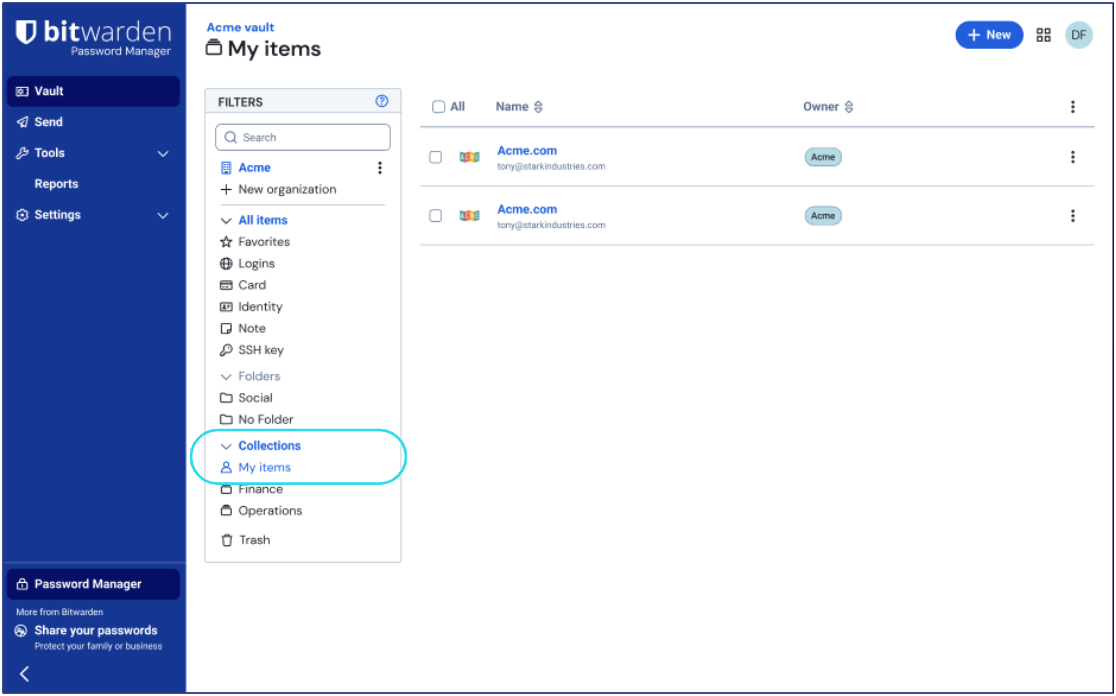
Users can securely store their unshared vault items in **My items**, and it can only be accessed by that user unless they leave the organization. When that happens, admins gain control to recover and reassign items.
This update has many benefits to organizations, allowing for total control of every saved item and reporting insights across all employees.
> NOTE: In this initial launch, Admins and Owners will be exempt from the **Enforce organization data ownership** policy. This will be addressed in a future release.
## The advantages of centralized organization ownership
Bitwarden is different from other password managers in that sharing was designed around the idea of a singular, centralized vault. Now, with **Enforce organization ownership,** all items are [owned by the organization](https://bitwarden.com/resources/best-for-businesses-centralized-ownership-in-bitwarden/), which ensures no data loss, easy management, and full reporting on potential credential-related threats.
This completes the credential lifecycle management vision by ensuring that every item created by employees in Bitwarden is in the purview of the organization.
### Complete reporting
With every saved item owned by the organization, Bitwarden vault health reporting provides a complete view of the security of all users’ credentials. While other solutions might provide a security score that is not actionable or means little, Bitwarden shows exactly what steps need to be made to correct security issues. The upcoming [Access Intelligence suite of features](https://bitwarden.com/blog/introducing-bitwarden-access-intelligence-proactive-security-protection/) works most effectively when it is applied across every stored credential, providing risk insights, automated alerting, and even initiating remediating workflows.
Additionally, the event log captures the viewing, updating, and use of items stored in a users’ **My items** with an anonymized identifier. When a user’s **My items** becomes available to admins, the identifier can be linked with the specific item, which helps with auditing access and any investigations.
### Easier employee transitions/offboarding
With centralized ownership of items, when a user transitions or leaves the company and is offboarded, all of their items remain securely in the organization vault. Items that were shared continue to be shared. When using **Enforce organization ownership**, admins can access items that the user kept in **My items** for recovery and reassignment. This makes succession simple, avoids disruption for other teams, and vastly reduces admin overhead during offboarding processes.
Other solutions might require the use of a complicated account recovery process for admins to gain access to these unshared items. Succession is even more difficult for solutions where individual users retain ownership of items and they become unshared when their accounts are deleted.
### Full credential lifecycle management
The Bitwarden architecture and **Enforce organization ownership**policy brings security of credentials at [every step of their existence](https://bitwarden.com/resources/credential-lifecycle-management/) for every user. From policies that manage how credentials are created, stored, and accessed, to everything else such as sharing, reporting, and succession.

Oftentimes, companies seeking an enterprise password manager mistakenly scope out only the creation and storage phases of a credential. They quickly discover they need to extend their vision when they suddenly find that they cannot access a critical credential when an employee leaves the company or is unavailable. With Bitwarden, it’s easy to plan for all phases of the credential lifecycle.
## Feature availability and guidance
The **Enforce organization data ownership** policy is available today to new Bitwarden enterprise cloud customers. Existing customers are recommended to wait for a full transition functionality to become available in a future release.
Existing customers that wish to give their users **My items** today may turn **Enforce organization data ownership**on (or toggle off/on) now. Guidance will need to be given to users for manually moving items to the new **My items** location.
> NOTE: If you have previously turned on the **Enforce organization data ownership** policy (formerly **Remove individual vault**), new users will automatically receive **My items**, while existing users will see no change until a future update adds **My items** for them automatically.
With **Enforce organization ownership**, the gaps in credential governance close. Gain reporting across every stored item, easy succession and transitions, and a full audit trail for compliance requirements. See how centralized ownership transforms [enterprise password management](https://bitwarden.com/products/business/) and start a [free 7-day trial](https://bitwarden.com/go/start-enterprise-trial/) of the Bitwarden enterprise plan or contact the [Bitwarden sales team](https://bitwarden.com/contact-sales/) today!
---
URL: https://bitwarden.com/blog/bringing-bitwarden-home-to-mom/
---
# Bringing Bitwarden Home…to Mom
When the promise of stronger security wasn't enough to convince mom to change established password habits.
*By Vivian Shic*
*Published: March 29, 2022*
---
My mom rotates between four different mobile phones depending on her international travel excursions, owns two iPads (and a smart TV) for unlimited streaming, and independently troubleshoots most computer issues. All of this is to say - she’s not *not* technically savvy.
So when Bitwarden announced Free Families for Enterprise a few months ago, I was inspired to do just that - bring Bitwarden home to my mom who, for all her digital accouterments, hand wrote her passwords in a thick stapled stack of paper. I thought, once she sees the power and efficiency of Bitwarden, she’ll never go back. A few hours on Saturday should be enough to migrate her credentials into a Vault, a few clicks, and it’s goodbye notepads forever!
Learn more: Bitwarden now offers [free Family plans](https://bitwarden.com/blog/how-to-protect-your-family-with-bitwarden-password-manager/) for all enterprise users.
Spoiler alert: It didn’t quite go as planned. While she’s now happily set up on Bitwarden, her initial resistance to change took me by complete surprise. Here are a few takeaways.
## The rational and emotional are often disjointed
Did I mention my mom was a victim of identity theft? For three years, she played whack-a-mole with banks, credit card companies, and credit bureaus until the FBI stepped in and caught the thief who had stolen hundreds of other identities. Surely someone who experienced online theft would see the value in keeping all her credentials and sensitive information securely stored in an end-to-end encrypted Vault.
That wasn’t the case and here’s why: change is grueling when the rational (thoughtful, logical) and emotional (instinctual, impulsive) are at odds. For mom, lectures around encryption, security, and even convenience weren’t cutting it. Her emotional mind loved the comfort of an existing routine. Understanding this helped me shift my approach, which was ultimately to get her to see a password manager in action.

*Paper files are much harder to track, version, or protect. Mom's passwords are now securely within a Bitwarden vault!*
## UR-What? Making the unknown less intimidating
New account set up, check. Master password, check. Logging in, check. We flowed through the process until she saw the Uniform Resource Identifier (URI) field within her Vault. Her existing reluctance went up a notch. This was suddenly a little too technical, too hard. So, I steered her away from the foreign and back to the familiar - logins, user names, passwords.
Afterwards, the explanation of what a URI is (I used [this handy blog](https://bitwarden.com/blog/what-is-a-uniform-resource-identifier-uri-and-how-does-it-help/) for help) became much more acceptable and less intimidating. I made sure she was first comfortable with what she was seeing on screen before introducing anything new. Moving her to the finish line was a series of small wins.
## Setting small milestones that are reachable and specific
At first, I equated resistance to stubbornness or even laziness when it was actually a lack of clarity. Her behavior of storing credentials and passwords in a stack of paper had become automatic, and changing that behavior required clear direction. An import of all her credentials at once would have muddled the path, so we focused on small milestones that were reachable and specific.
We started with one login: Amazon. Like many of us during the pandemic, my mom started buying things online. She let me move her Amazon credentials into the Vault. After that, the a-ha moment for her was seeing auto-fill in action. In just one click, Biwarden auto-filled her login credentials. No more shuffling through her sheets of paper trying to find and type in the right password!
## How to change when change is hard
Change at any level - whether individual or organizational - can be excruciating. Whether you’re trying to get a family member or an entire team to adopt stronger security habits, every change effort boils down to this question: Can you get someone to start behaving in a new way? By appealing to both the rational (stronger security!) and emotional (buy stuff faster on Amazon!), I was able to convince mom to finally move away from her stack of passwords and over to a zero knowledge, end-to-end encrypted Bitwarden vault. For me, this brought extra peace of mind knowing that if she ever needed my help with her online accounts, everything was securely within reach.
## Bitwarden supports your change efforts
Change - just like security - isn’t an event, it’s a process. With Bitwarden, you’re never alone in establishing better password management and security habits.
Bitwarden is with you every step of the way through the following resources and materials:
- [Help articles](https://bitwarden.com/help/)
- [Courses](https://bitwarden.com/help/courses/)
- [Live weekly demos](https://bitwarden.com/bitwarden-demo/)
- [Monthly office hour](https://bitwarden.com/events/)
Visit the [Bitwarden Community Forums](https://community.bitwarden.com/) to meet knowledgeable and helpful users.
Whether you’re an [individual user](https://bitwarden.com/pricing/) or [a business](https://bitwarden.com/pricing/business/), Bitwarden has the right plan for you.
---
URL: https://bitwarden.com/blog/bringing-intuitive-workflows-and-visual-updates-to-the-bitwarden-browser/
---
# Bringing intuitive workflows and visual updates to the Bitwarden browser extension
The browser extension serves as the primary interface for many users to quickly and securely manage their passwords.
*By Kevin Harris*
*Published: December 12, 2024*
---
> **Tips for long-time Bitwarden users:**Looking for a familiar workflow such as quick copy buttons and more? [Learn how you can customize Bitwarden](https://bitwarden.com/blog/bringing-intuitive-workflows-and-visual-updates-to-the-bitwarden-browser/#tips-for-long-time-bitwarden-users/) to enhance your experience.
The Bitwarden mission is to empower everyone to take control of their digital security. This means not only helping individuals and businesses build strong cybersecurity practices but also delivering a seamless and intuitive user experience across all products.
The browser extension plays a key role in this mission, serving as the primary interface for many users to quickly and securely manage their passwords. Recent updates, such as a more native [look and feel for the mobile app](https://www.reddit.com/r/Bitwarden/comments/1b32bbz/going_native_the_future_of_the_bitwarden_mobile/) and [redesigned navigation in the web application](https://bitwarden.com/blog/bitwarden-design-updating-the-navigation-in-the-web-app/), reflect ongoing efforts to listen to feedback and make meaningful improvements.
The redesigned Bitwarden browser extension is now live, introducing a more modern look and feel, streamlined workflows, and thoughtful updates to make password management more intuitive.
Read on to see what’s changed:
## Redesigning for long-term success
As Bitwarden continues to grow, the browser extension needs to grow alongside it. With new features being added, it’s essential for the Bitwarden experience to stay simple, intuitive, and accessible to everyone.
This redesign focuses on creating a modern, approachable experience—that makes password management enjoyable for everyone in achieving their security goals.
## Key changes in the redesign
The Bitwarden team has been working hard to improve the browser extension based on user feedback. Here are some of the changes you can expect to see in the coming months:
### Refreshed look and feel
The extension now has a cleaner, more modern design with updated colors, typography, and layouts that make everything feel more modern and approachable.


### Improved navigation and information architecture
#### Streamlined workflows
Key actions and features are now easier to access, with workflows designed to be more intuitive and efficient. For example:
- The **New Item** button has been redesigned as a dropdown, providing quicker access to specific item types for faster creation.
- A new **Fill** button has been added to the vault experience, making autofilling credentials more prominent and accessible.
- The **Item view** has been reorganized, with fields grouped under logical headings and some labels updated for better understanding—*Website* now replaces *URI*, for instance.
- **Copy functionality** has been simplified into a single, unified copy menu, offering a cleaner and more discoverable functionality.


#### Integrated Search and Filters
The **Tab**and **Vault**views have been combined to create a more consistent vault experience when browsing vault items. Filters for vaults, collections, folders, and item types are now integrated directly into the main view, allowing you to refine search results without needing to navigate away.

### More Customization
Bitwarden users have different needs and preferences, and the redesigned extension introduces flexible options to accommodate different ways of using the browser extension:
- **Compact Mode**: Ideal for users who want to see more vault items at once.
- **Light and Dark Modes**: Choose a theme that matches your preferences for a light or dark interface.
- **Adjustable Width**: Choose from default, wide, or extra-wide views to increase horizontal space and text visibility.


## Feedback was requested and received
Hundreds of users provided their feedback on the new redesign. Every suggestion was analyzed and explored, and the great ideas from the community helped refine the design into what it is today. Bitwarden is continuously iterating, and user feedback remains at the heart of the Bitwarden experience. Thank you to everyone that participated and provided thoughtful comments and insight. Not everything was implemented in this pass, but stay tuned for more enhancements in the future.
## A step forward
The Bitwarden mission has always been to empower everyone to take control of their digital security, and the redesigned browser extension is another step forward in delivering on that mission. With its modern look, streamlined workflows, and thoughtful updates, this release reflects the Bitwarden commitment to creating a seamless and intuitive user experience for everyone.
Are you interested in taking a look at the new Bitwarden user interface? Create a [free individual account](https://bitwarden.com/pricing/) or start a free [7-day business trial](https://bitwarden.com/pricing/business/) and [download](https://bitwarden.com/download/) the Bitwarden browser extension today!
## Tips for long-time Bitwarden users
For users seeking historical Bitwarden workflows, here’s how you can make adjustments to keep the classic functionality:
#### 1. Split out quick copy buttons
For single click buttons to copy usernames, passwords, and TOTP codes, go to **Settings**> **Appearance**> and select **Show quick copy actions on Vault**
#### 2. Change the default behavior of clicking a vault item
To remove the new **Fill** button and have clicking anywhere on the vault item activate autofill, go to **Settings**>**Appearance**> select **Click items in autofill suggestion to fill**
#### 3. Increase the data density / activate ‘Compact mode’
For those that prefer to see more items at once on-screen, go to **Settings**> **Appearance**> and select **Compact Mode (Beta)**.
There is also a new selection for **Extension width** in the **Appearance**settings window to allow for more space to see vault item names and details.
#### 4. Use Favorites to quickly access most-used items
A Favorites section will appear above the All items list in the Vault tab if you [set any item as a Favorite](https://bitwarden.com/help/favorites/#tab-browser-extension-2OHSqEJTLcE0fUVpWbvFSg/). To do so, open the vault item, select **Edit**, then click the star (☆) on the top right.
#### 5. Coming soon: Collapse Favorites and All items lists
For users that wish to keep the Favorites and All items hidden from view when opening the extension, a forthcoming update will allow those lists to be collapsed from view. More details have been posted on the [Bitwarden community subreddit](https://www.reddit.com/r/Bitwarden/comments/1hkqml0/extension_update_coming_soon_better_control_over/).
***Editor’s note, December 31, 2024:**** This article was originally published May 20, 2024 and has been updated to reflect that the redesign is now available, added details regarding what has changed, and added tips for adjusting and customizing the extension.*
---
URL: https://bitwarden.com/blog/bringing-restful-api-to-the-bitwarden-cli/
---
# Bringing a RESTful API to the Bitwarden CLI
A new `serve` command enables the Bitwarden Command Line Interface (CLI) to invoke a RESTful API to provide access to an encrypted vault.
*By Kyle Spearrin*
*Published: March 23, 2022*
---
Bitwarden began with an open source approach that remains today, designed by developers and with other developers in mind. Through an engaged open source development community, Bitwarden has been able to integrate community feedback and contributions into our product.
In the spirit of our continued support of the developer community, Bitwarden now has a new feature for the Command Line Interface (CLI) to make IT professionals' workflows easier: the ability to invoke a RESTful API providing access to an encrypted vault.
## Integrating with Bitwarden
Every business operates differently and has unique needs or methods for integrating with Bitwarden. Bitwarden itself already provides several integration methods, the most common are user management and [directory integrations](https://bitwarden.com/help/directory-sync-cli/).
Sometimes a business might need to integrate or automate management of encrypted vault data. However, due to the nature of the Bitwarden end-to-end encryption design, all operations that deal with vault data need to take place within an authenticated client environment. These operations cannot simply be hosted and called on a public server API. To date, this means that any programmatic integration on encrypted items required the Bitwarden CLI vault management commands to be executed as a binary.
Many developers building integrated tools expect a RESTful API for consistency across their applications. RESTful APIs are language agnostic and are what most developers seek.
## Host your own RESTful API with the new `serve` command
With the latest CLI release, Bitwarden provides a way to serve a RESTful API from the CLI, preserving an end-to-end encrypted environment. Executing the `serve` command will spin up a HTTP web server hosting the API locally, as a client, allowing the execution of encrypted operations.
`bw serve --port --hostname `
Now it’s possible to call localhost on the port, for example, GET /object/item from an HTTP interface. Most of the existing CLI commands have been translated into RESTful endpoints which should be familiar and intuitive for developers. A [list of the RESTful endpoints](https://bitwarden.com/help/vault-management-api/) and additional documentation regarding the new `serve` command can be found on the [Bitwarden Help Center](https://bitwarden.com/help/cli/#serve/).
## New possibilities
The support for a RESTful API opens possibilities for new levels of integration. An instance can run on a local machine, or within a private network that allows for several applications to connect with a central web server for programmatic access to a Bitwarden vault.
One scenario where this would be useful is new employee onboarding. You may want to provision them in your directory, the accounts they belong to, and create for them a Bitwarden account to grant them access to all of the logins they need on Day 1. You could implement this in an automated fashion with the RESTful API endpoints provided by `serve`.
We can’t wait to see what our developer community does with this new feature. Share your creative setups and uses on our Bitwarden [community forum](https://community.bitwarden.com/) - we would love to hear what you’re doing!
Learn more about Bitwarden for business and sign up for a free [7-day trial of our business plans](https://bitwarden.com/pricing/business/) to see how Bitwarden can help bring security to your company. Learn more at [Bitwarden.com](https://bitwarden.com/)!
**Editor's note:** Updated on 4/26/22 with added --hostname functionality
---
URL: https://bitwarden.com/blog/browser-biometrics-now-available/
---
# Browsing is a touch easier with Bitwarden!
Introducing Touch Id and Windows Hello for browser extensions
*By Trey Greer*
*Published: January 27, 2021*
---
Bitwarden is adding a touch **more** convenience to your browser in 2021!
Last year Bitwarden took the first step in integrating [Touch ID and Windows Hello to the Desktop platforms](https://bitwarden.com/blog/introducing-desktop-biometrics/), and as part of the first release of 2021, that functionality is extending to Browser Extensions, too!
## How it works
As part of the Desktop client addition of biometric support, Bitwarden leverages an operating system-level integration with hardware that performs authentication .
Browser extensions will now be able to access this authentication inside the Desktop application. This allows a more streamlined integration with hardware that does not require a unique browser-level integration.
Biometric authentication requires macOS users to download the Mac App Store version, available [here](https://apps.apple.com/us/app/bitwarden/id1352778147?mt=12) - while Windows users will need to perform a direct download, available [here.](https://bitwarden.com/download/?app=desktop&platform=windows/)
## Enabling Browser Biometrics
To start using Touch ID or Windows Hello to unlock your browser extension, install the Desktop Application and enable the applicable biometric option and Browser Integration under Preferences → Options.
Once the desktop application is configured, log into your Bitwarden browser extension and enable Unlocking with biometrics under Settings → Options. The desktop application will confirm the connection to your browser extension to complete the configuration.
Biometrics requires a [new permission](https://bitwarden.com/help/biometrics/#native-messaging-permissions/) from the browser extension. This is currently available and optional for all chrome-based browsers. Firefox and Safari will gain biometric functionality in the near future.
## Biometrics and best practices
The addition of biometric unlocking for the browser extensions extends security and productivity for Bitwarden users. Secure hardware biometric functions allow users to keep the total unlocked Vault time to a minimum by locking on shorter intervals more easily, using their face or fingerprint to unlock instead of typing a master password!
## Learn More
For documentation on configuring biometric authentication in Bitwarden, please check out our help article [here.](https://bitwarden.com/help/biometrics/)
---
URL: https://bitwarden.com/blog/build-an-online-security-culture-by-adopting-a-health-security-routine/
---
# Build an Online Security Culture by Adopting a Healthy Security Routine
Adopting a healthy online security routine starts with businesses empowering employees to take responsibility for online security.
*By Andrea Lebron*
*Published: June 22, 2021*
---
Developing an online security culture at work starts with a healthy security routine, both on an organization-wide and individual scale. Take the first step by securing passwords and sensitive information.
Most security leaders are familiar with password best practices:
- Always use a [strong, unique password](https://bitwarden.com/blog/five-best-practices-for-password-management/) for each account
- Do not store passwords in plain text Excel files or on sticky notes stuck to the screen of a workstation
- Use an end-to-end encrypted tool such as a password manager to help you manage everything
But how do these best practices become second nature to employees? That level of empowerment starts by building awareness. Greater awareness of password best practices translates into improved security behaviors, which develops into [a positive online security culture](https://bitwarden.com/blog/why-employess-are-at-the-front-line-of-enterprise-threat-prevention/).
## Adopting a periodic healthy online security routine
Organizations can adopt a healthy online security routine by conducting periodic checks to identify potential risks stemming from workplace account log-ins. Employees can replicate a similar routine for their work accounts and even personal accounts.
### Use your password manager health reports
Begin with the vault health reports built into your enterprise password manager. These reports should identify the following risks on workplace accounts saved in the system.

*A look into the Vault Health Reports in Bitwarden*
- **Weak Passwords Report:** This report identifies passwords that are easy to crack using brute force algorithms. According to [Verizon’s 2020 Data Breach Investigations Report](https://enterprise.verizon.com/resources/reports/dbir/), more than 80% of data breaches attributable to hacking are due to brute force attacks against weak passwords.
- **Reused Passwords Report:** This report identifies non-unique passwords in your vault. Reusing the same password for multiple accounts can allow hackers to easily gain access to multiple online accounts when one account is breached.
- **Exposed Passwords Report:** This report identifies hacked passwords released publicly or sold on the dark web, using the first five digits of the hash of all the passwords in the vault. Advise employees to change exposed passwords as they will be among the first tried by hackers in brute force attacks.
- **Unsecured Websites Report:** This report identifies login credentials saved in the vault related to an unsecured website with an http:// prefix. It is safer to change the prefixes to https:// to support encrypted communications using TLS/SSL.
- **Inactive Two Factor Authentication:** Many online services now offer the option to add an extra layer of security using two factor authentication (2FA). This report identifies logins saved in the account for which 2FA is available and is not turned on.
#### When to run reports
Block off time to run these reports weekly or monthly or an interval that works for you. Add these checks to your other regularly scheduled security audits like phishing tests. Some companies run security audits up to twice a month, according to a [2020 report](https://www.gflesch.com/elevity-it-blog/how-often-should-you-do-cybersecurity-awareness-training).
### Have employees conduct their own online security health checks
Employees also have access to a data breach report through their enterprise password manager for workplace accounts. The report identifies compromised passwords (email addresses, passwords, credit cards, etc.) from all-time historical records.
#### Two ways to encourage the use of vault health reports
- **Gamify data breach and exposed passwords checks:** Some employees might be surprised to see how often their account is tied to a data breach. Make it into a contest by seeing who can get to 0 exposed passwords. Encourage your employees to work together towards upgrading their security. Accountability goes a long way when you have colleagues to support you.
- **Add it to your annual employee security compliance training:** Most companies require annual employee trainings to meet security compliance standards. Make it a habit for employees to check their accounts for data breaches by rolling it into your company training program as a checkbox requirement.
Set it up as a simple survey question such as:
***Data Breach Check Confirmation:***
*Confirm if you have checked for any exposed passwords attributed to your account using the enterprise password manager tools. Update passwords as necessary to secure your account.*
- *Yes*
- *No*
- *Will do now*
The survey and documentation on employee password health provides a substantive result to use in security and compliance audits.
## Take the first step to adopt a healthy online security routine today
Take advantage of an [Enterprise Trial](https://bitwarden.com/pricing/business/) of the Bitwarden Password Manager and check out our Vault Health Reports today. You can also set up your own [free account](https://bitwarden.com/pricing/) to try out the data breach report yourself.
---
URL: https://bitwarden.com/blog/building-a-cybersecurity-culture-in-the-workplace/
---
# Building a security culture in the workplace
Explore common habits that create data security vulnerabilities and learn strategies for developing a cybersecurity culture.
*By Bitwarden*
*Published: March 27, 2025*
---
According to the [2023 Bitwarden Password Decisions Survey](https://bitwarden.com/resources/the-survey-room/) of independent IT decision-makers across a range of industries, 60% of respondents reported their organization experienced a cyberattack within the past year. Almost half (49%) report struggling with employees who use unauthorized devices or software without IT’s approval, most (80%) report having a ransomware mitigation strategy, and 75% report their organization has cyber insurance.
These statistics reflect a corporate landscape that is saturated with data security risks. Another recent industry study [found](https://assets.sophos.com/X24WTUEQ/at/c949g7693gsnjh9rb9gr8/sophos-state-of-ransomware-2023-wp.pdf) that 66% of respondents reported their organization was affected by ransomware, with the average (mean) ransom payment almost doubling from $812,380 in 2022 to $1,542,333 in 2023.
Organizations are regularly targeted by cyber criminals aiming to exploit risky internal behavior and an inadequate cybersecurity culture. Cultivating a strong security culture within the organization can significantly enhance resilience against cyber incidents. This blog explores common habits that create data security vulnerabilities and discusses strategies for developing a culture of security, such as ensuring identity security best practices and regular cyber awareness trainings are in place.
## What is security culture?
Security culture refers to the collective attitudes, values, and behaviors that an organization or community promotes to minimize security risks and protect its assets. It is a set of customs shared by a community to minimize risk, making safe behavior online habitual and ensuring employees can confidently identify and deter bad actors’ attempts to exploit vulnerabilities through phishing, malware, ransomware, and more. A strong security culture is essential for any organization, as it helps to reduce the risk of security breaches, data exfiltration, and other security concerns.
## Evaluating your current security culture
Evaluating your current security culture is essential for identifying areas for improvement and creating a stronger organizational security awareness and habits. To evaluate your current security culture, you should assess your organization’s security measures, best practices, and risk assessments. You should also consider conducting regular security audits and risk assessments to identify vulnerabilities and areas for improvement.
## Risky behavior that can compromise companies' security risks
Earlier in this blog, we referenced a statistic about employees who use unauthorized devices or software without the IT team’s approval. These “shadow IT” behaviors create risks for organizations by introducing new attack vectors that IT teams or a security operations center (SOC) aren’t aware of and are unable to control. The same report found that:
- Almost all respondents (90%) reuse passwords
- Over half (54%) keep track of passwords on computer documents, while 29% simply write them down on paper
IT decision makers may generally be perceived as being more security conscious than the average employee. The [2023 Bitwarden World Password Day Survey](https://bitwarden.com/resources/the-survey-room/) also polled 2,000 Internet users around the globe. Although risky behavior may not always permeate into the workplace, it’s reasonable to assume there may be some overlap. The survey found:
- 19% have used “password” as their password
- A majority (68%) of respondents manage passwords for 10+ sites or apps and yet 84% of respondents reuse passwords
- Although 30% use a password manager, nearly double (58%) rely on their memory for their passwords, and 34% still write their passwords down on paper like Post-it notes or a notepad
Using weak passwords, such as “password,” makes it easier for cyber criminals to brute force account access with credential stuffing or password spraying attacks, potentially compromising multiple accounts. Writing down passwords on paper opens the door to external and internal threats. Risky practices beyond password security include using public WiFi for workplace access, interacting with suspicious links, and opening attachments from unknown senders. These behaviors can result in compromised credentials, malware, and other threats that can impact a company financially and reputationally. Understanding security issues is critical for employees to safeguard sensitive data and assets against potential threats.
## Ideas for building a strong security culture
Building a cybersecurity culture takes time. The value that it brings to an organization was discussed during the [2023 Bitwarden Open Source Security Summit](https://bitwarden.com/open-source-security-summit/). Experts from AccuRanker, Tall Poppy, and Techlore joined each other on a panel to discuss strategies for fostering a culture of security. Some the takeaways included:
- Encouraging people to lean into personal cybersecurity best practices has an effective compound effect on the enterprise security posture
- Organizations should promote a culture that encourages employees to notify the IT team when something goes awry and prioritize real-life, ongoing training exercises that occur throughout an employee’s tenure. Senior management's active support for security initiatives is essential for ensuring that all employees understand and adhere to cybersecurity best practices.
Organizations that want to promote a robust, top-down cybersecurity culture should encourage C-level executives and empower team leaders to oversee third-party risks, develop and enforce comprehensive security policies, and lead cybersecurity education and awareness initiatives.
Organizations should also implement interactive and memorable elements such as music, quizzes, or short videos. Set the expectation for recurring, quick lessons throughout the year that keep security top of mind and empower team members to report suspicious activity, and create a system for sharing malicious messages, as well as unusual website or login activity. Security training is a vital component of a comprehensive cybersecurity strategy. Over time, this leads to a more collaborative approach with heightened awareness at every level of the company, enabling IT to react promptly, if not preemptively.
Developing a fully secure remote culture means providing the tools people need to be successful. Organizations typically need both SSO-compliant and password-based solutions to ensure optimal security and user experiences. Shared accounts that require granular levels of control present another set of challenges for sharing credentials. Password managers play a critical role in securing, creating, and storing organizations’ credentials in collections admins can manage.
A [recent survey](https://bitwarden.com/resources/2023-password-decisions-survey-results/) revealed that 79% of employees want their company to require the use of the same password manager throughout the business. Password managers are a critical component of securing shared secrets within an organization and ensuring compliance with credential strength and best practices. As employees continue to work from home, it is a business-critical objective to have a solid remote access management strategy in place with a password manager.
A password manager like Bitwarden enables employees to create, manage, and store credentials in an end-to-end encrypted vault. Password managers take the hard work out of creating credentials by ensuring users only need to remember a single password, the one to the vault that stores and encrypts sensitive login credentials. Enabling employees to easily create strong and unique passwords also reduces the prevalence of weak or reused passwords.
Bitwarden also supports [multifactor authentication (MFA)](https://bitwarden.com/help/setup-two-step-login/), a technology that historically required authentication from a second device before the user could log in. In recent years, multifactor authentication methods have broadened from something you have (text message, security key) and something you know (a pin, a word) to encompass something you are (facial and voice recognition). MFA is worth deploying because it creates a second layer of defense if a user’s login credentials are compromised.
Speaking at the 2023 Bitwarden Open Source Security Summit panel on cybersecurity culture, Techlore founder Henry Fisher said the following:
> “Data breaches can impact companies, customers, or even society, depending on how important services are to a community.”
While it isn’t possible to guarantee 100% security, it is very possible to limit the impact of a data breach by building an enterprise-wide cybersecurity culture that recognizes the importance of protecting credentials.
## Employee training and awareness programs
Employee training and awareness programs are a key element of any effective security culture. These programs should educate employees on security risks, security concerns, and security best practices, and provide them with the knowledge and skills they need to report security concerns and implement better security awareness habits. Security awareness training should be regular and ongoing, and should include topics such as phishing, malware, and data protection. By providing employees with regular security awareness training and promoting a culture of openness and transparency, organizations can ensure they are turning employees into their greatest asset for mitigating security risks moving forward.
## Get started with Bitwarden for security awareness training
Ready to try out password sharing with Bitwarden? Quickly get started with a [free Bitwarden account](https://bitwarden.com/pricing/), or start a [7-day free trial of our business plans](https://bitwarden.com/pricing/business/) to keep your team safe online.
---
URL: https://bitwarden.com/blog/building-a-cybersecurity-work-culture/
---
# Building a Cybersecurity Work Culture
Read this Open Source Security Summit 2023 Q&A featuring cybersecurity experts from Tall Poppy, AccuRanker, and Techlore.
*By Bitwarden*
*Published: February 27, 2024*
---
> Learn more about the annual [Open Source Security Summit](https://bitwarden.com/open-source-security-summit/).
Building a cybersecurity work culture in the age of distributed workplaces is imperative. It can also be challenging, especially when factoring in resource constraints. Fortunately, three experts were on hand to address this topic through a Q&A during the [2023 Open Source Security Summit](https://bitwarden.com/open-source-security-summit/).
Moderating the Q&A was [Leigh Honeywell](https://leighhoneywell.com/), Co-Founder and CEO of [Tall Poppy](https://www.tallpoppy.com/), a company specializing in personal and executive cybersecurity for banks, movie studios and organizations who have to deal with internet harassment.
Honeywell was joined by [Henry Fisher](https://henryfisher.tech/), digital rights activist and founder of Techlore. Fisher is also a runner, artist, musician, book nerd, and privacy advocate. He also co-hosts the [Surveillance Report](https://surveillancereport.tech/) weekly newscast.
Rounding out the panel was Phillip Kampmann, Software Engineer III at AccuRanker. Phillip is the lead developer behind AccuRanker’s Secret Service, which handles secrets through the Bitwarden Secrets Manager.
[](https://www.youtube.com/watch?v=wSqiGN-hkKk)
*[Watch on YouTube](https://www.youtube.com/watch?v=wSqiGN-hkKk)*
*Watch the full session recording or read the full Q&A below*
## Strategies for encouraging employee engagement
**Leigh Honeywell**: When I was at Slack, our new hire security training was the second training that every new employee attended. Basically, you got your laptop, you received an onboarding welcome from one of the executives, and then you went straight into security training. I really appreciated receiving this right away because it made it clear this was an existential priority for the organization. I'm curious what strategies you have both found to be effective in terms of encouraging employee engagement around cybersecurity.
**Henry Fisher**: My main role has been focused on end users rather than the corporate environment, but I’ve found that personalization and helping people genuinely care and understand how security protects their data is really important. This is a good starting place, because people struggle to conceptualize why it matters. They need to understand how security impacts, not just the company, but themselves. A lot of data breaches actually target employee data, not just customer data and other company secrets. Data breaches can impact companies, customers, or even society, depending on how important services are to a community.
**Leigh Honeywell**: That’s a really interesting perspective. There are no magic bullets. That's one of the hard things about this work. I primarily work with people in their personal capacities as well, because we're focused on online harassment and personal cybersecurity threats. Encouraging people to lean into personal cybersecurity practices has a great effect on the enterprise security posture.
**Phillip Kampmann**: Agreed, tailoring training programs to address security when onboarding new employees is very important. It’s also important to offer them real-life examples of how to actually utilize security tools as well as share tips on how to avoid some of the pitfalls that are out there in regards to phishing emails and other threats.
**Leigh Honeywell**: What are the pitfalls you’ve seen, especially around security culture?
**Phillip Kampmann:**The main pitfall we see is people's ability to choose a good password. That's where we often see people failing. That’s also why we focus on engaging with people about how they should use their security tools, such as setting up rules for how to ensure password length and complexity.
> We want to create a culture that encourages employees to notify us when something goes awry and prioritize real-life, ongoing training exercises throughout an employee’s tenure to ensure continuous improvements and security.
## Tips for SMB to enterprise
**Leigh Honeywell**: Several of us work at smaller organizations and folks at this Open Source Security Summit range from small and medium businesses to enterprise. When you're working with SMBs, smaller organizations, newsrooms, nonprofits, you find that these entities are resource constrained. With that in mind, what do you think are the most important factors around building a cybersecurity culture? What are some challenges smaller companies face and how does it differ from enterprises?
**Phillip Kampmann**: I think – especially for small and medium-sized businesses – it's important to focus on basic security measures. First off, we often aren't big enough to handle all security measures at once. Some might need to be outsourced or treated differently than you would at an enterprise level. It’s important to educate employees and ensure they’re aware of security. This holds true for small, medium, and larger enterprises.
**Henry Fisher**: I follow the attacks happening on the corporate end and most of them aren’t super-sophisticated attacks. They're just trying to find the low hanging fruit that is people making simple mistakes. Focusing on the essentials will prevent a lot of issues. But also, this is an open source conference.
> Open source solutions are a fantastic option for organizations that are resource-constrained because they're super accessible with a lot of documentation. They're designed for everybody and a lot of them are more cost-effective as well. On top of that, there are more likely to be ways to modify the solution to apply to your situation.
## Open source security tools
**Leigh Honeywell**: How do you see open source security tools fitting into organizational security, culture, and overall strategy, whether it's small businesses, individuals, personal security, or all the way up to the enterprise?
**Henry Fisher**: They are more accessible to end users and companies alike.
> There are so many benefits of open source, including transparency and customization.
And while proprietary solutions are sometimes the answer, I think open source solutions generally have a bigger community backing, which cumulatively provides a lot of value at a very low friction point.
This might sound silly, but open source documentation is beautiful to me because many open source projects try to make human documentation that anyone can understand regardless of background. Everything's translated and you rarely need support because it's so well done. And I think that's kind of rare nowadays.
> I see open source security tools fitting into many parts of a company's culture and strategy. Open source has a lot to offer.
**Phillip Kampmann**: Another key benefit of open source is the timeliness of fixes.
> There's often a lot of people looking at open source projects; consequently we have the ability to fix small and big issues within due time. We can also make our own solutions flexible when it comes to using different kinds of open source systems.
**Leigh Honeywell:**We’re all big fans of open source at this summit. But to be a little self-critical and reflective, what are some of the challenges that you've seen with implementing open source security solutions, either at a cultural level or at a technical, practical level?
**Henry Fisher**: One thing that personally concerns me, my company, and people I know, is that people need to believe they can get support directly from the software if something goes wrong. Sometimes open source can feel like you took the training wheels off your bicycle and now you're on your own. A lot of organizations might be intimidated by that. But, that's not always the case.
> Many open source organizations do have support and offer specific programs for enterprise customers.
It does help fill the gap, although it might not be as readily available for smaller organizations or projects.
**Leigh Honeywell**: I must focus on the flexibility of using open source, both as a pro and con. I think the pros are definitely there when it comes to customizing and personalizing. But some of the smaller projects might not have the resources to actually be there. They might not have the contributors to adjust to what’s happening in the market in time. If you identify a challenge there are opportunities to personally add, contribute, and fix stuff yourself.
**Leigh Honeywell**: What is one big security oversight that you see happening across organizations?
**Phillip Kampmann:** I might have said lack of security awareness a couple years ago, but that’s changing for the better, among both small and larger companies. We’re also seeing this improve as more security regulations are implemented around the globe. So I'm actually not sure what the biggest problem is at this point of time. I think in smaller companies, it might still be things like bringing your own devices that might contain different kinds of malware.
**Henry Fisher**: I think what can be the most devastating thing that companies don't think about is whether or not the third party tools they rely on are secure. This is actually a good selling point for open source, as well.
Specifically, I'm thinking about the GoAnywhere data breach, which is the most recent one. It’s now hitting hundreds of organizations and impacting millions of people just because one piece of software was insecure. Those can be really disastrous. It can take just one person screwing up to affect thousands of companies. Choosing great open source tools that are trusted and being securely updated is very important.
Learn more about the annual [Open Source Security Summit](https://bitwarden.com/open-source-security-summit/).
## **Get started with Bitwarden**
Ready to try out password sharing with Bitwarden? Quickly get started with a [free Bitwarden account](https://bitwarden.com/pricing/), or start a [7-day free trial of the business plans](https://bitwarden.com/pricing/business/) to keep your team safe online.
Still have questions? Check out the [live weekly demo](https://bitwarden.com/events/weekly-demo/) to connect directly with the Bitwarden team.
---
URL: https://bitwarden.com/blog/building-a-strong-security-stack/
---
# Building a strong security stack
See what apps are most favored from the Bitwarden community.
*By Baylor Randolph*
*Updated: October 3, 2025*
---
Throughout October, the [Cybersecurity and Infrastructure Security Agency (CISA)](https://bitwarden.com/resources/the-state-of-password-security/#cybersecurity-and-infrastructure-security-agency-cisa/) and [National Cyber Security Alliance (NCSA)](https://bitwarden.com/resources/the-state-of-password-security/#the-national-security-agency-nsa/) raise awareness about the importance of cybersecurity. Over the course of the month, these security groups encourage people and organizations to do their part in protecting cyberspace, encourage personal accountability, and take proactive steps to enhance cybersecurity.
In celebration of Cybersecurity Awareness Month, we want to know what your cybersecurity stack looks like!
We surveyed the Bitwarden community and the results include their favorite applications across the stack.
The basic principles behind a strong stack include:
- **Perimeter Security** - Provides your network perimeter security
- **Endpoint Protection** - Protects [employee](https://bitwarden.com/blog/why-employees-are-at-the-front-line-of-enterprise-threat-prevention/) computers
- **Information Security** - Protects computer files and other information
- **Authentication** - Ensures you are who you are when accessing data
- **Backup and Recovery** - Quickly get back up and running after a disaster or breach
- **Network Monitoring** - Continuously monitors for network infrastructure threats
It’s always a good time to take a look at how you can better protect your online information and create a more secure online presence. Cybersecurity Awareness Month reminds us to take advantage of security resources and software to keep us safe online.
In addition to the results of the survey, here are a few free and secure cybersecurity resources from Bitwarden:
- [Strong Password Generator](https://bitwarden.com/password-generator/)
- [Password Strength Tool](https://bitwarden.com/password-strength/)
- [Password Manager for Individuals and Businesses](https://bitwarden.com/pricing/business/)
## Top cybersecurity apps from the Bitwarden community survey results
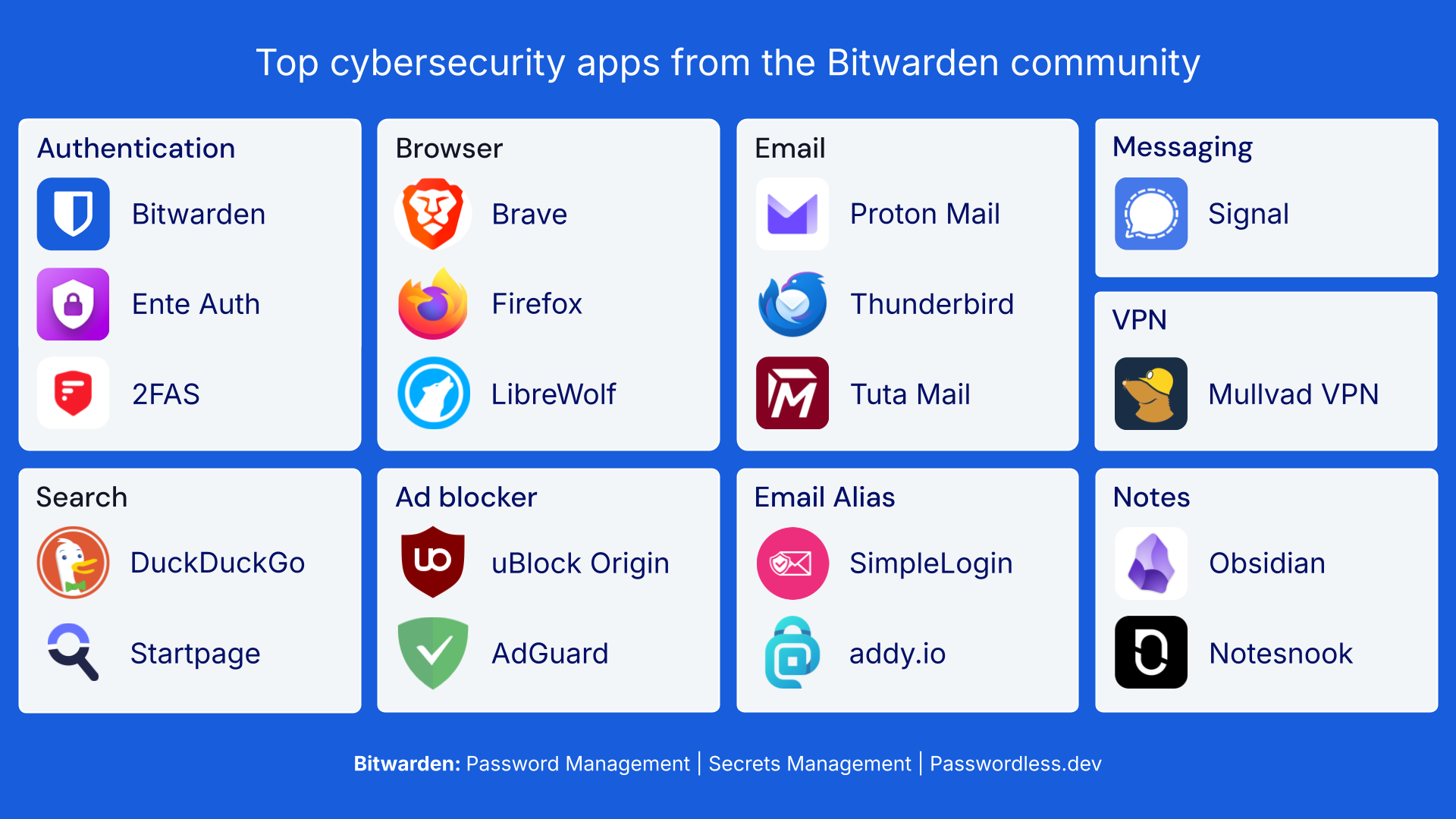
## What does your cybersecurity stack look like?
Did we miss any important apps? Let us know on X at [x.com/Bitwarden](https://x.com/bitwarden).
## Get started with Bitwarden
Ready to try out Bitwarden today? Quickly sign up for a [free Bitwarden account](https://bitwarden.com/pricing/), or register for a [7-day free trial of our business plans](https://bitwarden.com/pricing/business/) so your business and team can stay safe online.
---
URL: https://bitwarden.com/blog/choose-the-best-enterprise-password-manager/
---
# How to choose the best enterprise password manager for your business
Identifying the best password manager for your business doesn’t have to be a daunting task. Here are some factors to consider when selecting an enterprise password manager.
*By Bitwarden*
*Published: September 19, 2023*
---
Given the number of options on the table, identifying the [best password manager for your business](https://bitwarden.com/products/business/) can seem like a daunting task. But, it doesn’t have to be. There are a few key factors that should play a role in allowing IT decision makers (ITDMs) to narrow down the list of options and find a password manager that meets your business needs. Before assessing what those are, some background into the enterprise security landscape: according to the [451 Research Enterprise Password Management Survey](https://bitwarden.com/resources/the-survey-room/) of ITDMs, 57% of respondents used password management tools and another 15% said they would be adopting password management tools. Almost all (93%) said they were maintaining or increasing their password management budgets. Almost a third (29%) of respondents have had a security incident related to passwords. Of those, 37% had significantly or somewhat impacted internal operations. Clearly, there is appetite for the enterprise-wide deployment of password managers.
## End-to-end encryption and third-party auditing
When asked their top reason for selecting a password management tool, 51% of respondents in the 451 Research Survey cited ‘account fraud’. When asked what makes a ‘good’ password manager, 60% of ITDMs in the the [Bitwarden 2023 Password Decisions Survey](https://bitwarden.com/resources/2023-password-decisions-survey-results/) cited security, followed by the availability of two-factor authentication (2FA).
Clearly, security is a priority to ITDMs evaluating the best [enterprise password manager.](https://bitwarden.com/products/business/) One of the most effective strategies for ensuring robust security is through the use of end-to-end encryption. Bitwarden [encrypts sensitive user data](https://bitwarden.com/resources/zero-knowledge-encryption-white-paper/) as soon as it enters the Bitwarden client. There is no such thing as unencrypted vault data, except when the user is in control, viewing the information in a Bitwarden client where they have entered their email address and master password. From there, all vault data remains encrypted when sent to the Bitwarden Cloud or a self-hosted Bitwarden server. Upon synchronizing the data to other clients, it remains encrypted until the unique email address and master password are re-entered.
In a nutshell, end-to-end encryption through a user’s email and master password ensures that Bitwarden as a company cannot see passwords and can never access a user’s master password.
An additional strategy for strengthening overall enterprise security is to deploy a password manager that has undergone third-party audits. These should include source code assessments and penetration testing across IPs, servers, and web applications.
## Cross-platform availability
The ability to access the password management tool anywhere, on any device - also known as cross-platform availability - should be a major consideration when evaluating enterprise password managers. Gone are the days when employees were tethered to one computer in the same physical space; in the era of distributed, hybrid, and remote work, employees are logging in from different devices, in different locations all over the world. With a growing number of access points simultaneously increasing the availability of attack surfaces for cyber criminals, it’s imperative that password managers are able to cover all bases.
## Integrates two-factor authentication
As briefly mentioned above, 56% of ITDMs in the Bitwarden 2023 Password Decisions Survey cited 2FA as an important attribute of a ‘good’ password manager. According to the same survey, 92% of respondents use it in the workplace, up from 88% last year. And with good reason. As far as security technologies go, the [power of 2FA is indisputable](https://bitwarden.com/help/bitwarden-field-guide-two-step-login/). Websites that use 2FA require users to verify their identity by entering an additional "token" (also called verification code or one-time password (OTP)) besides a username and password, typically retrieved from a different device.
Without physical access to the token from a user’s secondary device, cyber criminals are unable to access the website, even if they discover the user’s username and password.
Common methods for facilitating 2FA include sending tokens through SMS/text messages, requesting a token through an authenticator app, such as Authy or Google Authenticator, or utilizing a physical security key, such as Yubikey.
## Ease-of-use
The best [enterprise password manager](https://bitwarden.com/products/business/) should be highly secure, offer cross-platform availability, and allow users to enable 2FA. It should also be relatively easy to use. ITDMs who put all their eggs in the security basket would be remiss if they didn’t consider the importance of selecting a product that mitigates user friction. Employees shouldering heavy workloads and time constraints won’t be pleased if they have to spend time figuring out the mechanics of their enterprise password manager. Common sense dictates they will likely attempt to make an end-run around the product or use something else. According to the Bitwarden 2023 Password Decisions Survey, almost one-third (32%) of IT decision makers and 49% of employees engage in ‘shadow IT’.
## Other variables when considering the best enterprise password manager
To recap, factors that should play a role in the selection of the best [enterprise password manager](https://bitwarden.com/products/business/) for your business are security, cross-platform availability, 2FA integration, and ease-of-use. Other variables ITDMs should consider is whether a solution offers self-hosting, is built on open source technology, and supports biometric logins. Biometric and passwordless login are becoming increasingly attractive options for enterprise ITDMs. In the Bitwarden 2023 Password Decisions survey, around half (49%) of respondents said they are deploying or have plans to deploy passwordless technologies. A majority (51%) are relying on the ‘something you are’ (i.e. biometric) forms of authentication. While adoption may be slow - passwords are still ubiquitous - expect biometric technology to increasingly make inroads and become a greater factor for ITDMs assessing the best enterprise password manager for their business.
## Get started with Bitwarden
Ready to simplify your security with a password management solution? Get started with a [free business trial](https://bitwarden.com/pricing/business/) to help your team stay safe online, or quickly sign up for a [free individual account](https://bitwarden.com/pricing/).
---
URL: https://bitwarden.com/blog/choosing-the-right-password-manager-for-your-business/
---
# Choosing the Right Password Manager for Your Business
Evaluating password managers starts with identifying your own business requirements first
*By Andrea Lebron*
*Published: June 7, 2021*
---
Creating a complete online security tech stack for workplaces includes adding password management for employees. Why? Because hacked company accounts often stem from weak and compromised passwords. And as more employees work remotely, password management best practices become even more critical. A password manager can help, but with so many options available, how do you choose the right one?
Start by identifying your requirements and assessing password manager capabilities that best meet your business needs.
## Identify Your Requirements
Every business has a unique security profile and can strengthen different areas at risk of credential stealing. Malicious actors exploit common methods to steal log-in credentials, including:
- Phishing emails
- Insider threats (both inadvertent and intended)
- Shadow IT environments or the use of unsanctioned services
Know which areas to strengthen your security profile by looking at common password behaviors in the workplace.
### Common areas to improve password security requirements
Convenience usually wins out when it comes to password sharing and storage. A surprisingly high percentage of IT decision-makers share passwords through email (nearly 40% - according to a [2020 Bitwarden Passwords Decisions Survey)](https://bitwarden.com/blog/password-decisions-survey-2021/). Without a formal password sharing policy, ad-hoc password storage methods can be a cause for concern. 77% of respondents said they maintain passwords on their PCs in documents and spreadsheets, while others kept them on paper or claimed to memorize them – implying they lack complexity and uniqueness.
Duplicate passwords also serve as another common password security theme. Password re-use across different accounts remains an overall concern for corporate security. For example, suppose an employee uses the same password for the corporate network and a social media account. If a hack occurs on the same account in a brute force attack, the corporate network could be vulnerable.
### More ways to identify business password requirements
When assessing risks and identifying business password requirements, most organizations need to consider the following key areas:
- Identifying exposed, reused, weak, or potentially compromised passwords
- Setting policies to protect employees from using weak passwords
- Ensuring all passwords are stored securely
- Educating employees about password management best practices
- Delivering a secure data sharing framework for employees
- Enabling remote employees to share passwords securely
- Mitigating the likelihood of successful phishing attacks
- Increasing employee accountability for security best practices
## Assessing Password Manager Capabilities
Looking at the minimum requirements above, most password managers have random password generators that can create very strong password combinations. But not all systems allow businesses to apply policies stipulating new passwords must be at least a certain number of characters in length and be configured to include a combination of upper and lower case letters, numbers, and special characters. A policy option helps protect employees from using weak passwords.
Policies can also assist with password management best practices and encourage employees to avoid less secure shortcuts. Audit logs monitor who creates, changes, and/or shares passwords to increase employee accountability for security. Aiming to minimize the likelihood of successful phishing attacks, the password manager should retain official site URLs, thereby providing a secondary signal to keep away from imposter sites.
A permission-based structure helps employees securely share passwords. While end-to-end encryption should be the default standard for any password manager, those combining encryption, policies, and permission-based structures will store passwords more securely than those that do not employ these methods.
To identify exposed, reused, weak, or potentially compromised passwords, the password manager should report on password usage and potential vulnerabilities.
## Five Key Considerations When Picking Your Business Password Manager
We see the choice boiling down to these five key questions:
- Does it operate cross-platform no matter where employees are located?
- Does it support enterprise-grade [security and compliance standards](https://bitwarden.com/resources/security-white-paper/), including complete end-to-end encryption with zero knowledge of your vault data?
- Does it support seamless integrations with existing systems such as SSO authentication or directory services?
- Does it offer source code transparency for heightened visibility to infrastructure and security methods?
- Does it support a self-host deployment option?
If you answered yes to some or all of those questions, then we recommend you explore the [business and enterprise password manager](https://bitwarden.com/products/business/). Or learn how other organizations, such as [Intesys](https://bitwarden.com/blog/case-study-intesys/), are taking advantage of the secure and flexible features available in the Bitwarden platform today.
> “Bitwarden is a solution to the enterprise-class headache. No more uncertainty and process approximation around password management. No more unsecured sharing. It has all the functionality you expect from an open source platform.”
> Alberto Gaiga, CEO, Intesys
> [Read the Intesys Case Study](https://bitwarden.com/blog/case-study-intesys/)
## Further Info about Picking the Right Password Manager
The best way to pick the right password manager is to try it out yourself. Get started with a free 7-day trial of our Enterprise plan, or check out our other options built for you or your business.
[Start Using the Bitwarden Password Manager Today!](https://bitwarden.com/pricing/business/)
---
URL: https://bitwarden.com/blog/choosing-your-secure-future/
---
# Choosing Your Secure Future
Choosing Your Secure Future
*By Gary Orenstein*
*Published: February 8, 2021*
---
## Behind the scenes of our newest digital awareness effort
C’mon, we’ve all been there, struggling to remember our online passwords for the vast multitude of business and personal accounts. Staring, guessing, taunted by security questions, I think we are all over it. Of course solutions exist for business and for personal use, but then you have to choose. Decisions matter when committing to a password management solution for your business. You do the research, read the reviews and check with business allies and friends. There really is only one answer: Bitwarden. The only open source password management system built tough enough for business and easy enough on you.
##
The need is real
Even those familiar with the risks sometimes fall victim to sharing passwords through unencrypted and insecure methods. In a recent 2021 Passwords Decision Survey of IT decision-makers, nearly 40% said they sometimes use email to share passwords. For more detail on what is driving the need for organizations to adopt password management, [download](https://bitwarden.com/blog/password-decisions-survey-2021/#download-the-full-report/) the full survey.
##
Introducing The Answer Is Bitwarden
In a world that appears increasingly unpredictable, taking control of your security is easy, The answer is Bitwarden. Today marks the release of this digital push.
For internet users, the number of accounts with usernames and passwords we manage far exceeds our ability to manually maintain long and unique logins for each site. That is where password managers come in.
- Bitwarden helps when you need to quickly generate a new Facebook password, or you want to share your password for a streaming subscription with family.
- Bitwarden helps when you want to find a secure way to share credentials among your team, or foster easier ways to onboard new colleagues and make them productive quickly.
- Bitwarden helps ensure that your company has the right employee tools to protect individual and organizational credentials and the administrative tools to manage that infrastructure at scale.
##
The lighter side of password management
One of our first pieces is a fun play on the experience of a forgotten password.
[](https://vimeo.com/763843803)
*[Watch on Vimeo](https://vimeo.com/763843803)*
The approach also includes highlighting the benefits of secure sharing of credentials.
And, of course, we wanted to share the global nature and the reach of our application, which has been translated into nearly 40 languages.
[](https://vimeo.com/763843818)
*[Watch on Vimeo](https://vimeo.com/763843818)*
## Getting the word out
You might see **The answer Is Bitwarden** on your favorite social site, and we hope it encourages our users and security enthusiasts to get the word out. If you are not using a password manager, now is the time!
If you’d like to get started with a free trial on a Teams of Enterprise plan, or sign up for the free individual Basic Account, visit [Bitwarden Plans and Pricing](https://bitwarden.com/pricing/business/)
---
URL: https://bitwarden.com/blog/chrome-extension-v1-2-4-security-fix/
---
# Chrome Extension Version 1.24 — Security Fix
An important fix for users on Chromium based browsers is now available in version 1.24 of the bitwarden browser extension. You should…
*By Kyle Spearrin*
*Published: January 19, 2018*
---
An important fix for users on Chromium based browsers is now available in version 1.24 of the bitwarden browser extension. You should update as soon as possible to resolve the problem. Version 1.24 has been published and is available in all stores.
If you believe that a device that had the bitwarden Chrome extension was infected with malware or has been stolen and was unprotected at the time you may have been affected by this issue. Otherwise there is no evidence to support a potential compromise of your data. We are not recommending that users change their master password or the passwords of their stored logins at this time.
## How do I fix it?
Install version 1.24.2 or greater from the Chrome Web Store. You can get it [here](https://chrome.google.com/webstore/detail/bitwarden-free-password-m/nngceckbapebfimnlniiiahkandclblb/reviews?hl=en) . Most users will get this update automatically and requires no action.
Confirm that you are using version 1.24.2 or greater. Open the bitwarden extension and navigate to Settings → About.
## What was the problem, and who may have been affected?
The issue occurs when a user is using the "Never" lock option, which results in your vault's encryption key (a salted and hashed version of your master password) being persisted to the host machine's disk (using the chrome.storage API). Since this was the default lock option prior to version 1.24 this occurred at least once for all users upon the first time logging into the extension.
When switching your lock option to something other than "Never" this key is purged from chrome storage and is only held in memory for future use of the application. However, due to the undocumented way the chrome.storage API works, there may be a lingering chrome.storage log file that still contains the encryption key on your local machine's disk. This log file is periodically overwritten by the browser, at which time the key would be permanently deleted from the system, however, depending on your usage of the extension this may not have occurred yet. For example, if you just installed the extension recently the log file may not have been overwritten yet.
The following locations contain bitwarden's chrome.storage files:
- Windows: `%AppData%\Local\Google\Chrome\User Data\Default\Local Extension Settings\nngceckbapebfimnlniiiahkandclblb`
- macOS: `~/Library/Application Support/Google/Chrome/Default/Local App Settings/nngceckbapebfimnlniiiahkandclblb`
- Linux: `~/.config/google-chrome/Default/Local Extension Settings/nngceckbapebfimnlniiiahkandclblb`
The file is usually named something like 000003.log, or 000004.log, etc (the number increments each time it is overwritten). Updating to the latest version of bitwarden will re-seed any potentially affected chrome.storage data and permanently purge the old files from the system.
## How did bitwarden fix it?
Starting with version 1.24, the default lock option has now been set to "On Restart" which will ensure that the encryption key is never written to disk for fresh installations. If a user still opts in to use the "Never" option, obviously this will still occur. Users using the "Never" option should take the proper steps to ensure that their machine is kept secure to avoid compromising their bitwarden vault. Going forward we will work to present an appropriate warning to users who choose to opt in to the "Never" lock option.
Additionally, we also re-seed all chrome.storage data in the extension, meaning any old log files from chrome.storage that could contain sensitive data are permanently deleted and cleaned up.
## Timeline
- Jan 17 9:33pm EST — issue reported by user subdavis on bitwarden's public issue tracker (GitHub).
- Jan 17 10:12 EST — issue confirmed by bitwarden developer.
- Jan 17 11:25pm EST — issue patched and commited.
- Jan 18 10:00pm EST — version 1.24.0 published to all stores containing the fix.
- Jan 18 11:30pm EST — this blog post published.
- Jan 19 11:45am EST — version 1.24.2 published to all affected stores which does not require the additional re-install step previously recommended in version 1.24.0.
---
URL: https://bitwarden.com/blog/cli-tool-released/
---
# The Bitwarden Command-line Tool
The Bitwarden CLI, a powerful command-line tool for interacting with your Bitwarden vault, is now available on Windows, macOS, and Linux.
*By Kyle Spearrin*
*Published: May 23, 2018*
---
Our stance has always been that if you are using a password management tool correctly you have to be able to access it from all of your devices. That's why we've always been committed to making sure we provide high-quality, official Bitwarden applications for a wide range of devices and platforms.
**Today we're happy to announce the official release of the Bitwarden Command-line Interface (CLI) tool, available on Windows, macOS, and Linux distributions.**

## The Possibilities Are Endless
The Bitwarden CLI opens up a powerful API into your Bitwarden vault. Users that spend time on the command-line can now quickly and easily access all functions that are available in other Bitwarden client applications. Commands such as searching your vault, fetching login credentials & TOTP codes, checking passwords against the [HIBP Pwned Passwords service](https://haveibeenpwned.com/Passwords), creating & editing logins, generating secure passwords, and much more are all exposed through the Bitwarden CLI. Users can now write powerful scripts that interact with their vault, or even go as far as creating a full-featured client application of their own that is powered by the Bitwarden CLI. We're excited to see what the community will create and share using this powerful tool.
## Get Started
You can get started with the Bitwarden CLI by reviewing the detailed documentation available in our help center:
[https://bitwarden.com/help/article/cli/](https://bitwarden.com/help/cli/)
In addition to the platform specific binaries (see documentation above for download links), the Bitwarden CLI is available through a variety of package managers.
[**NPM**](https://www.npmjs.com/package/@bitwarden/cli)
`$ npm install -g @bitwarden/cli`
[**Chocolatey**](https://chocolatey.org/packages/bitwarden-cli)
`> choco install bitwarden-cli`
[**Homebrew**](https://formulae.brew.sh/formula/bitwarden-cli)
`$ brew install bitwarden-cli`
[**Snap**](https://snapcraft.io/bw)
`$ sudo snap install bw`
We hope you enjoy using this new addition to the [Bitwarden client application family](https://bitwarden.com/download/). As always, if you have any questions or feedback, please feel free to [contact us](https://bitwarden.com/contact/).
---
URL: https://bitwarden.com/blog/combating-cyber-threats-in-collegiate-and-professional-sports/
---
# Combating cyber threats in collegiate and professional sports
The most successful athletes protect themselves on and off the field. A password manager like Bitwarden will help you protect your personal brand, finances and more.
*By Gabe Ovgard*
*Published: April 27, 2023*
---
## A question for NFL draftees
Each year, the National Football League (NFL) Draft brings with it volumes of speculation in the months and days leading up to the event. Pundits create mock drafts, taking into consideration the endless scenarios that could play out. Their musings provide the fodder fans need to try to answer the big questions surrounding the multi-day event: who will go first? Will there be any surprises? Will my team finally get it right this year?
All good questions, but this year, the question on my mind is different than what it has been in the past. My question is not for owners, teams or GMs – it’s for each of the roughly 256 players that will be selected over the next few days. It is a simple question, but it has big implications: Do you use strong, unique, and random passwords for each of your online accounts?
## A lot to protect
Why am I asking this? Because every one of those 256 players will sign very large contracts and receive enormous signing bonuses, whether they’re the first pick in the draft or the last. For example, Travon Walker was selected as the first pick in the 2022 NFL Draft. He signed a four-year, $37.4 million contract with a $24.4 million signing bonus. That is a staggering amount of money, but even Brock Purdy, the last pick in the draft (also known as “Mr. Irrelevant”) was awarded a base salary of $705,000 with a $77,008 signing bonus — big money by any standard.
While there is a huge difference between Walker’s and Purdy’s payouts, even “Mr. Irrelevant's” sudden windfall is something to behold. As the public is made aware of these massive contracts, hackers and bad actors lurk in the shadows ready to capitalize on the ill-equipped. This is why it is paramount that all college and professional athletes [use a password manager to improve their online security](https://bitwarden.com/blog/7-steps-to-create-a-secure-and-private-profile-online/). Password managers protect everything from social media logins, to bank accounts and so much more.
There are a lot of players selected in the NFL Draft and each one of them has a lot to protect, even before their names are called. Universities and organizations do their athletes a disservice by foregoing proper [cybersecurity education](https://bitwarden.com/resources/cybersecurity-awareness-month/), especially before an event as public and popular as the NFL Draft. This is a call for better cybersecurity education for athletes.
## A lack of cybersecurity education
I was a college football player once. Not nearly as successful as Walker or Purdy, but I can't help putting myself in their shoes. We were never taught about online security. We received no warnings that becoming a household name at 21 (or younger) puts a giant target on your back for hackers and bad actors [(see Laremy Tunsil hacking incident during the 2016 NFL Draft](https://www.usatoday.com/story/sports/nfl/draft/2016/04/28/laremy-tunsil-video-marijuana-twitter-nfl-draft/83678590/)).
The need for cybersecurity education has increased dramatically over the years, too. In June 2021, the Supreme Court ruled that the National Collegiate Athletic Association (NCAA) could not limit education-related payments to students. Student-athletes can now profit from their name, image, and likeness or NIL ([more info on NIL](https://www.si.com/fannation/college/cfb-hq/ncaa-football/college-football-nil-rule-changes-what-you-need-to-know#:~:text=When%20did%20it%20happen%3F,created%20their%20own%20NIL%20rules.)).
In the years since, there have been monumental shifts in the landscape of collegiate sports as 17- and 18-year-olds (still in college) are now signing million-dollar brand endorsement deals. And while there has been great progress toward treating student-athletes more fairly, equity and protection are not the same thing; cybersecurity education is still severely lacking.
I contacted a friend on staff at a NCAA Division I football program. I asked if he knew of any cybersecurity education offered to the players on his team. He didn't. I also asked him if he knew of *any* universities providing cybersecurity training for their players. Again, he didn't. This was shocking to me and should concern players, coaches, and other athletic stakeholders everywhere.
Inadequate [password security practices](https://bitwarden.com/blog/6-things-to-keep-your-passwords-secure/) could literally cost these young men millions of dollars in current and future endorsement deals while also damaging their hard-earned reputations. That's what inspired me to write this blog. I hope athletes, sports and entertainment programs, and franchises will start addressing the need for better online security.
## Cybersecurity best practices
There are only a few steps to creating a solid cybersecurity foundation, and they're easier than you might think.
### 1. Use strong and unique passwords
Passwords should be at least 14 characters long, include special characters and numbers, be random and should be unique for every account (don’t use the same password for multiple accounts!).
### 2. Use a trusted password manager
How is it possible to use strong and unique passwords for all your accounts? With a secure, and easy-to-use password manager. Password managers like [Bitwarden](https://bitwarden.com/) include [password generators](https://bitwarden.com/password-generator/) that allow users to create passwords faster than you can type your team name and jersey number. There are only a few steps to setting up your password manager:
#### Steps to setting up your password manager
- **Create a strong and memorable**[**master password**](https://bitwarden.com/blog/picking-the-right-password-for-your-password-manager/)**.** Your master password should be random. Don't use jersey numbers, team names, mascots or anything else that could be linked to you or easy to guess.
- To make it easier to memorize your master password, use a random passphrase like *glowing-chapstick-pantheon*, then consider adding a number and symbol for greater complexity. The finished product should look something like this: *glowi5ng-chapstick!-pantheon*. Once you've created your master password, consider testing its strength by entering it in a secure [Password Strength Checker](https://bitwarden.com/password-strength/) to reveal how long it would take to crack.

- [**Import your passwords**](https://bitwarden.com/help/import-data/) from Google Chrome, Apple or other password managers to Bitwarden.
- [**Install Bitwarden**](https://bitwarden.com/download/) across all your devices and browsers so that you can quickly generate strong passwords and have secure, convenient access to your logins no matter where you are or what device you’re using.
#### Go pro with these tips
- Enable 2FA (two-factor authentication) to log in to [Bitwarden](https://bitwarden.com/) (see [instructions](https://bitwarden.com/help/setup-two-step-login-authenticator/#:~:text=Log%20in%20to%20your%20Bitwarden,on%20the%20vault%20login%20screen./)).
- If desired, Enable biometric login (i.e. Face ID), and other productivity features.
- Log in to your [Bitwarden](https://bitwarden.com/) web vault and view your [Vault Health Reports](https://bitwarden.com/help/reports/). Identify your most sensitive accounts (banking, finance, etc.) and see if your passwords are reused or have been in a data breach. If they have, change them immediately using the Password Generator. Repeat the process for the rest of your accounts, starting with the most sensitive accounts. Remember that if you’re a public figure, protecting your social media presence is essential because your public image is at the root of your finances and crucial to your future success.

### 3. Turn on 2FA (two-factor authentication)
[Two-factor authentication](https://bitwarden.com/help/setup-two-step-login/) adds another layer of security to your online accounts by requiring a verification code before you can access your accounts. You can [enable 2FA](https://bitwarden.com/blog/top-10-burning-questions-on-2fa/) in the account security settings of most apps and websites. Receiving a text/call/email with a code is better than nothing. Still, it's best practice to use an authenticator app (like the one built-in to [Bitwarden](https://bitwarden.com/)) or others such as [DUO Security](https://bitwarden.com/resources/secure-your-business-with-bitwarden-and-duo/).
### 4. Always use encryption when sharing sensitive information
Practice secure password sharing by using [Bitwarden Send](https://bitwarden.com/help/create-send/) to transmit sensitive information. If someone asks for a password, username, or login, ensure that the person asking is not an imposter. Also, verify they have a good reason for needing your personal information.
### 5. Prevent phishing
As SocialProof Security CEO and white hat hacker Rachel Tobac points out, attackers can use public information about you to appear legitimate, this is commonly referred to as [phishing](https://bitwarden.com/blog/how-password-managers-help-prevent-phishing/). To protect against potential phishing attacks, be aware of what personal information might be shared on public forums such as social media. To learn more about how high-profile individuals can protect themselves from cybersecurity threats, check out Rachel Tobac’s [Hacker’s Guide to VIP Security](https://bitwarden.com/blog/hackers-guide-to-vip-security/).
## Protect yourself online
The most successful athletes protect themselves on and off the field. Password managers can't help protect your body from injury, poor diet, or insufficient sleep, but a password manager like [Bitwarden](https://bitwarden.com/) will help you protect your personal brand, finances and more. Don’t surrender your hard-earned success by allowing gaps in your coverage. A big hit to your brand or financial security can be far more damaging than a big hit on the field. Get started with a free [Bitwarden](https://bitwarden.com/) account today, or go premium for only $10/year.
For franchises, universities, and organizations interested in implementing a password manager, [contact sales](https://bitwarden.com/contact-sales/) or [start a free trial.](https://bitwarden.com/products/business/)
---
URL: https://bitwarden.com/blog/community-guide/
---
# Bitwarden community guide
All the ways you can be a part of your favorite password manager.
*By Kayla Gottlieb*
*Published: January 19, 2024*
---
As part of the Bitwarden community, you have several ways to participate and contribute!
## Social Media
Share thoughts, feelings, and experiences with us using a variety of channels.
### Twitter
You can find us [@Bitwarden](https://twitter.com/bitwarden) and we’re around most of the time. Mention us and we’ll do our best to answer any questions!
### Reddit
Glad to have a community of over 60,000 on the [Bitwarden subreddit](https://www.reddit.com/r/bitwarden), lots of active users ready to help each other out.
### YouTube
Subscribe to our [YouTube channel](https://www.youtube.com/channel/UCId9a_jQqvJre0_dE2lE_Rw) to stay up to date with all the latest video content from Bitwarden. Many community members also post their videos of how-tos, reviews, and even comparisons across platforms. You can find these in our [Bitwarden Community playlist](https://www.youtube.com/watch?v=h1mVsWaHygM&list=PL-IZTwAxWO4VizbHumIB6vEZuggEv6Zfy).
### LinkedIn
Feeling businesslike? We use [LinkedIn](https://www.linkedin.com/company/bitwarden1) to share news and hiring updates.
### Instagram
Follow us on [Instagram](https://www.instagram.com/bitwarden/) and be sure to tag us in all the password memes you see!
### Facebook
This community mostly fosters discussion with other [Facebook](https://www.facebook.com/bitwarden) users.
### Mastodon
Prefer a decentralized and open-source approach to social media? Then find us on [Mastodon](https://fosstodon.org/@bitwarden)!
### Twitch
Participate in [Twitch](https://www.twitch.tv/bitwardenlive) livestreams that delve deep into special topics like SCIM provisioning, self-hosted, and more!
## Bitwarden Community Forums
Suggest features and converse with other users at [community.bitwarden.com](https://community.bitwarden.com).
This is where the real work begins! You can search for existing topics, then comment and vote, or post a new topic in our Feature Request category to get the ball rolling.
You can also tap into an extensive user-base for help with everyday Bitwarden questions!
## GitHub
Report issues at [github.com/bitwarden](https://github.com/bitwarden).
Our developer community, as well as the engineers here at Bitwarden, monitor our issues very closely. The issues feature allows us all to stay in sync so anyone can pick it up and start fixing it ASAP!
## Crowdin
Help translate Bitwarden at [bitwarden.com/translate](https://crowdin.com/profile/kspearrin).
Have a zest for localization? Join the translation community to help keep Bitwarden accessible to a global community.
We hear from folks across the globe daily. We are more than happy to answer questions and hear stories about how you use Bitwarden every day!
## What’s next?
**Stay involved!**
Use Bitwarden for all the things you love it for - and try it for some of the things you may not love it for - yet! Trying out different functions and practices helps us (and the community) think of ways to make the product bigger and better.
**Post early, post often!**
We like staying busy, so keep us engaged with all your feedback. Good, bad, ugly - we want to hear it all!
**Contribute!**
You can contribute to the Bitwarden codebase! Sometimes you must “be the change you wish to see” (after submitting a pull request, of course). Bitwarden has tons of contributions from things as technical as default SSL negotiation for our CLI application, all the way to translating Bitwarden into [more than 50 languages](https://crowdin.com/project/bitwarden-browser). It’s a team effort of global proportions.
**Subscribe!**
Sign up for the [Bitwarden Newsletter](https://bitwarden.com/newsletter-subscribe/) to hear about all our latest product updates, community events, security tips and more.
## An ongoing adventure
The team at Bitwarden works diligently every day to consider all the factors going into what to work on next. Hearing from our users at every level makes sure that we get the truest sense of what matters the most. Let’s stay connected.
— The Bitwarden Team
*Editor's Note: This article was originally written on March 17th, 2020 and was updated on January 19th, 2024.*
---
URL: https://bitwarden.com/blog/comply-with-soc-2-password-requirements/
---
# How to Comply with SOC 2 Password Requirements with a Password Manager
SOC 2 password requirements support meeting overall compliance efforts by demonstrating that adequate access controls are in place.
*By Andrea Lebron*
*Published: September 21, 2021*
---
Companies seeking to boost their information security stance often complete a Service Organization Control 2 (SOC 2) audit, with a growing focus on meeting SOC 2 password requirements. The SOC 2 certification process includes demonstrating the use of adequate system access controls to ensure that sensitive data remains protected and secured at all times. Many companies seeking SOC 2 compliance might leverage solutions such as a SOC 2-compliant password manager to help meet requirements.
## A summary of SOC 2
The American Institute of Certified Public Accountants (AICPA) introduced the Service Organization Control or SOC 2 report to help evaluate service companies and their ability to maintain strong controls “ … relevant to security, availability, and processing integrity of the systems … to process users’ data and the confidentiality and privacy of the information processed by these systems.”
SOC 2 includes two types of reports:
- **Type 1:** reports on a company’s system description and the suitability of the design of its controls
- **Type 2:** reports on a company’s system description and the suitability *and* operational effectiveness of its controls
Both SOC 2 report types detail how companies process data, but SOC 2 Type 2 more deeply describes data security controls in place, including credential management. Both report types are restricted to certain entities (e.g., customers or auditors). However, companies may also produce a publicly available SOC 3 report, which summarizes some of the data security criteria found in the SOC 2 report.
[**>> Check out the Bitwarden SOC 3 Report**](https://bitwarden.com/assets/34OTRi66eNWAqiuM5xKXeN/f42d204c04bb43361a67f4ae7edaffef/bitwarden-2021-soc-3-report.pdf)
### Overview of the SOC 2 certification process
Companies seeking SOC 2 certification have to pass an audit conducted by an accredited AICPA representative. Five “Principles” form the foundation of the audit or “examination engagement” and provide the SOC 2 security criteria:
- **Security** - System protections against unauthorized access, both physical and logical
- **Availability** - System availability for operation and use as committed or agreed
- **Processing Integrity** - Complete, accurate, timely, and authorized system processing
- **Confidentiality** - Information designated as confidential is protected as committed or agreed
- **Privacy** - Personal information is collected, used, retained, disclosed, and destroyed in conformity with the commitments in the entity's privacy notice and with the criteria outlined in Generally Accepted Privacy Principles (GAPP)
Companies only have to comply with the principles that apply to them. For example, the ‘Availability Principle’ typically applies to companies providing colocation, data center, SaaS-based services, or hosting services to customers.
[**YOU MIGHT ALSO LIKE: The Benefits of Password Managers for Finance Companies**](https://bitwarden.com/blog/the-benefits-of-password-managers-for-finance-companies/)
## The ‘Security Principle’ and SOC 2 Password Requirements
The ‘Security Principle’ applies to most companies seeking SOC 2 compliance. The bulk of the ‘Security Principle’ requirements exist under section [CC6 of the Trust Services Criteria](https://www.aicpa.org/content/dam/aicpa/interestareas/frc/assuranceadvisoryservices/downloadabledocuments/trust-services-criteria.pdf), which also details SOC 2 password requirements. The following sections demonstrate how a password manager can support key requirements.
**CC6.1 (Pg. 28-29):**
*“The entity implements logical access security software, infrastructure, and architectures over protected information assets to protect them from security events to meet the entity's objectives.”*
- Companies must demonstrate how they manage credentials for infrastructure and software, including removing access once it’s no longer needed or required. **With a password manager,** administrators can easily automate access, assign roles, and restrict users to read-only access for system credentials. [Granular access control](https://bitwarden.com/help/user-types-access-control/#granular-access-control/) allows administrators to completely hide passwords to prevent copying passwords, TOTP seeds, or custom fields.
- Companies must encrypt their data and protect encryption keys at all times. **With a 100% end-to-end encrypted password manager using AES 256-bit encryption,** companies benefit from [true zero knowledge,](https://bitwarden.com/blog/end-to-end-encryption-and-zero-knowledge/) protecting their credentials and other sensitive data that can be shared amongst employees such as company financial documents. Additionally, PBKDF2 SHA-256 strengthens encryption key protection by limiting key retrieval to only the user logging in with their master password.
**CC6.2 (Pg. 30):**
*“Prior to issuing system credentials and granting system access, the entity registers and authorizes new internal and external users whose access is administered by the entity. For those users whose access is administered by the entity, user system credentials are removed when user access is no longer authorized.”*
- Companies must show how they register and authenticate new users, including levels of access. **With a password manager,** administrators can link their directory service (LDAP) to streamline [user provisioning and deprovisioning](https://bitwarden.com/blog/password-management-directory-connector/). Users and groups in your company LDAP sync with your password manager’s Organization, replicating the same structure. Better yet, whenever a new user is added to the LDAP, they are also created in the password manager; and vice versa, are removed when deprovisioned from the LDAP.
- Companies must authorize access to protected assets. **A password manager with**[**Single Sign On**](https://bitwarden.com/blog/configure-bitwarden-sso/) allows your existing Identity Provider to provide authentication for password manager users. Administrators can set password policies requiring users to log in through the Single Sign On method to access credentials.
**CC6.3 (pg. 30):**
*“The entity authorizes, modifies, or removes access to data, software, functions, and other protected information assets based on roles, responsibilities, or the system design and changes, giving consideration to the concepts of least privilege and segregation of duties, to meet the entity’s objectives.”*
- Companies must demonstrate role-based access controls or RBAC. **With a password manager,** administrators can set [user types](https://bitwarden.com/help/user-types-access-control/) and create custom roles to assign granular control and user permissions for components of the password manager. RBAC can be configured for functions such as who can manage users, access event logs, or import/export data.
## Explore Bitwarden to support SOC 2 password requirements
Adding a password manager, such as Bitwarden, can demonstrate your commitment to data security to SOC 2 auditors. Bitwarden offers enterprise-grade security, conducting regular third-party security audits and [complies](https://bitwarden.com/compliance/) with major privacy and security standards, including SOC 2. Take advantage of an [all-access free Enterprise trial](https://bitwarden.com/pricing/business/) to see how Bitwarden can help you prepare for a SOC 2 security audit and meet SOC 2 password requirements.
__
Editor's Note: This blog was originally published on Tuesday, September 21st 2021 and was updated on Friday, May 20th 2022.
---
URL: https://bitwarden.com/blog/configure-bitwarden-sso/
---
# Security and Convenience - Configure Your Organization using Login with SSO
Avoid identity crisis! Use Bitwarden + Login with SSO
*By Trey Greer*
*Published: November 18, 2020*
---
IT administrators must constantly balance convenience and security. With Login with SSO, you can maximize flexibility while maintaining the utmost security for your Organization. In this blog post, we offer Organizational best practices to configuring Login with SSO.
## Flexibility with Single Sign-on
Choices abound to manage enterprise users and their identities, including dozens of ways to add extra security and authentication layers, and even more ways to deploy them. That’s a lot to keep up with! Bitwarden gives you the flexibility to integrate the same tools you use at work every day.
This is why Login with SSO for Bitwarden is a 100% direct integration with your existing Identity Provider. As long as your Bitwarden server or our cloud-hosted server can access and pass data to and from your SAML 2.0 or OpenId Connect Identify Provider, you can leverage this solution - no third party or middle layers needed.
Login with SSO is available on all current Enterprise plans. For more information on those plans please visit our the article [here](https://bitwarden.com/help/about-bitwarden-plans/#compare-the-plans-1/).
## Connect Your Existing Identity Provider
Login with SSO allows your existing Identity Provider or directory service to provide authentication into your Bitwarden account. This makes logging in easier and more secure than using just your Bitwarden email and password, giving an additional convenience of being able to use any existing extra authentication mechanisms that you may currently use in your enterprise.
For more information on configuring Login with SSO and supported protocols, check out our documentation [here](https://bitwarden.com/help/login-with-sso/).
## Set User Authentication Rules
By default, when a Bitwarden user account is created, users log into their Bitwarden Vault by using their email address and Master Password. This option allows users who may not be enrolled in an organization directory to access their Vault.
If your Identity Provider’s directory includes all of your users, and you want to require them to authenticate via SSO, you can enable this in the [Business Portal](https://bitwarden.com/help/about-business-portal/) via an Enterprise Policy.

There are two parts to this configuration:
- Restricting a user to belong to a Single Organization
- Requiring a user to use Login with SSO to access Bitwarden

Restricting a user to a single organization ensures that there are no overlapping or conflicting policies, allowing Administrators to rest easy knowing that this set security policy will be maintained for all users.

Once users are restricted to a single organization, that user can be configured to authentication only via Login with SSO, and will no longer be able to log in using their email and Master Password.
**Note** A user will still be required to enter their Master Password for encryption/decryption purposes.
For more details on configuring these Enterprise Policies, check out the article [here](https://bitwarden.com/help/policies/#single-organization/).
## Alternate Authentication Methods
Administrators will still have the ability to log in using just their email and Master Password, in the event that you need to change Identity Provider configuration settings or even if your Identity Provider is having issues.
Additionally, the CLI application can leverage an API key now, so you don’t have to worry about authentication via SSO on headless/browserless automation systems where this may not be possible.
**December 2021 Update:**
For companies that have experience deploying, securing, and managing crytopgrahic keys, a new customer-managed encryption option allows their teams to deploy a local key server for users' vaults. This enables users to be authenticated and their vaults decrypted with a single click without additional user input. More information can be found in the [Help Center](https://bitwarden.com/help/sso-decryption-options/), in the [SSO Reference Guide](https://bitwarden.com/resources/reference-guide-bitwarden-authentication/), and in the [SSO Login Strategy paper](https://bitwarden.com/resources/reference-guide-bitwarden-authentication/).
---
URL: https://bitwarden.com/blog/configuring-bitwarden-clients-for-offline-access/
---
# Configuring Bitwarden Clients for Offline Access
Most Bitwarden applications operate offline, allowing access to your secure information while disconnected.
*By Gary Orenstein*
*Published: May 18, 2022*
---
Even with internet access expanding all the time, sometimes you end up offline with a need to access your secure information. With Bitwarden, most client applications provide access to your vault while offline, while still retaining end-to-end encryption.
Let’s discuss a bit about the Bitwarden architecture, then outline how to configure your client applications for offline access.
## Bitwarden client-server architecture
Bitwarden uses a client-server architecture where every Bitwarden client application connects to the Bitwarden Cloud or a Bitwarden self-hosted server.
This setup enables easy synchronization between an unlimited number of passwords across an unlimited number of devices, even with the [Bitwarden Basic Free Account](https://bitwarden.com/pricing/business/). The client-server architecture and the Individual Vault for a Bitwarden user is shown in Figure 1.

For a more detailed look at the Bitwarden architecture, including how to add Organizations for family or business use, see the [Bitwarden Architecture presentation](https://docs.google.com/presentation/d/e/2PACX-1vQLZw9NUF1-r4OsmHlr3qVPb0G9Scu0A5UWBut55_BBUapAESZGeDGeypnQZCyUpxTQrk8yocYHgjVi/pub?start=false&loop=false&delayms=3000&slide=id.g11aa4b4afb3_0_261).
## Bitwarden authentication and decryption
To retain the zero-knowledge, end-to-end encryption architecture, Bitwarden performs two operations when you want to get into your vault.
### Login / authentication
The first step is login and authentication. Bitwarden needs to confirm your identity using a combination of your email address and your master password. If you have two-step login, or two-factor authentication, configured - which we highly recommend - then you will also need to complete that step to finish authenticating.
One you have authenticated with the Bitwarden Cloud or a self-hosted server, Bitwarden will transfer the contents of your encrypted vault to the client application.
### Unlocking and decryption
The second step is decrypting your vault which also happens using a combination of your email address and your master password. With individual users and the Bitwarden Cloud, these two steps happen together as they are both handled by Bitwarden.
If you are interested in the technical details behind Bitwarden encryption see the [Bitwarden Security Whitepaper](https://bitwarden.com/help/bitwarden-security-white-paper/).
## Staying logged in to browser extension, desktop, and mobile clients
With Bitwarden, as long as you remain logged in, Bitwarden will cache a copy of your encrypted vault on your device. This means that even if you lose connectivity, you can still decrypt and access your vault. Offline access with Bitwarden is read-only, write access is available while online.
Offline Vault sessions will expire after 30 days.
**Except** for mobile client applications, which will expire after 90 days.
[Two-step Login](https://bitwarden.com/help/setup-two-step-login/) **Remember Me** selections will expire after 30 days.
Using the settings you choose, you can maintain access to your Bitwarden Vault by keeping the right clients logged in.
It’s important to note the difference between locking your vault and logging out. When you lock your vault, the encrypted vault data stays on your local device, and can be unlocked with your master password, PIN, or biometrics. When you log out the data is cleared from your device and you must connect to the Bitwarden servers (or your own server if self-hosted) and enter your credentials to receive the encrypted data again.
## Client redundancy provides additional protection
Depending on your security preferences, it may make sense to stay logged in to multiple clients at the same time. For example, some users have inadvertently lost their phone and two-step login information, only to find out that they had an active session in the desktop app or browser extension where they could still log in and download their vault.
Of course, other users prefer logging out of the Bitwarden application completely for greater protection. The help article on [Vault Timeout Options](https://bitwarden.com/help/vault-timeout/) presents the choices users have to configure their Bitwarden clients appropriately.
## Creating vault backups
Offline backups provide yet another option for maintaining a well protected security posture. For more info on this check out [7 Tips to Protect Your Bitwarden Account](https://bitwarden.com/blog/7-tips-to-protect-your-bitwarden-account/) and advice from World Password Day on [Top tips to protect your passwords](https://bitwarden.com/blog/world-backup-day/).
## New to password managers
If you are new to password managers, learn how they can help keep you safe and simplify your digital life! Try the [Basic Free Account](https://bitwarden.com/pricing/) or enable your team by starting a [free 7-day business trial](https://bitwarden.com/pricing/business/).
---
URL: https://bitwarden.com/blog/convince-your-business-to-invest-in-a-password-management-solution/
---
# How to convince your business to invest in a password management solution
What happens when it comes time to convince your team or company to adopt a password management solution? If you go into that first meeting ready with a few important points, you'll have a much easier time making the case.
*By Jack Wallen*
*Published: March 21, 2023*
---
I've been using a password manager for years. It started one fateful day after having an account hacked and realized I'd been using the same password for every service I use. Before that, I had the same assumption most people do… "This won't happen to me." Well, it did and it only took that one time for me to change my approach to passwords.
It took a little time to shift my online login habits to using a password manager. Years later, I cannot imagine *not* using a password manager to help ensure I'm not only using strong passwords, but to keep me [apprised of breaches](https://bitwarden.com/blog/how-to-use-the-data-breach-report-in-bitwarden/) and help me safely share vault entries with others.
But what happens when it comes time to convince your team or company to adopt a password management solution? You might find yourself up against a challenge, but if you go into that first meeting ready with a few important points, you'll have a much easier time making the case. Let's take a look at a few of the more important bullet points you can carry into that meeting.
## Risks of not using a password manager
One of the most important points to bring up to management is that hacking breaches are typically caused by [weak, stolen, or reused passwords](https://bitwarden.com/resources/2023-password-decisions-survey-results/). On top of that, reused passwords cross the boundary between personal and work. When employees use passwords like *password* or *123456* for their personal accounts, what's stopping them from doing the same for business accounts? When your IT staff has complete control over password policies, that's easy to avoid, but when those accounts are outside the purview of IT, it's not so easy. If those employees are using a password manager to create strong, random passwords, and admins can keep track of who is creating and using the password manager, the risks are dramatically reduced.
## Everyone is vulnerable to cyberattacks
Once upon a time, it was a safe bet that only big brands were under attack. That's no longer the case. Even [small and mid-sized businesses](https://bitwarden.com/blog/security-advice-for-small-and-midsize-businesses/) have become targets of hackers. Why? It may not be an attempt to steal your data but a means to access an even bigger target. Hackers might attempt to access an enterprise company by way of an API access point used by your company. If your developers are using weak passwords for those access points, hackers won't have much trouble making the jump. To safeguard against these attacks and set your team up for success, your business should be using a password manager.
## The benefits outweigh the cost
It's pretty simple - the benefit of locking down services and accounts with strong passwords goes a long way to prevent breaches. But it doesn't stop there. A password manager can help with:
- Eliminating reused passwords
- [Secure sharing](https://bitwarden.com/blog/stay-secure-by-avoiding-7-common-password-sharing-mistakes/) of vault entries
- Ensuring employees don’t leave the company with sensitive information that can be used against you
- Cutting down on IT staff spending valuable time resetting passwords because employees forgot them
## Have a rollout plan
Before you approach management about your idea, you should develop a strong rollout plan. Have all of the details, including which password managers are best suited for your company, how the password manager will help staff securely share sensitive information, how and where the software will be installed, and the cost of the plan.
Along those same lines, you might want to prepare a small group of employees to serve as a test case. Management will likely be more amenable to testing a password manager for a small cross-section of employees so they can see the benefits. When you go into that meeting to pitch the plan, know exactly which employees would be best suited for the test, how it will benefit them, and how the plan will be expanded when the test succeeds.
## Bring Bitwarden to Work
Getting started with Bitwarden is simple. Register for a [7-day free trial](https://bitwarden.com/pricing/business/) of our [business password manager](https://bitwarden.com/products/business/) so your business and team can stay safe online. If you already use Bitwarden at home, bring Bitwarden to work with [these resources](https://bitwarden.com/go/bring-bitwarden-to-work/).
---
URL: https://bitwarden.com/blog/create-a-new-vault-item-bitwarden-browser-extension/
---
# How to create a new vault item from the Bitwarden browser extension
The Bitwarden browser extension makes adding a new vault entry for a website easy.
*By Bitwarden*
*Published: January 9, 2024*
---
Using a password manager has become a must for anyone looking to heighten the security for apps, services, websites, and more. Without a password manager, your passwords are (most likely) not nearly as strong and unique as they should be. In fact, without a password manager, your passwords are probably easy to memorize, reused, and hackable by any threat actor with a modicum of skill.
You don't want that.
Instead, you want to use a password manager that will create very strong, random passwords for you and store them in an encrypted vault.
[](https://www.youtube.com/watch?v=tcM7lyaLXzA)
*[Watch on YouTube](https://www.youtube.com/watch?v=tcM7lyaLXzA)*
Password managers like Bitwarden even offer web browser extensions to make the process easier. With a web browser extension, you can enjoy auto-filling of passwords within your browser, without the danger of saving those credentials to the built-in (but far less secure) browser password manager.
With a good browser extension (such as the one you'll find for Bitwarden), you get immediate access to your stored vault items and you can also easily create a new vault item from within the extension itself. That means you don't have to bother opening yet another application to create an entry. On top of that, it’s easy to add a vault entry. When using the browser extension, you don't have to fill out all of the information for the site's vault entry. Instead, the extension will automatically fill in the necessary name, URL, URI, and even the ownership (for the currently logged-in vault user).
Let us show you how this is done.
## What you'll need
First off, you'll need a valid Bitwarden account (either free or paid). You'll also need to install the Bitwarden extension for your browser of choice. Bitwarden offers an extension for Firefox, Google Chrome, Opera, Microsoft Edge, Safari, Vivaldi, Brave, and Tor. Once you've installed the extension, make sure to log in with your Bitwarden account.
Once you have the browser extension installed, make sure to click the icon in your web browser's toolbar and log into your Bitwarden account.
With those things taken care of, let's see how it works.
## How to add an entry from the browser extension
With the extension installed, go to a website for which you need to create a vault entry. For example, you might need to add a vault item for your Amazon account. To do that, open your web browser to amazon.com and then click the browser extension icon in your web browser toolbar. You should then see a link labeled Add a Login (**Figure 1**).

*Figure 1: The Bitwarden browser extension on the Firefox web browser.*
Click Add a Login and, In the resulting popup (**Figure 2**), you'll find that the name, URL, URI, and owner are automatically filled in. Type your Amazon account username and password and then click Save to add the vault item.

*Figure 2: Adding a vault item entry for amazon.com in the Bitwarden browser extension.*
Once you've added the vault item, it is ready to use (and will sync across all your devices that are associated with the Bitwarden account). Now, the next time you go to the amazon.com login page, click the Bitwarden browser extension, click the amazon.com entry (**Figure 3**) and it will auto-fill the credentials for you. In the case of Amazon, it will first fill out the username and then prompt you for the password. You'll have to click the Bitwarden browser extension icon a section time and then click the amazon.com entry again to fill out the password, or you can use the [keyboard shortcut.](https://bitwarden.com/help/keyboard-shortcuts/)

*Figure 3: Using the Bitwarden browser extension to fill out your login credentials for amazon.com.*
If you don't typically use the Bitwarden web extension to auto-fill usernames and passwords for your various accounts, this feature alone makes it worth using. With the help of the Bitwarden web browser extension, you'll type less, leading to a more productive day. As always, it's better to work smarter, than harder.
## Get started with Bitwarden
Ready to try out password sharing with Bitwarden? Quickly get started with a [free Bitwarden account](https://bitwarden.com/pricing/), or start a [7-day free trial of our business plans](https://bitwarden.com/pricing/business/) to keep your team safe online.
---
URL: https://bitwarden.com/blog/create-a-strong-password-for-a-new-login-with-one-click/
---
# Create a strong password for a new login with one click
Inline autofill keeps getting better! Now, quickly generate strong passwords for new accounts while you’re signing up, and save them right into your vault! Also learn about new settings to customize inline autofill for your preferences.
*By Ryan Luibrand*
*Published: November 19, 2024*
---
There are many ways to automatically fill out passwords and other forms with Bitwarden; one of the easiest is the [inline autofill menu](https://bitwarden.com/help/auto-fill-browser/#inline-autofill-menu/). This menu pops up when the Bitwarden browser extension detects that something could be autofilled or saved as a vault item. It can already be used to [autofill logins, credit cards, identities, and even passkeys](https://bitwarden.com/blog/inline-autofill-for-cards-and-identities/). New updates to the inline autofill menu now support streamlined account creation and autofill, helping users stay safe online.

## Generate secure passwords with just a click
When visiting a website where there’s no login saved in your Bitwarden vault, simply select the password field, and the inline autofill menu will suggest a strong, generated password to use. The generated password is based on your browser extension’s [current password generator settings](https://bitwarden.com/password-generator/). You can choose to use the first generated password or opt to generate another password by clicking the regenerate icon.

Once autofilled, select **+ New Login** to save the login to your vault, including the website name, entered username, and generated password!
Don't worry, if you forget to add it to your vault before submitting, Bitwarden will offer to save the login afterward.

> *Using a machine-generated, strong password that’s unique for every online account is the best way to stay safe online, and the inline autofill menu makes it even easier to do so.*
## New options for inline autofill
More options have been added that affect how inline autofill works. Now, in addition to turning inline autofill completely on or off, you can independently choose what types of data are suggested to be autofilled.

Easily choose whether identities (address, email, phone number) and credit cards are suggested alongside passwords. This is convenient if you find yourself interacting with multiple forms that may not need a vault item, or you prefer only specific types of information to be suggested.
These settings can be accessed in the browser extension under **Settings**> **Autofill.**
## Get started with security and convenience today
Interested in giving inline autofill a spin? Try Bitwarden for free with a [free individual account](https://bitwarden.com/pricing/), or a [7-day free trial](https://bitwarden.com/pricing/business/) for the business plans today!
---
URL: https://bitwarden.com/blog/credential-management-in-the-enterprise/
---
# Credential management in the enterprise
Your workforce applications are diverse and one poorly managed credential could have severe consequences. It’s time for stronger credential management.
*By Vivian Shic*
*Published: January 30, 2024*
---
Got your password management under control with company-wide adoption? Congratulations!
The work isn’t done though. Your workforce applications are diverse and one poorly managed credential could have severe consequences. It’s time for stronger credential management.
## Password management is the first line of defense against breaches
Here’s a familiar stat: 81 percent of hacking-related data breaches succeeded through stolen passwords or weak passwords. Bitwarden customers have a keen understanding that even a cybersecurity stack of [SSO](https://bitwarden.com/blog/easily-integrate-single-sign-on-security-with-flexible-solutions/), firewalls, [email security](https://bitwarden.com/blog/add-privacy-and-security-using-email-aliases-with-bitwarden/), and antivirus isn’t complete without encouraging and assigning end-user responsibility.
An enterprise password manager that’s easily integrated into day-to-day workflows promotes [good password habits](https://bitwarden.com/blog/five-best-practices-for-password-management/) and minimizes bad ones – insecurely sharing important credentials, and using weak or reused passwords. Want to prevent data breaches and phishing attacks? Start with a password manager.
## Besides passwords, your developers use machine secrets
Fundamentally, [secrets management](https://bitwarden.com/blog/why-does-my-development-team-need-a-secrets-manager/) protects sensitive information from getting into the wrong hands. Not too different from password management.
But while most people use passwords, developers work in technical environments that include API keys, tokens, developer secrets, and machine-to-machine credentials pulled during different stages of the deployment process, or injected directly into instances or containers as environmental variables.
Secrets management gives developers and DevOps teams the ability to deploy applications in different environments without hardcoding or keeping them in clear or plain text in the code itself – believe it or not, this was [common practice](https://bitwarden.com/resources/developers-secrets-management-poll/) before secrets management solutions came to market.
Just as you’re empowering end users with password security, give your developers a dedicated solution that automatically handles all their secrets across dynamic infrastructures.
## Everyone wants to get rid of passwords
2023 was the year tech giants such as Apple, Google, and Microsoft announced support for [passkeys](https://bitwarden.com/blog/how-do-passkeys-work/), essentially fast-tracking this emerging technology to the forefront of cybersecurity. Today, Bitwarden takes a multi-pronged passkey strategy:
- [**Passkey management**](https://bitwarden.com/blog/bitwarden-launches-passkey-management/)**.**Bitwarden users can centrally store, secure, and manage passkeys within their vaults.
- [**Log in with passkeys**](https://bitwarden.com/blog/log-into-bitwarden-with-a-passkey/). Bitwarden users can now log in and decrypt their password manager and secrets manager accounts with a passkey, eliminating the need for a master password. This feature is currently in beta.
- [**Passkey APIs and developer toolkits**](https://bitwarden.com/blog/enable-passkeys-with-bitwarden-passwordless-dev/). Bitwarden paves the way for developers to deploy both consumer and workforce passkey authentication within minutes. Who wouldn’t love more streamlined passwordless experiences? Before that can happen, developers need to build them – Bitwarden provides the right tools.

*Bitwarden provides critical coverage across your enterprise*
## Take charge of all your credentials
Setting a secure foundation for your enterprise is paramount to its success. Bitwarden credential management solutions are the smartest investment a business can make in keeping employees productive and critical applications and assets safe. Eliminate the barriers to growth and momentum by thinking more strategically about enterprise password solution.
**Evaluate your need for a password manager**
- Are all your [employees and team members](https://bitwarden.com/blog/how-to-motivate-employees-to-use-strong-passwords/) using strong and unique passwords for all their business accounts?
- Are you certain they are not [sharing important credentials](https://bitwarden.com/blog/password-sharing-best-practices-for-teams/) via email? In spreadsheets? On sticky notes?
- Does your SSO provider cover all your applications? Are you able to manage access control through individual logins?
**Evaluate your need for a secrets manager**
- Do you have developers, DevOps, or IT teams managing machine credentials such as API keys, configuration files, database credentials, applications, OAuth tokens, and certificates?
- Are they securing these credentials across environments for developers, including testing, staging, and production?
- Are they securing sensitive production credentials to reduce access to customer data?
- How are they securing CI/CD applications such as Jenkins, [GitHub Actions](https://bitwarden.com/blog/using-bitwarden-secrets-manager-and-github-actions/), Ansible, [Kubernetes](https://bitwarden.com/blog/self-host-bitwarden-in-kubernetes/), Terraform, GitLab, and more?
**Evaluate your need for passwordless workforce authentication**
- Are you exploring passkey authentication for your workforce so they can access internal or custom applications without using passwords? How do you currently handle 2FA today?
- How much time does your team spend on password resets?
- How much do you currently invest in other security tools to prevent data breaches and phishing attacks?
- What does your current access management or SSO setup look like and are you seeking to incorporate passwordless experiences into it?
## Bitwarden extends coverage across all your enterprise applications
While SSO is a common way for businesses to centralize access control for critical applications, many applications do not support SSO, meaning organizations still have to manage access control through individual logins.
| **SSO covers only select applications** | **Bitwarden credential management fills the SSO gap** |
|------|------|
| Email and collaboration ERP and CRM | Productivity and organization Project management tools Payment processing Creative, design, social media Developer resources Custom, internal apps **Risk mitigation missing from SSO: ** Coverage for applications needed by third-party contractors Application-specific roles and responsibilities |
**Evaluate your need for SSO and credential management integration**
- Are your employees creating strong and unique credentials for the SSO service?
- Do you work with third party agencies or contractors who sit outside SSO?
- Do you have applications that are not connected to SSO?
- Do you have applications that don’t offer SSO?
There are many advantages to SSO, but the only way to ensure all your applications and credentials are secured is to use SSO with Bitwarden credential management solutions.
## Try Bitwarden today
Launch a free trial of [Bitwarden Business Password Manager](https://bitwarden.com/pricing/business/), [Bitwarden Secrets Manager](https://bitwarden.com/products/secrets-manager/), and [Bitwarden Passwordless.dev](https://bitwarden.com/products/passwordless/). Contact the [Bitwarden sales team](https://bitwarden.com/products/passwordless/#contact-sales/) for additional questions.
---
URL: https://bitwarden.com/blog/custom-fields-released/
---
# Custom Fields
Now you can store well-structured custom fields within entries in your bitwarden vault.
*By Kyle Spearrin*
*Published: September 28, 2017*
---
In the past bitwarden has been somewhat limited by only allowing you to store standard username/password credential combinations for your logins. You've always been able to use the generic notes fields to store additional information, however, that too poses some limitations.
*Today we're happy to announce the release of the* ***custom fields*** *feature.*

Custom fields allow you to store additional, well structured data fields within your vault entries. These fields could be security questions, PINs, or anything else. Custom fields have a name, a value, and a type (text, hidden, and boolean). As with most things in Bitwarden, custom fields is a completely free feature and you can start using it today!
## Auto-fill your custom fields
Custom field **names** are an important identifier. Depending on the **name** you give your custom field, Bitwarden will attempt to auto-fill the custom field's **value** for you. If you intend to auto-fill custom fields you should name your field based on an identifier from the webpage form. These **names** are searched for using the following criteria:
- HTML form element's "**id**" attribute
- then the HTML form element's "**name**" attribute
- then the HTML form element's corresponding **label** value
- then the HTML form element's **placeholder** value
If one of these matches is found, bitwarden will auto-fill the custom field's **value** for you.
## Get started
All Bitwarden client applications have the ability to view, edit and use custom fields. You may find it easiest to configure your custom fields from the web vault or browser extension, however (yay mouse and keyboard!). Due to UI limitations on mobile devices, currently you can only edit the value of existing custom fields on a vault entry. We hope to improve this experience on mobile in a later update.
We hope you enjoy using the new custom fields feature! If you have any issues or feedback, [please let us know](https://bitwarden.com/contact/). Up next, secure notes for credit cards, identities, and more!
---
URL: https://bitwarden.com/blog/cybersecurity-advice-for-small-businesses-from-the-ncsc/
---
# Cybersecurity Advice for Small Businesses from the NCSC
The latest cybersecurity advice from NCSC (the UK's National Cyber Security Centre) for businesses.
*By Bitwarden*
*Published: June 23, 2022*
---
The National Cyber Security Centre [(NCSC)](https://www.ncsc.gov.uk/) is currently highlighting cybersecurity advice for small and medium-sized businesses. Recognizing that many SMBs do not have a budget for a dedicated IT security team, the [campaign](https://www.ncsc.gov.uk/section/information-for/small-medium-sized-organisations) shares practical recommendations for keeping data secure and preventing unauthorized access. On its SMB security web page, the NCSC notes: “there are some simple steps you can take to ensure you have the basics in place.” Indeed! In fact, the first two recommended actions listed for SMBs are appropriately password-centric:
> **Action 1**: Use a strong and different password for your email using 3 random words
> **Action 2**: Turn on 2-Step Verification (2SV) for your email
The web page goes on to offer a number of resources for SMBs to stay ‘cyber aware’. One of them is a PDF, [practical tips for protecting your organization online](https://www.ncsc.gov.uk/files/NCSC_SME%20Cards.pdf). Overall, the PDF is very good:
- Emphasizes the importance of creating different passwords for each account
- Encourages the use of strong passwords
- Recommends utilizing two-step verification
- Recommends keeping all devices up-to-date
- Encourages the backing up of data and key contacts
But, there’s one recommendation worth pausing over: that users should save passwords in their browser. Bitwarden advises individuals and organizations to [look beyond their browser](https://bitwarden.com/blog/beyond-your-browser/) and instead prioritize stand-alone password managers. While any password manager is better than no password manager, the security built into third-party password managers is unparalleled. In some cases, [browser-based password managers](https://bitwarden.com/blog/why-companies-are-looking-beyond-browser-based-password-managers/) don’t use master passwords to encrypt all logins.
Further, the NCSC should consider recommending password managers directly on its web pages - versus requiring readers to download documents and comb through them. Password managers are a security gamechanger.
## National Cyber Security Centre (UK)

**Overall Bitwarden Assessment: Good**
- Calls out importance of strong passwords
- Cites need for 2FA/MFA to further support password security
- Overall security advice is up-to-date
- Could improve overall layout so password security advice is clear, digestible, and easy-to-find
Learn what advice other leading cybersecurity agencies offer, and how they compare, in [The State of Password Security Report](https://bitwarden.com/blog/the-state-of-password-security/), released earlier this year.
Ready to try Bitwarden? Start a [free business trial](https://bitwarden.com/pricing/business/) to help your team stay safe online or sign up for a [free individual account](https://bitwarden.com/pricing/).
---
URL: https://bitwarden.com/blog/cybersecurity-awareness-holidays/
---
# Mark your calendar with these cybersecurity awareness holidays
It’s time to mark your calendar for these 2025 cybersecurity holidays that highlight ways to stay safe online.
*By Baylor Randolph*
*Published: March 31, 2025*
---
## 2025 Cybersecurity Awareness Holidays
No matter what time of year, it’s important to take action to keep ourselves and others safe online, through backing up data, securing your passwords, and more.
Take a look at these cybersecurity holidays that highlight important ways to stay safe, and remember to mark them on your calendar!
## Data Privacy Week
#### 27-31 January
The National Cybersecurity Alliance organizes Data Privacy Week to empower individuals and encourage businesses to respect privacy, safeguard data, and enable trust. Individuals and organizations of all sizes are invited to become Privacy Day Champions by getting involved in the day’s activities and sharing the message across social media.
However, the focus on respecting privacy, safeguarding data, and enabling trust, shouldn't really be a once-a-year event. Bitwarden Password Manager empowers individuals to take responsibility for online security all year-round with tools such as personal vaults, end-to-end encryption, and [secure text and file sharing](https://bitwarden.com/products/send/).
## Change Your Password Day
#### 1 February
Change Your Password Day has been celebrated since 2012, when businessman Matt Buchanan decided to set a day to remind everyone to change their passwords after falling victim to two hacking attacks.
The hacking business is thriving in our increasingly online world. Hackers prey on uninformed online users who create simple, easy-to-remember (and easy to guess) passwords and reuse them across multiple internet accounts. While Change Your Password Day calls for awareness about personal cybersecurity and the need to change one's password regularly, Bitwarden would like to take that call to action a step further and emphasize the need to change your passwords to something [strong and unique](https://bitwarden.com/blog/how-long-should-my-password-be/). [Using a password manager](https://bitwarden.com/products/personal/) is a great place to start.
**Related**: [Learn more about managing passwords at home, at work, or on the go.](https://bitwarden.com/products/)
## National Clean Out Your Computer Day
#### 10 February
[National Clean Out Your Computer Day](https://nationaltoday.com/national-clean-out-your-computer-day/) was created by the Institute for Business Technology in 2000 – possibly with the intention of clearing junk off the college's servers. Now it is regarded as an unofficial day to get folders organized, delete duplicated and obsolete files, and engage with best practices to make your PC or mobile device run faster and more securely.
Best practices include backing up data (before inadvertently deleting your favorite pictures), removing old programs and apps you no longer use, updating anti-virus software and running a full system scan, and checking your passwords for weak, re-used, and compromised login credentials. Then share your hard work on social media using the hashtag #CleanOutYourComputerDay.
## Safer Internet Day
#### 11 February
Safer Internet Day focuses on making the internet a safer place for children by teaching them about online security. It’s never too early to learn online security best practices and some of the topics covered include phishing, sharing information, and recognizing warning signs. Their password advice includes:
> “Weak passwords make it easier and faster for someone to gain access to your online accounts or get control of your device – giving them a route to your personal information.
> For a strong password, national guidance recommends using three random words (e.g., bottlegaragepylons): Consider paying for your child to access a password manager. Encourage them to have a separate password for their email account. Ensure the whole family uses two-factor authentication where possible.”
## World Backup Day
#### 31 March
World Backup Day encourages people around the world to learn about the increasing role of data and the importance of regular backups. Many people are still working from home because of the pandemic and are without the regular backups and network connection that an on-premises business would have. This makes it even more critical than ever to protect data by backing it up regularly.
Indeed, since the start of the pandemic, IT leaders in the UK and US have reported an increase in data outages (43%), human error tampering data (40%), phishing (28%), malware (25%) and ransomware attacks (18%). Therefore, World Backup Day calls everyone to backup data to a detachable drive or to the cloud, and then put in a system for [regular data backups](https://bitwarden.com/help/backup-on-premise/) thereafter.
## AI Fools Week
#### 31 March - April 4
Ahead of *April* Fools, the National Cybersecurity Alliance unveiled a new cybersecurity holiday in 2025: AI Fools Week. This campaign serves to highlight the risks of artificial intelligence in cybersecurity.
As AI tools become increasingly sophisticated, scammers are using them to create convincing deepfakes, impersonate trusted contacts, and carry out advanced phishing attacks. At the same time, many people share sensitive information with AI tools, putting their data and organizations at risk. According to a [recent Bitwarden survey](https://bitwarden.com/ai-and-cybersecurity-report/), 76% of data security professionals have entered sensitive information into generative AI systems.
AI Fools Week aims to equip individuals and businesses with the knowledge to recognize and mitigate AI-driven threats. From spotting AI-powered scams to understanding the dangers of realistic AI-generated misinformation, AI Fools Week offers practical resources to help users navigate today's online world safely.
> Learn how to balance security and innovation in the age of AI in this [free eBook](https://bitwarden.com/data-security-in-age-of-ai/).
## Identity Management Day
#### 8 April
The first ID Management Day was held in 2021. This holiday is repeated on the second Tuesday of April each year, making April 8th the date for 2025.
[Identity Management Day](https://www.idsalliance.org/event/identity-management-day-2024) is an annual awareness event organized by the National Cybersecurity Alliance and Identity Defined Security Alliance. The event has the objective of educating business leaders and IT decision makers on the importance of effective identity management using identity-centric security best practices, processes, and technology.
Guidance is also provided for consumers to help protect their online identities. The National Cybersecurity Alliance provides multiple infographics, tip sheets, and videos to help raise identity security awareness, best practices for properly securing identities and access credentials, and making effective use of readily available technologies such as password managers.
## World Password Day
#### 1 May
As the name suggests, World Password Day is a day intended to get people thinking about personal password strategies and taking action. A [World Password Day survey](https://bitwarden.com/resources/world-password-day/) found that although many people are aware of [password best practices](https://bitwarden.com/blog/how-long-should-my-password-be/), work still remains to convert that awareness into action. Other takeaways from the survey include:
- 36% of respondents incorporate personal information into their passwords.
- A majority of respondents (54%) continue to use memory for password management.
- 37% view their workplace security habits as risky, with notable percentages storing passwords insecurely (35%) or using weak credentials (39%).
- Although 45% of respondents are adopting passkeys, there is a lack of understanding (41% are “not very well informed” or “not at all") about their privacy and security benefits.
## Open Source Security Summit
#### September
The annual Open Source Security Summit brings together business leaders, industry visionaries, and technology users to chart a path forward and highlight the future of open source security solutions. This free virtual event will be held in September 2025. Check out [highlights from previous speakers](https://bitwarden.com/open-source-security-summit/) to explore advancements in open source security and how using open source tools can build trust with customers and consumers.
## National Cybersecurity Awareness Month
#### October
Throughout October, [CISA and the NCA ](https://www.cisa.gov/cybersecurity-awareness-month)raise awareness about the importance of cybersecurity across the United States. Throughout the month CISA and the NCA will be encouraging people and organizations to do their part in protecting cyberspace, stressing personal accountability, and taking proactive steps to enhance cybersecurity.
## National Internet Day
#### 29 October
National Internet Day celebrates the people who helped build the internet and looks back at how we got to where we are today. Interestingly, the [history of the internet](http://www.theinternetday.com/) goes back a lot further than many people think.
Organizers of National Internet Day also use the event to raise awareness for issues affecting the future of the internet such as Net Neutrality. Thankfully, anyone can start taking advantage of online security software to better protect personal data and [control how to share personal data](https://bitwarden.com/blog/quick-tips-to-secure-and-share-your-information/).
## International Fraud Awareness Week
#### 16-22 November
International Fraud Awareness Week promotes anti-fraud awareness and education to minimize the impact of fraud. The Fraud Week website hosts a slew of [explainer videos](https://www.fraudweek.com/fraudweek/explainer-videos) educating individuals and organizations about identity theft, the importance of internal controls, and phishing prevention.
Certain topics such as phishing prevention present a great opportunity to empower individuals, especially when using a password manager with web browser plug-ins and cross-platform synchronicity. Password managers with these capabilities confirm when a user is directed to a “known” site for additional security.
## Computer Security Day
#### 30 November
International Computer Security Day reminds us that although we are accustomed to dealing with threats in the physical world, we may not be so good at dealing with threats in the virtual world. Nonetheless, each world poses similar danger (e.g., scams, fraud, theft, and prying neighbors). Those of us who operate digitally should adopt the same level of precaution in the digital world as we do in the physical world.
The organizers of International Computer Security Day recommend individuals adopt good virtual habits to have peace of mind in the digital world. For example, recommendations to prevent unauthorized access to your devices and accounts include:
- Install antivirus software to analyze downloads and protect equipment from malware.
- Create unique, strong passwords for each device and account (you’ll find some tips [here](https://bitwarden.com/blog/is-the-longest-password-always-the-best/)).
- Keep operating systems, browsers, and software updated with the latest versions available.
- Avoid connecting to public networks if you are going to download data or send personal data.
Know of a computer security holiday that we missed? Tweet us [@Bitwarden](https://twitter.com/bitwarden) or [contact us ](https://bitwarden.com/contact/)through our website.
---
URL: https://bitwarden.com/blog/cybersecurity-awareness-month-resource-hub/
---
# Cybersecurity Awareness Month Resource Hub
Let’s #BeCyberSmart. Join Bitwarden for a full month of free cybersecurity tips and resources.
*By Vivian Shic*
*Published: September 29, 2021*
---
It’s one thing when you’re a password management vendor where every single day is a day to be smart and excited about online security. It’s another when both public and private sectors come together to ensure everyone has the resources they need to stay safer and more secure online!
October marks the 18th year of Cybersecurity Awareness Month, first established by the U.S. Department of Homeland Security and the National Cyber Security Alliance as a collaborative effort between government and industry to promote cybersecurity awareness.
As an open source vendor, this initiative aligns with the Bitwarden core mission of ensuring everyone has accessible tools that help protect their digital lives. To do our part, Bitwarden is pleased to launch a resource hub which will be updated throughout the month. Check back daily for new tips and resources!
## Resources for Staying Secure Online
| **Daily Tips** |
|------|
| Stay safe trick-or-treating - and online! Empower employees to follow security best practices when sharing sensitive information. Watch this [video](https://www.youtube.com/watch?v=oDRSBFuMyOU) to learn about Bitwarden for Business. **October 31, 2021** |
| Password management plays a critical role in cybersecurity incident response plans, bridging the gap between policies and procedures. Read the blog [here](https://bitwarden.com/blog/how-a-password-manager-fits-into-your-security-response-playbook/). **October 30, 2021** |
| When it comes to online security, we're in this together. Watch this webcast replay for an introductory session on the basics of [employee security training](https://www.crowdcast.io/e/employee-security-training/register). **October 29, 2021** |
| Learn how to spot potential hacking attempts and secure your online payment accounts in this [blog](https://bitwarden.com/blog/secure-your-paypal-and-venmo-accounts-with-bitwarden/). **October 28, 2021** |
| A password manager can accelerate your #ransomware mitigation strategy by empowering employees with secure, encrypted credentials from the start. Read [this blog](https://bitwarden.com/blog/accelerate-ransomware-mitigation-with-password-management/) to learn more. **October 27, 2021** |
| Use your password manager to share sensitive data securely with anyone quickly and easily. Learn how in this [blog](https://bitwarden.com/blog/workplace-tips-on-how-to-send-documents-securely-over-the-internet/). **October 26, 2021** |
| Follow [this list](https://twitter.com/i/lists/1441064426023505924) for the most influential #cybersecurity minds on Twitter, all in one place. Is your go-to security guru missing from this list? @bitwarden on Twitter for consideration! **October 25, 2021** |
| With more virtual learning, educators need ways to simplify and take charge of their digital lives - starting with secure credential management. Read more in this [blog](https://bitwarden.com/blog/an-educators-guide-to-password-management/). **October 24, 2021** |
| Develop the right cybersecurity culture for your team with these tips from the [world's largest credit card companies](https://bitwarden.com/blog/what-the-worlds-largest-credit-card-companies-say-about-security/). **October 23, 2021** |
| Be the champion of IT security at work with this [Employee Security Training Starter Kit](https://docs.google.com/presentation/d/1S3d8QidDkwxvwpAIH43_wo1UUChV4Te8F7TJbuPzKpE/edit#slide=id.g839289351c_0_50). **October 22, 2021** |
| How do you trust a company to keep all of your secrets secret? By ensuring the company cannot see them. Learn more about zero-knowledge encryption in this [blog](https://bitwarden.com/blog/end-to-end-encryption-and-zero-knowledge/). **October 21, 2021** |
| 80% of [survey respondents](https://bitwarden.com/blog/password-decisions-survey-2021/) think their employers should mandate the use of an enterprise-wide password manager. Do you agree? **October 20, 2021** |
| Password management delivers big productivity gains. Watch this [video](https://www.youtube.com/watch?v=UJTvlkgOdPE) to see how this law firm implemented Bitwarden and accelerated one process from days to hours. **October 19, 2021** |
| Everyone has security favorites. Hear directly from the Bitwarden community on their tops picks for cybersecurity apps. Learn more in [this blog](https://t.co/UVNel325rx?amp=1). **October 18, 2021** |
| Remarkable things happen within the Bitwarden community here and also on Reddit. Watch this [video](https://www.youtube.com/watch?v=DzXlKZqZatc&t=2s) to see some Reddit magic. **October 17, 2021** |
| Set up your [Emergency Access](https://bitwarden.com/blog/bitwarden-launches-emergency-access/) today for security and peace of mind regardless of what life throws at you. **October 16, 2021** |
| It’s easy to start your path to [black belt-level protection](https://www.youtube.com/watch?v=rEr1_8xh8c8) without years of training. **October 15, 2021** |
| Do you have your security trifecta in place? Watch this [webcast](https://www.crowdcast.io/e/triangle-of-security-success) to learn how to be cyber secure and stay safe online. **October 14, 2021** |
| Is password length the only thing that matters when it comes to cybersecurity? Not by a long shot! Find out more in this [blog](https://t.co/Ehwev14Nfo?amp=1). **October 13, 2021** |
| During Cybersecurity Awareness Month, let's remember we are all in this together. Here's to security for all. Learn [more](https://bitwarden.com/security-for-all/)! **October 12, 2021** |
| A password manager can go beyond securing passwords to help you prevent phishing attacks too. Learn more in this [blog](https://bitwarden.com/blog/how-password-managers-help-prevent-phishing/)! **October 11, 2021** |
| This CNET author "finally made the switch to Bitwarden and found out why it's gathered such a devoted fanbase." Thanks to the Bitwarden community for helping CNET rank Bitwarden the [best free password manager](https://www.cnet.com/news/bitwarden-review-the-best-free-password-manager-for-2021/) in 2021! **October 10, 2021** |
| Why use integrated two-factor authentication within your password manager? Hear from the Bitwarden community why this makes sense. Read the article [here](https://blog.james.cridland.net/should-you-store-your-2fa-totp-tokens-in-your-password-manager-9798199b728). Sharing tips helps us all be cyber smart and stay safe online! Have a great weekend! **October 9, 2021** |
| Catch the replay of the [2022 IT Security Trends webcast](https://www.crowdcast.io/e/2022-it-security/register) to learn how companies can be cyber smart and boost online security for the new year. **October 8, 2021** |
| Fall TV is back! What’s everyone watching these days? Remember: Bitwarden does more than secure passwords. Use it to be cyber smart, stay safe online, and manage all your favorite streaming services. The Bitwarden [blog](https://bitwarden.com/blog/how-to-manage-all-your-streaming-apps-with-a-password-manager/) explains. **October 7, 2021** |
| Two-factor authentication further strengthens online security, and gives you an extra boost beyond long and unique passwords. Get the basics on 2FA with Bitwarden to be cyber smart and stay safe online. Learn more on the [blog](https://bitwarden.com/blog/basics-of-two-factor-authentication-with-bitwarden/)! **October 6, 2021** |
| Consider a more secure way to transmit sensitive information, text, and attachments. Bitwarden Send ensures the information you share is end-to-end encrypted. It’s safe and easy to be cyber smart and stay safe online! Learn more on the Bitwarden [blog](https://bitwarden.com/blog/introducing-bitwarden-send-for-secure-sharing/). **October 5, 2021** |
| Using any password manager is better than none at all. And if you're looking to make a switch, moving can take as little as 5 minutes! Learn how to stay safe online with this daily be cyber smart [blog](https://bitwarden.com/blog/moving-password-managers-is-free-and-easy/). **October 4, 2021** |
| The ideal setup for secure information sharing uses end-to-end encryption. Learn how this works in the [Bitwarden blog](https://bitwarden.com/blog/whats-the-right-way-to-share-passwords/). **October 3, 2021** |
| Catch a glimpse of the Bitwarden global community in this [video](https://www.youtube.com/watch?v=q-81Bdl14fk&t=6s), proving that everyone plays a part in online security. Be cyber smart and stay safe online! **October 2, 2021** |
| Integrate password management directly into your favorite browser with the Bitwarden browser extension. Learn more with this [quick start guide](https://www.youtube.com/watch?v=J_z4VqERVkQ). **October 1, 2021** |
| The most secure way to send files and text is end to end encryption. Learn how the University of Toronto Press team used Bitwarden to bring efficient, secure sharing, and password management across their IT operation. Read the case study [here](https://bitwarden.com/blog/university-of-toronto-press-solves-for-efficient-password-sharing-with-bitwarden/) **September 30, 2021** |
| Celebrate National Cybersecurity Awareness Month with advice & resources to help you stay safe. First tip: Using a password manager is the first line of defense in protecting your digital world. Watch this [video](https://www.youtube.com/watch?v=H0-yWbe5XG4&t=73s0) to learn more. **September 29, 2021** |
## Webcast: Getting Ahead of 2022 IT Security Trends
As IT teams wrap up end-of-year projects, Bitwarden is here to help companies kick off 2022 planning. Join the Bitwarden team and a special guest for a live discussion on emerging IT security trends and how to prepare for them.
You’ll walk away with:
- A closer look into the top three security trends in 2022
- Actionable insights on ways to strengthen IT tech stacks
- Tips on how to engage your end users, so everyone plays a role in online security
**Watch the replay**[**here**](https://www.crowdcast.io/e/2022-it-security/register)
## Take the Survey: What Does Your Security Stack Look Like?
Bitwarden is launching a survey to better understand how security enthusiasts build their security stacks. Your feedback matters. Results will be revealed later this month.
Please take the survey [here](https://hp80l06busw.typeform.com/bitwarden)
## Attend Bitwarden Vault Hours: Office Hours for the Bitwarden Community
Get the latest details on all things security and password management. Hear from fellow Bitwarden colleagues how they approach their own security. Save your spot at the following link for the October 29th event, starting at 12:00pm EST: [https://bitwarden.com/vaulthours](https://bitwarden.com/vaulthours/)
## Bitwarden Offers Free Tools for Everyone
Bitwarden offers the only fully integrated, open source password manager that includes a fully featured free version across unlimited logins and unlimited devices. Good password security should be available for everyone. Do your part by trying these free tools from Bitwarden.
- [Bitwarden Free Password Manager](https://bitwarden.com/pricing/)
- [Bitwarden Strong Password Generator](https://bitwarden.com/password-generator/)
- [Bitwarden Password Strength Tool](https://bitwarden.com/password-strength/)
---
URL: https://bitwarden.com/blog/cybersecurity-guidelines-working-with-3rd-party-agencies-and-freelancers/
---
# 6 Cybersecurity guidelines when working with 3rd-party agencies and freelancers
In a recent webcast with Bitwarden, Bjoern Sjut, security expert and founder of Finc3 Marketing Group, detailed 6 cybersecurity guidelines he recommends when working with 3rd-party agencies and freelancers.
*By Kasey Babcock*
*Published: December 13, 2022*
---
In a recent [webcast](https://start.bitwarden.com/replay-securing-3rd-party-agencies) with Bitwarden, Bjoern Sjut, security expert and founder of Finc3 Marketing Group, detailed 6 cybersecurity guidelines he recommends when working with 3rd-party agencies and freelancers. What follows is a partial summary of that webcast.
## 6 Security Best Practices for Working with Freelancers
### 1. Manage digital identities
Unmanaged user access can make it difficult to understand who has access to what. If a business only has control over internal employee access and not freelancer access, it doesn't paint the whole picture. He goes on to recommend adding freelancers to your existing identity management solution so they have their own account on your business’ domain. This can enable you to implement additional layers of security on these accounts, for example, requiring [2FA](https://bitwarden.com/blog/top-10-burning-questions-on-2fa/).
“Let's say you are working with an agency and that agency needs Google Adwords access, you would want to control that through the managed identities. We do not want to [assume] they are keeping their own personal account secure.”
### 2. Enforce managed identities
Once a freelancer or agency is provided with their own account on an identity management platform, the next step would be to require sign-in with that account. When explaining this concept, Bjoern Sjut used Asana, the task management software, as an example.
“ …sometimes these tools [Asana] give you the ability to actually enforce sign-in via Google or Microsoft account. That's really helpful from a security perspective because then we don't need to rely on the other parties keeping their passwords secure.”
This step forces external agencies or freelancers to access company resources only through managed accounts.
### 3. Use password managers for secure sharing
“Password managers are super important for us,” says Sjut, “but we always try to avoid sharing passwords.” He continues to say that he prefers to create named accounts for freelancers wherever possible so that passwords do not need to be shared among colleagues. When they do share passwords, however, Finc3 Marketing Group does it within the Bitwarden password manager and groups these passwords within shared [collections](https://bitwarden.com/help/about-collections/).
“I think a big advantage of [sharing passwords in Bitwarden] is you can also keep track of who has access to what. It’s much much harder if you don't have a password manager and you have someone say ‘hey, can you give me the password for this?’ and then people hand it over through, worst case, email, SMS, or WhatsApp and it's just not in any way documented. So that’s, for us, a really really high priority.”
### 4. Enforce a BYOD (Bring Your Own Device) policy
One challenge to working with freelancers is the inability to manage the devices used to access company resources. With this in mind, Sjut recommends utilizing a Bring Your Own Device (BYOD) policy alongside remote device management.
“The device needs to meet certain standards, for example, device [encryption](https://bitwarden.com/blog/end-to-end-encryption-and-zero-knowledge/) and certain security and unlocking standards and if we can't completely manage a device that is owned by the freelancer… we want to make sure a device is completely compliant before it can access resources from the company.”
Finc3 manages these security policies through a 3rd-party device management solution. In addition to device-specific security policies, Sjut recommends utilizing a device management solution to manage specific apps downloaded on the device that may contain corporate data.
“If you are living in the Office 365 world, you can also treat certain apps, like PowerPoint, Word, OneDrive, and SharePoint as company apps and manage the information on the device. You can basically wipe company data inside these apps, even if you don't control the whole device.”
### 5. Set freelancers up with a mobile work profile
If your company’s freelancers and agencies use mobile devices to access company data, Sjut advises requiring them to do so through a work profile such as Android for Work. A work profile is managed by an organization's IT department and is used to separate work affiliated apps and data on a mobile device from personal apps and data. According to Sjut,
“...this is super important if you develop mobile apps for your specific work…. You don't need to force people to sideload these onto the device and activate developer mode. It allows us to do that through a specific app store and push it to the user securely so they don't have to compromise or risk the device by unlocking that developer mode.”
### 6. Implement clear onboarding and offboarding processes
Implementing precise processes when a freelancer joins or leaves a company is crucial for strong cybersecurity. While many password, device, and identity management solutions offer automatic account provisioning and de-provisioning, some processes are still manual.
When offboarding, “you want to review with the employee or the freelancer which accounts they had access to, whether through shared folders, collections, or named accounts so that these can be removed.” says Sjut. He also recommends adopting a board or kanban solution — for example, Asana.
“Having [onboarding and offboarding process management](https://bitwarden.com/blog/employee-password-management-onboarding-and-beyond/) allows us to have at least this feeling that nothing falls through the cracks.”
## Watch the Webcast
Want to learn more about securing your company’s 3rd-party agencies and freelancers? Watch the 30-minute webcast and learn other methods for mitigating security risks and keeping your sensitive information secure when working with 3rd-parties.
## Getting Started with Bitwarden
Ready to level up your cybersecurity with Bitwarden? Register today for a [free Bitwarden account](https://bitwarden.com/pricing/), or begin a [7-day free trial of our business plans](https://bitwarden.com/pricing/business/) to protect your team and company colleagues online.
---
URL: https://bitwarden.com/blog/cybersecurity-is-everybodys-responsibility/
---
# Cybersecurity is Everybody’s Responsibility
As the U.S. federal government steps up efforts to deter ransomware actors, this three-prong framework can help protect yourself and your organization.
*By Vivian Shic*
*Published: June 16, 2021*
---
In a recent White House memo, the Biden administration urged companies to take “immediate steps” to strengthen their defenses against ransomware attacks. According to the [memo](https://assets.documentcloud.org/documents/20796934/memo-what-we-urge-you-to-do-to-protect-against-the-threat-of-ransomware.pdf), aptly entitled “What we urge you to do to protect against the threat of ransomware,” deputy national security advisor Anne Neuberger outlines impactful steps to help companies focus and mitigate risk.
While these guidelines are directed to companies, when it comes to security, we are in this together. It helps all of us when the administration reinforces the message that cybersecurity is everybody’s responsibility.
As a company committed to improving online security, we would like to outline a three-prong framework Bitwarden calls the [Triangle of Security Success,](https://www.crowdcast.io/e/triangle-of-security-success/register) which connects password management, email, and authentication for a framework designed to help companies and employees strengthen their online defenses.
## Adopting the Triangle of Security Success
First, if you’re not already using a password manager, get started. Over the last year, we’ve seen our dependence on the internet intensify, for better or worse. The global pandemic abruptly shifted our lives indoors and online; even as we transition back to normalcy, there’s no better time to set safe and healthy online habits -- a password manager gets you started right away. There are valuable free tools available for all, so everyone should be able to add this to their internet security toolkit.
Second, start to think about your email account as more than just a digital mailbox in which you receive messages. Having an email account is the first step in launching a new password manager so just as some of us put locks on the physical mailboxes in front of our homes, it’s critical to protect your email account with two-factor authentication.
This leads to the third point: Implementing two-factor authentication for both your password manager and email. [Two-factor authentication](https://bitwarden.com/blog/basics-of-two-factor-authentication-with-bitwarden/)
(or two-step login) is an important security measure - it adds another layer of security in the form of an additional login step, in addition to your password.
Incidentally, the White House Executive Order also included multifactor authentication as a best practice because passwords are routinely compromised. If you rely on a single device for your authentication, you are not safe -- it’s important to run an authenticator on a second device. By verifying a second piece of information in addition to your password, two-factor authentication makes it harder for hackers to access your accounts through brute force attacks or cracking weak passwords.
## Taking Action Propels You Towards Better Security
Execution is the secret ingredient in all of this. The good news is that companies can help their employees adopt this three-prong approach, even without a dedicated cybersecurity team. It is one of the most important things security conscious employees can do to improve their online security. From there, incremental improvements become easier:
- Continue to become familiar with each aspect of password management, email accounts, and authenticators.
- Keep passwords separate from one another.
- Make backups of passwords and recovery codes.
- Test all backup and recovery approaches.
Bitwarden recommends this three-pronged approach for both security conscious employees and their organizations alike. As the cybersecurity landscape evolves, everyone needs to adjust and improve their approaches to protecting themselves and their organizations.
## Additional Resources
**How to Set up Two-Factor Authentication.** Visit our Help Center [here](https://bitwarden.com/help/setup-two-step-login-email/).
**List of authenticators to try:**
- andOTP
- Authy
- Duo Security
- Aegis
- FreeOTP
- Google
- Microsoft
- Bitwarden Authenticator (included with Premium)
**Stay Secure by Avoiding 7 Common Password Sharing Mistakes.** Read the blog [here](https://bitwarden.com/blog/stay-secure-by-avoiding-7-common-password-sharing-mistakes/).
**Understand Why Employees Are at the Front Line of Enterprise Threat Prevention.** Read the blog [here](https://bitwarden.com/blog/why-employees-are-at-the-front-line-of-enterprise-threat-prevention/).
## Try Bitwarden
Start a free 7-day trial for business plans at [https://bitwarden.com/pricing/business/](https://bitwarden.com/pricing/business/)
Individuals can access a Bitwarden Premium Account for just $10/year or a free account at [https://bitwarden.com/pricing/](https://bitwarden.com/pricing/).
---
URL: https://bitwarden.com/blog/cybersecurity-tips-for-employees/
---
# Cybersecurity tips for employees
Here are a few simple and straightforward cybersecurity tips for employees that will help them stay safe online.
*By Bitwarden*
*Published: December 5, 2023*
---
The average employee likely stores, manages, and transmits large amounts of data throughout the day. This might be done via email or when logging into enterprise-wide applications. Given that, employees are often a prime target for cybercriminals. In the [Bitwarden 2023 Password Decisions Survey](https://bitwarden.com/resources/2023-password-decisions-survey-results/), 60% of IT decision makers reported their organization had experienced a cyberattack within the past year. But, logging into internal systems and email accounts doesn’t have to be fraught with risk. Here are a few simple and straightforward cybersecurity tips for employees that will help them stay safe online.
## Avoid public WiFi networks
With remote or hybrid work now commonplace, employees are sometimes working from non-office settings. While this has enabled flexibility, it also means WiFi settings might not be as strong as those onsite. As much as possible, employees should avoid accessing work systems and data via public WiFi networks. Unlike in the workplace, there is no guarantee public WiFi networks are encrypted.
## Avoid unrecognizable links
According to the [Proofpoint 2022 State of the Phish Report](https://www.proofpoint.com/us/resources/threat-reports/state-of-phish), 83% of organizations said they experienced a successful email-based phishing attack in 2021, versus 57% in 2020. A quick recap: phishing refers to the emails, phone calls, and texts that direct users to websites harboring drive-by malware downloads. In more serious cases, a ‘phished’ employee can compromise an organization’s entire network. Fortunately, there are some simple, commonsensical solutions for staying safe. To start, employees should check all aspects of an email to confirm it looks legitimate, including the email sender name and email address. They should hover over links to confirm they go to the proper website and avoid clicking on attachments from people they don’t know.
Additionally, it may be worthwhile to know that phishing emails are more apt to come from specific types of (purported) individuals. The [Bitwarden 2023 Password Decisions Survey](https://bitwarden.com/resources/2023-password-decisions-survey-results/) revealed that close to half (41%) of phishing attacks come from fake financial institutions, with another 22% pretending to be an employee’s boss or executive.
## Use two-factor authentication
Two-factor authentication (2FA) is a technological approach that requires users to utilize two separate methods of verifying their identity in order to access an account. A useful definition for 2FA is that logging into a service involves something that you know, such as a password, and something that you have, such as your phone, hardware token, or other authentication code. Two-factor authentication is a tried-and-true method for keeping data secure.
In the [Bitwarden 2023 Password Decisions Survey](https://bitwarden.com/resources/2023-password-decisions-survey-results/), 92% of IT decision makers reported using it in the workplace - but the [Bitwarden 2023 World Password Day Survey](https://docs.google.com/presentation/d/1ARiP0NzPRVEEKTJoNZHJGx6rZhTVBwiPFUp6Rb_pnIw/edit#slide=id.g22e0f2dba1c_0_0) found that only 58% of respondents (the general public) leverage 2FA for work accounts. If it’s good enough for IT personnel, it should be good enough for employees, too. When possible, they should be encouraged to utilize it.
## Use a password manager
Strong and unique passwords go a very long way in protecting data, devices, and accounts. But, the need for strong and unique passwords with each and every login means they can be hard to remember, a problem when considering the [Bitwarden 2023 World Password Day Survey finding](https://bitwarden.com/resources/world-password-day/) that 58% people rely on their memories to manage passwords.
The solution? Deploying a password manager. Password managers allow users to generate, consolidate, and autofill strong and unique passwords for all accounts. This ensures there is no password reuse and allows organizations using enterprise grade password managers to create password strength rules and other policies to ensure a certain level of security across their employee’s accounts, even for systems they don’t control.
Password managers allow employees to easily protect themselves and their data. Good password managers should offer some form of 2FA, operate cross-platform, and be secured with end-to-end encryption.
## For developers: Taking advantage of Bitwarden Secrets Manager
Developers have unique security needs, in that they handle data that is critical to protecting an organization’s software. For instances when developers need an extra level of protection around machine-to-machine access, they should consider deploying [Bitwarden Secrets Manager](https://bitwarden.com/products/secrets-manager/). Bitwarden Secrets Manager enables developers to develop a secure and systematic approach for creating and automating secrets for resources and applications. With Secrets Manager, they can safely share, retrieve, and assign secrets across the development lifecycle.
For developers building passkey authentication, [Bitwarden Passwordless.dev](https://bitwarden.com/products/passwordless/) offers an API framework that minimizes development time and resources. Passwordless.dev integrates with existing authentication solutions, offers centralized passkey management, and is periodically tested by third-party security audits.
## Get started with Bitwarden
Ready to simplify your security with a password management solution? Get started with a [free business trial](https://bitwarden.com/pricing/business/) to help your team stay safe online, or quickly sign up for a [free individual account](https://bitwarden.com/pricing/).
---
URL: https://bitwarden.com/blog/data-privacy-day/
---
# Data Privacy Week
What does your data privacy stack look like?
*By Baylor Randolph*
*Published: January 30, 2025*
---
> Check out the full [2025 Data Privacy Week survey results](https://docs.google.com/presentation/d/1NZOBSDclad84WKo9im_OUfCHkOBd3_UaL0Q7F9cQ0Ag/edit#slide=id.g1ed9d0065e7_0_114)!

## Survey highlights
We polled the Bitwarden community for their favorite data privacy apps. There were many close calls in the survey results. Here are the main standouts from each category:

While the top choices were mostly well-known, this year's survey highlighted some other tech apps growing in popularity:

## Survey results
> [View Slideshow - Data Privacy Week 2025](https://docs.google.com/presentation/d/1NZOBSDclad84WKo9im_OUfCHkOBd3_UaL0Q7F9cQ0Ag/edit#slide=id.g1ed9d0065e7_0_114)
*Note: We understand that some of the listed applications have stronger security and privacy features than others. The survey is simply a reflection of what the Bitwarden community votes for and suggests.*
## Take the 2025 survey!
How do you protect your personal data? Let us know what your privacy stack looks like and [take our survey](https://forms.bitwarden.com/privacystack)!
## About Data Privacy Week
Data Privacy Week is an international effort that takes place every year during the week of **January 28th**. The goal is to inspire dialogue and empower individuals and companies to respect privacy, safeguard data, and enable trust.
The National Cybersecurity Alliance and many other cybersecurity champions advocate for holding organizations responsible for keeping individuals personal information safe throughout [Data Privacy Week](https://staysafeonline.org/programs/data-privacy-week/). They also encourage individuals to “Own Your Privacy” by learning more about how to protect your data online.
Basic steps to keep your personal information safe include managing your privacy settings, making your passwords long and strong, and using strong authentication tools.
Digital technologies are increasingly embedded in the core of our day-to-day and business operations – and with that in mind, there has never been a more critical time to take advantage of the security resources and software solutions available to you that will help keep your online information safe. Here are a list of free and secure security resources provided by the Bitwarden team:
- [Strong Password Generator](https://bitwarden.com/password-generator/)
- [Password Strength Tool](https://bitwarden.com/password-strength/)
- [Password Manager for Individuals and Businesses](https://bitwarden.com/pricing/business/)
## View past results
> [View Slideshow - Data Privacy Week 2024](https://docs.google.com/presentation/d/1jENYHdvyUVzWSzrJdWqEwHNVPaw-oDsEJ-jX6LjBMdM/edit#slide=id.g1ed9d0065e7_0_114)
> [View Slideshow - Data Privacy Week 2023](https://docs.google.com/presentation/d/1XKvr5730VnHVlFJ5bpD8-eOLXGkTqqAMpjN_MNtPb8M/edit#slide=id.g1ed9d0065e7_0_114)
> [View Slideshow - Data Privacy Day 2022](https://docs.google.com/presentation/d/1zrsJinaRtQ_9BBjl4kRqOcJ5MX6fA4Cw56irb6OW-_Q/)
> [View Slideshow - Data Privacy Day 2021](https://docs.google.com/presentation/d/1LREF5JLRNd3fy10AEr40VyvBp7kv1u2f4J483p00Jjg/edit?usp=sharing)
## Additional Bitwarden research
Check out [The Survey Room](https://bitwarden.com/resources/the-survey-room/) for more security and password management related surveys!
---
URL: https://bitwarden.com/blog/defining-and-sustaining-value-for-bitwarden-users/
---
# Defining and sustaining value for Bitwarden users
How Bitwarden principles and the overall business model deliver for users and customers
*By Michael Crandell, CEO*
*Published: June 8, 2022*
---
Bitwarden envisions a world where no one gets hacked. We embrace the reach of this vision, and base our business model on core principles designed to make it a reality by delivering the best password management solutions to businesses and individuals.
For businesses, Bitwarden helps them stay secure and allows them to find ways to do business faster, safely.
For individuals and their families, Bitwarden helps them stay safe, productive, and able to share private information securely.
All together, Bitwarden empowers individuals, teams and organizations to access, store, and share sensitive data easily and securely.
## Bitwarden Principles
To help Bitwarden users and customers understand Bitwarden as a company, here are the guideposts we follow to pursue our vision.
## Every individual has a right to basic password management, for free
In order to bring about a world in which no one gets hacked, everyone needs access to [basic password management](https://bitwarden.com/pricing/) without a financial hurdle.
Bitwarden delivers a basic free account for individuals to store unlimited passwords across unlimited devices and platforms – for free, no strings attached.
## Bitwarden users are NOT the product; paid plans drive Bitwarden as a company
Sometimes people mistakenly think that users of the Bitwarden Basic Free Account “become the product” by being an audience for advertising. While that may be true for other free software products, it is not the case with Bitwarden.
The Bitwarden business model, in terms of revenue, focuses on our paid plans, and in particular the Teams and Enterprise business plans. Those plans include more advanced features for customers who can afford to pay for them – features like federated login, IT administration tools, [directory service integration](https://bitwarden.com/blog/password-management-directory-connector/), and more.
## Bitwarden users help Bitwarden with feedback and referrals
Having a fully featured free version is key to enabling the Bitwarden vision of a hack-free world. And it also helps the Bitwarden experience in other ways. Specifically, Bitwarden users ensure that the product delivers the best and most secure experience. Millions of users give Bitwarden detailed feedback every day, and we remain grateful for a vibrant and active [Bitwarden community](https://twitter.com/bitwarden) and all your input.
Many Bitwarden users also bring Bitwarden to work, or refer Bitwarden when work-related needs arise. These word-of-mouth referrals are a cornerstone of the Bitwarden product-led growth strategy. They allow us to focus on building the [best product for both individuals and businesses](https://bitwarden.com/blog/how-to-protect-your-family-with-bitwarden-password-manager/), and reinforce that security habits are equally important at work and at home.
## Open source is the only way to guarantee 100% transparency and earn trust
Bitwarden works hard to earn the trust of our users and customers. From the very beginning, Bitwarden has been 100% open in our development. Being open source guarantees 100% transparency and ensures that everyone can see exactly what is happening within Bitwarden product code. No other leading password management provider meets this standard.
In addition to an open source approach, Bitwarden maintains a rigorous program of 3rd party audits and compliance certifications, as well as cooperation with independent security researchers. See details at [Bitwarden Compliance](https://bitwarden.com/compliance/).
## Bitwarden focuses on security with a privacy friendly approach
Bitwarden is first and foremost a security company. We also recognize that robust security with [end-to-end encryption](https://bitwarden.com/blog/end-to-end-encryption-and-zero-knowledge/) enables users who prefer privacy-centric solutions.
In addition to the company [privacy policy](https://bitwarden.com/privacy/), Bitwarden follows these principles:
- **Bitwarden does not sell customer data**
- We rely on our users to spread the good word about Bitwarden within their own channels to generate awareness, more users, and more business customers
- **Bitwarden does not advertise on its own website**
- Bitwarden does advertise with different programs on 3rd party websites
- **Bitwarden does not have a monetary referral program**
- Should one emerge, we will update this post and explain accordingly
- **Bitwarden minimizes data collection**
- To deliver our service, Bitwarden relies on [Administrative Data](https://bitwarden.com/help/administrative-data/) and we aim to keep that as simple as possible
## Bitwarden serves the world
To achieve the vision of a world where no one gets hacked, Bitwarden needs to be accessible to everyone. In addition to offering a fully featured Basic Free Account, Bitwarden has been localized to over 50 languages, helping us reach a global audience.
The Bitwarden community has been instrumental in driving this effort as well as shaping the product and communicating with the world. If a community is defined as a group of people who are passionate, engaged, and vocal about what they like and what they want – then Bitwarden has the largest global community of password management users in the world. It’s easy to find Bitwarden community members – they are well represented in the [Bitwarden Community Forums](https://community.bitwarden.com/), as well as other online areas such as GitHub, Reddit, Twitter, and more.
## Bitwarden operates with GRIT
Bitwarden company values spell the word “GRIT,” and stand for:
- Gratitude
- Responsibility
- Inclusion
- Transparency
Those values are self-evident. In addition, as the word GRIT itself denotes, Bitwarden is committed to persist and continue to innovate in the face of ever-increasing security threats.
If you’d like to learn more about Bitwarden values, please visit our [careers page](https://bitwarden.com/careers/).
## Defining and Sustaining the Future
Bitwarden is forging ahead with a set of defining and sustaining principles that remain unique in the market while also driving the potential for global impact.
And the strategy works. The Bitwarden community continues to grow based on the foundation of a fully featured free version for everyone, forever:
- Every internet user has access to basic password management regardless of financial means
- Friends can recommend password management to friends without a financial hurdle
- Everyone can participate in trying, using, and sharing password management
The community remains the force it is today because many [Bitwarden users](https://www.reddit.com/r/bitwarden) simply cannot help wanting to help. Throughout the world, day after day, they continue to do so.
Bitwarden as a company continues to grow sustainably and quickly by serving users who can afford to pay, in particular businesses with Teams and Enterprise plans.
Bitwarden free and paid plans complement and reinforce each other. Individuals ensure Bitwarden has the best, most usable product across the largest number of global users. Business plans ensure Bitwarden has a way to continue to grow as a company. At the same time, a greater number of active Bitwarden end-users means a greater chance of being recommended for business use. Coming full circle, once enrolled on an Enterprise plan, all Bitwarden users receive a complimentary family plan, which broadens the number of users again, creating positive cybersecurity momentum at home and at work.
Throughout all of this, Bitwarden maintains the [utmost transparency with an open source architecture](https://bitwarden.com/open-source/) that provides visibility to ensure Bitwarden code remains trusted. And Bitwarden company values, based on GRIT (Gratitude, Responsibility, Inclusion, and Transparency), imply trust and respect.
Bitwarden recognizes that in securing users globally, we are all in this together. If you are already part of the Bitwarden user community, thank you! If you are not, you’re most welcome to join.
To get started today, check out a [Basic Free Account](https://bitwarden.com/pricing/), an [Individual Premium Account](https://bitwarden.com/pricing/), or a free trial for a [Business Account](https://bitwarden.com/pricing/business/).
---
URL: https://bitwarden.com/blog/defining-the-bitwarden-design-philosophy/
---
# Defining the Bitwarden Design Philosophy
As Bitwarden continues to grow, design decisions are guided by a specific philosophy. The product and design team elaborate in this blog.
*By Danielle Flinn, Dan Hillesheim*
*Published: February 16, 2022*
---
Hello there password management fans! What a thrilling time it is in the Bitwarden Community to talk about some of the design-related initiatives that are happening here at Bitwarden.
## Design philosophy at Bitwarden
While design philosophies differ greatly from company-to-company and industry-to-industry, they all seek to delight the person consuming the design. Bitwarden is no different in this endeavor.
The Bitwarden design philosophy is simple and based on the desire to provide an enjoyable and user friendly experience. It focuses on four main objectives derived from our user values and company mission. The following principles help guide a quality product and achieve delight:
- **Simple:** Bitwarden makes securing your personal information simple by keeping interactions standard and clear to increase usability and help users understand the product.
- **Flexible:** As a fast-growing company, Bitwarden considers the current security landscape and makes forward-thinking improvements while also responding to emerging trends. Bitwarden works to design quality solutions that can be scaled and improved efficiently.
- **Informed:** Bitwarden researches and collaborates throughout the design process through the diverse perspectives of its team, technical considerations, and the voice of the community.
- **Inclusive:** Bitwarden believes that an inclusive accessible product is often the best user experience and actively seeks to improve the product by increasing feature accessibility for all users as a foundational effort.
Over the past year, Bitwarden has added several new faces to address the many design opportunities that exist – including, not only the product, but the web presence. With ambitious goals and a lot of ground to cover, the hope is to make a huge impact on both the UI (user interface) and UX (user experience) of Bitwarden.
UI wants the experience to look good and UX wants the experience to work well. Though these aims differ in practice, within applications they work hand-in-glove to provide a meaningful and enjoyable experience. At Bitwarden, the UI and UX teams work closely together to create experiences benefitting users across all Bitwarden client applications.
But where to start? The community and the industry at large give great options, but with multiple tracks to focus on – UI and UX – it is clear that there is more ahead. UI naturally complements the UX and both work together to bring delight to the user.
## The Bitwarden design process
Bitwarden uses the design philosophy to guide the design process. Similar to the design philosophy, the process evolves with each release. Generally, each step follows straightforward guidelines with corresponding feedback loops:

Throughout the entire design process, the Bitwarden team prioritizes community feedback. Starting with reviewing community requests and ideas around a feature, then interviewing community members, and finally having prototyped concepts [user-tested by community members](https://community.bitwarden.com/c/user-research/10).
The Bitwarden community is the best there is. The ideas, suggestions, work, and feedback from the community are invaluable. The community directly impacts the work at Bitwarden, which is best thanked with real results, reflected on the feature roadmaps and in the design of the product.
## Icon updates and the future
An old adage suggests, “How do you eat an elephant? One bite at a time.”
With all the opportunities to create a modern experience, starting with that “one bite” was a necessity. That first bite for Bitwarden turned out to be dark mode for the vault, a long-requested feature of our community - which was made possible by some pretty amazing community support (thank you, Danny Murphy).
In addition to dark mode, another project that has been in the development cycle is debuting this month. Bitwarden is releasing its own icon font! It is a tribute to the old and a nod to the future.
Icons have become a vital part of any application's interface and that is no different for Bitwarden. Though functional, the previous icon font had outlived its purpose. The decision to move forward with a custom Bitwarden icon font came both in response to community feedback around an improved UI and a desire to further integrate the Bitwarden brand within our product.
The main goal of the icon update was to modernize the look and feel of the current experience, provide a flexible framework for future icon needs, and to review icon usage to ensure visual consistency across products and features. The Bitwarden team worked with a specialized agency on initial concepts, and the icons went through several internal iterations before the team was satisfied with the final results.
The mechanics of icon design is a fascinating thing. Size, shape, color, weight, and other variables are all considerations while designing an icon. There are also a few fundamental principles to keep in mind when designing an entire icon set. In reality, one could create a list of 5, 7, 10, or 15 things to do when designing an icon set, but let’s settle on three absolutely essential principles: clarity, consistency, and alignment.
- Clarity is key for obvious reasons. Granted, this is difficult to achieve for even the best icon designers at times, but is a primary goal for an icon. It must be clear what the icon’s intent is and should convey it clearly.
- Consistency is achieved in an icon set when all icons feel as though they belong together. This has much to do with the size, shape, and weight of each icon. However, style of the icon matters greatly when designing for consistency. Whatever style is chosen, all the icons must adhere to it – angles, perspectives, shapes, etc.
- Alignment is the final, absolute requirement to a successful icon set. Icons come in essentially two varieties, encapsulated and floating. Encapsulated icons typically have a square, circle or some other shape that surrounds the icon itself, while floating icons don’t have any containing shape. While encapsulated icons are easy to align, floating icons can vary in ratio by both height and width making alignment across icons more of a challenge.
The Bitwarden icon design journey had a head start: having been able to use Font Awesome icons for years, the team was able to springboard design from there. The goal was to enhance and modernize the UI while maintaining a sense of familiarity.

Ultimately, Bitwarden chose to go with a lined icon set. This way the new icons immediately complimented the UI across the Bitwarden clients with intent toward familiarity for current users, thus the decision was made to create matching filled icons for all of our navigation. This allowed the introduction of the font icons and overall consistency of the new main navigation icons. Familiarity with the former filled navigation icons with the new set was key to building the bridge between the icon sets.
In collaboration with engineering, the UI and UX teams audited the entire product to ensure each icon was being used correctly and consistently throughout Bitwarden. The team noticed that there were differences around how the product represented icons for “copy” and “clone” as well as the different folder icons that the extension used. After evaluation, the team chose a single icon to represent the “copy” action, a single icon to represent the “clone” action, and a single design to use for folder icons. By addressing these UI differences, they were able to deliver a more consistent and user friendly experience.
Another area the team sought to enhance were the product's error, warning, and information icons. Previously, a lightning bolt was used to indicate errors, but this felt out of place for a modern software UI. The team looked at a few concepts to update the icon, including an exclamation icon and a “x” error icon. While both are common in other products, the “x” error icon provides a greater visual difference when compared with the new font’s information icon.

These new changes introduced through the Bitwarden icon font are a herald of what’s coming in the future for design at Bitwarden. This is just the beginning!
In the 2022 roadmap released a few weeks ago, Bitwarden revealed work was in progress on a new layout for the web vault. With this new layout, new icons, and the recently released dark mode, Bitwarden demonstrates the commitment to making this product not only the best password manager on the market, but the most user-friendly and best-designed.
## Learn more
As a next step in our mission to create the best password manager available to everyone, we will be seeking input from community members like you about our revised web vault layout. Subscribe to the [“User Research” category](https://community.bitwarden.com/c/user-research/10) in the Community forum to learn more about opportunities to engage directly with the Bitwarden design team.
Get started today and enhance your online password security with a [Bitwarden Basic Free Account](https://bitwarden.com/go/start-free/), or sign up for a free [7-day trial of our business plans](https://bitwarden.com/pricing/business/) to bring good password practices to your company. Learn more at [Bitwarden.com](https://bitwarden.com/)!
---
URL: https://bitwarden.com/blog/deployment-strategies-for-password-managers/
---
# Password management deployment strategy: A guide for the C-suite and beyond
Companies take different approaches to deploying password managers. Find out which one is right for you!
*By Gary Orenstein*
*Published: December 10, 2024*
---
## Understanding password management deployment
Password management is people management. The most successful company-wide deployments for password managers involve a curated rollout that works for all parties, originating with leadership and applied from the top of the organization down to every employee. To administer a password manager solution at your company, consider the following phased deployment strategies that have proven successful at companies worldwide.
Password management involves deploying password management tools, setting up robust password policies, and ensuring compliance with these policies across all users and systems. Effective deployment starts with identifying the organization's specific needs, selecting the most suitable password management solutions, and deploying them to minimize disruption.
[](https://www.youtube.com/watch?v=dgkp7KtnuQg)
*[Watch on YouTube](https://www.youtube.com/watch?v=dgkp7KtnuQg)*
## Phased deployment strategy options
### Executive rollout
This deployment strategy prioritizes users with potentially higher risk profiles, including anyone in ownership or upper management or those with access to sensitive data. Supporting the executive team's need for a password management solution provides them with security and an understanding of employee credential management, awareness, and adoption of good password management practices. This will help secure accounts and drive faster adoption across the company.
Password managers with flexible sharing capabilities allow executives to conveniently share credentials with assistants and other staff while maintaining robust security.
### Knowledge workers first
Knowledge workers (engineers, scientists, designers, accountants, lawyers, etc.) tend to interact most with online services, deal with sensitive data, and need to share credentials with colleagues securely. A solid deployment strategy will focus on this group, lead to adoption across various use cases, and set an example for others within the company.
### Laptop or mobile users first
Companies with device-specific approaches to laptops or smartphones might align their deployment strategy to one of these groups. It is imperative to remember this if your company empowers employees to use their own devices for work. Should that be the case, they must store credentials related to business devices, applications, and workflows. A password manager will ensure those credentials remain end-to-end encrypted to protect your business across all devices.
### Service technicians first
If your business employs field technicians, a sound deployment strategy for password managers should be a top priority since their work often relies on convenient access to client credentials. Those clients might be other businesses, individuals, APIs, and various services they depend on. Field workers also help maintain and repair mission-critical equipment at operational facilities. In these cases, resolving issues quickly has to take precedence. While you want to ensure those field technicians have easy access to various types of credentials, it's also imperative that this access maintains enterprise-grade security.
Empowering service technicians with a password manager ensures they can safely retain client credentials with end-to-end encryption. Clients who do not have the ability to share encrypted credentials with service technicians could also use the capabilities of direct secure transmissions with Bitwarden Send.
### Operational technicians first
Employees who manage physical equipment and/or machinery may require credential logins for access. A password manager can safely store and share those credentials within a team and ensure that the machinery's credentials are only accessible to certain permitted individuals.
One example might be an access code for a server rack or other powerful systems that cannot be used without first entering access credentials. You may have several buildings on your campus that must be tightly secured, such as a data center. You might even have an air-gapped server that houses the most sensitive data within your company or unique passwords that need to be updated occasionally. With a password manager, administrators can ensure only authorized users, such as operational technicians, have access, potentially using a passphrase, which would be easy to enter manually.
### Department first
Certain departments may need more secure storage and sharing of credentials. In these cases, a departmental-first deployment strategy might make sense. Often, companies begin with IT or engineering teams, but other departments, such as finance and marketing, may have similar requirements for password management.
### Champion opt-in first
Building security-minded champions across the company helps jumpstart a larger effort. For example, begin with a wide announcement of the deployment, but a staggered rollout starting with opt-in champions first. These champions will help facilitate broader company adoption.
Consider injecting a bit of fun to make this deployment strategy even more effective. Bitwarden has a variety of videos to help build enthusiasm for the product, including a playlist of [Bitwarden videos to introduce employee training](https://www.youtube.com/watch?v=dgkp7KtnuQg&list=PL-IZTwAxWO4U6lXLR54N411CGJWZb8Jdv).
[](https://www.youtube.com/watch?v=XaYynCMWfWg)
*[Watch on YouTube](https://www.youtube.com/watch?v=XaYynCMWfWg)*
## The fun and appreciation of bringing Bitwarden to work
When deploying Bitwarden, customers discover an initiative that positively impacts all aspects of the business, from the company executives to IT teams to employees. Deploying a password manager helps make everyone's jobs more secure *and* more convenient at the same time.
### C-level
C-level executives appreciate that employees can access password management and cybersecurity best practices. They also want to protect themselves and the businesses they've built while sharing and managing secure credentials. Finally, C-level executives welcome an initiative that their IT teams and employees already believe in.
### Information technology team
IT teams appreciate open source architecture and the engaged community around Bitwarden. To help IT fit password management into their existing workflows, Bitwarden supports a range of programmatic options through a fully featured command line interface and a powerful API. Bitwarden also develops on GitHub, where IT teams can see detailed software specifics. Furthering a commitment to openness and transparency, all Bitwarden documentation is available at [bitwarden.com/help](https://bitwarden.com/help/). Your IT team can also deploy an in-house Bitwarden server for customized security. This deployment strategy will bolster your company's security and give the IT team an engaging challenge.
### Employees
Employees appreciate a solution that helps them be more secure and productive while making their jobs easier. In particular, many users are happy to know that Bitwarden has a global community with an application translated into more than 50 languages. Bitwarden users value the overall company mission to bring password security to everyone, including a free version that individuals can use at home. When employees use a solution they love for their personal accounts, it becomes natural to carry those behaviors into the workplace, bringing security full circle for everyone on your team.
## Security considerations
Ensuring that deployments are secure and compliant with relevant regulations means implementing robust mechanisms to authenticate and authorize users and systems accessing the solutions. Companies must use strong encryption to protect data from unauthorized access during and after deployment. Throughout the deployment process and beyond, continuously monitor and log activities to detect and respond to security incidents promptly. When selecting a solution and a deployment strategy, verify the deployment will comply with relevant regulations and standards, such as HIPAA, PCI-DSS, and GDPR. By addressing these security considerations, you can safeguard your deployments and ensure compliance with industry standards.
## Begin your deployment today
Choosing the right deployment strategy can set your team up for success during the password management implementation. When selecting a path, assess how much downtime your organization can tolerate and the acceptable risk during deployment. Include comprehensive testing and validation in the plan to ensure the new solution works correctly before deployment. Lastly, ensure the deployment strategy supports scalability and maintains optimal performance. By carefully evaluating these factors, you can select the most appropriate deployment strategy, ensuring a smooth and effective implementation of your password management solution.
Whether you are ready to jump into a free [Enterprise or Teams trial](https://bitwarden.com/pricing/business/) or want to get started yourself, visit [bitwarden.com](https://bitwarden.com/http://bitwarden.com/) to get going today.
---
URL: https://bitwarden.com/blog/desktop-app-released/
---
# Bitwarden Desktop App Released for Windows, macOS, and Linux
The Bitwarden desktop application has been officially released on Windows, macOS, and Linux distributions.
*By Kyle Spearrin*
*Published: February 28, 2018*
---
Since we first launched, Bitwarden has been available in desktop environments via our array of cross-platform [browser extensions](https://bitwarden.com/download/), however, that's not always the best desktop integrated experience. We can do better than that!
Today we are pleased to officially announce the release of the Bitwarden native desktop application, available on Windows, macOS, and Linux distributions.

## Download now
Visit our website for the [official desktop app download links](https://bitwarden.com/download/). We offer a variety of installation options for each platform.
If you have any feedback or problems, feel free to [contact us.](https://bitwarden.com/contact/)
---
URL: https://bitwarden.com/blog/developers-password-best-practices/
---
# Developers Weigh in on Password Best Practices
"What do you know about password security that you'd like others to know as well?” That was the question posed to the developers in the Bitwarden community. Check out how they responded in this article.
*By Kasey Babcock*
*Published: November 14, 2022*
---
Developers comprise a special breed of inquisitive problem-solvers, codewriters, thinkers, and creators. Their deep systems knowledge gives them an acute awareness of cyberthreats that helps them protect themselves and often the rest of us from a wide range of cybercriminal activities, from data breaches to identity theft.
Who better, then, to share password security advice? Bitwarden posed this question to its own community of developers: “What do you know about password security that you'd like others to know as well?”
Here's what they said.
## Use Multifactor Authentication (MFA)
One user from the [Bitwarden Reddit community](https://www.reddit.com/r/Bitwarden/) writes, “Always implement MFA wherever possible. Don’t rely on passwords alone.”
MFA requires individuals to provide two or more forms of identification to access a digital account, system, or other confidential resources. This approach avoids identifying someone by a single credential, like a password, which on its own is more vulnerable. MFA makes penetrating cybersecurity defenses more difficult and time-consuming, helping deter bad actors.
There are four authentication types you can combine to implement MFA:
- Something the user knows
- Something the user has
- Something physically unique to the user (like a fingerprint)
- Something that ties an access device to a geolocation associated with the user
## Achieve Randomness with Password Generators
[Password generators](https://bitwarden.com/password-generator/) and diceware programs are great resources for selecting strong passwords that combine length, complexity, and randomness. There are, however, different philosophies on how to use these programs to create random passwords. For example, if you keep generating passwords until you find one you “like,” is that really random? Some argue no. Others say that the strength of a password “is not dependent on whether it has been chosen or passed over.”
Either way, developers agree: Randomness is important when creating a strong password, and the more random it is, the harder it is to crack.
## Use Peppering to Improve Password Security
Peppering is a method of cryptography that acts as an additional layer of defense for securing passwords. To pepper passwords, you’ll add a secret value (an extra string of characters) before or after the actual password when logging in. When peppering, It’s important to store the secret value in a location other than the password manager. This ensures that even if someone had access to the main password, they likely do not have access to the pepper.
One member in Reddit also observes, “Nine out of 10 times, solves people's problem with trusting password managers.”
*Here’s an example*
Your real password: 78#akUy!**vbs2**
What you have in your password manager: 78#akUy!
**vbs2** is your pepper, add it when you log in
## Set Yourself Up for Password Success
Extra long passwords can sometimes get in the way if individuals ever need to manually enter them. One member on Reddit says that “exceeding 20 characters is rarely, if ever, needed, and the only person you'll keep out at those higher character counts is yourself.”
To avoid being locked out of an account for too many login attempts, select passwords that are long but not so lengthy that typing them accurately is a challenge. Tip: Passphrases, a random collection of words, can be easier to remember!
## Balance Usability with Security
If best practices aren’t easily achievable, people may skip security altogether. One member of the [Bitwarden Community Forums](https://community.bitwarden.com/) points out that while the idea of using a password book to record passwords is often frowned upon, doing so might be recommended depending on the user’s threat model and accessibility needs:
> “As an example, elderly users who are not as technically savvy or feel overwhelmed by their computers are also the kind who would to use a password manager or to have excellent recall of their passwords/passphrases. Writing them down in a password book… and putting it away in a secure location (like a locked desk drawer or cabinet) is better than a user that reuses passwords that could lead to credential stuffing. The exposure of a user’s credentials in that scenario will be…fairly limited, making them less prone to use the same password over and over again.”
## Recognize Fake Websites with a Password Manager
It’s common knowledge that password managers help individuals and businesses secure passwords, but they can also be used to identify fraudulent websites. A member in the [Bitwarden Fosstodon community](https://fosstodon.org/@bitwarden) notes:
> “A password manager helps avoid entering your credentials in a fake website, because the autofill option isn't available. It's enough to make you stop and realize you're probably not looking at a valid site.”
## Stay Current with Protection
“Your security practices only work until somebody figures out how to break them,” notes one Reddit community member. The member advises always using the latest features added to your password manager and following security-minded chat groups to help stay current on the latest best practices.
## Get Started with Bitwarden
Ready to implement your own cybersecurity best practices? Try the open-source password manager trusted by tens of thousands of businesses and millions of end users globally. Quickly get started with a [free personal account](https://bitwarden.com/pricing/) or sign up for a [7-day business trial](https://bitwarden.com/pricing/business/).
---
URL: https://bitwarden.com/blog/digitalocean-marketplace/
---
# Self-hosting Bitwarden on DigitalOcean
Self-host Bitwarden on DigitalOcean by installing a preconfigured Bitwarden 1-click Droplet from the DigitalOcean Marketplace.
*By Kyle Spearrin*
*Published: April 19, 2022*
---

Interested in self-hosting Bitwarden and ready to take the plunge? Jump into the DigitalOcean by installing a [Bitwarden 1-click Droplet](https://marketplace.digitalocean.com/apps/bitwarden?refcode=512986b01931), preconfigured and ready for use.
The Bitwarden 1-click droplet is available through the [DigitalOcean Marketplace](https://marketplace.digitalocean.com/) and simplifies self-hosting, giving you the freedom to get back to the important stuff like securely storing, managing, and sharing your credentials.
## What is a DigitalOcean droplet?
A [DigitalOcean Droplet](https://www.digitalocean.com/products/droplets) is a virtual machine, providing an alternative cloud-based solution for your Bitwarden Instance. New DigitalOcean users instantly receive $100 of free credit by using our [Partner link](https://marketplace.digitalocean.com/apps/bitwarden?refcode=512986b01931).
> Modern app development often requires a little help from third parties. An entire ecosystem of software tools — from application frameworks to blogs and business apps — has sprung up to support developers and businesses.
> However, finding, installing, and maintaining compatible software can be overwhelming. Researching the latest versions, configuring tools and libraries, and testing for compatibility are burdens that most developers and businesses would rather avoid.
> DigitalOcean Marketplace removes the pain of "dependency hell" by bringing together our user community and a network of trusted partners whose apps and tools we have carefully vetted for seamless integration and deployment. Whether you need a forum platform or an analytics package, you can deploy any app or tool on Marketplace with literally one click.
## I’ve installed my Droplet, what’s next?
To access your new Bitwarden installation, visit your configured domain in a web browser, register a Bitwarden user account, and log in. The Bitwarden 1-Click Droplet also performs automatic weekly updates, so you don’t have to worry about manual server updates.
To learn more about self hosting Bitwarden, check out the [Hosting FAQ](https://bitwarden.com/help/hosting-faqs/) on the Help Center.
—
Editor's Note: This blog was originally published on Tuesday, March 5th 2019 and was updated on Tuesday, April 19th 2022.
---
URL: https://bitwarden.com/blog/discover-passkeyindex-io-your-community-hub-for-passkeys/
---
# Discover PasskeyIndex.io: Your Community Hub for Passkeys
PasskeyIndex.io is a community-driven platform dedicated to collecting and organizing a list of services that are passkey-enabled.
*By Nassir Khan*
*Published: March 5, 2025*
---
Are you looking for a list of sites and platforms that support seamless authentication via passkeys? [PasskeyIndex.io](http://passkeyindex.io) is a community-driven platform dedicated to collecting and organizing a list of passkey-enabled services. From platforms to websites to developer tools and more, you can find a diverse collection of services that support passkey authentication.
## Contributing to the PasskeyIndex for passwordless authentication
Contributing to [PasskeyIndex.io](http://passkeyindex.io) is simple. By sharing services that support passkeys, you can help the community save time and effort, especially as passkey adoption accelerates. Here's how you can contribute to the list via a GitHub pull request:
- Visit the [PasskeyIndex.io](http://passkeyindex.io) GitHub repository at [https://github.com/bitwarden/passkeys-index](https://github.com/bitwarden/passkeys-index).
- Fork the repository to your GitHub account.
- Add your passkey to the appropriate category or create a new category if necessary. Be sure to provide clear and concise information about the passkey, including its name, service, and any relevant details.
- Commit your changes and push them to your forked repository.
- Submit a pull request to the main [PasskeyIndex.io](http://passkeyindex.io) repository, explaining the changes you've made and why they should be included.
- Sit back and relax while the [PasskeyIndex.io](http://passkeyindex.io) community reviews your contribution. Once approved, your passkey will be added to the list for everyone to benefit from.
## Why contribute?
By contributing to [PasskeyIndex.io](http://passkeyindex.io), you're helping the community access the resources they need and building a stronger and more collaborative network around modern passkey authentication. [PasskeyIndex.io](http://passkeyindex.io) serves as a central hub for discovering services that support passkeys, streamlining your online experience and enhancing security.
## What are passkeys?
Passkeys are a passwordless authentication mechanism that uses biometric authentication, such as fingerprints or facial recognition, to verify a user’s identity. Unlike passwords, passkeys do not require special characters or numbers to be secure and don’t need to be remembered by the user. Instead, passkeys are generated randomly and can be time-based or event-based, making them unique to each user and device. This modern approach to authentication not only simplifies the login process but also significantly enhances security.
Passkeys are a user-friendly authentication method that replaces traditional passwords. These secure credentials are stored on your device, such as a computer or phone, or within a password manager. They enhance security by employing public key cryptography and provide proof of ownership for your online accounts only when you unlock your device. The Authenticator Protocol, including standards like CTAP and FIDO, plays a crucial role in making online authentication more secure and user-friendly by streamlining the process across devices.
> [Learn more](https://bitwarden.com/blog/what-are-passkeys-and-passkey-login/) about how to use passkeys with Bitwarden.
## How passkeys work
Passkeys leverage a pair of cryptographic keys: a private key and a public key. When a user creates a passkey, the private key is securely stored on the user’s device, while the public key is stored on the server. During the login process, the server generates a unique challenge that the user’s device signs using the private key. This signed message is returned to the server, which verifies the signature using the public key. If the signature is valid, access is granted. This method ensures that the private key never leaves the user’s device, providing a robust layer of security.
## Benefits of passkeys
Passkeys offer numerous advantages over traditional passwords. One of the most significant benefits is their resistance to phishing attacks, as they don’t rely on shared secrets that can be intercepted. Additionally, passkeys eliminate the need for users to remember complex combinations, reducing the risk of weak passwords and password reuse. The convenience of cross-device authentication allows users to log in from any device without the hassle of remembering multiple passwords. This seamless experience not only enhances security but also improves user satisfaction.
## Passkey security and safety
Passkeys are designed with security and safety at their core. They utilize public key cryptography, a highly secure encryption method resistant to hacking. By tying passkeys to biometric factors, such as fingerprints or facial recognition, they offer a level of security that traditional passwords cannot match. Furthermore, passkeys are not reusable and are primarily used for single sign-on purposes, ensuring that even if a passkey is stolen, it cannot be used to access other accounts. Passkeys can also be backed up, providing additional protection against loss. This combination of features makes passkeys a robust and reliable authentication method.
Visit the PasskeyIndex.io GitHub repository at [https://github.com/bitwarden/passkeys-index](https://github.com/bitwarden/passkeys-index) to contribute.
---
URL: https://bitwarden.com/blog/easier-than-ever-create-custom-fields-in-a-few-clicks/
---
# Create custom fields in a few clicks
New option in the browser context menu enables creating custom fields in a snap.
*By Ryan Luibrand*
*Published: January 5, 2023*
---
With this [release](https://bitwarden.com/help/releasenotes/#2021-09-21/) Bitwarden now has a new option for **Copy Custom Field Name** in the context, or right-click, menu in browsers. This straightforward option finds the ID/name of the field or text box within the HTML code and copies it to the clipboard. This greatly simplifies the creation of password manager custom fields and makes it easier than ever for Bitwarden users to add more data fields to vault items.
## What are custom fields useful for?
While storing a username and password with Bitwarden will fulfill the needs for most logins, there are sometimes situations requiring more information. Examples include a checkbox that needs to be filled indicating agreement to the site’s terms, a text box for a required domain to log onto a network, or an employee PIN to accompany the login to a company portal. Custom fields offer an elegant, simple solution to autofill for a wide range of additional entry items.

## How to create a custom field
All boxes that accept user input in a webpage are known as fields, and have invisible names embedded in the page’s code. Creating a custom field hinges on capturing this name.
There are two methods for doing this:
### 1. Using the new context menu

With the context menu feature, simply right click the field, select the Bitwarden sub-menu, then click on **Copy Custom Field Name**. Bitwarden will run through the code and find the right ID/Name for the field and save it to the clipboard for easy pasting.
### 2. Inspecting the element and looking at HTML code
The option to manually find the code in the HTML can help with fields that might be tricky or require extra customization options.

Right click on the field in your browser then select Inspect. This will bring up a window that shows the page’s code and highlights where the field is within it. Find its ‘id’, ‘name’, ‘aria-label’ or ‘placeholder’ value (in that preferred order) and copy it to the clipboard.
## Adding the custom field to a login
In the [Web Vault](https://vault.bitwarden.com), desktop, or browser extension clients, open up your login (or other Vault item) for editing, and scroll down towards the bottom to the **Custom Fields** section.

1. In the dropdown, select the type **Text** for simple text input; **Hidden** for items like PINs that show up as dots in the boxes; and **Boolean** for items like checkboxes. **Linked** is a different type of custom field covered later
2. Click on **Add Custom Field**
3. Paste the name from the clipboard that was copied from either of the two steps above into the Name field that appeared
4. Add in the Value to autofill. For Boolean options it’ll appear as a check box
5. Save the changes. It’s good to go!
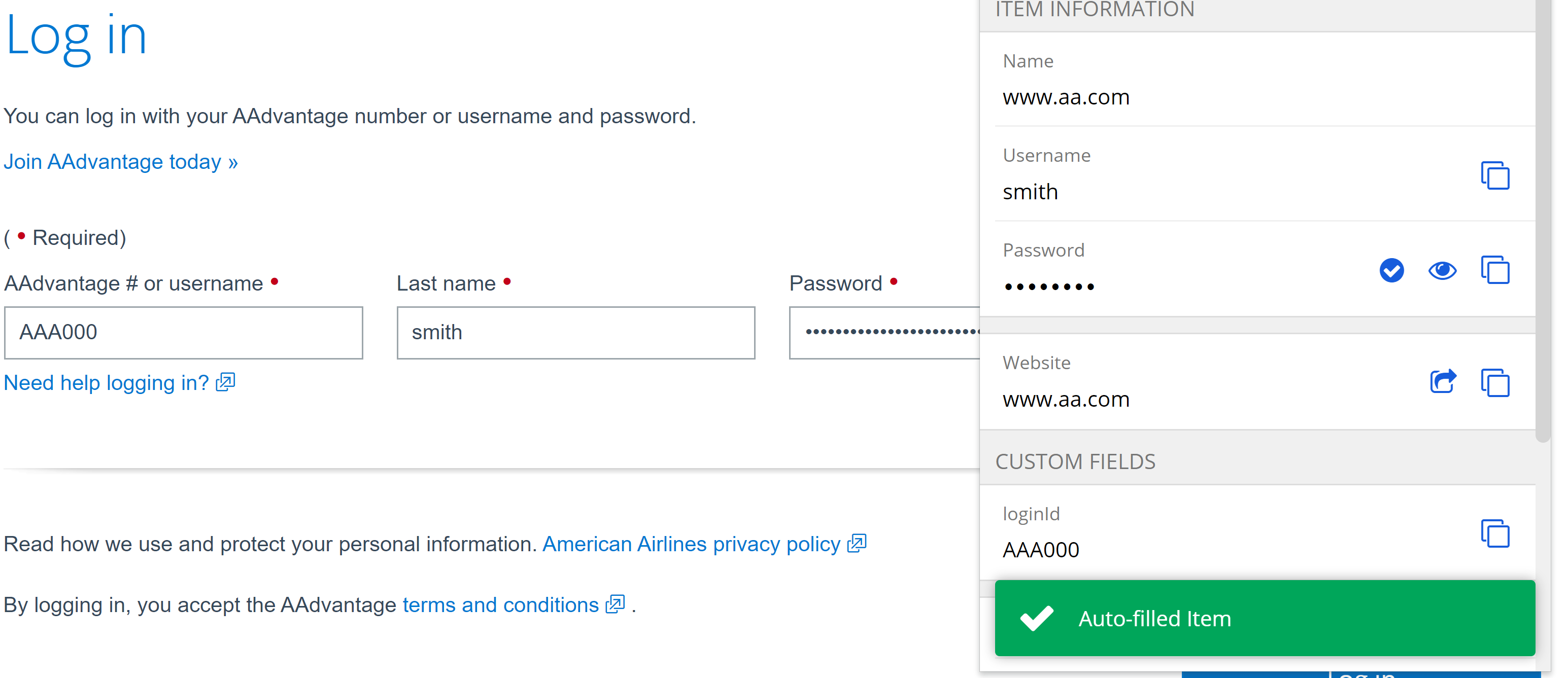
Now, when autofilled (hint: `Ctrl/CMD + Shift + L`), the custom field will be filled too, along with the username and password!
### Linked Custom Fields
Some websites may be programmed using uncommon or unique names for a vault item's default fields that might give autofill some trouble. The Linked custom field solves this by providing those default fields a custom field name. Just like other custom fields, they will use the Name copied using the previous steps. For their values, they are “linked” to and use the saved entries at the top of the vault item, such as Username for login items or Security Code (CVV) for credit cards. With linked fields, autofill can be ensured for any vault item!
## Learn more
With custom fields, users can customize a Bitwarden Vaults beyond typical logins. For example, in one [community case](https://www.reddit.com/r/Bitwarden/comments/8xp2ru/bitwarden_helped_me_pick_my_class/) a student user beat the crowd and quickly nabbed seats for high-demand classes before they filled up with the help of custom fields for filling out the class registration forms.
Expanded functions can help with field names that might vary across pages and sites. Details are available on the [help page](https://bitwarden.com/help/custom-fields/#more-about-custom-field-names/). These functions could be useful for adding a ZIP code to a stored credit card for use across pages, for example. Custom fields also support up to 5000 characters in length, so RSA 4096-bit SSH keys can be stored and autofilled.
## Get Started with Bitwarden
Ready to try out Bitwarden today? Quickly sign up for a [free Bitwarden account](https://bitwarden.com/pricing/), or register for a [7-day free trial of our business plans](https://bitwarden.com/pricing/business/) so your business and team can stay safe online.
Editor's Note: This article was originally written on October 5th, 2021 and was updated on January 5th, 2023.
---
URL: https://bitwarden.com/blog/easily-integrate-single-sign-on-security-with-flexible-solutions/
---
# Easily integrate Single Sign-On security with flexible solutions
Bitwarden just announced a new form of passwordless SSO, allowing SSO users to log in and decrypt vaults with trusted devices. This now allows for total flexibility in SSO options, letting businesses choose where encryption keys are stored.
*By Ryan Luibrand*
*Updated: October 24, 2025*
---
The Bitwarden philosophy for SSO integrations has always been about ensuring universal compatibility and maintaining end-to-end, zero knowledge encryption. To that end, Bitwarden SSO integrations are universally compatible with any SAML 2.0 or Open ID Connect-based identity provider, an approach that allows for easy integration into your existing ID management infrastructure.
SSO with trusted devices, a new passwordless SSO offering gives enterprises complete flexibility in where and how encryption keys are kept, all while maintaining secure, end-to-end, zero knowledge encryption.
Here’s an overview of each Single Sign-On solution:

*The SSO selection window for Bitwarden Password Manager*
**
**Login with SSO**- This method uses SSO to authenticate users, supplementing the login process with the security measures of the Identity Provider. The user inputs a Master Password which is then used to decrypt the vault, keeping the encryption key with the user.
**SSO with trusted devices**- Users log in via SSO, and a device-stored encryption key is used to decrypt the vault, eliminating the need to enter a master password. The Bitwarden client/app on the devices are registered as trusted in advance and are confirmed by another trusted device or an administrator. This method keeps the encryption key safely with the device.
This new solution gives business end users a passwordless experience that is also zero-knowledge and end-to-end encrypted. This prevents users from getting locked out due to forgotten master passwords and allows them to enjoy a streamlined login experience. SSO with trusted devices is especially appealing to organizations that can couple this solution with vigorous managed device controls for ensuring convenient and strong, secure endpoints.
> Note: Clearing application data, browser cache, or cookies requires the device to be re-confirmed. Each type of Bitwarden app (e.g. extension, web app) counts as a new device.
**SSO with customer managed encryption** - For self-hosted customers with a robust IT infrastructure, this solution allows users to log in with SSO while the Bitwarden client retrieves the vault encryption key from a self-hosted key server to decrypt the user’s vault. No passwords are required, and the encryption key remains securely with the customer and their IT department.
More information on authentication types and SSO solutions are on the [Enterprise Reference Guide to Bitwarden Authentication](https://bitwarden.com/resources/reference-guide-bitwarden-authentication/)
No matter which solution fits your needs, Bitwarden SSO integrations offer businesses the ability to incorporate their identity provider authentication policies to Bitwarden, effectively extending that same level of security to every credential stored in the Bitwarden vault. This fills a critical security gap by offering SSO protection to all applications, websites, and other vital resources that may not support SSO natively. This innovative approach strengthens your cybersecurity defense, making Bitwarden an invaluable tool in your security strategy.
If you’re looking to bring easy SSO integration to your business, visit [bitwarden.com](https://bitwarden.com/) today to start a 7-day trial or reach out to the [business sales team](https://bitwarden.com/contact-sales/) to discuss your needs!
---
URL: https://bitwarden.com/blog/easy-secure-sharing-how-to-set-up-user-groups-and-collections/
---
# Easy, secure sharing - how to set up user groups and collections
Learn how to set up user groups and collections for easy, secure sharing with your team.
*By Bitwarden*
*Published: June 6, 2023*
---
By using a password manager, you can ensure your team members are using [strong passwords](https://bitwarden.com/password-strength/) for all of their accounts, which is an absolute must for security.
When you employ Bitwarden for your business, you gain a few extra features that can go a long way to [making collaboration considerably easier](https://bitwarden.com/blog/how-a-password-manager-adds-to-productivity-at-the-office/). One such feature is groups. With groups you can create a new group, assign team members to the group, and even assign a collection to the group. Even better, with each collection you add to a group, you can define one of the following permissions:
- Can View
- Can View, Except Passwords
- Can Edit
- Can Edit, Except Passwords
You can give a group access to multiple collections, with different permissions for each collection. I'm going to show you how easy it is to create a new group, add users to the group, and then add collections and assign permissions.
## What you'll need
To take advantage of the Groups feature, you must have either a [Teams or Enterprise business plan](https://bitwarden.com/products/business/), since you cannot create groups with the Personal plans. That's all you need. Let's create our first group.
## Creating your first group
To create a group, you can work via the Bitwarden Web Vault, CLI, or one of the directory sync options to access the [Organization](https://bitwarden.com/blog/what-are-organizations-in-bitwarden-and-why-should-you-use-them/) management tools. So, point your default browser to vault.bitwarden.com and log in with your account.
Once you've logged in, click Organizations at the top and you should see the Groups tab under your Organization name (**Figure 1**).

*Figure 1 - The Groups tab is where you need to be*
Click New Group and, in the resulting popup window (**Figure 2**), give the new group a name.

*Figure 2 - The NEW GROUP popup window in the Bitwarden web vault*
After giving the group a name, click Members. In this tab (**Figure 3**), select the first member to add to the group from the Select Members drop-down.

*Figure 3 - Adding Members to your new Bitwarden Group*
Once you've added your first member, you can continue to add more members until you've populated the group with everyone you need.
Click on the Collections tab (**Figure 4**) and, from the Permission drop-down, select the permission you want to give to the collection. Then select the collection to be added from the Select collections drop-down.

*Figure 4 - Assigning Groups to a Collection*
Continue adding collections and assigning permissions, until you have everything you need. With that taken care of, click Save and your group is ready.
If you need to modify the group later (such as adding new members), all you have to do is click the three dot menu associated with the group and click either Edit Info, Members, or Collections to edit one of those features (**Figure 5**).

* Figure 5 - The Group edit drop-down is where you can make changes to a Group*
One thing to keep in mind is that you (or any members associated with a group) will not see a Groups section in the Bitwarden user interface. Instead, they'll be given access to the vault entries associated with the group collection(s).
And that's all there is to set up a user group for easy sharing in Bitwarden.
## Get started with Bitwarden
Sign up for a [free business trial](https://bitwarden.com/products/business/) to get started with easy, secure sharing for your team.
---
URL: https://bitwarden.com/blog/edge-extension-released/
---
# Bitwarden browser extension now available pn Microsoft Edge
Bitwarden is now officially available in the Microsoft Store for the Edge browser.
*By Kyle Spearrin*
*Published: September 10, 2017*
---
**Welcome reader!** *If you're looking for news on the latest release, visit this *[*Release Notes page*](https://bitwarden.com/help/releasenotes/)*. The Edge extension along with other clients can be found at the *[*Bitwarden Download page*](https://bitwarden.com/download/)*. Please note that new Bitwarden releases must go through a review process by each individual platform's application store, and new updates may be available sooner on some platforms than others. Thank you for your patience!*
Bitwarden has long been available across a variety of web browsers including [Chrome](https://bitwarden.com/download/google-chrome-password-manager/), [Firefox](https://bitwarden.com/download/mozilla-firefox-password-manager/), [Opera](https://bitwarden.com/download/opera-password-manager/), [Vivaldi](https://bitwarden.com/download/vivaldi-password-manager/), and others. Supporting Microsoft's [Edge browser](https://bitwarden.com/download/microsoft-edge-password-manager/) has eluded us due to extension submissions not yet being publicly available and requiring special approval from Microsoft.
With the help our our friends at Microsoft, today we're excited to announce that Bitwarden is officially [available in the Microsoft Store](https://microsoftedge.microsoft.com/addons/detail/bitwarden-free-password/jbkfoedolllekgbhcbcoahefnbanhhlh) for the Edge browser.

If you're an Edge user you can start using Bitwarden today! Install Bitwarden from the [Microsoft Store](https://www.microsoft.com/store/p/bitwarden-free-password-manager/9p6kxl0svnnl) by searching for "Bitwarden". Please consider helping us out with a review on [our store page](https://www.microsoft.com/store/p/bitwarden-free-password-manager/9p6kxl0svnnl) as well!
## Some Limitations
It's also worth noting that Edge's support for extensions is still somewhat new and limited. Because of API limitations and bugs in Edge, certain features of Bitwarden have been disabled and/or do not function the same (or as well) as other browsers. Performance of the extension can also suffer in a few areas as well. We hope that the Edge team will continue to make progress with extensions and Bitwarden's integration will improve over time. We appreciate your patience.
---
URL: https://bitwarden.com/blog/email-security-tips-from-the-australian-cyber-security-centre/
---
# Email Security Tips from the Australian Cyber Security Centre
As part of its #actnowstaysecure campaign, the Australian Cyber Security Centre (ACSC) recently shared recommendations for protecting email accounts.
*By Bitwarden*
*Published: July 7, 2022*
---
As part of its #actnowstaysecure campaign, the [Australian Cyber Security Centre (ACSC)](https://www.cyber.gov.au/) recently shared recommendations for protecting email accounts.

The campaign highlights the ACSC email security [home page](https://www.cyber.gov.au/emailsecurity), which walks readers through why email security is important:
> “If someone gains unauthorised access to, or impersonates your email account, they can intercept or gain access to your private communications.”
This campaign also highlights ways to determine if someone else has accessed your email account such as noticing strange emails in your sent folder or receiving unexpected password reset notifications.
It also offers links to practical guides on how to protect your business from email fraud and how to secure your Microsoft account with [multi-factor authentication](https://bitwarden.com/blog/top-10-burning-questions-on-2fa/).
The guide entitled [Protect your business from email fraud and compromise](https://www.cyber.gov.au/email-security/protect-yourself-against-email-cyber-attack) is of interest, as it shares suggestions for protecting SMBs and enterprises. They include:
- Turning on MFA
- Renewing domain names
- Registering additional domain names to deny cyber-criminals the opportunity to register domain name very [similar to your business](https://bitwarden.com/blog/password-managers-safe-bet-for-business/) in order to trick people
- Setting up [email authentication measures](https://bitwarden.com/blog/add-privacy-and-security-using-email-aliases-with-bitwarden/) to prevent spoofing attacks
- Protecting privacy by limiting the amount of personally identifiable information posted online
Under the MFA suggestion, the paragraph ends with this: “Remember to [use a strong passphrase](https://www.cyber.gov.au/acsc/view-all-content/advice/passwords-pins-and-passphrases) for your email account if you cannot use multi-factor authentication.” In clicking on the link, the reader is brought to yet another page, entitled [Passwords, pins and passphrases](https://www.cyber.gov.au/acsc/view-all-content/advice/passwords-pins-and-passphrases).
Recommending the use of MFA is important, as is keeping PII close to the vest. Points also go towards seeding in language about the use of a strong passphrase.
But, these recommendations could be less complex and more straightforward (centering domain names over [strong passphrases](https://bitwarden.com/blog/3-tips-for-extra-security-with-your-bitwarden-account/)?). We will reiterate here: we believe national and international agencies with a security-centric purview should recommend, clearly and on their main pages, that [consumers and businesses use strong and unique passwords](https://bitwarden.com/blog/case-study-intesys/). Leaving it up to readers to comb through documents or follow a trail of links will result in reader attrition and message dilution.
Furthermore, the ACSC misses the opportunity to highlight the [efficacy of password managers](https://bitwarden.com/blog/university-of-toronto-press-solves-for-efficient-password-sharing-with-bitwarden/). Password managers allow users to easily create and manage strong and unique login credentials for each website to reduce the impact of potential data breach. If it happens, only a single password is compromised, and users can quickly generate a new one. There are a host of excellent options on the market.
## The Australian Cyber Security Centre (ACSC) Rating

For a refresher on how Bitwarden ranks agencies, see Bitwarden’s [State of Password Security](https://bitwarden.com/blog/the-state-of-password-security/) report.
**Overall Bitwarden Assessment: Good**
- Does not recommend use of a password manager
- Calls out importance of strong passwords
- Cites need for 2FA/MFA to further support password security
- Overall security advice is not up-to-date and does not adhere to NIST guidelines
- Does not lay out password security recommendations in a clear, digestible, and easy to find manner
## Additional Resources
Learn what advice other leading cybersecurity agencies offer, and how they compare, in the [State of Password Security Report](https://bitwarden.com/blog/the-state-of-password-security/), released earlier this year.
## Get Started with Bitwarden
Ready to try Bitwarden? Start a [free business trial](https://bitwarden.com/pricing/business/) to help your team stay safe online or sign up for a [free individual account](https://bitwarden.com/pricing/).
---
URL: https://bitwarden.com/blog/employee-password-management-onboarding-and-beyond/
---
# Here’s What Employee Password Management Looks Like from Onboarding and Beyond
Here’s a closer look at what employee password management looks like from onboarding, succession, and beyond.
*By Andrea Lebron*
*Published: July 13, 2022*
---
Employee password management starts on the first day of onboarding and continues through career advancement and succession. When introducing a new employee to company software and applications, it helps to know their familiarity with using password managers to store and share password credentials.
To minimize critical cybersecurity risks and protect business data, many companies initiate the onboarding process with a password manager to grant employees access to necessary login credentials.
Some companies also use [Single Sign On](https://bitwarden.com/blog/configure-bitwarden-sso/) to streamline access to select enterprise-wide systems, but this coverage does not always extend to employee- or team-specific systems. Shared team password credentials might then be distributed through less secure methods such as sticky notes, email, or shared documents for speed and efficiency. A password manager fills this gap, especially when embraced by employees, as it enables them to safely share credentials.
How can a security-minded company successfully introduce a password manager during employee onboarding and ensure that good password hygiene remains throughout the entire employee lifecycle? It starts by understanding your employees and building an effective company password management program to span their tenure with the company.
## Who are the Most Common Employee Password Manager End-Users?
Employees face pressure to be successful at work, and sometimes that means they need to quickly share passwords and other sensitive information to resolve an issue. Some might already be using a personal password manager, and others might just use pen and paper.
The four most common end-users you should plan for when introducing a password manager in your organization include:
1. The Novice
2. Password Management Aficionado
3. The Team Lead
4. Executive User
> [Take a closer look](https://start.bitwarden.com/hubfs/PDF/who-are-password-manager-end-users.pdf) at these end-users and what you’ll need to consider when rolling out your password manager and identifying training requirements.
## Continuing Password Management Throughout the Employee Lifecycle
The employee lifecycle for password management comprises three stages:
- Onboarding
- Succession and Promotion
- Offboarding
### Onboarding
Onboarding presents a great opportunity to get employees started with proper digital security practices like a password manager. When a company engages new employees, faster onboarding means faster productivity. From an employee’s perspective, the less friction they have in accessing and setting up new tools, the sooner they can make a good first impression.
NOTE: For current Bitwarden Teams and Enterprise administrators, feel free to check out a more detailed technical paper on [Employee Onboarding and Succession](https://start.bitwarden.com/hubfs/PDF/employee-onboarding-and-succession.pdf).
### Succession and Promotion
As employees move into new roles and responsibilities, they might need to transition software ownership. In other cases, like for a [law firm](https://bitwarden.com/blog/bitwarden-legal-case-study/) or services company, employees handle multiple projects simultaneously and constantly hand off credentials to others. Managing several passwords across numerous projects, users, devices, and time zones goes from days to hours, or even minutes, with a password manager.
### Offboarding
Provisioning and deprovisioning user access to credentials remains time-sensitive during employee [offboarding](https://bitwarden.com/help/managing-users/#offboard-users/). A shared spreadsheet of logins and passwords just won’t cut it. Centralizing password management ensures that work transitions smoothly to other employees, and that shared passwords remain secure and accessible.
## Your Guide to Password Management Throughout all the Employee Lifecycle Stages
Successful employee password security management relies on reinforcing [best practices](https://bitwarden.com/blog/five-best-practices-for-password-management/) and also knowing how to customize training around the different types of end-users.
We put together this guide to help you understand:
- How password management needs change throughout each employee lifecycle stage
- An overview of workplace password managers
- The differences between password managers, identity and Access Management (IAM) systems, and Identity Providers (IdPs)
## Get Started with Bitwarden
Ready to try Bitwarden? Keep your team safe online by signing up for a [free business trial](https://bitwarden.com/pricing/business/), or sign up for a [free individual account](https://bitwarden.com/pricing/).
Editor's Note: This article was originally written on April 20th, 2021 and was updated on July 13th, 2022.
---
URL: https://bitwarden.com/blog/enable-passkeys-with-bitwarden-passwordless-dev/
---
# Enable passkeys in .NET with Bitwarden Passwordless.dev
Here is a quick overview on how you can use the Bitwarden Passwordless.dev .NET SDK in your ASP.NET applications to enable passkeys.
*By Anders Aberg*
*Published: September 5, 2023*
---
With the recent release of the Bitwarden Passwordless.dev .NET SDK, here’s a quick overview on how you can use it in your ASP.NET applications to enable passkeys, a new W3C standard (WebAuthn) that eliminates the need for passwords and allows users to securely authenticate via on-device biometrics.
If you want to add passkeys to your app, you can sign up for Bitwarden Passwordless.dev [here](https://docs.passwordless.dev/guide/get-started.html).
## Passkeys simplify secure authentication
Passkeys make the sign in process simpler and more secure for end users. Unlike passwords, passkeys are phishing resistant, leveraging on-device biometrics and public key cryptography.
> Read more: [How do passkeys work](https://bitwarden.com/blog/how-do-passkeys-work/)

## Add passkeys to your .NET app with Bitwarden Passwordless.dev
Bitwarden Passwordless.dev allows you to add passkeys to your current web app in minutes, without throwing out all your existing authentication code. It's as simple as including a client side script and calling an API.
## Examples and source code
Here are some of the most interesting repos for you to take a look at:
- [passwordless/passwordless-dotnet-example](https://github.com/passwordless/passwordless-dotnet-example): asp.net example using the SDK.
- [passwordless/passwordless-dotnet](https://github.com/passwordless/passwordless-dotnet) - The SDK source code itself
If you’re using ASP.NET Identity, Bitwarden offers an integration that makes things even easier:
- [passwordless/passwordless-aspnet](https://github.com/passwordless/passwordless-aspnet)
And for those interested to deep dive into the open source code:
- [passwordless/passwordless-client-js](https://github.com/passwordless/passwordless-client-js) - The JS client source code itself
- [passwordless/passwordless-server](https://github.com/passwordless/passwordless-server) - The Bitwarden Passwordless.dev server and API.
## How to install the SDK
Bitwarden built the SDK to allow any .NET app to use passkeys, regardless if you're on .NET 6 or .NET Framework 4.6.2.
Install the NuGet to your project: ``dotnet add package Passwordless`.`
And include our JS client library (available as a script tag or NPM module):
```bash
npm install @passwordlessdev/passwordless-client
```
```javascript
//
```
## Verify tokens on your .NET backend
When a passkey is used to sign in, you’ll get a token that you can verify to get the UserId of the user.
```csharp
// in your Program.cs or Startup.cs
services.AddPasswordlessSdk(options =>
{
options.ApiSecret = "your_api_secret";
});
// In your Controller.cs
[HttpGet]
[Route("/verify-signin")]
public async Task VerifySignInToken(string token)
{
try
{
var verifiedUser = await _passwordlessClient.VerifyTokenAsync(token);
return Ok(verifiedUser);
}
catch (PasswordlessApiException e)
{
return new JsonResult(e.Details)
{
StatusCode = (int)e.StatusCode
};
}
}
```
## Get started with passkeys today
Follow the [Getting started](https://docs.passwordless.dev/guide/get-started.html) guide to create your account and add passkeys to your application today.

## Build passkeys with Bitwarden Passwordless.dev Free, Pro, and Enterprise plans
Take advantage of Bitwarden Passwordless.dev to enable passkeys for your customers and users, as well as your workforce and employees. The free plan is perfect for any independent project and allows up to 10,000 users. No credit card required. Visit the [Bitwarden Passwordless.dev signup page](https://admin.passwordless.dev/signup).
The Pro and Enterprise plans serve more advanced use cases. To learn more, reach out to passkey experts at the Bitwarden [Passwordless.dev product page](https://bitwarden.com/products/passwordless/#contact-sales/).
---
URL: https://bitwarden.com/blog/enabling-enterprises-to-build-modern-passkey-authentication/
---
# Enabling enterprises to build modern passkey authentication for their workforce
Accelerating the passkey-secured workforce, Bitwarden adds new enterprise features to passkey developer kit.
*By Vivian Shic*
*Published: February 14, 2024*
---
Move aside, passwords. Enterprises are ready for passkeys.
In a recent Bitwarden survey, over 80% of developers surveyed say they are in the process of implementing passkeys for workforce authentication, driven to provide employees a more streamlined and secure way of signing into their business applications.
Fueled by the demand for modern passwordless experiences,[ Bitwarden Passwordless.dev](https://bitwarden.com/products/passwordless/) has seen rapid user adoption – the developer toolkit, built on FIDO2 WebAuthn standards, provides an extensive, easy-to-deploy API for integrating passkeys into customer-facing websites and custom enterprise applications. According to an [Oracle report](https://www.oracle.com/a/ocom/docs/cloud/why-move-custom-apps-to-cloud-ebook.pdf), the average company has 464 internal applications used by different departmental and enterprise-wide workflows.
Delivering on the promise to save hours of passkey development engineering – either as a primary or secondary form of authentication – Bitwarden further strengthened the Bitwarden Passwordless.dev enterprise plan with event log and self-hosting features.
## **Event logs for visibility **
Most enterprises maintain a consistent practice of monitoring event logs to gain insights into system performance, watch for security vulnerabilities, and keep track of critical events. The new Bitwarden Passwordless.dev [event log](https://bitwarden.com/help/event-logs/) feature allows enterprises to achieve business compliance and greater control and oversight when moving to passwordless authentication. Administrators now have visibility into data points such as passkey authentication activities and details around Bitwarden Passwordless.dev API calls.
## **Self-host for control **
With this new release, developers can select to self host the Bitwarden Passwordless.dev API and admin console on Docker Linux containers, ensuring that passkey authentication flows are only accessible within a VPN for greater security and control. The self host feature is currently in beta.
### **Pricing and availability **
Bitwarden Passwordless.dev simplies workforce authentication, enabling enterprises to build passkey authentication without having to replace or change existing authentication workflows and infrastructures. The [Enterprise plan](https://bitwarden.com/products/passwordless/), which includes the full SDK for passkeys, unlimited applications, and unlimited console administrators, costs $3 per month / per user, based on a monthly subscription.
### **Don’t be left behind**
Enterprises are ready for passkeys. Are you? Use Bitwarden Passwordless.dev to build passkey authentication in minutes. [Try it out](https://bitwarden.com/products/passwordless/) with a Free plan for the entire software developer toolkit, supporting one app per organization.
---
URL: https://bitwarden.com/blog/end-to-end-encryption-and-zero-knowledge/
---
# How End-to-End Encryption Paves the Way for Zero Knowledge
Understand the basics of these approaches to operate securely online.
*By Gary Orenstein*
*Published: December 21, 2021*
---
As more of our daily and professional lives move online, both personal and company security depends on all of us. Cyber attacks and data breaches unfortunately continue, with password management often cited as an easy step to mitigate risk.
But how can you trust a company to keep all of your secrets secret? The answer lies in end-to-end encryption, which lays the groundwork for applications with ‘zero knowledge’ architectures.
In a [TechRadar](https://www.techradar.com/news/5-things-you-need-to-consider-before-buying-a-password-manager) piece, author Christian Rigg noted,
> Zero knowledge refers to policies and architecture that eliminate the possibility for a password manager to access your password.
While this is a perfect explanation of zero knowledge for a broad audience, security experts will differ in the interpretation of zero knowledge. For example, some competing password managers will claim zero knowledge, when in reality they offer only partial zero knowledge, monitoring unencrypted URLs and websites within user Vaults.
We know we want zero knowledge in terms of safely handling encrypted passwords with password managers, but what exactly does that mean?
## Start with strong end-to-end encryption
The foundation of a secure architecture starts with encryption, specifically end-to-end encryption. At Bitwarden we encrypt your sensitive data immediately as soon as you enter it in any Bitwarden client, providing an end-to-end encrypted password manager. Before storing the data on your device, it is encrypted. There is no such thing as unencrypted Vault data, except when you are in control, viewing the information in a Bitwarden client where you have entered your email address and Master Password.
From there, all Vault data remains encrypted when sent to the Bitwarden Cloud or a self-hosted Bitwarden server. Upon synchronizing the data to other clients, it remains encrypted until the unique email address and master password are re-entered.
Bitwarden is a zero-knowledge encryption password manager. This means that Bitwarden as a company **cannot** see your passwords. They remain encrypted end-to-end with your individual email and Master Password. Bitwarden never stores and cannot access your Master Password.
For Vault data, Bitwarden uses [AES 256-bit encryption](https://bitwarden.com/help/what-encryption-is-used/), an industry standard, which is considered unbreakable. For your Master Password, PBKDF2 SHA-256 is used to derive the key that encrypts your Vault data. To read more about Bitwarden end-to-end encryption and Bitwarden security, please visit our [security FAQ](https://bitwarden.com/help/security/).
Understandably, the important detail of end-to-end encryption is the key to decrypt. As long as this remains **only** with the end user, a solution can progress to a zero knowledge architecture.
There are cases where software and service providers promote encryption but retain the key. These cases do not qualify as zero knowledge from our perspective since the software and service providers technically have the ability to decrypt the data.
## Give users key control for zero knowledge encryption
When users have control of the encryption key, they control access to the data, and can provide encrypted data to a password manager without the password management company having access to, or knowledge of, that data.
This is the fundamental premise on which well-designed password managers work. They facilitate strong and unique passwords that only you can access. Doing so requires zero knowledge of the secret data, and therefore users must control the encryption key. We refer to this as zero knowledge encryption.
But there is information beyond the secret Vault data that might be shared with a software or service provider. For example, an email address might serve as a unique customer identifier. One could claim that this isn’t zero knowledge, and that would be correct.
At a minimum, zero knowledge must pertain to secret data. In the case of a password manager, that means all information within the password Vault. At the same time, it is important to recognize the realities of software, services, and users, and that in order for a commercial relationship to exist, there needs to be some knowledge exchanged between parties.
In the world of password managers, that line can get blurry. As previously mentioned, there are some password managers (not Bitwarden) that retain unencrypted URLs and websites for which you store passwords. While they claim that this benefits users, ultimately it provides these companies with detailed information on which websites users visit, when they do so, and every log in.
Bitwarden takes a more conservative view of what constitutes sensitive data, and therefore encrypts all of the information in your Vault, including the websites you visit, even the names of your individual items and folders. We use the term zero knowledge encryption because only you retain the keys to your Vault, and the entirety of your vault is encrypted. Bitwarden cannot see your passwords, your websites, or anything else that you put in your Vault. Bitwarden also does not know your [Master Password](https://bitwarden.com/blog/vault-security-bitwarden-password-manager/). So take good care of it, because if it gets lost, the Bitwarden team cannot recover it for you.
Update: In 2021, Bitwarden introduced account recovery (formerly Admin Password Reset), which enables users and organizations to implement a new policy that allows administrators and owners to reset passwords. The new feature remains consistent with the Bitwarden zero-knowledge encryption model. For more information, please read [Admin Password Reset is Here - Top Things for Enterprises to Know](https://bitwarden.com/blog/admin-password-reset-is-out/).
## Zero trust as a protective mindset
The zero trust model initially emerged as a way for organizations to get beyond the traditional thinking of internal and external threats to their IT operations. Today, companies need to protect from threats coming from both inside **and** outside. Zero trust models often use technologies like identity and access management, encryption, multi-factor authentication, and permissions to operate.
Of course, between password managers and users adopting software or services, there is likely going to be at least **some** element of trust between the two parties. The [password management provider](https://bitwarden.com/blog/7-tips-to-protect-your-bitwarden-account/) trusts that the user will not violate the terms of service, and the user trusts that the password management provider will live up to their stated offering. However, everyone is better off if the boundaries of required trust are limited, so that even the possibility of sensitive data being compromised is eliminated altogether, hence the zero trust model.
While we support our customers with a trusted relationship, we can reduce the reliance on implied trust through the Bitwarden self-hosted offering. This deployment enables businesses with greater flexibility and control over their infrastructure. Running your own Bitwarden instance could be on an air gap network, further reducing risks by being disconnected from the internet.
At Bitwarden we take this trusted relationship with our users seriously. We also built our solution to be safe and secure with end-to-end encryption for all Vault data, including website URLs, so that your sensitive data is zero trust secure.
## Understand and adopt safe encryption practices
We want our users to be well-informed on security practices, and the benefits Bitwarden provides. With encryption, seek a complete end-to-end encryption architecture where only the end user retains the key, and make sure all sensitive data is encrypted using that architecture.
For many, it is easier to understand zero knowledge than end-to-end encryption. Bitwarden strives for ease of use, but we also understand the intricacies of these terms and aim to maintain clear definitions. We hope this article helps clarify the Bitwarden philosophy and approach.
### Experience Zero Knowledge Encryption Today
You can get started with an individual plan for yourself, or create a Bitwarden Organization to securely share information among other users, teams, or enterprises. Explore which [Bitwarden plan](https://bitwarden.com/pricing/) is right for you.
WEBCAST: Building a Zero Knowledge Architecture for Password Management with End-to-end Encryption. [Watch the replay](https://www.crowdcast.io/e/zero-knowledge-architecture)
Editor’s note: This blog was originally published on August 6, 2020 and updated on December 21, 2021.
---
URL: https://bitwarden.com/blog/enhance-personal-security-with-strong-unique-passwords-and-email-aliases/
---
# Enhance personal security with strong, unique passwords and email aliases
Bitwarden integrates with SimpleLogin, AnonAddy, Firefox Relay, Fastmail, DuckDuckGo, and Forward Email. Using email aliases alongside a password manager adds multiple layers of protection online.
*By Gina Tran *
*Published: December 11, 2024*
---
The first hint was a suspicious email from Auberge Resorts, a business I had no dealings with – it landed in my inbox at 5:16 pm on November 6. At first, I was just annoyed. Who was selling my email address? Upon further analysis, I was able to pinpoint the origins of how my data got leaked. I’ll explain later on here, but first, here’s an overview of my personal Bitwarden account setup:
My vault includes 384 items, which breaks out into 356 logins, 1 credit card, 1 identity, and 28 secure notes. For all logins, the first layer of security starts with the Bitwarden [password generator](https://bitwarden.com/password-generator/#password-generator/), which creates strong and unique passwords for each website, making it harder for hackers to brute-force their way in.
## Using email aliases to strengthen personal security
For certain logins, I want to add layers of security. These are logins tied to my financial livelihood, which include banking accounts, retirement and investment accounts, credit card accounts, and my Bitwarden account. A breach into any of these accounts can cause severe economic ruin for me and my family so maximum security coverage is paramount when developing my security plan.
To log into an account, you typically need two pieces of information: an email address that acts as the username as well as the password. All of my logins already have a strong, unique password as the first layer of security. For logins tied to financial accounts, I have unique usernames for each account. To do so, I created a dedicated email account that is only used to log into these financial credentials.
To keep my dedicated email hidden, let’s say the email dedicated to logging into these financial accounts was gina@secretemail.com. I do not use this email to sign up for any marketing offers or to sign up for any other services.
Where possible, I use a form of [email aliasing](https://bitwarden.com/integrations/#email-alias-integrations/) to create unique usernames into each financial service. Plus addressed email aliasing is where you can add + and it will forward to your email. So, for example, when signing up, I would do the following:
1. Go to Financial Service website.
2. Sign up with email being gina+servicename@secretemail.com.
3. Generate a strong, unique password with the generator via Bitwarden.
4. Create my new account.
So, gina+servicename1@secretemail.com, gina+servicename2@secretemail.com, etc. are forwarded to my one dedicated email, gina@secretemail.com.
Not all websites allow + in the email or username sign-up so you aren’t always able to create a unique username in addition to the unique password.
I also use the built-in [authenticator](https://bitwarden.com/help/integrated-authenticator/) where possible to set up two-step login on these accounts - unfortunately, most financial institutions only support SMS-based two-step login.
## The forensics of a compromised email address
Going back to the suspicious email mentioned earlier, here’s what that email from Auberge Resorts at no_reply@aubergergeresorts.com looked like.

I searched Bowie House, which seemed like a legitimate business, a luxury resort in Texas.

Ten minutes later, I received this email from the same no_reply@aubergergeresorts.com address. The second email looks like a request for a crypto withdrawal, which seems to be very different from a luxury resort website. Celsius, a cryptocurrency company, went bankrupt in February 2024. My suspicions heightened.

When I looked at who the email was sent to, it was using one of my email aliases of + fidelity.

I searched for “Fidelity data breach” to see if my email was exposed. Sure enough, there are a few articles, outlining that 77k Fidelity customers’ information were exposed in a data breach. Conclusion: My Fidelity account email was part of that breach.

## Understanding is the first step in security awareness
Thanks to the email alias tool offered in Bitwarden, I was able to track down where and how my email address was compromised and quickly update the passwords associated with that account.
Luckily, there haven't been any login attempts into my Fidelity account and my exposure risk is probably minimal, given that I had a strong, unique password in addition to two-step login enabled. My other financial accounts are also most likely secure.
Out of an abundance of caution, I will probably create a new dedicated email account and update my financial accounts. Another day on the internet.
## Try Bitwarden today
Bitwarden does more than store and secure passwords. The password generator makes it quick and easy to create strong and unique passwords for all your accounts. Bitwarden also integrates with leading [email forwarding services](https://bitwarden.com/integrations/#email-alias-integrations/) such as Addy.io, Fastmail, DuckDuckGo, and more to easily generate forwarded email aliases directly in Bitwarden Password Manager. These tools provide convenient and helpful ways to add to your security. Whether you’re an individual user or a business, Bitwarden has the [right plan](https://bitwarden.com/pricing/business/) for you.
---
URL: https://bitwarden.com/blog/enterprise-passwordless-sso-brings-better-productivity-and-user-sign-in/
---
# Enterprise passwordless SSO brings better productivity and user sign in experience for employees
Now available: This passwordless form of SSO allows users to log in and decrypt vaults using their SSO credentials and trusted devices. Read on to learn more.
*By Ryan Luibrand*
*Updated: October 24, 2025*
---
Bitwarden [Password Manager](https://bitwarden.com/products/business/) and [Bitwarden Secrets Manager](https://bitwarden.com/products/secrets-manager/) are zero knowledge, end-to-end encrypted, meaning that only the customer can ever access their encrypted data. This provides total security, and as a result, Bitwarden applications behave differently than other SSO-enabled business apps.
When logging in there is both an **authentication process**, and a **decryption process**. These are handled simultaneously, but separately when a user logs in. When set up with an identity provider (IdP) service, it authenticates the user through SSO. Then the data is separately decrypted with the account encryption key and made available to the user.
## SSO with trusted devices for ease, speed, and scale
SSO with trusted devices provides a passwordless login experience for users on previously **approved, trusted devices**. Now, all a user needs to access their encrypted data is to simply be authenticated with their SSO provider. An encryption key used as part of the decryption process is securely stored on the device, so once the SSO service authenticates the user, the device is able to decrypt the data without additional user input. For more in-depth technical information read: [About Trusted Devices](https://bitwarden.com/help/about-trusted-devices/)
> Note: Each Bitwarden app/client is treated as a separate device and needs approval individually. Clearing application data, browser cache, or cookies would require the device be re-confirmed.
## How to use SSO with trusted devices
### Enabling SSO with trusted devices as an admin
If your organization is already using the Login with SSO function with Bitwarden (IdP authenticates, users enter Bitwarden password), then turning on SSO with trusted devices is as simple as selecting **Trusted devices** on the Single sign-on configuration window in **Settings**in the Admin Console in the web app. If you have never enabled SSO before, you’ll need to set it up using the guides on the [Bitwarden help center](https://bitwarden.com/help/about-sso/). A few enterprise policies are required to be activated before setup. Detailed instructions are available here: [Setup SSO with Trusted Devices](https://bitwarden.com/help/setup-sso-with-trusted-devices/).

With SSO with trusted devices, there is a workflow where it is possible for employees to create accounts without ever setting a Bitwarden password. This can be easier for onboarding purposes, but note that doing so limits account recovery options.
[](https://vimeo.com/863757920)
*[Watch on Vimeo](https://vimeo.com/863757920)*
### Getting started as a user
> View the user guide: [Starting Bitwarden with SSO with trusted devices](https://bitwarden.com/resources/user-guide-starting-bitwarden-with-sso-with-trusted-devices/)
Once SSO with trusted devices has been turned on, all you need to do as a user is log into Bitwarden through the Enterprise **single sign-on** button. Once you've gone through the SSO process, the Bitwarden client/app that you logged into will become your first trusted device. You can confirm other devices as trusted using the notification in the mobile app and desktop app, the browser extension, or from the **Security > Devices** window in the web app. Otherwise you can request an admin to approve your device or enter your master password if you created one.

*The login screen on the Bitwarden desktop application during login as a new device, showing the options to approve the login.*

*Once logged in, a notification shows that the device is now trusted.*
Using Bitwarden with SSO extends the added control and protection of Single Sign-On to every item in your Bitwarden vault, which may include non-SSO enabled applications. With SSO with trusted devices, users are able to access their vaults quickly, removing passwords and authentication as a barrier to productivity. If you’re looking to bring easy SSO integration to your business, visit [bitwarden.com](https://bitwarden.com/) today to start a 7-day trial or reach out to the [business sales team](https://bitwarden.com/contact-sales/) to discuss your needs!
---
URL: https://bitwarden.com/blog/enterprise-policies/
---
# Enterprise policies are here!
Secure your teams better than ever with enterprise policies.
*By Trey Greer*
*Published: March 24, 2020*
---
## Variety is the spice of life, but to be secure it helps to standardize.
### Enterprise Organizations can now specify organization-wide settings for the following items:
- **Two-step Login** - Admins and security aficionados will appreciate that they can now require their organization members to configure two-step login on their user accounts. This will certainly help many of us sleep at night...next to our YubiKey. 😎
- **Master Password** - What's the use of a robust, zero-knowledge password manager if your master password is your cat's name? Organizations can now configure the minimum complexity and length, and Whiskers no longer has to change his name to "Buffalo-Studied-Dealmaker6" - a win-win, if you ask us!
- **Password Generator** - Why stop at the master password? Organization users can now rest easy knowing that any password they generate falls squarely within the rules. Talk about a weight lifted!
## **Enterprise Policy Configuration:**
Enabling these features is as easy as navigating to your organization management tab, enable and put those policies to work!

### These features are available for Bitwarden Enterprise accounts using the minimum versions listed below:
- All cloud-hosted Enterprise accounts
- Server - Version 1.33.0
- Web - Version 2.13.0
- Mobile - Version 2.3.0 (2234)
- CLI - Version 1.9.0
- Extensions - Version 1.43.1
For more information on how to configure this, you can watch our webcast on demand [here](https://zoom.us/webinar/register/WN_86_BfLjLTAuwKScFN5hZVA).
### Resources
You can also view the slideshow from the webcast here:
[Download slideshow](https://drive.google.com/open?id=1Abge5P1H8SrW9rsJOatgHYvG0_-elaz--UZPbHtBoHo)
You can also visit our help article [here](https://bitwarden.com/help/policies/), or to try an enterprise account yourself, head over to our [Bitwarden Enterprise Registration](https://vault.bitwarden.com/?__hstc=42558970.79ea6505f60c02f10abb85a794614af0.1666210543588.1667244611912.1667432162301.10&__hssc=42558970.1.1667432162301&__hsfp=3352728727#/register?org=enterprise) page.
---
URL: https://bitwarden.com/blog/enterprise-self-hosting-for-bitwarden-secrets-manager/
---
# Now available: Enterprise self-hosting for Bitwarden Secrets Manager
Self-hosting is now available for enterprises looking to gain further control of their secrets management environment and data.
*By Kasey Babcock*
*Published: November 16, 2023*
---
Bitwarden [Secrets Manager](https://bitwarden.com/products/secrets-manager/) empowers developers to securely store, manage, share, and automate critical infrastructure secrets at scale. With [end-to-end encryption](https://bitwarden.com/blog/why-end-to-end-encryption-is-crucial-for-developer-secrets-management/), [open source security](https://bitwarden.com/blog/why-open-source-delivers-transparency-and-security-for-enterprises/), unlimited secret storage, predictable pricing — and now self-hosting options — Bitwarden Secrets Manager is trusted by developers and DevOps everywhere to protect and secure secrets throughout the development lifecycle.
**Learn more:**[How to manage secrets for your organization](https://bitwarden.com/products/secrets-manager/)
## Self-hosting now available
Self-hosting is now available for enterprises looking to gain further control of their secrets management environment and data. New or existing Bitwarden customers on enterprise plans can bring the same secrets management cloud features into a self-host installation.
### Alleviate enterprise security challenges
Enterprise organizations experience a unique set of security challenges and characteristics that may make them a good fit for self-hosting their secrets management solution.
Enterprises often find themselves as prime targets for malicious attacks due to their expansive [tech stacks](https://bitwarden.com/blog/best-cybersecurity-for-business/), sheer size, and organizational complexity. As a result, they need to invest heavily in dedicated security teams and establish robust protocols.
Self-hosting allows enterprises with an intricate tech stack to further gain control of their secret data by hosting on their own network or infrastructure. Dedicated security teams bring the technical expertise needed to launch and maintain a self-host environment. A self-hosted secrets management solution not only empowers development teams with secure secrets management, but also helps DevOps adhere to enterprise security protocols.
### Robust self-hosting deployment
Bitwarden offers a robust deployment for self-hosting Secrets Manager. Deployed using multiple Docker Linux containers, Bitwarden Secrets Manager can be hosted on Linux, macOS, and Windows machines and utilizes a Microsoft SQL Server database.
For users interested in a one-click cloud-based solution, deployment is also offered as a [DigitialOcean droplet](https://btwrdn.com/40KUCEX) where Secrets Manager will be hosted on a virtual machine.
For customers with a Kubernetes environment, a [Helm chart and documentation](https://bitwarden.com/help/self-host-with-helm/#install-the-chart/) for installing Bitwarden to various types of Kubernetes deployments is available.
Learn more about self-hosting Bitwarden Secrets Manager in this [FAQ article](https://btwrdn.com/40CvtMA).
## Secure your developer ecosystem with Bitwarden Secrets Manager
Ready to begin your secrets management journey? See if self-hosting Bitwarden Secrets Manager is right for your enterprise by [contacting sales](https://bitwarden.com/contact-sales-secrets-manager/) or explore Secrets Manager first-hand with a[ free 7-day business trial](https://bitwarden.com/go/start-secrets-enterprise-trial/).
Note: This blog was updated on December 7th, 2023.
---
URL: https://bitwarden.com/blog/expanding-the-bitwarden-experience-from-one-to-many-at-work/
---
# Expanding the Bitwarden experience from one to many at work
Bitwarden is perfectly at home with teams of all sizes as well as business and enterprise organizational needs. But given there are multiple types of plans you choose from, what's the difference, and which plan is best suited for your needs?
*By Jack Wallen*
*Published: January 10, 2023*
---
If you're new to the world of password managers, you may have come to Bitwarden as a single user looking to save sensitive login and other account information safely with an encrypted vault. With all of the features you'd expect in a premium password manager, Bitwarden is perfectly at home saving all of your personal items, which can be retrieved from the web, desktop, and mobile versions of the application.
But Bitwarden isn't only geared toward individual, personal usage. Bitwarden is also perfectly at home with teams of all sizes as well as business and enterprise organizational needs. But given there are multiple types of plans you can choose from, what's the difference, and which plan is best suited for your needs?
Let's break it down simply, so you can be sure which Bitwarden plan is the one for you.
It all starts with two different types of plans.
Before we break this down into types, know that there are core features that all Bitwarden plans include, such as [zero-knowledge encryption](https://bitwarden.com/blog/end-to-end-encryption-and-zero-knowledge/); unlimited devices and syncing; free desktop and mobile apps to use; store notes, credit cards, and identities; free sharing for up to 2 users, [Bitwarden Send](https://bitwarden.com/blog/introducing-bitwarden-send-for-secure-sharing/), [username/password generator](https://bitwarden.com/blog/how-to-use-the-bitwarden-username-generator-and-why-you-should/), [email alias integration](https://bitwarden.com/blog/add-privacy-and-security-using-email-aliases-with-bitwarden/), and [encrypted export](https://bitwarden.com/blog/flexible-encrypted-vault-exports/).
## Personal
Personal plans are geared toward individuals and families. These plans aren't about large organizations or teams that need to collaborate but those who need to save their sensitive information to a vault and maybe share items with family members.
The Personal type of account is broken down into three different plans, which are:
- Free - limited to 2 Users and 2 Collections; basic [2 Factor Authentication](https://bitwarden.com/blog/top-10-burning-questions-on-2fa/) (email and authentication app); Username Data Breach Report; Self-hosting options. Price - Free.
- Premium - limited to 2 Users and 2 Collections; all features included in the Free plan as well as advanced 2 Factor Authentication (including YubiKey, FIDO2, and Duo); 1 GB of personal encrypted file attachments; [Bitwarden Authenticator](https://bitwarden.com/help/integrated-authenticator/); [Vault Health Reports](https://bitwarden.com/blog/vault-health-reports-released/); [Emergency Access](https://bitwarden.com/blog/bitwarden-launches-emergency-access/), Priority Support; and self-host options. Price $10/year.
- Families/Organizations - 6 Users, unlimited Collections; all features included in the Premium plan plus 1 GB organizational items. Price $40/year.
If you're an individual that only needs the basic features of a password manager, the Free plan is a good choice. However, if you want more advanced 2 Factor Authentication and larger file attachment sizes, the Premium account is a great value. For families, the Family/Organization plan is the way to go.
## Business
There are two different business plans to choose from, both of which include all the features found in the Personal Premium plan as well as others that are more suited for business use cases. Here are those plans:
- Teams - all of the features found in Premium as well as unlimited users; unlimited sharing through Collections; [API access](https://bitwarden.com/blog/bringing-restful-api-to-the-bitwarden-cli/); event and audit logs; user groups; and a directory connector. Price $4/user/month.
- Enterprise - all the features found in Business Teams as well as [SCIM support](https://bitwarden.com/blog/streamline-employee-onboarding-to-bitwarden-with-scim-support/); [custom roles](https://bitwarden.com/help/user-types-access-control/#custom-role/); enterprise policies; [SSO integration](https://bitwarden.com/help/about-sso/); free family plan for all users; [admin password reset](https://bitwarden.com/blog/admin-password-reset-is-out/); and self-host option. Price $6/user/month.
If you're an SMB, the Teams plan would be ideal to help your teams better collaborate with sensitive information and do so safely. If you're a larger enterprise organization, you'll probably want the additional Single Sign On integration, SCIM support, and the ability to implement enterprise policies and custom user roles.
And that's the breakdown of the Bitwarden plans. Whether you're one or many, at home or work, Bitwarden has a plan for you. Even better, with both the Personal and Business plans you can take all of the features out for a 14-day trial run.
For more information about the Bitwarden Plans, make sure to check out the [price/feature matrix](https://bitwarden.com/pricing/).
---
URL: https://bitwarden.com/blog/fido2-security-key-support-enabled-for-mobile-clients/
---
# FIDO2 Security Key Support Enabled for Mobile Clients
Set up FIDO2 as a form of two-step login for your Bitwarden account on all your devices.
*By Ryan Luibrand*
*Published: July 23, 2022*
---
The FIDO2 passwordless authentication protocol facilitates [passwordless](https://bitwarden.com/blog/how-to-go-passwordless-with-bitwarden/) login and continues to gather more support as an industry standard. Updates to mobile operating systems added native support for the standard, enabling Bitwarden FIDO2 support to take advantage of this secure protocol. But what is FIDO2, and how does it impact you?
## What is FIDO2?
FIDO stands for **F**ast **ID**entity **O**nline (not the name of a dog), as shorthand for the authentication standard created by the [FIDO Alliance](https://fidoalliance.org/fido2/), an open industry association. The group, including internet industry leaders, worked together to develop the standard and advance online authentication, specifically for reducing the reliance on passwords.
FIDO2 serves as a protocol for applications, servers, and other devices to communicate with each other, ensuring that the user trying to log in is authenticated appropriately. In other words, they are who they say they are. Other technologies under this umbrella term include WebAuthn, an open web standard, and CTAP; both run under-the-hood to help keep everything secure. Compared to other protocols such as OTP (one-time passcodes) FIDO2 offers greater protection because it is stronger against phishing and fake websites thanks to the use of a [public/private key pair](https://bitwarden.com/blog/password-sharing-with-organizations/#how-is-this-secure/) as part of its security.
One FIDO2 example is a hardware security key, which is a special device that may look like a USB thumb drive. When plugged into a computer or held close to a phone to be read by NFC (near-field communication) the security key authenticates the user. A hardware key is considered very secure since it can’t be duplicated and requires a physical device to be carried by the user.
## How Bitwarden utilizes FIDO2
With this [release](https://bitwarden.com/help/releasenotes/#2021-09-21/) Bitwarden is now a FIDO2 password manager that supports the use of FIDO2 hardware security keys on mobile clients. This adds to the lineup of the web vault, browser extensions, and Windows desktop clients supporting FIDO2 as a form of two-step login to help keep your account secure.
It’s important to note that Bitwarden uses FIDO2 for two-step login, not as a means to unlock your Bitwarden vault. The master password is used to log in to download the encrypted vault to the client, and the key derived from the master password is used to decrypt it. More on encryption can be found in the [Bitwarden Security Whitepaper](https://bitwarden.com/help/bitwarden-security-white-paper/).

During two-step login, Bitwarden will ask you to plug in your USB hardware security key or to hold it (if NFC-enabled) close to your phone. Once the key is read, Bitwarden will use the FIDO2 Webauthn protocols to verify your identity. If you select Remember Me, it will remember your device for 30 days. This is one powerful form of two-step login that Bitwarden offers.
## A quick review of two-step login (2FA)
Two-step login, also known as two-factor authentication, 2FA, and multifactor authentication, is a way to drastically increase the security on any of your accounts. It’s so important that even though it’s been covered extensively in a Bitwarden [blog](https://bitwarden.com/blog/basics-of-two-factor-authentication-with-bitwarden/), [webcast](https://www.crowdcast.io/e/bitwarden-guide-two-factor), and [field guide](https://bitwarden.com/help/bitwarden-field-guide-two-step-login/) it’s worth revisiting again here.
Two-step login can be thought of in terms of having something you know, and something that you have. For example, in order for an adventurer to gain entrance to the forbidden mystical city, they must speak the magic phrase (that they know) and present the enchanted medallion (that they have). Overhearing the magic phrase in a tavern won’t give them access alone!
In contemporary terms, after you’ve enabled two-step login on any of your accounts, logging in with a username and password from an unrecognized device will trigger the second step. Depending on the site, you could be asked for a code sequence that was sent to you via text message or email, or a timed one time password (TOTP) from an authentication app as examples.
Different types of two-step login methods have varying levels of security and resilience to attacks. Text message (SMS) codes are generally known as the least secure as phone numbers can be vulnerable to SIM-swap attacks. Hardware keys are widely agreed to be the most secure form of identity verification.
Any type of two-step login provides significantly more security than leaving your account unprotected! Without two-step login your account is protected only by a single password. Data breaches and password leaks may reveal an accidentally reused password, or a brute force attack could try to guess your password [millions](https://bitwarden.com/blog/world-password-day-strong-passwords-heroes-internet-security/) of times a minute. Two-step login stops these bad actors in their tracks!
## How to enable FIDO2 two-step login in Bitwarden
Detailed step-by-step instructions for enabling FIDO2 WebAuthn in Bitwarden can be found on the [help page](https://bitwarden.com/help/setup-two-step-login-fido/).
From the [web vault](https://vault.bitwarden.com) go to the Settings tab, and then the Two-step login page. From there you can select which form of two-step login to use. Note that the FIDO2 option is available in the Bitwarden Premium plan.

Any FIDO2 security key can be set up for use. Some common brands are YubiKey, SoloKey, and Nitrokey. Note that YubiKey can be supported in two different ways by Bitwarden: OTP (one-time password) and FIDO2. Make sure you make the right selection for your needs.
You can have up to five keys added. It’s a good idea to register more than one so you can keep one on yourself and another one in a safe place. You should also [generate a recovery code](https://bitwarden.com/help/two-step-recovery-code/) and also keep it in a safe place in case you lose your hardware keys. Remember that there is a risk of being locked out of your account forever if you lose your keys *and* recovery code, even if you still have your master password!
## Amp up your security
There are two important steps that anyone can do today to improve security on the internet. The first is to implement any form of two-step login (2FA, two-factor authentication, multifactor authentication) on every account that offers it. Bitwarden can help with a tool called “Inactive 2FA Report” that will check all logins in the vault against a list of sites that offer TOTP as a two-step login and flag logins that haven’t had it set up.
The second is to practice [good password habits](https://bitwarden.com/blog/five-best-practices-for-password-management/): use unique, randomly-generated strong passwords for every account. The built-in password generator in Bitwarden is a useful tool for making this easier, alongside storing those passwords in a secure vault so they don’t need to be remembered.
Additionally, the [Bitwarden Authenticator](https://bitwarden.com/blog/basics-of-two-factor-authentication-with-bitwarden/#using-the-bitwarden-authenticator-with-external-accounts/) which is available with the Bitwarden Premium plan, can help with TOTP two-step login by generating codes and making it more convenient to verify identities on websites.
Enable two-step login on all your accounts today!
## Get Started with Bitwarden
See how Bitwarden can help improve internet security with password management. Sign up for a [live demo](https://bitwarden.com/events/) and explore plans at [bitwarden.com](https://bitwarden.com/pricing/business/).
Editor's Note: This article was originally written on September 28th, 2021 and was updated on July 23rd, 2022.
---
URL: https://bitwarden.com/blog/fido2-webauthn-2fa-in-all-bitwarden-plans/
---
# FIDO2 WebAuthn 2FA now in all Bitwarden plans including free!
Bitwarden envisions a world where nobody gets hacked and now includes FIDO2 WebAuthn two-factor authentication in all plans, including free. Everyone gets a security boost with FIDO2 WebAuthn credentials such as hardware security keys.
*By Ryan Luibrand*
*Published: September 27, 2023*
---
Everyone deserves to stay secure online. Bitwarden envisions a world where no one gets hacked and offers a fully-featured [free password manager for individual use](https://bitwarden.com/products/personal/). With the September 2023 release, Bitwarden brings FIDO2 WebAuthn two-factor authentication to all users logging in to Bitwarden. Anyone with a Bitwarden account can use passkey technology to secure their accounts from unauthorized access.
## Bringing security to all
Bitwarden leads in providing a fully featured, individual free plan to keep your passwords and other sensitive information secure. While other password manager companies do not offer, or place arbitrary password or device limits on their free plans, Bitwarden believes in giving users access to unlimited login items across unlimited devices. This commitment to security for all is reflected in continuous enhancements to the individual [Bitwarden plan](https://bitwarden.com/pricing/), with FIDO2 WebAuthn 2FA now available for free to everyone today for two-step login, and additional passkey support coming soon. This ensures that everyone can benefit from robust password protection and peace of mind.
| **Password manager** | **Fully featured free individual plan, unlimited passwords and devices, and advanced 2FA** |
|------|------|
| Bitwarden | Yes |
| 1Password, Dashlane, Keeper, LastPass | No |
> *Bitwarden stands out in its commitment to providing security for all.*
## Add a layer of security to your Bitwarden account
FIDO2 WebAuthn 2FA utilizes passkey protocols and a public/private key pair to verify your identity, specifically as a function of two factor authentication. In securing your Bitwarden account, after you login to Bitwarden you will be asked for your FIDO2 WebAuthn credential to authenticate and access your account. This second step for logging in protects your account from unauthorized access. Read more about how this works in this [blog post: FIDO2 Security Key Support](https://bitwarden.com/blog/fido2-security-key-support-enabled-for-mobile-clients/#what-is-fido2/).

*The process for logging in with two-step login using FIDO2 WebAuthn 2FA*
### Generating FIDO2 WebAuthn 2FA credentials
There are multiple ways to create the FIDO2 WebAuthn passkeys for two-step login. Bitwarden supports using both device-bound passkeys, like those from a hardware security key, and synced passkeys that are generated from a third-party passkey provider. Examples of device-bound passkeys include YubiKeys, SoloKeys, and other hardware keys. Modern operating systems can also create device-bound passkeys stored securely on your device through Windows Hello, for example. Third party passkey providers create synced passkeys for use across multiple devices for added convenience. Any method for generating FIDO2 WebAuthn keys for two-step login enhances the security of your Bitwarden account.
### Setting up FIDO2 WebAuthn 2FA
Turning on two-step login is easy, and everyone should do it! Using any type of 2FA is the best way to ensure your data is safe, second only to having a strong Bitwarden password. Bitwarden allows users to store up to five WebAuthn keys for two-factor authentication. It’s a good idea to have at least register two separate keys/devices in case you lose one so that you can always have access to your account. To get started, follow the steps in this guide: [Help: Two-step Login via FIDO2 WebAuthn](https://bitwarden.com/help/setup-two-step-login-fido/)
### Security-minded employees protect businesses
Practicing good security requires just that, practice. It is a learned habit to think about security and critically review emails and websites for suspicious phrases or tells. Employees who have good habits at home bring them into the workplace and help create a culture of security. A [report from 451 Research](https://bitwarden.com/blog/451-research-a-new-password-management-report-for-security-champions/) shows that businesses can drive password management adoption at work by deploying a [password manager that can be used for both work and business](https://bitwarden.com/products/business/), driving protection and preventing data breaches. This research also guided Bitwarden for offering [free Families plans to enterprise users](https://bitwarden.com/learning/free-families-plan-for-enterprise/).
Giving the world, including current and future employees, the right tools they need to learn how to keep their personal digital lives secure benefits businesses everywhere. Security as a life skill that is exercised at home and school will also lead to security in the office.
## Passkey technology brings unparalleled security
[Passkeys](https://bitwarden.com/blog/what-are-passkeys-and-passkey-login/) and the work of the [FIDO Alliance](https://fidoalliance.org/), of which Bitwarden is a sponsoring member, make credential security passwordless. Using FIDO2 WebAuthn passkeys for two-step login is just one application for this technology. Bitwarden will [bring passkeys](https://bitwarden.com/blog/bitwarden-passkey-management/) into the Bitwarden Password Manager alongside other vault items, allowing users to quickly and securely log into websites and applications. Shortly following, users will be able to log into Bitwarden itself using passkeys for secure passwordless authentication. Bitwarden also provides developers the tools they need to create passkey logins for their websites and applications through [Passwordless.dev](https://passwordless.dev).
Learn more about [Bitwarden and passkeys](https://bitwarden.com/passwordless-passkeys/), and start a [business trial](https://bitwarden.com/pricing/business/) or create a free account at [bitwarden.com](https://bitwarden.com/) today!
---
URL: https://bitwarden.com/blog/filling-in-digit-specific-passwords/
---
# Filling in digit-specific passwords
Some institutions require users to type only certain characters from their password. Fortunately, Bitwarden has a feature that allows you to easily fill in digit-specific passwords.
*By Jack Wallen*
*Published: February 14, 2023*
---
So you’ve tried to log into your [bank account](https://bitwarden.com/blog/how-to-better-manage-your-financial-information-in-bitwarden/) and are suddenly prompted to enter the 3rd, 8th, 10th and 13th characters of your password—let’s talk about that. Some institutions have come up with a rather interesting way of protecting user accounts. The method in question requires users to type only certain characters from their password. Say, for instance, your password is b!tw@ard3nr0k$. If you were to lay that out in numerical order, it would look something like this:
| b | ! | t | w | @ | r | d | 3 | n | r | 0 | k | $ |
|------|------|------|------|------|------|------|------|------|------|------|------|------|
| 1 | 2 | 3 | 4 | 5 | 6 | 7 | 8 | 9 | 10 | 11 | 12 | 13 |
That's great because it would certainly be harder to crack that password if the account only asks for random characters.
Imagine you have a 13-character password and need to count out those characters in your head or on your fingers. Could you do it? I might be able to, but it's not something I want to have to worry about every single time I log into my bank account. I already use my password manager for the password and then depend on [2 Factor Authentication](https://bitwarden.com/blog/top-10-burning-questions-on-2fa/) to access those types of accounts, so having to manually extract those random characters in my head is not something I want to have to deal with…ever.
Fortunately, with Bitwarden, there's a much easier way around this. Thanks to developer Melanie Kanavakatini, there's a handy way to view digit-specific characters in your password. With this feature, those random passwords are a quick glance away, so there's no need to count on your fingers or count through those password listings in Bitwarden, hoping your counting is spot-on.
The one thing to keep in mind, however, is that the feature is currently only available in the web browser extension, so if you need to be able to quickly count random password characters, you'll want to adopt the [Bitwarden browser extension](https://bitwarden.com/browser-start/), which can be added to most major web browsers. I've tested this feature out on most of the [major browsers](https://bitwarden.com/blog/make-way-for-your-password-manager/) (such as Firefox, Chrome, and Opera) and it works like a charm. And although you may only need this feature once in a while, when you have to, you'll be very glad it exists.
The feature is quite simple to use and is built into the web browser extension, so you won't have to do anything to enable it or add it—it just works.
## How to view digit-specific passwords in Bitwarden
The key to viewing these digit-specific passwords lies in viewing the password for an account in the Bitwarden web browser extension. To do this, click to open the Bitwarden browser extension and type your Master Password when prompted.
Once the Bitwarden browser extension opens, find the account you wish to view and then click the eye icon associated with the password to view it. When the password is visible (**Figure 1**), you'll see what looks like a numbered-list icon.

**Figure 1**: Viewing a test password showing the icon to access digit-specific passwords
Click the numbered list icon and you'll see a matrix that reveals the number associated with each character (**Figure 2**).

**Figure 2**: The digit-specific character list in full view
Now, when you're asked for characters 3, 8, 10, and 13, it's very simple to see them.
And that, my friends, is all there is to making use of a feature that could very well add yet another layer of security to your account authentication. The only caveat to this is few institutions are yet to deploy the feature. However, when you finally do come across a service that requires digit-specific passwords, with the help of the Bitwarden web browser extension, you'll be ready.
## Get started with Bitwarden
Ready to try out Bitwarden today? Quickly get started with a [free Bitwarden account](https://bitwarden.com/pricing/), or sign up for a [7-day free trial of our business plans](https://bitwarden.com/pricing/business/) so your business and team can stay safe online.
---
URL: https://bitwarden.com/blog/five-best-practices-for-password-management/
---
# Password management best practices: 7 essential tips
Password managers make security easier. Check out these five ways to get the most out of them.
*By Kyle Spearrin*
*Published: February 27, 2025*
---
While organizations continue to make security a priority, an important part of that effort involves educating and empowering employees with password management best practices. This includes understanding the role of strong and unique passwords in enhancing security.
Additionally, securely storing passwords is crucial to prevent unauthorized access and data breaches.
Consider some of these statistics from the [Bitwarden Cybersecurity Pulse Survey](https://bitwarden.com/resources/2024-cybersecurity-pulse-survey/):
- 63% of IT professionals agree that, without a password manager, they would struggle to teach and enforce password security best practices across their organizations.
- 92% of businesses have invested in training their employees on cybersecurity best practices to identify and defend against social engineering scams.
- 15% of IT professionals think email poses the most concerning password sharing risk in their organization.
One of the easiest ways to encourage good password habits is to deploy a password management solution within the organization. Here is a list of password management best practices to enhance security:
## 1. Use a password manager
Throughout the day people visit many different sites that require passwords. Memorizing tens of unique and sufficiently strong [passwords](https://bitwarden.com/password-generator/) (or [passphrases](https://bitwarden.com/passphrase-generator/)) and [usernames](https://bitwarden.com/username-generator/) is virtually impossible. A [password manager](https://bitwarden.com/http://bitwarden.com/) simplifies password use across different sites, helping users create and manage strong and unique passwords to keep them more secure.
There are a number of solid password managers out there. Prioritize those that work cross-platform, enable secure credential sharing, save time, and boost productivity.
## 2. Choose a tool that you can easily deploy across your organization
Password managers need to be easy to use for every level of user–from beginner to advanced. When considering a large or distributed employee-base, the applications should be user-friendly and easy to deploy. For example, whether you choose to use [Bitwarden in the cloud](https://bitwarden.com/products/) or deploy your own self-hosted instance, getting Bitwarden up and running is easy. And [Bitwarden Directory Connector](https://bitwarden.com/help/directory-sync/) works with today’s most widely used identity providers (IdP) and directory services such as Azure, Active Directory, Google, Okta and others, to keep your Bitwarden users in-sync with teams and other employees. Additionally, password managers can help enforce password strength policies, ensuring that passwords are strong and unique to protect against unauthorized access.
## 3. Only change passwords when you might have been compromised
The days of changing your password every three months are over. The best practice for password management is that you should now only change them if you think you’ve been compromised. The National Institute of Standards and Technology ([NIST](https://pages.nist.gov/800-63-3/sp800-63b.html)) doesn’t recommend users change passwords frequently. This actually leads to behavior that may result in weaker passwords over time. You can determine if you’ve been compromised by referencing tangible evidence, such as credit card fraud, or using a tool like your password manager that can tell if your password was exposed in a breach. Regularly reviewing stored passwords and updating them as needed can help maintain security and prevent unauthorized access.
## 4. Use strong, unique passwords
Using strong, unique passwords for every service you use online helps minimize the impact of data breaches. A [strong password](https://bitwarden.com/blog/is-the-longest-password-always-the-best/) doesn’t necessarily mean just adding special characters or numbers to a common word or name, it means increasing the password’s entropy, or randomness. One easy tactic for creating a strong password is to use a passphrase. A passphrase combines seemingly unrelated words or phrases that are easily memorable to the user but would otherwise be hard to guess by an attacker. Passphrases have a high degree of entropy while also being easier to remember. Avoid using the same password across multiple accounts, as this increases vulnerability to security breaches.
## 5. Enable two-factor authentication whenever possible
With [two-factor authentication (2FA)](https://bitwarden.com/blog/top-10-burning-questions-on-2fa/) becoming more common across consumer and business websites, good password managers should include ways to expand on this function. Using 2FA increases the security of your account by requiring you to enter another token beyond supplying your primary password for a respective account. Even if someone were to discover your password, they could not log into a corresponding account without access to the additional token.
## 6. Implement password lifecycle management
Implementing password lifecycle management is crucial to ensure that passwords are properly created, stored, and revoked when no longer needed. A password manager can help automate many of these tasks, making it easier to securely manage credentials across multiple systems.
Creating strong, unique passwords for each system or application is the first step. A reputable password manager can generate and store these passwords securely, reducing the risk of data breaches. Changing passwords should only be required when a breach is suspected or if a security policy mandates it. Additionally, revoking access to passwords when it is no longer needed or when an employee leaves the organization helps maintain security.
To further enhance password security, enable multi-factor authentication (MFA). MFA adds an extra layer of protection by requiring an additional verification step beyond just the password. By implementing these practices, organizations can effectively manage passwords while reducing the risk of unauthorized access.
## 7. Monitor and audit password use
Monitoring and auditing password use is essential for maintaining and ensuring compliance with organizational policies. This includes tracking login attempts, monitoring password changes, and auditing password activity across systems.
Tracking login attempts helps detect and prevent brute-force attacks, where attackers attempt multiple password combinations to gain access. Monitoring password changes ensures updates align with security policies, while auditing password activity helps identify password reuse and sharing – two common security risks.
A password manager enhances this process by providing tools to monitor and audit password use effectively. Regularly reviewing password data can reveal trends and vulnerabilities, enabling organizations to strengthen security practices. Implementing these measures helps detect and prevent password-related threats, ensuring secure and policy-compliant password use.
## Get started with Bitwarden
Get started today with a free trial for [Teams or Enterprise plans](https://bitwarden.com/pricing/business/), or sign up for a [free individual plan](https://bitwarden.com/pricing/).
---
URL: https://bitwarden.com/blog/flexible-bitwarden-secrets-manager/
---
# How Bitwarden Secrets Manager offers built-in flexibility for developers
Explore how developer teams can leverage the flexible functionality and options offered by Bitwarden Secrets Manager.
*By Kasey Babcock*
*Published: October 2, 2025*
---
All modern development teams are impacted by the same global [secrets management trends](https://bitwarden.com/resources/presentations/evolving-trends-in-secrets-management/), but their requirements are not ‘one-size-fits-all.’ Many teams also have specialized secrets management needs depending on their industry, location, development pipeline, security infrastructure, and more.
Bitwarden [Secrets Manager](https://bitwarden.com/products/secrets-manager/) empowers development teams of all sizes to securely store, share, and automate their infrastructure and application secrets, protecting their business from the [rising threat of data breaches](https://bitwarden.com/resources/2023-password-decisions-survey-results/#rise-in-cyberattacks-and-ransomware-influences-security-spending-and-strategies/). Supporting custom operations via software development kits (SDKs), an out-of-the-box command line interface (CLI), package management wrappers, integrations, and an open source code base, Bitwarden Secrets Manager is a flexible solution trusted by businesses everywhere.
This article will explore how developer teams can leverage flexible functionality and options offered by Bitwarden Secrets Manager to address their specific secrets management needs and development environment.
## What is secrets management?
Secrets management is the practice of securely managing the infrastructure and machine credentials needed for developer pipelines, including SSH keys, TLS certificates, private encryption keys, database passwords, and API keys. It involves implementing strict access controls, encryption, and auditing to protect these secrets from unauthorized access. By ensuring that only authorized personnel can access these secrets, organizations can significantly reduce the risk of security incidents and maintain the integrity of their sensitive data.
### Secrets management challenges
Managing secrets can be complex, especially in large-scale IT ecosystems. One of the primary challenges is secret sprawl, where secrets proliferate across multiple systems, making it difficult to track and manage them effectively. Without a centralized secrets management solution, organizations often face decentralized and inconsistent management practices, increasing the risk of data breaches. Manual sharing of secrets further exacerbates these risks, as malicious actors can exploit outdated or exposed secrets. Hardcoded credentials in applications and scripts are another common issue, making systems vulnerable to attacks. Additionally, a lack of awareness and visibility into secrets usage and management can hinder the detection and response to security incidents, leaving sensitive data exposed.
### Best practices for secure secrets management
Organizations should consider adopting a secrets management solution with the following attributes to overcome the challenges of managing secrets to meet best practice standards.
- **Centralized:**Use a centralized secrets management solution to store, manage, and retrieve secrets in one location, reducing the likelihood of secrets sprawl.
- **End-to-end encryption:** Choose a solution with end-to-end encryption, which ensures safe storage and retrieval of sensitive developer secrets, preventing the risk of data breaches.
- **Auditable:**Ensure your secrets manager solution allows your organization to audit for suspicious activity or unauthorized access.
- **Scalable:** The best secrets management offerings easily scale as your business grows, meeting business needs at every stage.
- **Flexible**: Give your developers, DevOps, and IT teams a flexible secret management solution that seamlessly integrates with their existing tech stack.
Bitwarden Secrets Manager meets these best practice standards for secure secrets management, ensuring development teams can easily and securely manage their infrastructure and machine secrets while reducing the risk of data breaches.
Let’s dive into how Bitwarden Secrets Manager meets developer needs with flexible secrets management functionality.
## Bitwarden Secrets Manager CLI
The Bitwarden [Secrets Manager CLI](https://bitwarden.com/help/secrets-manager-cli/) is the primary method by which users securely inject their secrets into applications and infrastructure, fostering machine-to-machine communication. In addition to the out-of-box CLI, users can leverage additional CLI wrappers for various package managers like Docker, Brew, and Scoop, which are coming soon.
Bitwarden customer [AccuRanker](https://bitwarden.com/resources/accuranker-secures-its-future-with-bitwarden-secrets-manager/) saw the benefits of the CLI firsthand after building their own custom CLI wrapper to integrate with the AccuRanker backend system. Says backend engineer Phillip Kampmann, “We’re now able to access secrets such as encryption keys through our own internal API.”
## Secrets management integrations
Bitwarden Secrets Manager offers many integrations to easily build connections between your various machines, CI/CD pipelines, automation tools, and cloud providers, saving your team time and enhancing productivity. [GitHub actions](https://bitwarden.com/blog/using-bitwarden-secrets-manager-and-github-actions/), [Ansible](https://bitwarden.com/blog/bitwarden-secrets-manager-and-ansible/), [Terraform](https://bitwarden.com/help/terraform-provider/) and [Kubernetes](https://bitwarden.com/help/secrets-manager-kubernetes-operator/) integrations are now available to secure your development pipelines.
## Secret management Software Development Kits (SDKs)
If a development team decides they would like to build their own integrations and operations for Bitwarden Secrets Manager, [software development kits](https://bitwarden.com/help/secrets-manager-sdk/) (SDKs) are a great place to start. SDKs provide all the language-specific development tools they need in one installable package, so nothing needs to be built from scratch. SDK languages available include C++, C#, Go, Java, JS, PHP, Python, Ruby, and Rust, with more languages being added all the time.
Bitwarden customer [Titanom Technologies](https://bitwarden.com/resources/titanom-technologies-bitwarden-secrets-manager/) utilized the Bitwarden Secrets Manager SDK for Rust to develop their own custom CLI.
“It reads a project configuration file, requests all the secrets from Secrets Manager, and then injects them into a process. This way, you don’t have to specify them manually in a configuration file,” says Head of IT, Jannis Morgenstern.
This custom solution directly impacts the bottom line, driving decreased workload for leadership and increased developer productivity. “I can tell you that my workload has decreased, probably by one to three hours per week. Productivity has also increased because of the tool I developed,” says Morgenstern.
## Bitwarden open source codebase
The Bitwarden Secrets Manager source code is hosted on [GitHub](https://github.com/bitwarden/) for everyone to review, audit, and contribute to, opening the gate for community-shared enhancements. If your team wants a particular feature or functionality in the product and has the expertise to build it, there is nothing stopping you from submitting it as a code contribution. After extensive code review, it may be available for all users to benefit from! If your team doesn’t have the expertise, you can submit a feature request via the [community forums](https://community.bitwarden.com/c/feature-requests/sm-feature-requests/61). Different applications, cloud providers, or organizational units can operate with their own security model, which can complicate policy enforcement and contribute to 'secret sprawl.'
## Secure your development pipelines with Bitwarden Secrets Manager
Now is the time to start securing your development and infrastructure secrets with the trusted secrets management solutions by Bitwarden. Sign up for a [free 7-day teams or enterprise trial of Bitwarden Secrets Manager](https://bitwarden.com/products/secrets-manager/#pricing/), or [set up a free account](https://bitwarden.com/products/secrets-manager/#pricing/).
---
URL: https://bitwarden.com/blog/flexible-encrypted-vault-exports/
---
# New Backup Option Allows for Flexible Encrypted Vault Exports
Users now have the option of using a password of their choosing for backup encryption, giving users more flexibility when backing up their vault.
*By Kasey Babcock*
*Published: October 12, 2022*
---
With the October 2022 release, Bitwarden is pleased to announce additional options for backing up your Bitwarden vault! This update is available in the web vault and makes it easier to export, access, and import encrypted backups of your passwords and sensitive information.
## Back it Up with Encrypted Export!
Previously, the encrypted export function created a file that was encrypted with an account’s encryption key — derived from the account’s username and master password and unique to the specific account (more on encryption can be [found here](https://bitwarden.com/help/what-encryption-is-used/)). Now, users have the additional option of using a password of their choosing for backup encryption. This gives users more flexibility when backing up their vault, and provides the option to not tie their backup to the account’s encryption key.

A few reasons to password protect your vault export:
- If a Bitwarden account is deleted or no longer accessible, users can still decrypt their vault export with the designated password.
- Users can rotate their account decryption key and maintain access to their encrypted vault export.
- Users can import their encrypted vault export into another Bitwarden account.

## Why would I use an encrypted vault export to move data into another Bitwarden account?
There are a few reasons why a user might want to import an encrypted export into another Bitwarden account:
- If a user has lost access to their original Bitwarden account and would like to import data into a new one.
- If a user wants to import data to a personal account from an account under another plan (for example, a Teams plan from where they no longer work) without downloading a plaintext file.
Ultimately, what Bitwarden users do with their sensitive data is their business! This functionality is intended to provide individuals, teams, and enterprises with more flexibility in how that data is handled.
## Additional resources
Other helpful articles and guides about backing up your vault:
- [Guide: How to Create and Store a Backup of Your Bitwarden Vault](https://bitwarden.com/resources/guide-how-to-create-and-store-a-backup-of-your-bitwarden-vault/)
- [Community contribution: How To: A User's Guide to Backing Up Your Bitwarden Vault](https://community.bitwarden.com/t/how-to-a-users-guide-to-backing-up-your-bitwarden-vault/44083)
- [Help Center: Export Vault Data](https://bitwarden.com/help/export-your-data/)
- [Help Center: Import & Export FAQs](https://bitwarden.com/help/import-faqs/)
- [Blog: World Backup Day - Top tips to protect your passwords](https://bitwarden.com/blog/world-backup-day/)
## Get Started with Bitwarden
See how Bitwarden can help you protect your data online. Join a [weekly live demo](https://bitwarden.com/events/weekly-demo/) or check out our [pricing page](https://bitwarden.com/pricing/business/) to find the plan that’s right for you.
---
URL: https://bitwarden.com/blog/four-reasons-why-students-should-use-a-password-manager/
---
# Four reasons why students should use a password manager
Why students should use a password manager to secure an online experience.
*By Baylor Randolph*
*Published: September 20, 2021*
---
Now more than ever students spend the majority of their time online. They’re learning online, socializing online, gaming online, and more. With all this comes a large number of accounts and passwords, which for security’s sake should all be unique.
Here are four reasons why a password manager is an essential tool for students.
[](https://www.youtube.com/watch?v=Mzz6Ai1nhz0)
*[Watch on YouTube](https://www.youtube.com/watch?v=Mzz6Ai1nhz0)*
## 1. Generate and store unique and complex passwords
In order to stay secure, every password needs to be unique and complex for every app or service used. This is challenging and nearly impossible for people to remember and keep track. Busy students might resort to bad practices such as using the same password across multiple sites and storing them in insecure places like a note on their phone. Even if students know the security risks, convenience often takes precedence when it comes to creating and storing passwords.
Password managers such as Bitwarden allow users to [generate unique and strong passwords](https://bitwarden.com/password-generator/) with random characters or passphrases that are difficult to crack. With these randomly generated passwords, individuals can avoid password reuse as a password manager creates a convenient and secure way to store them all.
## 2. Access your passwords from any device
Students use phones, laptops, and lab computers to do their work. When it comes to convenience it’s crucial to be able to access your passwords from any device or browser. Using your device or browser to save your passwords may seem convenient in the moment but it can prove to be a challenge when switching between multiple devices or having to borrow a device that isn’t your own.
Bitwarden is accessible through a mobile app, desktop app, web browser extensions, and a web vault accessed online, so a student will never have to worry about trying to access their accounts on a school device and being locked out. Imagine being at a friend’s place only to remember that the term paper is due and having to borrow their laptop to be able to login and submit it! WIth a password manager that can be accessed anywhere, the final draft stored in the cloud can be submitted to the class portal without any hiccups.
## 3. Store cards, identity information, and secure notes
For college students going out in the world for the first time, they may be starting to manage all of their personal information, including credit card information, social security number, financial aid PINs, driver's license number, insurance information, and more. It can be hard to keep track of all of this important information.
Beyond just storing logins, Bitwarden can safely store credit card numbers, identity information, and secure notes to keep track of Student ID numbers and more. Whether at home or on campus, individuals can conveniently access all of their personal information and be confident that it remains secure.
## 4. It’s affordable
A tight student budget might make it difficult to justify paying for another service. Fortunately, ramen is not going to be a necessity as the best password managers offer a fully featured free option! Bitwarden especially believes that secure password management should be available for everyone. The Bitwarden free basic account offers a complete password management solution that can be used across unlimited devices and logins.
## Password management is important for everyone
Regardless of grade year or type of education, internet and password security is important for everyone. Just as school and education are the foundation of a career, good password habits, if developed early, are the foundation of having a secure internet presence in the future. With cybersecurity skills in high demand, potential employers are likely to appreciate employees who already bring a solid understanding of password management to the workplace. You can register for a [free Bitwarden account](https://bitwarden.com/pricing/) to start securing your logins today.
Additional resources to learn more about why a password manager is key to secure an online experience:
- [Stay Secure by Avoiding 7 Common Password Sharing Mistakes](https://bitwarden.com/blog/stay-secure-by-avoiding-7-common-password-sharing-mistakes/)
- [How to Manage All Your Streaming Apps with a Password Manager](https://bitwarden.com/blog/how-to-manage-all-your-streaming-apps-with-a-password-manager/)
- [Secure Your PayPal and Venmo Accounts with Bitwarden](https://bitwarden.com/blog/secure-your-paypal-and-venmo-accounts-with-bitwarden/)
---
URL: https://bitwarden.com/blog/from-passkeys-to-ai-with-alyssa-miller/
---
# From passkeys to AI - Q&A with Alyssa Miller, CISO at Epiq Global
See what hacker and CISO Alyssa Miller had to say about passkeys, open source, and the evolution of cybersecurity in this Q&A from the Open Source Security Summit.
*By Bitwarden*
*Published: February 8, 2024*
---
> Learn more about the annual [Open Source Security Summit](https://bitwarden.com/open-source-security-summit/).
Among the many highlights of the [2023 Bitwarden Open Source Security Summit](https://bitwarden.com/open-source-security-summit/), the global conference for thought leaders, industry experts, and open source security enthusiasts, was the fireside chat with [Alyssa Miller](https://twitter.com/AlyssaM_InfoSec?ref_src=twsrc%5Egoogle%7Ctwcamp%5Eserp%7Ctwgr%5Eauthor), CISO at Epiq Global.
Alyssa is a lifelong hacker and seasoned cybersecurity executive with over two decades of experience building and growing security programs. Some of the financial services and consulting firms she’s worked for include FIS, EY, and S&P Global. Alyssa is currently the CISO of Epiq Global, as well as an internationally renowned speaker, author, and cybersecurity researcher. Alyssa is an advocate for making security an enabler rather than an obstacle for efficient development pipelines. She is also involved in initiatives to build a more inclusive and collaborative security community.
## Watch the full session recording
[](https://www.youtube.com/watch?v=ABylEJTiEeY)
*[Watch on YouTube](https://www.youtube.com/watch?v=ABylEJTiEeY)*
***Bitwarden****: With over two decades of experience, how have you seen the cybersecurity landscape evolve over the years? What are the emerging trends or challenges you find the most intriguing or even concerning?*
**Alyssa Miller**: The cybersecurity landscape has become so much more vast now than it ever was before. When I started my career, we were simply the information security team, and we were focused on, as the name would suggest, protecting information. That still is the focus, but, as we've seen, the online, connected, digital world just exploded, so now we have a much broader scope of things to worry about.
We've seen the cat and mouse game of defenders versus attackers as hackers get more refined in efforts and skill sets. That mirrors what we've seen with technology in general, which is that technology doesn't slow down. The introduction of new technologies means new security challenges. We have to stay on top of new technologies along with the [ever-increasing sophistication of attackers](https://bitwarden.com/go/rachel-tobac-ebook/morningbrew/). We’re also now at a point where we have a commoditized market, where attackers sell their services. That keeps me on my toes.
The other thing that does worry me is user apathy toward privacy and [protecting personal data](https://bitwarden.com/blog/7-steps-to-create-a-secure-and-private-profile-online/). People just assume it's all compromised. Certainly, when you look at the news, and you see all these big stories about breaches, it's easy to understand why people have that level of apathy toward trying to secure anything.
***Bitwarden: ****Along the lines of keeping pace with new technology, one new technology is passkeys. How do you anticipate the role of passkeys evolving in the broader context of authentication methods? What advancements or trends do you foresee in this area of cybersecurity?*
**Alyssa Miller**:
> I believe passkeys are one solution that could get us to the point of being truly passwordless, where you’re not authenticating someone off of a password.
Looking at the implementations of these, there's usually a pin or something that's attached. If you use Windows Hello, and you've got a Titan or a YubiKey, you have to give it a passphrase or a pin or something. One might argue that’s still a password, but it’s a little more of a universal identity. You have a credential that you're authenticating against this passkey, but it's all a single token or the single hardware piece that provides the access to it.
Now, what if I lose it? That's a realistic challenge. We've seen some other solutions like authenticator apps that have the same problem. But, I think it’s a lot [easier with a passkey](https://bitwarden.com/blog/what-are-passkeys-and-passkey-login/) than it is trying to recover an identity from an authenticator app. We've seen Google move forward with the creation of their Titan keys and their overall authentication mechanisms. I think, as that grows, we'll start to see more of it, especially in more corporate spaces and in organizations that have a [commitment to really strong authentication](https://bitwarden.com/blog/top-10-burning-questions-on-2fa/).
> We have Microsoft, NIST, and others saying that it’s time to get away from the traditional form of passwords because we keep making them more complex. After a while, it just becomes impossible for people to remember their passwords. Passkeys get away from that challenge and the cost is low, which is why we can expect more of a shift.
***Bitwarden: ****Earlier you talked about the apathy of users, especially in relation to their information already being out there. Another development that’s challenging in corporate environments is the rise of remote work in that it increases the attack surface. What recommendations do you have for organizations to secure their networks, data, and distributed work environments?*
**Alyssa Miller**:
> I know most people don’t want to hear about user education, but fostering a more secure environment means the culture of security has to extend beyond your corporate walls. If you have people working in hybrid environments, or who are fully remote, you have to understand their network just became yours.
Every corporate environment I've worked in has different remote access solutions meant to build some level of barrier. We have VPNs, private access applications, and other proxies. But, at the end of the day, we have to understand that **there are devices we own sitting on a network we do not control**. No matter how many technological controls we put on that system, [we cannot forget about *the people*](https://bitwarden.com/blog/how-to-motivate-employees-to-use-strong-passwords/) in the process side of things. It’s got to be holistic.
You have to understand there are a lot of people in your organization who are not technical. I work in a legal services company with a lot of lawyers. Understanding security is not their day job. So, I have to make sure they have the ability to understand how some of their actions could impact the safety of their home networks.
> It’s about more than just home networks and keeping laptops safe. **Why not parlay that into how you’re protecting your family**, because that becomes a strong motivator for your users to want to learn about security and make it feel less onerous. This could also help address some of that apathy as people think “Oh, I understand this a little more, and I have a little more control about how to defend myself.”
***Bitwarden: ****That’s a good point; we’re all human. Whether it's for home or work, it's about creating secure habits across the board. What about zero-trust security? How do you see the role of zero-trust security models evolving in response to the distributed nature of work? *
**Alyssa Miller**: Zero trust is a great theory, but it’s been absorbed by marketing teams as something that can be sold as a product. You can’t just say “my product is zero trust.” A lot of people have joked that zero trust is basically doing what we already should have always been doing. And that's true, to a large extent. I think we’re going to see more effort to adopt many of those principles. And I think that's how we have to look at zero trust.
> Zero trust is not necessarily a thing that we implement. It’s a framework we can work within.
For each organization, what zero trust is going to look like and what’s going to be practical is going to be different. If I look at a fully laid out zero-trust model, there are elements that may not fit my risk posture with my organization. They may be very, very costly and reduce very little risk for us.
Implementation will evolve as people start to figure out [what parts of the zero-trust model apply to their organization](https://bitwarden.com/blog/end-to-end-encryption-and-zero-knowledge/) and how it fits within the overall risk picture. And, most importantly - what value is this going to bring to the business? How am I making it so that my business units can innovate better and work more efficiently? How can I leverage zero trust? We need to think in those terms, rather than, “Oh, I'm going to try to implement this whole framework.”
Is implementing some type of zero trust, remote access proxy, or private access what the business needs? Is that going to allow people to work from anywhere with any device and remain secure? For some businesses, that might be a really attractive option. For others, that may not be something that's valuable to them, especially if they're one of the organizations that have gone fully back to the office.
I think we're starting to have that realization now that zero trust is not a product. It's not all or nothing or something you turn on and off.
***Bitwarden: ****That makes a lot of sense. Shifting gears a bit since this is the Open Source Security Summit. Open source has gained popularity in cybersecurity tools, what is your perspective? What do you think are some of the advantages and challenges to using open source packages in enterprise environments?*
**Alyssa Miller**: The [advantage of open source](https://bitwarden.com/blog/bitwarden-open-source-security-explained/) is that it’s open. People in research programs at universities can dig in and find vulnerabilities in open source software.
> Open source gives us the ability to be more aware and do a much deeper inspection than we could do with a commercial, off-the-shelf product.
In the world of software development, open source packages are pretty much ubiquitous now. **They enable efficient, quick development of software.**There’s been tremendous improvement in how we enable reusability to create packages that implement, in some cases, really complex functionality.
The challenge is you don’t know who is writing the code. Not every open source package has a whole consortium or foundation behind it. It might be one or two people, and if you’re implementing that software into your corporate IP, you may not be able to get the support that you need right away. Then it becomes a question of - do we fix it ourselves? I would argue that you probably should since that’s being part of the community and giving back.
But there are organizations who have reasons to be rigid. Licensing can be a challenge. With some of the open source licenses, if you integrate open source software, suddenly the license calls for open sourcing all of your stuff. That can be problematic for organizations that have software that is their competitive advantage.
It’s great that everybody can assess code, but at the same time, you have massive communities of people trying to attack packages they know are popular. Think about the Log4j vulnerability discovered a few years ago. Log4j is used in 90% of Java applications everywhere. It was a remote, exploitable vulnerability - and that's a problem.
As open source grows in popularity, there are a lot of observable vulnerabilities and not everybody's reporting those when they find them. They’re holding on to them to use them when they're convenient. There’s also the complexity of finding those vulnerabilities. My classic example is Equifax in 2017. The company had a Struts vulnerability buried multiple levels deep in their dependencies. They found out about it and they knew it was there but they hadn't gotten to fixing it yet, because it was buried so deep. It was not a simple fix, but they still got breached, which is why we see tools like SCA, or why we see the U.S. government mandating things like [SBOMs](https://www.youtube.com/watch?v=Fx5nQgCQ9Ag&list=PL-IZTwAxWO4VMST3rtJTQPvNc277Xh1wW&index=10), and so forth.
***Bitwarden: ****Can you tell the audience more about SCA and why it’s critical?*
**Alyssa Miller**: SCA stands for Software Composition Analysis. It’s become another necessary piece of a secure software development life cycle, part of a DevOps pipeline. Let’s say I create an 80,000 line application. There are probably close to a million lines because I've incorporated a bunch of dependencies from the open source world. But each dependency has its own dependencies, and so on.
The SCA looks through these dependencies. It identifies the open source packages that are written as part of the code and analyzes where they are vulnerable. A good SCA package can help you figure out if your code is vulnerable. Is it just a vulnerability sitting somewhere that never gets called and is therefore never a problem? SCA is built to address these situations.
***Bitwarden: ****Building on your experience as a woman in cybersecurity, how can organizations create more inclusive environments and encourage individuals from diverse backgrounds to pursue careers in cybersecurity?*
**Alyssa Miller**: My number one piece of advice here is to fix how you hire. We've got to fix how we write job descriptions, how we address the way we think about who it is we want to hire. When we sit down to write a job description, we typically think about who's on the team. We ask, “what do they do? How did I address this when it was my job?” Then write that into our job descriptions. That puts a lot of bias into our job descriptions.
What I try to do when I hire – and what I encourage others to do – is keep that job description pretty open.**Look for people who bring something that surprises you**, or something that makes you stand up and take note of something different. My favorite example is the barista I ended up hiring as an SOC analyst. Baristas have a lot of really cool, transferable skills from working in a coffee shop and having to absorb all that information. It’s coming in really fast and you have to break it down, turn it into tasks, and respond to it. If you put it in those terms, that’s an SOC analyst.
We need to recognize the value people bring that’s more than just five years of experience working with a SIEM tool or 15 years working in cloud technology. We need to get away from that hyper focus and think more about what they are going to bring to the team.
> What are they going to challenge about how my team operates to make the team better? Taking this approach allows diversity to happen naturally. Now people feel valued in the workspace and don't feel like they're an outsider.
> Inclusion isn't just about people's feelings. It's about getting them to come in, feel comfortable contributing, feel like they belong there, because that's when they will do their best work for you. I want lots of different perspectives and ideas. If I've got a room full of people who look just like me, and think about things the same way I do, we're not going to get that diversity.
***Bitwarden: ****I’d love to talk about AI. How do you see the intersection of AI and user authentication evolving? What steps can organizations take to ensure a balance of security and AI user friendliness?*
**Alyssa Miller**: We have to get away from this idea that AI is going to start replacing people. That’s not the case. But we do have to get better at [demonstrating what AI *can* help us with](https://bitwarden.com/data-security-in-age-of-ai/). We need to show what unique values human beings are going to bring to AI.
I just had a conversation with Microsoft a few days ago, about how we’ll soon be able to analyze user login patterns and some of the outliers and bad behaviors, or suspected behaviors, in user activity. From an authentication standpoint, I think it’s the first really big thing that we're going to see because we've been pushing toward this idea of user behavior analytics for a while.
I think we're actually farther away from that than a lot of people want to admit. As we look at what's going on in AI and some of the bias problems that we have, with things like facial recognition, for example. Turns out that biased humans aren't very good at writing unbiased AI systems. We’ve got a long way to go but I also think we're going to continue to see progress accelerate tremendously and grow.
***Bitwarden: ****When it comes to the increased use of AI, what do you see as different ways to prepare for that future?*
**Alyssa Miller**: Again, there's a user education problem more than anything else. When large language models came out, there were organizations on both ends of the spectrum and somewhere in the middle. Some had their IP exposed via ChatGPT; on the other end, you had organizations that decided to block it all, which impedes innovation. And I don't think there's an organization in this entire world right now that isn't trying to look at how they can use generative AI to innovate in their product space. So, smart organizations are the ones that have decided to adopt it in a safe way.
The key is determining [how to educate your users](https://bitwarden.com/blog/employee-password-management-onboarding-and-beyond/) on the safe use of AI because it’s brand new. A lot of people don’t understand that what they feed into a ChatGPT could potentially be accessed at a later date and exposed intentionally or unintentionally. Then there’s the ongoing discussion about artwork that's AI-generated and written materials that are AI-generated. Who that ultimately belongs to at the end of the day is a big question that has created skepticism and hesitation among organizations.
***Bitwarden: ****What do you see as the emerging trends and challenges at the intersection of open source and cybersecurity looking ahead into 2024 and beyond?*
**Alyssa Miller**: From an open source perspective, I think **we're going to continue to see organizations becoming more of an active part in the open source community**. I expect to see companies feel like they can contribute back to the open source community safely and not put themselves at risk.
I think we're going to continue to see this push toward SBOMs. I'm starting to see some of the larger, more mature organizations add that to their security questionnaires when they're considering a vendor. I think [what the government has defined](https://bitwarden.com/blog/gramm-leach-bliley-act-data-security-practices/) so far might be a little more complex than what we'll probably see in everyday life. However, it will continue to grow because being able to understand what I have in my environment, and what’s going to be problematic, is valuable.
When the Log4j vulnerability was announced, I can’t even count how many people spent the first two weeks trying to figure out where they even had it in their environment. This was coupled with different vendors releasing free tools to help businesses try and find it. It was crazy. I think we learned our lesson from that and from some subsequent vulnerabilities, so I expect to see a lot of growth in technologies that figure out how to really get ahead of the curve and that make it easier to understand what is in our environments without inhibiting innovation.
Learn more about the [2023 Bitwarden Open Source Security Summit](https://bitwarden.com/open-source-security-summit/).
## Get started with Bitwarden
Ready to get started password sharing with Bitwarden? Quickly sign up with a [free Bitwarden account](https://bitwarden.com/pricing/), or a [7-day free trial of our business plans](https://bitwarden.com/pricing/business/) to keep your business safe online. Got questions? Sign up for the [free weekly demo](https://bitwarden.com/events/weekly-demo/).
---
URL: https://bitwarden.com/blog/gaming-security-take-control-and-game-with-confidence/
---
# Gaming security: Take control and game with confidence
With more gamers joining online communities each day, one thing matters more than ever: account security.
*By Bitwarden*
*Published: November 13, 2025*
---
The holidays are here, and gaming consoles are flying off shelves. With more gamers joining online communities each day, one thing matters more than ever: account security.
Gaming accounts hold vital personal details and gaming data: credit cards, addresses, phone numbers, as well as years of progress, rare loot, valuable in-game items, and hard-earned achievements. That's why bad actors target them.
And they're succeeding. Major security breaches have compromised users at gaming platforms like [Steam](https://www.darkreading.com/cyberattacks-data-breaches/hackers-crack-steam-database), [Nintendo](https://www.twingate.com/blog/tips/nintendo-data-breach), [Epic Games](https://www.idstrong.com/sentinel/why-fortnite-data-breach-is-a-problem-for-all-gamers/) (Fortnite), [Rockstar](https://therecord.media/rockstar-confirms-cyberattack-leak-of-confidential-data-including-gta-6-footage) (GTA), and [CD Projekt Red](https://techcrunch.com/2021/02/09/cd-projekt-red-hit-by-ransomware-attack-refuses-to-pay-ransom/) (The Witcher). When game developers get hit, credentials leak, accounts are subject to account takeover attacks, and recovery becomes a nightmare. The good news? Securing an account takes just a few minutes, and the peace of mind it brings lasts long after setup is done.
## Spot the scams before they spot gamers
**Phishing is subtle. It's also incredibly effective against gamers.**
Fake login pages. Suspicious emails claiming account problems. Fraudulent messages in guild chats, Discord servers, and gaming forums — all designed to steal login credentials and gain unauthorized access. Gamers who know what to look for stop these attacks cold.
**Red flags to watch for:**
- Unexpected emails demanding immediate action
- Suspicious links that don't match official gaming platform domains
- Unsolicited messages offering free loot, exclusive cosmetics, or account "upgrades"
This rule applies universally: **genuine gaming companies never ask for passwords.** Never via email. Never via chat. If something feels off, navigate directly to the official website rather than clicking suspicious links. Verify unusual account activity by logging in through the official app — not through any link or message.
## Passkeys: The fast track to security
While weak or reused passwords remain vulnerable, even with two-factor authentication enabled, passkeys are phishing-resistant by design: no passwords to steal, no fake login pages that can pass a deception check. Just instant biometric authentication that keeps attackers out and ensures uninterrupted gameplay.
> Think of passkeys as the ultimate defensive gear — armor that shields gaming accounts from phishing scams and social engineering attacks.
Setting up a passkey on PlayStation is very quick and simple:
- Head to the account security settings
- Enable "Sign in with Passkey"
- Scan a QR code with a mobile device
- Save the passkey in a password manager vault
The next time the gamer logs in, they will authenticate using their device's fingerprint, face ID, or PIN. Gaming sessions start instantly. Security stays uncompromised.
## Seamless security: Password managers + TOTP
Not ready for passkeys? Time-based One-Time Password (TOTP) combined with a password manager delivers strong protection without friction.
TOTP code generators create a new 6-digit code every 30 to 60 seconds. After entering login credentials, gamers type in the TOTP factor authentication code to authenticate, and they're in. It's dramatically more secure than SMS-based verification, which remains vulnerable to SIM swapping attacks. Gaming platforms Nintendo, Twitch, and Epic Games all support TOTP — and here's where it gets better: a password manager like Bitwarden stores these codes directly in the vault so they are accessible in seconds.
For Steam users, the Bitwarden integrated authenticator feature stores Steam Guard codes and recovery codes in one place. This means less time hunting for codes and more time gaming.
Here's the crucial part: if a gaming company or game developer gets breached (GTA, The Witcher, Steam, Nintendo, Epic Games — it happens), a unique, strong password stored in a password manager means one compromised gaming account won't affect other gaming profiles. Security, simplified.
> Gamers can learn how to [set up two-step login for Nintendo Switch with Bitwarden](https://bitwarden.com/blog/two-step-login-for-nintendo-switch-with-bitwarden/) or [secure a Twitch account with Bitwarden](https://bitwarden.com/blog/protecting-your-twitch-account-with-bitwarden/).
## Teaching young gamers the rules
Gaming security awareness starts at home, and the numbers show why.
According to a recent Bitwarden cybersecurity [poll](https://bitwarden.com/resources/cybersecurity-awareness-month-2025-poll/), 42% of parents with children ages 3–5 report their child has **unintentionally shared personal details online**. That's exposure to real risks. Meanwhile, 78% of all parents **worry their children will fall victim to AI-enhanced cyber threats,** like sophisticated phishing scams that mimic voices, personalize messages, and generate convincing phishing content.
The solution is straightforward: parents should teach younger players what sensitive information stays private. Real names, addresses, schools, phone numbers — none of these personal details belong in gaming chats or gaming forums. Younger players need to understand that even messages from what look like gaming companies can be phishing scams, especially as AI makes these cyber threats harder to spot.
**The stakes are real.** A compromised gaming account means lost progress, unauthorized in-game purchases of virtual goods, potential identity theft, account recovery that can take weeks, and the potential for stolen credit card info or other sensitive information. When parents model secure behavior themselves — using password managers to manage strong passwords, enabling multi-factor authentication, and implementing other gaming security practices — children learn to prioritize gaming security too.
## Game boldly. Game securely.
**Five minutes. That's all it takes.**
A passkey setup. A password manager. Multi-factor authentication enabled. That's the difference between a vulnerable account and a fortified one. Game developers have proven that security breaches happen, which makes unique, strong passwords non-negotiable. The peace of mind that comes with knowing a gaming account is truly secure makes every minute worthwhile.
Stop gaming defensively. Start gaming with confidence.
Ready to get started with Bitwarden? Open a [free individual account](https://bitwarden.com/pricing/), or start a free trial for [families](https://bitwarden.com/pricing/) or [teams](https://bitwarden.com/pricing/business/).
---
URL: https://bitwarden.com/blog/get-your-business-up-and-running-with-bitwarden-in-four-simple-steps/
---
# Get Your Business Up and Running with Bitwarden in Four Simple Steps
Set you and your business up for successful password management.
*By Jen Labbate*
*Published: January 5, 2022*
---
As businesses aim to protect and secure workplace systems, new cybersecurity challenges and employee needs continue to evolve. Bitwarden provides an easy and safe solution to manage and share sensitive login data. Bitwarden client applications run on all devices and platforms across a desktop app, a web app, browser extensions, a command line interface, and mobile apps so your employees have access to secure login data whenever and wherever they need it.
If you’re ready to get up and running with Bitwarden, these four steps will set you and your business up for successful password management.
## Step 1: Set up your Organization
An [organization](https://bitwarden.com/help/getting-started-organizations/) allows users to safely secure common information within a business. Information such as passwords, credentials, credit cards, and secure notes can be managed and shared among teams, groups or individuals.
[Collections](https://bitwarden.com/help/about-collections/) gather login information for secure sharing within different teams or job functions. They are equivalent to folders for organization-owned items. For example, your marketing department could have a collection with passwords for the tools they use on a regular basis, while the accounting department has their own collection of logins for their tools. Collections can then be shared with people or entire groups, quickly giving them access to all the logins they will need.
[Policies](https://bitwarden.com/help/policies/) allow administrators to set a secure foundation as another layer of protection. For example, an administrator can set a Vault Timeout policy that will safely log users out after a certain amount of user inactivity. Additional policies such as Master Reset and Two-Step Login enhance password protection while increasing employee ease of use.
## Step 2: Add Users to Start Sharing
Administrators can invite users to an organization or to specific collections. With the Teams and Enterprise plans, admins - through [user management](https://bitwarden.com/help/managing-users/) and custom roles - can manage every employee and group so everyone has access only to the apps they need. Bitwarden [recently released](https://bitwarden.com/blog/new-bitwarden-enterprise-policies-and-options-to-customize-vault-behavior-and-user-management/): enhanced enterprise policies for even more customization to vault behavior and user management.
## Step 3: Import Data to Your Vault
Users may have passwords stored on browsers, personal documents, and other password management systems. Bitwarden makes it easy to move existing data and passwords through a [data import tool](https://bitwarden.com/help/import-data/) for easy migration from any password management solution to a personal Vault or Organization Vault. You can also use the data import tool to import from one Bitwarden Vault to another.
## Step 4: Transmit Secure Information via Bitwarden Send
Most businesses require the ability to quickly share sensitive data. [Bitwarden Send](https://bitwarden.com/products/send/) allows users to transmit sensitive information such as plain text, PDFs, or other attachments to anyone, regardless if they have a Bitwarden account. Bitwarden Send keeps contents end-to-end encrypted through any preferred communication channel to ensure safe sharing without exposing information. Bitwarden Send assigns a secure link, and can configure a specific life span before the data expires. For more security, users can choose to hide personal information or add a password. Bitwarden Send makes data and login sharing simple, easy, and secure.
Take advantage of the Bitwarden [Resource Center](https://bitwarden.com/resources/) for assistance with initial setup and support with continuous feature usage. Join us for the [weekly live demo](https://bitwarden.com/bitwarden-demo/) where you can ask questions or visit the [Bitwarden community](https://community.bitwarden.com/) to connect with other Bitwarden users. For even more support, visit the [Help Center](https://bitwarden.com/help/) for additional resources.
---
URL: https://bitwarden.com/blog/getting-the-essentials-for-password-management/
---
# Learn the Bitwarden Essentials
Getting the most from Bitwarden has never been easier! Users of any knowledge level can join Bitwarden Essentials Training sessions to learn more about password management and security with Bitwarden.
*By Bitwarden*
*Published: September 9, 2021*
---
Getting the most from Bitwarden has never been easier! Users of any knowledge level can view Bitwarden Essentials Training sessions to learn more about password management and security with Bitwarden.
In this series, we’ve covered topics ranging from a high-level overview of Bitwarden, different ways you can leverage Bitwarden as an advanced user, and various tools and best password practices for [Administrators](https://bitwarden.com/blog/admin-password-reset-is-out/).
## What you can expect from Bitwarden Essentials Training
Our goal with this series is to provide you with a password training resource that you can leverage if you are just learning Bitwarden or you want to broaden your skillset. Not only will you learn from one of our team members but you can also [collaborate](https://bitwarden.com/blog/case-study-intesys/) with other Bitwarden users throughout the sessions.
## Sessions
Additional information regarding each Bitwarden Essentials Training session is below:
#### Introduction to Bitwarden
In the Introduction to Bitwarden, we talk about the importance of using a password manager, how to install Bitwarden, different ways to manage your personal password vault, and top Bitwarden features. If you want to learn more about getting started with Bitwarden, watch this video: [Bitwarden Essentials Training - Introduction to Bitwarden](https://vimeo.com/579562110).
#### Bitwarden Training for Power Users
Want to gain additional knowledge as an advanced user within Bitwarden? This webcast covers topics such as: optimizing your system, scaling user roles/groups/collections, steps in sharing items, enabling autofill, how to set up two-step login, and importing passwords. If you want to hone in on different advanced user tools, watch this video for [Bitwarden Essentials Training for Power Users](https://vimeo.com/579562355).
#### Bitwarden Training on Tools for Administrators
Are you a Bitwarden Administrator or want to learn more about the different options available for administrators? Throughout this session, we review a variety of helpful topics such as best practices for Organization policies, migration from other services, user types, Collection best practices, SSO options, and reporting. If you want to gain additional insight as an Administrator, access the video for [Bitwarden Essentials Training for Admins](https://vimeo.com/579562715) here.
## Even more!
Bitwarden Essentials Training is another great training resource for our community to take advantage of. If you’d like to see even more of our community events and webcasts, visit our [Events](https://bitwarden.com/events/) page to register for upcoming webcasts and watch previous events, too!
## Get Started with Bitwarden
Ready to try out Bitwarden today? Quickly sign up for a [free Bitwarden account](https://bitwarden.com/pricing/), or register for a [7-day free trial of our business plans](https://bitwarden.com/pricing/business/) so your business and team can stay safe online.
Editor's Note: This article was originally written on September 9, 2021 and was updated on August 18th, 2022.
---
URL: https://bitwarden.com/blog/gifting-bitwarden-with-paypal/
---
# Giving a password manager gift with PayPal
Share online safety and security with friends and family by gifting Bitwarden with PayPal
*By Gary Orenstein*
*Updated: December 11, 2025*
---
During the season of giving, people often ask about gifting Bitwarden Password Manager to friends and loved ones. Giving a password manager gift is a way to show love and care, making it a thoughtful and meaningful present. One easy way to do this is via PayPal.
Of course, one of the most valuable gifts individuals can give is their time and attention to others who might need help organizing their digital lives. This can be achieved by giving the easiest gift of all: a recommendation to use Bitwarden Password Manager, with the basic free plan for individuals. The Bitwarden free plan offers unlimited passwords and is accessible cross-platform across unlimited devices. It enables users to create, manage, and store strong passwords, empowering them to take control of their digital security.
Those who feel more generous could also share a PayPal contribution towards a premium account for individuals at just $10 for one year. Premium accounts offer the built-in Bitwarden Authenticator, encrypted file attachments, vault health reports, and priority support.
For a gift that truly extends its reach, consider a Bitwarden Family Organization for up to 6 people. At just $40/year, the Bitwarden Family Organization is the perfect gift for families who want to stay secure together. It provides sharing among up to 6 people and includes premium features and unlimited passwords for each person’s individual vault. Managing passwords can be hard, but no matter what plan you choose, a password manager makes it much easier.
There are two main steps to gift Bitwarden with PayPal:
1. Send the recipient payment via PayPal.
2. Direct the recipient to sign up for the suggested account atbitwarden.com.
Please note that these are two independent steps. Completion of step 2 is dependent on the recipient.
## Directions to gift the Bitwarden password manager with PayPal
### Pick an amount and share it with PayPal
The first step is to gift the recipient the right amount of money via PayPal — for example, $10 for a premium account for one year, or $50 for a premium account for five years. Similarly, $40 for a Family Organization for one year, or $200 for five years. The recipient can use the funds to purchase the subscription directly.
Some states in the U.S. charge sales tax on software, so individuals may want to add 10% on top of the gift to ensure the recipient has enough to cover all expenses associated with the password manager.
PayPal may also add transaction fees, so please consider that when calculating the recipient's cost.
Be sure to check the Bitwarden website for the latest pricing and feature information.
### Direct the recipient to sign up for Bitwarden Password Manager
In conjunction with sending money via PayPal, the gift giver can suggest the recipient [sign up for a new Bitwarden account](https://bitwarden.com/help/create-bitwarden-account/). After signing up, the recipient will need to set up their account and device(s) to manage their passwords securely. There is no need to worry, as the process is straightforward and the instructions are designed for any person, regardless of technical skill. The most important advice to give to a new Bitwarden user is to pick a strong master password, and perhaps write it down and store it in a safe place so they can avoid getting locked out of the password manager.
### Follow steps for paying with PayPal
Here are the steps to complete a Bitwarden signup with PayPal if signing up for premium account features for an individual user. This process lets the person complete the purchase securely.

Premium features include support for encrypted files, enhancing secure storage and management of sensitive information.


#### If signing up for a Family Organization

Following this step, a similar process to pay via PayPal appears.
### Recurring billing
Both the premium account for individuals and the Family Organization operate with annual recurring billing, so users maintain access to the features and sharing capabilities.
When payment is configured for Bitwarden with PayPal, it will recur annually unless changed. Therefore, Bitwarden recommends that the gift giver be explicit with the recipient that billing will happen again in one year if the subscription is not cancelled.
In case the subscription is not needed or has already been purchased, the recipient can request a refund. The recipient can also cancel any subscription at any time; the subscription will remain active through the current billing cycle, but will not renew.
## Why give a password manager as a gift?
With so much of people’s lives connected to the internet — email accounts, social media, banking, and more — helping loved ones protect their sensitive information is a thoughtful and practical way to show care.
A password manager brings peace of mind in an age where cyber threats are everywhere. Instead of worrying about forgetting passwords or falling victim to hackers, users can generate and store unique and strong passwords for all their accounts, making it much harder for anyone to gain unauthorized access.
One of the greatest advantages of a password manager is its ability to store unlimited passwords and work seamlessly across unlimited devices. Whether recipients use computers, smartphones, or tablets, they’ll have secure access to their important information wherever they go. This convenience means no more writing passwords in notebooks or reusing weak passwords across multiple sites.
Giving a password manager means giving the gift of control and security. Users can safely store passwords, credit card details, and other sensitive data, all in one secure place. This helps them avoid the stress of forgetting login details or dealing with the aftermath of a hacked account.
A password manager is also a gift that lasts. As recipients continue to use the internet and sign up for new services, their password manager will be there to keep their data safe, giving them ongoing protection and peace of mind for years to come.
## Sharing safety and security during the holiday season and throughout the year
Sharing one’s time and attention with friends and family remains the most important approach to promoting better security. Privacy is also crucial, and Bitwarden helps protect it by keeping sensitive data safe from unauthorized access. The Bitwarden Free Account empowers everyone with basic password management for free. Bitwarden provides robust security measures, such as end-to-end encryption and two-factor authentication, to help with securing online accounts. Using advanced tech, Bitwarden protects users from hackers who try to crack passwords and compromise accounts.
Happy holidays and cheers to a safe and secure new year!
---
URL: https://bitwarden.com/blog/gramm-leach-bliley-act-data-security-practices/
---
# How the Gramm-Leach-Bliley Act governs data security practices
Learn how the Gramm-Leach-Bliley ACT (GLBA) regulates data security practices in financial institutions, and how an enterprise-wide password manager can help.
*By Bitwarden*
*Published: September 26, 2023*
---
Enacted by Congress in 1999, the [Gramm-Leach-Bliley Act](https://www.congress.gov/bill/106th-congress/senate-bill/900) (GLBA) initially addressed modernizing the financial industry. It also laid out privacy and security requirements for financial institutions managing information on behalf of their customers. While the GLBA scope is expansive, this article centers on its regulation of data security practices and how an [enterprise-wide password manager](https://bitwarden.com/blog/choose-the-best-enterprise-password-manager/) facilitates compliance.
## Defining the amended GLBA Safeguards Rule
According to the Federal Trade Commission (FTC), [the GLBA](https://www.ftc.gov/business-guidance/privacy-security/gramm-leach-bliley-act) “requires financial institutions – companies that offer consumers financial products or services like loans, financial or investment advice, or insurance – to explain their information-sharing practices to their customers and to safeguard sensitive data.” The FTC then goes on to explain the GLBA “Safeguards Rule”, a component of the Act. The Safeguards Rules “requires covered companies to develop, implement, and maintain an information security program with administrative, technical, and physical safeguards designed to protect customer information.”
On June 9, 2023, new amendments to the Safeguard Rule went into effect. In a comprehensive [article](https://www.reuters.com/legal/transactional/safeguards-rule-protecting-information-financial-institutions-2023-01-25/) about the changes, Reuters describes the amended Safeguards Rule as “a more prescriptive approach” that “acknowledges that comprehensive information security programs must account for the size and complexity of users/organizations, nature and scope of the activities, and sensitivity of any customer information.”
The Reuters article further defines the amendments. While we encourage you to read through all of the requirements, at a high-level they encompass the following:
- **Designating qualified security individuals**: An individual - either internal or a third party - must be responsible for overseeing a covered financial institution’s information security plan
- **Risk assessments**: [Financial institutions](https://bitwarden.com/blog/industry-leaders-security-rankings-banking-edition/) holding customer information for 5K customers or more must conduct risk assessments
- **Access restrictions**: Financial institutions must be able to demonstrate they can limit user (employee) access to customer information
- **Encryption**: Customer information must be encrypted in transit and at rest
- **Training**: All employees must be offered [security training](https://bitwarden.com/blog/how-to-motivate-employees-to-use-strong-passwords/)
- **Incident Response Plan**s: Financial institutions holding customer information for 5K customers or more must have an incident response plan in place
- **Periodic Assessments:**Financial institutions holding customer information for 5K customers or more must be able to demonstrate they can assess the effectiveness of their data security practices and potential threats; this may be through strategies such as penetration testing
- **Data minimization**: Financial institutions must be able to show they have a strategy for minimizing customer data that hasn’t been used or accessed in over two years
## Industries responsible for complying with the GLBA Safeguards Rule
FTC [notes and](https://www.ftc.gov/business-guidance/resources/ftc-safeguards-rule-what-your-business-needs-know) [Section 314.2(h)](https://www.ecfr.gov/current/title-16/chapter-I/subchapter-C/part-314/section-314.2) lists example entities including mortgage lenders, payday lenders, finance companies, mortgage brokers, account servicers, check cashers, wire transferors, collection agencies, credit counselors and other financial advisors, tax preparation firms, non-federally insured credit unions, and investment advisors that aren’t required to register with the SEC.
Also included in this list - and added as part of the Safeguards Rule amendments - are ‘finders’. Finders [are defined as](https://www.ecfr.gov/current/title-16/chapter-I/subchapter-C/part-314/section-314.2) “a company acting as a finder in bringing together one or more buyers and sellers of any product or service for transactions that the parties themselves negotiate and consummate…acting as a finder is an activity that is financial in nature.”
With such a broad definition in place, it’s likely some businesses that previously sat outside GLBA regulation will now find themselves - as ‘finders’ - in the position of needing to develop an information security program that protects customer information. They may include car dealerships, furniture stores, and other companies offering third-party financing.
## The role of password management in meeting GLBA requirements
In reviewing the GLBA Safeguards Rule amendments, it’s clear the federal government wants to hold financial institutions accountable for protecting customer information from internal and external theft and interference. When considering this, the need for financial institutions to implement an enterprise-wide password management program becomes abundantly clear.
By enabling employees to create, manage, and store [strong and unique passwords](https://bitwarden.com/blog/how-long-should-my-password-be/), a password management system such as Bitwarden helps mitigate the risk of data breaches caused by weak and reused passwords. Bitwarden secure sharing tools allow employees to share and manage sensitive data across their team and throughout the organization. Bitwarden is encrypted end-to-end, user-friendly, and available cross-platform and across browsers. Bitwarden also offers [two-factor authentication](https://bitwarden.com/help/setup-two-step-login/) (2FA), which strengthens user security for websites and applications by utilizing a second method (the first being the password) to verify identity. For employees handling sensitive customer information, the extra layer of protection offered by two-factor/multi-factor authentication is an absolute must.
Simply deploying password management software across a financial institution isn’t enough to meet the needs of the GLBA Safeguards Act; as the above explanation makes clear, there are a number of information security strategies that should be implemented. But, requiring employees to uniformly utilize an enterprise-wide password manager is a necessary first step and one that will go far in fostering a security-centric (and hopefully, GLBA-compliant) culture.
## Get started with Bitwarden
Ready to simplify your security with a password management solution? Get started with a [free business trial](https://bitwarden.com/pricing/business/) to help your team stay safe online, or quickly sign up for a [free individual account](https://bitwarden.com/pricing/).
---
URL: https://bitwarden.com/blog/hackers-guide-to-vip-security/
---
# Hacker’s Guide to VIP Security
Hacker and CEO of SocialProof Security Rachel Tobac breaks down recent cyber attacks in the news, discusses how remote work has changed the hacker playbook, and identifies key ways you can defend against the latest executive-based manipulation methods.
*By Rachel Tobac*
*Published: March 22, 2023*
---
It only takes 1 email, a 30 second call, or 1 social media DM for ethical hacker [Rachel Tobac](https://twitter.com/RachelTobac) to hack VIPs and gain access to your money, data, and systems.
## Meet the hacker
My name is Rachel Tobac and I execute social engineering attacks for a living and use my real-life ethical hacking stories to keep everyone - including VIPs, executives, and their teams - up-to-date on the methods cybercriminals are using to trick people. I am a hacker and the CEO of [SocialProof Security](https://www.socialproofsecurity.com/) where I help people and companies keep their data safe by training and pentesting them on social engineering risks. In a recent webcast, I broke down recent cyber attacks in the news, discussed how remote work has changed the hacker playbook, and identified some key ways you can defend against the latest executive-based manipulation methods. Below I have provided an overview of what types of information cyber criminals look for, the primary principles they use when selecting a target, and how you can keep your team secure.
[](https://vimeo.com/810221208)
*[Watch on Vimeo](https://vimeo.com/810221208)*
## What is hacking pretext?
Oftentimes, cyber criminals are looking for your password online, trying to convince you to hand over your credentials, or hoping to get you to click on a malicious link or download a malicious file. They will sometimes try to get you to send them money, data, or anything sensitive, which could be as simple as a sensitive detail or confirmation about an acquisition or merger.
Before hackers hack, they do their research. Building up a hacking pretext is like fancy Googling, which usually involves simpler actions than you might expect. Often, it means that hackers are Googling the organization and trying to figure out where, and who, we should target to gain access. We also want to know details we can use to bolster our attack and make it more believable. This starts with really simple things like LinkedIn, which has org charts, coworkers, the software that your team uses, executives we can impersonate in something like a gift card scam or a new hire scam.
### Public phone numbers
Gift card scams are increasingly common in this remote work world. The attacker pretends to be an executive at your company and messages someone on your team, saying, “Hey, can you buy me some gift cards for a client?” Many people have a phone number in their contact info on LinkedIn and don’t realize it’s still there. Cyber criminals then use that phone number to text you, and they use the executive’s phone number to impersonate them, or spoof, which means they make the caller ID look like it's calling from someone you know.
### How to remove your PII
If a cyber criminal can't find your phone number they can simply look it up on a data brokerage site. Often, if you Google somebody's name and the words “phone number,” you'll find their phone number very quickly. If you're not sure if you can do this about yourself, I do recommend going to Google right now typing in your name, and then the words “phone number” or “email address” or “address” to see what information is available about you, and then take steps to remove that information. There are a few options like [Google’s takedown tool](https://twitter.com/RachelTobac/status/1585040372841205760?s=20) (free) or [Abine’s DeleteMe](https://joindeleteme.com/about-us/) (paid) that you can use to remove that personally identifiable information (PII) about yourself online.
> [**7 steps to create a secure (and private) profile online**](https://bitwarden.com/blog/7-steps-to-create-a-secure-and-private-profile-online/)
### Safely use social media
#### Instagram
To build out a complete pretext, a hacker can also use artifacts like computer photos, pictures with work friends, badge pictures, egress points; we need to know what your environment looks like and the people you spend time with so that we can pretend to be you in a credible way. Instagram is really useful for that because people tend to be a lot more loose on Instagram and unintentionally provide more information. Often, it's a simple selfie with coworkers, but in the background there is an open laptop so I can see which software you use, or your email, or your client list. It's important to notice what information is public on social media about your and your workplace and not let other people convince you that they're legitimate based on that knowledge.
#### Anonymous forums
On forums like Reddit, Indeed, and Glassdoor people talk about their likes or dislikes at work, operations, and how their work runs. This is really useful for hackers because people think they're talking anonymously so they assume they can talk about more details. But in reality, it doesn't matter if this information is anonymous or not – it’s still valuable to an attacker. If a hacker knows that information, they can credibly create a pretext that commiserates with you about those details. For example, if the lunch options aren’t great in the work cafe, and everyone's talking about it, now, the attacker can email saying “We heard your feedback and we've improved our pizza, here's a coupon.”
#### Company social media policy
It’s not practical to tell your team not to use social media at all, but you can follow some best practices to use social media safely. Simply limit the work details that are shared and make that a company policy. For example, you and your team don't need to share each new software you're working with right now, which manager you just changed to for a specific project, or specific challenges with work that attackers can use to trick you. That type of detail is useful for cyber criminals looking for vulnerabilities to exploit at your organization.
> [**Top 5 ways business executives can stay safe online**](https://bitwarden.com/blog/top-5-ways-business-executives-can-stay-safe-online/)
## Principles of persuasion
Cybercriminals use several principles of persuasion to convince you to do things that you would not normally do. It all comes down to the right timing, the right pretext, and the availability of information about someone online, such as your [passwords that were involved in a breach](https://bitwarden.com/blog/how-to-use-the-data-breach-report-in-bitwarden/). These principles of persuasion are from Robert Cialdini’s book [Influence](https://www.influenceatwork.com/store-new/).
There are 6 established principles:
- **Reciprocity**: Cyber criminals use Reciprocity to manipulate their targets into revealing sensitive information by first sharing what appears to be personal information about themselves. This information is actually false and part of the pretext the attacker built up before making contact.
- **Commitment & Consistency**: Attackers will also ease their target into revealing information by building up a false sense of trust through Commitment and Consistency, that is, getting you into a pattern of sharing information with them so it feels most natural for you to continue down that path, even if you begin to feel uncomfortable with the level of detail they are asking you to provide.
- **Social Proof**: This is all about name-dropping – a social engineer will take advantage of the trust you have in your peers, boss, community, etc. by name-dropping someone in your circle in order to get you to comply with a request you would not normally say *yes* to.
- **Likability**: Attackers will often mirror the speech and behavioral patterns of a target to take advantage of the mirror neurons in our brains and encourage us to trust those who behave in a similar manner to us.
- **Authority**: We often comply with those in our community who have the authority to request us to take actions, this means oftentimes a hacker will pretend to be your boss’ boss. However, a social engineer does sometimes flip that script and pretend to be someone new in your company, giving you the power to tell them what to do (and divulge sensitive info or access in the process).
- **Scarcity**: We are more likely to act under a sense of urgency, so a social engineer might time-box a request to convince you to take an action quickly.
A hacker will combine all of these principles of persuasion with pretexts – who we are pretending to be when we’re hacking. A pretext is more than just a lie, it’s an entire character and persona! How can we resist falling for these principles of persuasion, pretexts, and human-based attacks? Take a moment to check in with yourself and ask, “is this person trying to get me to speed up and do something within 30 seconds?” or “how might I verify this person is who they say they are?”
If you slow down and verify identity before taking action on a request, you’re much more likely to catch me in the act while I’m hacking!
What are the most important actions to take?
- Update your human-based protocols to verify identity and be politely paranoid before taking action on a request
- Upgrade your technology to protect people when they make a mistake – start with a password manager to avoid password reuse and help alert your team to look-alike sites, upgrade your MFA, and you’re well on your way to stopping an attacker in their tracks.
## Protect your account credentials with Bitwarden
Hello security enthusiasts! Bitwarden is here to thank Rachel for her valuable talk and her help in making the internet a safer place for everyone. Bitwarden envisions a world where nobody gets hacked, and for that reason we have developed an open source, free-for-everybody password manager, which is one of the first steps to protect yourself and your company. Very often, a hacker can get into an organization by finding leaked passwords online and trying them on employees’ work accounts, at either an employee or executive level. It is essential that you have strong and unique passwords for every account because if one password gets leaked, the rest of your accounts remain unaffected. Even in the case of phishing or a social engineering attack, a password manager can help you stay safe by only filling in passwords on recognized websites.
It’s critical for [every member of your team](https://bitwarden.com/blog/password-sharing-best-practices-for-teams/) to be empowered to generate strong and unique passwords for every account that you use, store them securely, and identify when a website is legitimate and when it’s not, and your password manager can do that for you.
Get started with a [free business trial](https://bitwarden.com/products/business/) for your team or set up a [free individual account](https://bitwarden.com/products/personal/) today.
[](https://bitwarden.com/how-to-stop-hackers/?utm_campaign=%5BGM%5D%20Rachel%20Tobac%20eBook&utm_source=Blog&utm_medium=vip-blog&utm_content=image-cta/)
---
URL: https://bitwarden.com/blog/have-you-been-pwned/
---
# Have you been pwned?
We hear about data breaches all the time, but have you ever wondered if you've been a victim? Well wonder no more - you can check with Bitwarden Data Breach Report.
*By Kyle Spearrin*
*Published: July 15, 2022*
---
We hear about data breaches all the time, but have you ever wondered if you've been a victim or "have I been pwned"? The truth is, most of us have. It's important to know where your information has been compromised so that you can take appropriate action.
With our **Bitwarden Data Breach Report** you can discover if your email address has been the victim in hundreds of online data breaches using the integrated Bitwarden breach check.

It's simple to use. Just log into the [web vault](https://vault.bitwarden.com) and navigate to **Tools** → **Data Breach Report**. Your account's email address will be automatically checked against the [Have I been pwned?](https://haveibeenpwned.com) database of online breaches. If breaches are discovered by the Bitwarden check for compromised passwords, you will be given the information that you need to take appropriate actions.
Check it out! And while you're at it, head over to [haveibeenpwned.com](https://haveibeenpwned.com) and subscribe to receive future data breach notifications related to your email address. Your first thought might be about what to do if your email has been pwned and the obvious answer is to change all of your compromised passwords to new, secure passwords and then manage them through Bitwarden.
## Stay Secure with Bitwarden
Ready to try Bitwarden? Sign up for a [free individual account](https://bitwarden.com/products/personal/) or begin a [free business trial](https://bitwarden.com/products/business/) today to help your team stay safe online.
Editor's Note: This article was originally written on May 25th, 2017 and was updated on July 15th, 2022.
---
URL: https://bitwarden.com/blog/highlights-from-the-open-source-security-summit-2024/
---
# Highlights from the Open Source Security Summit 2024
Check out these key highlights from the 5th annual Open Source Security Summit!
*By Samantha Berlant*
*Published: October 15, 2024*
---
> Learn more about the annual [Open Source Security Summit](https://bitwarden.com/open-source-security-summit/).
The fifth annual Open Source Security Summit, held in September 2024, united participants from around the world through expert-led deep dives into the many ways open source software enhances trust and security through collaboration and transparency. Highlights from this year included special guests Keren Elazari, the friendly hacker, and author and cybersecurity journalist Kim Zetter.
To check out previous summits, many session recordings are available for [2023](https://bitwarden.com/open-source-security-summit/2023/), [2022](https://bitwarden.com/open-source-security-summit/2022/), [2021](https://bitwarden.com/open-source-security-summit/2021/), and [2020](https://bitwarden.com/open-source-security-summit/2020/) at [opensourcesecuritysummit.com](https://bitwarden.com/open-source-security-summit/) or on the Bitwarden [YouTube channel](https://www.youtube.com/watch?v=LrWEMI9iIJQ&list=PL-IZTwAxWO4VF2ZcidZRuBgnQA64WFzct).
## Keren Elazari on open source security best practices
Keren Elazari champions the idea that we have a lot to learn from hackers and that friendly hackers are here to help. In her 2014 TED Talk, she introduced the concept of “hackers as the immune system for our digital age.”
Elazari’s keynote delved into the current and future threats posed by generative AI. The solution: open and engaged communities.
> “I think this is **absolutely crucial for our future: to have openness, to have the ability to collaborate** with hackers and look at AI models. The hacker mindset is critical for our future, and it is one that, in fact, demands visibility and openness.”
### Malicious actors and the threat to cybersecurity
She warns that because malicious versions of large language models (LLMs) and generative AI tools have no guardrails, malicious actors can exploit them to write malware. Recent years “have proven that cybercriminals are some of the most creative, innovative, and adaptable people out there.” This “criminal renaissance” is a call to action for the entire cybersecurity industry to do better, particularly around the security implications of generative AI. While there are benefits to this technology – for example, malicious tools “can be used for security research and to legitimately push forward the boundaries of technology” – these tools do not offer oversight or insight into their use.
> “Some people say life is like a box of chocolates; I think right now, with AI, you really never know what you're going to get. We are in the midst of all that happening and shaping, and it's incredibly exhilarating but also a little bit terrifying.
### Security challenges of the no-code revolution
With the rise of generative AI, we are ushering in the no-code or low-code revolution, as these tools offer more and more programming assistance. According to a [recent Gartner report](https://www.gartner.com/en/topics/generative-ai#:~:text=By%202027%2C%20nearly%2015%25%20of%20new%20applications%20will%20be%20automatically%20generated%20by%20AI%20without%20a%20human%20in%20the%20loop.%20This%20is%20not%20happening%20at%20all%20today), the number of applications and programs not written by humans will continue to rise dramatically. As more people without an engineering background write code, the number of vulnerabilities will likely increase. If the person using AI to generate code is not an expert, that leaves room for security challenges and misconfigurations, which means there will be more exploits: “People used to say software is eating the world. What is happening now is - AI is eating software.”
The path forward through this new domain is the same as it has always been: together.
> “**We have to find tools as a community to collaborate to deal with the accelerating pace of change**, with the growing speed of how many vulnerabilities will be discovered, and how quickly AI is being developed to create attacks that jeopardize our trust.”
Elazari advises developers and businesses to evaluate the layers of their tech stack. Ensure you trust each tool and the supply chains they rely on because they are all interconnected. “It’s turtles all the way down. If we can't trust one layer, how can we trust any of the layers above it? We have to find a way to build that stack of turtles, or to build that stack of tools, of capabilities, to see what's going on, to understand, to have visibility into our code, visibility into our technology, in order to be able to build that trust.”
## Kim Zetter: Potential security threats and solutions for enhanced security
Kim Zetter is an award-winning journalist and author with 15 years of experience reporting on national security and cyber security. In her fireside chat with Brian Gentry, VP of engineering at Bitwarden, she outlined the state of global security challenges, threats, and trends, from corporate espionage to fraud. She also discussed ransomware tactics and how individuals and companies can stay safe by implementing well-known and accepted best practices.
### Malicious actors still utilizing tried and true methods of accessing sensitive data
When it comes to the global hacking landscape, according to Zetter, “a lot has changed, and really nothing at all has changed in many ways . . . **Hackers are still getting in the same ways as they have in the past**, through phishing attacks and things like that.” However, she notes that skill sets worldwide are rising alongside new technological developments.
Zetter predicts business email will remain a primary target for ransomware, with the largest known [payment of 75 million](https://www.forbes.com/sites/daveywinder/2024/07/31/record-breaking-75-million-ransom-paid-to-dark-angels-gang/) reported this year: “That's still where the gold is. It's where intelligence is. It's where corporate secrets are. It's where sensitive data is - information about lawsuits, mergers and acquisitions, new products, HR issues, health issues - the jewels of most entities.”
### Simple steps to keep sensitive data secure
The good news? Taking simple steps to secure digital assets is extremely effective against most attacks: “The average consumer has been well-educated on two-factor authentication. **If your grandmother and your mother are using 2FA for their personal accounts, it's really remarkable that businesses are not using it.**” Third-party vendors that managed Snowflake accounts for companies like Ticketmaster did not require 2FA by default.
Zetter urges that the responsibility is on the companies offering a service, on those who create the tools that secure our world, to build security into user workflows, and mandate best practices for customers who may not know better. She points to a sense of laziness alongside a lack of training that leads to exploitable processes.
> “If companies are being trained that this is the process you have to use, regardless of whether it is mandated by your provider. If that is the practice and it’s in your training, then you'll do it.
> If it's not hammered in from the top down that this is absolutely the minimum that you need to do, then, of course, workers are not going to do it.”
Zetter recommends that businesses seek advice from [CISA](https://www.cisa.gov/stopransomware) and the [FBI](https://www.fbi.gov/how-we-can-help-you/scams-and-safety/common-frauds-and-scams/ransomware) because most organizations’ crisis response is “still quite reactionary. Companies are not taking measures in advance, and they're just responding to the attacks.” She cautions that many businesses cave to ransomware demands after realizing, too late, that they will be unable to access the data on their backup in time to keep their business running.
> “Companies need to be better at doing tabletop exercises - not just doing the backups, but also having a plan in place that they can practice for how they're going to respond.
> Who are the people that are going to be contacted? What are you going to do for publicity to convey to customers and employees when this has happened? If all of your systems are locked down, what are your emergency measures?”
## Open source solutions
Ready to take the next step toward protecting your business and yourself online? Get started with a [free individual account ](https://bitwarden.com/products/personal/)or [start a business trial](https://bitwarden.com/products/business/).
[Connect with the Bitwarden community](https://bitwarden.com/blog/community-guide/) to stay informed about future events and additional cybersecurity resources!
See you at the [Open Source Security Summit in 2025](https://bitwarden.com/open-source-security-summit/)!
---
URL: https://bitwarden.com/blog/hipaa-password-requirements/
---
# HIPAA Password Requirements Explained
An explanation of the HIPAA password requirements advice on implementing a HIPAA-compliant password policy.
*By Andrea Lebron*
*Published: March 29, 2021*
---
The Health Insurance Portability and Accountability Act (HIPAA) requires the use of passwords or an equivalent method of securing accounts that have access to electronic protected health information (ePHI). In this post we explore the HIPAA password requirements to help you develop and implement a HIPAA compliance password policy to reduce the risk of data breaches and regulatory fines for those who work with ePHI.
## What are the HIPAA Password Requirements?
HIPAA requires an authentication method to be implemented to prevent unauthorized individuals from gaining access to ePHI and passwords are the easiest authentication method to use. The cost and complexities of using alternative methods to passwords means most healthcare organizations will continue to rely on passwords for authentication for the foreseeable future.
The HIPAA password requirements are detailed in the administrative safeguards of the HIPAA Security Rule - 45 CFR § 164.308 a(5)(d) – which refers to “Password management.” This is an addressable rather than a required safeguard that calls for “Procedures for creating, changing, and safeguarding passwords.”
It is important to explain the distinction between ‘addressable’ and ‘required’ in the HIPAA legislation. Required naturally means HIPAA-covered entities must comply with the standard. Addressable means the standard must be addressed and cannot be ignored. That means that passwords must be used to secure accounts unless an alternative measure is implemented that provides an equivalent level of protection. The use of biometric authentication such as fingerprints, for example, would also serve as a HIPAA-compliant alternative to passwords.
The decision whether to use passwords or an alternative method for securing accounts should be guided by a risk analysis. Whatever decision you take, you should document it along with the rationale behind the decision.
> [ Relevant Blog: Why Use a HIPAA-Compliant Password Manager](https://bitwarden.com/blog/why-use-a-hipaa-compliant-password-manager/)
## Implementing a HIPAA-Compliant Password Policy
The HIPAA password requirements require covered entities and their business associates to develop and implement a password policy. To comply with the password requirements of the HIPAA Security Rule, a HIPAA compliance password policy must cover the creation of passwords, HIPAA password change requirements, and safeguarding passwords.
## Password Creation and Management
The HIPAA password requirements do not include specifics about password length and complexity. That is because best practices change over time and specific HIPAA technical requirements would likely require regular legislative updates. Instead, HIPAA specifies that best practices for use of passwords should be followed.
Recognized security practices should be followed, such as those provided by the National Institute of Standards and Technology (NIST) in its special publications. NIST password guidance is included in its Digital Identity Guidelines – Authentication and Lifecycle Management Special Publication (800-63B). A HIPAA password policy should be based on the [latest recommendations from NIST.](https://bitwarden.com/blog/3-tips-from-nist-to-keep-passwords-secure/)
NIST guidelines recommend using a minimum of 8 characters to make passwords less susceptible to brute force attacks, and to use a complex and random combination of characters and numbers, including special characters such as symbols. Dictionary words should be avoided, as should commonly used weak passwords – Qwerty123! - for example.
Creating passwords that are long, complex, and random makes passwords much harder to guess, but also much harder to remember. As a result, users tend to create passwords in a predictable way. That means that even if the use of complex passwords is enforced, the passwords may not be particularly strong.
Current best practice therefore avoids requiring the use of special characters, instead simply allowing them to be used. Longer passwords are better and users are encouraged to use passphrases rather than passwords. A passphrase consists of a longer string of preferably unrelated words, such as “raccoon-doorknob-spacecraft”.
NIST no longer recommends enforcing password changes, a practice also referred to as rotating passwords. “Users tend to choose weaker memorized secrets when they know that they will have to change them in the near future,” explains NIST. “When those changes do occur, they often select a secret that is similar to their old, memorized secret by applying a set of common transformations such as increasing a number in the password.”
Once a HIPAA password policy has been developed, it should be enforced and employees should be trained on password security and password cybersecurity best practices, such as always creating unique passwords, never reusing or recycling passwords, and techniques for creating strong passwords.
## HIPAA Password Safeguards
HIPAA does not detail specific password requirements for creating safe passwords, so these too should follow cybersecurity best practices. Passwords should never be stored in plaintext and should be encrypted and preferably also salted (the use of [unique, random string of characters](https://www.theguardian.com/technology/2016/dec/15/passwords-hacking-hashing-salting-sha-2) both in transit and at rest. This will make it much harder for the encryption to be cracked if password lists are obtained by unauthorized individuals.
It is now widely accepted that organizations should implement HIPAA multi-factor authentication (MFA) to mitigate risk in cases where passwords might be compromised. Here’s how that works: even if a password is compromised, for example in a phishing attack, if HIPAA two-factor authentication is enabled, the malicious party cannot gain access to your system using the password alone – they would need the additional authentication provided by the MFA device to do so. In that way, MFA can prevent compromised passwords by themselves from being used to gain access to accounts that store ePHI.
## Consider Using a HIPAA-Compliant Password Manager
Since healthcare organizations will likely have to manage hundreds or thousands of passwords, it is worth considering a HIPAA-compliant password manager such as Bitwarden. Bitwarden is an open source, enterprise scale password manager that can be downloaded onto any device – and accessed from anywhere.
Bitwarden makes it easy to generate and store unique passwords, create user groups, and monitor activity via event and audit logs. For larger healthcare organizations, Bitwarden supports API access, Directory Sync, and custom management roles, plus the option to apply management policies.
Some password managers argue that HIPAA compliance is not required of a password manager because data that is stored is encrypted. However, the HIPAA encryption requirements state that systems used to store ePHI, even if that data is encrypted, must be HIPAA compliant. That’s why Bitwarden has invested in HIPAA compliance, certified by a third-party auditor, and complies with the requirements to be a trusted Business Associate of any healthcare organization that must operate under HIPAA regulations.
**Try Bitwarden for free for your team or organization**[**today**](https://bitwarden.com/pricing/business/)**.**
__
Editor's Note: This blog was originally published on Monday, March 29th 2021 and was updated on Friday, May 20th 2022.
---
URL: https://bitwarden.com/blog/host-your-own-open-source-password-manager/
---
# Host your own open source password manager
You can quickly deploy Bitwarden to your own server on Linux, macOS, or Windows using Docker containers.
*By Bitwarden*
*Published: April 16, 2025*
---
Being [open source](https://bitwarden.com/blog/bitwarden-open-source-security-explained/) is a large part of what makes Bitwarden great. Not only is the Bitwarden team committed to developing open source products and sharing solutions with the world, but many community developers have helped contribute to the success of Bitwarden Password Manager.
Thanks to the GPLv3 license, you can pull down the [Bitwarden codebase](https://github.com/bitwarden/), make any changes you like, and do whatever you want with your additions so long as you also release your code under GPLv3. This ensures any derivative work remains free, available, and open source for all users.
But did you know you aren't limited to only hosting using Bitwarden cloud servers? Using Docker, you can deploy your own Bitwarden open source password manager server to your infrastructure, where you can manage the data yourself and place additional security controls and access policies, such as making it accessible only while on premises.
Whether you're an individual user wanting more control over your data or a business organization with strict data management policies, you can enjoy using Bitwarden on servers within your network without dependency on the Bitwarden cloud-hosted servers.
Even better, this can be done for free and easily deployed cross-platform with [Docker](https://www.docker.com/what-docker) on Linux, macOS, and Windows machines. Bitwarden even provides Bash and PowerShell scripts that make implementation easy and straightforward. The process for deploying your own Bitwarden open source password manager looks like this:
1. Configure your domain to route traffic to ports 80 and 443 on the hosting machine.
2. Install Docker and Docker Compose.
3. Create a Bitwarden user & directory.
4. Retrieve an installation ID and key from [bitwarden.com/host](https://bitwarden.com/host/).
5. Deploy Bitwarden.
6. Configure the environment.
7. Start your instance.
8. Test your installation.
9. Use it.
You can read the full details in the official [documentation](https://bitwarden.com/help/install-on-premise-linux/). One thing to keep in mind is that it's crucial to use an SSL certificate for your instance; otherwise, you won't be able to create an account or use several of the Bitwarden features. You'll also need to configure an SMTP server in the global.override.env file housed in the ~/bitwarden/env/ directory.
[This video](https://youtu.be/MmfL4zL-xtM?si=TcqxNCZSU1e0Gv3K) shows a quick run-through to illustrate how easy it is to get Bitwarden up and running on your server. With this process, you can deploy the entire Bitwarden open source password manager stack with Docker in less than three minutes.
[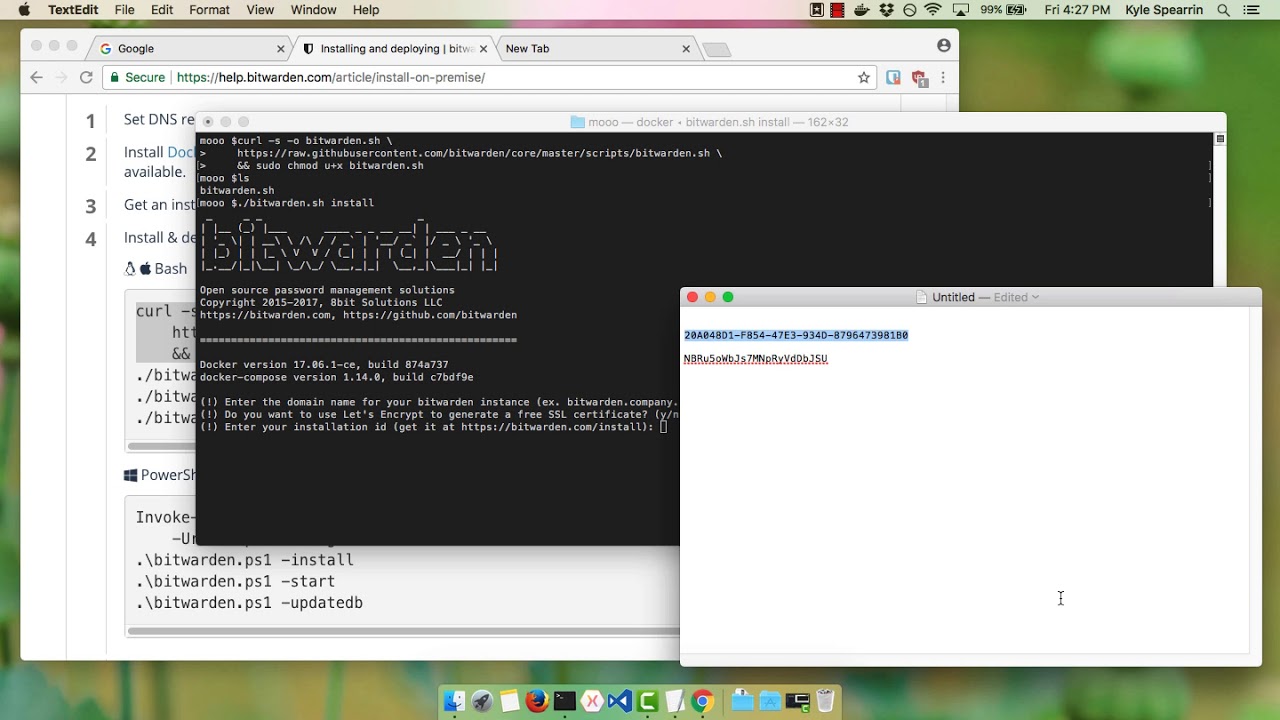](https://www.youtube.com/watch?v=MmfL4zL-xtM)
*[Watch on YouTube](https://www.youtube.com/watch?v=MmfL4zL-xtM)*
## What is an open source password manager?
An open source password manager is software that allows users to store, manage, and share sensitive data, such as passwords, passkeys, cards, and identities. The defining characteristic of an open source password manager is that the source code is publicly available for review. This transparency ensures the software is secure, reliable, and free from backdoors or vulnerabilities. Open source password managers like Bitwarden offer a range of benefits, including flexibility, customization, and community-driven development.
Open source password managers provide many security features to protect sensitive online data. End-to-end encryption ensures that only you have access to your data and that it’s encrypted both in transit and at rest. Two-factor authentication, or two-step login, adds an extra layer of security to your password manager, requiring both a password and a second form of verification. They often include password generation tools, which create unique, complex passwords for each of your online accounts.
## Why self-host a password manager?
Self-hosting a password manager means that you host the software on your own server, giving you complete control over your data. Self-hosting allows you to securely share sensitive data within your organization and allows you to tailor the software to your specific needs, including integrating it with other tools and services. This method allows you to access your password manager from anywhere, using any device, without relying on a third-party service.
## Self-host a password manager on your own server for free
As with most things in Bitwarden, it’s free to host Bitwarden on your own! Access unlimited logins across unlimited devices. Bitwarden does not charge for the use of any core features. If you want to access the premium features of Bitwarden, you must provide a [premium member license](https://bitwarden.com/pricing/) for your installation. Self-hosting an [organization](https://bitwarden.com/pricing/business/), which allows access to sharing features in a self-hosted environment, requires an enterprise license. Learn more about licensing on-premise deployments for premium features and organization accounts in [this help center article](https://bitwarden.com/help/licensing-on-premise/).
Enjoy the flexibility of easily self-hosting an instance of the Bitwarden open source password manager! Documentation articles on self-hosting Bitwarden can be found in the [help center](https://bitwarden.com/help/install-on-premise-linux/).
---
URL: https://bitwarden.com/blog/how-a-password-manager-adds-to-productivity-at-the-office/
---
# How a password manager adds to productivity at the office
A password manager offers a considerable boost to productivity for teams that need to work efficiently and collaboratively, without compromising security.
*By Jack Wallen*
*Published: February 28, 2023*
---
In this modern age of technology, a password manager is a very important tool. Not only do these applications help you lock up your passwords in an [encrypted vault](https://bitwarden.com/blog/end-to-end-encryption-and-zero-knowledge/), but they can also help you (and your teams) be more productive.
That might sound like a bullet point from a sales pitch, but it's true. A password manager offers a considerable boost to productivity for teams that need to work efficiently and collaboratively, without compromising security. Let's take a look at some of the ways a password manager can improve your productivity.
## Save time
Password managers save you time. How many times have you gone to log into a service, forgotten your password, and had to spend far too much of your time either tracking down that password or resetting it?
The truth is, passwords can be a real time-suck, so anything you can do to keep this process efficient will add to your productivity. The last thing you need is to waste time trying to remember a password. If you run a business with a large team, those wasted minutes can really add up.
But it's not just about the resetting of passwords. Instead of having to type out complicated passwords, your team members can either use the password manager to copy or [auto-fill](https://bitwarden.com/blog/what-is-bitwarden-autofill-and-how-do-you-use-it/) those credentials for them. That alone can save precious time and empowers your team to use strong and unique passwords for every account without the headache of remembering them all.
## No more forgotten passwords
A password manager will prevent your team from simply forgetting their passwords. Everyone forgets a password now and then, but when you have a company filled with team members who depend on passwords, every time someone forgets one, it halts productivity. A password manager avoids this pitfall and streamlines operations.
## Stay apprised of password breaches
Website breaches do happen and sometimes passwords for select websites are exposed. When those breaches occur, you or any one on your team could be affected. When you know a certain credential has been exposed, you can take swift action to take care of the problem (most often by changing your password and [setting up 2FA](https://bitwarden.com/blog/basics-of-two-factor-authentication-with-bitwarden/) wherever possible). If you don't know your credentials were in a breach, you might wind up the victim of a hack.
This is the kind of issue everyone on your team needs to be keenly aware of and frequently updated on in order to best protect themselves and the company. Modern password managers should include a report that keeps users up to date if their passwords have been breached. Making this efficient (such as the [Bitwarden Reports feature](https://bitwarden.com/blog/how-to-use-the-data-breach-report-in-bitwarden/)) goes a long way to keep your team members productive. Instead of having to track down this information from multiple sources, users only need to log into the web vault, go to the Reports tab, and find out if any of their accounts have been breached.
## Generate strong passwords
If you use a password manager for any reason, let it be this one. The time for simple passwords is long over. If you're not using strong passwords, you’re leaving yourself vulnerable to cyberattacks.
I've watched people try to come up with [strong passwords](https://bitwarden.com/password-strength/) on their own and it's almost comical. That struggle is real and it can eat up time. This is especially true if you're having to create new accounts regularly.
Thankfully, most good password managers include the tools needed to generate strong and unique passwords. With the click of a button, Bitwarden will generate a password that would take centuries to hack, so you don't have to struggle to come up with one. That's a clear win for productivity.
## Better collaboration
Any password manager for teams will include collaboration features. With these features you can share passwords within your organization, while also keeping your personal vaults isolated from vaults your collaborators can access.
Even better, password managers like Bitwarden also allow you to securely share vault entries like credit cards, identities, and secure notes. Of all the productivity-saving features, this one is probably the most important because it means your team members won't have to bother managers or other leaders for those credentials to log into the accounts they need.
And there you have it, my friends, some of the reasons why a password manager can help your teams (ergo your company) be more productive. If you're still skeptical, I would suggest you add a password manager into the collaborative mix to see just how much it can help.
## Get started with Bitwarden
Interested in trying Bitwarden today? Register for a [free Bitwarden account](https://bitwarden.com/pricing/), or get started with a [7-day free trial of our business plans](https://bitwarden.com/pricing/business/) to keep your team safe online.
---
URL: https://bitwarden.com/blog/how-a-password-manager-can-help-organizations-pass-penetration-tests/
---
# How a password manager can help organizations pass penetration tests
Rolling out an enterprise-wide password manager is a simple yet significant way to enhance a company's chances of passing a pen test.
*By Bitwarden*
*Published: April 9, 2024*
---
Companies entrust sensitive information to their systems, making them a prime target for cyberattacks. Penetration testing, or pen testing, is a defensive strategy to assess an organization’s security posture. It simulates a cyberattack to identify vulnerabilities in a company's systems in a safe, controlled, and well-documented environment. While there are many steps organizations can take to prepare, rolling out an [enterprise-wide password manager](https://bitwarden.com/products/business/) is a simple yet significant way to enhance a company's chances of passing the pen test portion of a security audit.
## The basics of pen testing
Pen testing is a proactive security effort that involves ethical hackers, also known as pen testers, attempting to gain unauthorized access to a company's systems using the same methods real attackers would. This includes exploiting software vulnerabilities, social engineering tactics, and most critically, targeting weak passwords and the habits that create them.
Understanding the different types of pen testing scenarios can shed light on why effective password managers are an essential line of defense. Pen tests can be internal or external, testing from within the organization or from an outsider’s perspective. They can also vary in scope, from black box (limited knowledge of the system) to white box (full knowledge), each offering unique insights into system vulnerabilities. Pen testing can also involve blue teams that focus on defense, and red teams, simulating attackers to uncover weaknesses.
Pen testers employ various techniques to crack passwords. Credential stuffing, a common tactic, involves using stolen passwords from one data breach to attempt to log into accounts on other platforms. Another frequently used method is phishing emails that are designed to trick employees into revealing login credentials. Using weak and reused passwords makes these attacks much more likely to succeed.
## Password managers are critical for passing pen tests
Password managers strengthen data security by generating and securely storing strong, unique passwords for every account, mitigating the vulnerabilities that pen testers exploit. They prevent unauthorized access by reducing the reliance on weak or reused passwords. Password managers enable employees to create robust credentials without needing to remember each one, eliminating password fatigue and reducing human error - a frequent finding in pen test audits.
Password managers also help mitigate phishing attacks by ensuring that credentials are only autofilled on trusted websites. Phishing emails often trick users into clicking links that lead to fake login pages. Since password managers store login credentials for legitimate websites, if you land on a phishing site, the password manager won't recognize it and won't autofill your login information. This check functions as a red flag that can both thwart bad actors and alert users to a potential phishing attempt.
Adding multi-factor authentication (MFA) also offers an extra security layer by requiring a second form of verification, like a code, biometric identifier, or security key along with a password. Password managers provide various MFA options to help users and organizations comply with industry regulations and enhance their defense against pen tests. These options range from authenticator apps, to security keys, to the built-in [Bitwarden Authenticator](https://bitwarden.com/help/integrated-authenticator/). MFA also reduces phishing risks, as unauthorized individuals must complete additional, user-specific authentication steps.
Finally, password managers empower teams to securely share passwords and other sensitive information across devices and accounts within the organization. Users can set permissions to define who can view or edit shared information, reducing the risks associated with sharing sensitive login credentials through email or plain text – another common vulnerability revealed in pen tests. Because many password managers use end-to-end encryption for all shared data, they ensure security through adherence to [zero-knowledge principles](https://bitwarden.com/blog/end-to-end-encryption-and-zero-knowledge/) for storing sensitive data across devices.
## The role of employee training
Organizations should also combine password management with [security training](https://bitwarden.com/blog/user-adoption-for-company-password-manager/) to pass pen tests successfully. Strong password policies and multi-factor authentication (MFA) enhance security, while training helps employees detect and mitigate social engineering and phishing attacks. This integration of password management tools and employee awareness ensures an effective cybersecurity strategy for passing pen tests.
Password managers play a key role in improving overall company security. They promote strong password creation, prevent reuse, flag fake phishing sites, and enable secure information sharing to reduce potential vulnerabilities. When combined with consistent employee training, password managers effectively prepare organizations to pass pen tests. A successful pen test audit demonstrates that a company has robust security measures in place, including strong password hygiene, which is crucial for mitigating a significant portion of cyberattacks.
## Get started with Bitwarden
Learn more about how to use Bitwarden for your business and sign up for a [free 7-day trial](https://bitwarden.com/trial/)! Still have questions? Check out the [free weekly demo](https://bitwarden.com/events/weekly-demo/).
---
URL: https://bitwarden.com/blog/how-a-password-manager-fits-into-your-security-response-playbook/
---
# How a Password Manager Fits into Your Security Response Playbook
A password manager complements your security response playbook to enhance your organization’s cyber resilience.
*By Andrea Lebron*
*Published: August 24, 2021*
---
Security response playbooks form the backbone of an organization’s cybersecurity incident response plan (CSIRP) and ensure consistency in managing security incidents and threats. For organizations with formal, enterprise-wide CSIRPs, incident-specific playbooks can reduce the impact of a cyberattack and thereby reduce business disruption.
Password management can play a critical role, bridging an often ignored gap between policies and procedures. This blog explores how organizations can incorporate password management into their incident response plans in a scalable way.
## What is a Security Response Playbook?
Security response playbooks are step-by-step workflows and operating procedures for cyber incidents such as malware, ransomware, phishing, or DDoS attacks). The workflows include steps to ensure compliance with regulatory frameworks.
## The five steps to incident response and the role of a password manager
As there is no one-size-fits-all security response playbook, they are often customized to the organization’s size, strategies, structure, existing tools, and available skills. However, most playbooks have a similar five-step format to ensure security teams respond to cyber incidents in a coordinated manner. Here’s what those steps look like and how a password manager contributes during each stage.
### Preparation
Organizations should establish policies and procedures for incident response management, define which communication channels to use for each type of incident, and assess their current threat detection capability – updating risk assessments and improvement programs where necessary.
- **The role of a password manager:** A password manager empowers a [culture of cybersecurity](https://bitwarden.com/blog/build-an-online-security-culture-by-adopting-a-health-security-routine/) which mitigates the risk of a cyberattack. Furthermore, security teams can run reports to identify weak, reused, or compromised passwords before hacked login credentials result in a cyber incident. Check out some of the [reports available](https://bitwarden.com/help/reports/#available-reports/) in Bitwarden.
### Detection and reporting
Detection and reporting involve implementing mechanisms for monitoring activity, detecting potential security incidents, and correlating alerts via a Security Information and Event Management (SIEM) monitoring system. Organizations should establish processes for classifying an incident and escalating reports to the appropriate team(s).
- **The role of a password manager:** The good behaviors that evolve from using a password manager at work facilitate greater awareness of cyber threats, the ability to identify them, and a judgment-free environment for users to admit mistakes such as accidentally clicking on a phishing email.
**>>YOU MIGHT ALSO LIKE:** [Why Employees are the Front Line of Enterprise Threat Prevention](https://bitwarden.com/blog/why-employees-are-at-the-front-line-of-enterprise-threat-prevention/)
### Triage and analysis
Organizations can triage and analyze reports of security incidents in many ways depending on the nature of the incident, such as binary or endpoint analysis. It’s important to scope and understand the incident to support containment and neutralization.
- **The role of a password manager:** Many password managers have [SIEM integration capabilities](https://bitwarden.com/help/event-logs/#siem-and-external-systems-integrations/) and can feed access data into the event management tool for more accurate triaging and analysis. Password manager integration can also result in intelligible tips about unusual inside activity.
### Containment and neutralization
The nature of a security incident and its scope determine an organization’s measures to contain and neutralize a threat. These include a coordinated shutdown, wipe and rebuild, password changes, and blocking egress channels leveraged by cybercriminals for command and control.
- **The role of a password manager:** In some cases, multiple users share login credentials for an account which can cause significant damage if that account gets compromised. Using [Collections](https://bitwarden.com/help/about-collections/) and user roles help to minimize potential damage as you can assign the appropriate users to specific shared credentials and remove users or credentials from the password manager for the compromised account to prevent another user from accessing.
### Post-incident activity
Security response playbooks enable security teams to document what actions were taken, how long it took to respond, and obstacles encountered along the way. This documentation helps determine which steps were successful and which need improvements so teams can better respond to future incidents.
- **The role of a password manager:** Event logs represent one of the most valuable pieces of documentation a security team will use in post-incident analyses. Password managers such as Bitwarden maintain [timestamped event logs](https://bitwarden.com/help/event-logs/) for around forty different types of events that can be easily accessed and exported for analysis.
## Complement your security response playbooks with Bitwarden
Better threat intelligence improves cyber resiliency. Organizations can detect, contain, and respond to threats faster, accelerate the timeline of incident response, and reduce the cost of detecting and preventing data breaches – thus minimizing business disruption.
Bitwarden supports enterprise cyber resilience by contributing to the five incident response steps. Bitwarden also empowers employees to take responsibility for credential security both in their personal and business lives. [Try Bitwarden](https://bitwarden.com/pricing/business/) yourself by starting a 7-day Enterprise free trial.
---
URL: https://bitwarden.com/blog/how-bitwarden-brings-value-to-your-business/
---
# How Bitwarden brings value to your business
See how Bitwarden can add to the bottom line on top of providing password security as you evaluate your security budget and cost/benefits analysis.
*By Ryan Luibrand*
*Updated: May 29, 2025*
---
As the manager of a business or a businesses’ security, you have to weigh the risks and benefits of any solution you purchase and implement. Some security tools offer protection but compromise on usability, while others are able to accelerate user workflows. This means you need to evaluate productivity costs as well.
Fortunately, a [password manager such as Bitwarden](https://bitwarden.com/products/business/) can improve security, reducing your risk, while also being a catalyst for teamwork and collaboration.
## The financial consequences of a data breach
It’s never pleasant to discuss a scenario in which things go wrong, but when evaluating security risks it’s important to calculate what could happen and what the costs would be if you suffered a security breach. [60% of businesses surveyed](https://start.bitwarden.com/hubfs/PDF/2023-password-decisions-survey.pdf) say they’ve experienced cyber attacks in the past, reflecting the real threat faced in the business world.
The average price tag for a data breach for a U.S. firm is $9.36M, according to “The Cost Of A Data Breach Report” by IBM in 2024. Below, we explore a few areas where hidden and real costs can arise.
- **Opportunity Cost:** With your systems shut down, IT personnel busy patching holes and pouring through logs, and customer support lines filled with calls from concerned customers, you’re putting lucrative projects on the back burner and missing out on new sales.
- **Ransom:** This is the actual payment you may make to get your data back in a ransomware attack. The average ransom from attacks is $2M according to Sophos's The State of Ransomware 2024 report.
- **Legal:** Breach laws vary by jurisdiction in which business is done and usually requires notification of customers of compromised data. Besides the obvious potential for class action lawsuits, there’s also potential regulatory fines and reparation costs, such as paying for credit monitoring for affected customers.
- **Reputation:** In business, “reputation is everything.” Blemishes on your reputation may discourage partners and investors from working with you and potential top-talent from working for you. Also, both current and new customers may be lured away by competition taking advantage of your setback.
The IBM report states that the average cost per record leaked is $169, with Employee and Customer Personal Identifiable Information (PII) costing $189 and $179, respectively. Between records of current and former customers, marketing lead lists, LCM/CRM operations, employee data and more, the amount of vulnerable records on your systems and resulting breach cost may surprise you.
Verizon reported in their Verizon 2025 Data Breach Investigations that weak, reused, or stolen passwords account for the cause in 88% of breaches of basic web applications and is the most common vector in all breaches. Widely repeated in the security industry is the saying “hackers don’t break in, they log in.”
In contrast to the aforementioned $169 cost per record leaked, Bitwarden [plans for business](https://bitwarden.com/pricing/business/) start at just $4 per user per month. The sayings "a stitch in time saves nine," and "an ounce of prevention is worth a pound of cure" ring true for password security.
## Bitwarden boosts productivity
### Sharing with teammates
Collections and user groups enable easy and secure sharing of logins and vault items across teams requiring access. Consider social media accounts that frequently offer only a single login, and being able to share that safely across a team. Likewise credit card info can be shared with just the right team members.
In many cases, accounts require a one-time-passcode for two-factor authentication. With the built-in Bitwarden authenticator, any team member can generate that code and access the account from the shared login with two quick keystrokes. This is a much more elegant, streamlined solution than having to call the teammate that set up the account to get the temporary code!
### Sharing with others
For collaborating internally and externally, Bitwarden Send enables efficient end-to-end encrypted sharing of text or files from any Bitwarden client application to anyone, even non-Bitwarden users. Imagine sharing sensitive new product information with an outside agency. Bitwarden Send encrypts the file and generates a link that can be messaged to the agency. The link enables the agency to download and decrypt the file, and depending on settings, Send can lock the file from further access. Learn more about [how Bitwarden Send works here](https://bitwarden.com/products/send/).
### Cross-platform access
A saved password is only good if you can get to it. Bitwarden provides cross-platform functionality and free cloud hosting with no limitations on the number, or types, of devices. Offline, read access to your vault is available as a local cache on your device. Plus the [web app](https://bitwarden.com/blog/why-the-bitwarden-web-vault-is-a-powerful-password-management-client/) can be accessed anywhere with a modern browser and internet connection.
## Bitwarden saves time (and time is money)
### Saving and autofilling passwords
Password managers save you time by managing passwords. A simple enough proposition with outsized benefits. Generate and store passwords quickly, and autofill them into a login page with just one keypress (ctrl/cmd + shift + L) or through the inline autofill menu. Save time from not having to physically physically type it in and also from needing to retrieve the password from a computer document or sticky note. Or worse, having to reset the password when it’s forgotten. Add in sharing with teammates, and these time savings compound quickly.
### Teams can safely collaborate and self-manage
With user groups and collections, logins and other items are shared intuitively. Users are granted specific permissions to modify passwords and vault items, so that a team lead can handle password change requests without having to submit an IT ticket. [Organization management settings](https://bitwarden.com/blog/additional-enterprise-options-for-least-privileged-access-control/#flexible-collections-options-for-your-organization/) and [custom role](https://bitwarden.com/help/user-types-access-control/#custom-role/) for enterprises allows even more granular access permissions to help teams manage themselves.
## Easy onboarding and provisioning
Bitwarden syncs users and groups from many types of directory services. The [Bitwarden Directory Connector](https://bitwarden.com/help/directory-sync/) automatically provisions and deprovisions users and groups, freeing up administrative time not only for initial setup and deployment, but also for continuous management of users during onboarding and succession.
### Login with SSO
Enterprise customers can integrate Bitwarden with identity managers to streamline authentication and login for end users. Flexible options for managing decryption add support for multiple types of deployments. [Learn about Login with SSO here](https://bitwarden.com/help/about-sso/). Depending on how it's configured, this can also enable a one-step login to the vault, saving even more time.
## Add to the bottom line while protecting your business
To review, Bitwarden adds value to your business in three ways: risk reduction, productivity through collaboration, and efficient time savings. Bitwarden makes it easy for employees to practice great password security habits, which they may not do on their own, to protect against costly data breaches.
Finally, Bitwarden adds value by [providing complimentary families plans](https://bitwarden.com/help/families-for-enterprise/), normally $40/year, to each user in an enterprise organization, allowing employees to bring password security home to their loved ones. This can be offered to your employees as a perk of working at your company.
Learn more about the capabilities of Bitwarden and the protection and value it can bring to your business at [Bitwarden Plans and Pricing](https://bitwarden.com/pricing/business/) and start a trial today!
***Editor's note, May 29, 2025:**** Updated with recent statistics*
---
URL: https://bitwarden.com/blog/how-bitwarden-protects-cloud-users/
---
# How Bitwarden protects cloud users
With millions of Bitwarden users on the cloud, security of that data is paramount. Read on to learn how Bitwarden secures cloud users and their vaults.
*By Micah Edelblut*
*Published: March 26, 2025*
---
More than [10 million users in over 180 countries](https://www.businesswire.com/news/home/20250129567175/en/Bitwarden-Achieves-Landmark-Growth-in-2024-Empowering-10-Million-Users-with-Trusted-Identity-Security-Solutions-in-Over-180-Countries) use Bitwarden cloud to store their important information. These users trust Bitwarden to keep their accounts safe, and that responsibility is taken seriously.
## Letting users in and keeping bad guys out
Bitwarden has two goals when protecting users of the Bitwarden cloud service:
1. Users should have easy access to their data
2. Bad actors should have insurmountable barriers to accessing users’ data
These two goals align in such a way that there is always a need to balance. Making things simple for users to log in can inadvertently provide paths for bad actors. Similarly, anything to inhibit bad actors can also add a little friction for end users. Every new enhancement goes through significant consideration, research, and planning to uphold each goal without negatively impacting the other.
### Strong authentication as a first defense
The initial line of protection is being sure that the user attempting to log in is legitimate. In recent years, Bitwarden developed and released new features that improve the security of logging in while also improving convenience. [Login with Device](https://bitwarden.com/help/log-in-with-device/), [Login with Passkey](https://bitwarden.com/help/login-with-passkeys/), and for enterprise users, [SSO with trusted devices](https://bitwarden.com/help/about-trusted-devices/), allow for authenticating into your Bitwarden apps without requiring a master password.
Other security measures improving authentication strength include increasing the minimum length of a master password and also making the most secure [two-step login](https://bitwarden.com/help/setup-two-step-login-fido/) option free for every Bitwarden plan, allowing any user to set up a passkey or hardware security key for the best protection.
### Deterring attackers with roadblocks
Additional security comes from making it harder for attackers to even launch an attack. Bitwarden requires a valid email address when registering to ensure that users receive important security alerts, such as notifications for new devices logging in. Similarly, accounts without two-step login enabled (2FA) will have to [verify new devices](https://bitwarden.com/help/new-device-verification/) during the login process. These changes make it harder for bad actors to attempt to gain access to users’ accounts and make it impossible for attacks such as credential stuffing (automated password guessing) to succeed.

## Protection of data in the cloud
### Encryption
**End-to-end encryption**
Your data is end-to-end encrypted, which is a fundamental aspect of data security. The only time that your data is unencrypted is when you’re viewing it, and it never leaves your device in an unencrypted state. This is why your master password is so important. In simple terms, it’s the key that is used to unlock your vault. Before your vault is synced to the Bitwarden cloud, it’s encrypted, so only the scrambled data is ever stored on Bitwarden (or self-hosted) servers.
**Zero-knowledge encryption**
Unlike most online services, Bitwarden uses zero-knowledge encryption, meaning that only you have the keys to your encrypted vault data. Bitwarden doesn’t know your master password - it never leaves the device you type it in on. This means that neither Bitwarden nor anyone else can see the contents of your vault. This also means Bitwarden cannot reset a forgotten master password, so take care to fill out a [security readiness kit](https://bitwarden.com/resources/bitwarden-security-readiness-kit/)!
**Encryption in transit**
On top of the encryption already at the vault-level, your data is transmitted on secure channels to the Bitwarden cloud, using the tried-and-true Transport Layer Security (TLS) that most websites use today (think https://). This way someone sniffing around on your internet network activity won’t ever get access to your vault data.
> Review the [Bitwarden Security Whitepaper](https://bitwarden.com/help/bitwarden-security-white-paper/) for a deeper dive on Bitwarden encryption.
### Multifactor encryption in the Bitwarden cloud
Covered more deeply in [this blog on Bitwarden multifactor encryption](https://bitwarden.com/blog/bitwarden-security-fundamentals-and-multifactor-encryption/#encryption-for-data-in-the-cloud/), Bitwarden takes additional security measures on the Microsoft Azure cloud servers that store users’ encrypted data. Bitwarden performs column-level encryption on the database itself, protecting important authentication hashes and user keys. On top of that, Microsoft Azure also places a level of Transparent Data Encryption on the stored data, with encryption keys managed by the Azure process itself. These protections make accessing vault data without a master password virtually impossible.

## Defending the perimeter
As the Bitwarden community grows, the Bitwarden service becomes a more appealing target for bad actors. Developments in AI have also increased the threat by enabling sophisticated credential-stuffing attacks that continuously try to breach the defensive perimeter. Implementing robust cloud security solutions counters these sophisticated threats.
Bitwarden has leveled up against these automated attacks with new, state-of-the-art tools to keep the infrastructure edge secure. Bitwarden has also increased the ranks of the cloud security team, always ever vigilant for the signs of new attacks and maintaining the Bitwarden cloud service.
You, the user, also have a role to play as well. You should always use your best judgment when receiving emails from Bitwarden or when searching online. Bitwarden lists the types of communications from the company and around the product in this help article: [Emails from Bitwarden](https://bitwarden.com/help/emails-from-bitwarden/). When on the web, be sure that you are accessing the official URLs of bitwarden.com and bitwarden.eu, with vault.bitwarden.com and vault.bitwarden.eu representing the corresponding URLs for the web app.
## The Bitwarden cloud is secure
All these measures, the strengthened authentication, vault-level encryption, layers of encryption, and dedicated cloud security team show the Bitwarden commitment to securing your password vault in the cloud. In addition, [Bitwarden is compliant](https://bitwarden.com/compliance/) with all major industry security standards and serves thousands of businesses worldwide, including governments and agencies, who have full trust in Bitwarden security and operations. And, for those who still prefer something beyond cloud solutions, Bitwarden offers a fully functional [self-host deployment](https://bitwarden.com/self-hosted-password-manager-on-premises/) to run on your own servers behind whatever layers of security you prefer.
Interested in securing yourself or your business with Bitwarden? Try a [7-day free trial](https://bitwarden.com/pricing/business/) for a business account, or create a [free individual account](https://bitwarden.com/pricing/) today!
---
URL: https://bitwarden.com/blog/how-cryptocurrency-became-law-enforcements-secret-weapon/
---
# Bitcoin's big secret: How cryptocurrency became law enforcement's secret weapon
WIRED's Andy Greenberg discusses a revelation that turned his decades-long reporting on its head: Bitcoin became a criminal's worst nightmare.
*By Bitwarden Events*
*Published: November 11, 2025*
---
At the [2025 Bitwarden Open Source Security Summit](https://bitwarden.com/open-source-security-summit/), WIRED's Andy Greenberg sat down for a fireside chat with GigaOm analyst Paul Stringfellow to discuss a revelation that turned his decades-long reporting on its head: Bitcoin became a criminal's worst nightmare.
In 2011, Greenberg thought he'd discovered the story of a lifetime: digital cash that promised complete anonymity. A decade later, that story flipped entirely.
> "I had this slow-motion epiphany that I was entirely wrong about Bitcoin. It was, in fact, the opposite of untraceable."
## How law enforcement cracked the blockchain code
Starting around 2014, law enforcement discovered something remarkable: Bitcoin's blockchain was a permanent, traceable record.
Enter Tigran Gambaryan, an IRS criminal investigator who would become the hero of Greenberg's book *Tracers in the Dark*. The same IRS unit that brought down Al Capone for tax evasion now had a new weapon: blockchain forensics. Working alongside cryptocurrency tracing startup Chainalysis, Gambaryan developed techniques that offered even greater transparency than traditional financial systems.
> "They could follow the money with even greater financial forensic power than in the traditional finance system."
The scale of what followed was staggering. Greenberg walked through several landmark cases that reshaped how law enforcement thinks about cryptocurrency:
- **Silk Road's corruption**: Corrupt DEA and Secret Service agents received Bitcoin payments from the site's kingpin. Blockchain analysis proved these weren't personal investments — they were payments to moles selling law enforcement secrets.
- **Mt. Gox heist**: Investigators traced 650,000 stolen Bitcoins to Russian cybercriminals, leading to arrests when one vacationed in Greece.
- **AlphaBay**: Federal agents dismantled this dark web drug marketplace after cryptocurrency tracing identified kingpin Alexandre Cazes operating from Bangkok. Advanced crypto techniques revealed the secret server's location in Lithuania.
- **Welcome to Video**: Blockchain analysis exposed a dark web marketplace for child sexual abuse materials (CSAM). Investigators identified 337 perpetrators worldwide and rescued 23 children.
> "The first, second, and third biggest seizures of money in US Justice Department history — billions of dollars."
Gambaryan and his colleagues carried out the first, second, and third largest financial seizures in U.S. Justice Department history. Not just in cryptocurrency — in any crime category, period.
## The uncomfortable reality: Why crime continues
But here's the paradox: if cryptocurrency tracing is so powerful, why do ransomware attacks, pig butchering scams, and North Korean hackers continue to steal billions?
The answer:**identifiability isn't the same as accountability.**
- Law enforcement can identify perpetrators with incredible accuracy through blockchain analysis
- But criminals operating from Russia, North Korea, or lawless Southeast Asian zones remain out of reach
- Ransomware profits dropped significantly last year when federal investigators seized websites and cryptocurrency — even without arrests
- Pig butchering scams steal tens of billions annually through forced labor compounds, yet Chinese crime bosses face minimal consequences
- The gap: law enforcement hasn't prioritized crypto tracing investigations against scam operations at scale
> "You can identify perpetrators with incredible accuracy thanks to the blockchain, but if they're beyond the reach of Western law enforcement, they can still be beyond accountability."
## Blockchain analysis: The privacy trade-off
As the discussion wrapped up, Stringfellow highlighted a provocative tension: while blockchain analysis empowers law enforcement, it also raises profound privacy concerns for everyone else. The same technology that catches criminals can potentially track law-abiding citizens, making this book more than just a true crime thriller.
> "When you read this book, you realize how cool accountants are."
Forensic accountants power the most exciting detective work of the digital age. They analyze blockchain transactions, where hackers and traditional law enforcement often hit dead ends.
## Watch the replay
*Tracers in the Dark* is now available and offers a comprehensive deep dive into these cases and the forensic techniques that led to their resolution.
For anyone interested in cybersecurity, cryptocurrency, or the intersection of technology and crime, the full fireside chat delivers cases that read like spy novels but are entirely real. Hear directly from Greenberg about covert operations, international manhunts, and the complete reversal of what criminals thought they knew about staying anonymous online.
[](https://vimeo.com/1123711504)
*[Watch on Vimeo](https://vimeo.com/1123711504)*
---
URL: https://bitwarden.com/blog/how-do-passkeys-work/
---
# How do passkeys work?
Passkeys will eventually replace passwords. They’re stronger, more secure, phishing-resistant, and best of all, easier to use. But how do they work? Read on.
*By Ryan Luibrand*
*Published: August 1, 2023*
---
## Introduction to passkeys
Passkeys are a secure, cryptographic way to authenticate a user without a password, providing better security, safety and ease of use than passwords themselves. More and more websites are adapting this [passwordless technology,](https://bitwarden.com/passwordless-passkeys/) including many big tech companies. Learn more about passkeys in this detailed blog: [What are Passkeys?](https://bitwarden.com/blog/what-are-passkeys-and-passkey-login/)
## How passkeys work
Passkeys utilize cryptographic technology in development for more than ten years. The [FIDO Alliance](https://fidoalliance.org/) was founded in 2013 to shepherd and drive the technology, ensuring universal, open standards and is supported by a [long list of members and sponsors](https://fidoalliance.org/members/), including Bitwarden. Passkeys leverage the WebAuthn cryptographic protocols developed by the alliance, hailed as the gold standard in secure authentication.
### Passkeys are an asymmetric key pair
Each passkey is a pair of two related asymmetric cryptographic keys, which are very long, random strings of characters. While they differ from each other, they do have a special relationship - one can decrypt messages that have been encrypted by the other. This feature can be used to verify a user and authenticate them.
The key pair is made up of a **private key** that’s kept securely on your device, inside a password manager supporting passkeys (also called a passkey provider), and a **public key** that’s stored on the website you are logging into. Your private key is secure and never leaves your device, and the password manager keeps it locked by biometrics, PIN, or a password. The public key, on the other hand, could be shared with the world, such as in the case of a website data breach, and your security wouldn't be compromised so long as the private key stays safe.
Here’s a [popular analogy](https://blog.vrypan.net/2013/08/28/public-key-cryptography-for-non-geeks/) to help understand asymmetric key pairs, and the infographic below explains the steps of using a passkey and its key pair for determining your authenticity when logging into a website:

To sign into a passkey-enabled website, that site will send a login challenge - a really large random number - and then your **secret key** will use cryptography to “sign” the challenge with a response to the number. The website checks that signature with its **public key** to verify that the signature is authentic. Once confirmed, the website can confidently grant access to your account.
## Passkeys in Bitwarden
Bitwarden supports creating and storing passkeys in the [Bitwarden Password Manager](https://bitwarden.com/products/personal/) today. Learn more in [Blog: Bitwarden launches passkey management](https://bitwarden.com/blog/bitwarden-launches-passkey-management/).
If you’d like to get started today, [set up a free account](https://bitwarden.com/pricing/), or share with your team by [starting a free business trial](https://bitwarden.com/pricing/business/). For developers, Bitwarden [Passwordless.dev](https://bitwarden.com/products/passwordless/) provides API frameworks to help you build discoverable FIDO credentials such as passkeys.
---
URL: https://bitwarden.com/blog/how-enterprise-password-vaults-strengthen-security-for-organizations/
---
# How enterprise password vaults strengthen security for organizations
Utilizing an enterprise-wide password manager is always good for business. Read more about the benefits in this blog.
*By Bitwarden*
*Published: June 28, 2023*
---
Let’s start with the basics: [defining an enterprise password vault](https://bitwarden.com/learning/individual-and-organizational-vaults/). An enterprise password management vault is the password management storage repository (essentially, the backbone of a password manager) owned and managed by an enterprise and shared with its employees as members of the organization. A vault is used to store items securely, such as passwords, usernames, logins, company credit cards, colleague mailing items or phone numbers, and secure text items.
The Bitwarden password management vault offers [Collections](https://bitwarden.com/help/getting-started-organizations/#get-to-know-collections/), which allow employees to share items between themselves. These can be thought of as shared folders. Similar to file folders, these Collections will sometimes be given names based on a department or area of responsibility.
## Why enterprises should use password managers
Utilizing an enterprise-wide password manager is always a good decision. Some of the benefits include:
- Preventing unauthorized access to internal systems via weak or stolen passwords, which in turn can can cause financial, reputational, and in some cases, legal damage
- Mitigating risky employee password behavior, such as password reuse and over-reliance on unreliable memory
- Offering security outside of SSO. While SSO is a popular way for businesses to centralize access control for critical applications, services, and tools, not all SaaS applications support SSO, which means organizations still have to manage access control through individual logins
Ultimately, password managers are critical for empowering your team to stay safe online. Cyberattacks can be minimized or prevented by proper password management use. Phishing attacks, for example, can be prevented with a password manager - a phishing scam might trick an employee into clicking on a malicious link, but it can’t trick a password manager.
Within organizations, the needs for centralized and shared resources can be resolved with a password manager - the only way for employees to secure sensitive information within an end-to-end encrypted vault. Which brings us back to the topic at hand: how enterprise password vaults can strengthen security for organizations throughout the entire employee lifecycle.
## Enterprise password vaults make password sharing safer as your team grows
It is in an organization’s best interest to onboard employees quickly and efficiently. However, the onboarding process - for employer and employee alike - can be overwhelming, especially from a credentials standpoint. While larger companies might grant access to enterprise-wide systems, including options for SSO, credentials likely go well beyond this scope. The absence of a password vault means credentials are probably being shared via email, unsecure documents, messaging apps or verbally between colleagues. In fact, the [Bitwarden 2023 Password Decisions Survey](https://bitwarden.com/blog/password-decisions-survey-2023/) revealed 41% of respondents share passwords via email and 38% via online documents. It makes sense, then, to introduce a password manager early on in the onboarding process to set the stage for more secure password habits and minimize onboarding friction.
## Enterprise password vaults make employee transitions more secure
In dynamic, growing organizations, members of any given team may shift, requiring a transition in software ownership or updating user access levels. With a password vault in place, transitioning employees into new groups with new shared folders or updating role access is a fairly seamless process. For example, when Bitwarden customer [RMWBH PC](https://bitwarden.com/blog/bitwarden-legal-case-study/) needs to distribute cases between paralegals, the handoff can happen without needing to reconfigure access. Instead, the management of over 10,000 passwords is automated across a series of Collections that enables automatic distribution. For organizations without password managers, this might be done in a manual and cumbersome fashion: changing all the passwords to shared logins via a spreadsheet or internal messaging app. The better option is via an enterprise password vault, which can securely reassign access making your team more efficient and your business safer.
## Enterprise password vaults enable the sharing of private or sensitive files
As mentioned above, the Bitwarden vault stores multiple items: logins (including usernames and passwords), cards (credit or debit card information), identities (billing, mailing, and other info), and secure notes (encrypted freeform text for anything you might want protected). Files can also be attached to vault items from any Bitwarden app. For those wishing to share files - particularly private or sensitive files - employees have the option of utilizing [Bitwarden Send](https://bitwarden.com/help/about-send/). Bitwarden Send is a secure and ephemeral way to transmit text up to 1,000 encrypted characters or files up to 500 MB (or 100 MB on mobile). Every Send is given a randomly generated and secure link, which can be shared with anyone (including those who do not have Bitwarden accounts) via text, email, or whatever communication channel you prefer. Those who want to take it a step further can configure a password for Send access or hide their email address from recipients for added security.
## Get started with Bitwarden
Learn how Bitwarden corporate password manager provides centralized control and complete reporting for organizations of all sizes.
Ready to simplify your security with a password management solution? Get started with a [free business trial](https://bitwarden.com/pricing/business/) to help your team stay safe online, or quickly sign up for a [free individual account](https://bitwarden.com/pricing/).
---
URL: https://bitwarden.com/blog/how-long-should-my-password-be/
---
# How long should a password be?
Ever wondered how long your passwords should be for strong security? Experts recommend a random mix of at least 14 to 16 characters for every unique password.
*By Gary Orenstein*
*Published: January 30, 2025*
---
Passwords are everywhere these days: email accounts, [bank accounts](https://bitwarden.com/blog/industry-leaders-security-rankings-banking-edition/), [social media accounts](https://bitwarden.com/blog/industry-leaders-security-rankings-social-media-edition/)—the list goes on! Utilizing strong passwords across all platforms will keep your information safe from bad actors who want to use your private information for nefarious purposes like identity theft or financial fraud.
[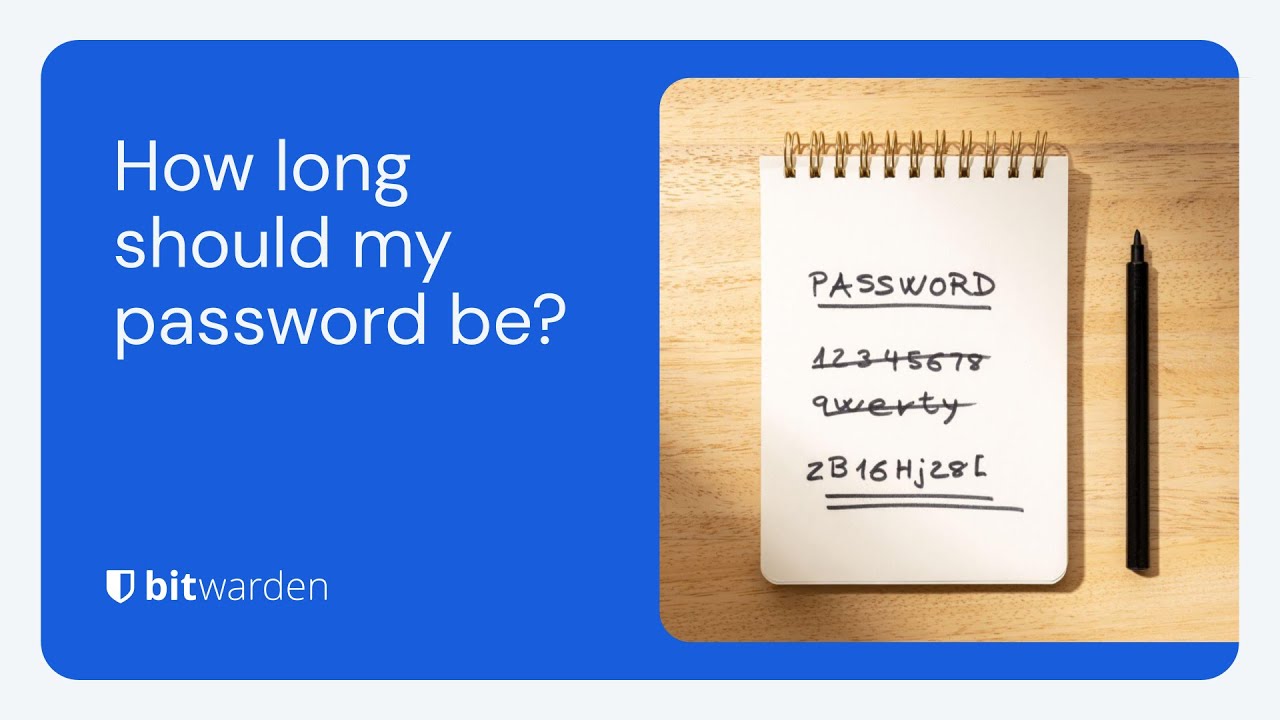](https://www.youtube.com/watch?v=iOB9ZCS-p4g)
*[Watch on YouTube](https://www.youtube.com/watch?v=iOB9ZCS-p4g)*
## What is a strong password?
Strong passwords are a cornerstone of robust online security. But what exactly makes a password strong? A complex password is a unique combination of characters, numbers, and special symbols that is difficult for hackers to guess or crack using brute force attacks. A strong password should be at least 14 characters long, though 16 or more is recommended for added security.
Moreover, a strong password should be unique and not reused across multiple accounts. This uniqueness ensures that even if one account is compromised, other accounts remain secure. Creating a strong password significantly reduces the risk of unauthorized access to online accounts.
## Minimum password length: 14 to 16 characters or more!
Experts agree that length is a critical element of password strength. The [Cybersecurity & Infrastructure Security Agency (CISA)](https://www.cisa.gov/secure-our-world/require-strong-passwords) recommends that passwords should be “Long—at least 16 characters long (even longer is better).” The [National Institute of Standards and Technology (NIST)](https://pages.nist.gov/800-63-3/sp800-63-3.html) states in its future [2024 Digital Identity Guidelines](https://pages.nist.gov/800-63-4/sp800-63b.html):
**“Password length is a primary factor in characterizing password strength**. Passwords that are too short yield to brute-force attacks and dictionary attacks. The minimum password length required depends on the threat model being addressed. Online attacks in which the attacker attempts to log in by guessing the password can be mitigated by limiting the permitted login attempt rate. To prevent an attacker (or a persistent claimant with poor typing skills) from quickly inflicting a denial-of-service attack on the subscriber by making many incorrect guesses, passwords need to be complex enough that a reasonable number of attempts can be permitted with a low probability of a successful guess, and rate limiting can be applied before there is a significant chance of a successful guess … Users should be encouraged to make their passwords as lengthy as they want, within reason.”
Use the Password Strength Test chart below, based on the [Bitwarden Password Strength Generator](https://bitwarden.com/password-strength/), to guide your password decisions.

## Is the longest password always best?
The longer a password is, the harder it is to crack using brute force algorithms. However, the length of your password often depends on the website or service and their password acceptance policies. While 14 to 16 random characters will provide great security, more characters won’t hurt. However, some websites limit password length, so you may need to adjust accordingly.
[Bitwarden Password Manager](https://bitwarden.com/products/personal/) can auto-generate and securely store complex passwords up to 128 characters. If you need an even longer password or an [SSH key](https://bitwarden.com/blog/ssh-agent/), those can be stored in a [Custom Field](https://bitwarden.com/help/custom-fields/) or a [Secure Note](https://bitwarden.com/help/managing-items/).
## Do I need to use numbers, capital letters, and special characters?
Some websites and services require numbers, capital letters, and special characters. A broader spectrum of letters plus numbers, capital letters, and special characters will increase complexity and [strengthen your passwords](https://bitwarden.com/blog/five-best-practices-for-password-management/). It is also recommended that the mix of characters be completely *random* and unrelated to your personal information.
The four character sets are:
1. Numerical characters such as 12345
2. Lowercase letters such as abcde
3. Uppercase letters such as ABCDE
4. Special characters such as !$%&?
A password consisting exclusively of numerical characters has only ten possible options for each character (0 – 9). If a password is six numerical characters in length, a hacker can attempt one million possible combinations (10 x 10 x 10 x 10 x 10 x 10).
However, a six-character password consisting of numbers and lowercase letters has thirty-six options for each character (0 – 9 plus a – z). Now, rather than one million possible combinations, 2,176,782,336 possible combinations exist for a six-character password. Password managers take manual math out of the equation, so all you need to do is generate a unique password.
## Randomness: The key to a unique password
Determining how long a password should be is important, but a password’s overall randomness also contributes to better password security. [Passphrases](https://bitwarden.com/passphrase-generator/) are an easy way to achieve random and unique passwords. Using a passphrase helps by combining memorable words or phrases known to the user but less recognizable by [hackers](https://bitwarden.com/how-to-stop-hackers/). Here’s an example of a randomly generated passphrase using the free web-based [Bitwarden Password Generator](https://bitwarden.com/password-generator/):

Another way to create a strong password is to avoid commonly used dictionary words or repeated or sequential characters, such as “secret.” Likewise, some very long passwords appear in [password dumps](https://www.ncsc.gov.uk/static-assets/documents/PwnedPasswordsTop100k.txt) with remarkable frequency.
One such password is “1qaz2wsx3edc4rfv5tgb6yhn7ujm8ik,9ol.0p;/,” which, despite being thirty-four characters in length, would be among the first couple of thousand attempts in a brute force attack (you will see why if you look at your keyboard). Lots of math can come into play, but longer and more unique characters generally create stronger passwords.
## Mitigating the risks for password security when deciding how long a password should be
Brute force attacks are not the only reason for account hacking. Successful phishing attacks are a [common cause of data breaches](https://bitwarden.com/blog/hackers-guide-to-vip-security/), and the easier it is to remember a password, the easier it is to disclose it to an unauthorized party. Further exacerbating this threat is if the same password is used for multiple accounts to save someone from remembering various login credentials. A [recent report](https://bitwarden.com/resources/the-survey-room/#world-password-day-global-survey/) demonstrates how common this poor practice is by revealing that 84% of respondents continue to reuse passwords across multiple sites.
You can easily build strong passwords using the Bitwarden [Password Generator](https://bitwarden.com/password-generator/), a free and secure online tool designed to generate unique passwords for every account with customization options to support any site’s password policies. Additionally, you can test the strength of new or existing credentials with the free [Password Strength Tester](https://bitwarden.com/password-strength/).

## Strong password best practices
To keep your online accounts secure, following best practices for password security is essential. Here are some tips to help you safeguard your digital life:
- **Use a secure password manager**: Password managers can generate and store unique, strong passwords for online accounts. This saves you from the hassle of remembering multiple passwords. Opt for a password manager that encrypts all information stored in your vault and offers data breach reports.
- **Avoid reusing passwords**: Using the same password for multiple accounts is risky. If one account is compromised, all your accounts using that password are at risk.
- **Enable multifactor authentication (MFA)**: Whenever available, enable MFA to add an additional layer of security to your accounts. This involves a second form of verification, such as a text message or authentication app, which can prevent unauthorized access to your account even if someone were to discover the password.
- **Opt for longer passwords**: Aim for a password length of at least 14 characters, but 16 or more is recommended. Longer passwords are generally harder to crack.
- **Avoid weak passwords with easily guessable information**: Steer clear of using easily guessable information such as your name, birthdate, or common words. Hackers can easily find this information and use it to guess weak passwords.
- **Use a mix of characters**: Create strong passwords using uppercase and lowercase letters, numbers, and special symbols. This increases the difficulty for anyone trying to guess your password.
Following these best practices can significantly enhance your password security and protect your online accounts from potential threats.
## How can I manage unique and strong passwords for every account?
A password manager like Bitwarden helps generate and store unique and strong passwords for each account. The benefit of storing passwords in a password manager is that they are encrypted, hashed, and salted to prevent authorized access – far safer than storing passwords in plain text in Word documents or Excel spreadsheets!
Bitwarden offers a [password management solution](https://bitwarden.com/products/personal/) with a built-in generator across all client applications, including browser extensions, mobile and desktop apps, the web vault, and the CLI.
## Get started with Bitwarden
Ready to level up your cybersecurity with Bitwarden Password Manager? Sign up today for a [free Bitwarden account](https://bitwarden.com/pricing/), or start a [7-day free trial of our business plans](https://bitwarden.com/pricing/business/) so your team and company colleagues can stay safe online. Still have questions? Check out the [live weekly demo](https://bitwarden.com/events/weekly-demo/) to speak directly with the Bitwarden team.
---
URL: https://bitwarden.com/blog/how-password-managers-help-prevent-phishing/
---
# How password managers help prevent phishing
Malicious phishing attacks are unfortunately part of digital life, but password managers provide one means of prevention.
*By Gary Orenstein*
*Published: August 20, 2022*
---
Phishing attacks frequently attempt to exploit users’ fears, curiosity, or helpfulness, sometimes with an element of urgency intended to prompt an immediate interaction. Phishing attacks can have different objectives. They may try to trick people into divulging confidential information like login credentials, bank account or social security numbers, or redirect victims to websites harboring drive-by [malware downloads](https://bitwarden.com/blog/accelerate-ransomware-mitigation-with-password-management/).
These fake reach outs, or phishing attacks, can be surprisingly convincing. Phishers can use social engineering techniques to research an intended victim prior to deploying a phishing attack so the phishing email appears to come from a trusted source such as your boss, or a website for a financial institution that you use frequently.
With more digital work and more [remote work](https://bitwarden.com/blog/securing-remote-work-password-manager/) occurring every day, phishing has reached the point where everyone needs to keep themselves protected. There are many phishing attack prevention methods, from developing general awareness techniques to using different tools. In this post we’ll specifically discuss how a [password manager](https://bitwarden.com/go/start-free/) can help prevent phishing attacks.
## Staying alert
Phishing attacks can come via email, text message, voice message, chat apps, or when accidentally mistyping the URL for an intended website and ending up on a fake site. Any of the above can be combined into a socially engineered phishing attack intended to convince the user to give up something valuable like a password, government identification ID, or a credit card number.
To stay alert, the basics of internet safety apply. Here are a couple of examples and recommended ways to stop a phishing attack.
Imagine an email appearing to come from your bank that states your account has been disabled or that there has been suspicious activity. The email requests that you log in to confirm everything is okay. The email also includes a link, but instead of that link pointing to your real bank website, it points to a hacker website made to look like the real bank website. For example, the site might be called www.wellsfaigo.com, with an “i” instead of an “r”, which could be easy to miss.
A few recommended steps:
- Check all aspects of the email to confirm it is from the proper institution. This includes looking at the email sender name as well as the accompanying email address (See [Emails from Bitwarden](https://bitwarden.com/help/emails-from-bitwarden/)). It’s important to learn the difference between a displayed email address and the real one, since email addresses can be “spoofed” and misleading. Also mobile phones do not always show the full sender’s email address.
- Hover over links to confirm they go to the proper website, and in general, avoid clicking on links since they can be designed to trick users. If you are concerned about the message in the email, it is always better to log directly into the account in question, and avoid any information sent to you via a suspicious email.
- If concerned, call the institution or person who emailed you to confirm the email is real.
- Do not open attachments from people you don’t know – or unexpected attachments from people you do know without checking first. It is possible that their email accounts may have been compromised in a separate phishing attack.
> [**YOU MIGHT LIKE: Bitwarden Send for secure one-to-one data sharing**](https://bitwarden.com/products/send/)
If you inadvertently click a link from a phishing email, you may end up on a website that looks familiar, but not quite right
- Verify URLs in your browser address bar to ensure you are in the right place. Pay close attention to minor spelling differences.
## Thwarting phishing attacks with a password manager
While general awareness will serve you well to avoid phishing attacks, sometimes it helps to have an [extra layer of protection](https://bitwarden.com/blog/3-tips-for-extra-security-with-your-bitwarden-account/). Password managers can fill that gap.
Password managers, by their nature, keep track of the website URLs you visit. They can also show you an indication that the site visited is stored within the password manager by showing an icon in the browser bar. In this example, stackoverflow.com is one of the Logins stored in the Bitwarden Vault.

*Password managers retain known and confirmed URLs*
Of course, you could use the browser extension to open that site directly, and quickly [autofill credentials](https://bitwarden.com/blog/living-the-passwordless-life/#2-autofill-to-automatically-enter-passwords/), but let’s assume that you typed in the stackoverflow.com web address by hand, or clicked it from a trusted email.
In this case, the browser extension shows a ‘1’ in the corner of the extension icon, reminding users that there is one Login stored for stackoverflow.com in the password manager. If there were multiple Logins associated with the same website, that number would increment to ‘2’ and so on.

*Password managers confirm via an icon flag when landing on a known site*
In this hypothetical example, if the entry was mistyped or intentionally misspelled in a phishing attack, and the website URL was not exactly correct, the icon would not appear. This would set off an awareness alarm that something is not right. Password managers are not fooled by similarly spelled website URLs, they must be exactly correct. Further inspection may then reveal that the website URL was not entered correctly.

*A malicious site would not trigger the known login icon on the browser extension*
## Password managers set a secure foundation
Beyond helping to thwart phishing attacks, password managers help you use recommendations for good [password hygiene](https://bitwarden.com/blog/five-best-practices-for-password-management/) that experts suggest, such as using long, complex, random, and unique passwords for every website. You can sync your passwords across all of your devices, and if working in a team, can share securely with end-to-end encryption.
Whether you want to set yourself or your business up for success, it is easy to get started with Bitwarden, an open source password manager for individuals and organizations. Visit [bitwarden.com](https://bitwarden.com/) to learn more and sign up for a free account.
## Get Started with Bitwarden
Ready to try out Bitwarden today? Quickly sign up for a [free Bitwarden account](https://bitwarden.com/pricing/), or register for a [7-day free trial of our business plans](https://bitwarden.com/pricing/business/) so your business and team can stay safe online.
Editor's Note: This article was originally written on October 28th, 2020 and was updated on August 20th, 2022.
---
URL: https://bitwarden.com/blog/how-password-security-best-practices-safeguard-against-ransomware/
---
# Protection from ransomware: how password security best practices safeguard
Learn how password managers and passwordless technologies help protect against ransomware and phishing attacks.
*By Bitwarden*
*Published: February 13, 2025*
---
The U.S. federal government periodically advises individuals and businesses to keep their data protected and remain aware of cybersecurity threats. Recently, the U.S. Joint Ransomware Task Force (JRTF), an interagency co-chaired by the Cybersecurity and Infrastructure Security Agency (CISA) and the Federal Bureau of Investigation (FBI), issued a “[#StopRansomware Guide](https://www.cisa.gov/resources-tools/resources/stopransomware-guide)” for organizations at risk of being targeted by ransomware attacks.
Authored by CISA, the FBI, and the National Security Agency (NSA), the #StopRansomware Guide “provides guidance for all organizations to reduce the impact and likelihood of ransomware incidents and data extortion, including best practices to prepare for, prevent, and mitigate these incidents.”
The #StopRansomware Guide is a necessary response to a real threat to Americans and U.S. businesses. One only needs to look to the [Palo Alto Networks Ransomware and Extortion Report](https://unit42.paloaltonetworks.com/unit-42-ransomware-leak-site-data-analysis/) and the [State of Ransomware Report from Sophos](https://assets.sophos.com/X24WTUEQ/at/c949g7693gsnjh9rb9gr8/sophos-state-of-ransomware-2023-wp.pdf) (both cited below) for more evidence of the damage caused by ransomware.
Businesses interested in staving off and mitigating the damage from ransomware attacks should consider reading the guide and reviewing both reports. This blog is focused on the role of password managers and passwordless technologies in protecting credentials.
## Defining ransomware and understanding its scope as malicious software
The #StopRansomware Guide defines ransomware as follows:
> “Ransomware is a form of malware designed to encrypt files on a device, rendering them and the systems that rely on them unusable. Malicious actors then demand ransom in exchange for decryption. Malicious code encrypts files, making them inaccessible without the decryption key.
Over time, malicious actors have engaged in more destructive ransomware tactics. They continue to successfully exfiltrate victim data and pressure targets to pay by threatening to release or sell stolen information on the dark web. Ransomware inflicts harm by locking users out of their computers or encrypting their data.
The application of both tactics is known as ‘double extortion.’ In some cases, malicious actors may exfiltrate data and threaten to release it as their sole form of extortion without employing ransomware. The decryption key is crucial in ransomware attacks, as it is the only way to regain access to the encrypted data.”
It goes on to state:
> “These ransomware and associated data breach incidents can severely impact business processes by leaving organizations unable to access necessary data to operate and deliver mission-critical services.
> The economic and reputational impacts of ransomware and data extortion have proven challenging and costly for organizations of all sizes throughout the initial disruption and, at times, extended recovery.”
This explanation captures the challenges businesses face in remaining vigilant against ransomware threats. According to the 2023 Sophos State of Ransomware Report, 66% of respondents reported their organization was affected by ransomware. For comparison, in 2020, that number was 51%.
Meanwhile, Palo Alto Networks reports that half of all ransomware incidents posted on leak sites in 2023 involved U.S. organizations, trailed by Europe, the Middle East, and Africa. The manufacturing industry was the most impacted by extortion attacks, followed by the professional and legal services industries. Interestingly, Palo Alto Networks found that harassment of individuals within an organization was a factor in 20% of ransomware cases, up from 1% in the previous year.

*Palo Alto Networks Ransomware and Extortion Report Figure 10. Leak site post distribution by country in 2023*
The Sophos report found that “payments themselves have increased considerably over the last year, with the average (mean) ransom payment almost doubling from $812,380 in 2022 to $1,542,333 in 2023. The median ransom payment reported in this year’s study was $400,000.” It also noted that “organizations reported an estimated mean cost to recover from ransomware attacks of $1.82 million, an increase from the 2022 figure of $1.4 million.”
The Palo Alto Networks Report also probed the financial impact of ransomware, noting ransomware payment demands ranged from $3,000 to $50 million. In actuality, payments were “as low as $3000 and as high as $7 million.” The median payment tracked by Palo Alto Networks hewed closely to the Sophos number: $350,000.

*Sophos State of Ransomware Report p. 12*
“Threat actors want you to feel pressured,” according to the Palo Alto Networks report. “The more you feel this way, the more likely you will pay what they demand. When cybercriminals use tactics such as harassment and urgency in addition to encryption, they’re trying to make you feel out of control and under pressure so you’ll do what they want.”
These figures are jarring. Fortunately, organizations can shore up security safeguards and minimize ransomware attack risks through password management best practices and passwordless authentication adoption.
## Protecting credentials from ransomware attacks using security tools
While ransomware can be delivered through a number of threat vectors, the Federal Trade Commission (FTC) [notes that](https://www.ftc.gov/business-guidance/small-businesses/cybersecurity/ransomware) “phishing emails make up most ransomware attacks.” As [discussed in this Bitwarden blog](https://bitwarden.com/blog/how-password-managers-help-prevent-phishing/), phishing attacks are social engineering tactics that attempt to trick people into divulging confidential information like login credentials, bank accounts, or social security numbers, or redirect victims to websites housing [malware downloads](https://bitwarden.com/blog/accelerate-ransomware-mitigation-with-password-management/). Having secure backup files offline and on the cloud is crucial to recover data more quickly in case of an attack.
Recognizing the role of phishing in facilitating ransomware attacks, pages 9 and 10 of the #StopRansomware Guide offers recommendations for protecting credentials. The guide suggests organizations:
- Implement phishing-resistant multi-factor authentication (MFA/2FA) for all services.
- Consider passwordless MFA that replaces passwords with two or more verification factors (e.g., a fingerprint, facial recognition, device pin, or a cryptographic key).
- Implement password protection policies that require unique passwords of at least 15 characters and utilize a password manager.
- Store passwords in a secured database and use strong hashing algorithms.
- Educate all employees on proper password security in your annual security training, including emphasizing the importance of not reusing passwords and not saving passwords in local files.
Additionally, having an incident response plan to outline roles and responsibilities during a ransomware attack is essential. Security awareness training is crucial to recognize and deter phishing attacks.
Password managers are an effective deterrent against credential theft because they easily enable users to generate strong and unique passwords for each site they visit. This reduces the risk of password reuse and stops people from defaulting to weaker passwords simply because they’re easy to remember. While password managers alone won’t stop all ransomware attacks - a user or users may still fall prey to a phishing attack and divulge their credentials - the scope of the attack will likely be limited because the same password hasn’t been used for multiple accounts.
Password managers, such as [Bitwarden](https://bitwarden.com/products/), further protect credentials by enabling two-factor authentication (also known as 2FA), which requires authentication from a second device upon login. This is often accomplished through a security key, authenticator app, or via email.
The #StopRansomware Guide cites passwordless MFA, which can further strengthen verification through [biometrics](https://bitwarden.com/blog/living-the-passwordless-life/) (e.g., a fingerprint, facial recognition), a device pin, or a cryptographic key. Recent data found that [nearly three in 10](https://www.axios.com/2023/05/30/1passwords-passwords-passkeys) ransomware attacks started with threat actors using a stolen password. [Passwordless](https://bitwarden.com/blog/access-your-bitwarden-vault-without-a-password/) solutions like [passkeys](https://bitwarden.com/passwordless-passkeys/) empower individuals and businesses with a more effective deterrent against ransomware attacks by removing weak or reused credentials from the attack surface altogether. Passkeys prevent the reuse of passwords across services or platforms because they are created uniquely for each user and service. Encrypted authentication protocols like WebAuthn, enable passkeys to enhance protection against phishing attacks, one of the most common initiation points for breaches and ransomware attacks. Using a layered security tech stack that incorporates endpoint detection and response (EDR), network monitoring tools, and email filtering solutions alongside anti-malware and antivirus software will strengthen an organization’s resilience to ransomware attacks by minimizing the attack surface across multiple threat vectors.
The public and private sectors continue recognizing the growing momentum toward passwordless technology. In the [2023 Bitwarden Password Decisions Survey](https://bitwarden.com/resources/the-survey-room/), 49% of IT decision-maker respondents said they were deploying or had plans to deploy passwordless technology. Of those utilizing passwordless authentication, 51% are relying on the ‘something you are’ (biometrics, facial recognition, voiceprint) form of passwordless authentication.
Ransomware attacks are complex, and successful mitigation against them requires a multi-layered approach. Password management and passwordless authentication measures create the foundation for a strong security culture, foster better password habits, and empower employees and organizations with the tools they need to strengthen credential security.
## Operating system security
#### Keep operating systems up to date
Keeping operating systems up-to-date is a fundamental step in preventing ransomware attacks. Outdated operating systems inherently create security vulnerabilities that cybercriminals can exploit to gain unauthorized access. Regularly updating device operating systems and ensuring that the latest security patches and features are installed will provide added protection against these threats. Enabling automatic updates is a simple yet effective way to ensure that operating systems remain current, reducing the risk of ransomware attacks exploiting known vulnerabilities.
#### Harden operating system configurations
Hardening operating system configurations is another critical measure to safeguard against ransomware attacks. This process involves configuring operating systems to minimize the attack surface. Start by disabling unnecessary services and removing unused or unpatched software, which can serve as potential entry points for malicious actors. Configuring firewall rules to block incoming traffic that isn’t essential for operational needs adds another layer of defense. Adopting a zero trust security model can significantly enhance an organization’s security posture by preventing lateral movement or privileged access elevation within the network in case of a ransomware infection. This approach ensures that even if one part of a system is compromised, the threat is contained and cannot spread easily.
## Network security measures
#### Network segmentation
Network segmentation is a vital security measure that can help contain and mitigate the impact of ransomware attacks. By dividing an internal network into smaller, isolated segments, organizations can limit the spread of ransomware if an infection occurs. Each segment should be equipped with its own security controls, including firewalls and access control policies, to prevent unauthorized access. This approach can quickly identify and isolate infected systems while reducing the scalability of a ransomware attack. Implementing network segmentation as part of a broader security strategy can significantly enhance a company's ability to respond to and recover from ransomware incidents, ensuring that critical systems and information remain protected.
## Get started with Bitwarden and the zero trust security model
Ready to try out password sharing with Bitwarden? Quickly get started with a [free Bitwarden account](https://bitwarden.com/pricing/), or start a [7-day free trial of our business plans](https://bitwarden.com/pricing/business/) to keep your team safe online. Still have questions? Check out the [free weekly demo](https://bitwarden.com/events/weekly-demo/).
---
URL: https://bitwarden.com/blog/how-state-and-local-goverment-benefits-from-password-management/
---
# How state and local government benefits from password management
With ransomware attacks on the rise the time to secure passwords is now
*By Gary Orenstein*
*Updated: November 11, 2025*
---
State and local governments fuel our nation serving as the front line of our civil society. These administrations have a deep history of interconnectedness, working amongst themselves as well as across boundaries to share resources and information in the interest of the public good. From gate access codes to government applications, these government groups manage critical resources for populations of all sizes. All of this drives a heightened need for security.
## The unfortunate rise of ransomware attacks even at the state level
Ransomware attacks place a spotlight on the importance of security awareness, including better password security. When hackers breached Colonial Pipeline with a compromised password in 2021, critical operations were halted and the organization incurred severe financial losses. The SolarWinds breach, where cyber attackers gained access with the insecure password "solarwinds123," proved this was not an isolated instance.
Specifically when it comes to the state level, Pew Trusts reported that:
> Cyber attackers have forced states to take down websites, stolen $36 billion in unemployment payments and exposed millions of residents’ personal information to scammers.
## Taking immediate action to improve security
Following the White House Executive Order on Cybersecurity, a memo from the Deputy Assistant to the President and Deputy National Security Advisor for Cyber and Emerging Technology was published. The subject line of the memo, **What We Urge You To Do To Protect Against The Threat of Ransomware**.
The memo sends a call to action to implement the best practices from the President’s Executive Order, identified as high impact and listed below verbatim from the memo:
- Multifactor authentication (because passwords alone are routinely compromised)
- Endpoint detection & response (to hunt for malicious activity on a network and block it)
- Encryption (so if data is stolen, it is unusable)
- A skilled empowered security team (to patch rapidly, and share and incorporate threat information in your defenses)
**You might also like:**[**Cybersecurity is Everybody’s Responsibility**](https://bitwarden.com/blog/preparing-for-the-executive-order-on-improving-the-nations-cybersecurity/)
## The big misunderstanding
Regrettably, the phrasing of the first point “(because passwords alone are routinely compromised)” assumes a defeatist attitude towards passwords and puts weight on multifactor authentication which can at times be more to manage than a strong password.
While it is true that passwords alone are routinely compromised, however, when internet users employ a password manager, which generates long, complex, random, and unique passwords per site, the risk of a compromised password is significantly reduced.
Choosing long, complex, random, and unique passwords per site is nearly impossible for human beings. But it is easy for computer software like a password manager.
**Watch:**[**Why use a password manager?**](https://youtu.be/H0-yWbe5XG4)
## Yes to multifactor authentication, but get a password manager
In a recent breach at the New York City’s Law Department, the New York Times reported,
> But all it took for a hacker to infiltrate the 1,000-lawyer agency’s network early this month was one worker’s pilfered email password, according to a city official briefed on the matter.
While the exact details are unknown, it is very common for employees to reuse passwords that may have been revealed due to other website breaches, and then sold on the dark web.
Of course paraphrasing language similar to the White House cybersecurity memo the story continues,
> But the hack was enabled by the Law Department’s failure to implement a basic safeguard, known as multifactor authentication…
Here too, the source of the incident was a pilfered password. Had the original password been long, complex, random, and unique, the situation may have been avoided. Multifactor authentication remains a critical security enabler, but should be addressed in concert with proper password management, and generating long, complex, random and unique passwords per site.
## Benefits of password management to state and local government
When people are not empowered with secure password management resources at work, they often default to less secure account protection.
From a state and local government perspective, consider the following when seeking a password management solution.
### Comprehensive security
Ensure that your provider implements zero-knowledge encryption for all of your vault items and has comprehensive security and compliance credentials. Complete zero-knowledge encryption means that the password management provider cannot see any of the contents of your vault.
### Ease of use
Find solutions that appeal to a broad user base, from technical to novice users. Password managers that are open source appeal widely to these audiences due to the engaged community that helps everyone achieve their best security posture. Technical users become engaged with the community and work to improve the product, and non-technical users can easily find supporting documents and helpful community Q&A forums.
### Affordability
Look for solutions that provide an easy path to get started and the scale to support larger organizations.
### Option to self-host
Password management is serious business, and sometimes organizations prefer to have an option to run their own solution. If this matters to your team, investigate up front.
**Dig deeper:**[**See how City of Albany achieved secure password management**](https://bitwarden.com/resources/public-government-agency-moves-to-bitwarden/)
## Take control of your organization’s security today
Fortunately, it is fast and easy to start improving your organization’s security immediately. Bitwarden is a fully featured, open source password manager used by individuals and organizations worldwide. The Bitwarden password management solution is secure, easy to use, affordable and includes an option to self host.
Start a [free trial](https://bitwarden.com/pricing/business/) for Teams and Enterprise organization plans, or get started as an individual with a [Basic Free Account](https://bitwarden.com/pricing/). Either way, you’ll be on a path to enhance your security right away!
---
URL: https://bitwarden.com/blog/how-strong-is-my-password/
---
# How strong is my password?
Here are a few key pieces of guidance to keep in mind when creating strong passwords.
*By Bitwarden*
*Published: June 20, 2023*
---
If you’re using services or subscriptions that require a password - and that would be most people, at this point - you’ve probably noticed that most sites have password requirements. For example, a site might prompt its users to leverage passwords that include uppercase and lowercase letters, numbers, and some forms of punctuation.
The site might also have a minimum length requirement, such as 6-8 characters. In some cases, sites offer password strength meters that alert users as to whether their password is considered strong enough. But, the quality of these password strength meters can vary. Before leaning too heavily on a third-party site’s built-in tools, consider first reviewing the [Bitwarden Password Security Checker](https://bitwarden.com/password-security-checker/) explainer, then utilizing the [Bitwarden Password Strength Testing Tool](https://bitwarden.com/password-strength/). This tool gauges how long it might take to crack your password by testing it against known criteria such as length, randomness, and complexity. Using the password strength tester will give you a quick answer to the question “how strong is my password?” and allow you to build up a repertoire of strong passwords.
There are a few key pieces of guidance to keep in mind when creating strong passwords to test against the [Password Strength Testing Tool](https://bitwarden.com/password-strength/).
> Guide: [How secure is my password?](https://bitwarden.com/how-secure-is-my-password/)
- **Make your password unique**. The same passwords should not be used across multiple sites, as this increases the likelihood of one compromised password affecting multiple accounts.
- **Stick with random passwords**. A nonsensical (to others) password is just fine. A password that is built on identifiable personal information (your name, street name, child’s name, etc.) isn’t. Use random combinations of letters, numbers, random characters, and words.
- **In this case, longer is better.**The longer, the stronger. An eight-character password will take a few minutes to a few hours to crack. A sixteen-character password will take a billion years to crack.
These recommendations may seem commonsensical, but internal research from Bitwarden has shown that users make a common series of mistakes when it comes to passwords. According to the [2023 World Password Day Global Survey](https://bitwarden.com/resources/world-password-day/), a majority (85%) reuse passwords across more than one site. Almost one fifth (17%) reset their passwords every day or multiple times a week, indicating challenges with both devising and managing passwords.

If you’ve reviewed the guides above and decided to utilize the Bitwarden Password Strength Testing Tool, the next logical step is to sign up for the Bitwarden free or premium [password manager service](https://bitwarden.com/products/personal/). Avoid becoming a data breach statistic and take control of your online security.
## Get started with Bitwarden
Ready to get started with Bitwarden? Register for a [free Bitwarden account](https://bitwarden.com/pricing/), or begin a [7-day free trial of our business plans](https://bitwarden.com/pricing/business/) to keep your team and company colleagues safe online.
---
URL: https://bitwarden.com/blog/how-to-back-up-and-encrypt-your-bitwarden-vault-from-the-command-line/
---
# How to back up and encrypt your Bitwarden vault from the command line
One thing you should regularly do is back up your vault. Learn how to do this from the command line by crafting a handy bash script to simplify the process.
*By Jack Wallen*
*Published: November 1, 2022*
---
*As of the *[*October 2022 release*](https://bitwarden.com/help/releasenotes/#2022100/)*, the option for exporting encrypted backups of a Bitwarden vault protected by a password of your choice is available in the web vault. Learn more about this feature in *[*this blog article*](https://bitwarden.com/blog/flexible-encrypted-vault-exports/)*.*
As long as there's a law by the name of "Murphy," you can rest assured that unwanted things might happen. Your internet connection will go down, software will crash, batteries will die, software won't compile, and password manager vaults can (out of nowhere) become unreadable. No matter how much we want to think it is, technology is not perfect.
But if things go wrong with your password manager, without the right plans in place, you could wind up with a big problem on your hands (as in not being able to retrieve your passwords).
What do you do?
One thing you should regularly do is back up your vault. With a working backup, you can also import it back into Bitwarden and be functioning in minutes (or seconds).
But how do you do that? Well, if you're using the GUI, it's as easy as opening Bitwarden, clicking File > Export Vault, and walking through the simple prompts.
If, however, you want to do this from the [command line](https://bitwarden.com/blog/how-to-install-and-use-the-bitwarden-command-line-tool/), it's not nearly as easy. However, by crafting a handy bash script, you could greatly simplify the process.
Let’s walk through how it's done.
The only thing you'll need to make this work is a running instance of Bitwarden and the Bitwarden CLI tool. I'll be demonstrating on the Linux operating system (Pop!_OS to be exact), so if you're using either macOS or Windows, you'll need to adjust this to meet the needs of your OS.
I'm going to show you how to set this up so it's an interactive command as well as one you can set up to run automatically. The only caveat to running it automatically is that you cannot have two-factor verification enabled (because getting that to automatically work in a script would be a challenge.) So, if you use [two-factor authentication](https://bitwarden.com/help/setup-two-step-login/) (which you should), you'll have to use the interactive script.
**NOTE**: These scripts are optimized for Linux and MacOS. Windows optimized scripts are planned for the future.
## The interactive script
Create the new script with the command:
```
nano bw_backup.sh
```
In that script, paste the following:
```
#!/usr/bin/env bash
export LC_CTYPE=C
export LC_ALL=C
read -p "Bitwarden account email: " BW_ACCOUNT
read -p "Master Password (hidden): " -s BW_PASS
EXPORT_OUTPUT_BASE="bw_export_"
TIMESTAMP=$(date "+%Y%m%d%H%M%S")
ENC_OUTPUT_FILE=$EXPORT_OUTPUT_BASE$TIMESTAMP.enc
export BW_SESSION=$(bw login $BW_ACCOUNT $BW_PASS --raw)
bw export --raw --session $BW_SESSION --format json | openssl enc -aes-256-cbc -pbkdf2 -iter 600000 -k $BW_PASS -out $ENC_OUTPUT_FILE
bw logout > /dev/null
unset BW_SESSION
unset BW_PASS
unset BW_ACCOUNT
```
Save and close the file.
Give the file execution permissions with the command:
```
chmod u+x bw_backup.sh
```
You can then run the script with the command:
```
./bw_backup.sh
```
You'll be asked for the email address associated with your Bitwarden Vault, followed by the master password. If you have two-factor authentication enabled, you'll then be asked for the 6-digit passcode. Upon successful authentication, you'll find a new file, named something like `bw_export_20220822140328.enc`.
That file is also encrypted. Before you can actually use it, you must decrypt it with a command like this:
```
openssl enc -aes-256-cbc -pbkdf2 -iter 600000 -d -nopad -in bw_export_20220822140328.enc -out bw_export.json
```
You should then have a JSON file you can import back into Bitwarden, should the need arise.
## The non-interactive script
Say you don't have two-factor authentication setup for your Bitwarden account (again… you should) and you want to automate this. For that, the script will need to be slightly altered to look like this:
```
#!/usr/bin/env bash
export LC_CTYPE=C
export LC_ALL=C
export BW_ACCOUNT=EMAIL
export BW_PASS=PASSWORD
export BW_SESSION=$(bw login $BW_ACCOUNT $BW_PASS --raw)
EXPORT_OUTPUT_BASE="bw_export_"
TIMESTAMP=$(date "+%Y%m%d%H%M%S")
ENC_OUTPUT_FILE=$EXPORT_OUTPUT_BASE$TIMESTAMP.enc
bw --raw --session $BW_SESSION export --format json | openssl enc -aes-256-cbc -pbkdf2 -iter 600000 -k $BW_PASS -out $ENC_OUTPUT_FILE
bw logout > /dev/null
unset BW_SESSION
unset BW_PASS
unset BW_ACCOUNT
```
Where EMAIL is the [email address](https://bitwarden.com/blog/add-privacy-and-security-using-email-aliases-with-bitwarden/) associated with your Bitwarden vault and PASSWORD is your master password.
Save and close the file.
Give the file executable permission with the command:
```
chmod u+x bw_backup.sh
```
The script is run the same way as the interactive command, only you won't be prompted for input. One thing to keep in mind is that you're saving your Bitwarden credentials in that file, so make sure you save the file in a hidden directory (one that starts with a period) or another out-the-way location. Again, I don't recommend this method, but in certain instances, it might be the best option.
Now, we'll automate this with the help of cron. Create a cronjob with the command:
```
crontab -e
```
To run this script every night at midnight, that entry would look something like this:
```
0 0 * * * /path/to/bw_backup.sh
```
Save and close the crontab editor and your job is ready. The backup should run every night at midnight and save the backup file in the same location housing the backup script.
And there you have it, a handy method of backing up and encrypting your Bitwarden vault from the command line.
## Get Started with Bitwarden
If you aren't familiar with using a command line, but still want to create an encrypted backup of your Bitwarden vault, check out this [handy guide](https://bitwarden.com/resources/guide-how-to-create-and-store-a-backup-of-your-bitwarden-vault/) that shows you step-by-step how to create an encrypted export of your Bitwarden data — from the web vault.
Not using Bitwarden yet? Quickly get started and sign up for a [free personal account](https://bitwarden.com/pricing/) or initiate a [7-day business trial](https://bitwarden.com/pricing/business/) to see how Bitwarden can secure your enterprise.
## About the Author
Jack Wallen is an award-winning author and avid supporter of open source technologies. He has covered open source, Linux, security, and more for publications including TechRepublic, CNET, ZDNet, The New Stack, Tech Target and many others since the 1990s in addition to writing over 50 novels.
---
URL: https://bitwarden.com/blog/how-to-better-manage-your-financial-information-in-bitwarden/
---
# Managing financial data security in Bitwarden
Read to find out how you can keep your finances secure using Bitwarden.
*By Bitwarden*
*Published: July 16, 2025*
---
## Financial data security threats and risks
Financial institutions and individuals face significant cybersecurity threats that put sensitive financial data at risk. Cybercriminals frequently target financial data because of its high value for fraudulent activities. Common attack vectors include:
- Phishing scams that trick users into revealing credentials
- Ransomware attacks that encrypt and hold data hostage
- Insider threats from malicious employees or contractors
- System misconfigurations that expose sensitive data
- Unpatched vulnerabilities in software and systems
These threats can result in devastating consequences, including financial losses, damaged reputation, and regulatory penalties. To combat these risks, organizations and individuals must implement comprehensive security measures, including identity and access management, regular security audits, employee training, and, most importantly, effective password management solutions.
## How password managers protect financial data
Password managers serve as the first line of defense for financial data security through encrypted vaults. These vaults use advanced encryption to ensure that only users can access their information with the correct master password. Within the encrypted vault, users can securely store:
- Login credentials for websites, applications, and services
- Credit card information and payment details
- Personal identity information
- Secure notes and documents
- Multi-factor authentication (MFA) codes
For optimal financial data security, each account in the vault should have a strong, unique password combined with multi-factor authentication wherever possible. This layered approach significantly reduces the risk of unauthorized access.
## Types of financial data to secure
Consider using a password manager like Bitwarden to protect credentials and sensitive information for:
- Banks and credit unions - Online banking portals and mobile apps
- Investment brokerages - Trading platforms and portfolio management tools
- Credit card accounts - Online account management and payment systems
- Investment platforms - Active trading and robo-advisor services
- Payment systems - Digital wallets, peer-to-peer payment apps, and online checkout services
The Bitwarden autofill functionality makes it easy to access these accounts securely while maintaining strong, unique passwords for each service. Bitwarden also mitigates the risks of a data breach by employing advanced security measures, such as not autofilling passwords on websites that don’t match the stored url, ensuring financial data remains protected from cyber threats. Below is a step-by-step guide on how to create a folder in Bitwarden to help better manage financial information protected in your vault.
## Creating a financial data folder
Users who want to create a folder in their Bitwarden vault should start by opening the client (the desktop app is used in this demonstration), unlocking their vault, and then clicking + associated with FOLDERS in the left navigation (Figure 1). Controlling data access within the vault is crucial to ensure that only authorized users can view sensitive financial data.
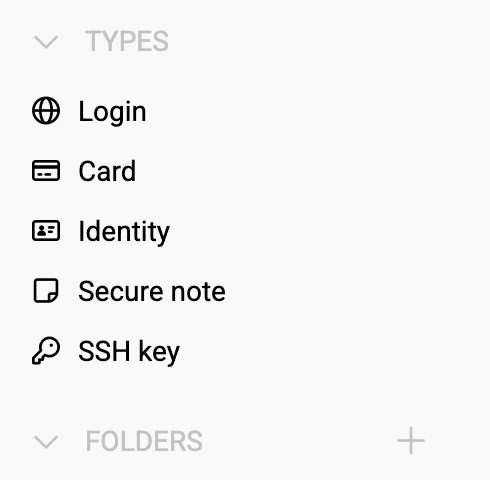
*Figure 1: The Bitwarden interface makes organizing the vault easy.*
When prompted to name the new folder, users concerned about unauthorized access to their Bitwarden vault should consider a discreet name rather than something obvious like "FINANCES." A less conspicuous folder name adds an extra layer of security by not immediately drawing attention to the most sensitive data. Either way, after a user clicks +, they will be asked to type a name for the new folder (Figure 2).
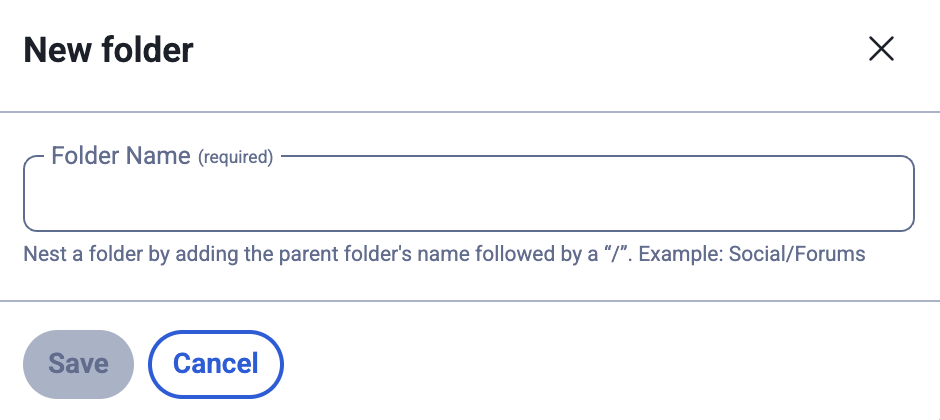
*Figure 2: Naming the new folder.*
After giving the folder a name, click the Save icon. To move previously created entries into the new folder, open one of those entries for editing and then select the new folder from the Folder drop-down (Figure 3).
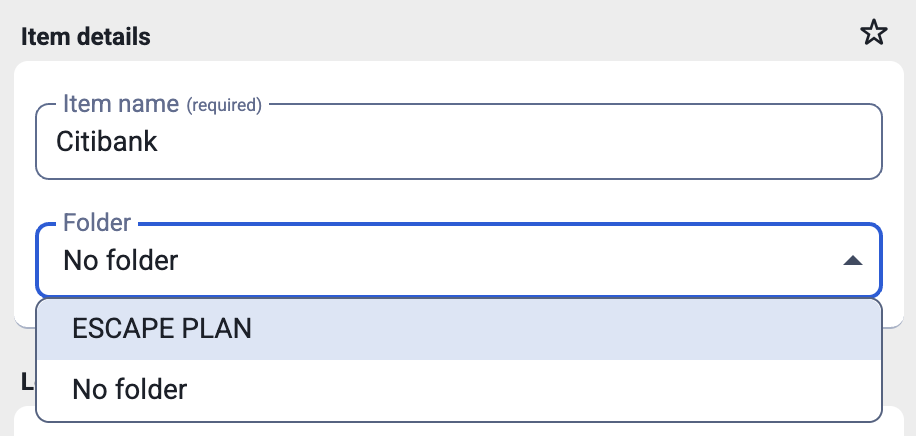
*Figure 3: Adding a previous entry to the new folder.*
Users who want to add additional security to sensitive vault items can set up a [master rassword re-prompt](https://bitwarden.com/blog/six-ways-password-reprompt-delivers-the-right-bitwarden-security-for-you/), which requires them to retype their master password before viewing the contents of this entry.
The final step after adding an entry is to click the Save button.
## Best practices for financial data security
To maximize the protection of financial data in Bitwarden, users should:
1. Use unique, complex passwords for every financial account
2. Enable multi-factor authentication wherever available
3. Monitor financial account activity for suspicious transactions
4. Keep software updated to benefit from the latest security enhancements
5. Train team members on proper password management practices
By implementing these strategies and leveraging the comprehensive security features Bitwarden offers, users can significantly enhance financial data protection while maintaining convenient access to their accounts.
Financial data security requires ongoing attention and the right tools. Password managers, such as Bitwarden, provide a practical solution for protecting sensitive financial information through encryption, organized storage, and secure access controls. While no security measure is perfect, combining strong password practices with encrypted storage significantly reduces risk exposure.
## Get started with Bitwarden
Ready to try Bitwarden? Register for a [free individual account](https://bitwarden.com/pricing/), or start a [free business trial](https://bitwarden.com/pricing/business/) today.
---
URL: https://bitwarden.com/blog/how-to-change-your-main-bitwarden-password/
---
# How to change your main Bitwarden password
If you’d like to change your master password, here’s how.
*By Bitwarden*
*Published: December 27, 2024*
---
Your main Bitwarden password, also known as your Bitwarden master password, is the key to all your vault entries, such as login credentials, cards, and secure notes. That master password should be [strong and unique](https://bitwarden.com/blog/how-long-should-my-password-be/) but also one you can memorize. You certainly don't want to use one that’s weak (such as “password” or “password123”), or you’ll be increasing your risk.
You may want to change your Bitwarden master password if you’re concerned it’s too weak or fear it has been compromised. If you've [forgotten your master password](https://bitwarden.com/help/forgot-master-password/), don't panic. There are a few ways to regain access to your vault if you've lost it:
- Try logging in on another device, such as a mobile phone with biometric authentication.
- If you've set up a [master password hint](https://vault.bitwarden.com/#/hint), request one. The hint will be sent to the email address you enter. Hopefully, that hint will be enough to remind you what your password is.
- Use emergency access (if enabled) to contact your trusted emergency contact and regain access to your vault.
- If you work for an organization that uses the account recovery policy, contact the Organization administrator to reset your master password.
If you’d like to change your Bitwarden master password, here’s how.
> [Picking the right password for your password manager](https://bitwarden.com/blog/picking-the-right-password-for-your-password-manager/)
## Bitwarden master password requirements
You'll only need a valid Bitwarden account that you can access with the required master password. That's it. Let's get to the task at hand.
Important Note: Changing your master password is an encrypted operation that will change the encryption of your vault. You will want to make a [backup](https://bitwarden.com/resources/guide-how-to-create-and-store-a-backup-of-your-bitwarden-vault/) of your vault first, just in case something unexpected happens. The download of this file should be handled with extreme care as it contains all of your vault information. Some users like to download it onto a USB key and store it in a safe and secure place.
### Characteristics of a strong master password
A strong master password is the cornerstone of your password manager’s security, safeguarding all the sensitive data it holds. Here are the key characteristics that make a master password robust:
- **Long**: Aim for a master password that is at least 14 characters long. For even better security, consider extending it to 16 characters or more.
- **Complex**: Mix it up! Use a combination of uppercase and lowercase letters, numbers, and special characters to create a complex master password.
- **Unique**: Your master password should be unique and not reused across different accounts or services. This ensures that a breach in one area doesn’t compromise your entire security.
- **Memorable**: While your master password should be complex, it also needs to be memorable. Avoid easily guessable information like your name, birthdate, or common words.
- **Random**: A strong master password should be randomly generated, avoiding any predictable patterns or sequences.
By following these tips, you can create a master password that is both secure and easy to remember, providing robust protection for your password manager.
## Follow these steps to change your Bitwarden master password
First, you’ll need to log into your [Bitwarden Web Vault](http://vault.bitwarden.com) in your web browser. Once you've logged in, click on the profile icon in the top right corner of the window. From the resulting popup (Figure 1), click Account Settings.

**Figure 1:**The profile icon popup menu found in the Bitwarden Web Vault.
In the Account Settings window, click **Security** in the left sidebar. Click the **Master Password** tab and then, in the resulting window (**Figure 2**), type your current master password and then type and verify the new master password.

**Figure 2:**Resetting your Bitwarden master password.
If you haven’t done so already, you may want to add a master password hint, which can be emailed to you. This can be a good thing to have in place just in case you forget your Bitwarden master password after you change it.
After verifying your new master password, click Change Master Password, and you're set. You can close out the Account Settings popup and log out of your account. Remember, the next time you log in to your Bitwarden vault, you'll need to type the new master password.
## Get started with Bitwarden
Ready to level up your cybersecurity with Bitwarden? Sign up today for a [free Bitwarden account](https://bitwarden.com/pricing/), or start a [7-day free trial of our business plans](https://bitwarden.com/pricing/business/) so your team and company colleagues can stay safe online. Still have questions? Check out the [live weekly demo](https://bitwarden.com/events/weekly-demo/) to speak directly with the Bitwarden team.
---
URL: https://bitwarden.com/blog/how-to-create-a-custom-field-in-bitwarden/
---
# How to create a custom field in Bitwarden
Bitwarden makes it easy to add custom fields to vault entries for an even more efficient experience.
*By Bitwarden*
*Published: October 3, 2024*
---
Bitwarden can store many types of information in a vault item. After creating a standard Login, you can add the following:
- Name
- Username
- Password
- Authenticator key (TOTP)
- URI
- Notes
You can also add the item to a folder, select the ownership (if your plan includes organizations), add multiple URIs, add it to Favorites, and even configure it for master password re-prompt.
Some users opt to simply include any additional bits of information in the Notes section. While this method works fine, Bitwarden makes it easy to add custom fields to vault entries for an even more efficient experience, including auto-fill! You can create custom fields for each vault item type: Logins, Cards, Identities, and Secure Notes. Even better, there are four different custom field types from which to choose.
[](https://www.youtube.com/watch?v=ILWqmBRqh6I)
*[Watch on YouTube](https://www.youtube.com/watch?v=ILWqmBRqh6I)*
These custom field types are a powerful feature for collecting and storing additional data and can be very handy additions to a vault entry. Some examples include adding an SSH key to a vault item login entry, or adding a business associated with a Card. Another very handy use of a custom field can be had in the Identity type of vault entry.
When creating an Identity in Bitwarden, there are fields for Social Security, Passport, and license numbers. However, entries in those allotted fields are not hidden by default. To add additional security for extra sensitive information, you could create an Identity and then add new custom fields (of the type "hidden") for each entry. Then, enable master password re-prompt, so that anytime anyone wants to view those entries, they have to first enter the master password even if the vault is unlocked.
## The types of custom fields
As previously mentioned, there are four types of custom fields to store data. Text and Hidden fields include a Name and a Value (such as Social Security Number and 123456789); Boolean fields include a name and a checkbox; and Linked fields include a Name and a dropdown menu to link the field to an existing field.
Each field type offers a different functionality:
- **Text** - a simple name:value keypair.
- **Hidden** - a name:value keypair that can be used in conjunction with master password re-prompt to hide the value until the master password is typed.
- **Boolean** - is a Name and a checkbox that can be used to indicate whatever has been added to the name is active (such as if the entry is a part of an Organization).
- **Linked** - is a special field type where the value is linked to an existing field and can be used to circumvent issues such as when a browser extension doesn’t auto-fill usernames and/or passwords for a particular site.
## How to create a custom field
Adding a custom field to new or pre-existing vault items is quite simple. To add a custom field, scroll down until you see the CUSTOM FIELDS section in the vault item entry. Then, to create a custom field of the type Hidden, select Hidden from the New Custom field dropdown menu and click + (**Figure 1**).

*Figure 1: Adding a new Hidden custom vault item in Bitwarden.*
There should now be a new entry with blank Name and Value sections (**Figure 2**).

*Figure 2: Adding a new custom field of the type "Hidden."*
Type a name for the new custom field (such as Social Security Number) and then type the value for the entry (such as 123-45-6789). After that’s done, make sure to enable the master password re-prompt feature (**Figure 3**) and then click Save.

*Figure 3: Enable the master password re-prompt so your hidden custom fields are actually hidden.*
Now, when trying to view the hidden custom field, the value will be obfuscated (**Figure 4**) until you click the eye icon and type your master password.

*Figure 4: The hidden custom field.*
And that's the why and how of using Bitwarden custom fields. This is a great option for adding special fields that aren't found in the default item options. Use them wisely and they will serve you well!
## Get started with Bitwarden
Ready to try out Bitwarden today? Quickly get started with a [free Bitwarden account](https://bitwarden.com/pricing/), or sign up for a [7-day free trial of our business plans](https://bitwarden.com/pricing/business/) so your business and team can stay safe online.
---
URL: https://bitwarden.com/blog/how-to-create-a-folder-in-bitwarden/
---
# How to create a folder in Bitwarden
Folders allow you to personalize your view of Bitwarden by gathering together related logins, identities, secure notes, and cards.
*By Bitwarden*
*Published: January 16, 2025*
---
Whether you're an enterprise business with thousands of users or a single person using Bitwarden to ensure your credentials are strong and secure, Bitwarden offers plenty of features to keep your vault items organized. Vault organization can become very important when your list of items grows into the hundreds or thousands. Should you reach such a point where you find searching your vault has become tedious, you'll want to make use of folders.
[](https://www.youtube.com/watch?v=xjwuKPlDb4U)
*[Watch on YouTube](https://www.youtube.com/watch?v=xjwuKPlDb4U)*
Folders allow you to personalize your view of Bitwarden by gathering together related logins, identities, secure notes, and cards such that they are considerably easier to find. Any item can be added to a folder, even those items shared with you by an Organization. You can add any type of vault item to a folder during initial creation or even after it's been created. You can also add as many folders as you need to ensure your Bitwarden vault suits your needs.
For example, you might create a folder to group all of your Email related vault items. You can also create subfolders such as Email > Support or Email > Newsletter Aliases. The one caveat to this is that it's not like tagging, so you can only add an item to one folder or subfolder. So if you have an item that could belong in both Email > Support and Email > Newsletter Aliases, you'd have to decide in which folder it should belong.
Now that you have an idea as to why you might want to use folders, let's walk through how to create a folder and then add items to it.
## What you'll need to create a folder
To work with folders, you'll need a Bitwarden account and the desktop app, browser extension, or access to the web vault. This blog will walk through creating a folder on the desktop app.
## Create your first folder
Log into your Bitwarden vault. In the left sidebar, you should see the FOLDERS entry with a + directly to the right (**Figure 1**).

*Figure 1: The Bitwarden sidebar is where to go to create a folder.*
Click + and, when prompted, give the folder a name (**Figure 2**).

*Figure 2: Naming a new Bitwarden folder.*
Let's say you've created a folder named WORK and you want to add a nested folder, named WRITING. To do that, you would create a new folder and name it WORK/WRITING. One thing to keep in mind with nested folders is that the parent folder must already be created. In other words, you couldn't create a brand new parent and child folder at once. If you attempted to create both WORK and WRITING at the same time (with WORK/WRITING), you would instead create a single folder named WORK/WRITING.
## Adding a vault item to a folder
To add a vault item to a folder, you would simply select the folder from the Folder drop-down (**Figure 3**).

*Figure 3: Adding a vault item to the Weekly Payroll folder.*
And that's all there is to create a folder in Bitwarden for better vault organization. Remember, only you can see a folder that you create, and they only affect how you view your own vault. Organizations will arrange vault items using shared collections.
## Get started with Bitwarden
Ready to try out Bitwarden? Register for a [free Bitwarden account](https://bitwarden.com/pricing/), or begin a [7-day free trial of our business plans](https://bitwarden.com/pricing/business/) to keep your team and company colleagues safe online.
---
URL: https://bitwarden.com/blog/how-to-create-a-subset-of-credentials-on-your-device/
---
# How to create a subset of credentials on your device
Is your Bitwarden vault jam-packed with entries? Here are a few tips for organizing your vault to better suit your everyday needs.
*By Jack Wallen*
*Published: April 11, 2023*
---
What do you do if your vault is jam packed with entries and you find it's become a bit too much for your everyday needs? Or maybe you have a desire to create a subset of credentials for your account when traveling, for example, so you have access to two completely different vaults.
## Favorites
To do this, you have a few options. The simplest would be to add your most used items as **Favorites**, so they are more easily accessed.
## The 2-person Organization method
The second option would be to create a free 2-person [Organization](https://bitwarden.com/blog/what-are-organizations-in-bitwarden-and-why-should-you-use-them/), which will contain a separate vault to house those items you want isolated from your personal vault. With your new Organization created, you can add some vault items there, which your secondary account will not have access to. For example, you could create a Collection, called "Subset" and add other vault items to that. One thing to keep in mind is that Collections can only be created in the web vault. To create a new Collection follow these steps:
1. Open your [Bitwarden web vault](https://vault.bitwarden.com) in your default web browser.
2. Click Organizations in the top toolbar.
3. Click the Manage tab.
4. Click New Collection (**Figure 1**).
5. Give the new Collection a name and an external ID.
6. Click Save.

**Figure 1:** Creating a new Collection for a Bitwarden Organization
With the new collection created, you can then add items to it from the web vault, the desktop app, or the mobile app.
## The second account method
Another option would be to create a second account - in this case, you will need a second email address. This can be done from the desktop app by clicking your email address in the top right corner of the window and selecting **Add account** from the drop-down (**Figure 2**).

**Figure 2:** Adding a second account to your free 2-person Bitwarden account
Once the account is created, you can then invite the new account to the free 2-person Organization you created. You can also assign the secondary account access to items within an Organization or [Collection](https://bitwarden.com/help/about-collections/#what-are-collections/). To do that you must invite the new user to the Organization and give them the access they need. Here are the steps for this:
1. Log into your Bitwarden web vault.
2. Click Organizations.
3. Click the Members tab.
4. Click Invite User.
In the resulting popup (**Figure 3**), add the user's email address, select their user type, configure their access control, and then select a Collection for them to access.

**Figure 3:** Inviting a user to a Bitwarden Organization and giving them specific access to a Collection
The second user (which is actually you, in this case) will receive their invitation and must verify it via a link within the email. Once they've verified the invite, they'll have access to the Collections you selected.
Congratulations, you've just added a second account to Bitwarden. The vault associated with that account will be empty and ready for you to start adding all of the entries you need. When you're done with that account, click the Account drop-down in the upper right corner and select the other account associated with Bitwarden to switch.
## Get started with Bitwarden
Interested in trying out Bitwarden? Sign up for a [free business trial](https://bitwarden.com/pricing/business/) or register for a [free individual account](https://bitwarden.com/pricing/).
## About the author
Jack Wallen is an award-winning author and avid supporter of open source technologies. He has covered open source, Linux, security, and more for publications including TechRepublic, CNET, ZDNet, The New Stack, Tech Target and many others since the 1990s in addition to writing over 50 novels.
---
URL: https://bitwarden.com/blog/how-to-create-custom-fields-for-bitwarden-vault-entries/
---
# How to create custom fields for Bitwarden vault entries
Most often, you'll find the default options for Bitwarden vault entries to be plenty. However, you may run into the case where you need something out of the ordinary. Here's how to add a custom field that can be used to auto-populate fields in a web form.
*By Jack Wallen*
*Published: February 2, 2023*
---
Most often, you'll find the default options for Bitwarden vault entries to be plenty. Out of the box, you get Name, [Username](https://bitwarden.com/blog/whats-in-a-user-name/), Password, Authenticator Key, URL, Folder, Favorite, Master password re-prompt (if enabled), notes, and ownership. With those options, you should be able to create all the vault entries you need.
However, you will run into the random case where you need to add something out of the ordinary. Sure, you could use the notes section, but that can wind up getting rather random. And if you're working with a team, just chucking non-standard items into Notes isn't very efficient.
Say, for example, you need to add a section for developer secrets, or maybe you might even want to add a custom field that can be used to auto-populate fields in a web form. This is all very possible with Bitwarden and I'm going to show you how.
## Creating standard custom fields
The first thing we'll do is create a standard custom field (one not used for auto-population). Bitwarden offers four types of custom fields:
- Text - stores freeform values, which can be text, numbers, etc.
- Hidden - field value that stores freeform text which is hidden from view
- Boolean - stores boolean (true/false) values.
- Linked - stores values that are linked to either an item's username or password and are handy when a browser has trouble auto-filling usernames and passwords for some sites.
Now that you understand how custom fields work in Bitwarden, let's create some.
## Creating a standard custom field
Let's start by creating a brand new entry in a vault. Unlock Bitwarden and click + to create a new item. Fill out everything as you normally would and then locate the CUSTOM FIELDS section. Select the type of custom field you want to add from the drop-down and click + (**Figure 1**).

**Figure 1**
After clicking +, you should now see two blank fields, Name and Value (**Figure 2**).

**Figure 2**
Click Name and type whatever it is you need for this field (such as SECRETS). Next, click Value and type (or paste) the contents for the value. You can then add as many custom fields as you like.
## Creating a custom field for auto-fill
This one is a bit trickier. Say you have Bitwarden set up to [auto-fill](https://bitwarden.com/blog/what-is-bitwarden-autofill-and-how-do-you-use-it/) for websites (from the web browser extension), but you need more than the username and password automatically filled in. Say (for whatever reason), there's a section for a phone number that's also required. Instead of having to always type out that entry for auto-fill, you can create a custom field to do that for you. Here's how:
- Go to the website in question and right-click on the field that needs to be auto-filled.
- Click Inspect Element.
- In the inspector pane, locate the *id=* entry associated with that field (for example *id=phone_number*.
- Copy what follows the = (which, in our case, would be *phone_number*).
- Go to your vault entry for that site and create a new Text custom field.
- In the Name field, paste what came after the = sign in the inspector (in our example case, *phone_number*).
- In the Value section type the value you would fill in for that field (in our example that would be your phone number).
- Save the value entry.
Now, when you go to the page associated with the URI and click the entry from within the [Bitwarden browser extension](https://bitwarden.com/help/getting-started-browserext/), it will autofill in the custom field entry along with the usual login credentials.
And that, my friends, is how you can create and use custom fields with Bitwarden. With a bit of creativity, this feature can really help improve your [password vault workflow](https://bitwarden.com/blog/a-better-password-workflow-with-bitwarden/).
## Get started with Bitwarden
Ready to try out Bitwarden today? Sign up for a [free Bitwarden account](https://bitwarden.com/pricing/), or start a [7-day free trial of our business plans](https://bitwarden.com/pricing/business/) so your team and company colleagues can stay safe online.
---
URL: https://bitwarden.com/blog/how-to-detect-ai-deepfakes-and-phishing-attacks/
---
# How to detect AI deepfakes and phishing attacks
AI-enhanced phishing attacks are on the rise. Here are some practical tips on how to detect and stay safe from AI-enhanced phishing that you can start implementing now.
*By Kasey Babcock*
*Published: July 22, 2025*
---
[AI-enhanced phishing attacks are on the rise](https://bitwarden.com/blog/ai-phishing-attacks-are-on-the-rise/) and with the help of generative and agentic AI, it is easier than ever for cybercriminals to quickly deploy targeted campaigns against individuals and businesses alike. Attackers are leveraging AI technology to create hyper-realistic content at rapid speeds — like [deepfake videos](https://bitwarden.com/blog/top-types-of-phishing-attacks-to-watch-out-for/#deepfake-video-phishing/), cloned voices, and spoofed images — that are intended to deceive their victims into revealing sensitive information or downloading malware.
AI-enhanced phishing campaigns are also harder to identify, making them more effective. AI phishing attacks are reportedly 24% more effective than traditional human-generated attacks, according to hoxhunt.
As phishing threats continue to evolve, it will be exceedingly important to stay informed on security best practices to protect yourself, your family, and your organization. Here are some practical tips on how to detect and stay safe from AI-enhanced phishing that you can start implementing now.
**Dive deeper:** Before learning about how to protect yourself from AI-enhanced phishing, consider learning about [different types of phishing techniques](https://bitwarden.com/blog/top-types-of-phishing-attacks-to-watch-out-for/) and how the [rise of AI has impacted phishing scams](https://bitwarden.com/blog/ai-phishing-attacks-are-on-the-rise/).
## Detect AI deepfakes and phishing attacks with these tips
### Stop and think: Take 9!
Taking a 9 second pause before interacting with suspicious communications can make a big impact in staying safe against phishing attacks. Those 9 seconds help our brains reason through any emotions that may arise, helping attack recipients think more logically and see through social engineering tactics.
### Key indicators
After taking a 9 second pause, keep an eye out for these red flags to help detect phishing attacks.
- **Too good, bad, or outlandish**- If an offer seems too good to be true, it probably is. A classic example of this red flag is the Nigerian prince email scam, which offers recipients a considerable monetary sum if they send an advance payment. Be cautious of any offer that promises a reward for unbelievable reasons, or threatens to enact something that will negatively upend your life.
- **Urgency**- Attackers often employ a sense of high stakes urgency in their campaigns to pressure recipients to act quickly. Any unexpected communication with a heightened sense of urgency should be cause for suspicion.
- **Emotions**- A common social engineering tactic is to exploit people’s emotions. "Any content you see online that makes you feel a strong emotion - anger, fear, disbelief - is a red flag," said Lynette Owens, VP Global Consumer Education & Marketing at Trend Micro.
- **Unprecedented communication path** - Attackers are typically pretty convincing when impersonating people in our life, but what they sometimes fail at is sending communication via an expected channel. If a message from your boss comes through WhatsApp, when you typically communicate through Microsoft Teams, it should be a red flag. Consider reaching out to the same person via a more reliable channel to confirm.
- **Unnaturally perfect**- In the age of generative AI, deepfake videos, audio, and images are incredibly common in phishing attacks. If these pieces of media seem unnatural or too “perfect”, it is an indication of AI generation and may be a malicious phishing campaign.
- **Autofill** - Most password managers, like [Bitwarden](https://bitwarden.com/pricing/business/), have built-in phishing detection by way of autofill. If a password manager does not offer to autofill a saved login when navigating to a website, the website is not legitimate.
## How to protect your organization from AI phishing
Organizations and their employees are often targets of [spear phishing campaigns](https://bitwarden.com/blog/top-types-of-phishing-attacks-to-watch-out-for/#spear-phishing/) where attackers attempt to gain access to company systems and withhold information until a hefty ransom is paid.
[Vishing attacks](https://bitwarden.com/blog/top-types-of-phishing-attacks-to-watch-out-for/#vishing/) in particular have grown in frequency with 30% of organizations reporting they were subject to such an attack (Phishing Trends Report). Malicious actors targeting organizations with vishing attacks typically use “fake calls to impersonate officials or executives.” Even the United States government is not immune to this attack, with [attackers impersonating senior U.S. officials](https://www.ic3.gov/PSA/2025/PSA250515) with AI-generated voice messages to gain access to personal accounts.
**Action item:** To protect your organization against malicious attacks, consider revisiting the organization's security strategy. It likely needs an update to better defend against rapidly evolving AI-enhanced security threats. Here are some considerations to incorporate in a company security strategy.
- **Threat threshold** - Sometimes called ‘risk tolerance’, a threat threshold is the point where the organization is dissatisfied with the known risks to the organization, and initiates a specific response. Consider what risks the organization is okay with, and what risks will need to be resolved when they arise.
- **Anti-phishing solutions** - There are many anti-phishing products on the market, offering a wide variety of enterprise solutions to phishing. Evaluate the best anti-phishing strategy for your organization and what combination of products supports this strategy. Some popular choices are Knowbe4 for flagging suspicious emails and proofpoint for email filtering.
- **Context-based defenses**- Context-based defenses are implemented via software or systems that identify and block phishing attacks by recognizing the context in which they occur. This is achieved with Artificial Intelligence and machine learning and helps stop phishing before it reaches employees.
- **End user training**- Consider incorporating phishing education into regular security training programs. By sharing red flags to look out for and the expected steps an employee should take when interacting with a suspicious message, employees will be more prepared to defend the organization.
- **Password management**- Most password management solutions offer built-in methods around how to detect phishing. When an employee visits a spoofed website and attempts to autofill their login credentials, the password manager will not offer up the associated login because the urls don't match. Consider implementing a password manager, like Bitwarden, if your organization does not have one.
## What to do if you have been subject to an attack?
If you have fallen for a phishing attack:
1. Notify your banks and financial organizations. Consider freezing credit as well to stop new lines of credit from being opened.
2. Depending on the scam, consider closing compromised accounts or wiping infected devices and restoring to factory settings.
3. If residing in the United States, report the attack to the [Federal Trade Commission (FTC)](https://www.ftc.gov/) or [Internet Crime Complaint Center (ic3)](https://www.ic3.gov/).
4. Talk about it! Share what happened with friends and family to help spread awareness.
5. Download a password manager to prevent sharing sensitive credentials with malicious actors in the future. Bitwarden offers [free accounts](https://bitwarden.com/go/start-free/) for everyone!
If your organization has been impacted by a phishing attack:
1. Notify your IT team if they are not already aware so they can take further action.
2. Investigate affected accounts, environments, and devices to understand the full scope of impact.
3. Consider wiping infected devices and restoring them to factory settings.
4. Be honest about the breach to customers, partners, and the press. If your organization waits too long to reveal a breach’s impact, it may severely damage brand reputation.
5. Deploy a password manager, like [Bitwarden](https://bitwarden.com/go/start-enterprise-trial/), to the organization, providing guardrails on how sensitive credentials can be autofilled in the future.
## Bitwarden helps block malicious phishing attacks
Start blocking malicious phishing attacks and download Bitwarden! With the Bitwarden Password Manager, sensitive information and passwords will never autofill on spoofed websites or login pages. The upcoming Bitwarden Phishing Blocker also prevents end users from navigating to a website that has been identified as a known phishing site.
[Sign up for a free account](https://bitwarden.com/go/start-free/) or [start a free 7-day business trial](https://bitwarden.com/go/start-enterprise-trial/) today to get started!
---
URL: https://bitwarden.com/blog/how-to-export-your-bitwarden-vault/
---
# How to back up your Bitwarden vault
Learn how to export your vault to always have an up-to-date, local backup on hand.
*By Bitwarden*
*Published: August 14, 2024*
---
Bitwarden vaults and all of the items stored within them are always securely saved to the cloud or your self-hosting instance. Because of that, each Bitwarden vault is always up-to-date and in-sync across desktop, mobile, and web. Even though you can trust that your vaults are safely stored, it is also a good idea to always have an up-to-date, local backup on hand.
[](https://www.youtube.com/watch?v=0slqugO_vKA)
*[Watch on YouTube](https://www.youtube.com/watch?v=0slqugO_vKA)*
## How to backup Bitwarden vault
One thing you should do before starting the backup process is carefully consider where you want to store this backup. Bitwarden allows for vaults to be exported as either CSV or JSON files. With JSON exports, there is an option to export an encrypted version of the vault.
What does that mean?
Simple. With the CSV or standard JSON options, the exported vault is unencrypted, which means anyone with access to the file could read it. Rather than storing it on a computer that can be accessed by multiple users, it is better to save an unencrypted file to a USB drive or other removable device, and store it in a secure location, like a physical safe.
If you export the vault as an encrypted JSON file, all password entries are encrypted, which means even if someone has access to the file, all they'll see for password entries are encryption strings. So, if you are unable to store the file in a physical safe, exporting it as an encrypted JSON file is recommended.
For those who prefer to export their vaults as a CSV file, there is another alternative explained below.
With that said, let's find out how to export your Bitwarden vault.
## What you'll need to export your Bitwarden vault
You can export your individual vault from any Bitwarden client. Note that for an organization vault, those can only be exported from the web app.
For this example, we’ll use the Bitwarden desktop app. You will also need a safe place to store the backup file. That's all!
Before running the export, do a quick sync to make sure your most recent vault entries are successfully saved to your Bitwarden account. To do that, open the Bitwarden app and click File > Sync Vault (**Figure 1**).
**Figure 1**

*Manually syncing your Bitwarden vault.*
With the sync taken care of, click File > Export vault. In the resulting popup (**Figure 2**), select the type of file you want to house the backup (like the recommended encrypted JSON) from the File format drop-down.
**Figure 2**

*The encrypted JSON option is your best (safest) option for exporting your Bitwarden vault.*
If you go with .json (Encrypted), you have two options for how to encrypt your data. You can either select Account restricted, which uses your Bitwarden account encryption key. The caveat to using this option is that the file can only be re-imported to Bitwarden by the same account used to export it.
If you want an encrypted backup file with more flexibility, you'll want to select "Password protected" as the export type (**Figure 3**).
**Figure 3**

*Make sure to use a strong password for encryption of your Bitwarden vault export.*
If you go with "Account restricted," you'll be required to type* *your master password or if you go with Password protected, you’ll need to enter and confirm the password you want to use for the file. Click the Export vault button in the bottom left corner (Figure 4), and, if you're saving this to a USB drive, make sure to select the drive from your file manager, and click Save.
**Figure 4**

*Make sure to read the warning before you continue on with your Bitwarden vault export.*
Once the file has downloaded, you can safely remove the USB drive, place it in your safe, or another secure location, and you're good to go. If you're saving the file on your computer, it is recommended to save it in a less-than-obvious, or hidden, folder.
You now have a viable version of your Bitwarden vault that can then be imported, just in case you need it one day. Remember, if you add any new items or edit existing items in your vault post-export, you'll want to do another export so you have the latest information.
## Encrypting a CSV file
Note: You must already have a GPG key available for this to work. If you don't, you can generate one with:
`gpg --expert --full-gen-key`
How you encrypt a CSV file will depend on your operating system. For example, you could encrypt the file on Linux by using GPG like so:
`gpg -c export.csv`
The above command will create a new file with the .gpg extension. In the above case, the file name would be `export.csv.gpg`*. *
To decrypt the file, issue the command:
`gpg export.csv.gpg`
You'll be prompted for the password you created when you encrypted the file. One thing to keep in mind is that you should delete the original exported file, because it isn't encrypted.
To encrypt the file on MacOS:
1. Create a new folder.
2. Move the exported file into the new folder.
3. Use the Disk Utility to create a new image from the new folder.
4. Delete the original export file.
To password protect the file in Windows 11:
1. Create a new folder.
2. Move the unencrypted file into the folder.
3. Right-click the new folder.
4. Select "Show more options."
5. Go to Properties
6. Go to General > Advanced.
7. Check the box next to "Encrypt content to secure data."
8. Click OK.
9. When prompted, type and verify a password.
And that's all there is to exporting your Bitwarden vault. This is a great way to ensure you always have a working Bitwarden vault to access.
## Get started with Bitwarden
Ready to level up your security with Bitwarden? Sign up for a [free Bitwarden account](https://bitwarden.com/pricing/), or keep your team and company colleagues safe online by starting a 7-day free trial of our [business plans](https://bitwarden.com/pricing/business/).
---
URL: https://bitwarden.com/blog/how-to-go-passwordless-with-bitwarden/
---
# How to go passwordless with Bitwarden using biometric login
Going passwordless is actually much simpler than you might think. You can achieve passwordless authentication with Bitwarden without losing a single layer of security.
*By Bitwarden*
*Published: August 13, 2025*
---
Passwordless security is a revolutionary approach to identity verification, eliminating the need to enter traditional passwords and login credentials manually. At the heart of this innovation is biometric authentication, which leverages unique physical or behavioral characteristics to verify a user’s identity.
Passwordless security is gaining traction across various industries, including financial institutions, healthcare, and immigration enforcement. By adopting passwordless security, individuals and organizations can significantly reduce the risk of phishing attacks, password breaches, and other cyber threats, ensuring a safer digital environment for their users.
Many people assume biometric login eliminates the need for passwords entirely. This isn't true. Users still need strong, unique passwords for every account. Biometric authentication simply changes how they access those passwords.
This guide explains how biometric login works and how to use it effectively with Bitwarden Password Manager.
## What is passwordless biometric login?
By leveraging advanced algorithms, biometric login analyzes and matches the user’s biometric data with a stored template, ensuring that only authorized individuals can access the system or device. This simplifies the login process and enhances overall security by making it significantly harder for unauthorized users to gain access, since biometric data is unique to each individual and cannot be easily compromised or shared.
This approach is particularly beneficial for mobile devices, where facial recognition and fingerprint scanners can authenticate users quickly and securely. Multimodal biometric authentication systems, which combine multiple biometric modalities, offer an enhanced security posture and improved fraud detection capabilities.
## How biometric authentication works
Biometric authentication works by capturing and analyzing a user’s unique biological characteristics, such as facial features, fingerprints, or voice patterns. Here’s a step-by-step breakdown of the process:
1. **Data capture**: The user’s biometric data is captured using a sensor or camera, such as a fingerprint scanner or facial recognition camera.
2. **Data analysis**: The captured data is analyzed and processed using advanced algorithms to extract unique features and patterns. Combining physical biometrics with behavioral biometrics enhances security by allowing systems to detect inconsistent behaviors that may indicate spoofing attempts.
3. **Template creation**: A template or database is created to store the user’s biometric data for future verification.
4. **Verification**: The user’s biometric data is compared to the stored template to verify their identity. Biometric systems can detect changes in user behavior, such as variations in interaction speed or usage patterns, to prevent unauthorized access.
This process ensures that only a valid user can access the system, providing a secure and efficient method of identity verification.
Biometric systems employ advanced algorithms and machine learning techniques to analyze and compare biometric data, ensuring accurate and secure authentication. Facial recognition systems, in particular, have become increasingly sophisticated, with many biometric systems using 3D facial mapping and liveness detection to prevent spoofing attacks. However, biometric technology is not limited to facial recognition. Other modalities, such as fingerprint recognition, iris scanning, and behavioral biometrics, are also gaining traction.
Biometric technology has the potential to revolutionize the way we authenticate and verify identities, offering a more secure and convenient alternative to traditional passwords.
## Enabling biometric login and facilitating biometric authentication
Going passwordless with biometrics starts with how a user unlocks their Bitwarden vault. To avoid typing a password, the user can enable biometric authentication, such as Touch ID in macOS, by navigating to Settings > SECURITY (Figure A) and clicking the Unlock with Touch ID checkbox. This step must first be completed within the Bitwarden desktop app in order to then enable biometric login with the Bitwarden browser extension.

*Figure A: Enabling fingerprint scanner to unlock with macOS.*
In the mobile app, this is done in Settings > Security > Unlock with Biometrics.
Enabling biometric login is an easy first step toward living a passwordless life. Biometrics unlock the vault without the need to type a password, simplifying the login process while making it more secure since bad actors can’t use the fingerprint scan against the user. It also provides an extra layer of privacy when accessing accounts in public because no one can physically watch the password being typed. Additionally, biometric authentication allows users to quickly re-enter their accounts after session timeouts, enhancing convenience and efficiency.
## Using a browser extension for biometric authentication on a mobile device
The next step for going passwordless is to use the Bitwarden web browser extension, which is available for Firefox, Chrome, Edge, and more. Once a user has installed the extension and associated it with their Bitwarden account, the user will find that each entry has an Autofill option (Figure B). This [help article](https://bitwarden.com/help/biometrics/#tab-browser-extension-2vCWb5iFg4OqKS0B2xXpqW/) goes into more detail on how to enable biometric login with the browser extension.

*Figure B: The autofill option for a Bitwarden vault entry.*
If the user clicks Autofill, it will automatically enter both the username and password for the site in question, provided the site to be logged into is already open.
This is even easier in the mobile Bitwarden app. Once autofill is enabled and after the user has authenticated with either biometrics or their mobile password/PIN, Bitwarden can autofill app credentials. Using biometrics tied to a mobile device ensures that authentication relies on unique physical traits, elevating the security of your login credentials.
## Passwordless biometric login and biometric technology are the future
Going passwordless can be a great way to keep accounts secure, and it all begins with using a compatible password manager. By activating these simple features, users can achieve passwordless authentication with Bitwarden without losing a single layer of security.
## Get started with Bitwarden
Interested in trying Bitwarden? Sign up for a [free business trial](https://bitwarden.com/pricing/business/) or a [free individual account](https://bitwarden.com/pricing/).
---
URL: https://bitwarden.com/blog/how-to-install-and-use-the-bitwarden-command-line-tool/
---
# How to install and use the Bitwarden command line tool
You may just simply prefer the command line over graphical tools. If that's you, you'll be happy to know Bitwarden has you covered.
*By Jack Wallen*
*Published: September 20, 2022*
---
Bitwarden is one of the most robust, well-designed password managers on the planet. Not only is it a great solution for individuals but also for teams and other types of [organizations](https://bitwarden.com/blog/password-sharing-with-organizations/). But there's another reason why this open-source password manager makes for a great addition to anyone's security toolkit… it offers a command-line version as well.
Imagine, you use Bitwarden on your desktops as your go-to password manager. But you also work with a lot of GUI-less servers, or you may just simply prefer the command line over graphical tools. If that's you, you'll be happy to know Bitwarden has you covered. And although the command-line version of the tool isn't quite as user-friendly as the GUI, it's still a valuable option for those who work within a terminal.
The command-line version of Bitwarden can be installed on Linux, macOS, and Windows by way of either a native installer, a snap package, via npm, or the Chocolatey package manager for Windows. I'm going to walk you through the steps to install the Bitwarden CLI tool on Linux Server 22.04 and then show you how to create a new entry and then view a [password](https://bitwarden.com/blog/is-the-longest-password-always-the-best/) for an entry.
The main caveat to using the Bitwarden CLI tool is that adding items can be very complicated and doesn't always work as expected. Because of that, I highly recommend you use it only to view items and not add them.
## Installing the Bitwarden CLI tool
The first thing we'll do is install the Bitwarden CLI tool. Since I'm using Ubuntu Server 22.04 as my test case, I can easily install the app with snap. Log in to your Ubuntu instance and issue the command:
*sudo snap install bw*
Let's also install the jq JSON processor with:
*sudo snap install jq*
If you opt to go the binary route installation, it can be accomplished with these steps:
1. Download the zipped file from the [Bitwarden download page](https://bitwarden.com/download/?app=cli&platform=linux/).
2. Install unzip with *sudo apt-get install unzip -y*.
3. Unzip the downloaded file with *unzip bw-linux-X.zip *(Where X is the release number).
4. Give the binary executable permissions with *chmod u+x bw*.
5. Move the executable to a directory in your path with *sudo mv bw /usr/local/bin*.
## How to log in with the Bitwarden CLI tool
You'll now need to log in to your Bitwarden account with the command:
*bw login*
You'll be prompted for your Bitwarden email address, master password, and (if applicable) the [two-step login](https://bitwarden.com/blog/top-10-burning-questions-on-2fa/) code. Once you've successfully logged in, you'll be greeted with *You are now logged in!* and you're ready to go.
## How to view an item in your vault
The first thing we'll do is locate a password in your vault. To do that, you'll need to know the name of the item. Let's say you have an entry for GitHub in your vault. To view that item, you'd issue the command:
*bw get password GitHub*
If you happen to have multiple entries associated with GitHub, you'll be warned and the bw command will list the object IDs for all of the entries. With the ID in hand, you could view the password like so:
*bw get password ID*
Where ID is the ID for the entry. Once you successfully enter your master password, the password for the item will be revealed.
## How to create a folder
Remember when I said creating an item from the command line is complicated? That wasn't hyperbole. However, I want to demonstrate how it's done anyway. What I'll do is show you the workflow by way of creating a new folder (for our example, the folder will be named [FINANCES](https://bitwarden.com/blog/how-to-better-manage-your-financial-information-in-bitwarden/)). Here's how it works:
1. Retrieve the template for creating a folder with the command *bw get template folder*. The output for this command will be *{“name”:”Folder name”}*. Simple enough.
2. Create an encode key for the new folder with the command *echo '{"name":"FINANCES"}' | bw encode.*
3. The output will be a random string of characters. Copy that string and then paste it into the command *bw create folder STRING *(Where STRING is the random string of characters).
If you then issue the command *bw get folder FINANCES*, you'll see output like this:
*{"object":"folder","id":"169d6e85-1i87-4329-958e-aeeb013f894","name":"FINANCES"}*
The item creation is much more complicated because there are far more pieces to configure. If you issue the command *bw get template item*, the output looks like this:
*{"organizationId":null,"collectionIds":null,"folderId":null,"type":1,"name":"Item name","notes":"Some notes about this item.","favorite":false,"fields":[],"login":null,"secureNote":null,"card":null,"identity":null,"reprompt":0}*
You have to go through the same steps for creating an item as you did a folder (only configuring it in line with the above output).
And that's the basics for using the Bitwarden Command Line Tool. As I mentioned earlier, I recommend using this as a tool for viewing passwords on a server without a GUI or a desktop where you prefer working from the CLI. I don't, however, recommend using this tool as your only means of interacting with your Bitwarden Vault, as that can become a cumbersome [workflow](https://bitwarden.com/blog/a-better-password-workflow-with-bitwarden/).
## About the Author
Jack Wallen is an award-winning author and avid supporter of open source technologies. He has covered open source, Linux, security, and more for publications including TechRepublic, CNET, ZDNet, The New Stack, Tech Target and many others since the 1990s in addition to writing over 50 novels.
---
URL: https://bitwarden.com/blog/how-to-keep-track-of-different-login-types/
---
# How to keep track of different login types with Bitwarden
Read this blog for a few helpful tips on how to easily organize your Bitwarden vault.
*By Bitwarden*
*Published: October 24, 2023*
---
How many vault items do you have in Bitwarden? If that number reaches into the hundreds, you fully understand how it can be a chore to find the one you're looking for. Take, for instance, your various email accounts. Let's say your email address is [olivia@example.com](mailto:olivia@example.com). Not only do you have an entry for that account, you also use that email address as a username for a lot of other vault entries. So, when you search for [olivia@example.com](mailto:olivia@example.com) to try and track down the password for that account, you'll wind up with considerably more results than you bargained for.
Fortunately, there are a number of tricks you can use to make this process considerably easier.
## Folders
First off, the best thing you can do is make use of Folders. Say, for example, you have a number of email accounts (either for yourself or your company). You can create a folder on the web, mobile, and desktop versions of Bitwarden. For this example, click + to the right of FOLDERS and, in the popup, type Email Accounts for the Name, and click the Save button (**Figure 1**).

*Figure 1: Giving the new folder a name.*
Once you've created the folder, track down any of the vault entries associated with email accounts, and edit them to add them to the new folder with the Folder drop-down (**Figure 2**).

*Figure 2: Adding an email account vault entry to the Email Accounts folder you just created.*
Make sure to click the Save icon to save the changes.
## Vault entry names and descriptions
Another very handy trick is to simply name a vault entry in such a way as to indicate the specific use. For example, if you don't have enough email accounts to warrant using a folder, you could always name the vault entry for your email account password something like:
Email Account - [olivia@example.com](mailto:olivia@example.com)
What if you've added a vault entry for a website or service that uses your Google or Facebook account for the login? For example, you can use your Facebook account to log into Spotify. Instead of adding your Facebook credentials for that entry (which wouldn't work as a Spotify username/password, you might get creative and, in the Username entry, add "Login with Facebook."
## Make sure to set the URI/URL correctly
Setting the URL/URL for every account in your vault makes it easier to find the item you’re looking for, and also streamlines your login process. If the URL is correct, Bitwarden can autofill your credentials when you land on the login page. This also offers an additional layer of protection against phishing sites that may look nearly identical to the real deal, but the URL is perhaps off by one letter. In this case, Bitwarden autofill will not work, clueing you in to possible phishing activity and giving you the chance to double check your destination.
Using URLs and URIs also makes it easy to differentiate between standard web logins vs. mobile app logins. If you see an entry that's a URI, it's a pretty safe bet that it's for a mobile app/account. If it's a URL, it's most likely a standard login. For example, a standard Twitter entry will have the URL [www.twitter.com](http://www.twitter.com), whereas the mobile Twitter app uses the URI androidapp://com.twitter.android. Knowing the difference between these two types can help you identify if a vault entry is for a web browser or mobile app.
It really doesn't take too much effort to keep track of different login types with Bitwarden. And, as always, if there's not a field to help you differentiate, you can always make use of the Notes field to simplify things.
## Get started with Bitwarden
Ready to level up your cybersecurity with Bitwarden? Sign up today for a [free Bitwarden account](https://bitwarden.com/pricing/), or start a [7-day free trial of our business plans](https://bitwarden.com/pricing/business/) so your team and company colleagues can stay safe online.
---
URL: https://bitwarden.com/blog/how-to-log-in-with-another-device/
---
# How to log in with another device
Learn how to log into your Bitwarden account with secure and convenient passwordless authentication.
*By Bitwarden*
*Published: October 10, 2024*
---
Although most people log into their Bitwarden vault with a master password, there is a more convenient method of doing so called passwordless authentication. Bitwarden includes this feature in the form of **Log in with device**.
With this feature, any time you log into Bitwarden on one device (such as a desktop or laptop), you can opt to use your mobile or desktop app to approve those authentication requests instead of typing your master password. The authentication requests last 15 minutes. If a request isn't approved or denied within that time frame, they expire.
## Get started with passwordless authentication
Attempt to log into your Bitwarden account from another app and you'll see a new Log in with device button (**Figure 1**).

*Figure 1: You now have another option for unlocking your Bitwarden vault.*
Tap that button and, back on the approving device, tap Confirm Login (**Figure 2**) on the popup to allow access to your Bitwarden vault on the requesting device.

*Figure 2: Once you've confirmed the login, you'll be given access to your vault.*
## Passwordless authentication via Log in with device is complete
That's all there is to enable the Log in with device feature on Bitwarden. You now can forgo ever having to type your password to access your Bitwarden vaults. This is what *passwordless authentication* is all about: convenience and security all in one.
## Here's how Log in with device (aka passwordless authentication) works under the hood:
1. The initiating client (such as your Bitwarden mobile app) POSTs a request. Each request includes the account email address, a unique auth-request public key (which is uniquely generated for each passwordless login request and only exists for as long as the request does), and an access code. These requests are posted to an Authentication Request table in the Bitwarden database.
2. Any Bitwarden web, desktop, or mobile app that is logged in and has a device-specific GUID stored in the Bitwarden database is provided the request.
3. Once the request is approved, the approving client encrypts the account's master key and master password hash using the auth-request public key enclosed in the request.
4. The approving device then PUTs the encrypted master key and encrypted master password hash to the Authentication Request record and marks the request fulfilled.
5. The initiating client GETs the encrypted master key and encrypted master password hash.
6. The initiating client then decrypts the master key and master password hash locally using the auth-request private key.
7. The initiating device uses the access code and *fulfilled authentication request* to authenticate the user with the Bitwarden Identity service.
8. The vault is unlocked and ready to use.
## Get started with Bitwarden
Ready to try out secure passwordless authentication today? Register for an [individual account](https://bitwarden.com/pricing/) or start a [free enterprise trial](https://bitwarden.com/pricing/business/) to join the global community of businesses using Bitwarden to manage and share their passwords and credentials securely.
---
URL: https://bitwarden.com/blog/how-to-manage-all-your-streaming-apps-with-a-password-manager/
---
# How to Manage All Your Streaming Apps with a Password Manager
We enjoy streaming apps every day across multiple platforms and devices. A password manager makes it convenient to manage and secure multiple credentials.
*By Vivian Shic*
*Published: July 28, 2021*
---
Netflix amassed over 1.5 million users this last quarter. Disney Plus also saw rapid growth during the pandemic packing on 8.7 million global customers. In May, Discovery announced it would acquire WarnerMedia from AT&T. A few weeks later, Amazon announced it would buy MGM for a larger Amazon Prime Video content boost. Then, there’s HBO Max, Hulu, AppleTV, and audio streams like Spotify, SoundCloud, Google Play...the list goes on.
With these entertainment apps, one thing is certain - they’re all competing for your sign-ups. It’s working: According to a recent [J.D. Power survey](https://discover.jdpa.com/hubfs/Files/Industry%20Campaigns/TMT/New%20Streaming%20Services%20Cut%20into%20Netflixs%20Market%20Share%20While%20The%20Mandalor.._.pdf), the average American household is subscribed to four or more streaming services. And from working out to your favorite playlists at the gym to settling down for the evening with the latest blockbuster at home, chances are, you’re multistreaming from different devices at different locations.
While these apps provide an endless flow of entertainment, there are ways to balance cross platform convenience and streaming app security. That’s where a password manager steps in with identity management for streaming applications to help you take control of your data -- passwords, credentials, logins, and more -- so you can binge watch your favorite shows anytime, anywhere securely. Let’s explore.
## On the move? Keep your passwords with you.
This starts with using strong and unique passwords associated with your accounts. It’s worth repeating - don’t reuse the same passwords across your accounts. Create new passwords that are long and difficult, making it hard for cybercriminals to use brute force to hack into your account. From there, securely store and access your passwords for any service, no matter where you are. Bitwarden makes this easy with access via the web interface, command line, Windows, macOS, [Android](https://bitwarden.com/download/google-android-password-manager/), [iOS](https://bitwarden.com/download/apple-iphone-password-manager/), and through extensions for all popular browsers, including Tor.

*The struggle is real. Bitwarden eliminates the need to memorize so many passwords and makes it easy to securely save, share, and manage all passwords in one place.*
## Autofill and biometrics add extra convenience (and security!)
Bitwarden autofill options simplify signing into different websites with different credentials. Our advancements in [biometrics](https://bitwarden.com/help/biometrics/) and device-level unlocking take that ease of use to another level across desktops, web extensions, and mobile devices. Using a password manager (especially one that provides cross-platform support) as a secure storage location across all devices makes it much easier to be disciplined about only using complex and unique passwords. All these features combined add convenience, but are also designed to make transactions secure on the web.
## Boost security with multi-factor authentication
Security is a journey with many steps and multi-factor (or two-factor) authentication helps increase security for websites and applications by requiring users to implement two separate methods of verifying their identity in order to access an account. Basically, using something else (such as a six-digit code via text message) in addition to a password to gain account access. Streaming app companies are taking customer account security more seriously with additional authentication features, which is a good thing. Netflix, for example, [announced](https://www.theverge.com/2021/3/11/22325831/netflix-password-sharing-test-feature-piracy-security-streaming-video) earlier this year that it is testing a two-factor feature to help protect user accounts. Our blog on the [basics of two factor authentication](https://bitwarden.com/blog/basics-of-two-factor-authentication-with-bitwarden/) explains how this provides an extra layer of protection.
## Manage all your streaming services in one place
From finding the program you’re looking for to keeping track of subscription plans, juggling the host of streaming services you’re subscribed to can be bewildering. This is where the flexibility of a Bitwarden Vault delivers unexpected value - it stores more than passwords. Consider using Bitwarden to store all the details related to each account: Contracts, plans, pricing, payments, renewal cycles, favorite shows, and more. Getting organized means you know where everything is and how to find it -- instantly.
## Share wisely
Online protection doesn’t end with you. Data breaches and stolen passwords continue to escalate, so help those around you stay secure. If you share passwords, and we recommend abiding by your streaming service policies, the best way to do so is through a password manager. Bitwarden allows you to [create organizations](https://bitwarden.com/help/about-organizations/) for ongoing collaboration and sharing for family members, teams, and enterprises. Not only do passwords stay encrypted while being shared, you remain in control over who has (or shouldn’t have) access to it. Another option is [Bitwarden Send](https://bitwarden.com/products/send/) for secure sharing of sensitive information with anyone. Keeping your streaming logins organized lets you enjoy movie nights *and* get those around you excited about smart password managers!
## See why Bitwarden was ranked as the #1 password management solution in 2021 by U.S. News & World Report
Bitwarden gives you cross platform compatibility so your information travels with you wherever you are, on any device plus a range of sharing capabilities in a secure, open-source approach. All of this contributed to the U.S. News and World Report ranking Bitwarden as the #1 password manager in 2021.
You can get started with an individual plan for yourself, or create a Bitwarden Organization to securely share information among other users, teams, or enterprises.
Explore which [Bitwarden plan](https://bitwarden.com/pricing/) is right for you.
__
Editor's Note: This blog was originally published on Wednesday, July 28th 2021 and was updated on Friday, May 20th 2022.
---
URL: https://bitwarden.com/blog/how-to-manage-small-business-passwords/
---
# Small business password manager: Save time and money
Small businesses around the world save time and money by using the Bitwarden Password Manager for enterprise-grade security easy enough for anyone to use.
*By Gabe Ovgard*
*Published: February 26, 2025*
---
Small business owners wear many hats. IT expert probably isn’t one of them.
Nevertheless, the risk of data breaches and other [cyber threats](https://bitwarden.com/blog/password-decisions-survey-2023/#rise-in-cyberattacks-from-last-year-ransomware-a-business-consideration/) is always present. In fact, Accenture’s Cybercrime [study](https://www.accenture.com/us-en/insights/security/state-cybersecurity) reveals that 43% of cyber-attacks target small businesses.
What if a simple, cost-effective tool could secure your business without adding more to your plate? Enter: **password manager**.
## What is a password manager?
A password manager securely [generates](https://bitwarden.com/password-generator/), stores, and autofills credentials, making logins fast and secure for you and your employees. Using a password manager helps eliminate forgotten, weak, or reused passwords while streamlining access across your business.
## Why small businesses need a password manager
Small businesses rely on a secure password manager to:
- Ensure employees have access to the business credentials they need when they need them.
- Provide a seamless login experience that saves time.
- Improve business security with [encrypted](https://bitwarden.com/blog/bitwarden-security-fundamentals-and-multifactor-encryption/) storage and secure password sharing.
- Enable easy and secure employee onboarding and off boarding.
- [Audit and strengthen company-wide password security in real-time.](https://bitwarden.com/blog/stay-secure-with-vault-health-reports/)
- Generate secure, unique passwords for every account.
- Scale security as the business grows.
## The wrong way to manage business passwords
Many small businesses still rely on risky, outdated methods for storing and sharing passwords:
- Spreadsheets: Easy to copy, easy to steal.
- Sticky notes & notebooks: Easily lost and impossible to track securely.
- Memory: Leads to forgotten passwords and time-consuming resets.
- Personal storage (e.g., [browser password managers](https://bitwarden.com/blog/beyond-google-password-manager/)): Lacks sharing and security controls.
Improper password storage methods may seem convenient at first, but they introduce security risks that could lead to costly data breaches, wasted time, and frustrated employees. Centralizing password storage is essential to enhance password security and streamline operations, thus protecting sensitive information against unauthorized access.
## The everyday struggle of password management
We’ve all been there:
- Three failed login attempts, and you’re locked out.
- A reset email goes to an old, inaccessible account.
- A [two-factor authentication (2FA)](https://bitwarden.com/blog/top-10-burning-questions-on-2fa/) code is sent to an employee on vacation.
- A coworker changes a password without telling anyone, leaving the team locked out.
These issues multiply for small businesses. Employees juggle dozens of business passwords and accounts, and without a centralized system, password chaos can disrupt [productivity](https://bitwarden.com/blog/how-a-password-manager-adds-to-productivity-at-the-office/) and security.
Using the best password manager ([G2](https://bitwarden.com/blog/bitwarden-g2-2023-enterprise-grid/)) can help alleviate these common password management struggles.
## Are built-in password managers enough?
While [built-in password managers](https://bitwarden.com/blog/beyond-google-password-manager/) like Apple Passwords or Google Passwords can be convenient for individuals, they fall short for small businesses. Here’s why:
- Lack of secure sharing: Employees can’t easily share business passwords when needed.
- Limited cross-platform access: Business passwords may be locked into a single device or ecosystem.
- No business controls: Admins can’t manage user access or enforce security policies.
To overcome these limitations, organizations should consider using a business password manager that balances security and usability.
## Benefits of using a business password manager
#### Increased password security
A [business password manager](https://bitwarden.com/products/business/) can significantly improve an organization’s defenses by storing all passwords in a secure, end-to-end encrypted vault. This ensures that sensitive information remains protected from unauthorized access.
A business password manager also helps enforce robust password policies, requiring complex passwords and regular updates. This mitigates the risk of data breaches and cyber attacks, which are often caused by weak or reused passwords. With a business password manager, you can rest assured that your business passwords are safeguarded against potential threats.
#### Streamlined access management
Managing access to sensitive information can be daunting, but a business password manager simplifies this process. By providing a centralized platform for password management, you can easily grant or revoke access for employees, contractors, and partners. This centralized control reduces the risk of unauthorized access and enhances overall security.
Additionally, features like single sign-on (SSO) and multifactor authentication (MFA) further fortify your security measures, ensuring that only authorized individuals can access critical business systems. With a business password manager, streamlined access management becomes a reality.
#### Easy onboarding & offboarding
Onboarding and offboarding employees can be complex, but a business password manager makes it seamless. When a new employee joins your organization, you can quickly grant them access to the necessary passwords and systems, ensuring they can start contributing immediately. You can also swiftly revoke their access when needed, preventing any unauthorized entry. This efficient management of access rights reduces the risk of data breaches and enhances overall security. A business password manager simplifies these transitions, making them smooth and secure.
#### Simplified employee workflows
A business password manager can transform employee workflows by providing a secure and convenient way to access passwords and systems. Automating password management means employees no longer need to remember complex passwords or deal with password-related issues. This allows them to focus on their core tasks, improving productivity and reducing the risk of errors.
Leveraging a business password manager can enhance password security, streamline access management, simplify employee workflows, and mitigate the risk of data breaches and cyber-attacks. A business password manager is an indispensable tool for protecting sensitive information for organizations of all sizes.
## A real-world scenario
Jan, a marketing manager, needs to fix an urgent mistake in an ad campaign. The login credentials are saved in her Apple Passwords app, but they don’t work. The correct password? Stored in her assistant Kevin’s personal password manager—on his phone, at the bottom of his backpack, while he’s trekking through the Alps.
Without a centralized [small business password manager](https://bitwarden.com/products/business/), small businesses risk unnecessary delays, security gaps, and lost productivity. A password manager is crucial for companies to enhance security, boost productivity, and maintain credential security across various platforms and devices.
## Bitwarden Password Manager: Secure, simple, and affordable
Bitwarden Password Manager is built for quick and easy small business adoption. As a trusted open source password manager, Bitwarden offers transparency and security through third-party audits and a dedicated community. The Bitwarden Password Manager offers both admins and end-users:
- **Easy adoption**: Quick setup and simple management.
- **Secure access for teams**: [Seamless password sharing](https://bitwarden.com/blog/easy-secure-sharing-how-to-set-up-user-groups-and-collections/) with end-to-end encryption.
- **Affordable plans**:
- **Teams password manager plan**: Just $4/user/month—pays for itself by saving valuable company time and reducing employee frustration. [Start with a free 7-day trial](https://bitwarden.com/go/start-teams-trial/).
- **Enterprise password manager plan**: All the features for only $6/user/month, the best value among major password managers. [Try it free for 7 days](https://bitwarden.com/go/start-enterprise-trial/).
## Not ready for a business plan? Try Bitwarden for free
Bitwarden is the only major password manager offering a fully-featured free plan. [Get started with a personal account](https://bitwarden.com/products/personal/) and unlock a better life online.
Secure your business and simplify password management today. [Start your free trial](https://bitwarden.com/go/start-teams-trial/) or [create a free account now](https://bitwarden.com/go/start-free/)!
---
URL: https://bitwarden.com/blog/how-to-motivate-employees-to-use-strong-passwords/
---
# How to foster employee password security
Companies can reduce the risk of a data breach by motivating employees to use strong passwords.
*By Bitwarden*
*Published: August 21, 2025*
---
Industry data indicates that implementing password policies and using a password manager can help mitigate credential leaks and the resulting intrusions. For example, Verizon's 2025 Data Breach Investigations Report shows that weak, reused, or stolen passwords account for the cause in [88% of breaches](https://bitwarden.com/blog/how-bitwarden-brings-value-to-your-business/) of basic web applications. [Bloomberg](https://www.bloomberg.com/press-releases/2018-03-13/lack-of-employee-personal-responsibility-threatens-security-of-public-sector-survey-shows) also reported that a sizable opportunity exists for employees to play a bigger role in protecting sensitive company data.
Businesses can reduce the risk of data breaches by building a culture of security education and empowerment, which helps to motivate employees to create strong passwords, focus on password security, ensure employee compliance, and embrace a password manager.
Helpful steps to build this culture include:
- Understanding and discussing the root causes of data breaches
- Educating employees about password best practices
- Empowering employees through automation and the use of a password manager
## Understanding the root causes of data breaches
The Verizon 2025 report analyzed 22,000 security incidents, of which 12,195 were confirmed data breaches.
Many security incidents were attributed to:
- Unsuccessful DDoS attacks
- Misconfigured applications
- Malware detected by antivirus software
Highly regulated industries such as healthcare and finance had some of the highest data breach to security incident ratios: 1,542 data breaches out of 1,710 security incidents in [healthcare](https://bitwarden.com/blog/the-healthcare-industry-a-prime-target-for-cyberattacks/) and 927 data breaches out of 3,336 security incidents in [finance](https://bitwarden.com/blog/the-benefits-of-password-managers-for-finance-companies/).
Most data breaches stemmed from brute force attacks against weak passwords, user error (e.g., using the same password for multiple accounts and not using a password manager), and phishing attacks. Additionally, many users still resort to weak or stolen passwords, which further exacerbates the problem. These incidents continue to be leading causes of data breaches for more than a decade.
## The cost of poor password management for businesses
Poor password management can have dire consequences for businesses, including substantial financial losses and reputational damage. Data breaches caused by weak passwords can incur significant costs, such as notifying affected customers and providing identity theft protection. The average cost of a data breach is estimated to be around $9.36M, according to The Cost of a Data Breach Report from IBM in 2024, with the cost of a single stolen record [averaging about $169](https://www.statista.com/statistics/799396/worldwide-cost-effects-data-record-breaches/#:~:text=As%20of%202024%2C%20the%20average,was%204.88%20million%20U.S.%20dollars.).
Beyond financial losses, poor password management can erode customer trust and lead to regulatory penalties. Implementing effective password management practices, such as using password managers and multi-factor authentication, is crucial in preventing data breaches and mitigating financial risks. By prioritizing employee password security, businesses can protect their bottom line and maintain their reputation.
## Educating employees about password best practices and password security
It's important to keep [employee security awareness training](https://bitwarden.com/blog/why-employess-are-at-the-front-line-of-enterprise-threat-prevention/) up-to-date as cyber threats evolve. But staying proactive goes far beyond a training video. Employees must learn how to spot potential security threats and implement password best practices with guidance.
A few [password best practices](https://bitwarden.com/blog/five-best-practices-for-password-management/) include:
- Avoid using the same password across multiple accounts or systems.
- Create strong, unique passwords using a [password generator](https://bitwarden.com/password-generator/).
- Enable [two-factor authentication](https://bitwarden.com/blog/basics-of-two-factor-authentication-with-bitwarden/) on as many accounts as available, even if you are using a password manager.
- Do a data breach check for any exposed, reused, or weak passwords through a password vault health report within a [password manager](https://bitwarden.com/pricing/).
Talk to employees about securing corporate accounts, as well as their personal social media, email, and bank accounts. Explain what can happen to employees when their personal accounts are hijacked or hacked and underscore how a password manager can help prevent data breaches. Make password security in the workplace just as important to them as it is to you and the business.
## Empowering employees with a password manager
Personal security awareness training can change how employees view password best practices, both in the workplace and at home. Learning better online security behaviors on personal accounts, such as using strong passwords, helps employees bring good habits to work. Additionally, it's crucial to create strong passwords to ensure robust security. A [password manager such as Bitwarden](https://bitwarden.com/products/business/) supports password best practices at work, at home, or on the go.
With Bitwarden, every employee starts with a personal vault to store individual logins and data, and an organizational vault to store team-wide logins and data. Both vaults can be accessed from any device using any operating system or web browser, making it ideal for employees to use anywhere.
Introduce a password manager by syncing it with your [active directory](https://bitwarden.com/help/directory-sync/) or integrating SSO so that every new employee starts with an account from day one. Encourage employees to use vault health reports personally while administrators monitor organizational vault security.
## Motivate employees to use strong passwords with Bitwarden
Ready to try out Bitwarden today? Quickly sign up for a [free Bitwarden account](https://bitwarden.com/pricing/), or register for a [7-day free trial of our business plans](https://bitwarden.com/pricing/business/) so your business and team can stay safe online.
---
URL: https://bitwarden.com/blog/how-to-protect-against-password-spraying-attacks/
---
# How to protect against password spraying attacks
Learn what password spraying is and why using a password manager can help protect your business from these attacks.
*By Bitwarden*
*Published: October 18, 2024*
---
Based on findings from a Microsoft threat intelligence team, numerous technology and business outlets reported that Iranian hackers were targeting companies in the defense, satellite, and pharmaceutical sectors. According to [Axios](https://www.axios.com/2023/09/15/iranian-hackers-target-satellite-defense-firms-microsoft), the group, known as Peach Sandstorm, had been breaking into internal systems using a hacking technique called ‘password spraying.’
Below, learn what password spraying is, how it works, and why using a password manager can help protect against password spraying attacks.
## What is password spraying?
In its [official report](https://www.microsoft.com/en-us/security/blog/2023/09/14/peach-sandstorm-password-spray-campaigns-enable-intelligence-collection-at-high-value-targets/) about Peach Sandstorm, Microsoft wrote, “Between February and July 2023, Peach Sandstorm carried out a wave of password spray attacks attempting to authenticate to thousands of environments. Password spraying is a technique where threat actors attempt to authenticate to many different accounts using a single password or a list of commonly used passwords. Unlike brute force attacks that target a single account using many passwords, password spray attacks help adversaries maximize their chances for success and minimize the likelihood of automatic account lockouts.”
As noted above, password-spraying cyber criminals use the same password across many different accounts; chances are, they will successfully authenticate at least one account. They could come up short on 499 of 500 accounts, but if the 500th succeeds, they may hit pay dirt.
The process typically takes place in the following three common sequential steps:
1. **Acquire list of usernames**: Gaining a list of username accounts for an organization is often easier than it sounds. Most companies have a standardized, formal convention for emails that double as account usernames, such as firstname.lastname@company.com.
2. **Begin spraying passwords**: Locating a list of commonly used passwords is also extremely easy. Each year's top passwords can be found with a simple Google or Bing search and are even published on Wikipedia.
3. **Gain account & system access**: A common password often works against at least one account in the organization. If just one user isn’t following password best practices, the spraying attack will be successful.
## Who is vulnerable to password spraying attacks?
While anyone can be vulnerable to password spraying attacks, organizations that manage and store large amounts of sensitive data are ideal targets because of the potentially substantial payoff. Unlike other types of cyber attacks that may run into enterprise-wide perimeter and network security resistance, password spraying is effective because it targets an IT security Achilles Heel: weak passwords/credentials.
The [2023 Verizon Data Breach Investigations Report](https://www.verizon.com/business/resources/reports/dbir/2023/summary-of-findings/) found that the three most common ways cybercriminals access an organization are through ‘stolen credentials, phishing, and exploitation of vulnerabilities.’ To understand how we’ve gotten to this point, it’s helpful to understand the prevalence of insecure password habits and practices.
The [2023 Bitwarden World Password Day Survey](https://bitwarden.com/resources/world-password-day/) found that 85% of respondents reused passwords across multiple sites, and 58% relied on memory for their passwords. 19% admitted to having used “password” as their password. Over a quarter (26%) of those who reuse passwords have been reusing the same password for over a decade, and 60% have used the same password for 3+ years. Needless to say, these aren’t encouraging statistics. A reused password is a weak password because it opens the door to multiple accounts being breached, and relying on memory makes it much more challenging to utilize strong and unique passwords.
## Warning signs of a password spraying attack
One of the best steps to prevent users falling victim to password spraying attacks is proper detection. Here are three signs to look for that indicate systems and organizations may be in the midst of a password spraying attack:
1. **Sudden spike in failed logins**: Since password spraying covers so many accounts within an organization at once, a high number of failed login attempts within a short time span is one indication of password spraying.
2. **High number of locked accounts**: Password spraying avoids timeouts by waiting until the next login attempt. However, if you see an unusually high number of locked accounts this could be a clue that hackers have sprayed once, gotten locked out, and are waiting to try again soon.
3. **Unknown or invalid user attempts**: Hackers conducting password spraying aren’t likely to have a completely accurate list of username credentials. They’re either guessing or have purchased an outdated list online.
## Can password spraying attacks be stopped?
While it’s probably impossible to prevent all successful password-spraying attacks, utilizing a password manager and two-factor authentication (2FA) can mitigate risk.
Password managers like Bitwarden are effective because they allow users to generate, save, and manage logins safely and securely, from anywhere on any device. They eliminate the need, and temptation, for password reuse by guarding against users defaulting to weak passwords because they make it easy for people to create unique usernames and passwords from any location or device. The stronger the password, the less likely cyber criminals are to crack it; if every password is unique, a single password compromise will remain siloed and won’t risk additional accounts. For more on creating strong passwords, check out the [Bitwarden recommendations](https://bitwarden.com/password-strength/) for password strength best practices.
Another method for creating even more safeguards around sensitive data is to utilize two-factor authentication (2FA). By [requiring authentication from a secondary device](https://bitwarden.com/help/bitwarden-field-guide-two-step-login/) upon login, 2FA prevents a malicious actor from accessing data even if they discover the user’s password, and most reputable password managers offer and enable 2FA.
## Employee cybersecurity awareness and training
Employee cybersecurity awareness and training are crucial in preventing password spraying attacks. Here are some tips to help employees stay safe:
1. **Use strong and unique passwords**: Employees should use strong and unique passwords for all accounts, and avoid using the same password across multiple accounts.
2. **Enable multi-factor authentication**: Employees should enable multi-factor authentication (MFA/2FA) whenever possible, to add an extra layer of security to their accounts.
3. **Be cautious of phishing attacks**: Employees should be cautious of phishing attacks, which are often used to steal login credentials.
4. **Report suspicious activity**: Employees should report any suspicious activity, such as multiple failed login attempts or unknown user attempts, to the IT department immediately.
By following these tips, employees can help prevent password spraying attacks and protect their organization’s sensitive data.
## Get started with Bitwarden
Ready to experience the benefits of a password manager with Bitwarden? Quickly set up a [free Bitwarden account](https://bitwarden.com/pricing/), or keep your team protected online by initiating a [7-day free trial of our business plans](https://bitwarden.com/pricing/business/).
---
URL: https://bitwarden.com/blog/how-to-protect-your-digital-footprint/
---
# How to protect your digital footprint
Your digital footprint is a record of your online activity. Learn how to clean up your digital footprint and protect yourself online in this blog.
*By Bitwarden*
*Published: October 4, 2023*
---
While “digital footprint” is a somewhat porous term, it is a useful description for activities that involve divulging data or sensitive information online. As far as definitions go, we like this [simple one](https://www.allstateidentityprotection.com/content-hub/whats-a-digital-footprint-and-why-does-it-matter) from Allstate Identity Protection:
*Your digital footprint is a record of your online activity. It shows where you've been on the internet and the data you’ve left behind. Your footprint grows when you deliberately share something online, or when sites and apps track your activity without your permission. When your data falls into the wrong hands, you could be at risk of identity theft.*
In [an interview with Authority Magazine](https://medium.com/authority-magazine/cyber-defense-kyle-spearrin-of-bitwarden-on-the-5-things-every-american-business-leader-should-do-6e8150b03380), Bitwarden CTO Kyle Spearrin stated: “Be careful with the breadcrumbs that you leave behind in your digital footprints. Try to use best practices for cleaning up your digital waste, and don’t share more information than necessary on the internet.”
Below, we expand on this.
## Be cognizant of what you share online
The first recommendation is the most simple one, but it is probably the most overlooked. One of the most effective ways to protect your digital footprint is to avoid sharing personally identifiable or sensitive information unless absolutely necessary. This may include financial information, location, social security numbers, and the names of children, spouses, or significant others.
While it’s tempting to share personal information over social media, the temporary satisfaction that comes from opening up to others isn’t worth the potential headache. Share enough personally identifiable information and sooner or later you may fall victim to a social engineering attack or identify theft.
## Use secure tools when sharing sensitive information
Need to share passwords, social security numbers, or financial documents with another person? Most users likely default to sharing via SMS, email, or other common messaging services. The better option is to utilize an encrypted tool that can share sensitive information. Fortunately, there are a [number of them](https://www.makeuseof.com/best-tools-securely-share-files/) on the market. One of them is [Bitwarden Send](https://bitwarden.com/products/send/), which enables Bitwarden users to share information - such as a file or text - with another person for a limited period of time. The information is protected with end-to-end encryption and users can choose an expiration date for the Send link, after which it no longer works to access the information.
## Use a password manager
One of the most effective ways you can protect your digital footprint is to use a [password manager](https://bitwarden.com/products/personal/).
When creating accounts and logging in and out of websites, you leave behind a digital footprint. In many cases, that footprint might involve personal or financial information, likely protected by a username and password. But is that password strong and unique for each and every account you’re logging into? Realistically, the answer is no. According to the [Bitwarden 2023 World Password Day Survey](https://docs.google.com/presentation/d/1ARiP0NzPRVEEKTJoNZHJGx6rZhTVBwiPFUp6Rb_pnIw/edit#slide=id.g22d65fcf281_0_3037), 85% of respondents reuse passwords across multiple sites. Even more astonishing, 26% of those who reuse passwords have been reusing the same password for more than a decade, and 60% have used the same password for 3+ years.
Staying safe from data breaches hinges upon the use of [strong and unique passwords](https://bitwarden.com/blog/how-long-should-my-password-be/) - but remembering all of them gets challenging. That’s where a password manager comes in. Password managers like Bitwarden generate, store, and secure user data in an end-to-end encrypted vault. Bitwarden also integrates with [two-factor authentication](https://bitwarden.com/help/setup-two-step-login/) (2FA), which further bolsters security for users logging into websites and applications.
## Consider a private search engine
[According to Hubspot](https://blog.hubspot.com/marketing/top-search-engines#:~:text=1.,Google&text=With%20over%2085%25%20of%20the%20search%20market%20share%2C%20Google%20is,almost%2095%25%20of%20mobile%20traffic.), Google holds 85% of the search engine market share. But while Google is clearly the most popular, it’s [not the most private](https://www.bloomberg.com/news/articles/2022-02-28/all-the-ways-google-is-coming-under-fire-over-privacy-quicktake).
If you’re concerned about the nature of your online searches and how that information could be leveraged, consider using a private search engine. Options popular among the Bitwarden community include DuckDuckGo, Startpage.com, and Qwant. They keep search activity anonymous, do not sell data, and do not track online activity.
## Secure your digital footprint with Bitwarden
Ready to simplify your security with a password management solution? Get started with a [free business trial](https://bitwarden.com/pricing/business/) to help your team stay safe online, or quickly sign up for a [free individual account](https://bitwarden.com/pricing/).
---
URL: https://bitwarden.com/blog/how-to-protect-your-family-with-bitwarden-password-manager/
---
# How to protect your family with a password manager
Make password security part of the family with a complimentary Bitwarden families plan for Bitwarden enterprise users.
*By Ryan Luibrand*
*Published: January 14, 2025*
---
Bitwarden provides complimentary families plans to employees on an enterprise plan, enabling them to bring password security home to their loved ones. With up to six users receiving premium features and sharing, you can quickly become a digitally safe and savvy household. Read the details [here](https://bitwarden.com/help/families-for-enterprise/) to learn how to activate this great perk through your Bitwarden work account.
## Talking to your family about password security
A password manager works best when widely used, and family members may need help understanding password security. Providing education and helpful tips can help them move ahead. Try these ideas to get the whole family on board.
### The pitch for a password manager
You need strong, unique passwords for every account to protect yourself against website hacks and data breaches. But it’s not possible to remember them all, and typing them in is tiring. A password manager like Bitwarden generates strong passwords and safely stores them across all your mobile devices, laptops, and desktops. It also allows for easy sharing of logins, like for family streaming accounts.
### For those who may need help understanding a password manager
“But I always remember or use my browser to store my passwords.”
A dedicated password manager is focused on keeping passwords secure and accessible. With Bitwarden offering cross-platform support across devices, desktops, and browsers, your passwords are always at your fingertips on any device. Bitwarden uses zero-knowledge encryption, meaning no one but you can see anything in your vault. You can also save more than passwords, including credit cards, identities, and secure notes, keep it all encrypted inside one application, and share it with other family members.
### For those who believe they don’t have time
“That sounds like a lot of effort.”
Using a password manager is incredibly convenient! Easily import saved passwords from browsers or other programs and make logging in to websites fast and simple with just a click or keyboard shortcut press. Creating strong and unique passwords takes only seconds using the built-in password generator. Bitwarden can also autofill passwords for mobile apps as well as websites for easy logins on any device.
### For those who feel they already have a system
“I keep a spreadsheet on my desktop that I regularly back up and encrypt.”
Bitwarden offers many benefits that your system may not have, like cross-platform availability, security reports about weak or exposed passwords, autofill, and two-step login that provides extra security for your account. It also has a built-in authenticator to make two-step login convenient for other sites. Take a look at the [full features list](https://bitwarden.com/pricing/) to see what you can achieve with Bitwarden.
### For those who need more reassurance
“Can I trust Bitwarden?”
Bitwarden is regularly audited by third parties and maintains an open source codebase for maximum transparency. That’s why global enterprises and millions of end users trust Bitwarden. The end-to-end, zero-knowledge encryption model ensures your vault is secure and can never be accessed by anyone but you. Bitwarden uses standard security protocols co-developed by the whole security industry rather than trying to reinvent the wheel on its own. Also, it’s easy to export and back up your vault at any time for added peace of mind.
### For those who need extra tech assistance
”I’m not the best with computers. Do you think I can manage?”
Bitwarden is easy to use with a clean and readable interface. It will also automatically ask to save any passwords that you enter on your own. If you have all your passwords written down, it will be well worth the time to put them all inside your vault so that you never have to try to find the right sticky note or remember security questions to reset passwords. Bitwarden can also help prevent phishing by malicious look-alike sites since it only fills in the password if the web addresses match.
## More helpful resources
Links and articles to keep your family protected with Bitwarden:
The Bitwarden Help Center: [Creating Your Bitwarden Account](https://bitwarden.com/help/create-bitwarden-account/)
Bitwarden [Courses Page](https://bitwarden.com/help/courses/)
The Bitwarden Blog:
- [Parenting with a Password Manager](https://bitwarden.com/blog/parenting-with-a-password-manager/)
- [Four Reasons Why Students Should Use a Password Manager](https://bitwarden.com/blog/four-reasons-why-students-should-use-a-password-manager/)
- [How to Manage All Your Streaming Apps with a Password Manager](https://bitwarden.com/blog/how-to-manage-all-your-streaming-apps-with-a-password-manager/)
- [Protecting your Twitch Account with Bitwarden](https://bitwarden.com/blog/protecting-your-twitch-account-with-bitwarden/)
- [7 Tips to Protect Your Bitwarden Account](https://bitwarden.com/blog/7-tips-to-protect-your-bitwarden-account/)
**For Admins:** Resources for helping your users understand and redeem this benefit are available. [Email Template + FAQ list](https://bitwarden.com/resources/email-for-admin-to-users/) and Families for Enterprise Overview for Admins [Webcast Replay](https://vimeo.com/658649142). Additionally, this benefit may be disabled using the [Remove Free Bitwarden Families sponsorship enterprise](https://bitwarden.com/help/policies/#remove-free-bitwarden-families-sponsorship/) policy.
Self-host installations support providing complimentary families plans to end users. To activate this function, additional configuration of your Bitwarden installation is required. Instructions are available [here](https://bitwarden.com/help/families-for-enterprise-self-hosted/).
After one year, users will receive an email about an upcoming renewal. So long as they are members of the sponsoring enterprise organization, they may safely disregard these emails.
Interested in trying out Bitwarden? Learn more at [bitwarden.com](https://bitwarden.com/) and see what plan is right for you.
---
URL: https://bitwarden.com/blog/how-to-retrieve-your-bitwarden-recovery-code/
---
# How to retrieve your Bitwarden recovery code
If you have 2FA enabled with your Bitwarden account, it’s important to store your recovery code in a safe and secure place.
*By Bitwarden*
*Published: June 11, 2024*
---
What is your Bitwarden recovery code? Simply put, it's a code that disables your two-factor login, so that if you still have your master password, but have lost your second factor for authentication, you can still access your account. For example, if you happen to lose the phone that has your 2FA application, or misplace your USB [security key](https://bitwarden.com/blog/how-to-use-security-keys-with-bitwarden/), you'll still be able to enter your vault.
Bitwarden doesn’t have access to your master password or your recovery code, so it’s important to save your code in a secure location.
The recovery code is generated when you enable [two-factor authentication](https://bitwarden.com/blog/top-10-burning-questions-on-2fa/) for your Bitwarden account. That code should be copied and saved in a secure location you can always access and will not lose.
Here's how you can find your recovery code, and how you should save it for use in the future.
## What you'll need
Besides a Bitwarden account, the only thing you'll need is a web browser, so you can access your vault from the Bitwarden web vault.
## Retrieving your recovery code
Open your web browser and point it to vault.bitwarden.com. Log into your account and click the profile icon in the upper right corner of the window to open the menu. From that menu, click Account Settings.

*The Bitwarden Web Vault menu.*
In the resulting window, click Secure > Two Step Login. In this tab, click View Recovery Code.

*The View Recovery Code option is located in the Two Step Login tab of Security.*
This will open a pop-up where you must type your master password. Once you successfully enter the master password, you'll be presented with your recovery code. Make sure to copy that code and paste it into a secure file or print it and place it in a safe place.
With this taken care of, you now have the means of accessing your two-factor-enabled Bitwarden account, even if you lose your device that houses the authenticator app. Just remember, should you lose both the recovery code and your second factor, such as your phone or USB security key, you will not be able to successfully access your vaults.
## Get started with Bitwarden
Ready to try out Bitwarden? Sign up for a [free Bitwarden account](https://bitwarden.com/pricing/), or begin a [7-day free trial of our business plans](https://bitwarden.com/pricing/business/) to protect your team online.
---
URL: https://bitwarden.com/blog/how-to-securely-store-your-secrets-manager-access-tokens-with-bash-scripting/
---
# How to securely store your Secrets Manager access tokens with Bash scripting
This guide will demonstrate how to securely store Bitwarden Secrets Manager access tokens and automate the session authentication process with Bash scripting in Linux desktop and MacOS environments.
*By Mat McCabe*
*Published: October 31, 2023*
---
Bitwarden [Secrets Manager](https://bitwarden.com/products/secrets-manager/) and developers are a match made in security heaven — empowering fast moving development and DevOps teams to securely store, manage, and automate sensitive secrets required for deploying software. Programmatic machine access to these sensitive secrets is facilitated via [access tokens](https://bitwarden.com/help/access-tokens/) — granting machines within your ecosystem the ability to decrypt, edit, and create secrets. When developers store these access tokens in unsecured locations, however, they can be leveraged by bad actors attempting to steal sensitive data and access to your business environments.
This guide will demonstrate how to securely store Bitwarden Secrets Manager access tokens and automate the session authentication process with Bash scripting in Linux desktop and MacOS environments.
## Set up Bitwarden Secrets Manager
Before saving an access token with macOS keychain or Linux desktop, let’s configure Secrets Manager with a secret, project, and service account.
To start, open the Bitwarden Secrets Manager [web app](https://vault.bitwarden.com/#/login) and create a new project. [Projects](https://bitwarden.com/help/projects/) are the primary way of grouping secrets and assigning access later. Choose a name for the project. For this demonstration, name the project `Profile`.

Next, create a [service account](https://bitwarden.com/help/machine-accounts/). A service account represents non-human machine users that require access to a specific set of secrets. Name the service account `CLI ACCESS`.

Add the service account you just created to the existing project by navigating to the project and selecting the **service accounts** tab. The service account should have **read, write** access so that the administrator's Bash profile can properly access it.
From within your service account, generate a new access token by selecting the **Access tokens** tab. Give the access token a name, set expiration settings, and click **New access token**. Remember to copy the access token value for later and save it **in a safe location**; **it cannot be retrieved again**.
## Set up the Secrets Manager Command Line
Before you can securely store your access token with MacOs Keychain and Linux desktop for Bash scripting, you must first download the Bitwarden Secrets Manager CLI.
Download the Secrets Manager CLI client from [GitHub](https://github.com/bitwarden/sdk-sm/releases) and install the package on your machine. You can learn more about the Secrets Manager CLI in [this help article](https://bitwarden.com/help/secrets-manager-cli/).
## Storing access tokens with MacOS Keychain
MacOS Keychain is an encrypted container for securely storing various types of confidential information, including Bitwarden Secrets Manager access tokens. More information on macOS Keychain can be found in Apple’s [user documentation](https://support.apple.com/guide/mac-help/use-keychains-to-store-passwords-mchlf375f392/mac).
### Create a Keychain item
Have the access token that was created in Secrets Manager on hand when following these steps.
Open Keychain on your system and create a new Keychain item.
Name the item `BWS_ACCESS_TOKEN`.
In the**Account Name** field, enter the account you are using on your system. This will determine access to the key and the password required to use the key.
In the password field, input the access token that was previously created in the Secrets Manager GUI.
Once you are finished, select **Add**.
### Inject access token into Bash script
Now return to the terminal and open `.bash_profile`. Insert your access token securely into the `.bash_profile` script.
```bash
export BWS_ACCESS_TOKEN="$(security find-generic-password -w -s 'BWS_ACCESS_TOKEN' -a "")"
```
Save and exit the text editor. Next, source the updated Bash profile to apply changes.
```bash
source .bash_profile
```
Now that the access token is set to an environment variable in your Bash profile, input your macOS user password to establish access to Bitwarden Secrets Manager.
Test that the connection works by running the following command.
```bash
bws project list
```
The project created during the earlier step should be returned as a JSON object in your terminal.
## Storing access tokens with Linux desktop
Bitwarden Secrets Manager access tokens can also be securely stored with Bash scripting in Linux desktop environments using the GNOME keyring and libsecret-tool. Please note that this method does not work in a headless environment.
### Install GNOME Keyring, libsecret-tool and DBUS
The applications GNOME Keyring, lib secrets, and DBUS will be used to securely store the access token. GNOME Keyring is a software application integrated with the user’s login, allowing secrets, passwords, and keys to be made available for application access. GNOME Keyring will be used in conjunction with Libsecret, a library for securely storing and retrieving passwords and secrets. The application DBUS will help libsecret communicate with GNOME Keyring. Use the commands below to install these applications.
```bash
sudo apt-get update
```
```bash
sudo apt-get install -y gnome-keyring libsecret-tools dbusx11
```
### Inject access token into Bash script
The following command will store the access token with libsecret and GNOME Keyring:
```bash
secret-tool store –label=”